



















demo
demo
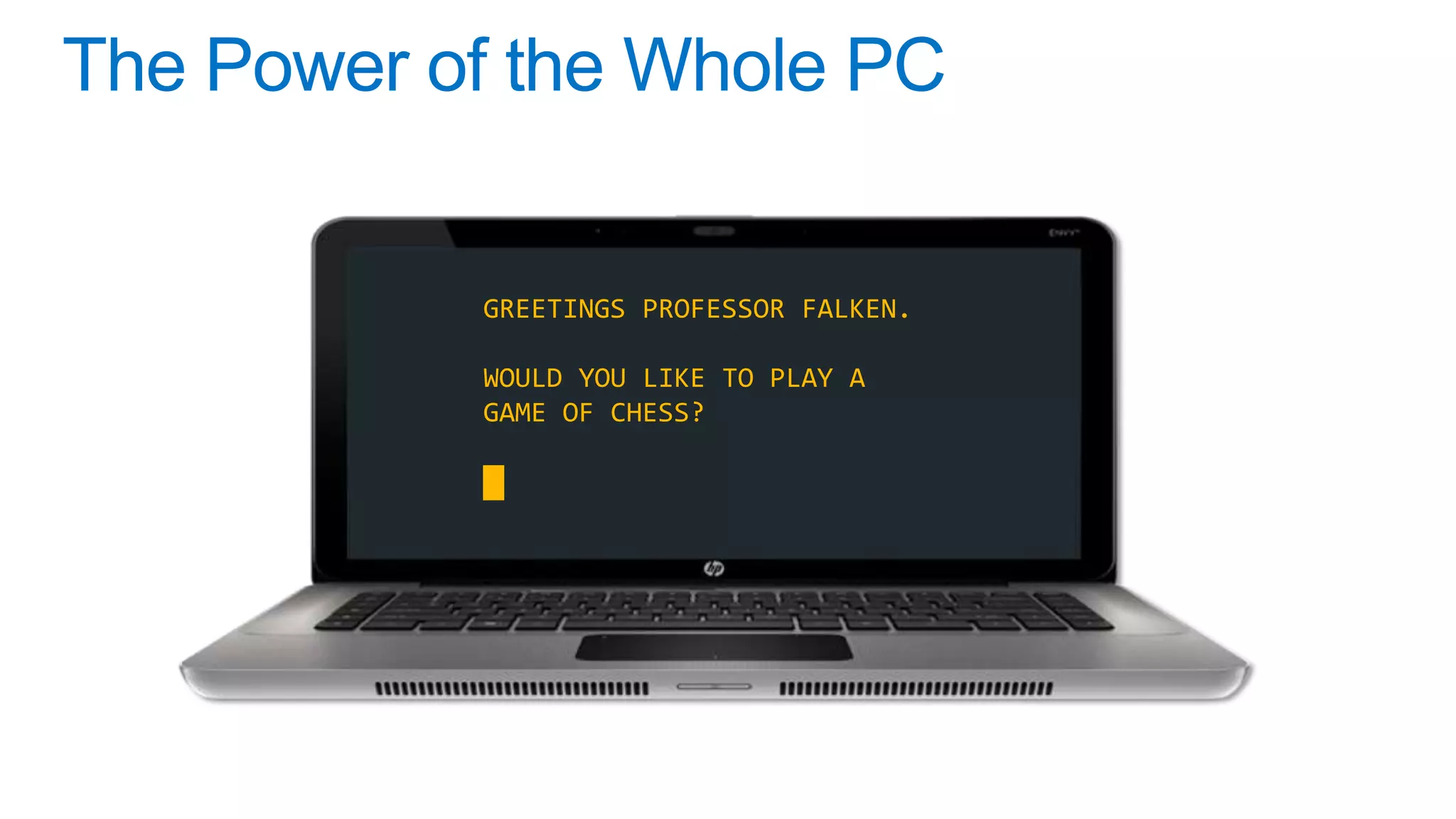
GREETINGS PROFESSOR FALKEN.

WOULD YOU LIKE TO PLAY A
GAME OF CHESS?

█
Canvas on One Canvas!
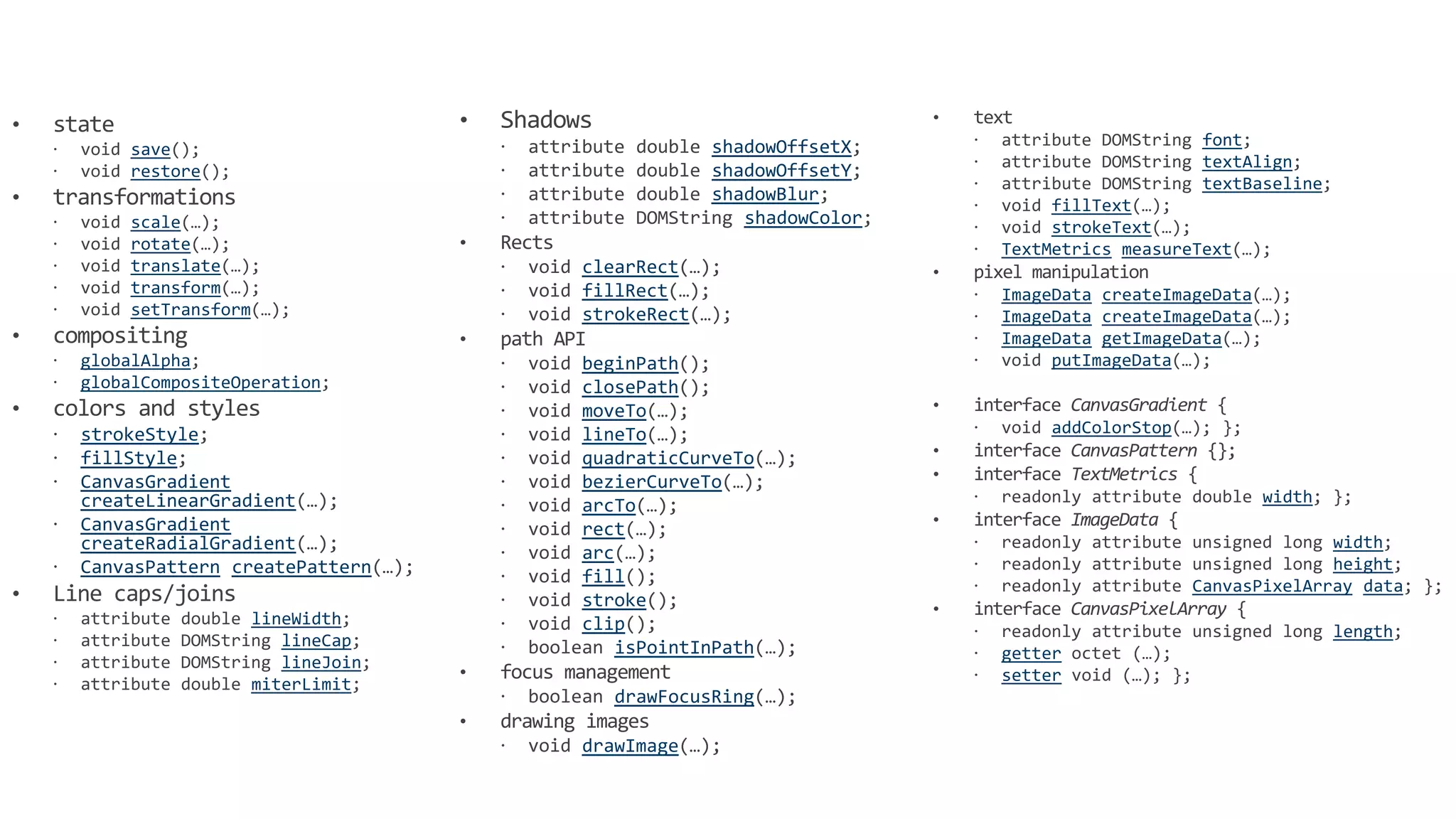
                                               shadowOffsetX                        font
     save
                                                                                    textAlign
     restore                                   shadowOffsetY
                                                                                    textBaseline
                                               shadowBlur
                                                                     fillText
     scale                                        shadowColor        strokeText
     rotate                                                     TextMetrics measureText
     translate                    clearRect
     transform                    fillRect                      ImageData createImageData
     setTransform                 strokeRect                    ImageData createImageData
                                                                ImageData getImageData
globalAlpha                       beginPath                          putImageData
globalCompositeOperation          closePath
                                  moveTo
strokeStyle                       lineTo                            addColorStop
fillStyle                         quadraticCurveTo
CanvasGradient                    bezierCurveTo
createLinearGradient                                                                        width
                                  arcTo
CanvasGradient                    rect
createRadialGradient                                                                             width
                                  arc
CanvasPattern createPattern                                                                      height
                                  fill                                             CanvasPixelArray data
                                  stroke
                    lineWidth     clip                                                              length
                       lineCap        isPointInPath
                       lineJoin                                 getter
                    miterLimit                                  setter
                                     drawFocusRing

                                  drawImage
                                                                Via Jatinder Mann – MIX11
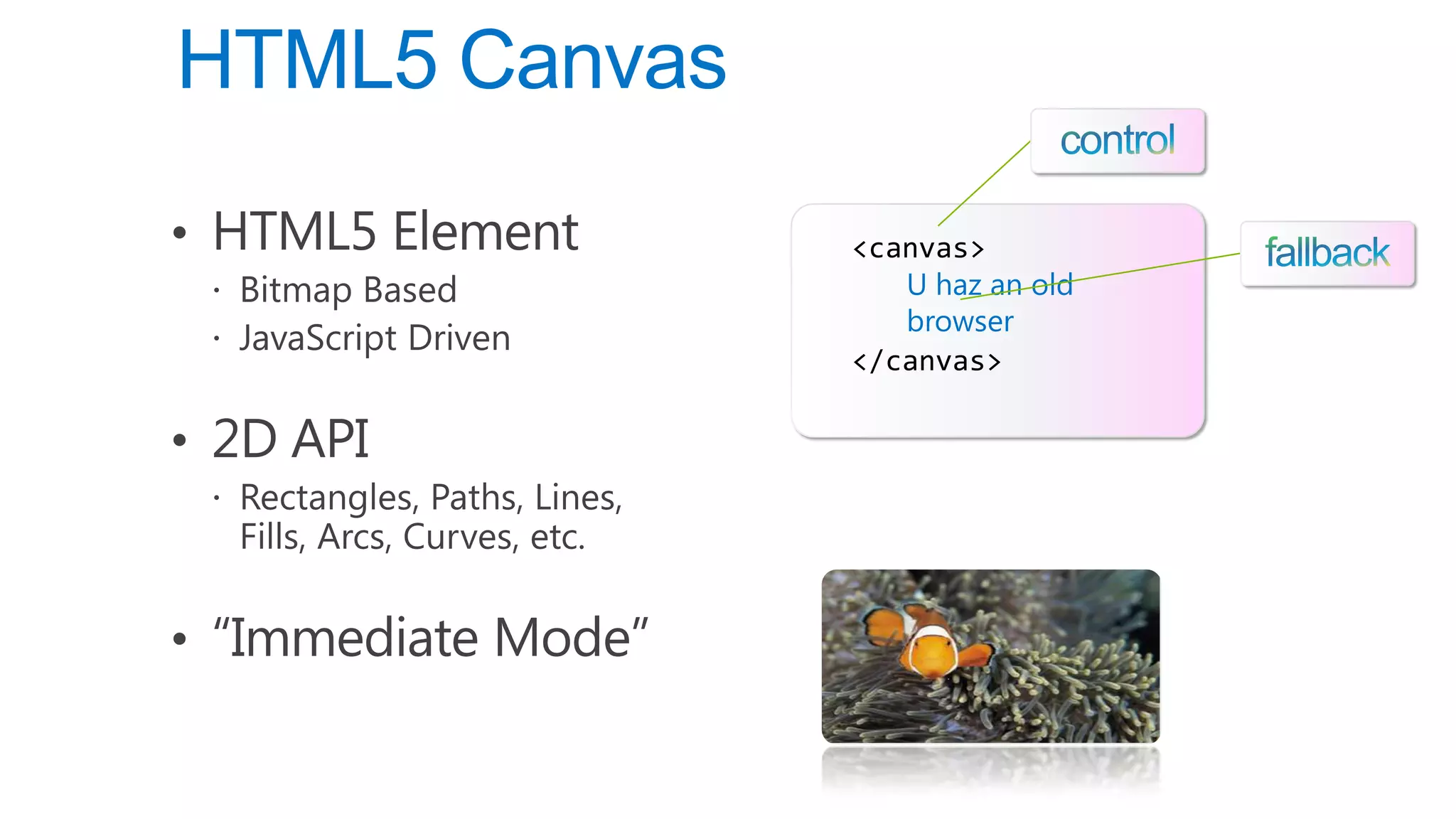
U haz an old
browser
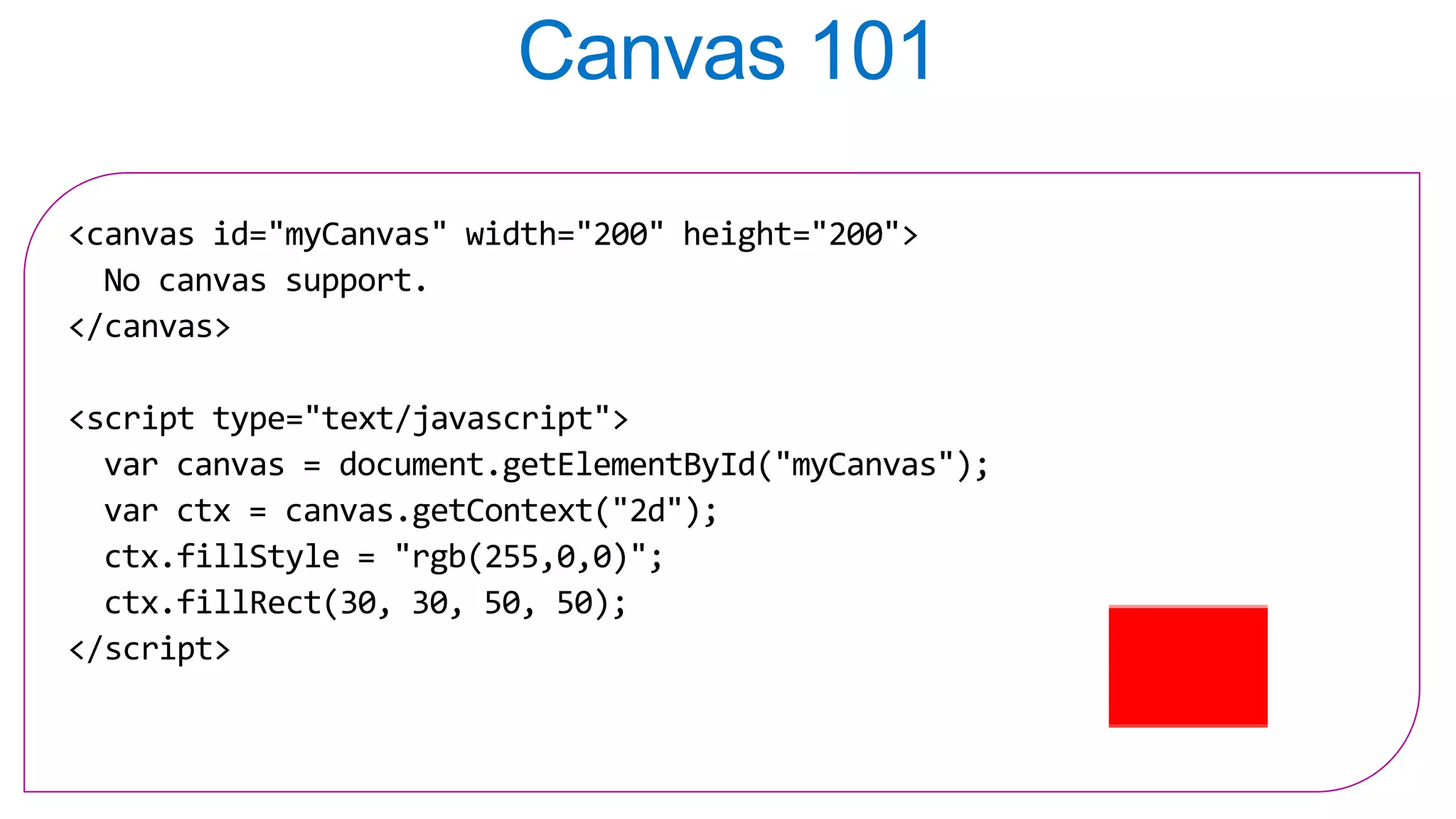
<canvas id="myCanvas" width="200" height="200">
  No canvas support.
</canvas>

<script type="text/javascript">
  var canvas = document.getElementById("myCanvas");
  var ctx = canvas.getContext("2d");
  ctx.fillStyle = "rgb(255,0,0)";
  ctx.fillRect(30, 30, 50, 50);
</script>
demo
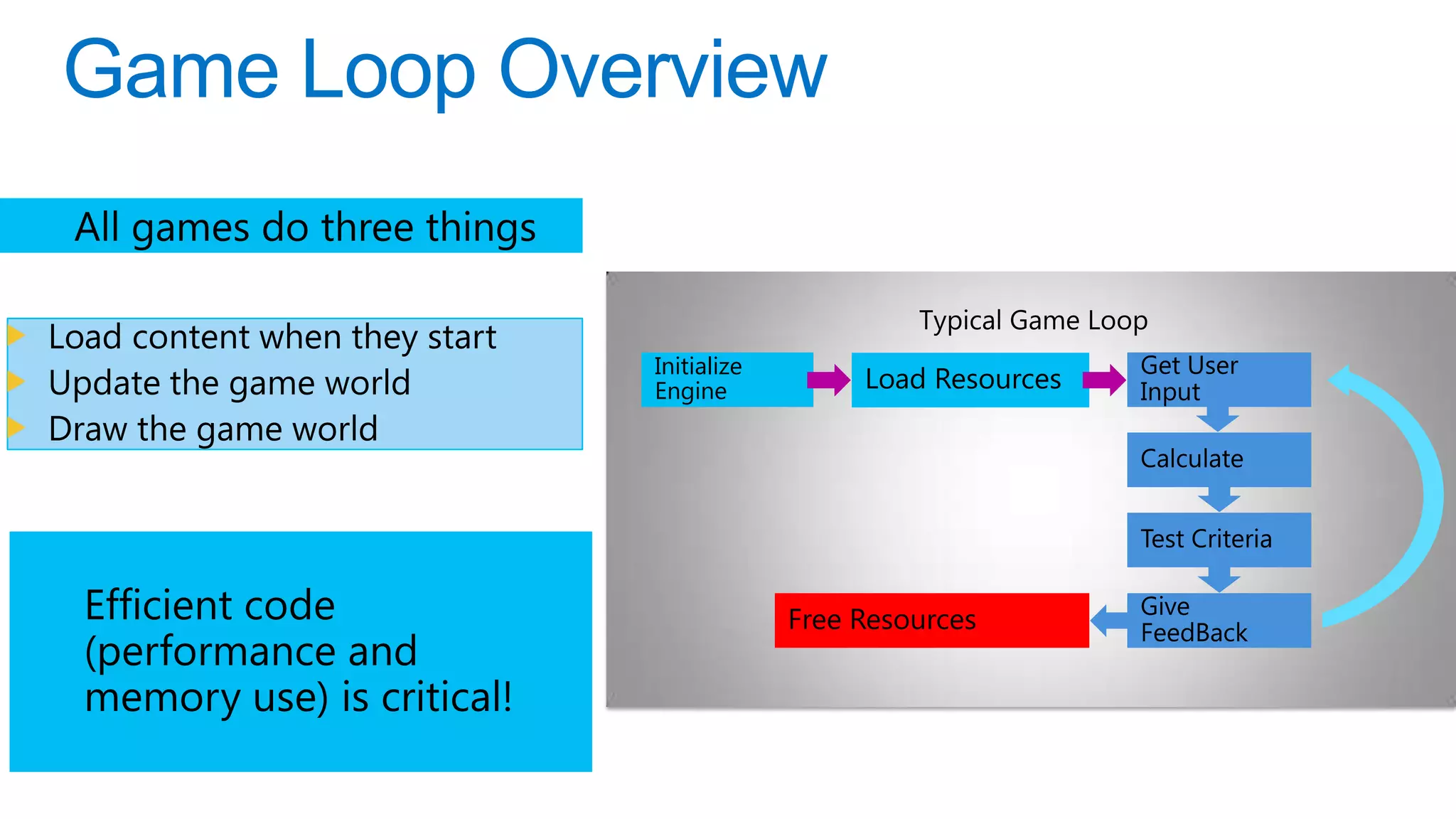
Load content when they start
                               Initialize                         Get User
Update the game world          Engine            Load Resources   Input
Draw the game world
                                                                  Calculate


                                                                  Test Criteria

                                                                  Give
                                            Free Resources        FeedBack


22
demo
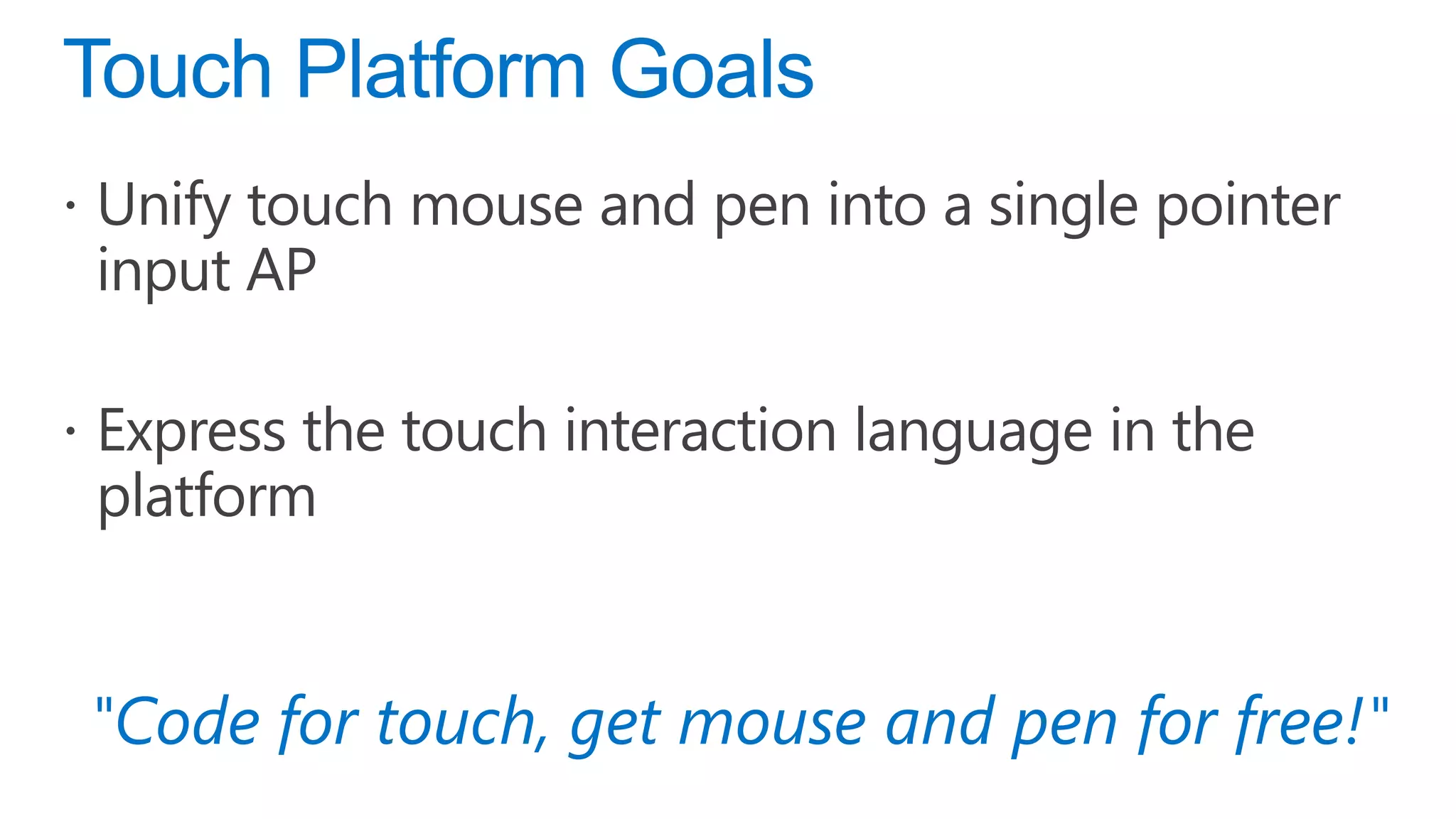
"Code for touch, get mouse and pen for free!"
demo
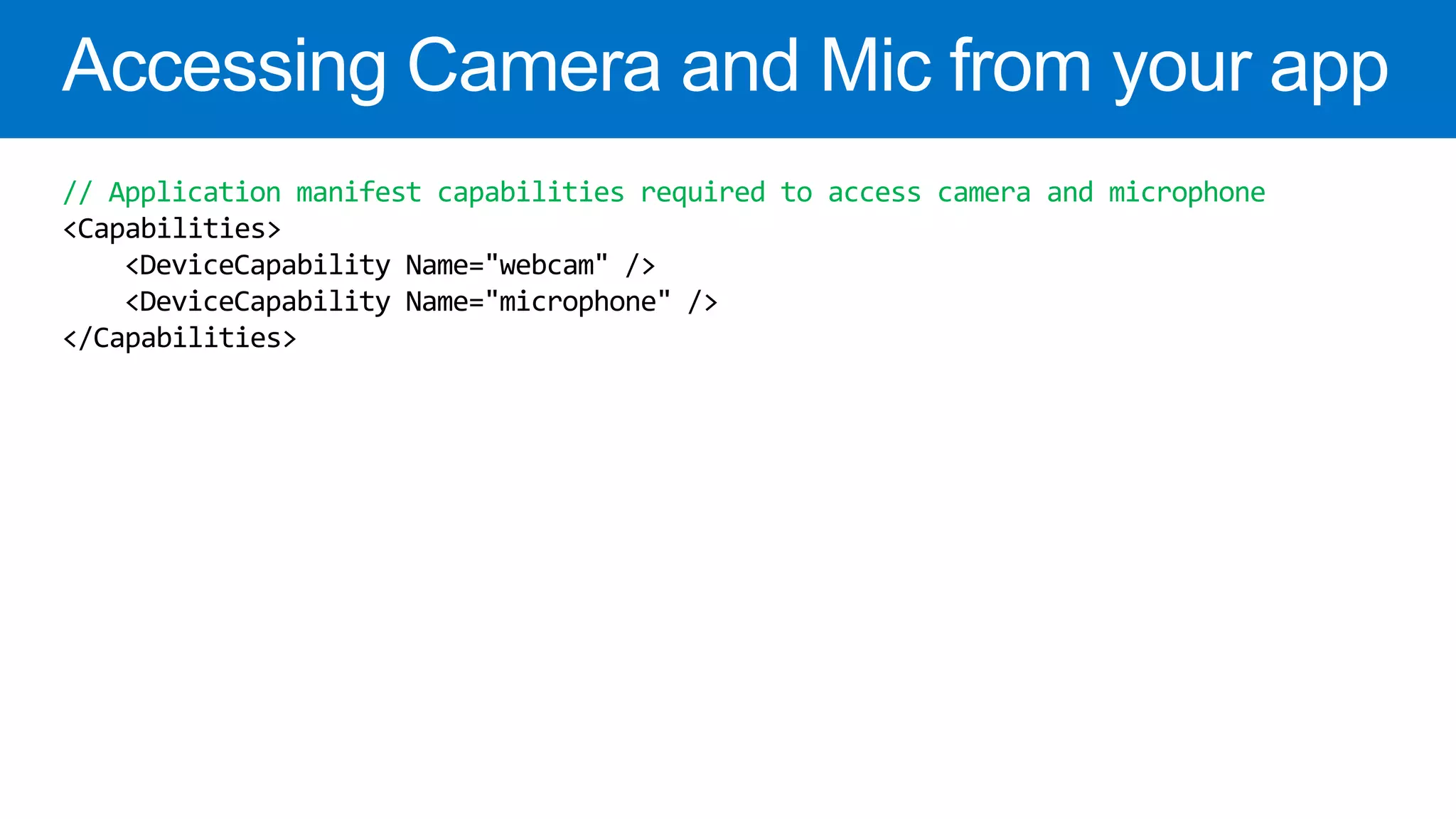
// Application manifest capabilities required to access camera and microphone
<Capabilities>
    <DeviceCapability Name="webcam" />
    <DeviceCapability Name="microphone" />
</Capabilities>
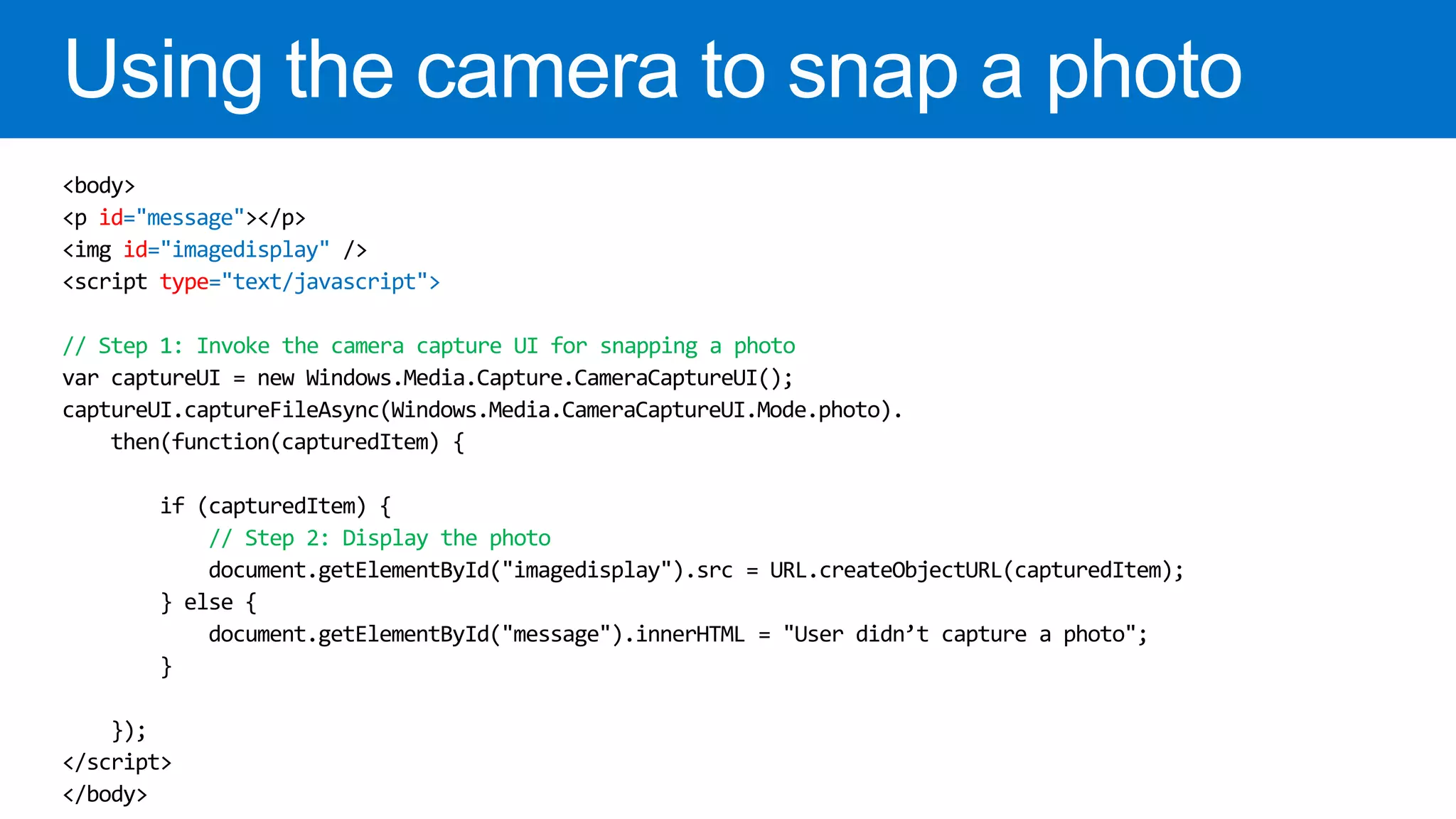
id="message"
    id="imagedisplay"
       type="text/javascript">

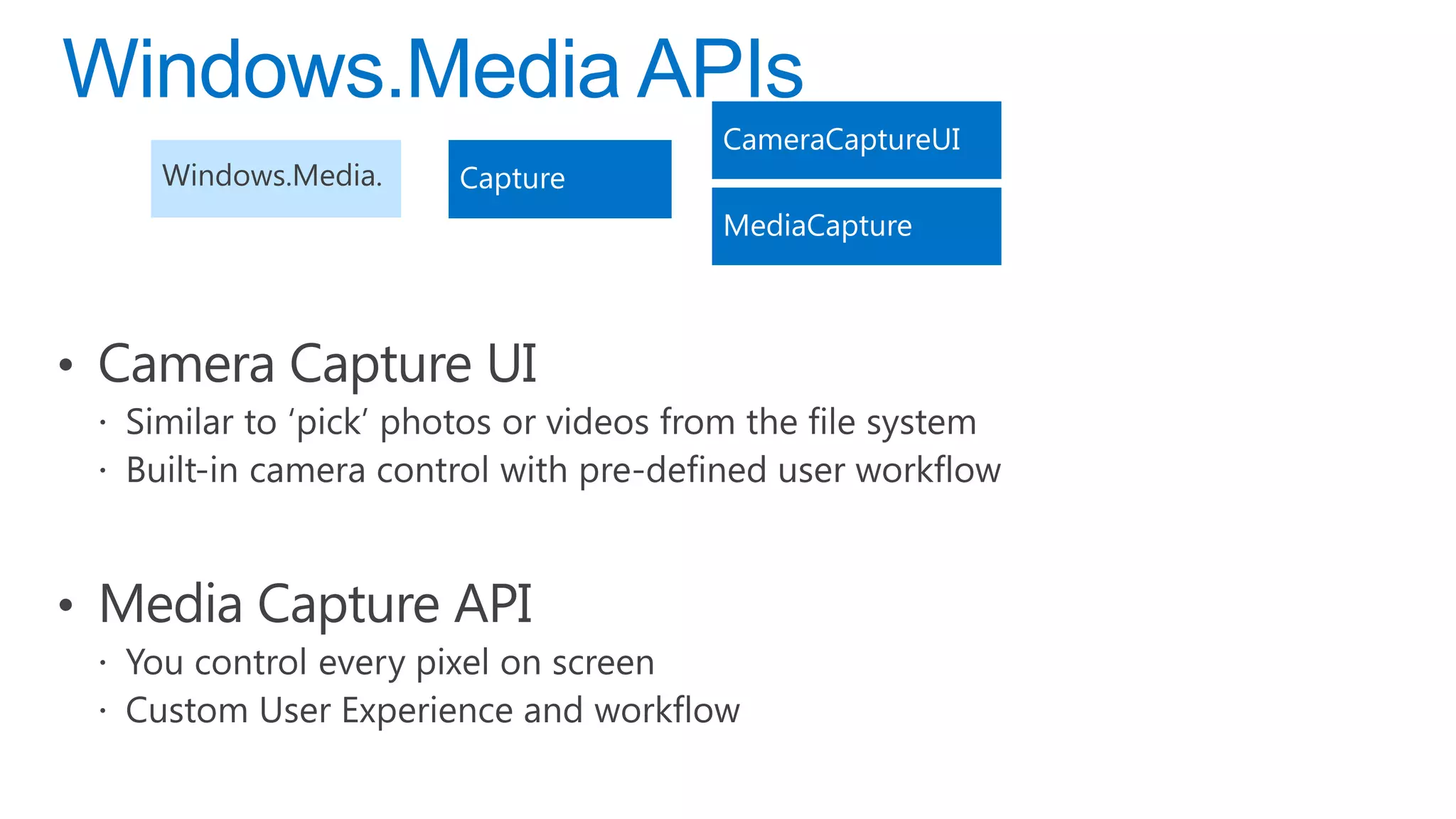
// Step 1: Invoke the camera capture UI for snapping a photo
var captureUI = new Windows.Media.Capture.CameraCaptureUI();
captureUI.captureFileAsync(Windows.Media.CameraCaptureUI.Mode.photo).
    then(function(capturedItem) {

         if (capturedItem) {
             // Step 2: Display the photo
             document.getElementById("imagedisplay").src = URL.createObjectURL(capturedItem);
         } else {
             document.getElementById("message").innerHTML = "User didn’t capture a photo";
         }

   });
demo
demo
demo
Building Windows 8 Metro Style casual games using HTML5 and JavaScript

Building Windows 8 Metro Style casual games using HTML5 and JavaScript

  • 10.
  • 12.
  • 14.
    GREETINGS PROFESSOR FALKEN. WOULDYOU LIKE TO PLAY A GAME OF CHESS? █
  • 17.
    Canvas on OneCanvas! shadowOffsetX font save textAlign restore shadowOffsetY textBaseline shadowBlur fillText scale shadowColor strokeText rotate TextMetrics measureText translate clearRect transform fillRect ImageData createImageData setTransform strokeRect ImageData createImageData ImageData getImageData globalAlpha beginPath putImageData globalCompositeOperation closePath moveTo strokeStyle lineTo addColorStop fillStyle quadraticCurveTo CanvasGradient bezierCurveTo createLinearGradient width arcTo CanvasGradient rect createRadialGradient width arc CanvasPattern createPattern height fill CanvasPixelArray data stroke lineWidth clip length lineCap isPointInPath lineJoin getter miterLimit setter drawFocusRing drawImage Via Jatinder Mann – MIX11
  • 18.
    U haz anold browser
  • 19.
    <canvas id="myCanvas" width="200"height="200"> No canvas support. </canvas> <script type="text/javascript"> var canvas = document.getElementById("myCanvas"); var ctx = canvas.getContext("2d"); ctx.fillStyle = "rgb(255,0,0)"; ctx.fillRect(30, 30, 50, 50); </script>
  • 20.
  • 22.
    Load content whenthey start Initialize Get User Update the game world Engine Load Resources Input Draw the game world Calculate Test Criteria Give Free Resources FeedBack 22
  • 26.
  • 30.
    "Code for touch,get mouse and pen for free!"
  • 33.
  • 37.
    // Application manifestcapabilities required to access camera and microphone <Capabilities> <DeviceCapability Name="webcam" /> <DeviceCapability Name="microphone" /> </Capabilities>
  • 38.
    id="message" id="imagedisplay" type="text/javascript"> // Step 1: Invoke the camera capture UI for snapping a photo var captureUI = new Windows.Media.Capture.CameraCaptureUI(); captureUI.captureFileAsync(Windows.Media.CameraCaptureUI.Mode.photo). then(function(capturedItem) { if (capturedItem) { // Step 2: Display the photo document.getElementById("imagedisplay").src = URL.createObjectURL(capturedItem); } else { document.getElementById("message").innerHTML = "User didn’t capture a photo"; } });
  • 39.
  • 42.
  • 46.

Editor's Notes

  • #11 Demo 1 - http://ie.microsoft.com/testdrive/Graphics/hands-on-css3/Demo 2 – Space Cadet – space.css
  • #13 Demo 1 - http://ie.microsoft.com/testdrive/HTML5/TryStrict/Default.htmlDemo 2 - VS2012 JavaScript Debugging, DOM InspectorDemo 3 - Space Cadet – Audio Tags, Sound.js
  • #21 http://ie.microsoft.com/testdrive/Graphics/CanvasPad/Default.html