Download to read offline

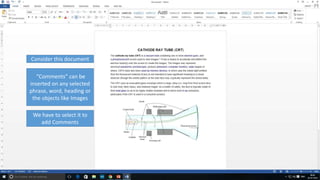

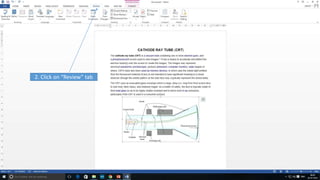
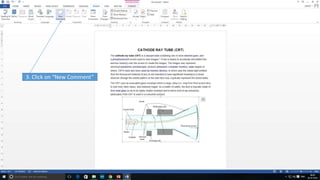
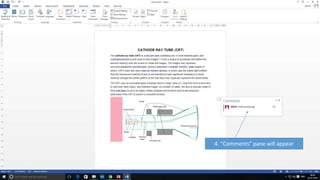
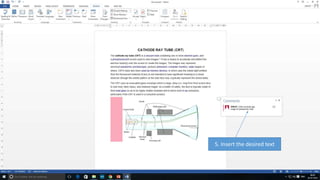

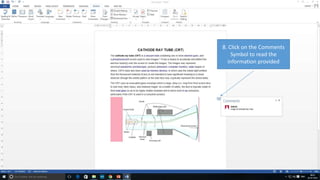

This document provides instructions for adding comments in Microsoft Word. To comment on an image, select the image by clicking it, then click the "Review" tab and "New Comment" button. This will make the "Comments" pane appear where text can be inserted. A comment symbol will then appear on the selected item to indicate a comment has been added.


