BRING THE LIGHT INTO YOUR
ALWAYS FREE AUTONOMOUS CLOUD
DIMITRI GIELIS
DIMITRI GIELIS
ABOUT ME
▸ Founder & CEO of APEX R&D

▸ 20+ years of Oracle Experience
(OCP & APEX Certified)
▸ Oracle ACE Director
▸ “APEX Developer of the year 2009” by Oracle Magazine
▸ “Oracle Developer Choice award (ORDS)” in 2015
▸ Author Expert Oracle APEX
▸ Presenter at Conferences
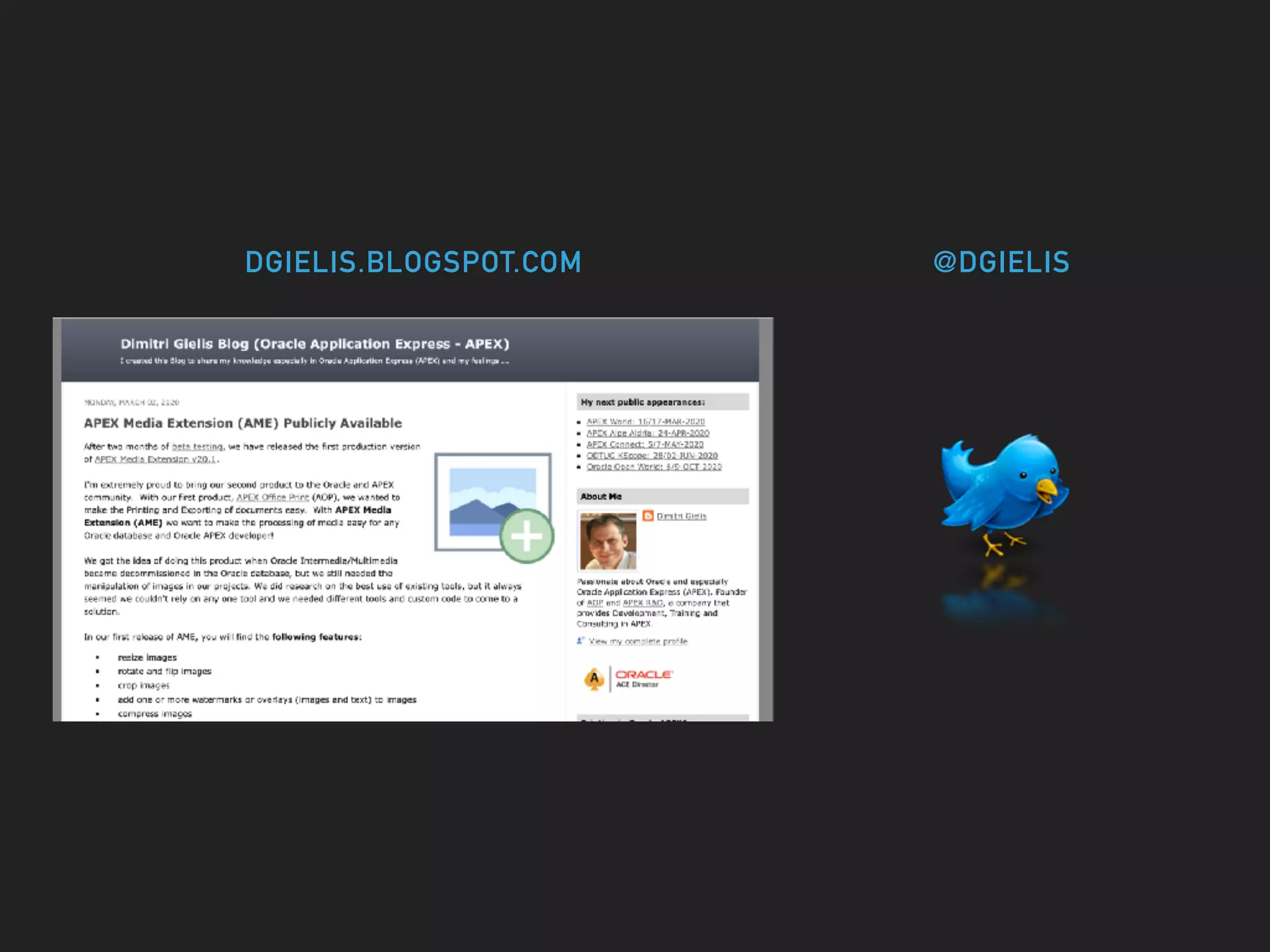
DGIELIS.BLOGSPOT.COM @DGIELIS
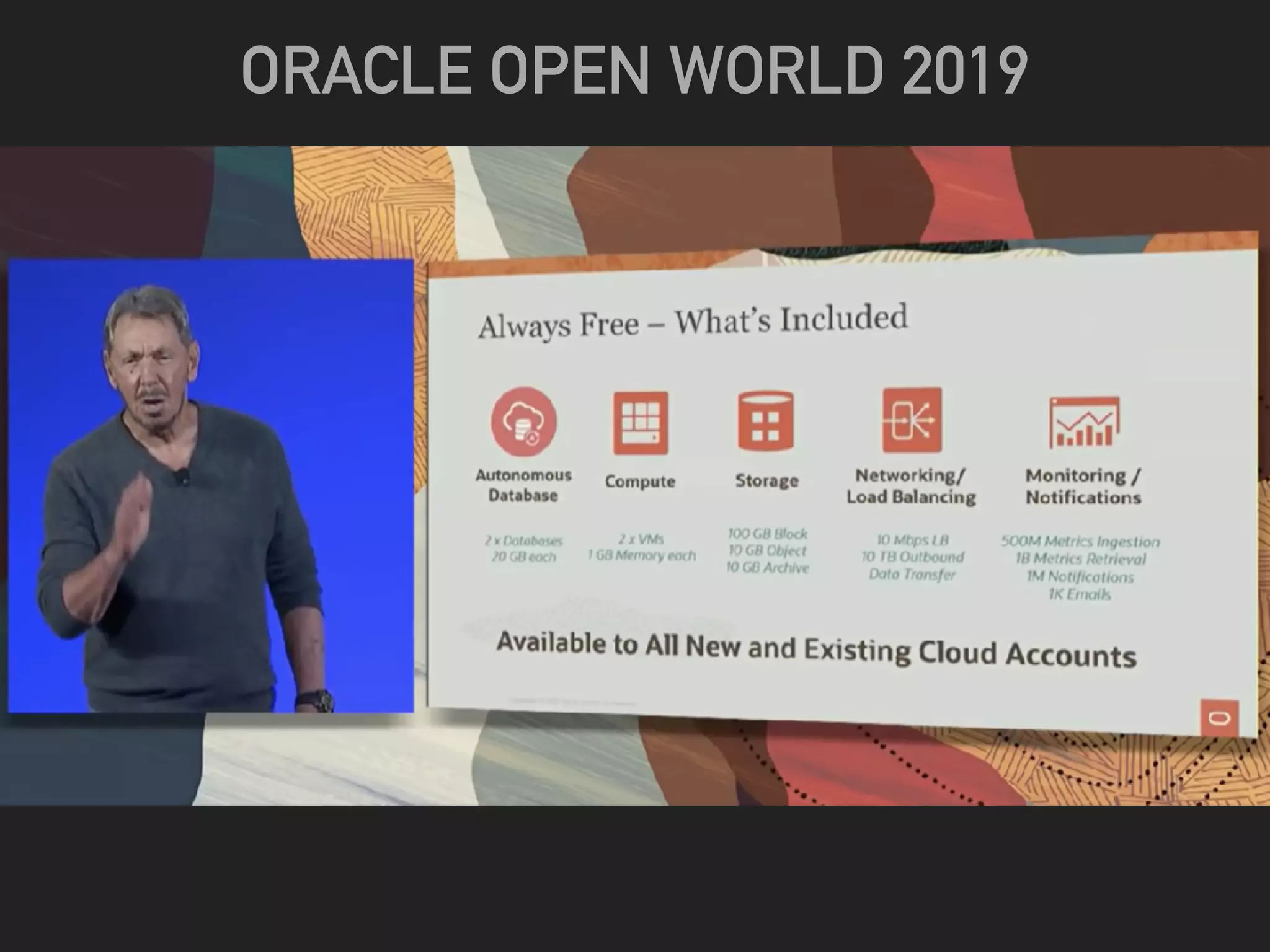
ORACLE OPEN WORLD 2019
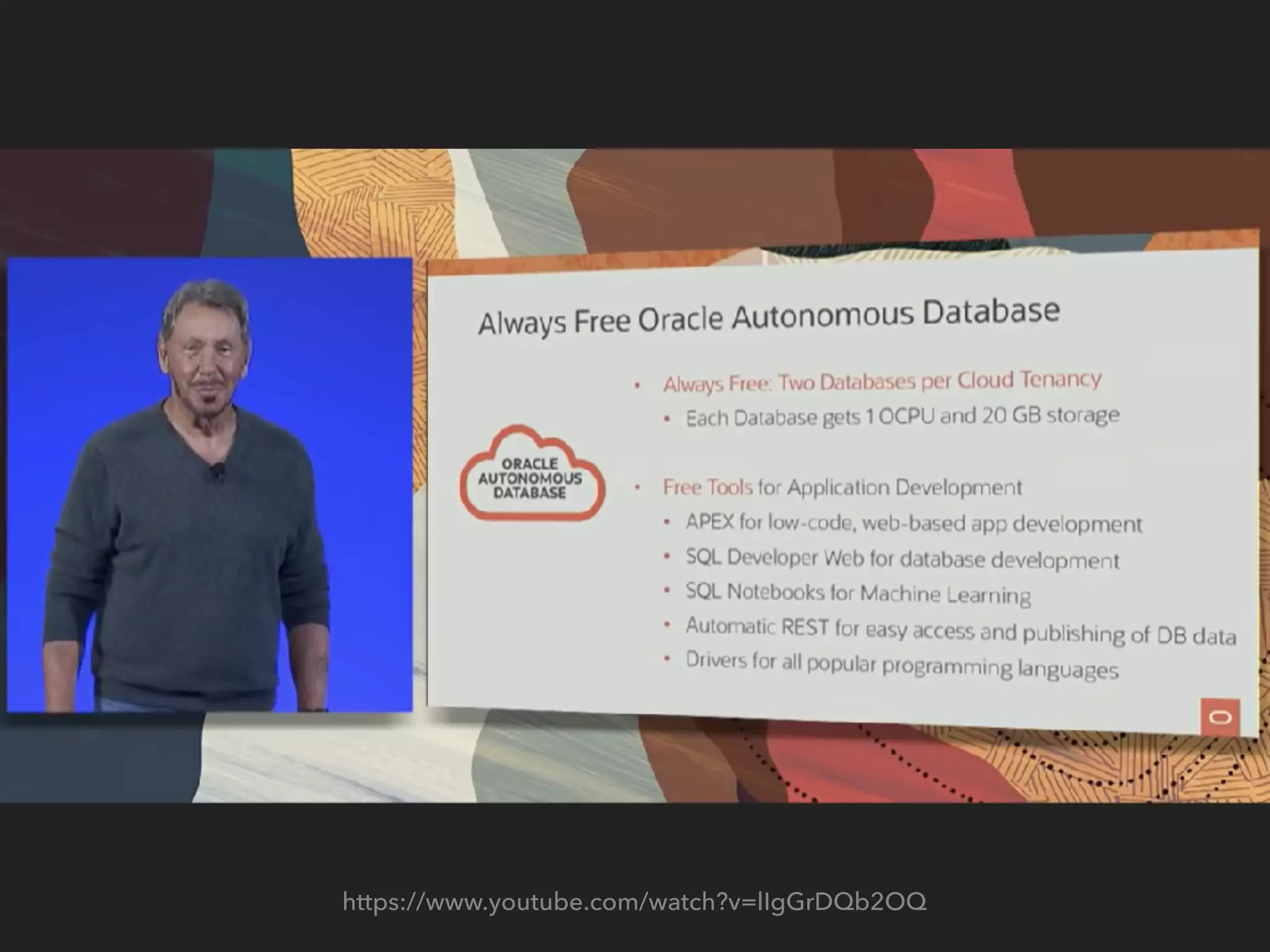
https://www.youtube.com/watch?v=lIgGrDQb2OQ
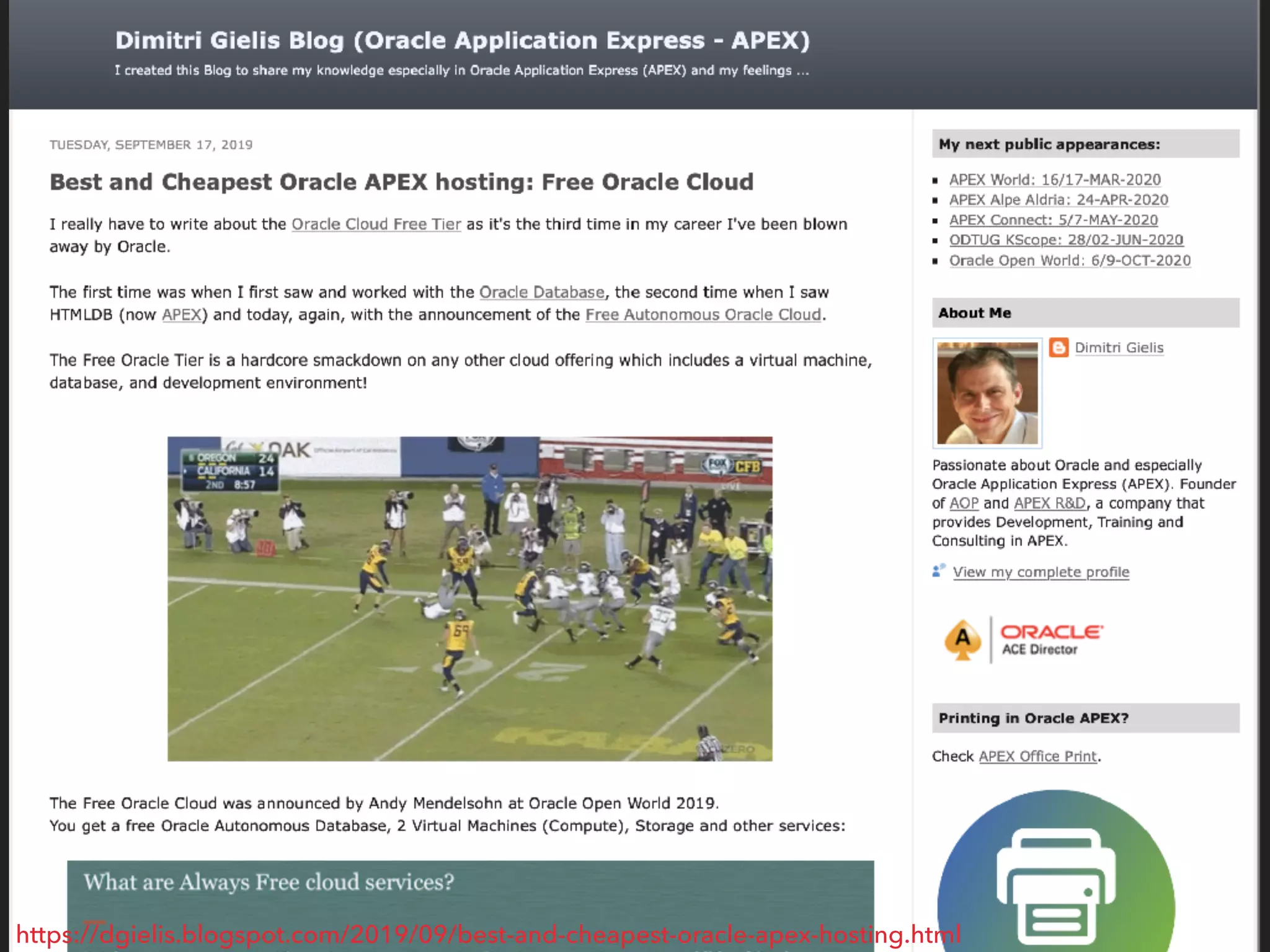
https://dgielis.blogspot.com/2019/09/best-and-cheapest-oracle-apex-hosting.html
DIMITRI GIELIS BLOG POST
TOPICS 1/4
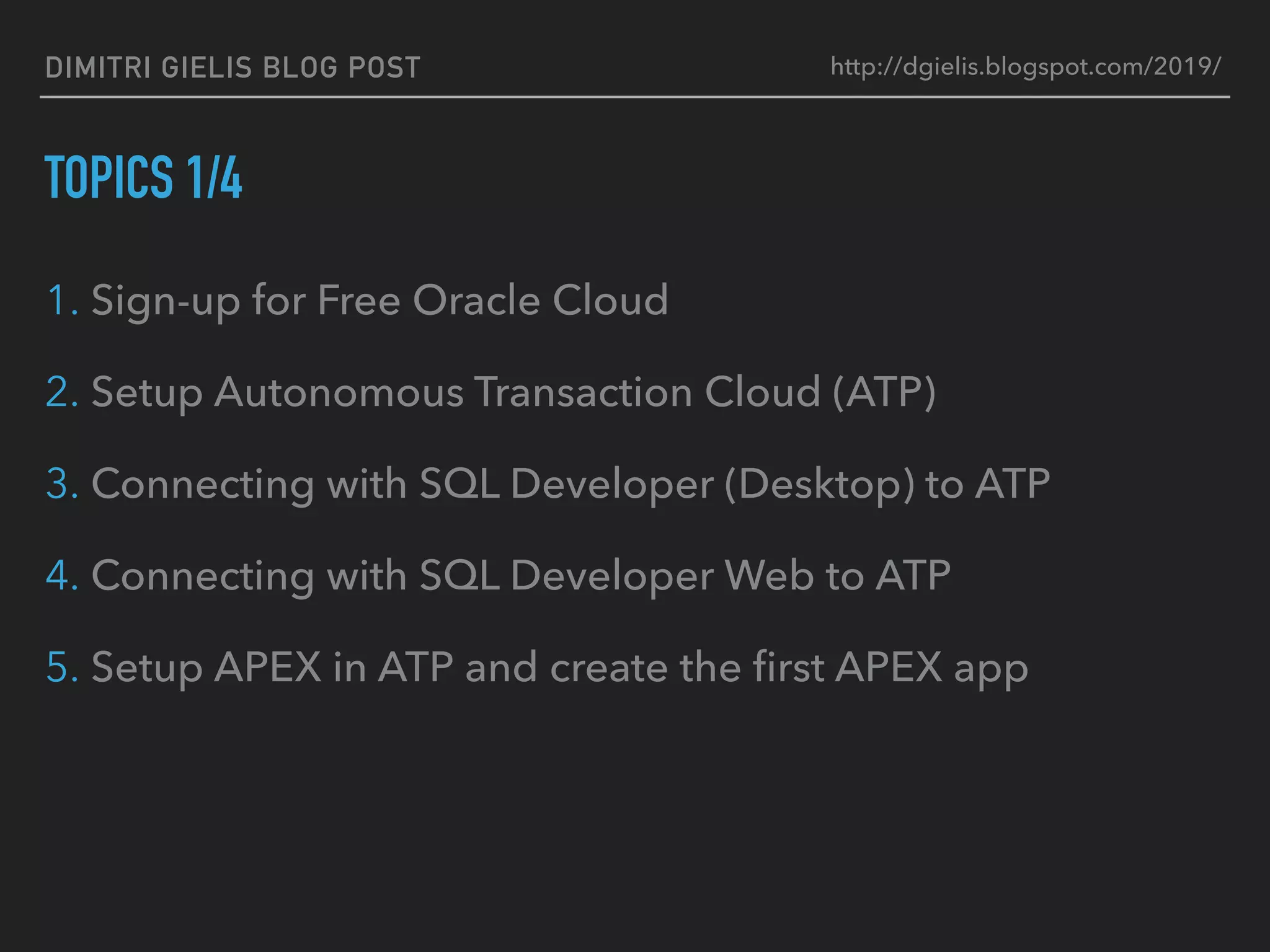
1. Sign-up for Free Oracle Cloud
2. Setup Autonomous Transaction Cloud (ATP)
3. Connecting with SQL Developer (Desktop) to ATP
4. Connecting with SQL Developer Web to ATP
5. Setup APEX in ATP and create the first APEX app
http://dgielis.blogspot.com/2019/
DIMITRI GIELIS BLOG POST
TOPICS 2/4
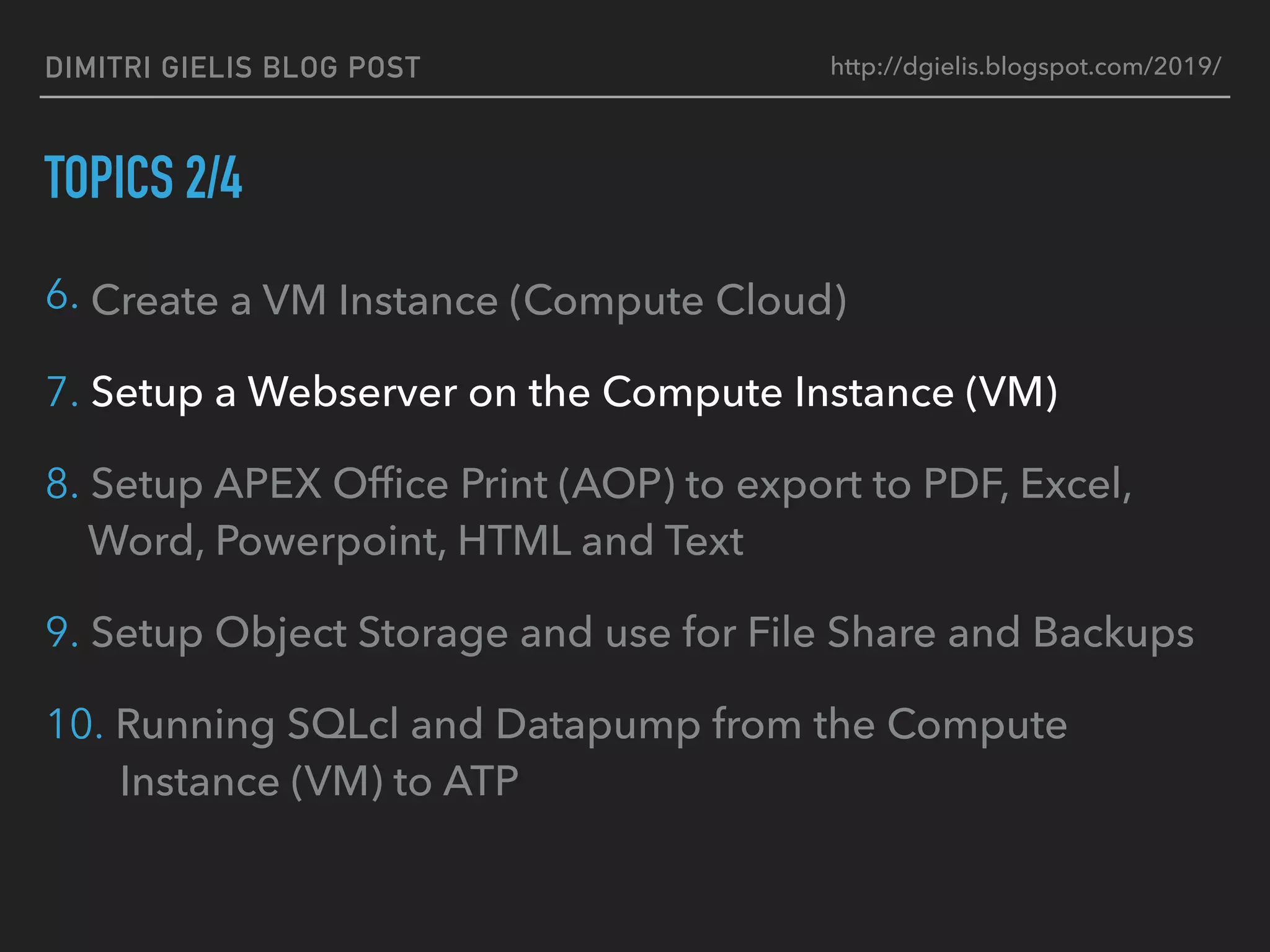
6. Create a VM Instance (Compute Cloud)
7. Setup a Webserver on the Compute Instance (VM)
8. Setup APEX Office Print (AOP) to export to PDF, Excel,
Word, Powerpoint, HTML and Text
9. Setup Object Storage and use for File Share and Backups
10. Running SQLcl and Datapump from the Compute
Instance (VM) to ATP
http://dgielis.blogspot.com/2019/
DIMITRI GIELIS BLOG POST
TOPICS 3/4
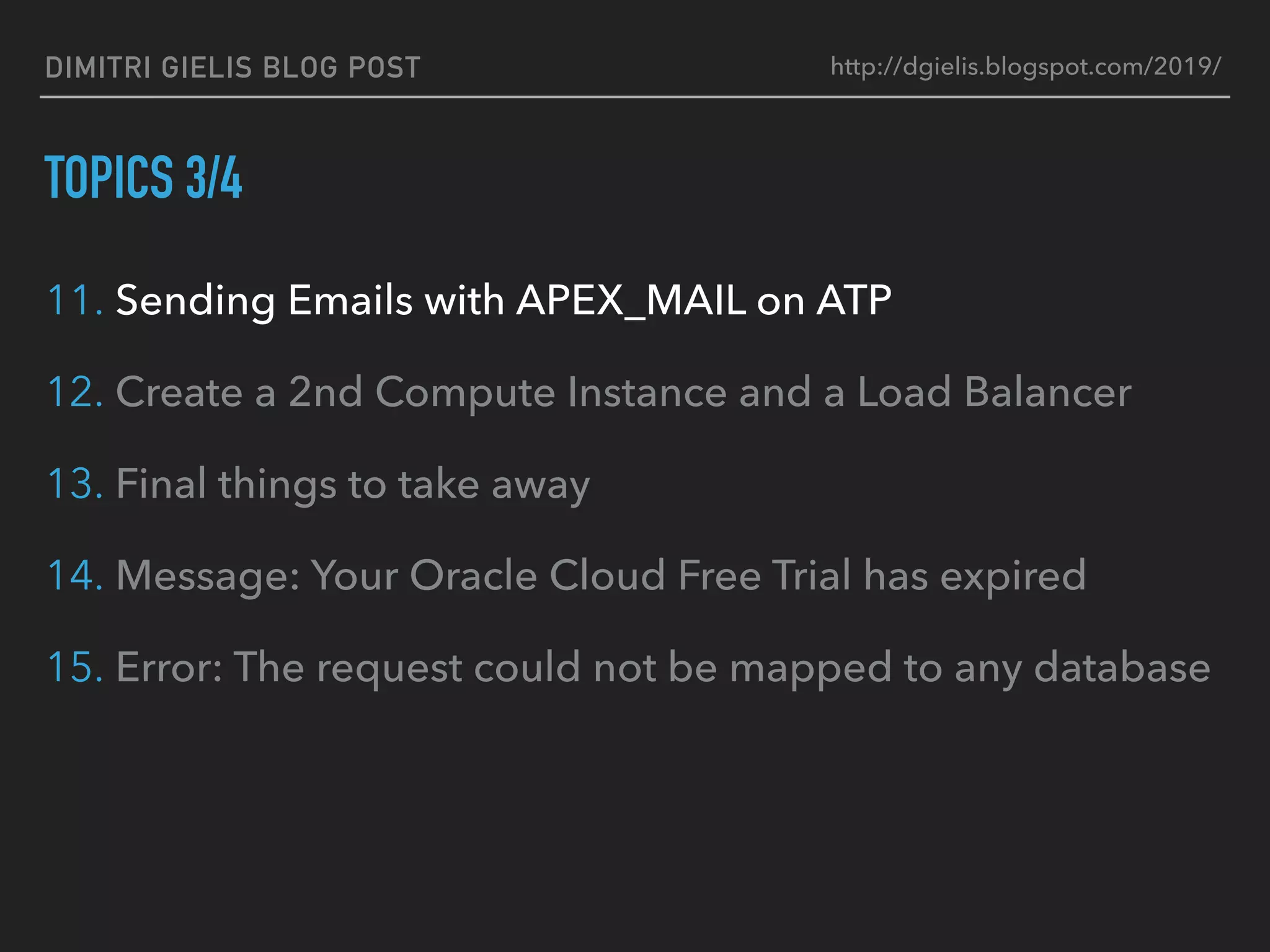
11. Sending Emails with APEX_MAIL on ATP
12. Create a 2nd Compute Instance and a Load Balancer
13. Final things to take away
14. Message: Your Oracle Cloud Free Trial has expired
15. Error: The request could not be mapped to any database
http://dgielis.blogspot.com/2019/
DIMITRI GIELIS BLOG POST
TOPICS 4/4
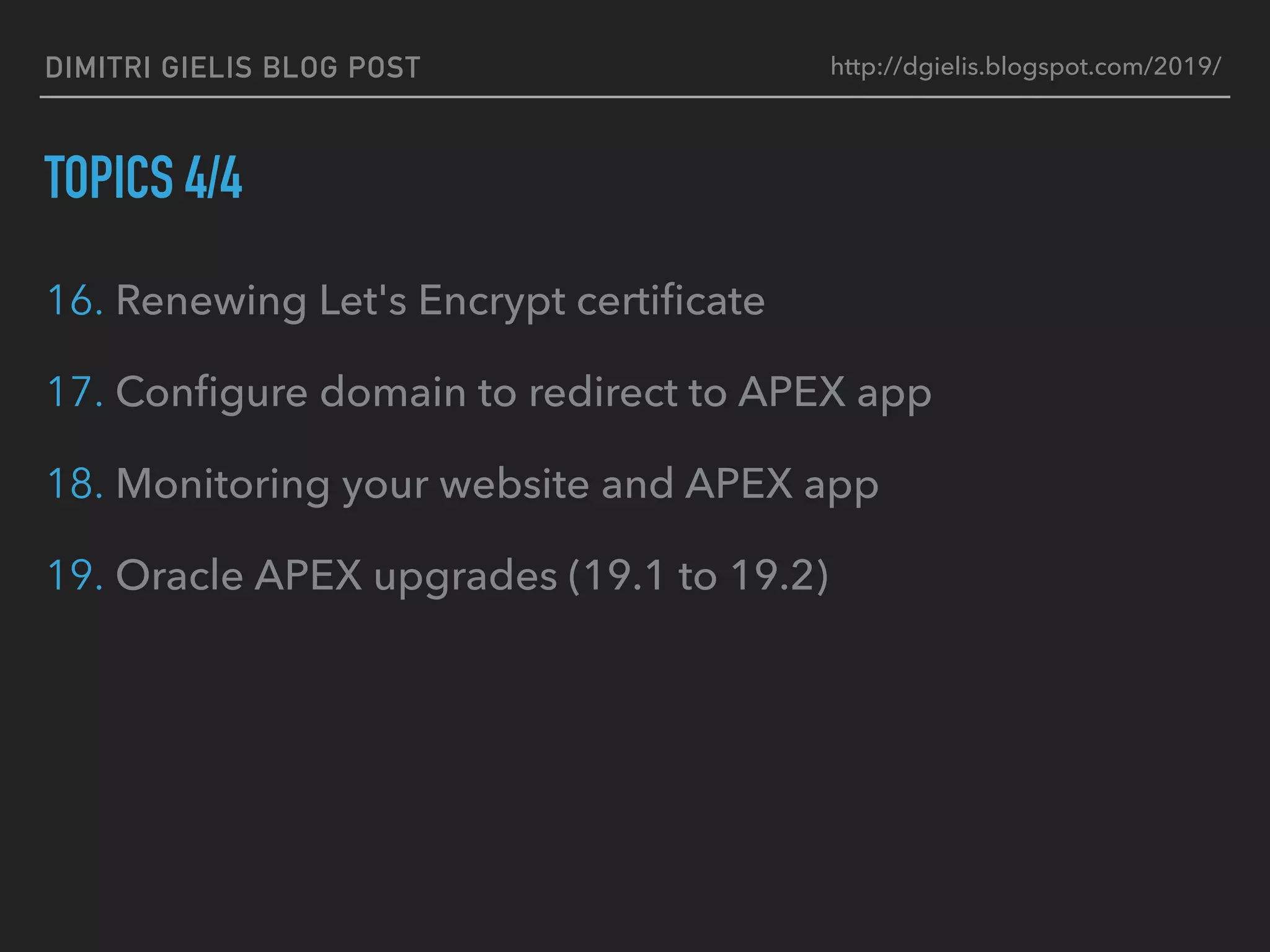
16. Renewing Let's Encrypt certificate
17. Configure domain to redirect to APEX app
18. Monitoring your website and APEX app
19. Oracle APEX upgrades (19.1 to 19.2)
http://dgielis.blogspot.com/2019/
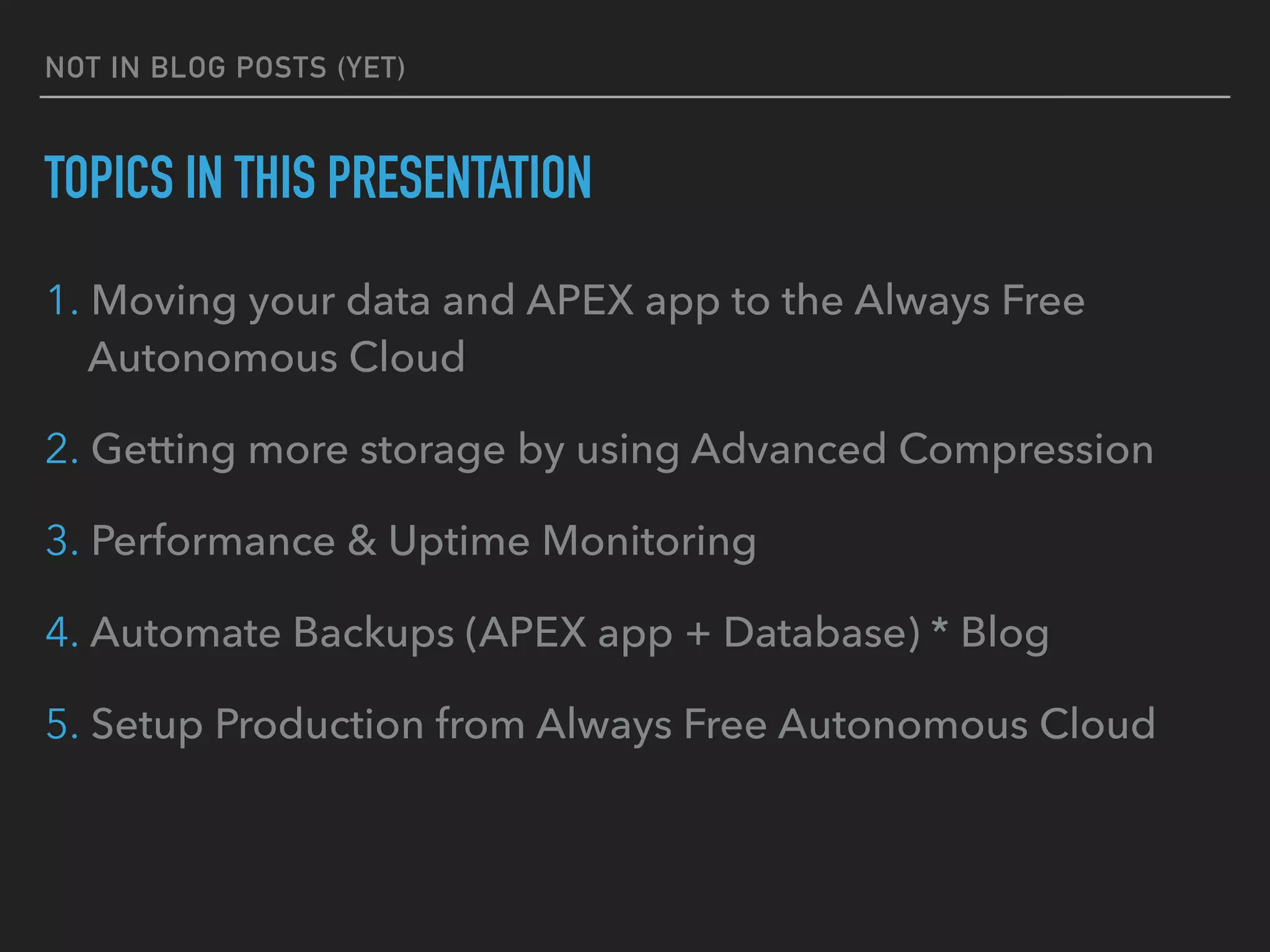
NOT IN BLOG POSTS (YET)
TOPICS IN THIS PRESENTATION
1. Moving your data and APEX app to the Always Free
Autonomous Cloud
2. Getting more storage by using Advanced Compression
3. Performance & Uptime Monitoring
4. Automate Backups (APEX app + Database) * Blog
5. Setup Production from Always Free Autonomous Cloud
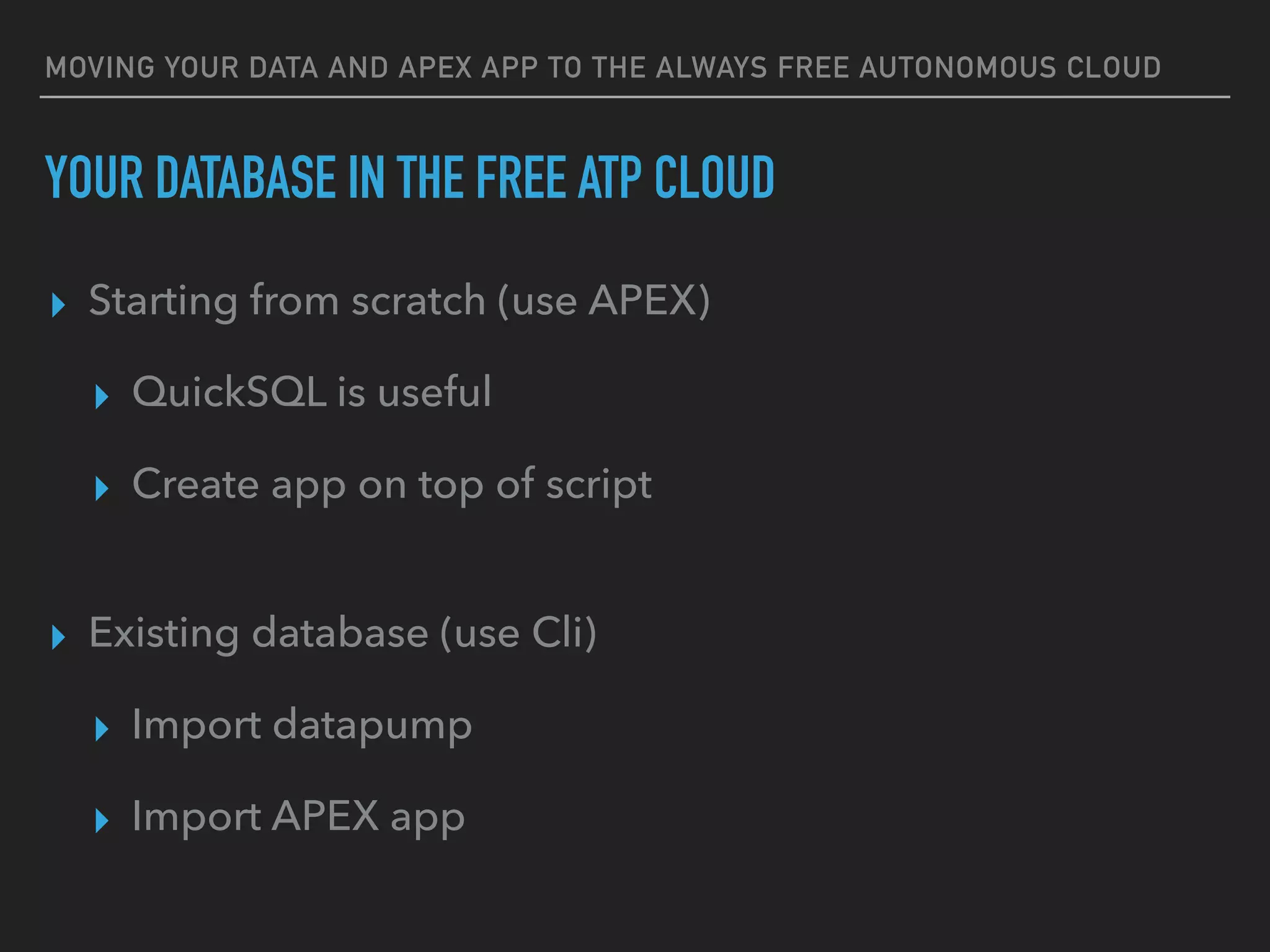
MOVING YOUR DATA AND APEX APP TO THE ALWAYS FREE AUTONOMOUS CLOUD
YOUR DATABASE IN THE FREE ATP CLOUD
▸ Starting from scratch (use APEX)
▸ QuickSQL is useful
▸ Create app on top of script
▸ Existing database (use Cli)
▸ Import datapump
▸ Import APEX app
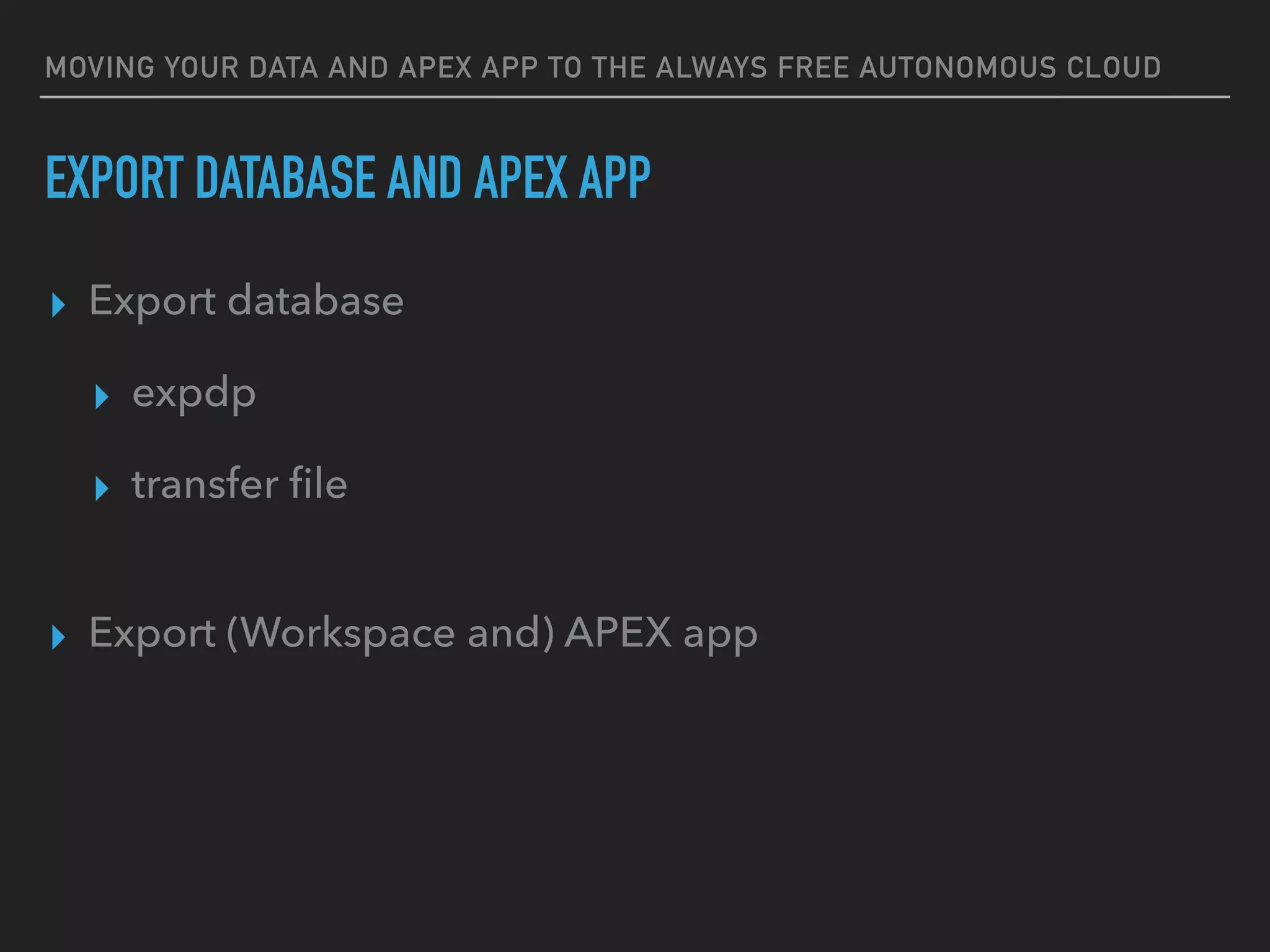
MOVING YOUR DATA AND APEX APP TO THE ALWAYS FREE AUTONOMOUS CLOUD
▸ Export database
▸ expdp
▸ transfer file
▸ Export (Workspace and) APEX app
EXPORT DATABASE AND APEX APP
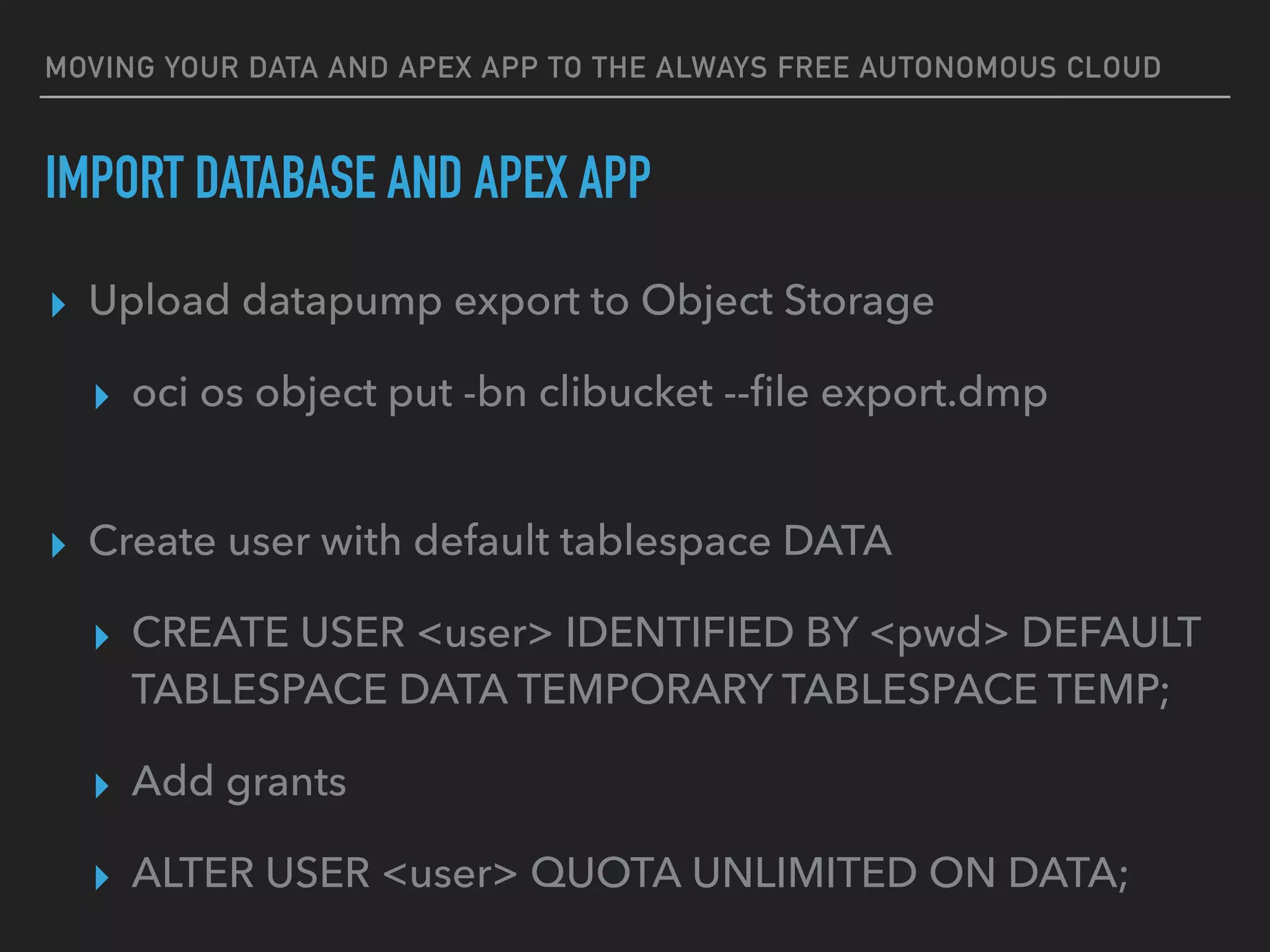
MOVING YOUR DATA AND APEX APP TO THE ALWAYS FREE AUTONOMOUS CLOUD
▸ Upload datapump export to Object Storage
▸ oci os object put -bn clibucket --file export.dmp
▸ Create user with default tablespace DATA
▸ CREATE USER <user> IDENTIFIED BY <pwd> DEFAULT
TABLESPACE DATA TEMPORARY TABLESPACE TEMP;
▸ Add grants
▸ ALTER USER <user> QUOTA UNLIMITED ON DATA;
IMPORT DATABASE AND APEX APP
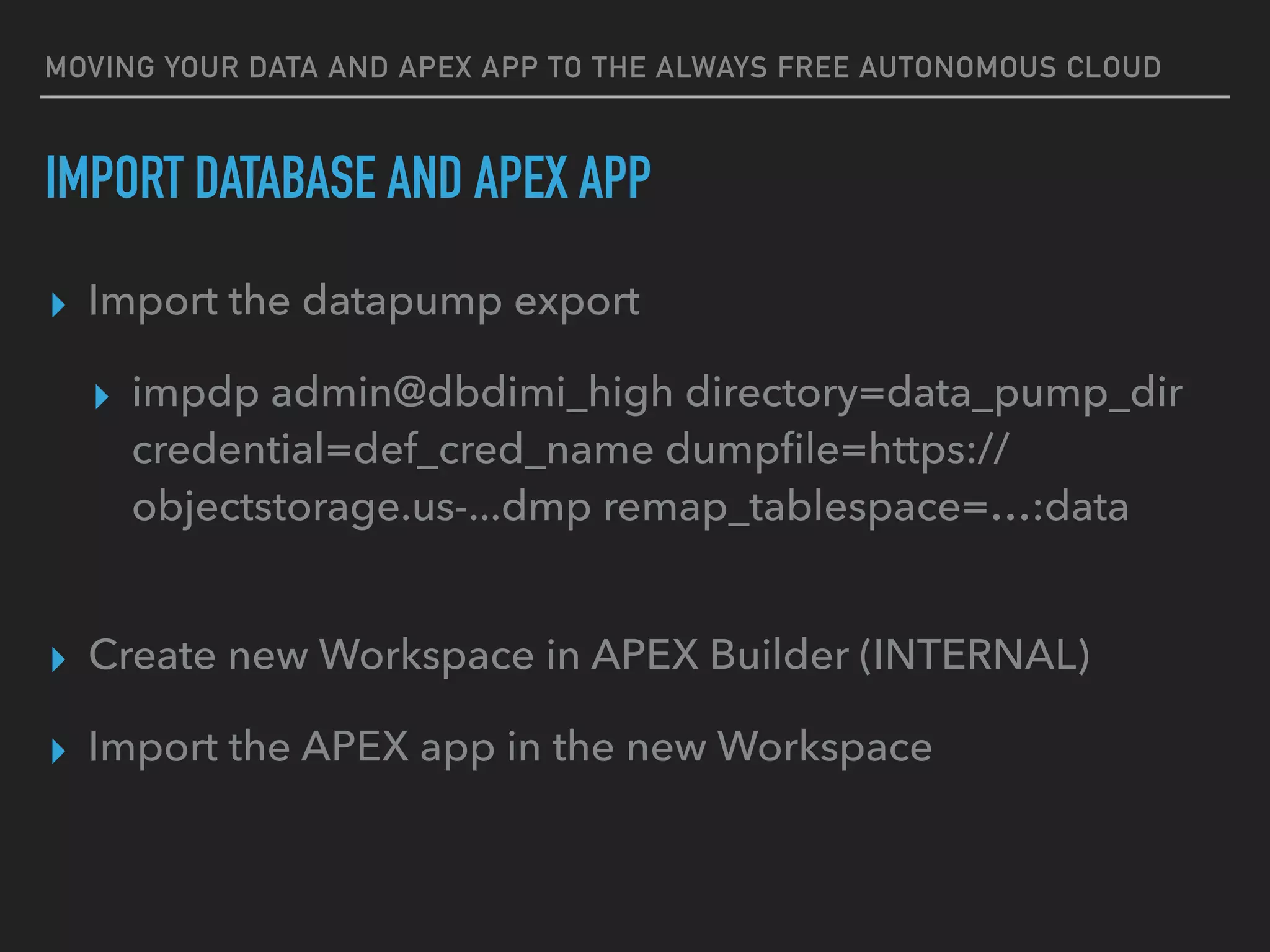
MOVING YOUR DATA AND APEX APP TO THE ALWAYS FREE AUTONOMOUS CLOUD
▸ Import the datapump export
▸ impdp admin@dbdimi_high directory=data_pump_dir
credential=def_cred_name dumpfile=https://
objectstorage.us-...dmp remap_tablespace=…:data
▸ Create new Workspace in APEX Builder (INTERNAL)
▸ Import the APEX app in the new Workspace
IMPORT DATABASE AND APEX APP
DEMO
GETTING MORE STORAGE
ADVANCED COMPRESSION
https://www.oracle.com/technetwork/database/options/compression/advanced-compression-
wp-12c-1896128.pdf
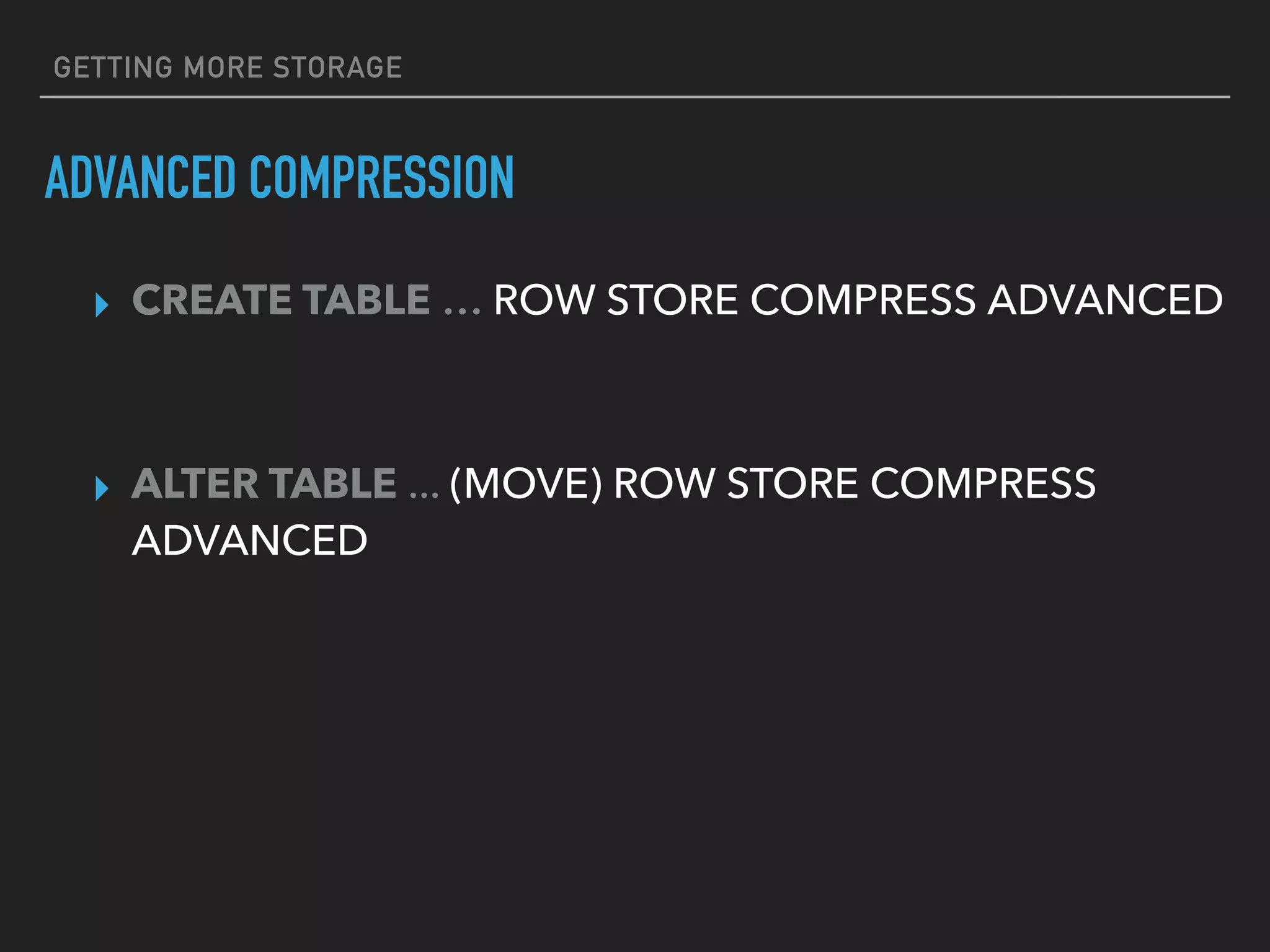
GETTING MORE STORAGE
ADVANCED COMPRESSION
▸ CREATE TABLE … ROW STORE COMPRESS ADVANCED
▸ ALTER TABLE ... (MOVE) ROW STORE COMPRESS
ADVANCED
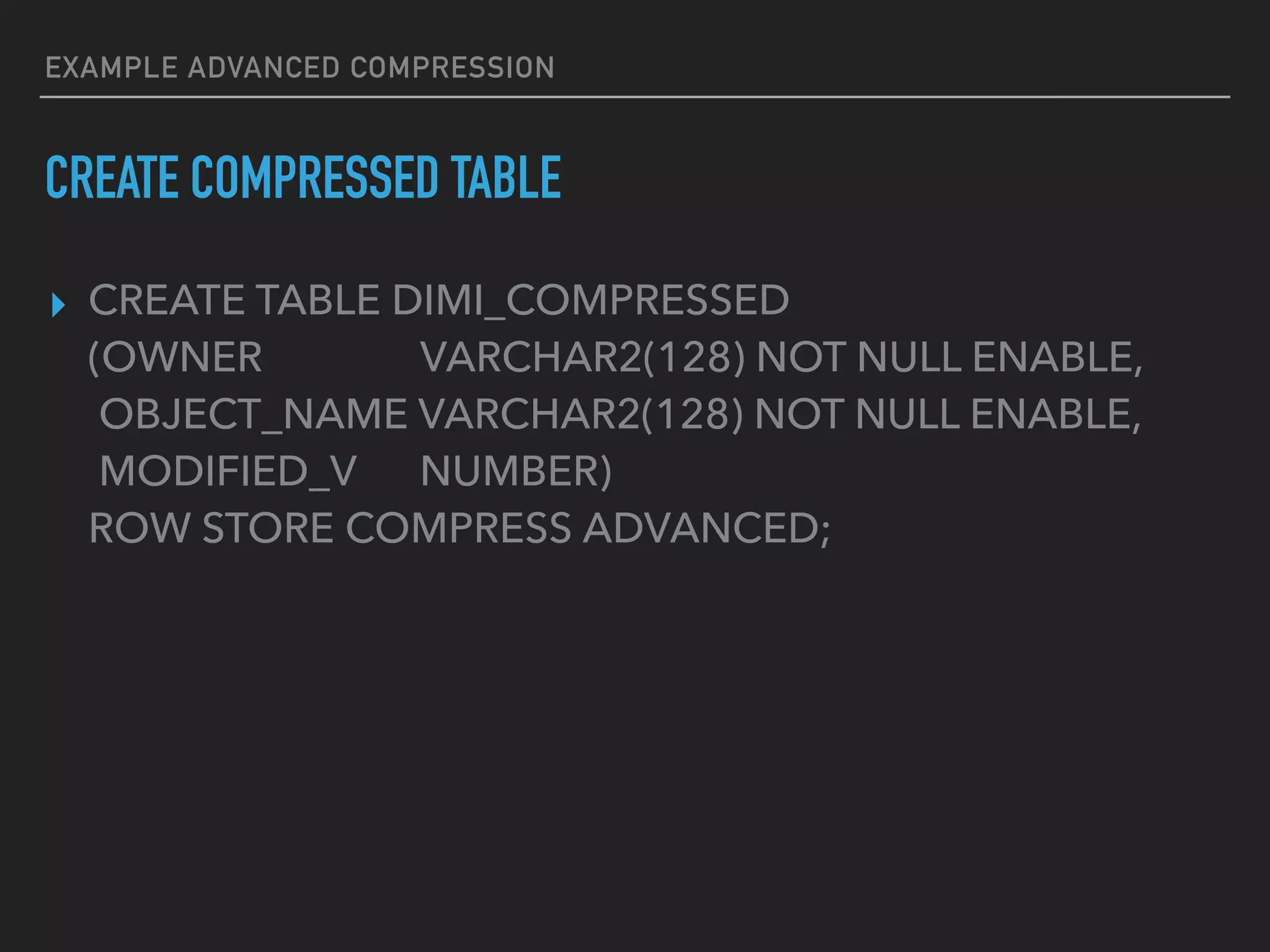
EXAMPLE ADVANCED COMPRESSION
▸ CREATE TABLE DIMI_COMPRESSED
(OWNER VARCHAR2(128) NOT NULL ENABLE,
OBJECT_NAME VARCHAR2(128) NOT NULL ENABLE,
MODIFIED_V NUMBER)
ROW STORE COMPRESS ADVANCED;
CREATE COMPRESSED TABLE
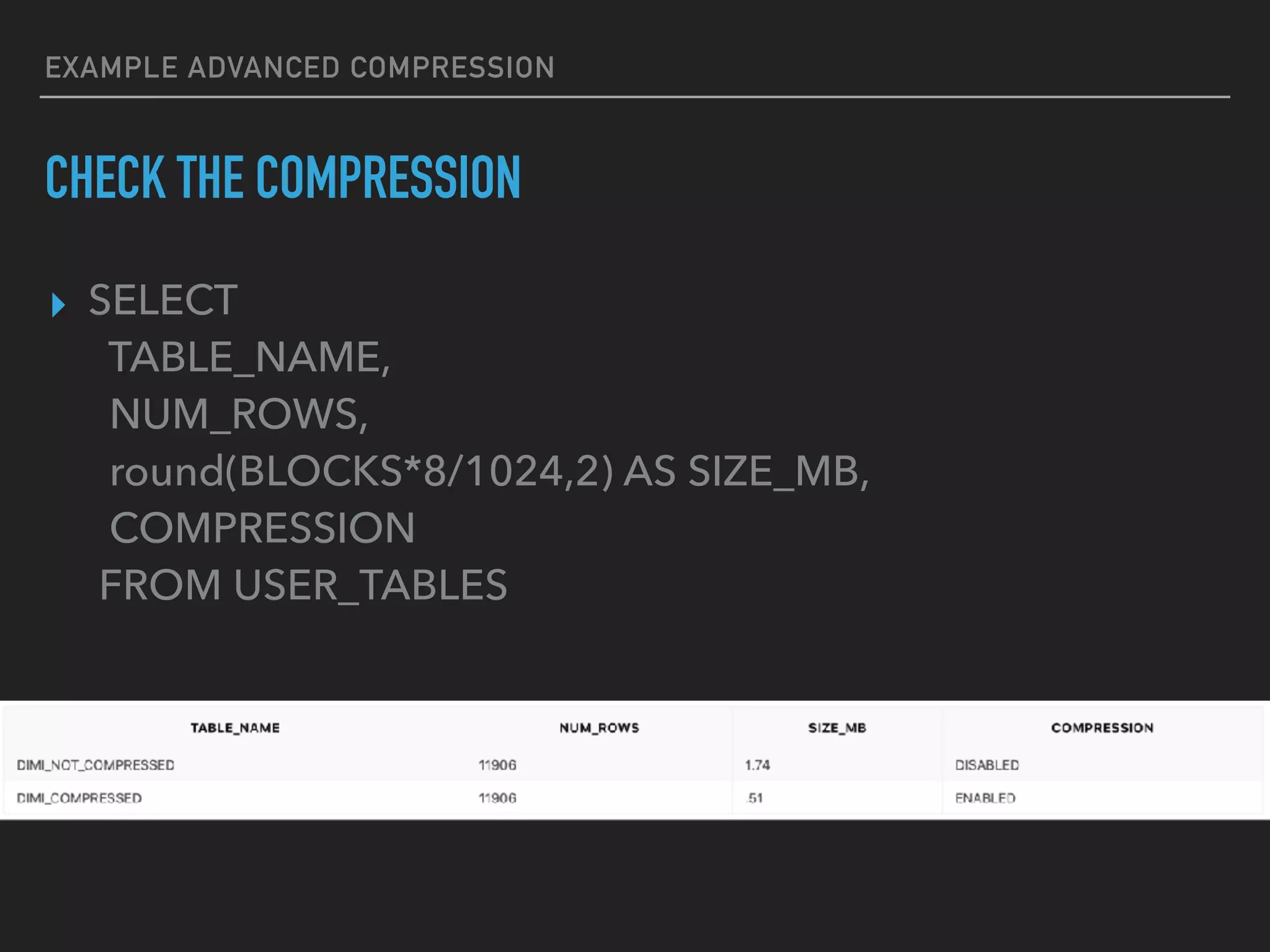
EXAMPLE ADVANCED COMPRESSION
▸ SELECT
TABLE_NAME,
NUM_ROWS,
round(BLOCKS*8/1024,2) AS SIZE_MB,
COMPRESSION
FROM USER_TABLES
CHECK THE COMPRESSION
DEMO
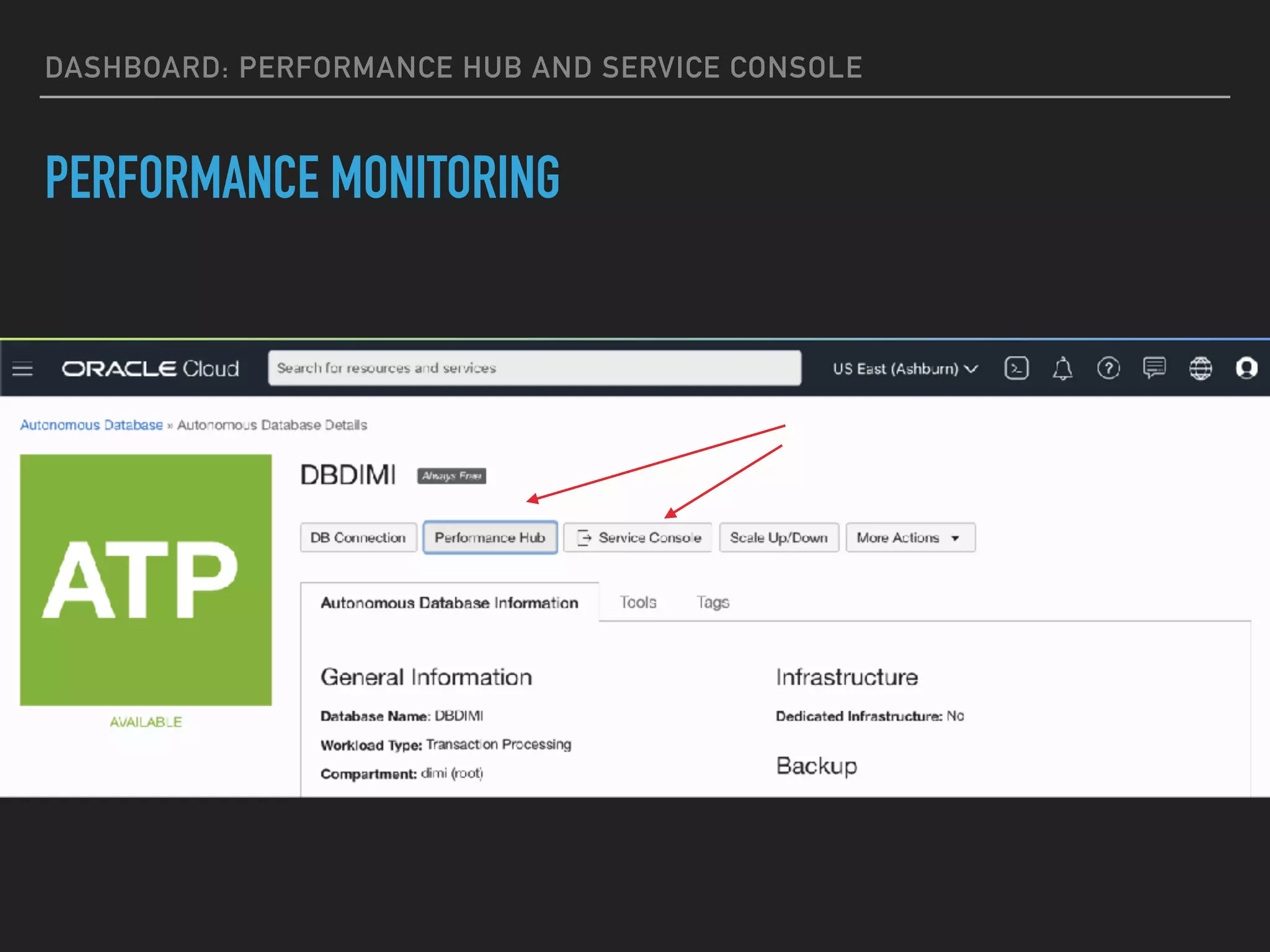
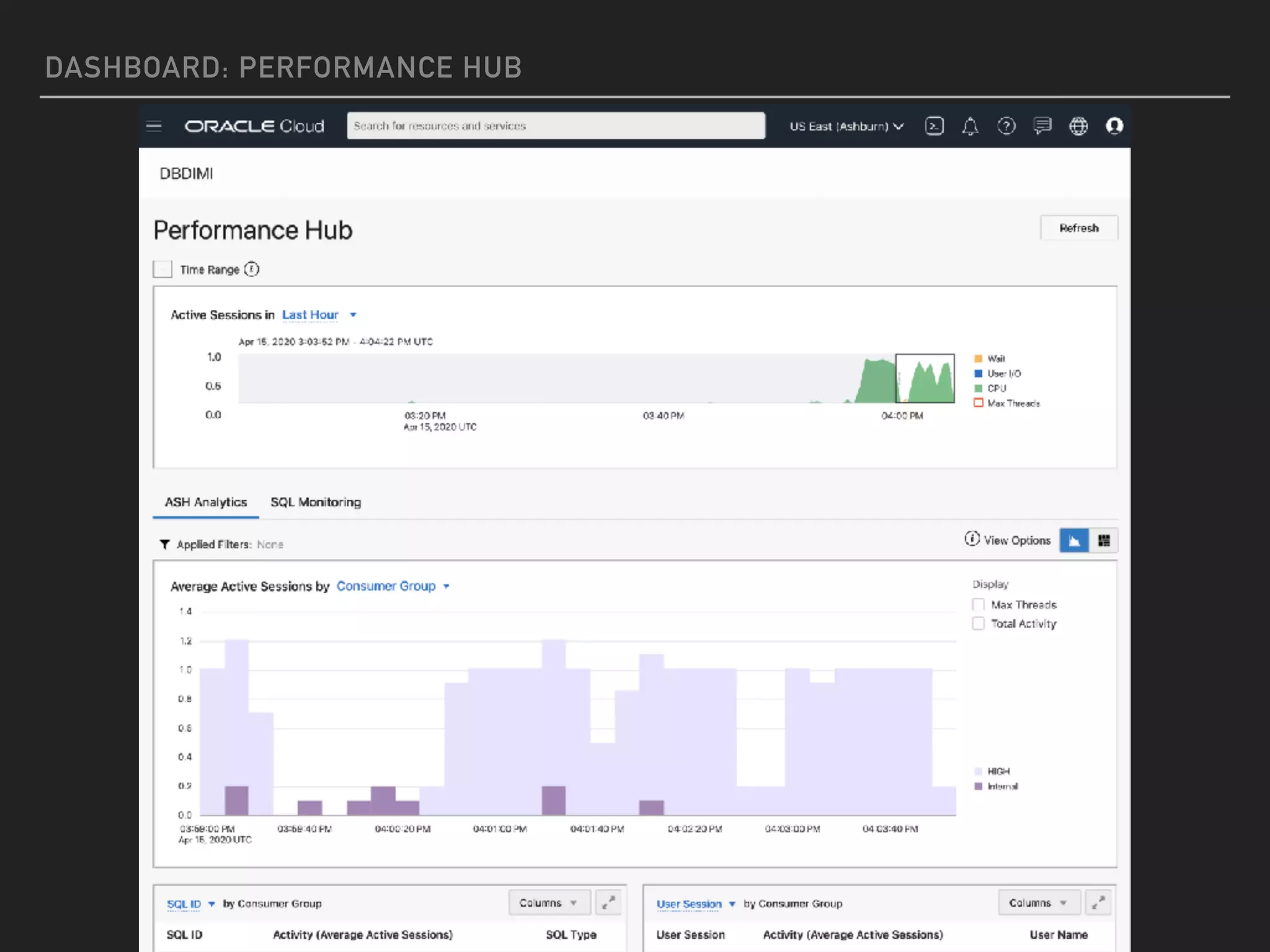
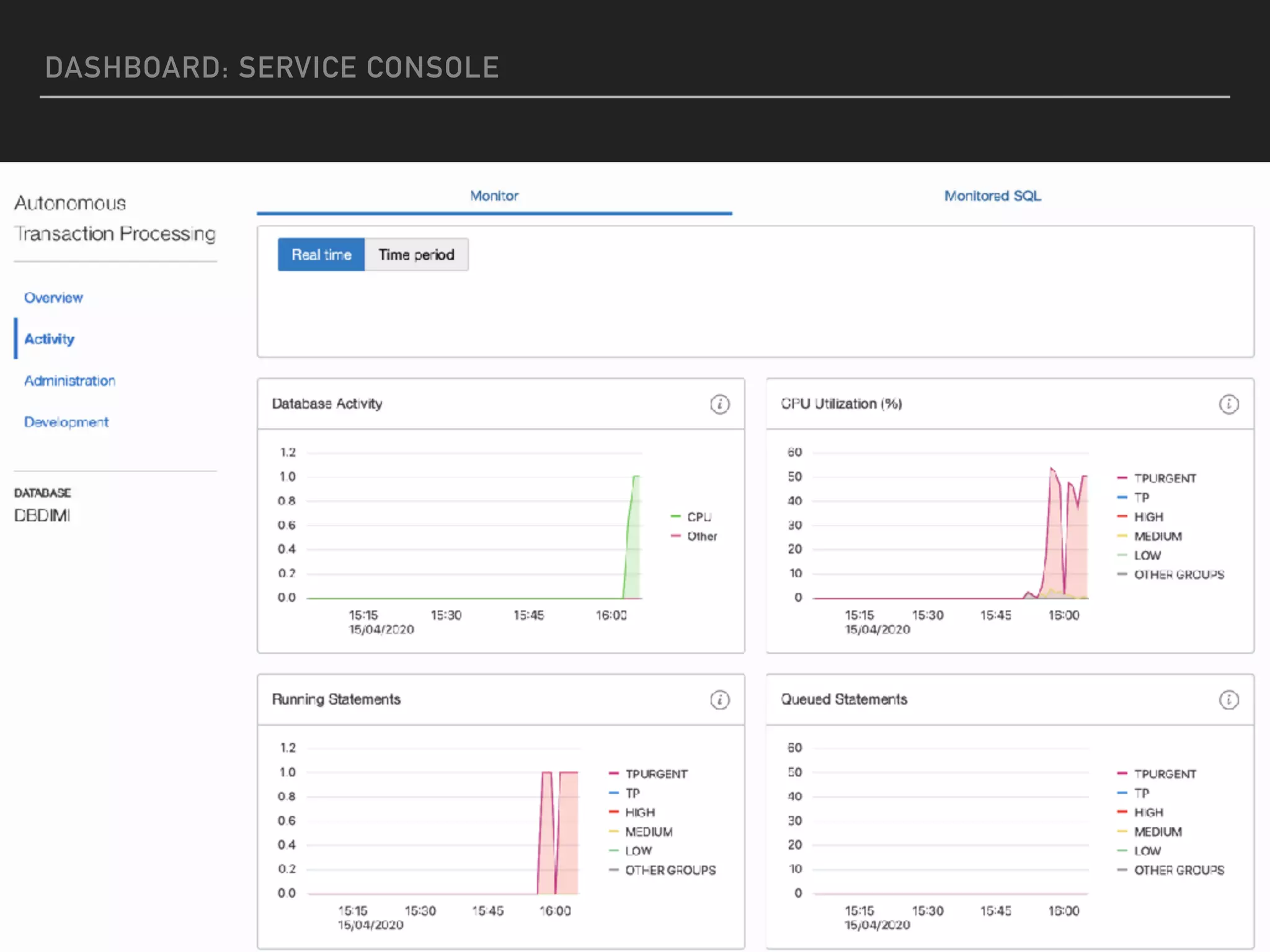
DASHBOARD: PERFORMANCE HUB AND SERVICE CONSOLE
PERFORMANCE MONITORING
DASHBOARD: PERFORMANCE HUB
DASHBOARD: SERVICE CONSOLE
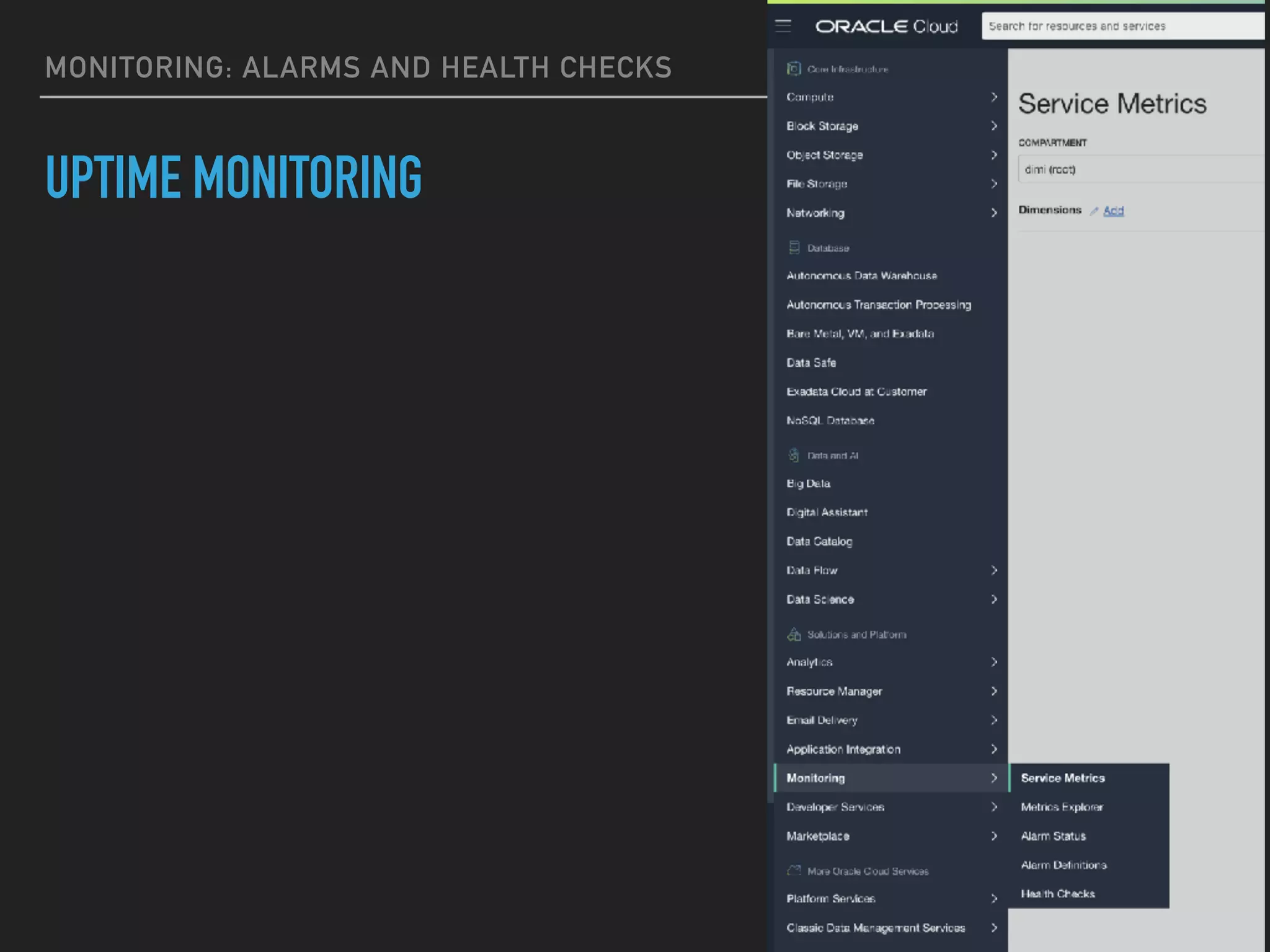
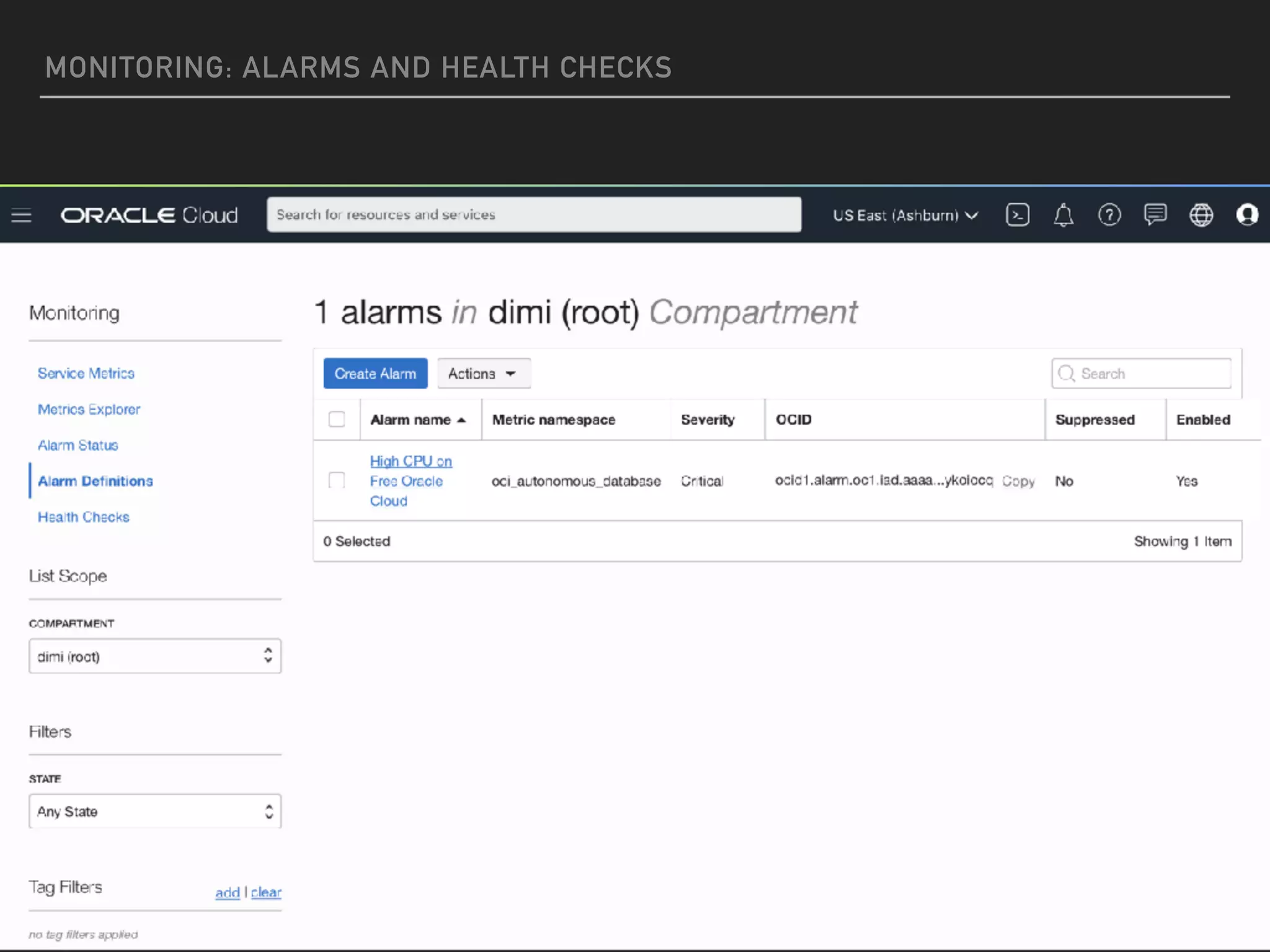
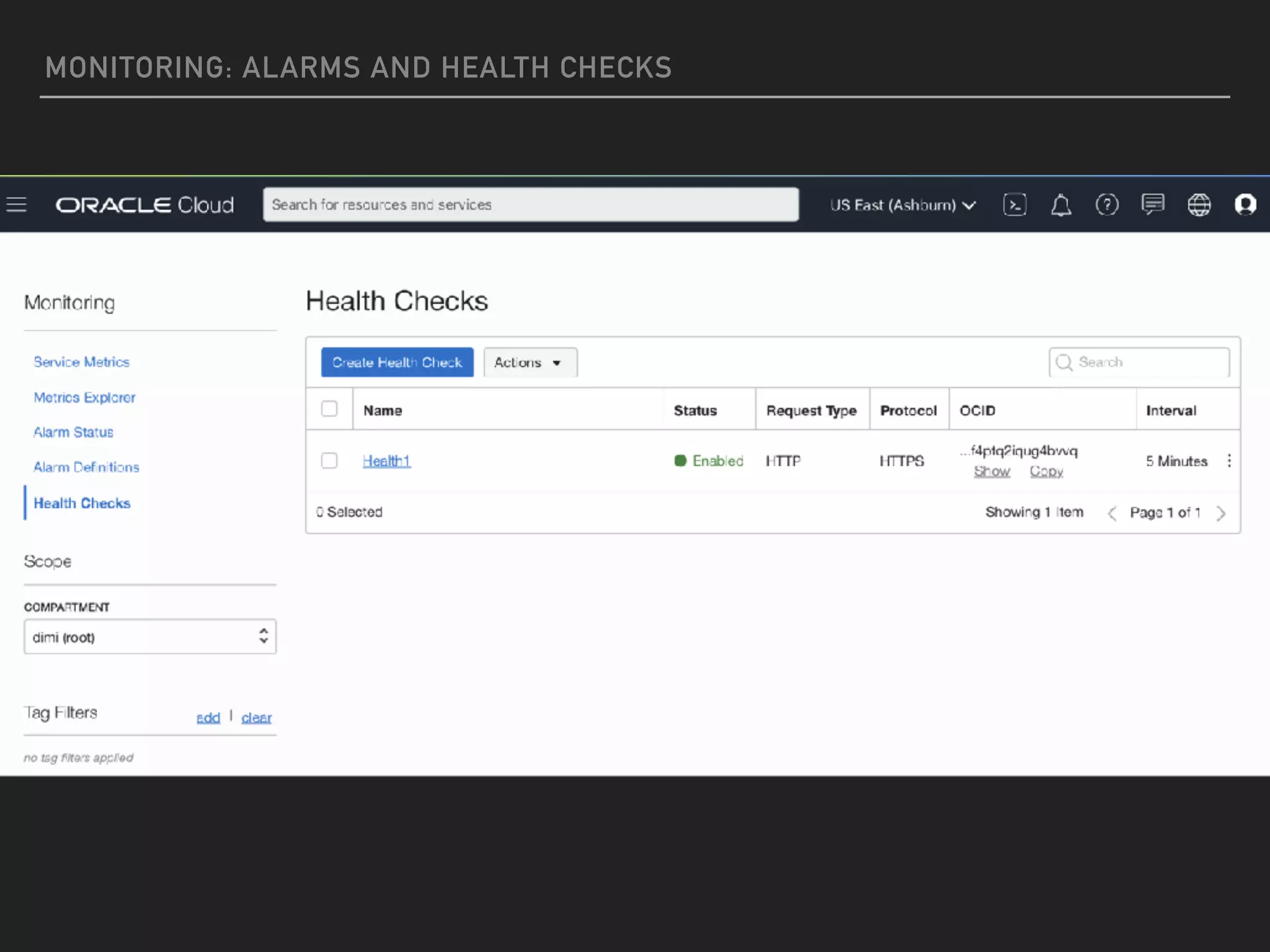
MONITORING: ALARMS AND HEALTH CHECKS
UPTIME MONITORING
MONITORING: ALARMS AND HEALTH CHECKS
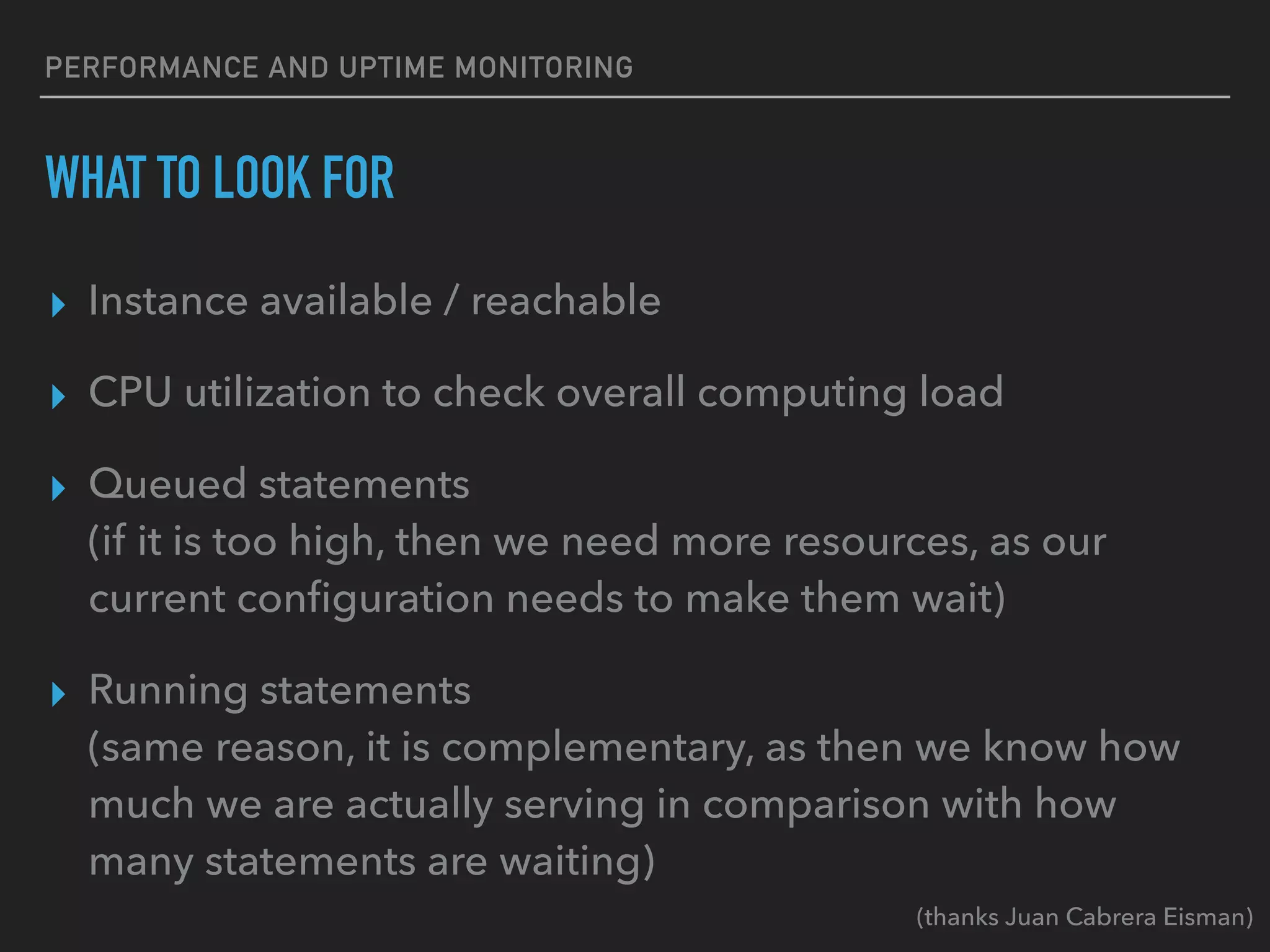
PERFORMANCE AND UPTIME MONITORING
WHAT TO LOOK FOR
▸ Instance available / reachable
▸ CPU utilization to check overall computing load
▸ Queued statements
(if it is too high, then we need more resources, as our
current configuration needs to make them wait)
▸ Running statements
(same reason, it is complementary, as then we know how
much we are actually serving in comparison with how
many statements are waiting)
(thanks Juan Cabrera Eisman)
DEMO
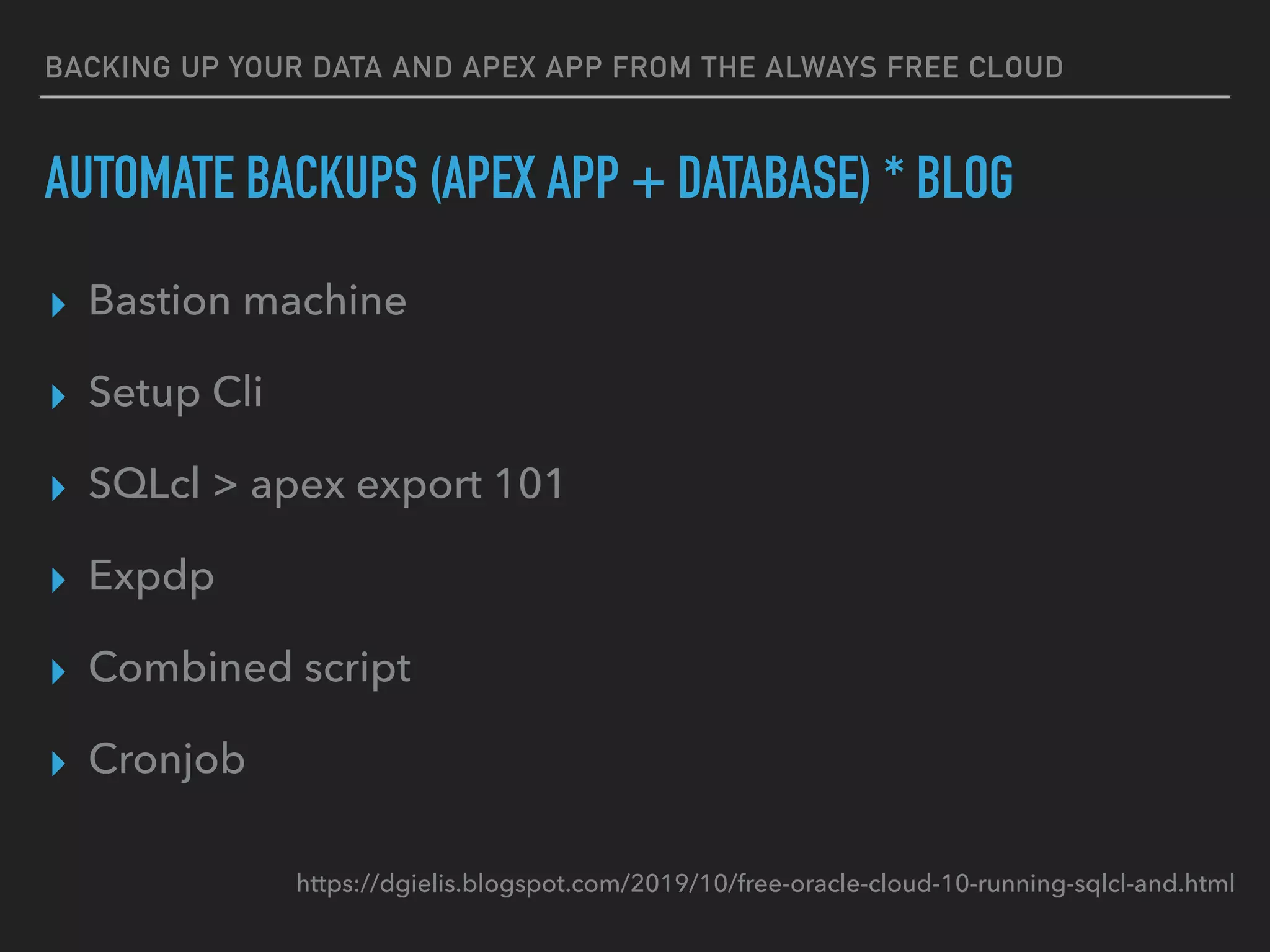
BACKING UP YOUR DATA AND APEX APP FROM THE ALWAYS FREE CLOUD
AUTOMATE BACKUPS (APEX APP + DATABASE) * BLOG
▸ Bastion machine
▸ Setup Cli
▸ SQLcl > apex export 101
▸ Expdp
▸ Combined script
▸ Cronjob
https://dgielis.blogspot.com/2019/10/free-oracle-cloud-10-running-sqlcl-and.html
WE NEED MORE
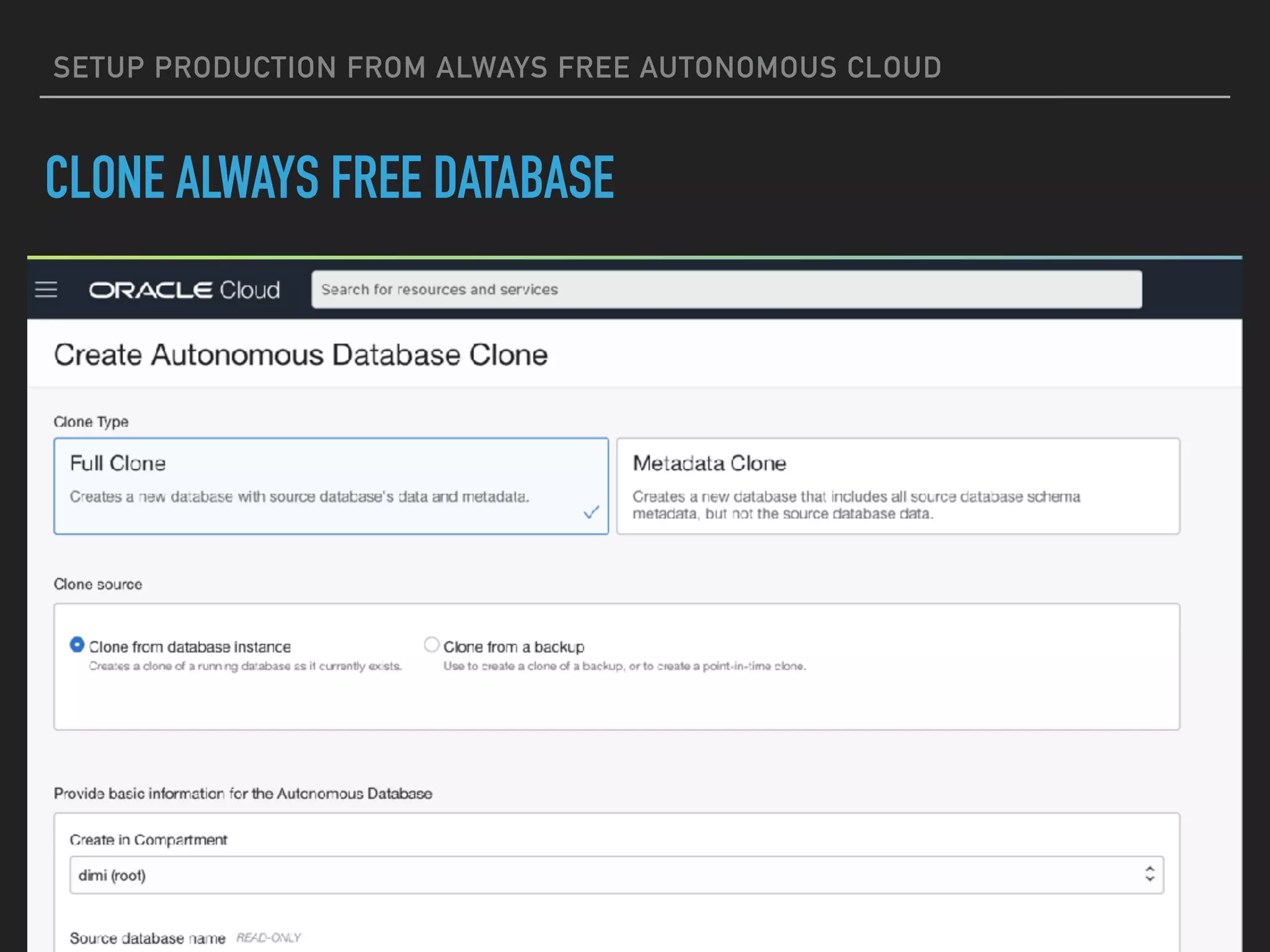
SETUP PRODUCTION FROM ALWAYS FREE AUTONOMOUS CLOUD
CLONE ALWAYS FREE DATABASE
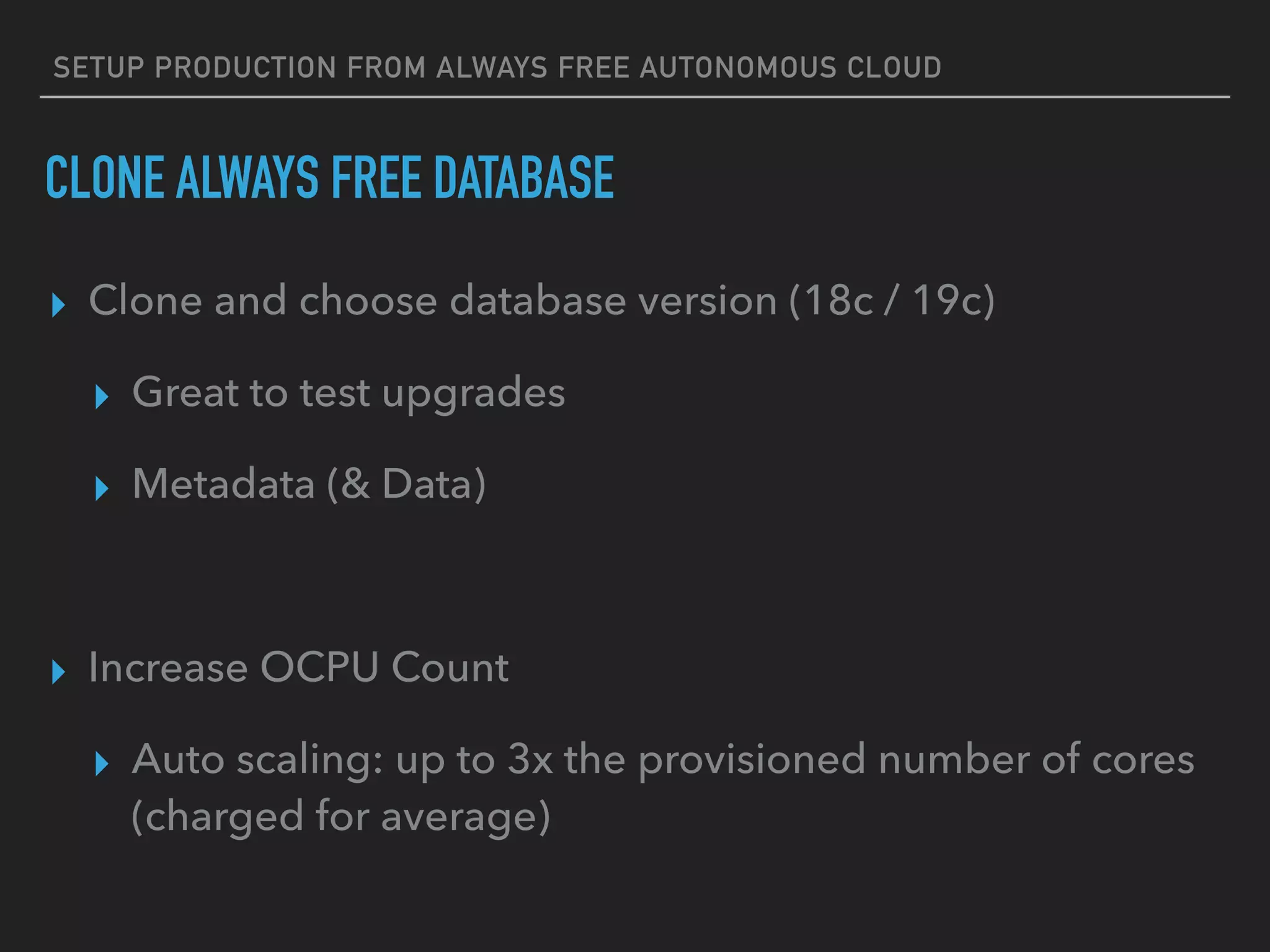
SETUP PRODUCTION FROM ALWAYS FREE AUTONOMOUS CLOUD
CLONE ALWAYS FREE DATABASE
▸ Clone and choose database version (18c / 19c)
▸ Great to test upgrades
▸ Metadata (& Data)
▸ Increase OCPU Count
▸ Auto scaling: up to 3x the provisioned number of cores
(charged for average)
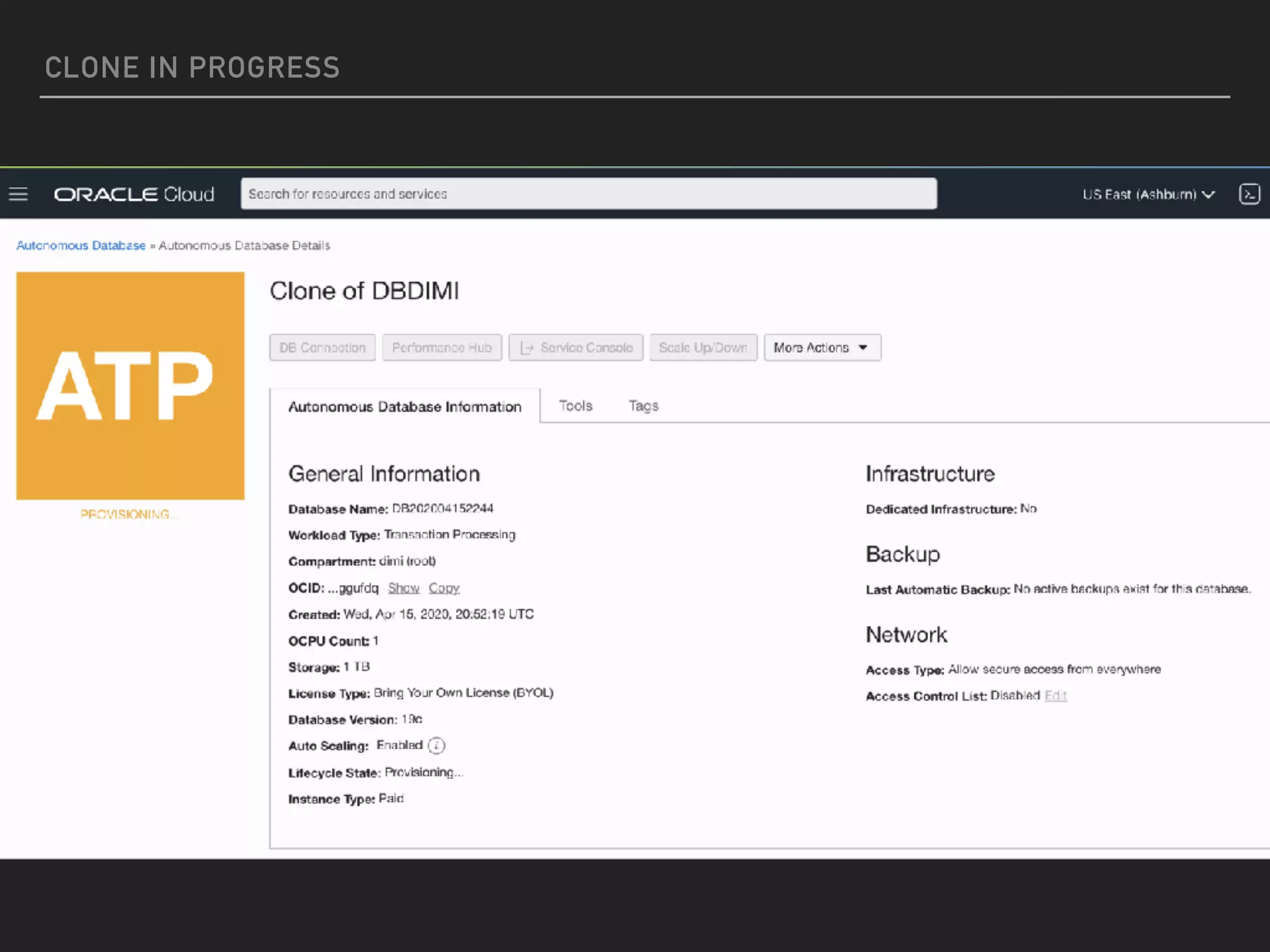
CLONE IN PROGRESS
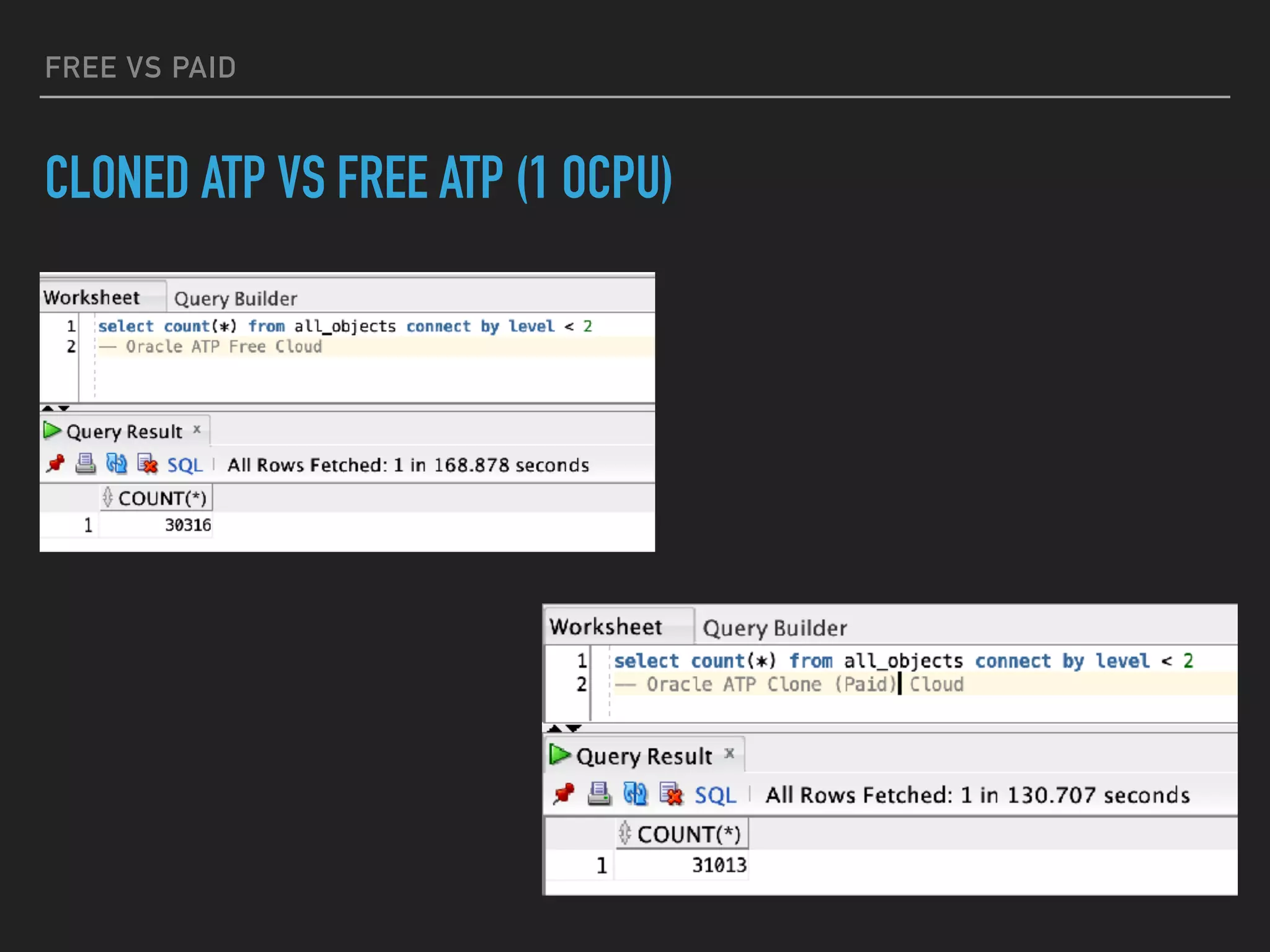
FREE VS PAID
CLONED ATP VS FREE ATP (1 OCPU)
DEMO
Q&A

Bring the light in your Always FREE Oracle Cloud

  • 1.
    BRING THE LIGHTINTO YOUR ALWAYS FREE AUTONOMOUS CLOUD DIMITRI GIELIS
  • 2.
    DIMITRI GIELIS ABOUT ME ▸Founder & CEO of APEX R&D ▸ 20+ years of Oracle Experience (OCP & APEX Certified) ▸ Oracle ACE Director ▸ “APEX Developer of the year 2009” by Oracle Magazine ▸ “Oracle Developer Choice award (ORDS)” in 2015 ▸ Author Expert Oracle APEX ▸ Presenter at Conferences
  • 4.
  • 6.
  • 7.
  • 8.
  • 9.
    DIMITRI GIELIS BLOGPOST TOPICS 1/4 1. Sign-up for Free Oracle Cloud 2. Setup Autonomous Transaction Cloud (ATP) 3. Connecting with SQL Developer (Desktop) to ATP 4. Connecting with SQL Developer Web to ATP 5. Setup APEX in ATP and create the first APEX app http://dgielis.blogspot.com/2019/
  • 10.
    DIMITRI GIELIS BLOGPOST TOPICS 2/4 6. Create a VM Instance (Compute Cloud) 7. Setup a Webserver on the Compute Instance (VM) 8. Setup APEX Office Print (AOP) to export to PDF, Excel, Word, Powerpoint, HTML and Text 9. Setup Object Storage and use for File Share and Backups 10. Running SQLcl and Datapump from the Compute Instance (VM) to ATP http://dgielis.blogspot.com/2019/
  • 11.
    DIMITRI GIELIS BLOGPOST TOPICS 3/4 11. Sending Emails with APEX_MAIL on ATP 12. Create a 2nd Compute Instance and a Load Balancer 13. Final things to take away 14. Message: Your Oracle Cloud Free Trial has expired 15. Error: The request could not be mapped to any database http://dgielis.blogspot.com/2019/
  • 12.
    DIMITRI GIELIS BLOGPOST TOPICS 4/4 16. Renewing Let's Encrypt certificate 17. Configure domain to redirect to APEX app 18. Monitoring your website and APEX app 19. Oracle APEX upgrades (19.1 to 19.2) http://dgielis.blogspot.com/2019/
  • 13.
    NOT IN BLOGPOSTS (YET) TOPICS IN THIS PRESENTATION 1. Moving your data and APEX app to the Always Free Autonomous Cloud 2. Getting more storage by using Advanced Compression 3. Performance & Uptime Monitoring 4. Automate Backups (APEX app + Database) * Blog 5. Setup Production from Always Free Autonomous Cloud
  • 14.
    MOVING YOUR DATAAND APEX APP TO THE ALWAYS FREE AUTONOMOUS CLOUD YOUR DATABASE IN THE FREE ATP CLOUD ▸ Starting from scratch (use APEX) ▸ QuickSQL is useful ▸ Create app on top of script ▸ Existing database (use Cli) ▸ Import datapump ▸ Import APEX app
  • 15.
    MOVING YOUR DATAAND APEX APP TO THE ALWAYS FREE AUTONOMOUS CLOUD ▸ Export database ▸ expdp ▸ transfer file ▸ Export (Workspace and) APEX app EXPORT DATABASE AND APEX APP
  • 16.
    MOVING YOUR DATAAND APEX APP TO THE ALWAYS FREE AUTONOMOUS CLOUD ▸ Upload datapump export to Object Storage ▸ oci os object put -bn clibucket --file export.dmp ▸ Create user with default tablespace DATA ▸ CREATE USER <user> IDENTIFIED BY <pwd> DEFAULT TABLESPACE DATA TEMPORARY TABLESPACE TEMP; ▸ Add grants ▸ ALTER USER <user> QUOTA UNLIMITED ON DATA; IMPORT DATABASE AND APEX APP
  • 17.
    MOVING YOUR DATAAND APEX APP TO THE ALWAYS FREE AUTONOMOUS CLOUD ▸ Import the datapump export ▸ impdp admin@dbdimi_high directory=data_pump_dir credential=def_cred_name dumpfile=https:// objectstorage.us-...dmp remap_tablespace=…:data ▸ Create new Workspace in APEX Builder (INTERNAL) ▸ Import the APEX app in the new Workspace IMPORT DATABASE AND APEX APP
  • 18.
  • 19.
    GETTING MORE STORAGE ADVANCEDCOMPRESSION https://www.oracle.com/technetwork/database/options/compression/advanced-compression- wp-12c-1896128.pdf
  • 20.
    GETTING MORE STORAGE ADVANCEDCOMPRESSION ▸ CREATE TABLE … ROW STORE COMPRESS ADVANCED ▸ ALTER TABLE ... (MOVE) ROW STORE COMPRESS ADVANCED
  • 21.
    EXAMPLE ADVANCED COMPRESSION ▸CREATE TABLE DIMI_COMPRESSED (OWNER VARCHAR2(128) NOT NULL ENABLE, OBJECT_NAME VARCHAR2(128) NOT NULL ENABLE, MODIFIED_V NUMBER) ROW STORE COMPRESS ADVANCED; CREATE COMPRESSED TABLE
  • 22.
    EXAMPLE ADVANCED COMPRESSION ▸SELECT TABLE_NAME, NUM_ROWS, round(BLOCKS*8/1024,2) AS SIZE_MB, COMPRESSION FROM USER_TABLES CHECK THE COMPRESSION
  • 23.
  • 24.
    DASHBOARD: PERFORMANCE HUBAND SERVICE CONSOLE PERFORMANCE MONITORING
  • 25.
  • 26.
  • 27.
    MONITORING: ALARMS ANDHEALTH CHECKS UPTIME MONITORING
  • 28.
  • 29.
  • 30.
    PERFORMANCE AND UPTIMEMONITORING WHAT TO LOOK FOR ▸ Instance available / reachable ▸ CPU utilization to check overall computing load ▸ Queued statements (if it is too high, then we need more resources, as our current configuration needs to make them wait) ▸ Running statements (same reason, it is complementary, as then we know how much we are actually serving in comparison with how many statements are waiting) (thanks Juan Cabrera Eisman)
  • 31.
  • 32.
    BACKING UP YOURDATA AND APEX APP FROM THE ALWAYS FREE CLOUD AUTOMATE BACKUPS (APEX APP + DATABASE) * BLOG ▸ Bastion machine ▸ Setup Cli ▸ SQLcl > apex export 101 ▸ Expdp ▸ Combined script ▸ Cronjob https://dgielis.blogspot.com/2019/10/free-oracle-cloud-10-running-sqlcl-and.html
  • 33.
  • 34.
    SETUP PRODUCTION FROMALWAYS FREE AUTONOMOUS CLOUD CLONE ALWAYS FREE DATABASE
  • 35.
    SETUP PRODUCTION FROMALWAYS FREE AUTONOMOUS CLOUD CLONE ALWAYS FREE DATABASE ▸ Clone and choose database version (18c / 19c) ▸ Great to test upgrades ▸ Metadata (& Data) ▸ Increase OCPU Count ▸ Auto scaling: up to 3x the provisioned number of cores (charged for average)
  • 36.
  • 37.
    FREE VS PAID CLONEDATP VS FREE ATP (1 OCPU)
  • 38.
  • 39.