The Obligatory EHR
Implementation “Lessons
 Learned” Presentation

          Jack L. Shaffer, Jr.
       Chief Information Officer
Community Health Network of West Virginia
Disclaimer
I’ve been down this road a hundred times with many,
many different IT systems. I have over 20 years of
enterprise IT experience in a variety of industries, so
I’ve seen just about everything.

People in the health care industry think that all of
this stuff is new.

It’s not new. It’s just new to them...and
perhaps YOU.
The Three T’s
• Your EHR implementation has a better
  chance for success if you organize it into:
  – team,
  – tactics and
  – technology.
Team
• Identify one or more EHR champions or don’t
  implement.
• Make sure your organization’s senior executive
  fully supports the EHR.
• Use an experienced, skilled project manager.
• Utilize sound change management principles.
• Have clear, measurable goals.
• Make sure users share your goals.
• Establish realistic expectations.
• Don’t try to implement an EHR in a
  dysfunctional organization.
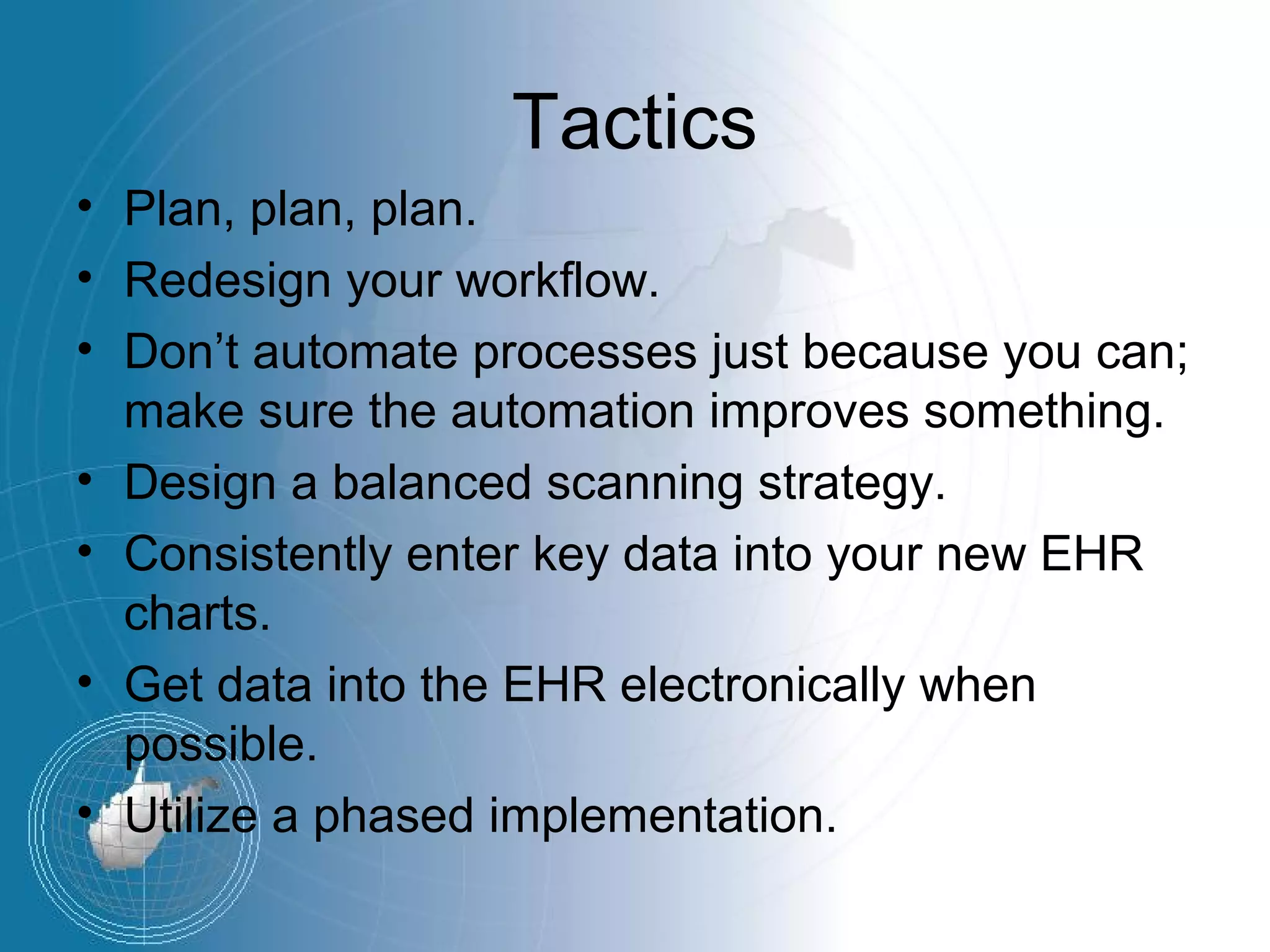
Tactics
• Plan, plan, plan.
• Redesign your workflow.
• Don’t automate processes just because you can;
  make sure the automation improves something.
• Design a balanced scanning strategy.
• Consistently enter key data into your new EHR
  charts.
• Get data into the EHR electronically when
  possible.
• Utilize a phased implementation.
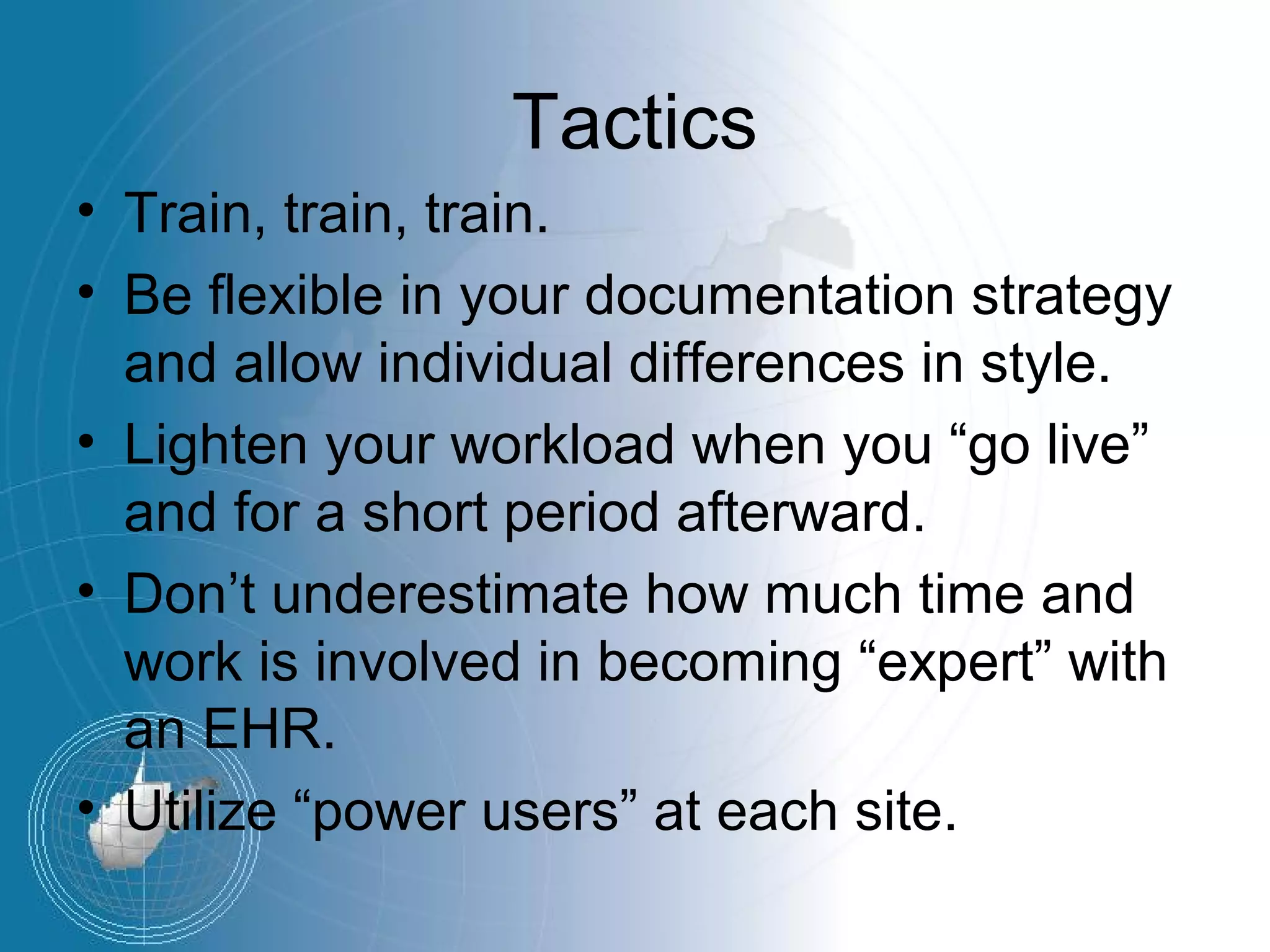
Tactics
• Train, train, train.
• Be flexible in your documentation strategy
  and allow individual differences in style.
• Lighten your workload when you “go live”
  and for a short period afterward.
• Don’t underestimate how much time and
  work is involved in becoming “expert” with
  an EHR.
• Utilize “power users” at each site.
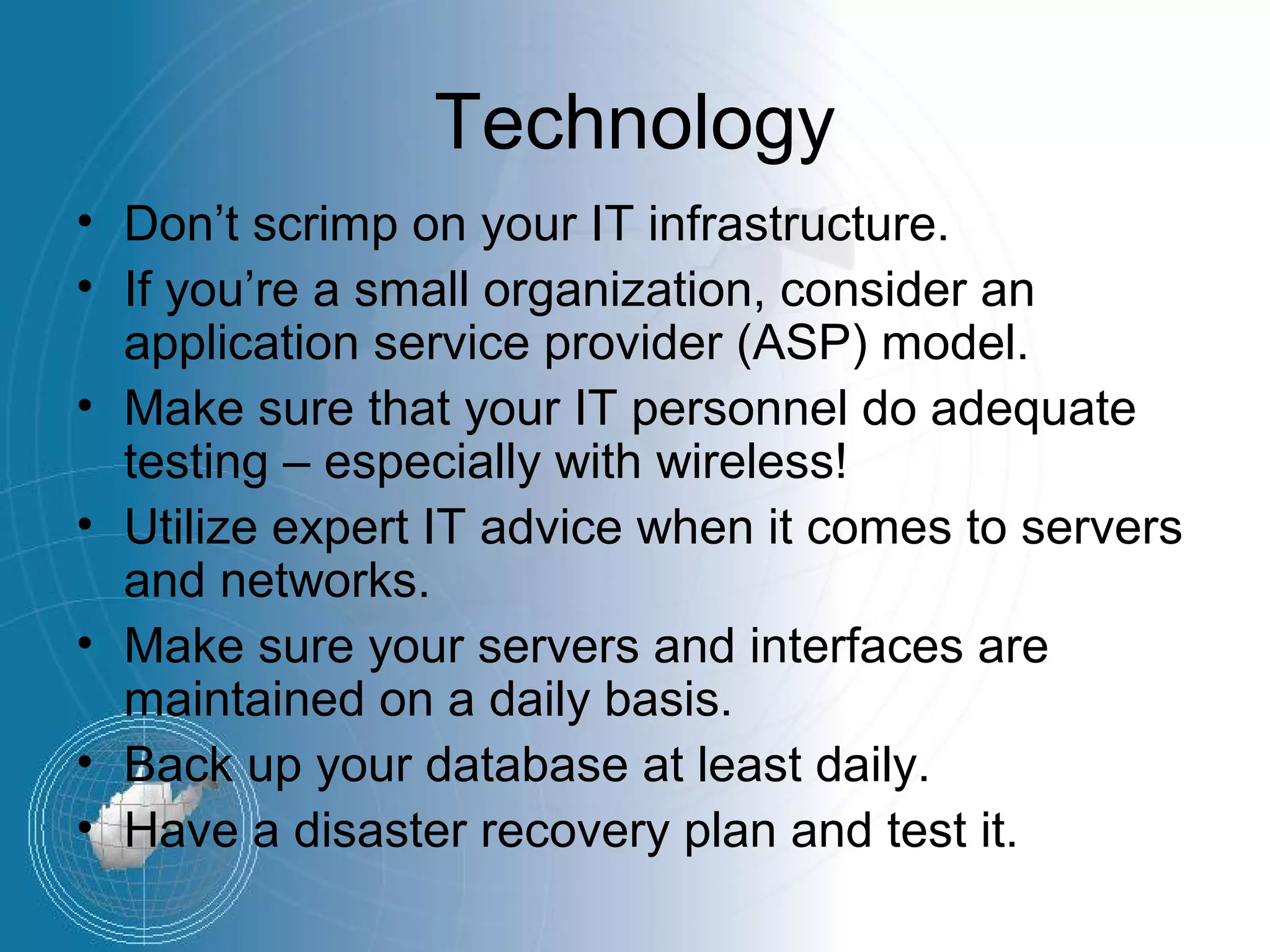
Technology
• Don’t scrimp on your IT infrastructure.
• If you’re a small organization, consider an
  application service provider (ASP) model.
• Make sure that your IT personnel do adequate
  testing – especially with wireless!
• Utilize expert IT advice when it comes to servers
  and networks.
• Make sure your servers and interfaces are
  maintained on a daily basis.
• Back up your database at least daily.
• Have a disaster recovery plan and test it.
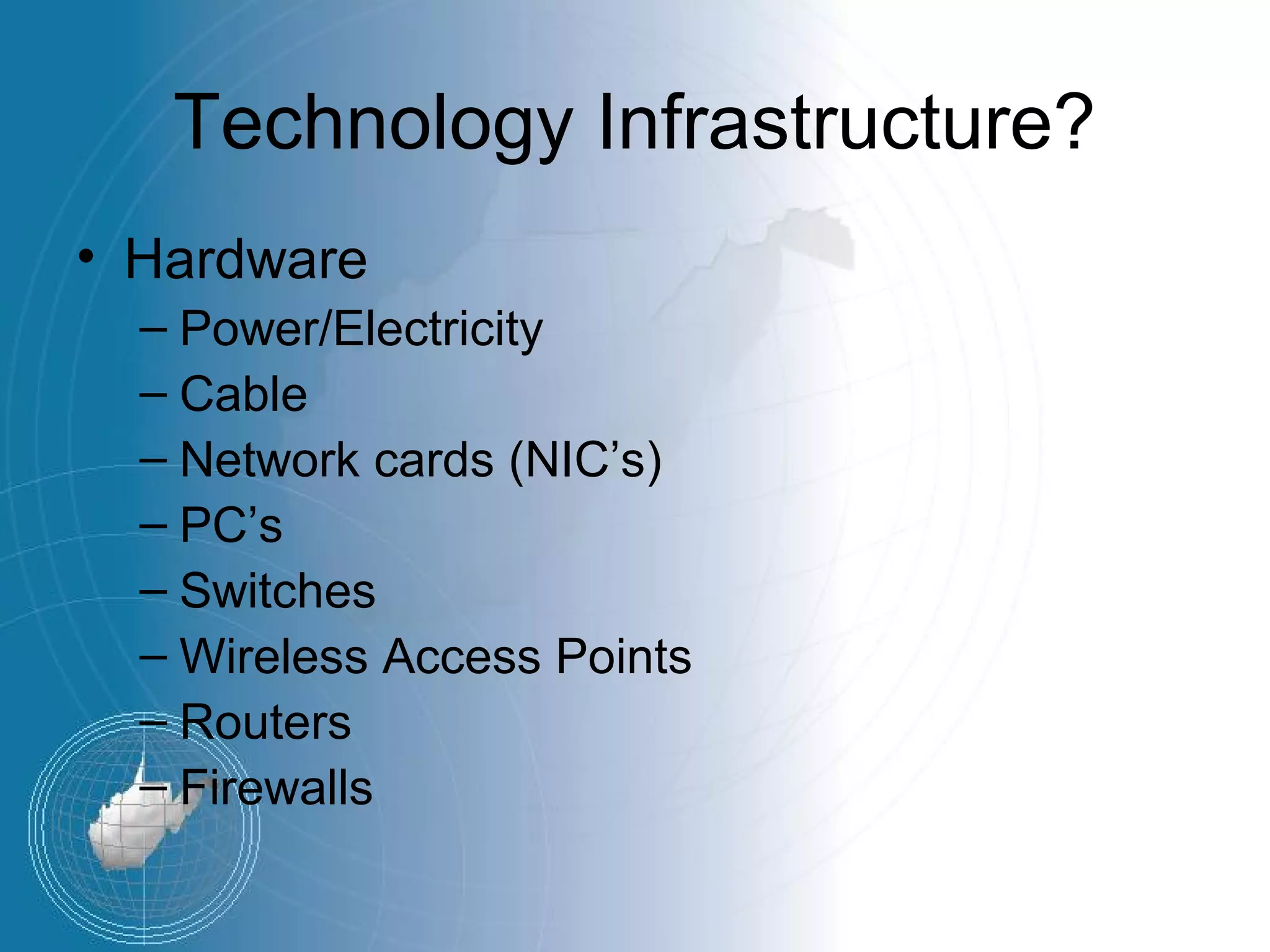
Technology Infrastructure?
• Hardware
  – Power/Electricity
  – Cable
  – Network cards (NIC’s)
  – PC’s
  – Switches
  – Wireless Access Points
  – Routers
  – Firewalls
Technology Infrastructure
• Software
  – IOS/Firmware
  – Drivers
  – Operating Systems
  – Applications
    • Security
    • Antivirus/Spyware prevention
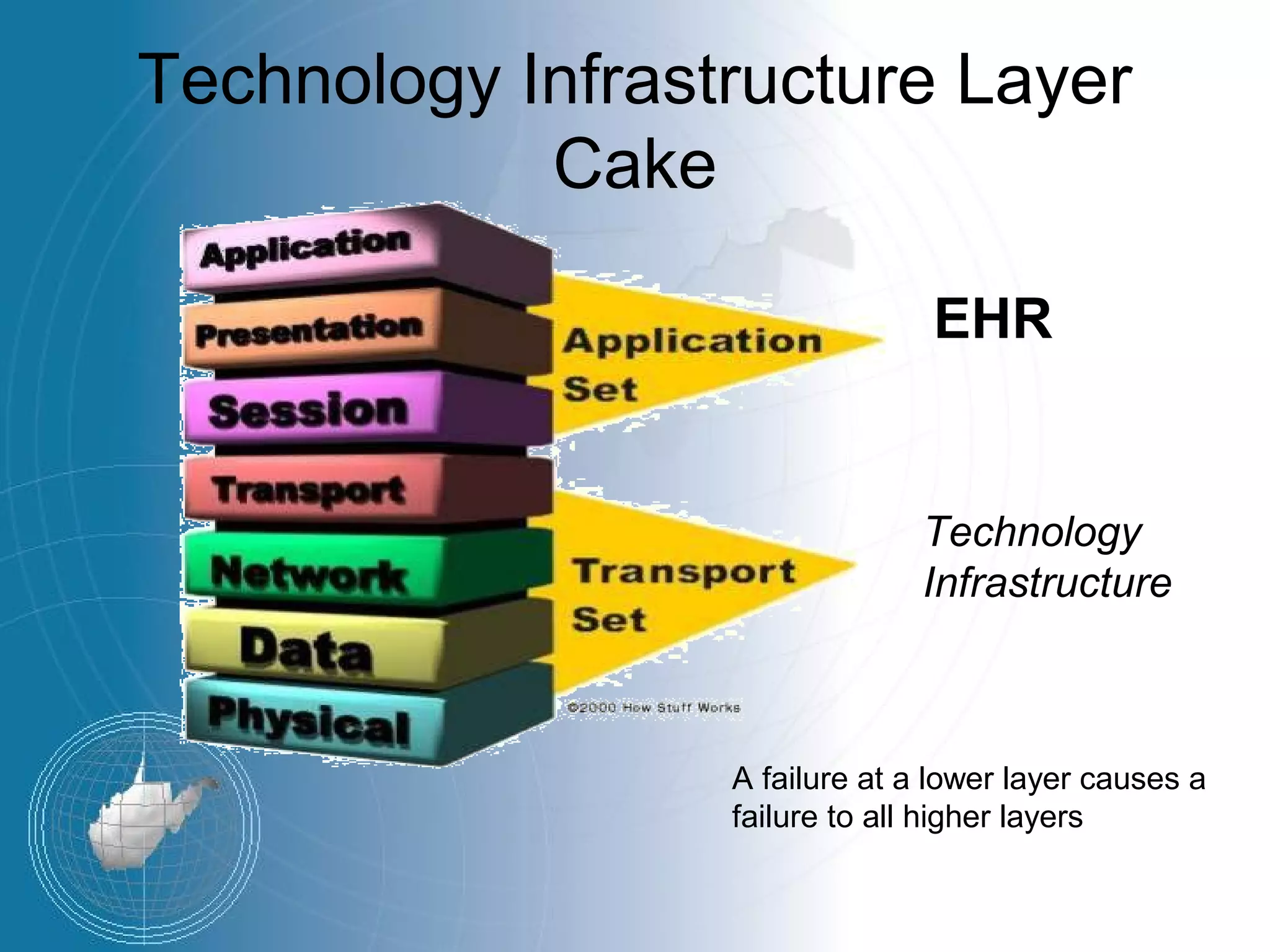
Technology Infrastructure Layer
            Cake

                                EHR


                                Technology
                                Infrastructure


                  A failure at a lower layer causes a
                  failure to all higher layers
Why should I care?
• Mission critical information
  – Financial / billing information
  – Patient information
• Key component in operations
  – A technology outage basically stops work
    progress
  – Processes are too complex to perform
    manually
Infrastructure and EHR/EMR
• EHR/EMR is a more demanding
  application
  – Client/Server
  – More disk space
  – More bandwidth
    • Demographic data
    • Images
    • Telehealth / Telemedicine
Infrastructure and EHR/EMR
• EHR/EMR is critical to the treatment of patients
  – Clinicians and providers become dependent on the
    technology
  – Speed of information important
  – Reliability is crucial
• Technological problems, such as poorly written
  software or inadequate server memory, can
  cripple an EHR implementation.
Infrastructure and EHR/EMR
• With a poor infrastructure (lower levels of the
  layer cake) EHR/EMR could be:
   – Slower
   – Unreliable
   – May not deliver the expected results
• Network & Telecommunications are key –
  Especially for ASP
   – Reliability a must
   – DSL/Cable – Asymmetric up/down speed
• Clinicians and providers will blame the
  application – even when it is not the applications
  fault.
The “Plagues of Pharaoh”
• DSL is evil.
• Fire at Clay, Flood at Lincoln.
• Wireless problems, problems and more
  problems.
• Data Center power problems. (I need
  more power, Scotty!)
• Tablet Troubles.
• User Interface Issues.
• It all adds up to user frustration.
Lessons Learned
• Treat the network as a utility at your own
  peril!
• Technology is as key as any other asset
  used in patient care when using an
  EHR/EMR.
Lessons Learned
• Disaster recovery – integrity of data and
  the network.
  – Broadband loss is prevalent in WV.
  – Lots of single points of failure.
  – Redundancy is a must.
  – Prepare baseline, “if all else fails” backup
    plans – i.e. PAPER
Infrastructure and EHR/EMR
Just like the NFL – you have to have a
minimum level of equipment before you
are allowed to step on the field –
otherwise you will get hurt.
Infrastructure and EHR/EMR
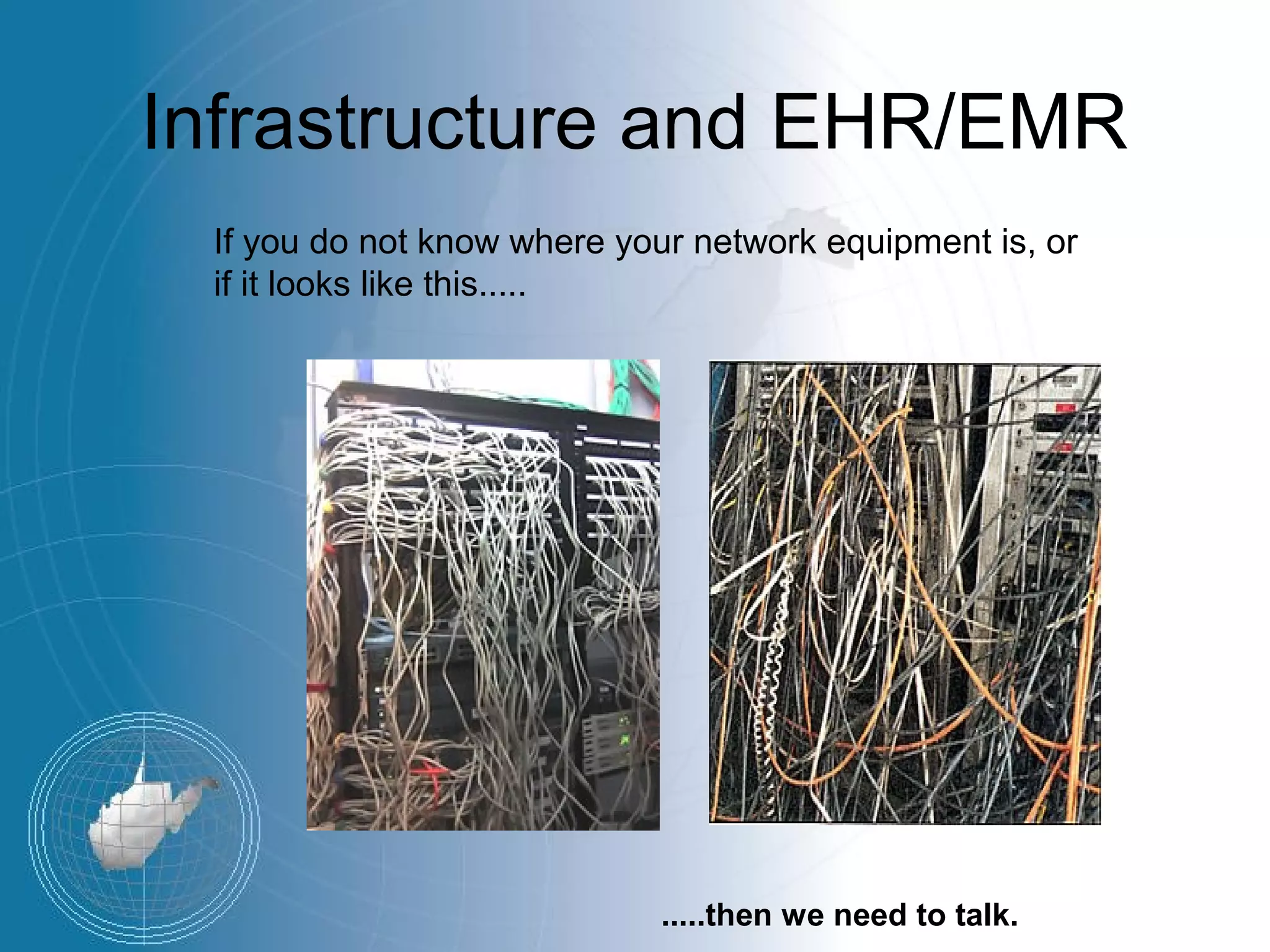
 If you do not know where your network equipment is, or
 if it looks like this.....


                            .....then we need to talk.

The obligatory EHR Implementation Lessons Learned presentation

  • 1.
    The Obligatory EHR Implementation“Lessons Learned” Presentation Jack L. Shaffer, Jr. Chief Information Officer Community Health Network of West Virginia
  • 2.
    Disclaimer I’ve been downthis road a hundred times with many, many different IT systems. I have over 20 years of enterprise IT experience in a variety of industries, so I’ve seen just about everything. People in the health care industry think that all of this stuff is new. It’s not new. It’s just new to them...and perhaps YOU.
  • 3.
    The Three T’s •Your EHR implementation has a better chance for success if you organize it into: – team, – tactics and – technology.
  • 4.
    Team • Identify oneor more EHR champions or don’t implement. • Make sure your organization’s senior executive fully supports the EHR. • Use an experienced, skilled project manager. • Utilize sound change management principles. • Have clear, measurable goals. • Make sure users share your goals. • Establish realistic expectations. • Don’t try to implement an EHR in a dysfunctional organization.
  • 5.
    Tactics • Plan, plan,plan. • Redesign your workflow. • Don’t automate processes just because you can; make sure the automation improves something. • Design a balanced scanning strategy. • Consistently enter key data into your new EHR charts. • Get data into the EHR electronically when possible. • Utilize a phased implementation.
  • 6.
    Tactics • Train, train,train. • Be flexible in your documentation strategy and allow individual differences in style. • Lighten your workload when you “go live” and for a short period afterward. • Don’t underestimate how much time and work is involved in becoming “expert” with an EHR. • Utilize “power users” at each site.
  • 7.
    Technology • Don’t scrimpon your IT infrastructure. • If you’re a small organization, consider an application service provider (ASP) model. • Make sure that your IT personnel do adequate testing – especially with wireless! • Utilize expert IT advice when it comes to servers and networks. • Make sure your servers and interfaces are maintained on a daily basis. • Back up your database at least daily. • Have a disaster recovery plan and test it.
  • 8.
    Technology Infrastructure? • Hardware – Power/Electricity – Cable – Network cards (NIC’s) – PC’s – Switches – Wireless Access Points – Routers – Firewalls
  • 9.
    Technology Infrastructure • Software – IOS/Firmware – Drivers – Operating Systems – Applications • Security • Antivirus/Spyware prevention
  • 10.
    Technology Infrastructure Layer Cake EHR Technology Infrastructure A failure at a lower layer causes a failure to all higher layers
  • 11.
    Why should Icare? • Mission critical information – Financial / billing information – Patient information • Key component in operations – A technology outage basically stops work progress – Processes are too complex to perform manually
  • 12.
    Infrastructure and EHR/EMR •EHR/EMR is a more demanding application – Client/Server – More disk space – More bandwidth • Demographic data • Images • Telehealth / Telemedicine
  • 13.
    Infrastructure and EHR/EMR •EHR/EMR is critical to the treatment of patients – Clinicians and providers become dependent on the technology – Speed of information important – Reliability is crucial • Technological problems, such as poorly written software or inadequate server memory, can cripple an EHR implementation.
  • 14.
    Infrastructure and EHR/EMR •With a poor infrastructure (lower levels of the layer cake) EHR/EMR could be: – Slower – Unreliable – May not deliver the expected results • Network & Telecommunications are key – Especially for ASP – Reliability a must – DSL/Cable – Asymmetric up/down speed • Clinicians and providers will blame the application – even when it is not the applications fault.
  • 15.
    The “Plagues ofPharaoh” • DSL is evil. • Fire at Clay, Flood at Lincoln. • Wireless problems, problems and more problems. • Data Center power problems. (I need more power, Scotty!) • Tablet Troubles. • User Interface Issues. • It all adds up to user frustration.
  • 16.
    Lessons Learned • Treatthe network as a utility at your own peril! • Technology is as key as any other asset used in patient care when using an EHR/EMR.
  • 17.
    Lessons Learned • Disasterrecovery – integrity of data and the network. – Broadband loss is prevalent in WV. – Lots of single points of failure. – Redundancy is a must. – Prepare baseline, “if all else fails” backup plans – i.e. PAPER
  • 18.
    Infrastructure and EHR/EMR Justlike the NFL – you have to have a minimum level of equipment before you are allowed to step on the field – otherwise you will get hurt.
  • 19.
    Infrastructure and EHR/EMR If you do not know where your network equipment is, or if it looks like this..... .....then we need to talk.