INPUT DEVICES
SHOWING THEIR
FEATURES
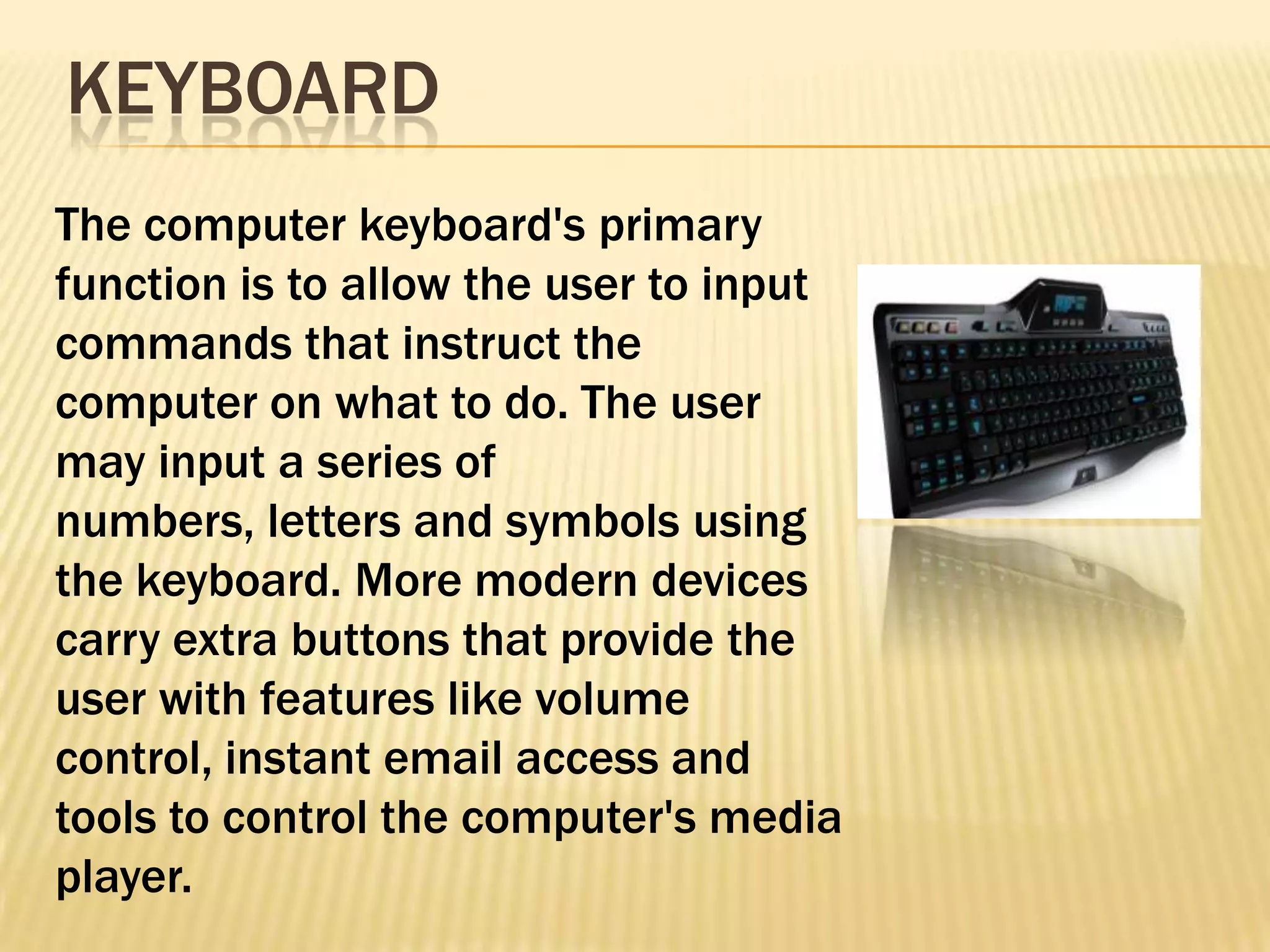
KEYBOARD
The computer keyboard's primary
function is to allow the user to input
commands that instruct the
computer on what to do. The user
may input a series of
numbers, letters and symbols using
the keyboard. More modern devices
carry extra buttons that provide the
user with features like volume
control, instant email access and
tools to control the computer's media
player.
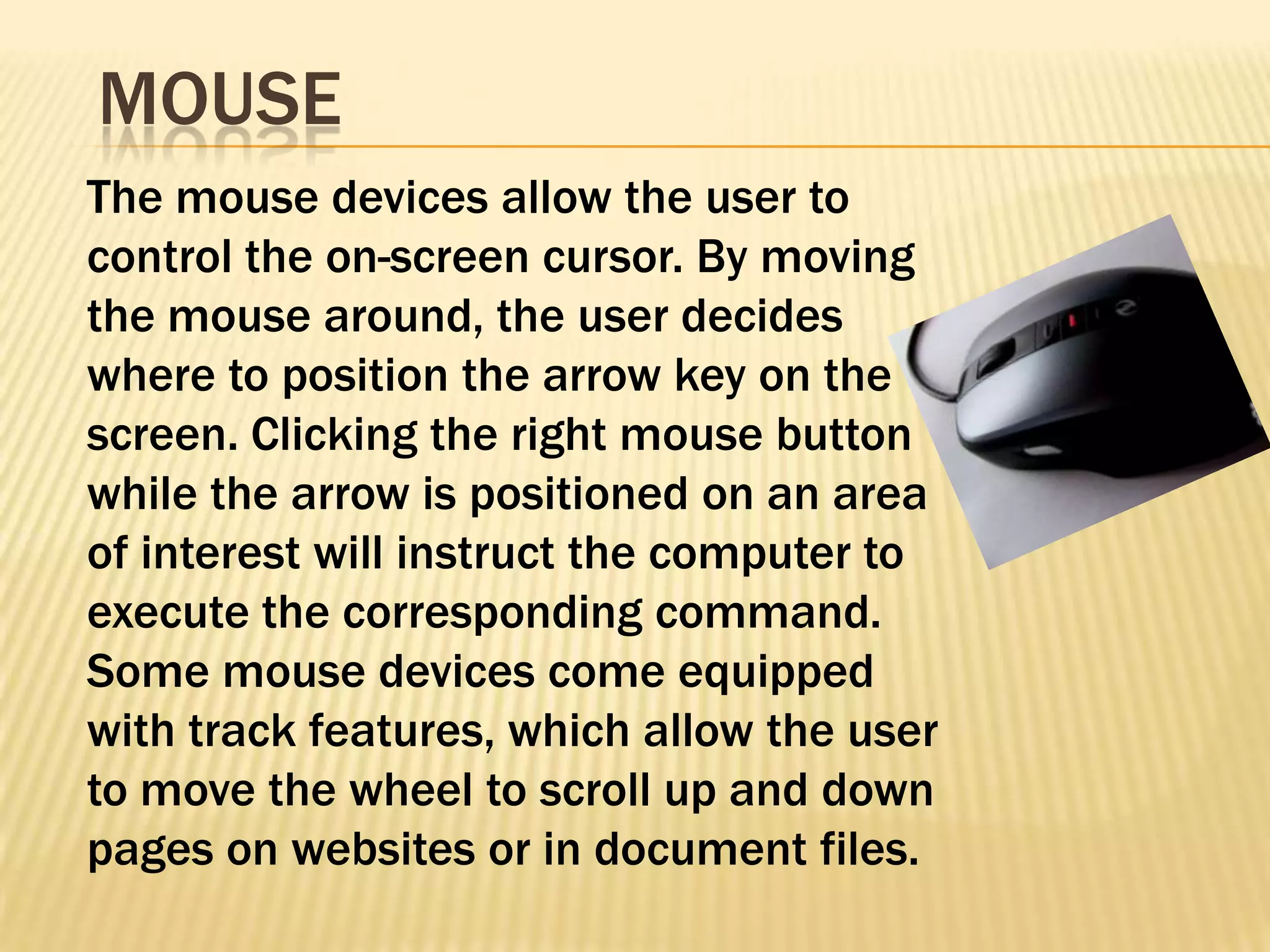
MOUSE
The mouse devices allow the user to
control the on-screen cursor. By moving
the mouse around, the user decides
where to position the arrow key on the
screen. Clicking the right mouse button
while the arrow is positioned on an area
of interest will instruct the computer to
execute the corresponding command.
Some mouse devices come equipped
with track features, which allow the user
to move the wheel to scroll up and down
pages on websites or in document files.
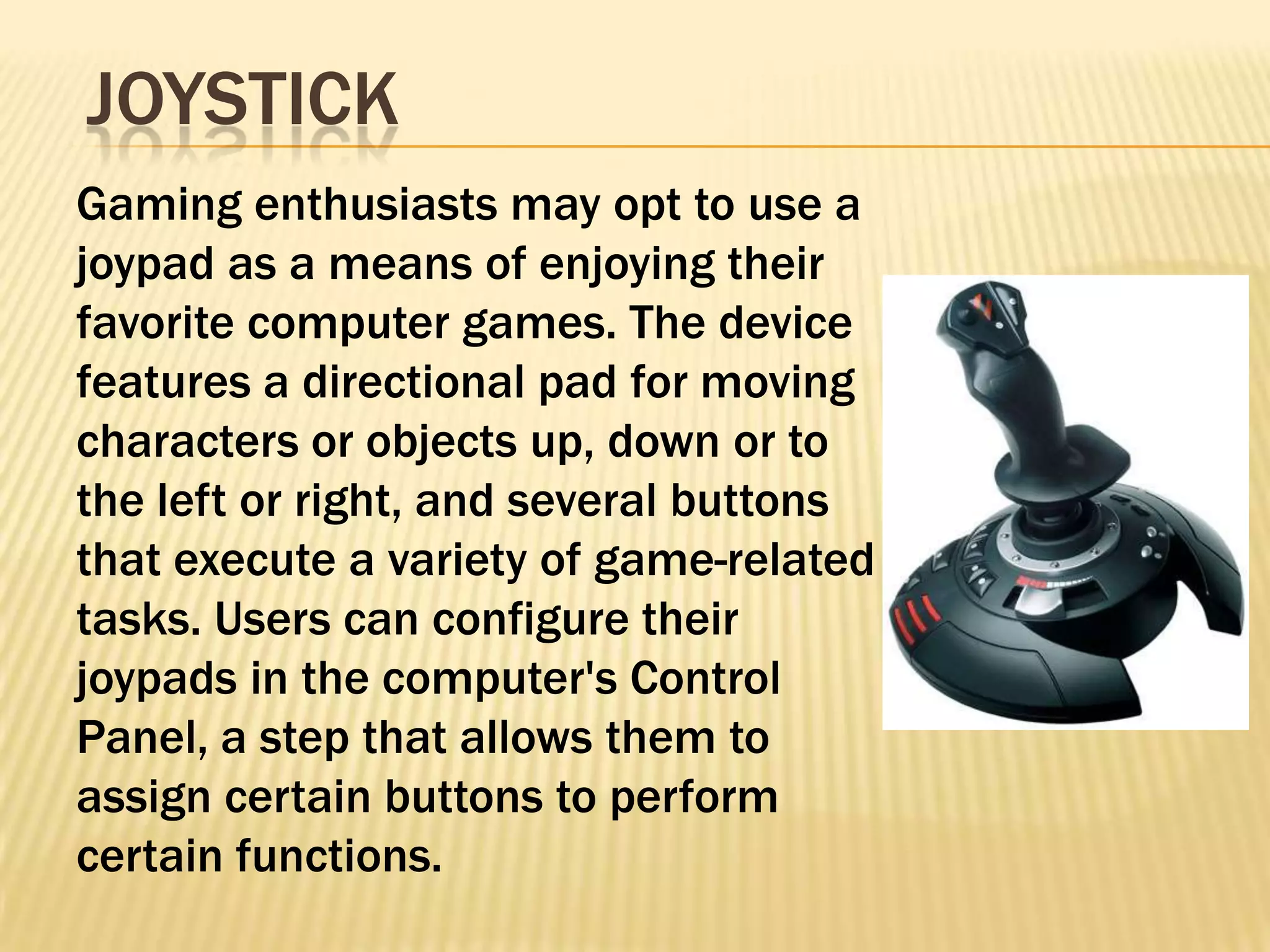
JOYSTICK
Gaming enthusiasts may opt to use a
joypad as a means of enjoying their
favorite computer games. The device
features a directional pad for moving
characters or objects up, down or to
the left or right, and several buttons
that execute a variety of game-related
tasks. Users can configure their
joypads in the computer's Control
Panel, a step that allows them to
assign certain buttons to perform
certain functions.
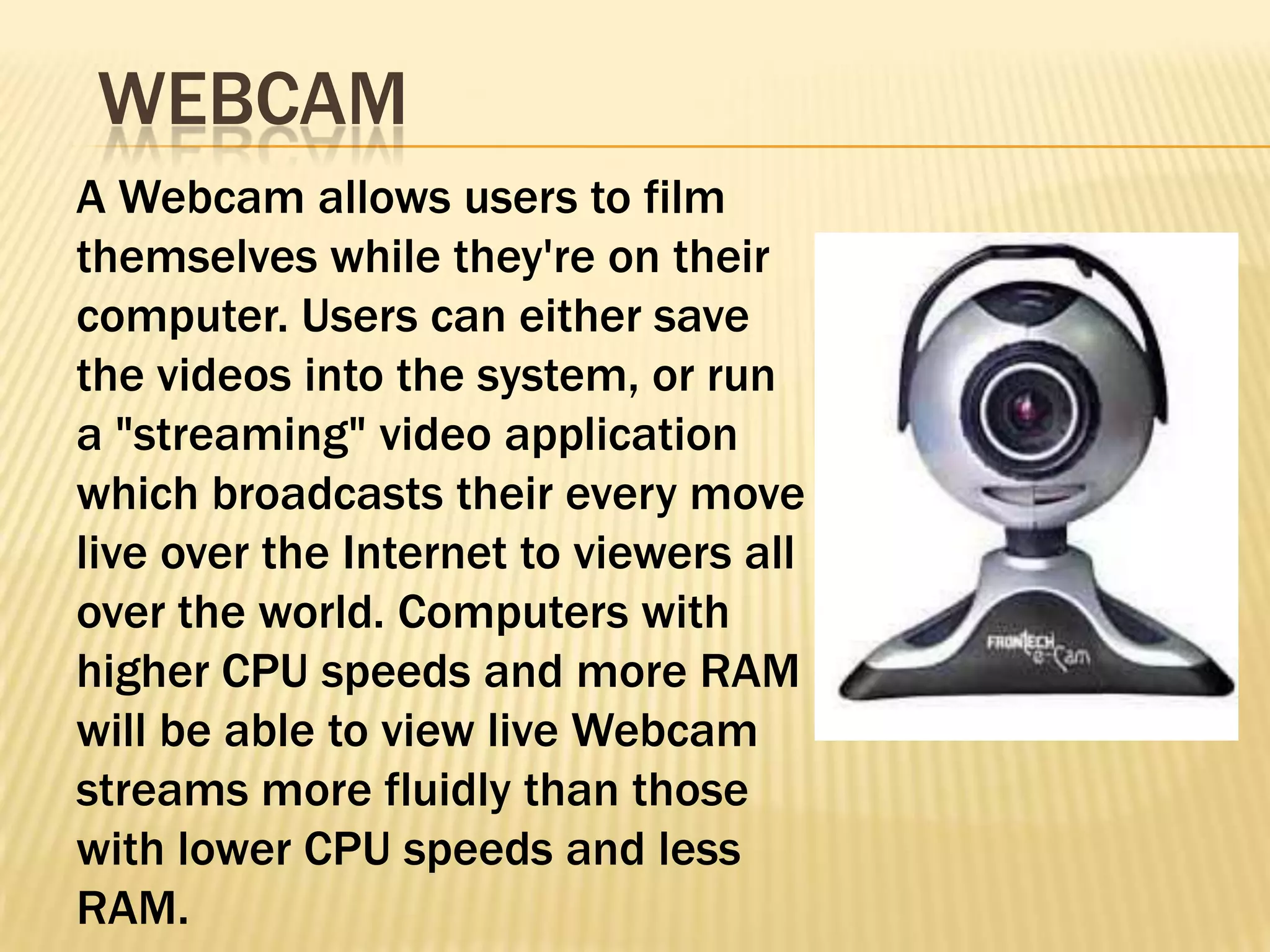
WEBCAM
A Webcam allows users to film
themselves while they're on their
computer. Users can either save
the videos into the system, or run
a "streaming" video application
which broadcasts their every move
live over the Internet to viewers all
over the world. Computers with
higher CPU speeds and more RAM
will be able to view live Webcam
streams more fluidly than those
with lower CPU speeds and less
RAM.
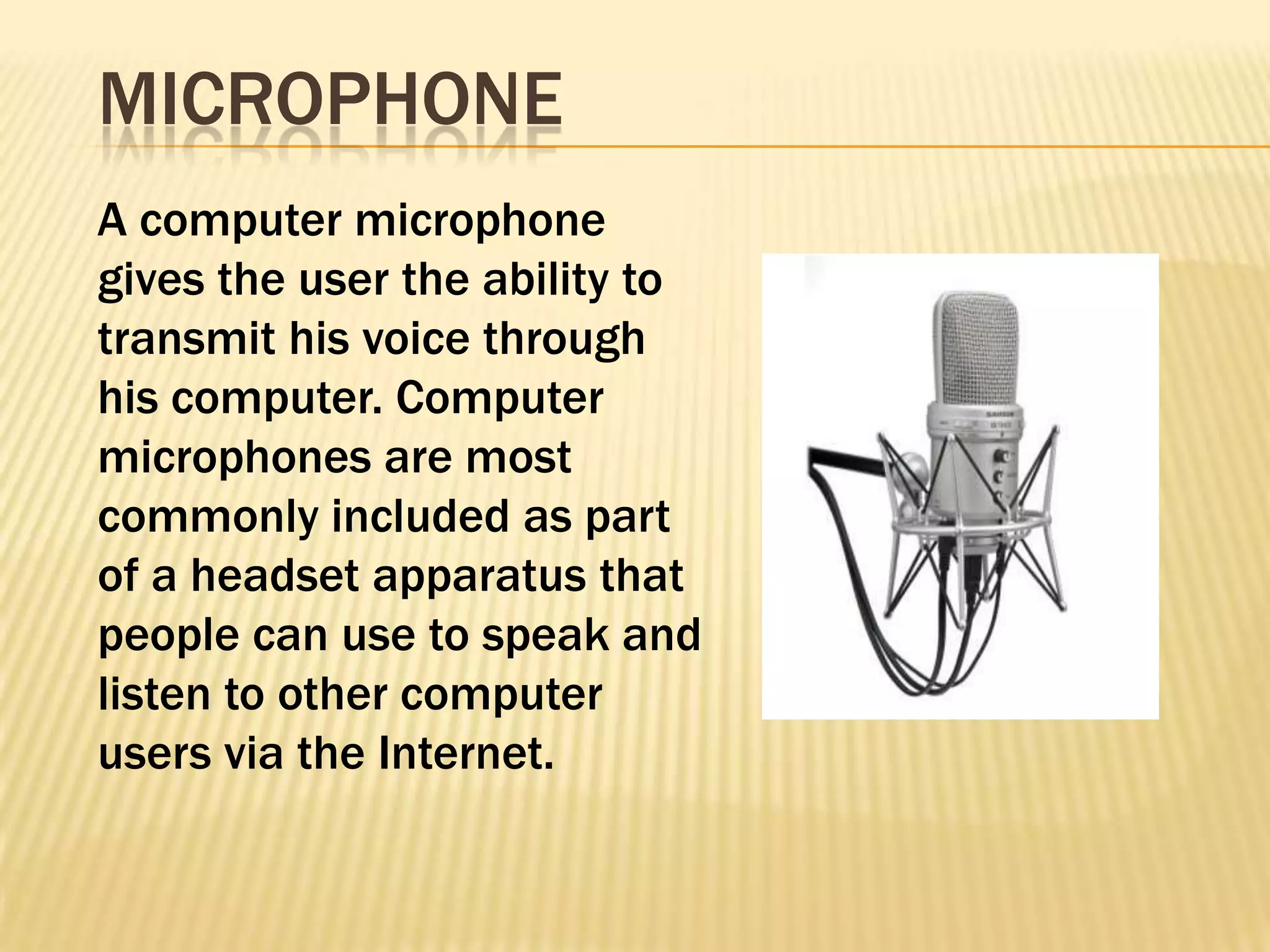
MICROPHONE
A computer microphone
gives the user the ability to
transmit his voice through
his computer. Computer
microphones are most
commonly included as part
of a headset apparatus that
people can use to speak and
listen to other computer
users via the Internet.
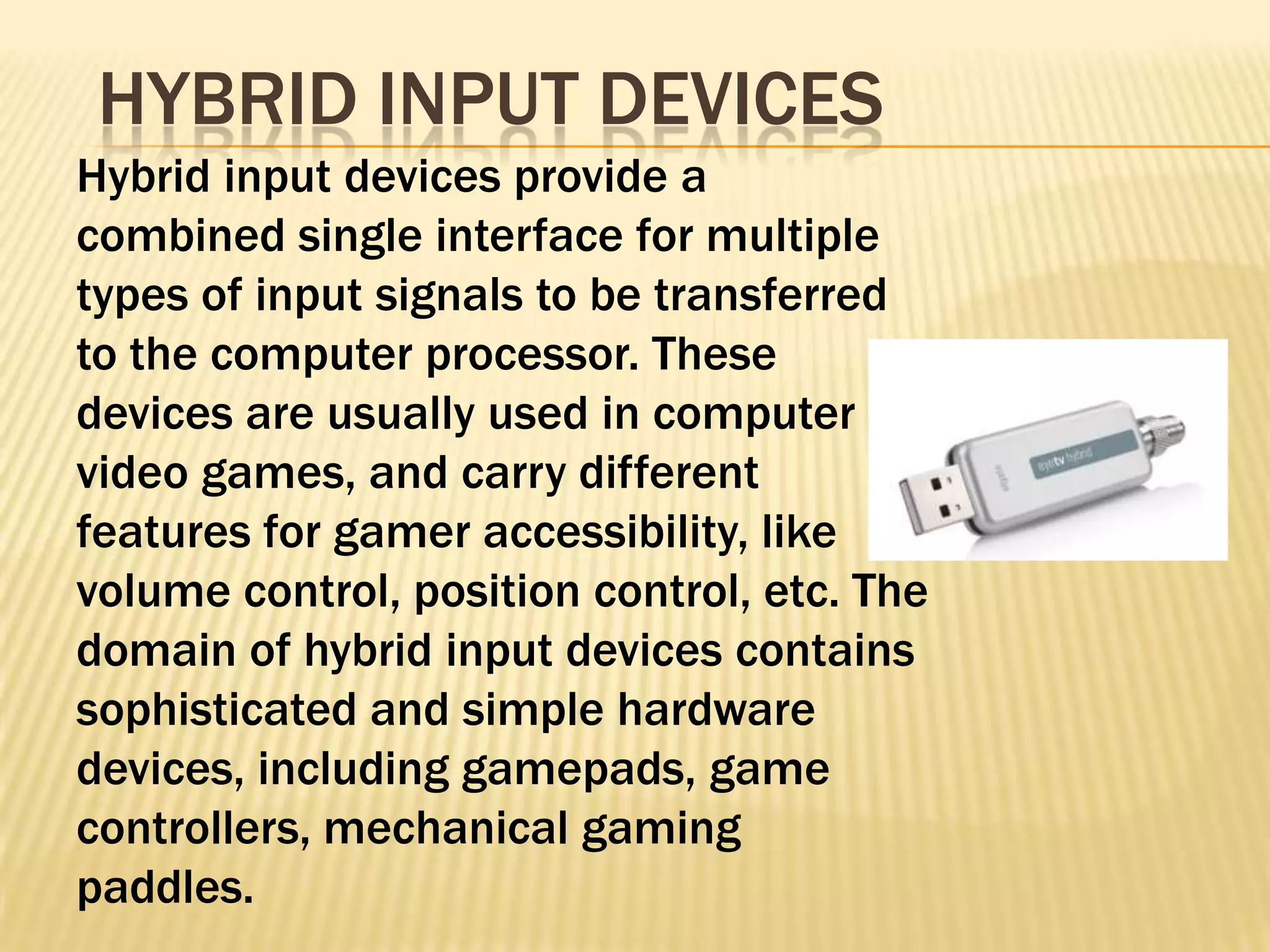
HYBRID INPUT DEVICES
Hybrid input devices provide a
combined single interface for multiple
types of input signals to be transferred
to the computer processor. These
devices are usually used in computer
video games, and carry different
features for gamer accessibility, like
volume control, position control, etc. The
domain of hybrid input devices contains
sophisticated and simple hardware
devices, including gamepads, game
controllers, mechanical gaming
paddles.
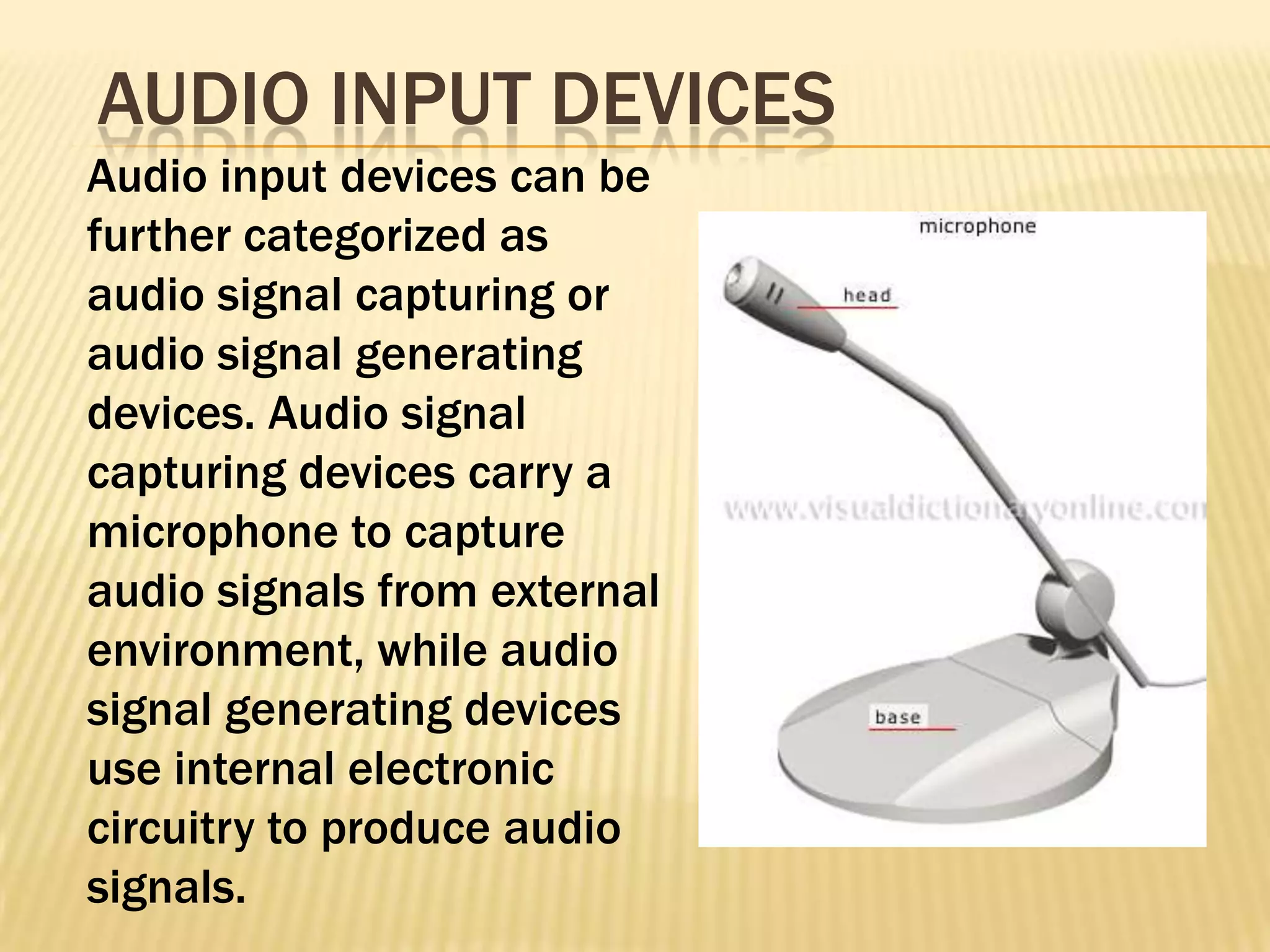
AUDIO INPUT DEVICES
Audio input devices can be
further categorized as
audio signal capturing or
audio signal generating
devices. Audio signal
capturing devices carry a
microphone to capture
audio signals from external
environment, while audio
signal generating devices
use internal electronic
circuitry to produce audio
signals.
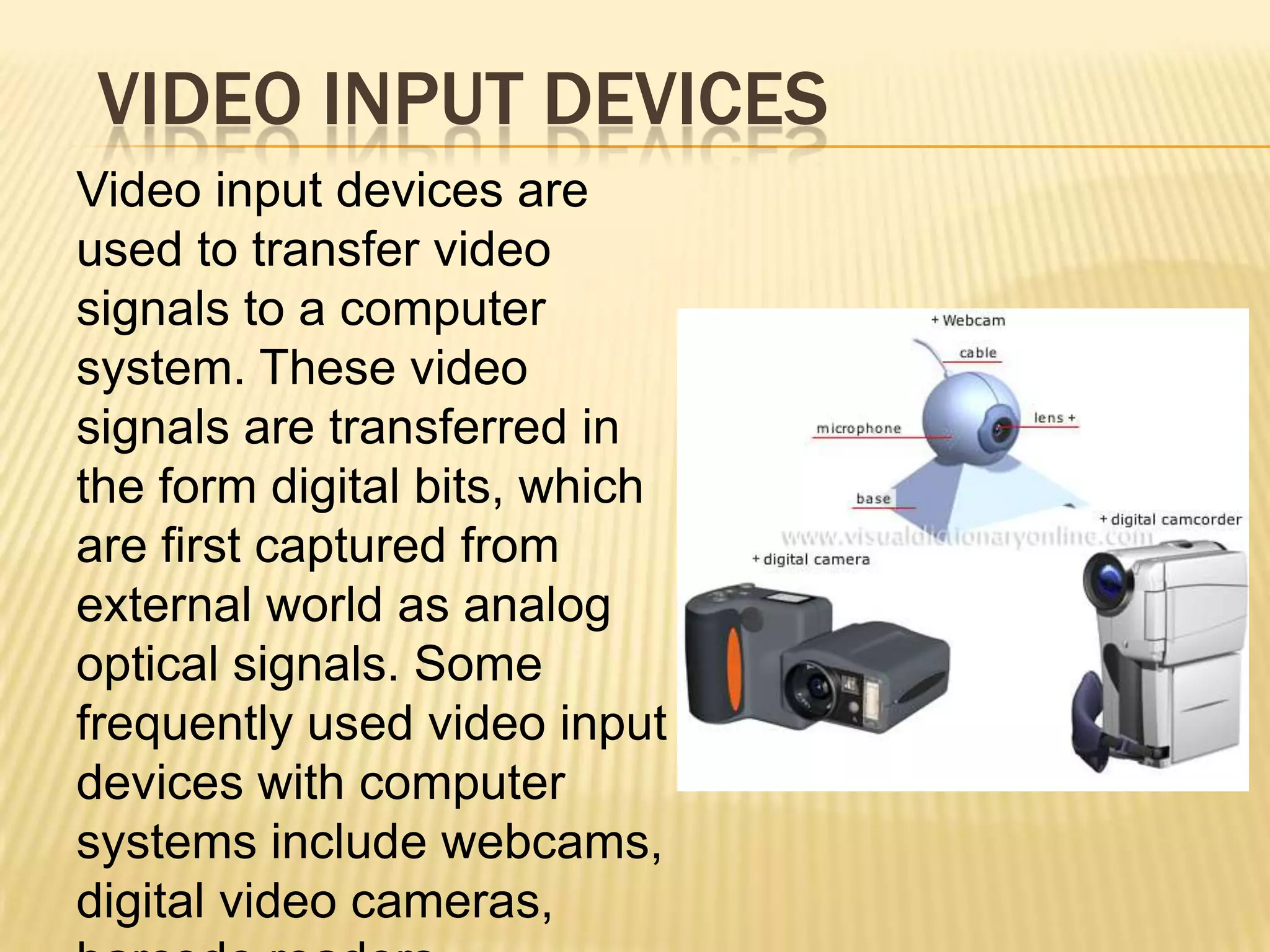
VIDEO INPUT DEVICES
Video input devices are
used to transfer video
signals to a computer
system. These video
signals are transferred in
the form digital bits, which
are first captured from
external world as analog
optical signals. Some
frequently used video input
devices with computer
systems include webcams,
digital video cameras,
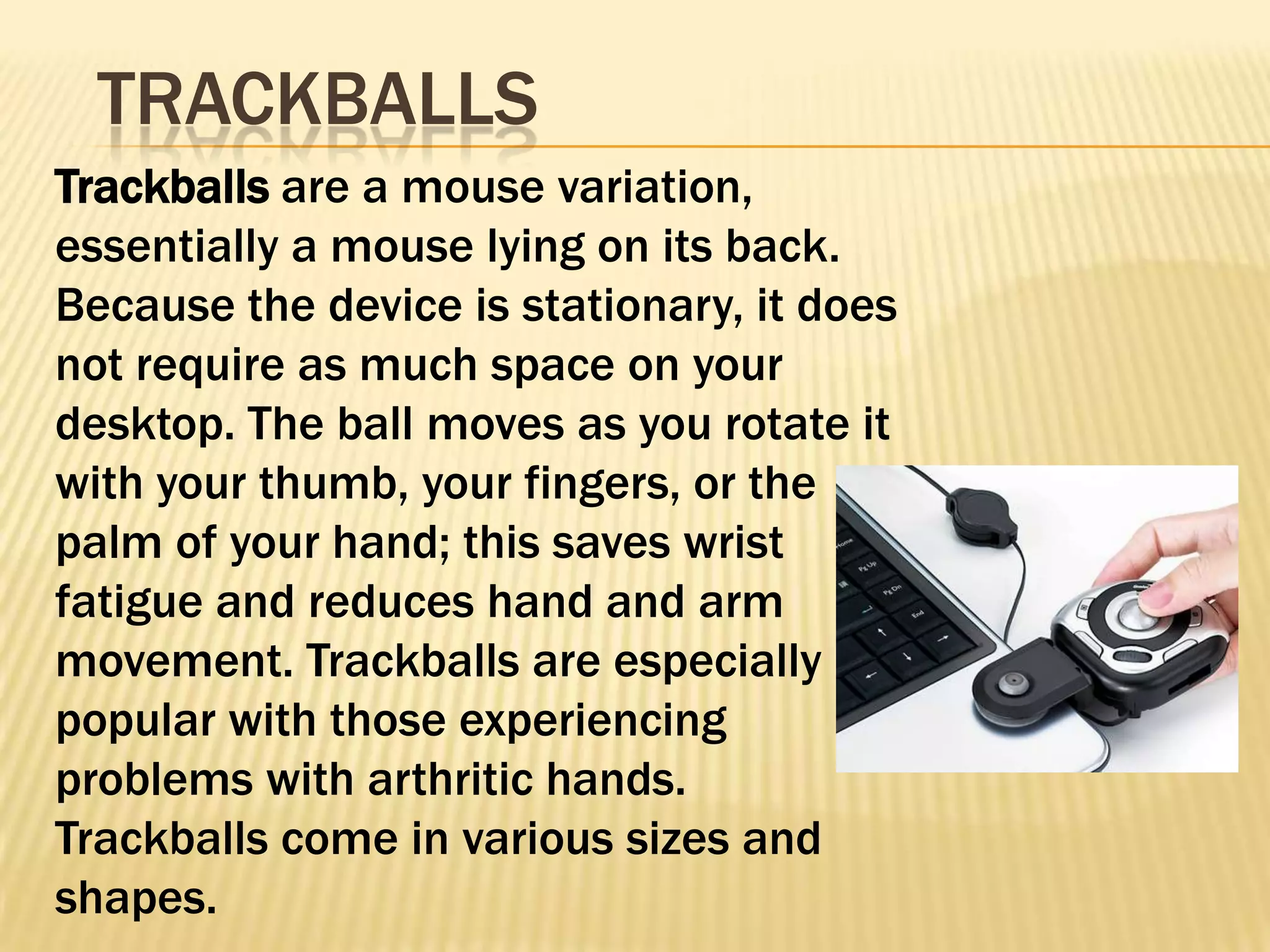
TRACKBALLS
Trackballs are a mouse variation,
essentially a mouse lying on its back.
Because the device is stationary, it does
not require as much space on your
desktop. The ball moves as you rotate it
with your thumb, your fingers, or the
palm of your hand; this saves wrist
fatigue and reduces hand and arm
movement. Trackballs are especially
popular with those experiencing
problems with arthritic hands.
Trackballs come in various sizes and
shapes.
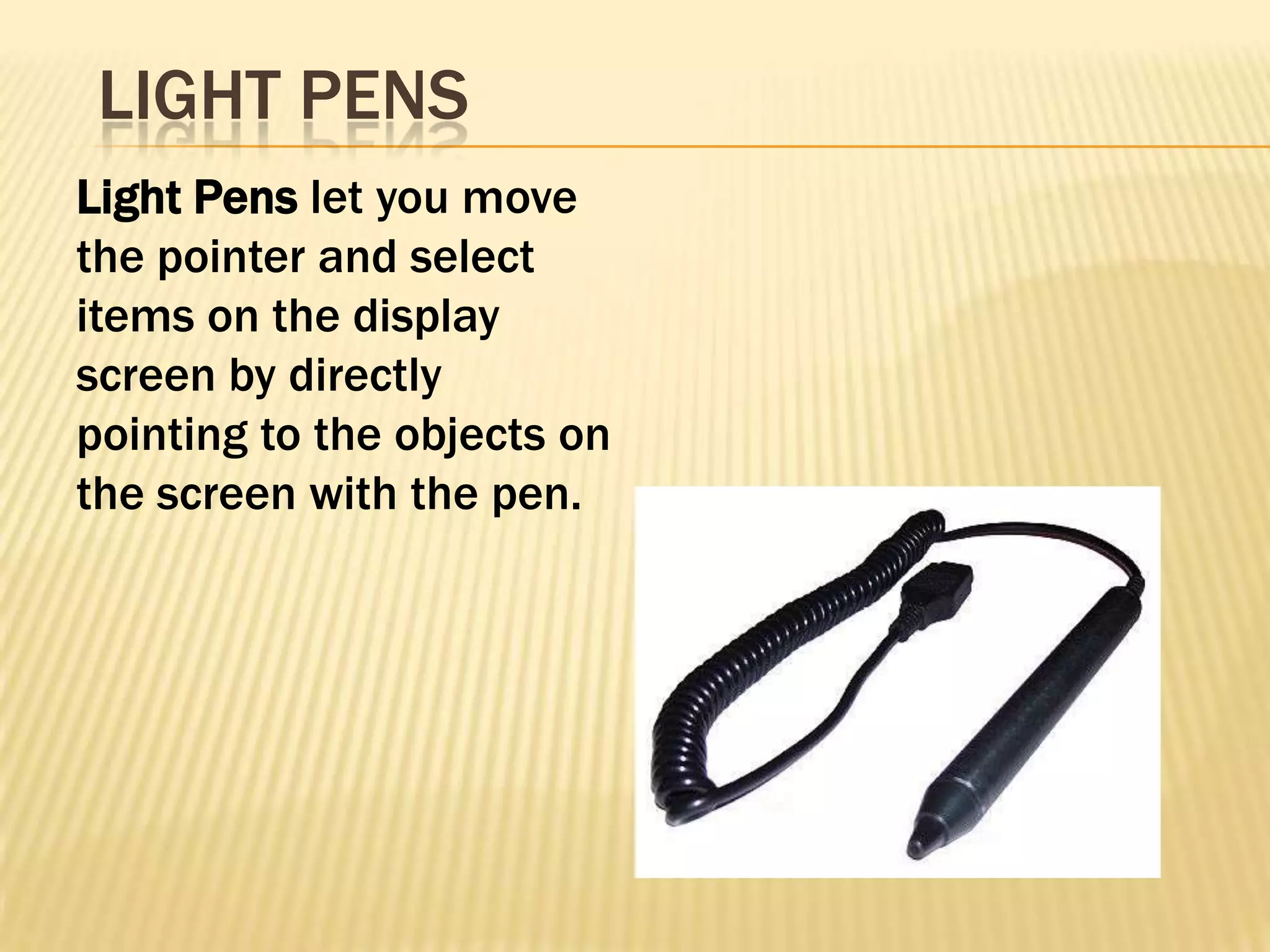
LIGHT PENS
Light Pens let you move
the pointer and select
items on the display
screen by directly
pointing to the objects on
the screen with the pen.
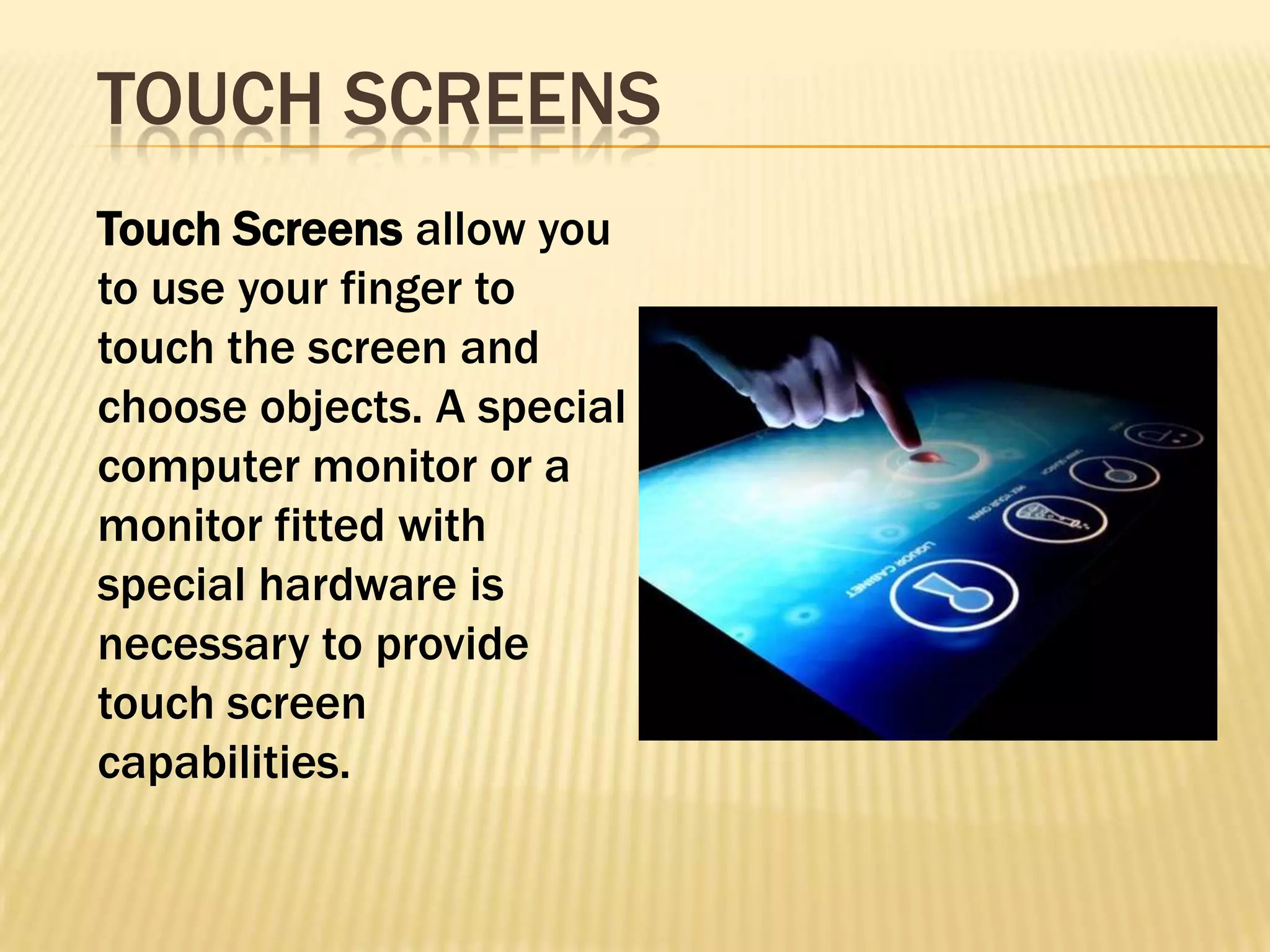
TOUCH SCREENS
Touch Screens allow you
to use your finger to
touch the screen and
choose objects. A special
computer monitor or a
monitor fitted with
special hardware is
necessary to provide
touch screen
capabilities.

Input devices showing their features

  • 1.
  • 2.
    KEYBOARD The computer keyboard'sprimary function is to allow the user to input commands that instruct the computer on what to do. The user may input a series of numbers, letters and symbols using the keyboard. More modern devices carry extra buttons that provide the user with features like volume control, instant email access and tools to control the computer's media player.
  • 3.
    MOUSE The mouse devicesallow the user to control the on-screen cursor. By moving the mouse around, the user decides where to position the arrow key on the screen. Clicking the right mouse button while the arrow is positioned on an area of interest will instruct the computer to execute the corresponding command. Some mouse devices come equipped with track features, which allow the user to move the wheel to scroll up and down pages on websites or in document files.
  • 4.
    JOYSTICK Gaming enthusiasts mayopt to use a joypad as a means of enjoying their favorite computer games. The device features a directional pad for moving characters or objects up, down or to the left or right, and several buttons that execute a variety of game-related tasks. Users can configure their joypads in the computer's Control Panel, a step that allows them to assign certain buttons to perform certain functions.
  • 5.
    WEBCAM A Webcam allowsusers to film themselves while they're on their computer. Users can either save the videos into the system, or run a "streaming" video application which broadcasts their every move live over the Internet to viewers all over the world. Computers with higher CPU speeds and more RAM will be able to view live Webcam streams more fluidly than those with lower CPU speeds and less RAM.
  • 6.
    MICROPHONE A computer microphone givesthe user the ability to transmit his voice through his computer. Computer microphones are most commonly included as part of a headset apparatus that people can use to speak and listen to other computer users via the Internet.
  • 7.
    HYBRID INPUT DEVICES Hybridinput devices provide a combined single interface for multiple types of input signals to be transferred to the computer processor. These devices are usually used in computer video games, and carry different features for gamer accessibility, like volume control, position control, etc. The domain of hybrid input devices contains sophisticated and simple hardware devices, including gamepads, game controllers, mechanical gaming paddles.
  • 8.
    AUDIO INPUT DEVICES Audioinput devices can be further categorized as audio signal capturing or audio signal generating devices. Audio signal capturing devices carry a microphone to capture audio signals from external environment, while audio signal generating devices use internal electronic circuitry to produce audio signals.
  • 9.
    VIDEO INPUT DEVICES Videoinput devices are used to transfer video signals to a computer system. These video signals are transferred in the form digital bits, which are first captured from external world as analog optical signals. Some frequently used video input devices with computer systems include webcams, digital video cameras,
  • 10.
    TRACKBALLS Trackballs are amouse variation, essentially a mouse lying on its back. Because the device is stationary, it does not require as much space on your desktop. The ball moves as you rotate it with your thumb, your fingers, or the palm of your hand; this saves wrist fatigue and reduces hand and arm movement. Trackballs are especially popular with those experiencing problems with arthritic hands. Trackballs come in various sizes and shapes.
  • 11.
    LIGHT PENS Light Penslet you move the pointer and select items on the display screen by directly pointing to the objects on the screen with the pen.
  • 12.
    TOUCH SCREENS Touch Screensallow you to use your finger to touch the screen and choose objects. A special computer monitor or a monitor fitted with special hardware is necessary to provide touch screen capabilities.