Web Design

Loading...

Flash Player 9 (or above) is needed to view presentations.
We have detected that you do not have it on your computer. To install it, go here.

0 comments

Post a comment

    Post a comment
    Embed Video
    Edit your comment Cancel

    Favorites, Groups & Events

    Web Design - Presentation Transcript

    1. You Define
      • Learning
      • Information
      • Instruction
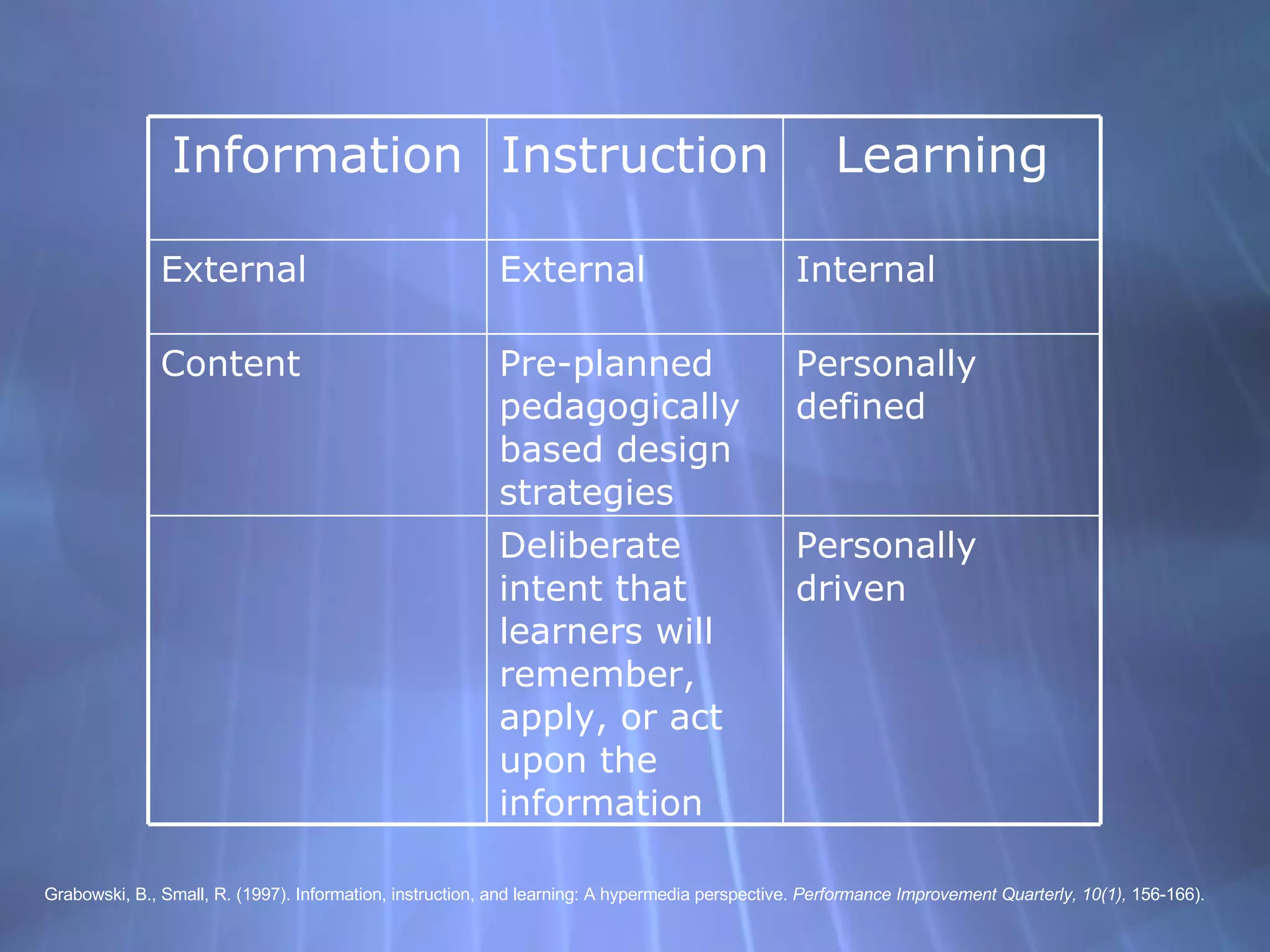
    2. Grabowski, B., Small, R. (1997). Information, instruction, and learning: A hypermedia perspective. Performance Improvement Quarterly, 10(1), 156-166). Personally driven Deliberate intent that learners will remember, apply, or act upon the information Personally defined Pre-planned pedagogically based design strategies Content Internal External External Learning Instruction Information
    3. Hypermedia
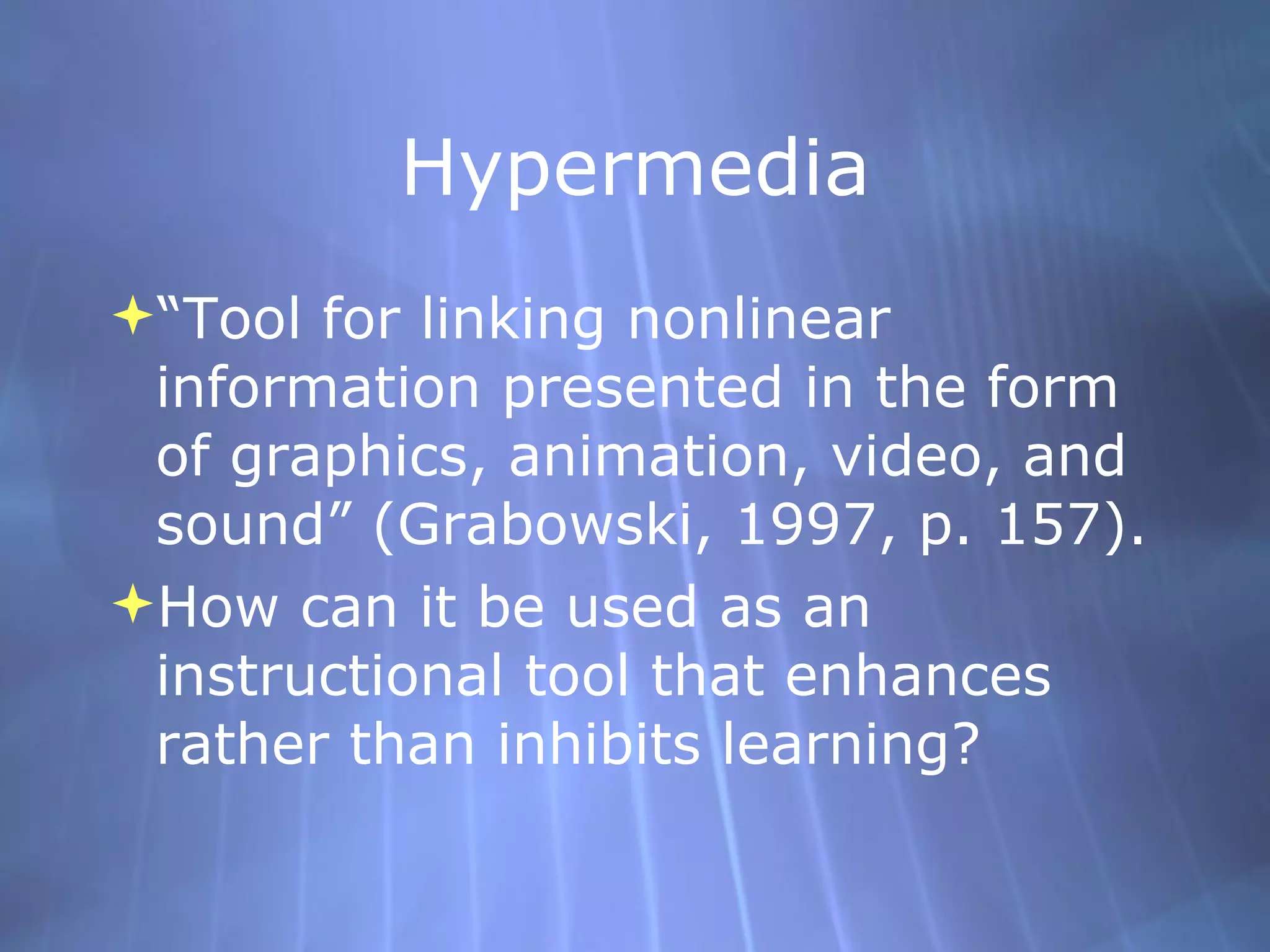
      • “Tool for linking nonlinear information presented in the form of graphics, animation, video, and sound” (Grabowski, 1997, p. 157).
      • How can it be used as an instructional tool that enhances rather than inhibits learning?
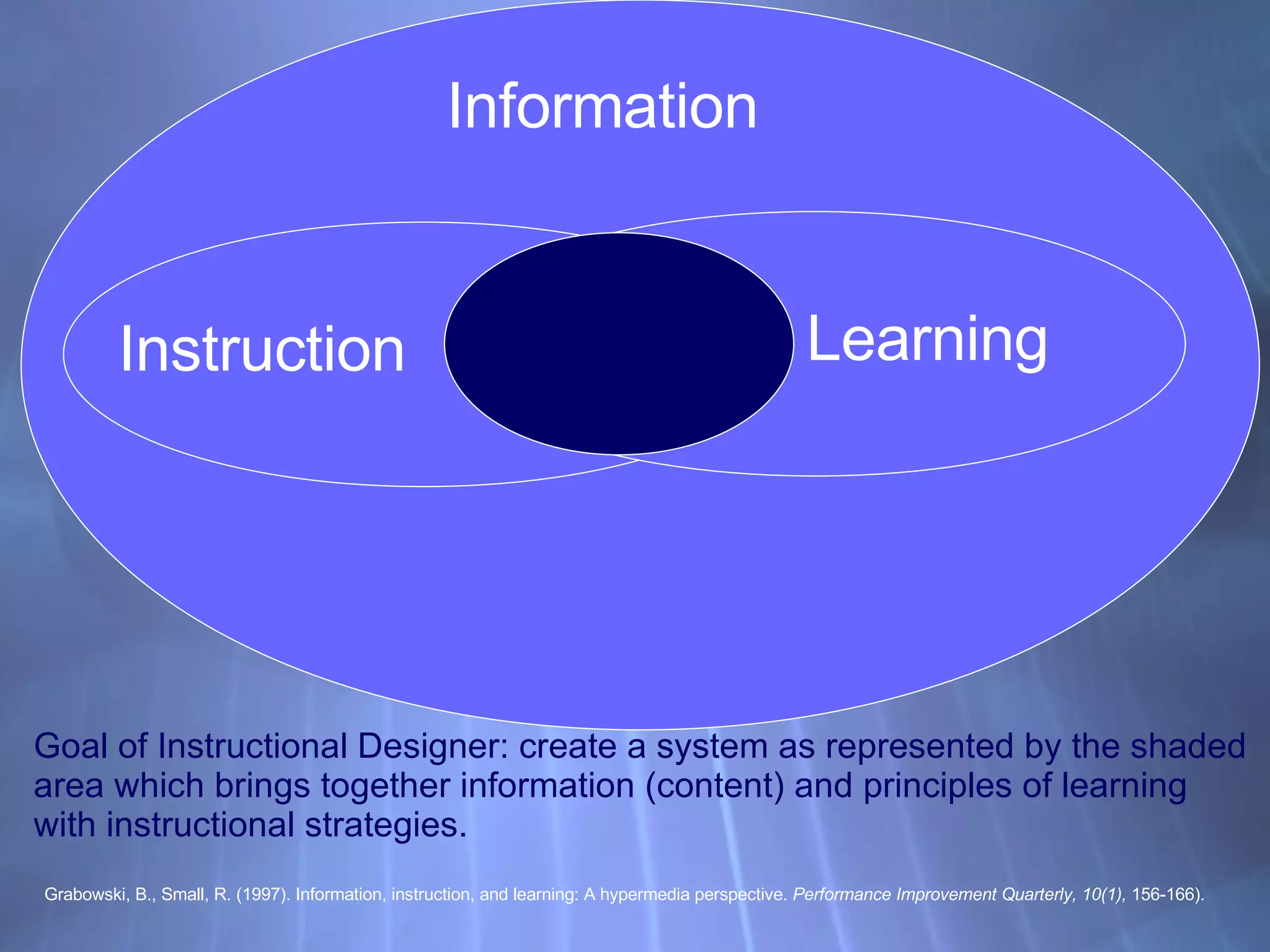
    4. Goal of Instructional Designer: create a system as represented by the shaded area which brings together information (content) and principles of learning with instructional strategies. Grabowski, B., Small, R. (1997). Information, instruction, and learning: A hypermedia perspective. Performance Improvement Quarterly, 10(1), 156-166). Information Instruction Learning
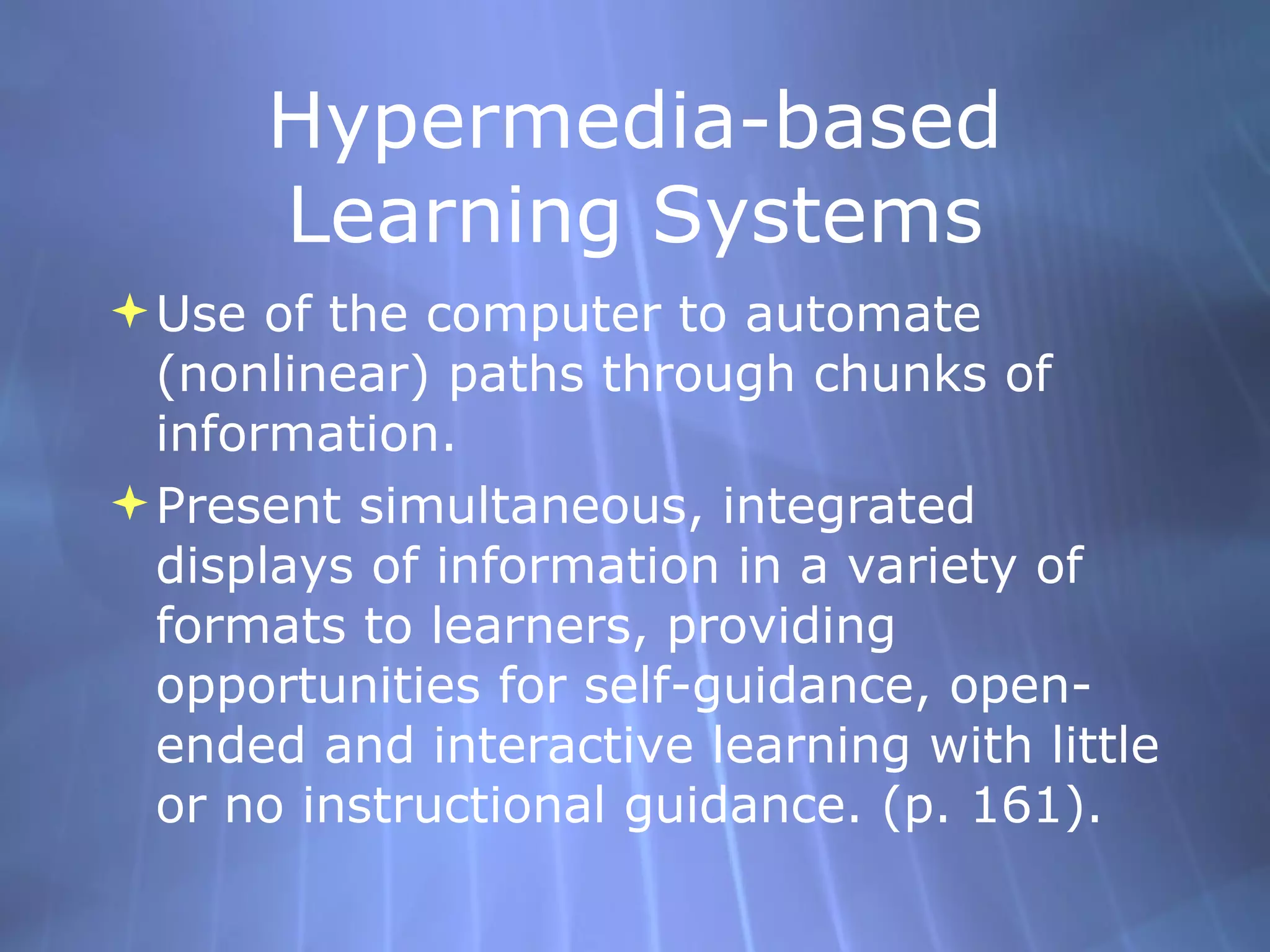
    5. Hypermedia-based Learning Systems
      • Use of the computer to automate (nonlinear) paths through chunks of information.
      • Present simultaneous, integrated displays of information in a variety of formats to learners, providing opportunities for self-guidance, open-ended and interactive learning with little or no instructional guidance. (p. 161).
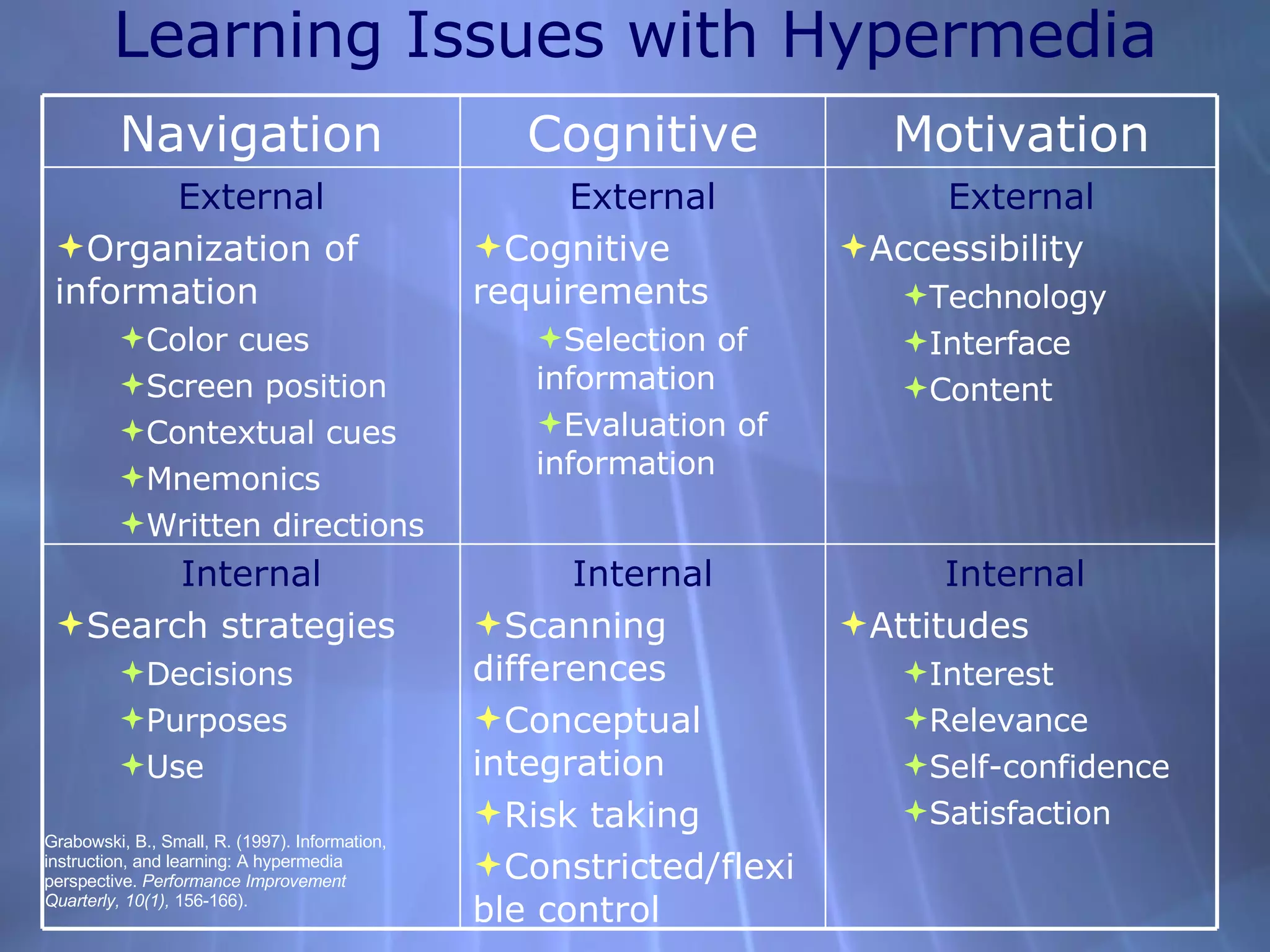
    6. Learning Issues with Hypermedia Grabowski, B., Small, R. (1997). Information, instruction, and learning: A hypermedia perspective. Performance Improvement Quarterly, 10(1), 156-166).
      • Internal
      • Attitudes
        • Interest
        • Relevance
        • Self-confidence
        • Satisfaction
      • Internal
      • Scanning differences
      • Conceptual integration
      • Risk taking
      • Constricted/flexible control
      • Internal
      • Search strategies
        • Decisions
        • Purposes
        • Use
      • External
      • Accessibility
        • Technology
        • Interface
        • Content
      • External
      • Cognitive requirements
        • Selection of information
        • Evaluation of information
      • External
      • Organization of information
        • Color cues
        • Screen position
        • Contextual cues
        • Mnemonics
        • Written directions
      Motivation Cognitive Navigation
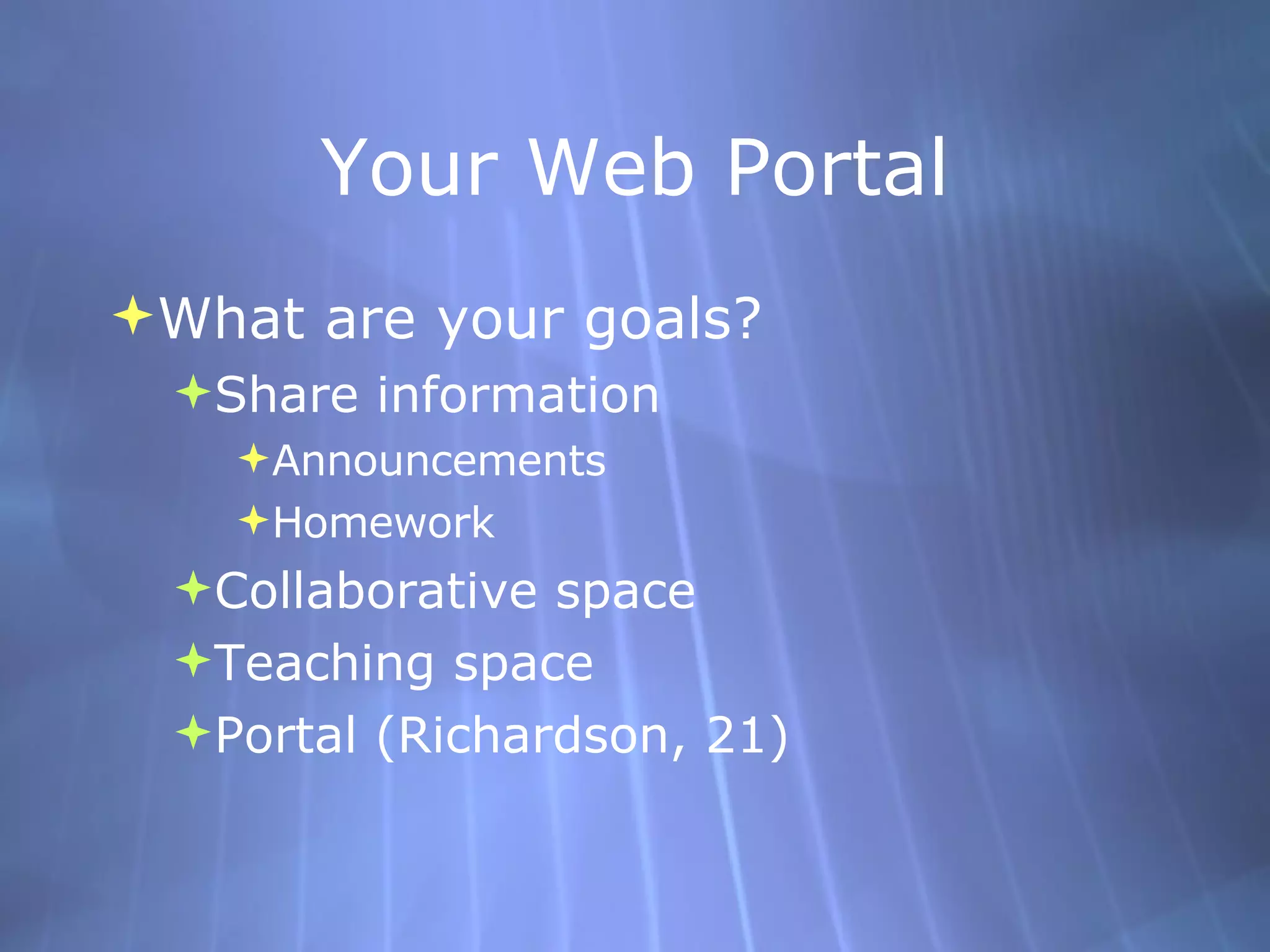
    7. Your Web Portal
      • What are your goals?
        • Share information
          • Announcements
          • Homework
        • Collaborative space
        • Teaching space
        • Portal (Richardson, 21)
    8. Design
      • Turn to your neighbor/group and list features that you think are important to your web portal design
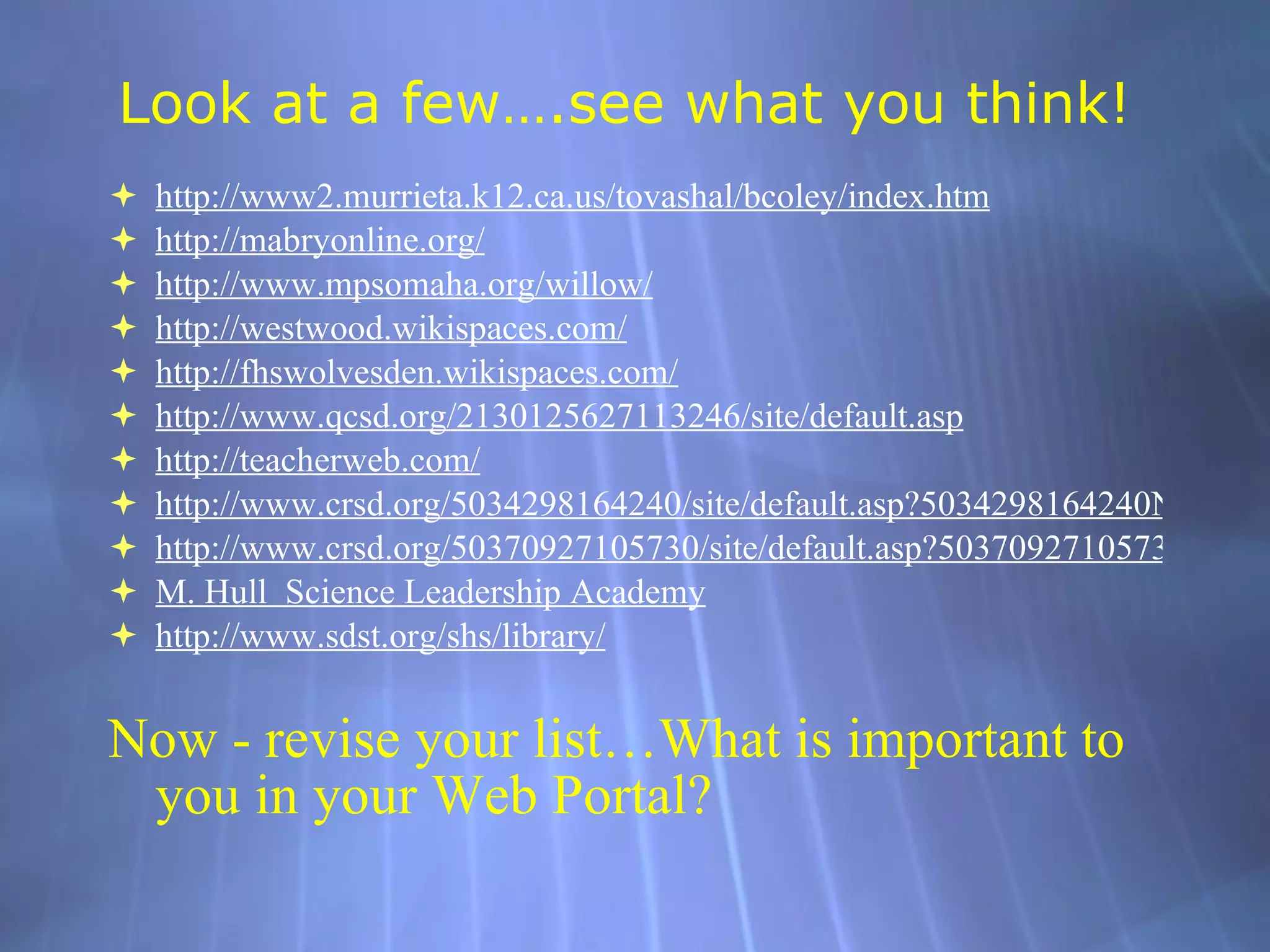
    9. Look at a few….see what you think!
      • http://www2. murrieta .k12.ca. us/tovashal/bcoley/index .htm
      • http: //mabryonline .org/
      • http://www. mpsomaha .org/willow/
      • http: //westwood . wikispaces .com/
      • http: //fhswolvesden . wikispaces .com/
      • http://www.qcsd.org/2130125627113246/site/default.asp
      • http: //teacherweb .com/
      • http://www.crsd.org/5034298164240/site/default.asp?5034298164240Nav=%7C&NodeID=166
      • http://www.crsd.org/50370927105730/site/default.asp?50370927105730Nav=%7C&NodeID=347
      • M. Hull Science Leadership Academy
      • http://www. sdst .org/shs/library/
      • Now - revise your list…What is important to you in your Web Portal?
    10. The Tools
      • District mandated software
      • Free web page publishing sites:
        • www.weebly.com
      • Blog
        • http://www.speedofcreativity.org/
      • Wiki
        • http: //coolcatteacher . wikispaces .com/
        • http://westwood.wikispaces.com/
        • http://teachdigital.pbwiki.com/
      • Word
      • PPT
      • Other ideas???
    11. Design - Colors
      • Limit yourself to three colors .
      • Use one color for background.
      • Use one color for text.
      • Use one color for title and highlighting.
      • Use dark background and light text for screen presentations.
      • Cool colors are best for backgrounds. (Blue)
      • Warm colors are best for highlights. (Yellow)
      • Use the same colors throughout the web page (almost like a template so viewers immediately know it “belongs” together within your page).
      • Don’t use green and red together – they are hard to read.
    12. Design - Font
      • The font should be large enough.
      • Avoid fancy fonts (Gothic, Old English)
            • リ  They are hard to read.
            • リ  Not all computers have the same “fancy fonts”.
      • Don’t mix fonts; use no more than two fonts.
      • Check the font size as it will be used – on a TV screen, computer screen, pull down screen.
      • Don’t overuse uppercase letters; use them for headings, titles, and emphasis.
    13. Design - Graphics
      • Choosing Graphics (read the copyright disclaimers on the sites first!)
          • Be sure they enhance your site and match the content. Too many graphics can distract the audience.
          • http://school. discoveryeducation . com/schrockguide/yp/iypabout .html (scroll to the bottom)
          • http://school. discoveryeducation .com/clipart/
          • http://www. sdst . org/shs/library/cfimages .html (joyce valenza’s site - a great one!)
          • http: //teacherlibrarianwiki . pbwiki .com/Copyright+Friendly+Image+Sources
    14. Great “Design” Resources
      • In addition, here are 2 links to excellent sites that provide both good and bad tips for designing a website (short and sweet!):
        • http://www. ratz . com/featuresgood .html
        • http://www. ratz . com/featuresbad .html
      • Web 2.0 style web page design:
        • http: //webdesignfromscratch .com/web-2.0-design-style-guide. cfm
    15. 2 Things…
      • Begin working on your Web Portal
      • After you have “something to share” (we all know this is a work in progress!),
        • Complete the reflection in our Class Ning !

    + mkm420fritzmkm420fritz, 2 years ago

    custom

    225 views, 0 favs, 4 embeds more stats

    More info about this document

    © All Rights Reserved

    Go to text version

    • Total Views 225
      • 194 on SlideShare
      • 31 from embeds
    • Comments 0
    • Favorites 0
    • Downloads 4
    Most viewed embeds
    • 28 views on http://mokmfritzblog.blogspot.com
    • 1 views on http://www.mokmfritzblog.blogspot.com
    • 1 views on http://psgvleadingchange.wikispaces.com
    • 1 views on http://www.videocrawler.com

    more

    All embeds
    • 28 views on http://mokmfritzblog.blogspot.com
    • 1 views on http://www.mokmfritzblog.blogspot.com
    • 1 views on http://psgvleadingchange.wikispaces.com
    • 1 views on http://www.videocrawler.com

    less

    Flagged as inappropriate Flag as inappropriate
    Flag as inappropriate

    Select your reason for flagging this presentation as inappropriate. If needed, use the feedback form to let us know more details.

    Cancel
    File a copyright complaint
    Having problems? Go to our helpdesk?

    Categories