Blogging & Twitter

Loading...

Flash Player 9 (or above) is needed to view presentations.
We have detected that you do not have it on your computer. To install it, go here.

2 comments

Comments 1 - 2 of 2 previous next Post a comment

  • + eventmedia Ken McGuire 5 months ago
    It is very much indeed for beginners and worked quite well. For those checking out the presentation, some of the slides are geared towards use in a library environment (both from a blogg and Twitter perspective)
  • + jasonlam jasonlam 5 months ago
    A presentation well done for 'baby boomers'...
Post a comment
Embed Video
Edit your comment Cancel

3 Favorites

Blogging & Twitter - Presentation Transcript

  1. Blogging, Twitter & Other Stories (For beginners!) Ken McGuire for Event Media [email_address]
  2. Introduction
    • Ken McGuire
    • Blogging since 2004
    • Podcasting since 2006
    • Twitter since Feb 2007
  3. Agenda
    • Blogging Background – What, Why, How?
    • Setting up Your First Blog
    • Blog Writing Hints and Tips
    • Promoting Your Blog
    • Twitter
  4. Goals For Today
    • Learn about blogs – what they are, how they work
    • Discover how to set up a blog, for free
    • Making your first post - easy
    • Free ways to promote your blog
    • Getting yourself started on Twitter
  5. All About Blogs
  6. What Is A Blog?
    • A blog is...
      • Short for 'Web Log'
      • Collection of blog 'posts' / news items, stories published in a dated order
      • Pretty much like a journal
      • Versatile – can be about anything
  7. What Is A Blog?
    • A blog is...
      • Like a website, but for non-techies
      • Easy to create and update
      • Very interactive (comments, conversation)
      • Embed all the cool stuff (photos, videos, podcasts)
  8.  
  9.  
  10.  
  11. Blog, Blogger, Blogging
    • Blog: A web log
    • Blogger: Someone who maintains a blog
    • Blogging: The process of creating and maintaining a blog
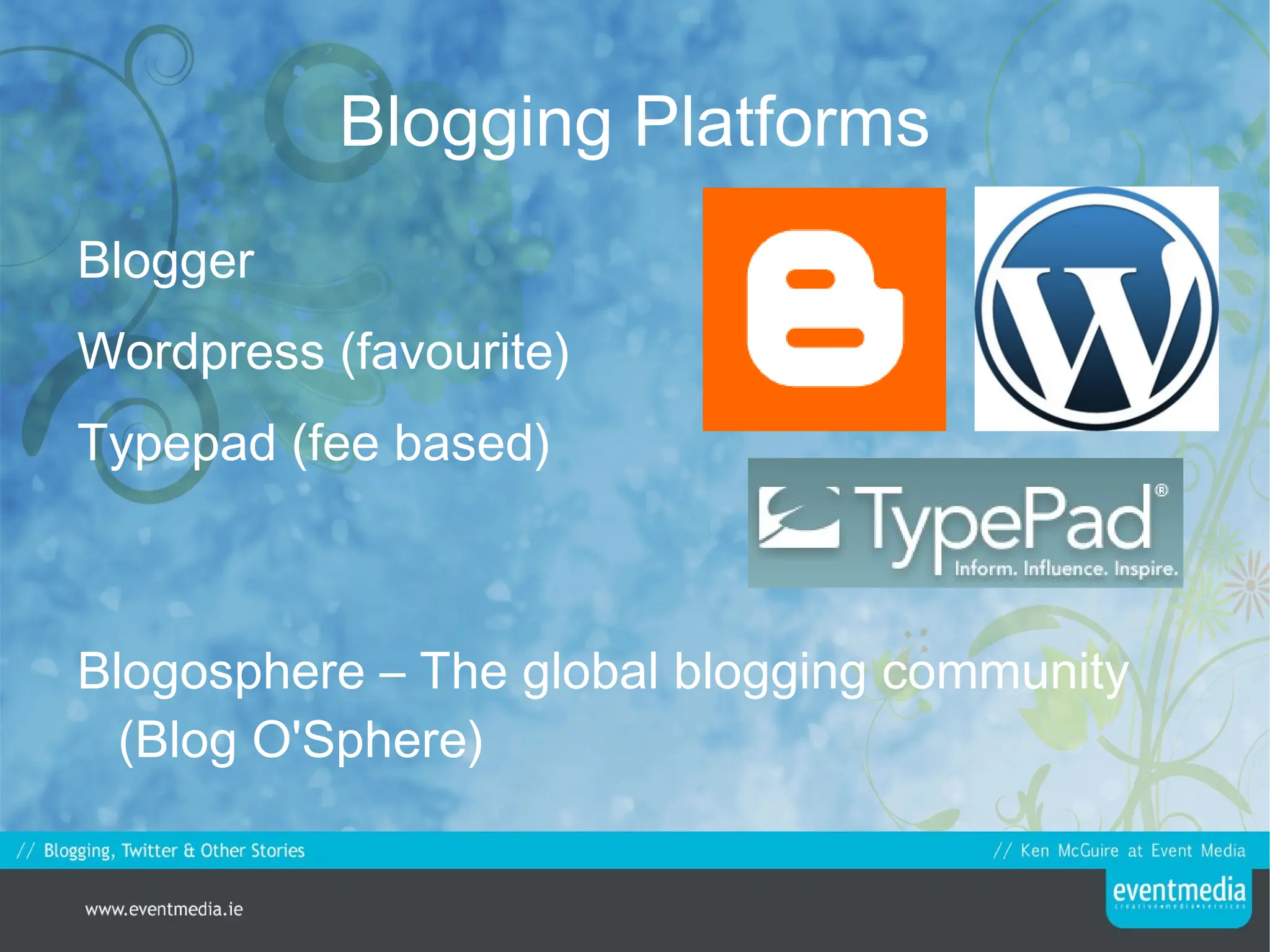
  12. Blogging Platforms
    • Blogger
    • Wordpress (favourite)
    • Typepad (fee based)
    • Blogosphere – The global blogging community (Blog O'Sphere)
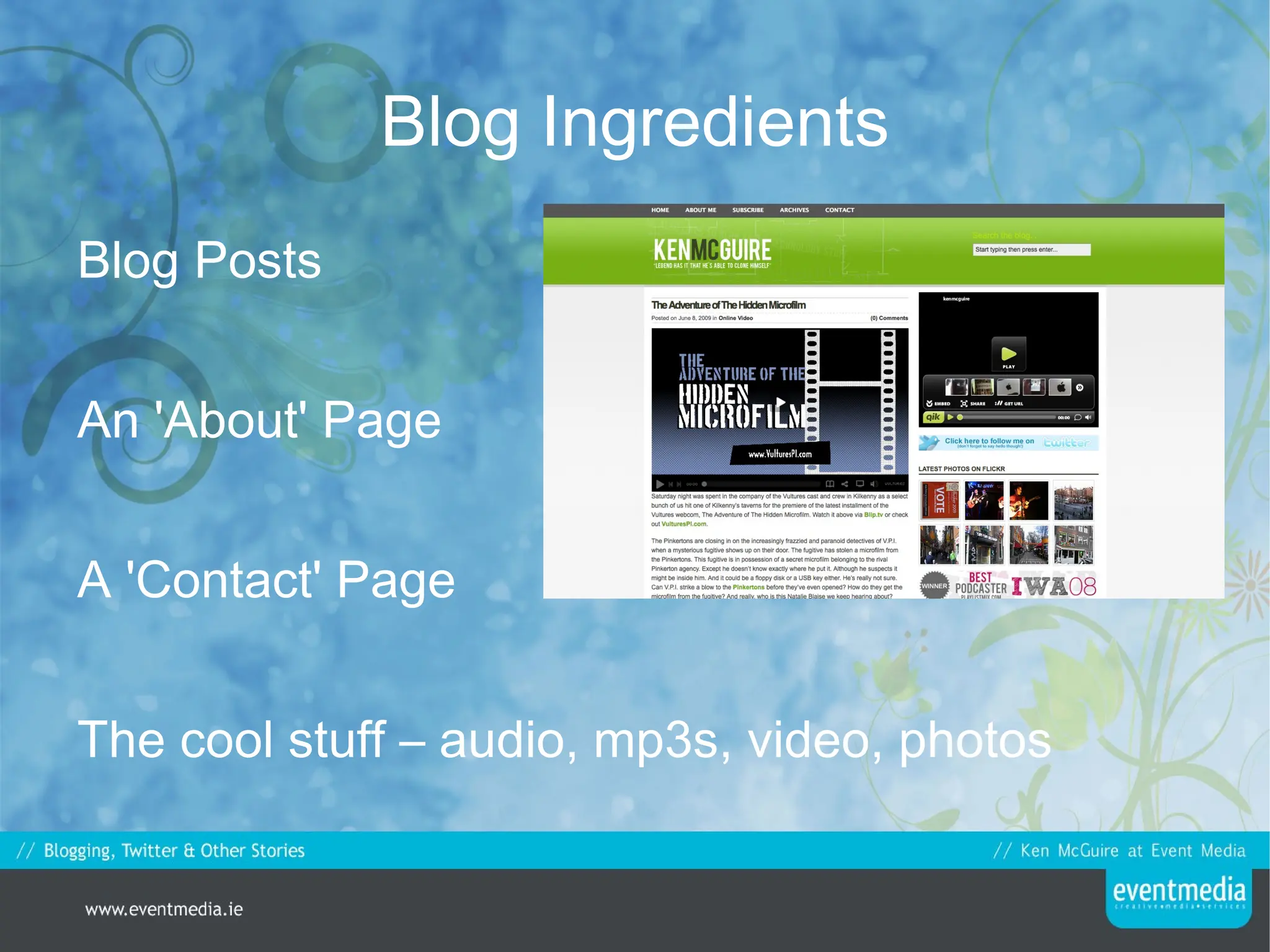
  13. Blog Ingredients
    • Blog Posts
    • An 'About' Page
    • A 'Contact' Page
    • The cool stuff – audio, mp3s, video, photos
  14. What Can A Blog Do For You?
    • Connect you with fellow librarians, authors, writers
    • Showcase your own works, thoughts
    • Build an audience for your work
    • Establish you as an authority figure
  15. What Can A Blog Do For You?
    • “ I now realise how beneficial this blog is. It is almost like a creative diary. It allows me to reflect back on my practice as an artist, it helps me understand my way of approaching new ideas and my way of working creatively”
    • - Artist in Residence, May 2008
  16. Why Blogs Are Liked
    • They're web based – everything runs online with no need to install.
    • Access anywhere
    • You don't need to learn a language to run a blog
    • Blogging community is constantly growing
  17. Why Do You Need A Blog?
    • Build your personal brand
    • Showcase your works
    • Become visible on the web
    • Keep others informed
  18. Deciding What To Blog
    • Follow your craft
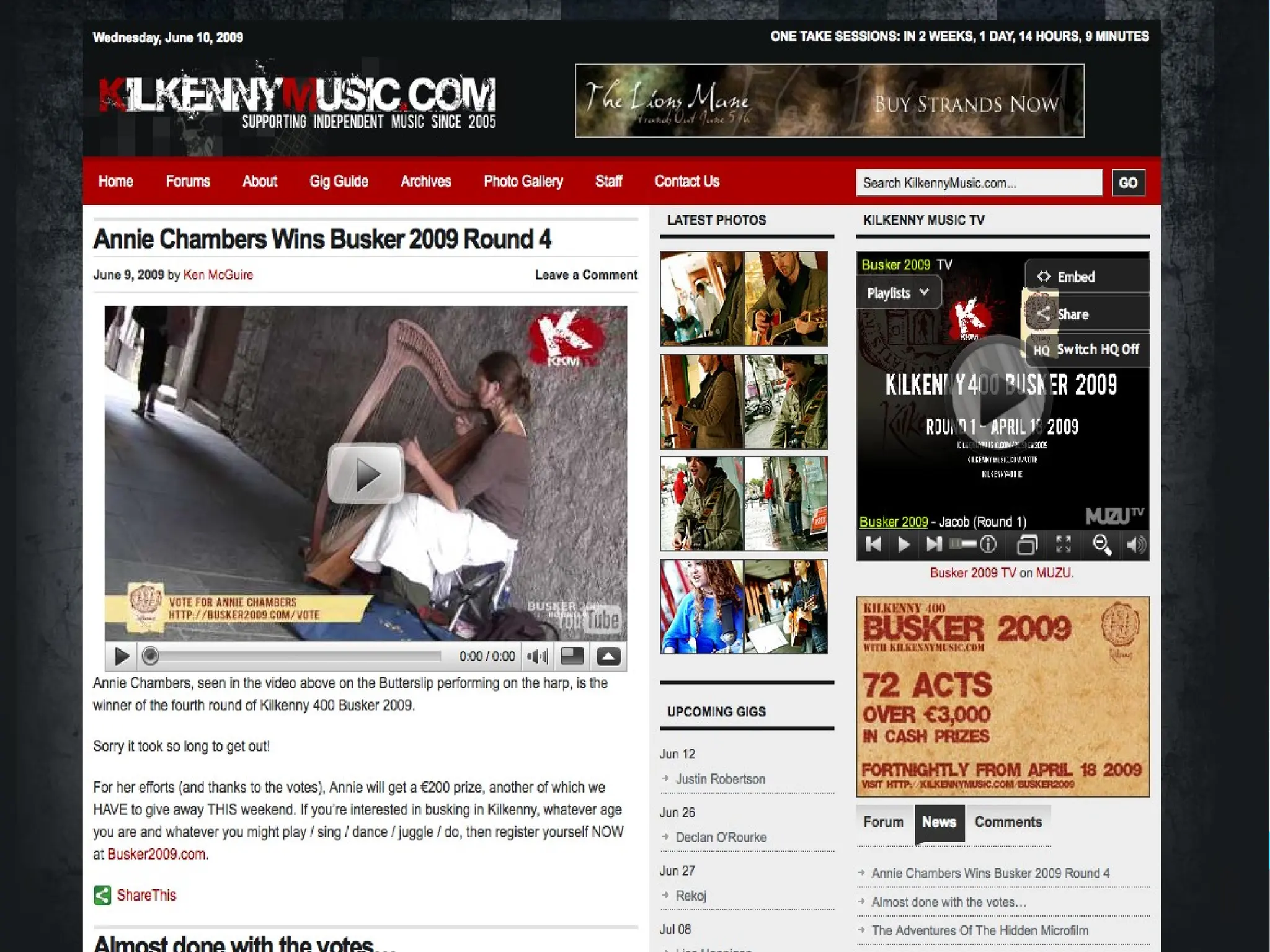
      • Music (KilkennyMusic.com)
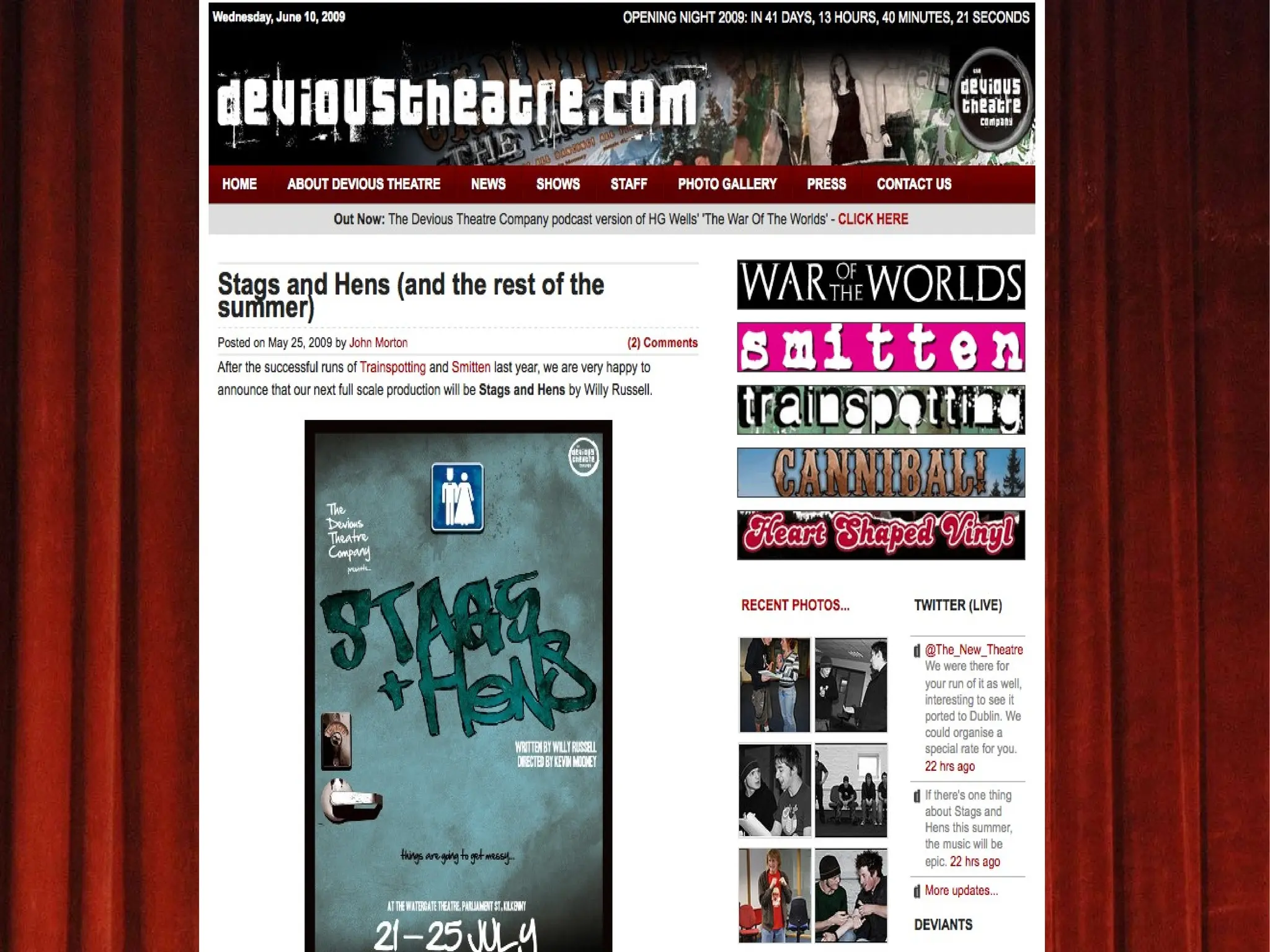
      • Theatre (DeviousTheatre.com)
      • Sport (LiverpoolAccess.com)
    • The more 'niche' the better
      • Book reviews, events, music therapy, sound design etc.
  19. Why Have A Library Blog?
    • Supplement and enhance existing library guides, newsletters
    • More relevant, more up to date
    • Everyone can contribute, with ease
    • Publish events, book reviews, photos
  20. Setting Up A Blog
  21. Starting A Wordpress Blog
    • Wordpress.com, it's free, it's great
    • Click ' Sign Up Now ' and enter username, password, email
    • Choose name for blog
    • Confirm email, get writing
  22. ...That Was Easy
  23. Your First Blog Post
    • Title
      • Be descriptive, be precise
      • Title will appear in search engine results
    • Content
    • Relevant links
    • Tags
    • Publish
  24. Your First Blog Page
    • Additional content to homepage
    • Title, content, links as before
    • Chance to sell yourself, do it well
    • Pages have an order of their own
    • Contact details, about you, links, profiles
  25. Writing Tips
  26. Writing Tips
    • Be yourself
      • Be professional
    • It is ok to have an opinion
      • “You can't be an authority on a topic if you don't have faith in your own opinion”
    • Proper Titles
    • Cheek your spellimg and grammar
  27. Writing Tips
    • Support your post with relevant links
      • Link out to author, review, event location
      • Links give the post added value to reader
    • Write less, write often
    • Bold type, lists, headings, sections
  28. Advertising Your Blog
  29. Advertising Your Blog
    • If you build it, they may or may not come
    • Find similar blogs
      • Technorati.com
      • blogsearch.google.com
    • Comment on other blogs
    • Email, press releases, get the word out
  30. Advertising Your Blog
    • Blog directories
      • BlogFlux.com, BlogCatalog.com
    • Social Networks
      • MySpace / Facebook / Bebo / Twitter
    • RSS Feeds / Email Feeds
  31. RSS Feed
    • Really Simple Syndication
    • Automatically via Wordpress / Blogger
    • Subscribe via feed reader, mobile phone, email
    • Read your blog without visiting blog
  32. Promoting Individual Posts
    • StumbleUpon.com
      • Great for information-based blogs, guides, “how-to” type posts
    • Digg.com
      • Suitable for news type blogs
    • Delicious.com
      • Sharing bookmarks, public listing
  33. Then Came Twitter
  34. What is it?
    • A free , microblogging service
    • You get 140 characters per message
    • Messages referred to as 'tweets'
  35. What Can You Do?
    • Send your message... from anywhere
    • Lurk, or engage in conversation
    • Follow and be followed
    • Link to posts, photos etc.
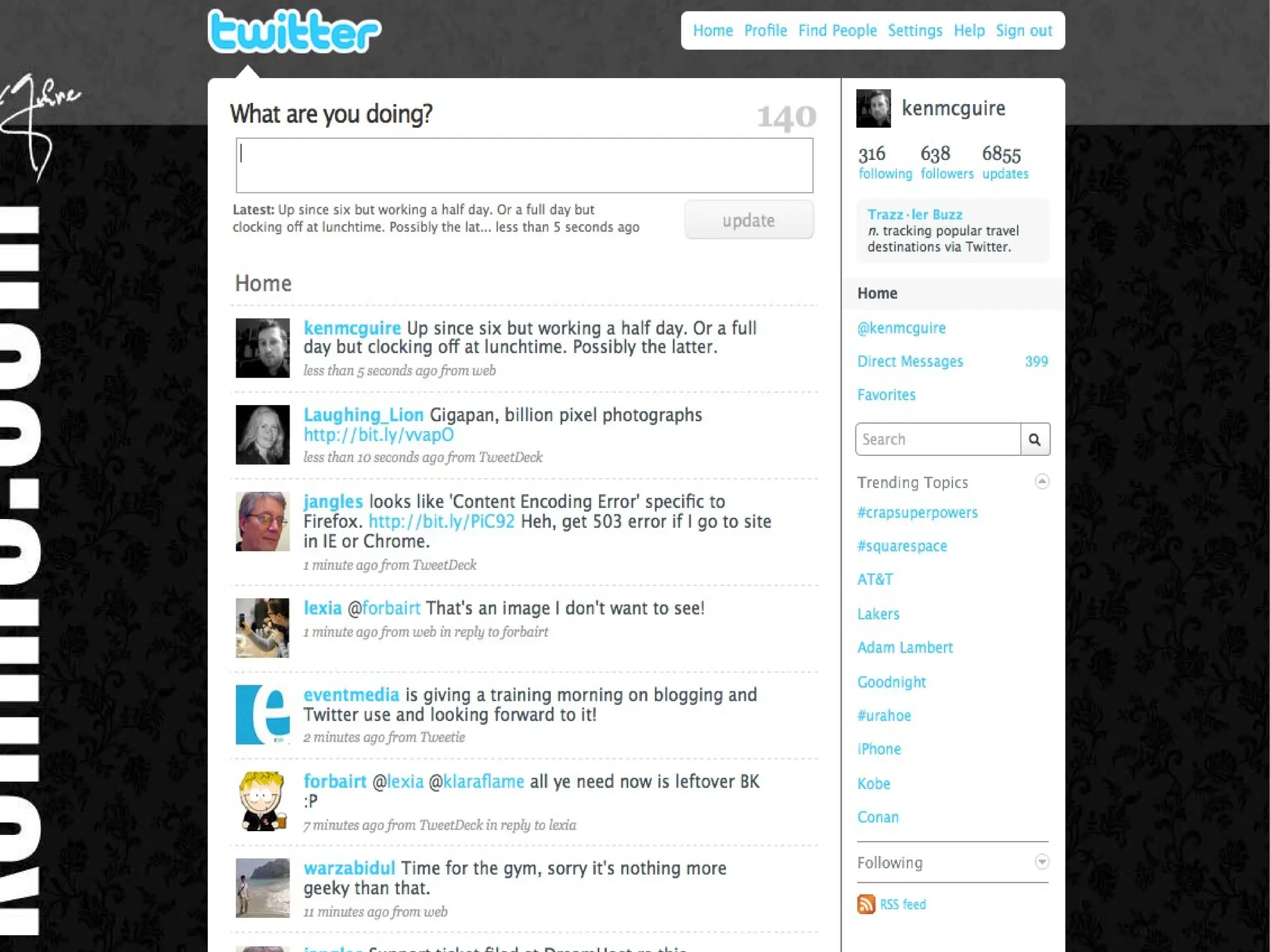
  36. Sending A Tweet
    • What are you doing?
    • @
    • D
    • #
  37.  
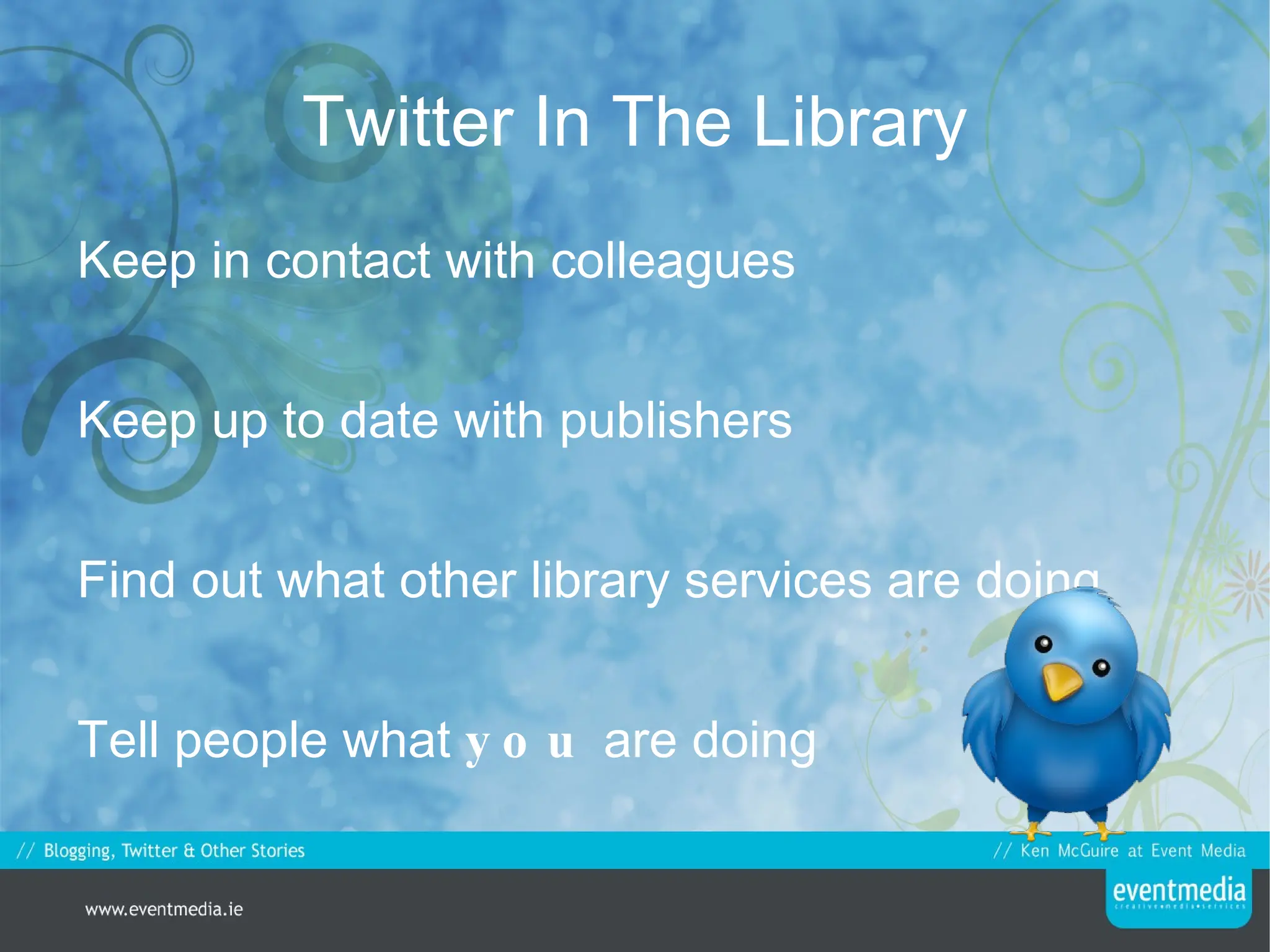
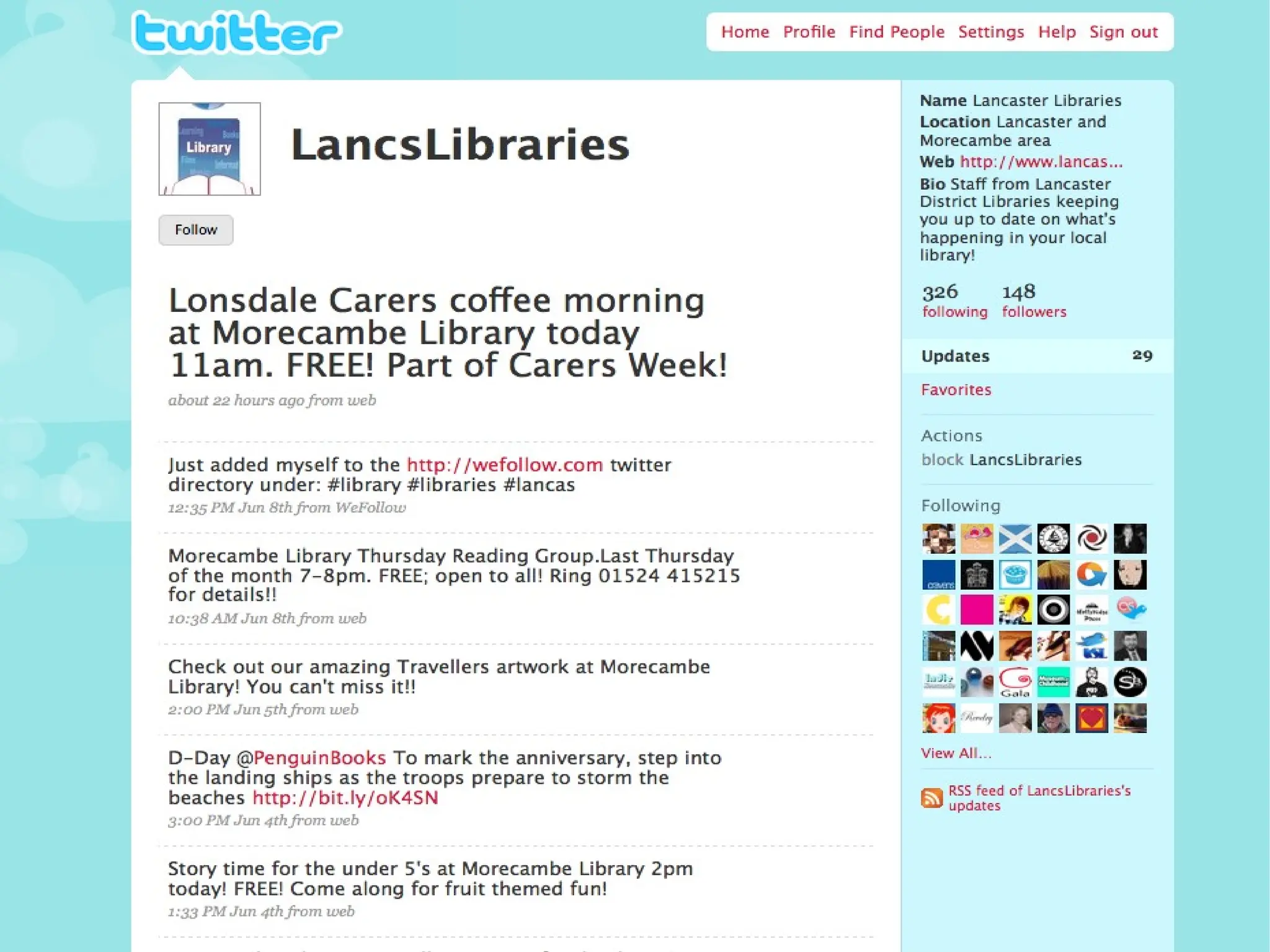
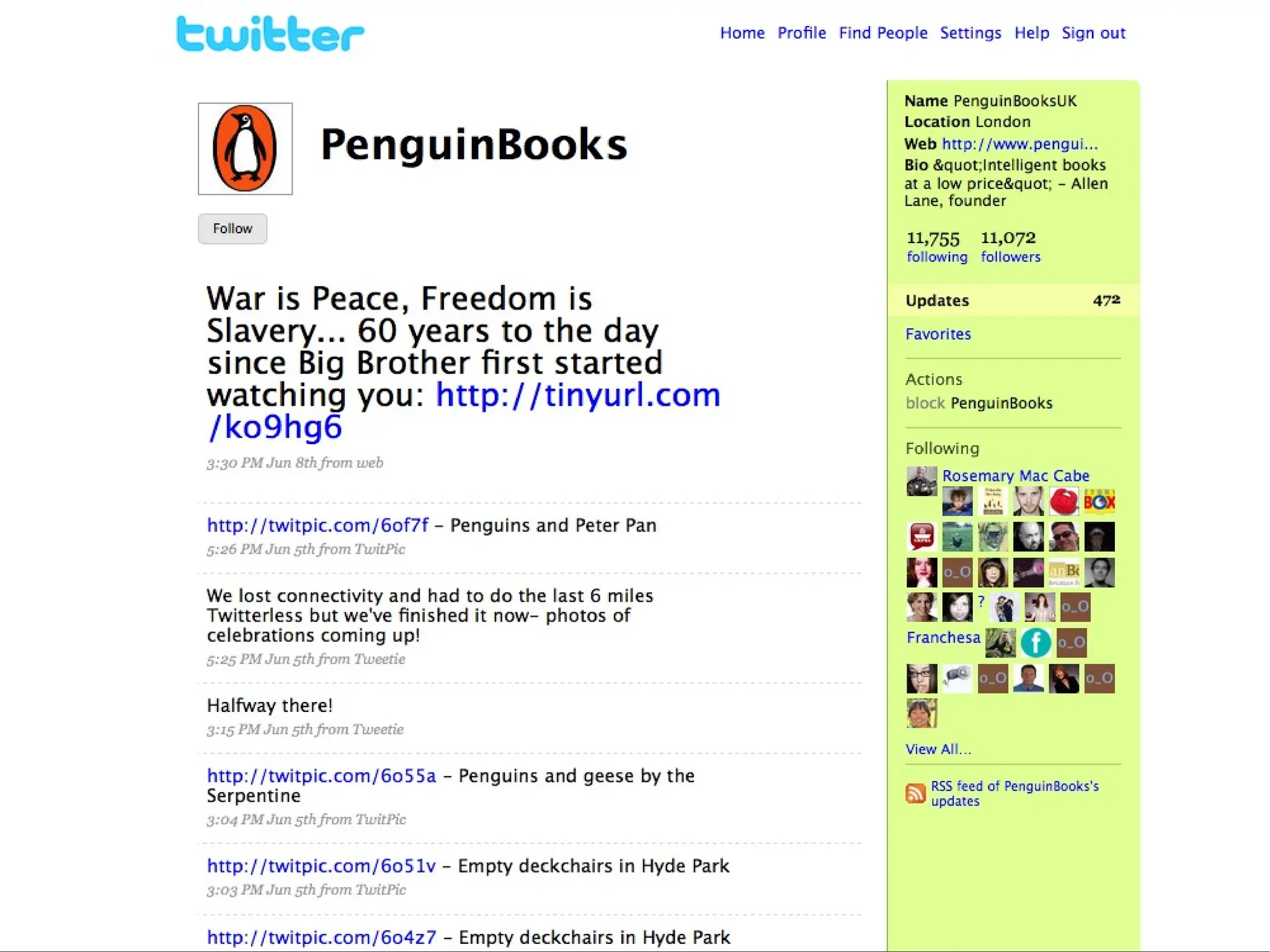
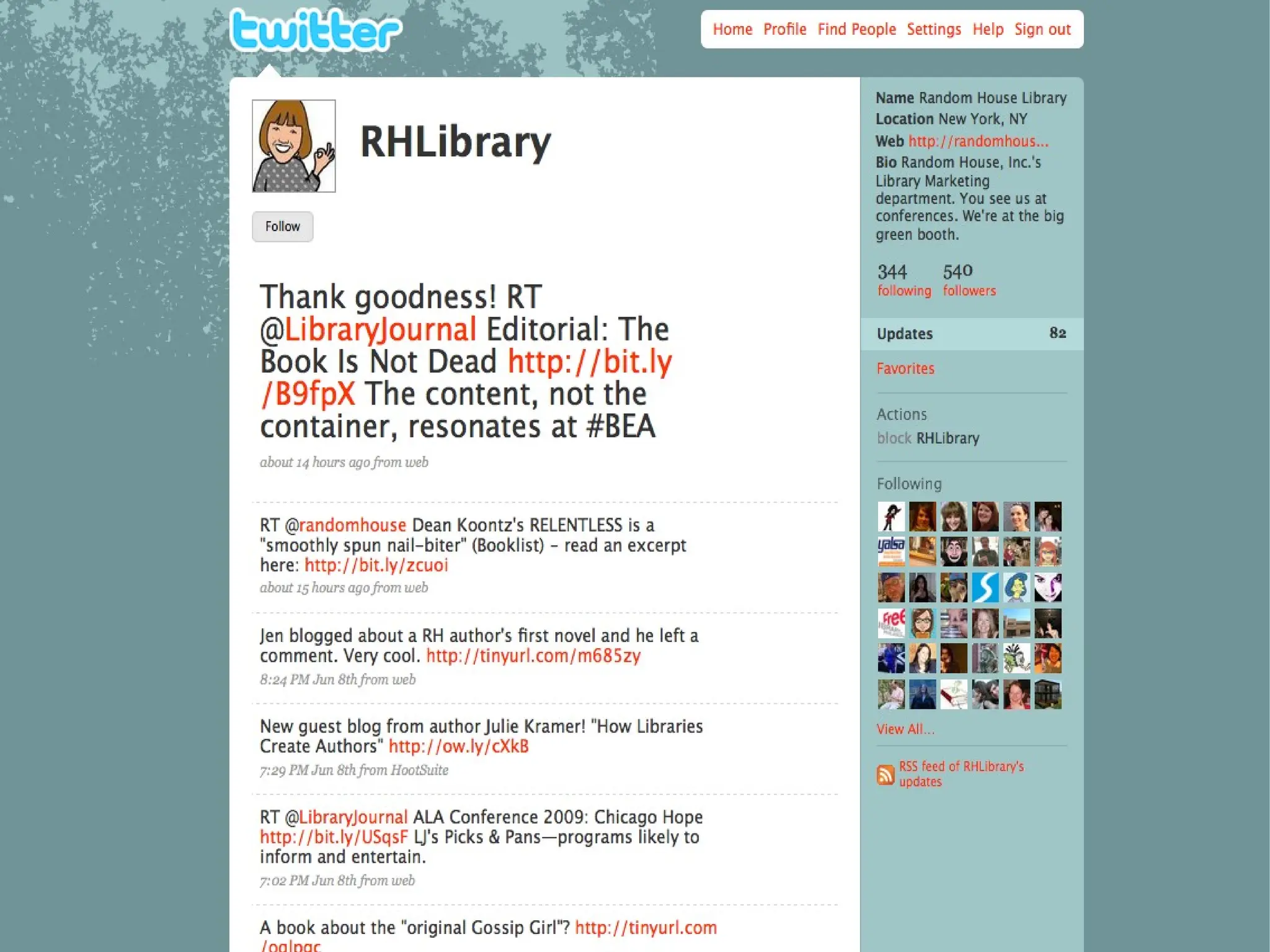
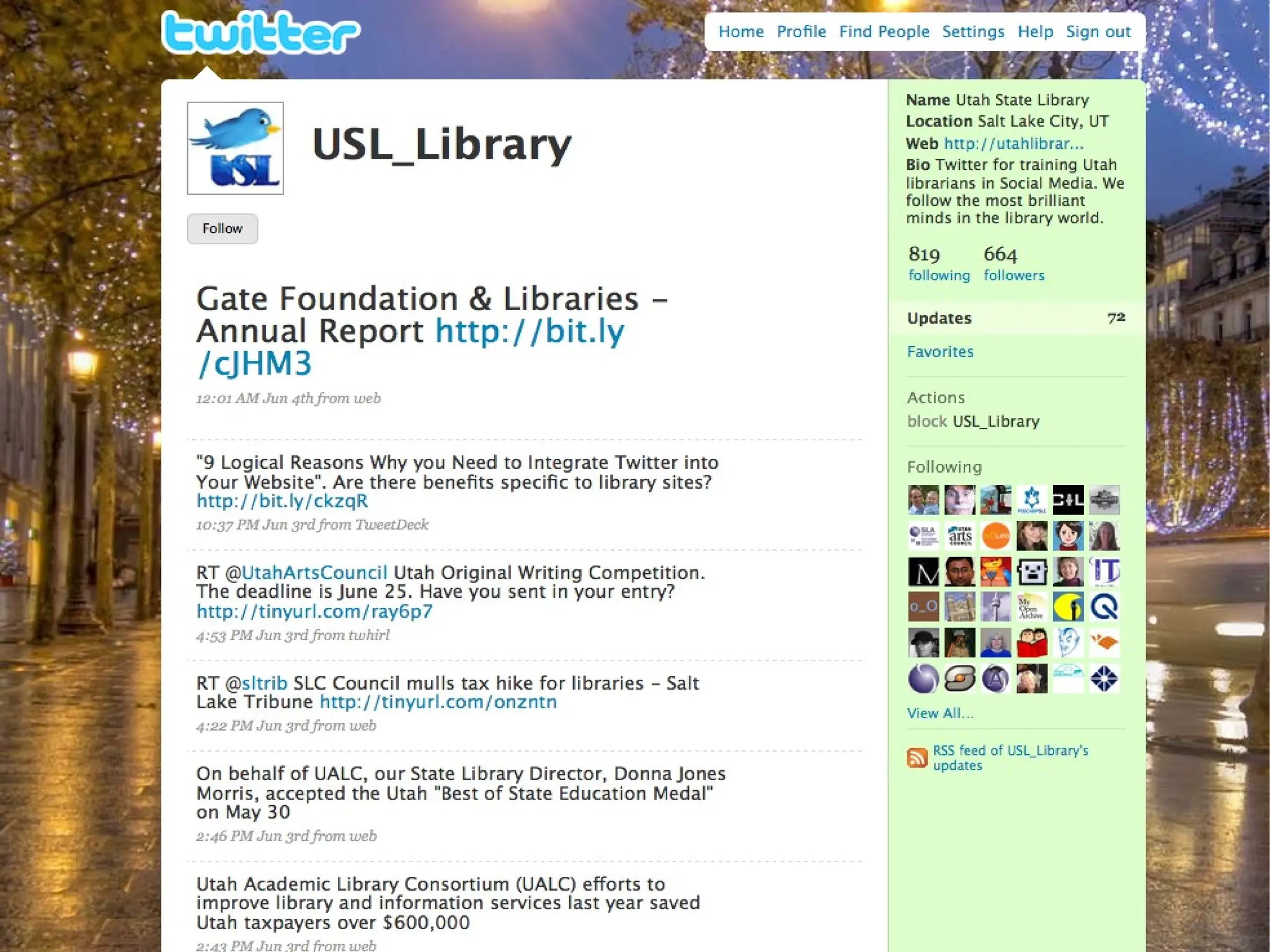
  38. Twitter In The Library
    • Keep in contact with colleagues
    • Keep up to date with publishers
    • Find out what other library services are doing
    • Tell people what you are doing
  39.  
  40.  
  41.  
  42.  
  43. You can also...
    • Link to events
    • Run a competition
    • Take queries via Twitter e.g. @kilkennylibrary do you have The Gate House by Nelson DeMille?
  44. You can also...
    • Follow conferences or events (hashtag) e.g. #le09
    • http://search.twitter.com
    • Find users and library services at http://wefollow.com
  45. Twitter...
    • Allows you to network, both personally and professionally
    • Get messages out straight away (think of it like a group text)
    • Simple, fast, effective
  46. Turning It Over To You...
    • What do YOU want to know?
  47. Thanks For Your Time
    • Thanks for your time
    • Visit http://eventmedia.ie
    • Follow me on Twitter @kenmcguire
    • Rate myself and the talk http://speakerrate.com/kenmcguire

+ Ken McGuireKen McGuire, 5 months ago

custom

829 views, 3 favs, 4 embeds more stats

A beginners guide to blogging and a beginners intro more

More info about this document

© All Rights Reserved

Go to text version

  • Total Views 829
    • 815 on SlideShare
    • 14 from embeds
  • Comments 2
  • Favorites 3
  • Downloads 78
Most viewed embeds
  • 8 views on http://eventmedia.ie
  • 2 views on http://wpc.vertigo.com
  • 2 views on http://synergy.spacesaver.com
  • 2 views on http://marciaswebclass.blogspot.com

more

All embeds
  • 8 views on http://eventmedia.ie
  • 2 views on http://wpc.vertigo.com
  • 2 views on http://synergy.spacesaver.com
  • 2 views on http://marciaswebclass.blogspot.com

less

Flagged as inappropriate Flag as inappropriate
Flag as inappropriate

Select your reason for flagging this presentation as inappropriate. If needed, use the feedback form to let us know more details.

Cancel
File a copyright complaint
Having problems? Go to our helpdesk?

Categories