www.sharepointnutsandbolts.com
@ChrisO_Brien
http://uk.linkedin.com/in/
chrisobrienmvp
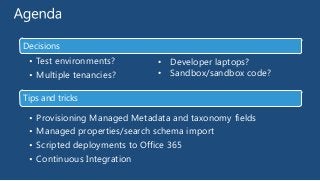
Decisions

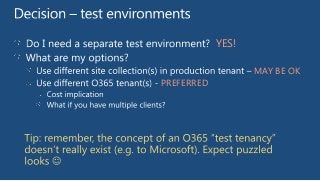
• Test environments?
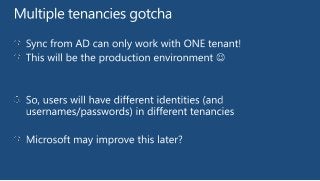
• Multiple tenancies?

• Developer laptops?
• Sandbox/sandbox code?

Tips and tricks

•
•
•
•

Provisioning Managed Metadata and taxonomy fields
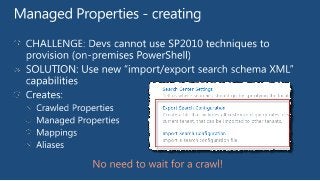
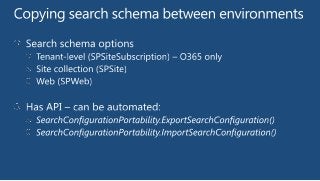
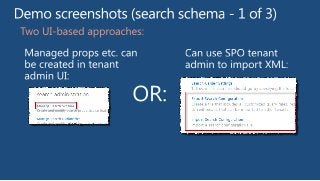
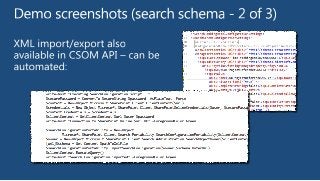
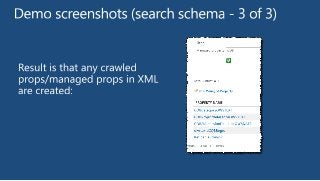
Managed properties/search schema import
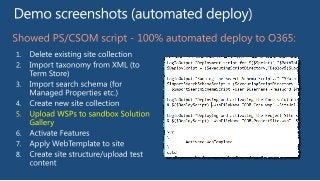
Scripted deployments to Office 365
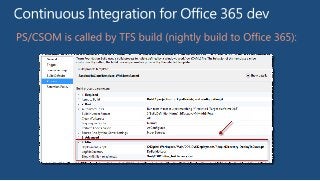
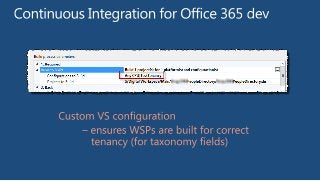
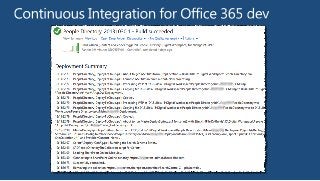
Continuous Integration
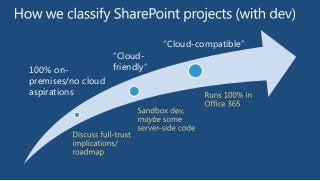
100% onpremises/no cloud
aspirations

“Cloudfriendly”

“Cloud-compatible”
YES!
MAY BE OK
PREFERRED
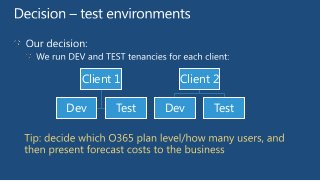
Client 1
Dev

Test

Client 2
Dev

Test
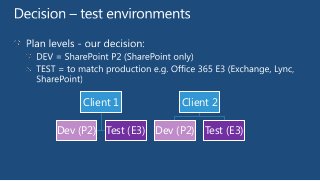
Client 1

Client 2

Dev (P2) Test (E3) Dev (P2) Test (E3)
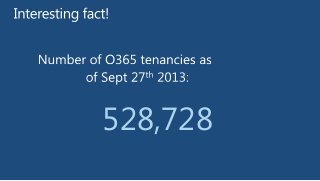
528,728
YES!
Disposable, flexible
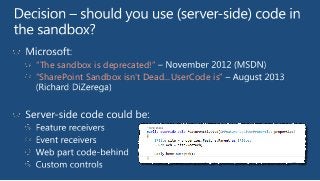
“The sandbox is deprecated!”
“SharePoint Sandbox isn't Dead...UserCode is”
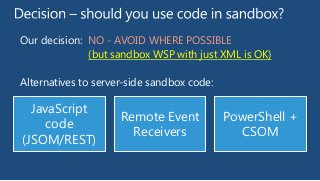
Our decision: NO - AVOID WHERE POSSIBLE
(but sandbox WSP with just XML is OK)
Alternatives to server-side sandbox code:

JavaScript
code
(JSOM/REST)

Remote Event
Receivers

PowerShell +
CSOM
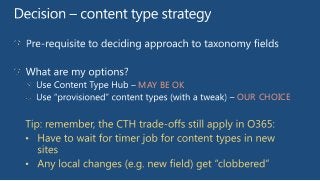
MAY BE OK
OUR CHOICE
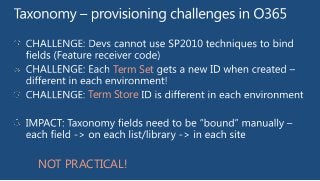
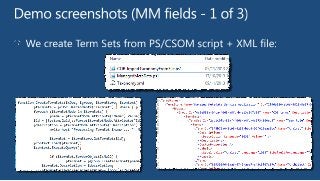
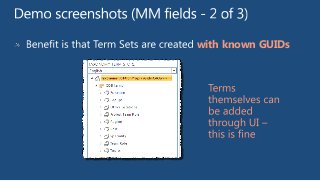
Term Set
Term Store

NOT PRACTICAL!
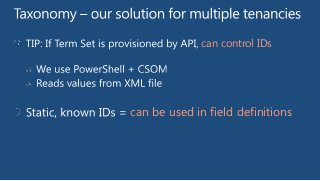
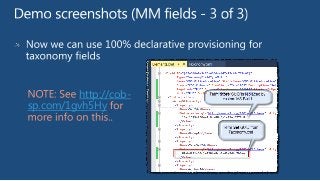
can control IDs

can be used in field definitions
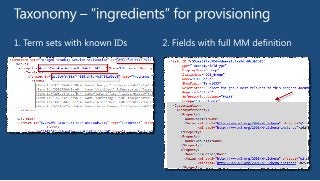
with known GUIDs
http://cobsp.com/1gvh5Hy
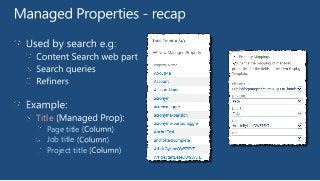
Title
Page title
Job title
Project title
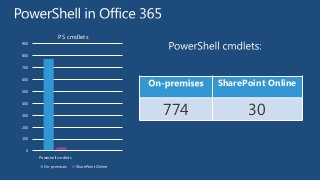
PS cmdlets
900
800
700

SharePoint Online

600
500

774

400
300
200

100
0
Poweshell cmdlets
On-premises

SharePoint Online

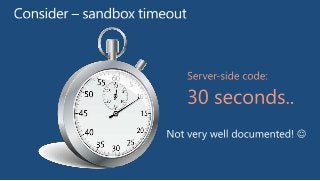
30
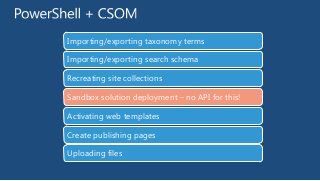
Importing/exporting taxonomy terms
Importing/exporting search schema
Recreating site collections
Sandbox solution deployment – no API for this!
Activating web templates
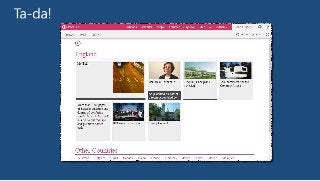
Create publishing pages

Uploading files
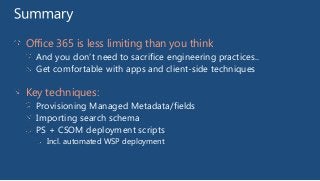
Office 365 is less limiting than you think
And you don’t need to sacrifice engineering practices..
Get comfortable with apps and client-side techniques

Key techniques:
Provisioning Managed Metadata/fields
Importing search schema
PS + CSOM deployment scripts
Incl. automated WSP deployment
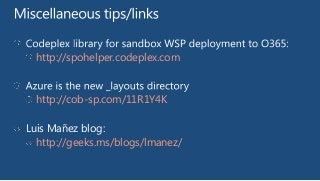
http://spohelper.codeplex.com

http://cob-sp.com/11R1Y4K
Luis Mañez blog:
http://geeks.ms/blogs/lmanez/
THANK YOU!

www.sharepointnutsandbolts.com
@ChrisO_Brien

Office 365 - developer decisions tips and tricks (Chris O'Brien)