Node.js with Heroku


                @sngmr
自己紹介
Shingo Mori
森 真 吾
ConnectionWorks Inc.
(株)コネクションワークス

Twitter: @sngmr


ソフトウェアエンジニア兼営業兼企画兼コンサル兼経理


Titanium Chatroom Nagoya
今日のはなしは・・・
やってみた
レベルです
あと・・・
Mac
前提です
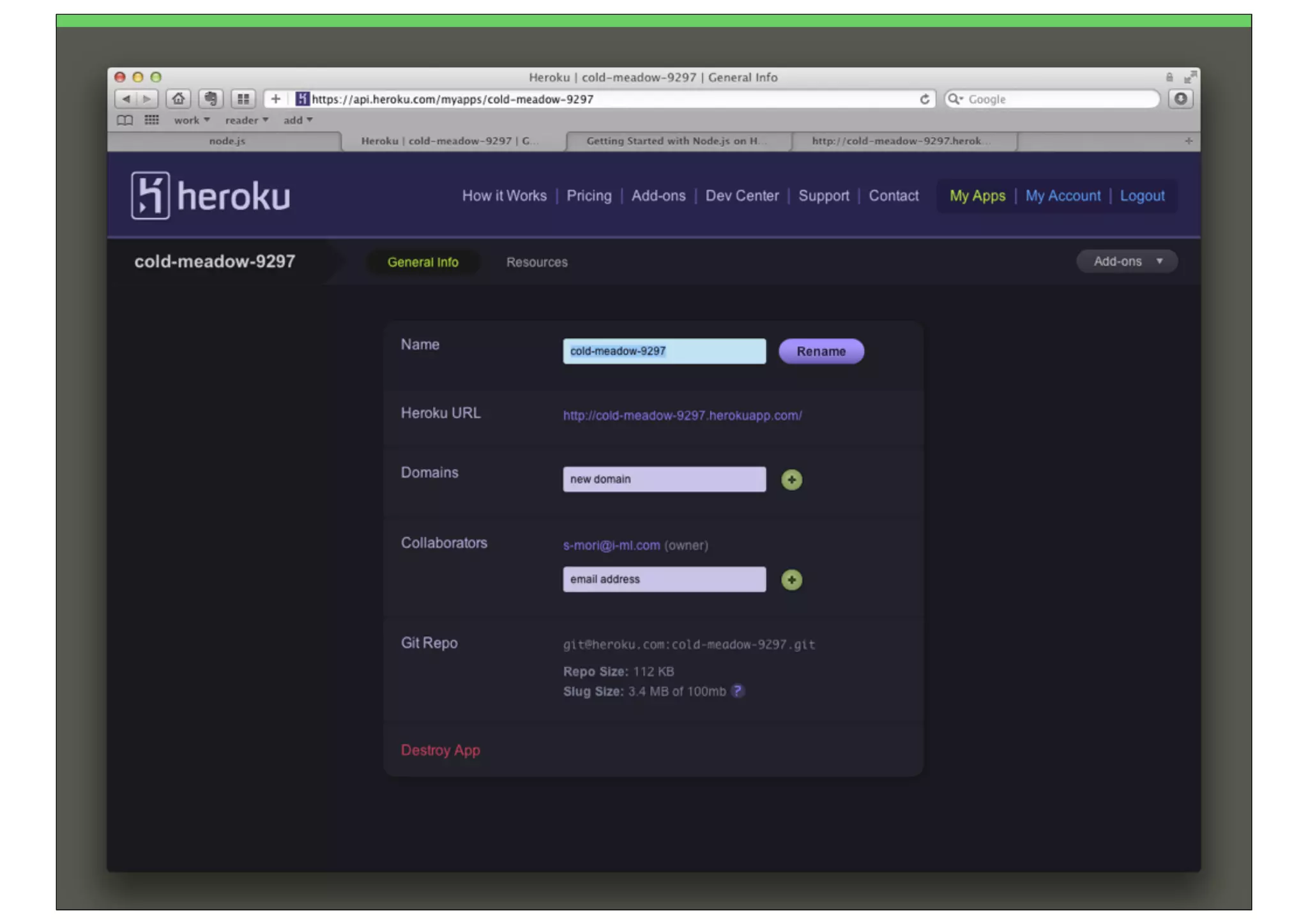
Herokuってなに?
What s Heroku?
•PaaS

•Platform   As A Service
•Rails

•Node.js   from June 2011
•
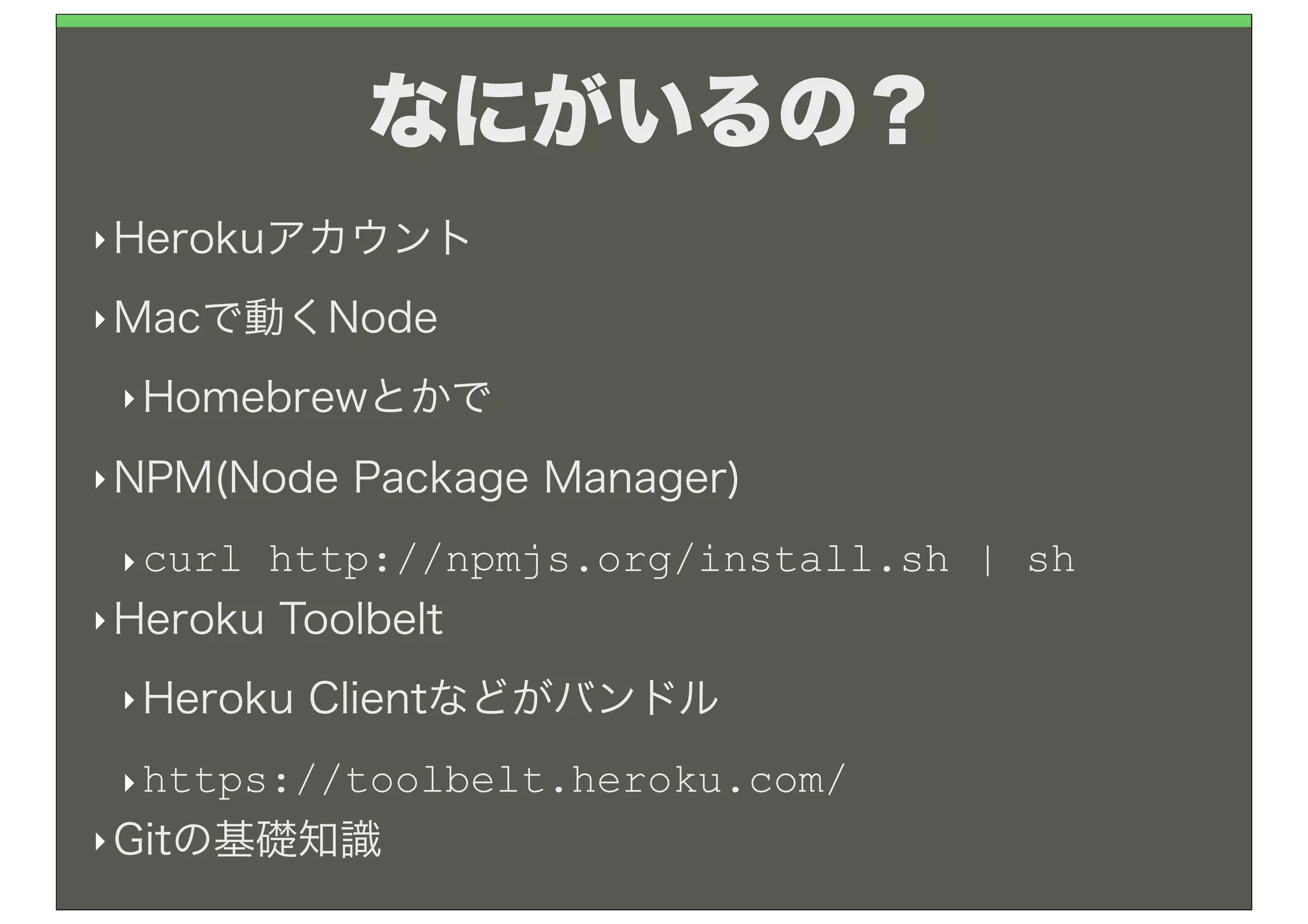
なにがいるの?
‣ Herokuアカウント

‣ Macで動くNode

 ‣ Homebrewとかで

‣ NPM(Node   Package Manager)
 ‣ curl http://npmjs.org/install.sh | sh
‣ Heroku Toolbelt

 ‣ Heroku   Clientなどがバンドル
 ‣ https://toolbelt.heroku.com/
‣ Gitの基礎知識
さっそくやってみよう
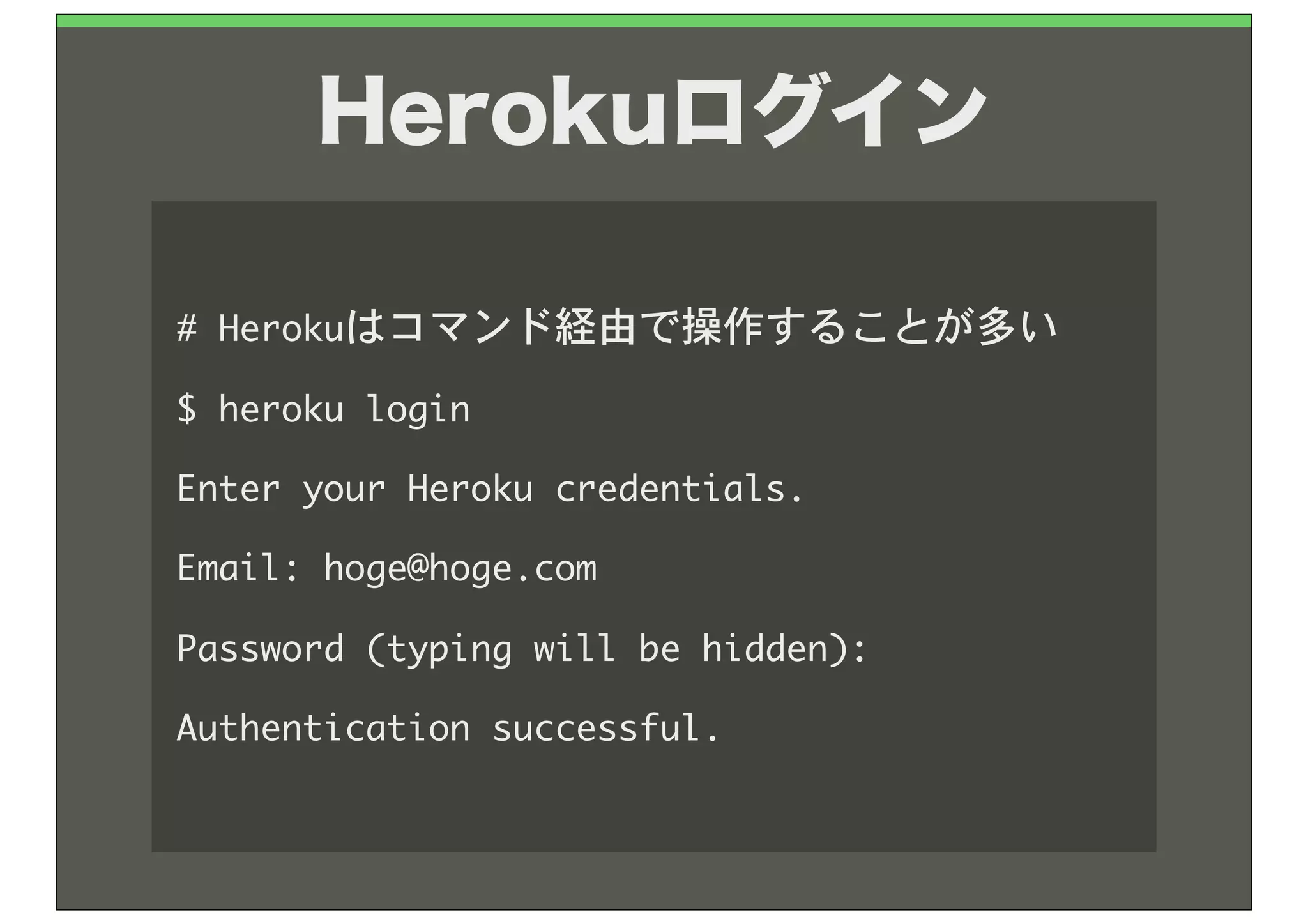
Herokuログイン

#	 Herokuはコマンド経由で操作することが多い
$	 heroku	 login
Enter	 your	 Heroku	 credentials.
Email:	 hoge@hoge.com
Password	 (typing	 will	 be	 hidden):	 
Authentication	 successful.
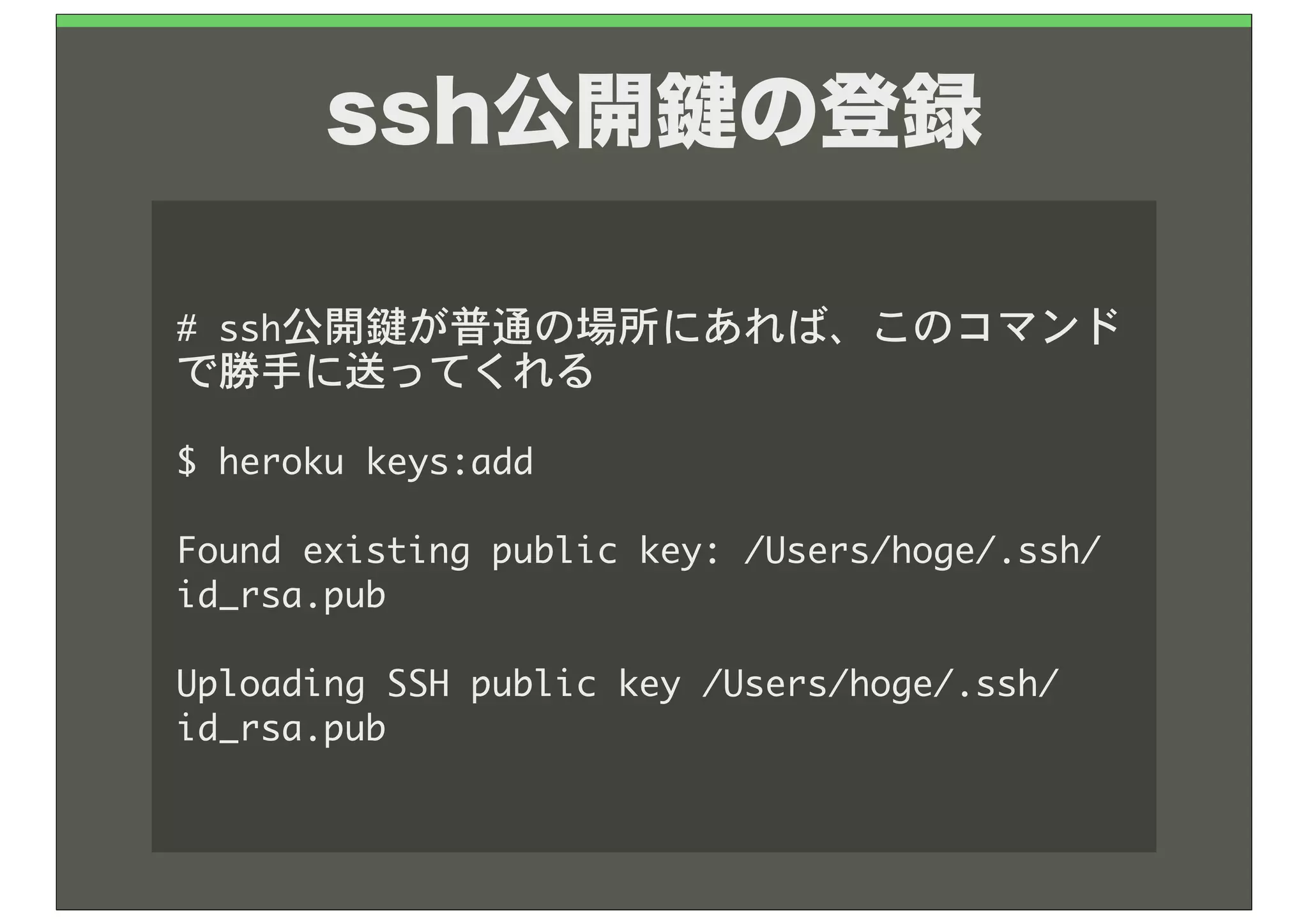
ssh公開 の登録

#	 ssh公開鍵が普通の場所にあれば、このコマンド
で勝手に送ってくれる

$	 heroku	 keys:add

Found	 existing	 public	 key:	 /Users/hoge/.ssh/
id_rsa.pub

Uploading	 SSH	 public	 key	 /Users/hoge/.ssh/
id_rsa.pub
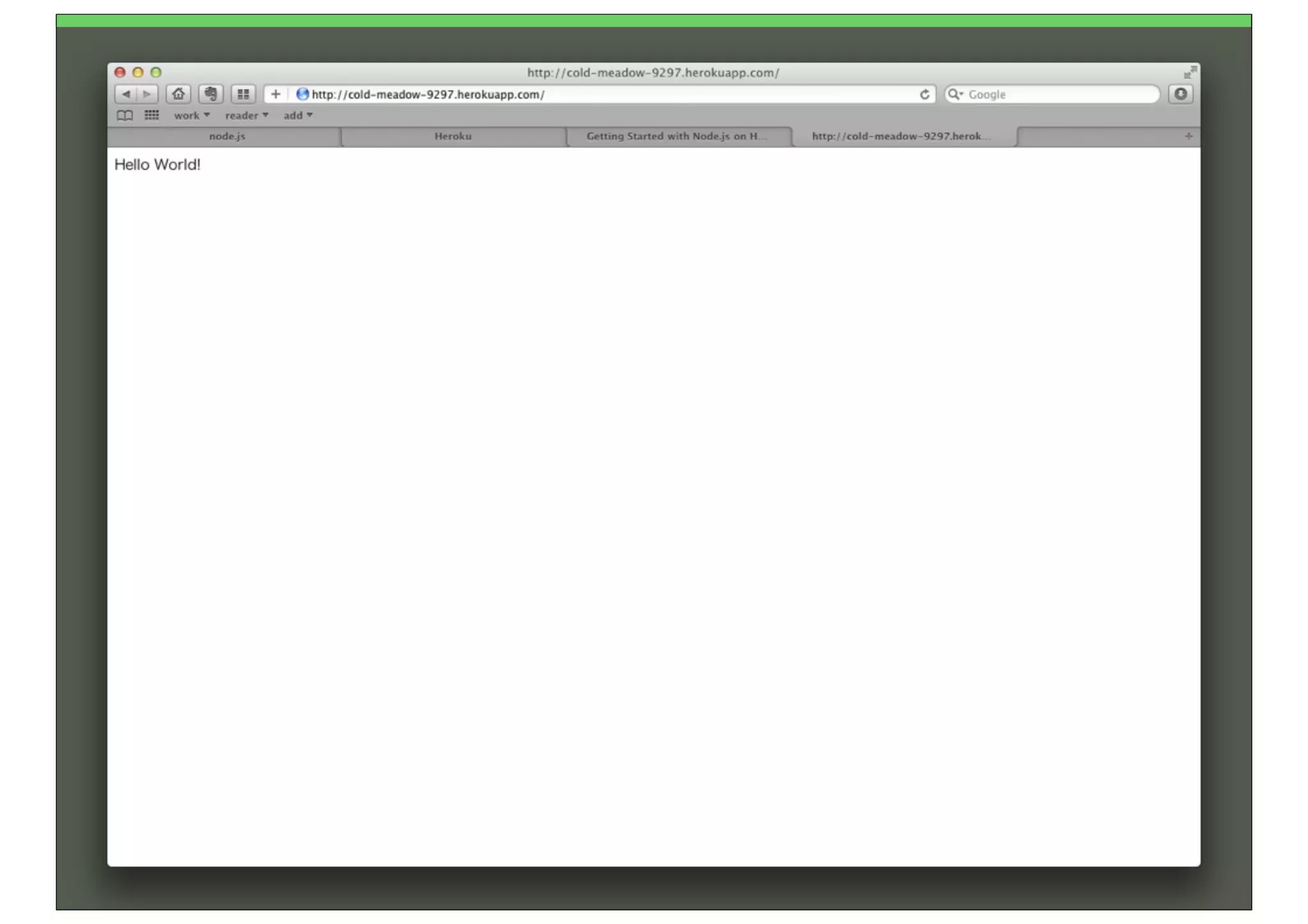
さぁ Hello World だ
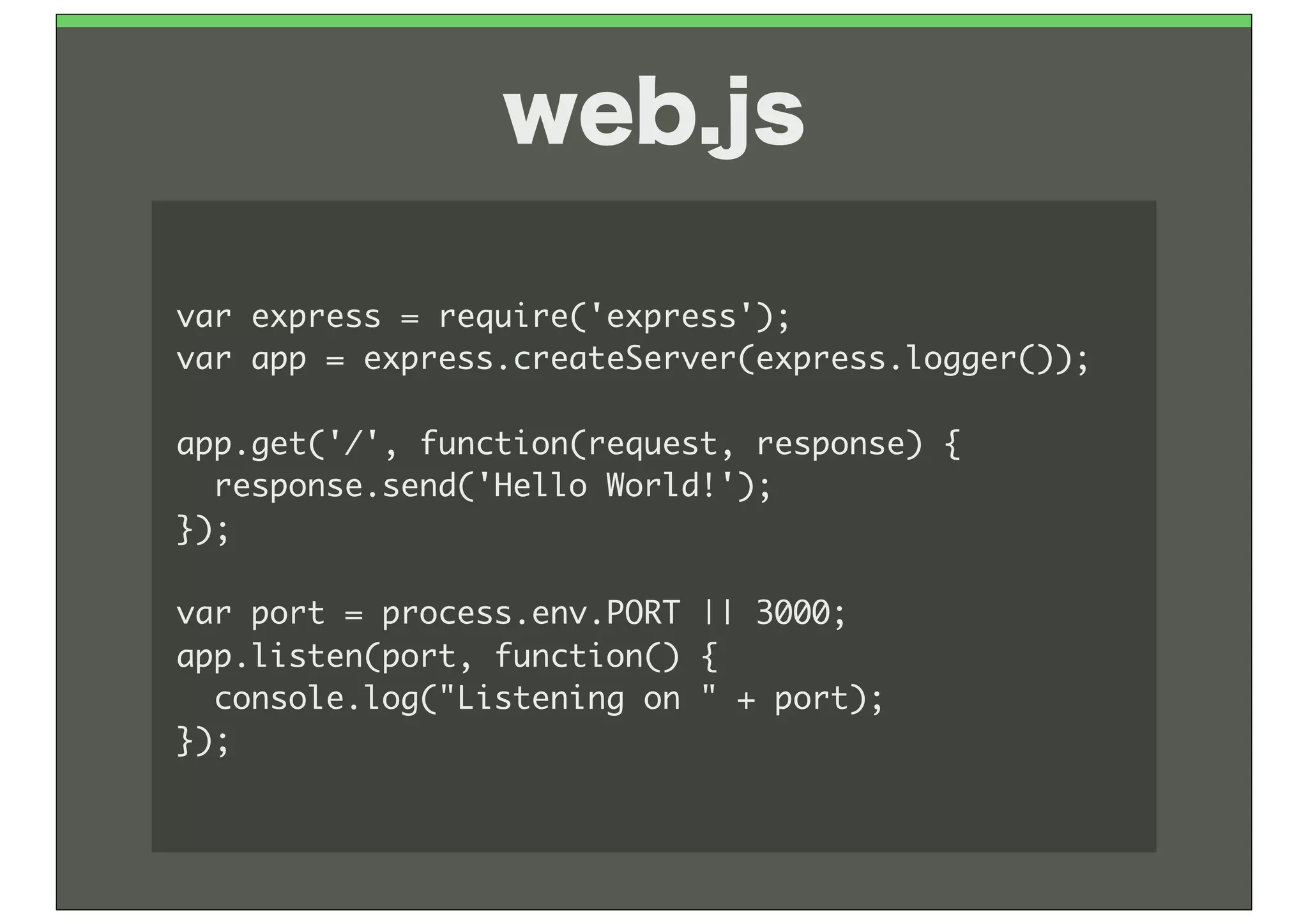
web.js

var	 express	 =	 require('express');
var	 app	 =	 express.createServer(express.logger());

app.get('/',	 function(request,	 response)	 {
	 	 response.send('Hello	 World!');
});

var	 port	 =	 process.env.PORT	 ||	 3000;
app.listen(port,	 function()	 {
	 	 console.log("Listening	 on	 "	 +	 port);
});
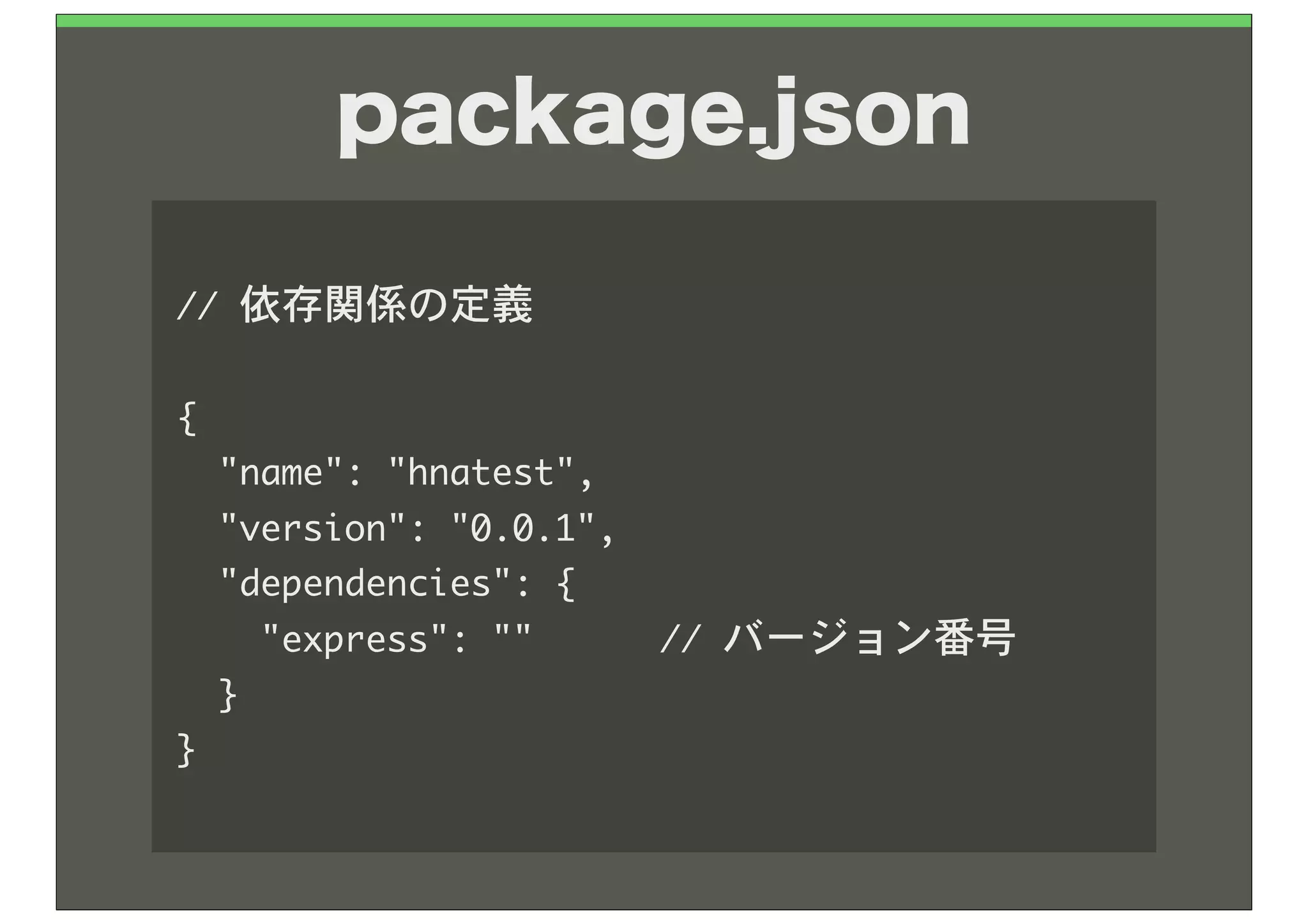
package.json

//	 依存関係の定義

{
	 	 "name":	 "hnatest",
	 	 "version":	 "0.0.1",
	 	 "dependencies":	 {
	 	 	 	 "express":	 ""	 	 	 	 	 	 //	 バージョン番号
	 	 }
}
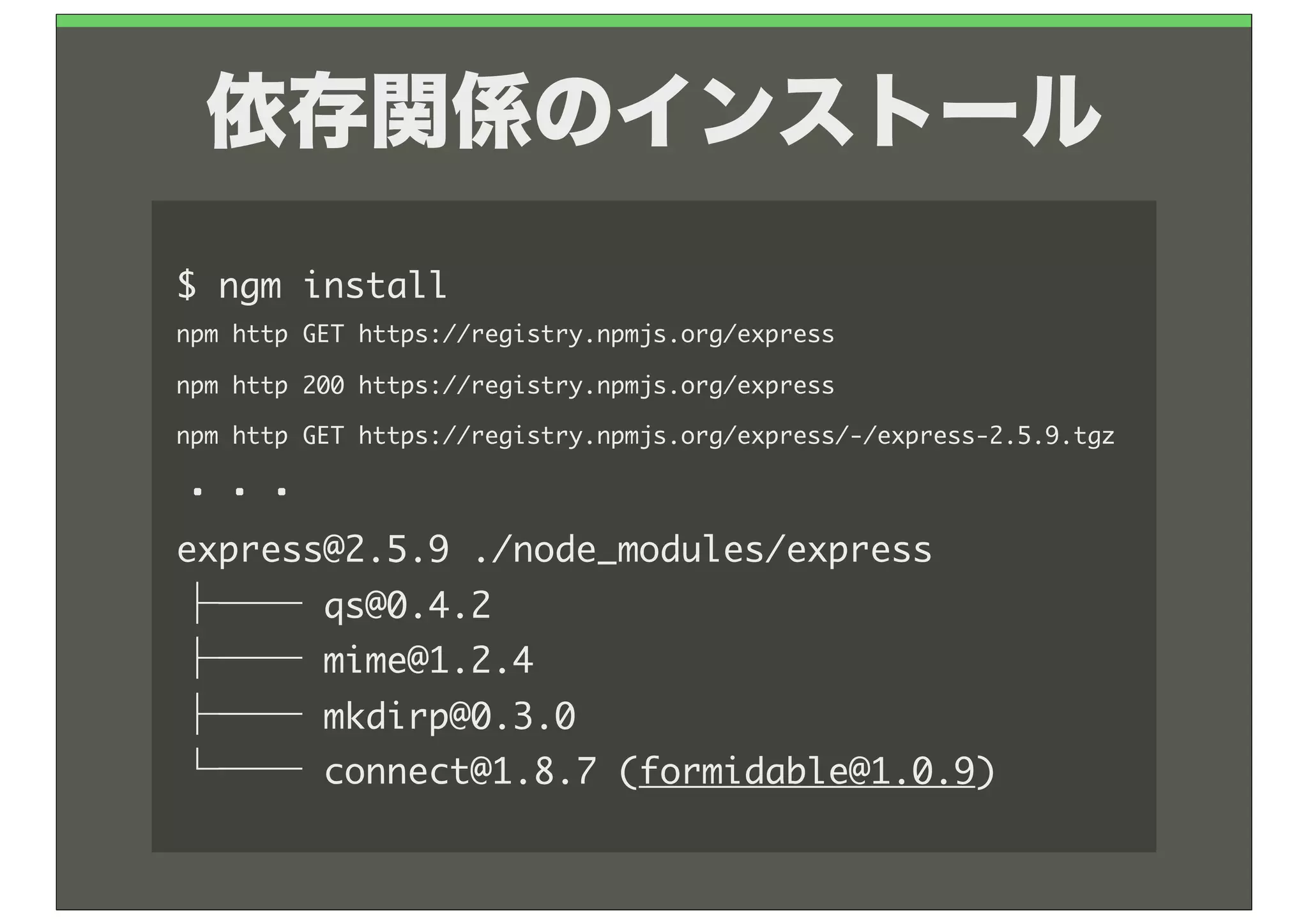
依存関係のインストール
$	 npm	 install
npm	 http	 GET	 https://registry.npmjs.org/express
npm	 http	 200	 https://registry.npmjs.org/express
npm	 http	 GET	 https://registry.npmjs.org/express/-/express-2.5.9.tgz

・・・
express@2.5.9	 ./node_modules/express
├──	 qs@0.4.2
├──	 mime@1.2.4
├──	 mkdirp@0.3.0
└──	 connect@1.8.7	 (formidable@1.0.9)
Herokuへのアップロー
ドはGitを使います
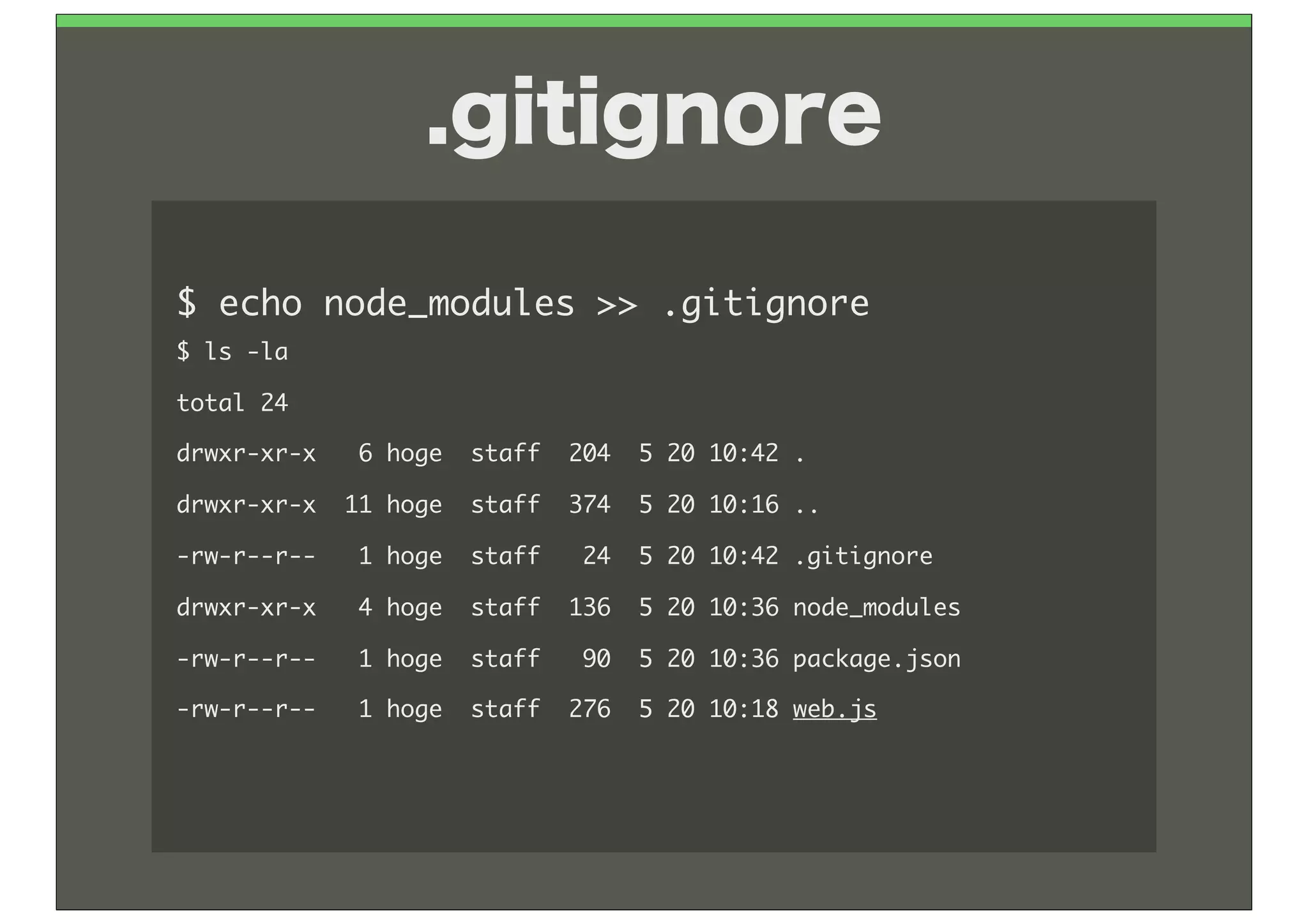
.gitignore

$	 echo	 node_modules	 >>	 .gitignore
$	 ls	 -la
total	 24
drwxr-xr-x	 	 	 6	 hoge	 	 staff	 	 204	 	 5	 20	 10:42	 .
drwxr-xr-x	 	 11	 hoge	 	 staff	 	 374	 	 5	 20	 10:16	 ..
-rw-r--r--	 	 	 1	 hoge	 	 staff	 	 	 24	 	 5	 20	 10:42	 .gitignore
drwxr-xr-x	 	 	 4	 hoge	 	 staff	 	 136	 	 5	 20	 10:36	 node_modules
-rw-r--r--	 	 	 1	 hoge	 	 staff	 	 	 90	 	 5	 20	 10:36	 package.json
-rw-r--r--	 	 	 1	 hoge	 	 staff	 	 276	 	 5	 20	 10:18	 web.js
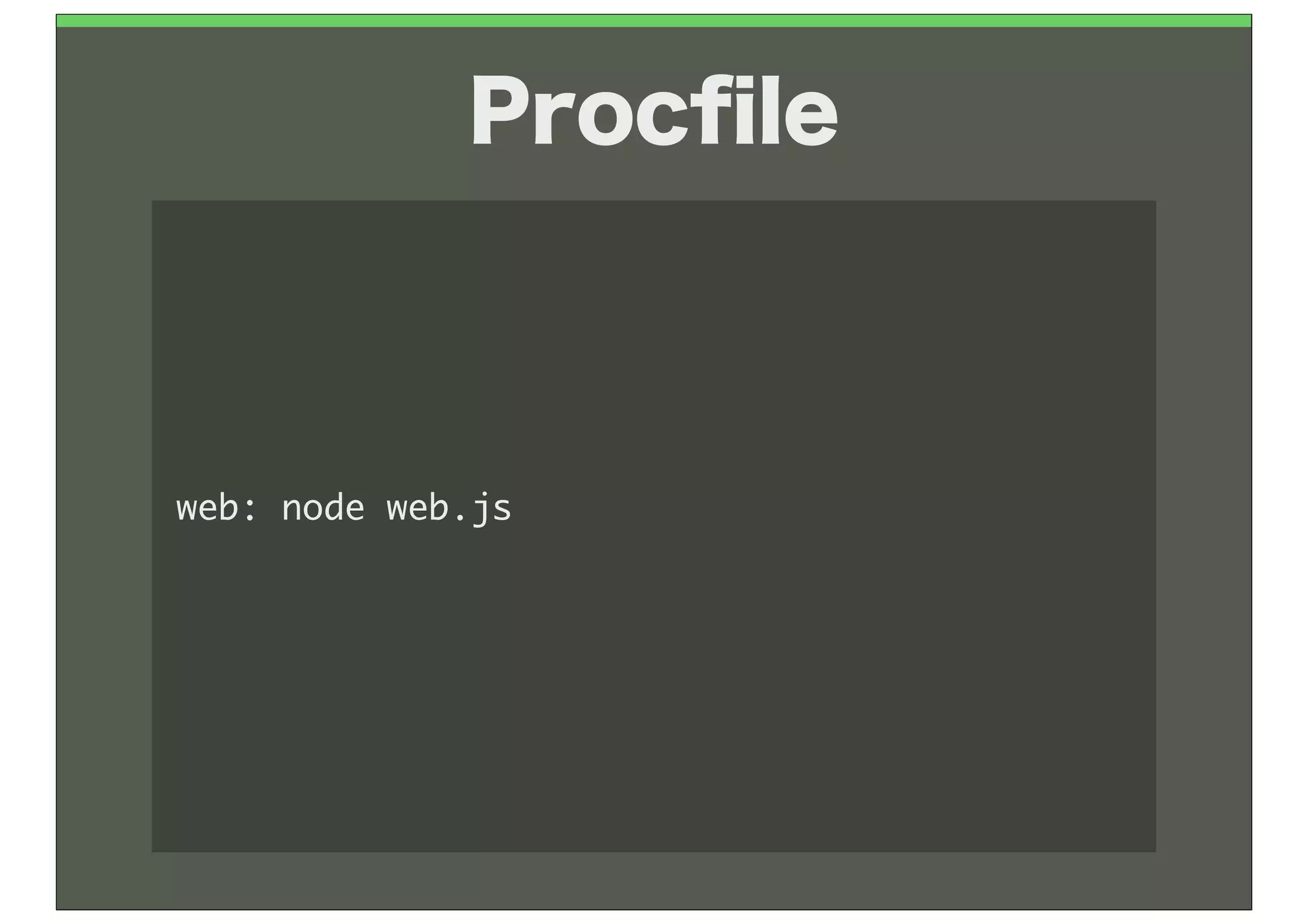
Procfile


web:	 node	 web.js
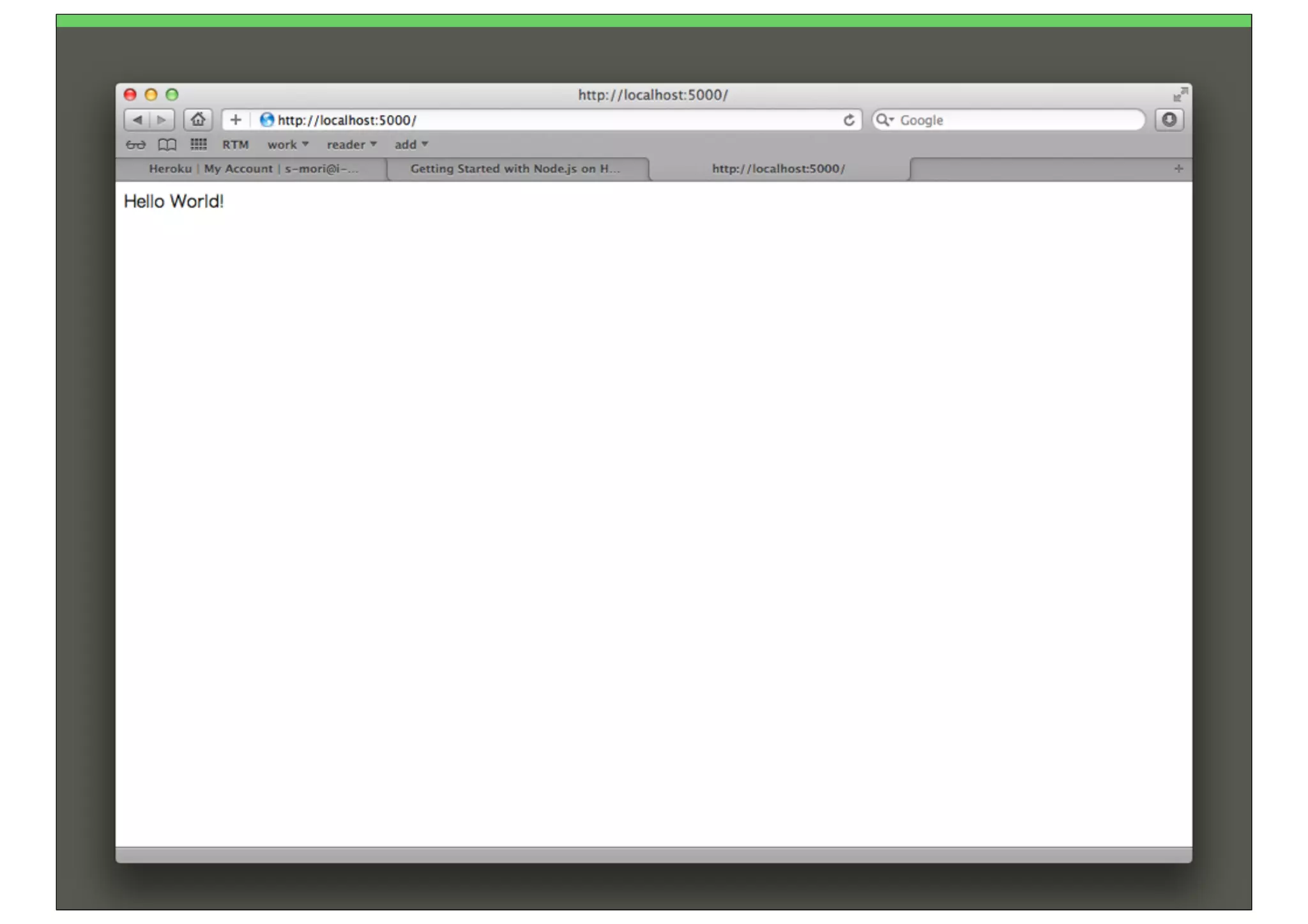
動かしてみよう!
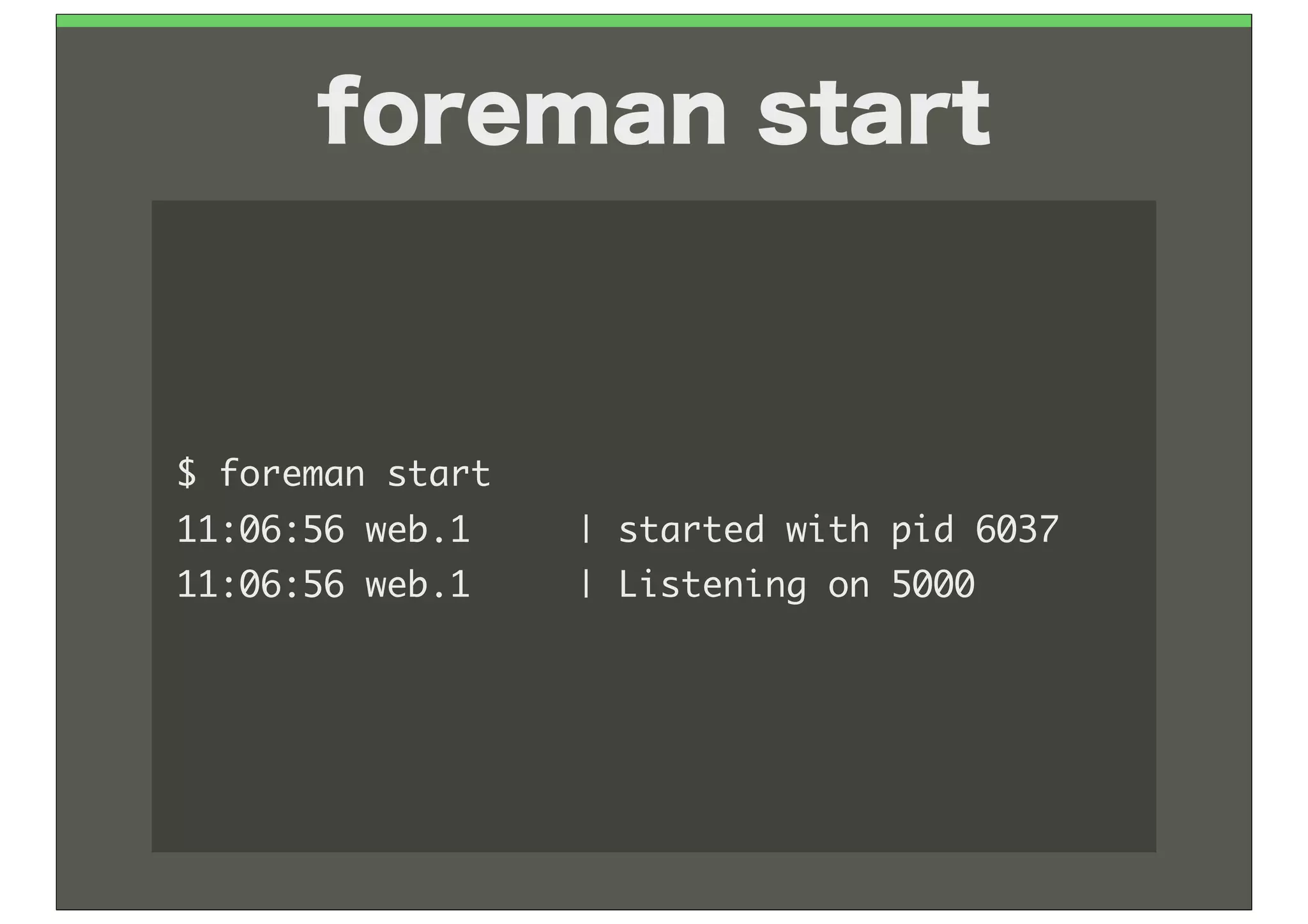
foreman start


$	 foreman	 start
11:06:56	 web.1	 	 	 	 	 |	 started	 with	 pid	 6037
11:06:56	 web.1	 	 	 	 	 |	 Listening	 on	 5000
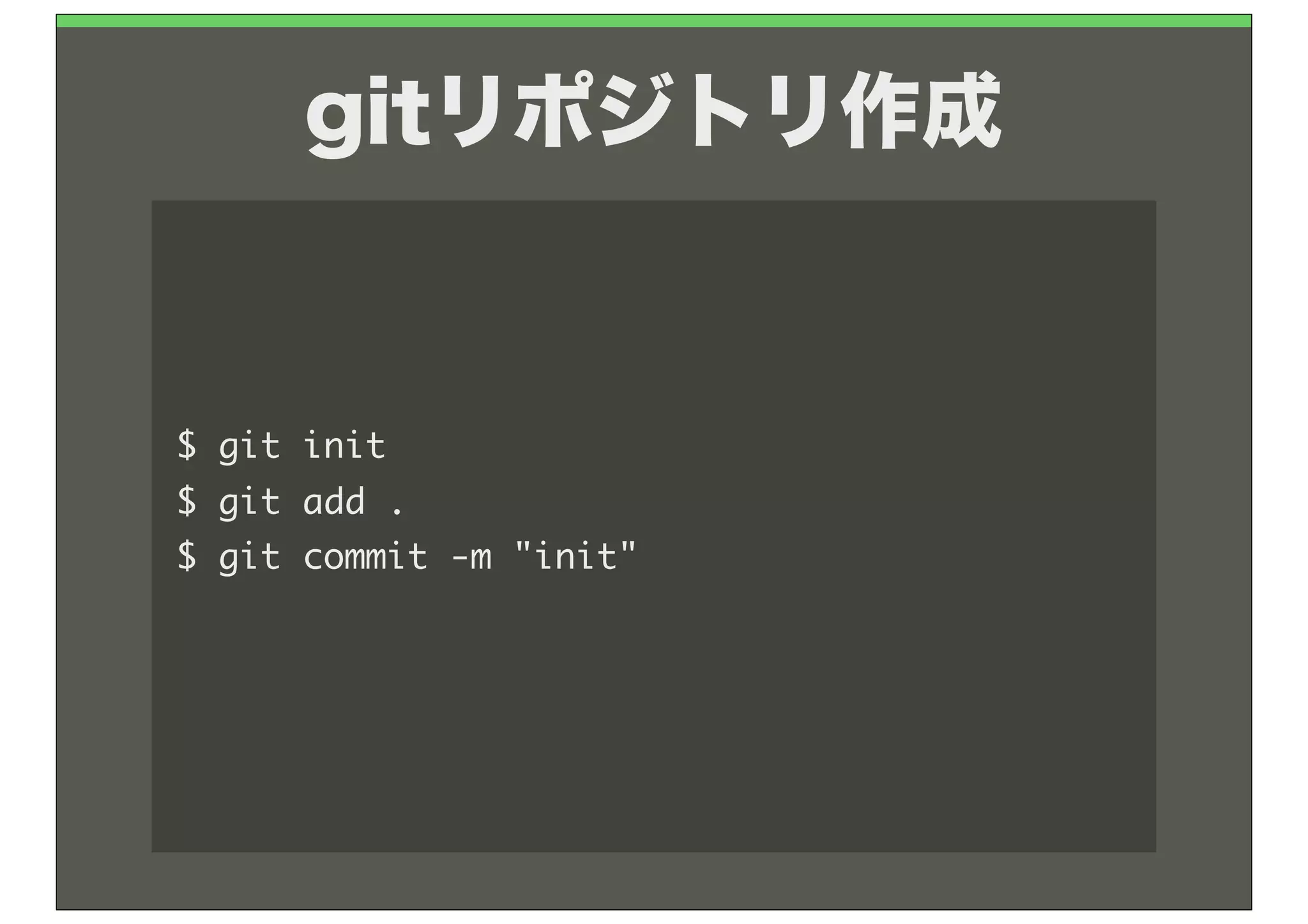
gitリポジトリ作成


$	 git	 init
$	 git	 add	 .
$	 git	 commit	 -m	 "init"
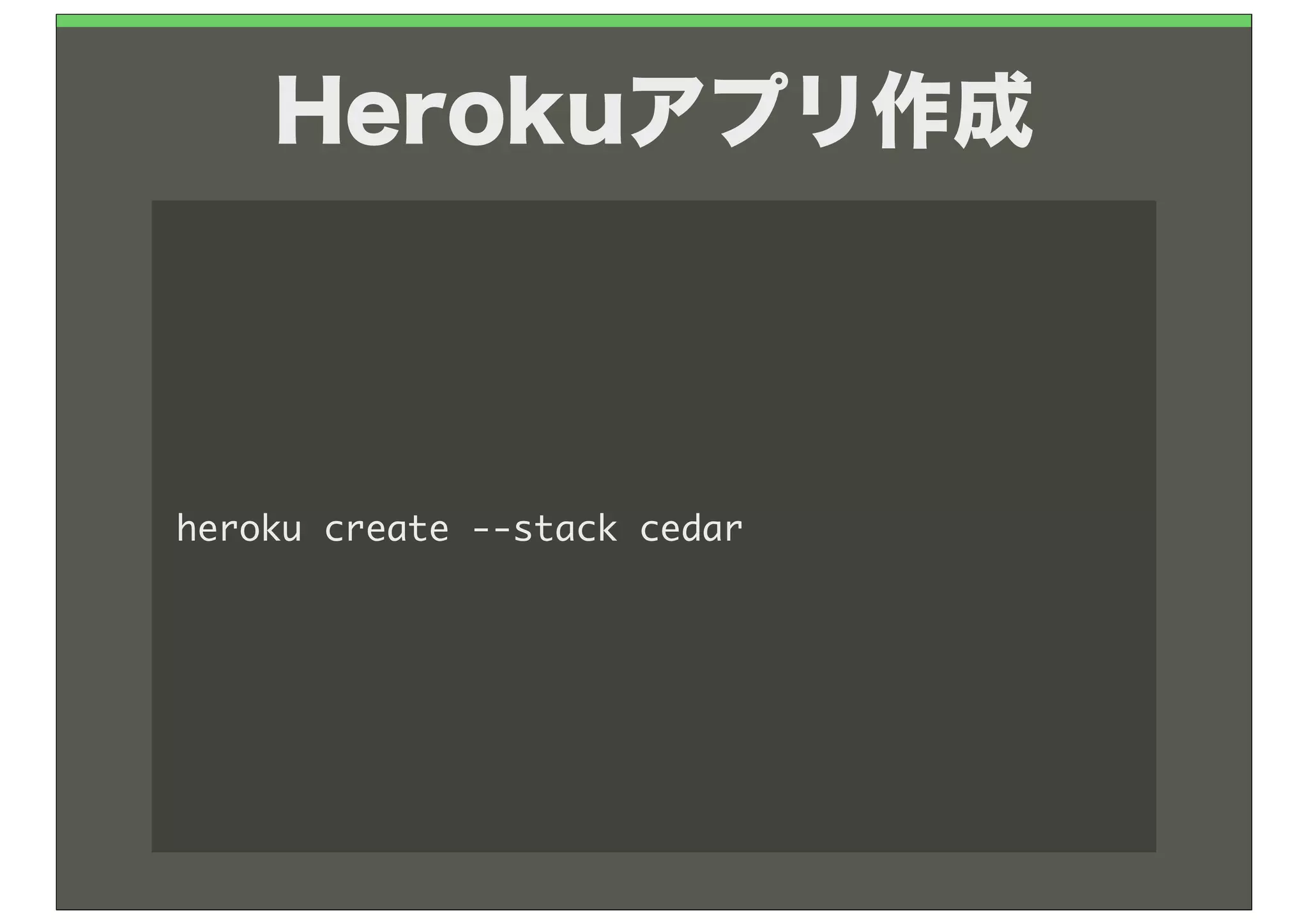
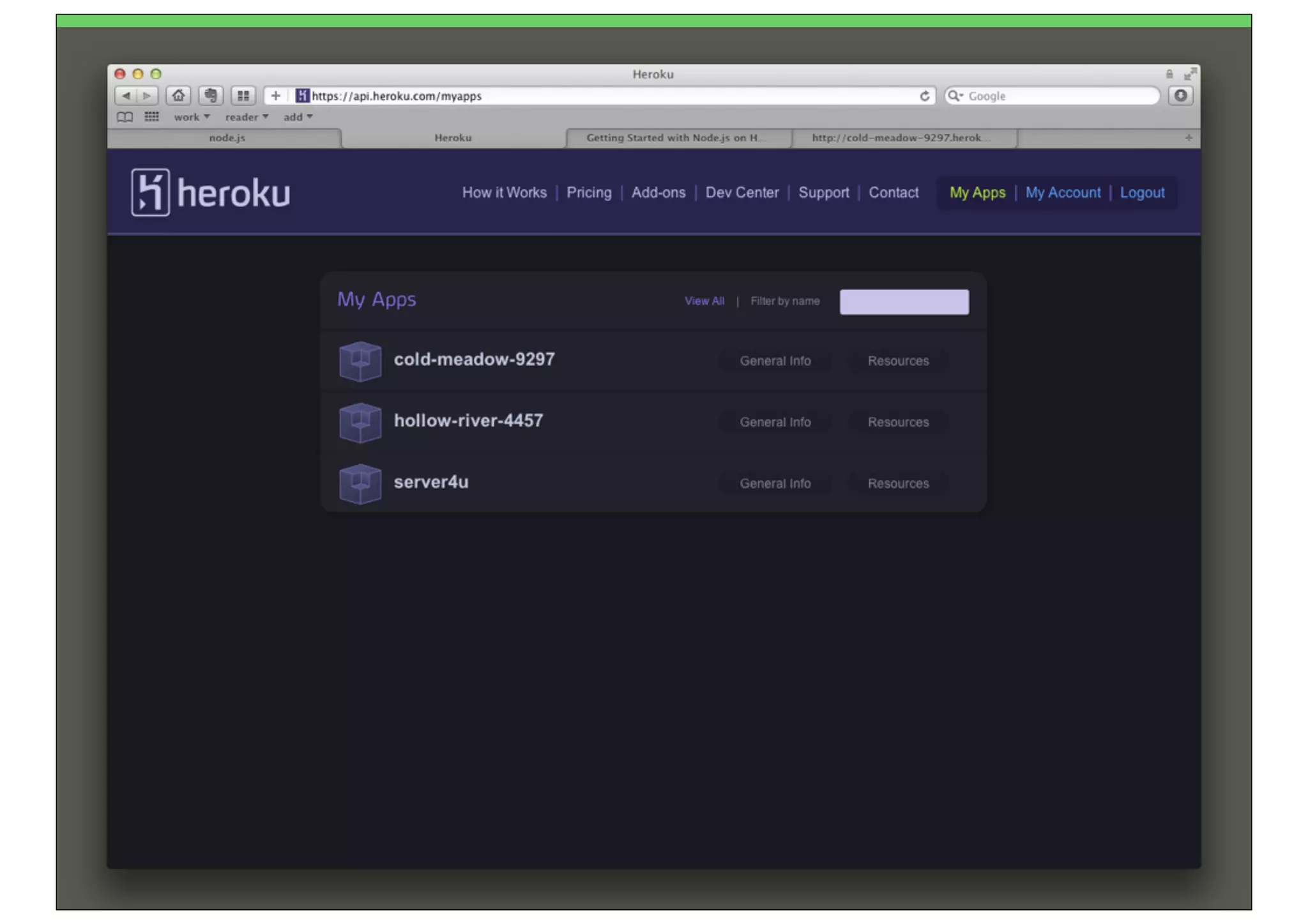
Herokuアプリ作成


heroku	 create	 --stack	 cedar
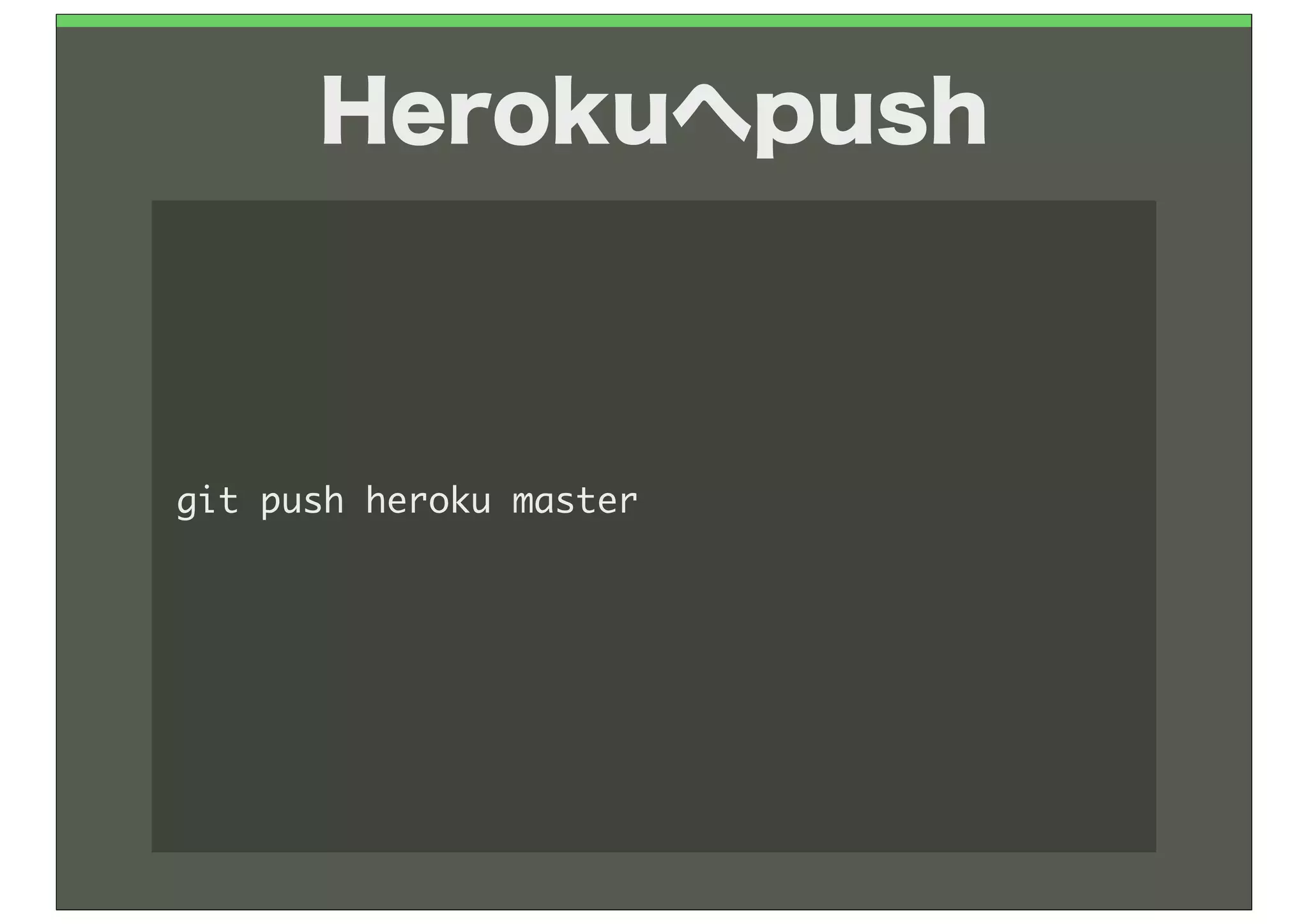
Herokuへpush


git	 push	 heroku	 master
簡単でしょ?
Facebookアプリも楽
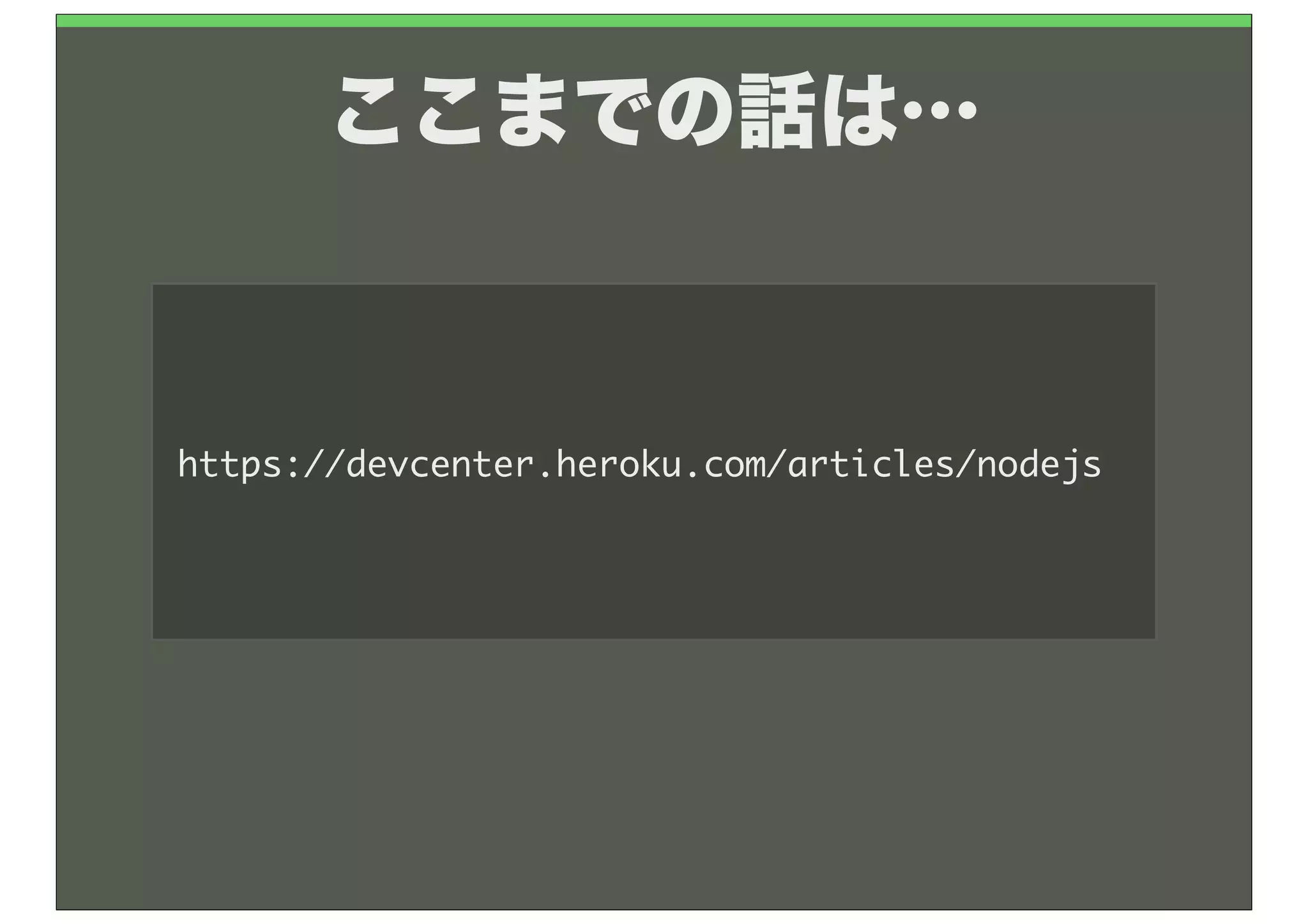
ここまでの話は…


https://devcenter.heroku.com/articles/nodejs
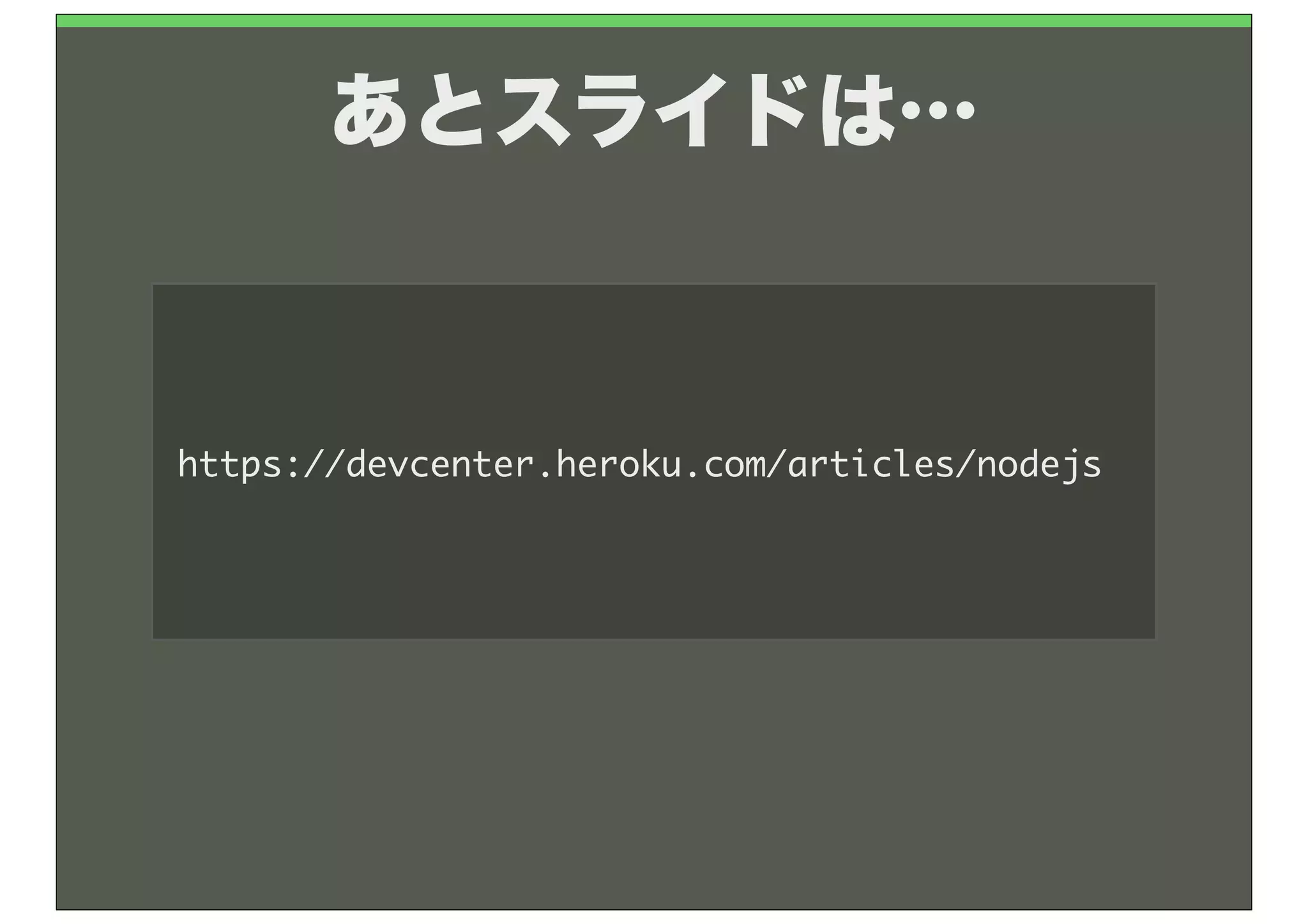
あとスライドは…


http://www.slideshare.net/MoriShingo/node-vol1
せっかくMacに

Node.js入ったし…
Node.js on local


                   @sngmr
まずはコマンドで


$	 node
>
ローカルでよく使うモノ
コマンドライン引数

$	 node	 arg.js	 hoge	 fuga
[	 'node',
	 	 '/Users/shingo/Projects/Node/local_base/arg.js',
	 	 'hoge',
	 	 'fuga'	 ]


----	 arg.js	 ----
console.log(process.argv);
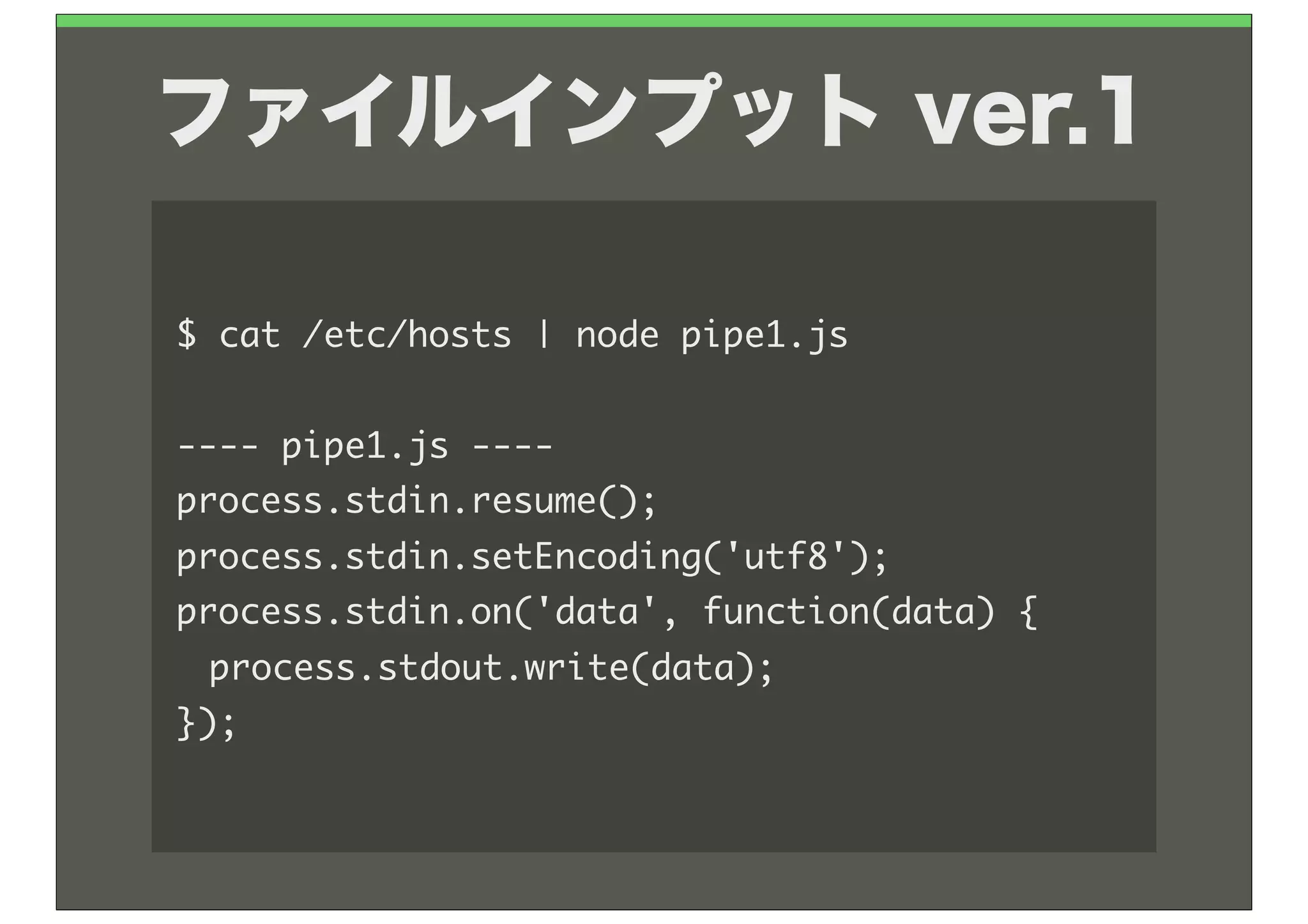
ファイルインプット ver.1

$	 cat	 /etc/hosts	 |	 node	 pipe1.js

----	 pipe1.js	 ----
process.stdin.resume();
process.stdin.setEncoding('utf8');
process.stdin.on('data',	 function(data)	 {
	  process.stdout.write(data);
});
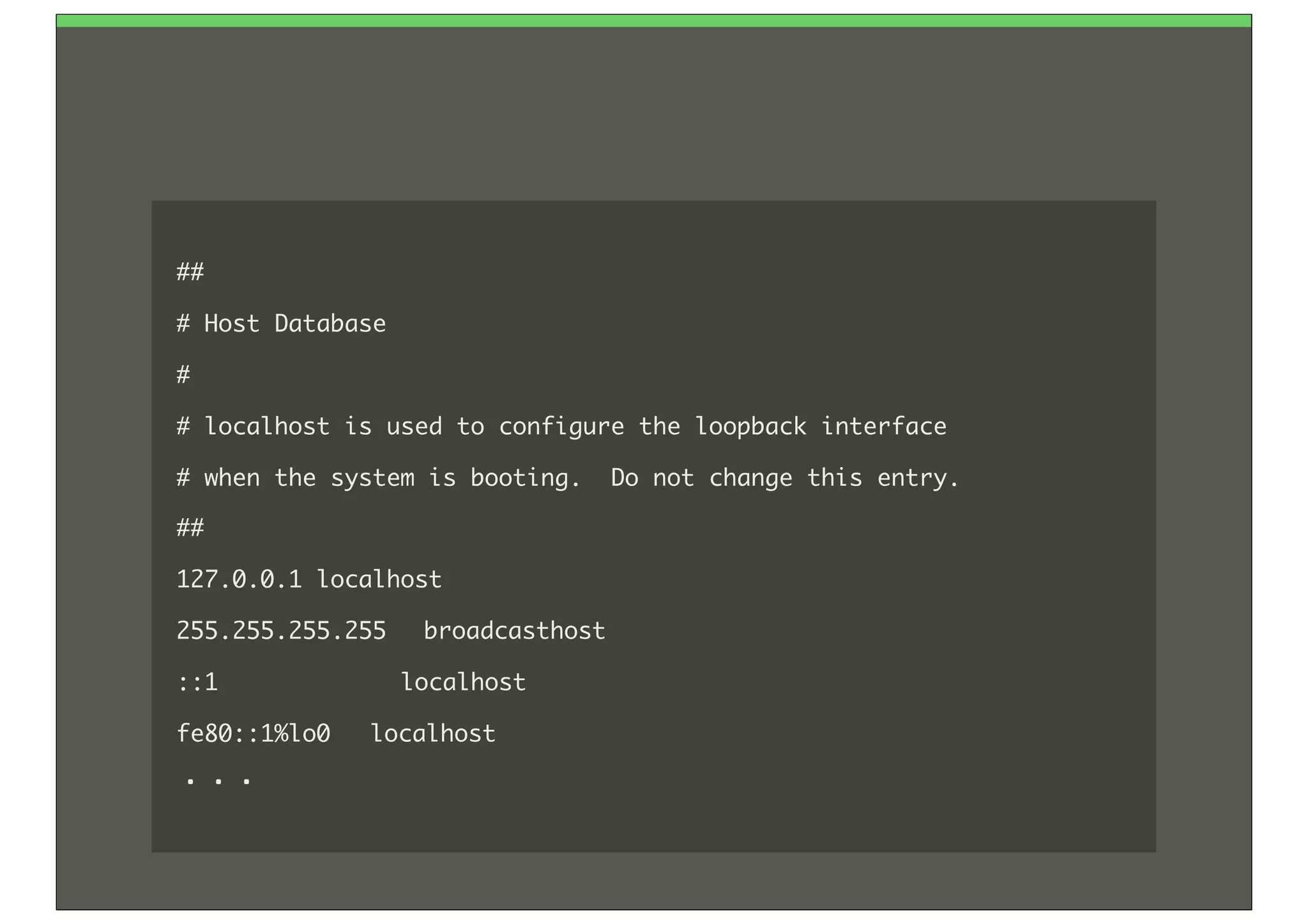
##
#	 Host	 Database
#
#	 localhost	 is	 used	 to	 configure	 the	 loopback	 interface
#	 when	 the	 system	 is	 booting.	 	 Do	 not	 change	 this	 entry.
##
127.0.0.1	 localhost
255.255.255.255	  broadcasthost
::1	 	 	 	 	 	 	 	 	 	 	 	 	 localhost	 
fe80::1%lo0	  localhost
・・・
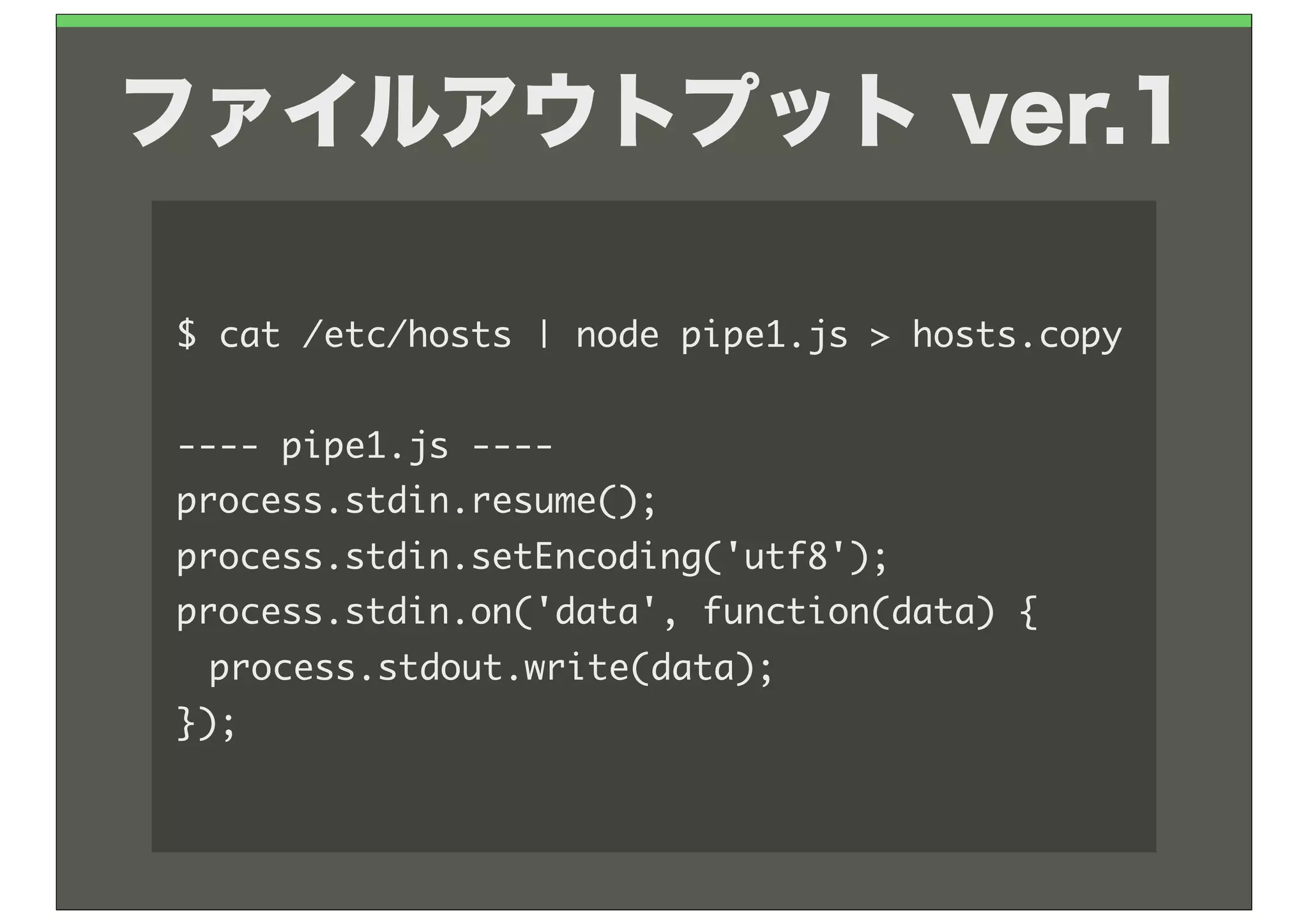
ファイルアウトプット ver.1

$	 cat	 /etc/hosts	 |	 node	 pipe1.js	 >	 hosts.copy

----	 pipe1.js	 ----
process.stdin.resume();
process.stdin.setEncoding('utf8');
process.stdin.on('data',	 function(data)	 {
	  process.stdout.write(data);
});
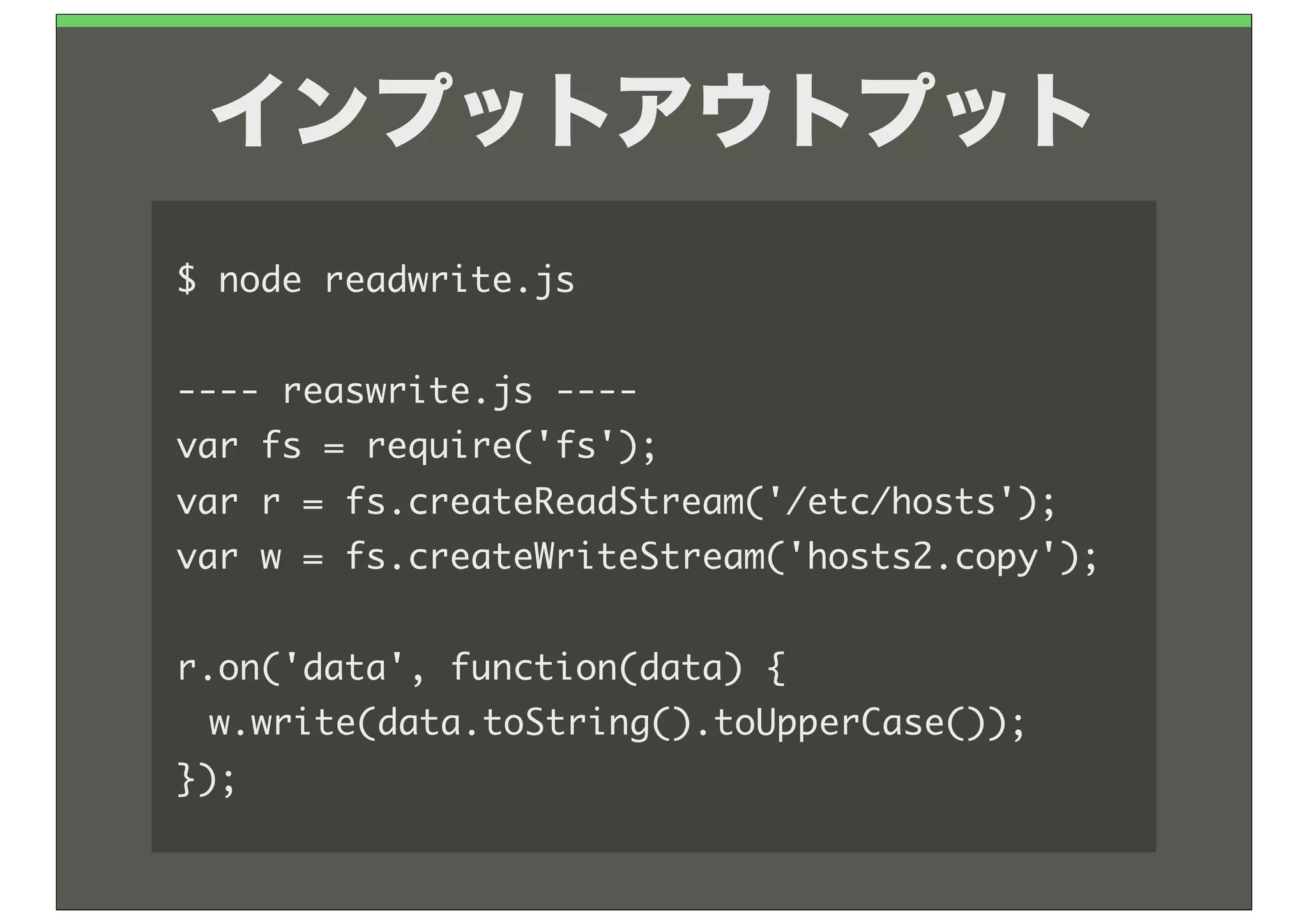
インプットアウトプット
$	 node	 readwrite.js

----	 reaswrite.js	 ----
var	 fs	 =	 require('fs');
var	 r	 =	 fs.createReadStream('/etc/hosts');
var	 w	 =	 fs.createWriteStream('hosts2.copy');

r.on('data',	 function(data)	 {
	  w.write(data.toString().toUpperCase());
});
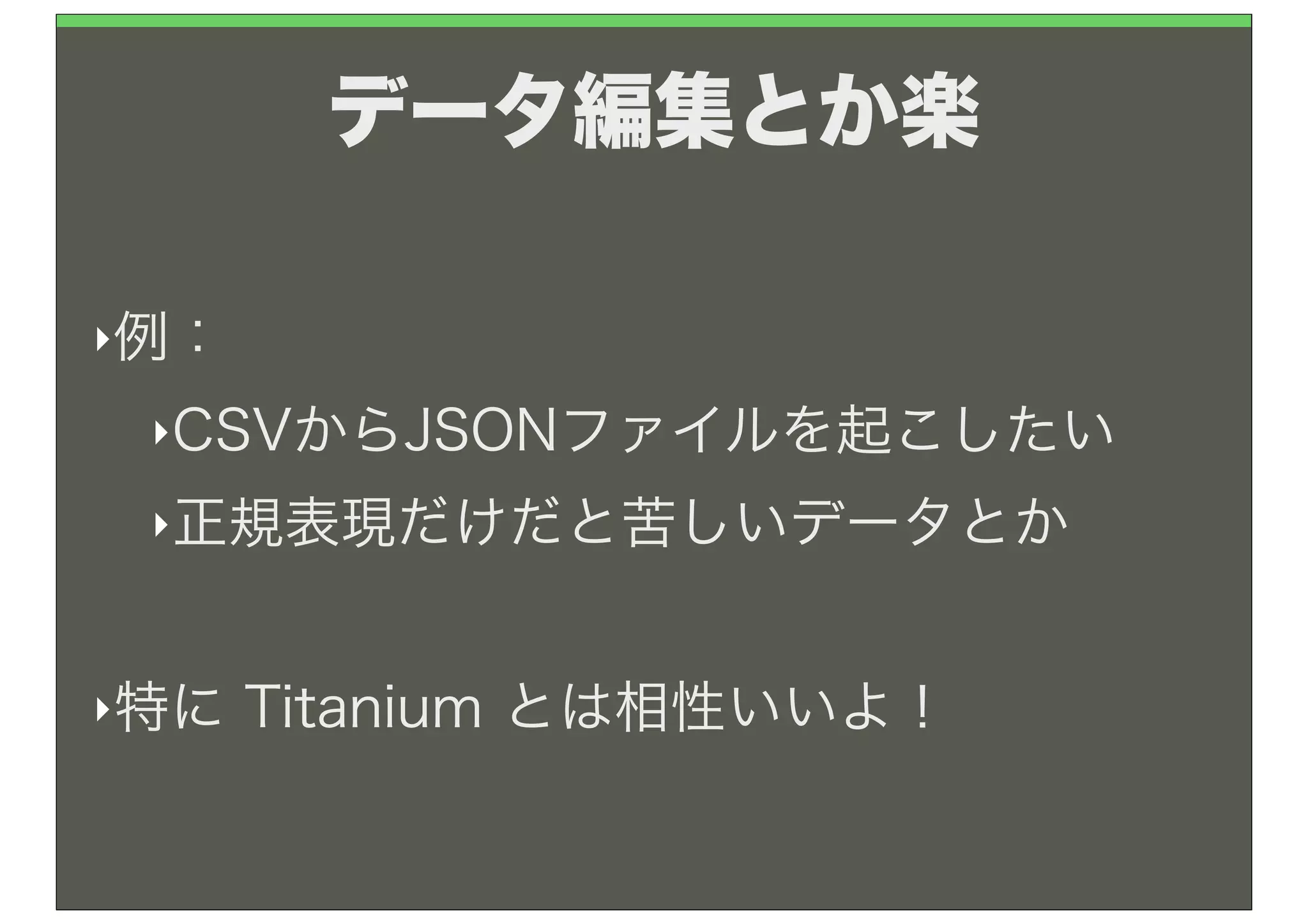
どうゆう場面で使うの?
データ編集とか楽

‣例:

 ‣CSVからJSONファイルを起こしたい

 ‣正規表現だけだと苦しいデータとか


‣特に   Titanium とは相性いいよ!
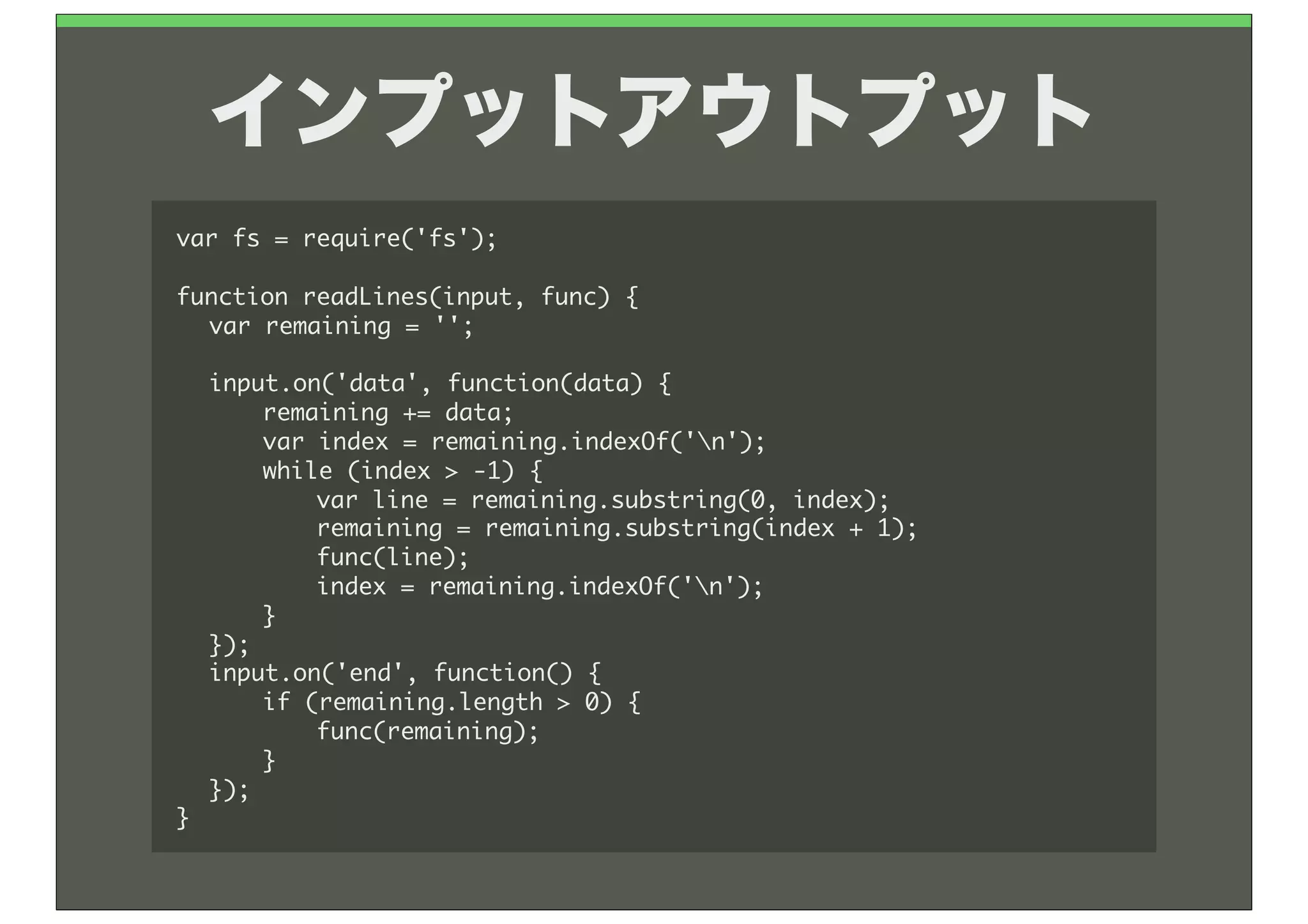
インプットアウトプット
var	 fs	 =	 require('fs');

function	 readLines(input,	 func)	 {
	  var	 remaining	 =	 '';
	 
	  input.on('data',	 function(data)	 {
	  	  remaining	 +=	 data;
	  	  var	 index	 =	 remaining.indexOf('n');
	  	  while	 (index	 >	 -1)	 {
	  	  	  var	 line	 =	 remaining.substring(0,	 index);
	  	  	  remaining	 =	 remaining.substring(index	 +	 1);
	  	  	  func(line);
	  	  	  index	 =	 remaining.indexOf('n');
	  	  }
	  });
	  input.on('end',	 function()	 {
	  	  if	 (remaining.length	 >	 0)	 {
	  	  	  func(remaining);
	  	  }
	  });
}
インプットアウトプット

var	 input	 =	 fs.createReadStream('sample1.csv');

var	 data	 =	 [];
readLines(input,	 
	  function(line)	 {
	  	  var	 buf	 =	 line.split("t");
	  	  data.push(buf);
	  },
	  function()	 {
	  	  console.log(data);
	  }
);

Node予備校 vol.1 名古屋