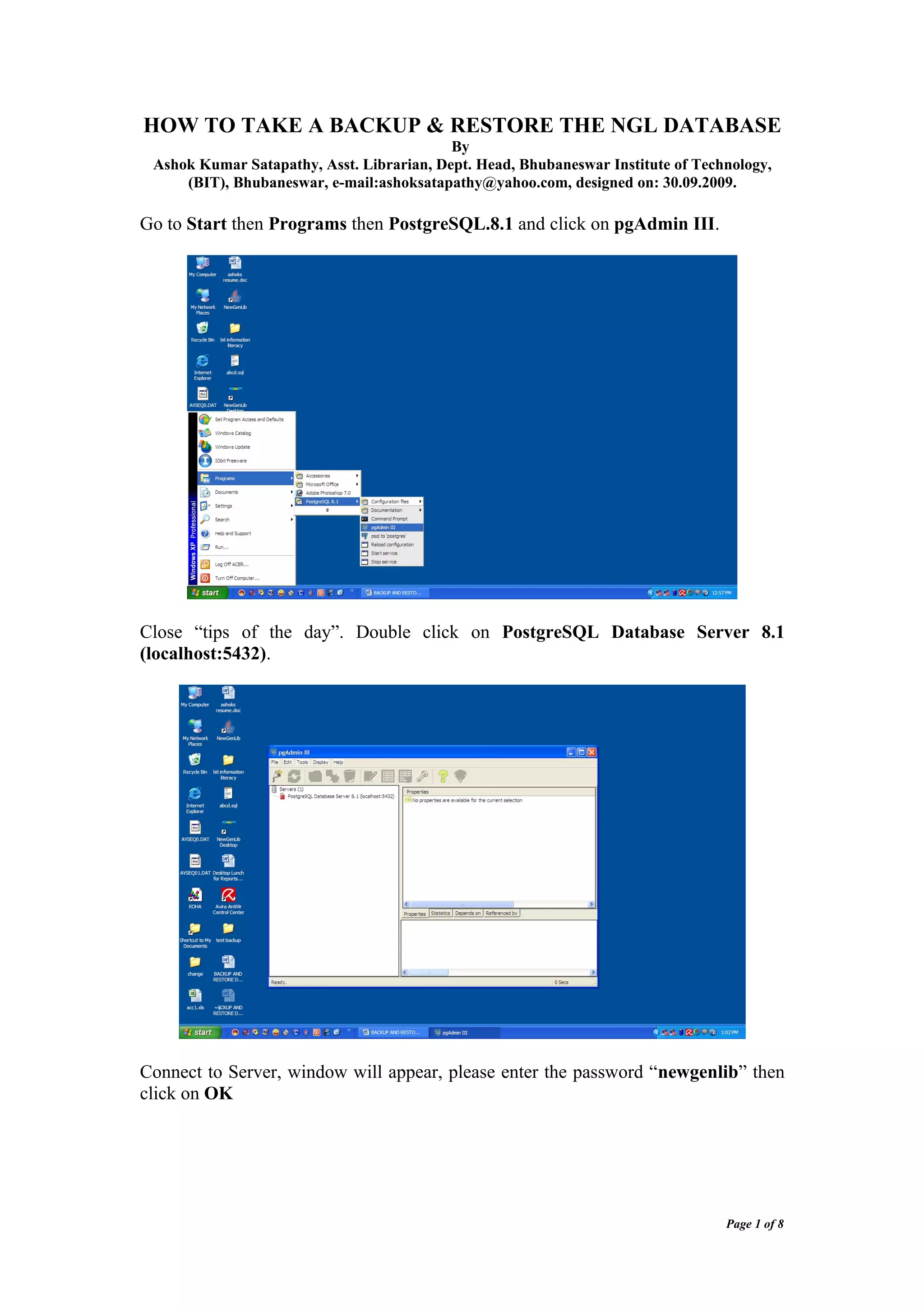
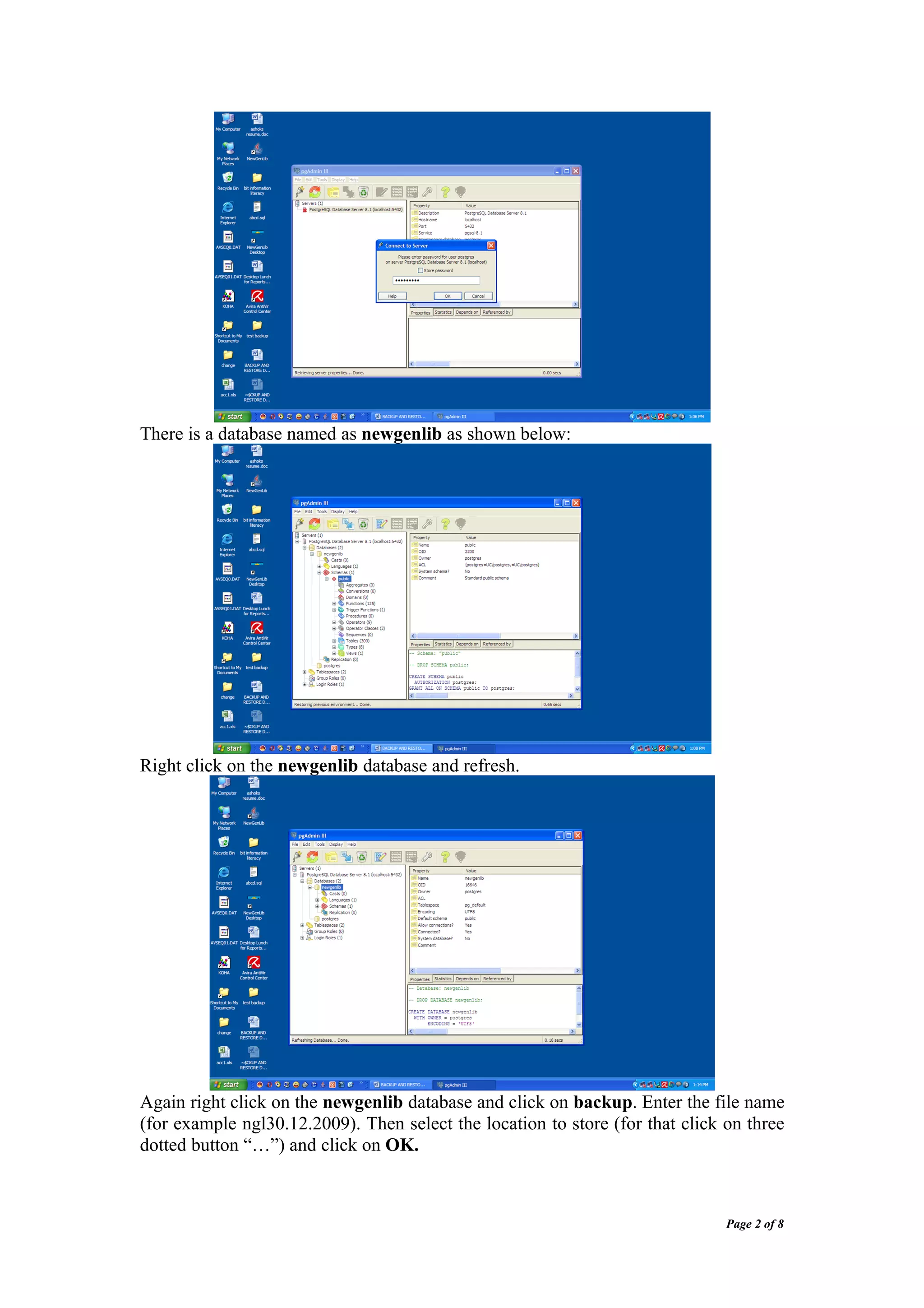
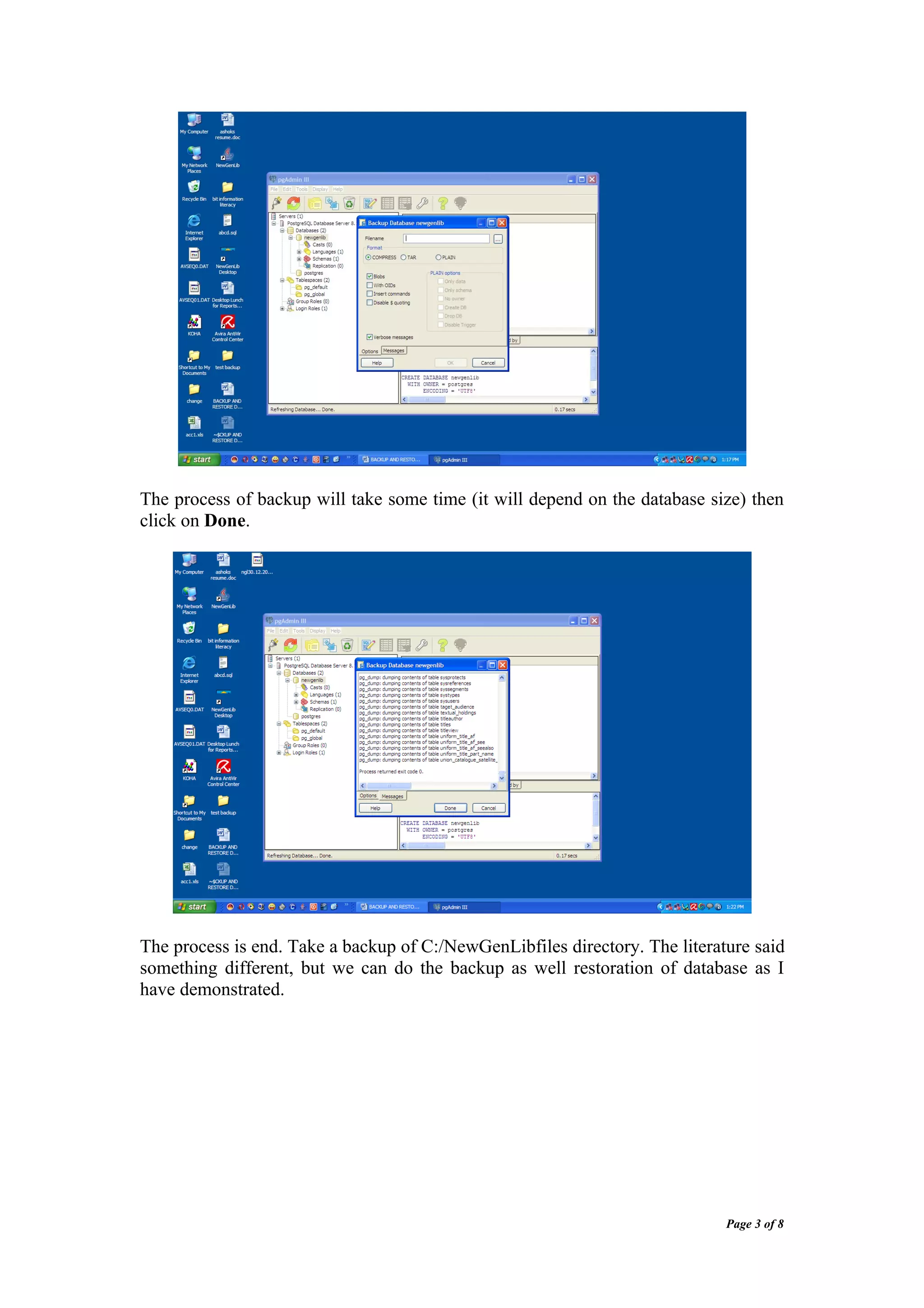
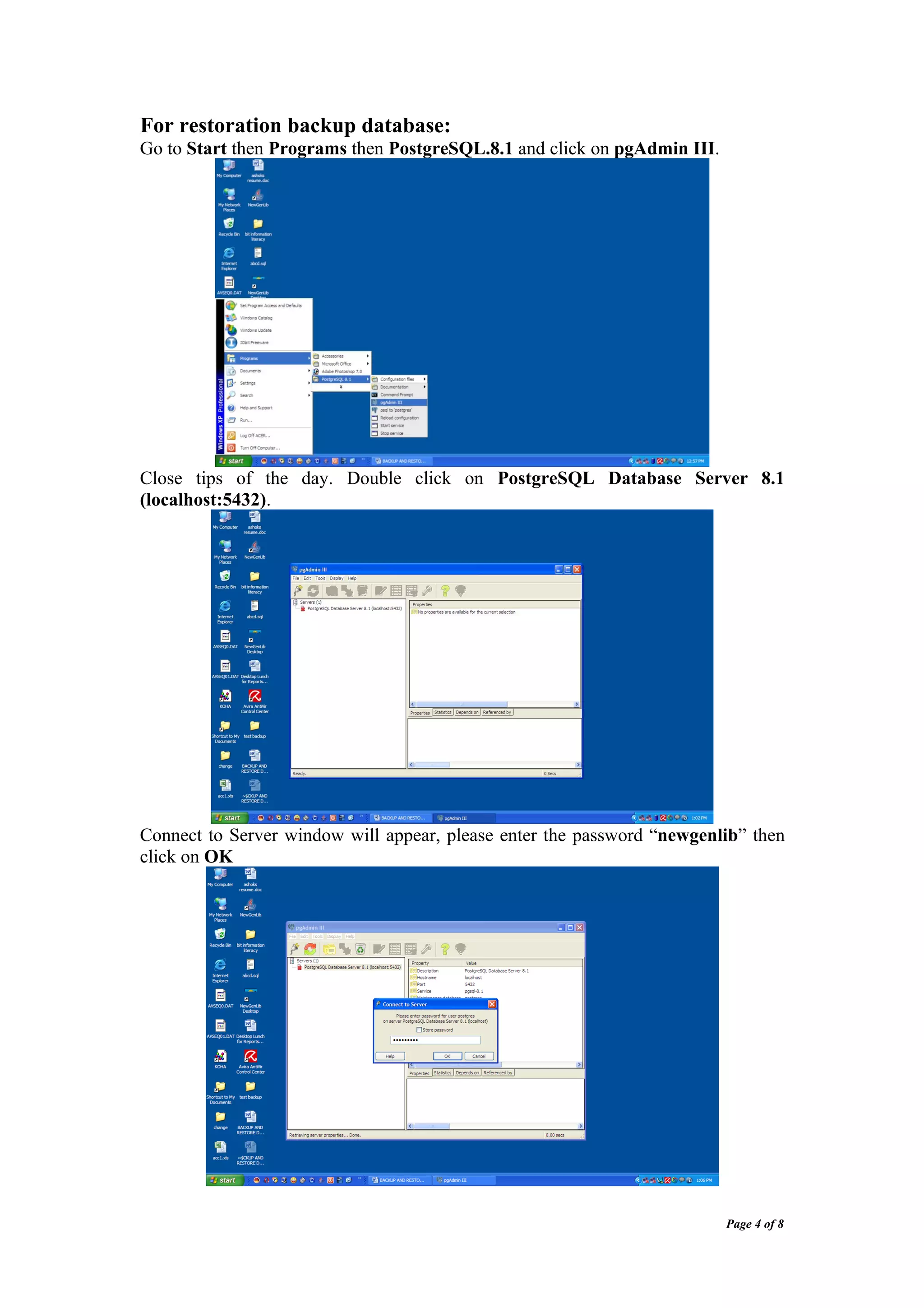
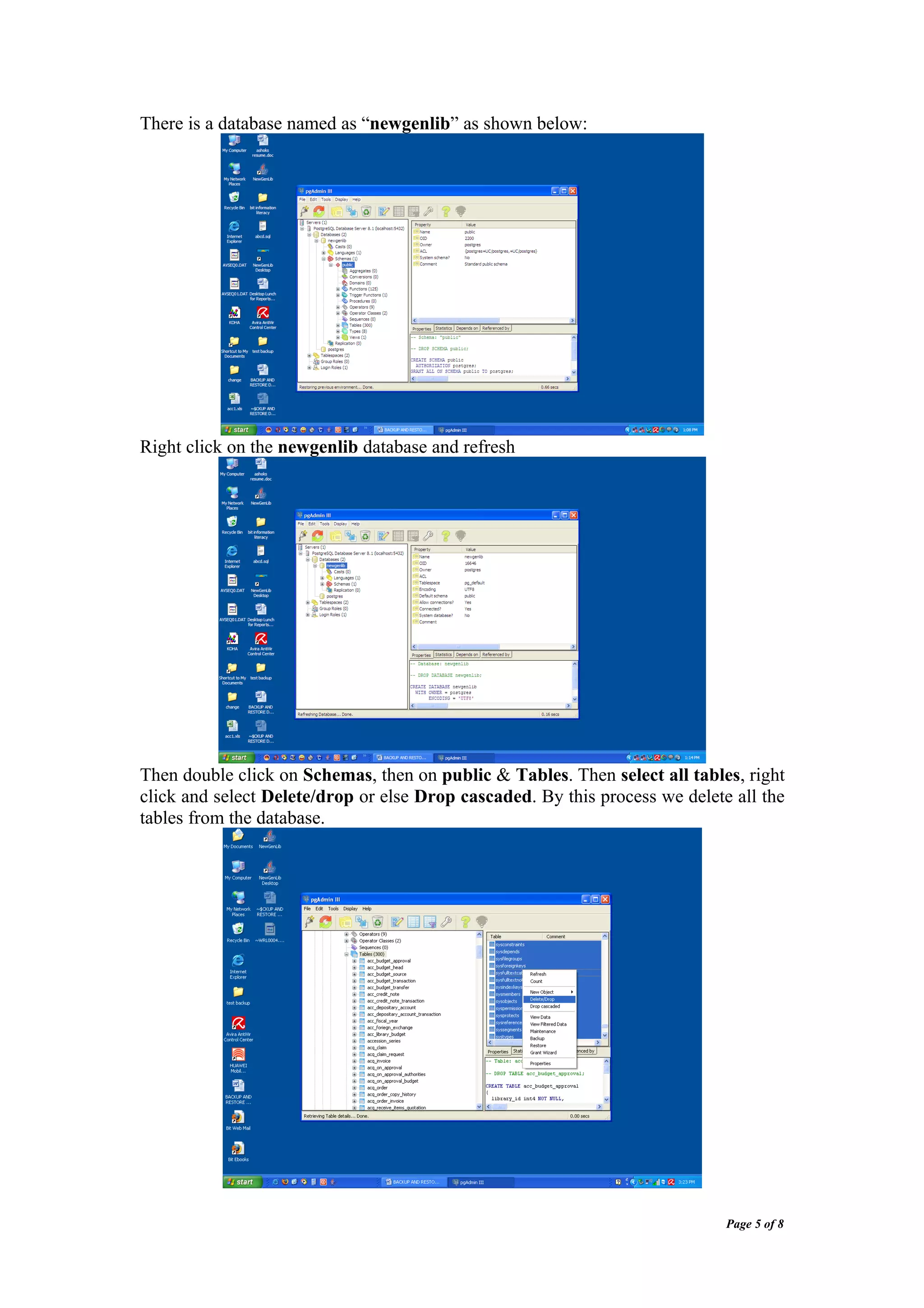
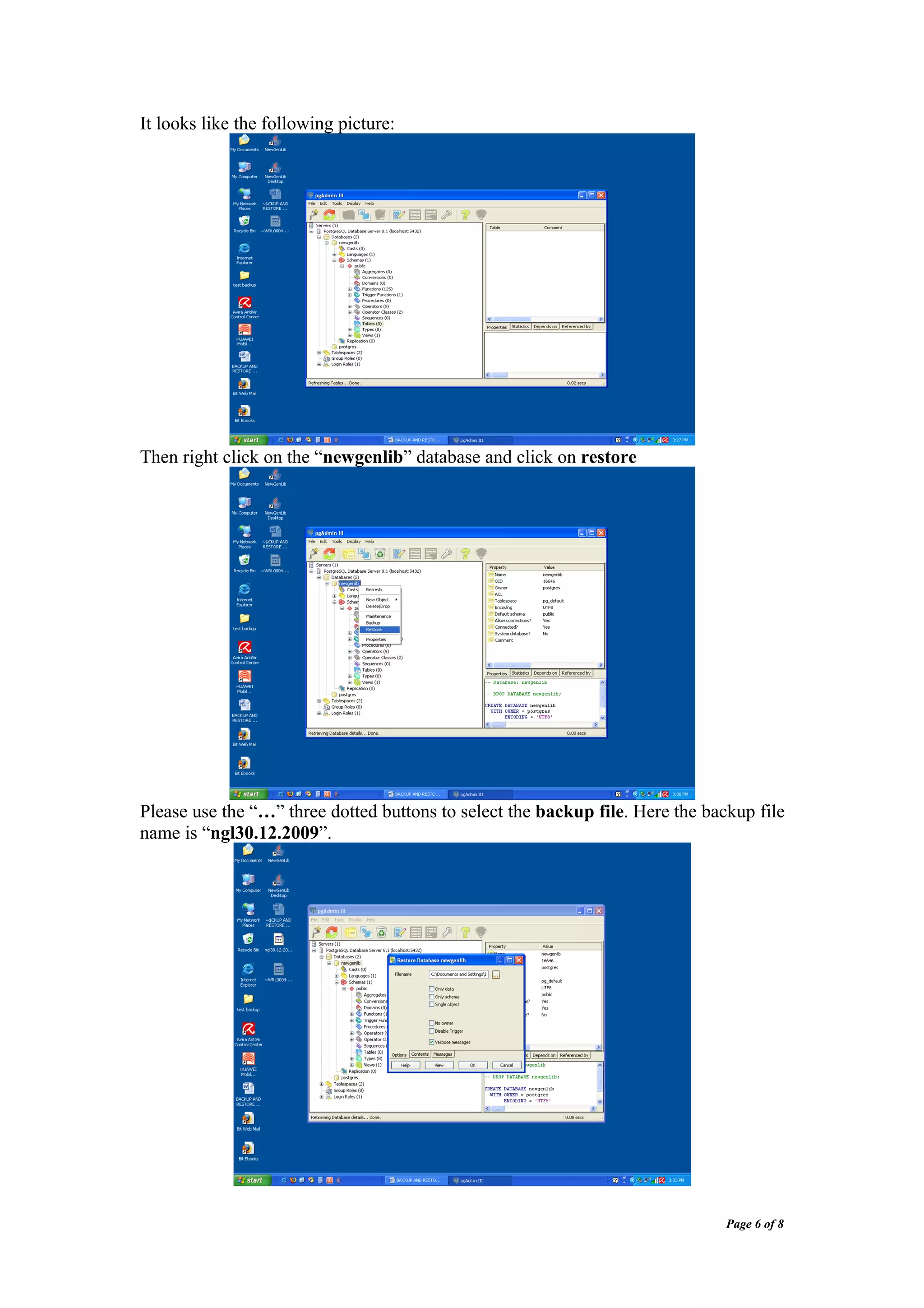
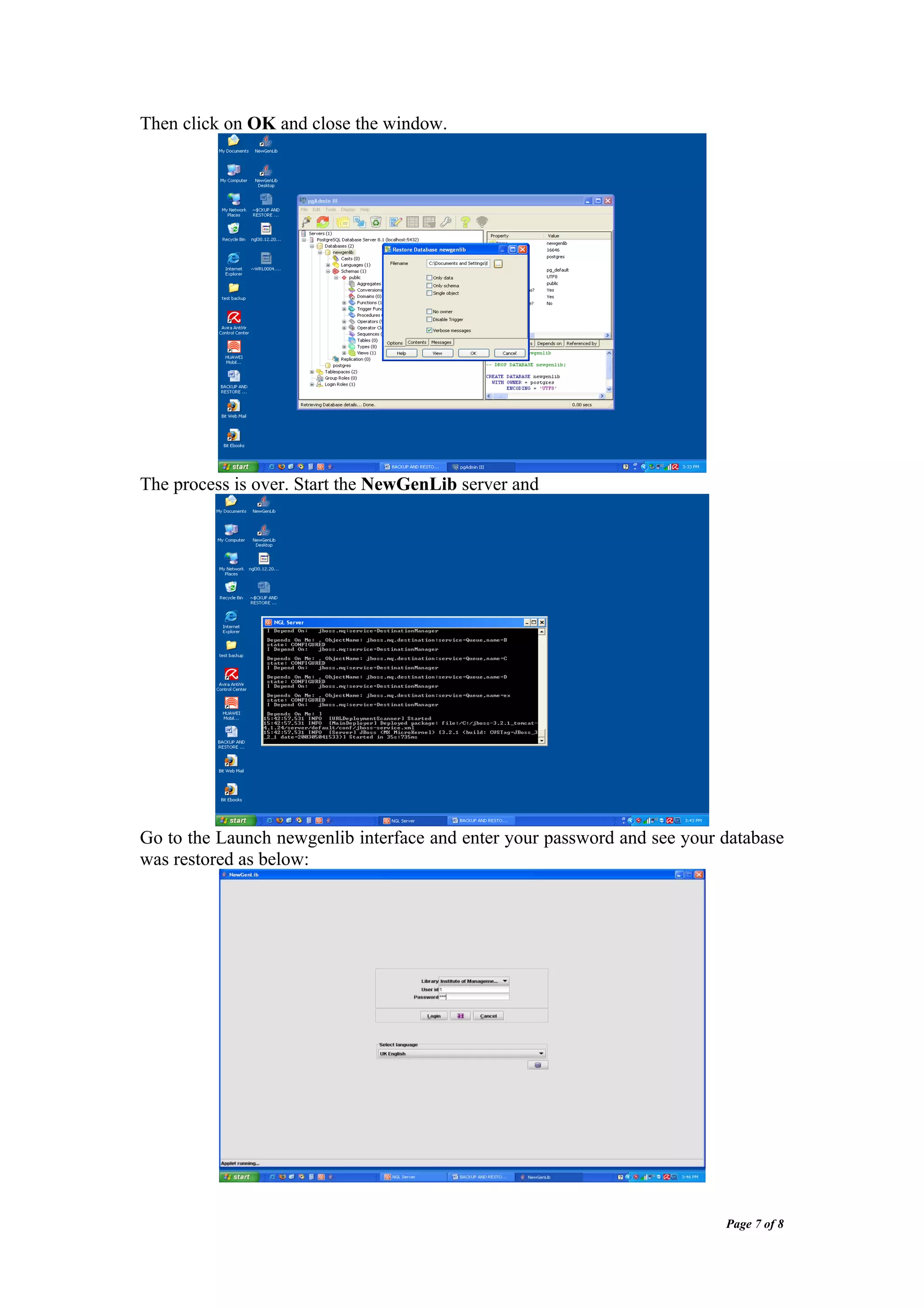
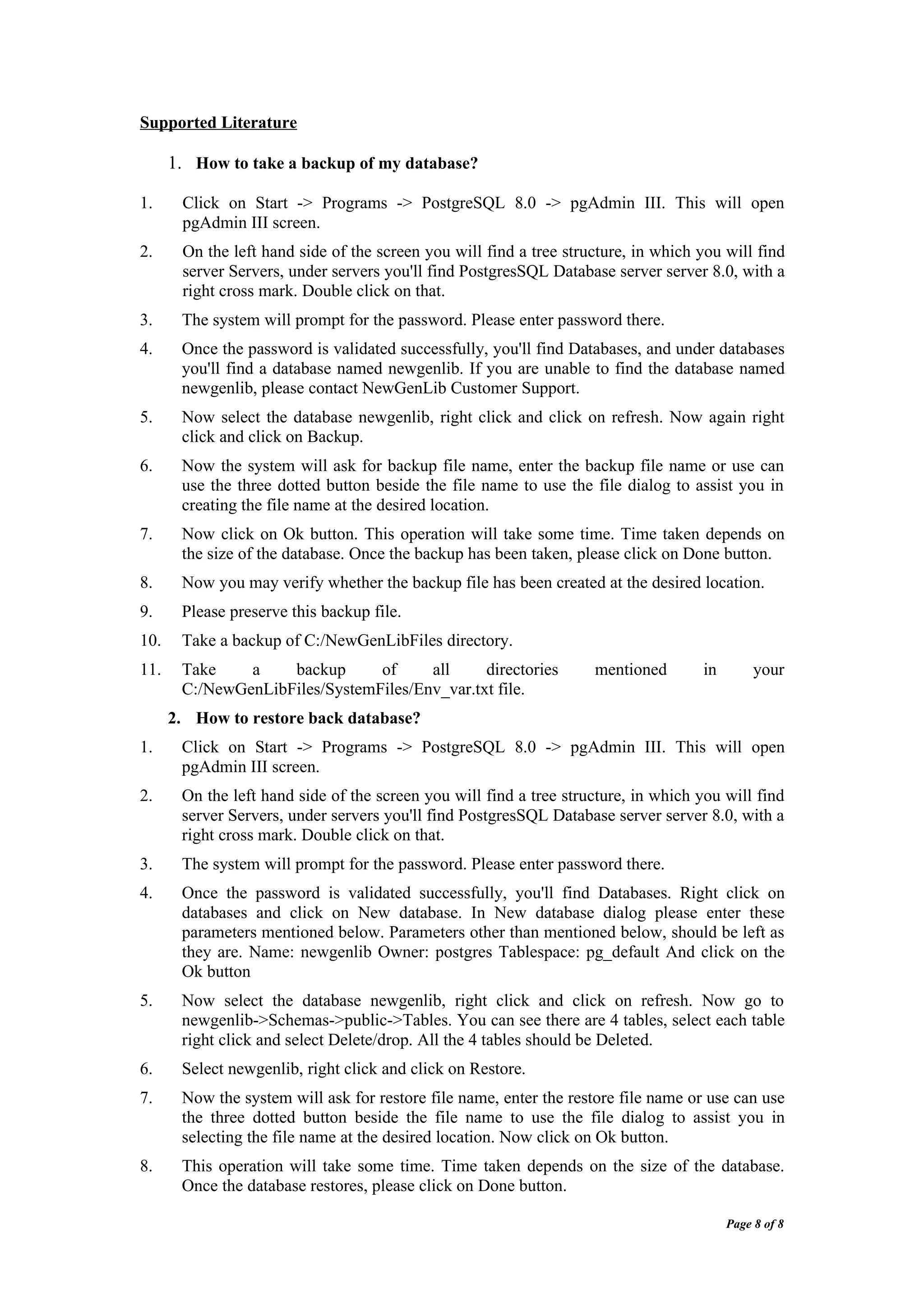

This document provides instructions for taking a backup and restoring the NGL database using pgAdmin III. It describes how to: 1. Open pgAdmin III and connect to the newgenlib database. 2. Right click on newgenlib and select "backup" to create a backup file with a specified name and location. 3. To restore, open pgAdmin III, connect to the database, delete all tables, and right click newgenlib and select "restore" to select the backup file and restore the database.


