JAVA SERVER PAGES
by Tanmoy Barman
cont:-
barmantanmoy.47@gmail.com
DISCUSSIONS
 Introduction
 JSP vs. ASP
 JSP life cycles
 JSP errors
 JSP comments
 JSP elements; Directives, Scripting, Actions
 JSP implicit objects
 Example of writing JSP
 Java Bean
INTRODUCTION
 JSP is a technology based in java which produces dynamic web
pages.
 JSP is a server side scripting language technology created by
sun micro systems.
 JSP files are html files which contains special tags where java
code is embedded into it.
 JSP have .jsp extension.
JSP VS. ASP
 JSP is technology introduced by Sun micro systems where as
ASP is a technology introduced y Microsoft.
 JSP is abbreviation of JAVA SERVER PAGES and ASP is
abbreviation of ACTIVE SERVER PAGES
 ASP pages can connect to my sql & ms Access databases and
also can connect to other database with the help of ADO
whereas JSP can connect to any database loading the
appropriate driver when needed.
JSP VS. ASP
 ASP runs on Microsoft IIS server which run on Microsoft
operating system where as JSP can run on any Linux based
server, IBM JBOSS as well as in Microsoft platform.
 ASP is an interpreted language, JSP can interpreted as well as
compiled.
 JSP is free of cost including JSP server where as ASP is free
but running ASP on Microsoft IIS server cost money.
JSP LIFE CYCLES
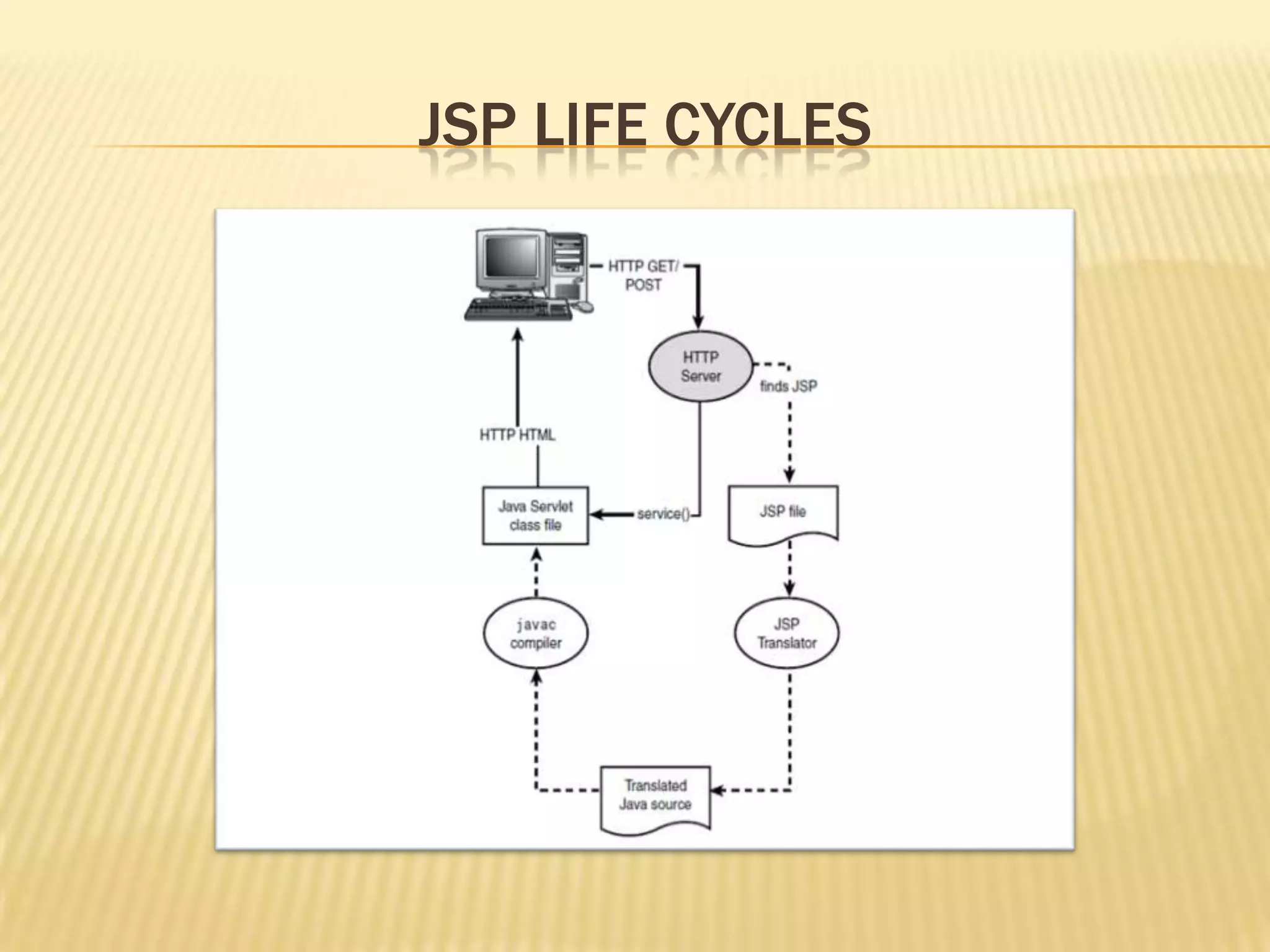
 JSP are deployed in the web server as servlet.
 The JSP page is compiled to servlet by JSP engine, eliminating
the html tags and putting them inside out.println() statements
and removing the jsp tags.
 Once it is translated into servlet then the servlet, then it
follows the servlet lifecycles.
JSP LIFE CYCLES
JSP ERRORS
 Three types of error can be evolved in JSP:-
 Jsp error; which occurs when jsp is translated to servlet.
 Java code error; occurs when the servlet is complied to java class.
 HTML error; occurs during the presentation of html pages in the
browser.
JSP ERRORS
 The first two errors (jsp error and java code error) is detected
by the application server.
 The HTML error is detected by the web browser.
JSP COMMENTS
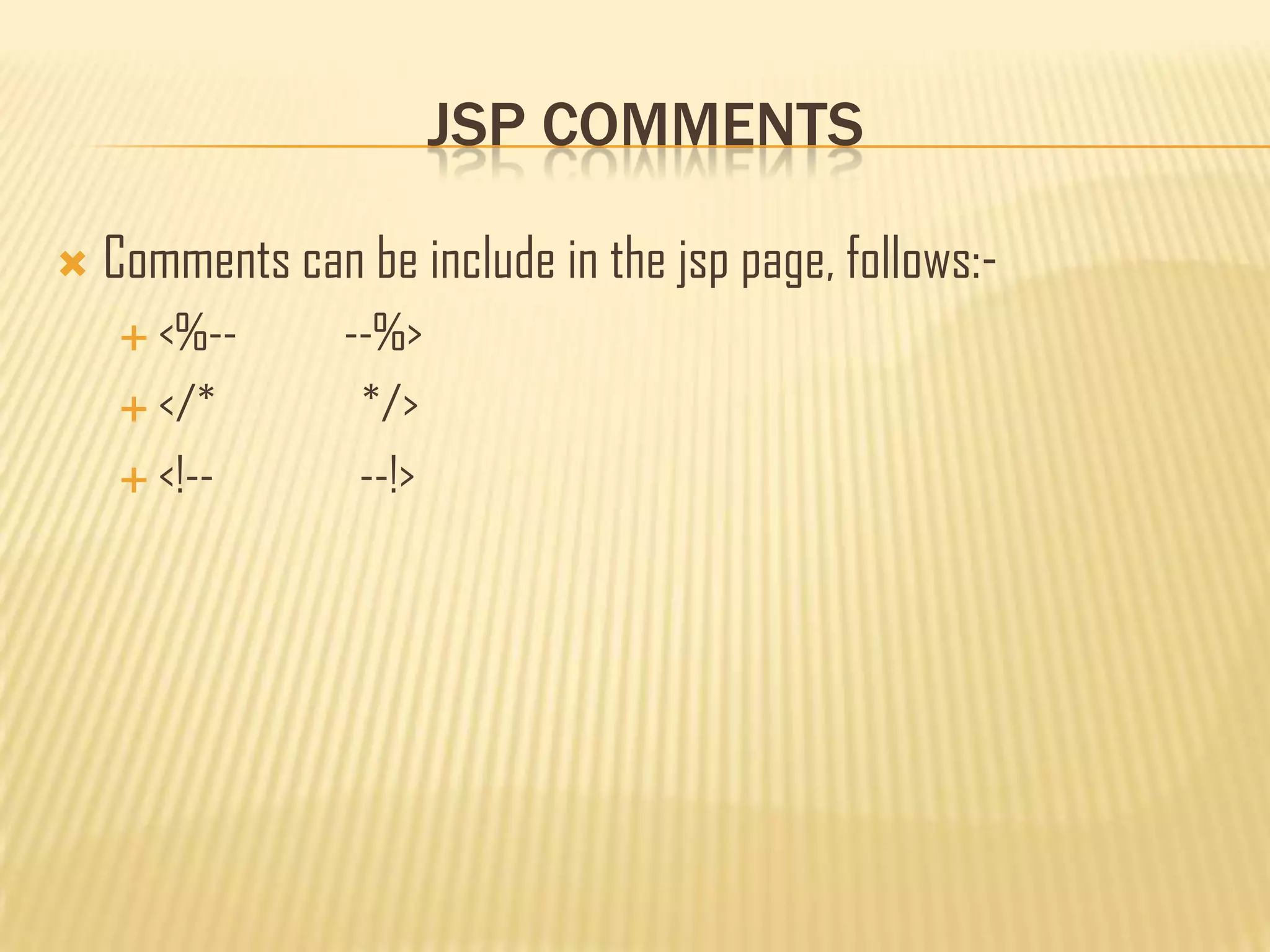
 Comments can be include in the jsp page, follows:-
 <%-- --%>
 </* */>
 <!-- --!>
JSP ELEMENTS
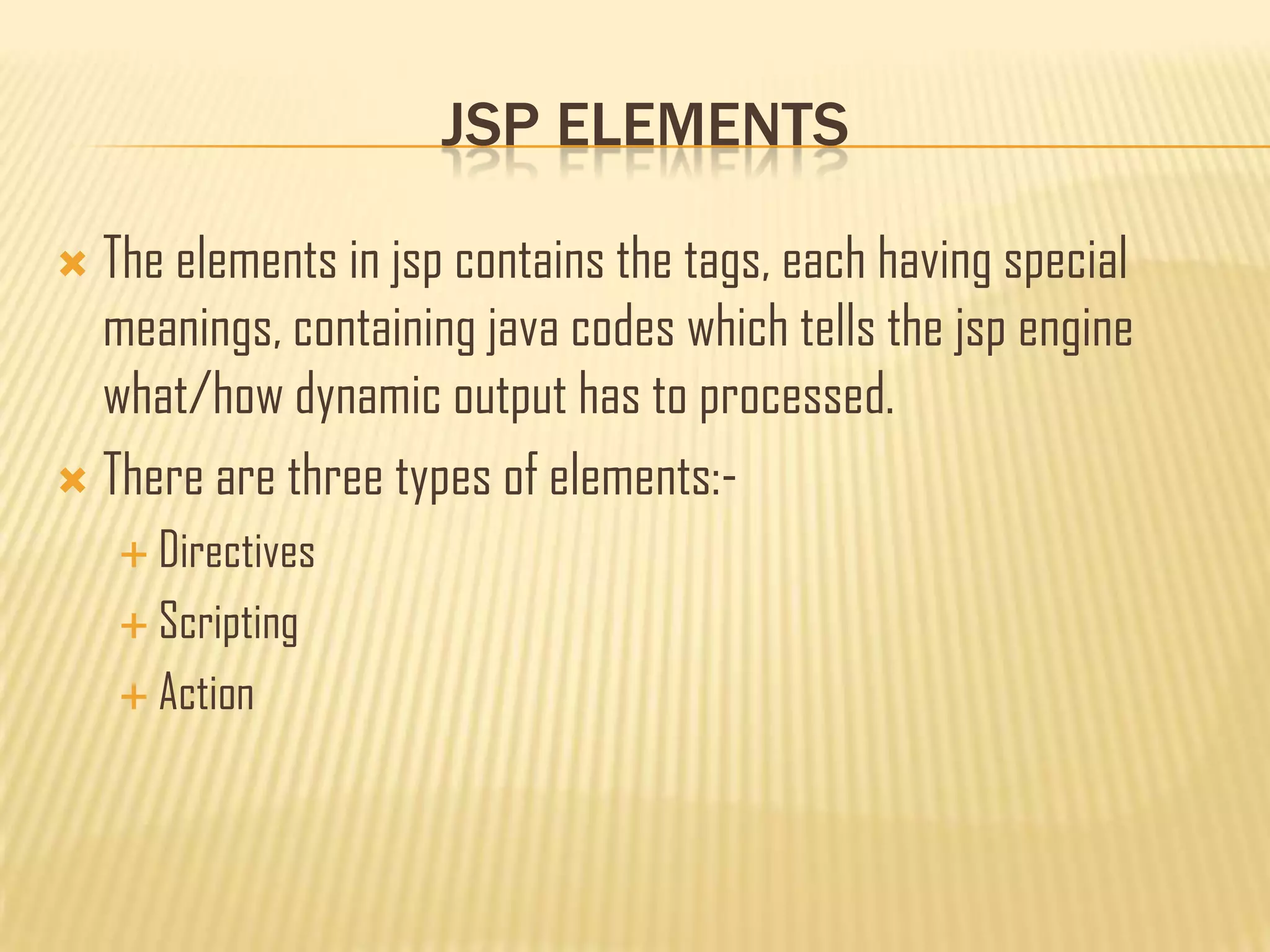
 The elements in jsp contains the tags, each having special
meanings, containing java codes which tells the jsp engine
what/how dynamic output has to processed.
 There are three types of elements:-
 Directives
 Scripting
 Action
DIRECTIVES
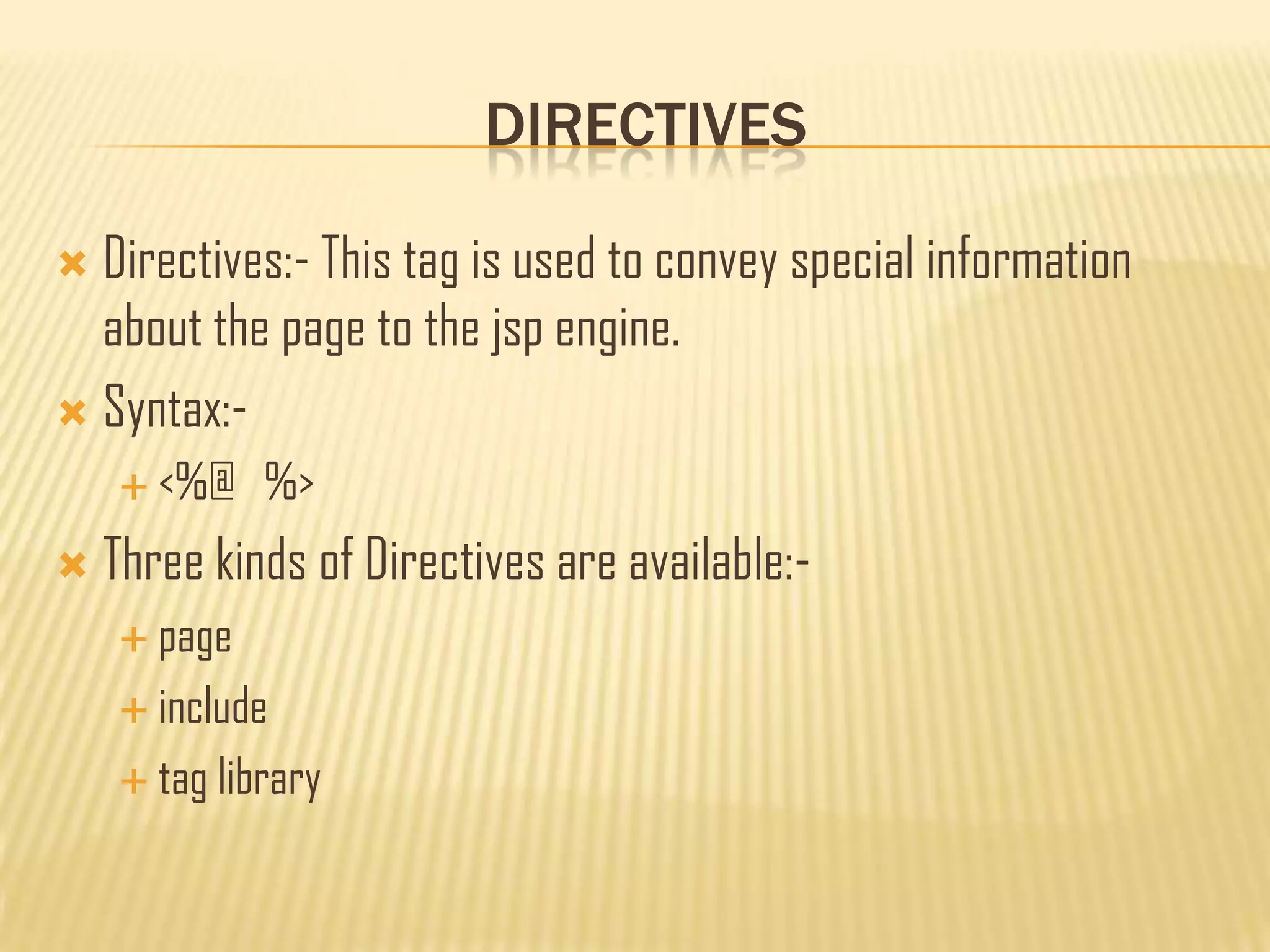
 Directives:- This tag is used to convey special information
about the page to the jsp engine.
 Syntax:-
 <%@ %>
 Three kinds of Directives are available:-
 page
 include
 tag library
DIRECTIVES
 page directive ; this directive informs the jsp engine about the
headers and facilities that the page should get from the
environment.
 There can be any number of page directives in a jsp page.
 Declared usually at the top.
 Syntax:-
 <%@page attribute= %>
 Attributes can be; include, import, session, etc.
 Example; <%@page import=“package_name”%>
DIRECTIVES
 Include directive ; this is used to statically include one or
more resources to the jsp page.
 This allows the jsp developer to reuse the code.
 Syntax:-
 <%@include page=“”%>
 There is only on attribute named „page‟ in include directive.
SCRIPTING ELEMENTS
 Scripting Elements; contains embedded java code.
 There are three types:-
 Declarations
 Expression
 Scriplets
SCRIPTING ELEMENTS
 Declarations; this tag allows the developer to declare one or
multiple variable and methods.
 They do not produce any output.
 Syntax:-
 <%! %>
 Example:- <%! public String name;
public int age;
public void setDetail(name,age); %>
SCRIPTING ELEMENTS
 Expression; this tag allows the developer to embed single java
expression which is not terminated by a semi colon.
 Syntax:-
 <%= %>
 Example:- <%= new java.util.Date() %>
SCRIPTING ELEMENTS
 Scriplets; this tag allows the developer to embedded java code
inside it that can use the variable declared earlier.
 Syntax:-
 <% %>
 Example:- <% int sum=a+b;
system.out.println(sum);
%>
ACTION ELEMENT
 Functions provided like:-
 Use of java bean technology in jsp page.
 Browser independent support for applet.
 Transfers control among pages.
 Syntax:-
 <jsp: />
ACTION ELEMENT
 Standard action tag are:-
 useBean
 setProperty
 getProperty
 param
 include
 forward
 plugin
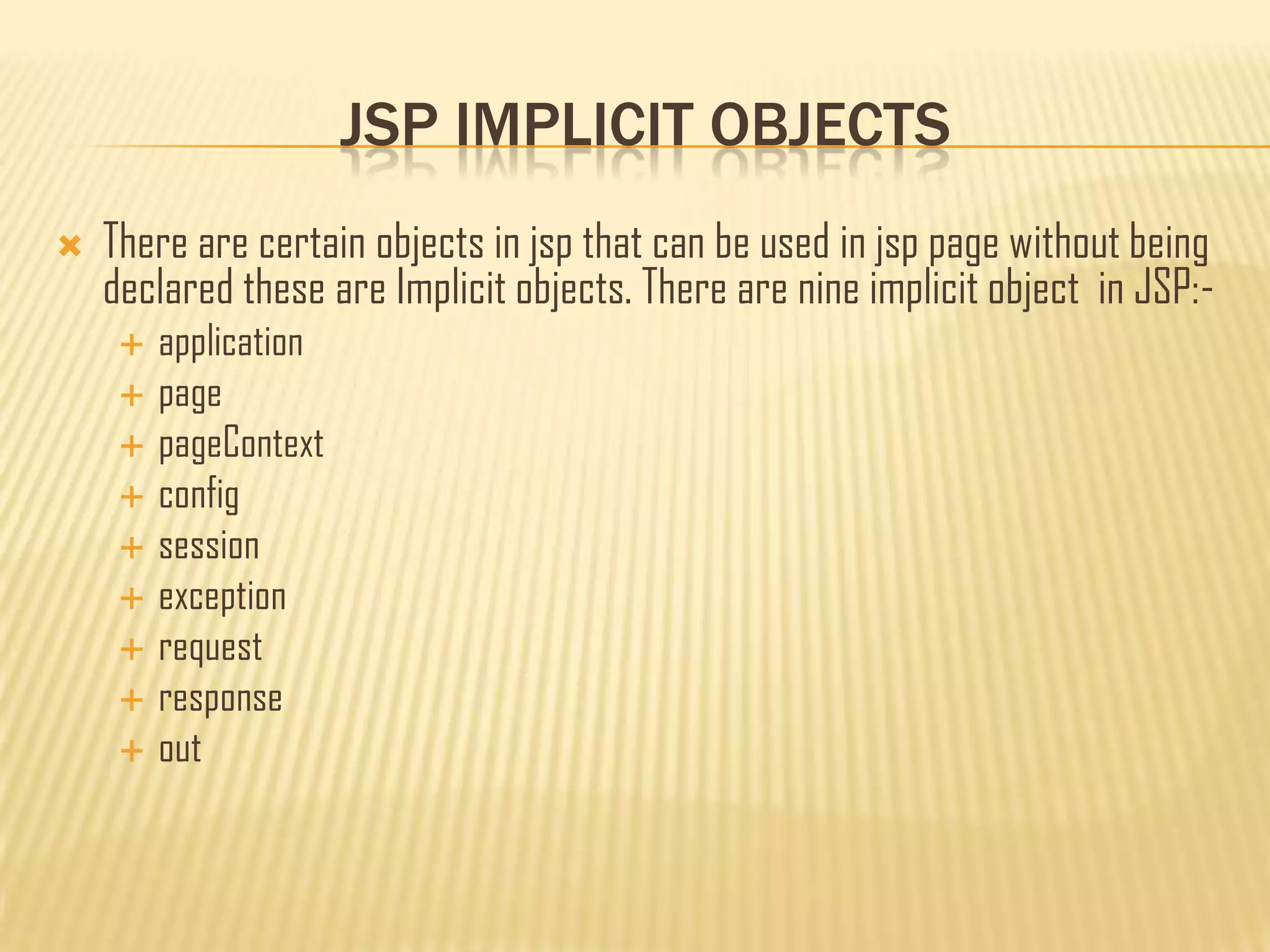
JSP IMPLICIT OBJECTS
 There are certain objects in jsp that can be used in jsp page without being
declared these are Implicit objects. There are nine implicit object in JSP:-
 application
 page
 pageContext
 config
 session
 exception
 request
 response
 out
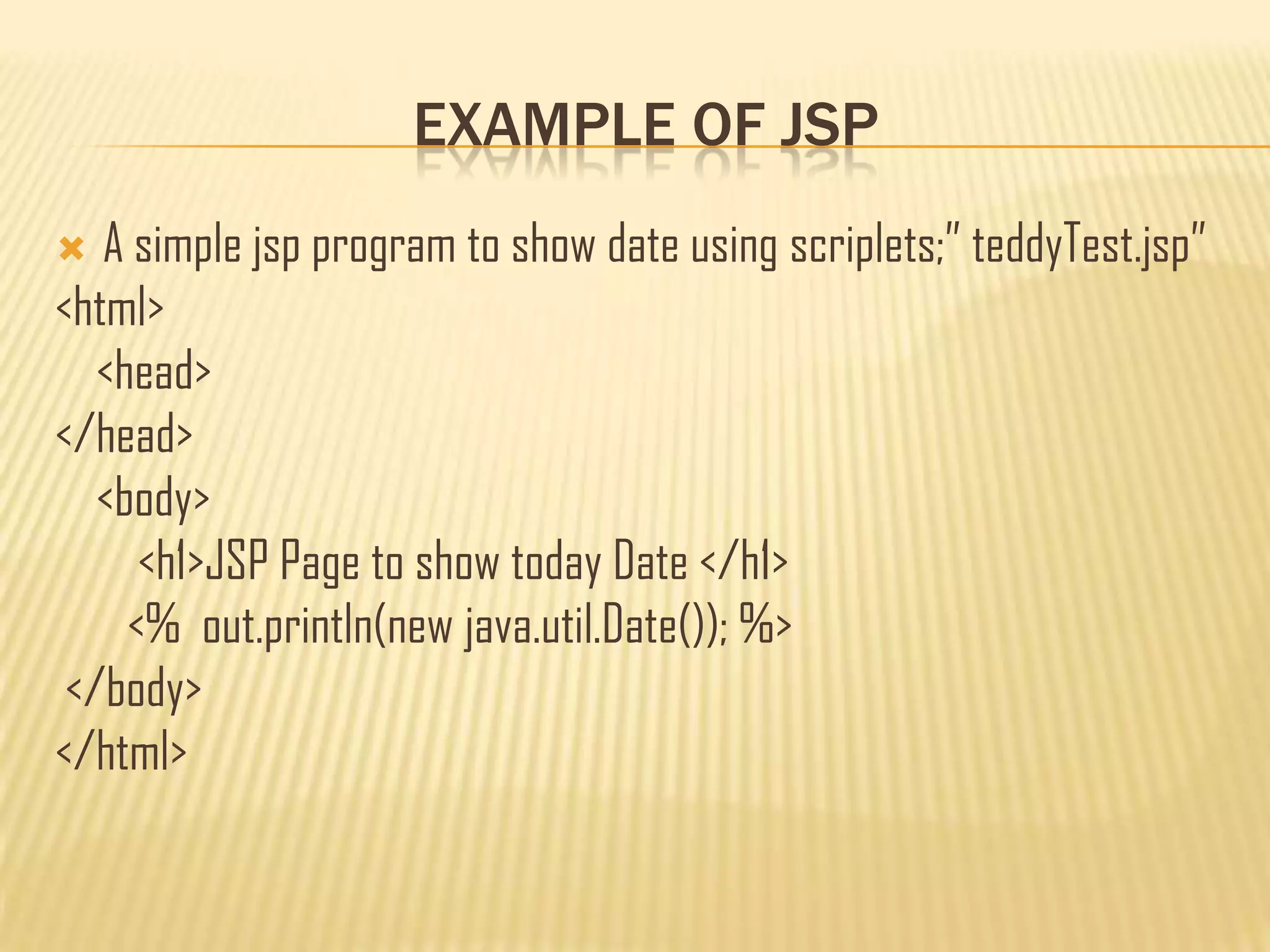
EXAMPLE OF JSP
 A simple jsp program to show date using scriplets;” teddyTest.jsp”
<html>
<head>
</head>
<body>
<h1>JSP Page to show today Date </h1>
<% out.println(new java.util.Date()); %>
</body>
</html>
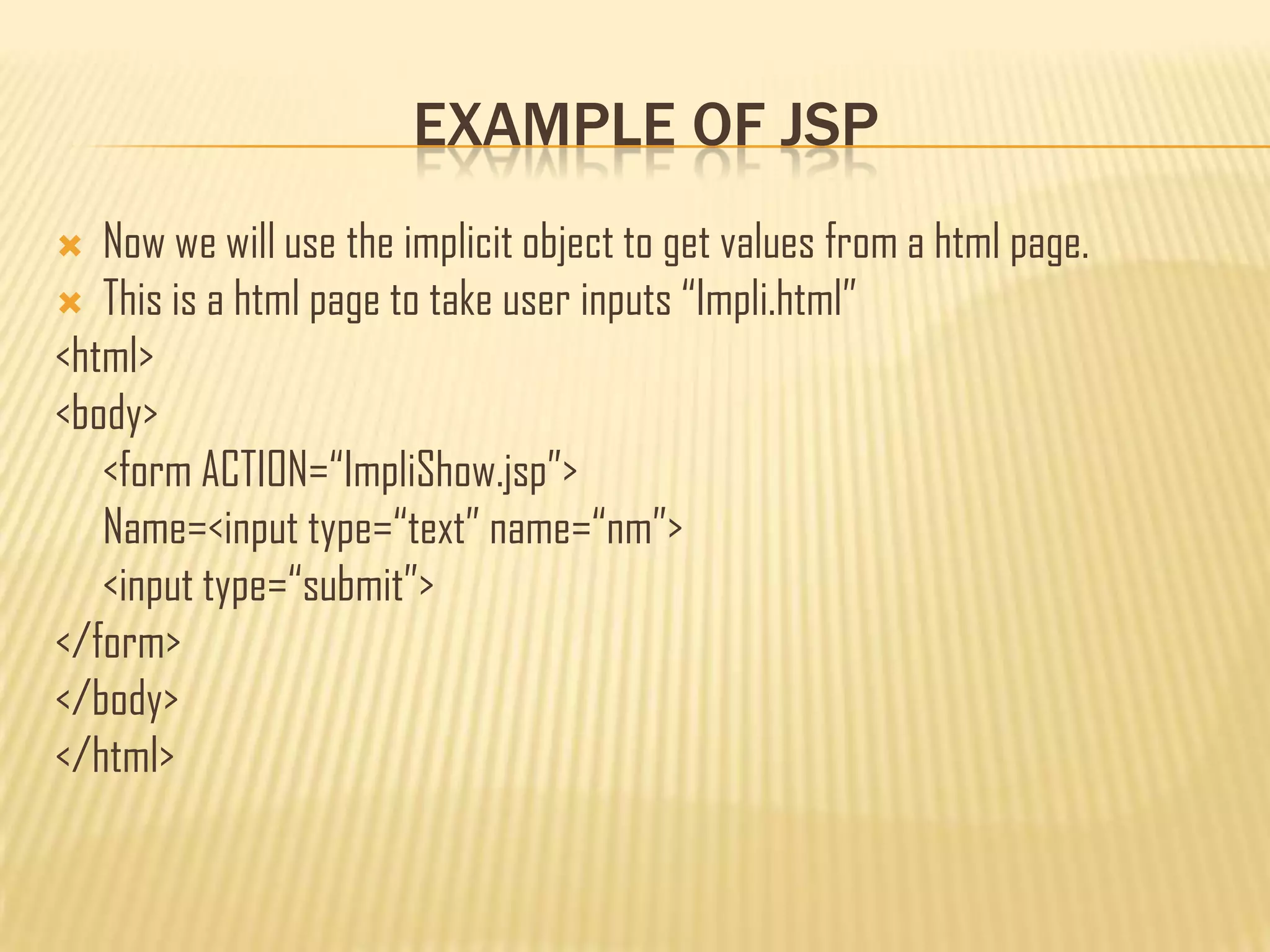
EXAMPLE OF JSP
 Now we will use the implicit object to get values from a html page.
 This is a html page to take user inputs “Impli.html”
<html>
<body>
<form ACTION=“ImpliShow.jsp”>
Name=<input type=“text” name=“nm”>
<input type=“submit”>
</form>
</body>
</html>
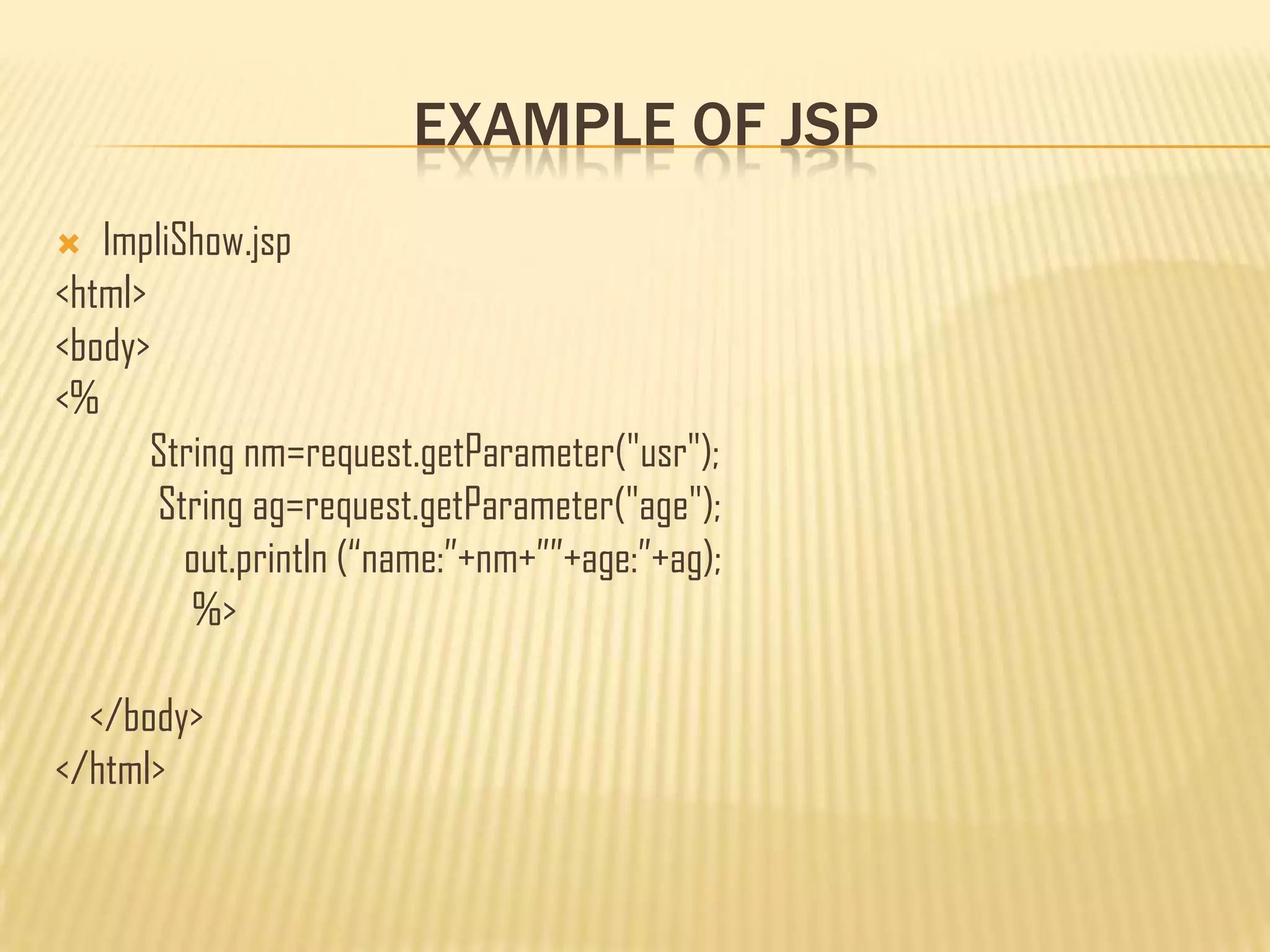
EXAMPLE OF JSP
 ImpliShow.jsp
<html>
<body>
<%
String nm=request.getParameter("usr");
String ag=request.getParameter("age");
out.println (“name:”+nm+””+age:”+ag);
%>
</body>
</html>
JAVA BEAN
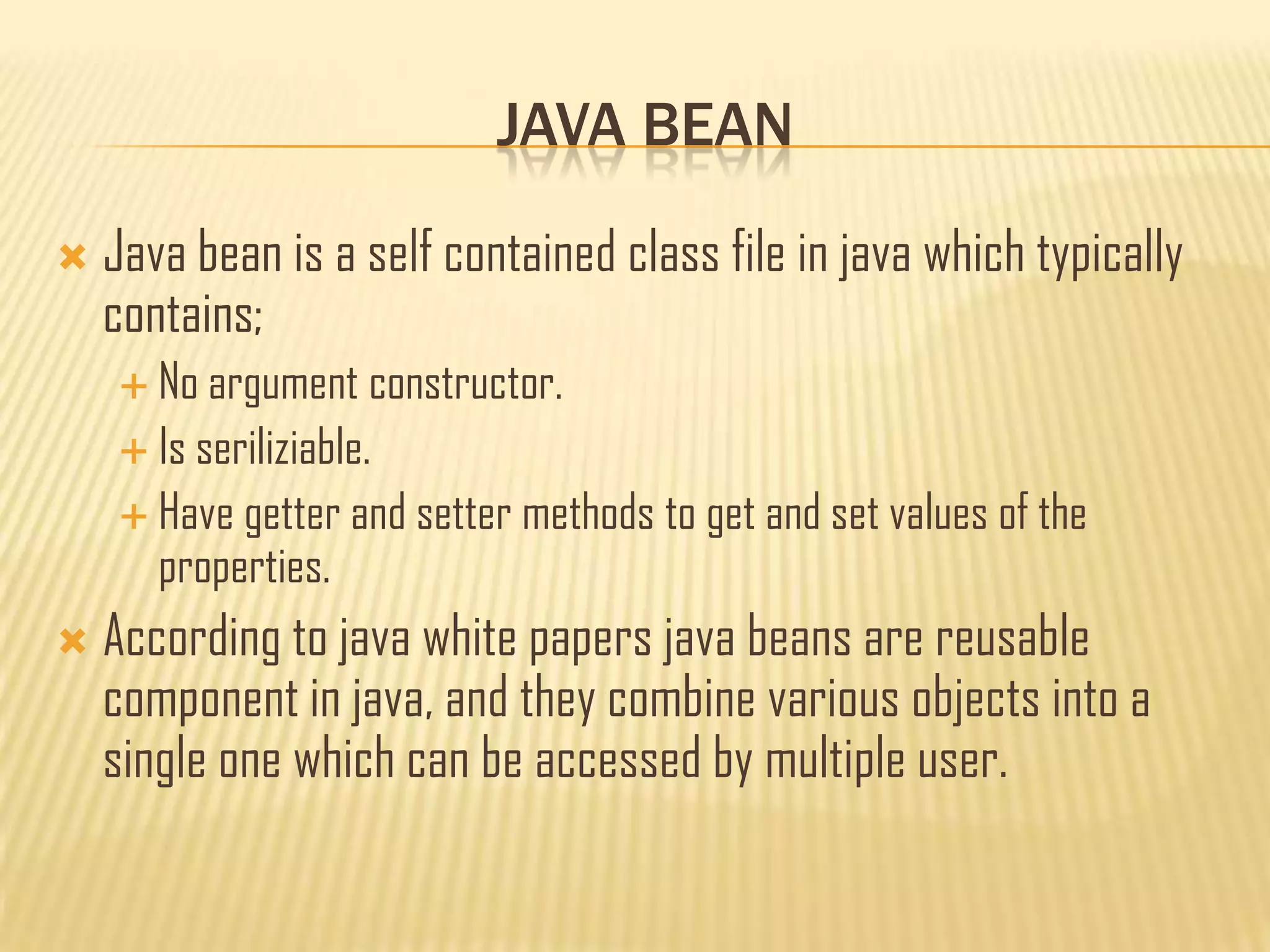
 Java bean is a self contained class file in java which typically
contains;
 No argument constructor.
 Is seriliziable.
 Have getter and setter methods to get and set values of the
properties.
 According to java white papers java beans are reusable
component in java, and they combine various objects into a
single one which can be accessed by multiple user.
JAVA BEAN
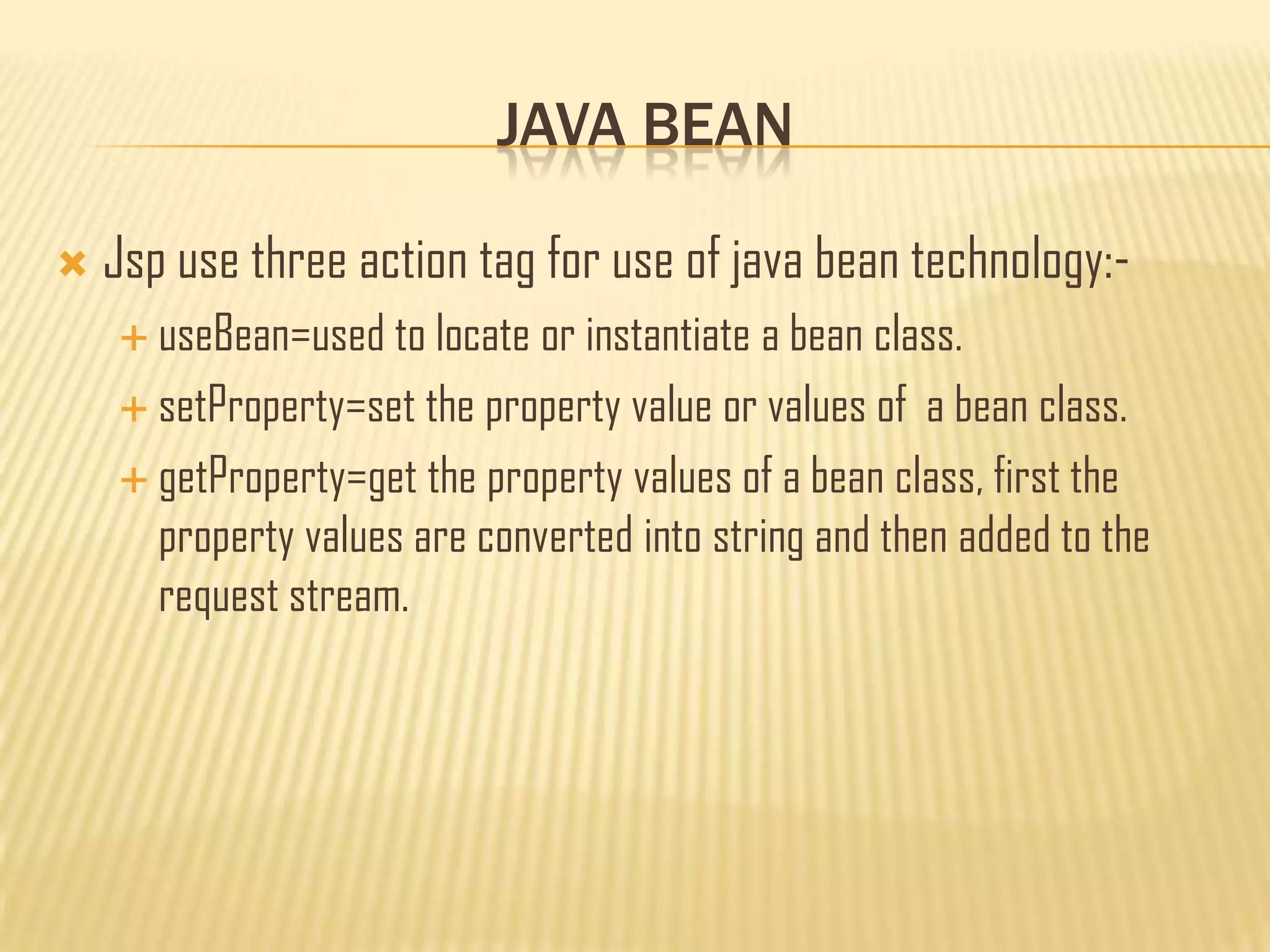
 Jsp use three action tag for use of java bean technology:-
 useBean=used to locate or instantiate a bean class.
 setProperty=set the property value or values of a bean class.
 getProperty=get the property values of a bean class, first the
property values are converted into string and then added to the
request stream.
JAVA BEAN
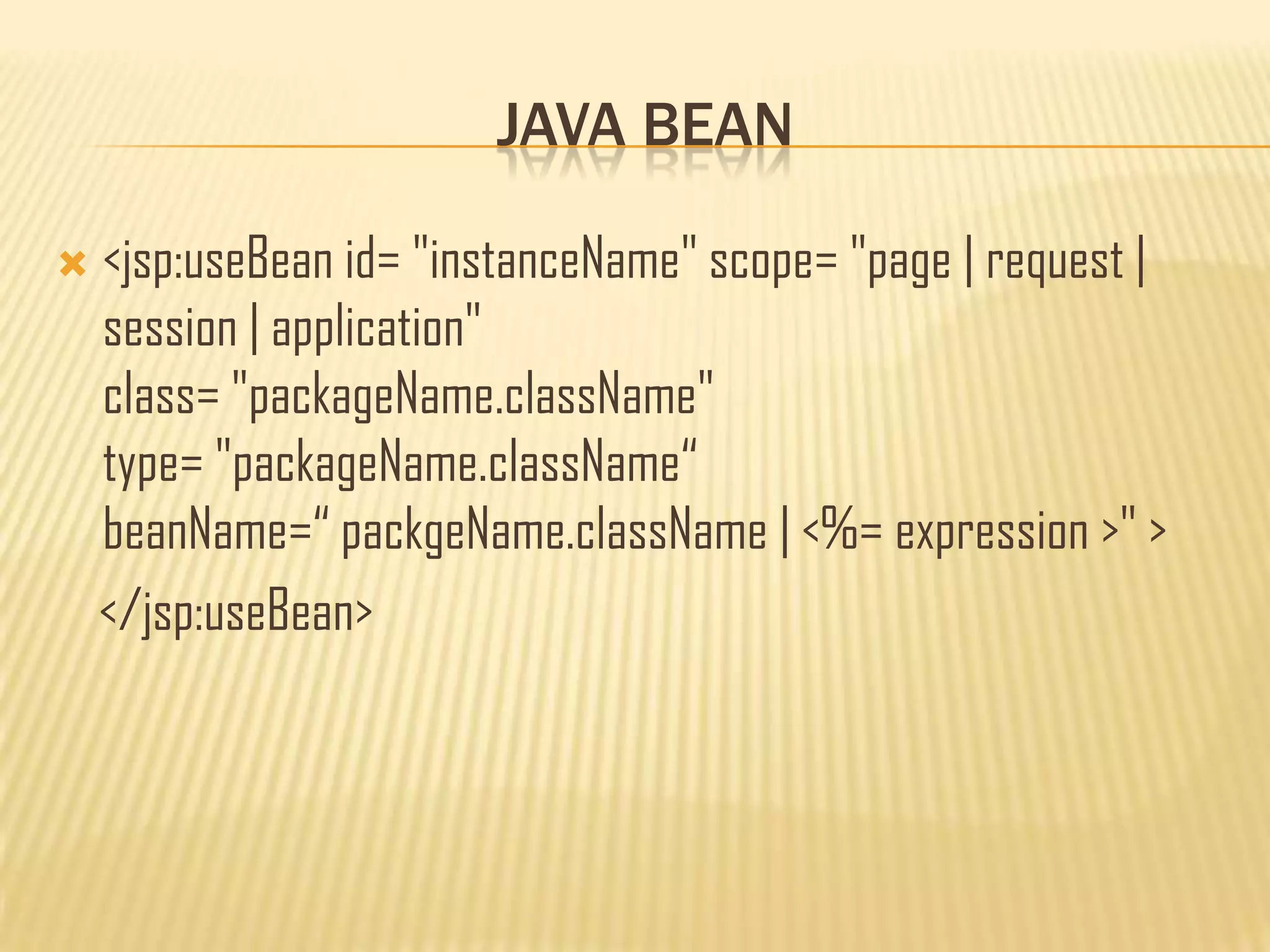
 <jsp:useBean id= "instanceName" scope= "page | request |
session | application"
class= "packageName.className"
type= "packageName.className“
beanName=“ packgeName.className | <%= expression >" >
</jsp:useBean>
JAVA BEAN
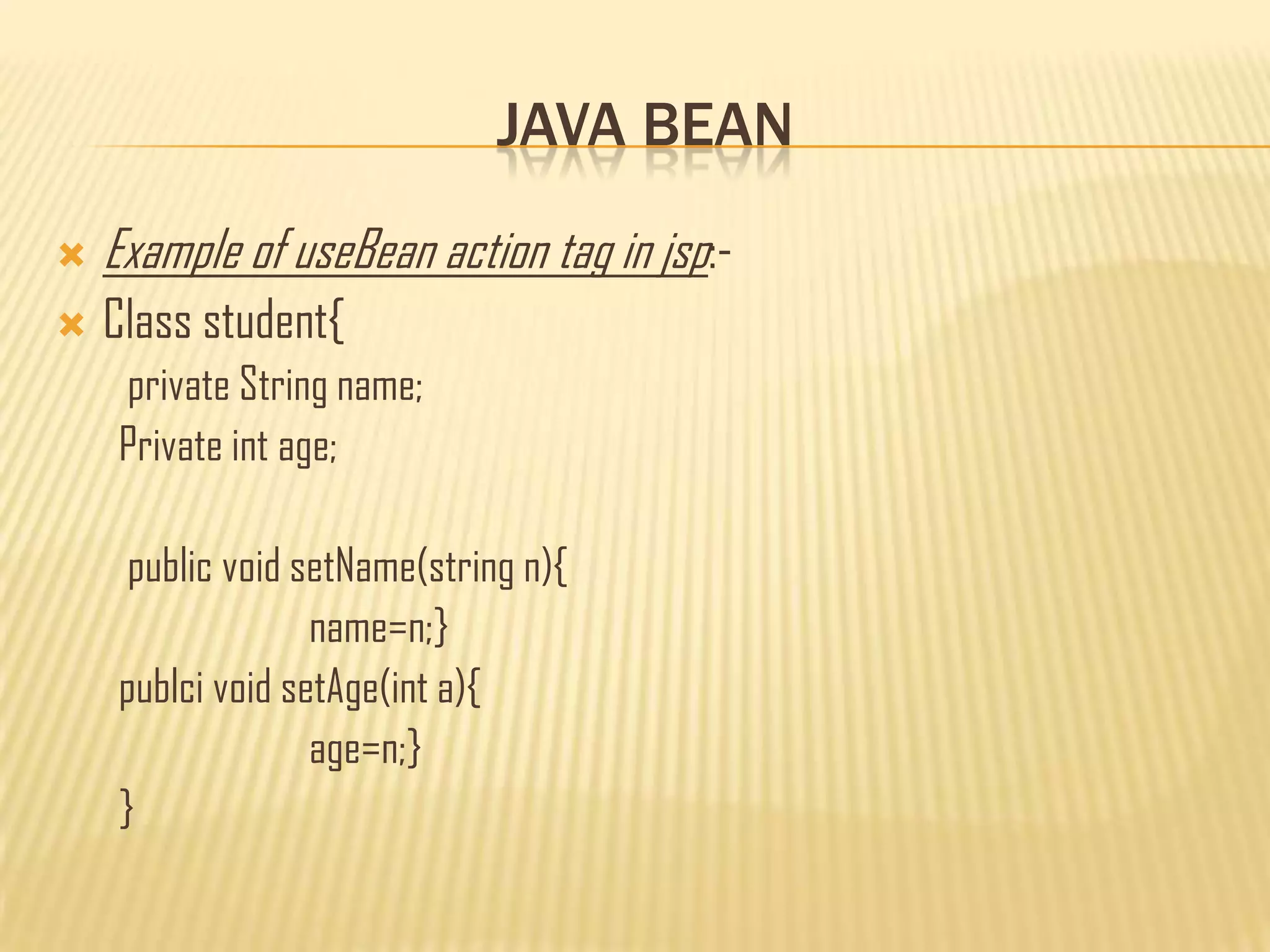
 Example of useBean action tag in jsp:-
 Class student{
private String name;
Private int age;
public void setName(string n){
name=n;}
publci void setAge(int a){
age=n;}
}
JAVA BEAN
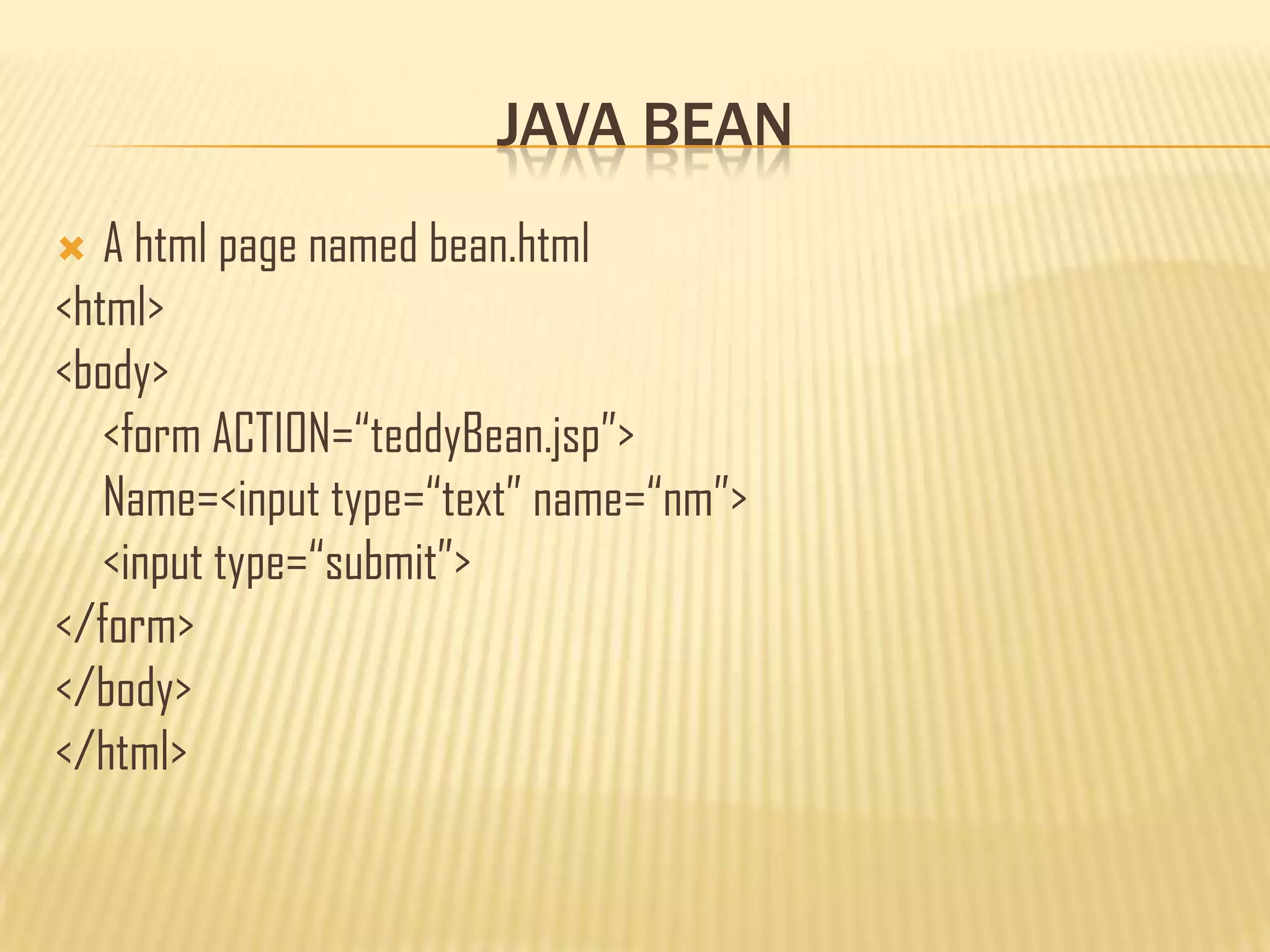
 A html page named bean.html
<html>
<body>
<form ACTION=“teddyBean.jsp”>
Name=<input type=“text” name=“nm”>
<input type=“submit”>
</form>
</body>
</html>
JAVA BEAN
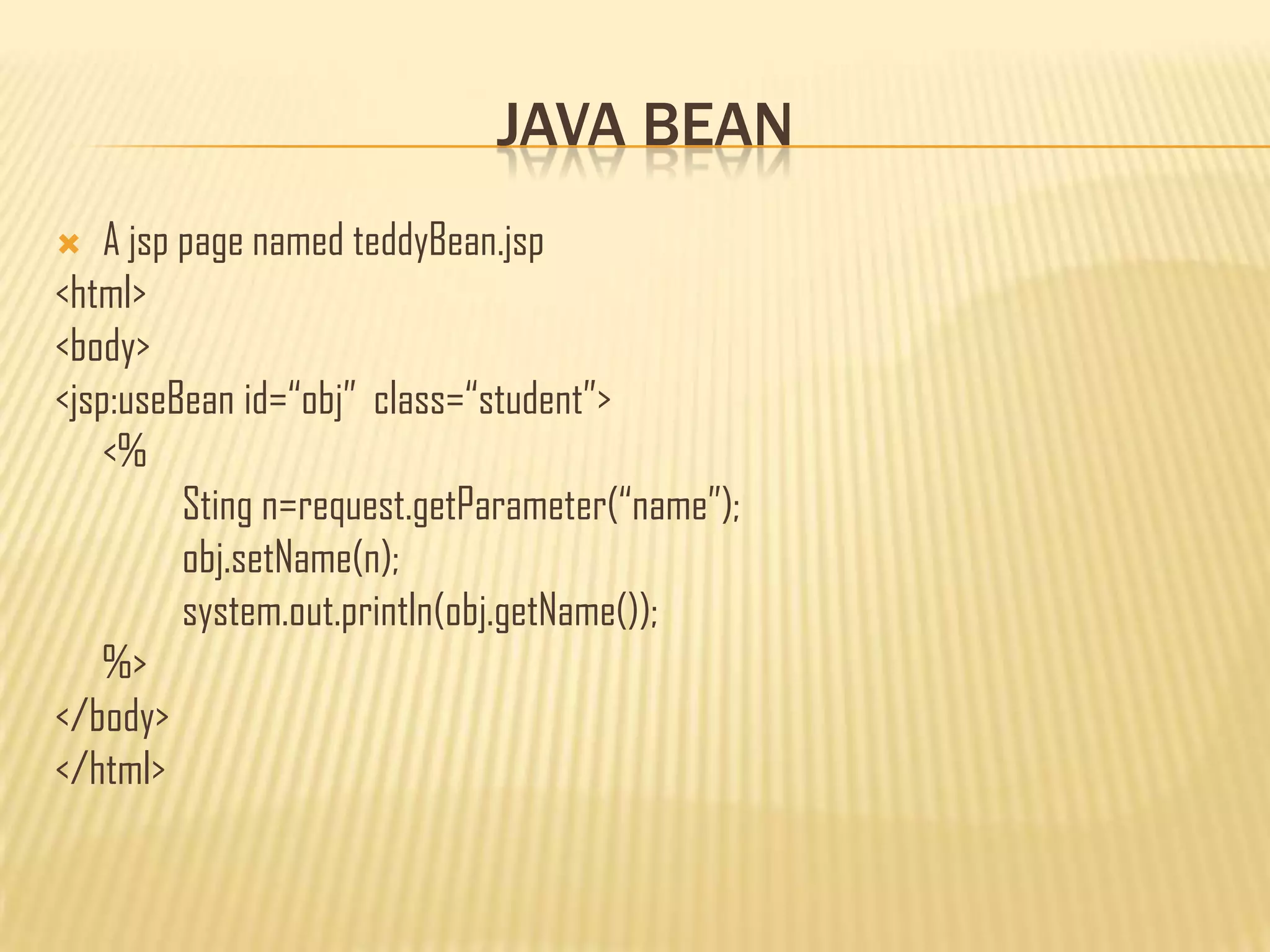
 A jsp page named teddyBean.jsp
<html>
<body>
<jsp:useBean id=“obj” class=“student”>
<%
Sting n=request.getParameter(“name”);
obj.setName(n);
system.out.println(obj.getName());
%>
</body>
</html>
JAVA BEAN
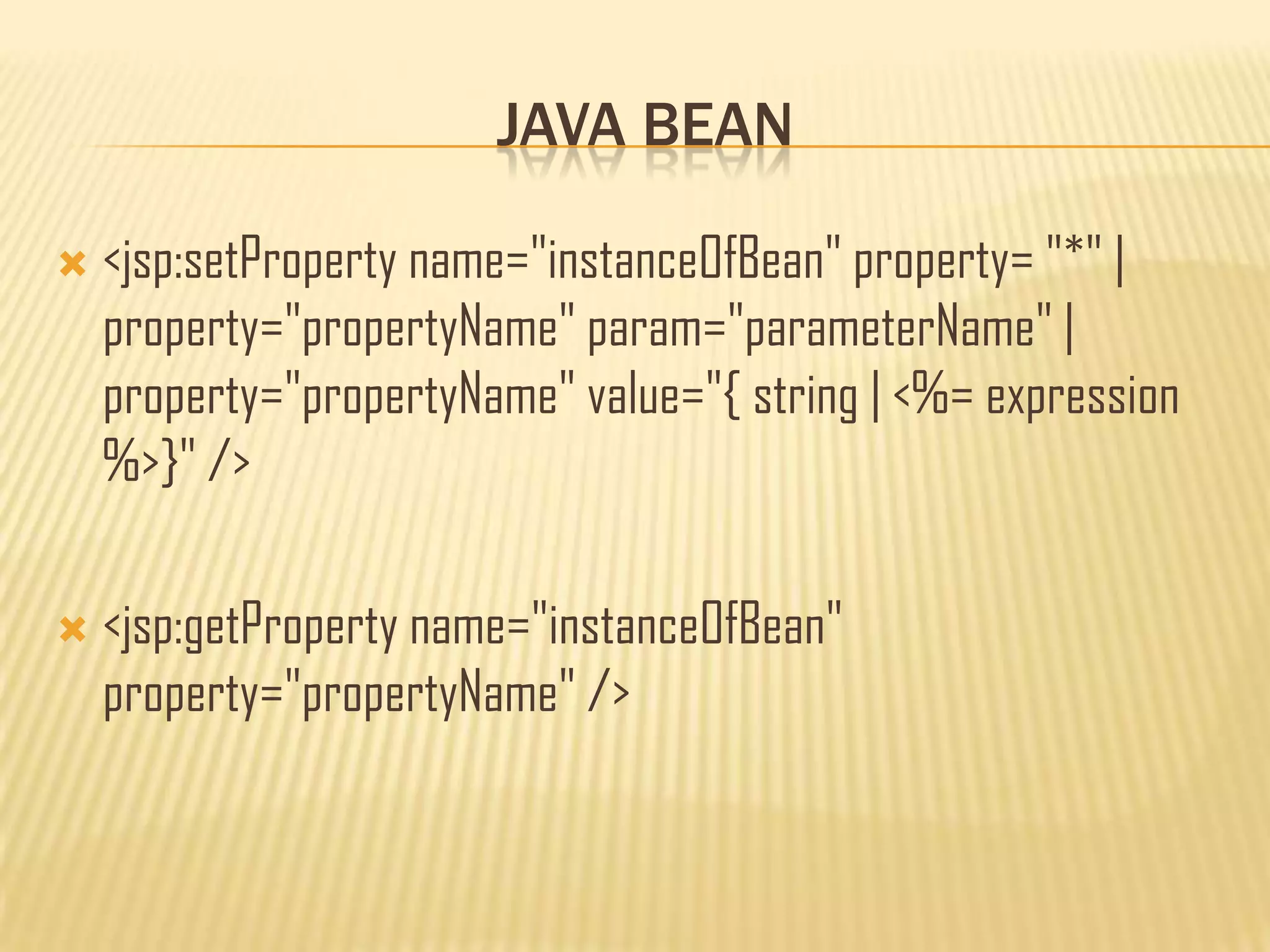
 <jsp:setProperty name="instanceOfBean" property= "*" |
property="propertyName" param="parameterName" |
property="propertyName" value="{ string | <%= expression
%>}" />
 <jsp:getProperty name="instanceOfBean"
property="propertyName" />
JAVA BEAN
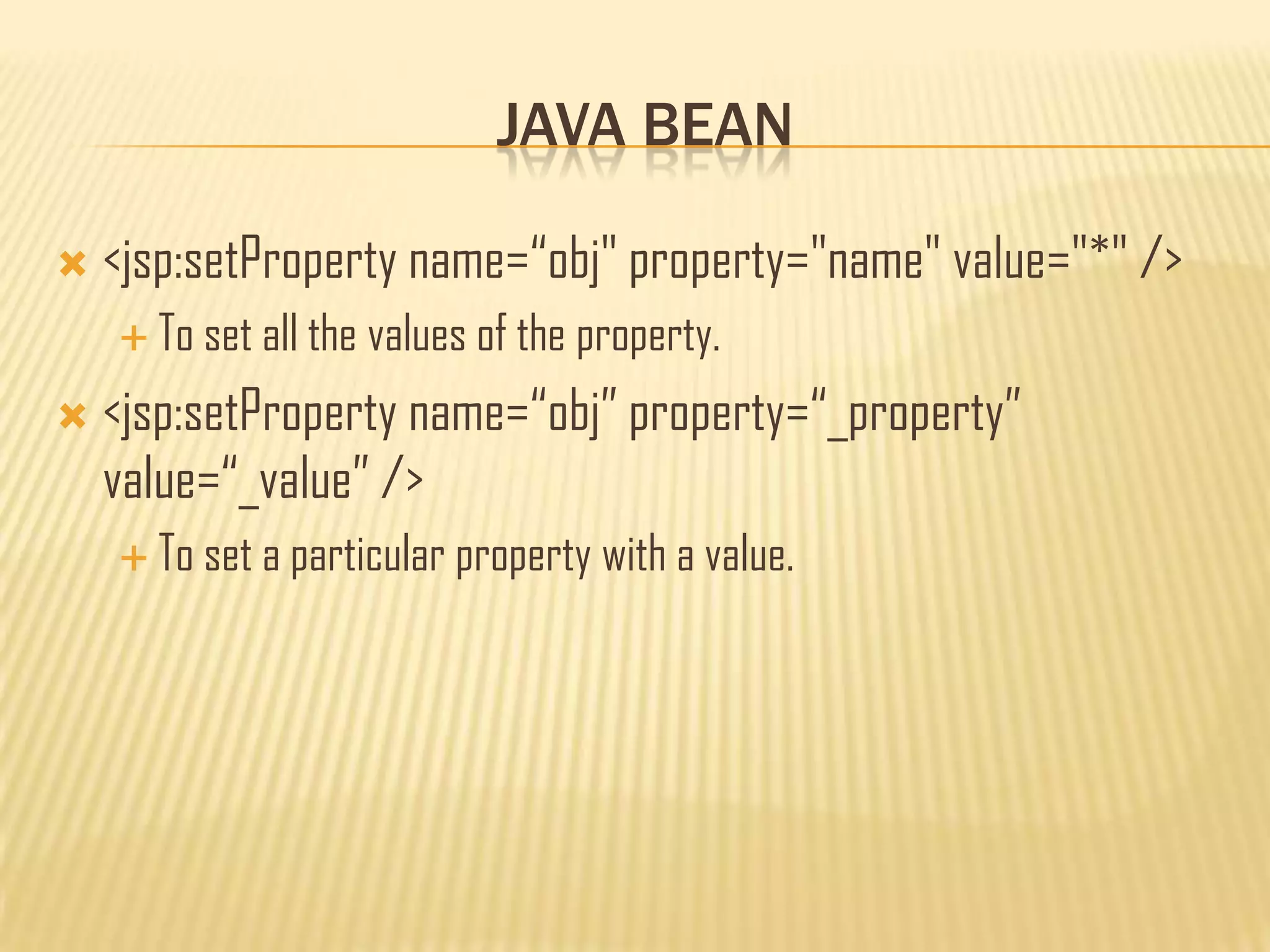
 <jsp:setProperty name=“obj" property="name" value="*" />
 To set all the values of the property.
 <jsp:setProperty name=“obj” property=“_property”
value=“_value” />
 To set a particular property with a value.
JAVA BEAN
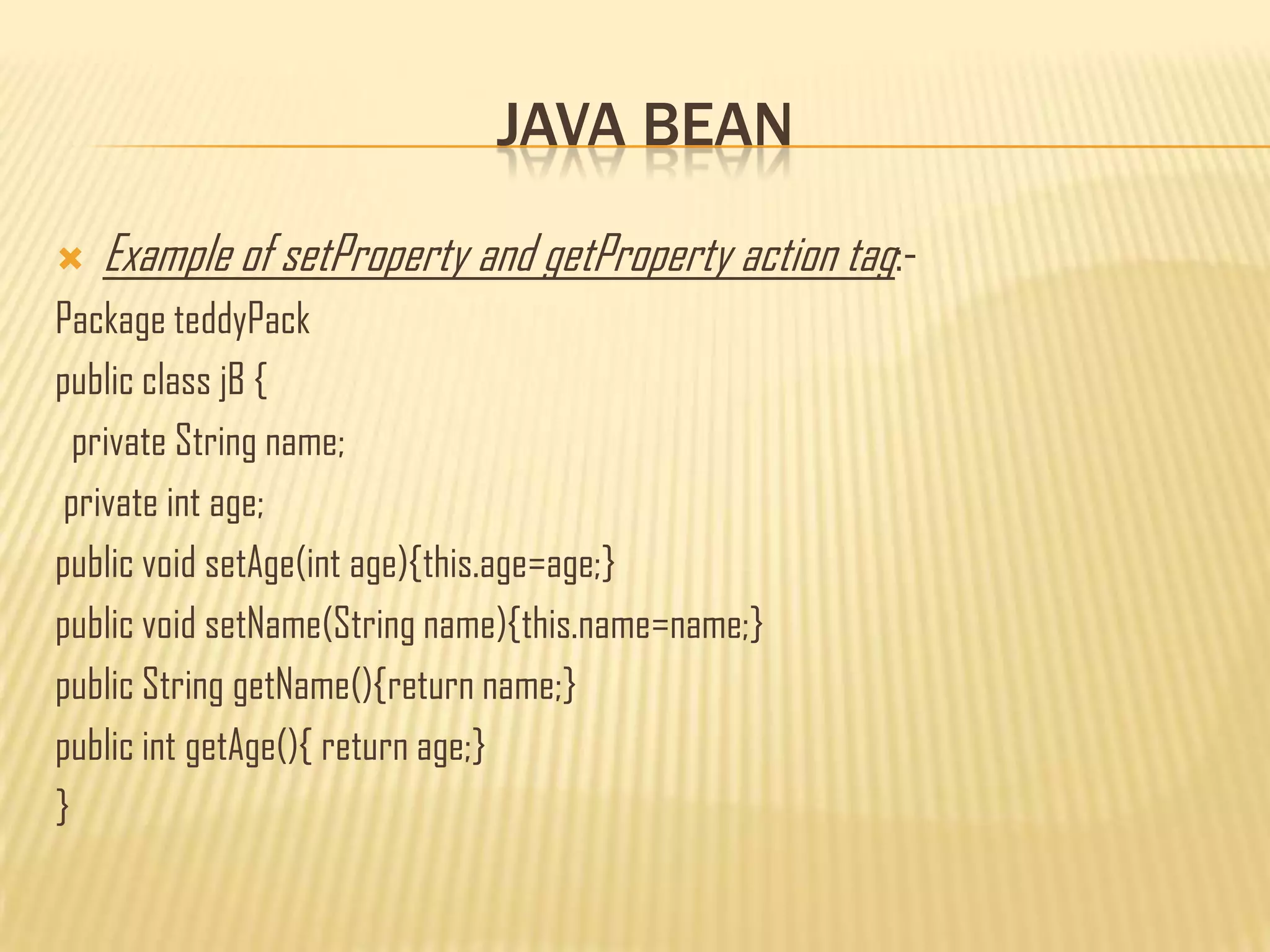
 Example of setProperty and getProperty action tag:-
Package teddyPack
public class jB {
private String name;
private int age;
public void setAge(int age){this.age=age;}
public void setName(String name){this.name=name;}
public String getName(){return name;}
public int getAge(){ return age;}
}
JAVA BEAN
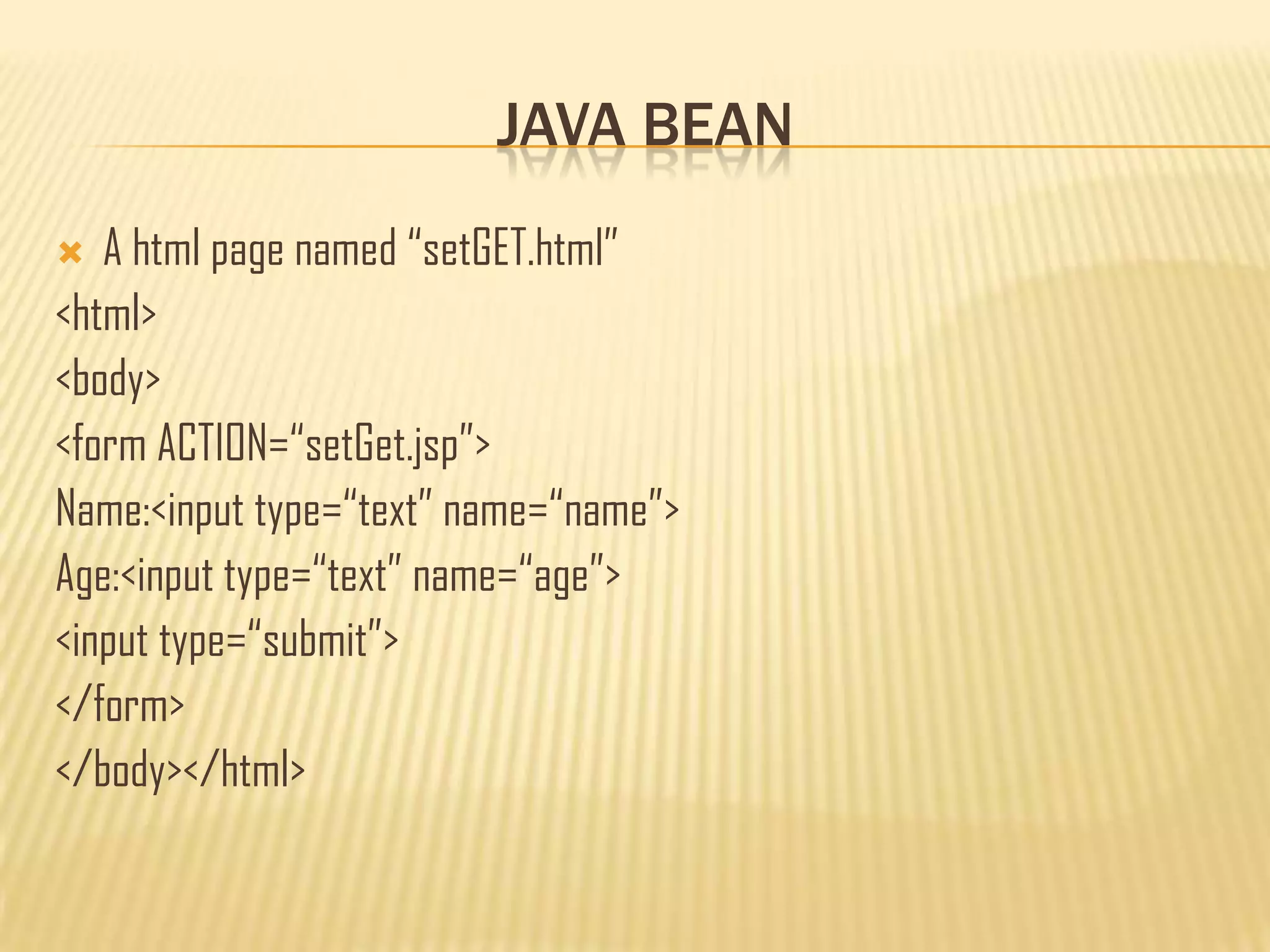
 A html page named “setGET.html”
<html>
<body>
<form ACTION=“setGet.jsp”>
Name:<input type=“text” name=“name”>
Age:<input type=“text” name=“age”>
<input type=“submit”>
</form>
</body></html>
JAVA BEAN
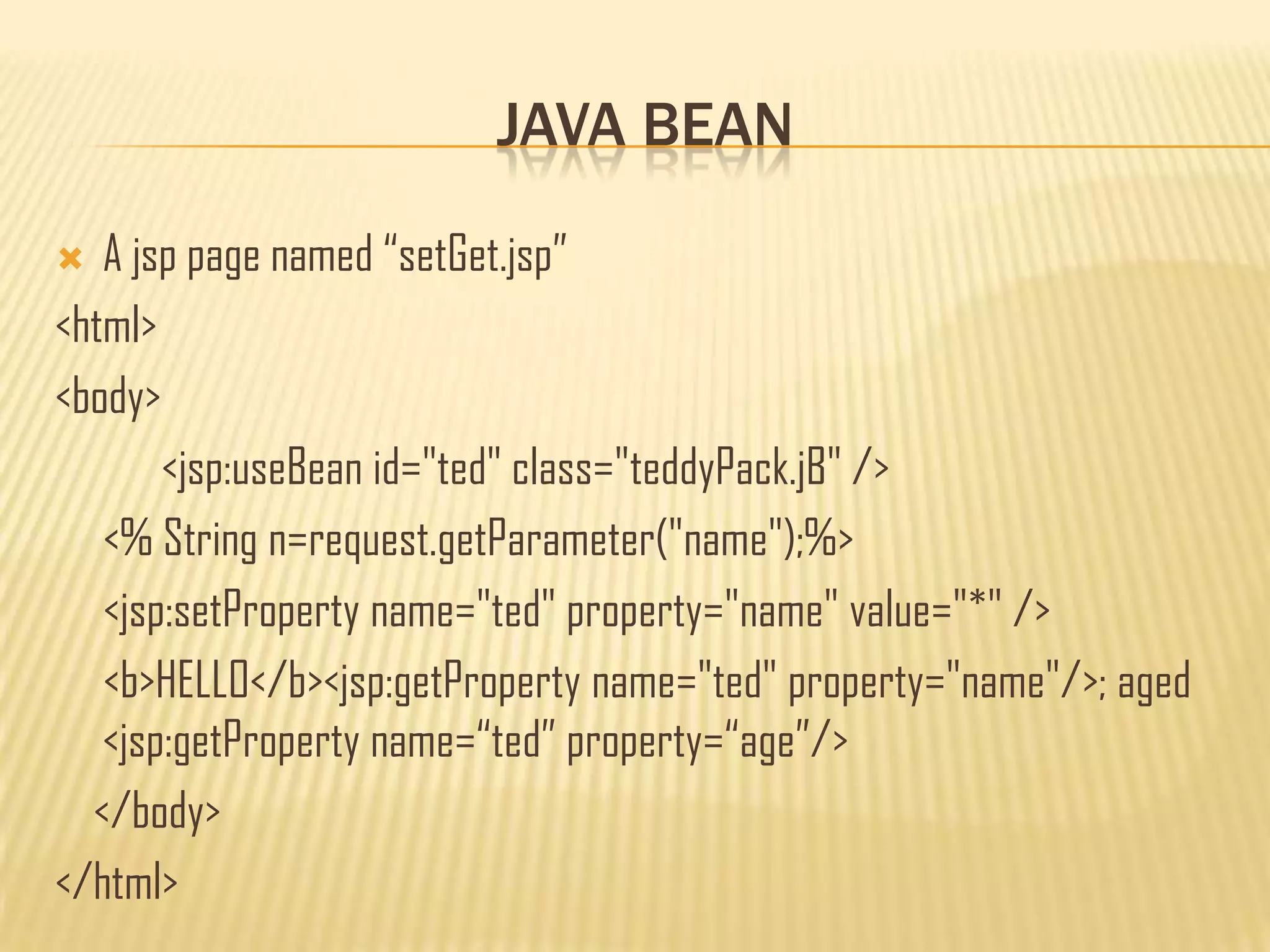
 A jsp page named “setGet.jsp”
<html>
<body>
<jsp:useBean id="ted" class="teddyPack.jB" />
<% String n=request.getParameter("name");%>
<jsp:setProperty name="ted" property="name" value="*" />
<b>HELLO</b><jsp:getProperty name="ted" property="name"/>; aged
<jsp:getProperty name=“ted” property=“age”/>
</body>
</html>
THANK YOU

Java server pages

  • 1.
    JAVA SERVER PAGES byTanmoy Barman cont:- barmantanmoy.47@gmail.com
  • 2.
    DISCUSSIONS  Introduction  JSPvs. ASP  JSP life cycles  JSP errors  JSP comments  JSP elements; Directives, Scripting, Actions  JSP implicit objects  Example of writing JSP  Java Bean
  • 3.
    INTRODUCTION  JSP isa technology based in java which produces dynamic web pages.  JSP is a server side scripting language technology created by sun micro systems.  JSP files are html files which contains special tags where java code is embedded into it.  JSP have .jsp extension.
  • 4.
    JSP VS. ASP JSP is technology introduced by Sun micro systems where as ASP is a technology introduced y Microsoft.  JSP is abbreviation of JAVA SERVER PAGES and ASP is abbreviation of ACTIVE SERVER PAGES  ASP pages can connect to my sql & ms Access databases and also can connect to other database with the help of ADO whereas JSP can connect to any database loading the appropriate driver when needed.
  • 5.
    JSP VS. ASP ASP runs on Microsoft IIS server which run on Microsoft operating system where as JSP can run on any Linux based server, IBM JBOSS as well as in Microsoft platform.  ASP is an interpreted language, JSP can interpreted as well as compiled.  JSP is free of cost including JSP server where as ASP is free but running ASP on Microsoft IIS server cost money.
  • 6.
    JSP LIFE CYCLES JSP are deployed in the web server as servlet.  The JSP page is compiled to servlet by JSP engine, eliminating the html tags and putting them inside out.println() statements and removing the jsp tags.  Once it is translated into servlet then the servlet, then it follows the servlet lifecycles.
  • 7.
  • 8.
    JSP ERRORS  Threetypes of error can be evolved in JSP:-  Jsp error; which occurs when jsp is translated to servlet.  Java code error; occurs when the servlet is complied to java class.  HTML error; occurs during the presentation of html pages in the browser.
  • 9.
    JSP ERRORS  Thefirst two errors (jsp error and java code error) is detected by the application server.  The HTML error is detected by the web browser.
  • 10.
    JSP COMMENTS  Commentscan be include in the jsp page, follows:-  <%-- --%>  </* */>  <!-- --!>
  • 11.
    JSP ELEMENTS  Theelements in jsp contains the tags, each having special meanings, containing java codes which tells the jsp engine what/how dynamic output has to processed.  There are three types of elements:-  Directives  Scripting  Action
  • 12.
    DIRECTIVES  Directives:- Thistag is used to convey special information about the page to the jsp engine.  Syntax:-  <%@ %>  Three kinds of Directives are available:-  page  include  tag library
  • 13.
    DIRECTIVES  page directive; this directive informs the jsp engine about the headers and facilities that the page should get from the environment.  There can be any number of page directives in a jsp page.  Declared usually at the top.  Syntax:-  <%@page attribute= %>  Attributes can be; include, import, session, etc.  Example; <%@page import=“package_name”%>
  • 14.
    DIRECTIVES  Include directive; this is used to statically include one or more resources to the jsp page.  This allows the jsp developer to reuse the code.  Syntax:-  <%@include page=“”%>  There is only on attribute named „page‟ in include directive.
  • 15.
    SCRIPTING ELEMENTS  ScriptingElements; contains embedded java code.  There are three types:-  Declarations  Expression  Scriplets
  • 16.
    SCRIPTING ELEMENTS  Declarations;this tag allows the developer to declare one or multiple variable and methods.  They do not produce any output.  Syntax:-  <%! %>  Example:- <%! public String name; public int age; public void setDetail(name,age); %>
  • 17.
    SCRIPTING ELEMENTS  Expression;this tag allows the developer to embed single java expression which is not terminated by a semi colon.  Syntax:-  <%= %>  Example:- <%= new java.util.Date() %>
  • 18.
    SCRIPTING ELEMENTS  Scriplets;this tag allows the developer to embedded java code inside it that can use the variable declared earlier.  Syntax:-  <% %>  Example:- <% int sum=a+b; system.out.println(sum); %>
  • 19.
    ACTION ELEMENT  Functionsprovided like:-  Use of java bean technology in jsp page.  Browser independent support for applet.  Transfers control among pages.  Syntax:-  <jsp: />
  • 20.
    ACTION ELEMENT  Standardaction tag are:-  useBean  setProperty  getProperty  param  include  forward  plugin
  • 21.
    JSP IMPLICIT OBJECTS There are certain objects in jsp that can be used in jsp page without being declared these are Implicit objects. There are nine implicit object in JSP:-  application  page  pageContext  config  session  exception  request  response  out
  • 22.
    EXAMPLE OF JSP A simple jsp program to show date using scriplets;” teddyTest.jsp” <html> <head> </head> <body> <h1>JSP Page to show today Date </h1> <% out.println(new java.util.Date()); %> </body> </html>
  • 23.
    EXAMPLE OF JSP Now we will use the implicit object to get values from a html page.  This is a html page to take user inputs “Impli.html” <html> <body> <form ACTION=“ImpliShow.jsp”> Name=<input type=“text” name=“nm”> <input type=“submit”> </form> </body> </html>
  • 24.
    EXAMPLE OF JSP ImpliShow.jsp <html> <body> <% String nm=request.getParameter("usr"); String ag=request.getParameter("age"); out.println (“name:”+nm+””+age:”+ag); %> </body> </html>
  • 25.
    JAVA BEAN  Javabean is a self contained class file in java which typically contains;  No argument constructor.  Is seriliziable.  Have getter and setter methods to get and set values of the properties.  According to java white papers java beans are reusable component in java, and they combine various objects into a single one which can be accessed by multiple user.
  • 26.
    JAVA BEAN  Jspuse three action tag for use of java bean technology:-  useBean=used to locate or instantiate a bean class.  setProperty=set the property value or values of a bean class.  getProperty=get the property values of a bean class, first the property values are converted into string and then added to the request stream.
  • 27.
    JAVA BEAN  <jsp:useBeanid= "instanceName" scope= "page | request | session | application" class= "packageName.className" type= "packageName.className“ beanName=“ packgeName.className | <%= expression >" > </jsp:useBean>
  • 28.
    JAVA BEAN  Exampleof useBean action tag in jsp:-  Class student{ private String name; Private int age; public void setName(string n){ name=n;} publci void setAge(int a){ age=n;} }
  • 29.
    JAVA BEAN  Ahtml page named bean.html <html> <body> <form ACTION=“teddyBean.jsp”> Name=<input type=“text” name=“nm”> <input type=“submit”> </form> </body> </html>
  • 30.
    JAVA BEAN  Ajsp page named teddyBean.jsp <html> <body> <jsp:useBean id=“obj” class=“student”> <% Sting n=request.getParameter(“name”); obj.setName(n); system.out.println(obj.getName()); %> </body> </html>
  • 31.
    JAVA BEAN  <jsp:setPropertyname="instanceOfBean" property= "*" | property="propertyName" param="parameterName" | property="propertyName" value="{ string | <%= expression %>}" />  <jsp:getProperty name="instanceOfBean" property="propertyName" />
  • 32.
    JAVA BEAN  <jsp:setPropertyname=“obj" property="name" value="*" />  To set all the values of the property.  <jsp:setProperty name=“obj” property=“_property” value=“_value” />  To set a particular property with a value.
  • 33.
    JAVA BEAN  Exampleof setProperty and getProperty action tag:- Package teddyPack public class jB { private String name; private int age; public void setAge(int age){this.age=age;} public void setName(String name){this.name=name;} public String getName(){return name;} public int getAge(){ return age;} }
  • 34.
    JAVA BEAN  Ahtml page named “setGET.html” <html> <body> <form ACTION=“setGet.jsp”> Name:<input type=“text” name=“name”> Age:<input type=“text” name=“age”> <input type=“submit”> </form> </body></html>
  • 35.
    JAVA BEAN  Ajsp page named “setGet.jsp” <html> <body> <jsp:useBean id="ted" class="teddyPack.jB" /> <% String n=request.getParameter("name");%> <jsp:setProperty name="ted" property="name" value="*" /> <b>HELLO</b><jsp:getProperty name="ted" property="name"/>; aged <jsp:getProperty name=“ted” property=“age”/> </body> </html>
  • 36.