How it works.
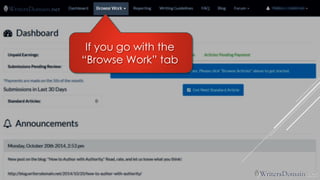
Welcome to WritersDomain!
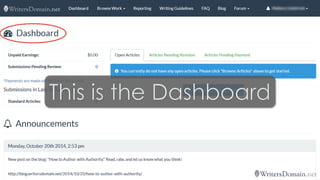
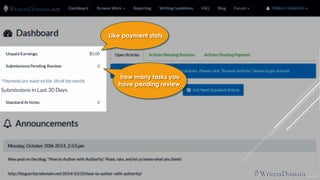
It shows some fun stuff.
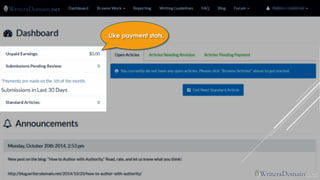
Like payment stats,
Like payment stats, 
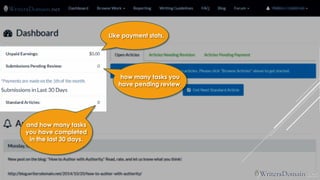
how many tasks you have pending review,
Like payment stats, 
how many tasks you have pending review, 
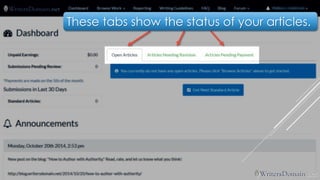
and how many tasks you have completed in the last 30 days.
These tabs show the status of your articles.
We’ll look more at those later.
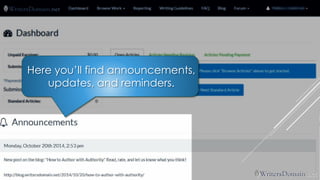
Here you’ll find announcements, updates, and reminders.
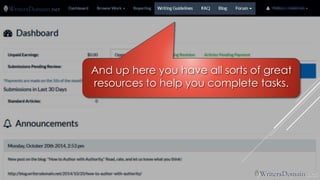
And up here you have all sorts of great resources to help you complete tasks.
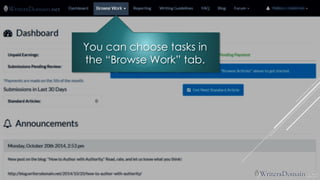
You can choose tasks in the “Browse Work” tab.
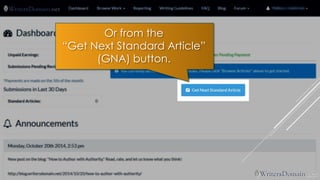
Or from the 
“Get Next Standard Article” 
(GNA) button.
The 
button 
gives you the next most urgent keyword.
So you don’t get to choose your keyword,
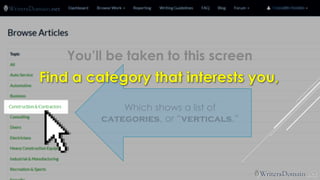
If you go with the “Browse Work” tab
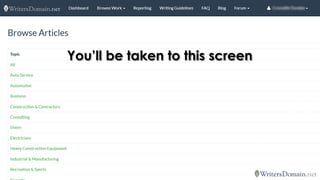
You’ll be taken to this screen
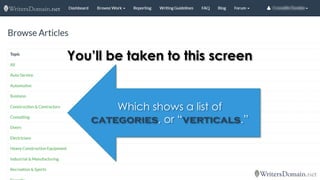
You’ll be taken to this screen 
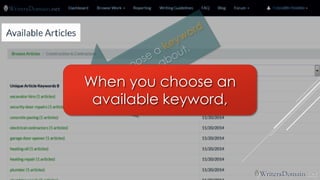
Which shows a list of categories, or “verticals.”
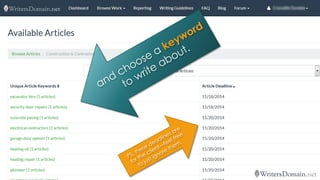
Yourdeadline is 8 hoursfrom when you choose a keyword.
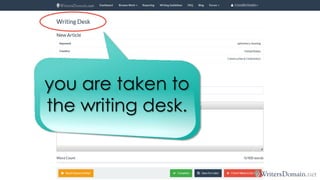
THE WRITING DESK
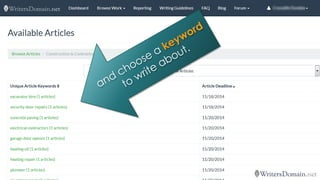
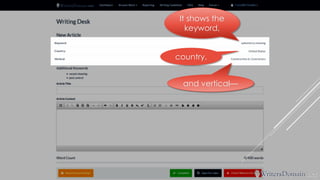
When you choose an available keyword,
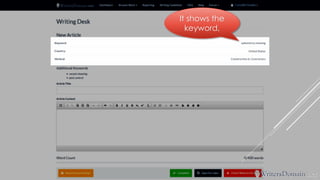
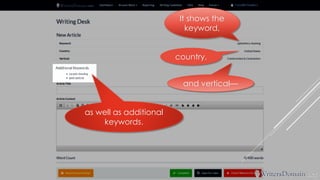
It shows thekeyword,
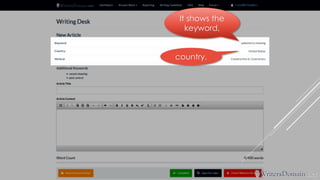
It shows thekeyword, country,
It shows thekeyword, country, and vertical—
as well as additional keywords. It shows thekeyword, country, and vertical—
Use each of these pieces of information to come up with a topic.
Use each of these pieces of information to come up with a topic. 
See the 
Writing Guidelines 
and the 
BLOG 
for more information on coming up with topics and ideas.
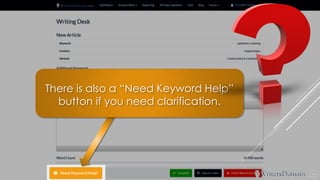
There is also a “Need Keyword Help” button if you need clarification.
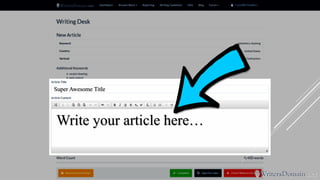
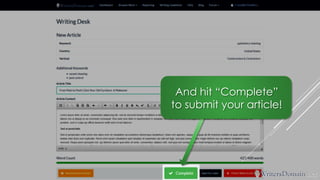
Write your article here… Super Awesome Title
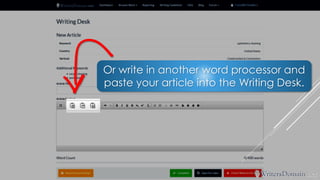
Or write in another word processor and paste your article into the Writing Desk.
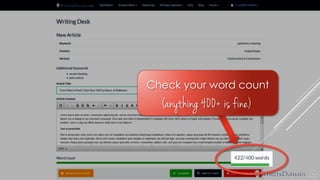
Check your word count 
(anything 400+ is fine)
And hit “Complete” to submit your article!
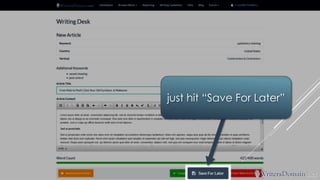
If you don’t have time to complete your article right then,
just hit “Save For Later”
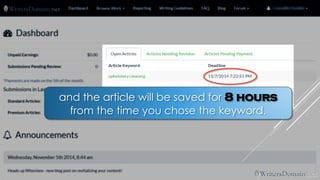
and the article will be saved for 8 hours from the time you chose the keyword.
and the article will be saved for 8 hours from the time you chose the keyword. 
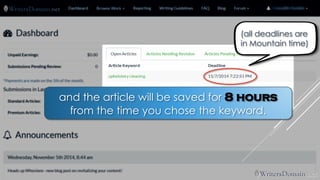
(all deadlines are in Mountain time)
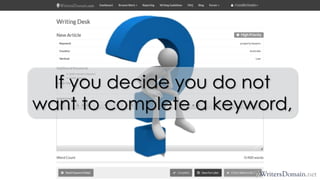
If you decide you do not want to complete a keyword,
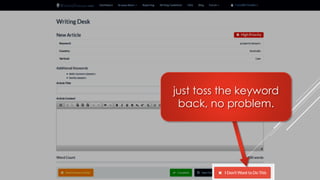
just toss the keyword back, no problem.
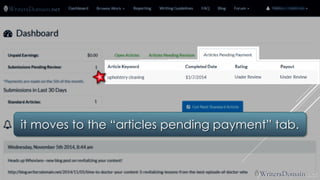
Once you have submitted your article,
it moves to the “articles pending payment” tab.
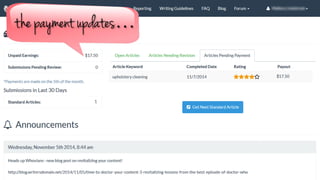
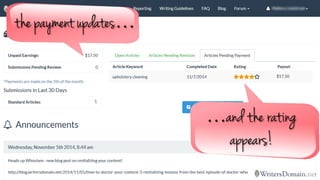
When the article is reviewed and approved by the editors,
the payment updates…
the payment updates… 
…and the rating appears!
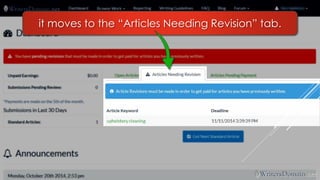
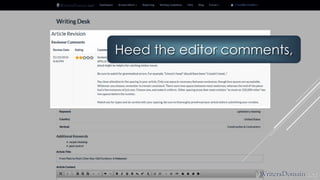
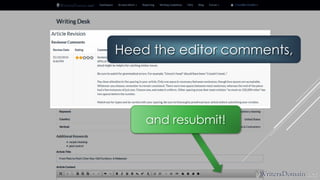
If an article is returned for revision,
it moves to the “Articles Needing Revision” tab.
Heed the editor comments,
Heed the editor comments, 
and resubmit!
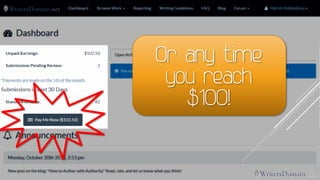
PAYMENTS
Payments are made on the 5thof the month.
Or any time you reach $100!
ADDITIONAL RESOURCES
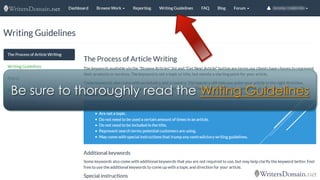
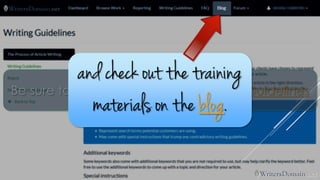
Be sure to thoroughly read the Writing Guidelines
Be sure to thoroughly read the Writing Guidelinesand check out the training materials on the blog.
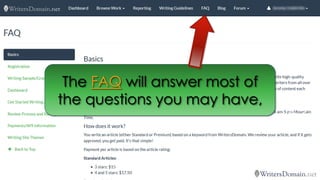
The FAQwill answer most of the questions you may have,
and we’re happy to answer any additional questions!
and we’re happy to answer any additional questions! 
support@writersdomain.net
Good luck 
and 
happy writing!

WritersDomain: How It Works