Download to read offline
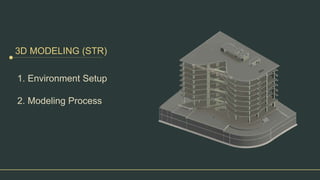
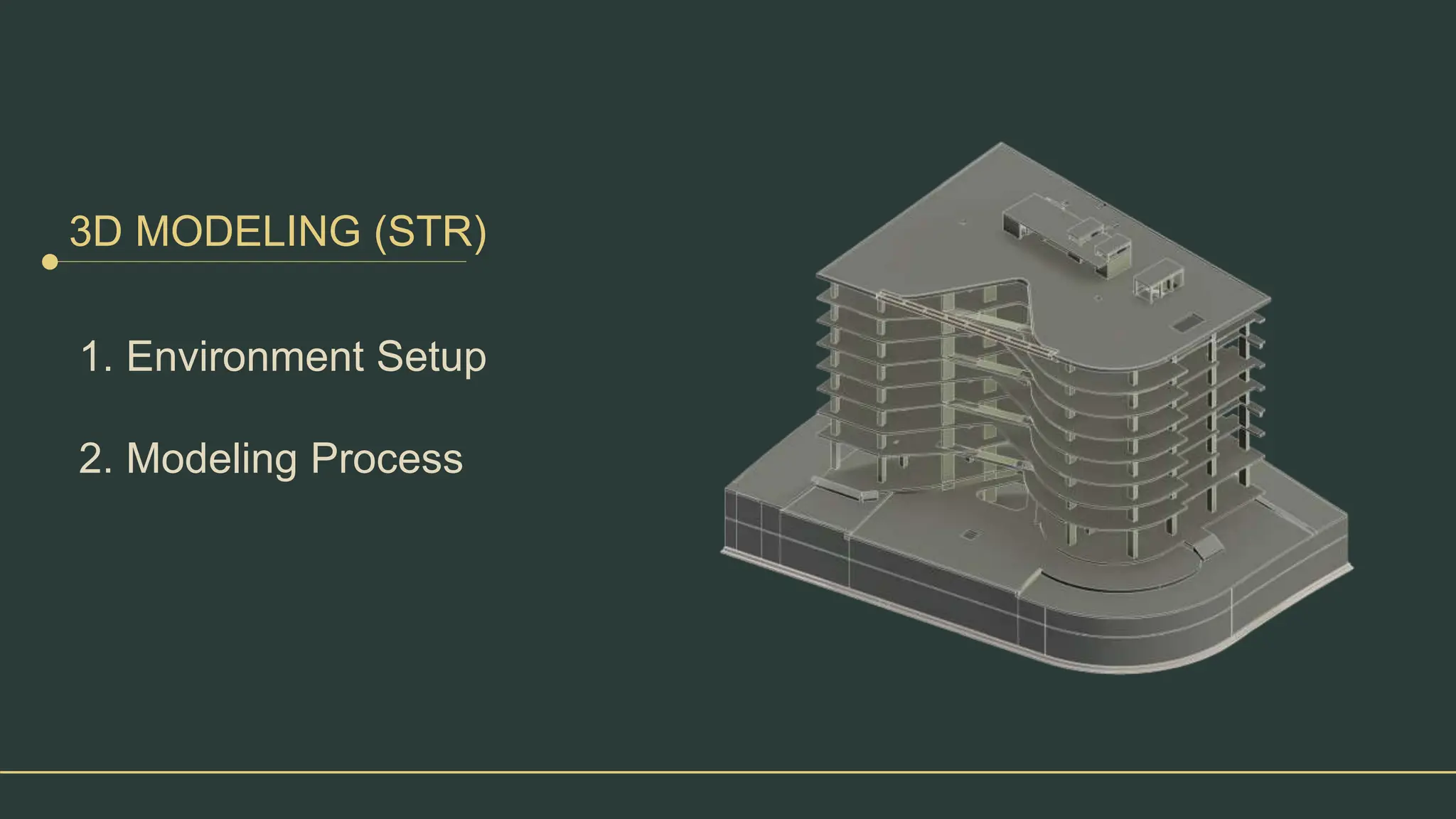
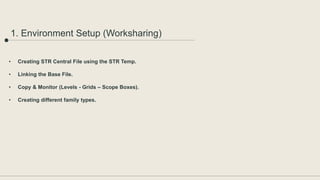
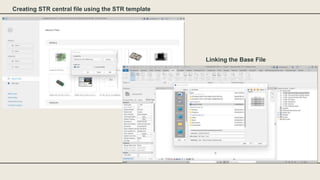
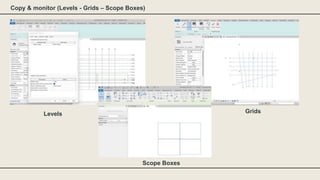
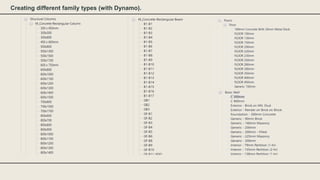
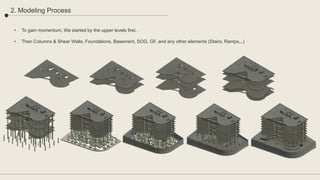
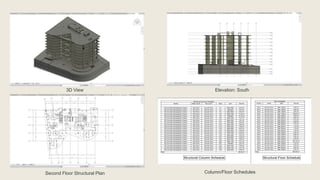
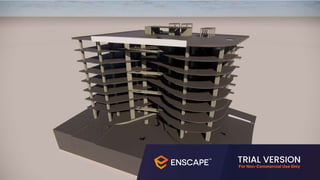
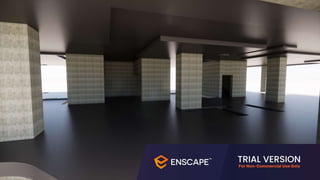
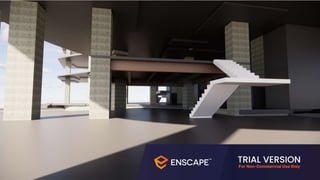
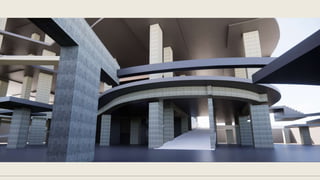
The document outlines the process of 3D modeling in a structured environment, including steps for setting up a central file and linking base files while managing various structural elements. It emphasizes starting with upper levels, followed by essential components like columns, shear walls, and foundations. Additionally, the use of different family types and tools such as Dynamo is mentioned, along with visual representations like elevation plans and schedules.


