Kubernetes
Kubernetes Object
NAMESPACE
POD
DEPLOYMENTS
SERVICE
INGRESS
SECRETS
CONFIGMAP
REPLICASET
Kubernetes Object
NAMESPACE
POD
DEPLOYMENTS
SERVICE
INGRESS
SECRETS
CONFIGMAP
REPLICASET
NameSpace
● Namespaces are a way to organize clusters into virtual sub-clusters — they can be helpful when different teams
or projects share a Kubernetes cluster.
● Any number of namespaces are supported within a cluster, each logically separated from others but with the ability to
communicate with each other
NameSpace
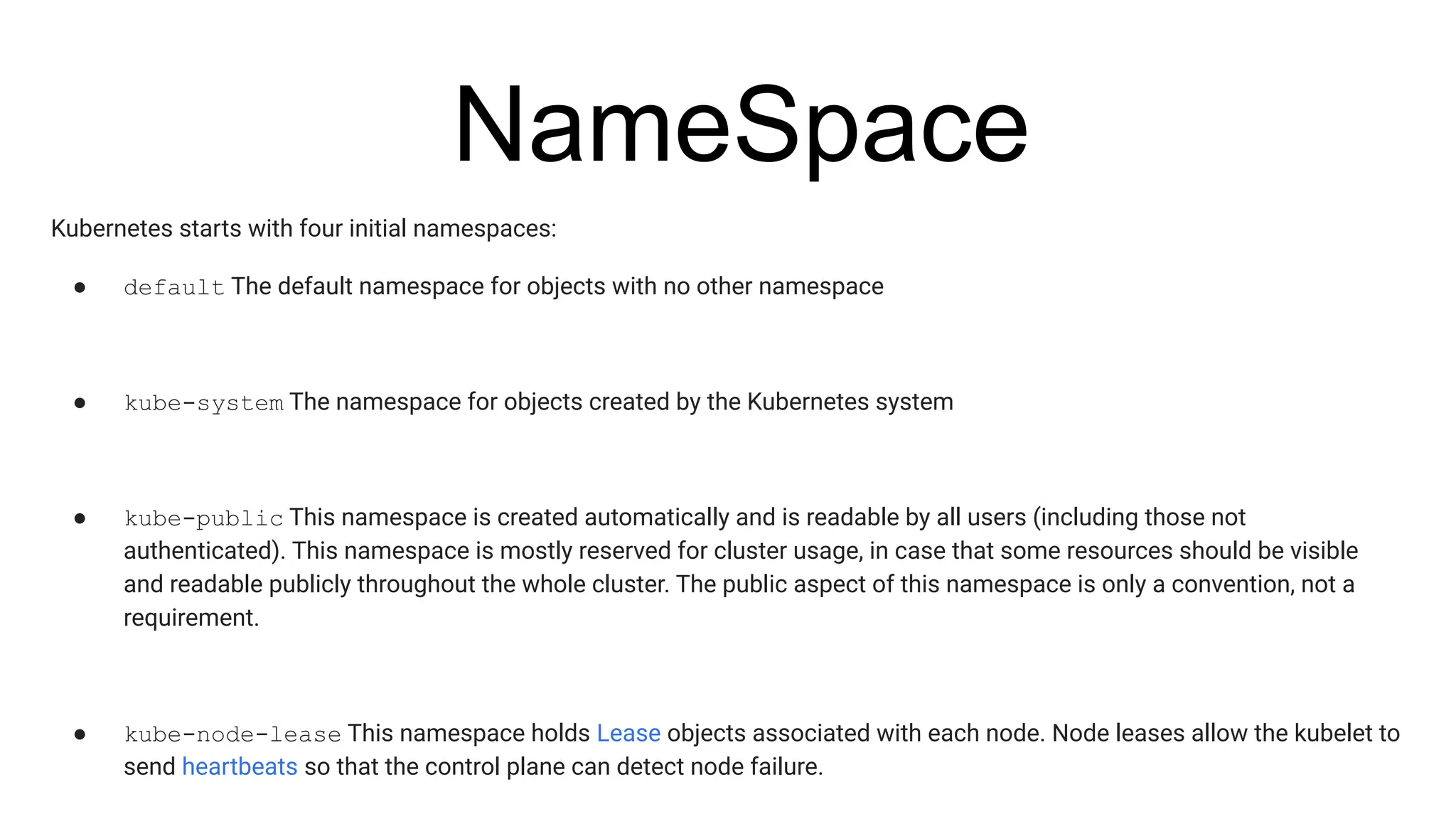
Kubernetes starts with four initial namespaces:
● default The default namespace for objects with no other namespace
● kube-system The namespace for objects created by the Kubernetes system
● kube-public This namespace is created automatically and is readable by all users (including those not
authenticated). This namespace is mostly reserved for cluster usage, in case that some resources should be visible
and readable publicly throughout the whole cluster. The public aspect of this namespace is only a convention, not a
requirement.
● kube-node-lease This namespace holds Lease objects associated with each node. Node leases allow the kubelet to
send heartbeats so that the control plane can detect node failure.
NameSpace
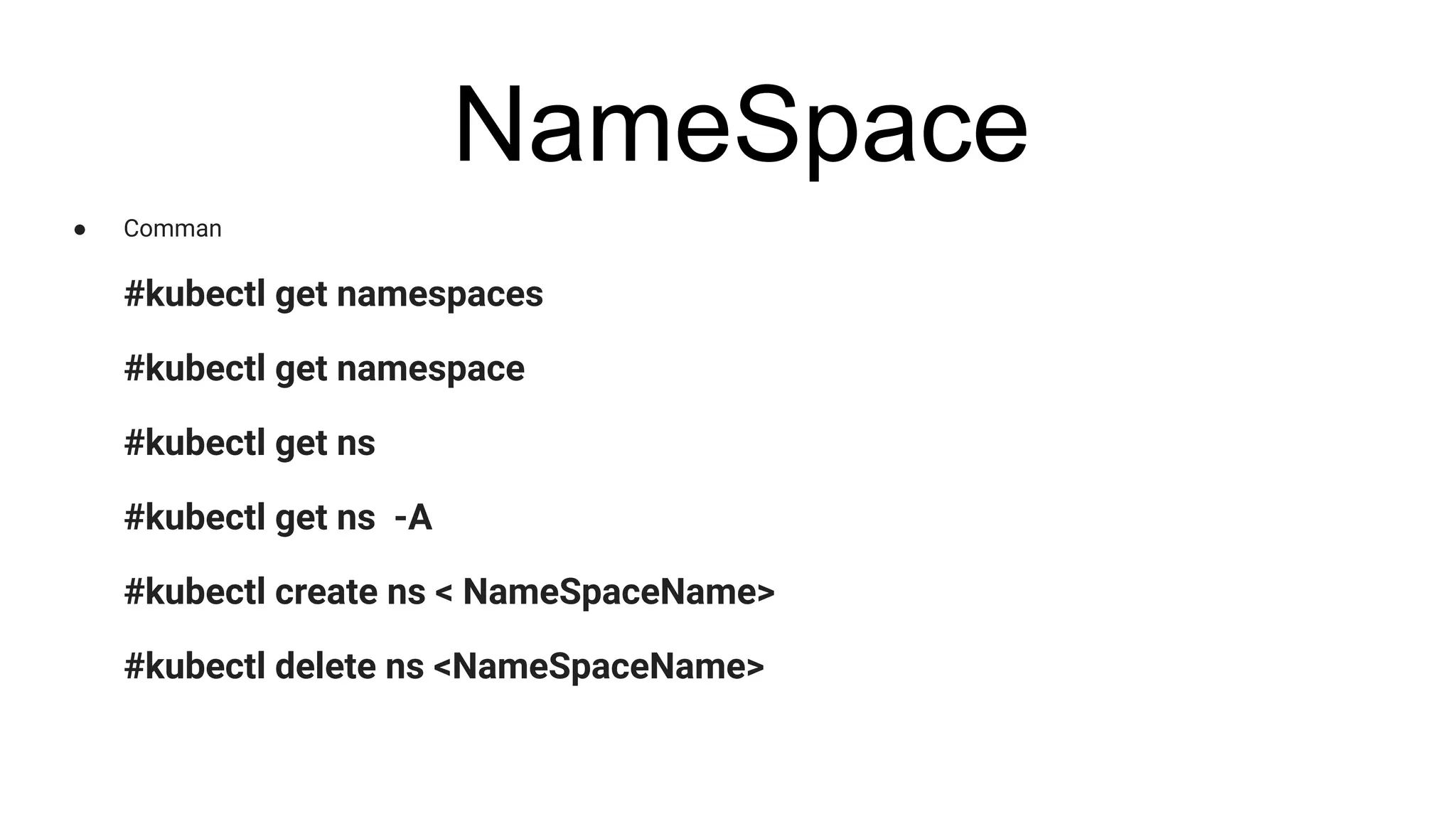
● Comman
#kubectl get namespaces
#kubectl get namespace
#kubectl get ns
#kubectl get ns -A
#kubectl create ns < NameSpaceName>
#kubectl delete ns <NameSpaceName>
WHAT IS POD ?
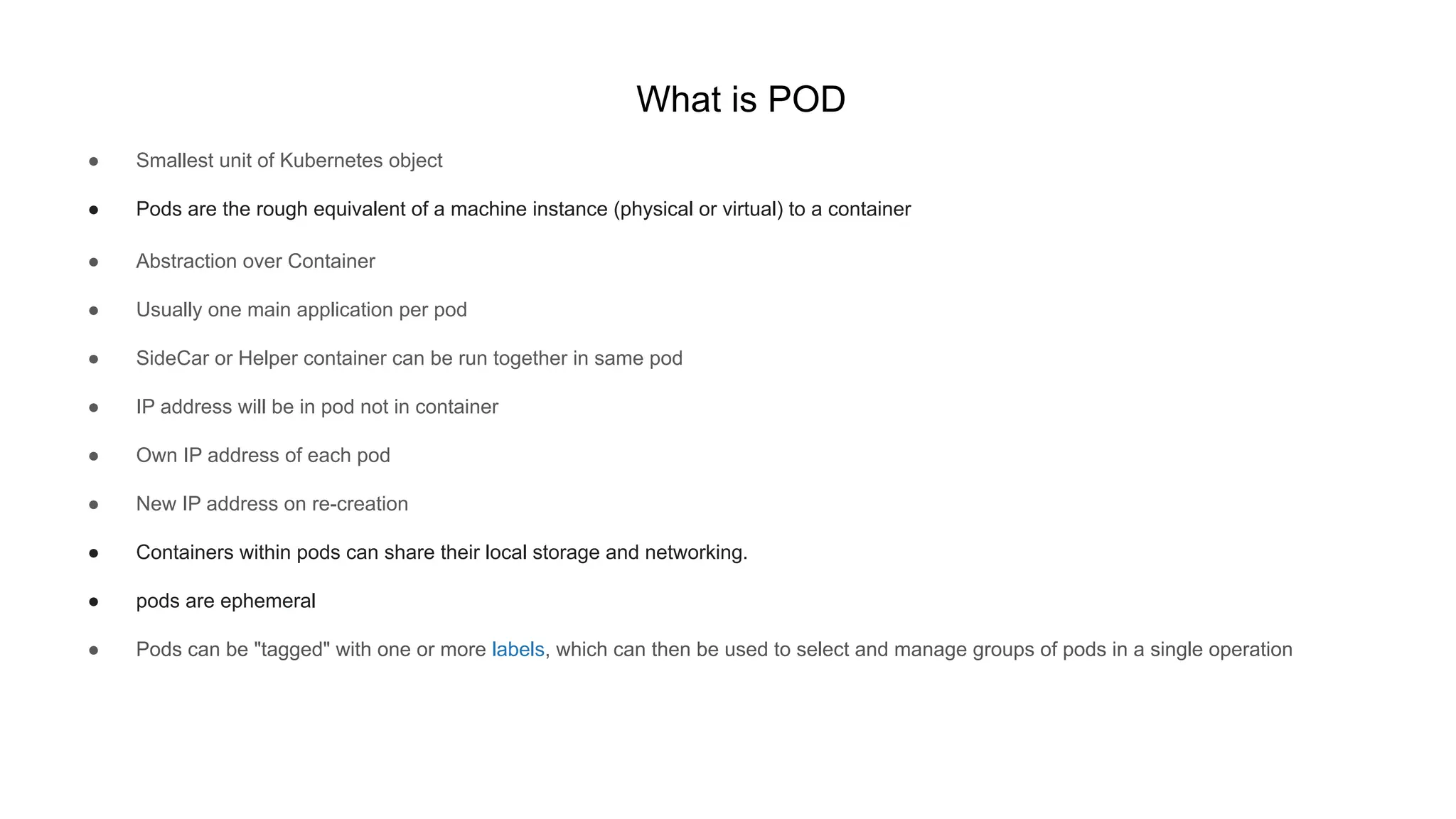
What is POD
● Smallest unit of Kubernetes object
● Pods are the rough equivalent of a machine instance (physical or virtual) to a container
● Abstraction over Container
● Usually one main application per pod
● SideCar or Helper container can be run together in same pod
● IP address will be in pod not in container
● Own IP address of each pod
● New IP address on re-creation
● Containers within pods can share their local storage and networking.
● pods are ephemeral
● Pods can be "tagged" with one or more labels, which can then be used to select and manage groups of pods in a single operation
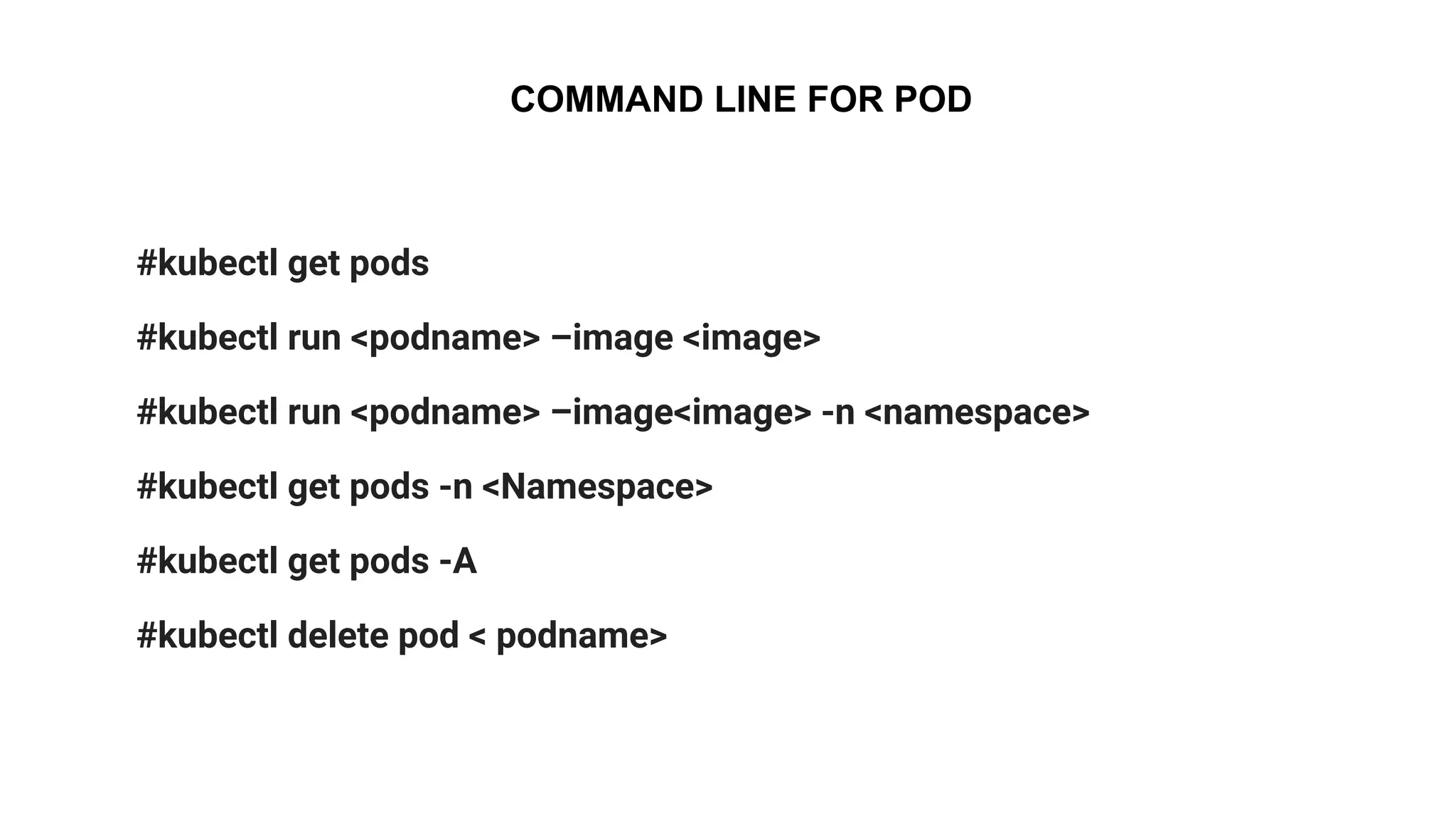
COMMAND LINE FOR POD
#kubectl get pods
#kubectl run <podname> –image <image>
#kubectl run <podname> –image<image> -n <namespace>
#kubectl get pods -n <Namespace>
#kubectl get pods -A
#kubectl delete pod < podname>
Service
Service
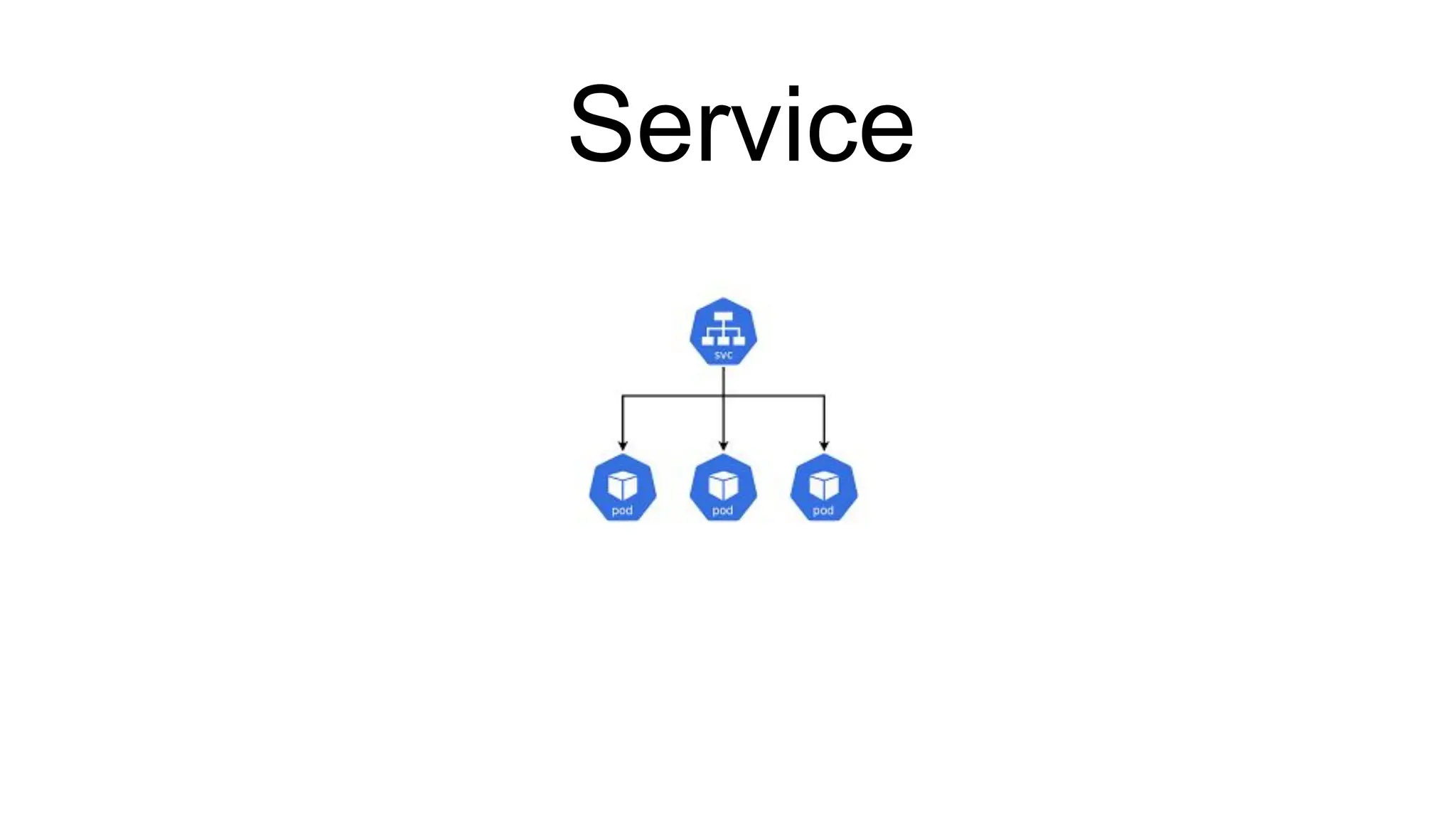
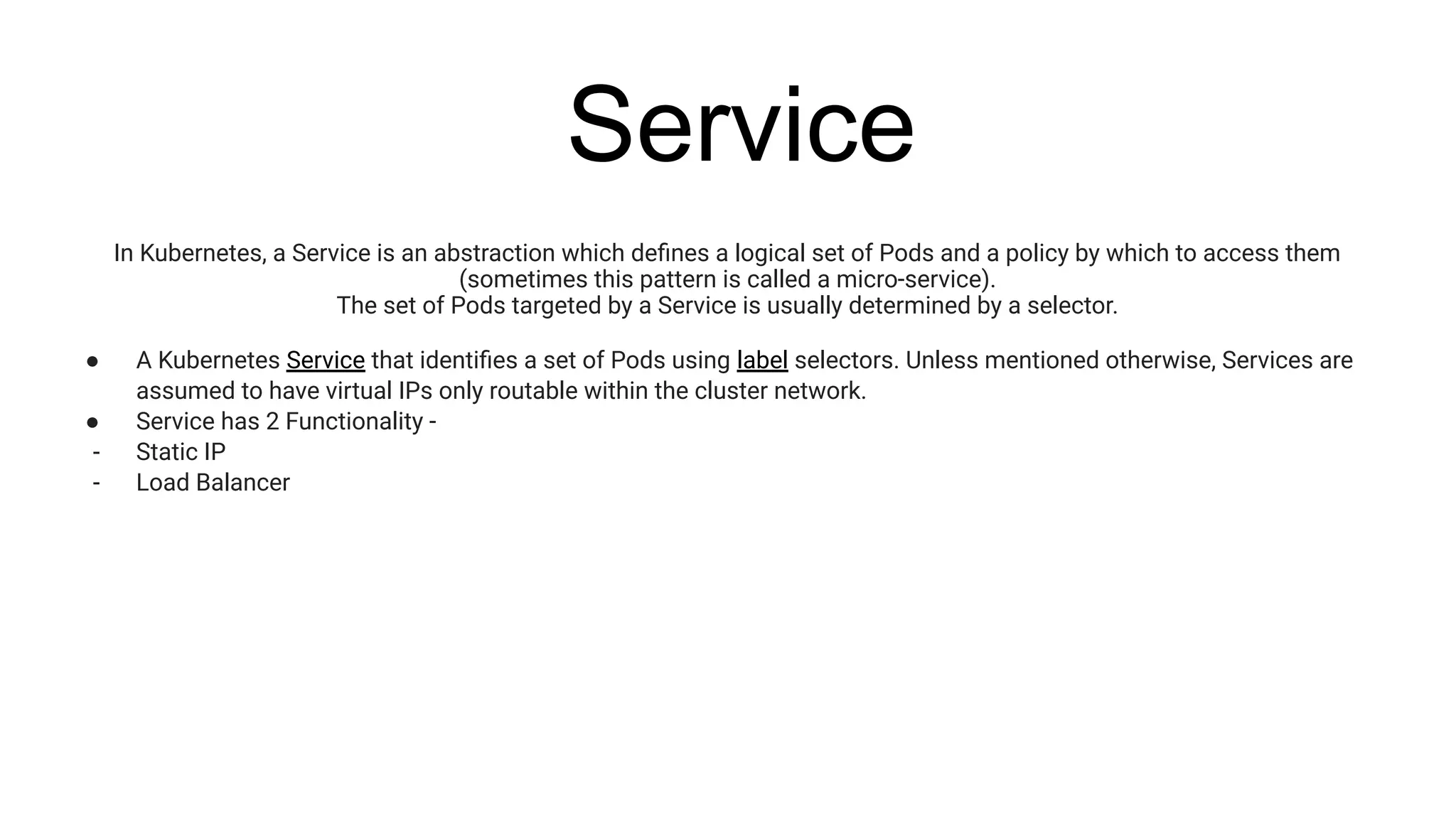
In Kubernetes, a Service is an abstraction which defines a logical set of Pods and a policy by which to access them
(sometimes this pattern is called a micro-service).
The set of Pods targeted by a Service is usually determined by a selector.
● A Kubernetes Service that identifies a set of Pods using label selectors. Unless mentioned otherwise, Services are
assumed to have virtual IPs only routable within the cluster network.
● Service has 2 Functionality -
- Static IP
- Load Balancer
Service
-
Ingress
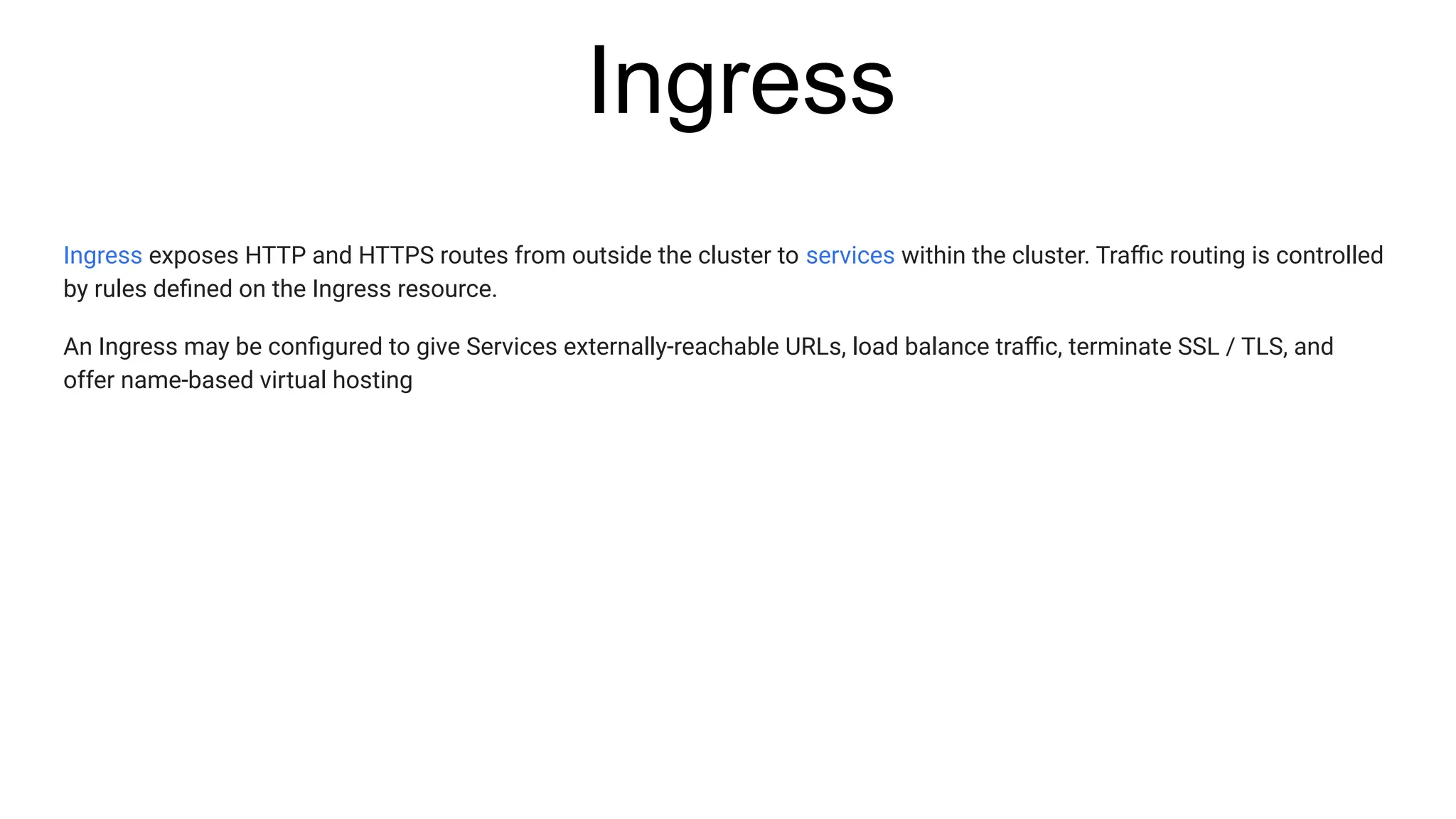
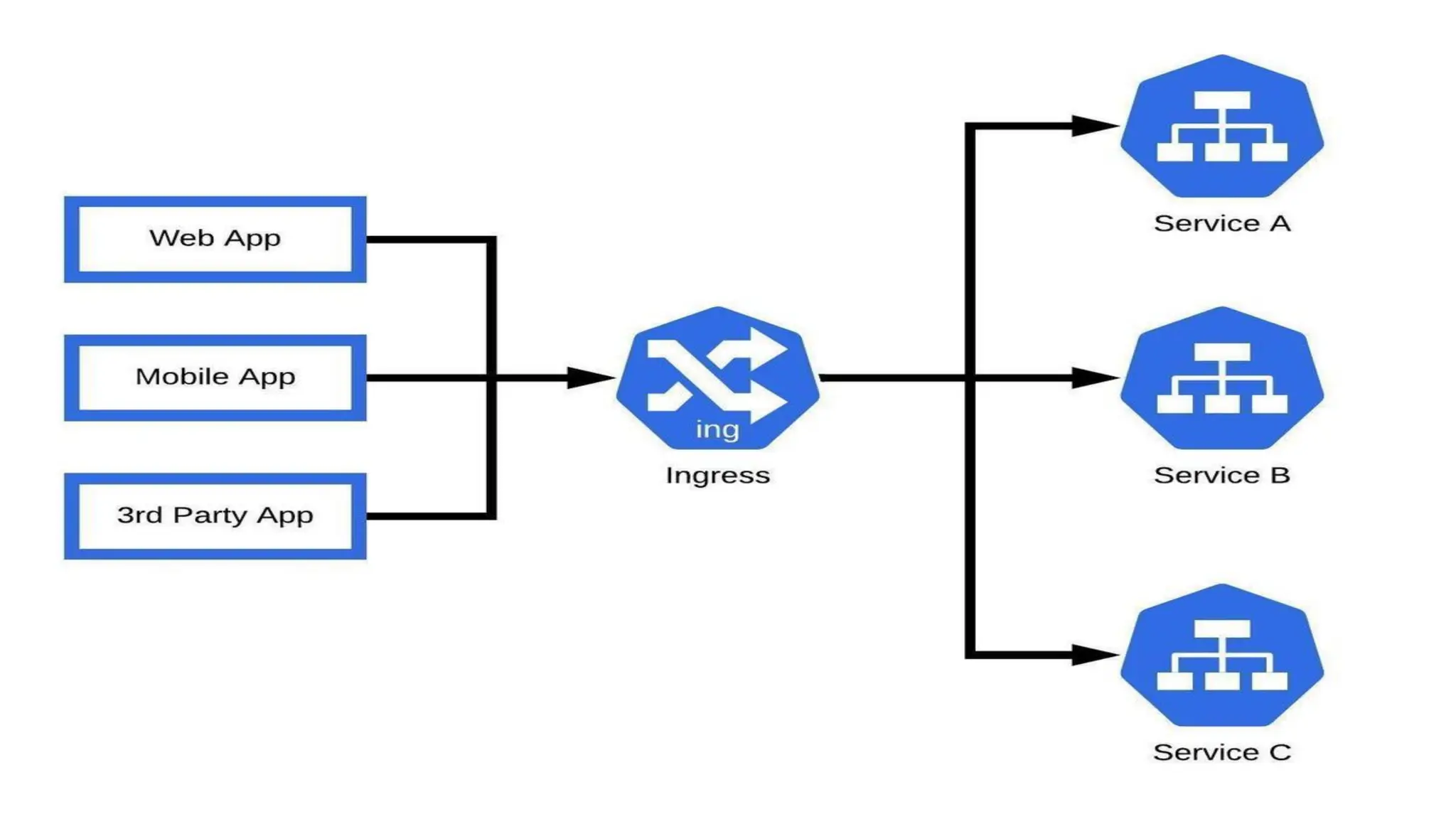
Ingress exposes HTTP and HTTPS routes from outside the cluster to services within the cluster. Traffic routing is controlled
by rules defined on the Ingress resource.
An Ingress may be configured to give Services externally-reachable URLs, load balance traffic, terminate SSL / TLS, and
offer name-based virtual hosting
Ingress
Deployments
Deployments
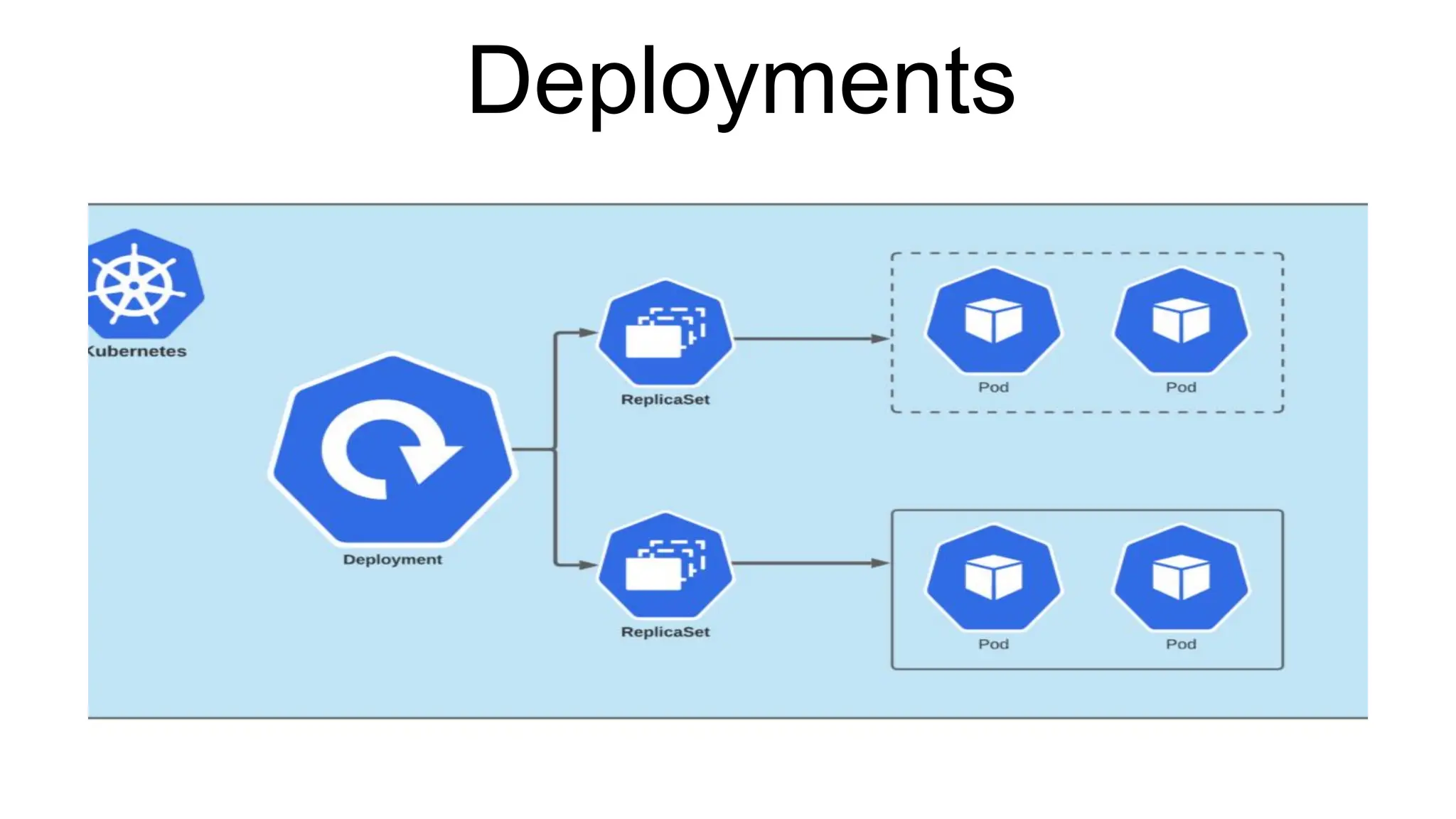
A Deployment provides declarative updates for Pods and ReplicaSets.
You describe a desired state in a Deployment, and the Deployment Controller changes the actual state to the desired state
at a controlled rate
Deployments
Replica Set
A ReplicaSet is defined with fields, including a selector that specifies how to identify Pods it can acquire, a number of
replicas indicating how many Pods it should be maintaining, and a pod template specifying the data of new Pods it should
create to meet the number of replicas criteria
secrets
A Secret is an object that contains a small amount of sensitive data such as a password, a token, or a key. Such information
might otherwise be put in a Pod specification or in a container image. Using a Secret means that you don't need to include
confidential data in your application code.
ConfigMap
A ConfigMap is an API object used to store non-confidential data in key-value pairs.
Pods can consume ConfigMaps as environment variables, command-line arguments, or as configuration files in a volume.

What is POD and Kubernetes details Like as

  • 1.
  • 2.
  • 3.
  • 4.
    NameSpace ● Namespaces area way to organize clusters into virtual sub-clusters — they can be helpful when different teams or projects share a Kubernetes cluster. ● Any number of namespaces are supported within a cluster, each logically separated from others but with the ability to communicate with each other
  • 5.
    NameSpace Kubernetes starts withfour initial namespaces: ● default The default namespace for objects with no other namespace ● kube-system The namespace for objects created by the Kubernetes system ● kube-public This namespace is created automatically and is readable by all users (including those not authenticated). This namespace is mostly reserved for cluster usage, in case that some resources should be visible and readable publicly throughout the whole cluster. The public aspect of this namespace is only a convention, not a requirement. ● kube-node-lease This namespace holds Lease objects associated with each node. Node leases allow the kubelet to send heartbeats so that the control plane can detect node failure.
  • 6.
    NameSpace ● Comman #kubectl getnamespaces #kubectl get namespace #kubectl get ns #kubectl get ns -A #kubectl create ns < NameSpaceName> #kubectl delete ns <NameSpaceName>
  • 7.
  • 8.
    What is POD ●Smallest unit of Kubernetes object ● Pods are the rough equivalent of a machine instance (physical or virtual) to a container ● Abstraction over Container ● Usually one main application per pod ● SideCar or Helper container can be run together in same pod ● IP address will be in pod not in container ● Own IP address of each pod ● New IP address on re-creation ● Containers within pods can share their local storage and networking. ● pods are ephemeral ● Pods can be "tagged" with one or more labels, which can then be used to select and manage groups of pods in a single operation
  • 9.
    COMMAND LINE FORPOD #kubectl get pods #kubectl run <podname> –image <image> #kubectl run <podname> –image<image> -n <namespace> #kubectl get pods -n <Namespace> #kubectl get pods -A #kubectl delete pod < podname>
  • 10.
  • 11.
    Service In Kubernetes, aService is an abstraction which defines a logical set of Pods and a policy by which to access them (sometimes this pattern is called a micro-service). The set of Pods targeted by a Service is usually determined by a selector. ● A Kubernetes Service that identifies a set of Pods using label selectors. Unless mentioned otherwise, Services are assumed to have virtual IPs only routable within the cluster network. ● Service has 2 Functionality - - Static IP - Load Balancer
  • 12.
  • 13.
    Ingress Ingress exposes HTTPand HTTPS routes from outside the cluster to services within the cluster. Traffic routing is controlled by rules defined on the Ingress resource. An Ingress may be configured to give Services externally-reachable URLs, load balance traffic, terminate SSL / TLS, and offer name-based virtual hosting
  • 14.
  • 15.
  • 16.
    Deployments A Deployment providesdeclarative updates for Pods and ReplicaSets. You describe a desired state in a Deployment, and the Deployment Controller changes the actual state to the desired state at a controlled rate
  • 17.
  • 18.
    Replica Set A ReplicaSetis defined with fields, including a selector that specifies how to identify Pods it can acquire, a number of replicas indicating how many Pods it should be maintaining, and a pod template specifying the data of new Pods it should create to meet the number of replicas criteria
  • 19.
    secrets A Secret isan object that contains a small amount of sensitive data such as a password, a token, or a key. Such information might otherwise be put in a Pod specification or in a container image. Using a Secret means that you don't need to include confidential data in your application code.
  • 20.
    ConfigMap A ConfigMap isan API object used to store non-confidential data in key-value pairs. Pods can consume ConfigMaps as environment variables, command-line arguments, or as configuration files in a volume.