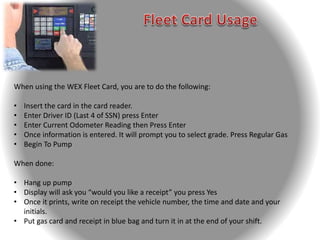
When using the WEX Fleet Card, you are to do the following:
• Insert the card in the card reader.
• Enter Driver ID (Last 4 of SSN) press Enter
• Enter Current Odometer Reading then Press Enter
• Once information is entered. It will prompt you to select grade. Press Regular Gas
• Begin To Pump
When done:
• Hang up pump
• Display will ask you “would you like a receipt” you press Yes
• Once it prints, write on receipt the vehicle number, the time and date and your
initials.
• Put gas card and receipt in blue bag and turn it in at the end of your shift.

WEX Fleet Card

  • 2.
    When using theWEX Fleet Card, you are to do the following: • Insert the card in the card reader. • Enter Driver ID (Last 4 of SSN) press Enter • Enter Current Odometer Reading then Press Enter • Once information is entered. It will prompt you to select grade. Press Regular Gas • Begin To Pump When done: • Hang up pump • Display will ask you “would you like a receipt” you press Yes • Once it prints, write on receipt the vehicle number, the time and date and your initials. • Put gas card and receipt in blue bag and turn it in at the end of your shift.