First Step to
Jenkins
@somkiat
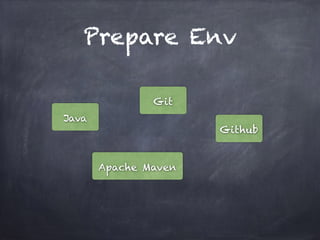
Prepare Env
Java
Apache Maven
Git
Github
Prepare Env
Java
Git
Github.com Account
Config SSH Key
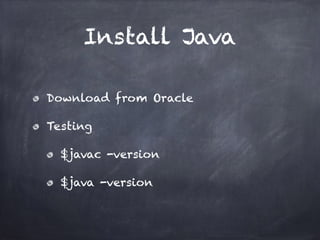
Install Java
Download from Oracle
Testing
$javac -version
$java -version
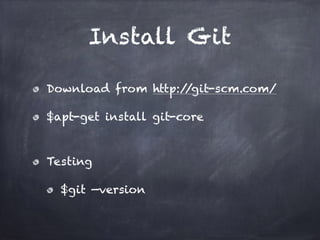
Install Git
Download from http://git-scm.com/
$apt-get install git-core
Testing
$git —version
Create Account at
Github
Goto http://www.github.com
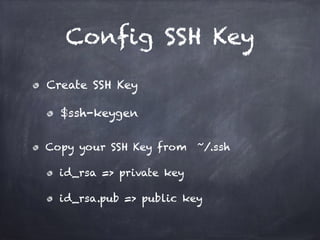
Config SSH Key
Create SSH Key
$ssh-keygen
Copy your SSH Key from ~/.ssh
id_rsa => private key
id_rsa.pub => public key
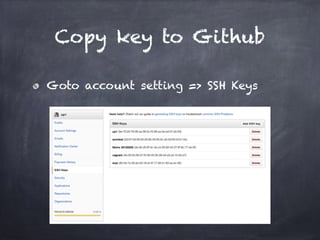
Copy key to Github
Goto account setting => SSH Keys
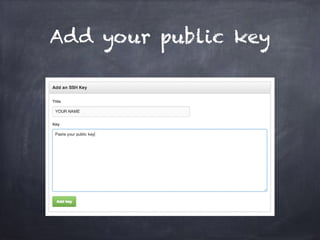
Add your public key
Fork Example Project
Project at https://github.com/up1/
demo_jenkin_project
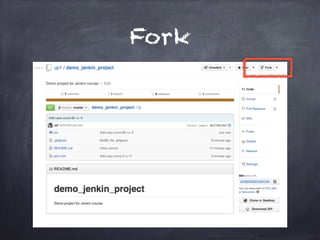
Fork
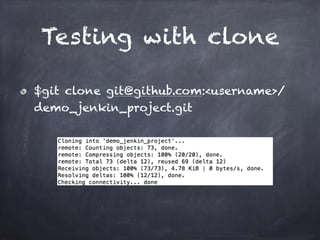
Testing with clone
$git clone git@github.com:<username>/
demo_jenkin_project.git
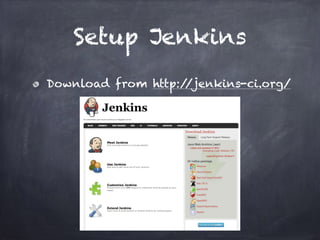
Setup Jenkins
Download from http://jenkins-ci.org/
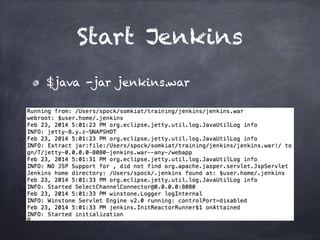
Start Jenkins
$java -jar jenkins.war
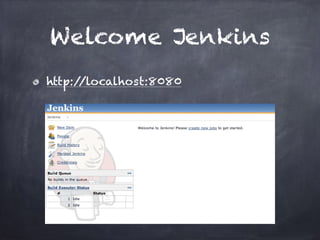
Welcome Jenkins
http://localhost:8080
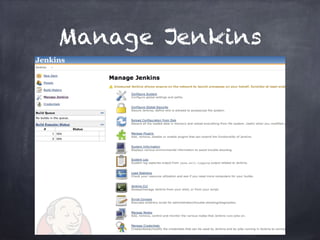
Manage Jenkins
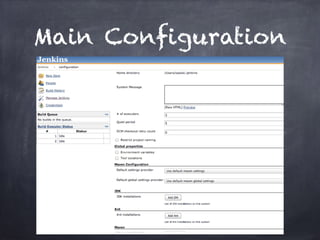
Main Configuration
Config Jenkins
JDK
Apache Maven
Notification
Git plug-in
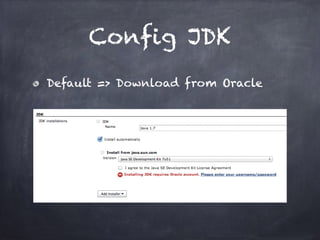
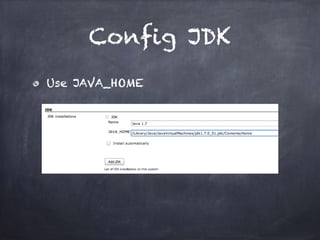
Config JDK
Default => Download from Oracle
Config JDK
Use JAVA_HOME
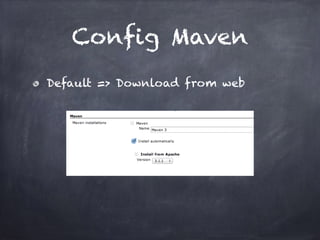
Config Maven
Default => Download from web
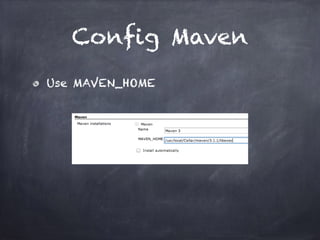
Config Maven
Use MAVEN_HOME
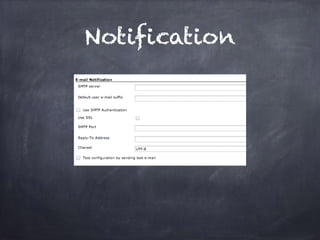
Notification
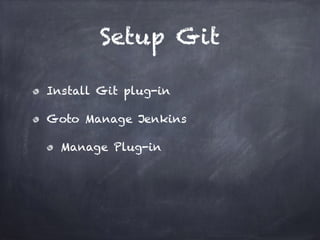
Setup Git
Install Git plug-in
Goto Manage Jenkins
Manage Plug-in
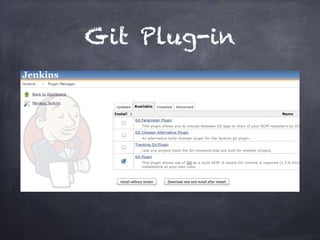
Git Plug-in
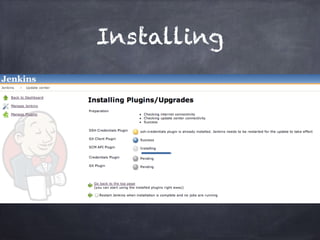
Installing
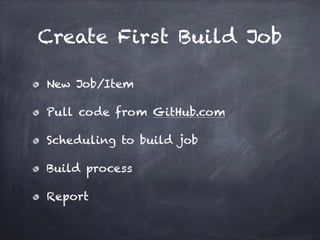
Create First Build Job
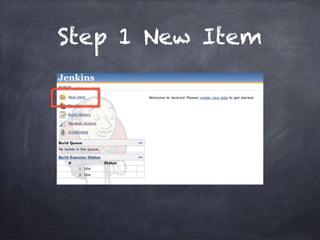
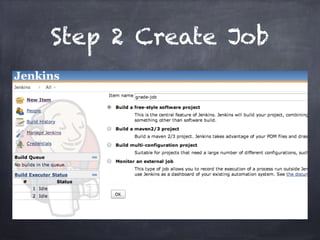
New Job/Item
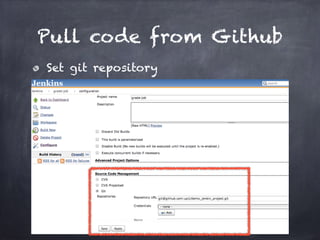
Pull code from GitHub.com
Scheduling to build job
Build process
Report
Step 1 New Item
Step 2 Create Job
Pull code from Github
Set git repository
Config Build Trigger
Build after project
Build period
Poll SCM
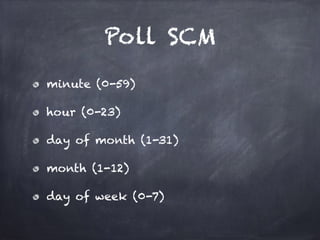
Poll SCM
minute (0-59)
hour (0-23)
day of month (1-31)
month (1-12)
day of week (0-7)
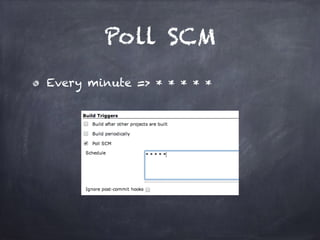
Poll SCM
Every minute => * * * * *
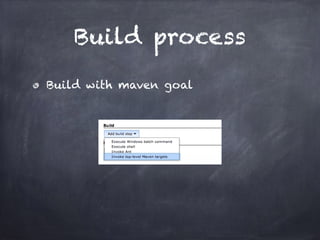
Build process
Build with maven goal
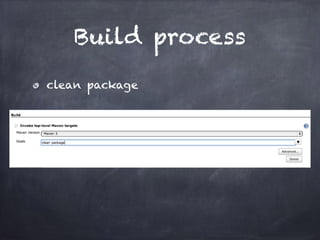
Build process
clean package
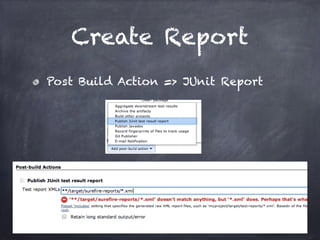
Create Report
Post Build Action => JUnit Report
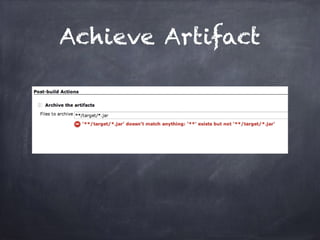
Achieve Artifact
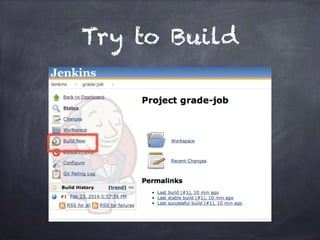
Try to Build
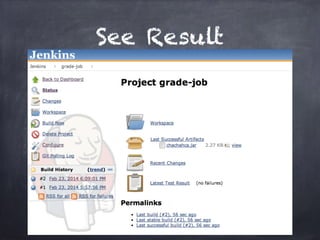
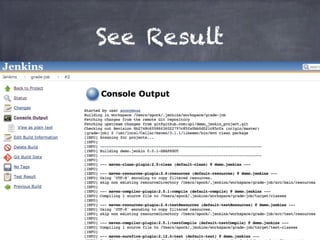
See Result
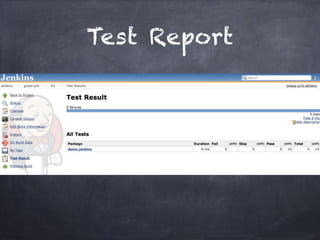
Test Report
See Result
Add JavaDoc ?
How To ?
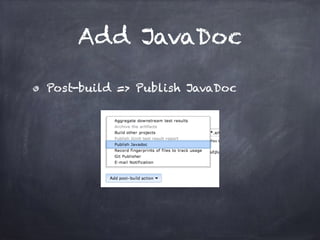
Add JavaDoc
Post-build => Publish JavaDoc
You MUST got ERROR
Try to add javadoc:javadoc
add path of JavaDoc
./target/site/apidocs
And build again !!!
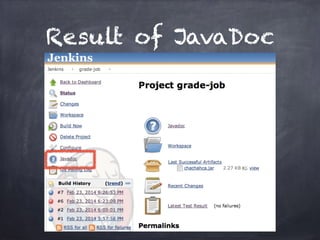
Result of JavaDoc
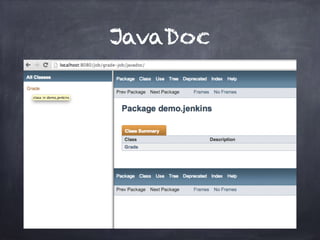
JavaDoc
Add Cobertura
What is Cobertura ?
Code coverage utility for Java
http://cobertura.github.io/
cobertura/
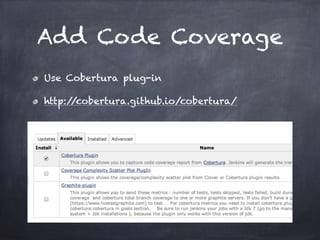
Add Code Coverage
Use Cobertura plug-in
http://cobertura.github.io/cobertura/
Maven Project
pom.xml
Config plug in to generate
cobertura.xml
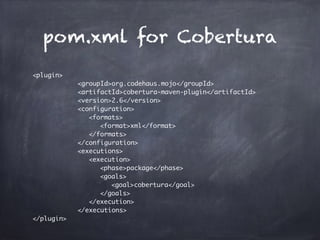
pom.xml for Cobertura
<plugin>	
	 	 	 	 <groupId>org.codehaus.mojo</groupId>	
	 	 	 	 <artifactId>cobertura-maven-plugin</artifactId>	
	 	 	 	 <version>2.6</version>	
	 	 	 	 <configuration>	
	 	 	 	 	 <formats>	
	 	 	 	 	 	 <format>xml</format>	
	 	 	 	 	 </formats>	
	 	 	 	 </configuration>	
	 	 	 	 <executions>	
	 	 	 	 	 <execution>	
	 	 	 	 	 	 <phase>package</phase>	
	 	 	 	 	 	 <goals>	
	 	 	 	 	 	 	 <goal>cobertura</goal>	
	 	 	 	 	 	 </goals>	
	 	 	 	 	 </execution>	
	 	 	 	 </executions>	
</plugin>
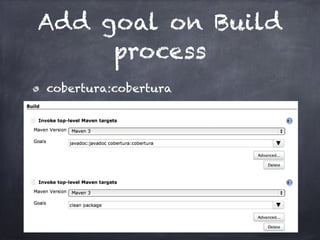
Add goal on Build
process
cobertura:cobertura
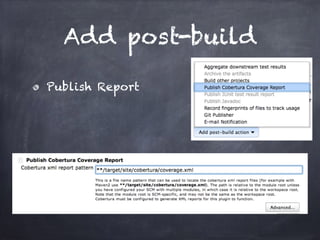
Add post-build
Publish Report
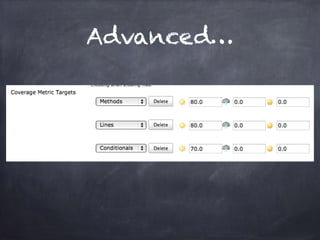
Advanced…
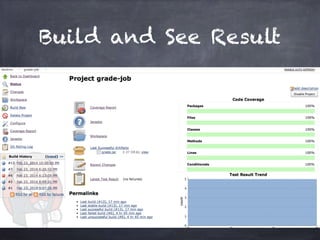
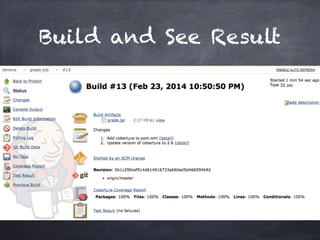
Build and See Result
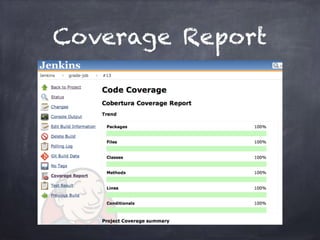
Coverage Report
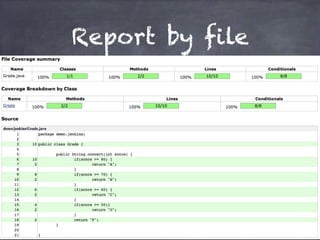
Report by file
Welcome to
Jenkins

Welcome to Jenkins