Front-end Dev & Designer
at Lunar Logic
Anna Migas
Anna Migas
@szynszyliszys
Make your animations
perform well
zdjęcie krzeseł
http://ancorathemes.com/
Don’t use animations
if they are not helping anyone
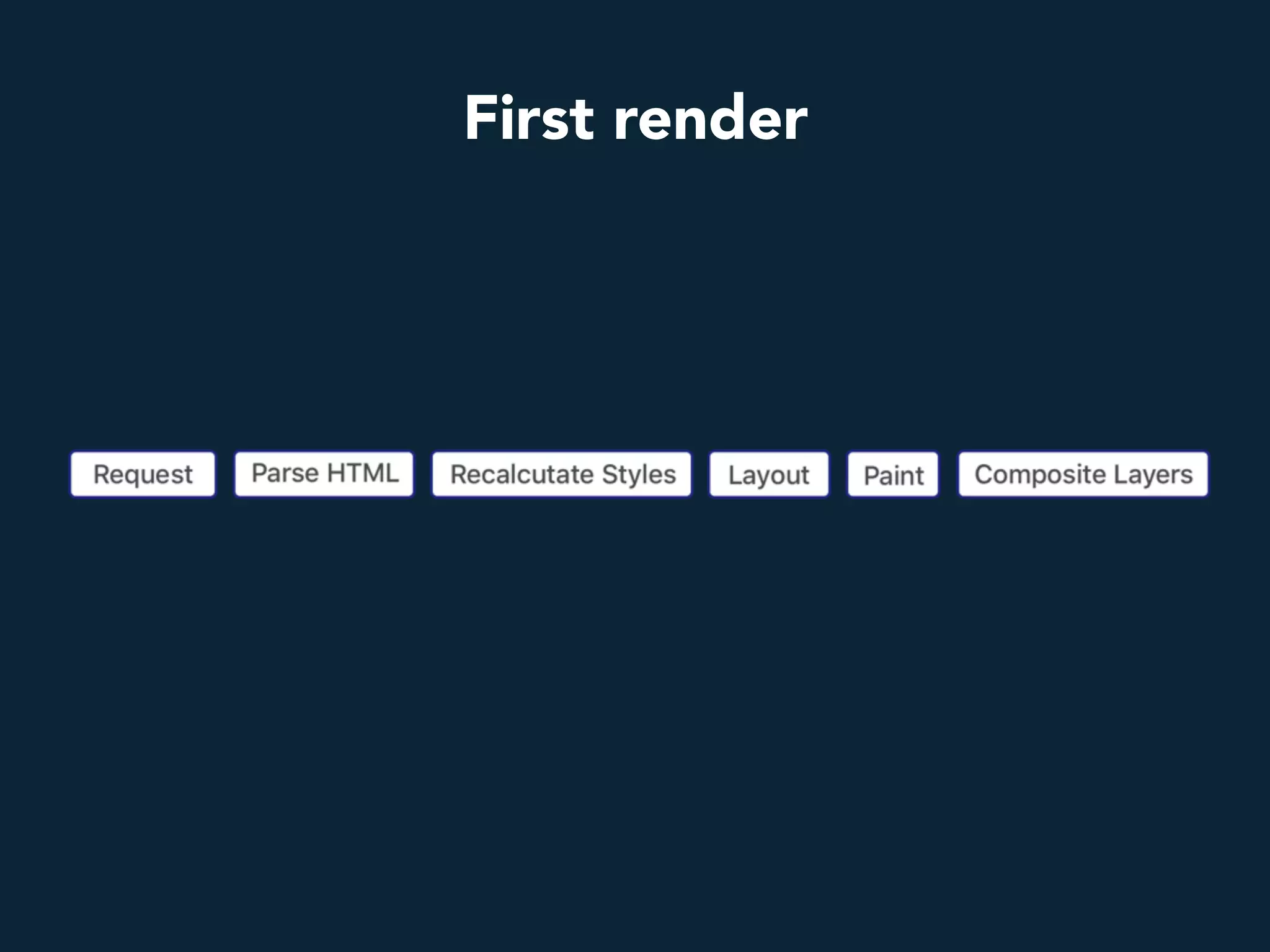
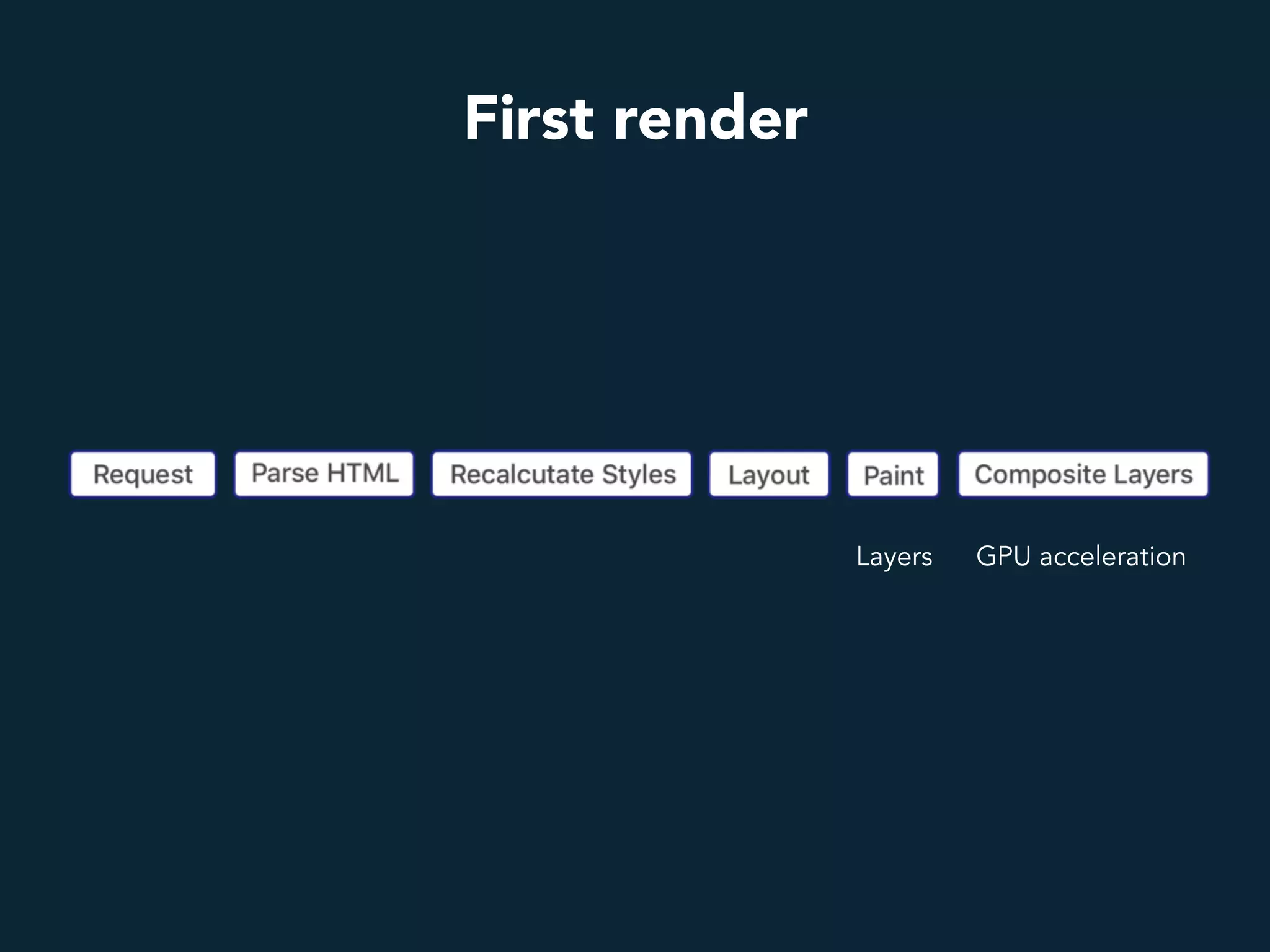
How browser renders a website?
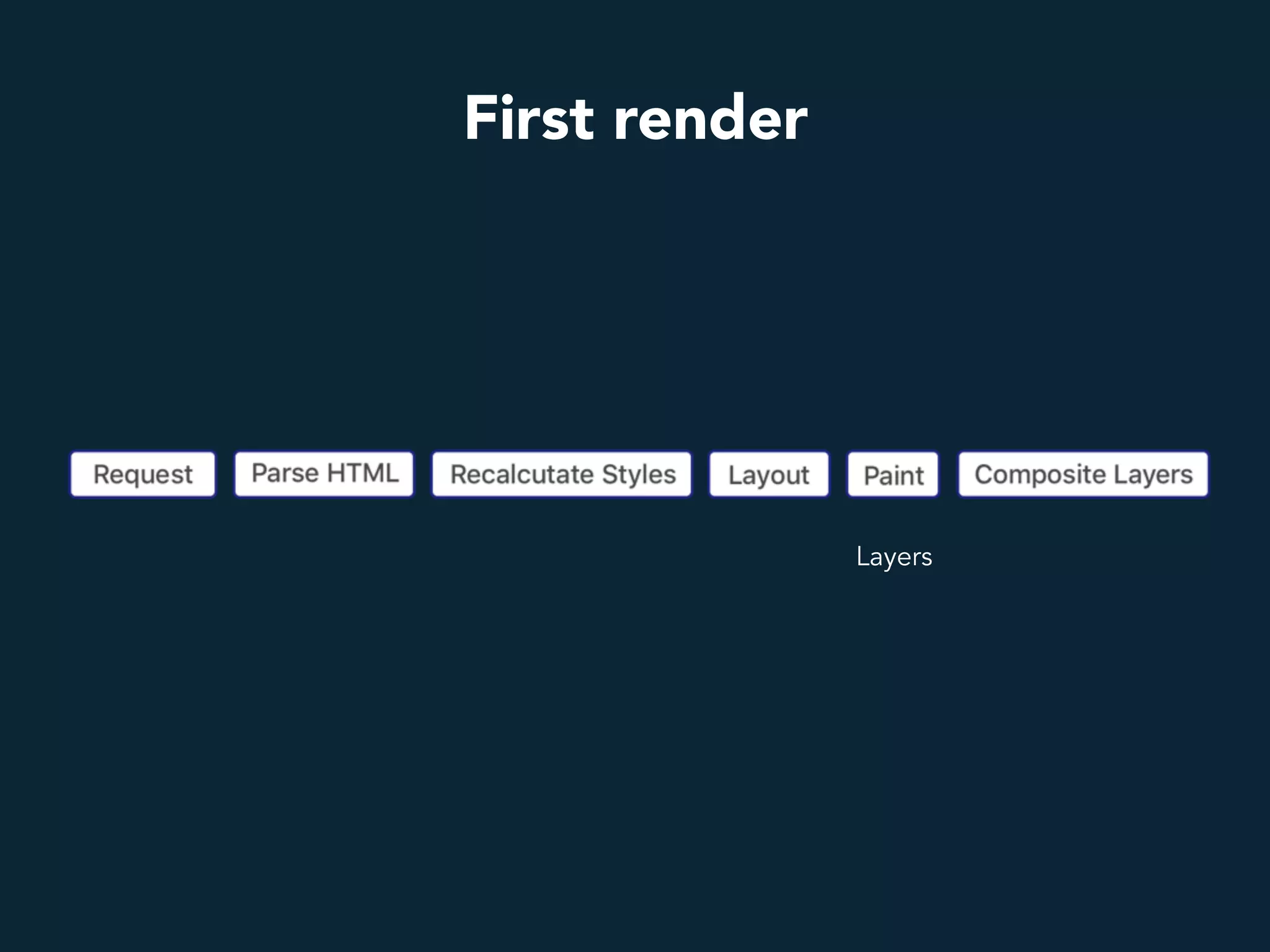
First render
First render
Layers
First render
GPU accelerationLayers
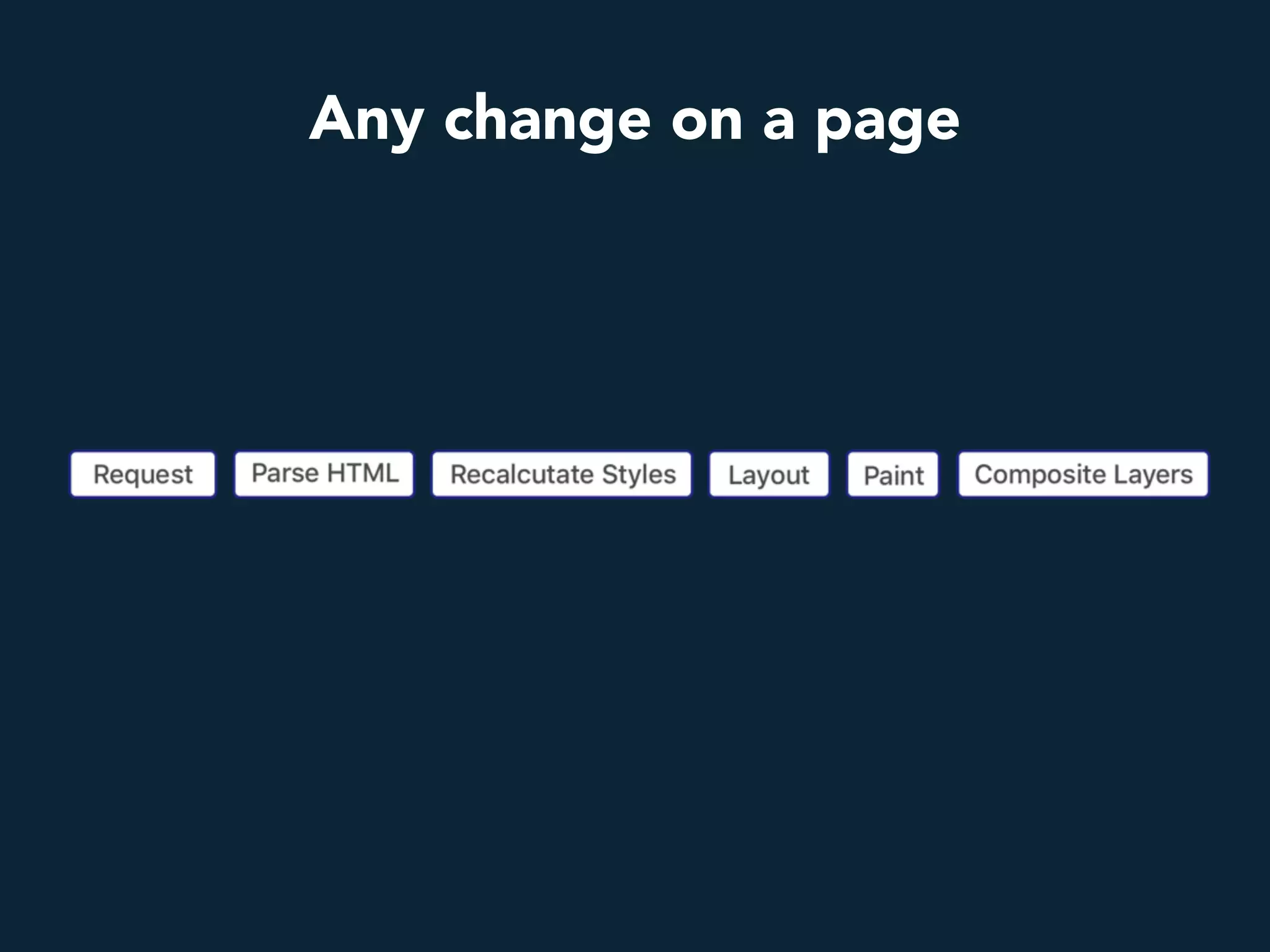
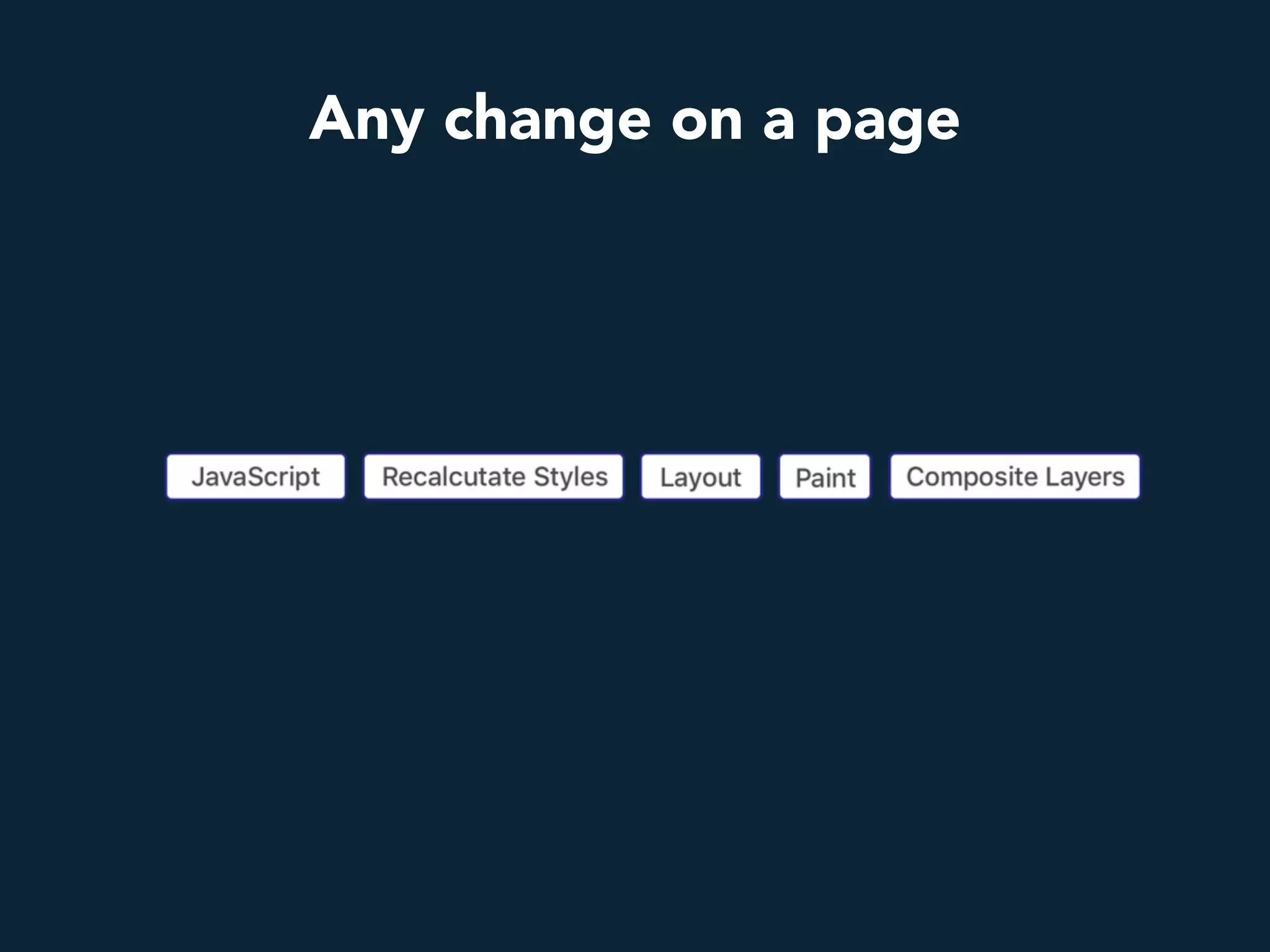
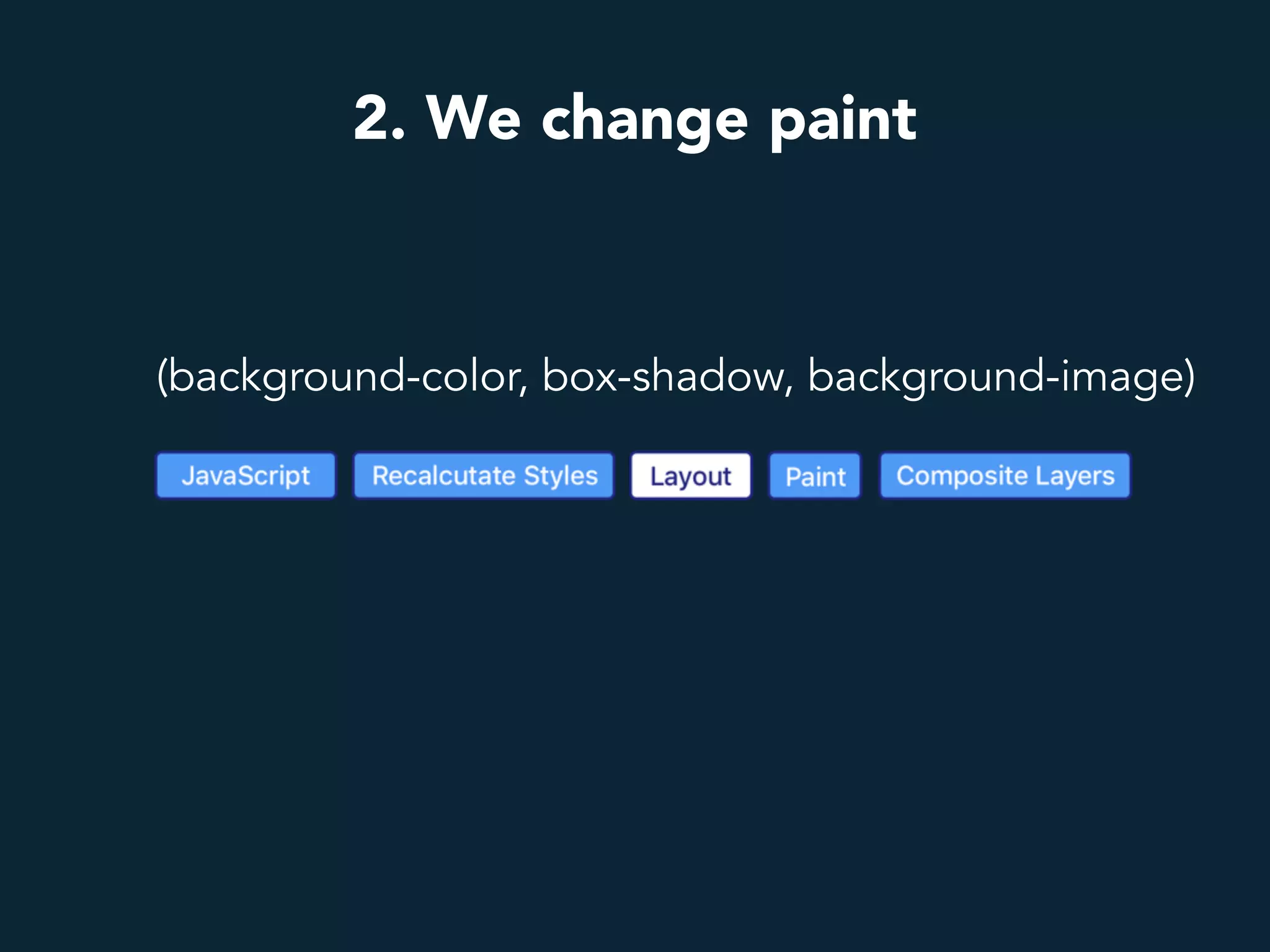
Any change on a page
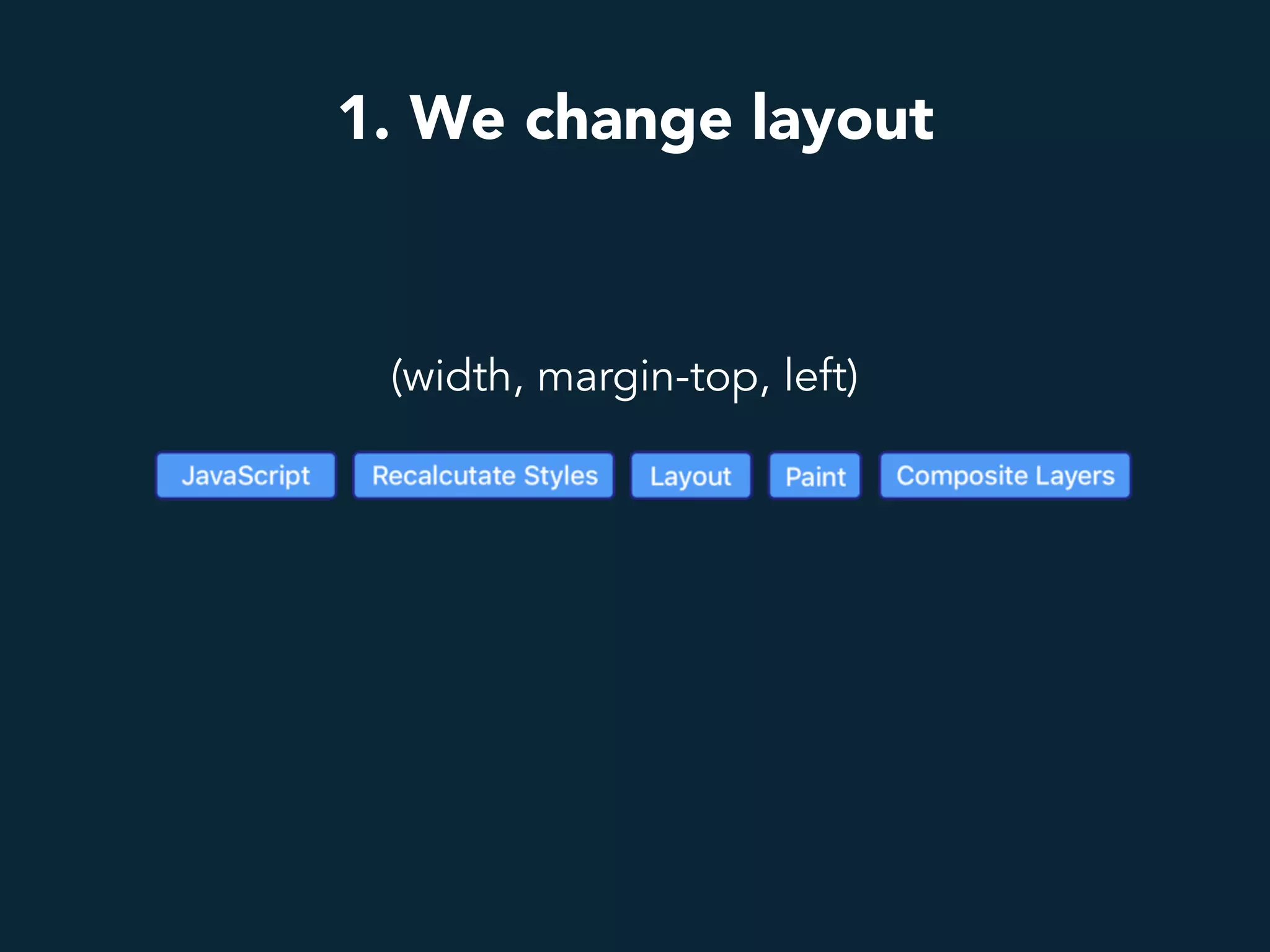
1. We change layout
(width, margin-top, left)
2. We change paint
(background-color, box-shadow, background-image)
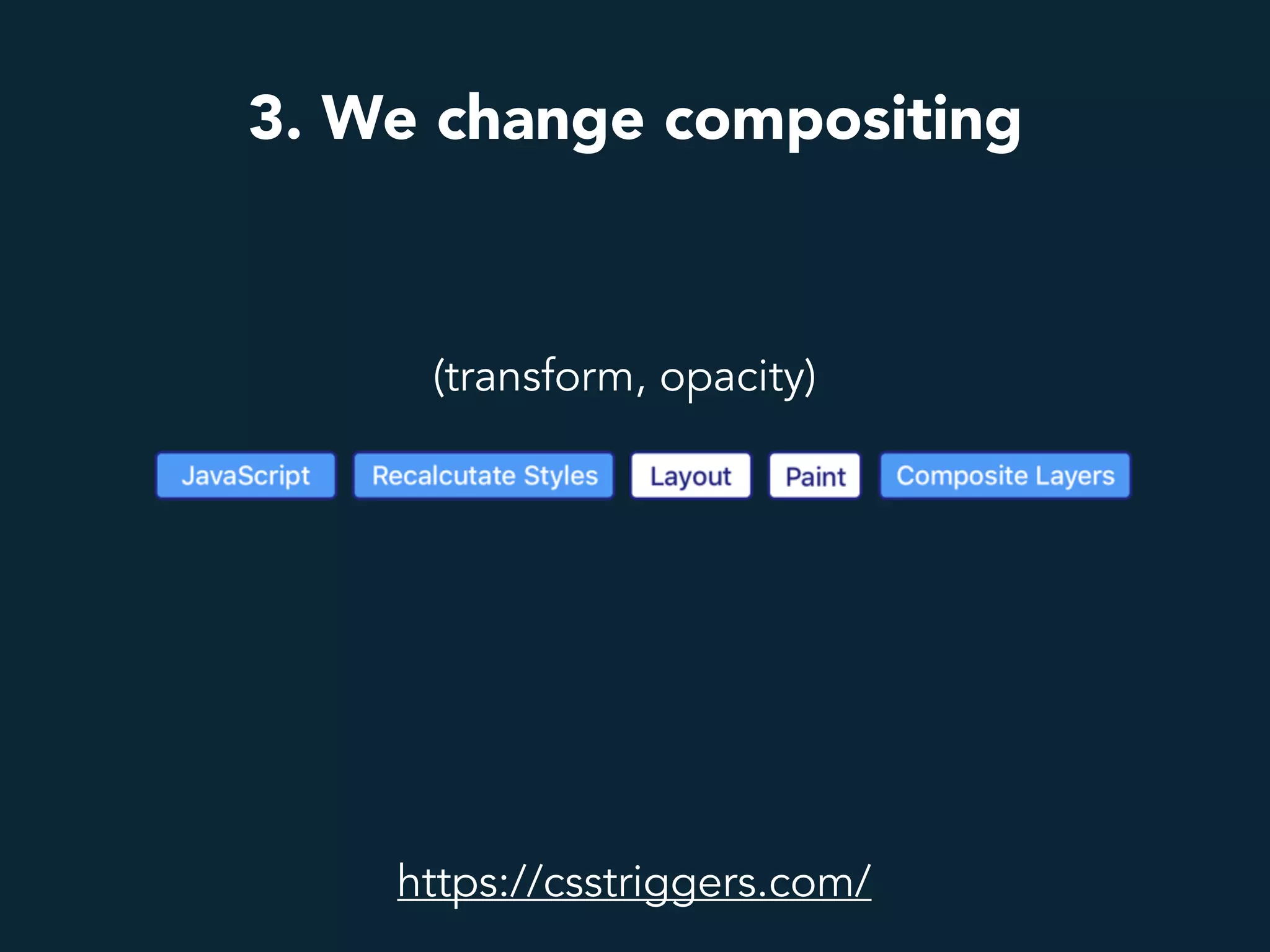
3. We change compositing
(transform, opacity)
https://csstriggers.com/
transform, opacity
The two properties to animate nicely
zdjęcie krzeseł
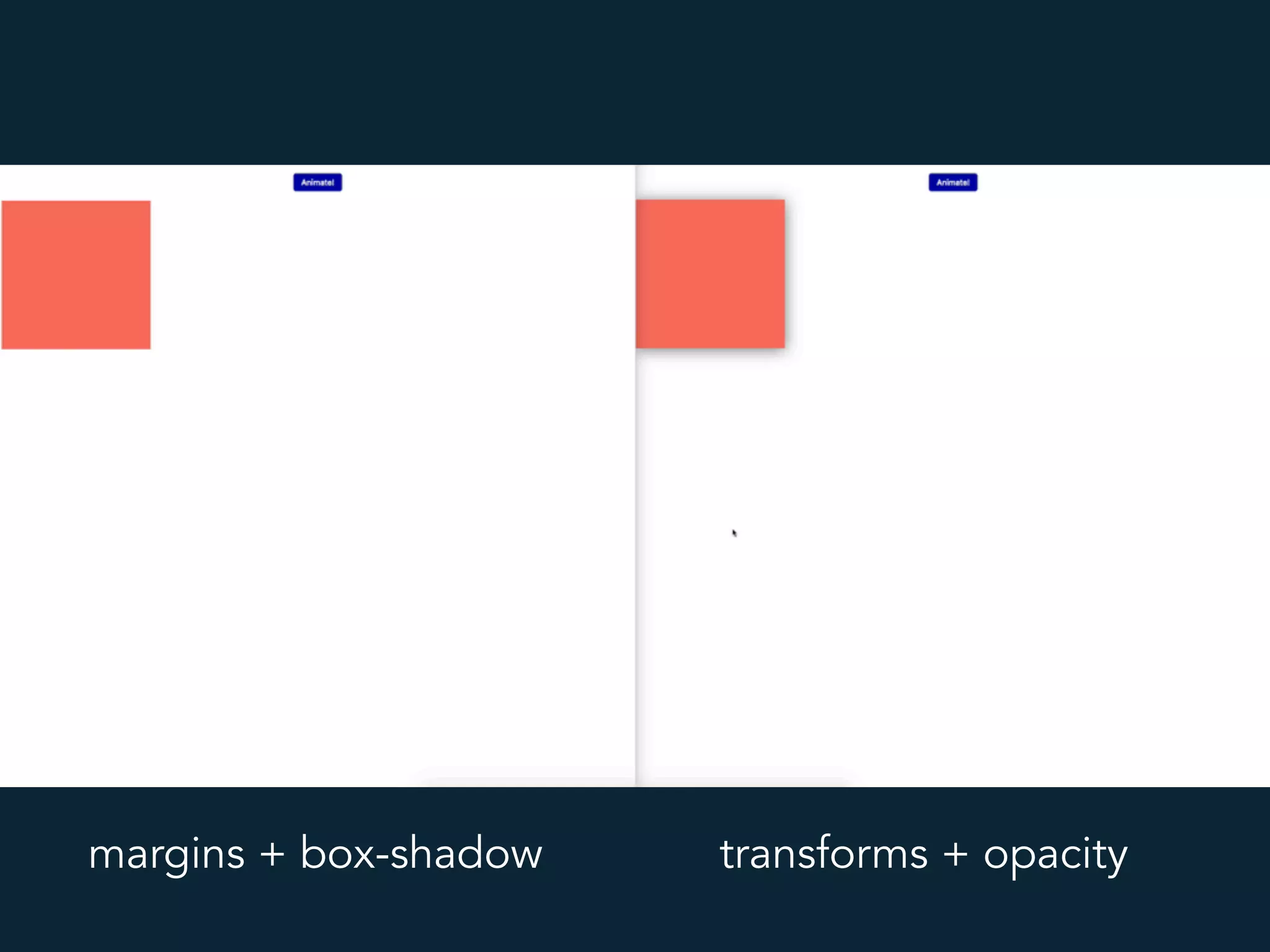
margins + box-shadow transforms + opacity
Layer promotion
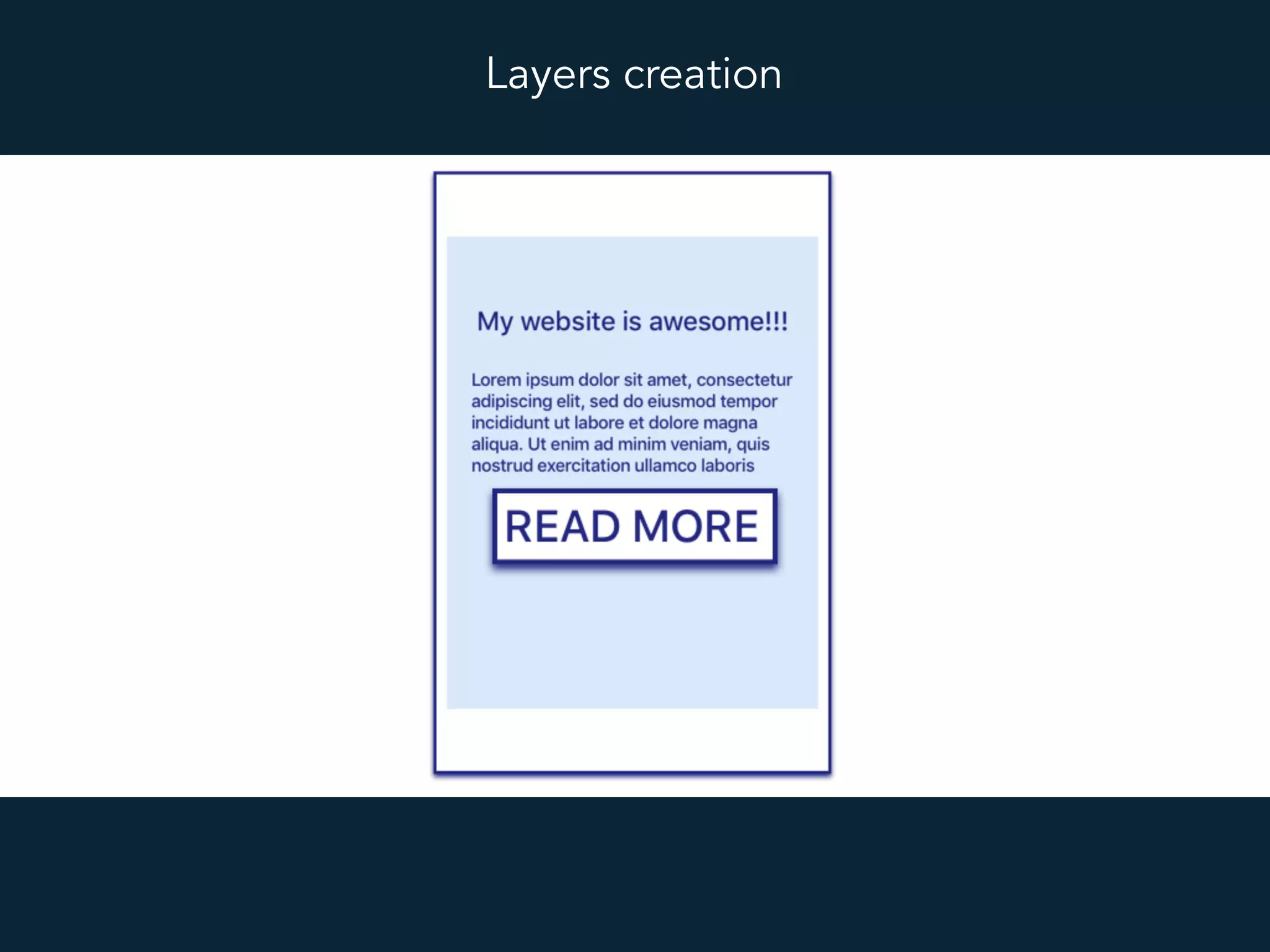
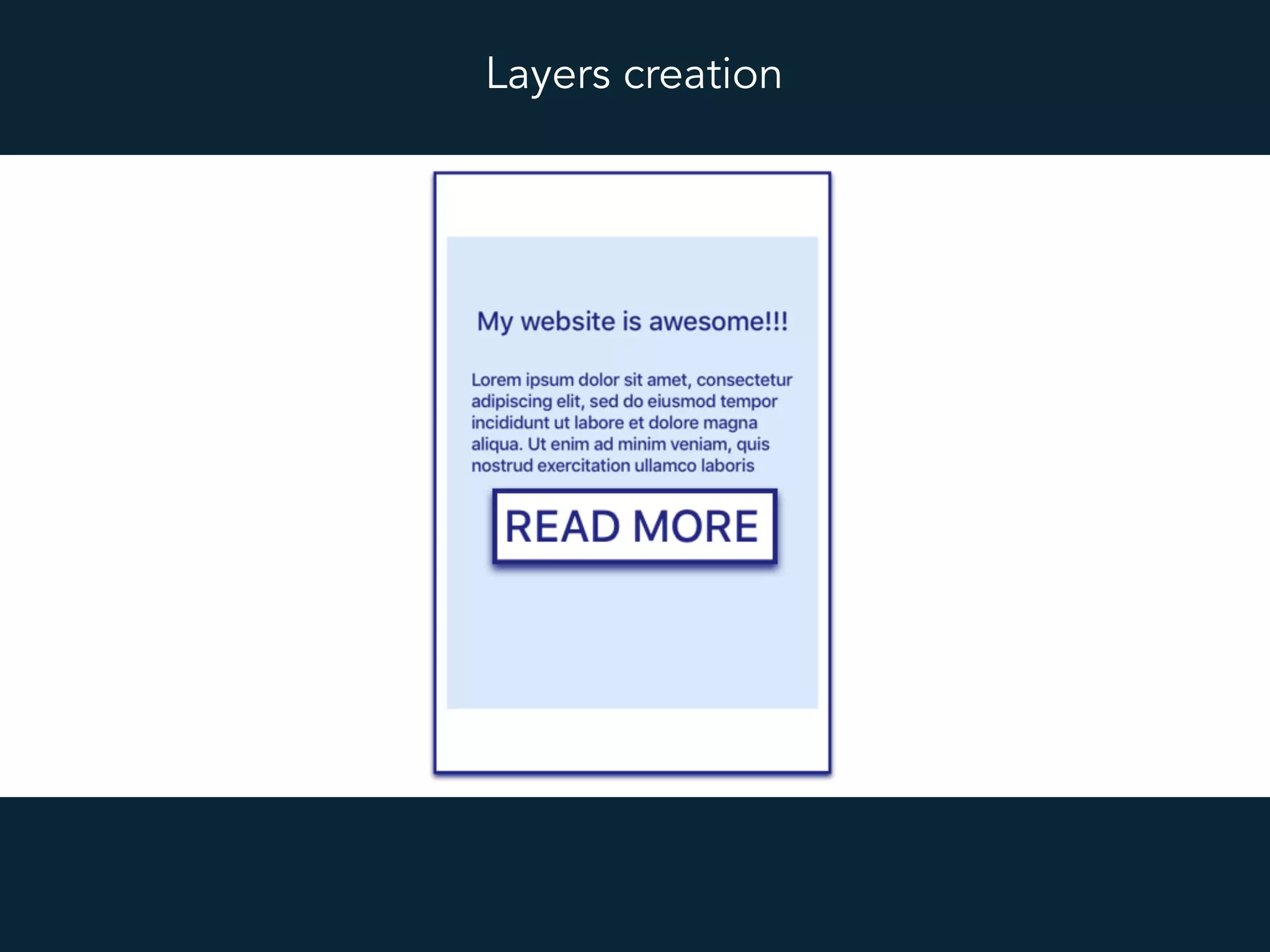
Layers creation
Layers creation
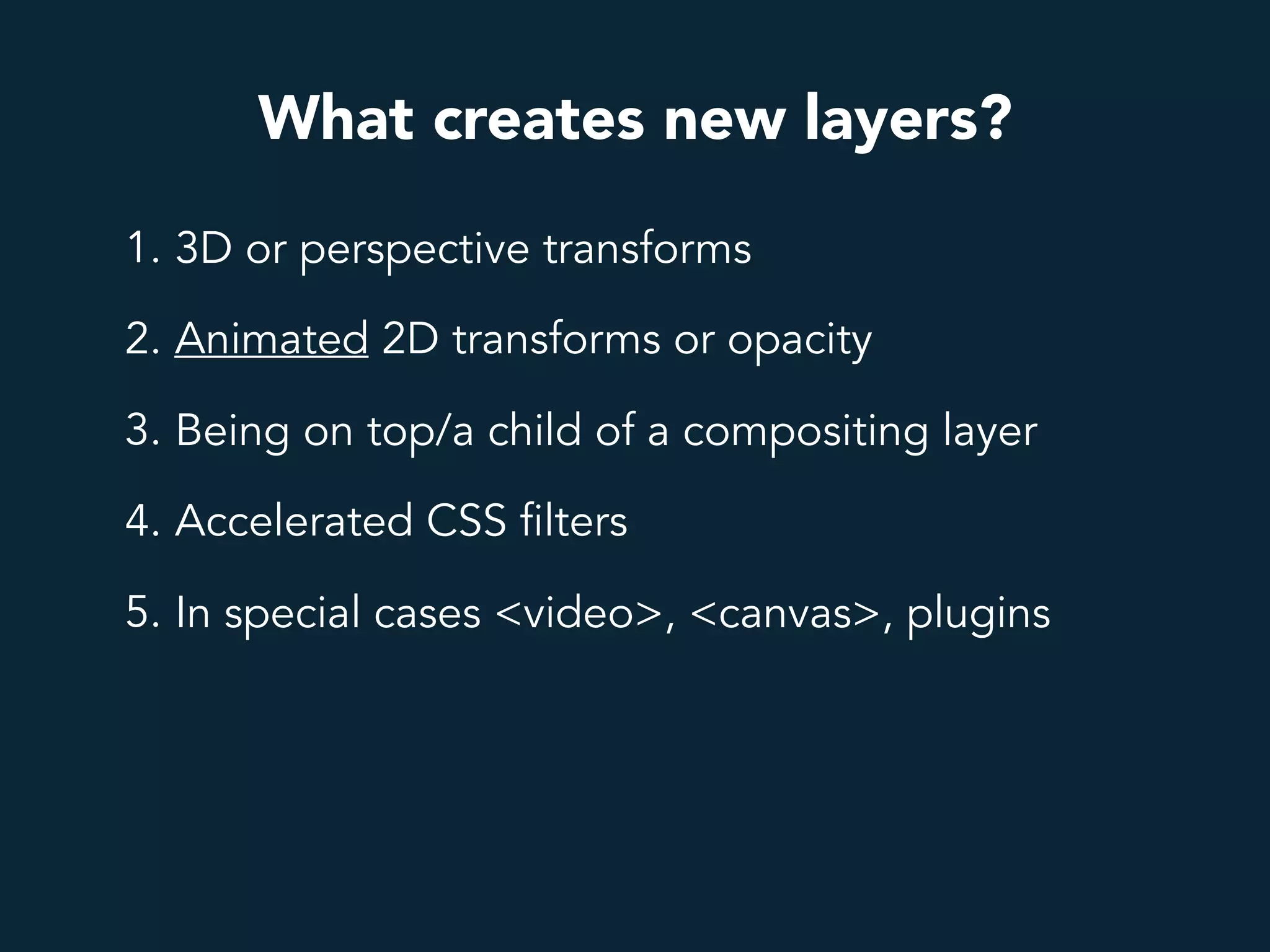
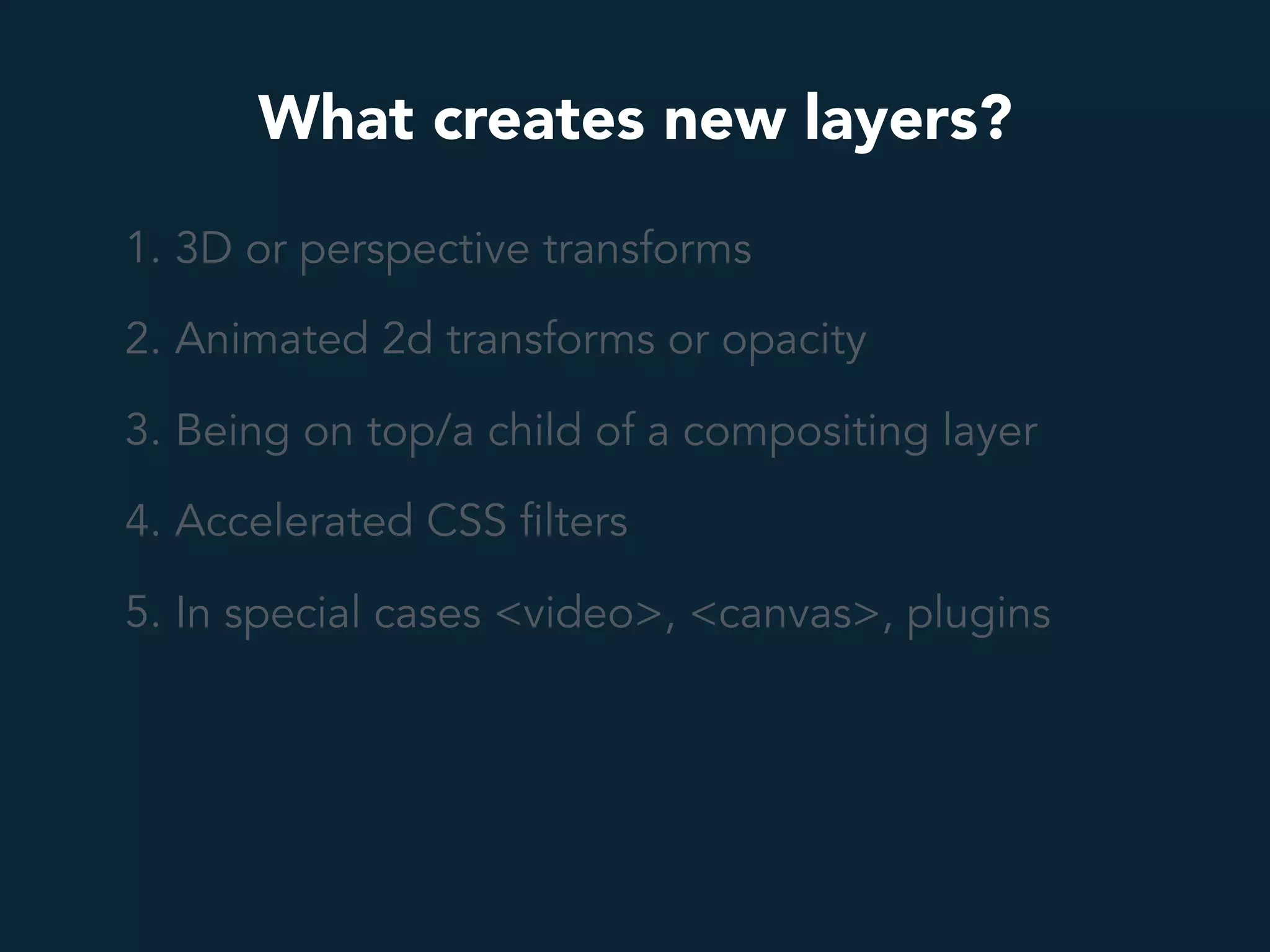
What creates new layers?
1. 3D or perspective transforms
2. Animated 2D transforms or opacity
3. Being on top/a child of a compositing layer
4. Accelerated CSS filters
5. In special cases <video>, <canvas>, plugins
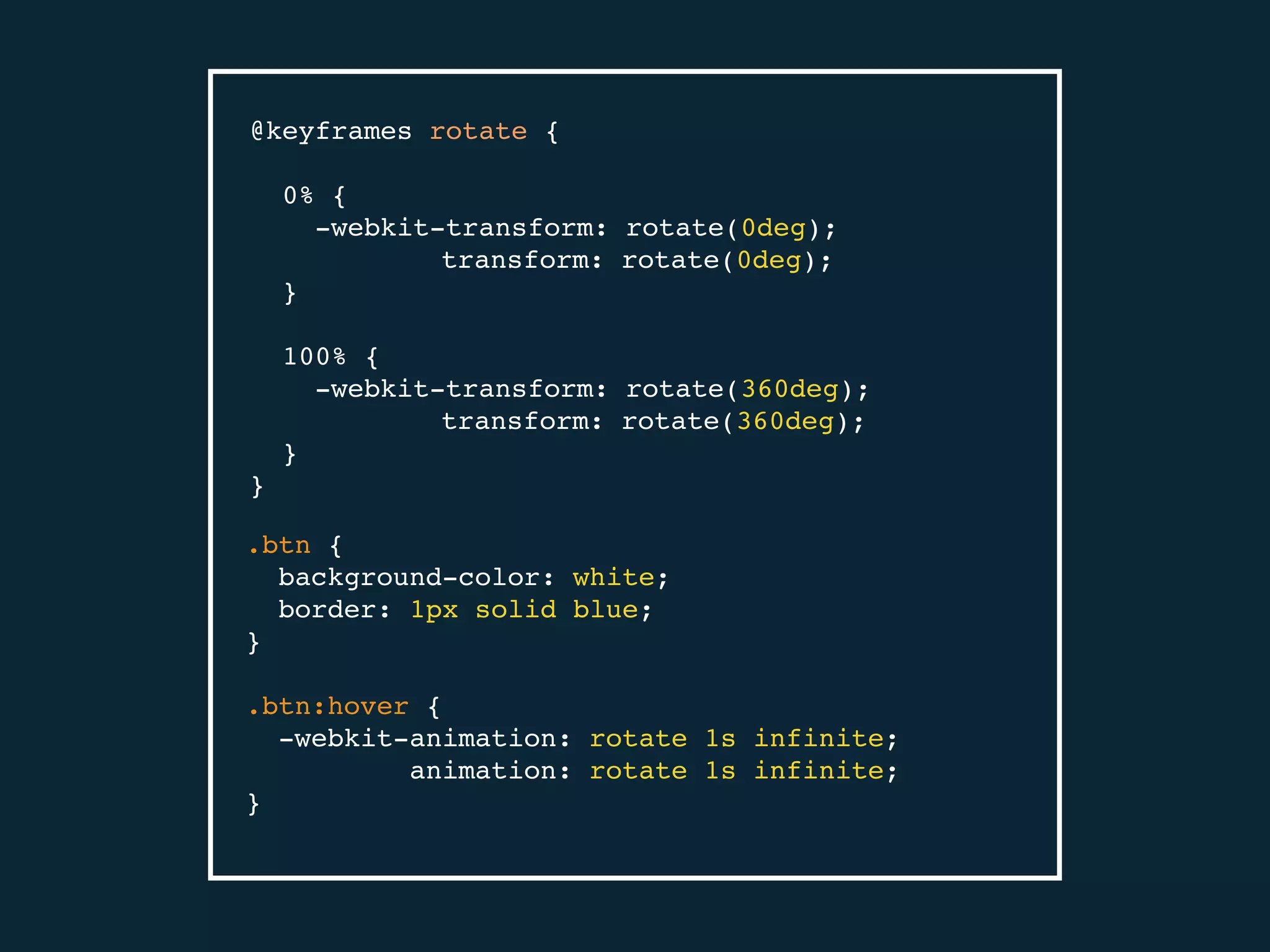
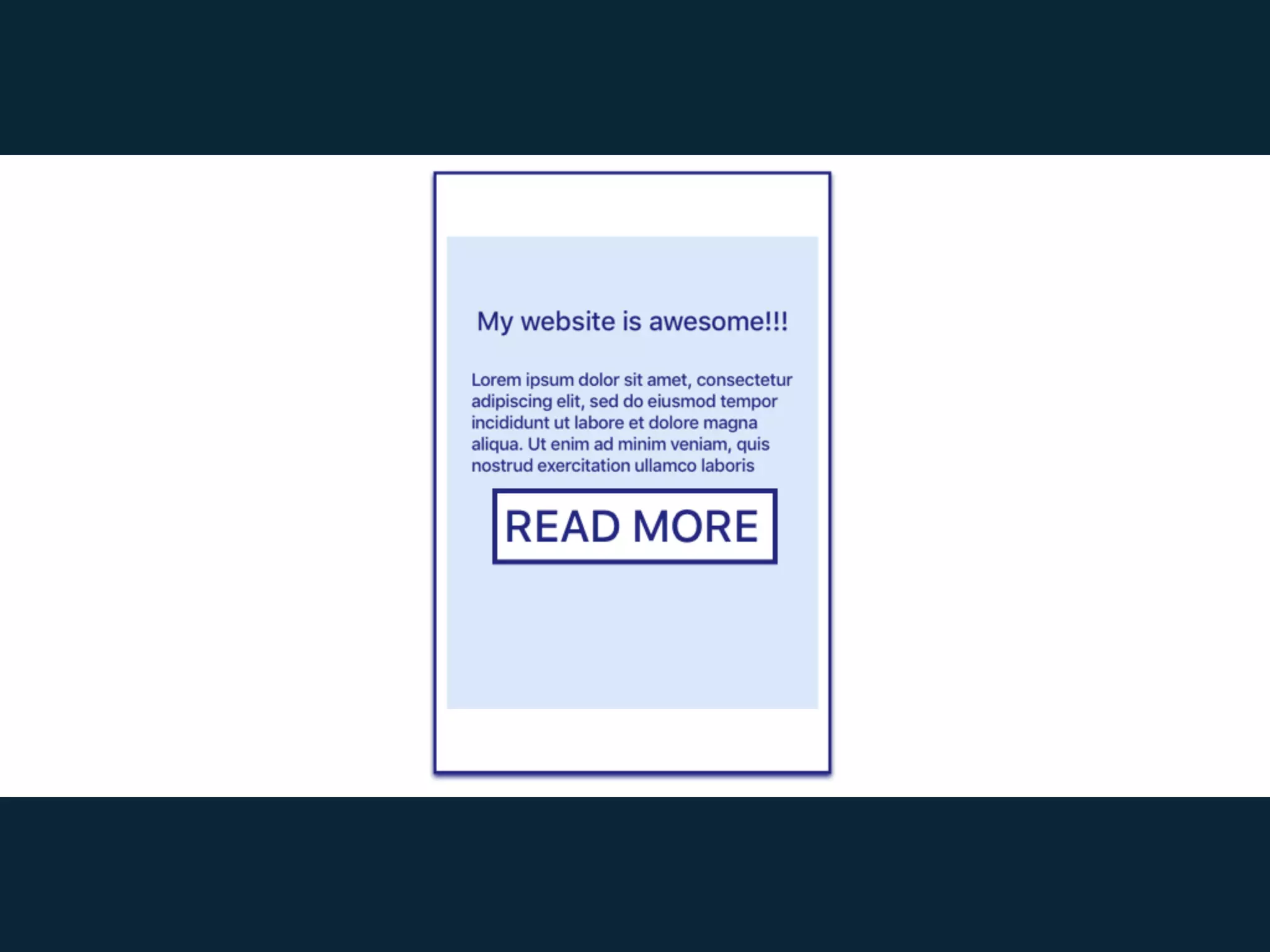
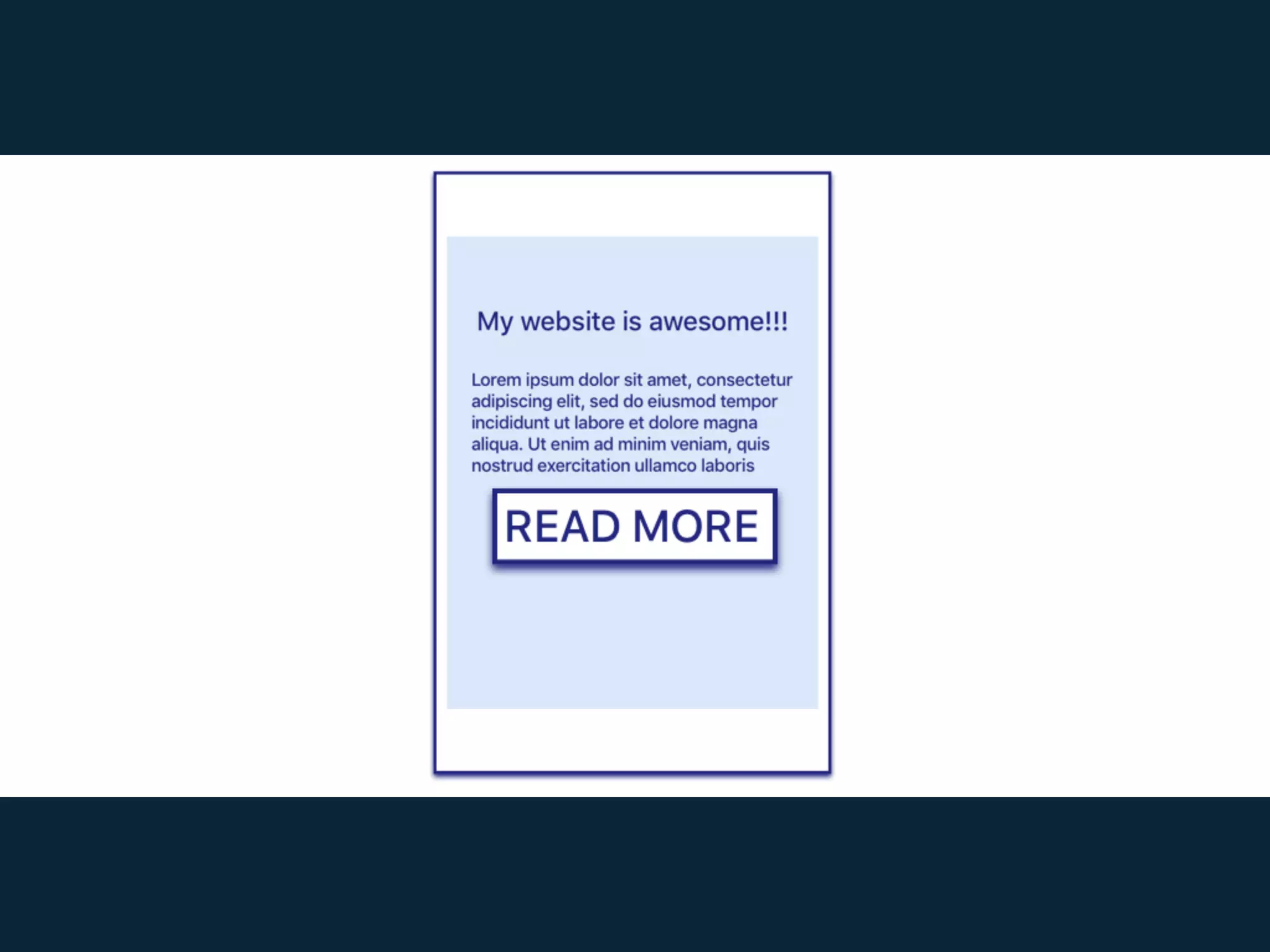
@keyframes rotate {
0% {
-webkit-transform: rotate(0deg);
transform: rotate(0deg);
}
100% {
-webkit-transform: rotate(360deg);
transform: rotate(360deg);
}
}
.btn {
background-color: white;
border: 1px solid blue;
}
.btn:hover {
-webkit-animation: rotate 1s infinite;
animation: rotate 1s infinite;
}
What creates new layers?
1. 3D or perspective transforms
2. Animated 2d transforms or opacity
3. Being on top/a child of a compositing layer
4. Accelerated CSS filters
5. In special cases <video>, <canvas>, plugins
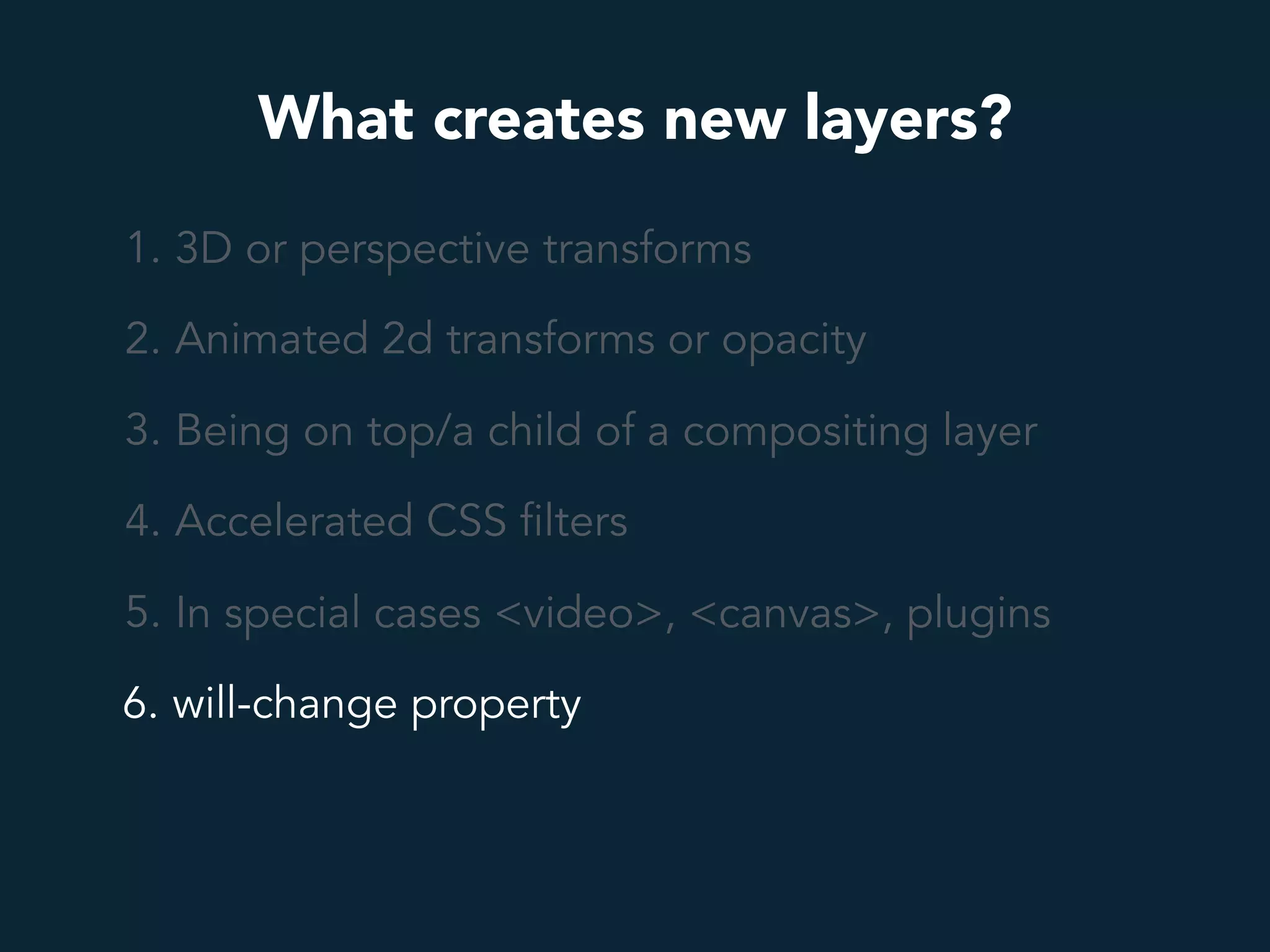
What creates new layers?
1. 3D or perspective transforms
2. Animated 2d transforms or opacity
3. Being on top/a child of a compositing layer
4. Accelerated CSS filters
5. In special cases <video>, <canvas>, plugins
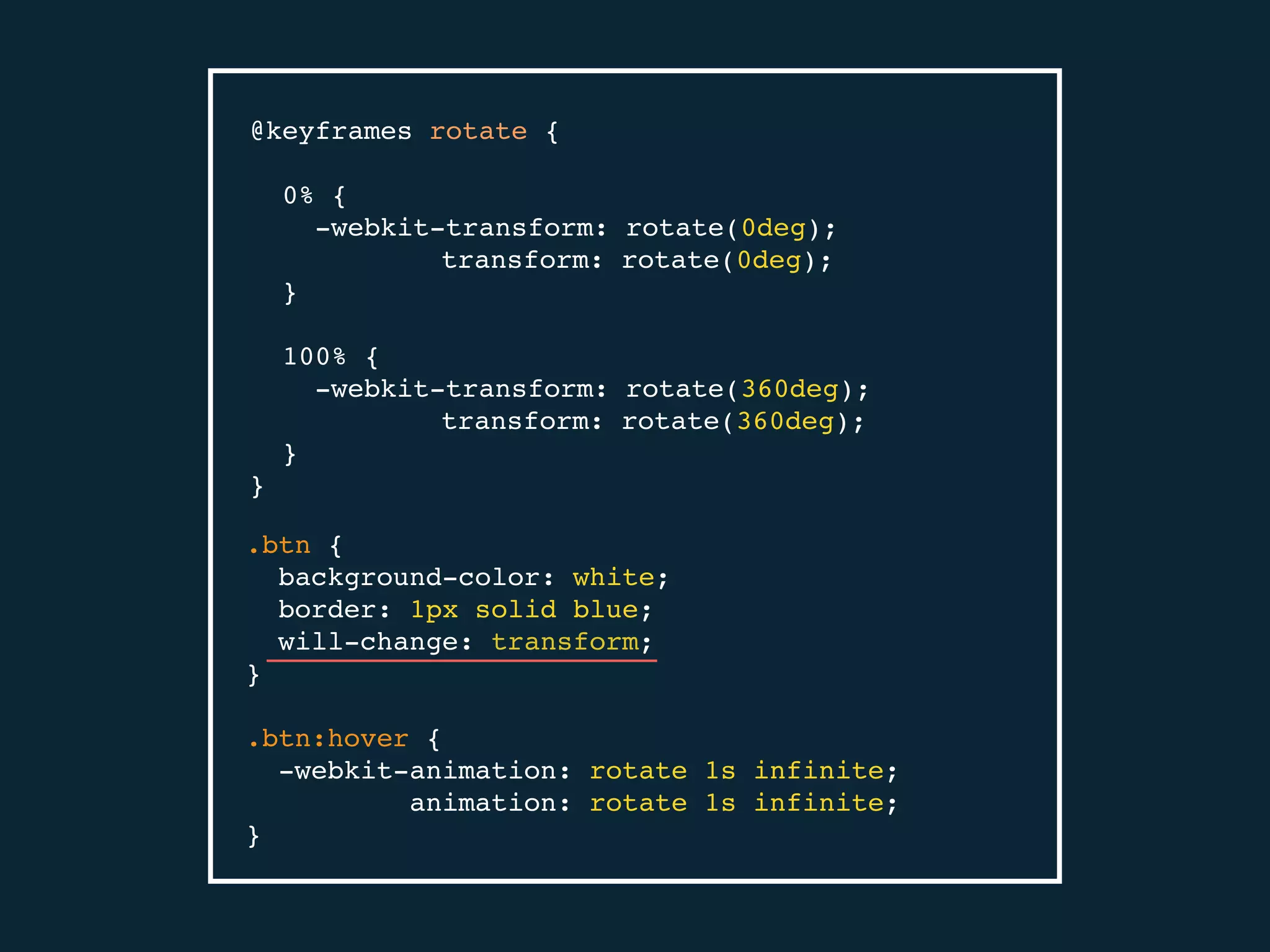
6. will-change property
@keyframes rotate {
0% {
-webkit-transform: rotate(0deg);
transform: rotate(0deg);
}
100% {
-webkit-transform: rotate(360deg);
transform: rotate(360deg);
}
}
.btn {
background-color: white;
border: 1px solid blue;
will-change: transform;
}
.btn:hover {
-webkit-animation: rotate 1s infinite;
animation: rotate 1s infinite;
}
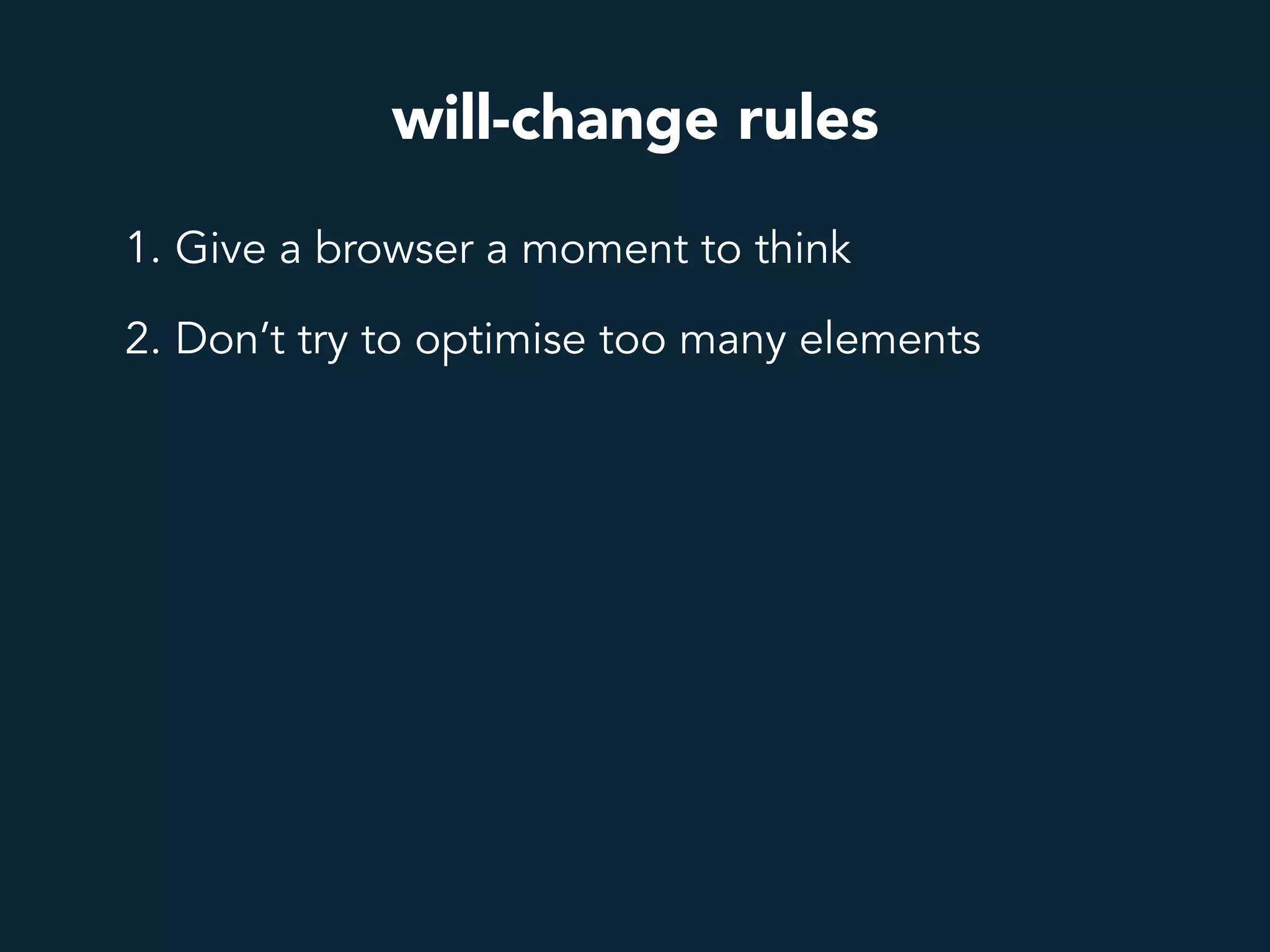
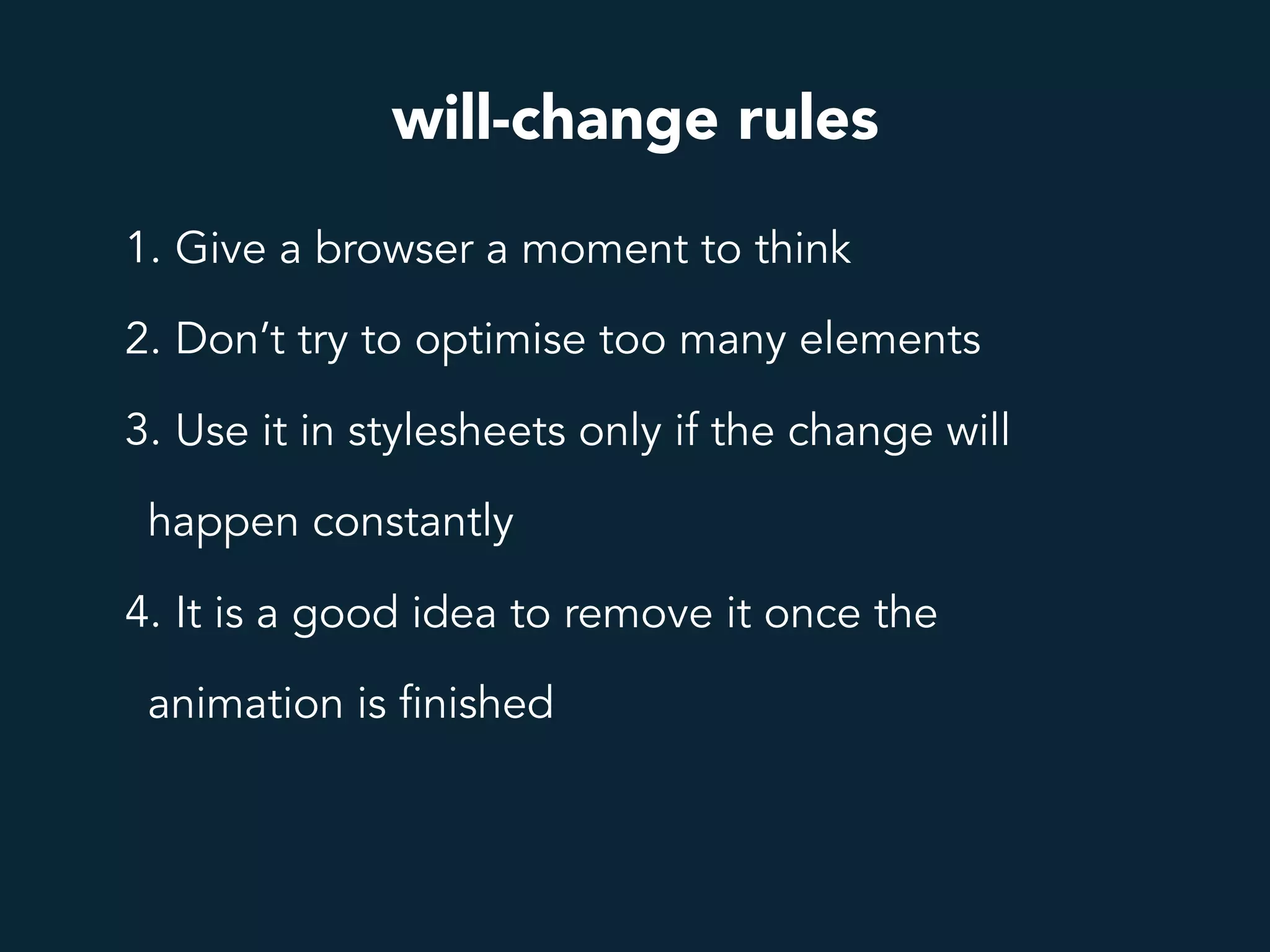
will-change rules
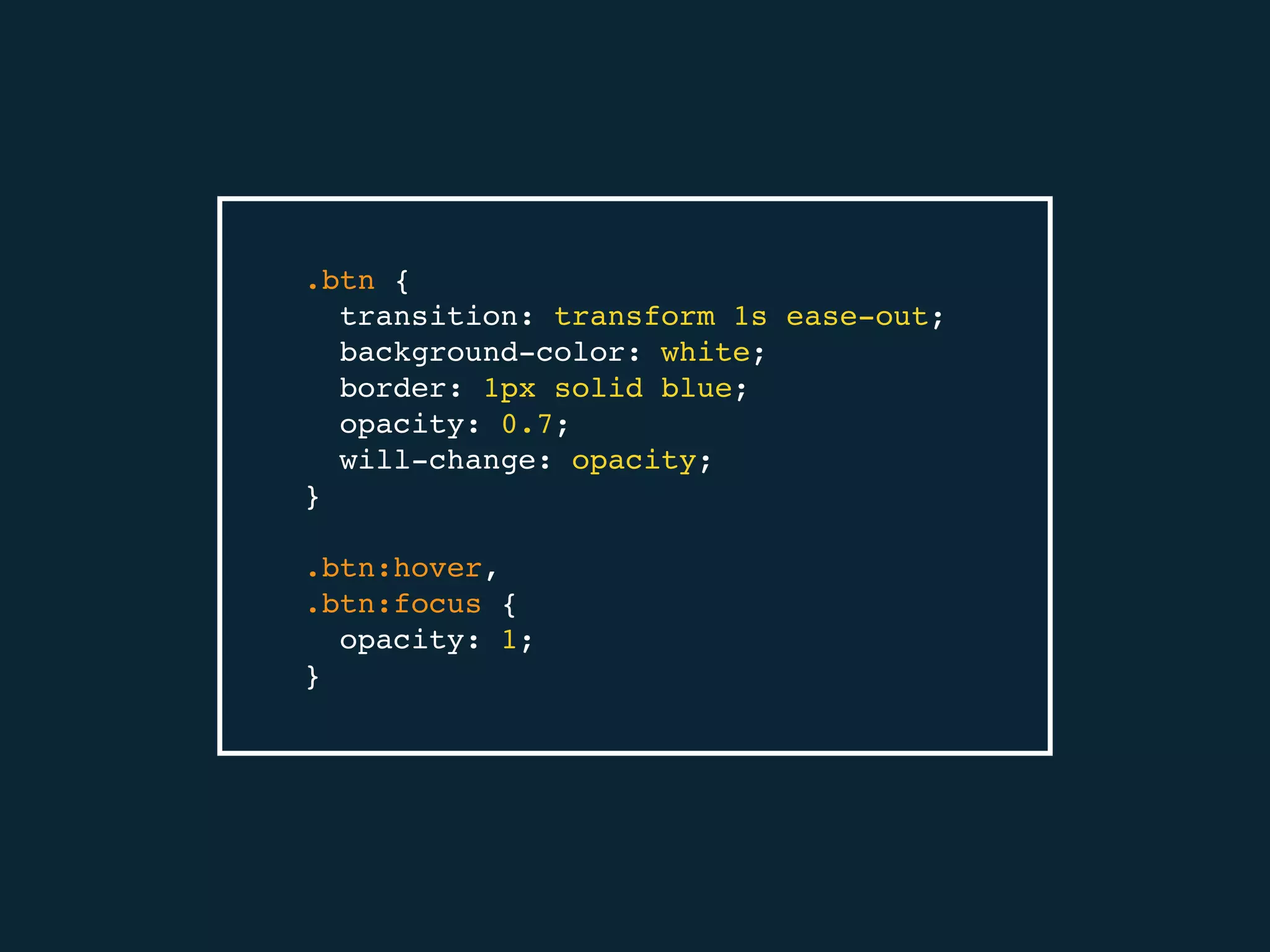
1. Give a browser a moment to think
.btn {
transition: transform 1s ease-out;
background-color: white;
border: 1px solid blue;
opacity: 0.7;
will-change: opacity;
}
.btn:hover,
.btn:focus {
opacity: 1;
}
will-change rules
1. Give a browser a moment to think
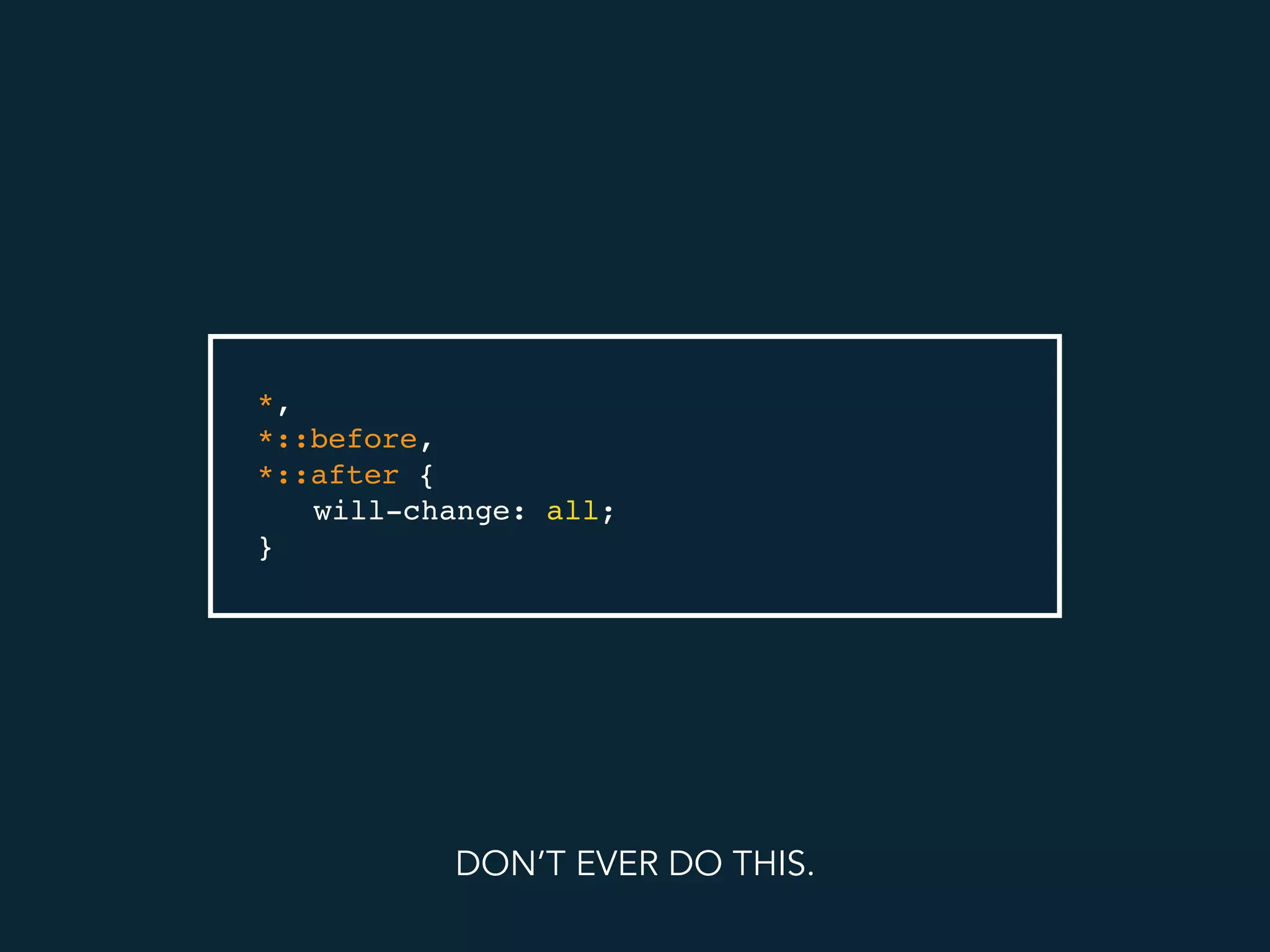
2. Don’t try to optimise too many elements
*,
*::before,
*::after {
will-change: all;
}
DON’T EVER DO THIS.
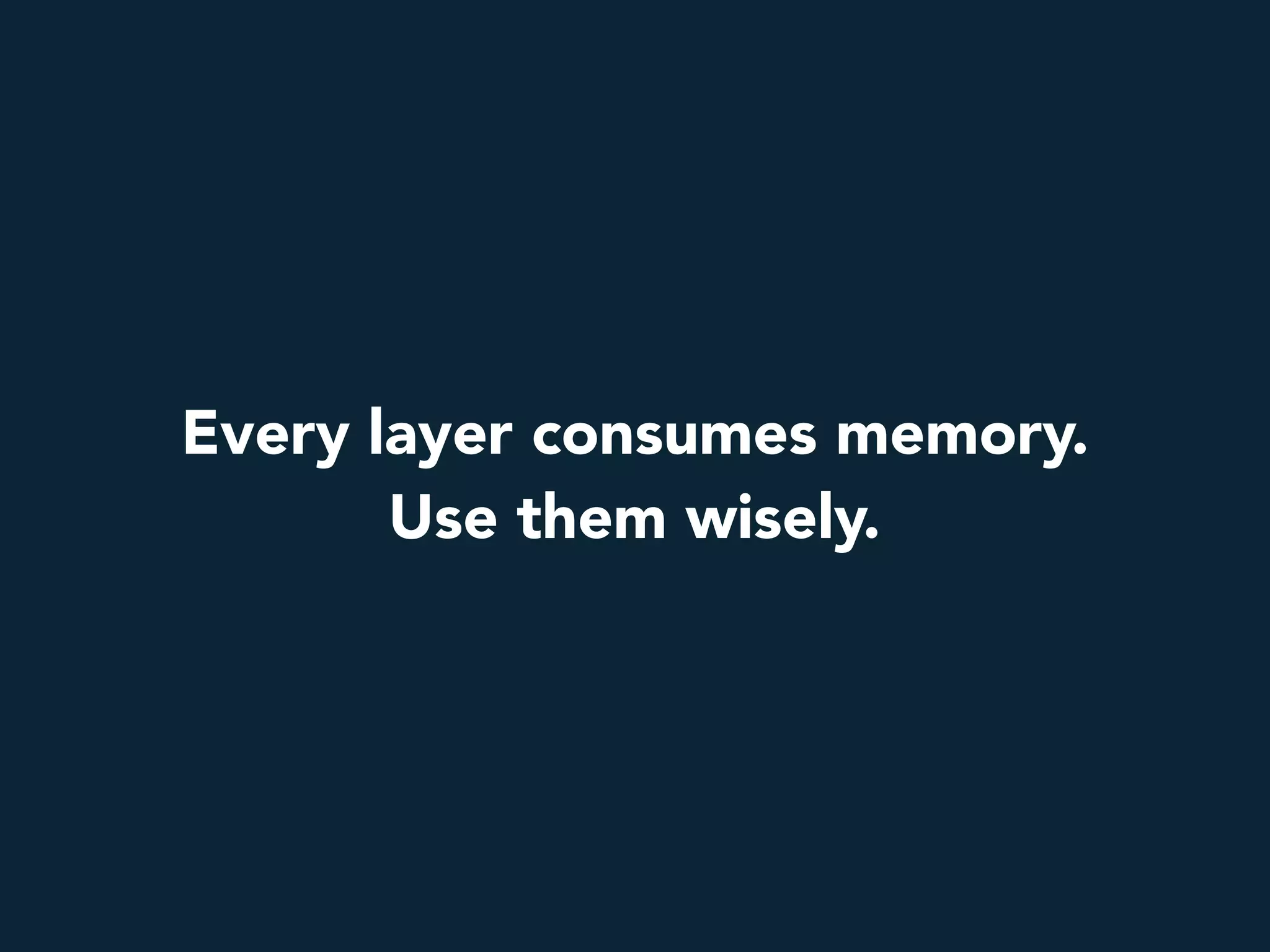
Every layer consumes memory.
Use them wisely.
will-change rules
1. Give a browser a moment to think
2. Don’t try to optimise too many elements
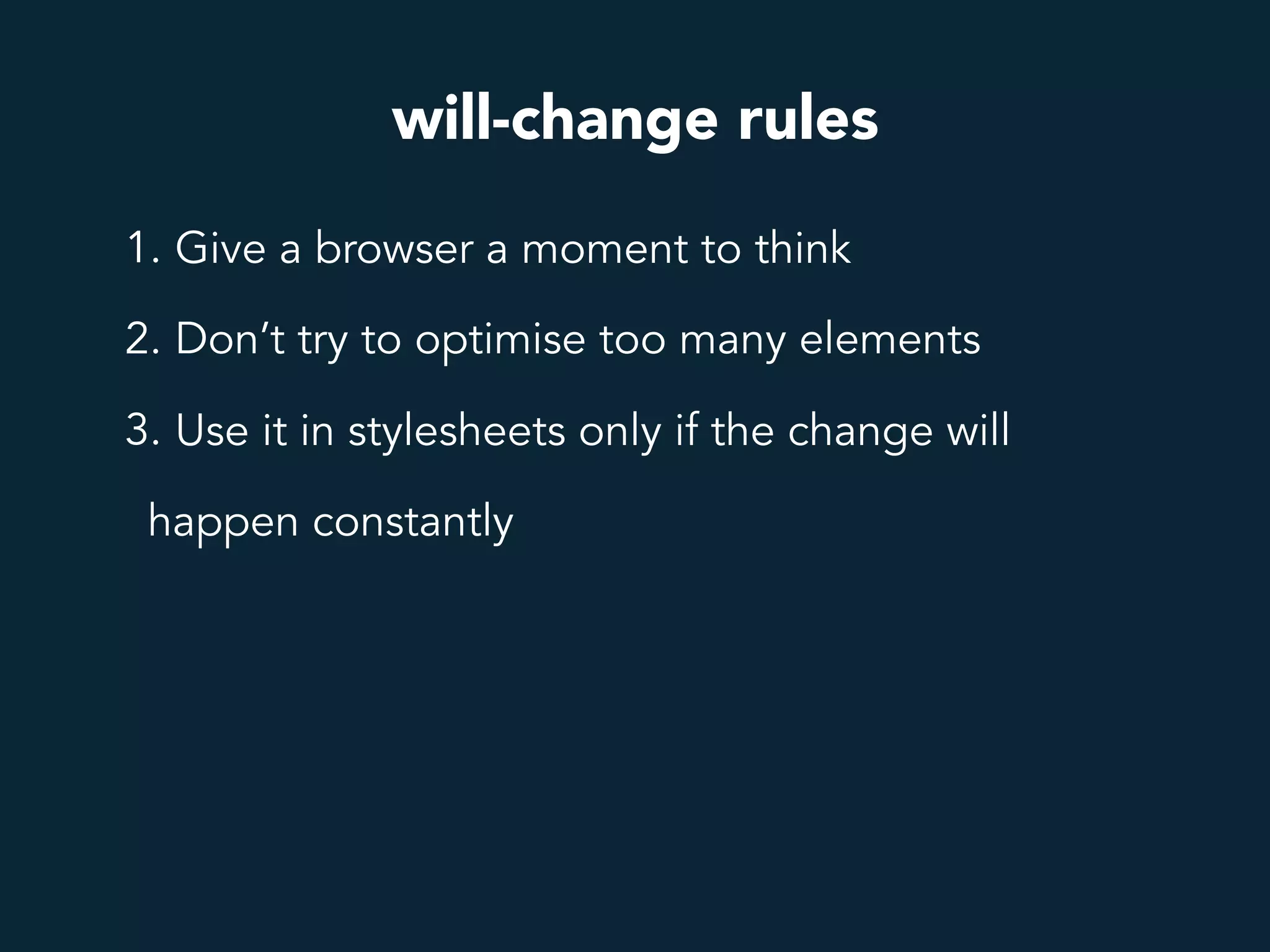
3. Use it in stylesheets only if the change will
happen constantly
will-change rules
1. Give a browser a moment to think
2. Don’t try to optimise too many elements
3. Use it in stylesheets only if the change will
happen constantly
4. It is a good idea to remove it once the
animation is finished
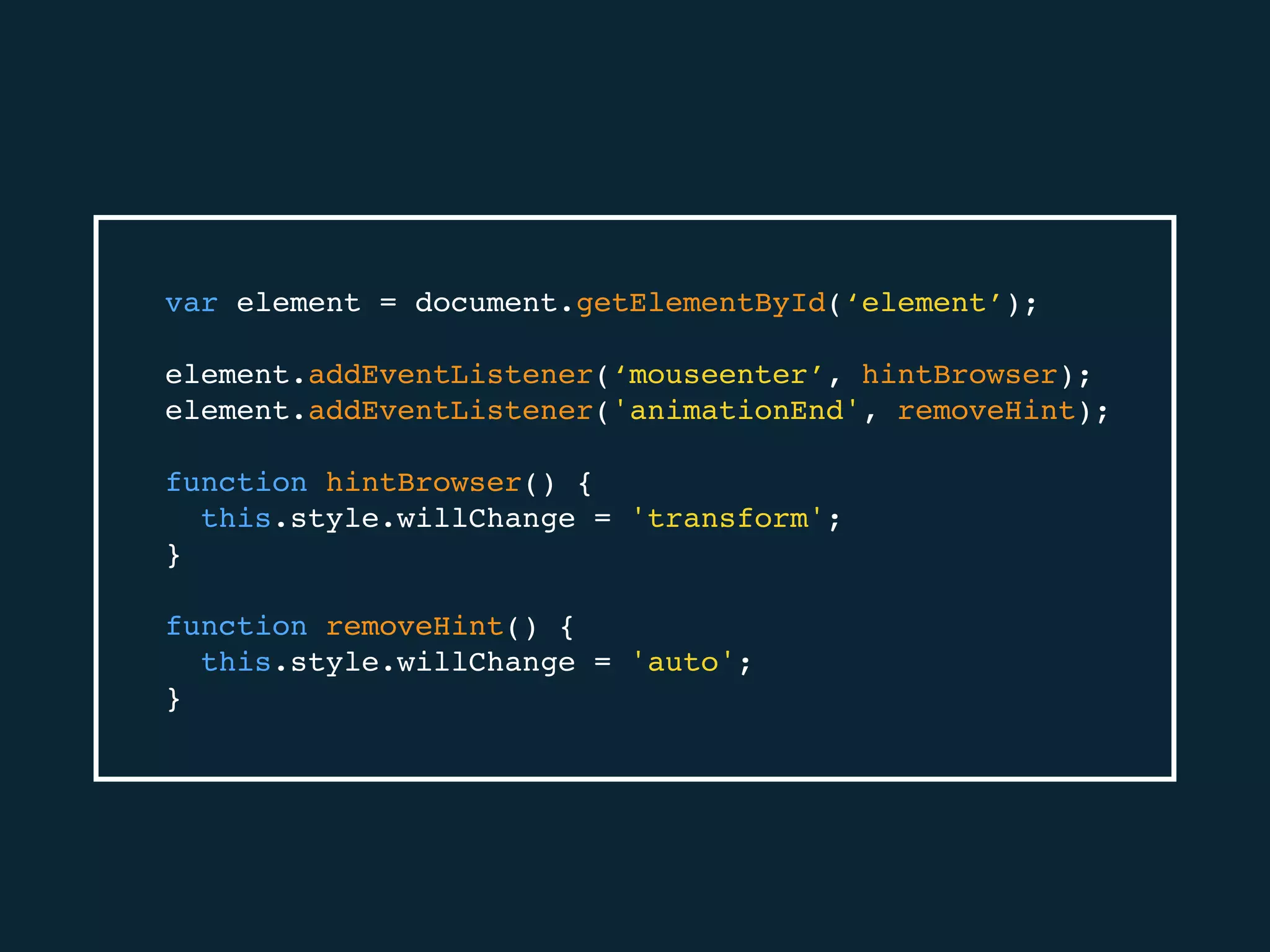
var element = document.getElementById(‘element’);
element.addEventListener(‘mouseenter’, hintBrowser);
element.addEventListener('animationEnd', removeHint);
function hintBrowser() {
this.style.willChange = 'transform';
}
function removeHint() {
this.style.willChange = 'auto';
}
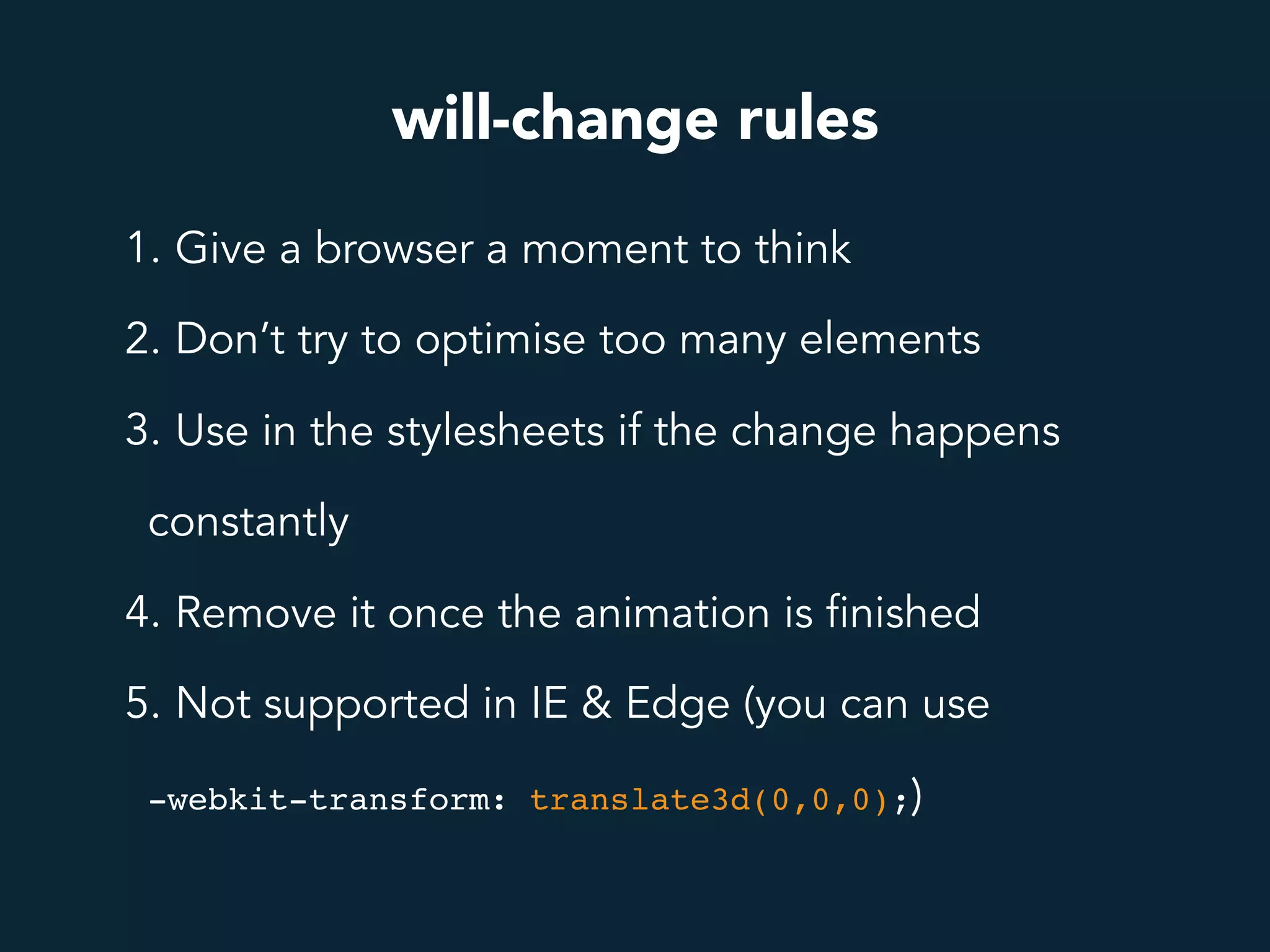
will-change rules
1. Give a browser a moment to think
2. Don’t try to optimise too many elements
3. Use in the stylesheets if the change happens
constantly
4. Remove it once the animation is finished
5. Not supported in IE & Edge (you can use
-webkit-transform: translate3d(0,0,0);)
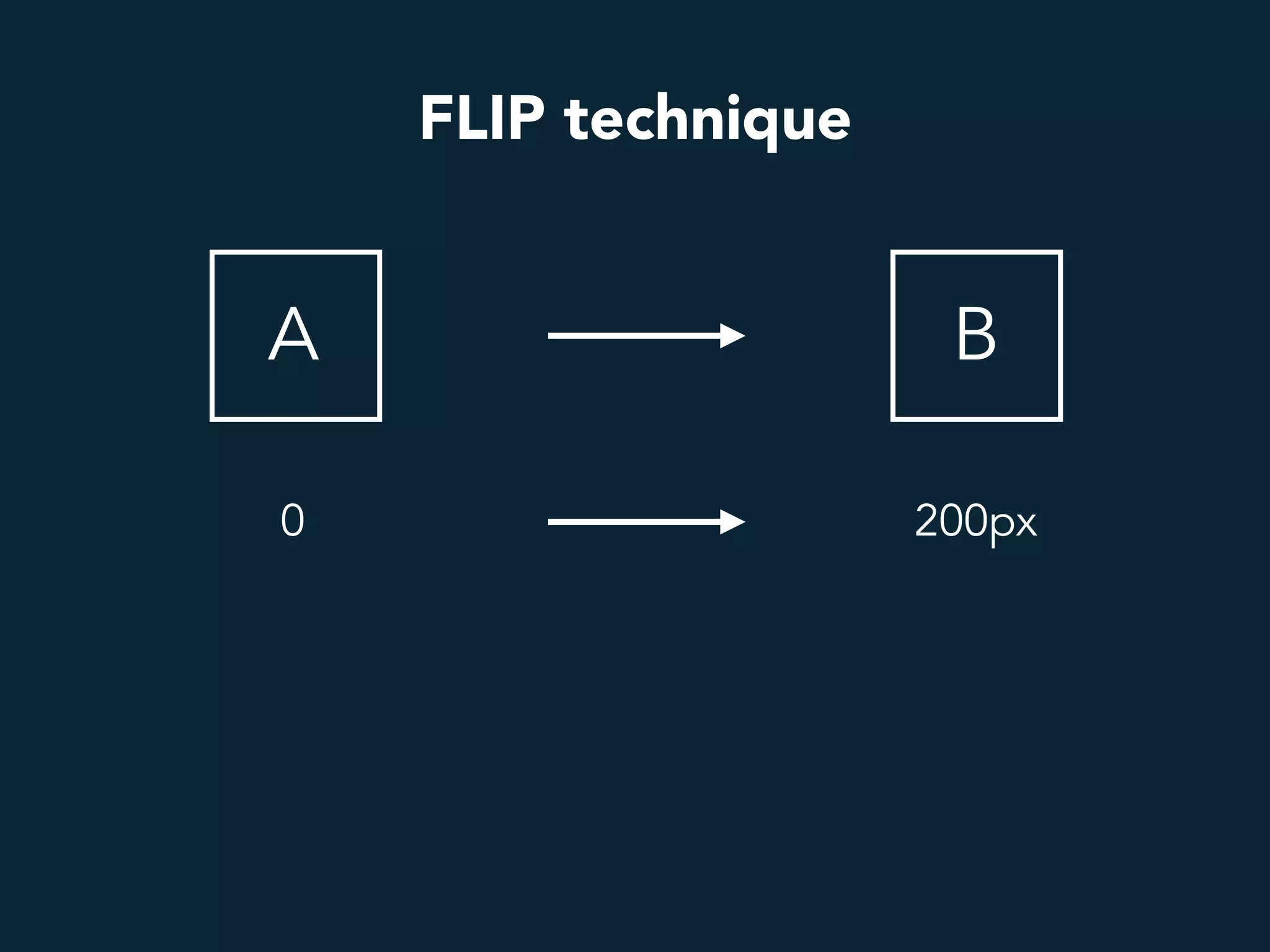
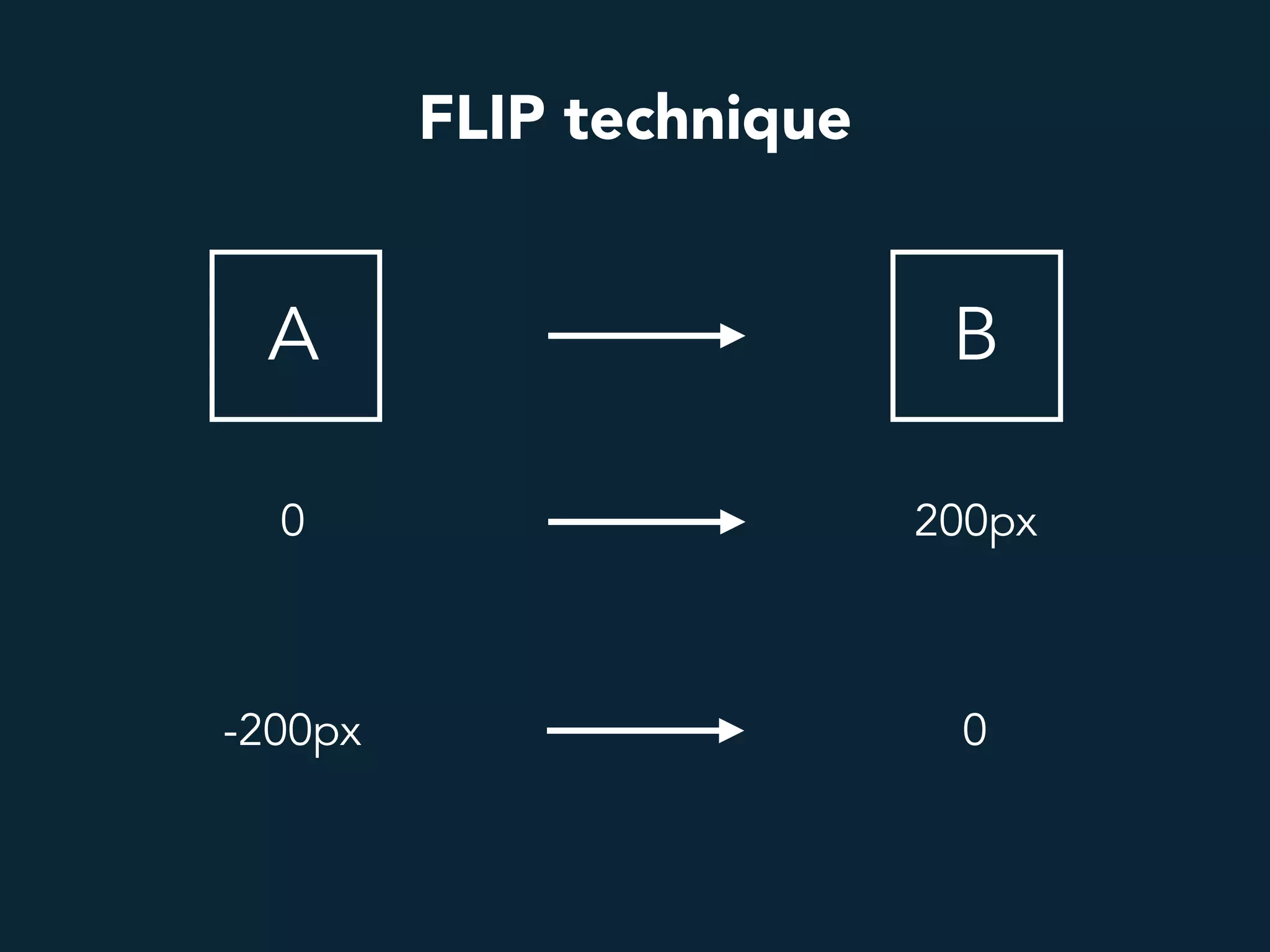
FLIP technique
First
Last
Invert
Play
FLIP technique
A B
0 200px
FLIP technique
A B
0 200px
-200px 0
B A
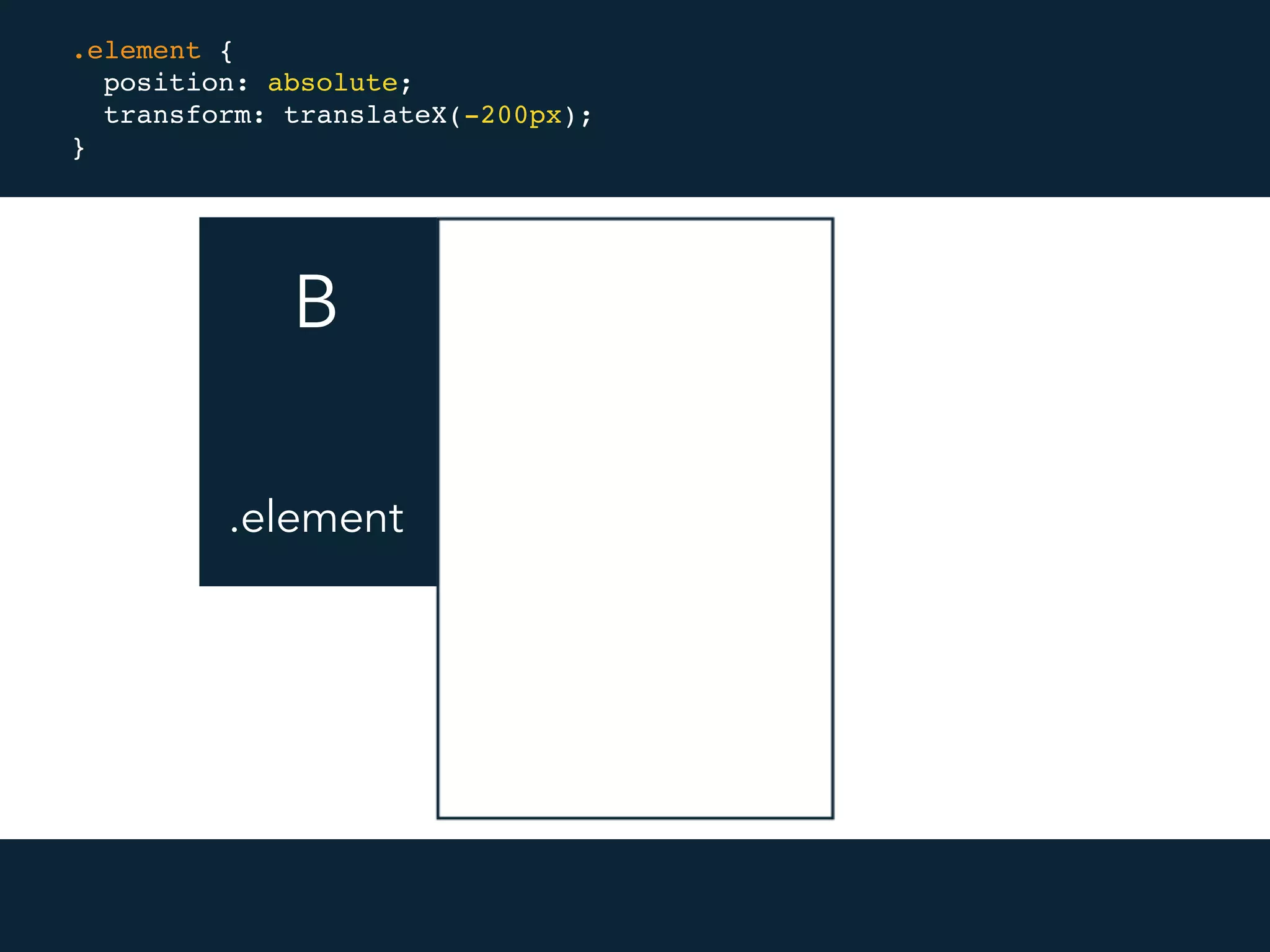
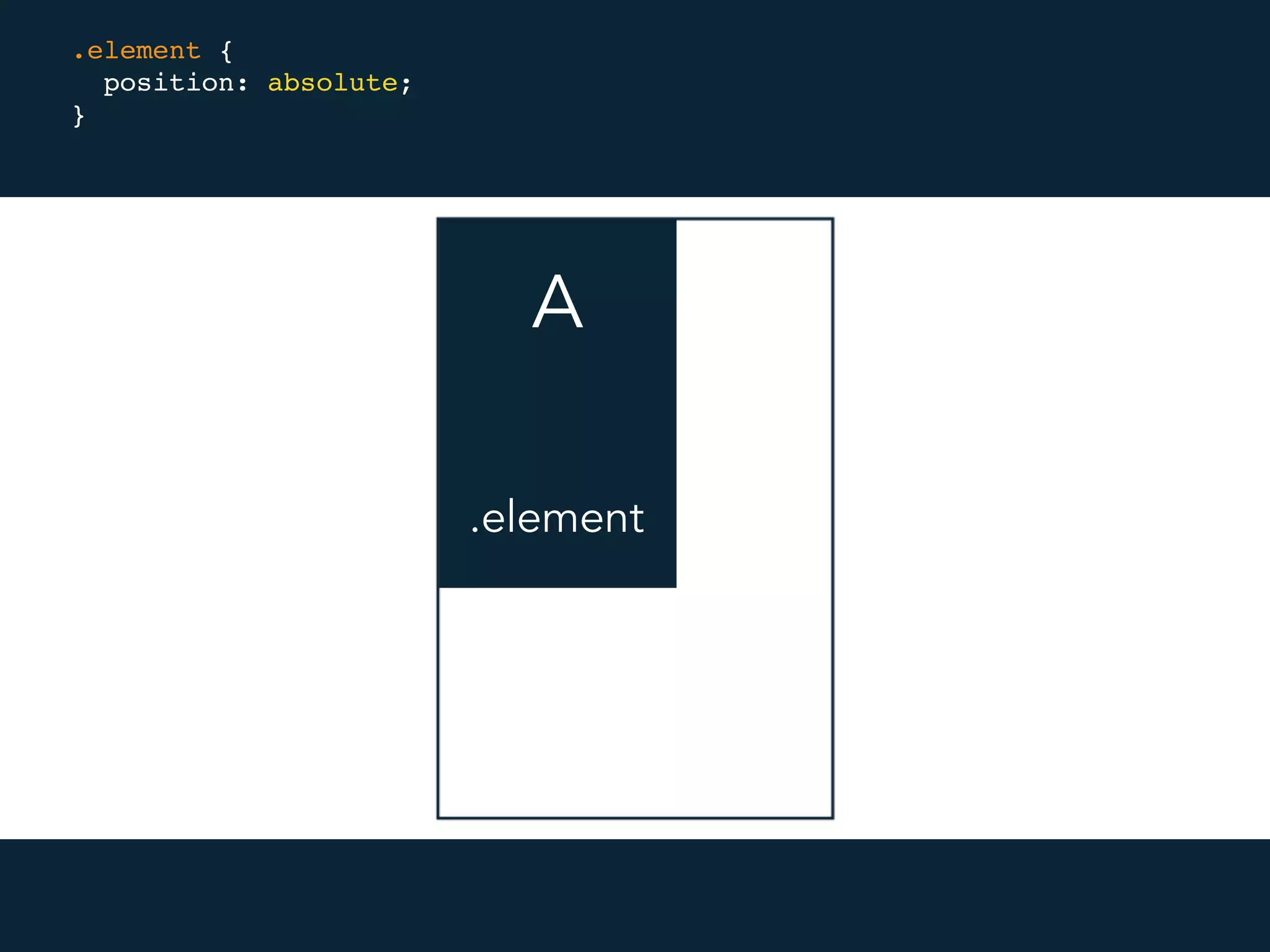
.element {
position: absolute;
}
.element
B A
.element {
position: absolute;
transform: translateX(-200px);
}
.element
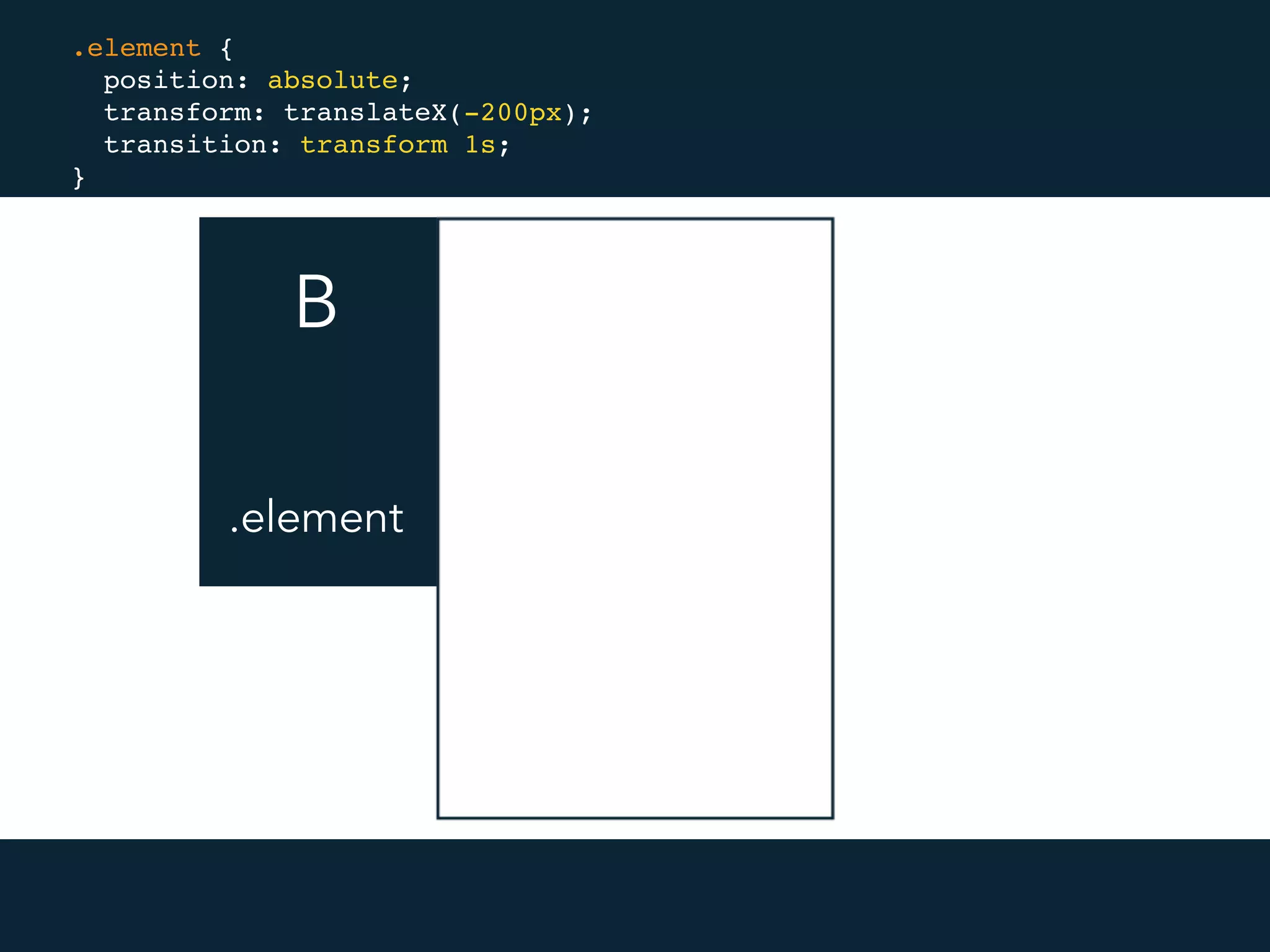
B A
.element {
position: absolute;
transform: translateX(-200px);
transition: transform 1s;
}
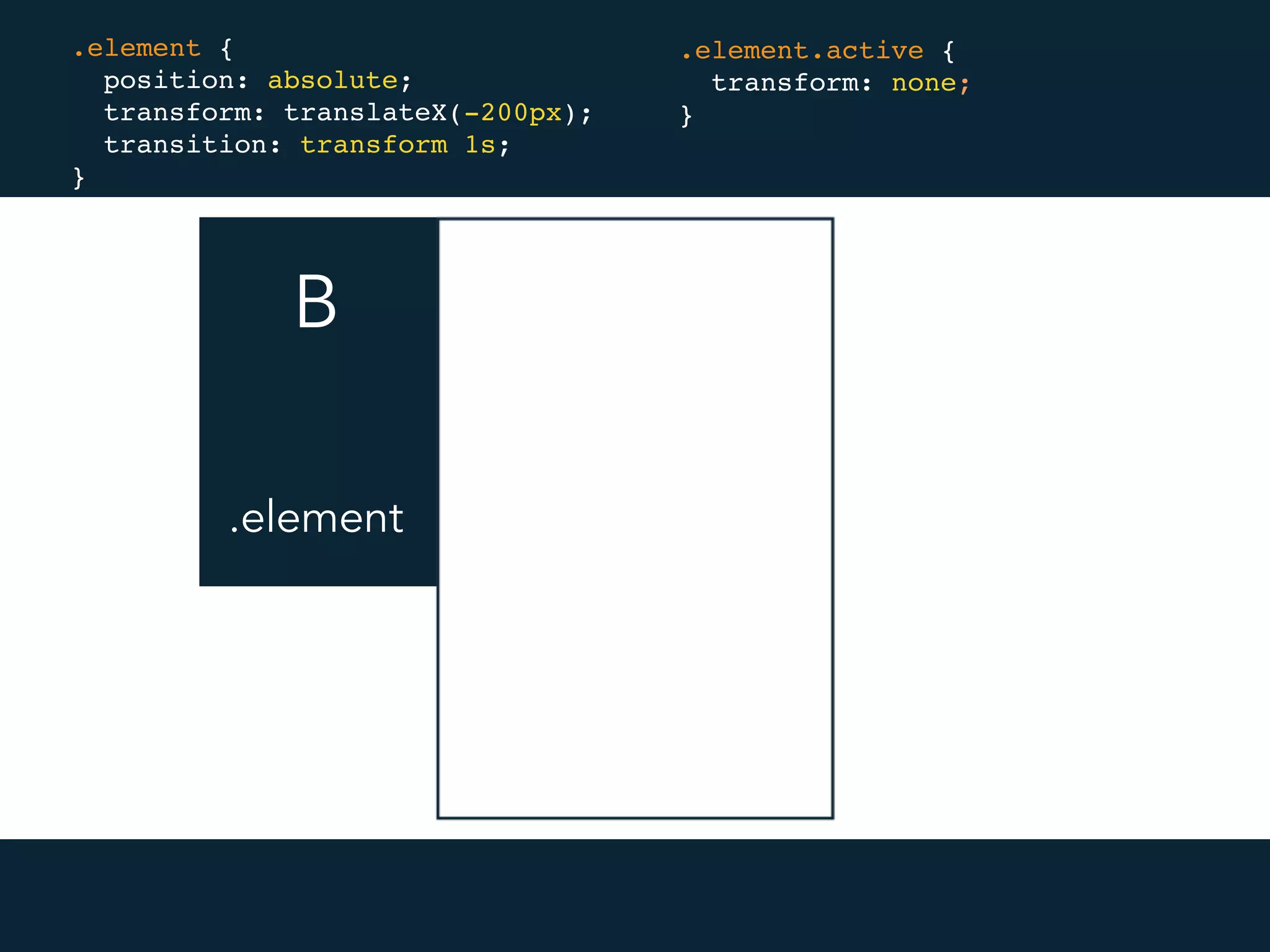
.element
B A
.element {
position: absolute;
transform: translateX(-200px);
transition: transform 1s;
}
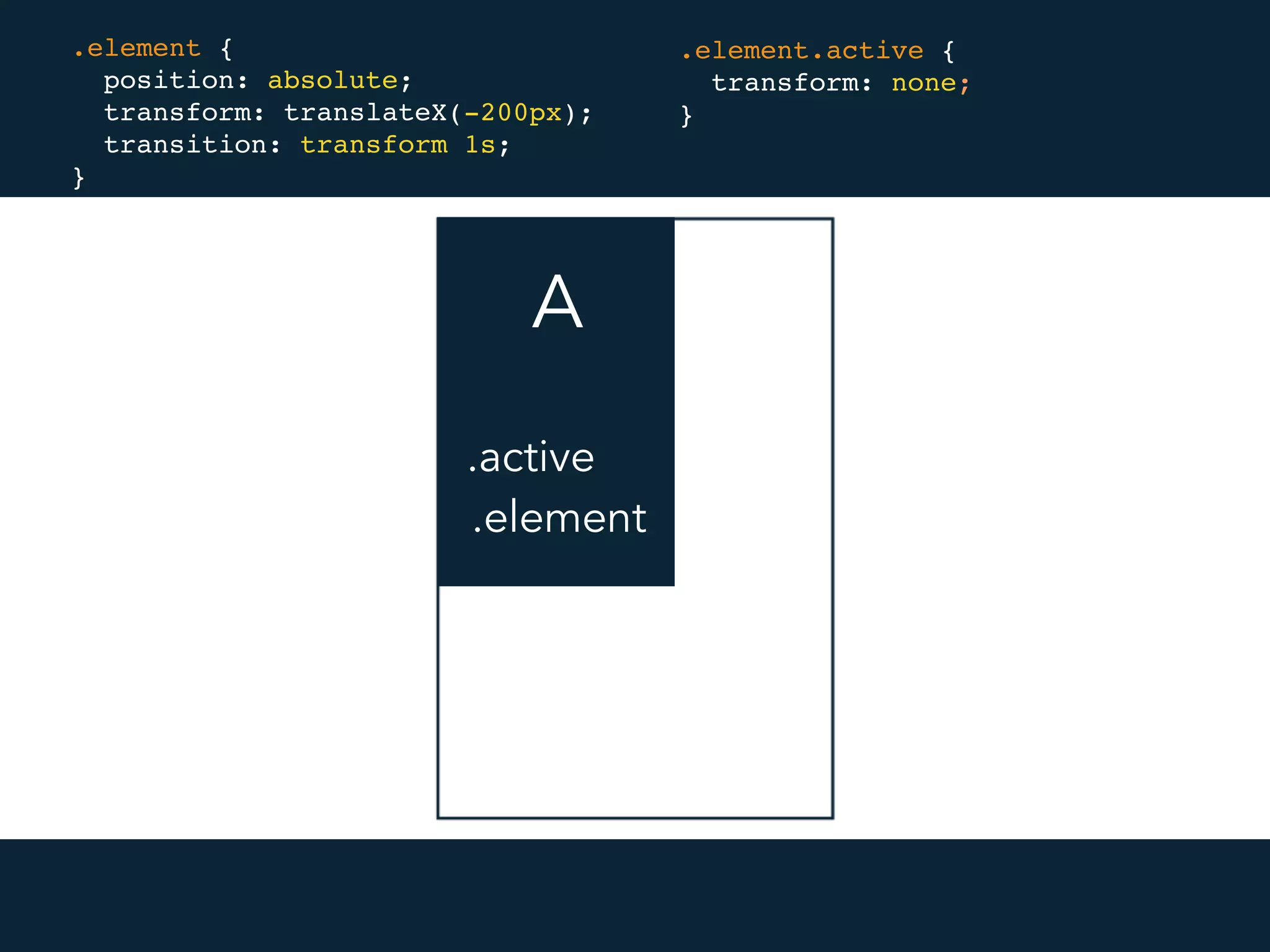
.element.active {
transform: none;
}
.element
B A
.element {
position: absolute;
transform: translateX(-200px);
transition: transform 1s;
}
.element.active {
transform: none;
}
.element
.active
100ms gap
FLIP technique
FLIP technique
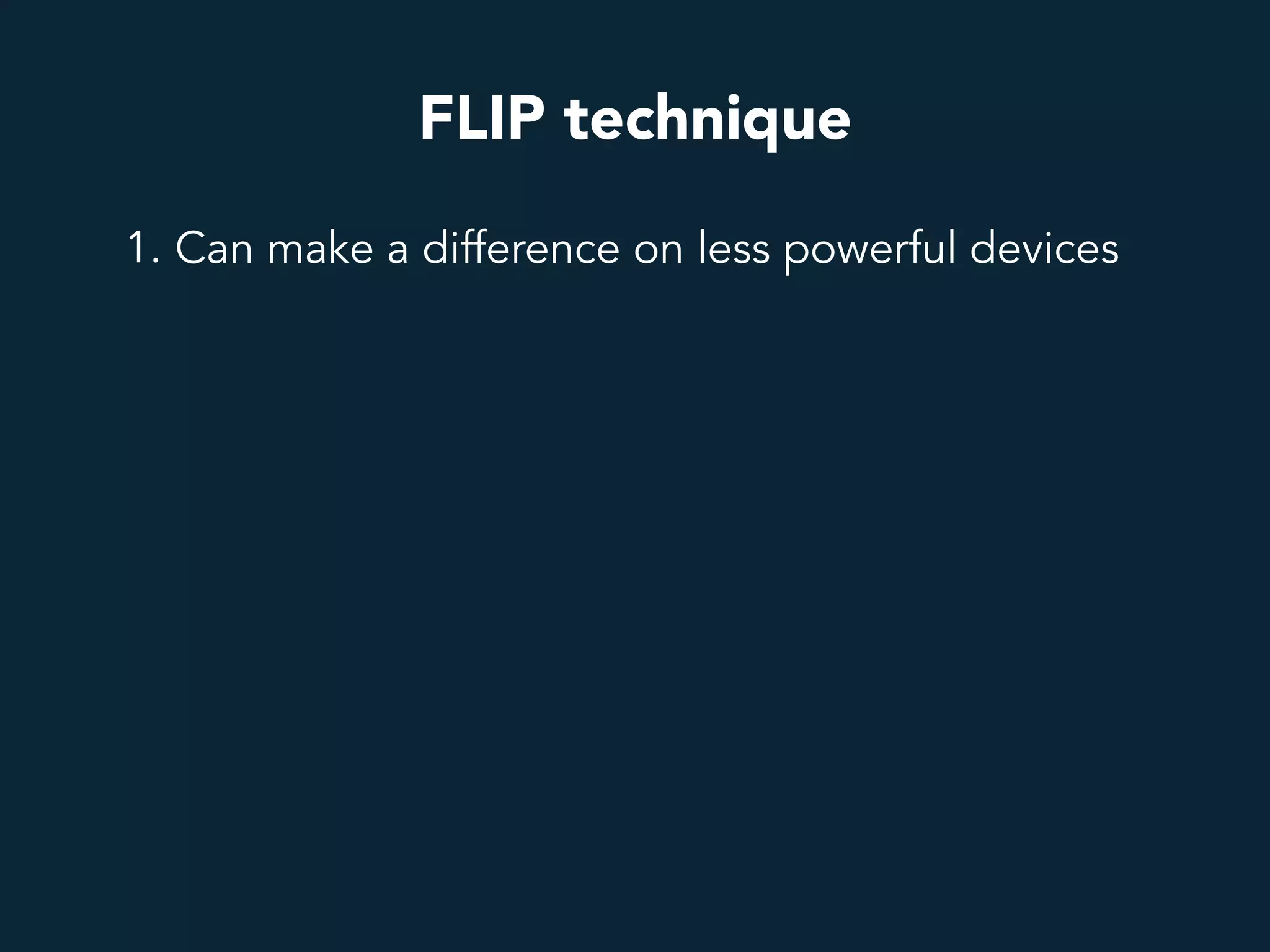
1. Can make a difference on less powerful devices
FLIP technique
1. Can make a difference on less powerful devices
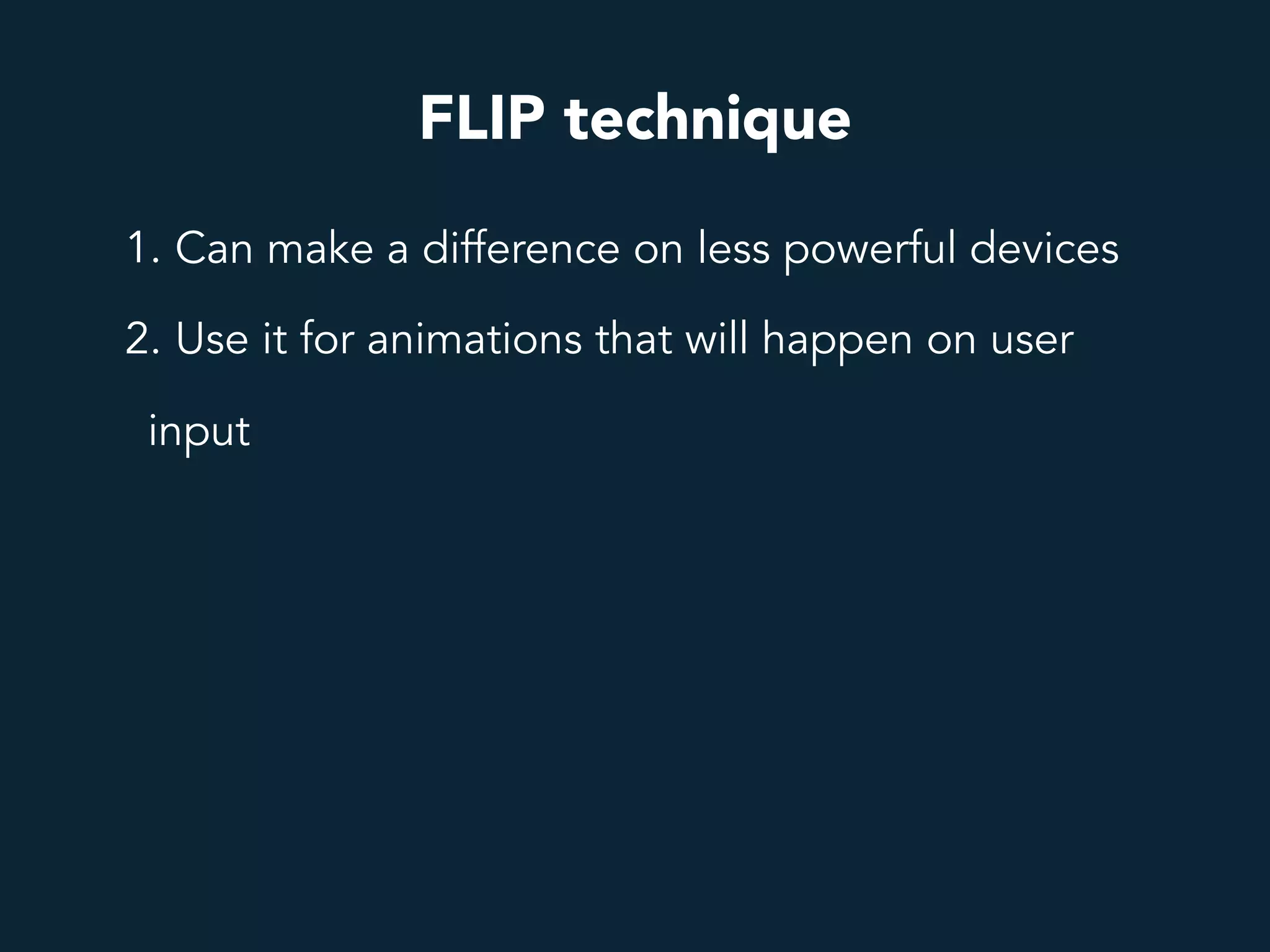
2. Use it for animations that will happen on user
input
FLIP technique
1. Can make a difference on less powerful devices
2. Use it for animations that will happen on user
input
3. https://github.com/googlechrome/flipjs
FLIP technique
1. Can make a difference on less powerful devices
2. Use it for animations that will happen on user
input
3. https://github.com/googlechrome/flipjs
4. https://github.com/szynszyliszys/repaintless
FLIP technique
1. Can make a difference on less powerful devices
2. Use it for animations that will happen on user
input
3. https://github.com/googlechrome/flipjs
4. https://github.com/szynszyliszys/repaintless
5. https://aerotwist.com/blog/flip-your-animations/
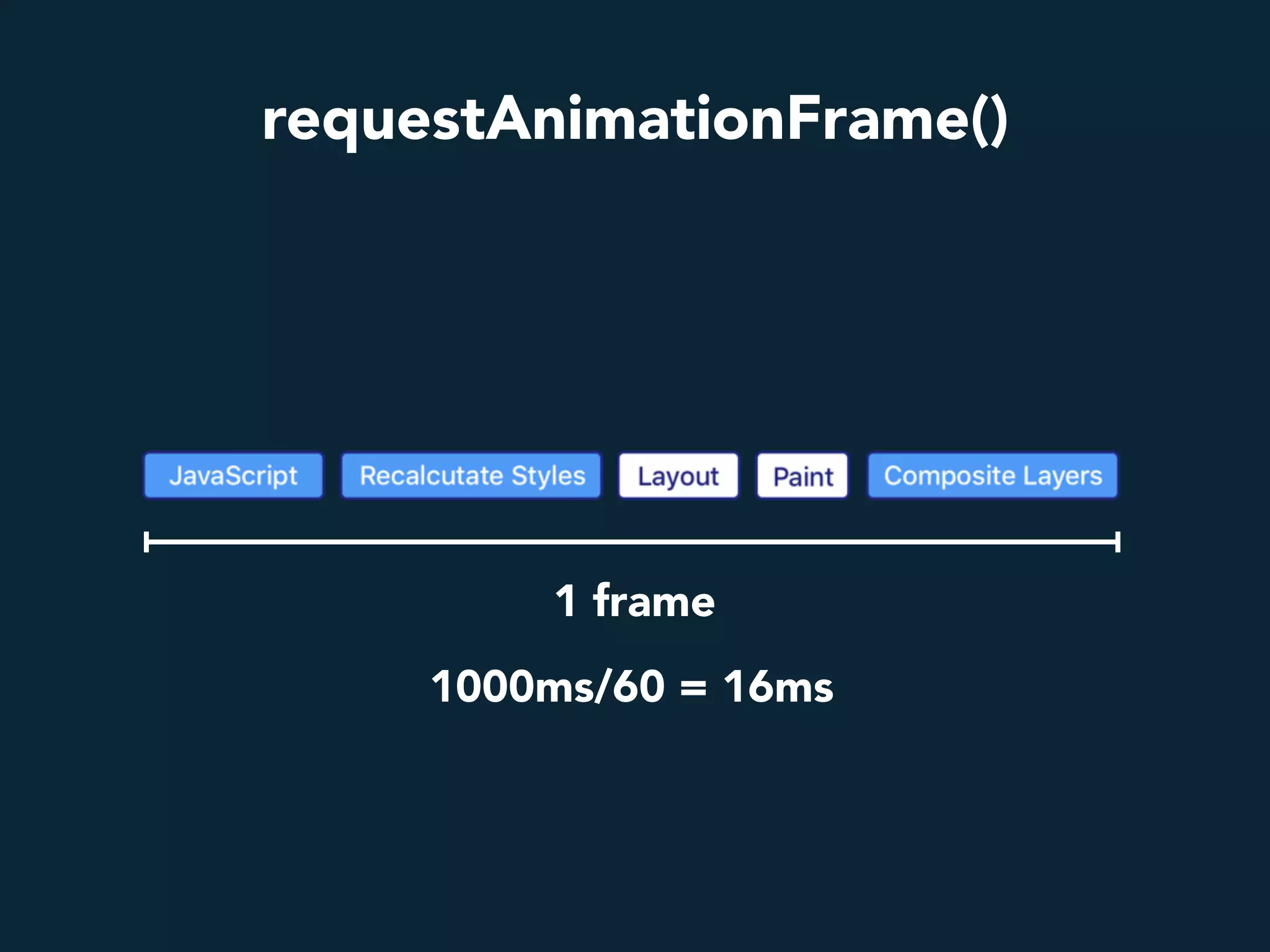
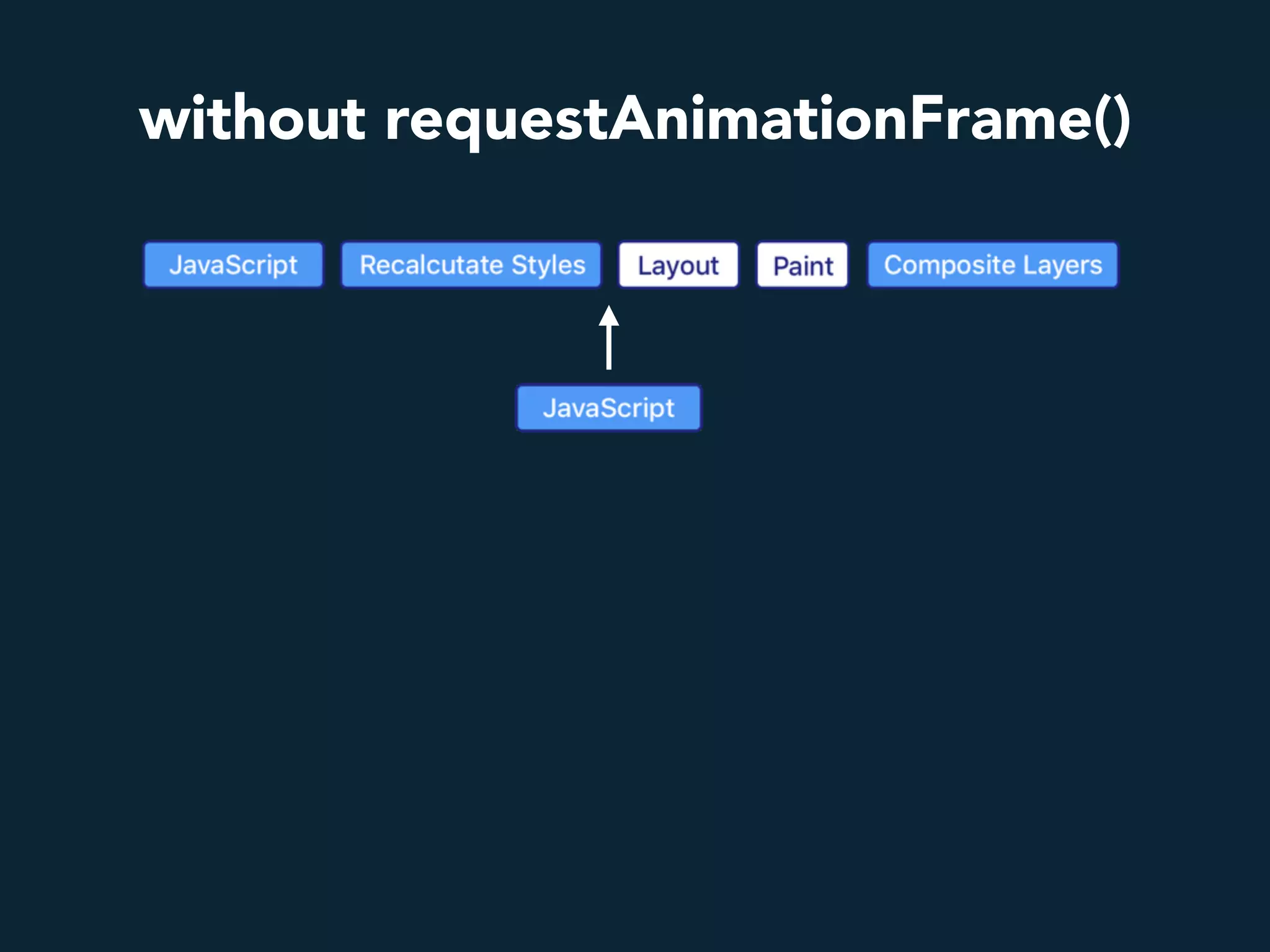
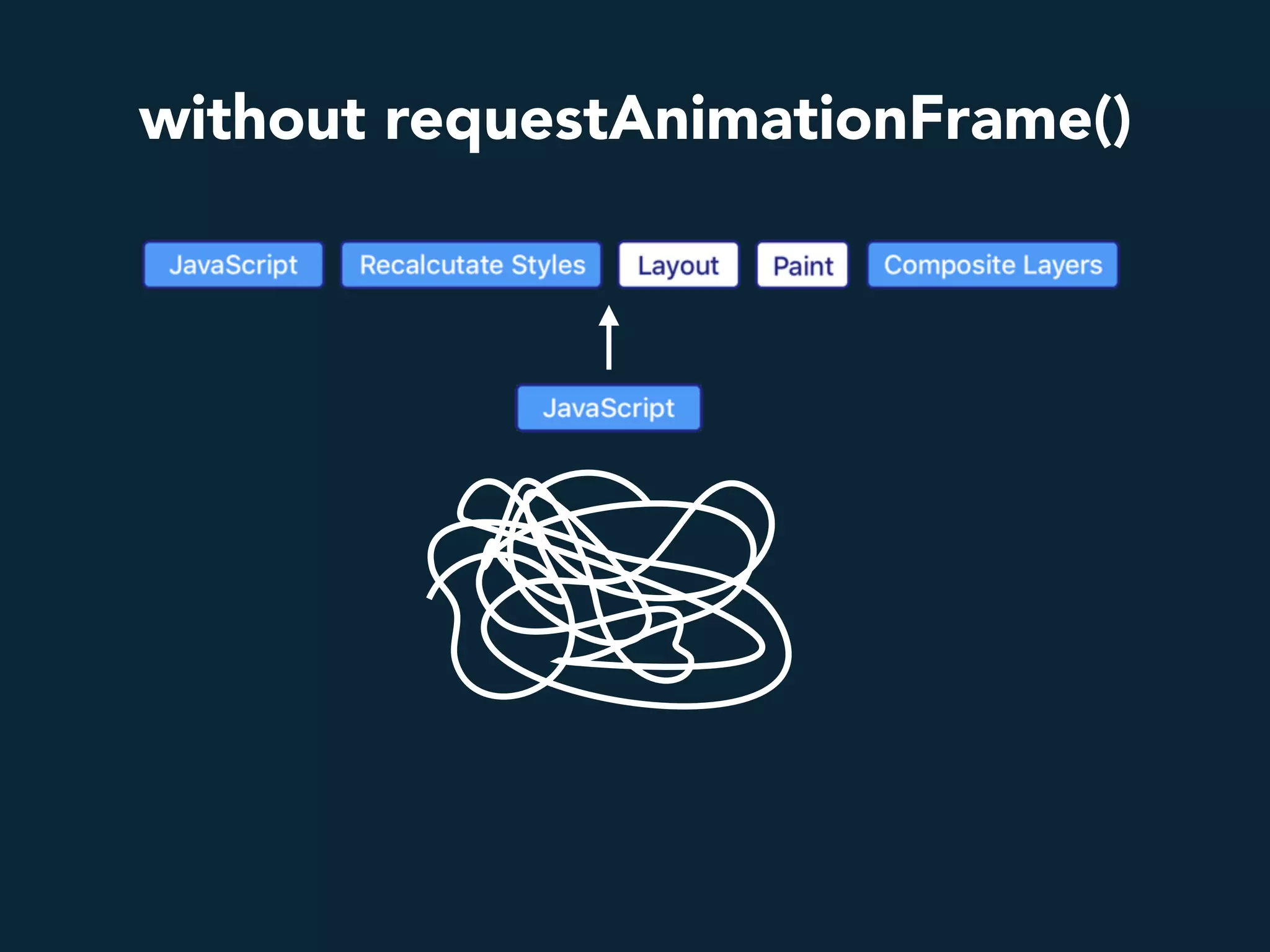
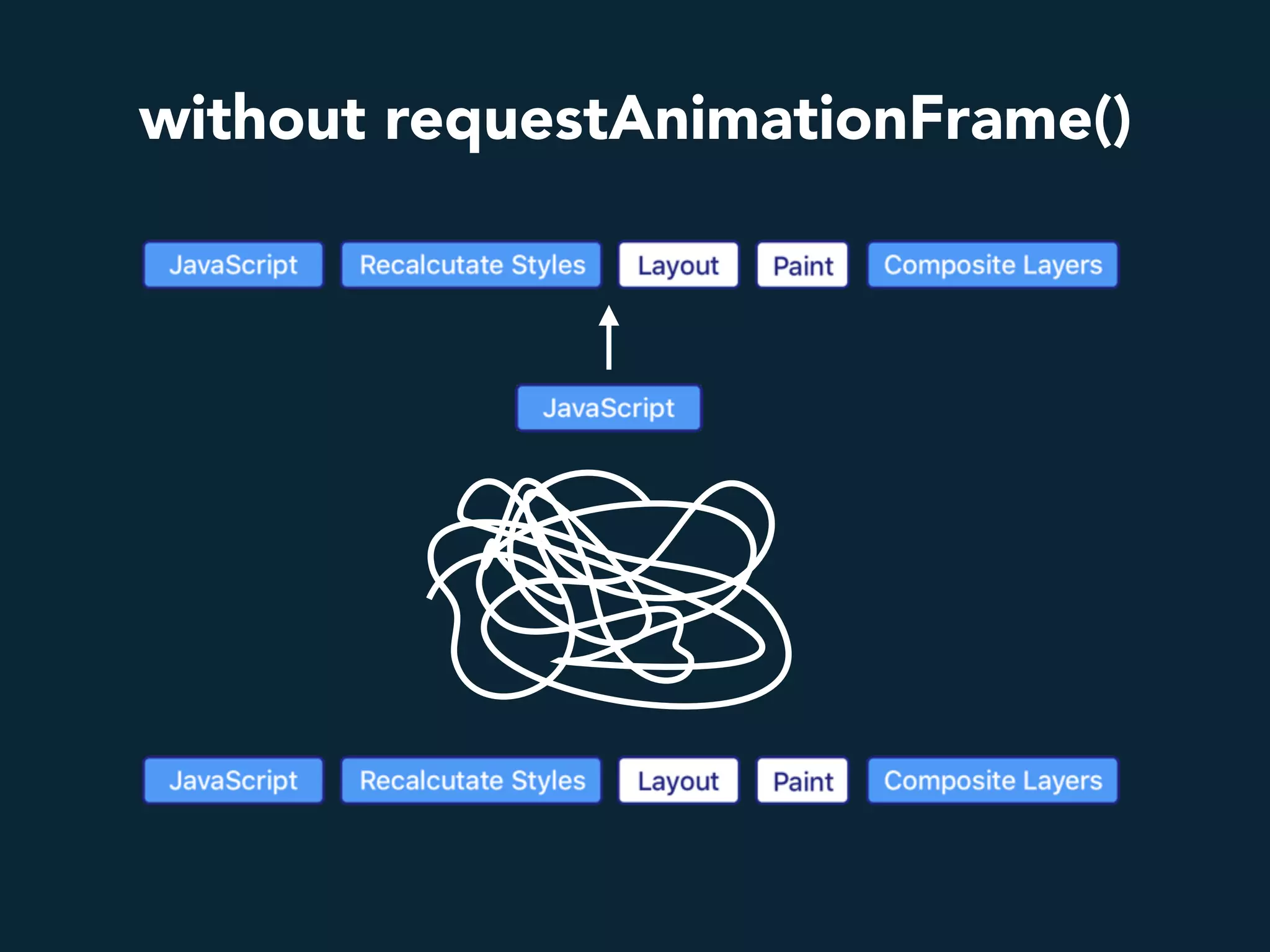
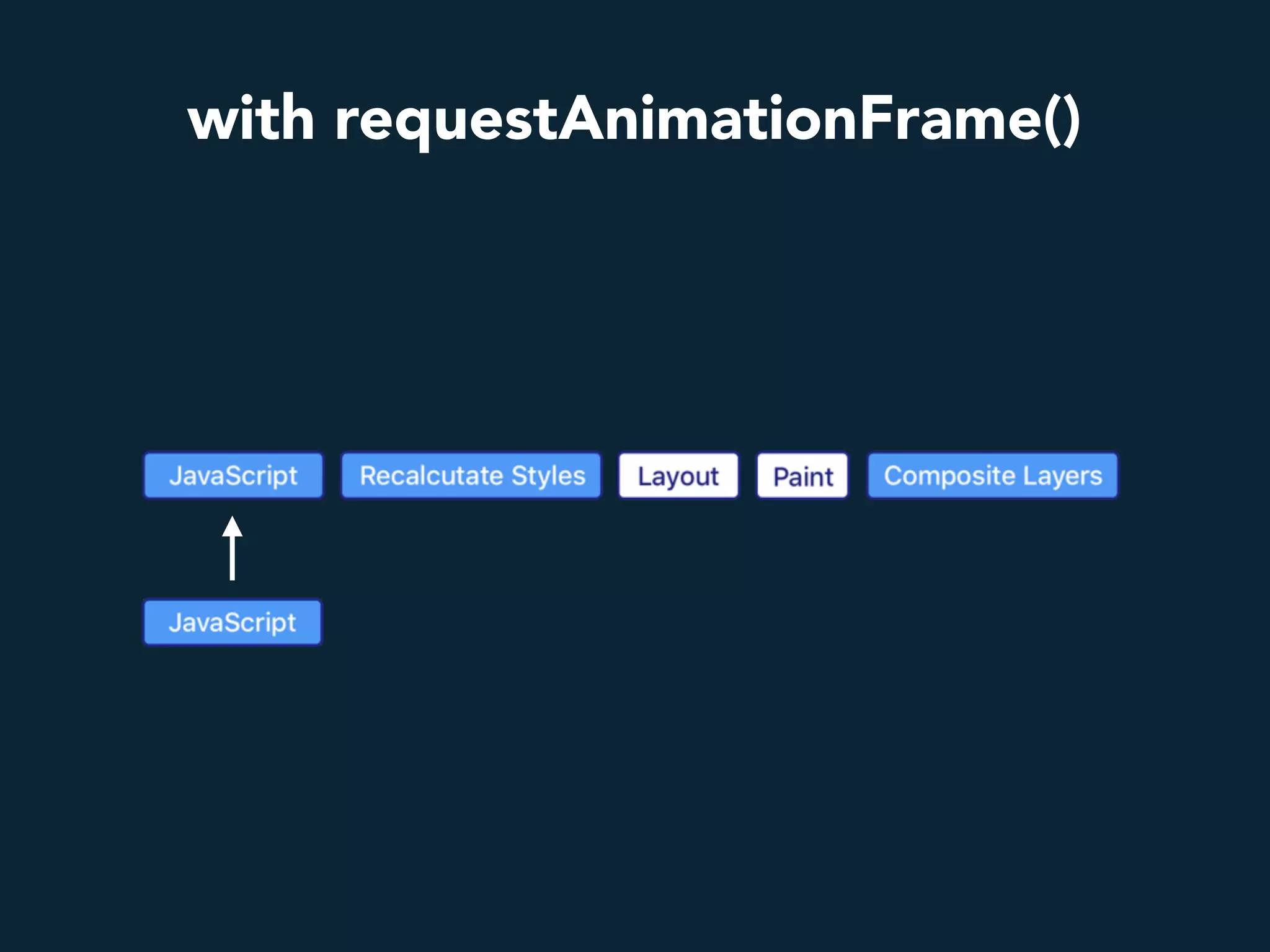
requestAnimationFrame()
1000ms/60 = 16ms
1 frame
without requestAnimationFrame()
with requestAnimationFrame()
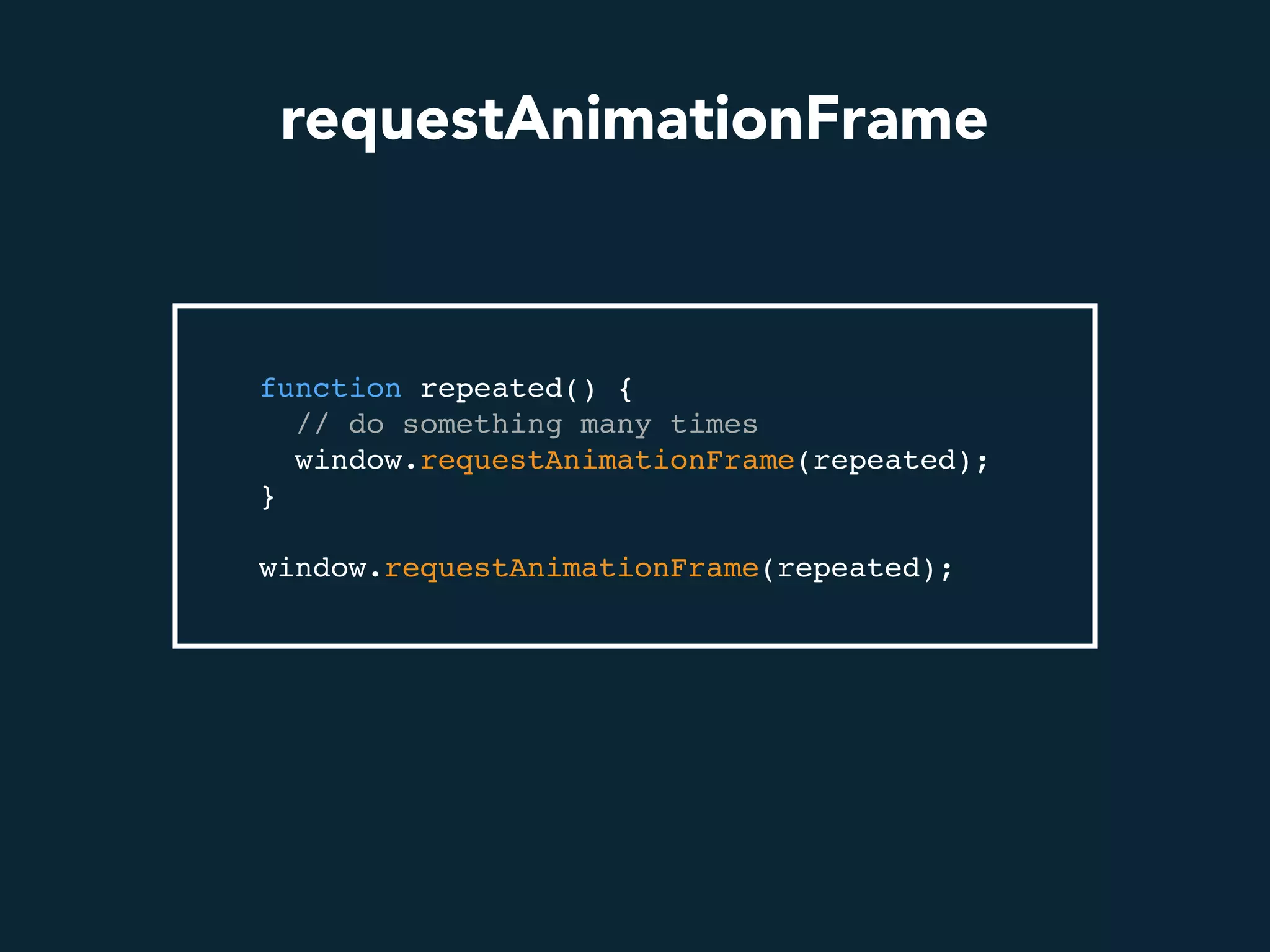
requestAnimationFrame
function repeated() {
// do something many times
window.requestAnimationFrame(repeated);
}
window.requestAnimationFrame(repeated);
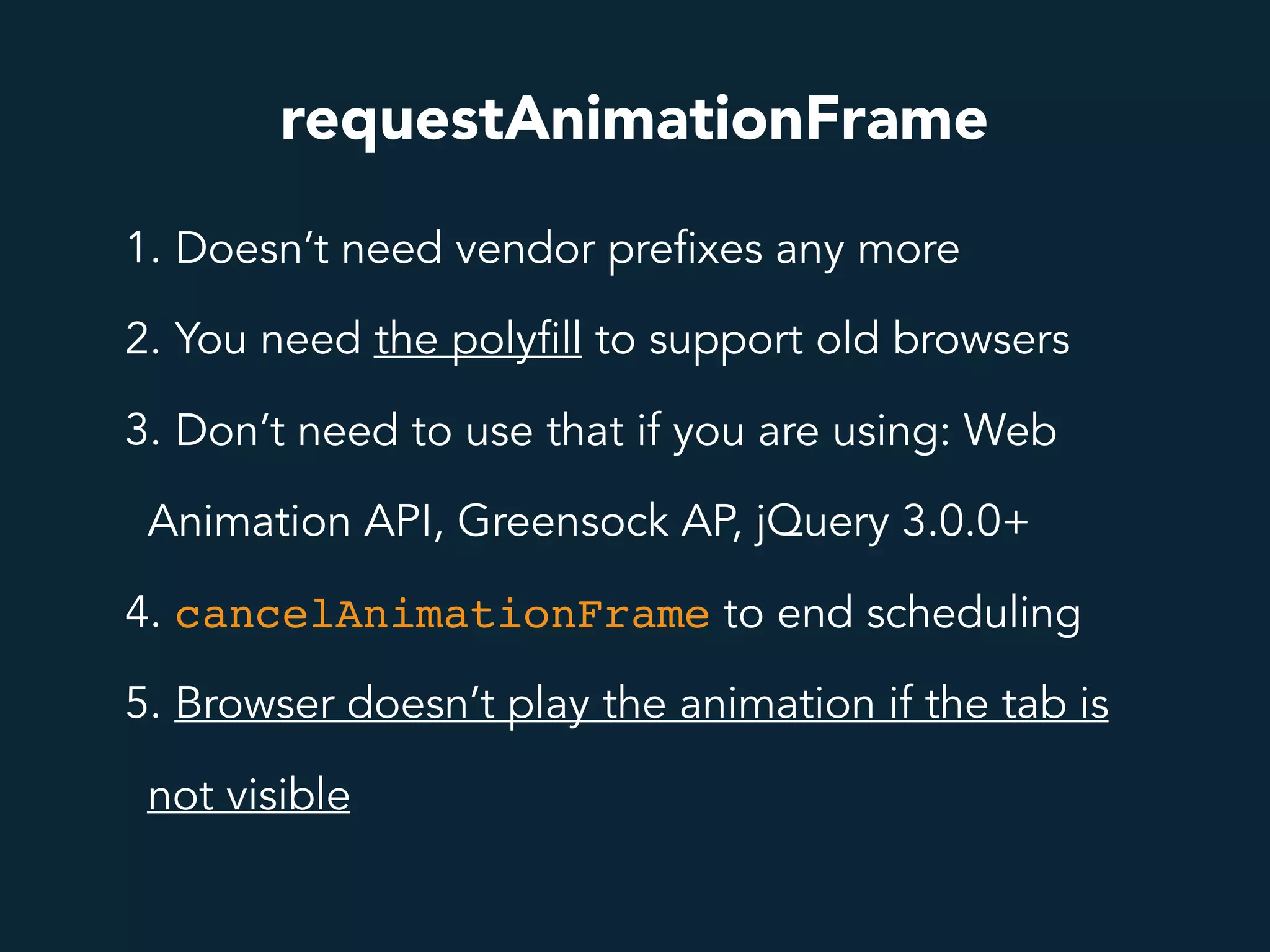
requestAnimationFrame
1. Doesn’t need vendor prefixes any more
2. You need the polyfill to support old browsers
3. Don’t need to use that if you are using: Web
Animation API, Greensock AP, jQuery 3.0.0+
4. cancelAnimationFrame to end scheduling
5. Browser doesn’t play the animation if the tab is
not visible
A B
B A
A
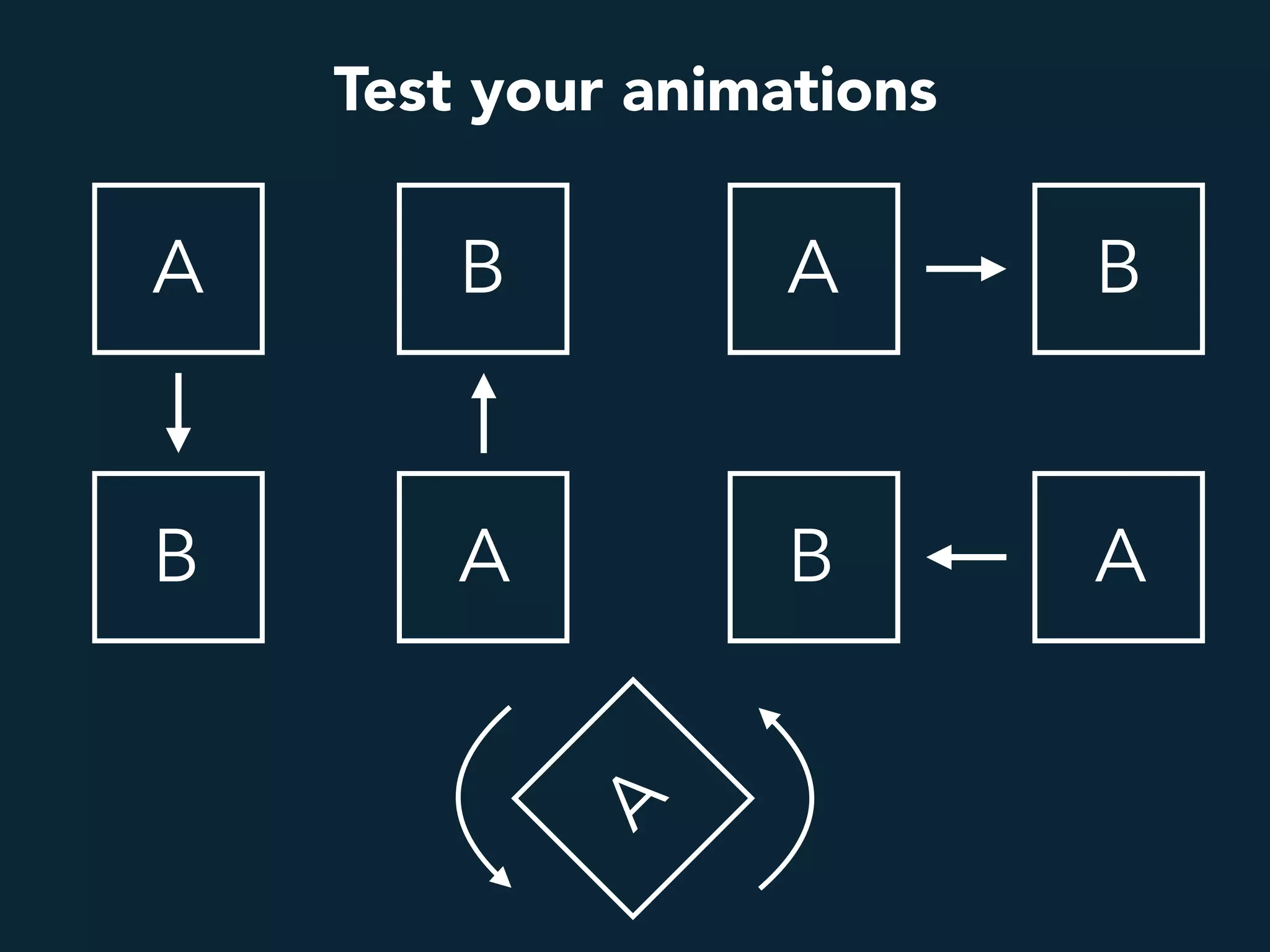
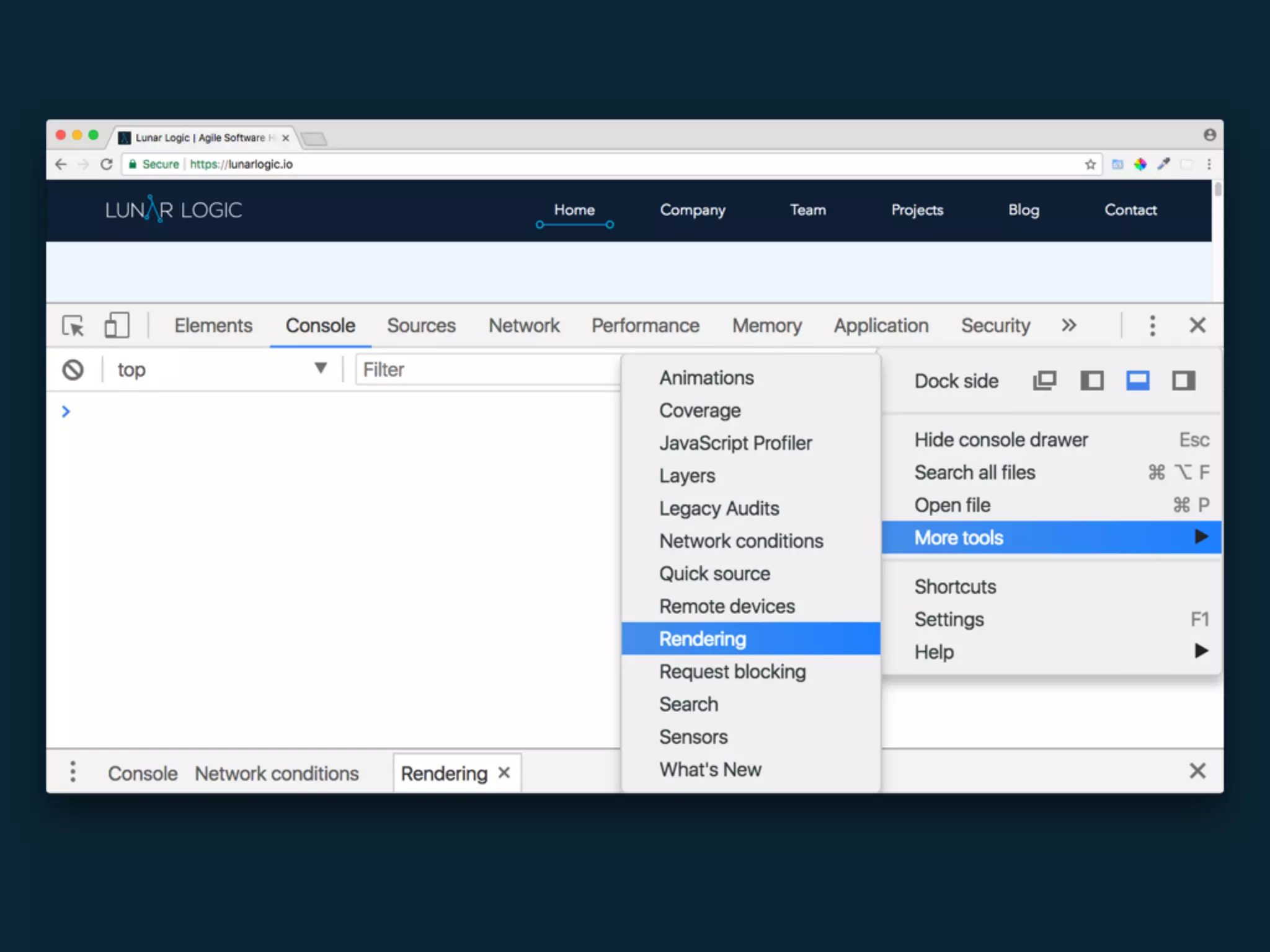
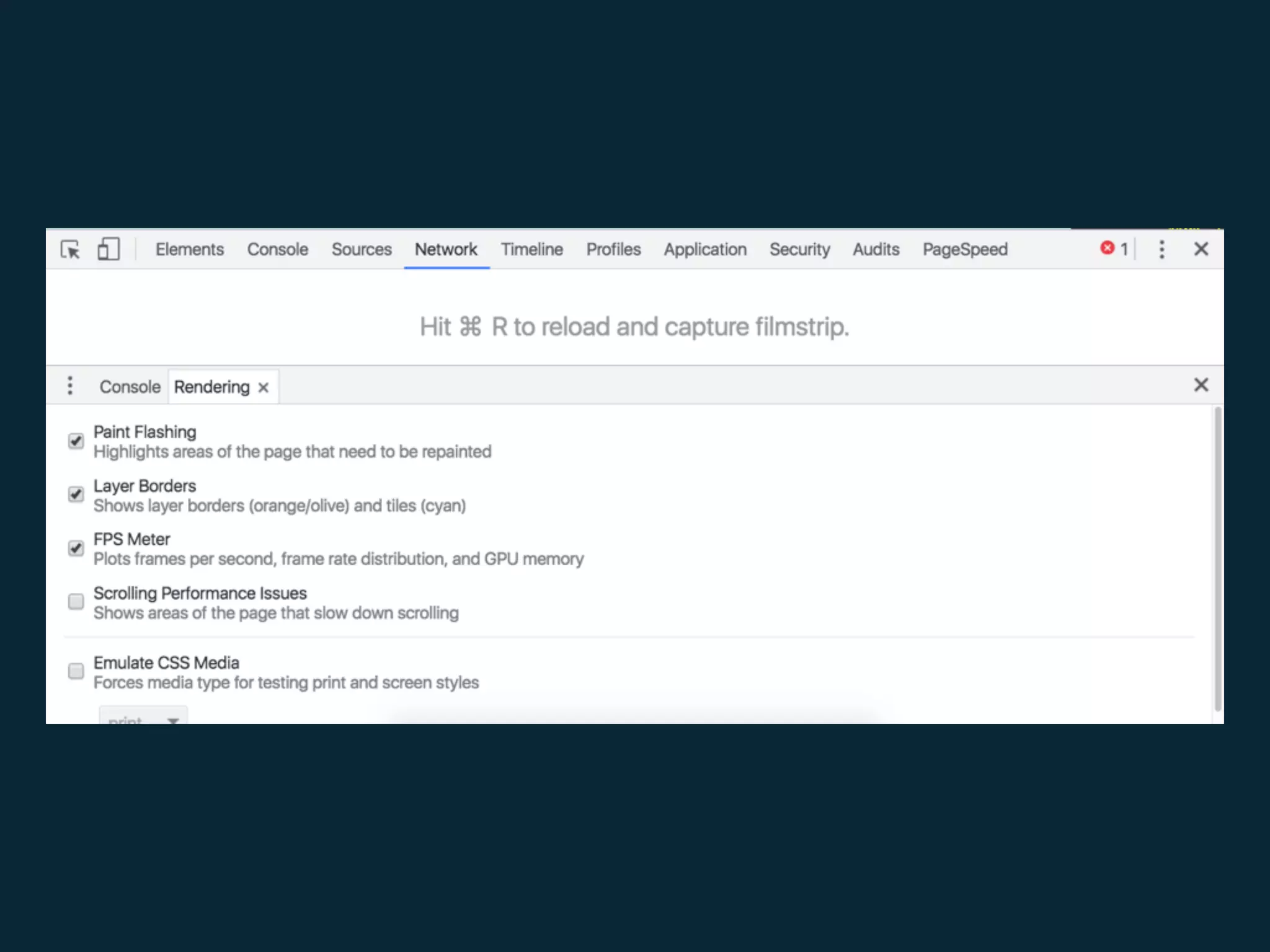
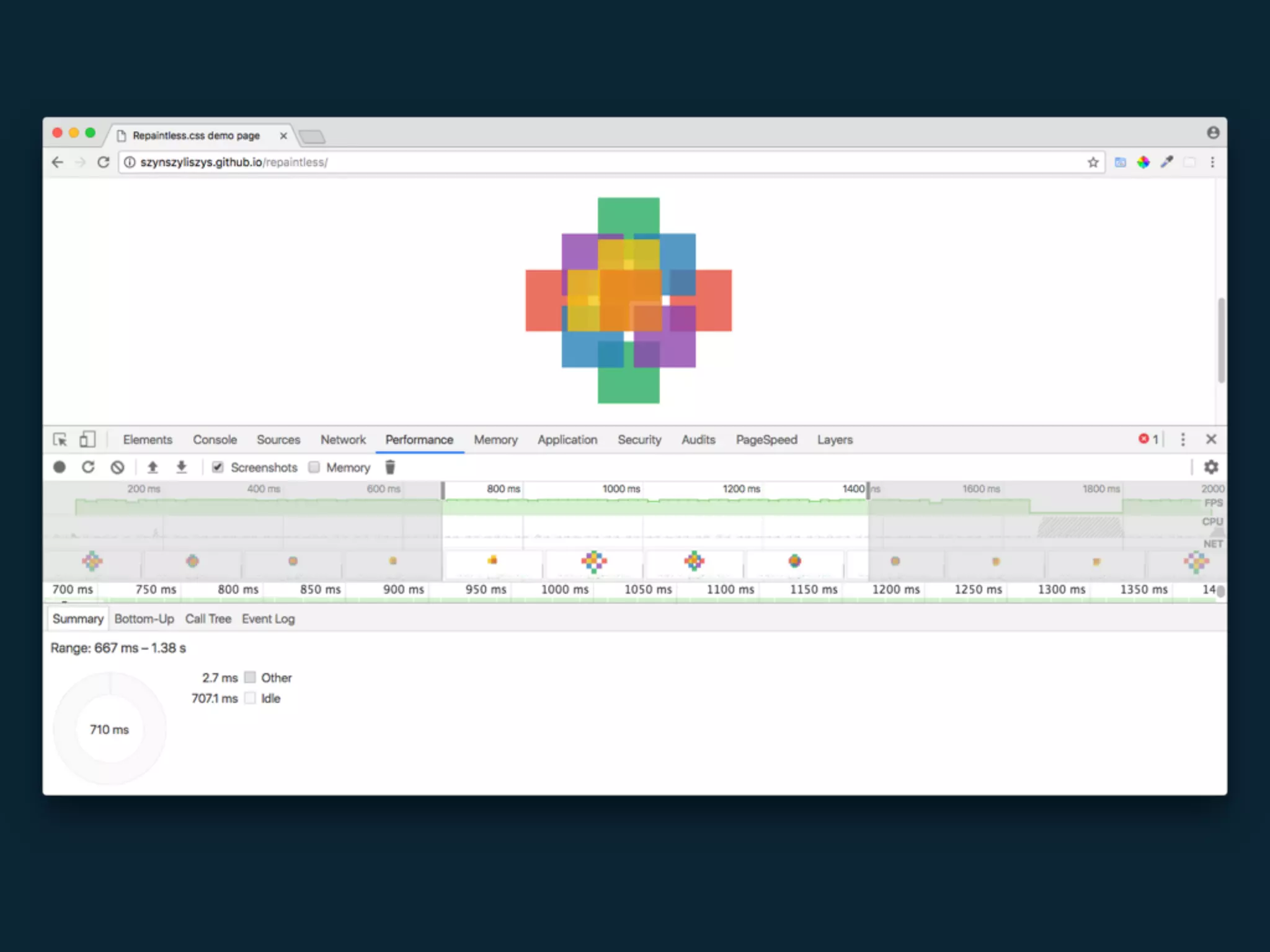
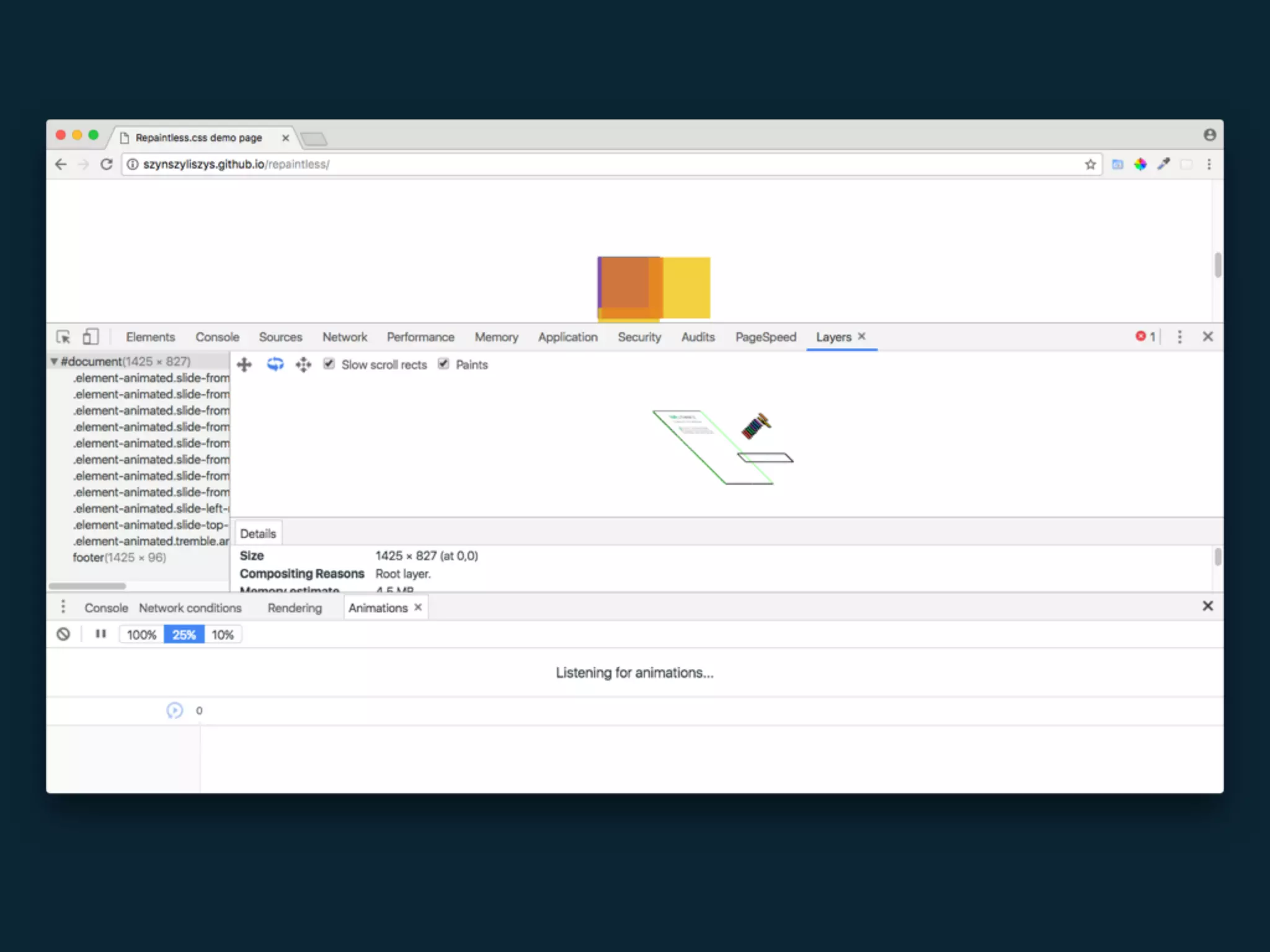
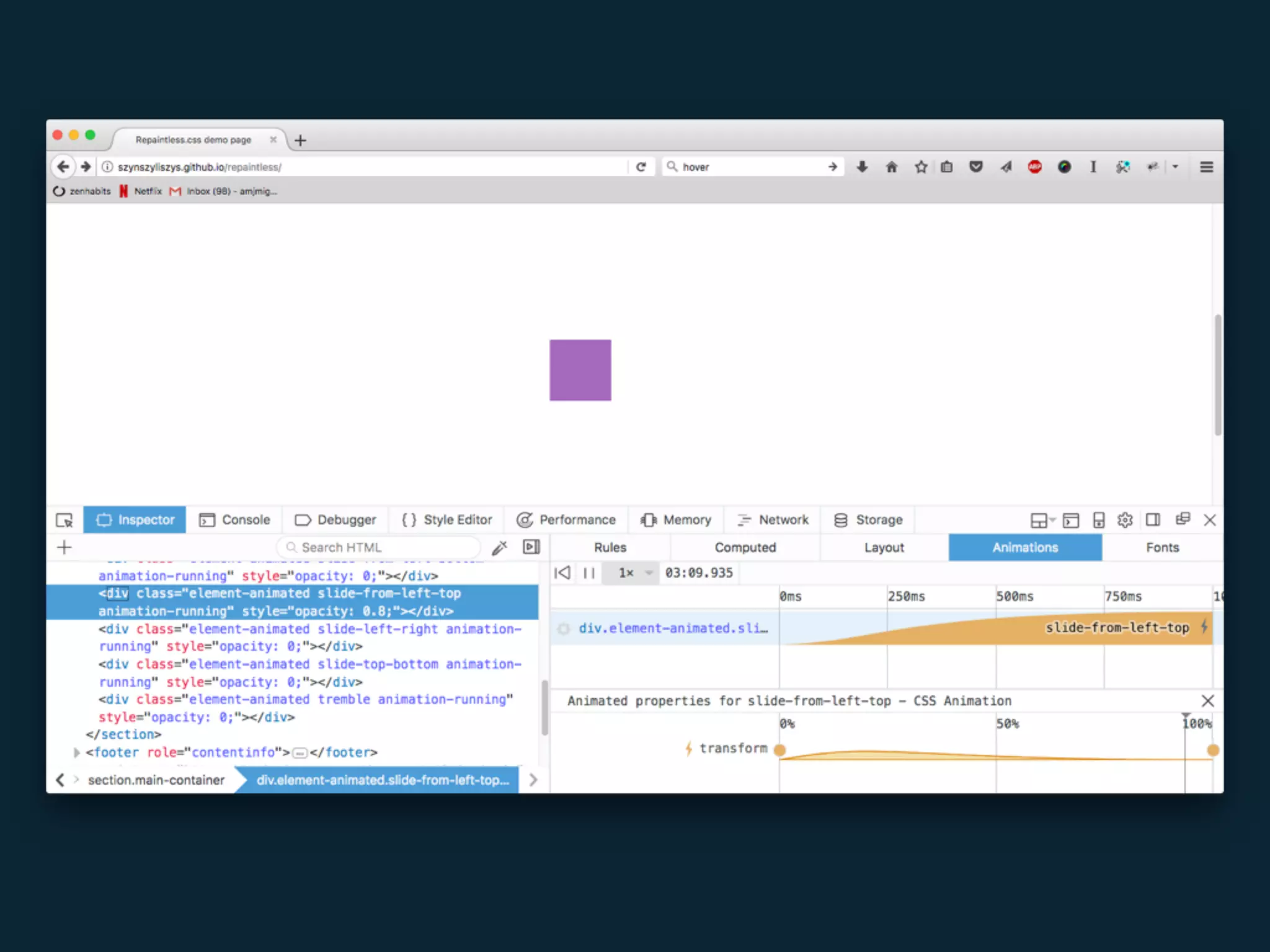
Test your animations
A B
B A
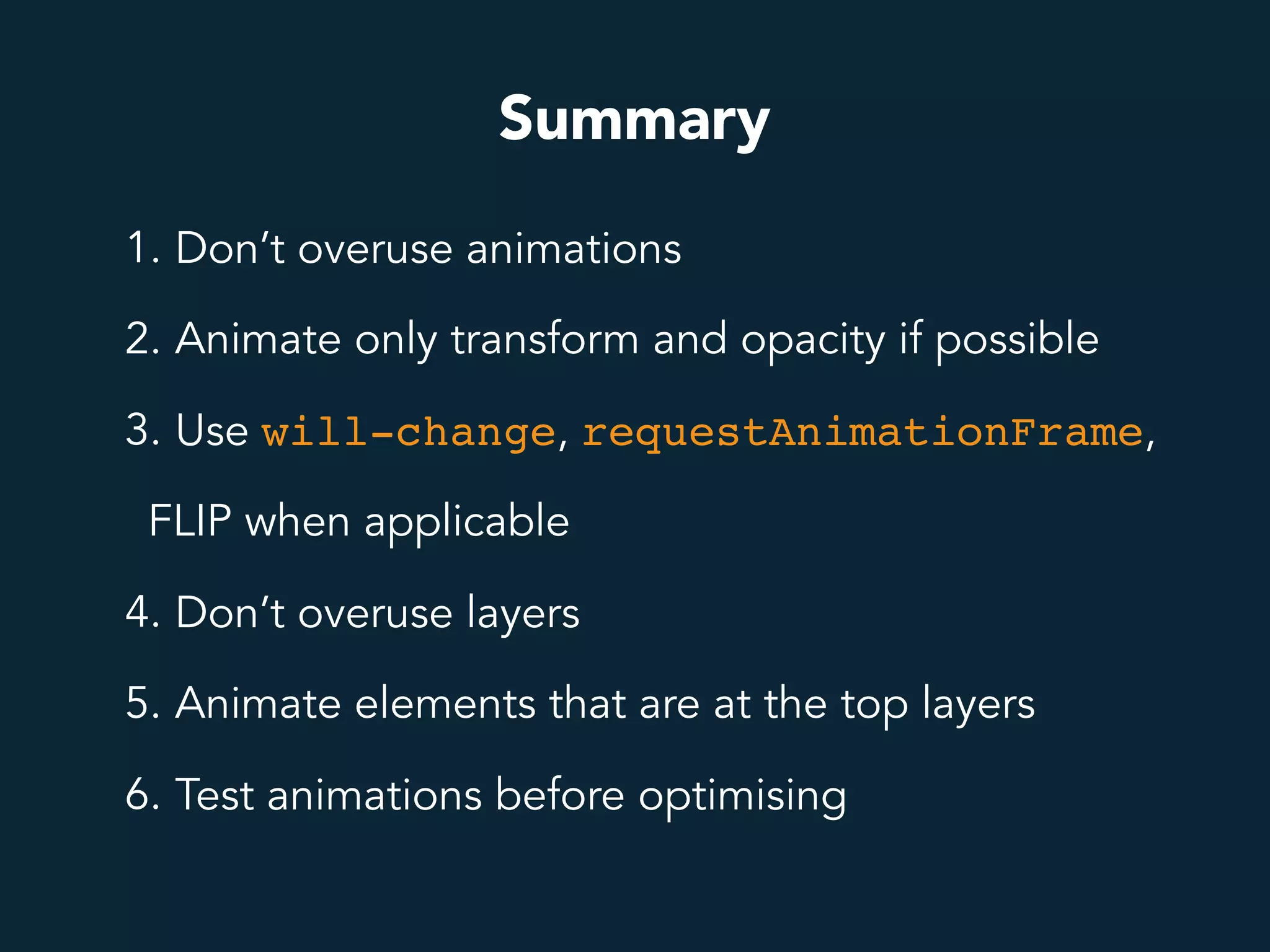
Summary
1. Don’t overuse animations
2. Animate only transform and opacity if possible
3. Use will-change, requestAnimationFrame,
FLIP when applicable
4. Don’t overuse layers
5. Animate elements that are at the top layers
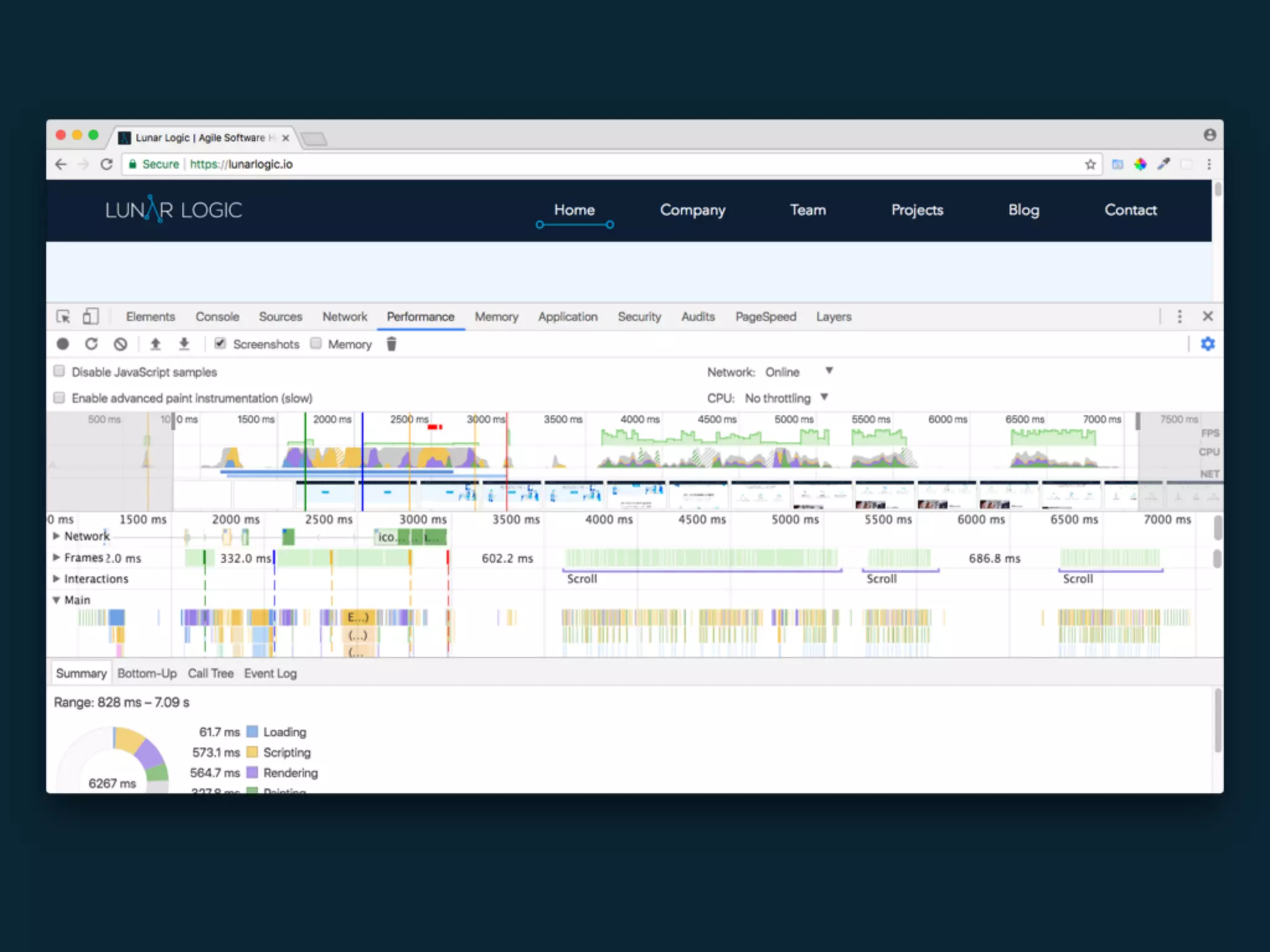
6. Test animations before optimising
Resources
1. https://www.html5rocks.com/en/tutorials/speed/high-performance-
animations
2. http://jankfree.org
3. https://dev.opera.com/articles/css-will-change-property
4. http://creativejs.com/resources/requestanimationframe
5. https://www.udacity.com/course/browser-rendering-optimization--
ud860
6. https://www.html5rocks.com/en/tutorials/speed/layers
7. https://developers.google.com/web/fundamentals/design-and-ui/
animations
Thanks!
Anna Migas
@szynszyliszys

Web Zurich - Make your animations perform well