What the heck is a child theme?

 “A WordPress child theme is a theme that inherits
 the functionality of another theme, called the parent
 theme, and allows you to modify, or add to, the
 functionality of that parent theme.”
                                 - The WordPress Codex
What can I use a child theme for?

• Customize the parent site design
• Add in additional functionality
• Save a bunch of time
Why would I use a child theme?

• Update the parent theme without losing your
  customizations
• Did I mention the part about saving time?
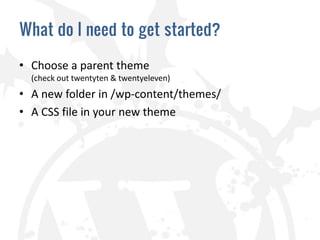
What do I need to get started?

• Choose a parent theme
  (check out twentyten & twentyeleven)
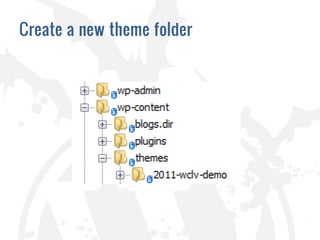
• A new folder in /wp-content/themes/
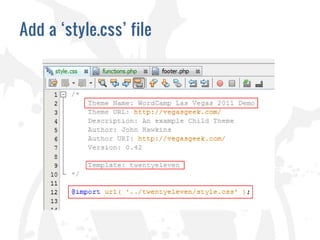
• A CSS file in your new theme
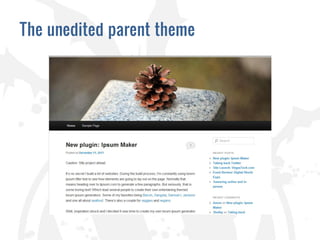
The unedited parent theme
Create a new theme folder
Add a ‘style.css’ file
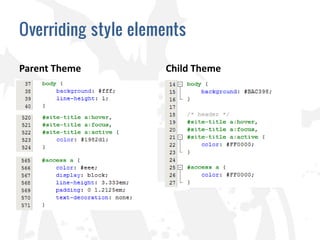
Overriding style elements

Parent Theme         Child Theme
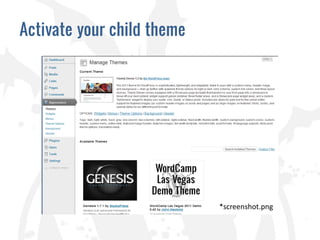
Activate your child theme


                            *screenshot.png
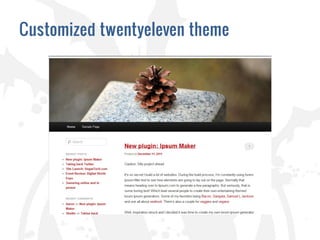
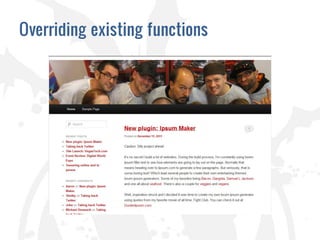
Customized twentyeleven theme
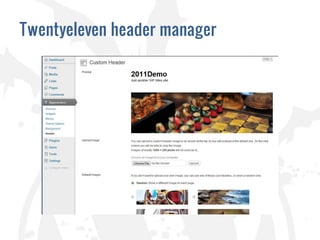
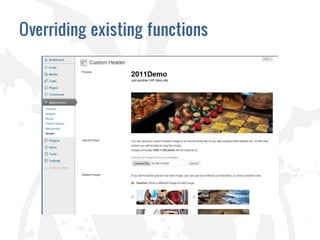
Twentyeleven header manager
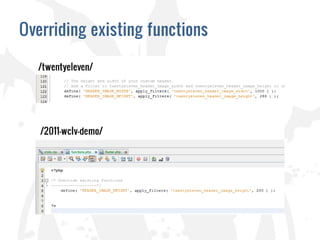
Overriding existing functions
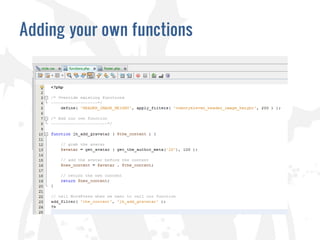
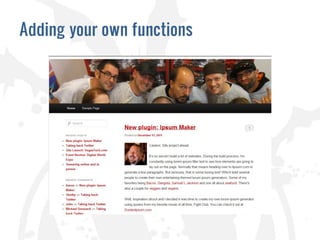
Adding your own functions
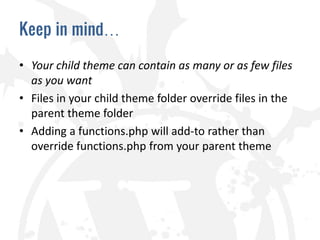
Keep in mind…

• Your child theme can contain as many or as few files
  as you want
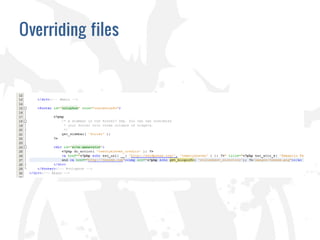
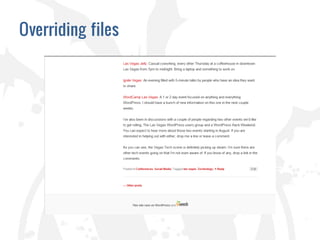
• Files in your child theme folder override files in the
  parent theme folder
• Adding a functions.php will add-to rather than
  override functions.php from your parent theme
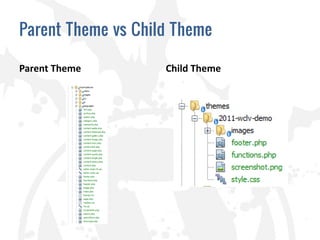
Parent Theme vs Child Theme

Parent Theme        Child Theme
Overriding files
Overriding files
Overriding files
Theme Frameworks
“A Theme framework is a Theme designed to be a
flexible foundation for quicker WordPress
development, usually serving as a robust Parent Theme
for Child Themes.”
                                 - The WordPress Codex

• Genesis – studiopress.com
• Thematic – themeshaper.com
• Hybrid – themehybrid.com
Resources

• http://codex.wordpress.org/Theme_Development
• http://codex.wordpress.org/Child_Themes
• http://codex.wordpress.org/Plugin_API
WCLV - Introduction to child themes

WCLV - Introduction to child themes