What are VERBS?
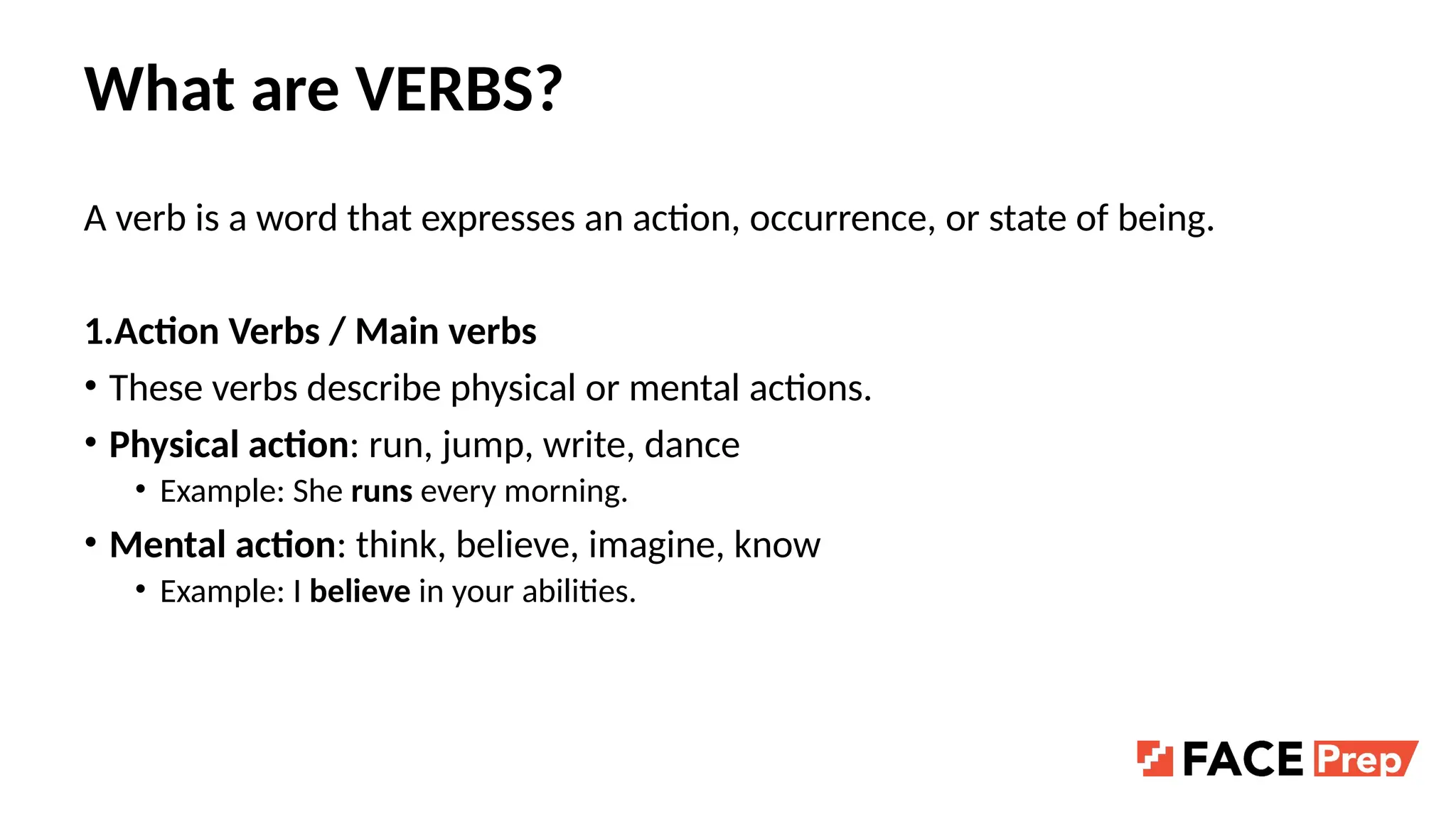
Averb is a word that expresses an action, occurrence, or state of being.
1.Action Verbs / Main verbs
• These verbs describe physical or mental actions.
• Physical action: run, jump, write, dance
• Example: She runs every morning.
• Mental action: think, believe, imagine, know
• Example: I believe in your abilities.
4.
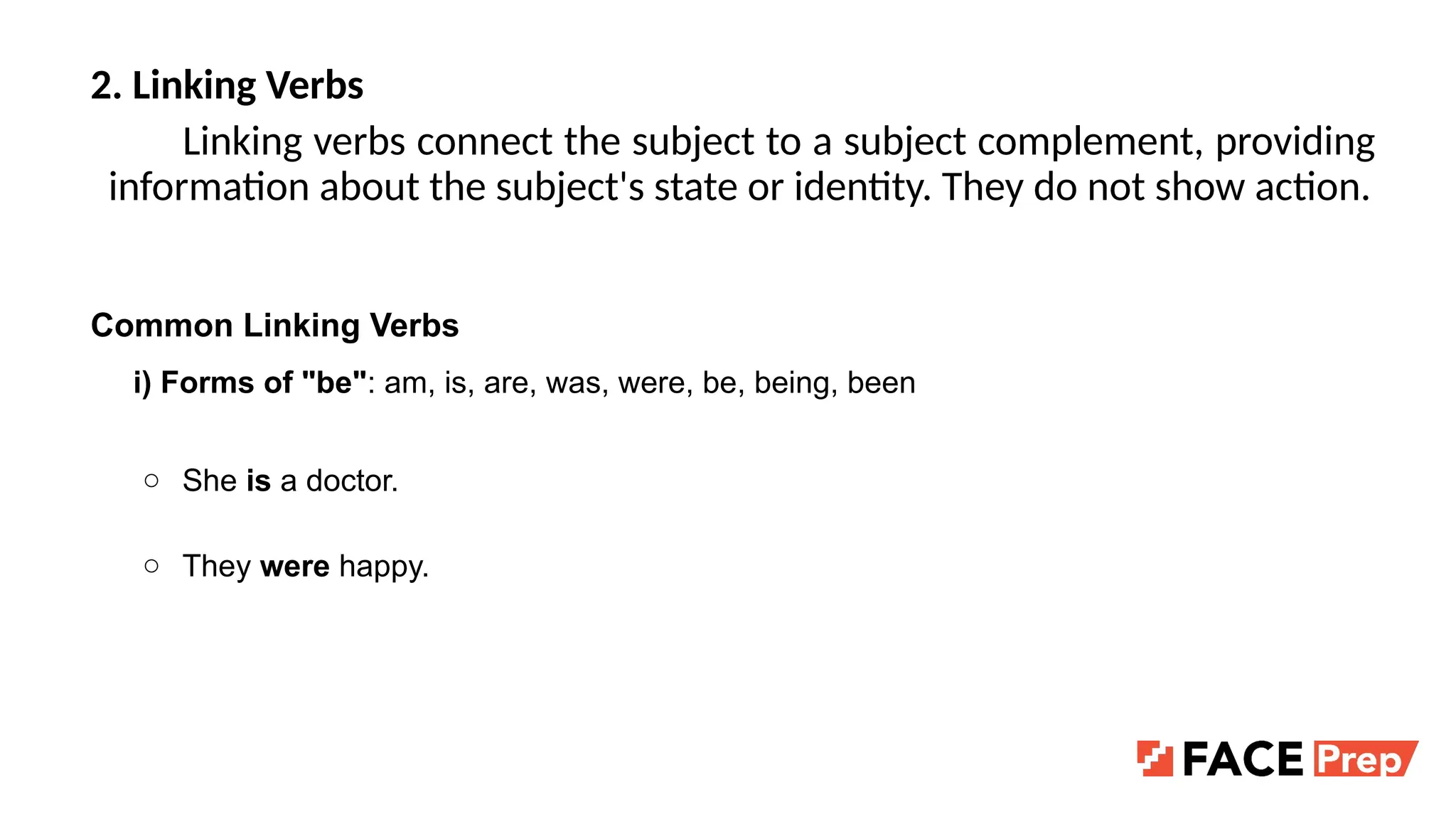
2. Linking Verbs
Linkingverbs connect the subject to a subject complement, providing
information about the subject's state or identity. They do not show action.
Common Linking Verbs
i) Forms of "be": am, is, are, was, were, be, being, been
○ She is a doctor.
○ They were happy.
5.
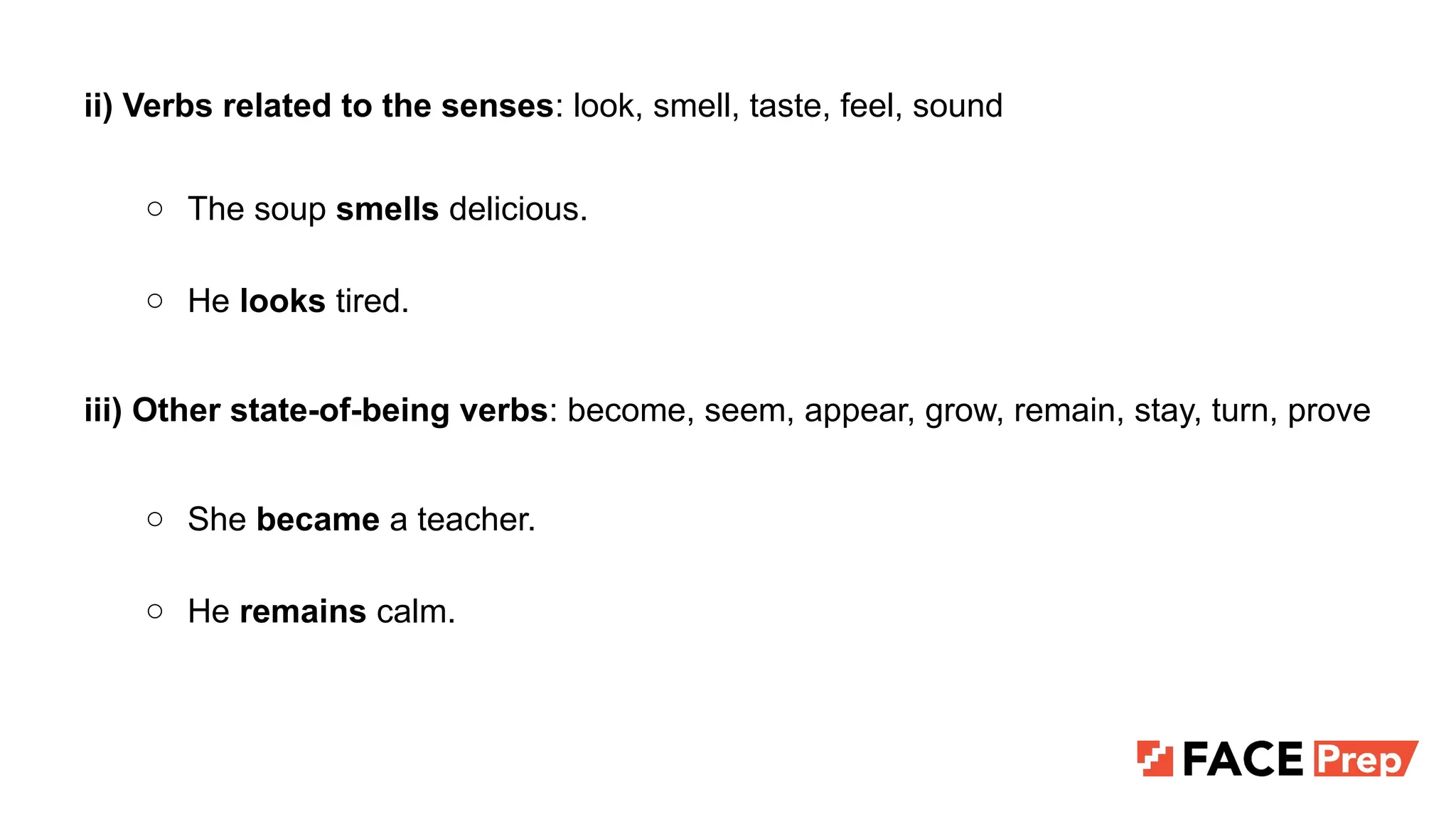
ii) Verbs relatedto the senses: look, smell, taste, feel, sound
○ The soup smells delicious.
○ He looks tired.
iii) Other state-of-being verbs: become, seem, appear, grow, remain, stay, turn, prove
○ She became a teacher.
○ He remains calm.
6.
3.Stative Verbs
• Theseverbs express a state rather than an action, often related to
thoughts, feelings, or senses.
• Examples: love, hate, own, prefer, belong
• Example: He owns a beautiful car.
7.
4.Transitive and IntransitiveVerbs
• Transitive verbs: Require a direct object to complete their meaning.
• Example: She wrote a letter. ("letter" is the object)
• Intransitive verbs: Do not require an object.
• Example: She slept peacefully.
8.
5. Regular andIrregular Verbs
• Regular verbs: Form their past tense by adding "-ed" (e.g., play →
played).
• Irregular verbs: Have unique forms for past tense (e.g., go → went).
9.
6.Auxiliary Verbs
• Auxiliaryverbs (also called helping verbs) are used alongside the main
verb to form different tenses, moods, voices, or aspects.
• Types of Auxiliary Verbs:
a. Primary Auxiliary Verbs
b. Modal Auxiliary Verbs
10.
Primary Auxiliary Verbs
•These verbs help form the basic tenses, questions, and negatives.
• Be: am, is, are, was, were, being, been
• Example: She is running.
• Have: have, has, had
• Example: They have eaten dinner.
• Do: do, does, did
• Example: He does not like coffee
11.
Modal Auxiliary Verbs
•These express possibility, necessity, permission, or ability.
• Examples: can, could, may, might, must, shall, should, will, would, ought
• Example: You must study harder.
12.
7.Phrasal Verbs
A phrasalverb is a verb combined with one or more particles
(prepositions or adverbs) that changes the meaning of the original verb.
● give → give up (stop doing something)
● look → look after (take care of)
13.
Structure of PhrasalVerbs
They are usually formed as:
1. Verb + Adverb particle
○ break down (stop working)
○ run away (escape)
2. Verb + Preposition
○ look at (watch/observe)
○ care for (look after)
3. Verb + Adverb + Preposition
○ put up with (tolerate)
○ get along with (be friendly with)
14.
Types of Phrasalverbs
A) Transitive vs. Intransitive
● Transitive = needs an object
○ I will look after the baby.
● Intransitive = no object
○ The car broke down yesterday.
15.
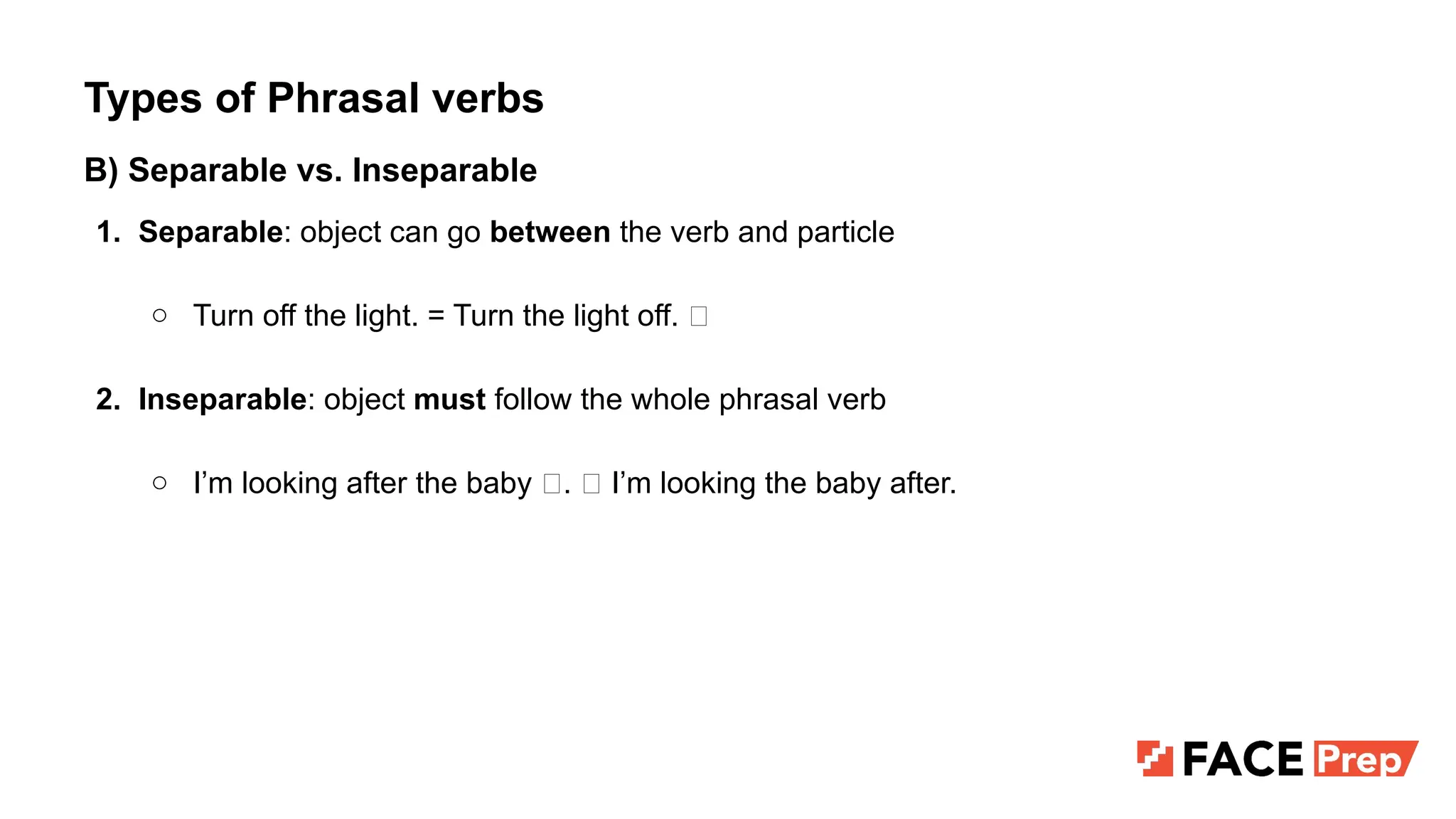
Types of Phrasalverbs
B) Separable vs. Inseparable
1. Separable: object can go between the verb and particle
○ Turn off the light. = Turn the light off. ✅
2. Inseparable: object must follow the whole phrasal verb
○ I’m looking after the baby ✅. ❌ I’m looking the baby after.
16.
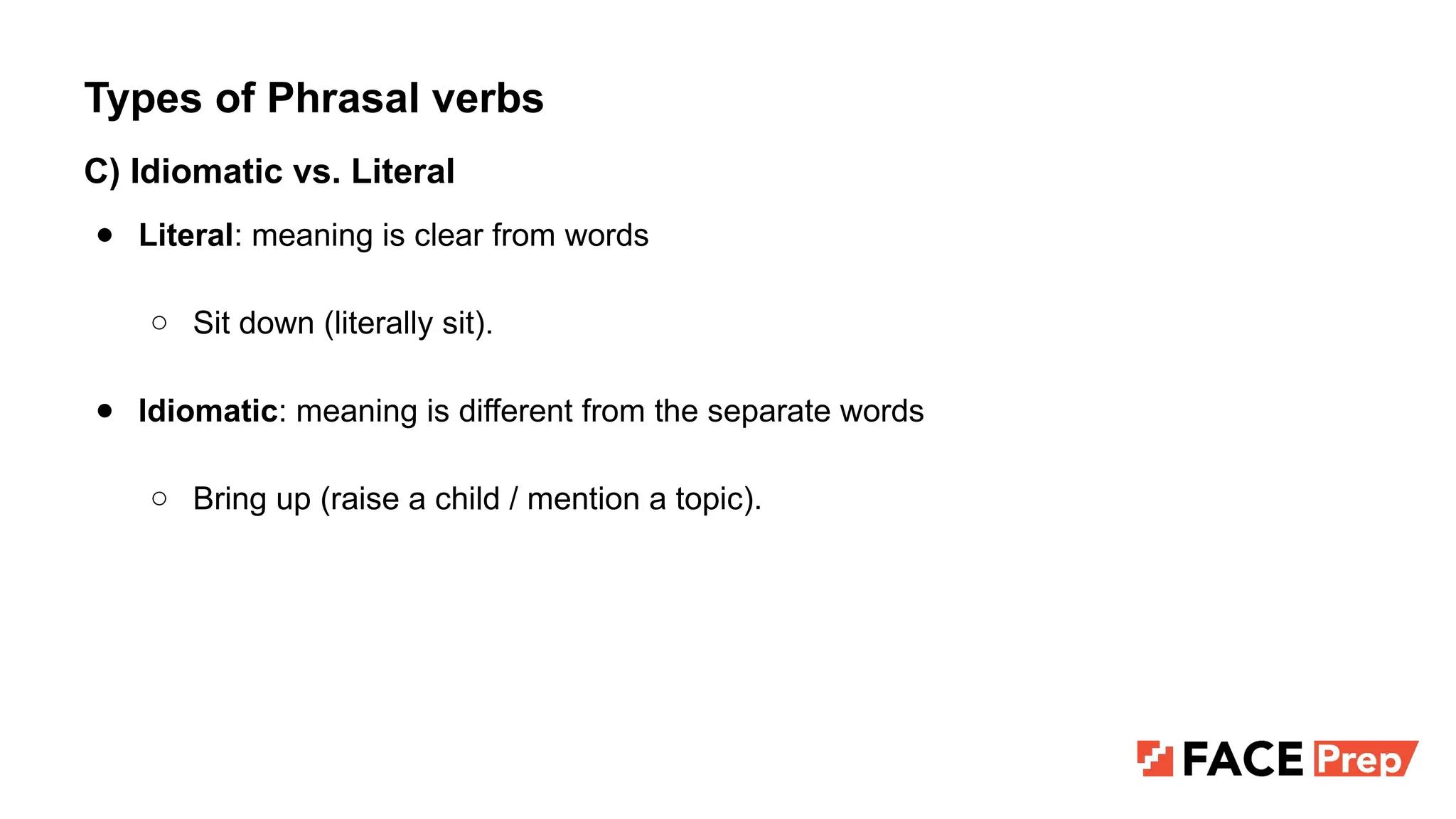
Types of Phrasalverbs
C) Idiomatic vs. Literal
● Literal: meaning is clear from words
○ Sit down (literally sit).
● Idiomatic: meaning is different from the separate words
○ Bring up (raise a child / mention a topic).
17.
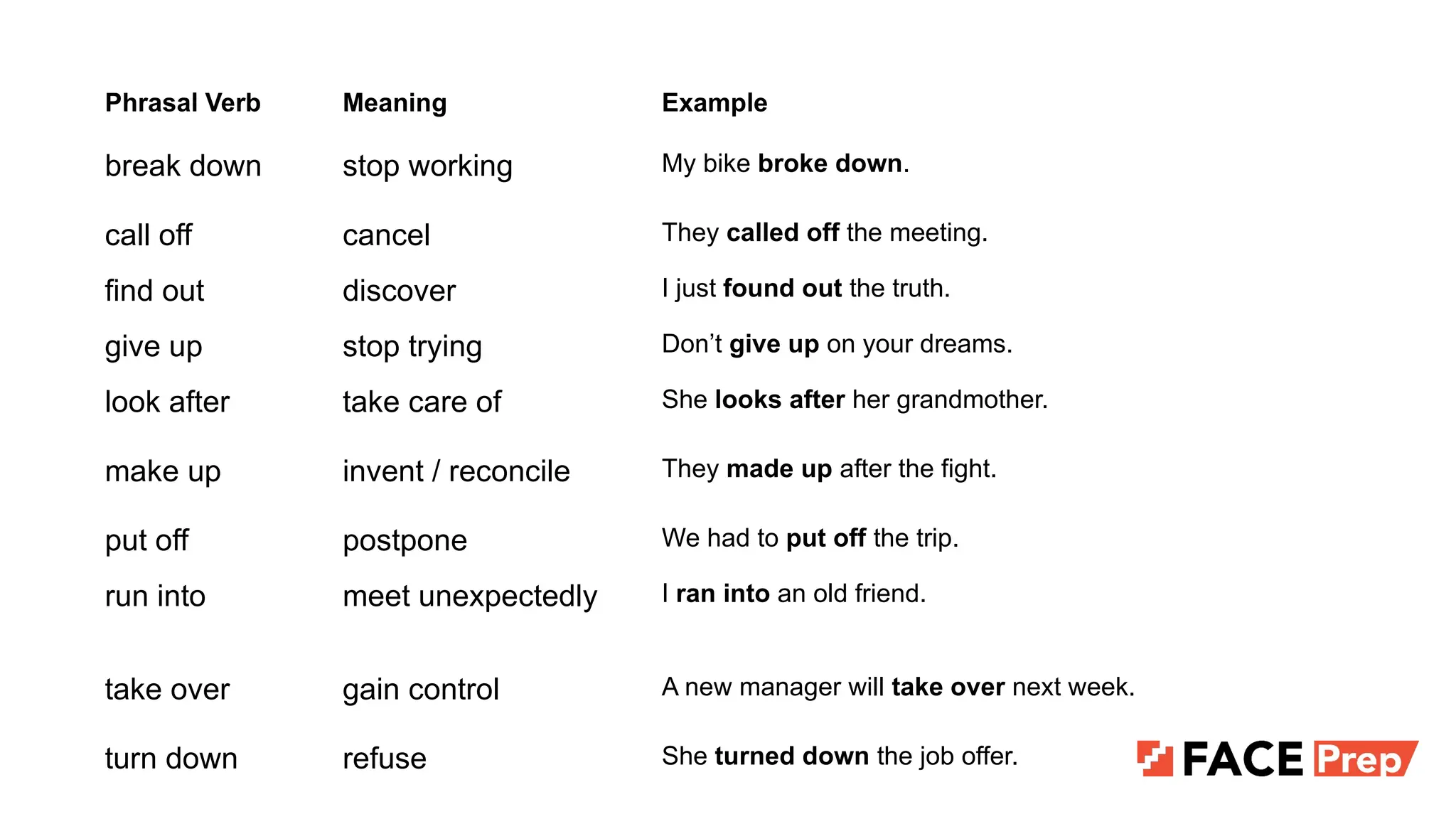
Phrasal Verb MeaningExample
break down stop working My bike broke down.
call off cancel They called off the meeting.
find out discover I just found out the truth.
give up stop trying Don’t give up on your dreams.
look after take care of She looks after her grandmother.
make up invent / reconcile They made up after the fight.
put off postpone We had to put off the trip.
run into meet unexpectedly I ran into an old friend.
take over gain control A new manager will take over next week.
turn down refuse She turned down the job offer.
18.
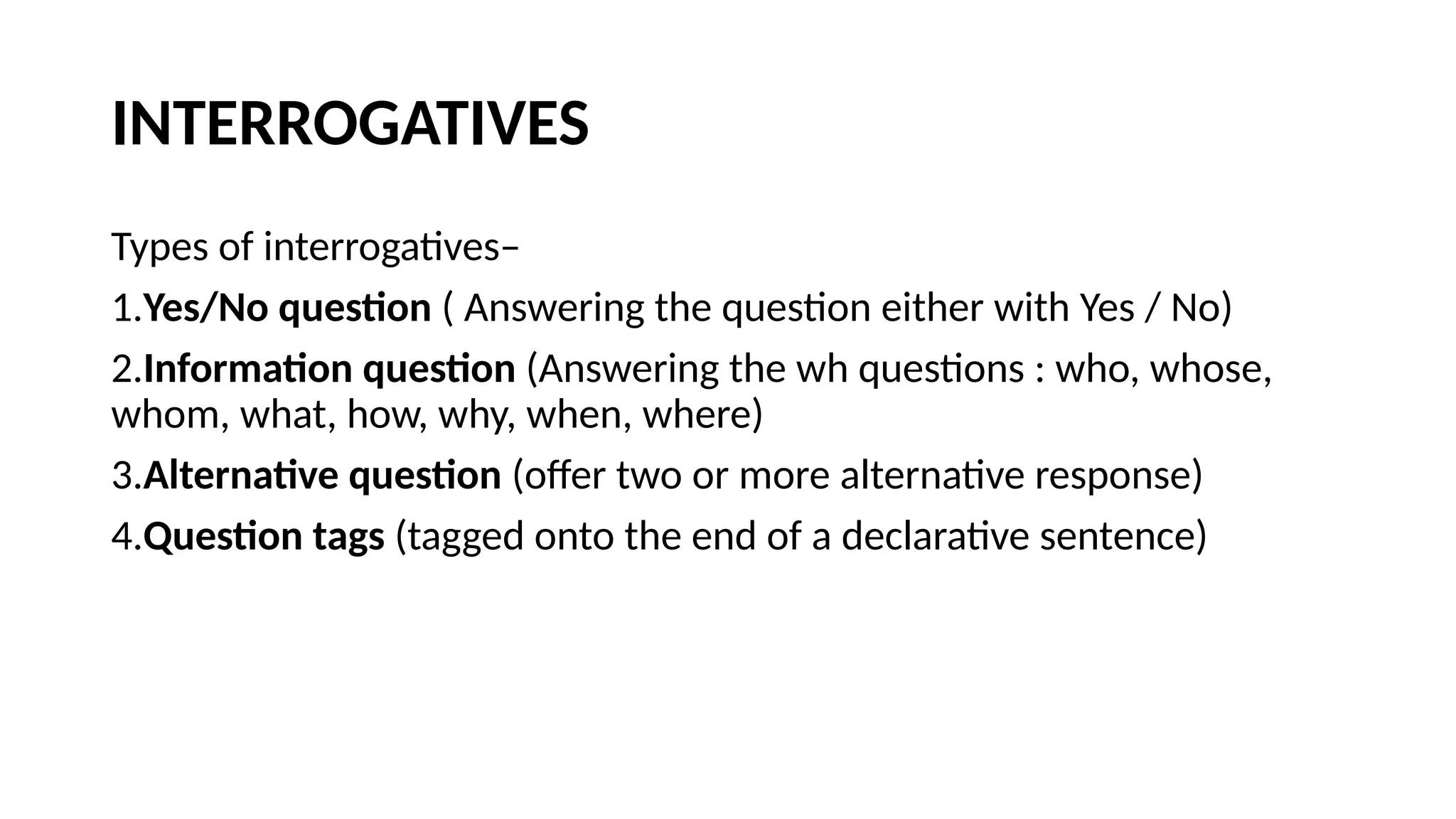
INTERROGATIVES
Types of interrogatives–
1.Yes/Noquestion ( Answering the question either with Yes / No)
2.Information question (Answering the wh questions : who, whose,
whom, what, how, why, when, where)
3.Alternative question (offer two or more alternative response)
4.Question tags (tagged onto the end of a declarative sentence)
19.
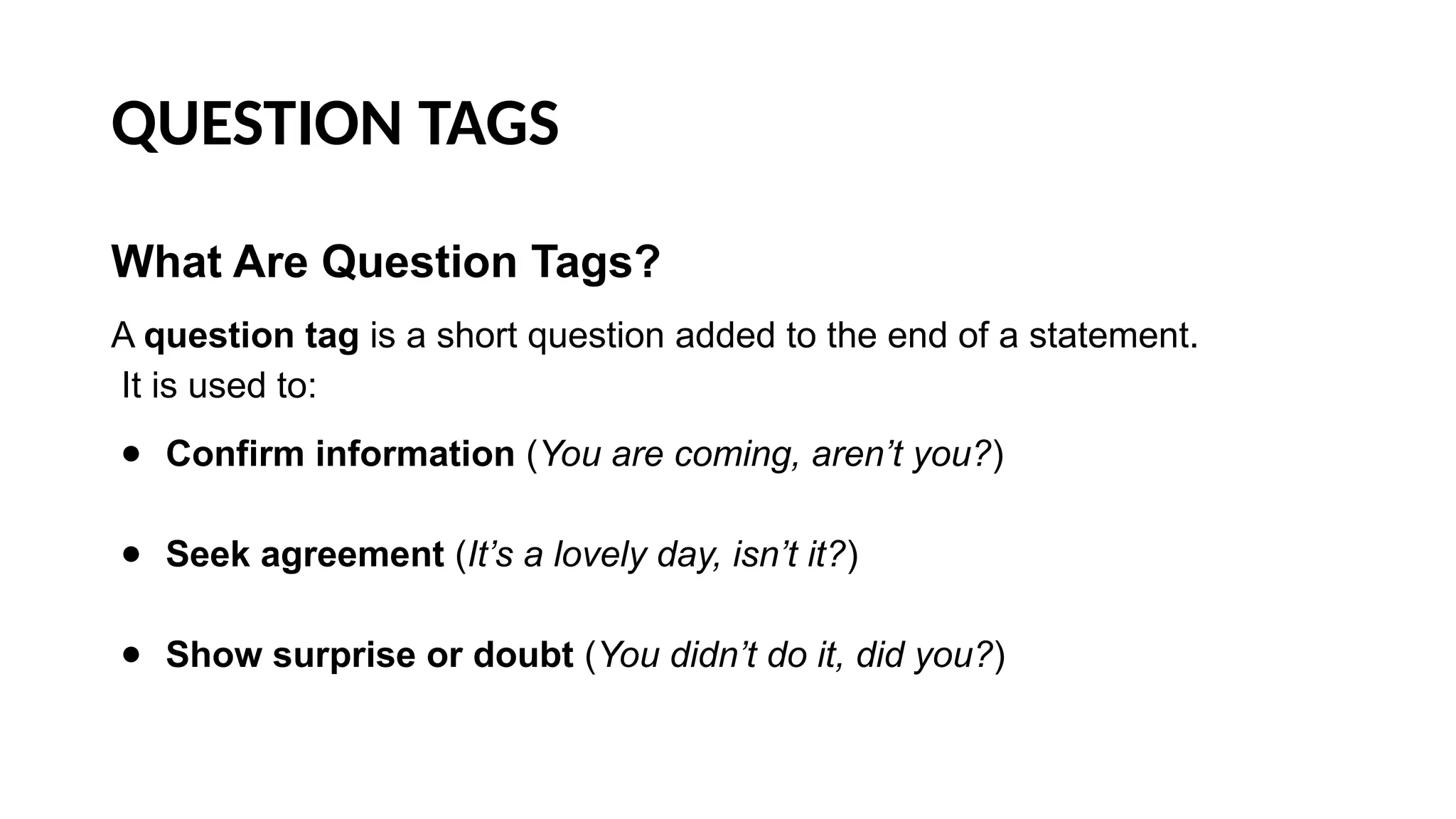
QUESTION TAGS
What AreQuestion Tags?
A question tag is a short question added to the end of a statement.
It is used to:
● Confirm information (You are coming, aren’t you?)
● Seek agreement (It’s a lovely day, isn’t it?)
● Show surprise or doubt (You didn’t do it, did you?)
20.
QUESTION TAGS
What AreQuestion Tags?
A question tag is a short question added to the end of a statement.
It is used to:
● Confirm information (You are coming, aren’t you?)
● Seek agreement (It’s a lovely day, isn’t it?)
● Show surprise or doubt (You didn’t do it, did you?)
21.
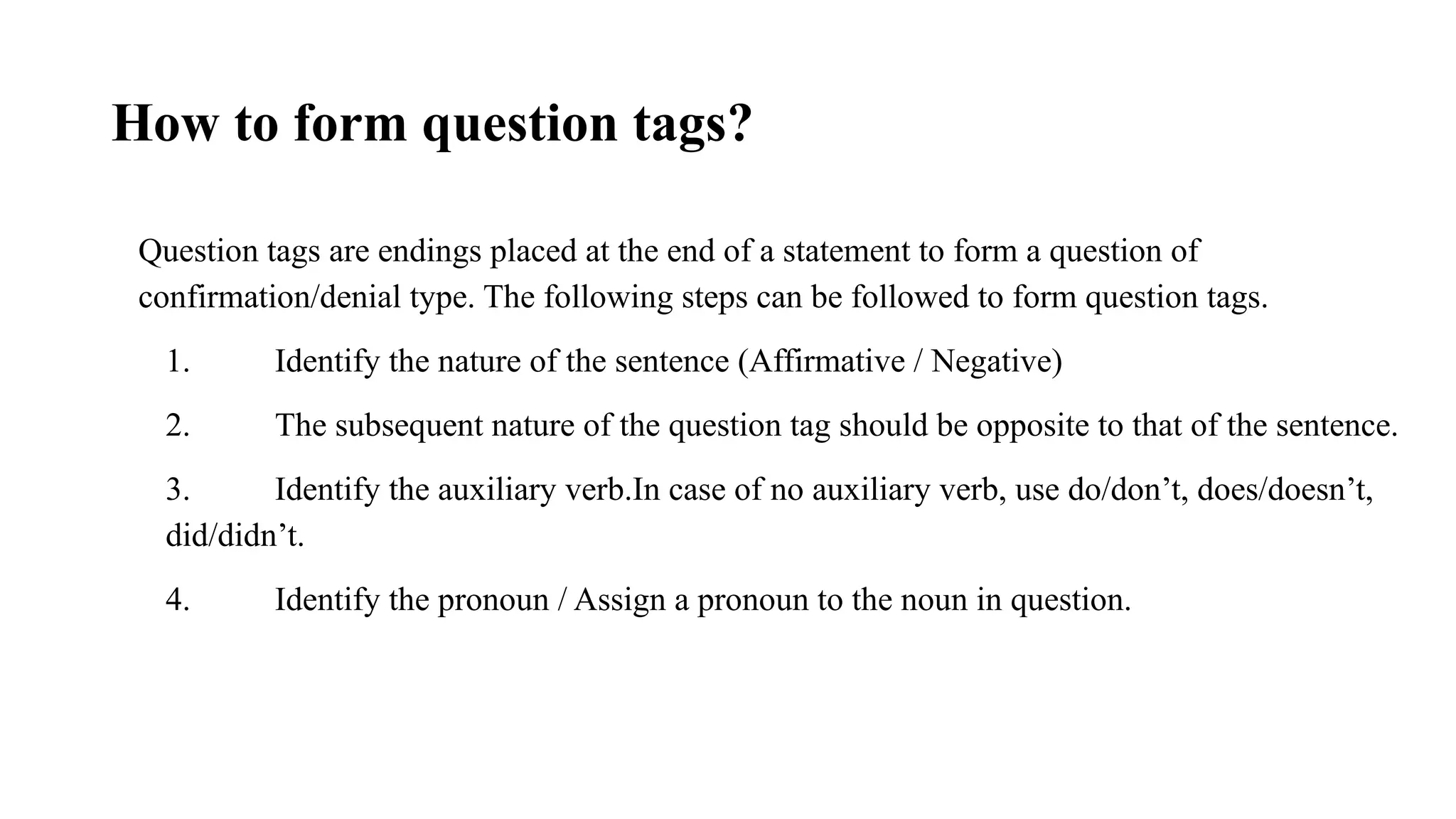
How to formquestion tags?
Question tags are endings placed at the end of a statement to form a question of
confirmation/denial type. The following steps can be followed to form question tags.
1. Identify the nature of the sentence (Affirmative / Negative)
2. The subsequent nature of the question tag should be opposite to that of the sentence.
3. Identify the auxiliary verb.In case of no auxiliary verb, use do/don’t, does/doesn’t,
did/didn’t.
4. Identify the pronoun / Assign a pronoun to the noun in question.
#2 Cover Page
Font: Nunito Sans
Primary colors: Black, White and Red (#F05136)
General Instruction:
Don’t edit this PPT (keep it for future reference)
Copy paste the required slide into your PPT. Format it there.
Write less, talk/present more
Use the font Nunito Sans Regular. You can download it from google fonts (https://fonts.google.com/specimen/Nunito+Sans).
Don’t change the size and/or positions of headings, texts, unless absolutely necessary. (minimum size: 20)
The size of the image must be adjusted according to the text. (try to make it look visually attractive)
1 image per slide. No more than 4 points per slide.