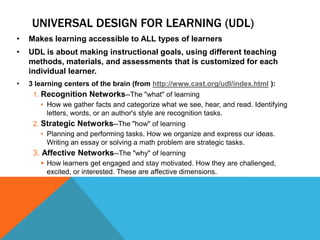
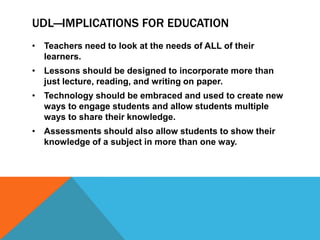
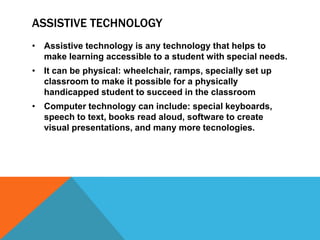
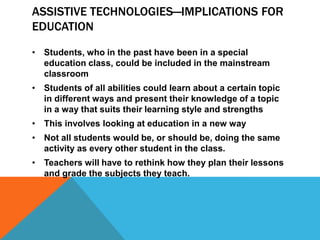
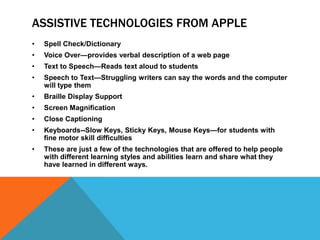
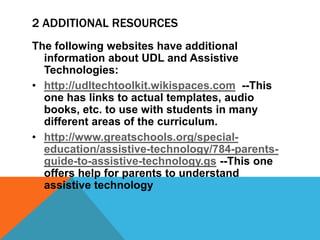
Universal Design for Learning (UDL) aims to make instruction accessible to all learners by recognizing there are 3 networks in the brain related to learning - recognition, strategic, and affective. UDL calls for using varied teaching methods, materials, and assessments customized for each student. Assistive technology helps make learning accessible for students with special needs through tools that aid physical or cognitive functions. Implementing UDL and assistive technologies allows more students to learn in mainstream classrooms in ways that suit their strengths.