https://mvc.tw
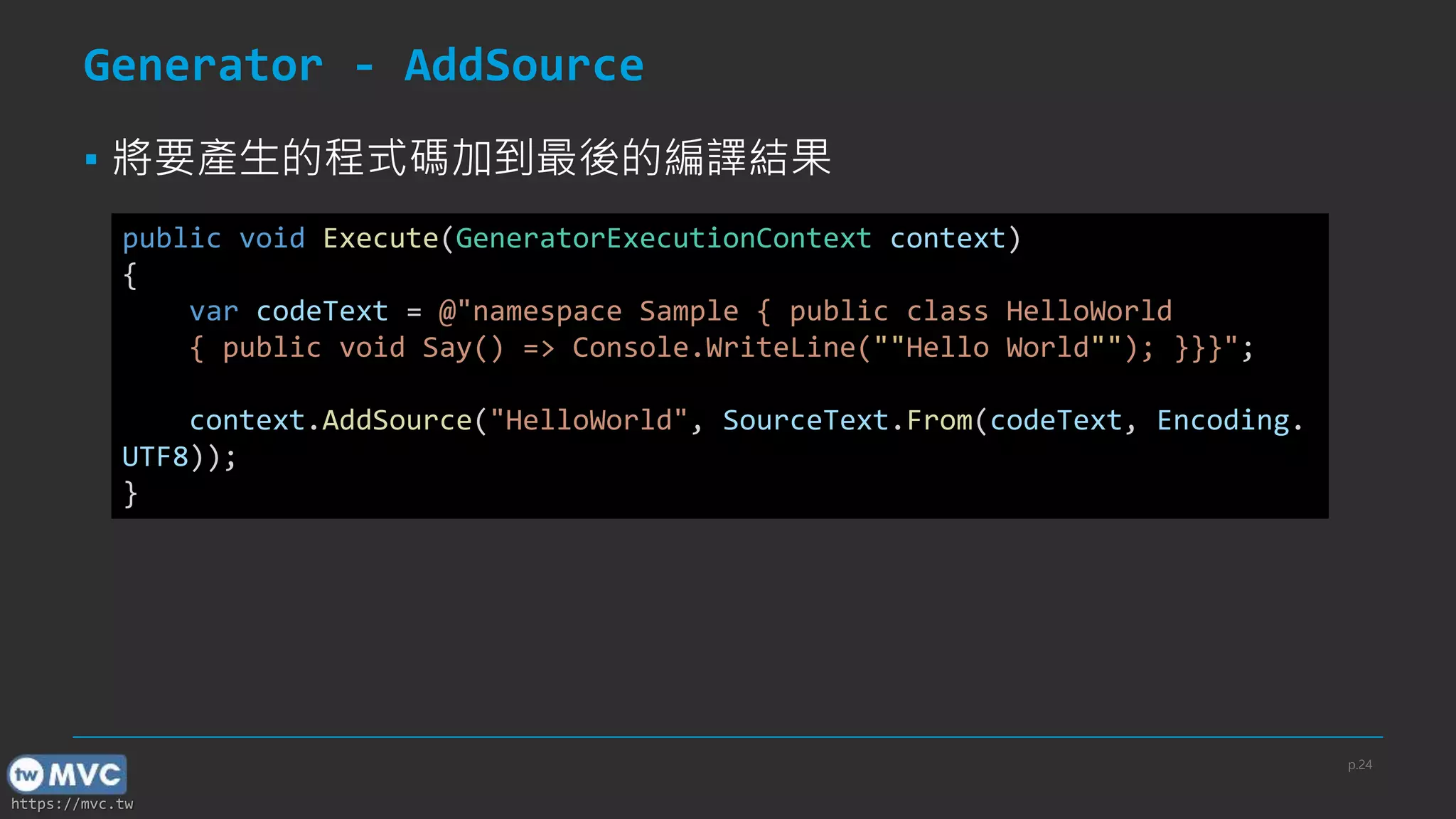
Generator - AddSource
▪將要產生的程式碼加到最後的編譯結果
public void Execute(GeneratorExecutionContext context)
{
var codeText = @"namespace Sample { public class HelloWorld
{ public void Say() => Console.WriteLine(""Hello World""); }}}";
context.AddSource("HelloWorld", SourceText.From(codeText, Encoding.
UTF8));
}
p.24
25.
https://mvc.tw
Generator - CancellationToken
▪在 Initial 及 Execute 中都有提供
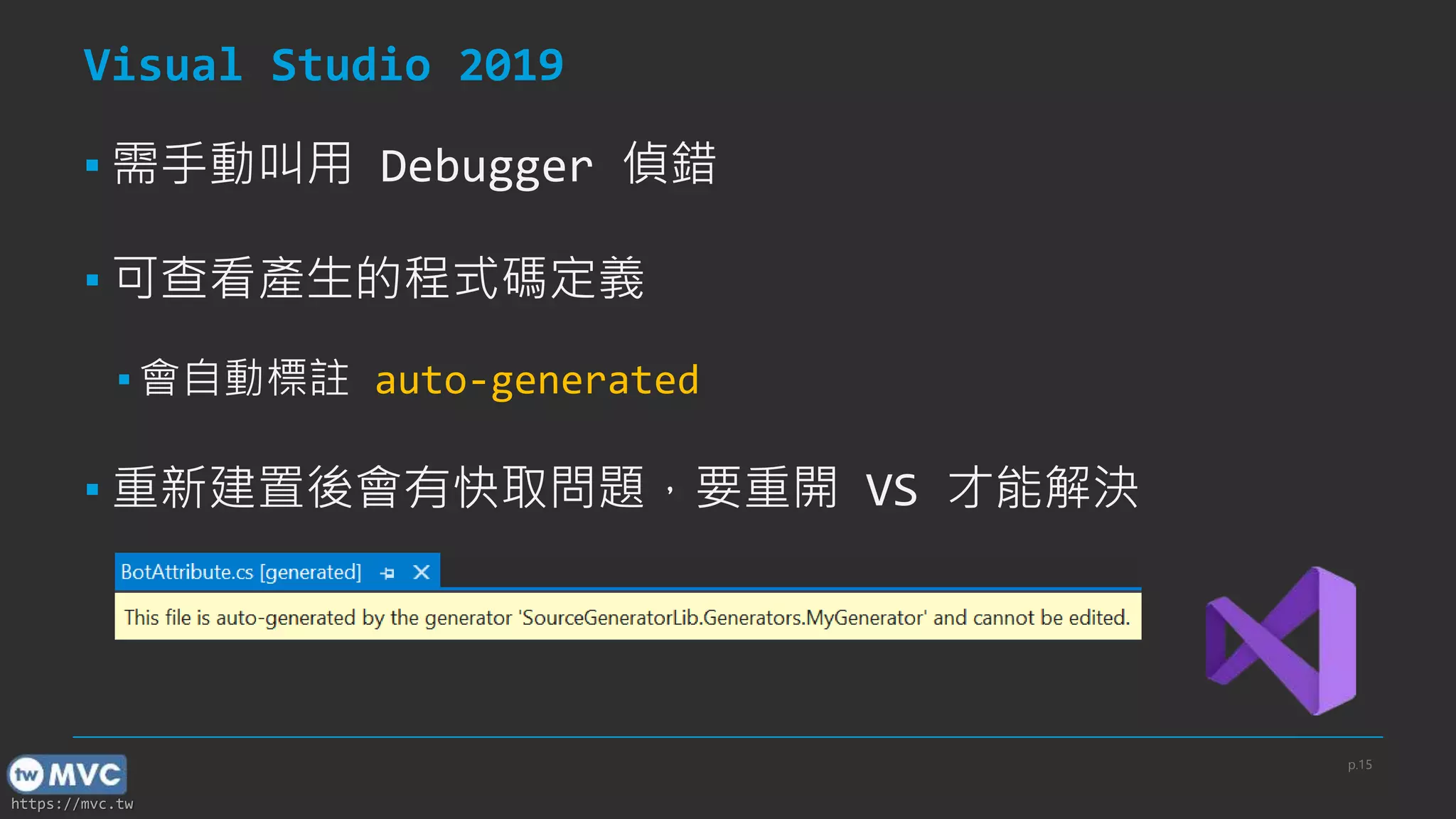
▪ Generator 會在 IDE 的背景執行
▪ IDE 提供即時的 Intellisence
▪ 在檔案內容變更時 Generator 會被呼叫
▪ 提供 IDE 一個取消 Generator 執行的機制
▪ 可降低 CPU 使用率
p.25
[ref] When will generator be canceled?
26.
https://mvc.tw
Example - CancellationToken
p.26
[ref]When will generator be canceled?
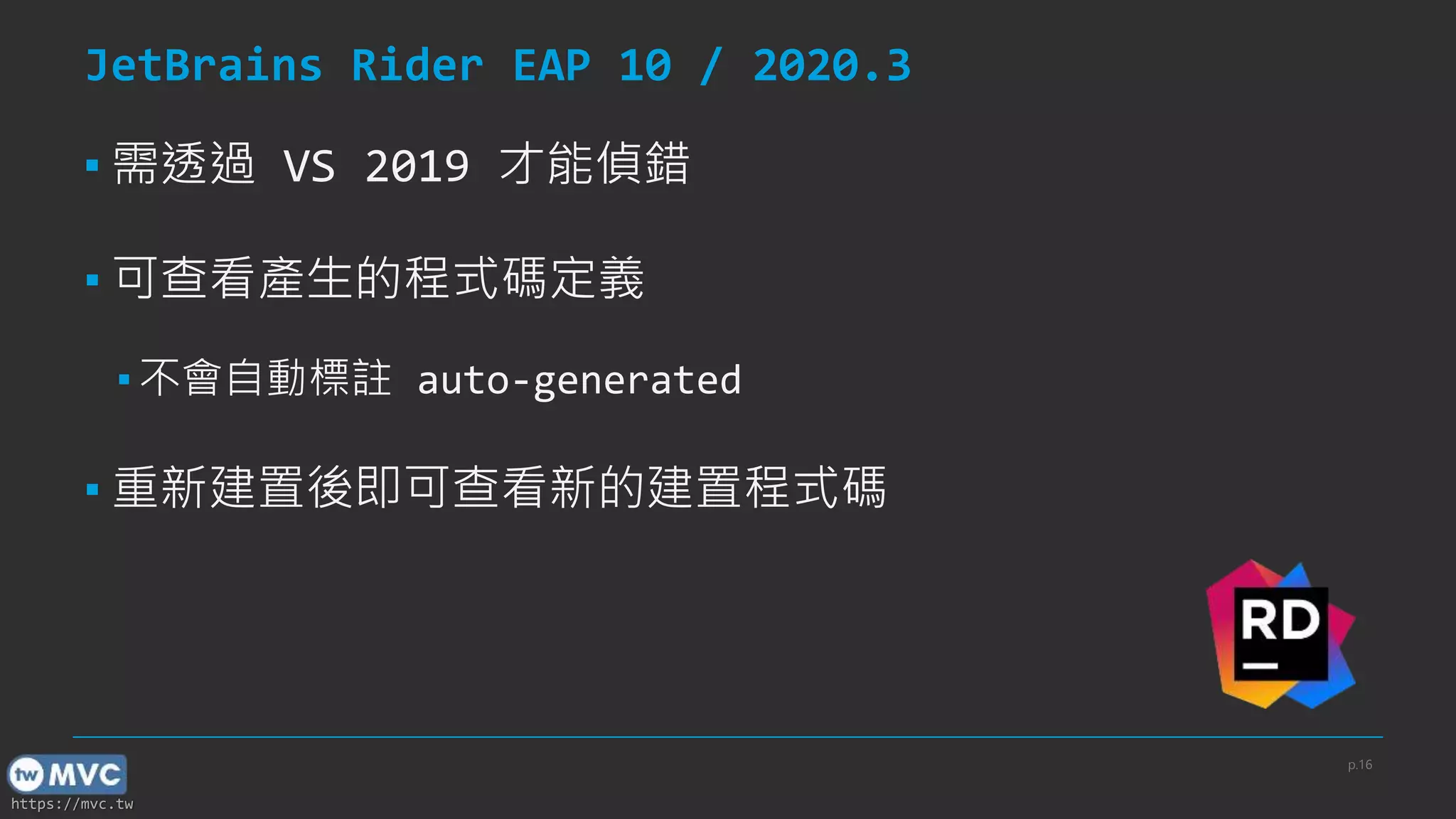
[Generator]
public class MyGenerator : ISourceGenerator
{
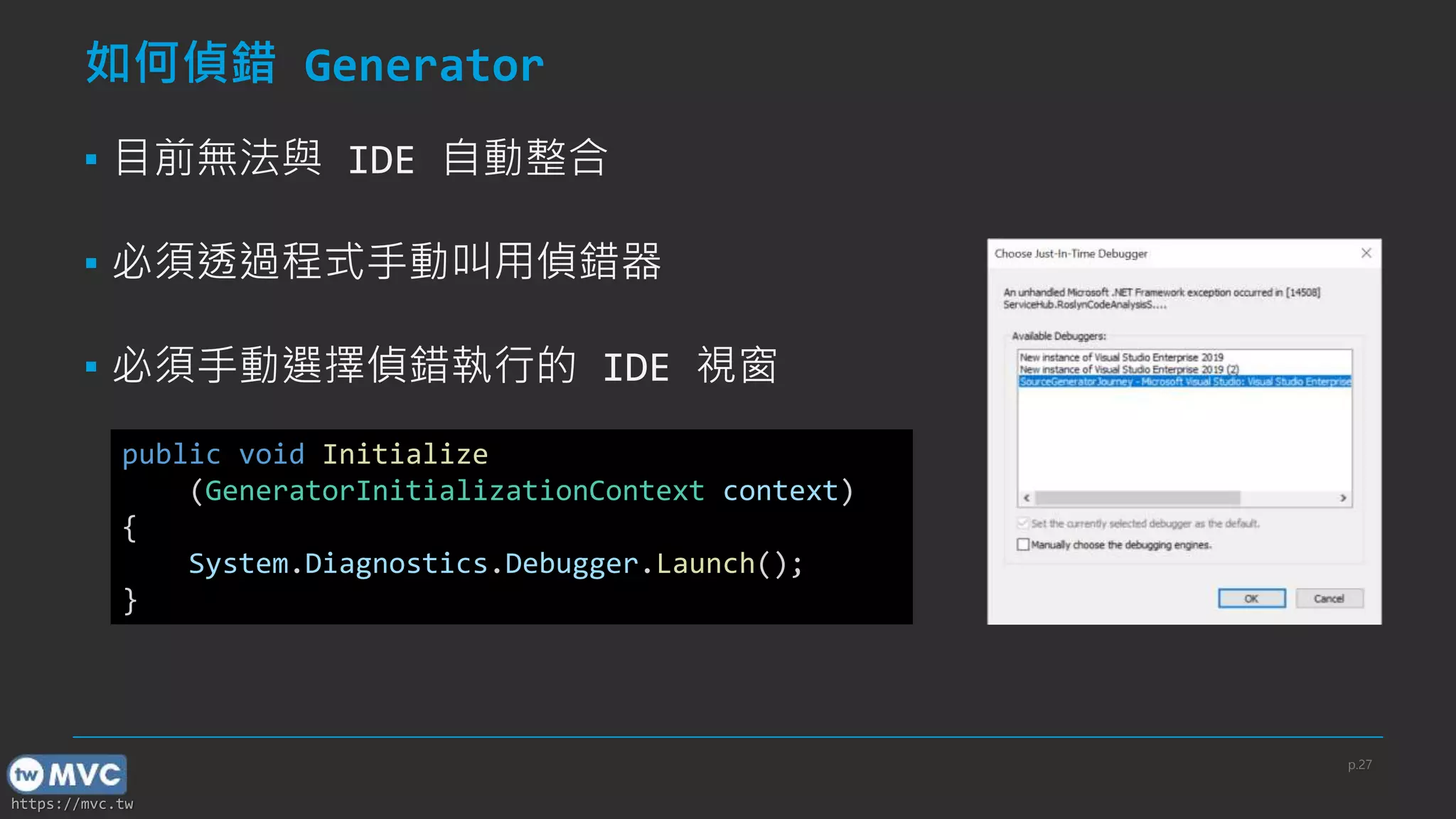
public void Initialize(GeneratorInitializationContext context)
{
if (!context.CancellationToken.IsCancellationRequested)
{
}
}
public void Execute(GeneratorExecutionContext context)
{
if (!context.CancellationToken.IsCancellationRequested)
{
}
}
}
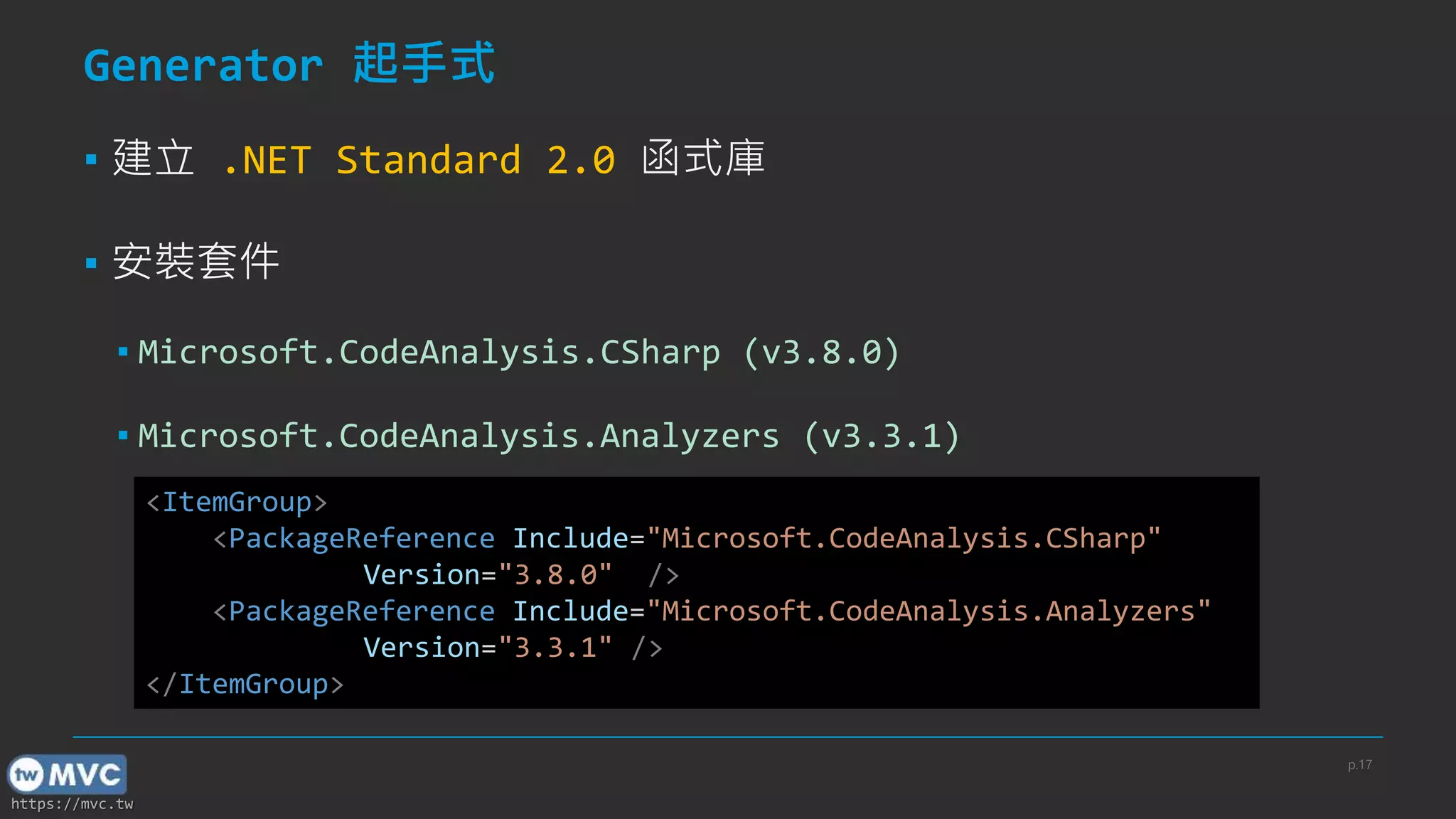
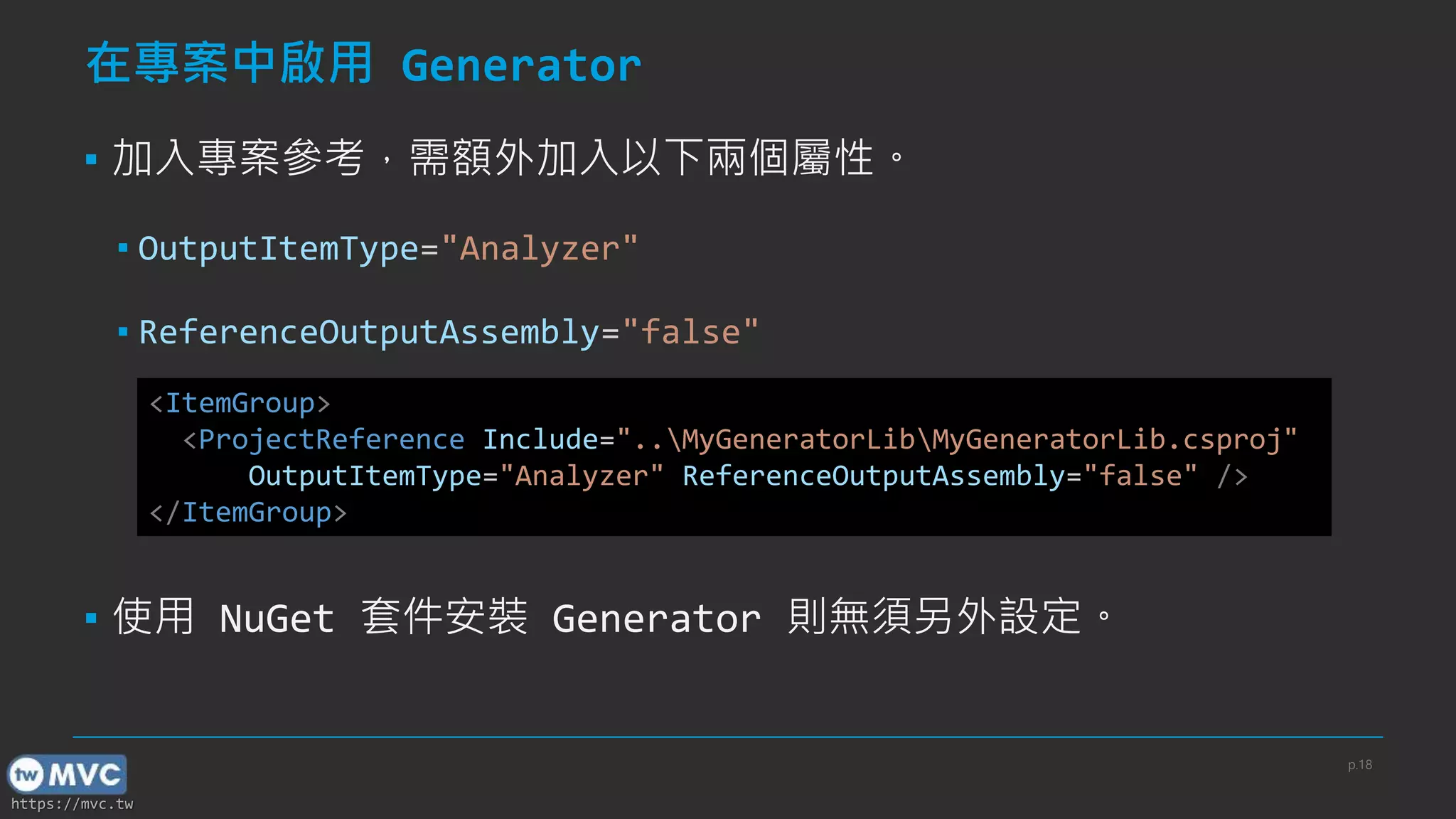
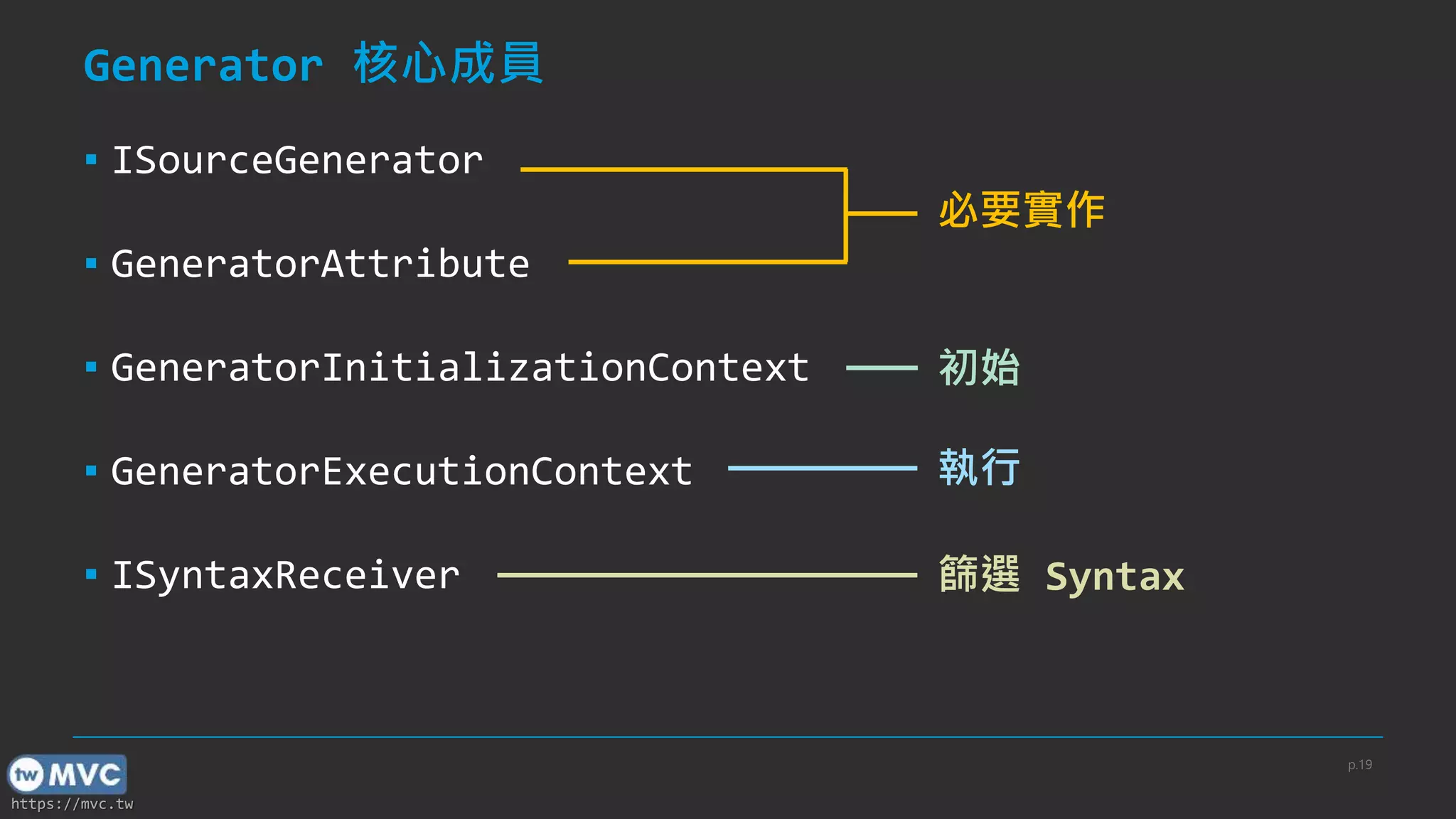
![https://mvc.tw
實作 Generator
▪ 於類別掛上 [Generator]
▪ 實作 ISourceGenerator
▪ Initialize
▪ Execute
[Generator]
public class MyGenerator : ISourceGenerator
{
public void Initialize(GeneratorInitializationContext context){}
public void Execute(GeneratorExecutionContext context){}
}
p.20](https://image.slidesharecdn.com/twmvc41-thejourneyofsourcegenerator-210306092454/75/twMVC-41-The-journey-of-source-generator-20-2048.jpg)
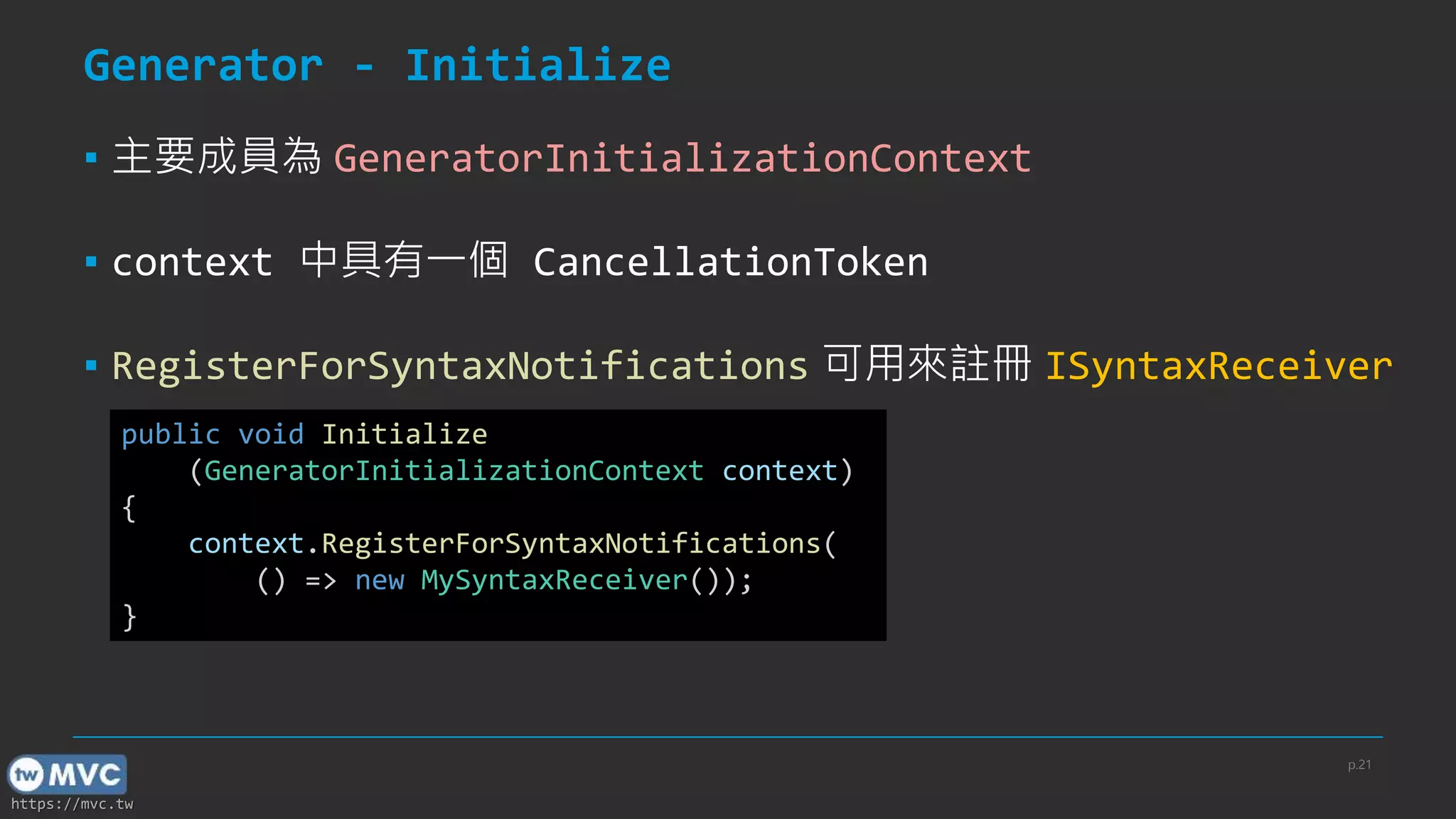
![https://mvc.tw
Example - MySyntaxReceiver
public class MySyntaxReceiver : ISyntaxReceiver
{
public ClassDeclarationSyntax MyClassSyntax { get; private set; }
public void OnVisitSyntaxNode(SyntaxNode syntaxNode)
{
if (syntaxNode is ClassDeclarationSyntax classSyntax)
{
if (classSyntax.Identifier.ValueText == "MyClass")
{
MyClassSyntax = classSyntax;
}
}
}
}
p.22
[Source Generator] 使用 SyntaxReceiver 快速篩選關注的 Syntax 資訊](https://image.slidesharecdn.com/twmvc41-thejourneyofsourcegenerator-210306092454/75/twMVC-41-The-journey-of-source-generator-22-2048.jpg)
![https://mvc.tw
Generator - CancellationToken
▪ 在 Initial 及 Execute 中都有提供
▪ Generator 會在 IDE 的背景執行
▪ IDE 提供即時的 Intellisence
▪ 在檔案內容變更時 Generator 會被呼叫
▪ 提供 IDE 一個取消 Generator 執行的機制
▪ 可降低 CPU 使用率
p.25
[ref] When will generator be canceled?](https://image.slidesharecdn.com/twmvc41-thejourneyofsourcegenerator-210306092454/75/twMVC-41-The-journey-of-source-generator-25-2048.jpg)
![https://mvc.tw
Example - CancellationToken
p.26
[ref] When will generator be canceled?
[Generator]
public class MyGenerator : ISourceGenerator
{
public void Initialize(GeneratorInitializationContext context)
{
if (!context.CancellationToken.IsCancellationRequested)
{
}
}
public void Execute(GeneratorExecutionContext context)
{
if (!context.CancellationToken.IsCancellationRequested)
{
}
}
}](https://image.slidesharecdn.com/twmvc41-thejourneyofsourcegenerator-210306092454/75/twMVC-41-The-journey-of-source-generator-26-2048.jpg)
![https://mvc.tw
回報診斷訊息
▪ 使用 ReportDiagnostic 向 IDE 回報診斷訊息
Context.ReportDiagnostic(Diagnostic.Create(
new DiagnosticDescriptor("MYERR001", "TestDiagnostic",
$"Here is a error.", "source generator",
DiagnosticSeverity.Error, true), Location.None));
[ref] Issue Diagnostics
p.33](https://image.slidesharecdn.com/twmvc41-thejourneyofsourcegenerator-210306092454/75/twMVC-41-The-journey-of-source-generator-33-2048.jpg)
![https://mvc.tw
如何打包成 NuGet package
▪ 設定 GeneratePackageOnBuild 為 true
▪ 設定 IncludeBuildOutput 為 false
▪ 設定 Generator 用的套件標示為 PrivateAssets="all"
▪ 設定 Generator 打包路徑於 analyzer 目錄下
[ref] Package a generator as a NuGet package p.35](https://image.slidesharecdn.com/twmvc41-thejourneyofsourcegenerator-210306092454/75/twMVC-41-The-journey-of-source-generator-35-2048.jpg)
![https://mvc.tw
如何打包成 NuGet package
<PropertyGroup>
<GeneratePackageOnBuild>true</GeneratePackageOnBuild>
<IncludeBuildOutput>false</IncludeBuildOutput>
</PropertyGroup>
<ItemGroup>
<PackageReference Include="Microsoft.CodeAnalysis.CSharp"
Version="3.8.0" PrivateAssets="all" />
<PackageReference Include="Microsoft.CodeAnalysis.Analyzers"
Version="3.3.1" PrivateAssets="all" />
<!-- 將 Generator 打包路徑指定在 analyzer 目錄下 -->
<None Include="$(OutputPath)$(AssemblyName).dll" Pack="true"
PackagePath="analyzers/dotnet/cs" Visible="false" />
</ItemGroup>
[ref] Package a generator as a NuGet package
p.36](https://image.slidesharecdn.com/twmvc41-thejourneyofsourcegenerator-210306092454/75/twMVC-41-The-journey-of-source-generator-36-2048.jpg)
![https://mvc.tw
參考外部的 NuGet 套件
▪ 當套件用途為供 Generator 執行過程用時
▪ 必須設定 PrivateAssets 及 GeneratePathProperty 屬性
▪ 必須額外將 dll 打包到指定的 analyzer 目錄底下
▪ 套件名稱要改為 Pkg{PACKAGE_NAME}
▪ 遇到點(.)要改為底線 ( _ )
▪ EX: Newtonfost.Json => PkgNewtonsoft_Json
[ref] Use functionality from NuGet packages
p.37](https://image.slidesharecdn.com/twmvc41-thejourneyofsourcegenerator-210306092454/75/twMVC-41-The-journey-of-source-generator-37-2048.jpg)
![https://mvc.tw
Example – Pack Newtonsoft.Json
<ItemGroup>
<PackageReference Include="Newtonsoft.Json" Version="12.0.1"
PrivateAssets="all" GeneratePathProperty="true" />
<!-- 將套件 .dll 打包路徑指定在 analyzer 目錄下 -->
<None Include="$(PkgNewtonsoft_Json)libnetstandard2.0*.dll"
Pack="true" PackagePath="analyzers/dotnet/cs" Visible="false" />
</ItemGroup>
[ref] Use functionality from NuGet packages
p.38](https://image.slidesharecdn.com/twmvc41-thejourneyofsourcegenerator-210306092454/75/twMVC-41-The-journey-of-source-generator-38-2048.jpg)