THUNDERCLAP
Amplify your message
www.proactivecha.com
Thunderclap acts
as a microphone
by amplifying your
social media
message
via your social
network
its like an
“online flash mob”
When you start
your thunderclap
campaign
what you need
are:
set a message to
be shared
(with a link)
a deadline to
rally support
and your goal, as
to how many
people
pledge their social
support to your
campaign
So, how it works?
Its like this, on the
deadline
Your message
and the link will be
posted
on your
supporter’s
Facebook
Twitter
or Tumblr
accounts
Its highly
recommended
that you make
use of
hashtags if you’d
like to try to get
a particular
hash tag to trend
on Twitter
You can also use
Thunderclap to
coordinate social
media promotion
among your fans
and supporters
on the day of
launch
or when you are
beginning to lose
momentum
in your fundraising
or crowd-funding
campaign
So, how can you
use Thunderclap
to spread your
message?
Here are the
simple steps:
STEP 1
Create an account
open you browser
Go to:
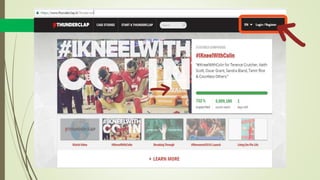
www.thunderclap.it
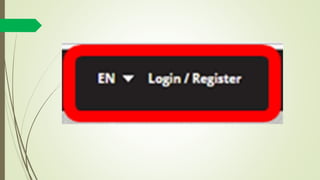
Click
“Login/Register”
on the upper right
corner
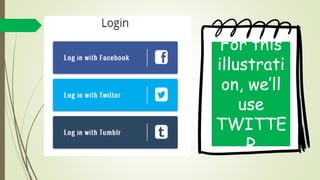
You will then be
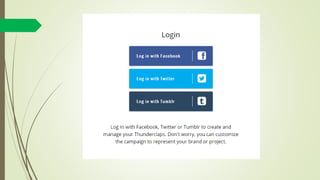
ask to log in
using your
accounts
Such as
Facebook, Twitter
or Tumblr
For this
illustration,
we’ll use
TWITTER
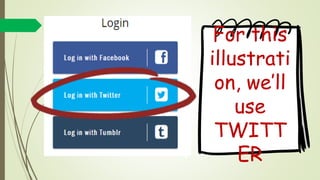
For this
illustration,
we’ll use
TWITTER
Click
“Log in with Twitter”
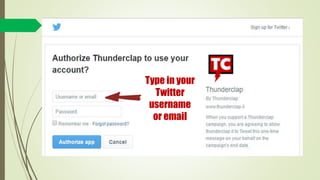
Type in your
Twitter
username
or email
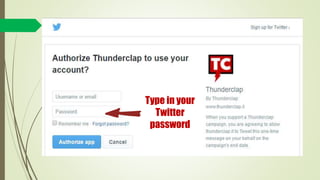
Type in your
Twitter
password
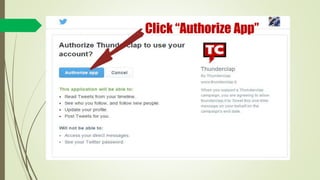
Click “Authorize App”
When you click
the “Authorize
App ”
You’re allowing
Thunderclap to share
a single message on
your behalf
This is only the
case when you
click the button
on the campaign
page to support with
Twitter, Facebook,
or Tumblr
Thunderclap won’t
post any additional
messages
STEP 2
Start a Campaign
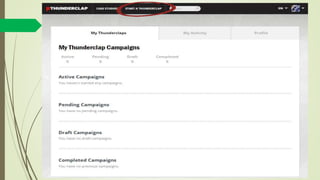
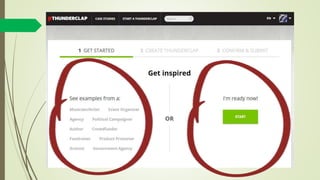
Click “Start A Thunderclap”
After clicking
“Start a
Thunderclap”
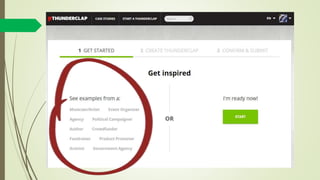
You will be
directed to this
page
You may browse
first the examples
on the left side
and click “START”
once your ready
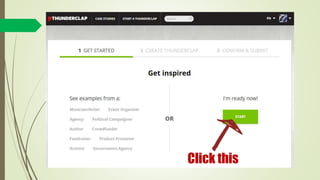
Ready?
Let’s click the
“START” button
Click this
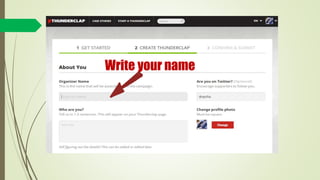
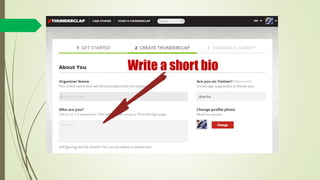
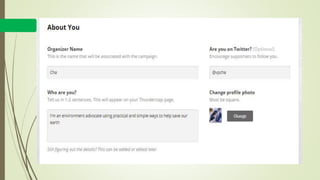
You will then be
ask to enter your
organizer name,
twitter, and a bio
Write your name
Write a short bio
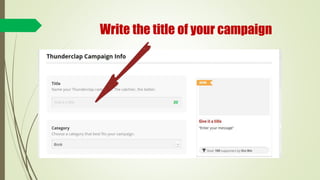
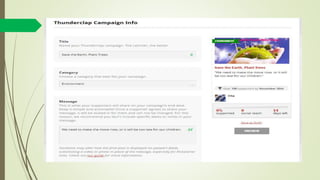
Write the title of your campaign
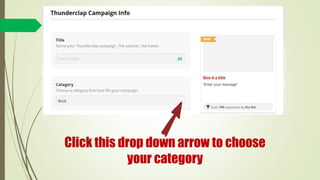
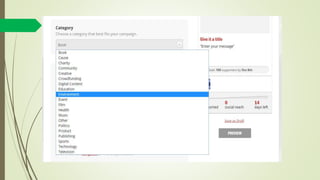
Click this drop down arrow to choose
your category
You may choose
among the
following
categories
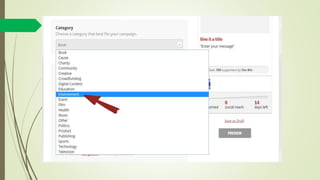
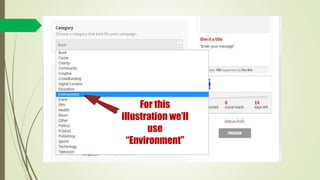
For this
illustration we’ll
use
“Environment”
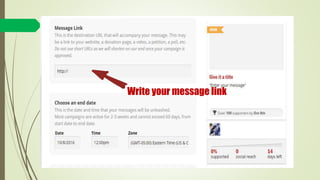
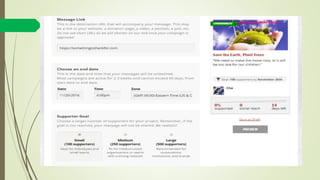
Write your message link
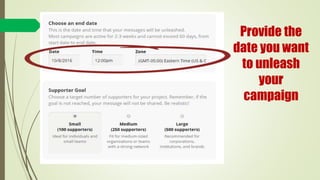
Provide the
date you want
to unleash
your
campaign
When setting the
ending date for
your campaign
be sure to keep in
mind the best
time to tweet
or share facebook
post
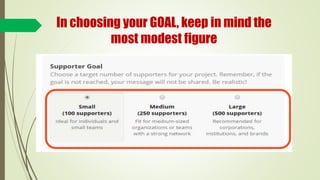
In choosing your GOAL, keep in mind the
most modest figure
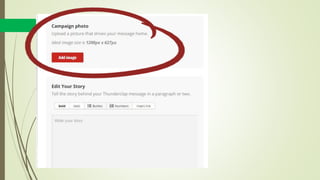
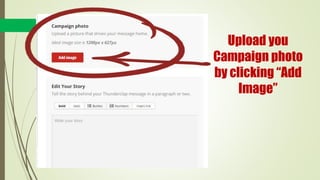
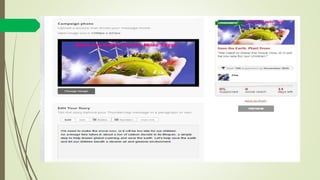
Upload you
Campaign photo
by clicking “Add
Image”
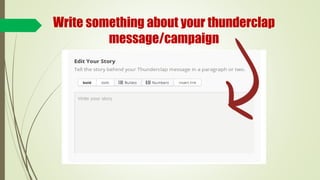
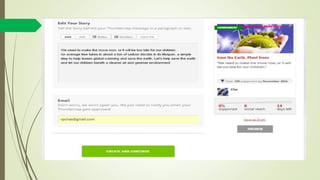
Write something about your thunderclap
message/campaign
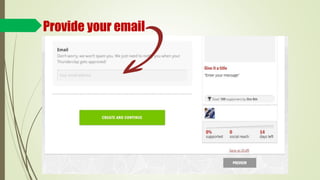
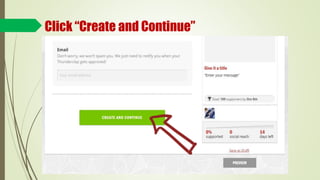
Provide your email
Click “Create and Continue”
Let’s take a look
at our filled out
sample
After clicking
“Create and
Continue”
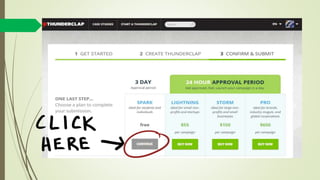
You will be
directed to this
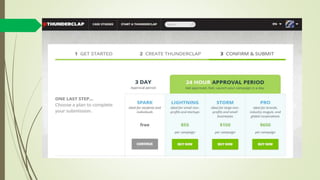
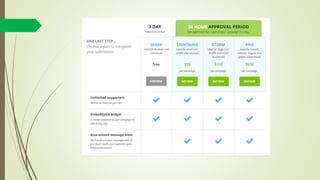
approval options
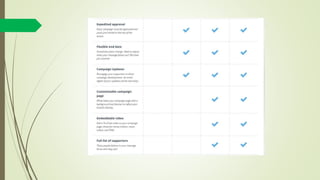
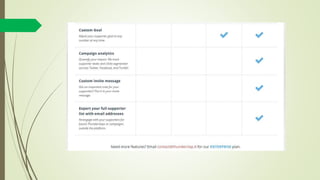
Four options are
given
But three options
is with a fee
For this tutorial
we’ll choose the
free option
“SPARK”
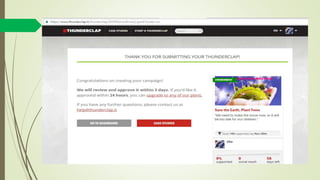
And here we go,
our newly created
Thunderclap
campaign
STEP 3
Wait to be approved
& then promote!
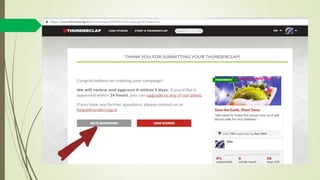
Click
“Go to Dashboard ”
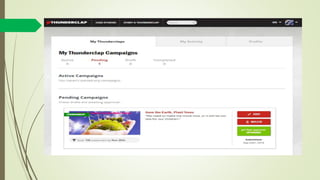
You may edit your
campaign if you
need to change
something.
Thanks
for
watching!

Thunderclap