How to Use Thunderclap to
Make All Your Social Media
Followers Post at the
Same Time
Thunderclap Amplifies Your
Message with the Power of
the Crowd
And Helps People Be
Heard by Saying Together
Who Uses Thunderclap?
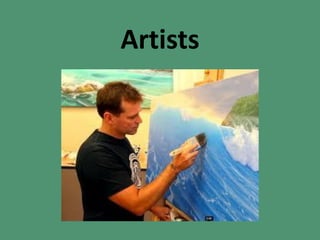
Artists
Artist Events Invites
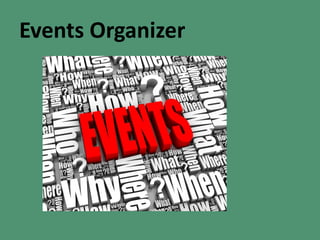
Events Organizer
Announce Tickets Sales
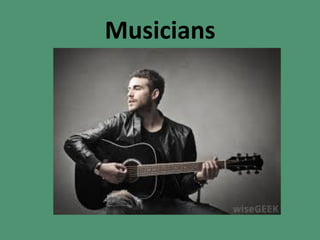
Musicians
For an Album Launch
Announcement
Special Offer Music
Downloads
Or Any Business you
want to Announce
Learn How it Works!
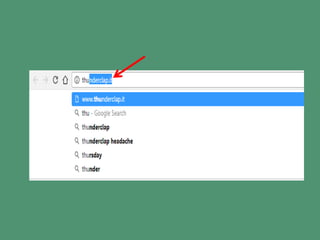
Open your Browser
Type Thunderclap.it
Then press enter
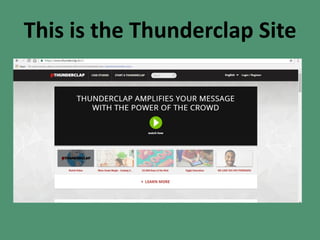
This is the Thunderclap Site
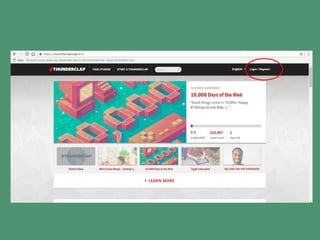
Click Register
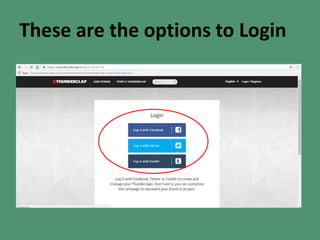
These are the options to Login
You may Login with
You may Login with
Or Login with
In this Tutorial let’s Login
with
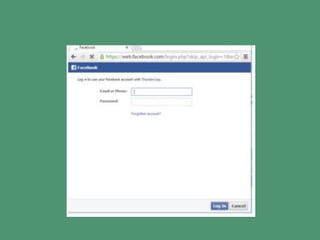
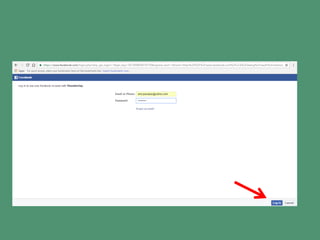
A Facebook Login Window
will appear
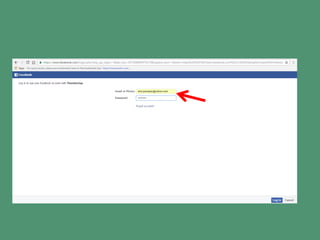
Type your email or Phone
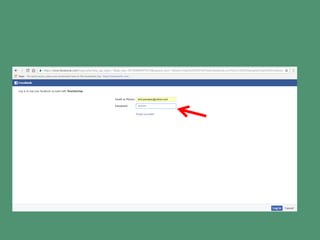
Type your password
Click Login
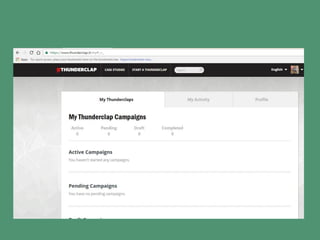
Ready to start in
Thunderclap
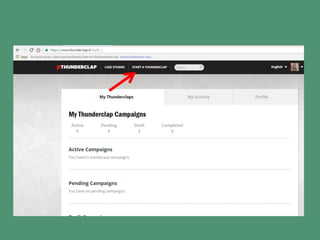
Click start a Thunderclap
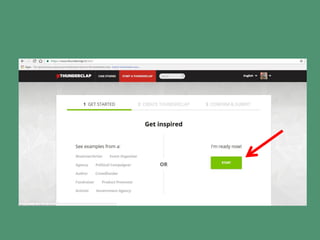
Click Start
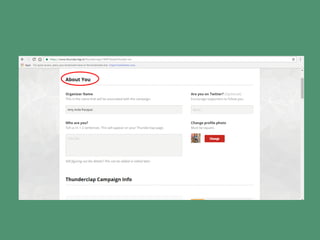
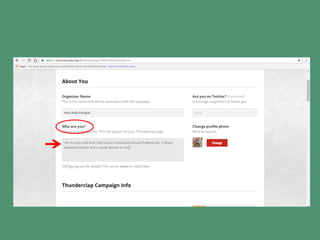
About You Page
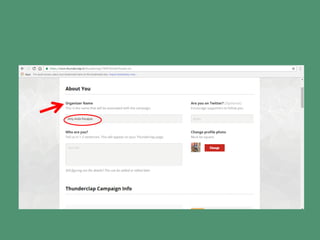
Your Name will appear under
Organizer Name
Type something under
“Who are You?”
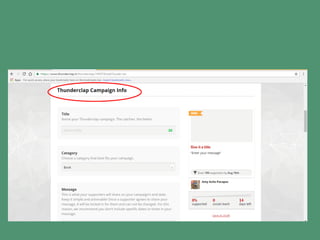
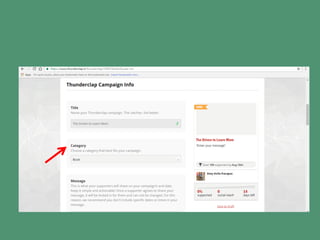
Put some inputs in
Thunderclap Campaign
Info
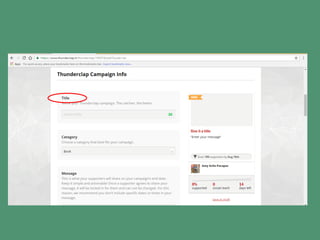
Name your Thunderclap
Campaign
Choose Category
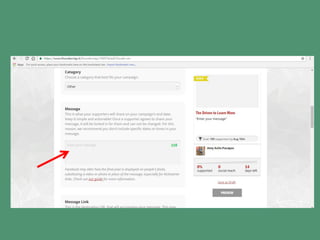
Enter your message
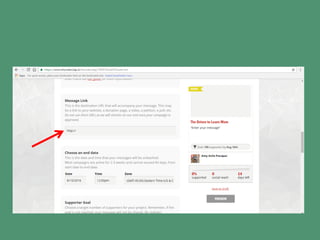
Type the message link
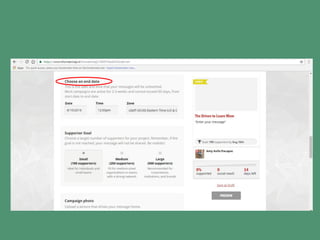
Choose an End Date
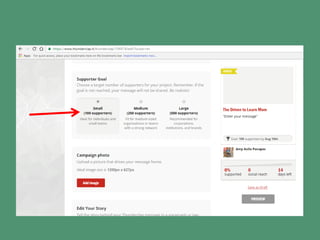
Click on Target of Supporters
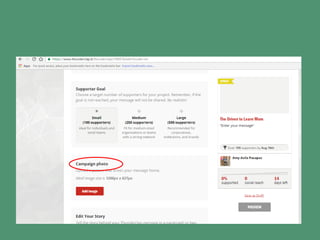
Upload a Campaign Photo
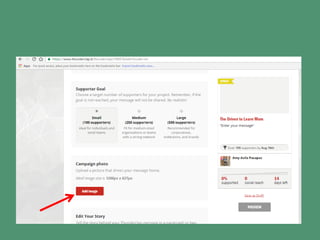
Click Add Image
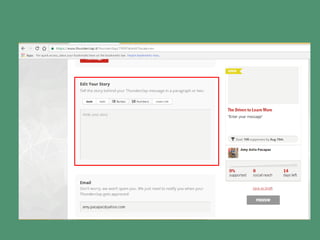
Tell a story about the
Campaign
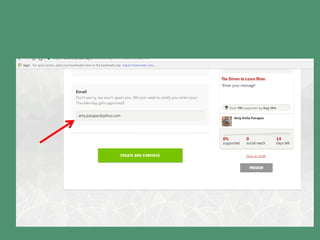
Enter your Email Address
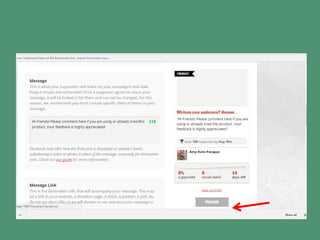
Click Preview
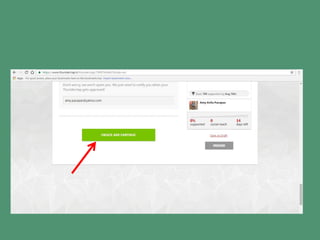
Click Create and
Continue
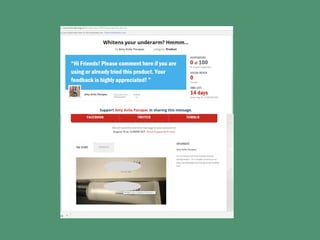
The screen will appear
like this
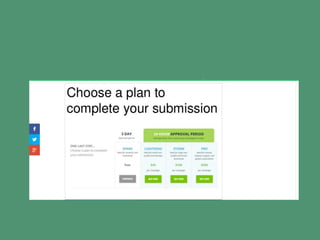
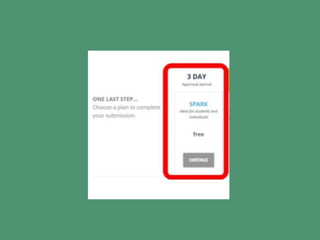
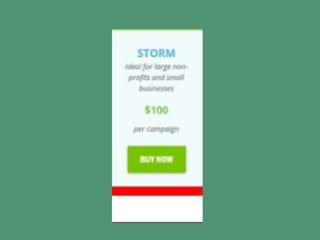
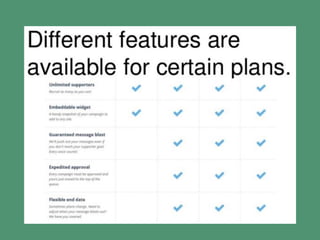
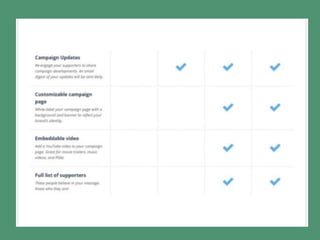
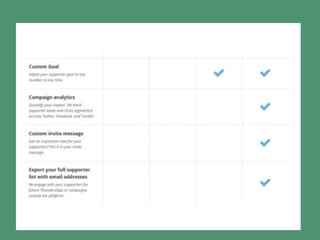
Choose a plan to
complete submission
Free Plan –SPARK a 3
day approved period
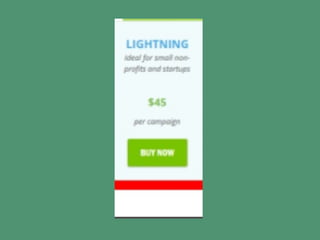
Paid Plans – Approved
within 24 hours
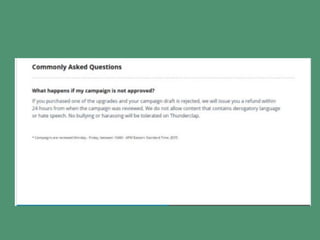
In Case Campaign is not
approved
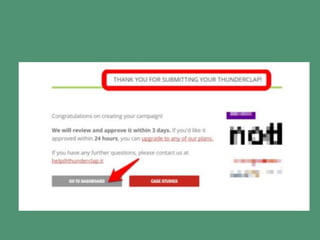
After submitting your
campaign
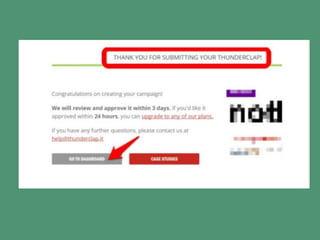
Click Go to your
Dashboard
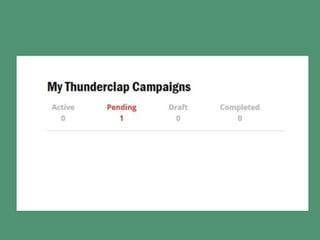
Monitoring your
campaign
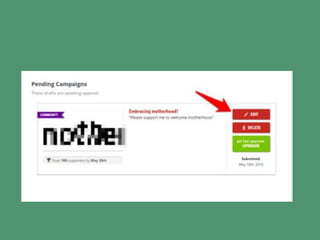
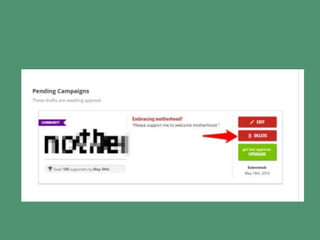
You may Edit your
Campaign
Or choose to Delete
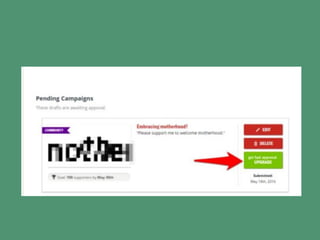
UPGRADE to get fast
approval
There you have it!
Your App to Boast
Sales in your
BUSINESS!

How to use thunderclap to make all your