Understandi
ng DevOps
What is DevOps?
DevOps merges software development and
IT operations to optimize the development
process and boost productivity through
collaboration.
Collaboration concept
Collaboration lies at the heart of DevOps, breaking down
barriers between teams to enhance communication and
shared accountability, driving innovation and better
alignment with customer requirements.
Bridging
development and
operations
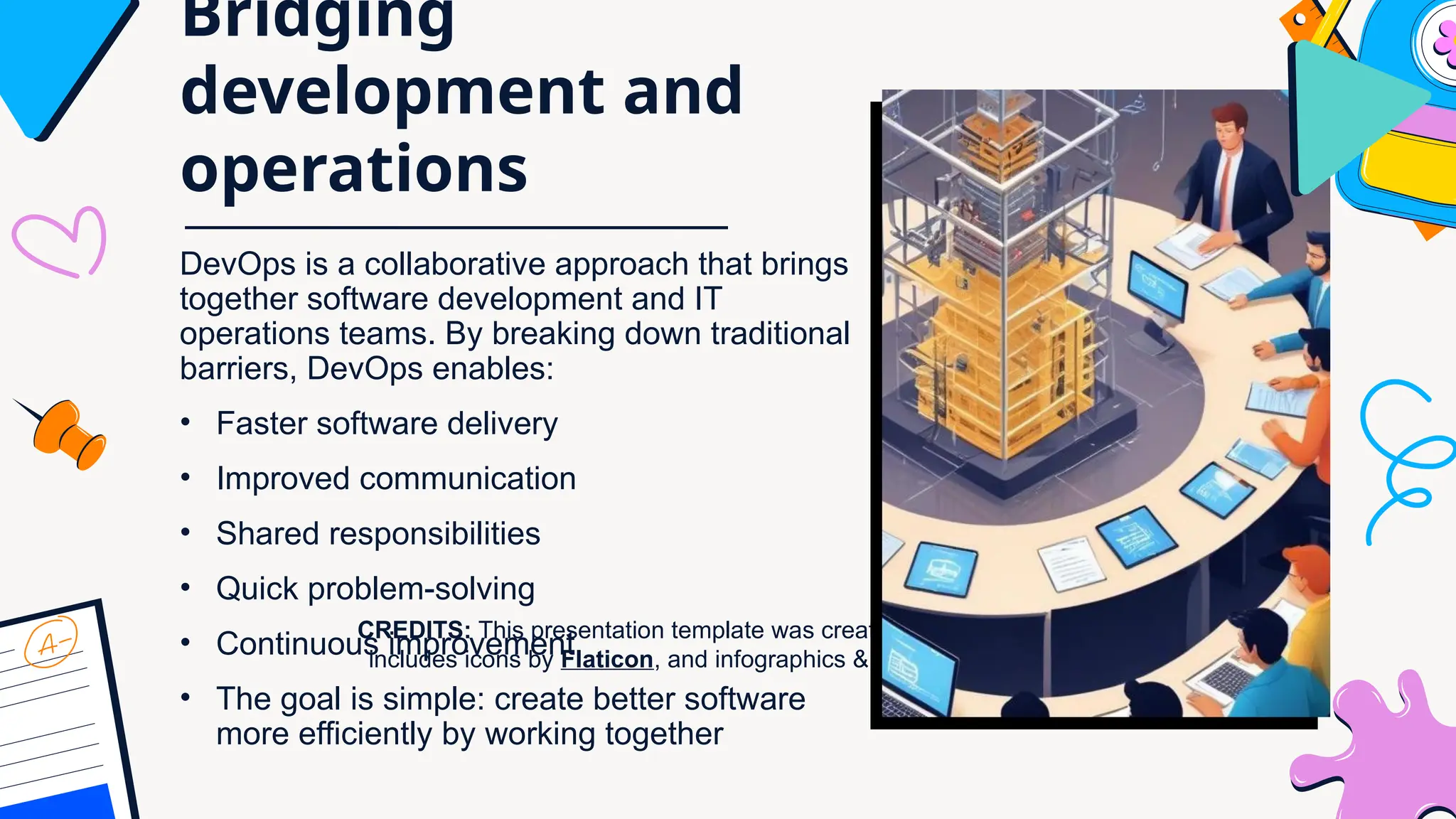
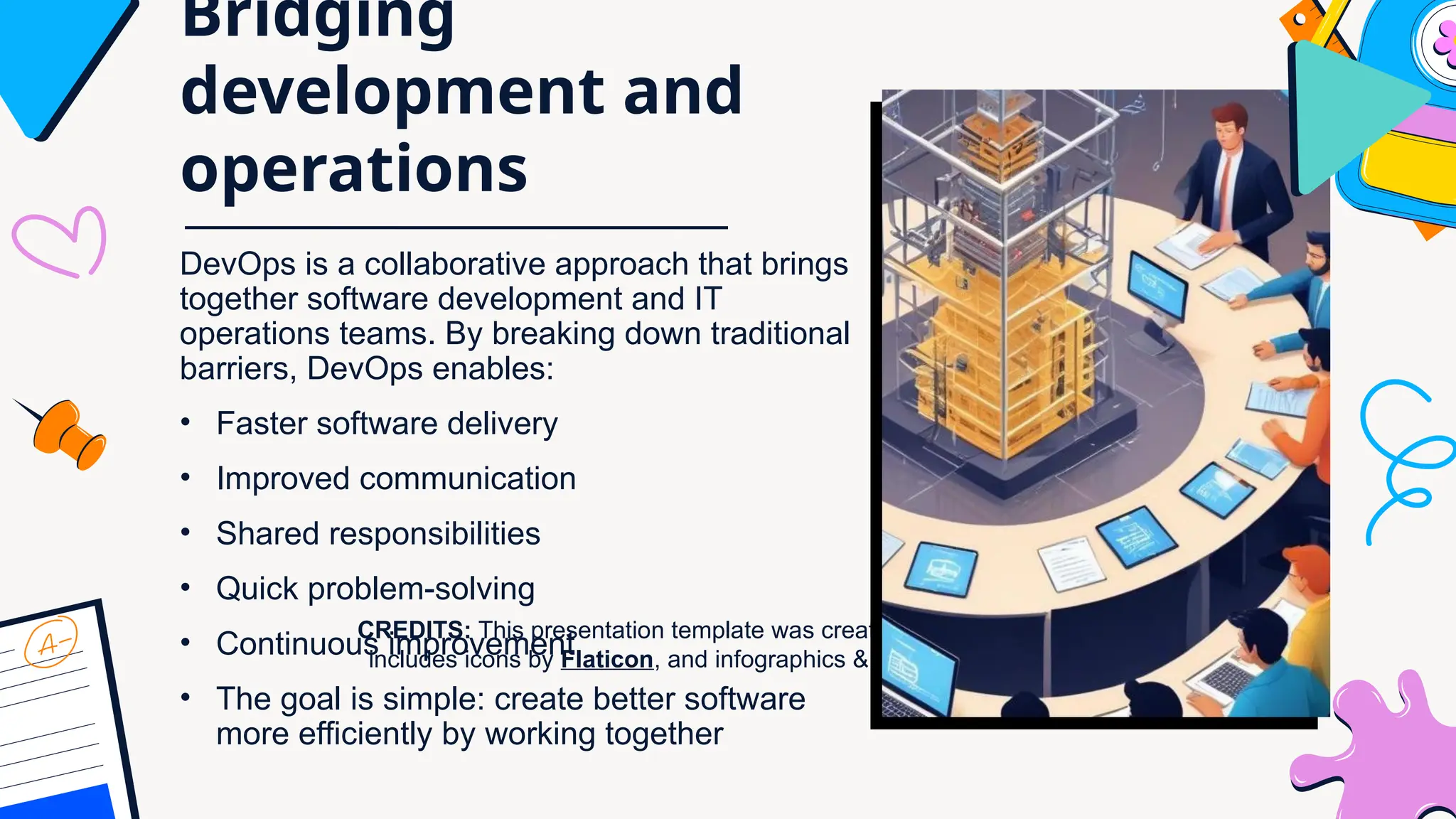
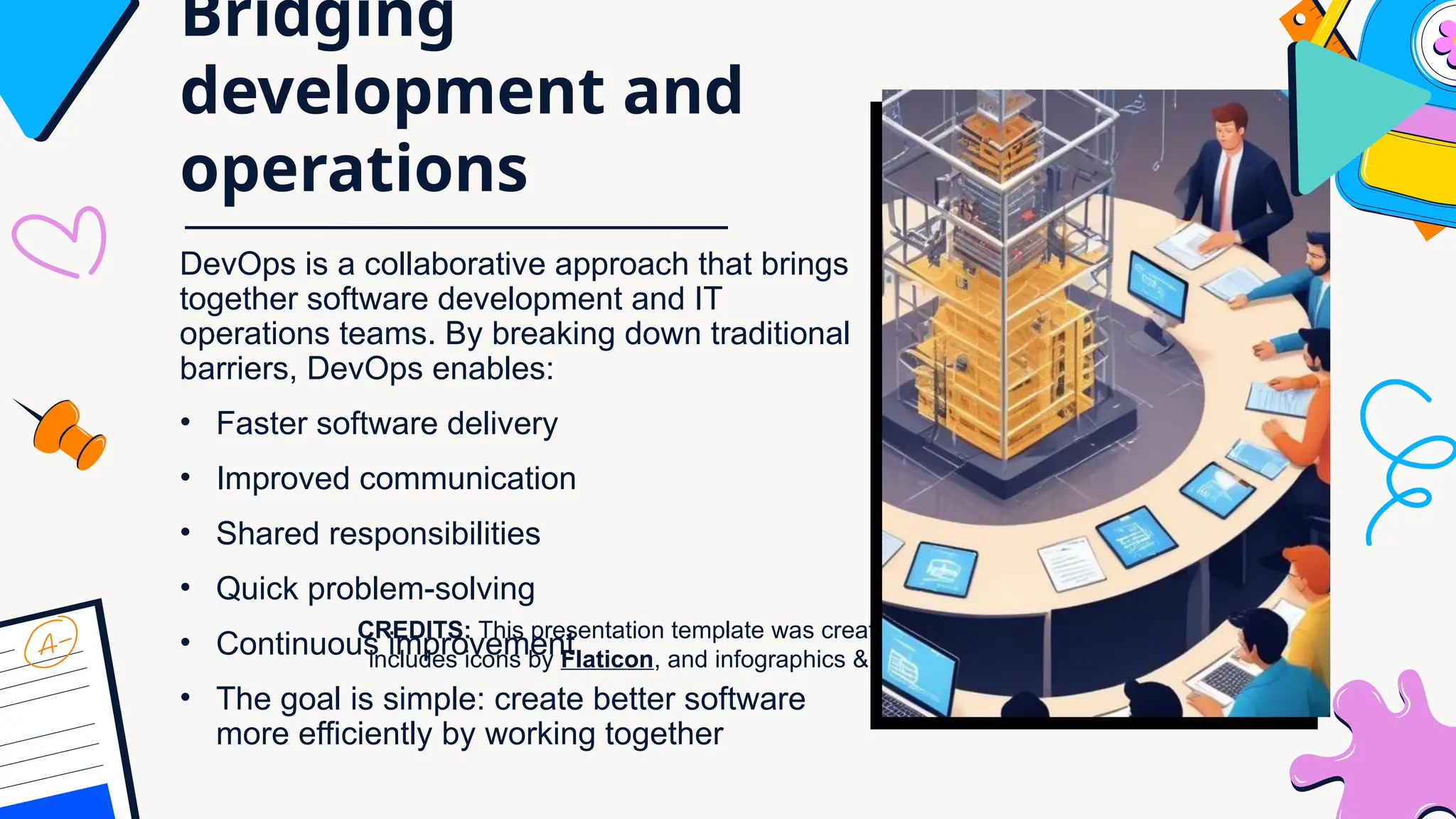
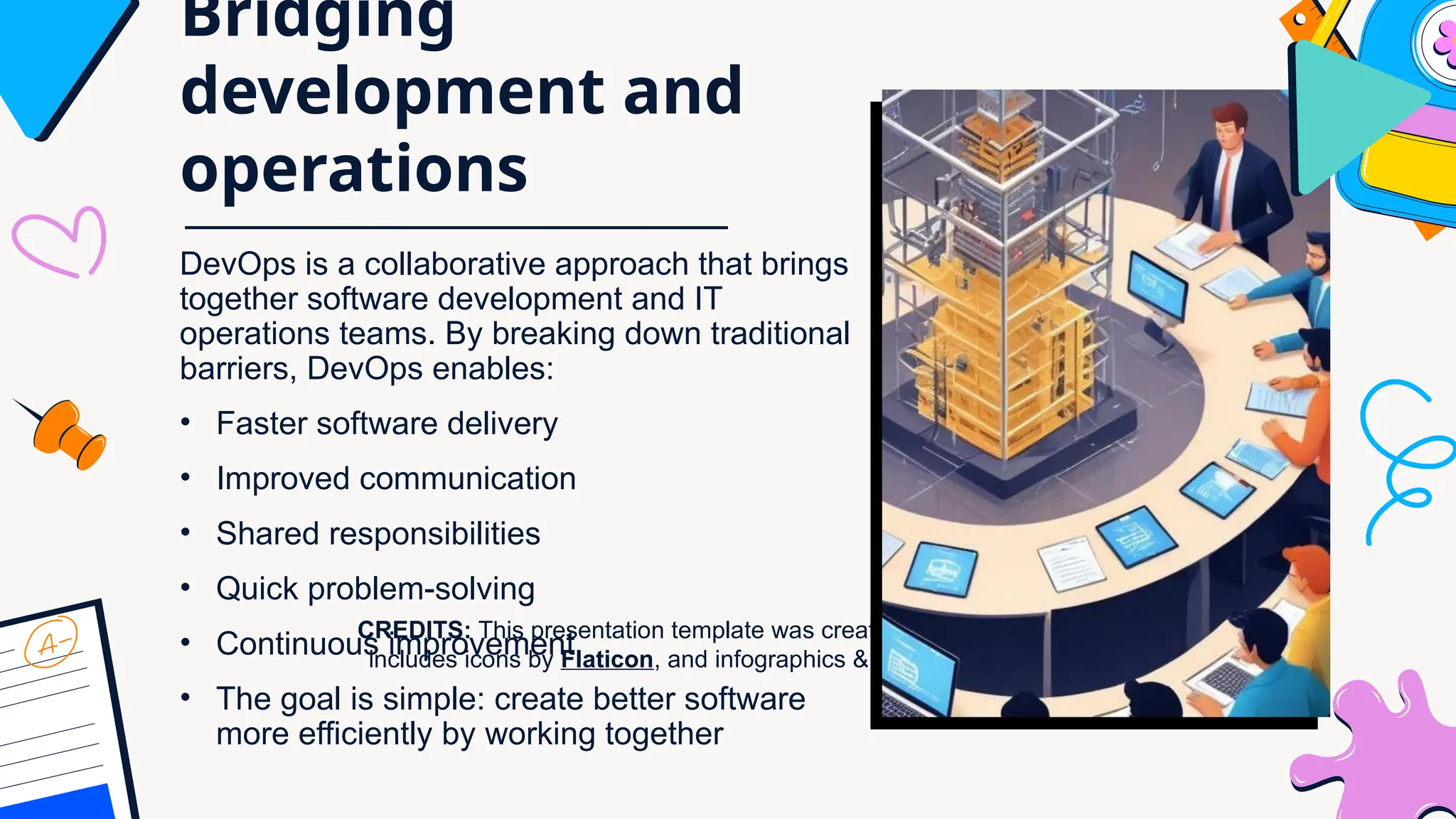
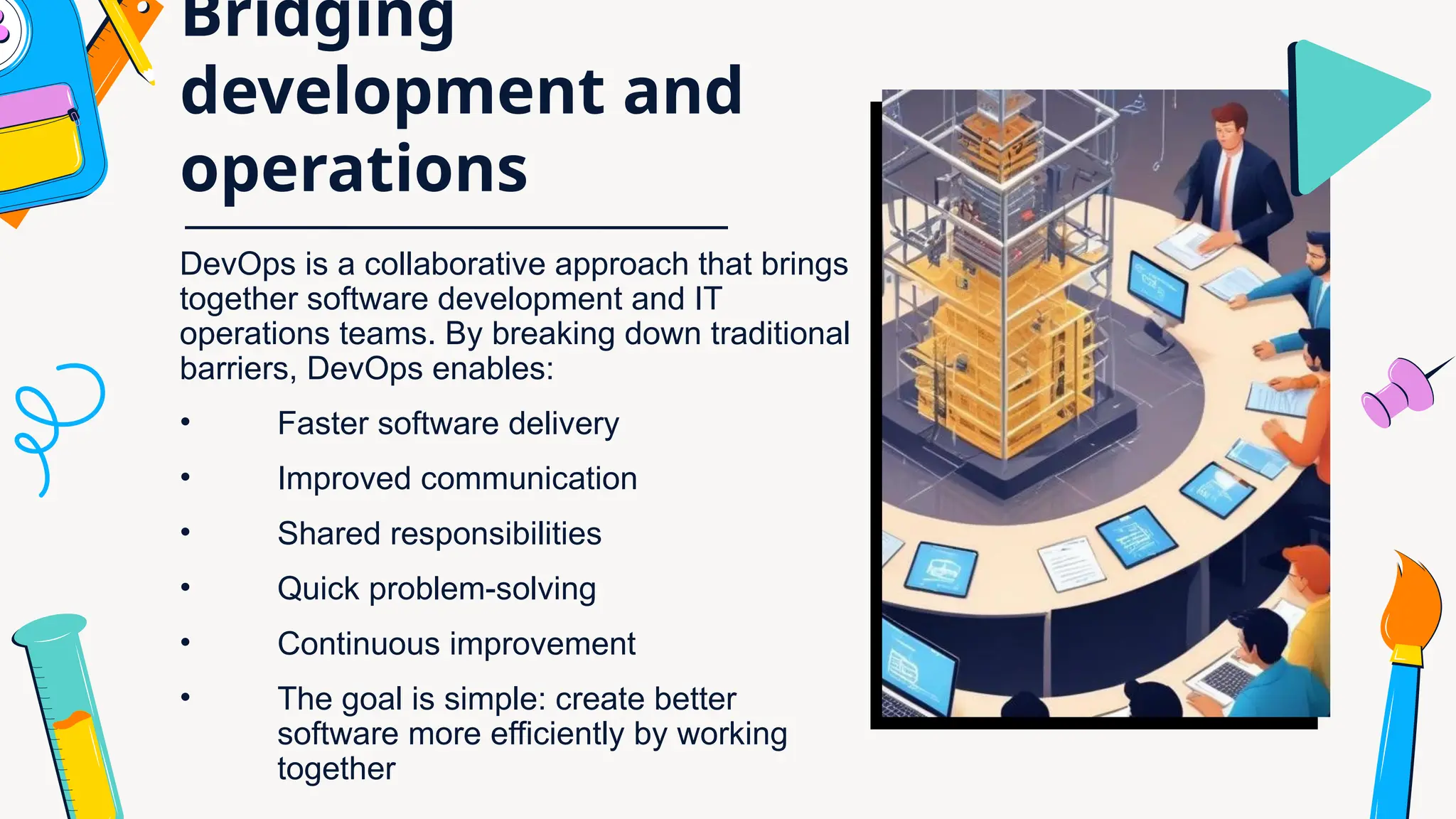
DevOps is a collaborative approach that brings
together software development and IT
operations teams. By breaking down traditional
barriers, DevOps enables:
• Faster software delivery
• Improved communication
• Shared responsibilities
• Quick problem-solving
• Continuous improvement
• The goal is simple: create better
software more efficiently by working
together
Continuous
Integration
Continuous Integration is a development practice where
developers frequently merge code changes into a shared
project. Automatic systems immediately test each update to
quickly identify and fix potential problems, helping teams
maintain software quality and work more efficiently.
Continuous Deployment
Continuous Deployment is a process where code
changes are automatically sent to production after
passing all tests. This approach enables teams to
quickly release new features, reduce manual
work, and keep software up-to-date with minimal
human intervention.
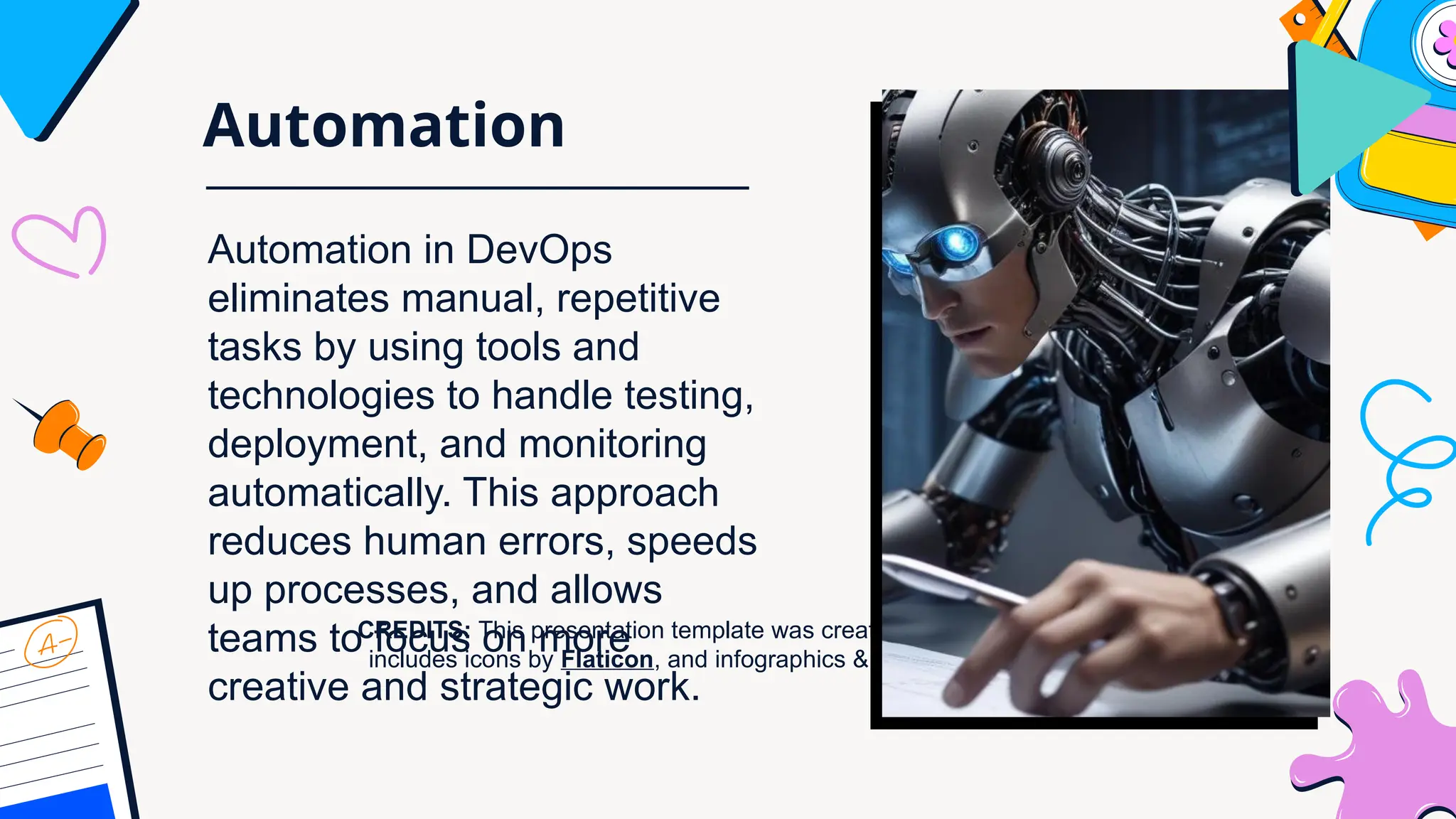
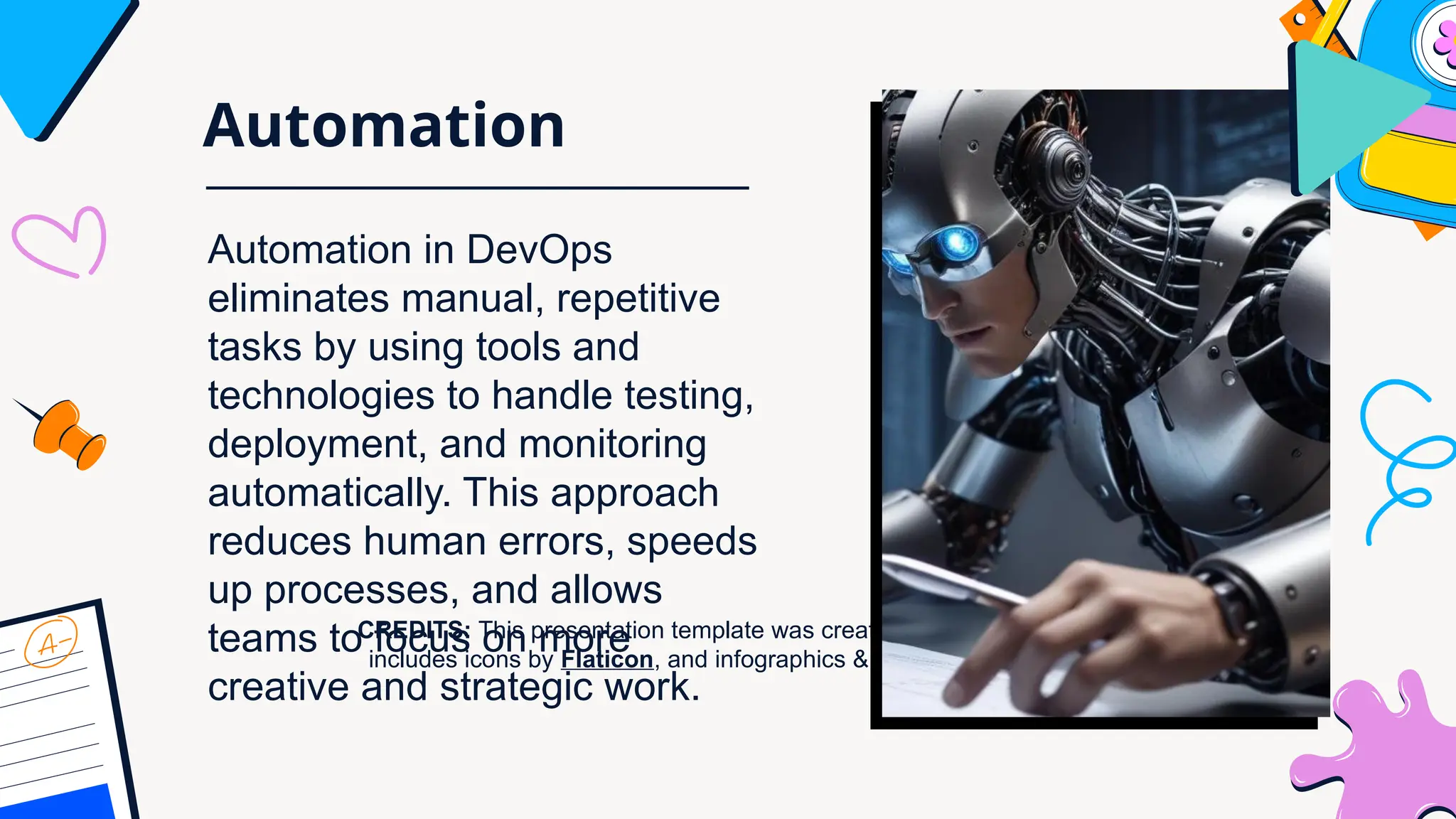
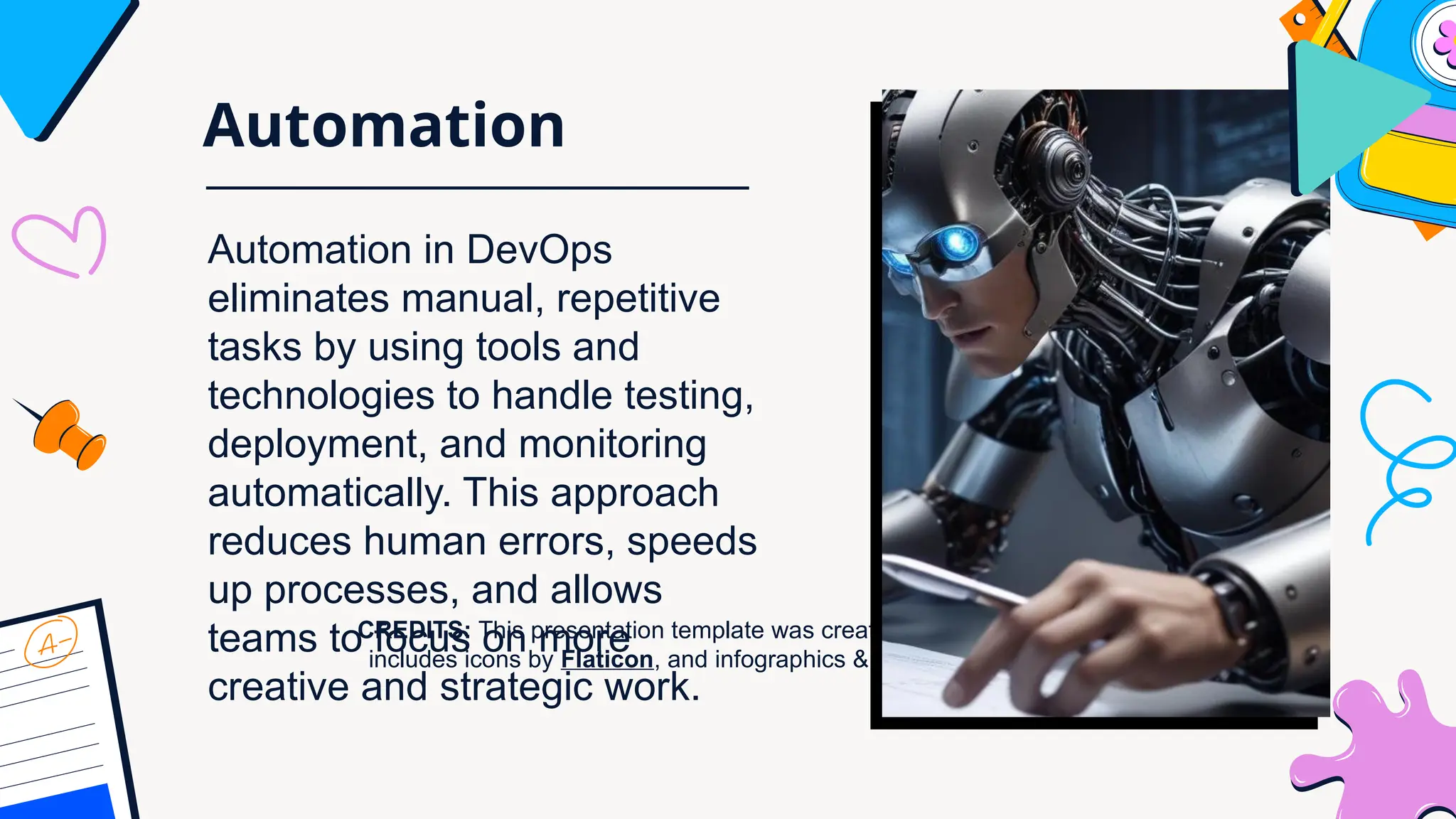
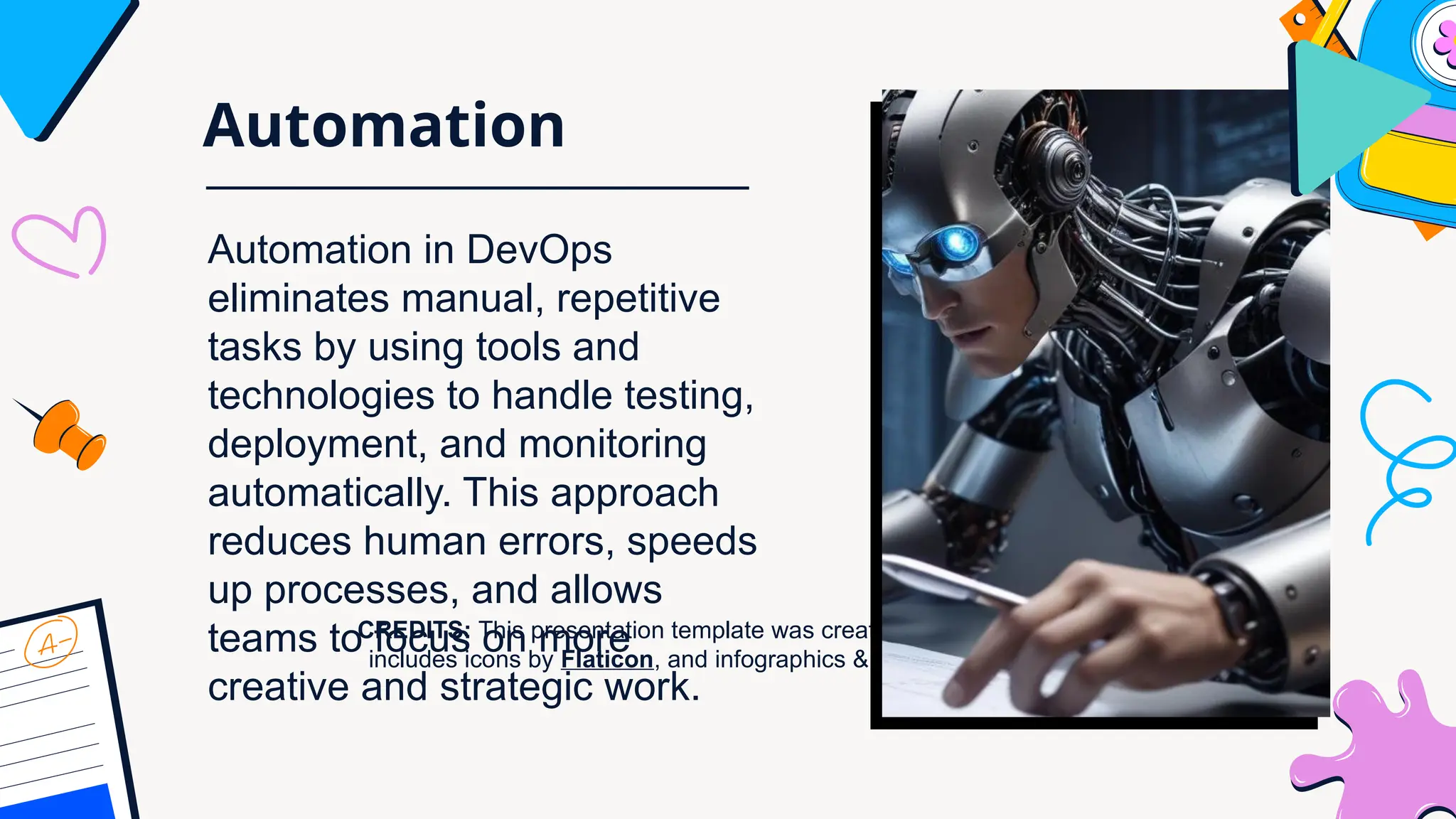
Automation
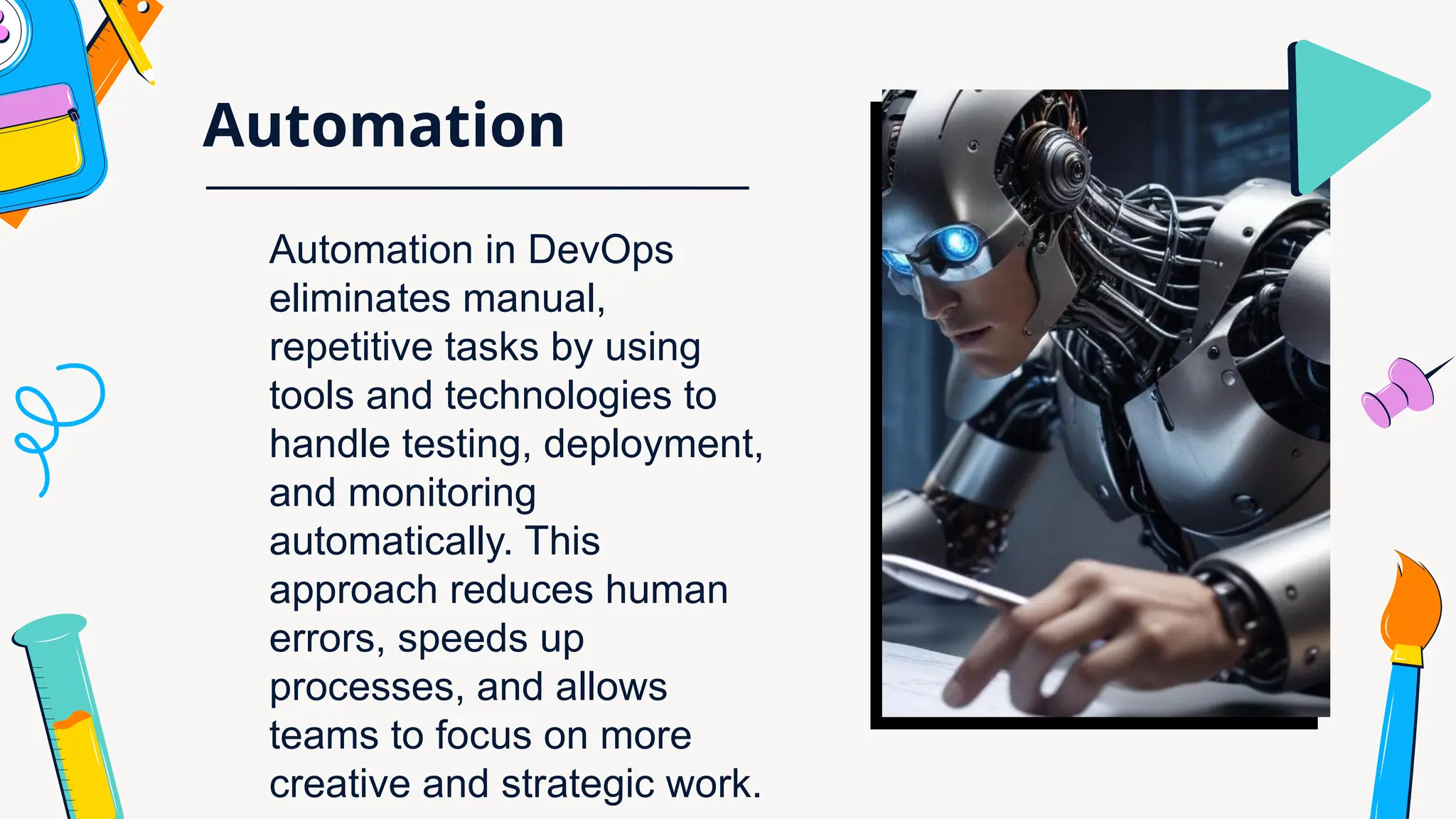
Automation in DevOps
eliminates manual,
repetitive tasks by using
tools and technologies to
handle testing, deployment,
and monitoring
automatically. This
approach reduces human
errors, speeds up
processes, and allows
teams to focus on more
creative and strategic work.
Conclusion
s
DevOps helps teams work better together to make
good software quickly. It uses smart tools to help
programmers and tech workers create better
products faster and solve problems more easily.
CREDITS: This presentation template was created by Slidesgo, and
includes icons by Flaticon, and infographics & images by Freepik
Thank you!

CREDITS: This presentation template was created by Slidesgo, and
includes icons by Flaticon, and infographics & images by Freepik
Understandi
ng DevOps
CREDITS: This presentation template was created by Slidesgo, and
includes icons by Flaticon, and infographics & images by Freepik
What is DevOps?
DevOps merges software development and
IT operations to optimize the development
process and boost productivity through
collaboration.
CREDITS: This presentation template was created by Slidesgo, and
includes icons by Flaticon, and infographics & images by Freepik
Collaboration concept
Collaboration lies at the heart of DevOps, breaking down
barriers between teams to enhance communication and
shared accountability, driving innovation and better
alignment with customer requirements.
CREDITS: This presentation template was created by Slidesgo, and
includes icons by Flaticon, and infographics & images by Freepik
Bridging
development and
operations
DevOps is a collaborative approach that brings
together software development and IT
operations teams. By breaking down traditional
barriers, DevOps enables:
• Faster software delivery
• Improved communication
• Shared responsibilities
• Quick problem-solving
• Continuous improvement
• The goal is simple: create better software
more efficiently by working together
CREDITS: This presentation template was created by Slidesgo, and
includes icons by Flaticon, and infographics & images by Freepik
Continuous
Integration
Continuous Integration is a development practice where
developers frequently merge code changes into a shared
project. Automatic systems immediately test each update to
quickly identify and fix potential problems, helping teams
maintain software quality and work more efficiently.
CREDITS: This presentation template was created by Slidesgo, and
includes icons by Flaticon, and infographics & images by Freepik
Continuous Deployment
Continuous Deployment is a process where code
changes are automatically sent to production after
passing all tests. This approach enables teams to
quickly release new features, reduce manual
work, and keep software up-to-date with minimal
human intervention.
CREDITS: This presentation template was created by Slidesgo, and
includes icons by Flaticon, and infographics & images by Freepik
Automation
Automation in DevOps
eliminates manual, repetitive
tasks by using tools and
technologies to handle testing,
deployment, and monitoring
automatically. This approach
reduces human errors, speeds
up processes, and allows
teams to focus on more
creative and strategic work.
CREDITS: This presentation template was created by Slidesgo, and
includes icons by Flaticon, and infographics & images by Freepik
Conclusion
s
DevOps helps teams work better together to make good
software quickly. It uses smart tools to help programmers
and tech workers create better products faster and solve
problems more easily.
CREDITS: This presentation template was created by Slidesgo, and
includes icons by Flaticon, and infographics & images by Freepik
Thank you!
CREDITS: This presentation template was created by Slidesgo, and
includes icons by Flaticon, and infographics & images by Freepik
Understandi
ng DevOps
CREDITS: This presentation template was created by Slidesgo, and
includes icons by Flaticon, and infographics & images by Freepik
What is DevOps?
DevOps merges software development and
IT operations to optimize the development
process and boost productivity through
collaboration.
CREDITS: This presentation template was created by Slidesgo, and
includes icons by Flaticon, and infographics & images by Freepik
Collaboration concept
Collaboration lies at the heart of DevOps, breaking down
barriers between teams to enhance communication and
shared accountability, driving innovation and better
alignment with customer requirements.
CREDITS: This presentation template was created by Slidesgo, and
includes icons by Flaticon, and infographics & images by Freepik
Bridging
development and
operations
DevOps is a collaborative approach that brings
together software development and IT
operations teams. By breaking down traditional
barriers, DevOps enables:
• Faster software delivery
• Improved communication
• Shared responsibilities
• Quick problem-solving
• Continuous improvement
• The goal is simple: create better software
more efficiently by working together
CREDITS: This presentation template was created by Slidesgo, and
includes icons by Flaticon, and infographics & images by Freepik
Continuous
Integration
Continuous Integration is a development practice where
developers frequently merge code changes into a shared
project. Automatic systems immediately test each update to
quickly identify and fix potential problems, helping teams
maintain software quality and work more efficiently.
CREDITS: This presentation template was created by Slidesgo, and
includes icons by Flaticon, and infographics & images by Freepik
Continuous Deployment
Continuous Deployment is a process where code
changes are automatically sent to production after
passing all tests. This approach enables teams to
quickly release new features, reduce manual
work, and keep software up-to-date with minimal
human intervention.
CREDITS: This presentation template was created by Slidesgo, and
includes icons by Flaticon, and infographics & images by Freepik
Automation
Automation in DevOps
eliminates manual, repetitive
tasks by using tools and
technologies to handle testing,
deployment, and monitoring
automatically. This approach
reduces human errors, speeds
up processes, and allows
teams to focus on more
creative and strategic work.
CREDITS: This presentation template was created by Slidesgo, and
includes icons by Flaticon, and infographics & images by Freepik
Conclusion
s
DevOps helps teams work better together to make good
software quickly. It uses smart tools to help programmers
and tech workers create better products faster and solve
problems more easily.
CREDITS: This presentation template was created by Slidesgo, and
includes icons by Flaticon, and infographics & images by Freepik
Thank you!
CREDITS: This presentation template was created by Slidesgo, and
includes icons by Flaticon, and infographics & images by Freepik
Understandi
ng DevOps
CREDITS: This presentation template was created by Slidesgo, and
includes icons by Flaticon, and infographics & images by Freepik
What is DevOps?
DevOps merges software development and
IT operations to optimize the development
process and boost productivity through
collaboration.
CREDITS: This presentation template was created by Slidesgo, and
includes icons by Flaticon, and infographics & images by Freepik
Collaboration concept
Collaboration lies at the heart of DevOps, breaking down
barriers between teams to enhance communication and
shared accountability, driving innovation and better
alignment with customer requirements.
CREDITS: This presentation template was created by Slidesgo, and
includes icons by Flaticon, and infographics & images by Freepik
Bridging
development and
operations
DevOps is a collaborative approach that brings
together software development and IT
operations teams. By breaking down traditional
barriers, DevOps enables:
• Faster software delivery
• Improved communication
• Shared responsibilities
• Quick problem-solving
• Continuous improvement
• The goal is simple: create better software
more efficiently by working together
CREDITS: This presentation template was created by Slidesgo, and
includes icons by Flaticon, and infographics & images by Freepik
Continuous
Integration
Continuous Integration is a development practice where
developers frequently merge code changes into a shared
project. Automatic systems immediately test each update to
quickly identify and fix potential problems, helping teams
maintain software quality and work more efficiently.
CREDITS: This presentation template was created by Slidesgo, and
includes icons by Flaticon, and infographics & images by Freepik
Continuous Deployment
Continuous Deployment is a process where code
changes are automatically sent to production after
passing all tests. This approach enables teams to
quickly release new features, reduce manual
work, and keep software up-to-date with minimal
human intervention.
CREDITS: This presentation template was created by Slidesgo, and
includes icons by Flaticon, and infographics & images by Freepik
Automation
Automation in DevOps
eliminates manual, repetitive
tasks by using tools and
technologies to handle testing,
deployment, and monitoring
automatically. This approach
reduces human errors, speeds
up processes, and allows
teams to focus on more
creative and strategic work.
CREDITS: This presentation template was created by Slidesgo, and
includes icons by Flaticon, and infographics & images by Freepik
Conclusion
s
DevOps helps teams work better together to make good
software quickly. It uses smart tools to help programmers
and tech workers create better products faster and solve
problems more easily.
CREDITS: This presentation template was created by Slidesgo, and
includes icons by Flaticon, and infographics & images by Freepik
Thank you!
CREDITS: This presentation template was created by Slidesgo, and
includes icons by Flaticon, and infographics & images by Freepik
Understandi
ng DevOps
CREDITS: This presentation template was created by Slidesgo, and
includes icons by Flaticon, and infographics & images by Freepik
What is DevOps?
DevOps merges software development and
IT operations to optimize the development
process and boost productivity through
collaboration.
CREDITS: This presentation template was created by Slidesgo, and
includes icons by Flaticon, and infographics & images by Freepik
Collaboration concept
Collaboration lies at the heart of DevOps, breaking down
barriers between teams to enhance communication and
shared accountability, driving innovation and better
alignment with customer requirements.
CREDITS: This presentation template was created by Slidesgo, and
includes icons by Flaticon, and infographics & images by Freepik
Bridging
development and
operations
DevOps is a collaborative approach that brings
together software development and IT
operations teams. By breaking down traditional
barriers, DevOps enables:
• Faster software delivery
• Improved communication
• Shared responsibilities
• Quick problem-solving
• Continuous improvement
• The goal is simple: create better software
more efficiently by working together
CREDITS: This presentation template was created by Slidesgo, and
includes icons by Flaticon, and infographics & images by Freepik
Continuous
Integration
Continuous Integration is a development practice where
developers frequently merge code changes into a shared
project. Automatic systems immediately test each update to
quickly identify and fix potential problems, helping teams
maintain software quality and work more efficiently.
CREDITS: This presentation template was created by Slidesgo, and
includes icons by Flaticon, and infographics & images by Freepik
Continuous Deployment
Continuous Deployment is a process where code
changes are automatically sent to production after
passing all tests. This approach enables teams to
quickly release new features, reduce manual
work, and keep software up-to-date with minimal
human intervention.
CREDITS: This presentation template was created by Slidesgo, and
includes icons by Flaticon, and infographics & images by Freepik
Automation
Automation in DevOps
eliminates manual, repetitive
tasks by using tools and
technologies to handle testing,
deployment, and monitoring
automatically. This approach
reduces human errors, speeds
up processes, and allows
teams to focus on more
creative and strategic work.
CREDITS: This presentation template was created by Slidesgo, and
includes icons by Flaticon, and infographics & images by Freepik
Conclusion
s
DevOps helps teams work better together to make good
software quickly. It uses smart tools to help programmers
and tech workers create better products faster and solve
problems more easily.
CREDITS: This presentation template was created by Slidesgo, and
includes icons by Flaticon, and infographics & images by Freepik
Thank you!

the Understanding basic of DevOps.pptx

  • 1.
  • 2.
    What is DevOps? DevOpsmerges software development and IT operations to optimize the development process and boost productivity through collaboration.
  • 3.
    Collaboration concept Collaboration liesat the heart of DevOps, breaking down barriers between teams to enhance communication and shared accountability, driving innovation and better alignment with customer requirements.
  • 4.
    Bridging development and operations DevOps isa collaborative approach that brings together software development and IT operations teams. By breaking down traditional barriers, DevOps enables: • Faster software delivery • Improved communication • Shared responsibilities • Quick problem-solving • Continuous improvement • The goal is simple: create better software more efficiently by working together
  • 5.
    Continuous Integration Continuous Integration isa development practice where developers frequently merge code changes into a shared project. Automatic systems immediately test each update to quickly identify and fix potential problems, helping teams maintain software quality and work more efficiently.
  • 6.
    Continuous Deployment Continuous Deploymentis a process where code changes are automatically sent to production after passing all tests. This approach enables teams to quickly release new features, reduce manual work, and keep software up-to-date with minimal human intervention.
  • 7.
    Automation Automation in DevOps eliminatesmanual, repetitive tasks by using tools and technologies to handle testing, deployment, and monitoring automatically. This approach reduces human errors, speeds up processes, and allows teams to focus on more creative and strategic work.
  • 8.
    Conclusion s DevOps helps teamswork better together to make good software quickly. It uses smart tools to help programmers and tech workers create better products faster and solve problems more easily.
  • 9.
    CREDITS: This presentationtemplate was created by Slidesgo, and includes icons by Flaticon, and infographics & images by Freepik Thank you!
  • 10.
    CREDITS: This presentationtemplate was created by Slidesgo, and includes icons by Flaticon, and infographics & images by Freepik Understandi ng DevOps
  • 11.
    CREDITS: This presentationtemplate was created by Slidesgo, and includes icons by Flaticon, and infographics & images by Freepik What is DevOps? DevOps merges software development and IT operations to optimize the development process and boost productivity through collaboration.
  • 12.
    CREDITS: This presentationtemplate was created by Slidesgo, and includes icons by Flaticon, and infographics & images by Freepik Collaboration concept Collaboration lies at the heart of DevOps, breaking down barriers between teams to enhance communication and shared accountability, driving innovation and better alignment with customer requirements.
  • 13.
    CREDITS: This presentationtemplate was created by Slidesgo, and includes icons by Flaticon, and infographics & images by Freepik Bridging development and operations DevOps is a collaborative approach that brings together software development and IT operations teams. By breaking down traditional barriers, DevOps enables: • Faster software delivery • Improved communication • Shared responsibilities • Quick problem-solving • Continuous improvement • The goal is simple: create better software more efficiently by working together
  • 14.
    CREDITS: This presentationtemplate was created by Slidesgo, and includes icons by Flaticon, and infographics & images by Freepik Continuous Integration Continuous Integration is a development practice where developers frequently merge code changes into a shared project. Automatic systems immediately test each update to quickly identify and fix potential problems, helping teams maintain software quality and work more efficiently.
  • 15.
    CREDITS: This presentationtemplate was created by Slidesgo, and includes icons by Flaticon, and infographics & images by Freepik Continuous Deployment Continuous Deployment is a process where code changes are automatically sent to production after passing all tests. This approach enables teams to quickly release new features, reduce manual work, and keep software up-to-date with minimal human intervention.
  • 16.
    CREDITS: This presentationtemplate was created by Slidesgo, and includes icons by Flaticon, and infographics & images by Freepik Automation Automation in DevOps eliminates manual, repetitive tasks by using tools and technologies to handle testing, deployment, and monitoring automatically. This approach reduces human errors, speeds up processes, and allows teams to focus on more creative and strategic work.
  • 17.
    CREDITS: This presentationtemplate was created by Slidesgo, and includes icons by Flaticon, and infographics & images by Freepik Conclusion s DevOps helps teams work better together to make good software quickly. It uses smart tools to help programmers and tech workers create better products faster and solve problems more easily.
  • 18.
    CREDITS: This presentationtemplate was created by Slidesgo, and includes icons by Flaticon, and infographics & images by Freepik Thank you!
  • 19.
    CREDITS: This presentationtemplate was created by Slidesgo, and includes icons by Flaticon, and infographics & images by Freepik Understandi ng DevOps
  • 20.
    CREDITS: This presentationtemplate was created by Slidesgo, and includes icons by Flaticon, and infographics & images by Freepik What is DevOps? DevOps merges software development and IT operations to optimize the development process and boost productivity through collaboration.
  • 21.
    CREDITS: This presentationtemplate was created by Slidesgo, and includes icons by Flaticon, and infographics & images by Freepik Collaboration concept Collaboration lies at the heart of DevOps, breaking down barriers between teams to enhance communication and shared accountability, driving innovation and better alignment with customer requirements.
  • 22.
    CREDITS: This presentationtemplate was created by Slidesgo, and includes icons by Flaticon, and infographics & images by Freepik Bridging development and operations DevOps is a collaborative approach that brings together software development and IT operations teams. By breaking down traditional barriers, DevOps enables: • Faster software delivery • Improved communication • Shared responsibilities • Quick problem-solving • Continuous improvement • The goal is simple: create better software more efficiently by working together
  • 23.
    CREDITS: This presentationtemplate was created by Slidesgo, and includes icons by Flaticon, and infographics & images by Freepik Continuous Integration Continuous Integration is a development practice where developers frequently merge code changes into a shared project. Automatic systems immediately test each update to quickly identify and fix potential problems, helping teams maintain software quality and work more efficiently.
  • 24.
    CREDITS: This presentationtemplate was created by Slidesgo, and includes icons by Flaticon, and infographics & images by Freepik Continuous Deployment Continuous Deployment is a process where code changes are automatically sent to production after passing all tests. This approach enables teams to quickly release new features, reduce manual work, and keep software up-to-date with minimal human intervention.
  • 25.
    CREDITS: This presentationtemplate was created by Slidesgo, and includes icons by Flaticon, and infographics & images by Freepik Automation Automation in DevOps eliminates manual, repetitive tasks by using tools and technologies to handle testing, deployment, and monitoring automatically. This approach reduces human errors, speeds up processes, and allows teams to focus on more creative and strategic work.
  • 26.
    CREDITS: This presentationtemplate was created by Slidesgo, and includes icons by Flaticon, and infographics & images by Freepik Conclusion s DevOps helps teams work better together to make good software quickly. It uses smart tools to help programmers and tech workers create better products faster and solve problems more easily.
  • 27.
    CREDITS: This presentationtemplate was created by Slidesgo, and includes icons by Flaticon, and infographics & images by Freepik Thank you!
  • 28.
    CREDITS: This presentationtemplate was created by Slidesgo, and includes icons by Flaticon, and infographics & images by Freepik Understandi ng DevOps
  • 29.
    CREDITS: This presentationtemplate was created by Slidesgo, and includes icons by Flaticon, and infographics & images by Freepik What is DevOps? DevOps merges software development and IT operations to optimize the development process and boost productivity through collaboration.
  • 30.
    CREDITS: This presentationtemplate was created by Slidesgo, and includes icons by Flaticon, and infographics & images by Freepik Collaboration concept Collaboration lies at the heart of DevOps, breaking down barriers between teams to enhance communication and shared accountability, driving innovation and better alignment with customer requirements.
  • 31.
    CREDITS: This presentationtemplate was created by Slidesgo, and includes icons by Flaticon, and infographics & images by Freepik Bridging development and operations DevOps is a collaborative approach that brings together software development and IT operations teams. By breaking down traditional barriers, DevOps enables: • Faster software delivery • Improved communication • Shared responsibilities • Quick problem-solving • Continuous improvement • The goal is simple: create better software more efficiently by working together
  • 32.
    CREDITS: This presentationtemplate was created by Slidesgo, and includes icons by Flaticon, and infographics & images by Freepik Continuous Integration Continuous Integration is a development practice where developers frequently merge code changes into a shared project. Automatic systems immediately test each update to quickly identify and fix potential problems, helping teams maintain software quality and work more efficiently.
  • 33.
    CREDITS: This presentationtemplate was created by Slidesgo, and includes icons by Flaticon, and infographics & images by Freepik Continuous Deployment Continuous Deployment is a process where code changes are automatically sent to production after passing all tests. This approach enables teams to quickly release new features, reduce manual work, and keep software up-to-date with minimal human intervention.
  • 34.
    CREDITS: This presentationtemplate was created by Slidesgo, and includes icons by Flaticon, and infographics & images by Freepik Automation Automation in DevOps eliminates manual, repetitive tasks by using tools and technologies to handle testing, deployment, and monitoring automatically. This approach reduces human errors, speeds up processes, and allows teams to focus on more creative and strategic work.
  • 35.
    CREDITS: This presentationtemplate was created by Slidesgo, and includes icons by Flaticon, and infographics & images by Freepik Conclusion s DevOps helps teams work better together to make good software quickly. It uses smart tools to help programmers and tech workers create better products faster and solve problems more easily.
  • 36.
    CREDITS: This presentationtemplate was created by Slidesgo, and includes icons by Flaticon, and infographics & images by Freepik Thank you!
  • 37.
    CREDITS: This presentationtemplate was created by Slidesgo, and includes icons by Flaticon, and infographics & images by Freepik Understandi ng DevOps
  • 38.
    CREDITS: This presentationtemplate was created by Slidesgo, and includes icons by Flaticon, and infographics & images by Freepik What is DevOps? DevOps merges software development and IT operations to optimize the development process and boost productivity through collaboration.
  • 39.
    CREDITS: This presentationtemplate was created by Slidesgo, and includes icons by Flaticon, and infographics & images by Freepik Collaboration concept Collaboration lies at the heart of DevOps, breaking down barriers between teams to enhance communication and shared accountability, driving innovation and better alignment with customer requirements.
  • 40.
    CREDITS: This presentationtemplate was created by Slidesgo, and includes icons by Flaticon, and infographics & images by Freepik Bridging development and operations DevOps is a collaborative approach that brings together software development and IT operations teams. By breaking down traditional barriers, DevOps enables: • Faster software delivery • Improved communication • Shared responsibilities • Quick problem-solving • Continuous improvement • The goal is simple: create better software more efficiently by working together
  • 41.
    CREDITS: This presentationtemplate was created by Slidesgo, and includes icons by Flaticon, and infographics & images by Freepik Continuous Integration Continuous Integration is a development practice where developers frequently merge code changes into a shared project. Automatic systems immediately test each update to quickly identify and fix potential problems, helping teams maintain software quality and work more efficiently.
  • 42.
    CREDITS: This presentationtemplate was created by Slidesgo, and includes icons by Flaticon, and infographics & images by Freepik Continuous Deployment Continuous Deployment is a process where code changes are automatically sent to production after passing all tests. This approach enables teams to quickly release new features, reduce manual work, and keep software up-to-date with minimal human intervention.
  • 43.
    CREDITS: This presentationtemplate was created by Slidesgo, and includes icons by Flaticon, and infographics & images by Freepik Automation Automation in DevOps eliminates manual, repetitive tasks by using tools and technologies to handle testing, deployment, and monitoring automatically. This approach reduces human errors, speeds up processes, and allows teams to focus on more creative and strategic work.
  • 44.
    CREDITS: This presentationtemplate was created by Slidesgo, and includes icons by Flaticon, and infographics & images by Freepik Conclusion s DevOps helps teams work better together to make good software quickly. It uses smart tools to help programmers and tech workers create better products faster and solve problems more easily.
  • 45.
    CREDITS: This presentationtemplate was created by Slidesgo, and includes icons by Flaticon, and infographics & images by Freepik Thank you!