The Ultimate Guide to
Creating Infographics.
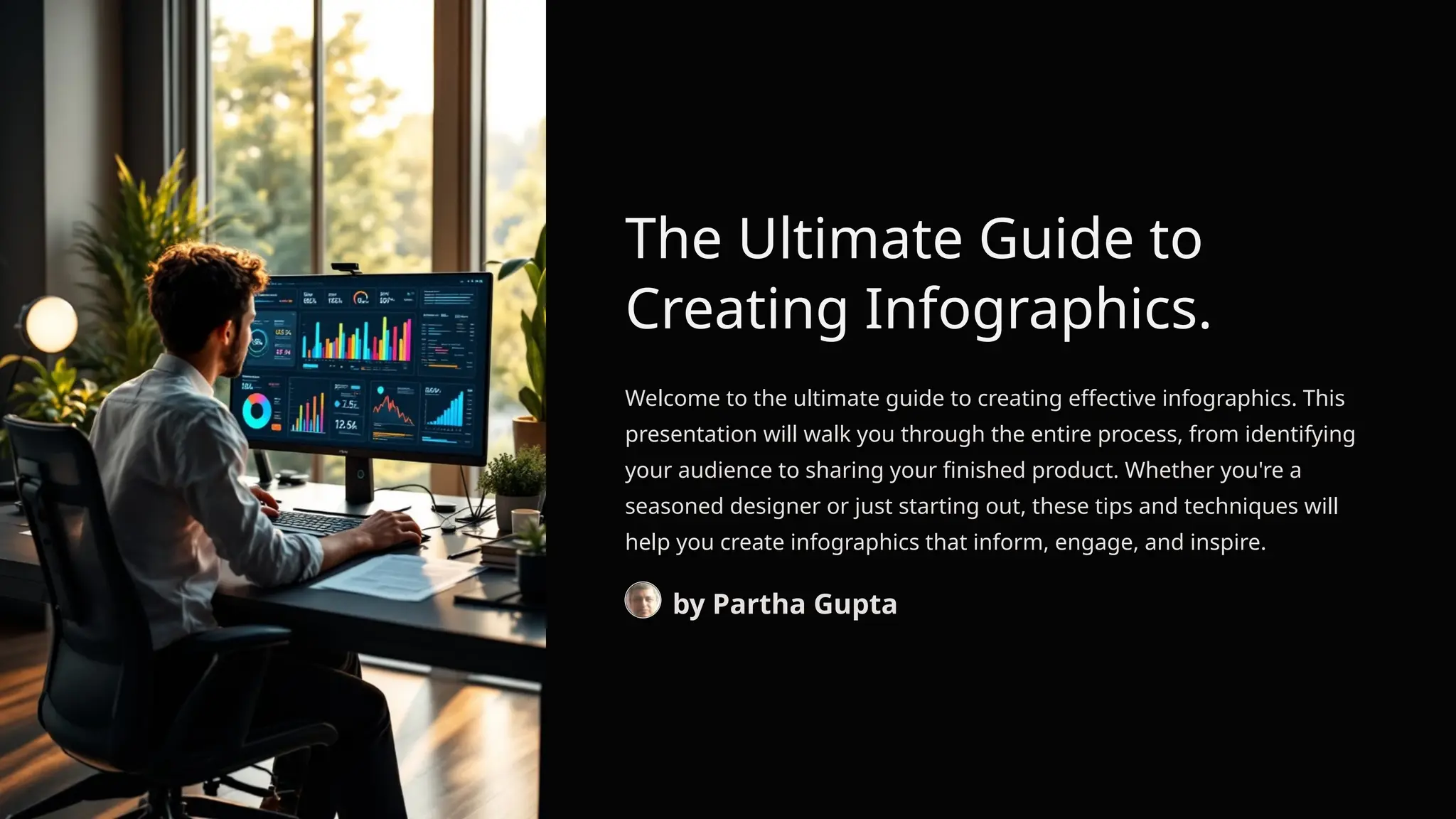
Welcome to the ultimate guide to creating effective infographics. This
presentation will walk you through the entire process, from identifying
your audience to sharing your finished product. Whether you're a
seasoned designer or just starting out, these tips and techniques will
help you create infographics that inform, engage, and inspire.
by Partha Gupta
Purpose & Benefits of Infographics.
Visual Communication
Infographics transform complex
information into visual representations
that communicate ideas quickly and
clearly.
Enhanced Comprehension
By presenting data visually,
infographics help audiences
understand intricate concepts more
easily and intuitively.
Digital Engagement
Infographics are highly shareable tools
that increase audience engagement
across digital platforms and
communication channels.
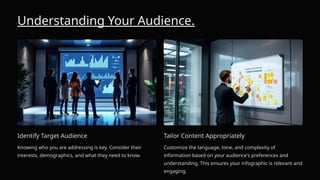
Understanding Your Audience.
Identify Target Audience
Knowing who you are addressing is key. Consider their
interests, demographics, and what they need to know.
Tailor Content Appropriately
Customize the language, tone, and complexity of
information based on your audience's preferences and
understanding. This ensures your infographic is relevant and
engaging.
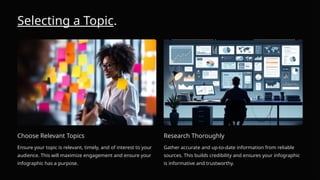
Selecting a Topic.
Choose Relevant Topics
Ensure your topic is relevant, timely, and of interest to your
audience. This will maximize engagement and ensure your
infographic has a purpose.
Research Thoroughly
Gather accurate and up-to-date information from reliable
sources. This builds credibility and ensures your infographic
is informative and trustworthy.
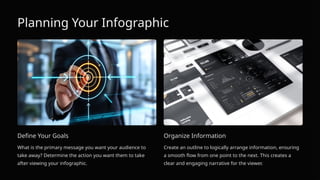
Planning Your Infographic
Define Your Goals
What is the primary message you want your audience to
take away? Determine the action you want them to take
after viewing your infographic.
Organize Information
Create an outline to logically arrange information, ensuring
a smooth flow from one point to the next. This creates a
clear and engaging narrative for the viewer.
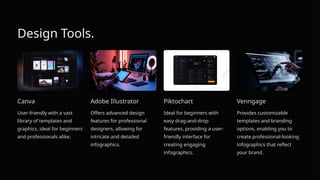
Design Tools.
Canva
User-friendly with a vast
library of templates and
graphics, ideal for beginners
and professionals alike.
Adobe Illustrator
Offers advanced design
features for professional
designers, allowing for
intricate and detailed
infographics.
Piktochart
Ideal for beginners with
easy drag-and-drop
features, providing a user-
friendly interface for
creating engaging
infographics.
Venngage
Provides customizable
templates and branding
options, enabling you to
create professional-looking
infographics that reflect
your brand.
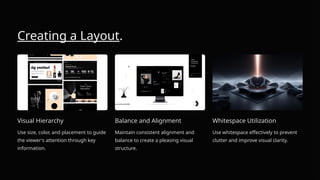
Creating a Layout.
Visual Hierarchy
Use size, color, and placement to guide
the viewer's attention through key
information.
Balance and Alignment
Maintain consistent alignment and
balance to create a pleasing visual
structure.
Whitespace Utilization
Use whitespace effectively to prevent
clutter and improve visual clarity.
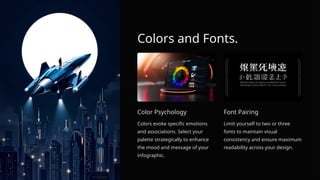
Colors and Fonts.
Color Psychology
Colors evoke specific emotions
and associations. Select your
palette strategically to enhance
the mood and message of your
infographic.
Font Pairing
Limit yourself to two or three
fonts to maintain visual
consistency and ensure maximum
readability across your design.
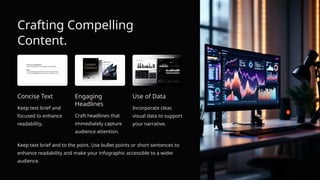
Crafting Compelling
Content.
Concise Text
Keep text brief and
focused to enhance
readability.
Engaging
Headlines
Craft headlines that
immediately capture
audience attention.
Use of Data
Incorporate clear,
visual data to support
your narrative.
Keep text brief and to the point. Use bullet points or short sentences to
enhance readability and make your infographic accessible to a wider
audience.
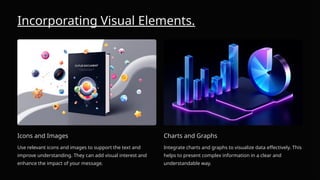
Incorporating Visual Elements.
Icons and Images
Use relevant icons and images to support the text and
improve understanding. They can add visual interest and
enhance the impact of your message.
Charts and Graphs
Integrate charts and graphs to visualize data effectively. This
helps to present complex information in a clear and
understandable way.
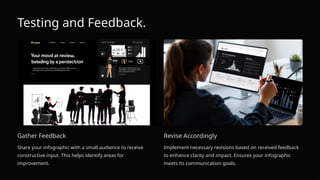
Testing and Feedback.
Gather Feedback
Share your infographic with a small audience to receive
constructive input. This helps identify areas for
improvement.
Revise Accordingly
Implement necessary revisions based on received feedback
to enhance clarity and impact. Ensures your infographic
meets its communication goals.
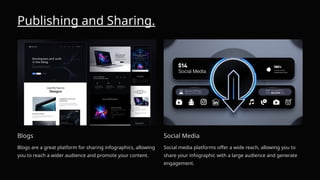
Publishing and Sharing.
Blogs
Blogs are a great platform for sharing infographics, allowing
you to reach a wider audience and promote your content.
Social Media
Social media platforms offer a wide reach, allowing you to
share your infographic with a large audience and generate
engagement.
Best Practices.
Simplicity
Avoid overloading with information.
Prioritize clarity and simplicity to
ensure your infographic is easy to
understand and digest.
Consistency
Maintain consistency in style, colors,
and fonts across the infographic. This
creates a cohesive visual experience for
the viewer. Storytelling
Utilize storytelling to create a
compelling narrative that engages the
audience. This can help make your
infographic more memorable and
impactful.
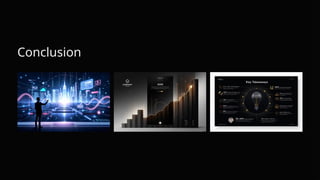
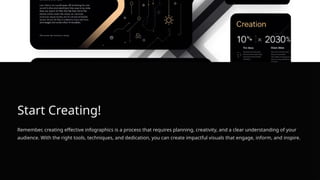
Conclusion
Start Creating!
Remember, creating effective infographics is a process that requires planning, creativity, and a clear understanding of your
audience. With the right tools, techniques, and dedication, you can create impactful visuals that engage, inform, and inspire.
Disclaimer:
Some of the links are affiliate links, and I will receive a small commission if you buy the services using my link. The cost would
help me to maintain my online ventures and would not cost you anything extra.

The-Ultimate-Guide-to-Creating-Infographics.pptx

  • 1.
    The Ultimate Guideto Creating Infographics. Welcome to the ultimate guide to creating effective infographics. This presentation will walk you through the entire process, from identifying your audience to sharing your finished product. Whether you're a seasoned designer or just starting out, these tips and techniques will help you create infographics that inform, engage, and inspire. by Partha Gupta
  • 2.
    Purpose & Benefitsof Infographics. Visual Communication Infographics transform complex information into visual representations that communicate ideas quickly and clearly. Enhanced Comprehension By presenting data visually, infographics help audiences understand intricate concepts more easily and intuitively. Digital Engagement Infographics are highly shareable tools that increase audience engagement across digital platforms and communication channels.
  • 3.
    Understanding Your Audience. IdentifyTarget Audience Knowing who you are addressing is key. Consider their interests, demographics, and what they need to know. Tailor Content Appropriately Customize the language, tone, and complexity of information based on your audience's preferences and understanding. This ensures your infographic is relevant and engaging.
  • 4.
    Selecting a Topic. ChooseRelevant Topics Ensure your topic is relevant, timely, and of interest to your audience. This will maximize engagement and ensure your infographic has a purpose. Research Thoroughly Gather accurate and up-to-date information from reliable sources. This builds credibility and ensures your infographic is informative and trustworthy.
  • 5.
    Planning Your Infographic DefineYour Goals What is the primary message you want your audience to take away? Determine the action you want them to take after viewing your infographic. Organize Information Create an outline to logically arrange information, ensuring a smooth flow from one point to the next. This creates a clear and engaging narrative for the viewer.
  • 6.
    Design Tools. Canva User-friendly witha vast library of templates and graphics, ideal for beginners and professionals alike. Adobe Illustrator Offers advanced design features for professional designers, allowing for intricate and detailed infographics. Piktochart Ideal for beginners with easy drag-and-drop features, providing a user- friendly interface for creating engaging infographics. Venngage Provides customizable templates and branding options, enabling you to create professional-looking infographics that reflect your brand.
  • 7.
    Creating a Layout. VisualHierarchy Use size, color, and placement to guide the viewer's attention through key information. Balance and Alignment Maintain consistent alignment and balance to create a pleasing visual structure. Whitespace Utilization Use whitespace effectively to prevent clutter and improve visual clarity.
  • 8.
    Colors and Fonts. ColorPsychology Colors evoke specific emotions and associations. Select your palette strategically to enhance the mood and message of your infographic. Font Pairing Limit yourself to two or three fonts to maintain visual consistency and ensure maximum readability across your design.
  • 9.
    Crafting Compelling Content. Concise Text Keeptext brief and focused to enhance readability. Engaging Headlines Craft headlines that immediately capture audience attention. Use of Data Incorporate clear, visual data to support your narrative. Keep text brief and to the point. Use bullet points or short sentences to enhance readability and make your infographic accessible to a wider audience.
  • 10.
    Incorporating Visual Elements. Iconsand Images Use relevant icons and images to support the text and improve understanding. They can add visual interest and enhance the impact of your message. Charts and Graphs Integrate charts and graphs to visualize data effectively. This helps to present complex information in a clear and understandable way.
  • 11.
    Testing and Feedback. GatherFeedback Share your infographic with a small audience to receive constructive input. This helps identify areas for improvement. Revise Accordingly Implement necessary revisions based on received feedback to enhance clarity and impact. Ensures your infographic meets its communication goals.
  • 12.
    Publishing and Sharing. Blogs Blogsare a great platform for sharing infographics, allowing you to reach a wider audience and promote your content. Social Media Social media platforms offer a wide reach, allowing you to share your infographic with a large audience and generate engagement.
  • 13.
    Best Practices. Simplicity Avoid overloadingwith information. Prioritize clarity and simplicity to ensure your infographic is easy to understand and digest. Consistency Maintain consistency in style, colors, and fonts across the infographic. This creates a cohesive visual experience for the viewer. Storytelling Utilize storytelling to create a compelling narrative that engages the audience. This can help make your infographic more memorable and impactful.
  • 14.
  • 15.
    Start Creating! Remember, creatingeffective infographics is a process that requires planning, creativity, and a clear understanding of your audience. With the right tools, techniques, and dedication, you can create impactful visuals that engage, inform, and inspire.
  • 16.
    Disclaimer: Some of thelinks are affiliate links, and I will receive a small commission if you buy the services using my link. The cost would help me to maintain my online ventures and would not cost you anything extra.