Ring Documentation, Release 1.10
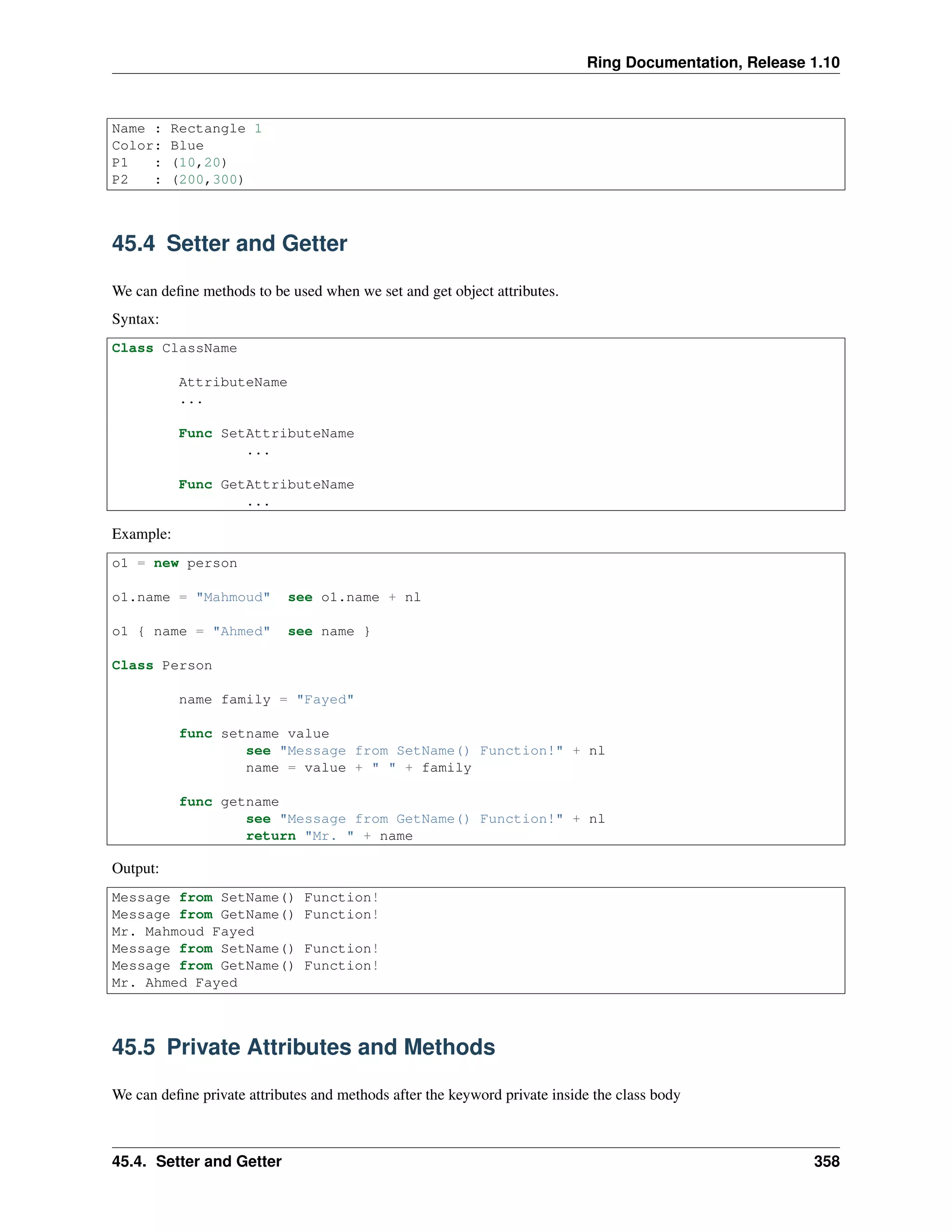
Name : Rectangle 1
Color: Blue
P1 : (10,20)
P2 : (200,300)
45.4 Setter and Getter
We can define methods to be used when we set and get object attributes.
Syntax:
Class ClassName
AttributeName
...
Func SetAttributeName
...
Func GetAttributeName
...
Example:
o1 = new person
o1.name = "Mahmoud" see o1.name + nl
o1 { name = "Ahmed" see name }
Class Person
name family = "Fayed"
func setname value
see "Message from SetName() Function!" + nl
name = value + " " + family
func getname
see "Message from GetName() Function!" + nl
return "Mr. " + name
Output:
Message from SetName() Function!
Message from GetName() Function!
Mr. Mahmoud Fayed
Message from SetName() Function!
Message from GetName() Function!
Mr. Ahmed Fayed
45.5 Private Attributes and Methods
We can define private attributes and methods after the keyword private inside the class body
45.4. Setter and Getter 358
Ring Documentation, Release 1.10
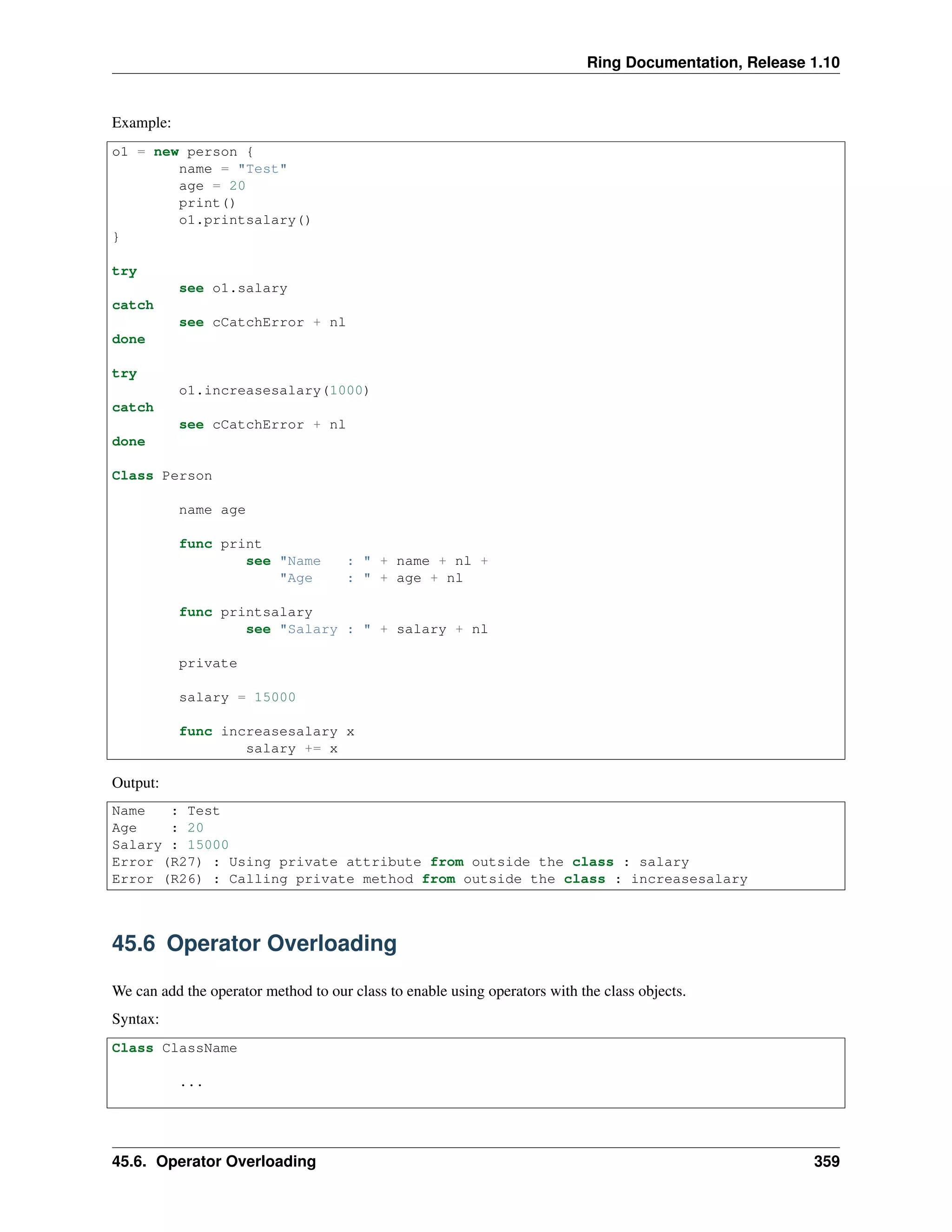
Example:
o1 = new person {
name = "Test"
age = 20
print()
o1.printsalary()
}
try
see o1.salary
catch
see cCatchError + nl
done
try
o1.increasesalary(1000)
catch
see cCatchError + nl
done
Class Person
name age
func print
see "Name : " + name + nl +
"Age : " + age + nl
func printsalary
see "Salary : " + salary + nl
private
salary = 15000
func increasesalary x
salary += x
Output:
Name : Test
Age : 20
Salary : 15000
Error (R27) : Using private attribute from outside the class : salary
Error (R26) : Calling private method from outside the class : increasesalary
45.6 Operator Overloading
We can add the operator method to our class to enable using operators with the class objects.
Syntax:
Class ClassName
...
45.6. Operator Overloading 359
Ring Documentation, Release 1.10
Func operator cOperator,Para
...
The function operator takes two paramters, the first represent the operator and the second represent the second param-
eter after the operator.
Example:
o1 = new point { x = 10 y = 10 print("P1 : ") }
o2 = new point { x = 20 y = 40 print("P2 : ") }
o3 = o1 + o2
o3.print("P1+P2 : ")
class point x y
func operator cOperator,Para
result = new point
switch cOperator
on "+"
result.x = x + Para.x
result.y = y + Para.y
on "-"
result.x = x - Para.x
result.y = y - Para.y
off
return result
func print cPoint
see cPoint + "X : " + x + " Y : " + y + nl
Output:
P1 : X : 10 Y : 10
P2 : X : 20 Y : 40
P1+P2 : X : 30 Y : 50
The next example from the List class in the stdlib.ring
Func operator cOperator,Para
result = new list
switch cOperator
on "+"
if isobject(para)
for t in Para.vValue
vValue + t
next
but islist(para)
for t in Para
vValue + t
next
ok
on "len"
return len( vValue )
on "[]"
return &vValue[para]
off
return result
45.6. Operator Overloading 360
Ring Documentation, Release 1.10
The “len” operator is used with (for in) control structure.
The “[]” operator is used when we try to access the list items, In this case we use the & operator to return the item
values like strings an numbers by reference, so we can update it when we access the items.
Another Example
func main
See "----1"+nl
a1 = new BigNumber( "123" )
a2 = new BigNumber( "456" )
a3 = new BigNumber( "789" )
See nl+"----2"+nl
a1.print()
a2.print()
a3.print()
See nl+"----3"+nl
a2 = a1 + "45"
See nl+"----4"+nl
a2.print()
See nl+"----5"+nl
a3 = a1 + a2
See nl+"----6"+nl
a3.print()
See nl+"----7"+nl
###==================================
Func FuncAdd( num1, num2)
Sum = 0 + num1 + num2 ### Para.aData isNumber
Sum = "" +Sum ### Para.adata isString
return Sum ### return to Class
###===================================
class BigNumber
### Variables
aData = "468"
### Functions INIT default values
func init aPara
? "INIT aPara: " ? aPara
if isString(aPara)
aData = aPara
else
aData = "" + aPara
ok
### Other Functions
func operator cOperator, Para
whatType = Type(Para)
? nl+"WhatType-PARA: "+ whatType ? Para
? nl+"Operator: " ? cOperator ? nl+"PARA: " ? Para ? " ______" ? nl
if whatType = "STRING"
dataInfo = Para
? "dataInfo String: " ? dataInfo
but whatType = "NUMBER"
datinfo = "" + Para
? "dataInfo Number: " ? dataInfo
45.6. Operator Overloading 361
Ring Documentation, Release 1.10
else whatType = "OBJECT"
dataInfo = "" + para.aData
? "dataInfo OBJECT: " ? dataInfo
ok
? "dataInfo USING: " ? dataInfo
### Para.aData does NOT exist on first pass ( Object with member)
### Result isObject when assigned "self"
result = self
switch cOperator
on "+"
answer = FuncAdd( aData, dataInfo )
? nl+"AnswerString - FunAdd aData, dataInfo: " ? answer
### result = self, is Object, populate Object with aData member
result.aData = answer
off
### Result = Self is Object
return result
func print
? nl+"ClassPrint aData: " ? aData
45.7 Inheritance
We can create class from another class in the class definition using the keyword from.
Syntax:
Class <Class Name> [From <Parent Class Name>]
We can call a method in the parent class from the child class using the super object.
Syntax:
func methodname
...
super.methodname()
...
Example:
Func main
e1 = new Employee {
Name = "test"
age = 20
job = "programmer"
salary = 20000000
print()
}
Class Human
Name Age
func print
see "Name : " + name + nl + "Age : " + age + nl
Class Employee from Human
Job Salary
func print
45.7. Inheritance 362
Ring Documentation, Release 1.10
super.print()
see "Job : " + job + nl + "Salary : " + salary + nl
Output:
Name : test
Age : 20
Job : programmer
Salary : 20000000
45.8 Dynamic Attributes
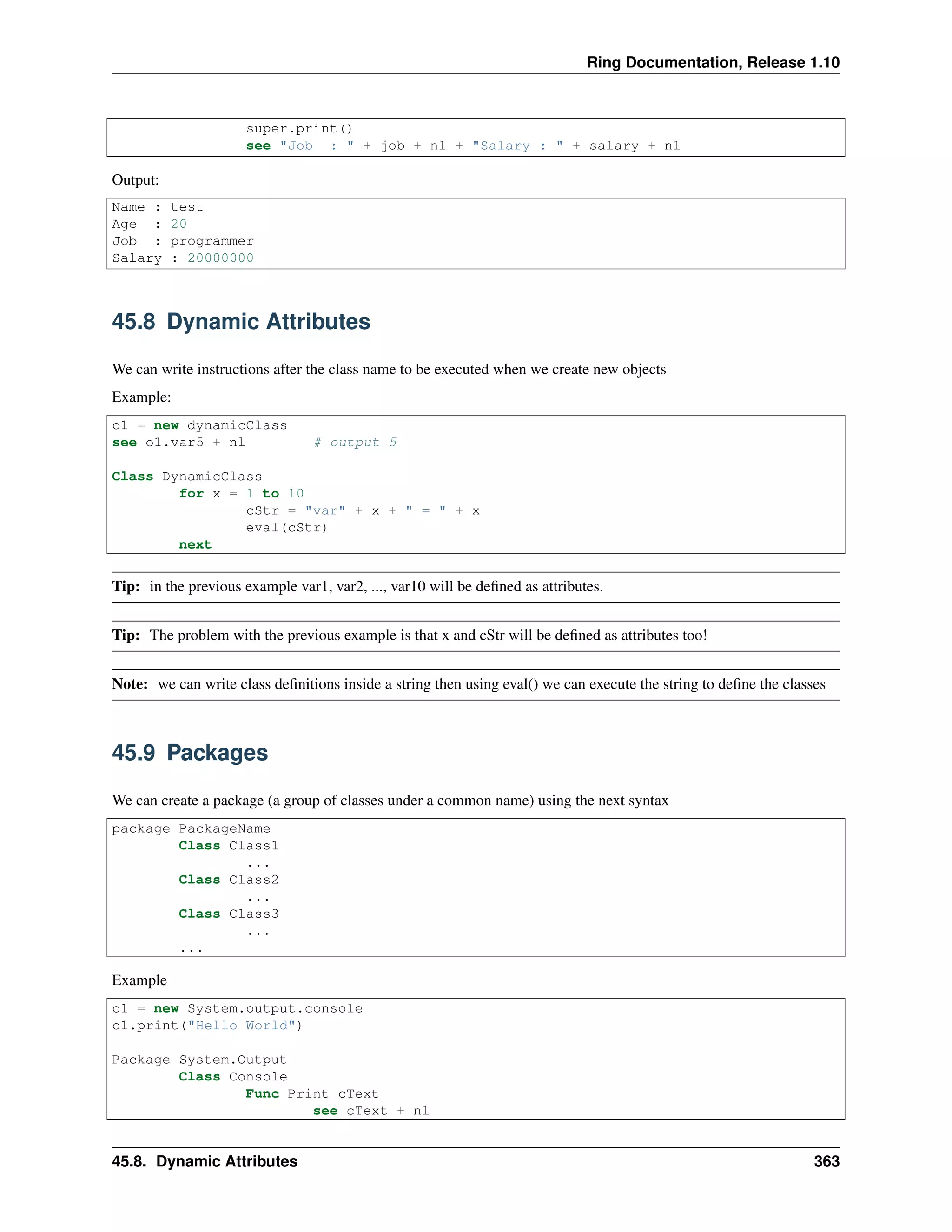
We can write instructions after the class name to be executed when we create new objects
Example:
o1 = new dynamicClass
see o1.var5 + nl # output 5
Class DynamicClass
for x = 1 to 10
cStr = "var" + x + " = " + x
eval(cStr)
next
Tip: in the previous example var1, var2, ..., var10 will be defined as attributes.
Tip: The problem with the previous example is that x and cStr will be defined as attributes too!
Note: we can write class definitions inside a string then using eval() we can execute the string to define the classes
45.9 Packages
We can create a package (a group of classes under a common name) using the next syntax
package PackageName
Class Class1
...
Class Class2
...
Class Class3
...
...
Example
o1 = new System.output.console
o1.print("Hello World")
Package System.Output
Class Console
Func Print cText
see cText + nl
45.8. Dynamic Attributes 363
Ring Documentation, Release 1.10
Note: we can use the dot operator as part of the package name
Instead of typing the long name PackageName.ClassName we can use the import command
When we import a package, we can use any class inside this package directly.
Example
import system.output
o1 = new console {
print("Hello World")
}
Package System.Output
Class Console
Func Print cText
see cText + nl
45.10 Printing Objects
We can print the object state (attributes and values) using the see command.
Example:
see new point { x=10 y=20 z=30 }
class point x y z
Output:
x: 10.000000
y: 20.000000
z: 30.000000
45.11 Find() and List of Objects
We can use the find() function to search inside a list of objects.
Syntax:
Find(List,ItemValue,nColumn,cAttribute) ---> Item Index
Example:
myList1 = [new Company {position=3 name="Mahmoud" symbol="MHD"},
new Company {position=2 name="Bert" symbol="BRT"},
new Company {position=1 name="Ring" symbol="RNG"}
]
see find(mylist1,"Bert",1,"name") + nl
see find(mylist1,"Ring",1,"name") + nl
see find(mylist1,"Mahmoud",1,"name") + nl
see find(mylist1,"RNG",1,"symbol") + nl
see find(mylist1,"MHD",1,"symbol") + nl
see find(mylist1,"BRT",1,"symbol") + nl
see find(mylist1,3,1,"position") + nl
see find(mylist1,1,1,"position") + nl
45.10. Printing Objects 364
Ring Documentation, Release 1.10
see "Other" + nl
see find(mylist1,"test",1,"name") + nl
see find(mylist1,"test",0,"name") + nl
see find(mylist1,"test",5,"name") + nl
class company position name symbol
Output:
2
3
1
3
1
2
1
3
Other
0
0
0
45.12 Sort() and List of Objects
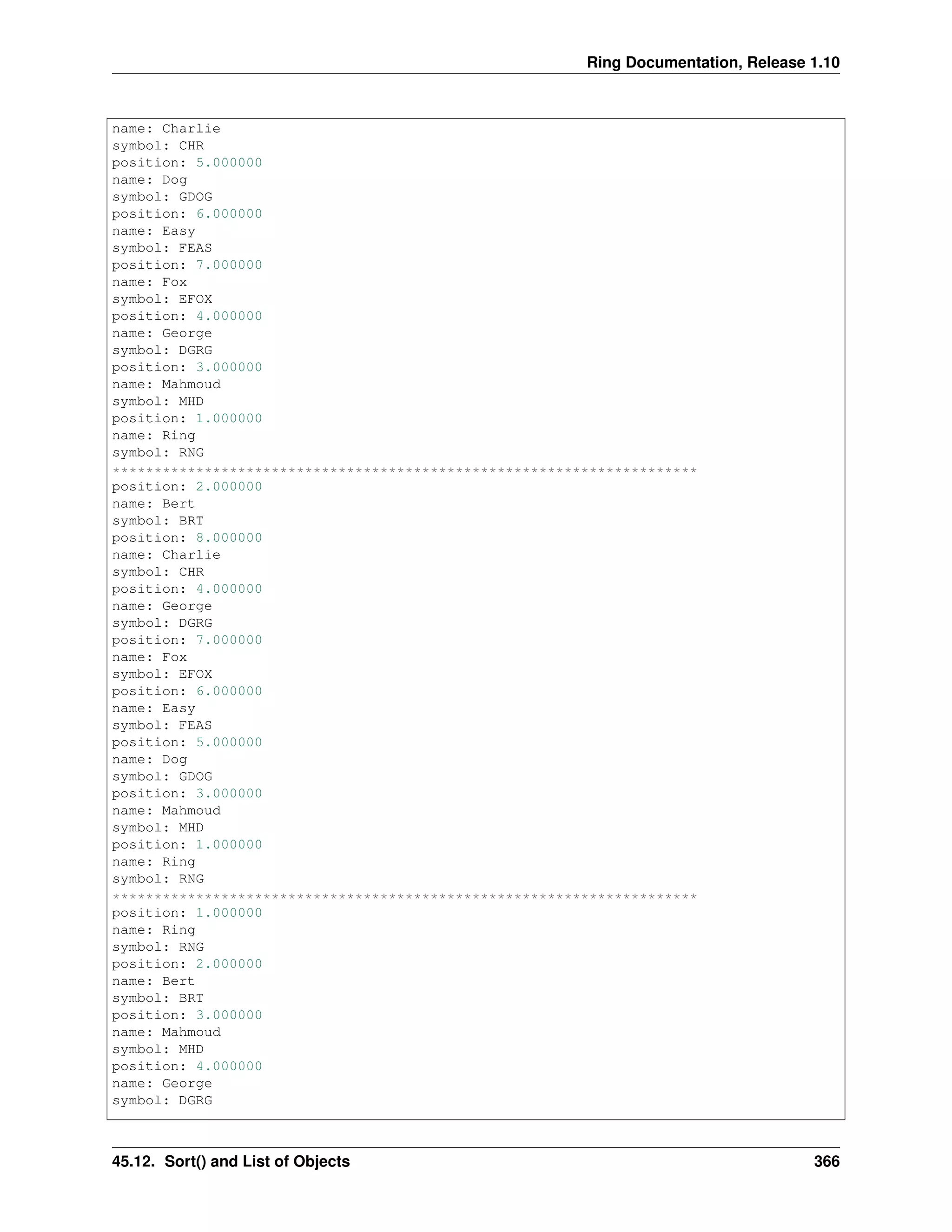
We can sort a list of objects based on an object attribute using the Sort() function.
Syntax:
Sort(List,nColumn,cAttribute) ---> Sorted List based on Object Attribute
Example:
myList1 = [
new Company {position=3 name="Mahmoud" symbol="MHD"},
new Company {position=2 name="Bert" symbol="BRT"},
new Company {position=8 name="Charlie" symbol="CHR"},
new Company {position=6 name="Easy" symbol="FEAS"},
new Company {position=7 name="Fox" symbol="EFOX"},
new Company {position=5 name="Dog" symbol="GDOG"},
new Company {position=4 name="George" symbol="DGRG"},
new Company {position=1 name="Ring" symbol="RNG"}
]
see sort(mylist1,1,"name")
see copy("*",70) + nl
see sort(mylist1,1,"symbol")
see copy("*",70) + nl
see sort(mylist1,1,"position")
class company position name symbol
Output:
position: 2.000000
name: Bert
symbol: BRT
position: 8.000000
45.12. Sort() and List of Objects 365
Ring Documentation, Release 1.10
name: Charlie
symbol: CHR
position: 5.000000
name: Dog
symbol: GDOG
position: 6.000000
name: Easy
symbol: FEAS
position: 7.000000
name: Fox
symbol: EFOX
position: 4.000000
name: George
symbol: DGRG
position: 3.000000
name: Mahmoud
symbol: MHD
position: 1.000000
name: Ring
symbol: RNG
**********************************************************************
position: 2.000000
name: Bert
symbol: BRT
position: 8.000000
name: Charlie
symbol: CHR
position: 4.000000
name: George
symbol: DGRG
position: 7.000000
name: Fox
symbol: EFOX
position: 6.000000
name: Easy
symbol: FEAS
position: 5.000000
name: Dog
symbol: GDOG
position: 3.000000
name: Mahmoud
symbol: MHD
position: 1.000000
name: Ring
symbol: RNG
**********************************************************************
position: 1.000000
name: Ring
symbol: RNG
position: 2.000000
name: Bert
symbol: BRT
position: 3.000000
name: Mahmoud
symbol: MHD
position: 4.000000
name: George
symbol: DGRG
45.12. Sort() and List of Objects 366
Ring Documentation, Release 1.10
position: 5.000000
name: Dog
symbol: GDOG
position: 6.000000
name: Easy
symbol: FEAS
position: 7.000000
name: Fox
symbol: EFOX
position: 8.000000
name: Charlie
symbol: CHR
45.13 Using Self.Attribute and Self.Method()
Inside the class region (After the class name and before any method) and the class methods we can use self.attribute
and self.method()
Class Point
self.x = 10
self.y = 20
self.z = 30
func print
see self.x + nl + self.y + nl + self.z + nl
Note: using self.attribute in the class region to define the class attribute protect the class attributes from conflict with
global variables.
Tip: if you typed the class attributes with self.attribute and there are a global variable with the same name it will be
used and the attribute will not be defined.
Check the “Scope Rules” chapter to know about the conflict between the global variable name and the attribute name
Whay this may happens?
Because
• Because in the class region we can access global variables.
• Before defining any variable, Ring try to find the variable and use it if it’s found.
Note: Try to avoid the global variables, use the main function and start their names with $
Tip: In large programs protect your classes and define their members using self.attribute
45.14 Using This.Attribute and This.Method()
Inside class methods we have access to the object scope directly. we don’t need to use Self.attribute or Self.method to
read/write attribute and call methods.
But we can use braces {} while we are inside methods to access another object, In this case the current object scope
will be changed while we are inside the brace.
45.13. Using Self.Attribute and Self.Method() 367

The Ring programming language version 1.10 book - Part 40 of 212

  • 1.
    Ring Documentation, Release1.10 Name : Rectangle 1 Color: Blue P1 : (10,20) P2 : (200,300) 45.4 Setter and Getter We can define methods to be used when we set and get object attributes. Syntax: Class ClassName AttributeName ... Func SetAttributeName ... Func GetAttributeName ... Example: o1 = new person o1.name = "Mahmoud" see o1.name + nl o1 { name = "Ahmed" see name } Class Person name family = "Fayed" func setname value see "Message from SetName() Function!" + nl name = value + " " + family func getname see "Message from GetName() Function!" + nl return "Mr. " + name Output: Message from SetName() Function! Message from GetName() Function! Mr. Mahmoud Fayed Message from SetName() Function! Message from GetName() Function! Mr. Ahmed Fayed 45.5 Private Attributes and Methods We can define private attributes and methods after the keyword private inside the class body 45.4. Setter and Getter 358
  • 2.
    Ring Documentation, Release1.10 Example: o1 = new person { name = "Test" age = 20 print() o1.printsalary() } try see o1.salary catch see cCatchError + nl done try o1.increasesalary(1000) catch see cCatchError + nl done Class Person name age func print see "Name : " + name + nl + "Age : " + age + nl func printsalary see "Salary : " + salary + nl private salary = 15000 func increasesalary x salary += x Output: Name : Test Age : 20 Salary : 15000 Error (R27) : Using private attribute from outside the class : salary Error (R26) : Calling private method from outside the class : increasesalary 45.6 Operator Overloading We can add the operator method to our class to enable using operators with the class objects. Syntax: Class ClassName ... 45.6. Operator Overloading 359
  • 3.
    Ring Documentation, Release1.10 Func operator cOperator,Para ... The function operator takes two paramters, the first represent the operator and the second represent the second param- eter after the operator. Example: o1 = new point { x = 10 y = 10 print("P1 : ") } o2 = new point { x = 20 y = 40 print("P2 : ") } o3 = o1 + o2 o3.print("P1+P2 : ") class point x y func operator cOperator,Para result = new point switch cOperator on "+" result.x = x + Para.x result.y = y + Para.y on "-" result.x = x - Para.x result.y = y - Para.y off return result func print cPoint see cPoint + "X : " + x + " Y : " + y + nl Output: P1 : X : 10 Y : 10 P2 : X : 20 Y : 40 P1+P2 : X : 30 Y : 50 The next example from the List class in the stdlib.ring Func operator cOperator,Para result = new list switch cOperator on "+" if isobject(para) for t in Para.vValue vValue + t next but islist(para) for t in Para vValue + t next ok on "len" return len( vValue ) on "[]" return &vValue[para] off return result 45.6. Operator Overloading 360
  • 4.
    Ring Documentation, Release1.10 The “len” operator is used with (for in) control structure. The “[]” operator is used when we try to access the list items, In this case we use the & operator to return the item values like strings an numbers by reference, so we can update it when we access the items. Another Example func main See "----1"+nl a1 = new BigNumber( "123" ) a2 = new BigNumber( "456" ) a3 = new BigNumber( "789" ) See nl+"----2"+nl a1.print() a2.print() a3.print() See nl+"----3"+nl a2 = a1 + "45" See nl+"----4"+nl a2.print() See nl+"----5"+nl a3 = a1 + a2 See nl+"----6"+nl a3.print() See nl+"----7"+nl ###================================== Func FuncAdd( num1, num2) Sum = 0 + num1 + num2 ### Para.aData isNumber Sum = "" +Sum ### Para.adata isString return Sum ### return to Class ###=================================== class BigNumber ### Variables aData = "468" ### Functions INIT default values func init aPara ? "INIT aPara: " ? aPara if isString(aPara) aData = aPara else aData = "" + aPara ok ### Other Functions func operator cOperator, Para whatType = Type(Para) ? nl+"WhatType-PARA: "+ whatType ? Para ? nl+"Operator: " ? cOperator ? nl+"PARA: " ? Para ? " ______" ? nl if whatType = "STRING" dataInfo = Para ? "dataInfo String: " ? dataInfo but whatType = "NUMBER" datinfo = "" + Para ? "dataInfo Number: " ? dataInfo 45.6. Operator Overloading 361
  • 5.
    Ring Documentation, Release1.10 else whatType = "OBJECT" dataInfo = "" + para.aData ? "dataInfo OBJECT: " ? dataInfo ok ? "dataInfo USING: " ? dataInfo ### Para.aData does NOT exist on first pass ( Object with member) ### Result isObject when assigned "self" result = self switch cOperator on "+" answer = FuncAdd( aData, dataInfo ) ? nl+"AnswerString - FunAdd aData, dataInfo: " ? answer ### result = self, is Object, populate Object with aData member result.aData = answer off ### Result = Self is Object return result func print ? nl+"ClassPrint aData: " ? aData 45.7 Inheritance We can create class from another class in the class definition using the keyword from. Syntax: Class <Class Name> [From <Parent Class Name>] We can call a method in the parent class from the child class using the super object. Syntax: func methodname ... super.methodname() ... Example: Func main e1 = new Employee { Name = "test" age = 20 job = "programmer" salary = 20000000 print() } Class Human Name Age func print see "Name : " + name + nl + "Age : " + age + nl Class Employee from Human Job Salary func print 45.7. Inheritance 362
  • 6.
    Ring Documentation, Release1.10 super.print() see "Job : " + job + nl + "Salary : " + salary + nl Output: Name : test Age : 20 Job : programmer Salary : 20000000 45.8 Dynamic Attributes We can write instructions after the class name to be executed when we create new objects Example: o1 = new dynamicClass see o1.var5 + nl # output 5 Class DynamicClass for x = 1 to 10 cStr = "var" + x + " = " + x eval(cStr) next Tip: in the previous example var1, var2, ..., var10 will be defined as attributes. Tip: The problem with the previous example is that x and cStr will be defined as attributes too! Note: we can write class definitions inside a string then using eval() we can execute the string to define the classes 45.9 Packages We can create a package (a group of classes under a common name) using the next syntax package PackageName Class Class1 ... Class Class2 ... Class Class3 ... ... Example o1 = new System.output.console o1.print("Hello World") Package System.Output Class Console Func Print cText see cText + nl 45.8. Dynamic Attributes 363
  • 7.
    Ring Documentation, Release1.10 Note: we can use the dot operator as part of the package name Instead of typing the long name PackageName.ClassName we can use the import command When we import a package, we can use any class inside this package directly. Example import system.output o1 = new console { print("Hello World") } Package System.Output Class Console Func Print cText see cText + nl 45.10 Printing Objects We can print the object state (attributes and values) using the see command. Example: see new point { x=10 y=20 z=30 } class point x y z Output: x: 10.000000 y: 20.000000 z: 30.000000 45.11 Find() and List of Objects We can use the find() function to search inside a list of objects. Syntax: Find(List,ItemValue,nColumn,cAttribute) ---> Item Index Example: myList1 = [new Company {position=3 name="Mahmoud" symbol="MHD"}, new Company {position=2 name="Bert" symbol="BRT"}, new Company {position=1 name="Ring" symbol="RNG"} ] see find(mylist1,"Bert",1,"name") + nl see find(mylist1,"Ring",1,"name") + nl see find(mylist1,"Mahmoud",1,"name") + nl see find(mylist1,"RNG",1,"symbol") + nl see find(mylist1,"MHD",1,"symbol") + nl see find(mylist1,"BRT",1,"symbol") + nl see find(mylist1,3,1,"position") + nl see find(mylist1,1,1,"position") + nl 45.10. Printing Objects 364
  • 8.
    Ring Documentation, Release1.10 see "Other" + nl see find(mylist1,"test",1,"name") + nl see find(mylist1,"test",0,"name") + nl see find(mylist1,"test",5,"name") + nl class company position name symbol Output: 2 3 1 3 1 2 1 3 Other 0 0 0 45.12 Sort() and List of Objects We can sort a list of objects based on an object attribute using the Sort() function. Syntax: Sort(List,nColumn,cAttribute) ---> Sorted List based on Object Attribute Example: myList1 = [ new Company {position=3 name="Mahmoud" symbol="MHD"}, new Company {position=2 name="Bert" symbol="BRT"}, new Company {position=8 name="Charlie" symbol="CHR"}, new Company {position=6 name="Easy" symbol="FEAS"}, new Company {position=7 name="Fox" symbol="EFOX"}, new Company {position=5 name="Dog" symbol="GDOG"}, new Company {position=4 name="George" symbol="DGRG"}, new Company {position=1 name="Ring" symbol="RNG"} ] see sort(mylist1,1,"name") see copy("*",70) + nl see sort(mylist1,1,"symbol") see copy("*",70) + nl see sort(mylist1,1,"position") class company position name symbol Output: position: 2.000000 name: Bert symbol: BRT position: 8.000000 45.12. Sort() and List of Objects 365
  • 9.
    Ring Documentation, Release1.10 name: Charlie symbol: CHR position: 5.000000 name: Dog symbol: GDOG position: 6.000000 name: Easy symbol: FEAS position: 7.000000 name: Fox symbol: EFOX position: 4.000000 name: George symbol: DGRG position: 3.000000 name: Mahmoud symbol: MHD position: 1.000000 name: Ring symbol: RNG ********************************************************************** position: 2.000000 name: Bert symbol: BRT position: 8.000000 name: Charlie symbol: CHR position: 4.000000 name: George symbol: DGRG position: 7.000000 name: Fox symbol: EFOX position: 6.000000 name: Easy symbol: FEAS position: 5.000000 name: Dog symbol: GDOG position: 3.000000 name: Mahmoud symbol: MHD position: 1.000000 name: Ring symbol: RNG ********************************************************************** position: 1.000000 name: Ring symbol: RNG position: 2.000000 name: Bert symbol: BRT position: 3.000000 name: Mahmoud symbol: MHD position: 4.000000 name: George symbol: DGRG 45.12. Sort() and List of Objects 366
  • 10.
    Ring Documentation, Release1.10 position: 5.000000 name: Dog symbol: GDOG position: 6.000000 name: Easy symbol: FEAS position: 7.000000 name: Fox symbol: EFOX position: 8.000000 name: Charlie symbol: CHR 45.13 Using Self.Attribute and Self.Method() Inside the class region (After the class name and before any method) and the class methods we can use self.attribute and self.method() Class Point self.x = 10 self.y = 20 self.z = 30 func print see self.x + nl + self.y + nl + self.z + nl Note: using self.attribute in the class region to define the class attribute protect the class attributes from conflict with global variables. Tip: if you typed the class attributes with self.attribute and there are a global variable with the same name it will be used and the attribute will not be defined. Check the “Scope Rules” chapter to know about the conflict between the global variable name and the attribute name Whay this may happens? Because • Because in the class region we can access global variables. • Before defining any variable, Ring try to find the variable and use it if it’s found. Note: Try to avoid the global variables, use the main function and start their names with $ Tip: In large programs protect your classes and define their members using self.attribute 45.14 Using This.Attribute and This.Method() Inside class methods we have access to the object scope directly. we don’t need to use Self.attribute or Self.method to read/write attribute and call methods. But we can use braces {} while we are inside methods to access another object, In this case the current object scope will be changed while we are inside the brace. 45.13. Using Self.Attribute and Self.Method() 367