The Advancement
of Technology in
the Workplace
By:
Alexis Giovanni Valencia Medina
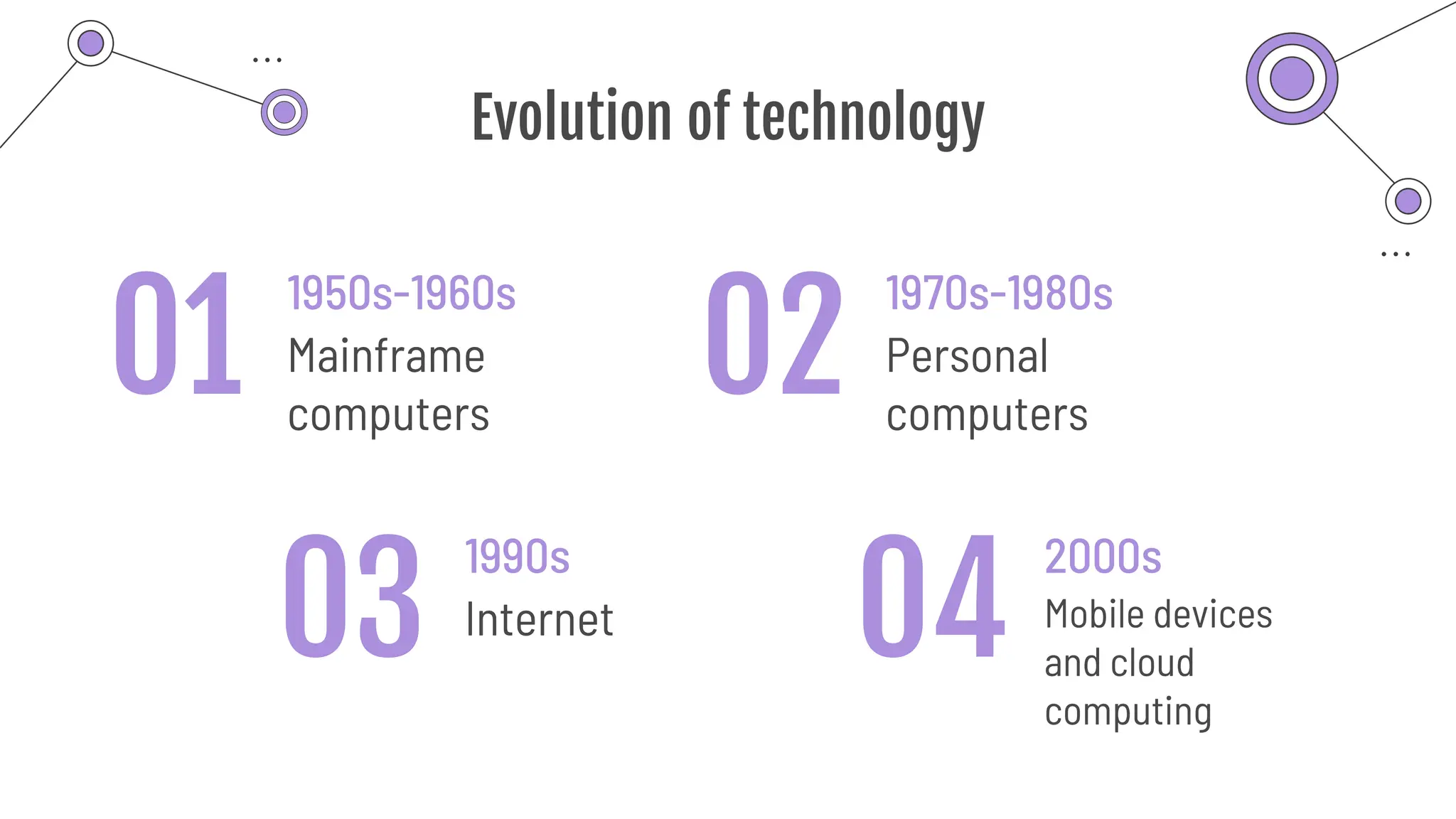
Evolution of technology
1950s-1960s
Mainframe
computers
1970s-1980s
Personal
computers
1990s
Internet
2000s
Mobile devices
and cloud
computing
01
03 04
02
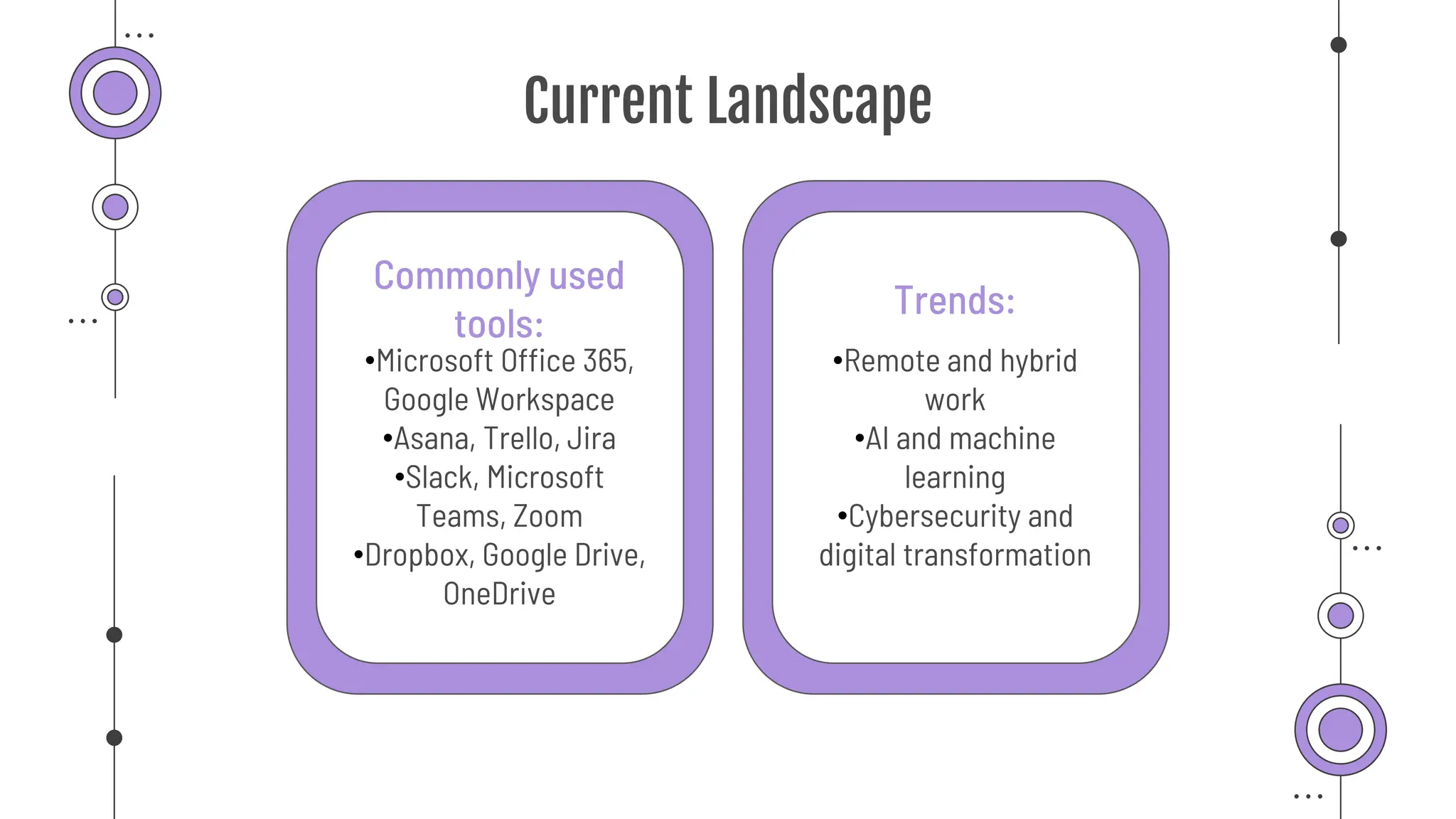
Current Landscape
•Remote and hybrid
work
•AI and machine
learning
•Cybersecurity and
digital transformation
•Microsoft Office 365,
Google Workspace
•Asana, Trello, Jira
•Slack, Microsoft
Teams, Zoom
•Dropbox, Google Drive,
OneDrive
Trends:
Commonly used
tools:
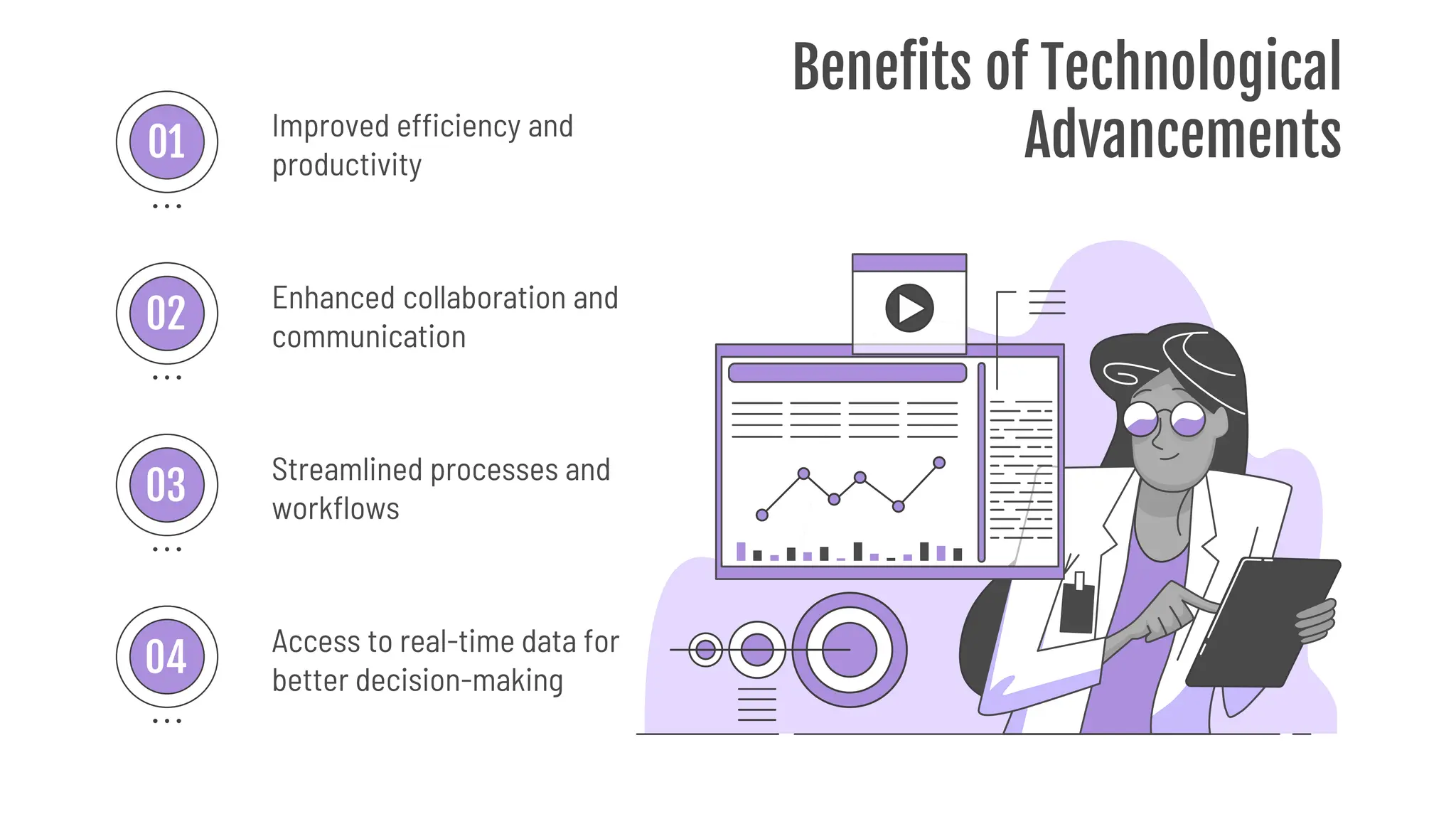
Benefits of Technological
Advancements
Improved efficiency and
productivity
Enhanced collaboration and
communication
Streamlined processes and
workflows
Access to real-time data for
better decision-making
01
02
03
04
Case Studies
Cloud-based
project
management
software
AI-powered
chatbots for
customer service
Data analytics for
supply chain
optimization
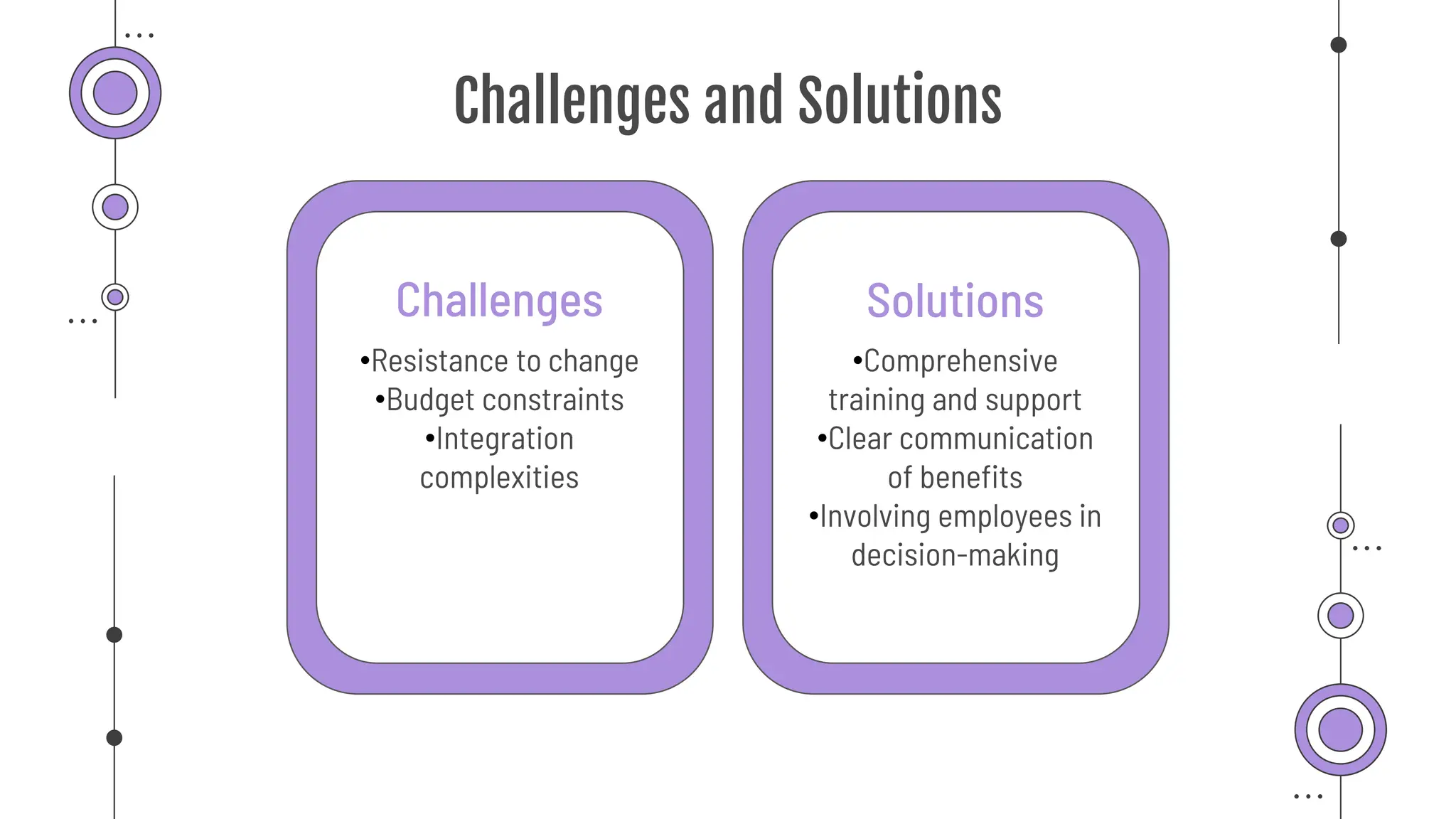
Challenges and Solutions
•Comprehensive
training and support
•Clear communication
of benefits
•Involving employees in
decision-making
•Resistance to change
•Budget constraints
•Integration
complexities
Solutions
Challenges
Contents of This Template
Here’s what you’ll find in this Slidesgo template:
1. A slide structure based on a consulting sales pitch, which you can easily adapt to your needs. For more info on how to
edit the template, please visit Slidesgo School or read our FAQs.
2. An assortment of illustrations that are suitable for use in the presentation can be found in the alternative resources
slide.
3. A thanks slide, which you must keep so that proper credits for our design are given.
4. A resources slide, where you’ll find links to all the elements used in the template.
5. Instructions for use.
6. Final slides with:
7. The fonts and colors used in the template.
8. A selection of illustrations. You can also customize and animate them as you wish with the online editor. Visit
Stories by Freepik to find more.
9. More infographic resources, whose size and color can be edited.
10. Sets of customizable icons of the following themes: general, business, avatar, creative process, education, help
& support, medical, nature, performing arts, SEO & marketing, and teamwork.
You can delete this slide when you’re done editing the presentation.
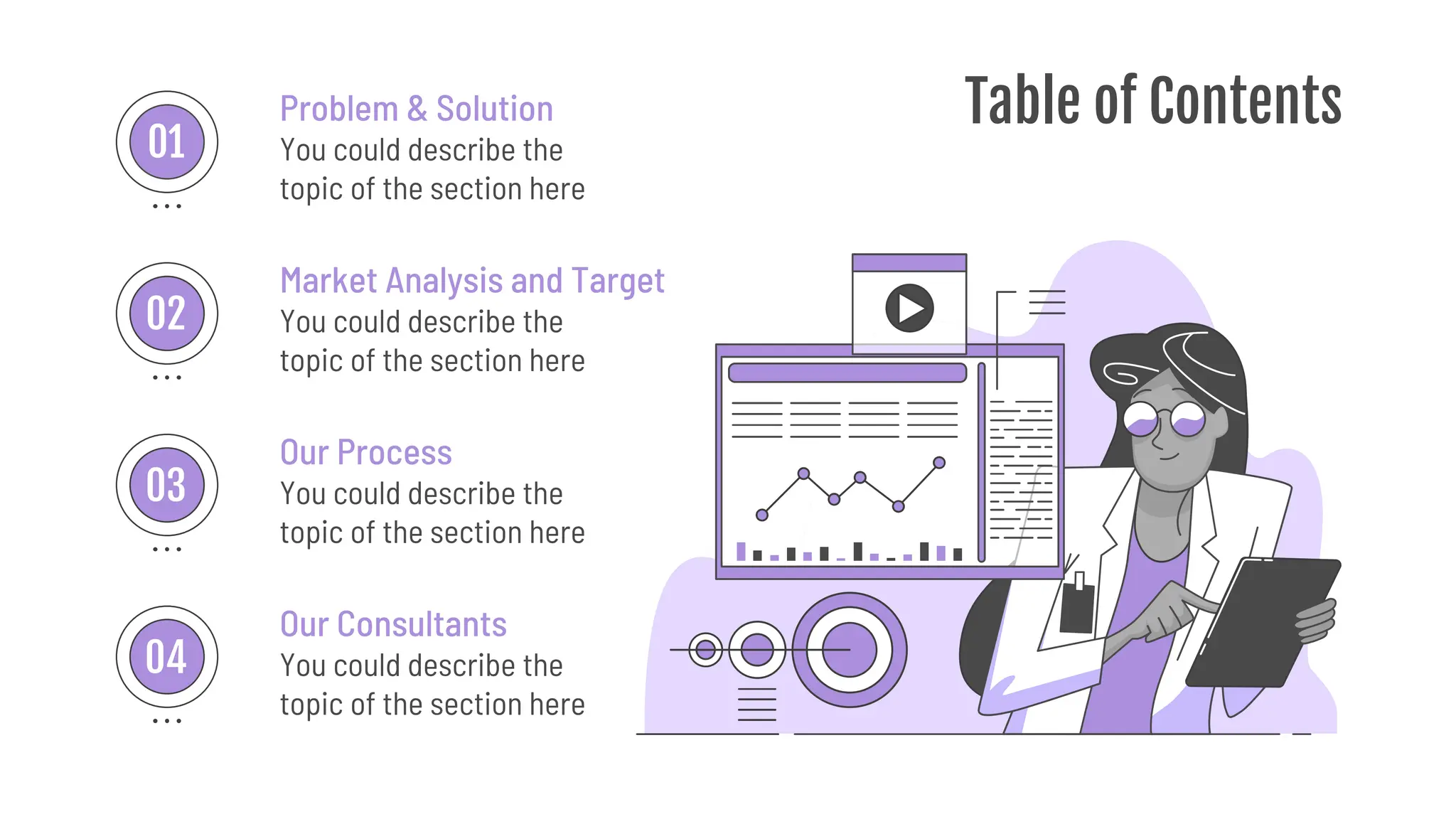
Table of Contents
You could describe the
topic of the section here
Problem & Solution
Market Analysis and Target
You could describe the
topic of the section here
Our Process
You could describe the
topic of the section here
Our Consultants
You could describe the
topic of the section here
01
02
03
04
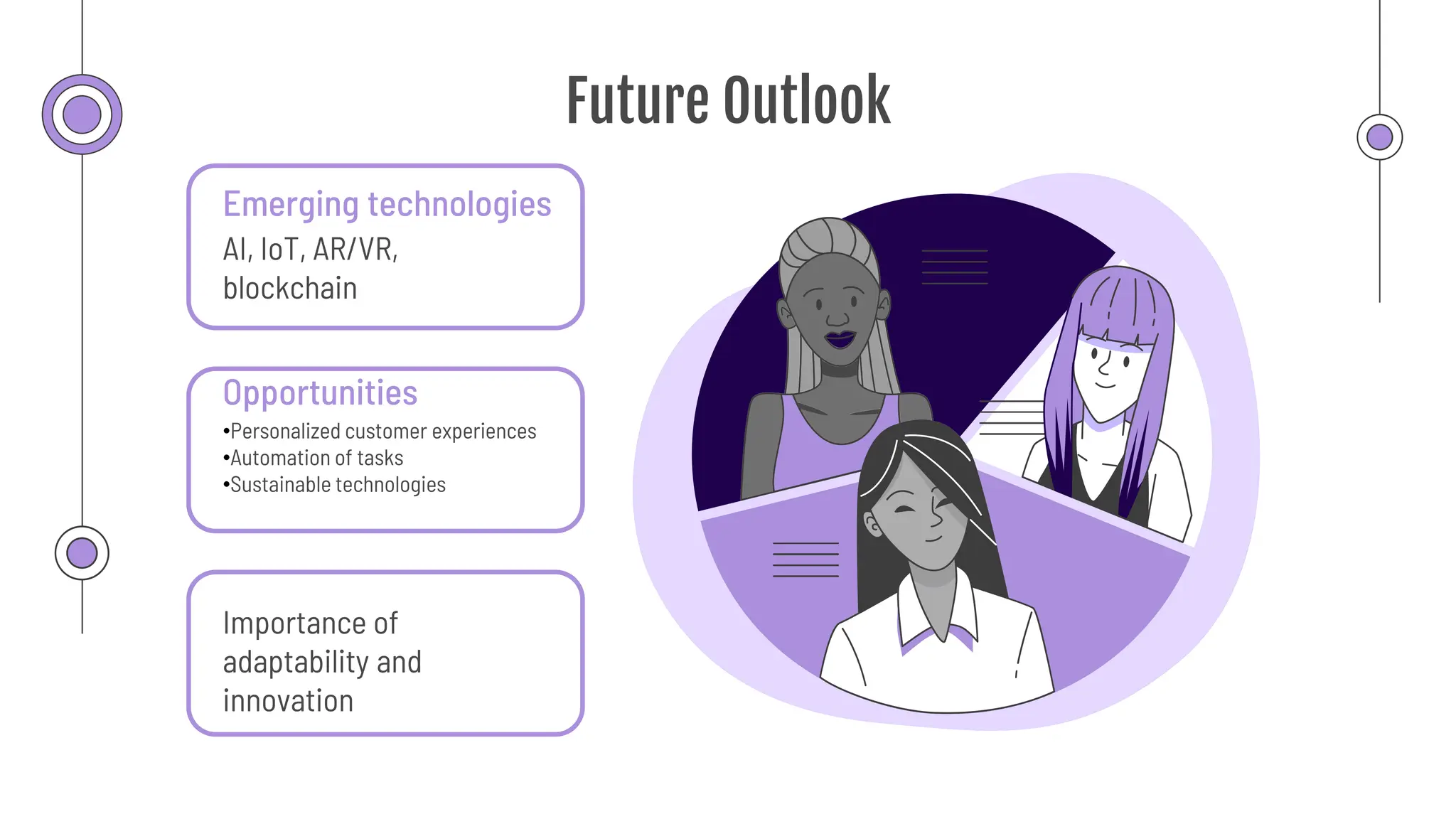
Future Outlook
Emerging technologies
AI, IoT, AR/VR,
blockchain
Opportunities
•Personalized customer experiences
•Automation of tasks
•Sustainable technologies
Importance of
adaptability and
innovation
CREDITS: This presentation template was created by Slidesgo, including
icons by Flaticon, infographics & images by Freepik and illustrations by
Stories
Thanks!
Do you have any questions?
Please keep this slide for attribution

The Advancement og Tech in the Workplace

  • 1.
    The Advancement of Technologyin the Workplace By: Alexis Giovanni Valencia Medina
  • 2.
  • 3.
    Current Landscape •Remote andhybrid work •AI and machine learning •Cybersecurity and digital transformation •Microsoft Office 365, Google Workspace •Asana, Trello, Jira •Slack, Microsoft Teams, Zoom •Dropbox, Google Drive, OneDrive Trends: Commonly used tools:
  • 4.
    Benefits of Technological Advancements Improvedefficiency and productivity Enhanced collaboration and communication Streamlined processes and workflows Access to real-time data for better decision-making 01 02 03 04
  • 5.
  • 6.
    Challenges and Solutions •Comprehensive trainingand support •Clear communication of benefits •Involving employees in decision-making •Resistance to change •Budget constraints •Integration complexities Solutions Challenges
  • 7.
    Contents of ThisTemplate Here’s what you’ll find in this Slidesgo template: 1. A slide structure based on a consulting sales pitch, which you can easily adapt to your needs. For more info on how to edit the template, please visit Slidesgo School or read our FAQs. 2. An assortment of illustrations that are suitable for use in the presentation can be found in the alternative resources slide. 3. A thanks slide, which you must keep so that proper credits for our design are given. 4. A resources slide, where you’ll find links to all the elements used in the template. 5. Instructions for use. 6. Final slides with: 7. The fonts and colors used in the template. 8. A selection of illustrations. You can also customize and animate them as you wish with the online editor. Visit Stories by Freepik to find more. 9. More infographic resources, whose size and color can be edited. 10. Sets of customizable icons of the following themes: general, business, avatar, creative process, education, help & support, medical, nature, performing arts, SEO & marketing, and teamwork. You can delete this slide when you’re done editing the presentation.
  • 8.
    Table of Contents Youcould describe the topic of the section here Problem & Solution Market Analysis and Target You could describe the topic of the section here Our Process You could describe the topic of the section here Our Consultants You could describe the topic of the section here 01 02 03 04
  • 9.
    Future Outlook Emerging technologies AI,IoT, AR/VR, blockchain Opportunities •Personalized customer experiences •Automation of tasks •Sustainable technologies Importance of adaptability and innovation
  • 10.
    CREDITS: This presentationtemplate was created by Slidesgo, including icons by Flaticon, infographics & images by Freepik and illustrations by Stories Thanks! Do you have any questions? Please keep this slide for attribution