Downloaded 101 times
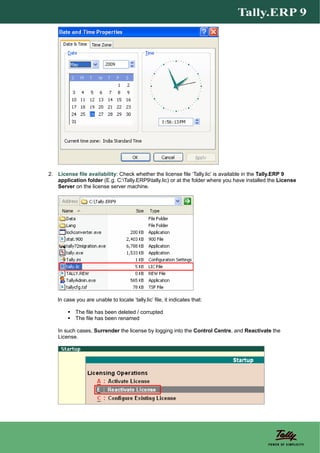
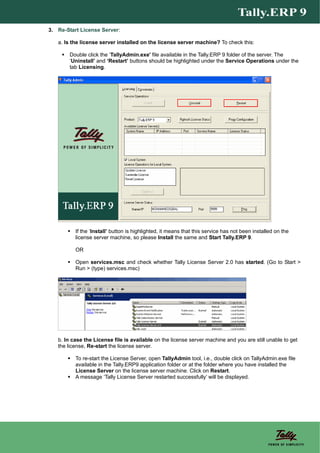
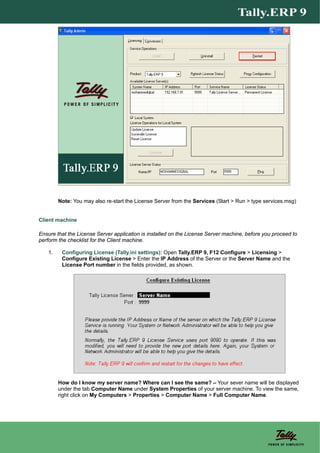
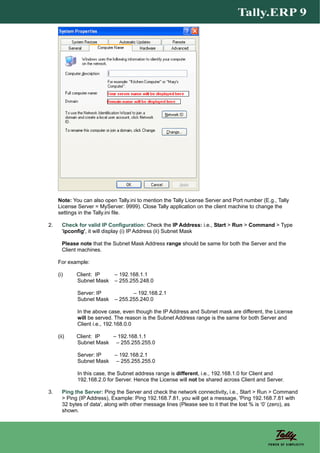
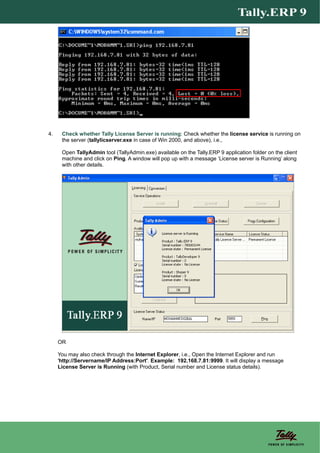


1. This document provides steps to troubleshoot issues getting a Tally.ERP 9 license in both single-user and multi-user environments. 2. For single-user, it involves checking the system date/time and license file. For multi-user, it provides steps to check the license server machine like date/time and license file, and to restart the license server. 3. It also lists steps for client machines to check the Tally.ini configuration, IP settings, ability to ping the server, ensuring the license server is running, and checking firewall and proxy settings.


