Download to read offline
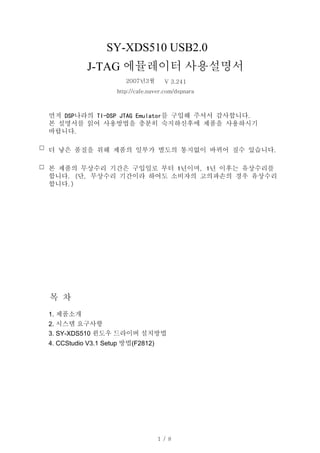


The document provides instructions for setting up the SY-XDS510 USB2.0 J-TAG emulator with CCStudio V3.1 software for an F2812 device. It details downloading and installing the CCStudio software, connecting the SY-XDS510 emulator in Windows, selecting the emulator in CCStudio properties, and choosing a configuration file for custom board settings.


