Download to read offline



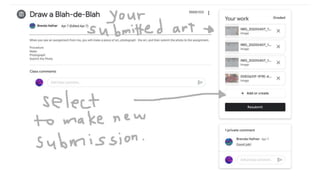
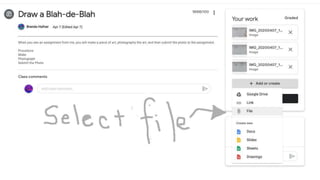
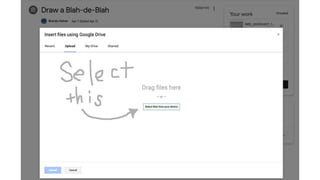

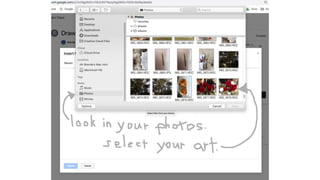
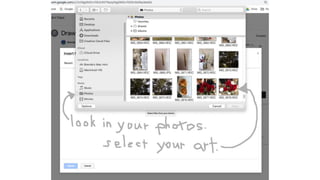

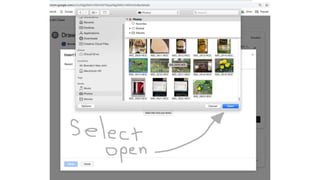

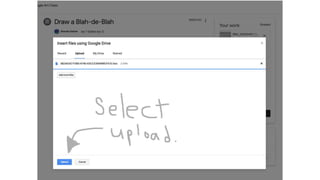
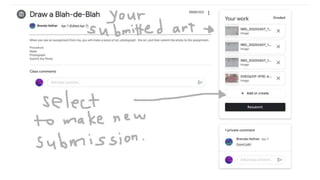

To submit a photo of artwork to a Google Classroom assignment, open the assignment and select "Add or Create" to upload a photo file from your device. Choose the photo of your artwork from your computer files which will appear as thumbnail images. Select the photo, then "Open" and "Upload" to add it to the assignment where a thumbnail of your artwork will appear under the heading "Your work."


