

Streams
berggeist007 / pixelio.de
WHO AM I?
• Sebastian Springer
• Munich, Germany
• works @mayflowerphp
• https://github.com/sspringer82
• @basti_springer
• Consultant,Trainer,Autor
We should have some ways of connecting programs
like garden hose - screw in another segment when it
becomes necessary to massage data in another way.
Douglas McIlroy
CC-BY-SA 4.0
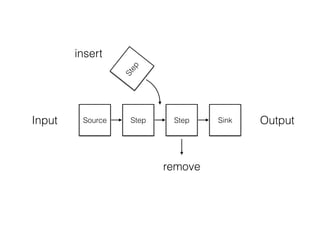
What is a stream?
Paul-Georg Meister / pixelio.de
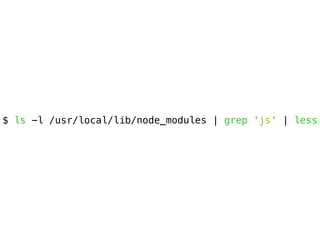
$ ls -l /usr/local/lib/node_modules | grep 'js' | less
Source Step Step SinkInput OutputStep
insert
remove
Streams are EventEmitters
EventEmitter
Callbacks
Event
on(‘event’, callback)emit(‘event’ [, arg1][, arg2])
Where should you use
streams?
selbst / pixelio.de
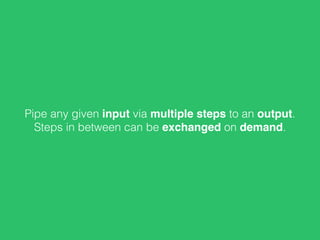
Pipe any given input via multiple steps to an output.
Steps in between can be exchanged on demand.
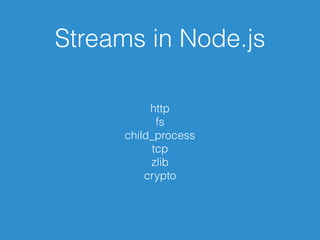
Streams in Node.js
http
fs
child_process
tcp
zlib
crypto
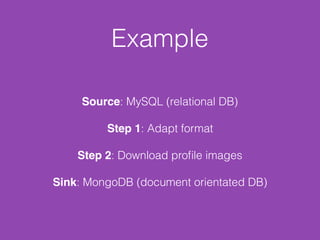
Example
Source: MySQL (relational DB)
Step 1: Adapt format
Step 2: Download profile images
Sink: MongoDB (document orientated DB)
Different types of
streams
Karl-Heinz Laube / pixelio.de
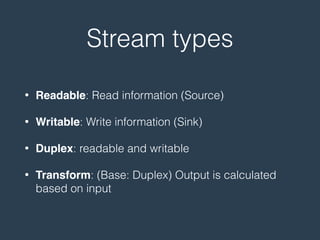
Stream types
• Readable: Read information (Source)
• Writable: Write information (Sink)
• Duplex: readable and writable
• Transform: (Base: Duplex) Output is calculated
based on input
Readable Streams
Andreas Hermsdorf / pixelio.de
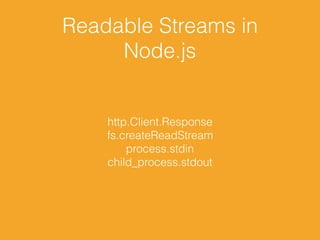
Readable Streams in
Node.js
http.Client.Response
fs.createReadStream
process.stdin
child_process.stdout
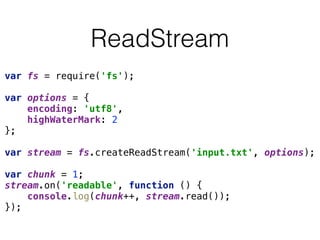
ReadStream
var fs = require('fs');


var options = {

encoding: 'utf8',

highWaterMark: 2

};


var stream = fs.createReadStream('input.txt', options);


var chunk = 1;

stream.on('readable', function () {

console.log(chunk++, stream.read());

});
Erros in ReadStreams
var rs = require('fs')

.createReadStream('nonExistant.txt');


rs.on('error', function (e) {

console.log('ERROR', e);

});
ERROR { [Error: ENOENT: no such file or directory, open 'nonExistant.txt']
errno: -2,
code: 'ENOENT',
syscall: 'open',
path: 'nonExistant.txt' }
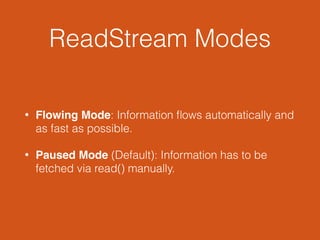
ReadStream Modes
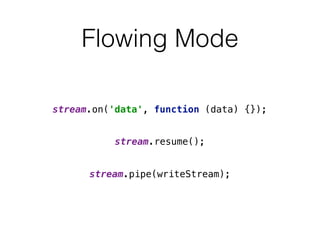
• Flowing Mode: Information flows automatically and
as fast as possible.
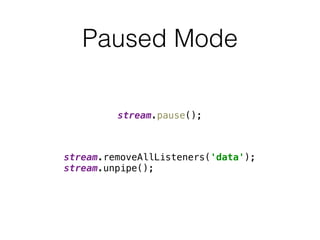
• Paused Mode (Default): Information has to be
fetched via read() manually.
Flowing Mode
stream.on('data', function (data) {});
stream.resume();
stream.pipe(writeStream);
Paused Mode
stream.pause();
stream.removeAllListeners('data');

stream.unpipe();
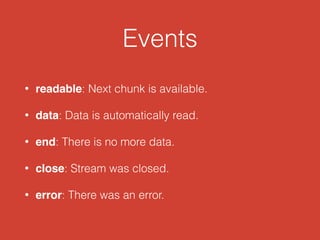
Events
• readable: Next chunk is available.
• data: Data is automatically read.
• end: There is no more data.
• close: Stream was closed.
• error: There was an error.
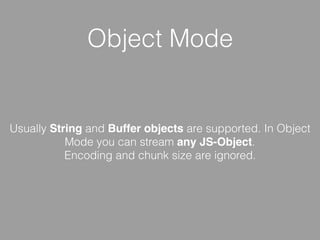
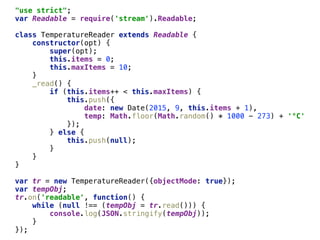
Object Mode
Usually String and Buffer objects are supported. In Object
Mode you can stream any JS-Object.
Encoding and chunk size are ignored.
"use strict";

var Readable = require('stream').Readable;


class TemperatureReader extends Readable {

constructor(opt) {

super(opt);

this.items = 0;

this.maxItems = 10;

}

_read() {

if (this.items++ < this.maxItems) {

this.push({

date: new Date(2015, 9, this.items + 1),

temp: Math.floor(Math.random() * 1000 - 273) + '°C'

});

} else {

this.push(null);

}

}

}


var tr = new TemperatureReader({objectMode: true});

var tempObj;

tr.on('readable', function() {

while (null !== (tempObj = tr.read())) {

console.log(JSON.stringify(tempObj));

}

});
Writable Streams
I-vista / pixelio.de
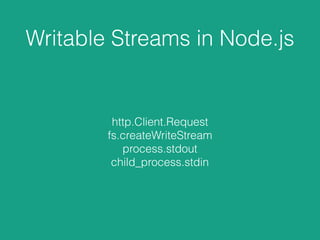
Writable Streams in Node.js
http.Client.Request
fs.createWriteStream
process.stdout
child_process.stdin
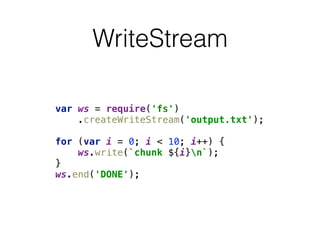
WriteStream
var ws = require('fs')

.createWriteStream('output.txt');


for (var i = 0; i < 10; i++) {

ws.write(`chunk ${i}n`);

}

ws.end('DONE');
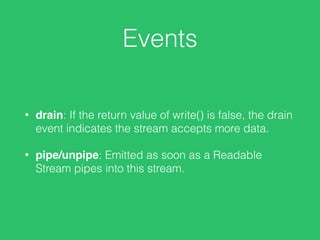
Events
• drain: If the return value of write() is false, the drain
event indicates the stream accepts more data.
• pipe/unpipe: Emitted as soon as a Readable
Stream pipes into this stream.
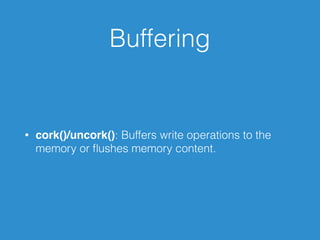
Buffering
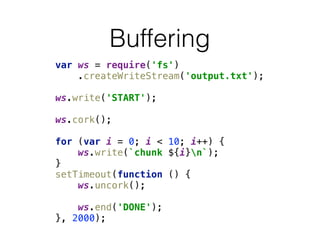
• cork()/uncork(): Buffers write operations to the
memory or flushes memory content.
Buffering
var ws = require('fs')

.createWriteStream('output.txt');


ws.write('START');


ws.cork();


for (var i = 0; i < 10; i++) {

ws.write(`chunk ${i}n`);

}

setTimeout(function () {

ws.uncork();


ws.end('DONE');

}, 2000);
Piping
Rolf Handke / pixelio.de
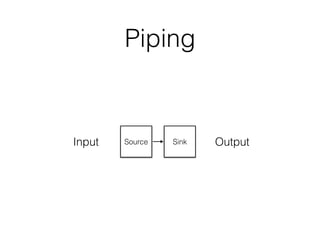
Piping
Source SinkInput Output
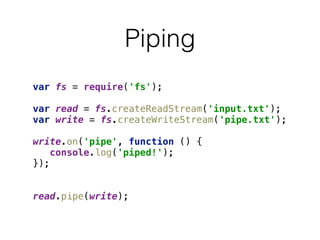
Piping
var fs = require('fs');


var read = fs.createReadStream('input.txt');

var write = fs.createWriteStream('pipe.txt');


write.on('pipe', function () {

console.log('piped!');

});


read.pipe(write);
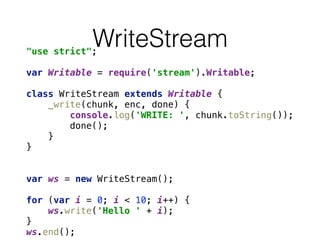
WriteStream"use strict";


var Writable = require('stream').Writable;


class WriteStream extends Writable {

_write(chunk, enc, done) {

console.log('WRITE: ', chunk.toString());

done();

}

}


var ws = new WriteStream();


for (var i = 0; i < 10; i++) {

ws.write('Hello ' + i);

}

ws.end();
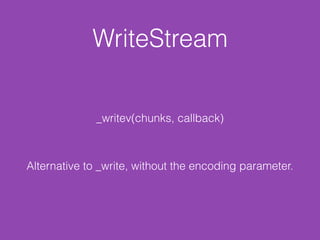
WriteStream
_writev(chunks, callback)
Alternative to _write, without the encoding parameter.
Duplex Streams
Rainer Sturm / pixelio.de
Duplex Streams
Duplex Streams implement Readable as well as
Writable Interface. Duplex Streams are the bas
class for Transform Streams.
Duplex Streams
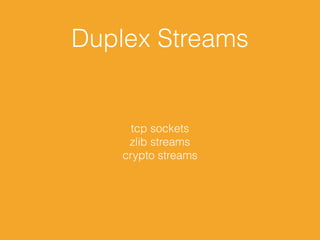
tcp sockets
zlib streams
crypto streams
Duplex Streams
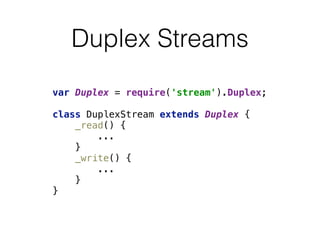
var Duplex = require('stream').Duplex;


class DuplexStream extends Duplex {

_read() {

...

}

_write() {

...

}

}
Transform Streams
Dieter Schütz / pixelio.de
Transform Streams
Transform Streams transform Input by given
rules into a defined Output.
Build on Duplex Streams but with an much
easier API.
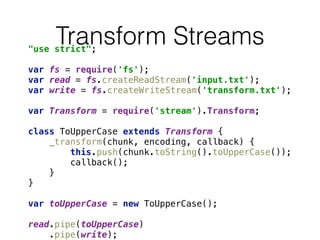
Transform Streams"use strict";


var fs = require('fs');

var read = fs.createReadStream('input.txt');

var write = fs.createWriteStream('transform.txt');


var Transform = require('stream').Transform;


class ToUpperCase extends Transform {

_transform(chunk, encoding, callback) {

this.push(chunk.toString().toUpperCase());

callback();

}

}


var toUpperCase = new ToUpperCase();


read.pipe(toUpperCase)

.pipe(write);
Transform Streams
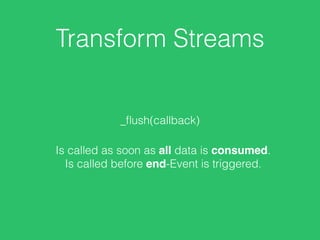
_flush(callback)
Is called as soon as all data is consumed.
Is called before end-Event is triggered.
Gulp
The streaming build system.
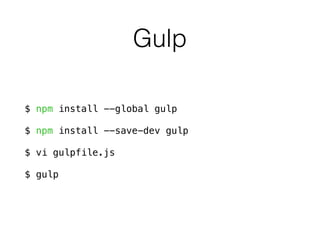
Gulp
$ npm install --global gulp
$ npm install --save-dev gulp
$ vi gulpfile.js
$ gulp
Gulpvar gulp = require('gulp');

var babel = require('gulp-babel');

var concat = require('gulp-concat');

var uglify = require('gulp-uglify');

var rename = require('gulp-rename');


gulp.task('scripts', function() {

return gulp.src('js/*.js')

.pipe(concat('all.js'))

.pipe(gulp.dest('dist'))

.pipe(babel())

.pipe(rename('all.min.js'))

.pipe(uglify())

.pipe(gulp.dest('dist'));

});


gulp.task('default', ['scripts']);
Gulp
$ gulp
[16:09:10] Using gulpfile /srv/basti/gulpfile.js
[16:09:10] Starting 'scripts'...
[16:09:10] Finished 'scripts' after 178 ms
[16:09:10] Starting 'default'...
[16:09:10] Finished 'default' after 13 μs
Questions?
Rainer Sturm / pixelio.de
CONTACT
Sebastian Springer
sebastian.springer@mayflower.de
Mayflower GmbH
Mannhardtstr. 6
80538 München
Deutschland
@basti_springer
https://github.com/sspringer82

Streams in Node.js