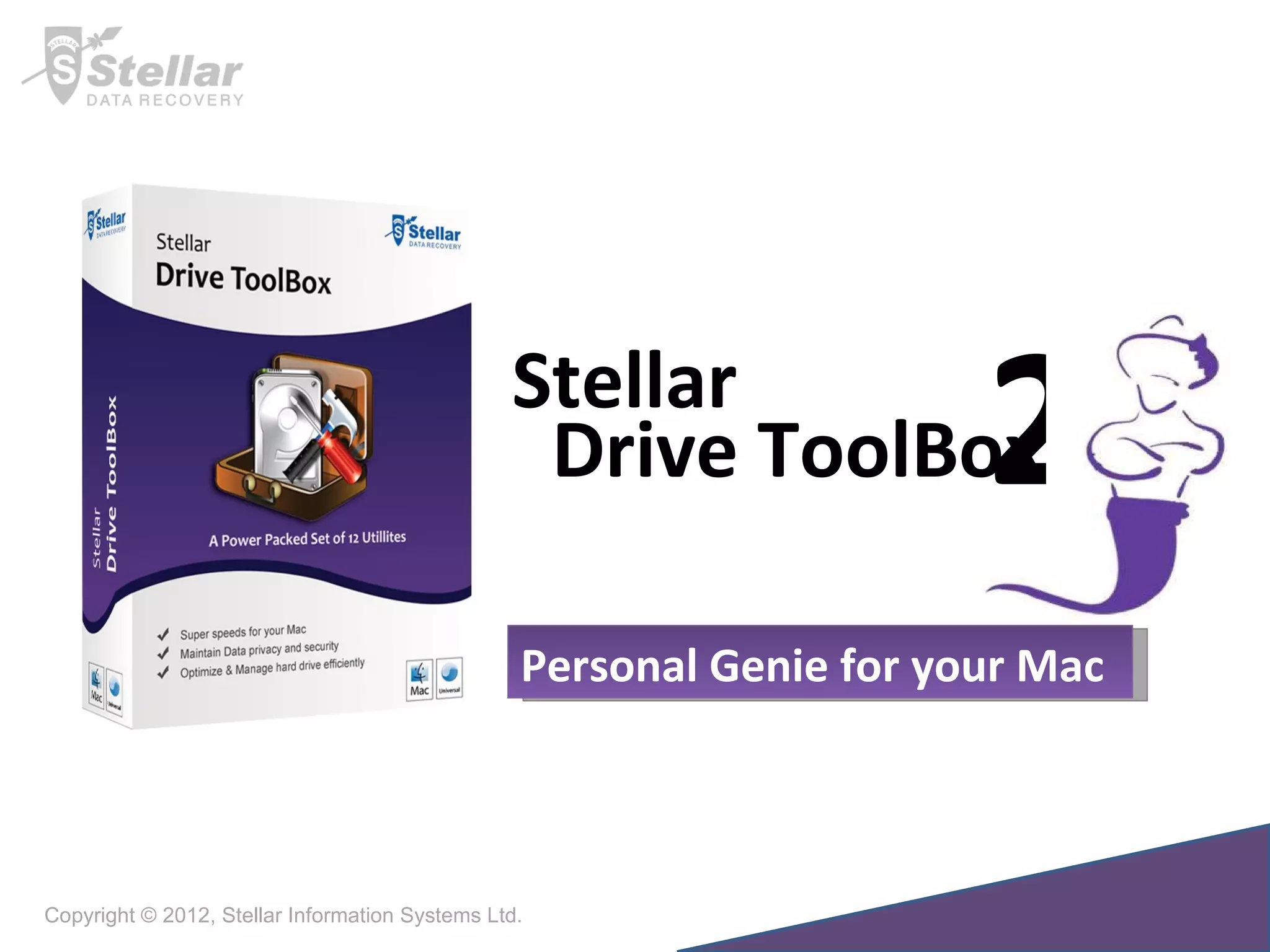
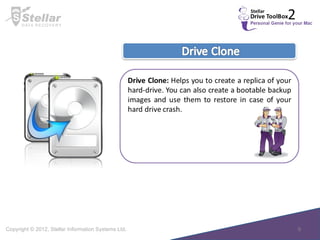
Copyright © 2012, Stellar Information Systems Ltd. Personal Genie for your Mac Drive ToolBox Stellar 2
I often see the beach ball spinning on my Mac and it is running very slow and erratic…. I want to sell my  MAC however, it contains sensitive information… I want to upgrade the hard-drive without undergoing the process of reinstalling all the software.. How can I increase my Lion partition size? Stellar Drive ToolBox 2  answers this need totally and helps you to perform maintenance tasks at home saving your time and precious dollars.
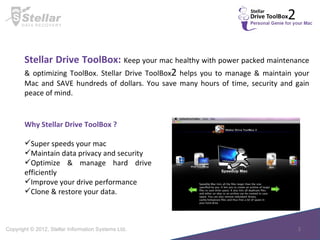
Stellar Drive ToolBox:  Keep your mac healthy with power packed maintenance & optimizing ToolBox. Stellar Drive ToolBox 2  helps you to manage & maintain your Mac and SAVE hundreds of dollars. You save many hours of time, security and gain peace of mind. Why Stellar Drive ToolBox ? Super speeds your mac Maintain data privacy and security Optimize & manage hard drive efficiently Improve your drive performance Clone & restore your data.
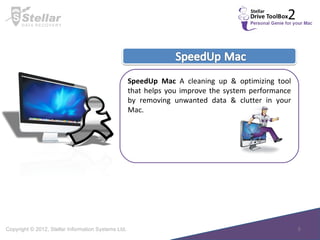
SpeedUp Mac  A cleaning up & optimizing tool that helps you improve the system performance by removing unwanted data & clutter in your Mac.
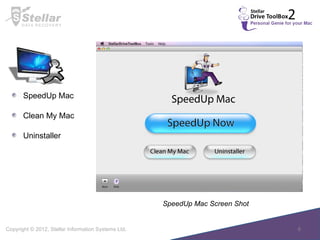
SpeedUp Mac Screen Shot  SpeedUp Mac Clean My Mac Uninstaller
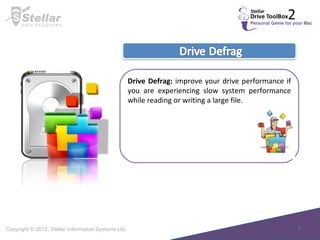
Drive Defrag:  improve your drive performance if you are experiencing slow system performance while reading or writing a large file.
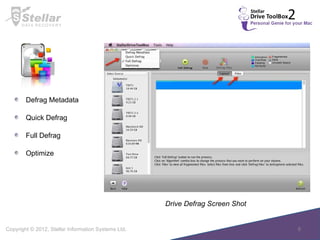
Drive Defrag Screen Shot  Defrag Metadata Quick Defrag  Full Defrag  Optimize
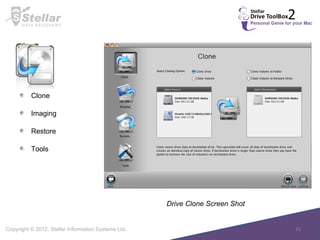
Drive Clone Screen Shot  Clone Imaging Restore Tools
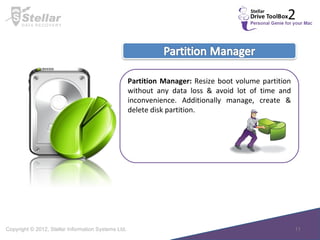
Partition Manager:  Resize boot volume partition without any data loss & avoid lot of time and inconvenience. Additionally manage, create & delete disk partition.
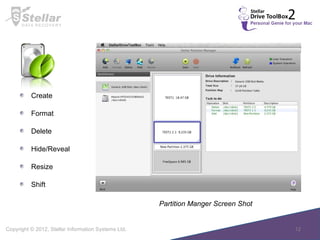
Partition Manger Screen Shot  Create  Format Delete  Hide/Reveal Resize Shift
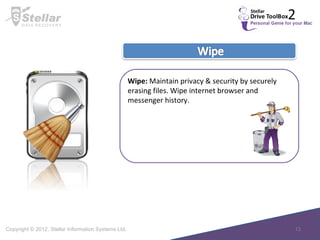
Wipe:  Maintain privacy & security by securely erasing files. Wipe internet browser and messenger history.
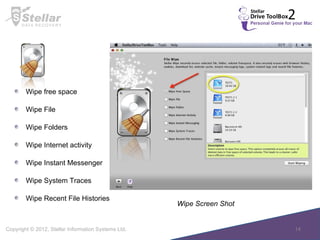
Wipe Screen Shot  Wipe free space Wipe File  Wipe Folders Wipe Internet activity Wipe Instant Messenger Wipe System Traces Wipe Recent File Histories
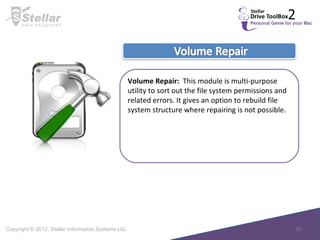
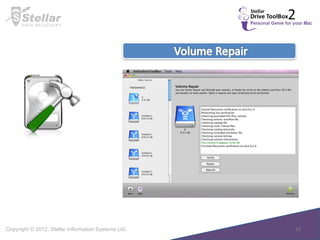
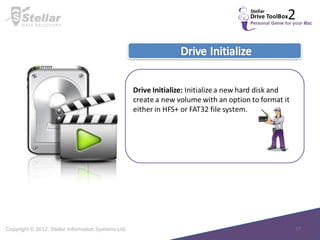
Volume Repair:  This module is multi-purpose utility to sort out the file system permissions and related errors. It gives an option to rebuild file system structure where repairing is not possible.
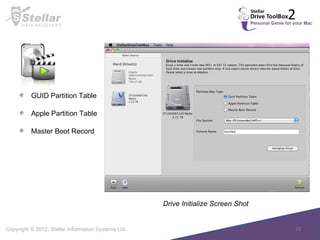
Drive Initialize Screen Shot  GUID Partition Table Apple Partition Table Master Boot Record
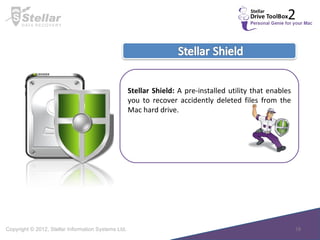
Stellar Shield:  A pre-installed utility that enables you to recover accidently deleted files from the Mac hard drive.
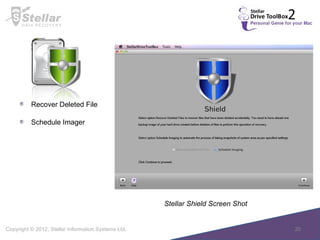
Stellar Shield Screen Shot  Recover Deleted File Schedule Imager
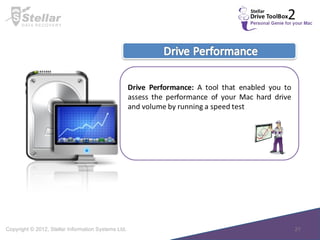
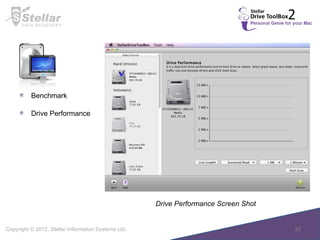
Benchmark  Drive Performance Drive Performance Screen Shot
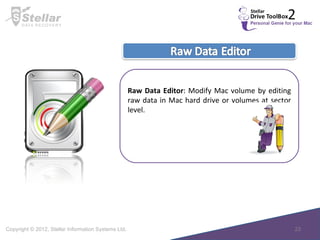
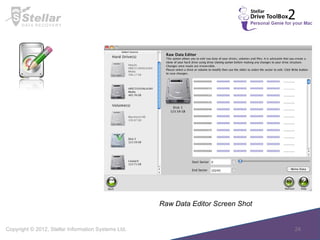
Raw Data Editor : Modify Mac volume by editing raw data in Mac hard drive or volumes at sector level.
Raw Data Editor Screen Shot
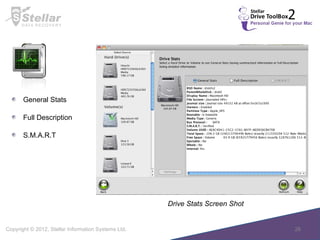
Drive Stats:  This utility monitors temperature, SMART status and general statistics of selected hard drive.
Drive Stats Screen Shot  General Stats Full Description S.M.A.R.T
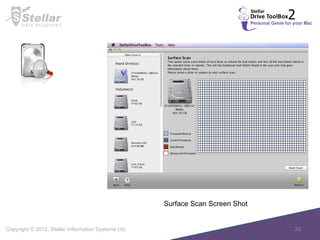
Surface Scan Screen Shot
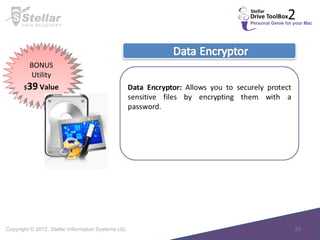
BONUS Utility $ 39  Value
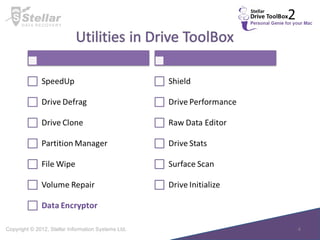
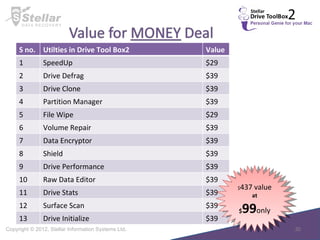
$ 437 value at $ 99 only S no. Utilties in Drive Tool Box2 Value 1 SpeedUp $29 2 Drive Defrag $39 3 Drive Clone $39 4 Partition Manager $39 5 File Wipe  $29 6 Volume Repair $39 7 Data Encryptor $39 8 Shield $39 9 Drive Performance $39 10 Raw Data Editor $39 11 Drive Stats $39 12 Surface Scan $39 13 Drive Initialize $39
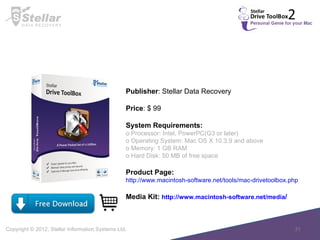
Publisher : Stellar Data Recovery Price : $ 99 System Requirements: o Processor: Intel, PowerPC(G3 or later) o Operating System: Mac OS X 10.3.9 and above o Memory: 1 GB RAM o Hard Disk: 50 MB of free space Product Page: http://www.macintosh-software.net/tools/mac-drivetoolbox.php Media Kit:  http://www.macintosh-software.net/media /  

Stellar Drive ToolBox2

  • 1.
    Copyright © 2012,Stellar Information Systems Ltd. Personal Genie for your Mac Drive ToolBox Stellar 2
  • 2.
    I often seethe beach ball spinning on my Mac and it is running very slow and erratic…. I want to sell my MAC however, it contains sensitive information… I want to upgrade the hard-drive without undergoing the process of reinstalling all the software.. How can I increase my Lion partition size? Stellar Drive ToolBox 2 answers this need totally and helps you to perform maintenance tasks at home saving your time and precious dollars.
  • 3.
    Stellar Drive ToolBox: Keep your mac healthy with power packed maintenance & optimizing ToolBox. Stellar Drive ToolBox 2 helps you to manage & maintain your Mac and SAVE hundreds of dollars. You save many hours of time, security and gain peace of mind. Why Stellar Drive ToolBox ? Super speeds your mac Maintain data privacy and security Optimize & manage hard drive efficiently Improve your drive performance Clone & restore your data.
  • 5.
    SpeedUp Mac A cleaning up & optimizing tool that helps you improve the system performance by removing unwanted data & clutter in your Mac.
  • 6.
    SpeedUp Mac ScreenShot SpeedUp Mac Clean My Mac Uninstaller
  • 7.
    Drive Defrag: improve your drive performance if you are experiencing slow system performance while reading or writing a large file.
  • 8.
    Drive Defrag ScreenShot Defrag Metadata Quick Defrag Full Defrag Optimize
  • 10.
    Drive Clone ScreenShot Clone Imaging Restore Tools
  • 11.
    Partition Manager: Resize boot volume partition without any data loss & avoid lot of time and inconvenience. Additionally manage, create & delete disk partition.
  • 12.
    Partition Manger ScreenShot Create Format Delete Hide/Reveal Resize Shift
  • 13.
    Wipe: Maintainprivacy & security by securely erasing files. Wipe internet browser and messenger history.
  • 14.
    Wipe Screen Shot Wipe free space Wipe File Wipe Folders Wipe Internet activity Wipe Instant Messenger Wipe System Traces Wipe Recent File Histories
  • 15.
    Volume Repair: This module is multi-purpose utility to sort out the file system permissions and related errors. It gives an option to rebuild file system structure where repairing is not possible.
  • 18.
    Drive Initialize ScreenShot GUID Partition Table Apple Partition Table Master Boot Record
  • 19.
    Stellar Shield: A pre-installed utility that enables you to recover accidently deleted files from the Mac hard drive.
  • 20.
    Stellar Shield ScreenShot Recover Deleted File Schedule Imager
  • 22.
    Benchmark DrivePerformance Drive Performance Screen Shot
  • 23.
    Raw Data Editor: Modify Mac volume by editing raw data in Mac hard drive or volumes at sector level.
  • 24.
    Raw Data EditorScreen Shot
  • 25.
    Drive Stats: This utility monitors temperature, SMART status and general statistics of selected hard drive.
  • 26.
    Drive Stats ScreenShot General Stats Full Description S.M.A.R.T
  • 28.
  • 29.
  • 30.
    $ 437 valueat $ 99 only S no. Utilties in Drive Tool Box2 Value 1 SpeedUp $29 2 Drive Defrag $39 3 Drive Clone $39 4 Partition Manager $39 5 File Wipe $29 6 Volume Repair $39 7 Data Encryptor $39 8 Shield $39 9 Drive Performance $39 10 Raw Data Editor $39 11 Drive Stats $39 12 Surface Scan $39 13 Drive Initialize $39
  • 31.
    Publisher : StellarData Recovery Price : $ 99 System Requirements: o Processor: Intel, PowerPC(G3 or later) o Operating System: Mac OS X 10.3.9 and above o Memory: 1 GB RAM o Hard Disk: 50 MB of free space Product Page: http://www.macintosh-software.net/tools/mac-drivetoolbox.php Media Kit: http://www.macintosh-software.net/media /