Downloaded 70 times
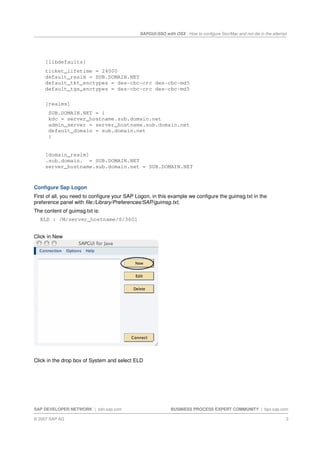
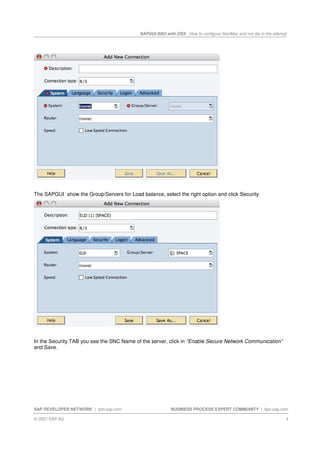
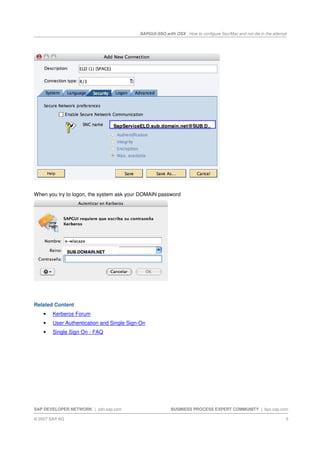
This document provides instructions for configuring single sign-on (SSO) using Kerberos authentication with SAPGUI on Mac OS X. It describes installing the Kerberos libraries, configuring the krb5.conf file, setting up the SAP Logon client preferences to enable secure network communication, and testing the SSO login which will prompt for the domain password on the first attempt. The goal is to allow SSO without including the Mac in the Windows domain for consultant use cases.


