Find and learn to use important IT systems
24. august 2016
1
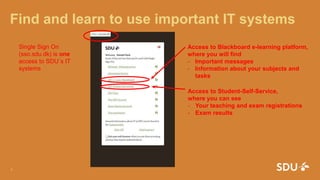
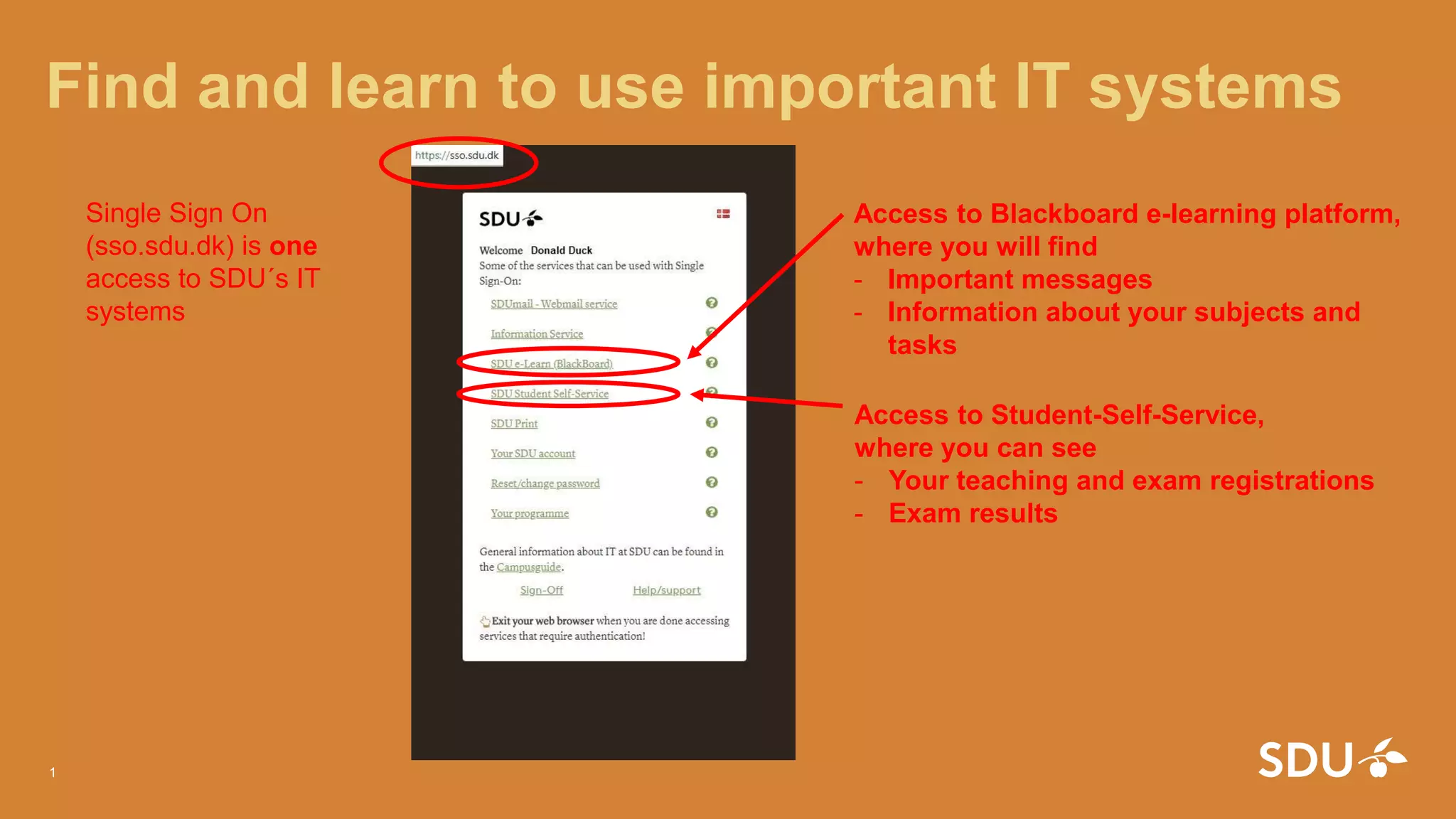
Access to Blackboard e-learning platform,
where you will find
- Important messages
- Information about your subjects and
tasks
Access to Student-Self-Service,
where you can see
- Your teaching and exam registrations
- Exam results
Single Sign On
(sso.sdu.dk) is one
access to SDU´s IT
systems
MySDU – all information you need
24. august 2016
2
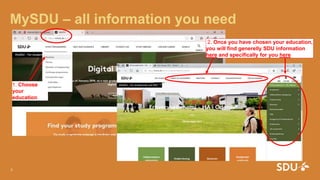
1. Choose
your
education
2. Once you have chosen your education,
you will find generelly SDU information
here and specifically for you here
MySDU – all information for your study start
24. august 2016
3
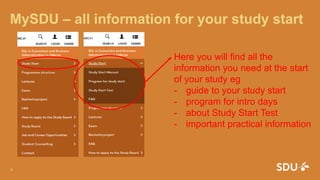
Here you will find all the
information you need at the start
of your study eg
- guide to your study start
- program for intro days
- about Study Start Test
- important practical information
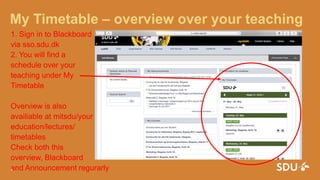
My Timetable – overview over your teaching
1. Sign in to Blackboard
via sso.sdu.dk
2. You will find a
schedule over your
teaching under My
Timetable
Overview is also
availiable at mitsdu/your
education/lectures/
timetables
Check both this
overview, Blackboard
and Announcement regurarly24. august 2016
4

SSO guide How to Uni

  • 1.
    Find and learnto use important IT systems 24. august 2016 1 Access to Blackboard e-learning platform, where you will find - Important messages - Information about your subjects and tasks Access to Student-Self-Service, where you can see - Your teaching and exam registrations - Exam results Single Sign On (sso.sdu.dk) is one access to SDU´s IT systems
  • 2.
    MySDU – allinformation you need 24. august 2016 2 1. Choose your education 2. Once you have chosen your education, you will find generelly SDU information here and specifically for you here
  • 3.
    MySDU – allinformation for your study start 24. august 2016 3 Here you will find all the information you need at the start of your study eg - guide to your study start - program for intro days - about Study Start Test - important practical information
  • 4.
    My Timetable –overview over your teaching 1. Sign in to Blackboard via sso.sdu.dk 2. You will find a schedule over your teaching under My Timetable Overview is also availiable at mitsdu/your education/lectures/ timetables Check both this overview, Blackboard and Announcement regurarly24. august 2016 4