© 2015 Phase2
Site Building
With the End User In Mind
BADcamp
October 2015
© 2015 Phase2
Molly Byrnes
Account Director
@mabfire
crystal collector
Eden Gwyn
Experience Analyst
@shmeeden
road warrior
Who are we?
© 2015 Phase2
“End User” As a Term
© 2015 Phase2
End users are everywhere!
Photo by:Jim Pennucci
© 2015 Phase2
Photo by:Paul Hamilton / modified
© 2015 Phase2
checking
boxes,
clicking
buttons,
building &
managing
internet
experiences
End
Users
!
© 2015 Phase2
© 2015 Phase2
1. What we mean by “end user”
2. What it means for a system to be “easy to use”
3. Tips for approaching your site build
with the end user in mind!
What we’ll be covering today:
© 2015 Phase2
What we mean by “end user”
© 2015 Phase2
TL;DR
CONTENT. COLLABORATION. EXPERIENCE.
In product development, an end user (sometimes end-user)[a]
is a person who
ultimately uses or is intended to ultimately use a product.[1][2][3]
The end user
stands in contrast to users who support or maintain the product[4]
, such as
sysops, system administrators, database administrators,[5]
, or technicians. End
users typically do not possess the technical understanding or skill of the product
designers,[6]
a fact that it is easy for designers to forget or overlook, leading to
features with which the customer is dissatisfied.[2]
In information technology,
end users are not customers in the usual sense--they are typically employees of
the customer.[7]
https://en.wikipedia.org/wiki/End_user
Definition
© 2015 Phase2
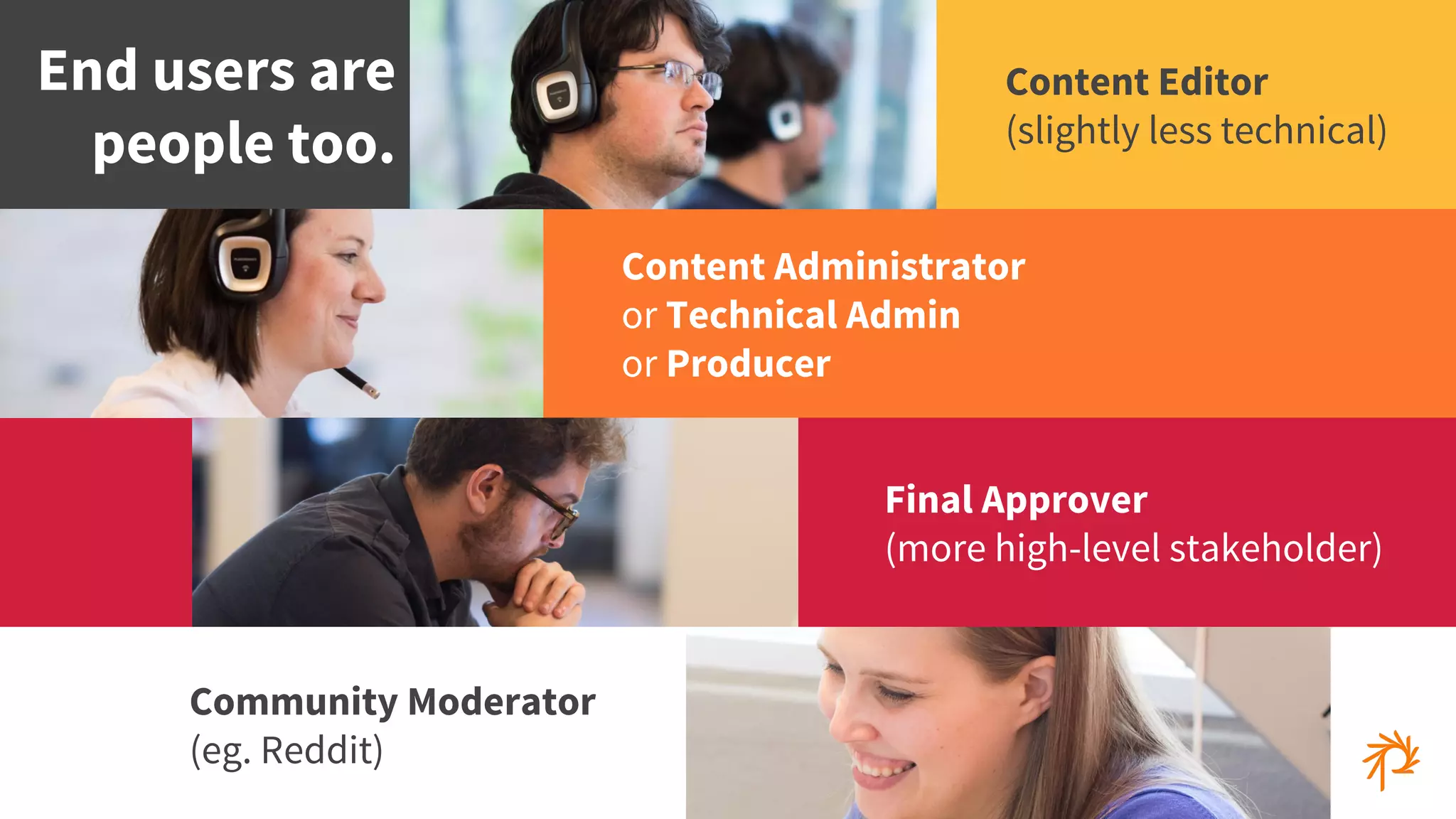
Community Moderator
(eg. Reddit)
End users are
people too.
Content Editor
(slightly less technical)
Content Administrator
or Technical Admin
or Producer
Final Approver
(more high-level stakeholder)
© 2015 Phase2
AX:
“Admin Experience”
(via Eileen Web aka @webmeadow)
© 2015 Phase2
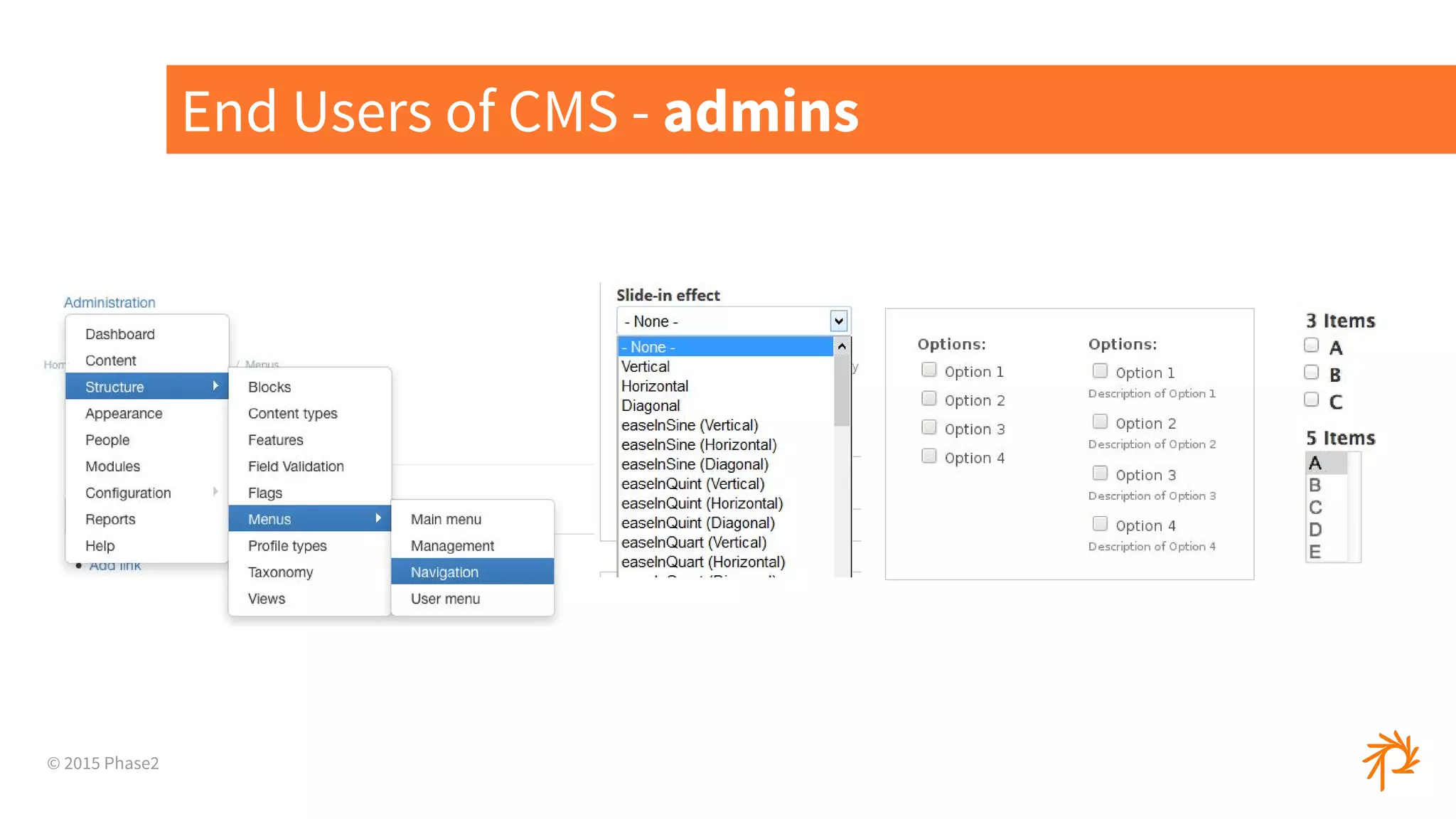
End Users of CMS - admins
© 2015 Phase2
What it means for a system
to be easy to use
© 2015 Phase2
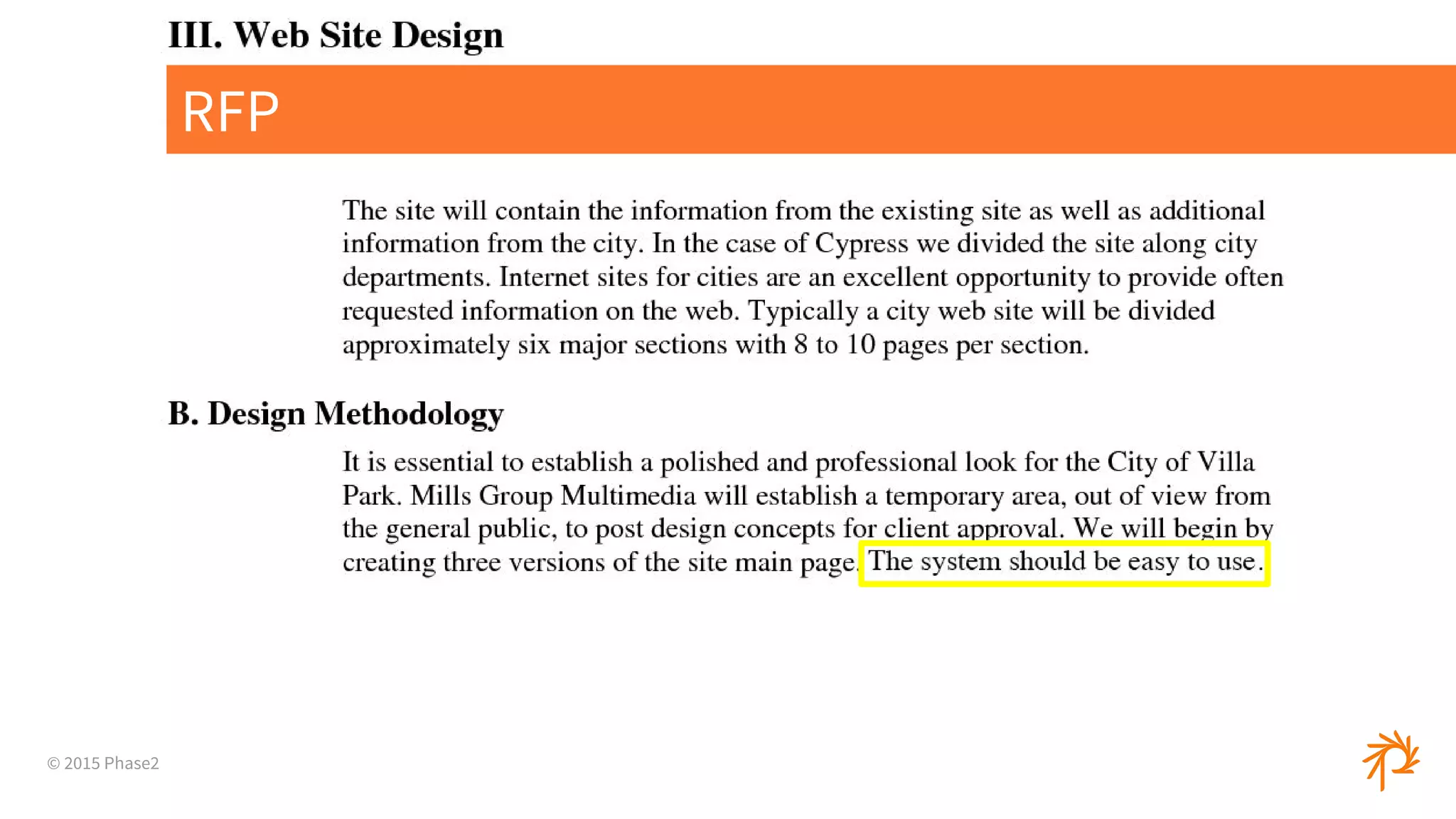
RFP
© 2015 Phase2
Easy to Use ?!
© 2015 Phase2
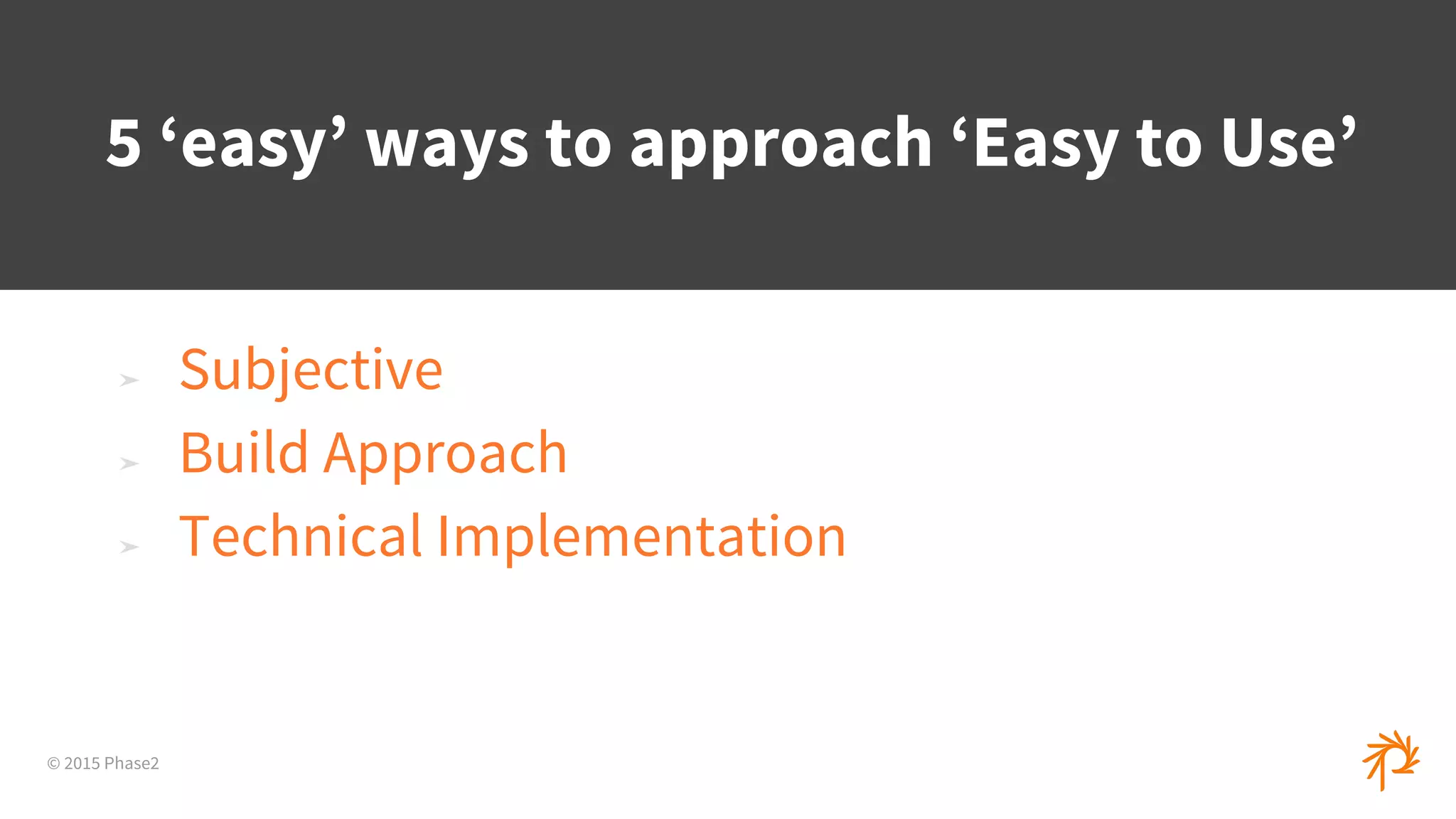
➤ Subjective
➤ Build Approach
➤ Technical Implementation
5 ‘easy’ ways to approach ‘Easy to Use’
© 2015 Phase2
1
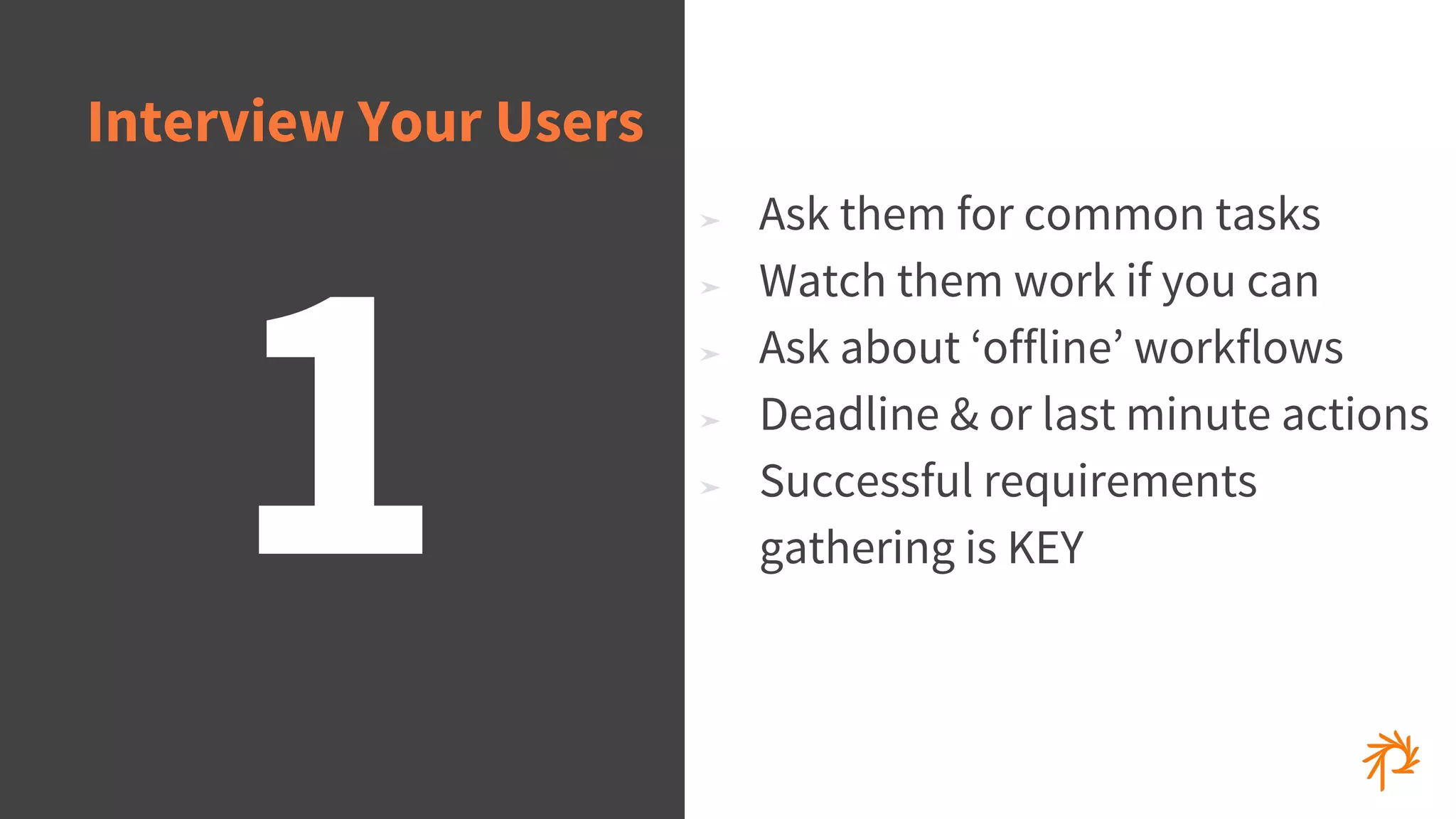
Interview Your Users
➤ Ask them for common tasks
➤ Watch them work if you can
➤ Ask about ‘offline’ workflows
➤ Deadline & or last minute actions
➤ Successful requirements
gathering is KEY
© 2015 Phase2
➤ Drupal ships with this by default
➤ Explain the fields & offer tips
➤ Great for image formats
2
‘Help’ Text
© 2015 Phase2
➤ Drupal comes with a lot of
options by default
➤ Not all users need access to
some of the more advanced
configuration options
➤ Permissions & Roles to achieve
flexibility
3
Removing/Hiding
Unnecessary Buttons
© 2015 Phase2
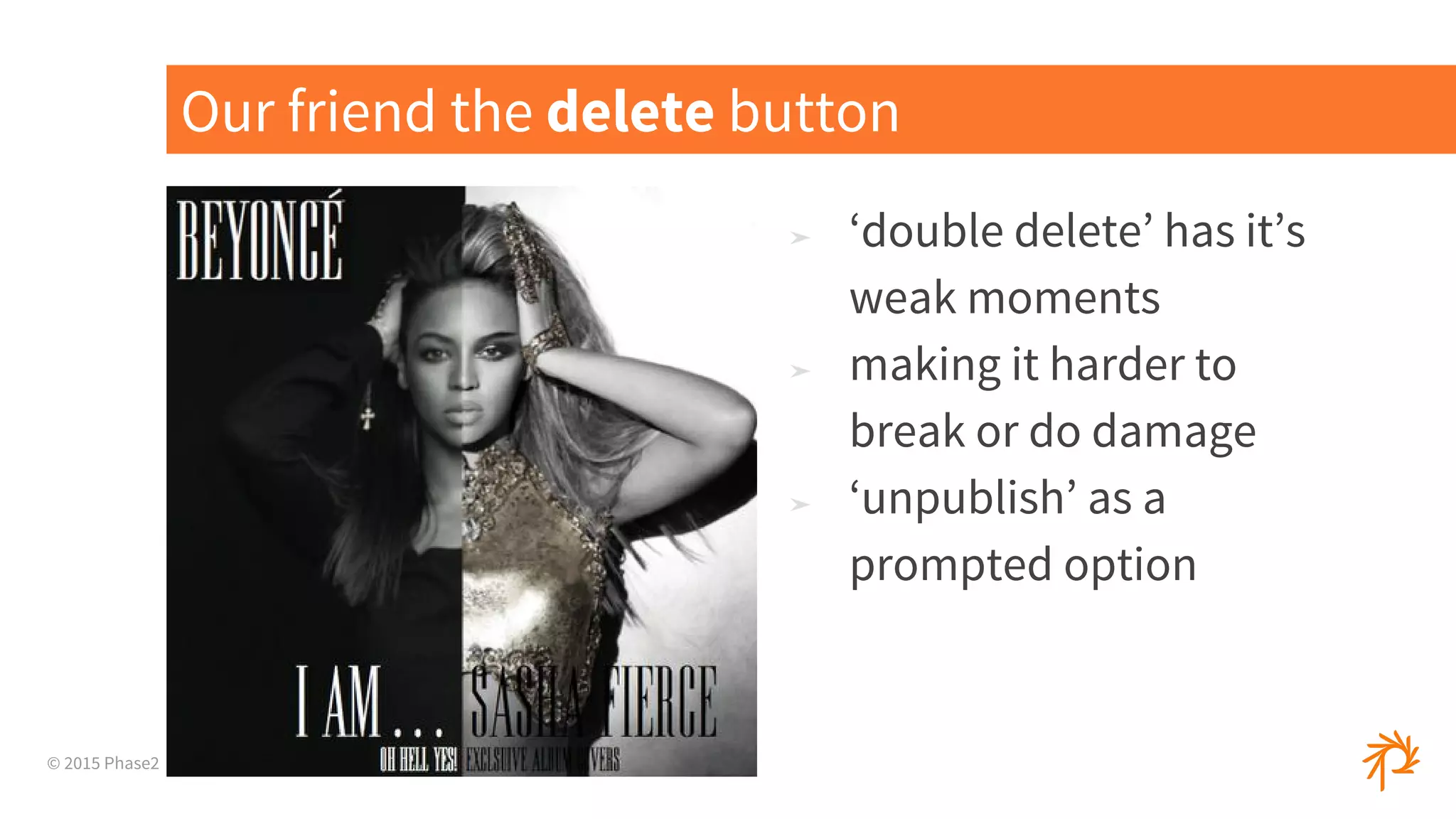
➤ ‘double delete’ has it’s
weak moments
➤ making it harder to
break or do damage
➤ ‘unpublish’ as a
prompted option
Our friend the delete button
© 2015 Phase2
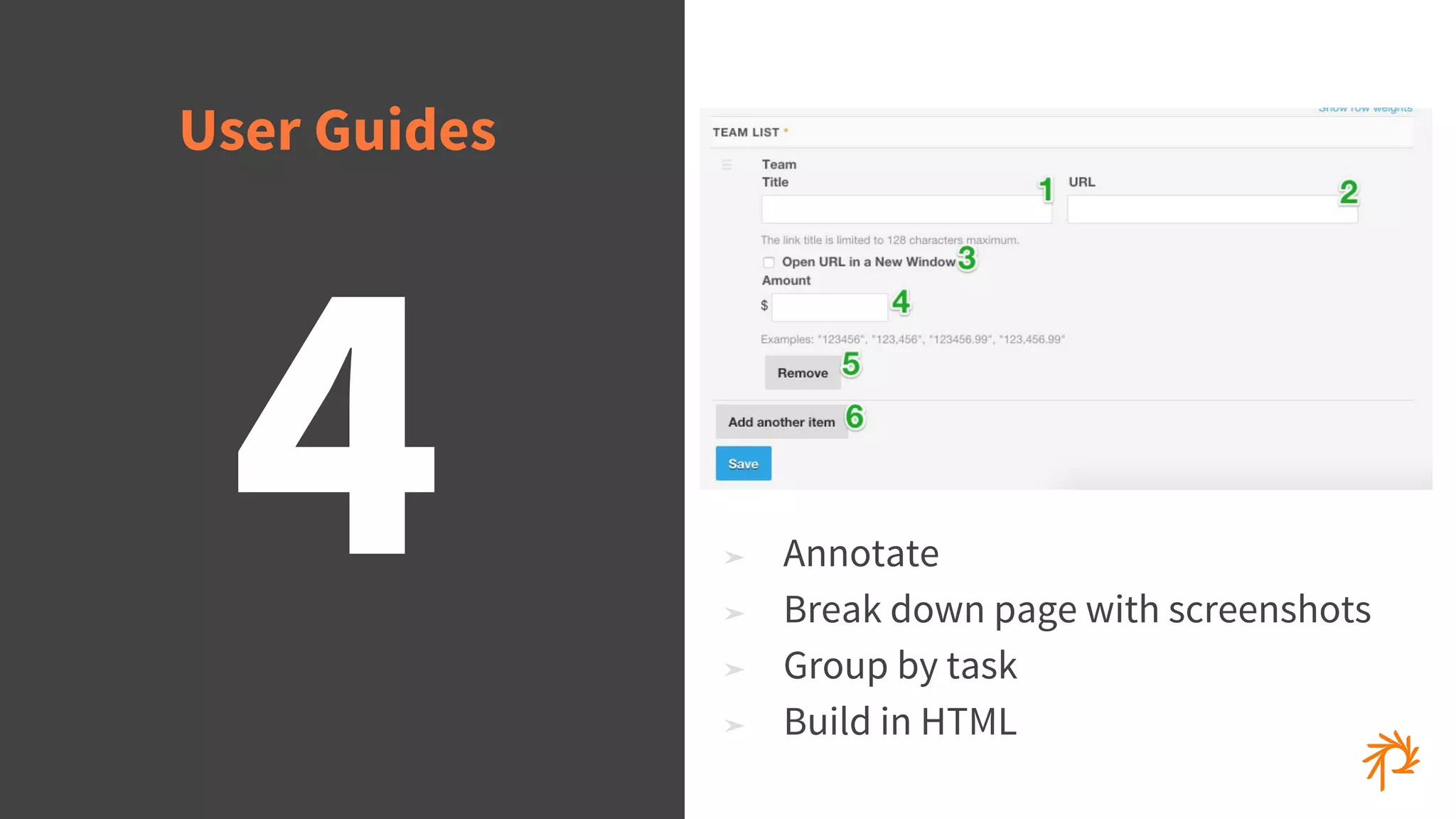
➤ Annotate
➤ Break down page with screenshots
➤ Group by task
➤ Build in HTML
4
User Guides
© 2015 Phase2
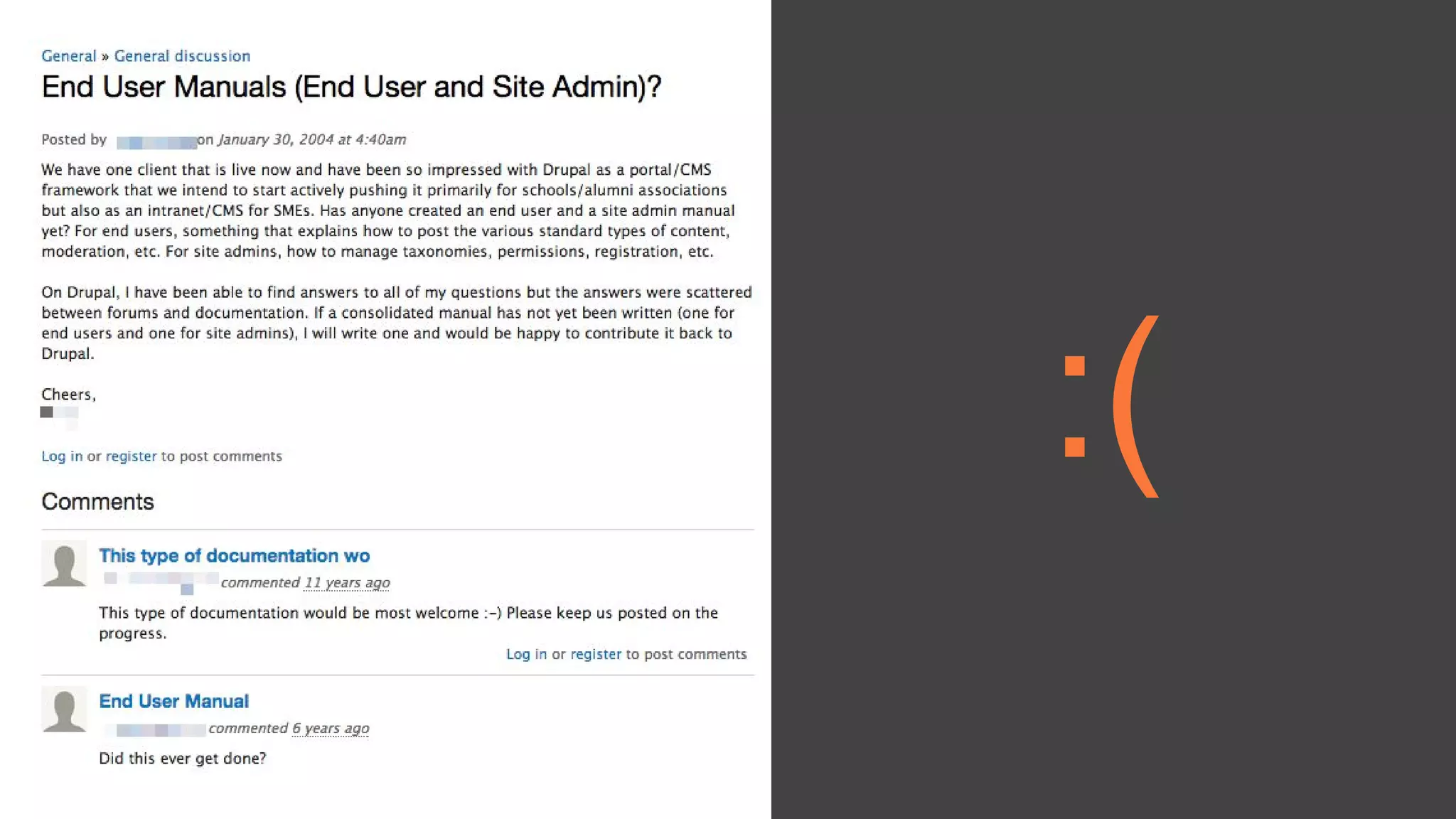
:(:(
© 2015 Phase2
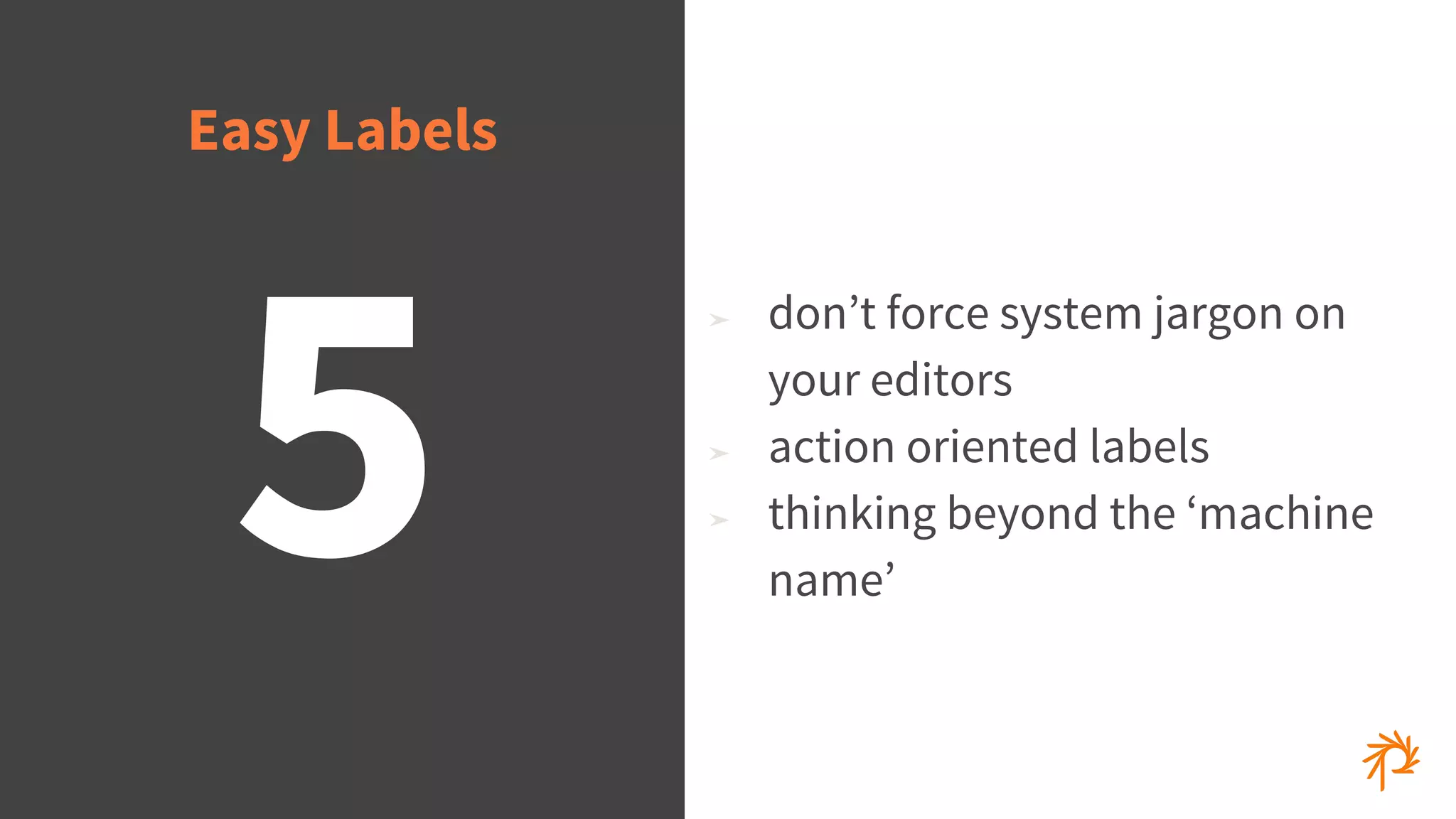
5
➤ don’t force system jargon on
your editors
➤ action oriented labels
➤ thinking beyond the ‘machine
name’
Easy Labels
© 2015 Phase2
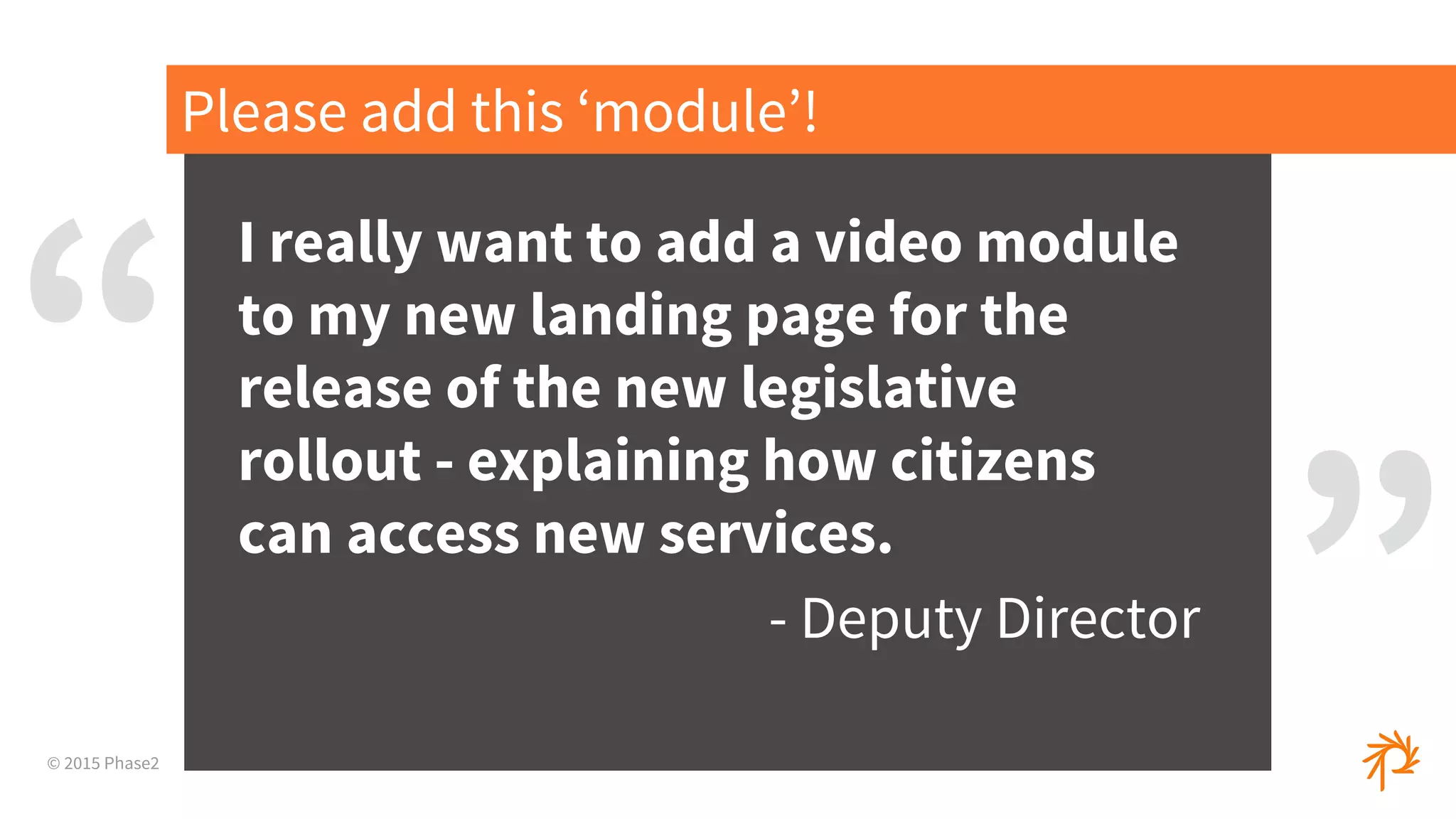
I really want to add a video module
to my new landing page for the
release of the new legislative
rollout - explaining how citizens
can access new services.
- Deputy Director
Please add this ‘module’!
“
”
© 2015 Phase2
User Story / Example
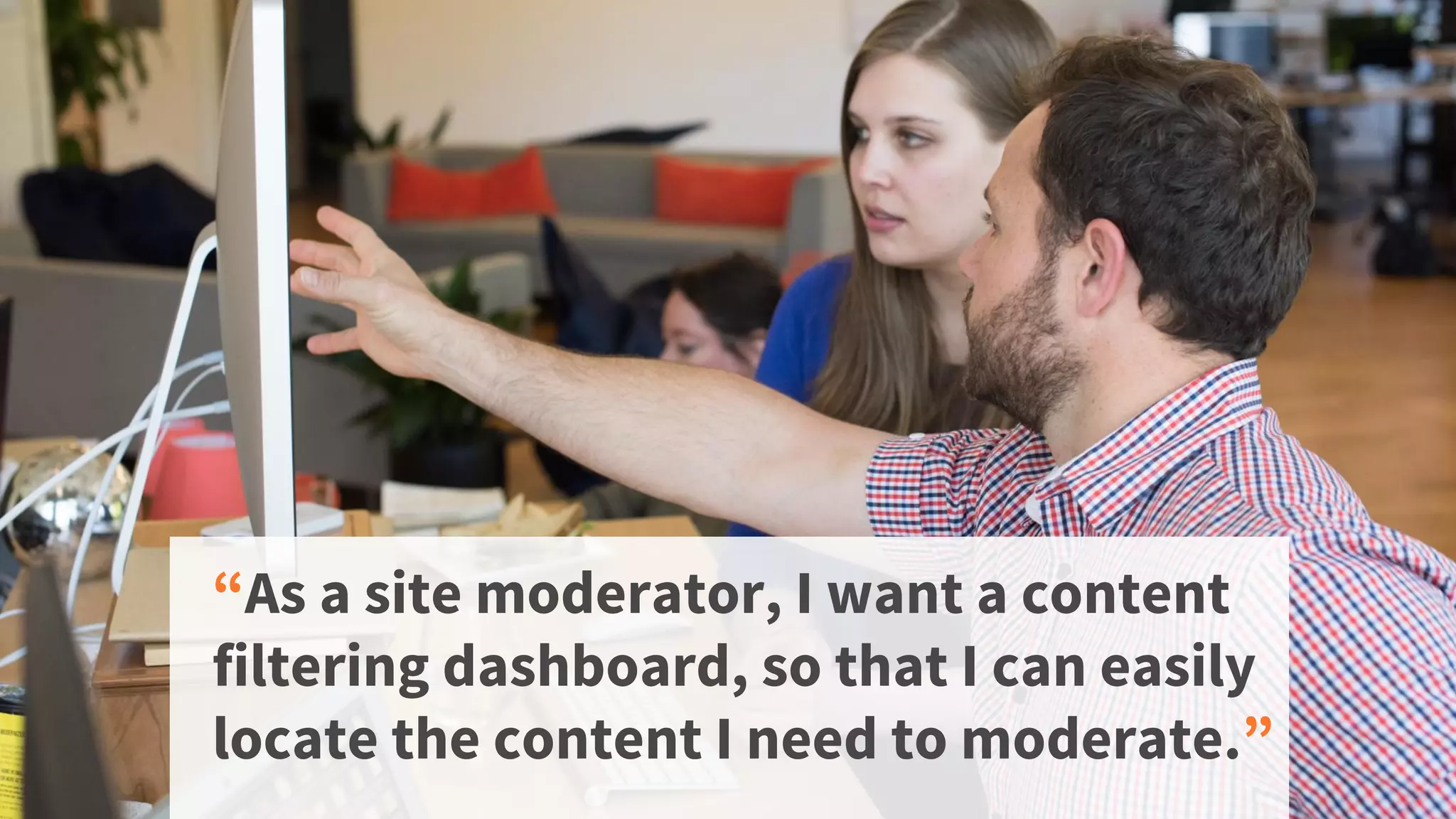
“As a site moderator, I want a content
filtering dashboard, so that I can easily
locate the content I need to moderate.”
© 2015 Phase2
There’s a Module for That...
© 2015 Phase2
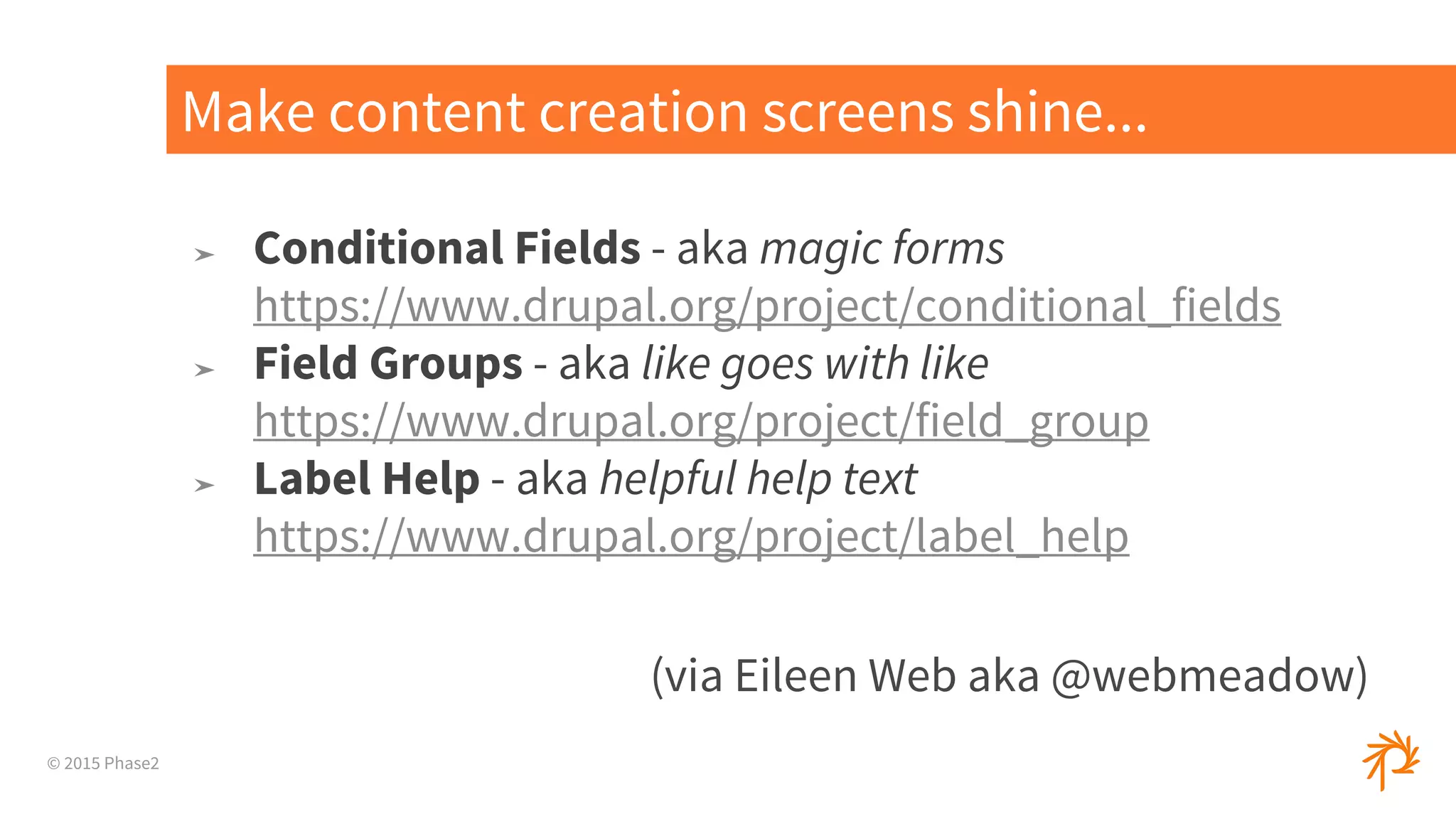
➤ Conditional Fields - aka magic forms
https://www.drupal.org/project/conditional_fields
➤ Field Groups - aka like goes with like
https://www.drupal.org/project/field_group
➤ Label Help - aka helpful help text
https://www.drupal.org/project/label_help
(via Eileen Web aka @webmeadow)
Make content creation screens shine...
© 2015 Phase2
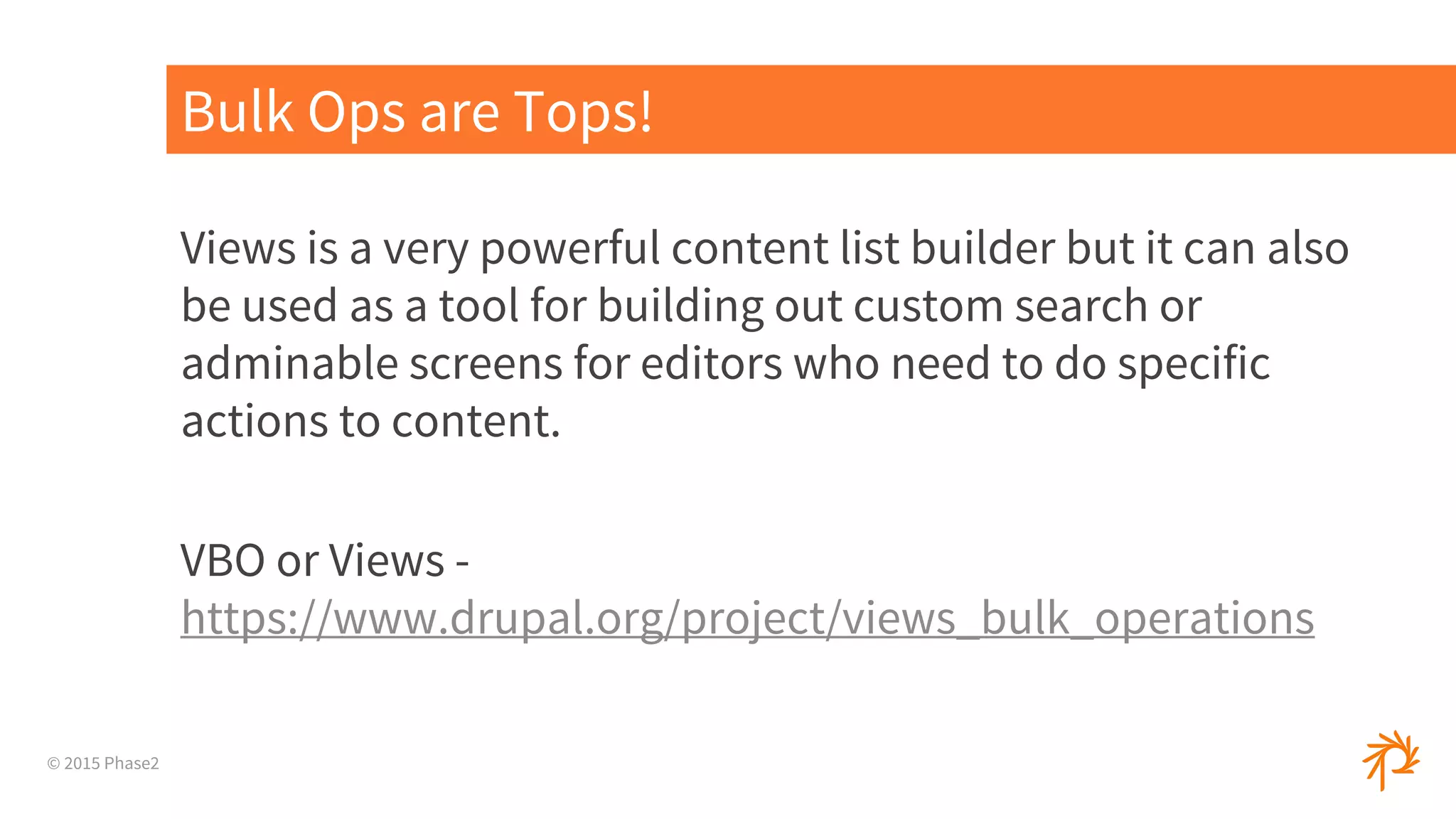
Views is a very powerful content list builder but it can also
be used as a tool for building out custom search or
adminable screens for editors who need to do specific
actions to content.
VBO or Views -
https://www.drupal.org/project/views_bulk_operations
Bulk Ops are Tops!
© 2015 Phase2
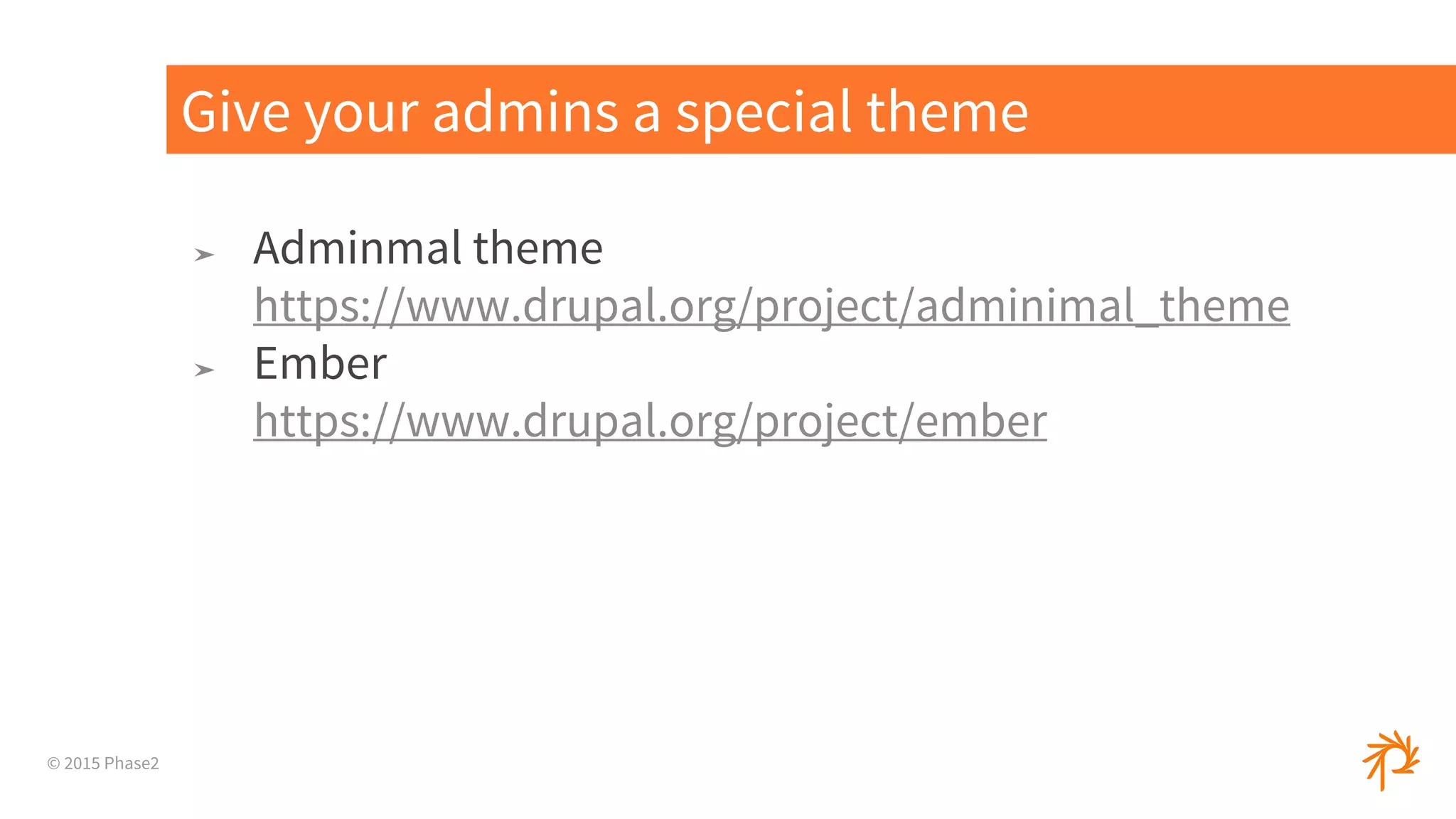
➤ Adminmal theme
https://www.drupal.org/project/adminimal_theme
➤ Ember
https://www.drupal.org/project/ember
Give your admins a special theme
© 2015 Phase2
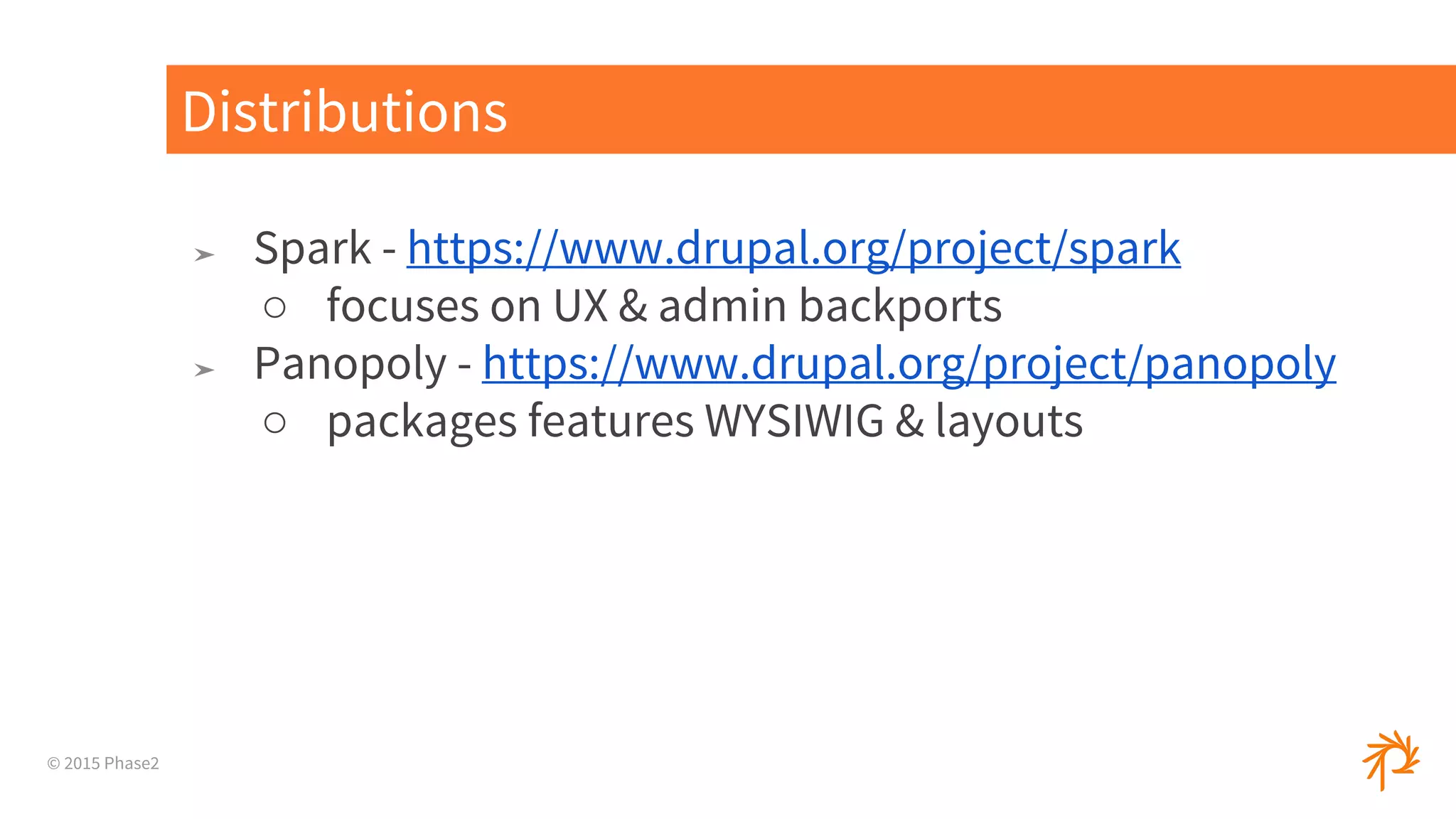
➤ Spark - https://www.drupal.org/project/spark
○ focuses on UX & admin backports
➤ Panopoly - https://www.drupal.org/project/panopoly
○ packages features WYSIWIG & layouts
Distributions
© 2015 Phase2
Drupal Dreams - 8!
© 2015 Phase2
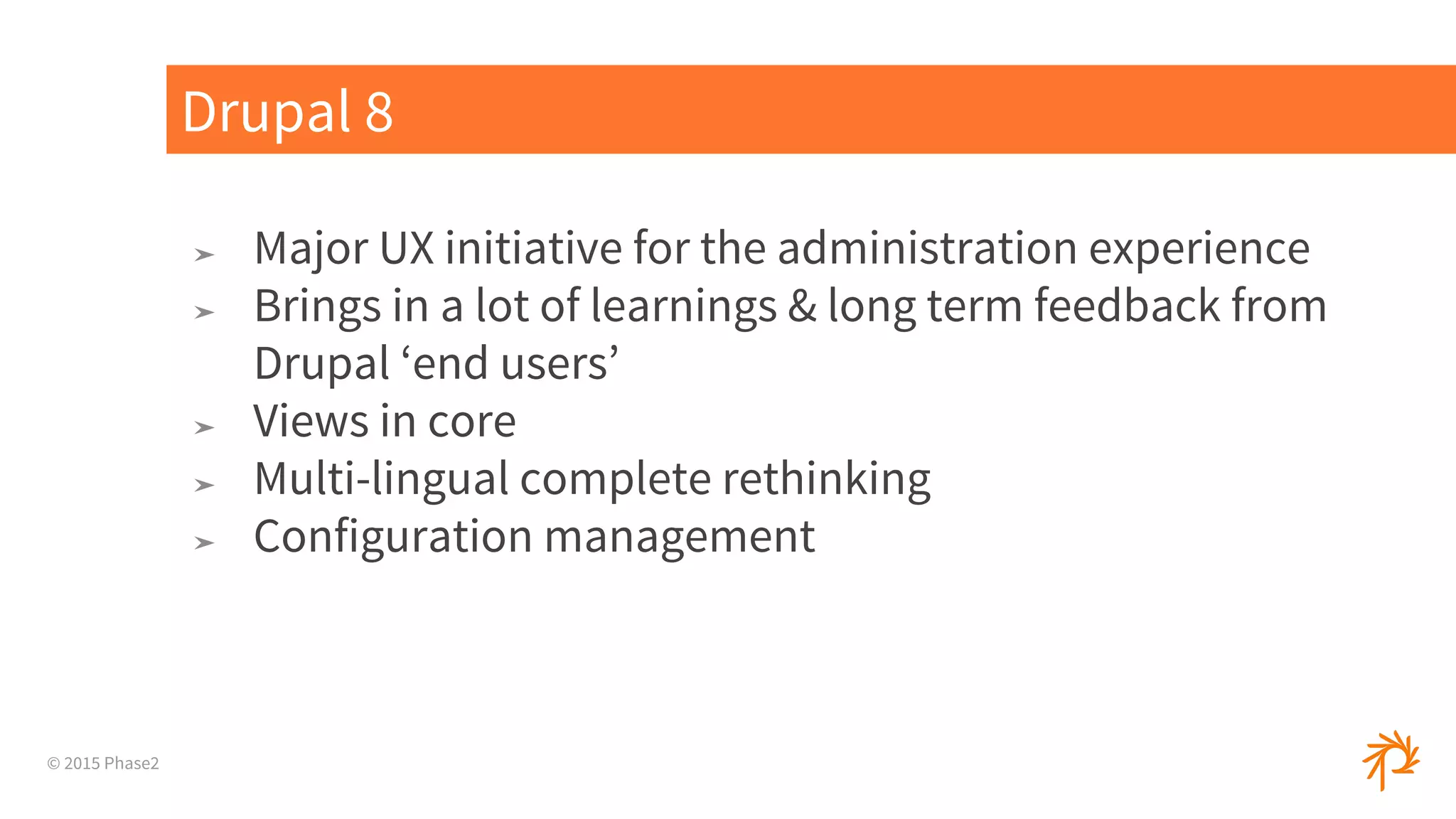
➤ Major UX initiative for the administration experience
➤ Brings in a lot of learnings & long term feedback from
Drupal ‘end users’
➤ Views in core
➤ Multi-lingual complete rethinking
➤ Configuration management
Drupal 8
© 2015 Phase2
Questions?
Molly Byrnes
mbyrnes@phase2technology.com
Eden Gwyn egwyn@phase2technology.
com

Site building with end user in mind

  • 1.
    © 2015 Phase2 SiteBuilding With the End User In Mind BADcamp October 2015
  • 2.
    © 2015 Phase2 MollyByrnes Account Director @mabfire crystal collector Eden Gwyn Experience Analyst @shmeeden road warrior Who are we?
  • 3.
    © 2015 Phase2 “EndUser” As a Term
  • 4.
    © 2015 Phase2 Endusers are everywhere! Photo by:Jim Pennucci
  • 5.
    © 2015 Phase2 Photoby:Paul Hamilton / modified
  • 6.
    © 2015 Phase2 checking boxes, clicking buttons, building& managing internet experiences End Users !
  • 7.
  • 8.
    © 2015 Phase2 1.What we mean by “end user” 2. What it means for a system to be “easy to use” 3. Tips for approaching your site build with the end user in mind! What we’ll be covering today:
  • 9.
    © 2015 Phase2 Whatwe mean by “end user”
  • 10.
  • 11.
    CONTENT. COLLABORATION. EXPERIENCE. Inproduct development, an end user (sometimes end-user)[a] is a person who ultimately uses or is intended to ultimately use a product.[1][2][3] The end user stands in contrast to users who support or maintain the product[4] , such as sysops, system administrators, database administrators,[5] , or technicians. End users typically do not possess the technical understanding or skill of the product designers,[6] a fact that it is easy for designers to forget or overlook, leading to features with which the customer is dissatisfied.[2] In information technology, end users are not customers in the usual sense--they are typically employees of the customer.[7] https://en.wikipedia.org/wiki/End_user Definition
  • 12.
    © 2015 Phase2 CommunityModerator (eg. Reddit) End users are people too. Content Editor (slightly less technical) Content Administrator or Technical Admin or Producer Final Approver (more high-level stakeholder)
  • 13.
    © 2015 Phase2 AX: “AdminExperience” (via Eileen Web aka @webmeadow)
  • 14.
    © 2015 Phase2 EndUsers of CMS - admins
  • 15.
    © 2015 Phase2 Whatit means for a system to be easy to use
  • 16.
  • 17.
  • 18.
    © 2015 Phase2 ➤Subjective ➤ Build Approach ➤ Technical Implementation 5 ‘easy’ ways to approach ‘Easy to Use’
  • 19.
    © 2015 Phase2 1 InterviewYour Users ➤ Ask them for common tasks ➤ Watch them work if you can ➤ Ask about ‘offline’ workflows ➤ Deadline & or last minute actions ➤ Successful requirements gathering is KEY
  • 20.
    © 2015 Phase2 ➤Drupal ships with this by default ➤ Explain the fields & offer tips ➤ Great for image formats 2 ‘Help’ Text
  • 21.
    © 2015 Phase2 ➤Drupal comes with a lot of options by default ➤ Not all users need access to some of the more advanced configuration options ➤ Permissions & Roles to achieve flexibility 3 Removing/Hiding Unnecessary Buttons
  • 22.
    © 2015 Phase2 ➤‘double delete’ has it’s weak moments ➤ making it harder to break or do damage ➤ ‘unpublish’ as a prompted option Our friend the delete button
  • 23.
    © 2015 Phase2 ➤Annotate ➤ Break down page with screenshots ➤ Group by task ➤ Build in HTML 4 User Guides
  • 24.
  • 25.
    © 2015 Phase2 5 ➤don’t force system jargon on your editors ➤ action oriented labels ➤ thinking beyond the ‘machine name’ Easy Labels
  • 26.
    © 2015 Phase2 Ireally want to add a video module to my new landing page for the release of the new legislative rollout - explaining how citizens can access new services. - Deputy Director Please add this ‘module’! “ ”
  • 27.
    © 2015 Phase2 UserStory / Example
  • 28.
    “As a sitemoderator, I want a content filtering dashboard, so that I can easily locate the content I need to moderate.”
  • 29.
    © 2015 Phase2 There’sa Module for That...
  • 30.
    © 2015 Phase2 ➤Conditional Fields - aka magic forms https://www.drupal.org/project/conditional_fields ➤ Field Groups - aka like goes with like https://www.drupal.org/project/field_group ➤ Label Help - aka helpful help text https://www.drupal.org/project/label_help (via Eileen Web aka @webmeadow) Make content creation screens shine...
  • 31.
    © 2015 Phase2 Viewsis a very powerful content list builder but it can also be used as a tool for building out custom search or adminable screens for editors who need to do specific actions to content. VBO or Views - https://www.drupal.org/project/views_bulk_operations Bulk Ops are Tops!
  • 32.
    © 2015 Phase2 ➤Adminmal theme https://www.drupal.org/project/adminimal_theme ➤ Ember https://www.drupal.org/project/ember Give your admins a special theme
  • 33.
    © 2015 Phase2 ➤Spark - https://www.drupal.org/project/spark ○ focuses on UX & admin backports ➤ Panopoly - https://www.drupal.org/project/panopoly ○ packages features WYSIWIG & layouts Distributions
  • 34.
  • 35.
    © 2015 Phase2 ➤Major UX initiative for the administration experience ➤ Brings in a lot of learnings & long term feedback from Drupal ‘end users’ ➤ Views in core ➤ Multi-lingual complete rethinking ➤ Configuration management Drupal 8
  • 36.
    © 2015 Phase2 Questions? MollyByrnes mbyrnes@phase2technology.com Eden Gwyn egwyn@phase2technology. com