Shop eBay More Effectively with BuyerCommandScreen Resolution Utilization Argument
Standard eBay Search FlowNavigation to home pageSearch for items bySearchCategoryDisplay Matching Items ListingView Item Detail PagesPage through multiple iterations of pages
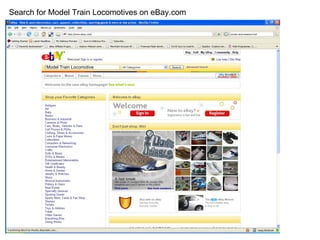
Search & Results PageInitial page content is under utilizedWasted Space inMastheadNavigation BarsWhitespacePictures too smallContent isn’t customizable
Search for Model Train Locomotives on eBay.comModel Train Locomotive
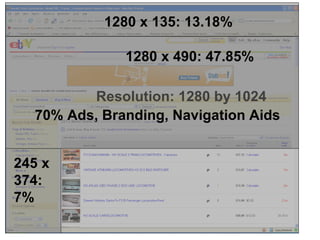
Metrics calculated with a standard SXGA Dell Monitor purchased in 2009Resolution: 1280 by 1024
Measurements of user’s view provide primitive evaluation of screen utilization1280 x 135: 13.18%
1280 x 135: 13.18%1280 x 490: 47.85%
1280 x 135: 13.18%1280 x 490: 47.85%245 x374: 7%
Unfortunate that 70% of the screen is unrelated to item information70% Ads, Branding, Navigation Aids
What is useful on search results?
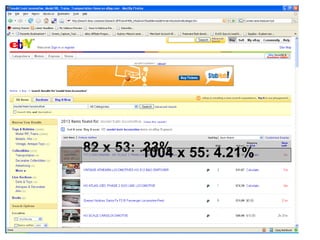
Approximately 4% of the screen is dedicated to the first true item’s details1004 x 55: 4.21%
Crucial picture of item is ONLY .33% of the screen!82 x 53: .33%
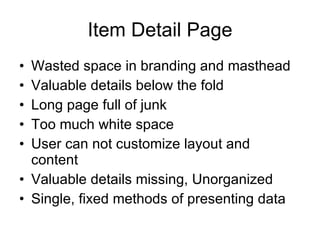
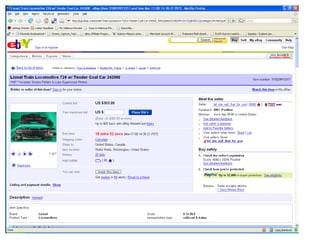
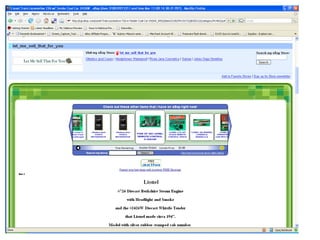
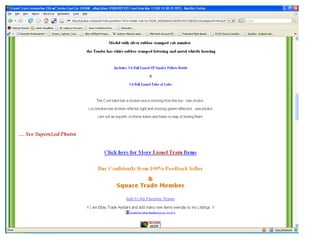
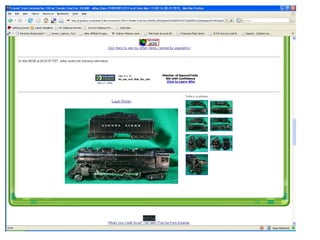
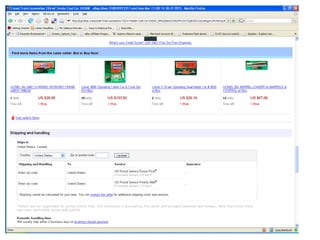
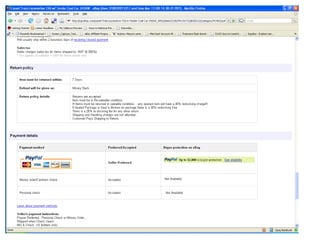
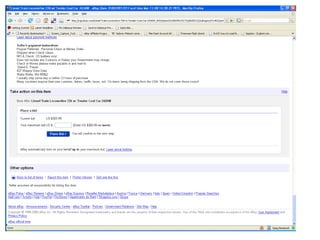
Item Detail PageWasted space in branding and mastheadValuable details below the foldLong page full of junkToo much white spaceUser can not customize layout and contentValuable details missing, UnorganizedSingle, fixed methods of presenting data
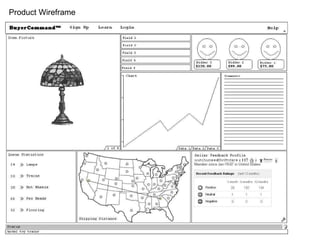
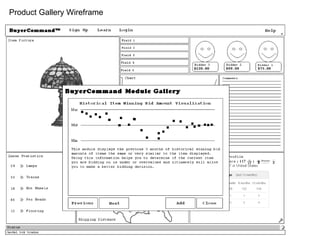
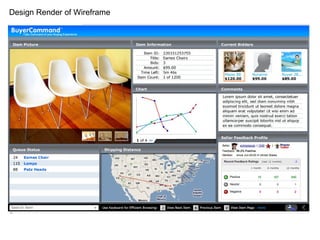
Compare to BuyerCommandPictures are worth 1000 wordsMake the pictures much largerShow more information above the foldUser selects preferred contentUser positions contentFixed position fields = fast peripheral readShortcuts provide quick actions to display additional data and perform transactions
Product Wireframe
Product Gallery Wireframe
Design Render of Wireframe
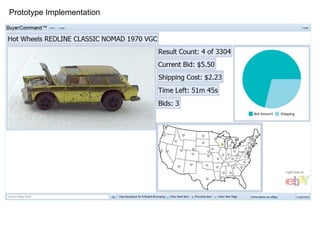
Working Beta Implementation of BuyerCommand
Visit BuyerCommand.comTake Command of your Buying Experience

Shop eBay More Effectively with BuyerCommand