Selenium Automation: The
DefinitiveGuide
Welcome to the comprehensive guide on Selenium automation! In this
presentation, we'll explore Selenium, a powerful open-source tool for
automating web browsers, and its critical role in modern web application
testing. This session will begin with an introduction and history of
Selenium, then deep dive into its components, real-world applications, and
best practices. You will learn about the future of Selenium and how it is
adapting to evolving web technologies. Get ready to transform your
approach to web testing with Selenium!
2.
What is Selenium?
CoreFunctionality
Selenium is an open-source tool
designed for automating web
browsers. It allows testers and
developers to simulate user
interactions with web applications.
It's primarily used for automating web
application testing, ensuring software
functions correctly across different
browsers and environments.
Key Advantages
• Open-source and free to use
• Supports multiple programming
languages
• Cross-browser compatibility
Brief History
Selenium has evolved significantly
since its creation in 2004. It has grown
from a single tool to a suite of tools,
including Selenium WebDriver,
Selenium IDE, and Selenium Grid.
3.
Selenium Components
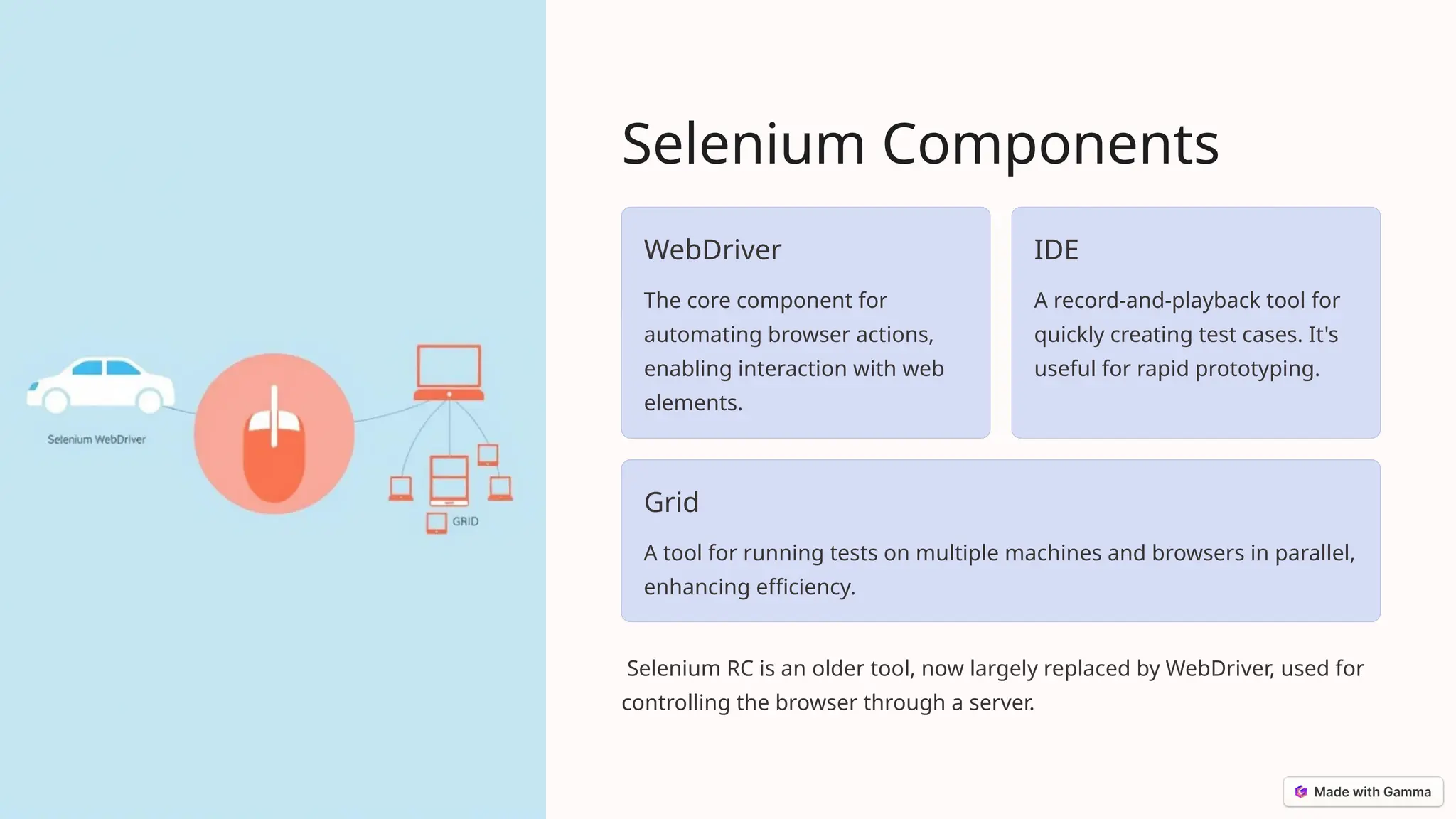
WebDriver
The corecomponent for
automating browser actions,
enabling interaction with web
elements.
IDE
A record-and-playback tool for
quickly creating test cases. It's
useful for rapid prototyping.
Grid
A tool for running tests on multiple machines and browsers in parallel,
enhancing efficiency.
Selenium RC is an older tool, now largely replaced by WebDriver, used for
controlling the browser through a server.
4.
Selenium WebDriver
How ItWorks
WebDriver automates browser actions. It interacts with
browser elements (buttons, text fields, links) through
browser-specific drivers.
Supported Languages
It supports programming languages like Java, Python, C#,
Ruby, and JavaScript, providing flexibility for test automation.
Supported Browsers
WebDriver supports various browsers: Chrome, Firefox,
Safari, Internet Explorer, and Edge, ensuring broad
compatibility.
5.
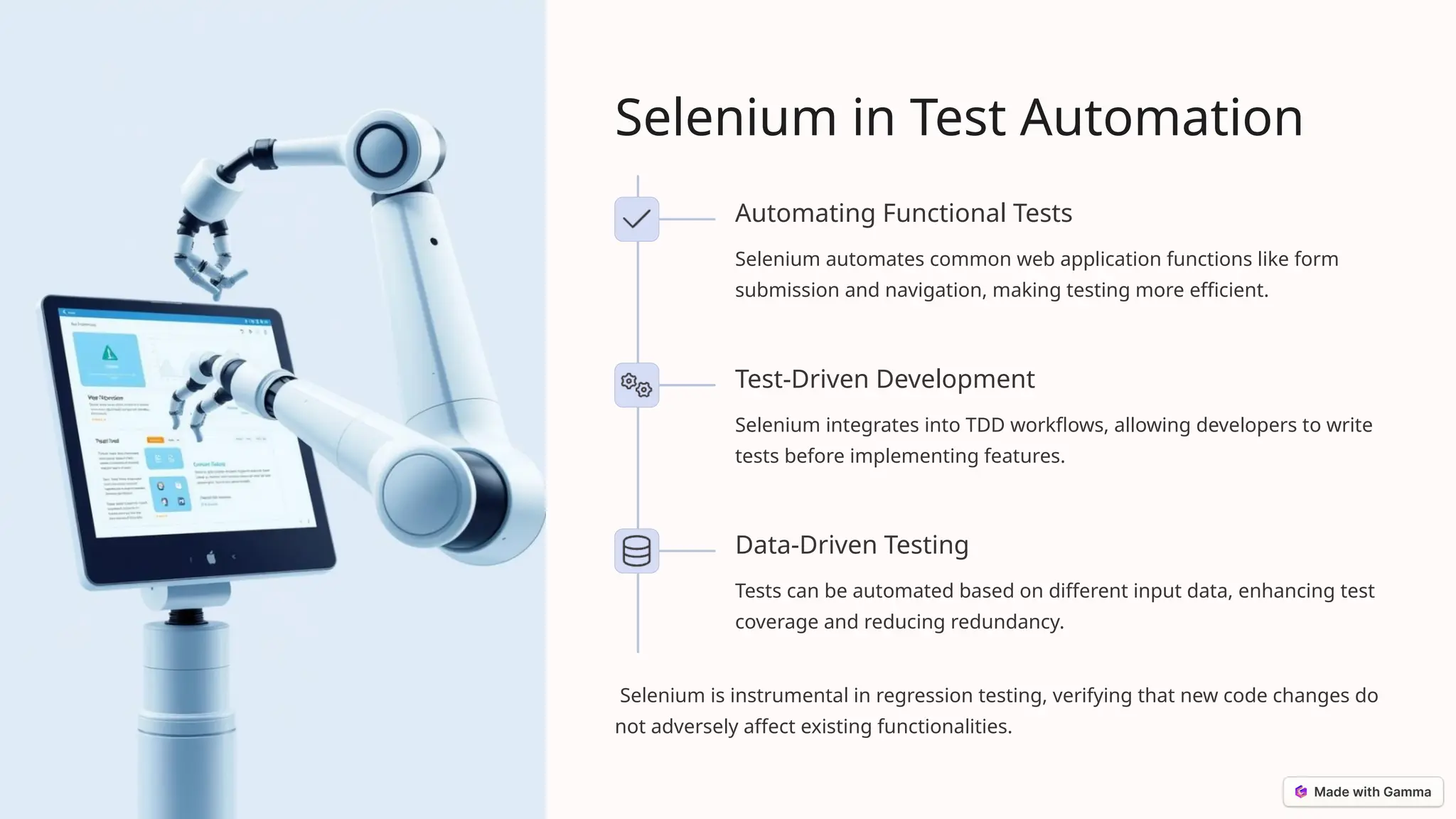
Selenium in TestAutomation
Automating Functional Tests
Selenium automates common web application functions like form
submission and navigation, making testing more efficient.
Test-Driven Development
Selenium integrates into TDD workflows, allowing developers to write
tests before implementing features.
Data-Driven Testing
Tests can be automated based on different input data, enhancing test
coverage and reducing redundancy.
Selenium is instrumental in regression testing, verifying that new code changes do
not adversely affect existing functionalities.
6.
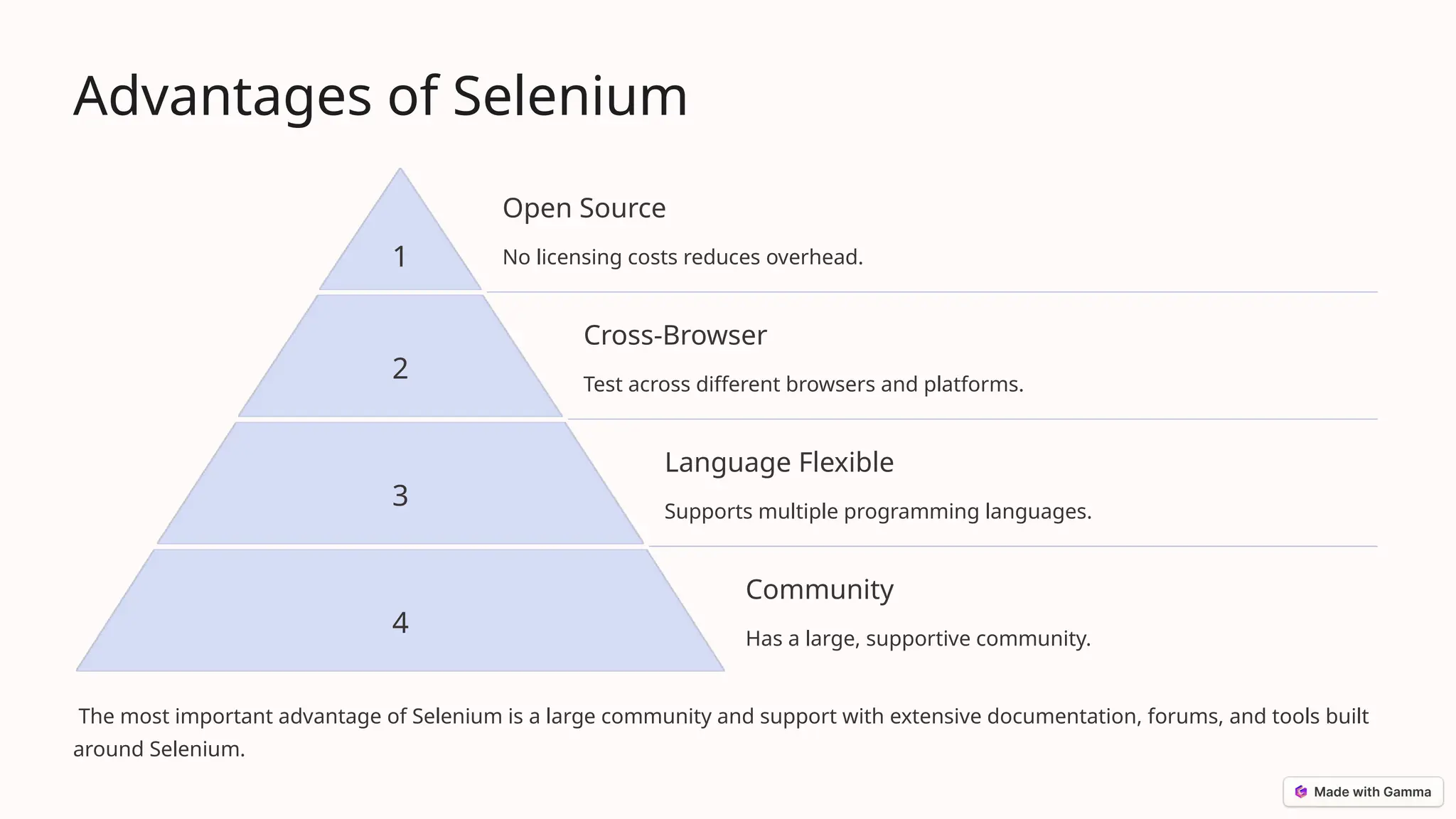
Advantages of Selenium
1
OpenSource
No licensing costs reduces overhead.
2
Cross-Browser
Test across different browsers and platforms.
3
Language Flexible
Supports multiple programming languages.
4
Community
Has a large, supportive community.
The most important advantage of Selenium is a large community and support with extensive documentation, forums, and tools built
around Selenium.
7.
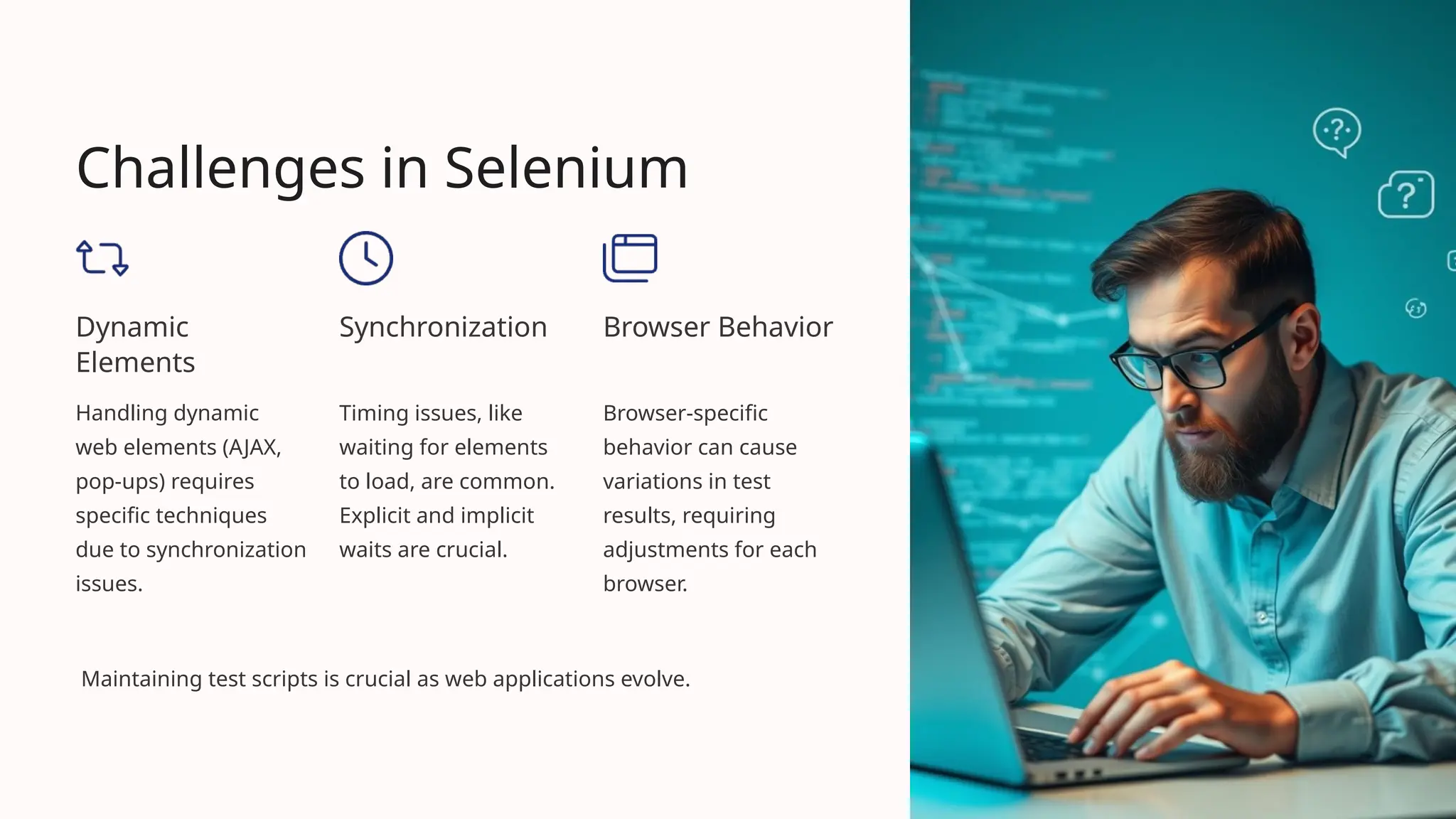
Challenges in Selenium
Dynamic
Elements
Handlingdynamic
web elements (AJAX,
pop-ups) requires
specific techniques
due to synchronization
issues.
Synchronization
Timing issues, like
waiting for elements
to load, are common.
Explicit and implicit
waits are crucial.
Browser Behavior
Browser-specific
behavior can cause
variations in test
results, requiring
adjustments for each
browser.
Maintaining test scripts is crucial as web applications evolve.
8.
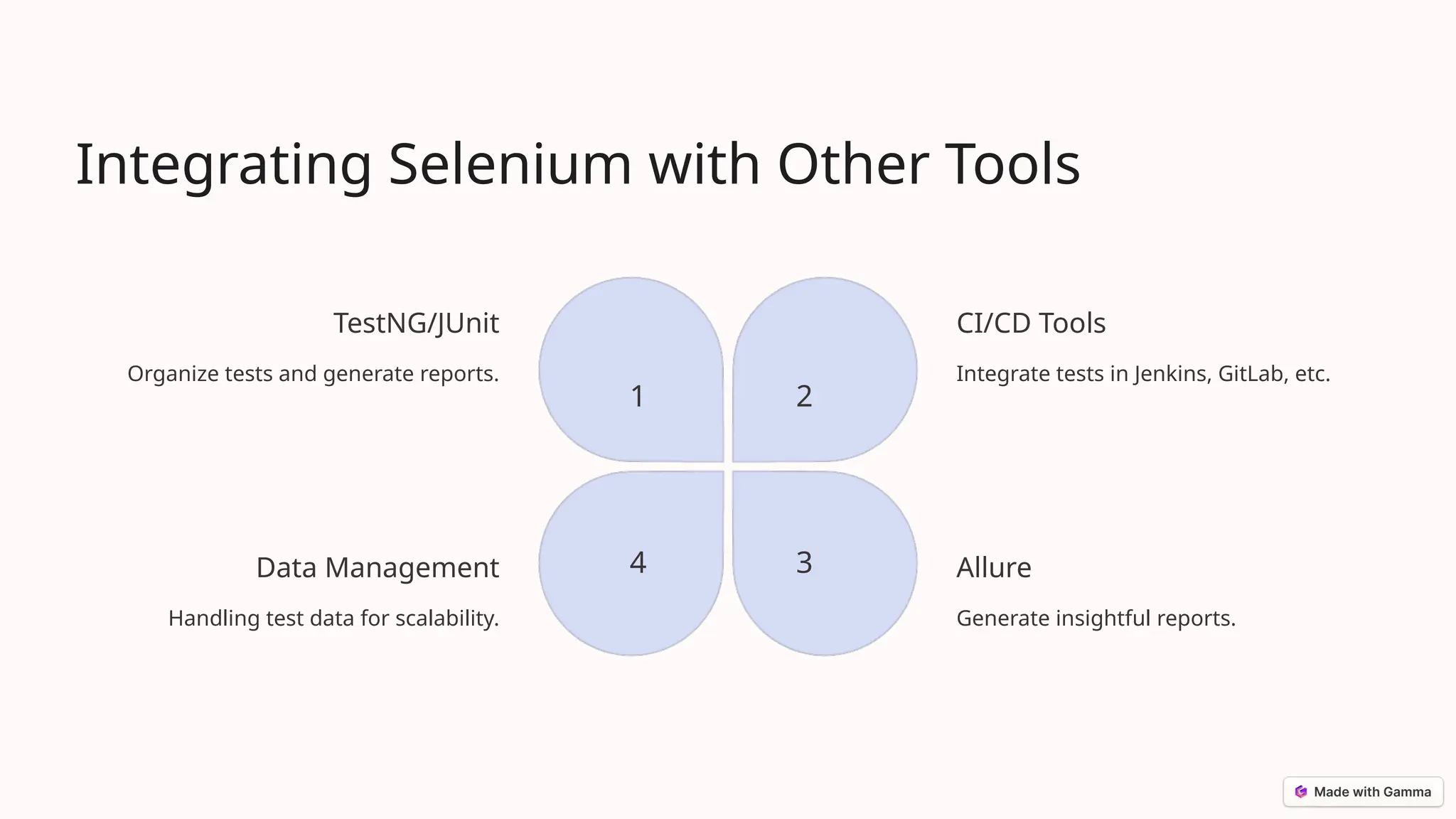
Integrating Selenium withOther Tools
TestNG/JUnit
Organize tests and generate reports.
1
CI/CD Tools
Integrate tests in Jenkins, GitLab, etc.
2
Allure
Generate insightful reports.
3
Data Management
Handling test data for scalability.
4
9.
Conclusion
Selenium is morethan just a testing tool, it's a critical component for ensuring the quality and reliability of modern web
applications.
• Selenium automates web browsers, simulating user interactions.
• It offers cross-browser compatibility.
• Selenium supports multiple programming languages.
As web technologies evolve, Selenium continues to adapt, maintaining its position as a leading tool in the world of web
application testing.