SOFTWARE DEVELOPMENT LIFE
CYCLE (SDLC)
SDLC MODEL
A framework that describes the activities performed
at each stage of a software development project.
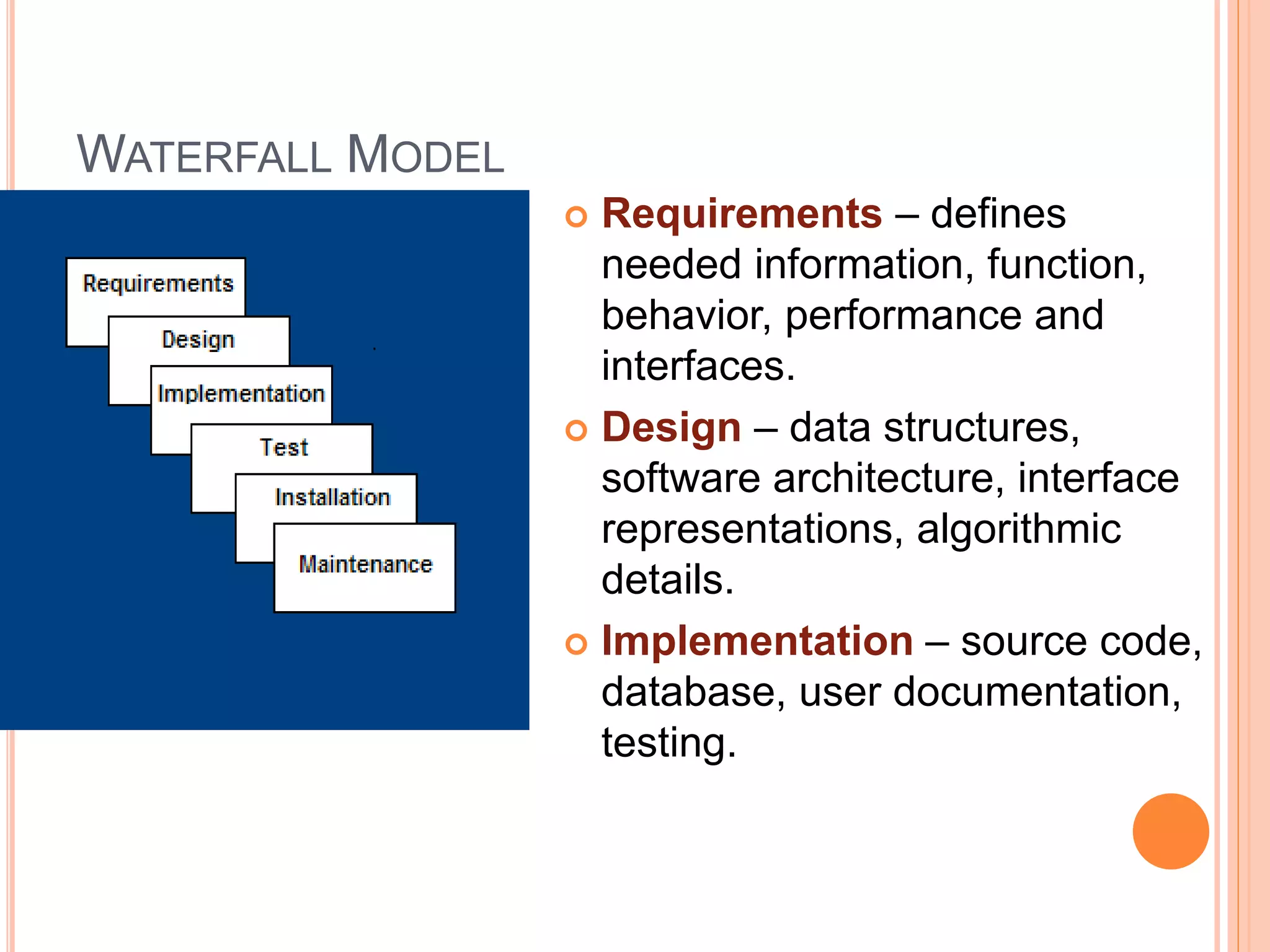
WATERFALL MODEL
 Requirements – defines
needed information, function,
behavior, performance and
interfaces.
 Design – data structures,
software architecture, interface
representations, algorithmic
details.
 Implementation – source code,
database, user documentation,
testing.
WATERFALL STRENGTHS
 Easy to understand, easy to use
 Provides structure to inexperienced staff
 Milestones are well understood
 Sets requirements stability
 Good for management control (plan, staff,
track)
 Works well when quality is more important
than cost or schedule
WATERFALL DEFICIENCIES
 All requirements must be known upfront
 Deliverables created for each phase are
considered frozen – inhibits flexibility
 Can give a false impression of progress
 Does not reflect problem-solving nature of
software development – iterations of phases
 Integration is one big bang at the end
 Little opportunity for customer to preview the
system (until it may be too late)
WHEN TO USE THE WATERFALL
MODEL
 Requirements are very well known
 Product definition is stable
 Technology is understood
 New version of an existing product
 Porting an existing product to a new
platform.
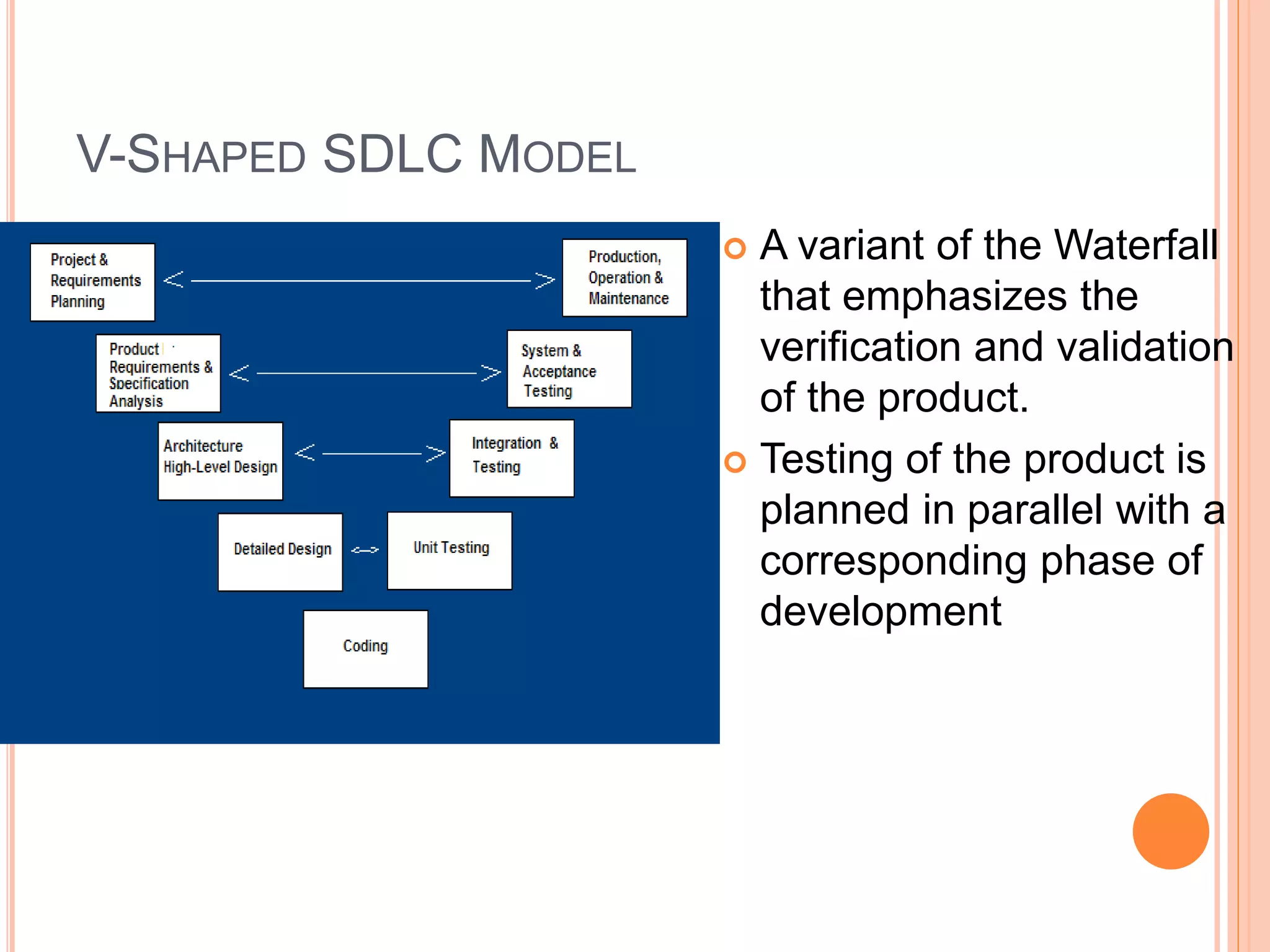
V-SHAPED SDLC MODEL
 A variant of the Waterfall
that emphasizes the
verification and validation
of the product.
 Testing of the product is
planned in parallel with a
corresponding phase of
development
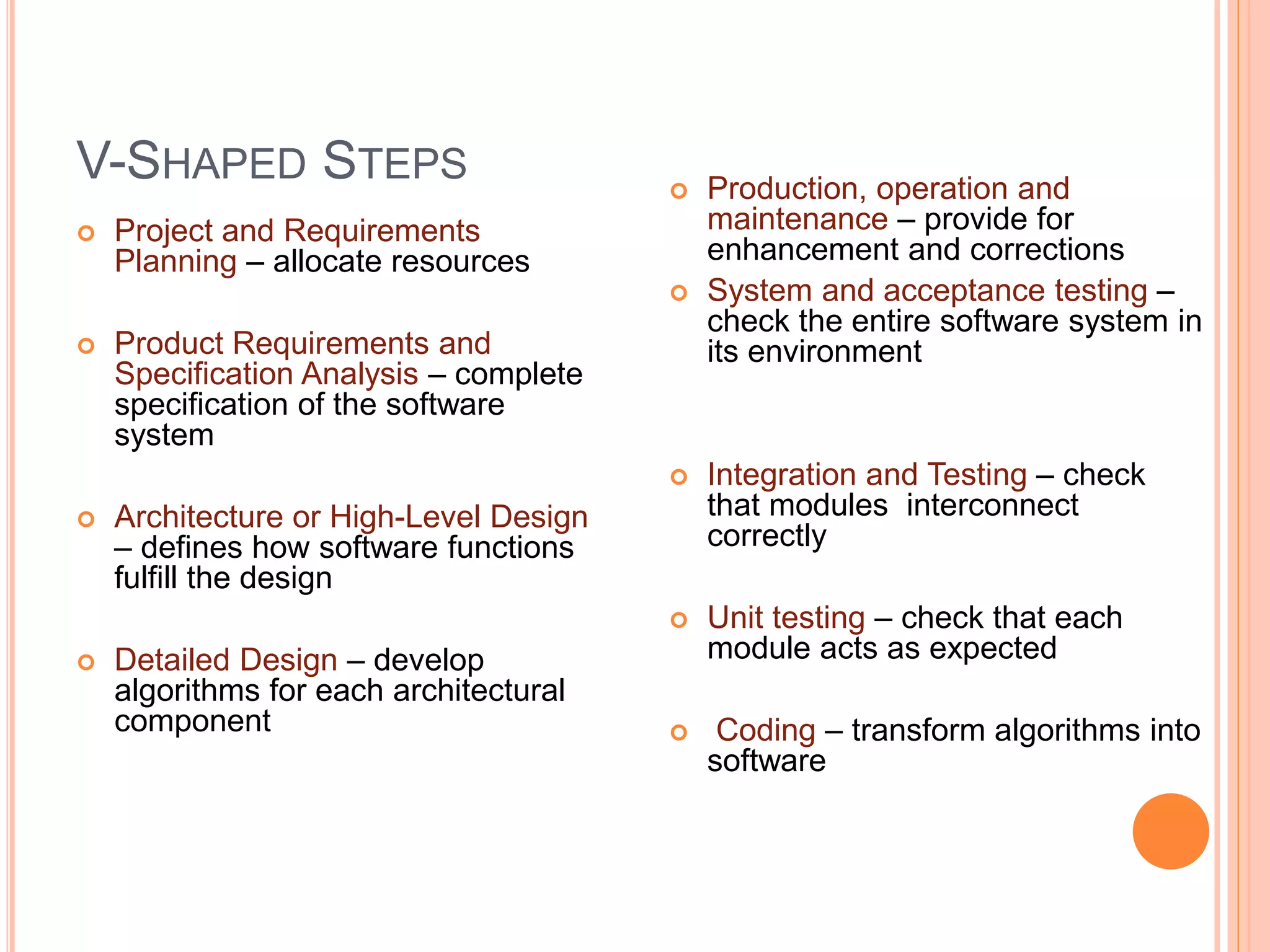
V-SHAPED STEPS
 Project and Requirements
Planning – allocate resources
 Product Requirements and
Specification Analysis – complete
specification of the software
system
 Architecture or High-Level Design
– defines how software functions
fulfill the design
 Detailed Design – develop
algorithms for each architectural
component
 Production, operation and
maintenance – provide for
enhancement and corrections
 System and acceptance testing –
check the entire software system in
its environment
 Integration and Testing – check
that modules interconnect
correctly
 Unit testing – check that each
module acts as expected
 Coding – transform algorithms into
software
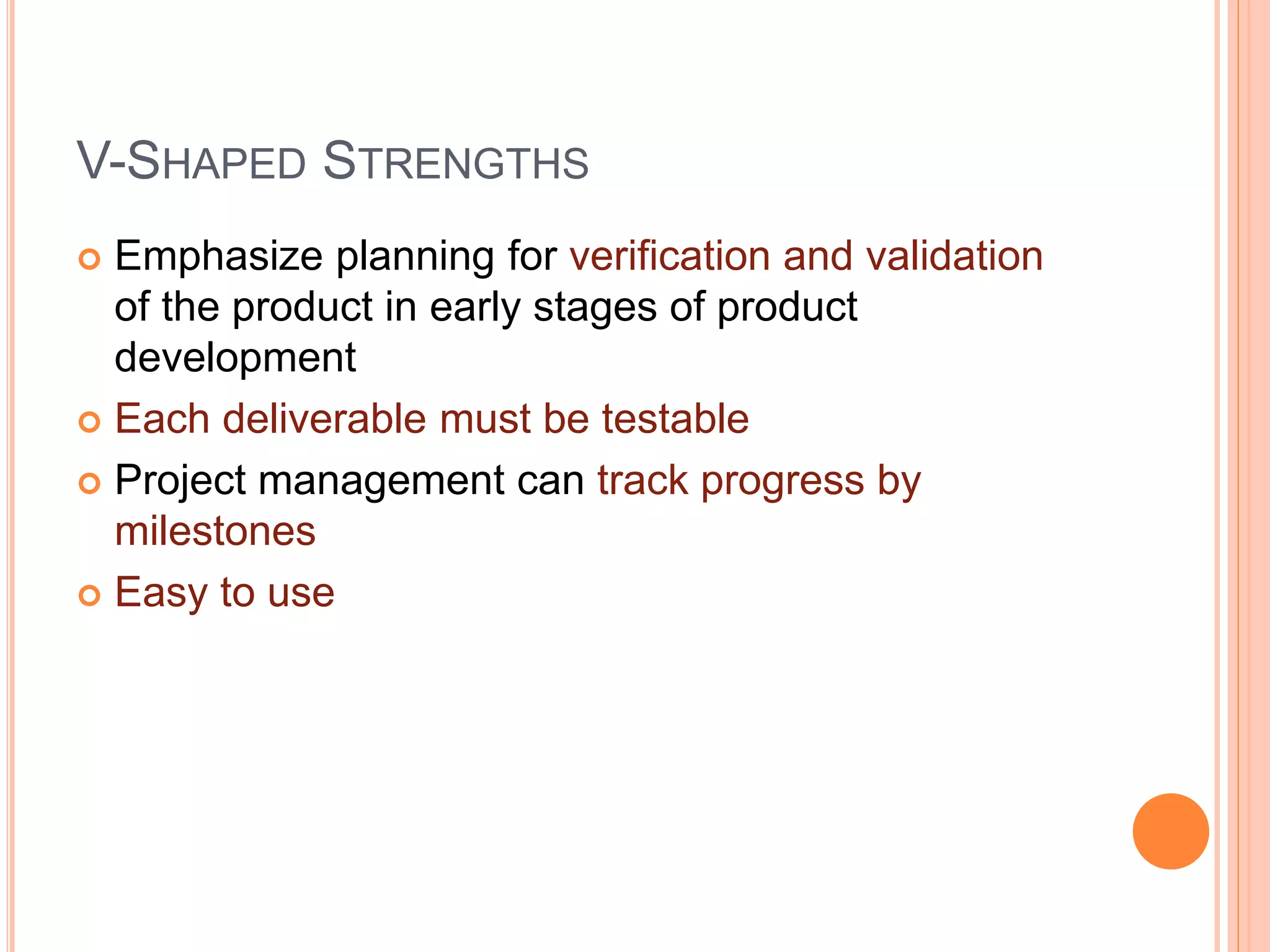
V-SHAPED STRENGTHS
 Emphasize planning for verification and validation
of the product in early stages of product
development
 Each deliverable must be testable
 Project management can track progress by
milestones
 Easy to use
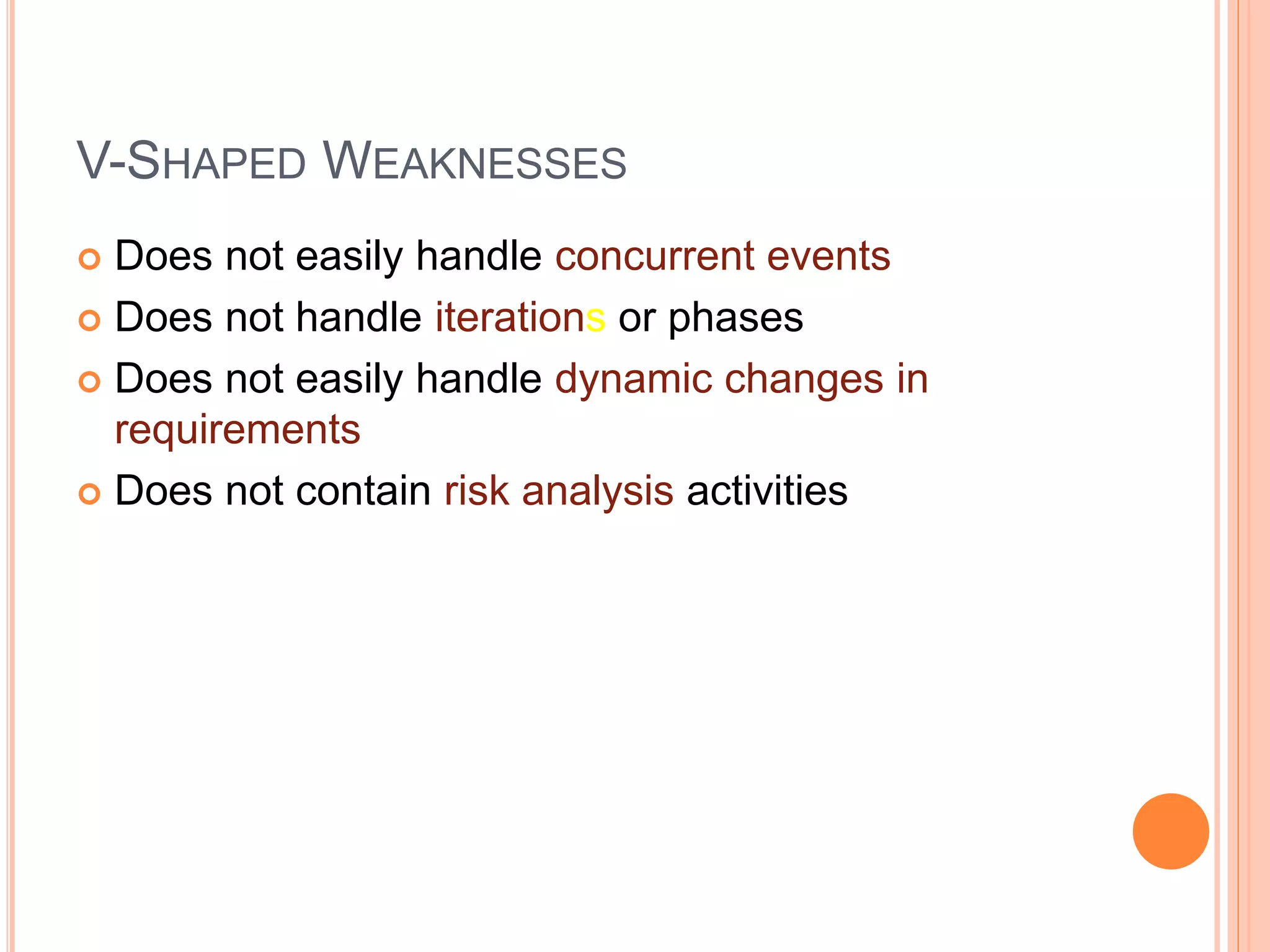
V-SHAPED WEAKNESSES
 Does not easily handle concurrent events
 Does not handle iterations or phases
 Does not easily handle dynamic changes in
requirements
 Does not contain risk analysis activities
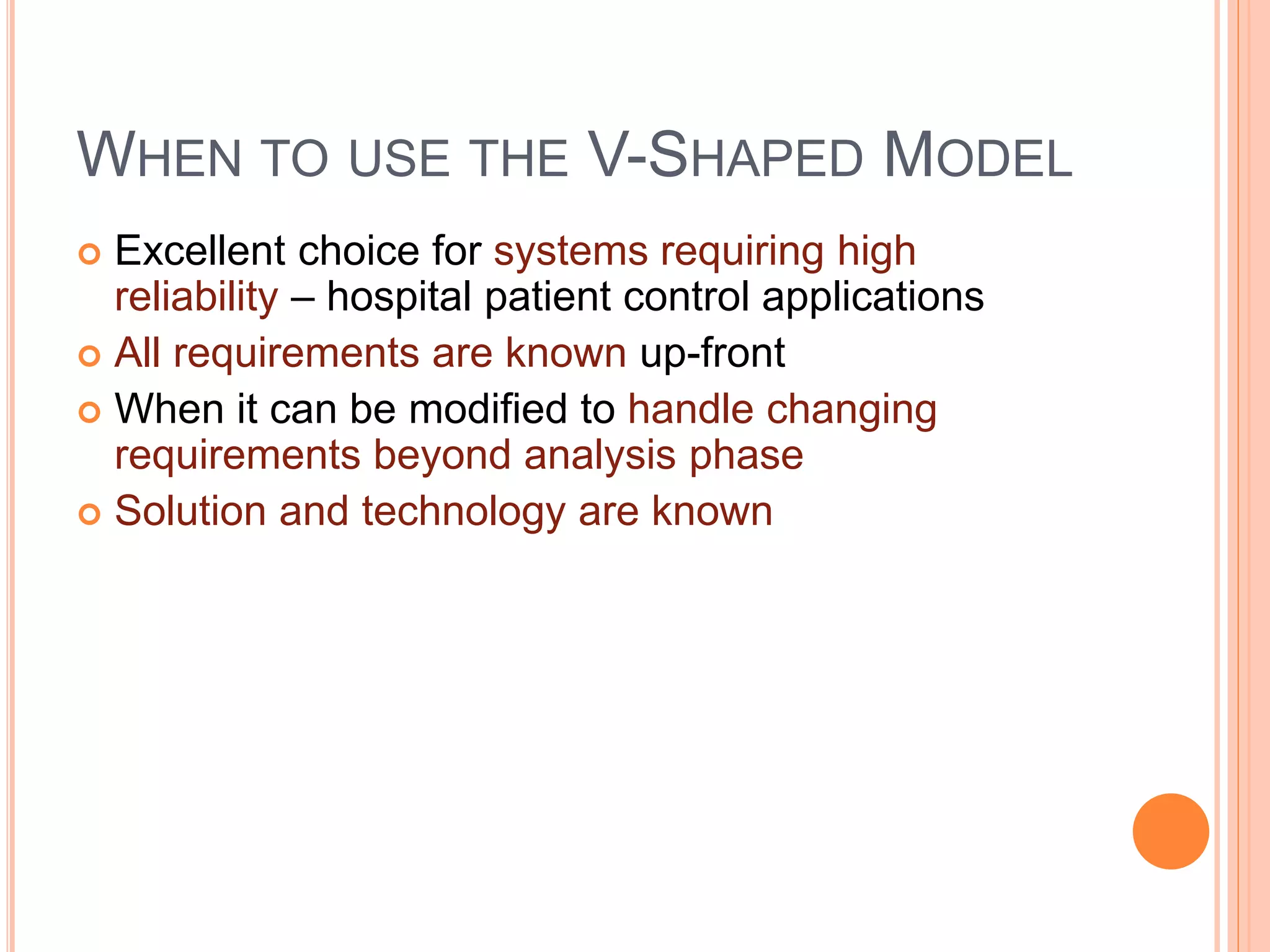
WHEN TO USE THE V-SHAPED MODEL
 Excellent choice for systems requiring high
reliability – hospital patient control applications
 All requirements are known up-front
 When it can be modified to handle changing
requirements beyond analysis phase
 Solution and technology are known
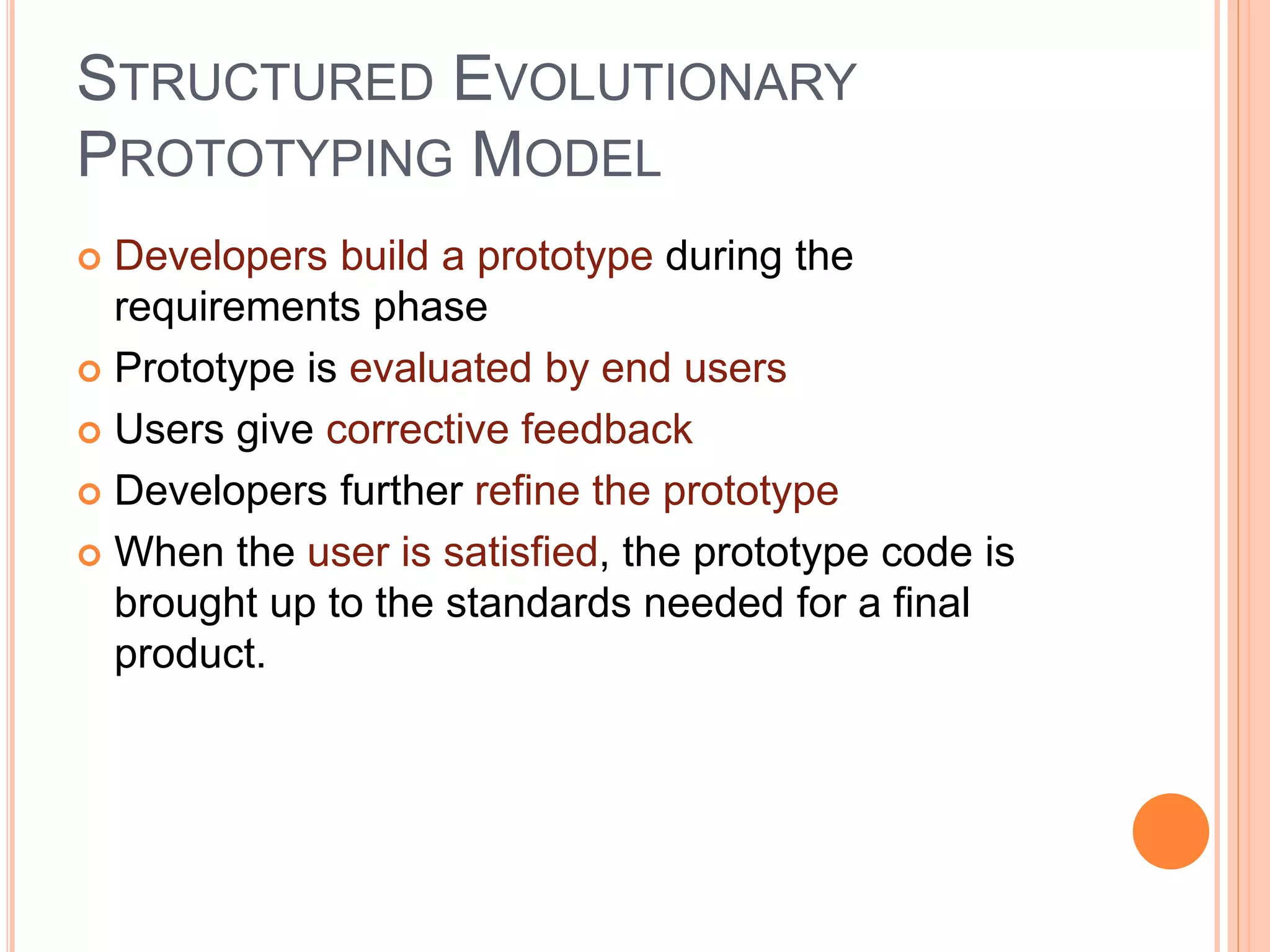
STRUCTURED EVOLUTIONARY
PROTOTYPING MODEL
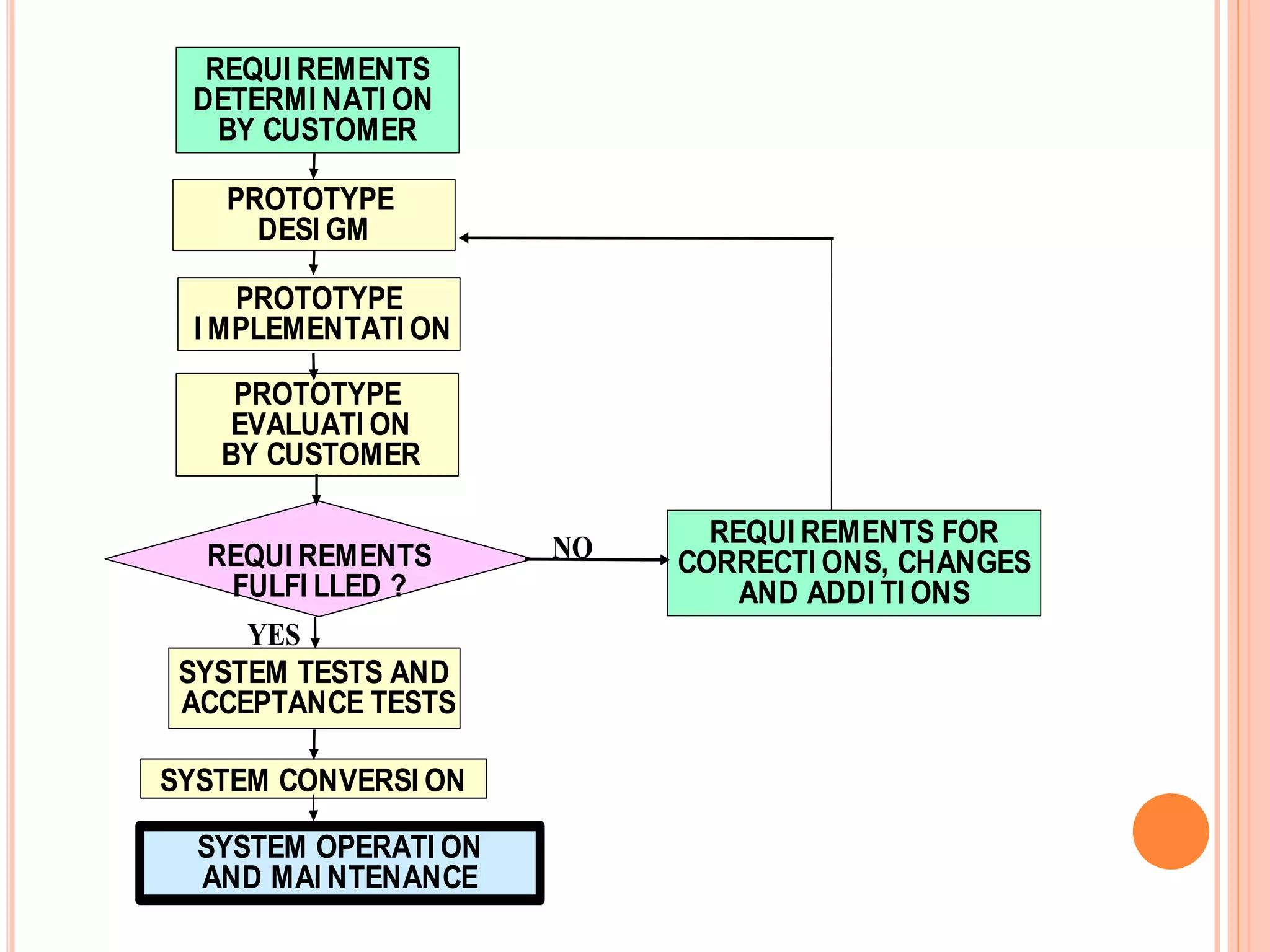
 Developers build a prototype during the
requirements phase
 Prototype is evaluated by end users
 Users give corrective feedback
 Developers further refine the prototype
 When the user is satisfied, the prototype code is
brought up to the standards needed for a final
product.
REQUI REMENTS
DETERMI NATI ON
BY CUSTOMER
PROTOTYPE
DESI GM
PROTOTYPE
I MPLEMENTATI ON
SYSTEM CONVERSI ON
PROTOTYPE
EVALUATI ON
BY CUSTOMER
SYSTEM OPERATI ON
AND MAI NTENANCE
REQUI REMENTS FOR
CORRECTI ONS, CHANGES
AND ADDI TI ONS
REQUI REMENTS
FULFI LLED ?
SYSTEM TESTS AND
ACCEPTANCE TESTS
NO
YES
PROTOTYPING MODEL
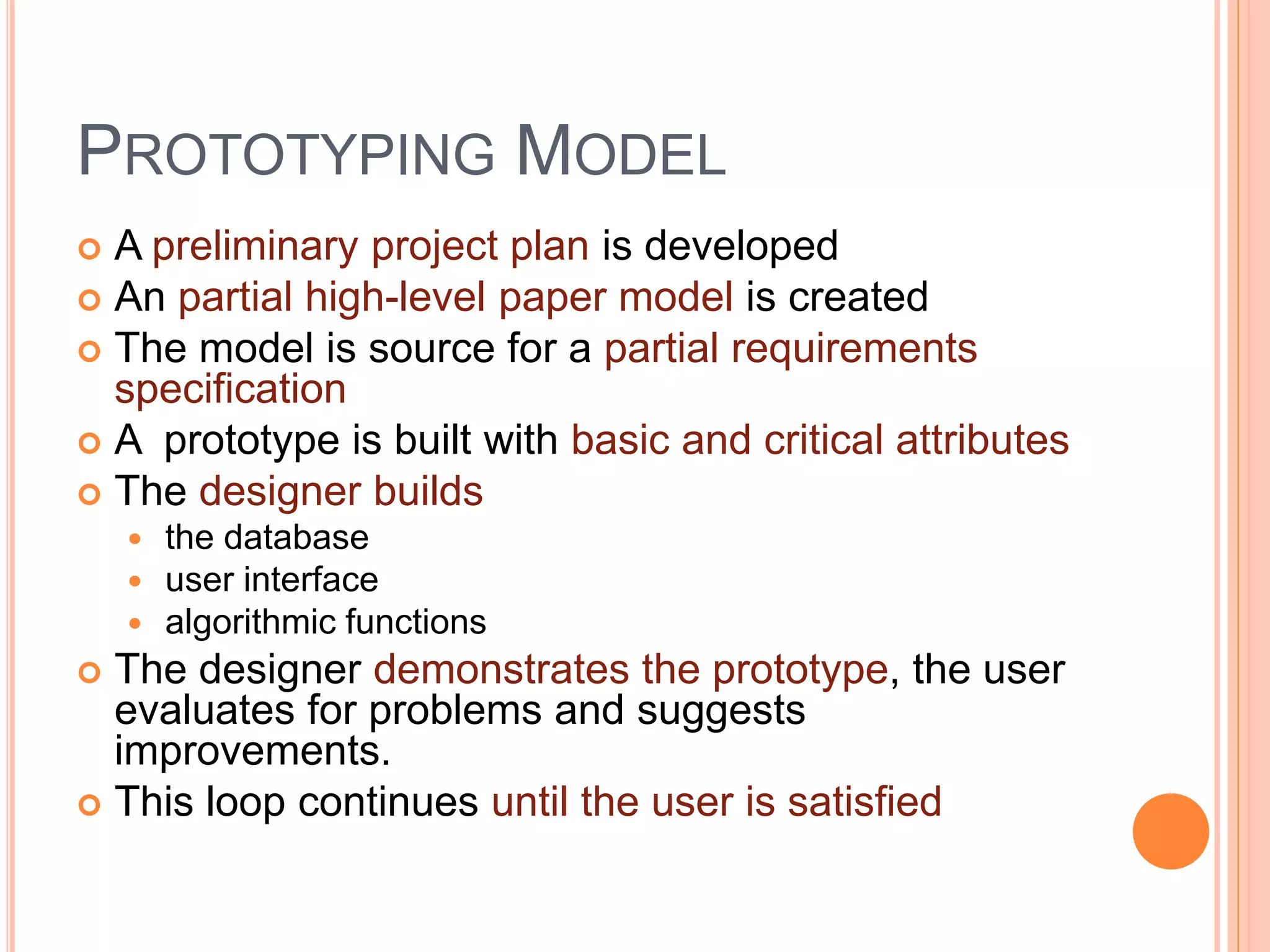
 A preliminary project plan is developed
 An partial high-level paper model is created
 The model is source for a partial requirements
specification
 A prototype is built with basic and critical attributes
 The designer builds
 the database
 user interface
 algorithmic functions
 The designer demonstrates the prototype, the user
evaluates for problems and suggests
improvements.
 This loop continues until the user is satisfied
PROTOTYPING MODEL
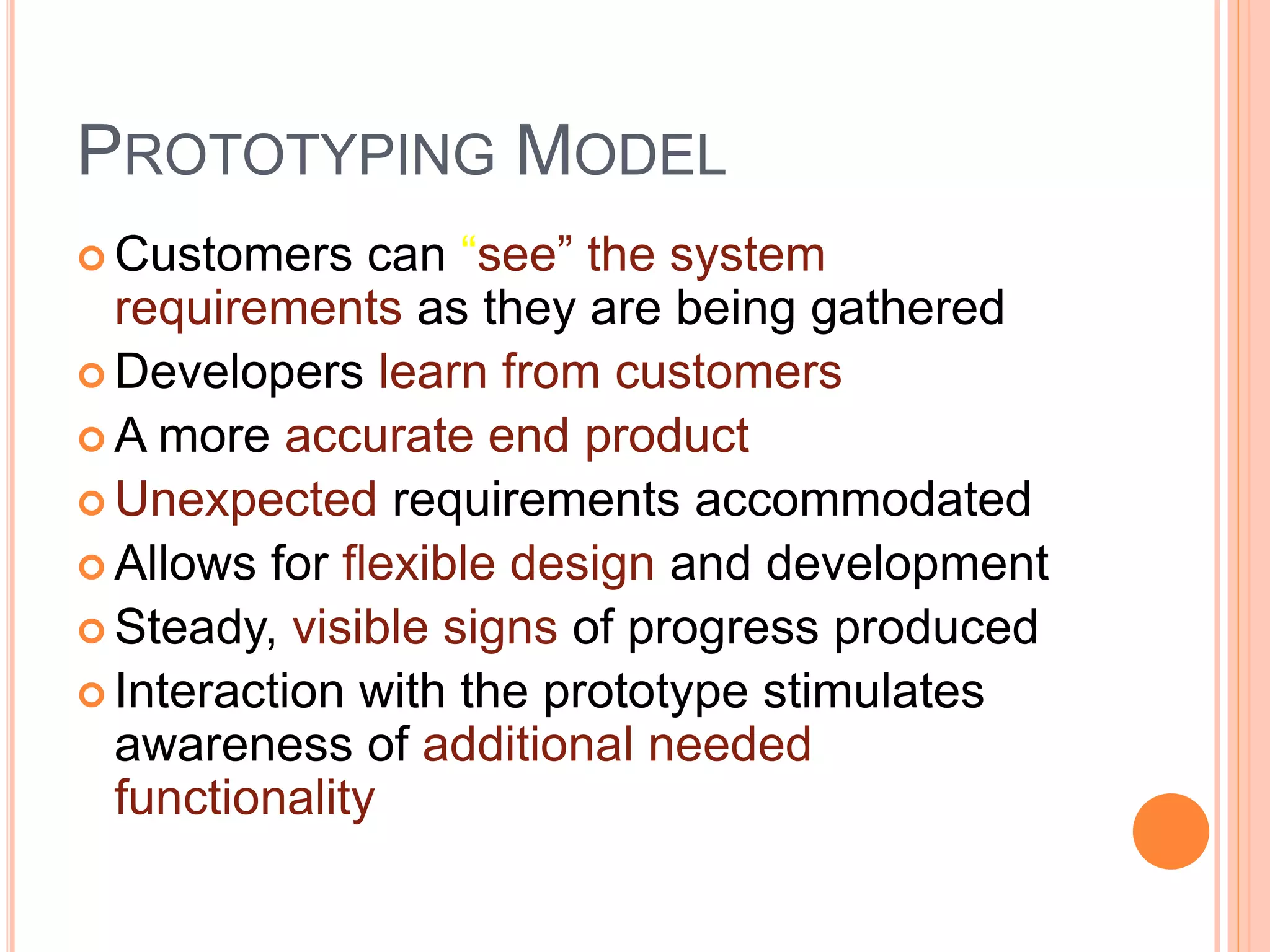
 Customers can “see” the system
requirements as they are being gathered
 Developers learn from customers
 A more accurate end product
 Unexpected requirements accommodated
 Allows for flexible design and development
 Steady, visible signs of progress produced
 Interaction with the prototype stimulates
awareness of additional needed
functionality
PROTOTYPING MODEL
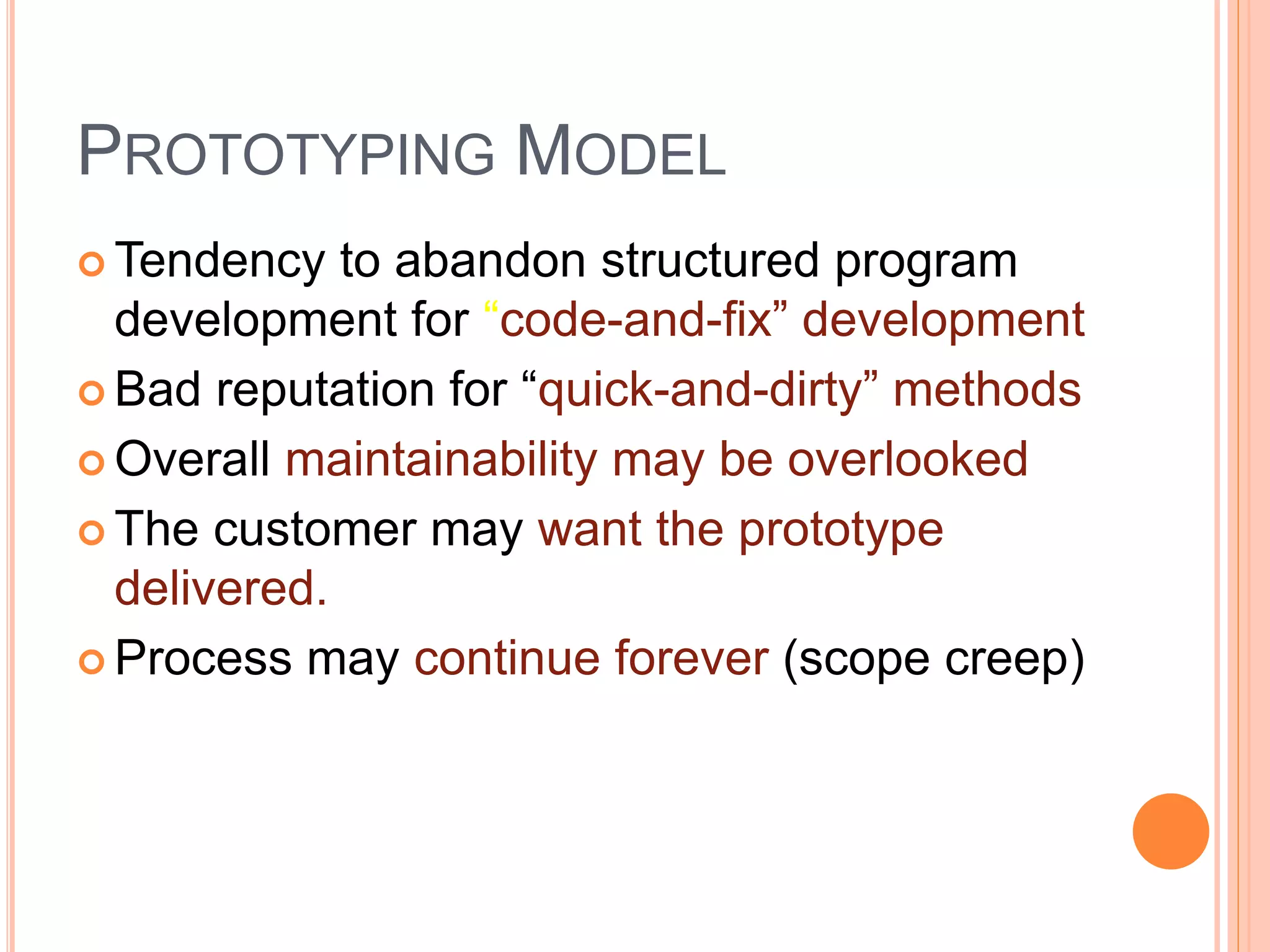
 Tendency to abandon structured program
development for “code-and-fix” development
 Bad reputation for “quick-and-dirty” methods
 Overall maintainability may be overlooked
 The customer may want the prototype
delivered.
 Process may continue forever (scope creep)
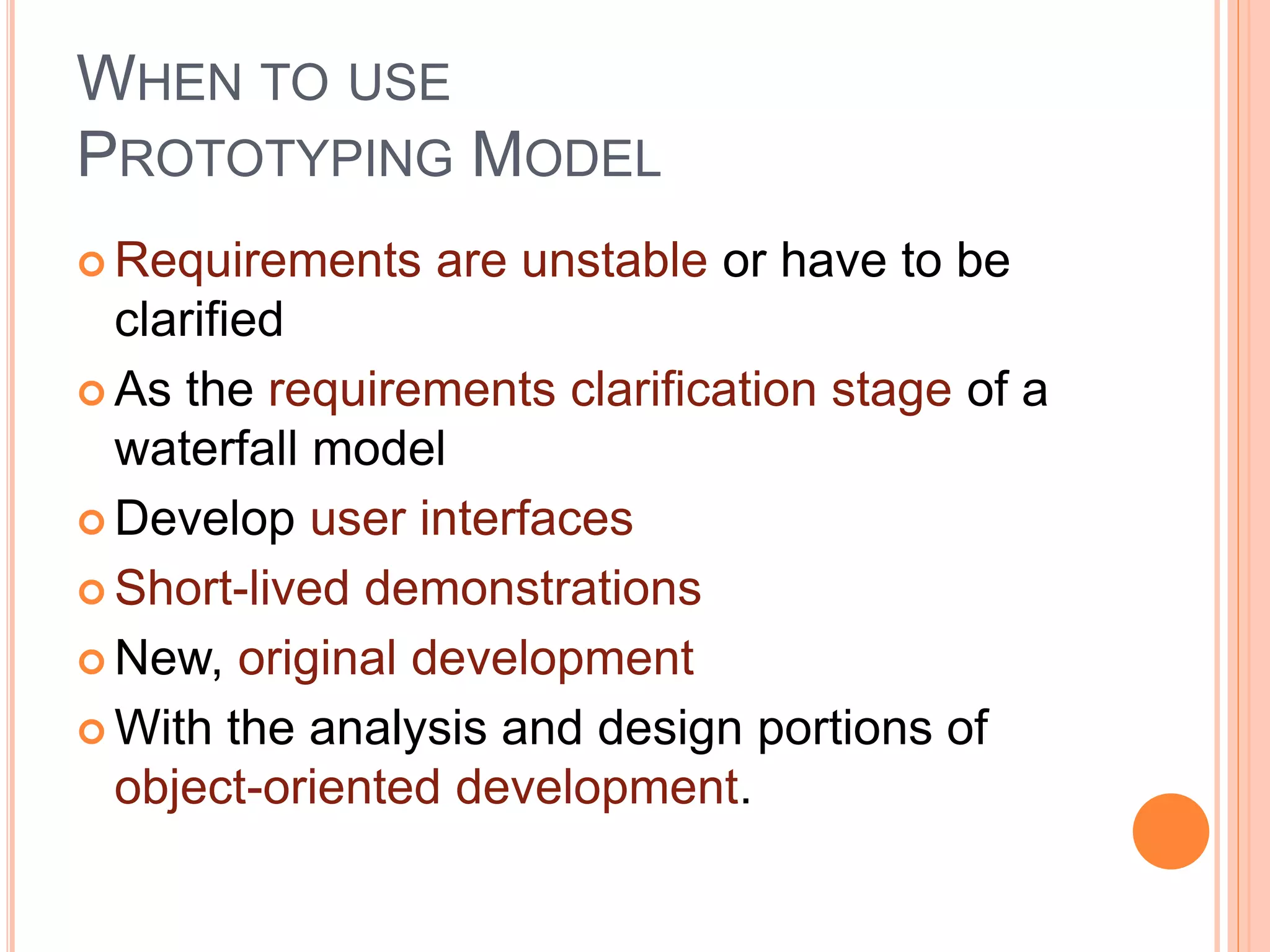
WHEN TO USE
PROTOTYPING MODEL
 Requirements are unstable or have to be
clarified
 As the requirements clarification stage of a
waterfall model
 Develop user interfaces
 Short-lived demonstrations
 New, original development
 With the analysis and design portions of
object-oriented development.
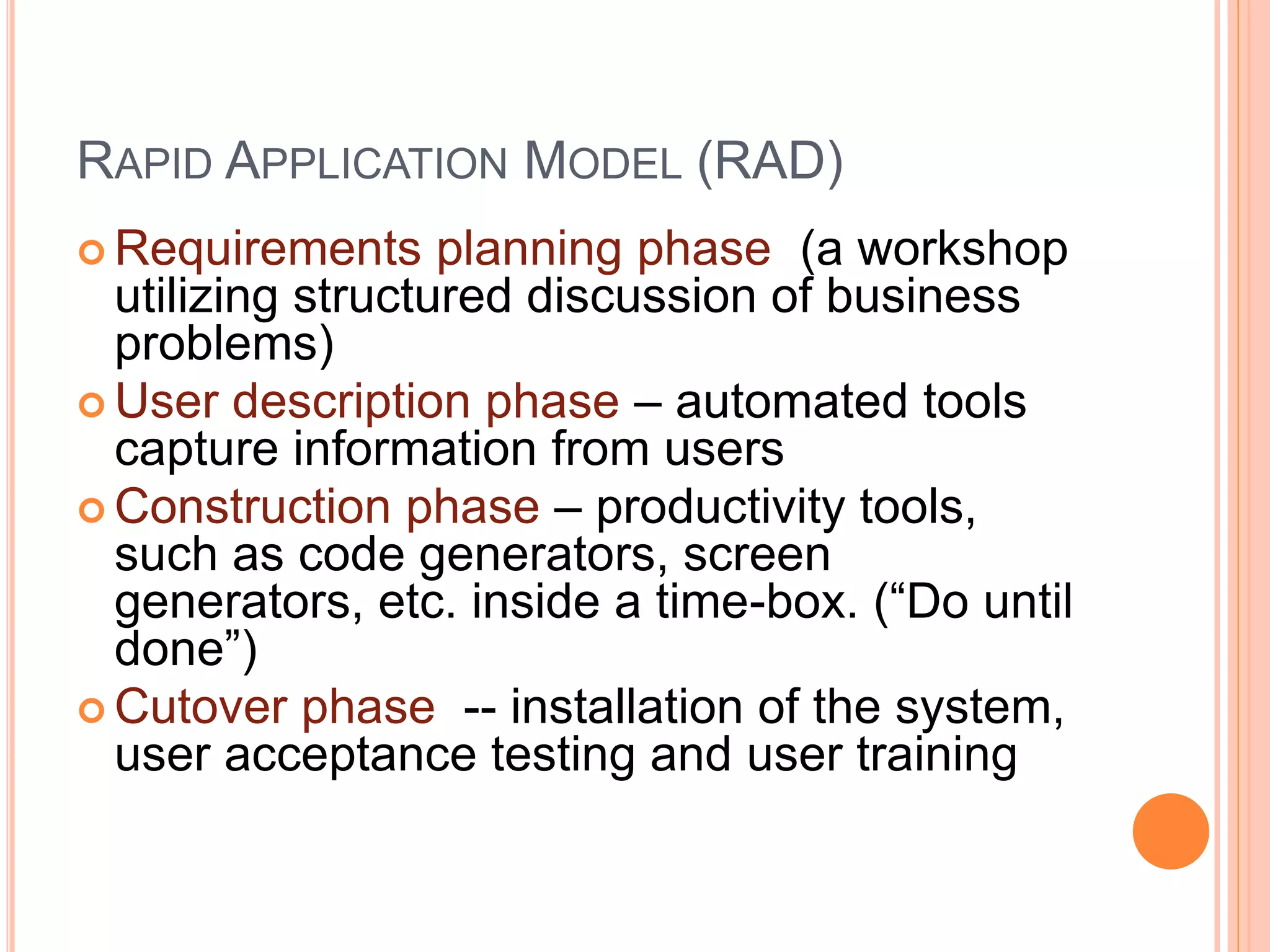
RAPID APPLICATION MODEL (RAD)
 Requirements planning phase (a workshop
utilizing structured discussion of business
problems)
 User description phase – automated tools
capture information from users
 Construction phase – productivity tools,
such as code generators, screen
generators, etc. inside a time-box. (“Do until
done”)
 Cutover phase -- installation of the system,
user acceptance testing and user training
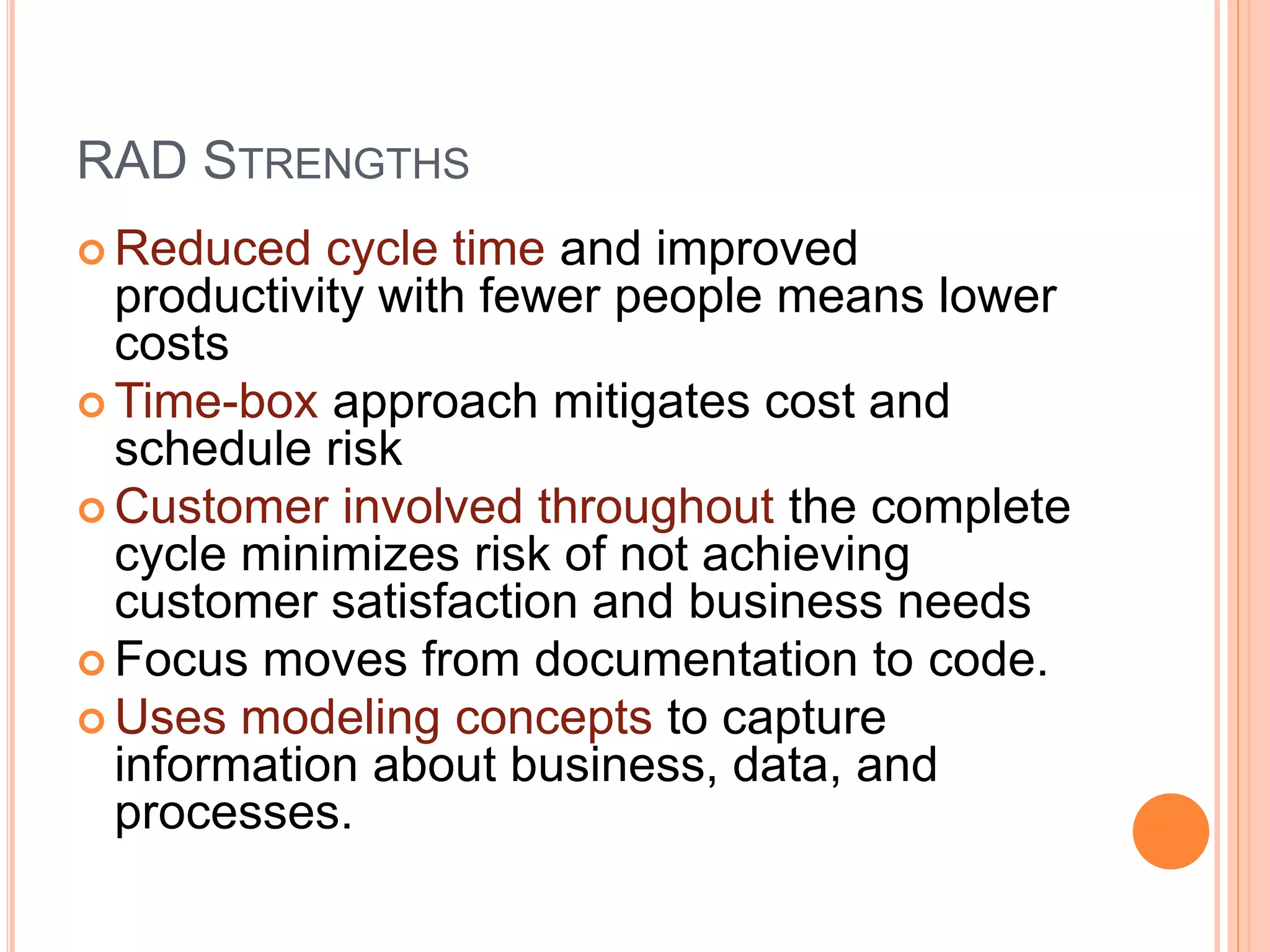
RAD STRENGTHS
 Reduced cycle time and improved
productivity with fewer people means lower
costs
 Time-box approach mitigates cost and
schedule risk
 Customer involved throughout the complete
cycle minimizes risk of not achieving
customer satisfaction and business needs
 Focus moves from documentation to code.
 Uses modeling concepts to capture
information about business, data, and
processes.
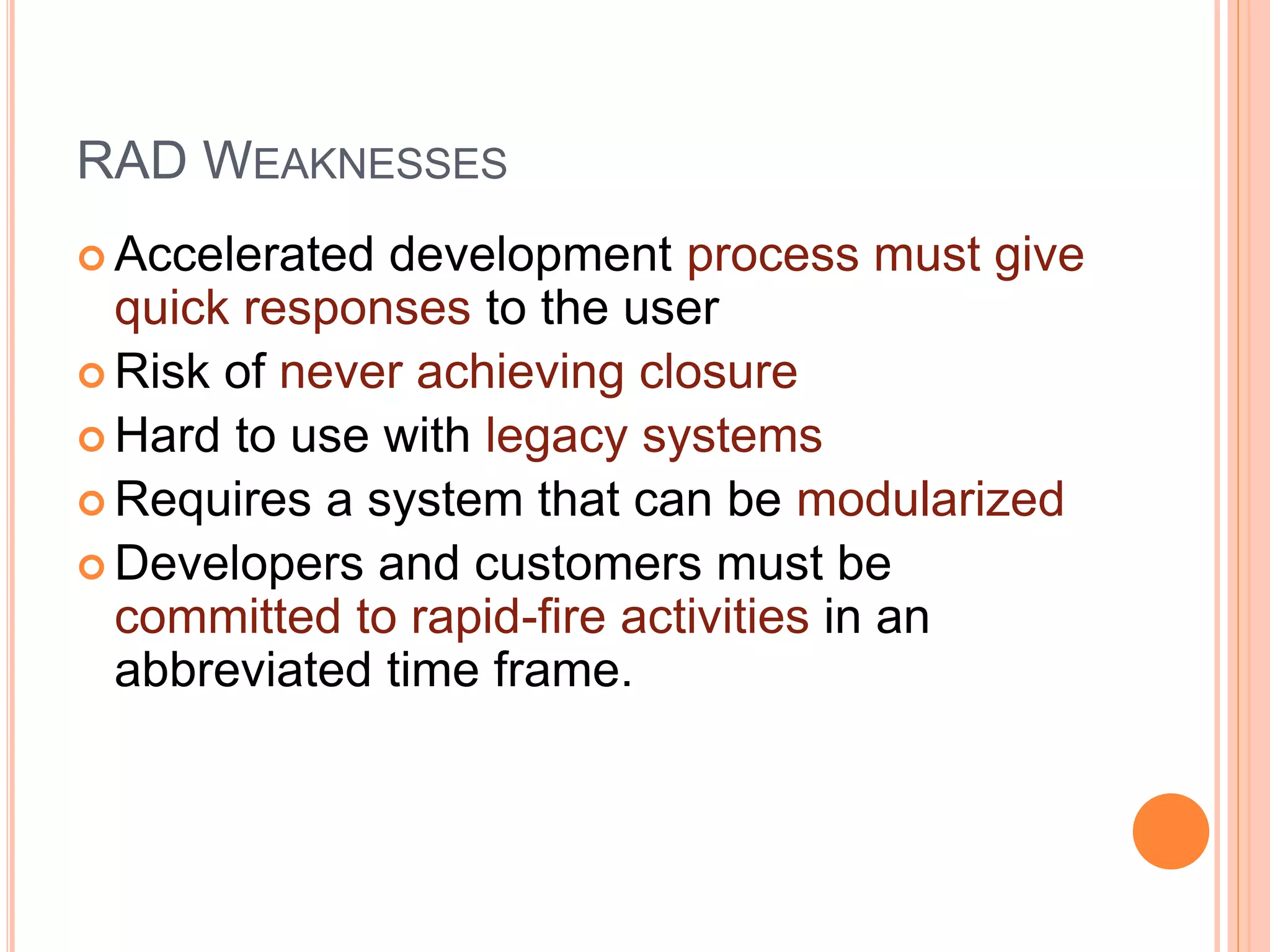
RAD WEAKNESSES
 Accelerated development process must give
quick responses to the user
 Risk of never achieving closure
 Hard to use with legacy systems
 Requires a system that can be modularized
 Developers and customers must be
committed to rapid-fire activities in an
abbreviated time frame.
WHEN TO USE RAD
 Reasonably well-known requirements
 User involved throughout the life cycle
 Project can be time-boxed
 Functionality delivered in increments
 High performance not required
 Low technical risks
 System can be modularized
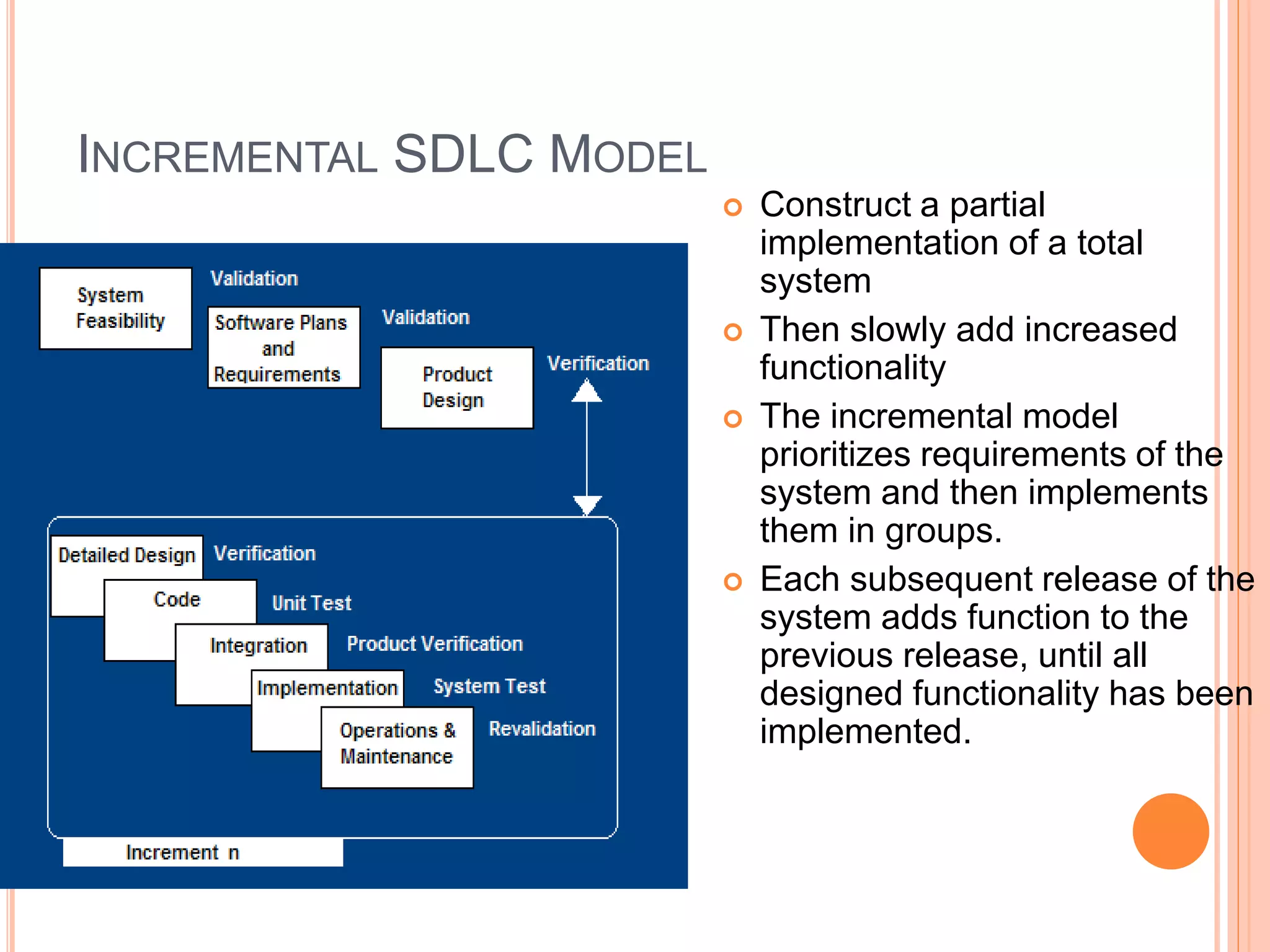
INCREMENTAL SDLC MODEL
 Construct a partial
implementation of a total
system
 Then slowly add increased
functionality
 The incremental model
prioritizes requirements of the
system and then implements
them in groups.
 Each subsequent release of the
system adds function to the
previous release, until all
designed functionality has been
implemented.
INCREMENTAL MODEL STRENGTHS
 Develop high-risk or major functions first
 Each release delivers an operational
product
 Customer can respond to each build
 Uses “divide and conquer” breakdown of
tasks
 Lowers initial delivery cost
 Initial product delivery is faster
 Customers get important functionality early
 Risk of changing requirements is reduced
INCREMENTAL MODEL WEAKNESSES
 Requires good planning and design
 Requires early definition of a complete and fully
functional system to allow for the definition of
increments
 Well-defined module interfaces are required (some
will be developed long before others)
 Total cost of the complete system is not lower
WHEN TO USE THE INCREMENTAL
MODEL
 Risk, funding, schedule, program complexity, or
need for early realization of benefits.
 Most of the requirements are known up-front but
are expected to evolve over time
 A need to get basic functionality to the market
early
 On projects which have lengthy development
schedules
 On a project with new technology
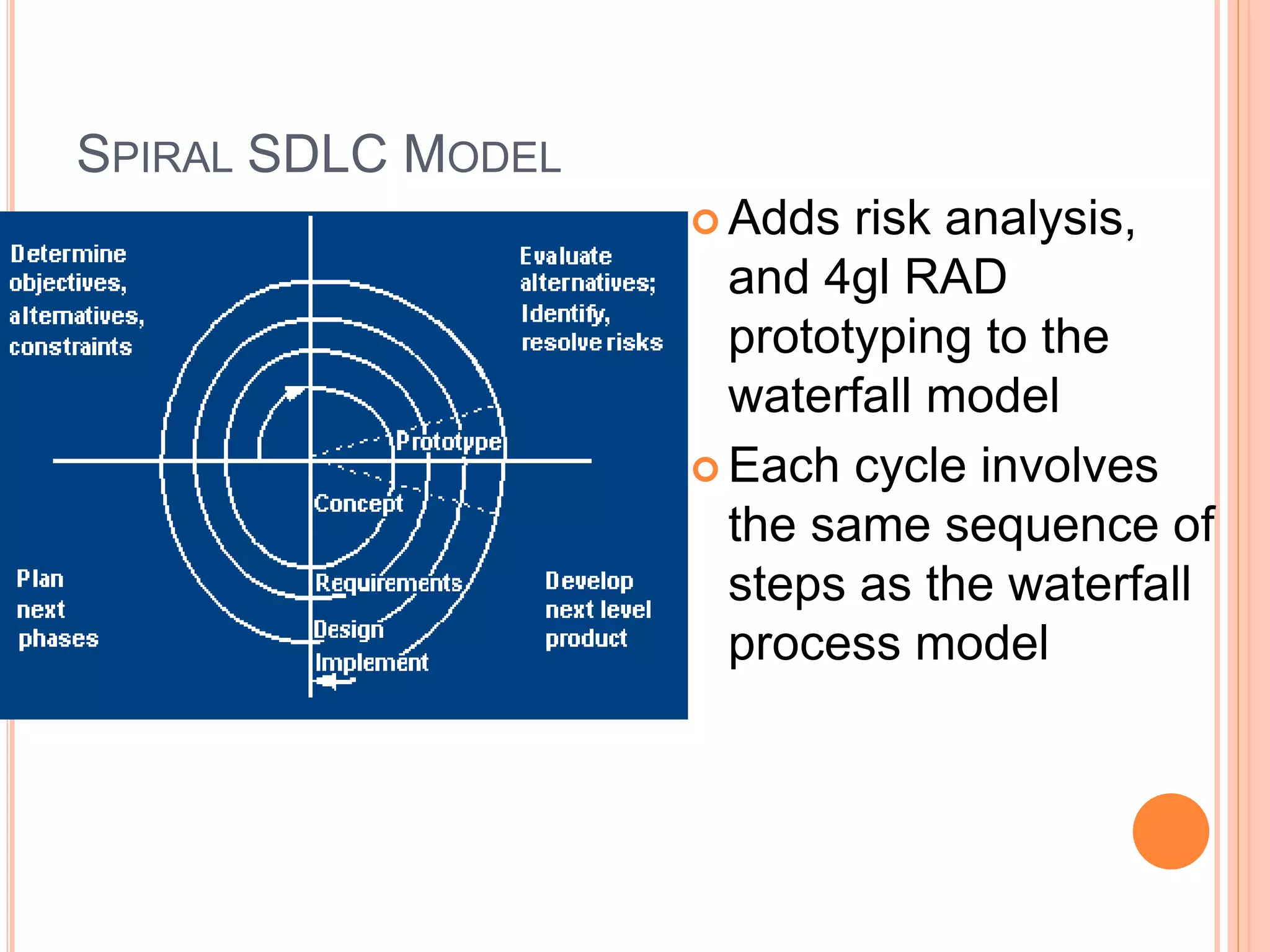
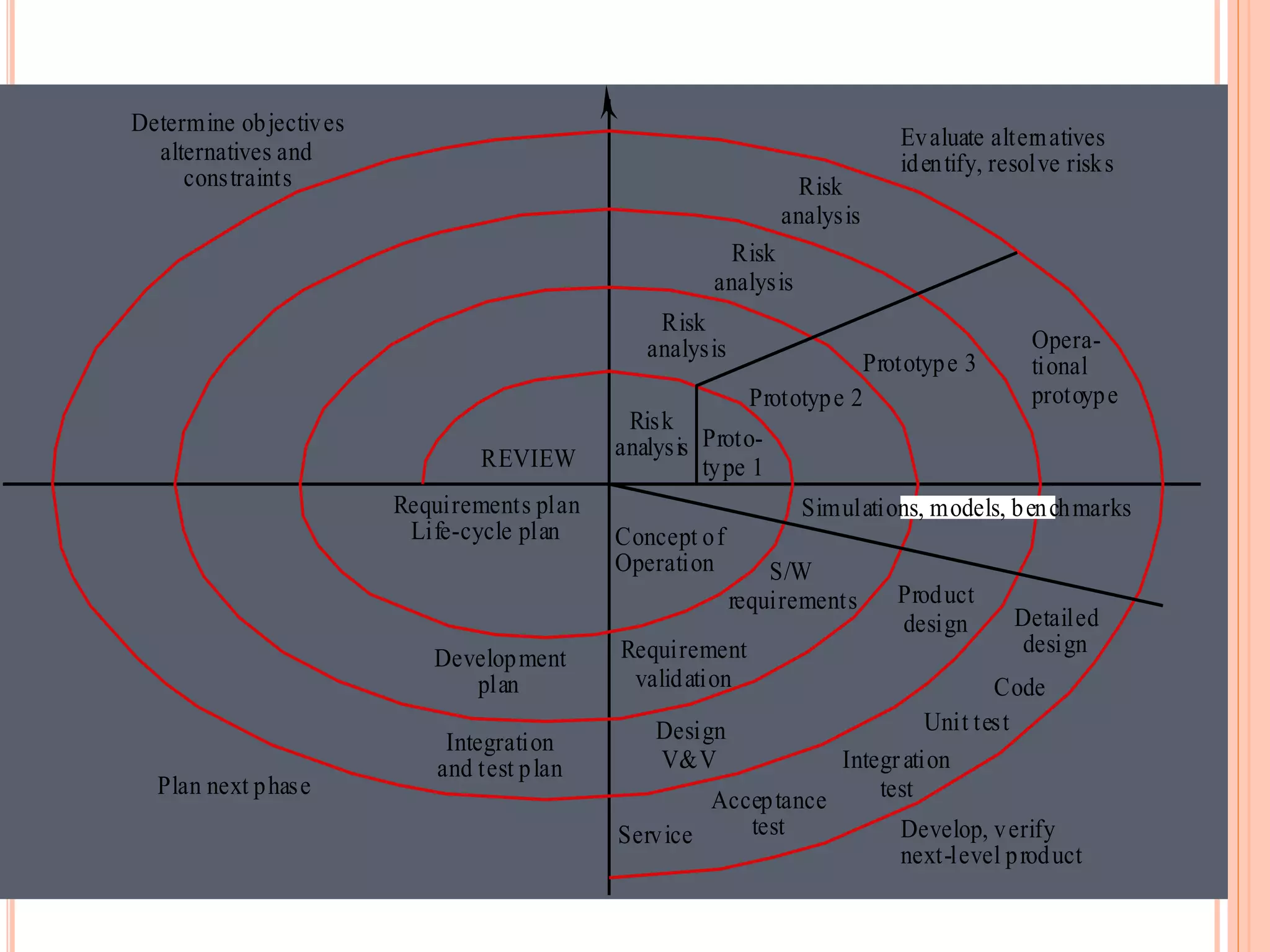
SPIRAL SDLC MODEL
 Adds risk analysis,
and 4gl RAD
prototyping to the
waterfall model
 Each cycle involves
the same sequence of
steps as the waterfall
process model
Risk
analysis
Risk
analysis
Risk
analysis
Risk
analysis Proto-
type 1
Prototype 2
Prototype 3
Opera-
tional
protoype
Concept of
Operation
Simulations, models, benchmarks
S/W
requirements
Requirement
validation
Design
V&V
Product
design Detailed
design
Code
Unit test
Integration
test
Acceptance
test
Service Develop, verify
next-level product
Evaluate alternatives
identify, resolve risks
Determine objectives
alternatives and
constraints
Plan next phase
Integration
and test plan
Development
plan
Requirements plan
Life-cycle plan
REVIEW
SPIRAL QUADRANT
DETERMINE OBJECTIVES, ALTERNATIVES AND
CONSTRAINTS
 Objectives: functionality, performance,
hardware/software interface, critical success factors, etc.
 Alternatives: build, reuse, buy, sub-contract, etc.
 Constraints: cost, schedule, interface, etc.
SPIRAL QUADRANT
EVALUATE ALTERNATIVES, IDENTIFY AND RESOLVE
RISKS
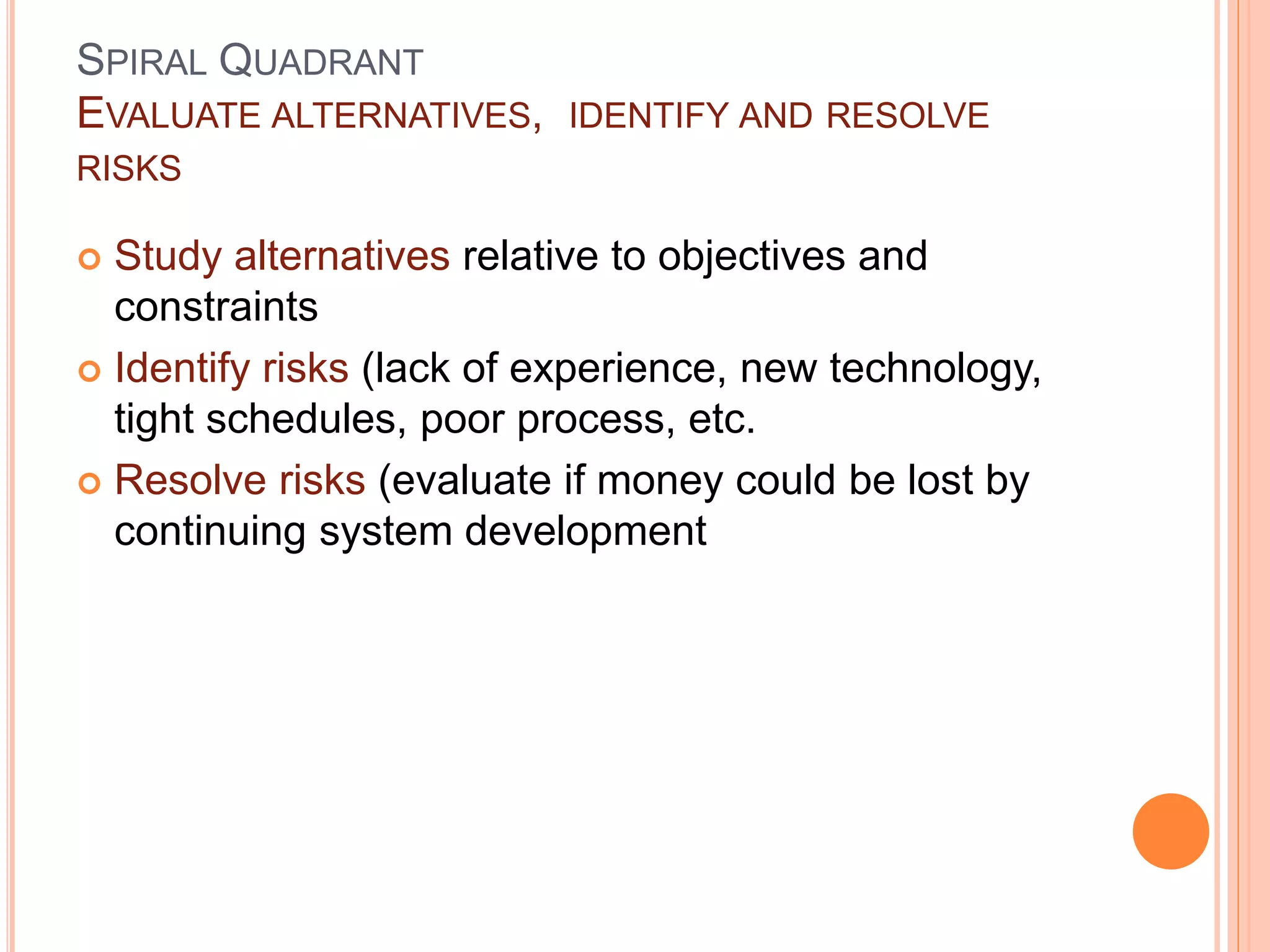
 Study alternatives relative to objectives and
constraints
 Identify risks (lack of experience, new technology,
tight schedules, poor process, etc.
 Resolve risks (evaluate if money could be lost by
continuing system development
SPIRAL QUADRANT
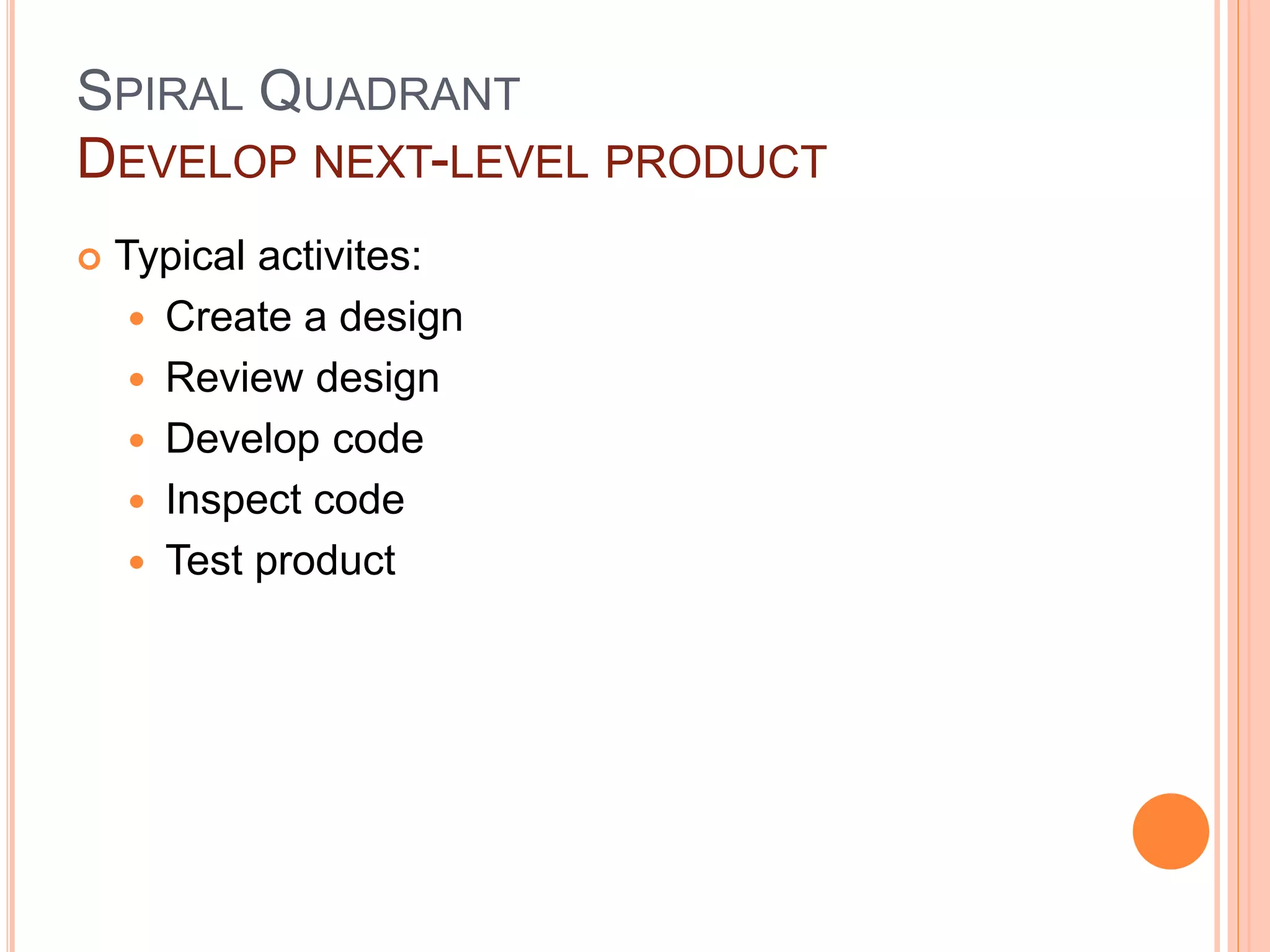
DEVELOP NEXT-LEVEL PRODUCT
 Typical activites:
 Create a design
 Review design
 Develop code
 Inspect code
 Test product
SPIRAL QUADRANT
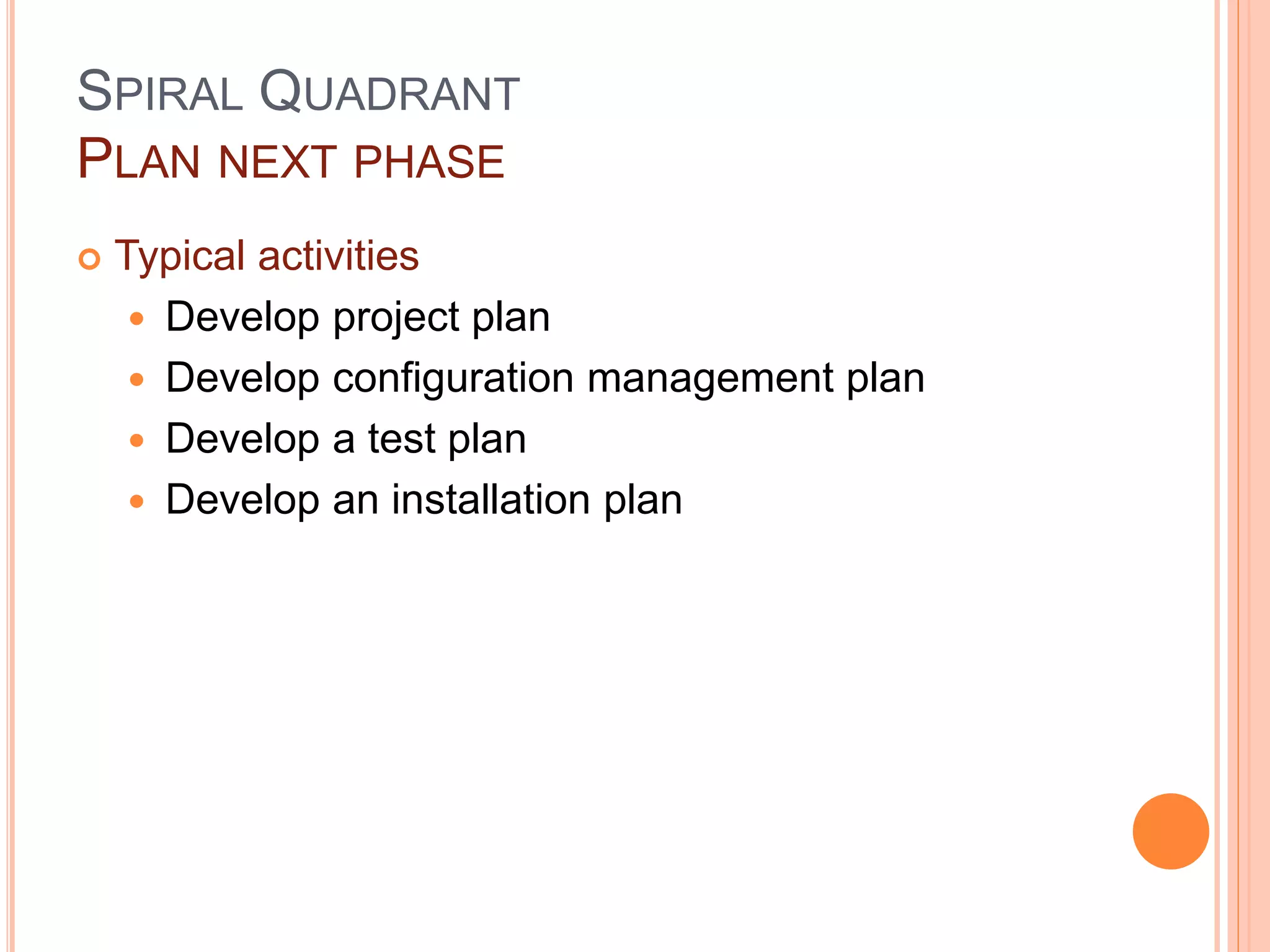
PLAN NEXT PHASE
 Typical activities
 Develop project plan
 Develop configuration management plan
 Develop a test plan
 Develop an installation plan
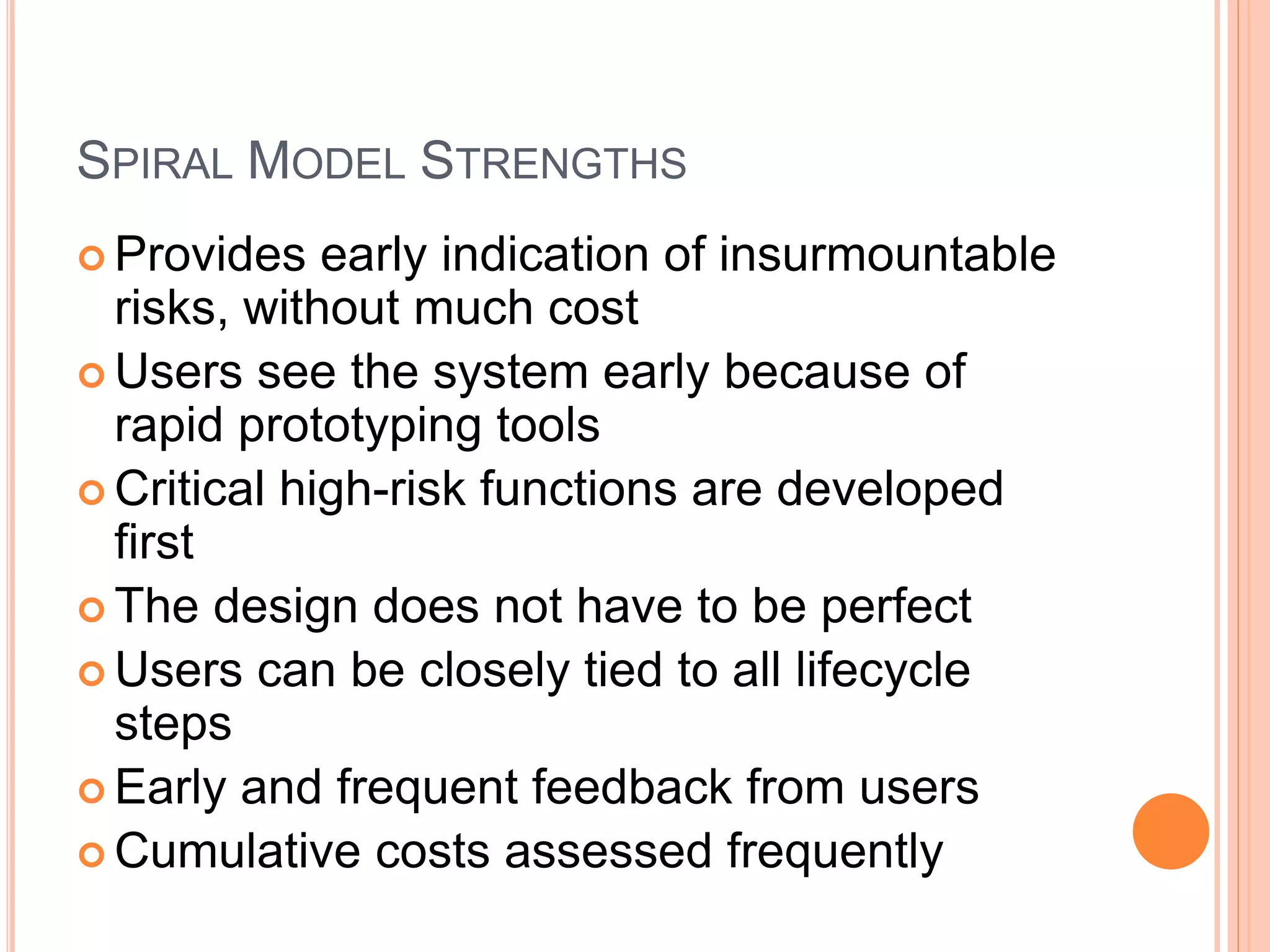
SPIRAL MODEL STRENGTHS
 Provides early indication of insurmountable
risks, without much cost
 Users see the system early because of
rapid prototyping tools
 Critical high-risk functions are developed
first
 The design does not have to be perfect
 Users can be closely tied to all lifecycle
steps
 Early and frequent feedback from users
 Cumulative costs assessed frequently
SPIRAL MODEL WEAKNESSES
 Time spent for evaluating risks too large for small or low-
risk projects
 Time spent planning, resetting objectives, doing risk
analysis and prototyping may be excessive
 The model is complex
 Risk assessment expertise is required
 Spiral may continue indefinitely
 Developers must be reassigned during non-development
phase activities
 May be hard to define objective, verifiable milestones that
indicate readiness to proceed through the next iteration
WHEN TO USE SPIRAL MODEL
 When creation of a prototype is appropriate
 When costs and risk evaluation is important
 For medium to high-risk projects
 Long-term project commitment unwise
because of potential changes to economic
priorities
 Users are unsure of their needs
 Requirements are complex
 New product line
 Significant changes are expected (research
and exploration)
AGILE SDLC’S
 Speed up or bypass one or more life cycle phases
 Usually less formal and reduced scope
 Used for time-critical applications
 Used in organizations that employ disciplined
methods
SOME AGILE METHODS
 Adaptive Software Development (ASD)
 Feature Driven Development (FDD)
 Crystal Clear
 Dynamic Software Development Method
(DSDM)
 Rapid Application Development (RAD)
 Scrum
 Extreme Programming (XP)
 Rational Unify Process (RUP)
EXTREME PROGRAMMING - XP
For small-to-medium-sized teams developing
software with vague or rapidly changing
requirements
Coding is the key activity throughout a software
project
 Communication among teammates is done with
code
 Life cycle and behavior of complex objects defined
in test cases – again in code
XP PRACTICES (1-6)
1. Planning game – determine scope of the next release
by combining business priorities and technical
estimates
2. Small releases – put a simple system into production,
then release new versions in very short cycle
3. Metaphor – all development is guided by a simple
shared story of how the whole system works
4. Simple design – system is designed as simply as
possible (extra complexity removed as soon as found)
5. Testing – programmers continuously write unit tests;
customers write tests for features
6. Refactoring – programmers continuously restructure
the system without changing its behavior to remove
duplication and simplify
XP PRACTICES (7 – 12)
7. Pair-programming -- all production code is written with
two programmers at one machine
8. Collective ownership – anyone can change any code
anywhere in the system at any time.
9. Continuous integration – integrate and build the
system many times a day – every time a task is
completed.
10. 40-hour week – work no more than 40 hours a week
as a rule
11. On-site customer – a user is on the team and available
full-time to answer questions
12. Coding standards – programmers write all code in
accordance with rules emphasizing communication
through the code
XP IS “EXTREME” BECAUSE
Commonsense practices taken to extreme levels
 If code reviews are good, review code all the time (pair
programming)
 If testing is good, everybody will test all the time
 If simplicity is good, keep the system in the simplest design that
supports its current functionality. (simplest thing that works)
 If design is good, everybody will design daily (refactoring)
 If architecture is important, everybody will work at defining and
refining the architecture (metaphor)
 If integration testing is important, build and integrate test several
times a day (continuous integration)
 If short iterations are good, make iterations really, really short (hours
rather than weeks)
ADAPTIVE STEPS
1. Project initialization – determine intent of
project
2. Determine the project time-box
(estimation duration of the project)
3. Determine the optimal number of cycles
and the time-box for each
4. Write an objective statement for each
cycle
5. Assign primary components to each cycle
6. Develop a project task list
7. Review the success of a cycle
8. Plan the next cycle
TAILORED SDLC MODELS
 Any one model does not fit all projects
 If there is nothing that fits a particular
project, pick a model that comes close and
modify it for your needs.
 Project should consider risk but complete
spiral too much – start with spiral & pare it
done
 Project delivered in increments but there are
serious reliability issues – combine
incremental model with the V-shaped model
 Each team must pick or customize a SDLC
model to fit its project
AGILE WEB REFERENCES
DePaul web site has links to many Agile references
http://se.cs.depaul.edu/ise/agile.htm

SDLC model Lecture 03.ppt

  • 1.
  • 2.
    SDLC MODEL A frameworkthat describes the activities performed at each stage of a software development project.
  • 3.
    WATERFALL MODEL  Requirements– defines needed information, function, behavior, performance and interfaces.  Design – data structures, software architecture, interface representations, algorithmic details.  Implementation – source code, database, user documentation, testing.
  • 4.
    WATERFALL STRENGTHS  Easyto understand, easy to use  Provides structure to inexperienced staff  Milestones are well understood  Sets requirements stability  Good for management control (plan, staff, track)  Works well when quality is more important than cost or schedule
  • 5.
    WATERFALL DEFICIENCIES  Allrequirements must be known upfront  Deliverables created for each phase are considered frozen – inhibits flexibility  Can give a false impression of progress  Does not reflect problem-solving nature of software development – iterations of phases  Integration is one big bang at the end  Little opportunity for customer to preview the system (until it may be too late)
  • 6.
    WHEN TO USETHE WATERFALL MODEL  Requirements are very well known  Product definition is stable  Technology is understood  New version of an existing product  Porting an existing product to a new platform.
  • 7.
    V-SHAPED SDLC MODEL A variant of the Waterfall that emphasizes the verification and validation of the product.  Testing of the product is planned in parallel with a corresponding phase of development
  • 8.
    V-SHAPED STEPS  Projectand Requirements Planning – allocate resources  Product Requirements and Specification Analysis – complete specification of the software system  Architecture or High-Level Design – defines how software functions fulfill the design  Detailed Design – develop algorithms for each architectural component  Production, operation and maintenance – provide for enhancement and corrections  System and acceptance testing – check the entire software system in its environment  Integration and Testing – check that modules interconnect correctly  Unit testing – check that each module acts as expected  Coding – transform algorithms into software
  • 9.
    V-SHAPED STRENGTHS  Emphasizeplanning for verification and validation of the product in early stages of product development  Each deliverable must be testable  Project management can track progress by milestones  Easy to use
  • 10.
    V-SHAPED WEAKNESSES  Doesnot easily handle concurrent events  Does not handle iterations or phases  Does not easily handle dynamic changes in requirements  Does not contain risk analysis activities
  • 11.
    WHEN TO USETHE V-SHAPED MODEL  Excellent choice for systems requiring high reliability – hospital patient control applications  All requirements are known up-front  When it can be modified to handle changing requirements beyond analysis phase  Solution and technology are known
  • 12.
    STRUCTURED EVOLUTIONARY PROTOTYPING MODEL Developers build a prototype during the requirements phase  Prototype is evaluated by end users  Users give corrective feedback  Developers further refine the prototype  When the user is satisfied, the prototype code is brought up to the standards needed for a final product.
  • 13.
    REQUI REMENTS DETERMI NATION BY CUSTOMER PROTOTYPE DESI GM PROTOTYPE I MPLEMENTATI ON SYSTEM CONVERSI ON PROTOTYPE EVALUATI ON BY CUSTOMER SYSTEM OPERATI ON AND MAI NTENANCE REQUI REMENTS FOR CORRECTI ONS, CHANGES AND ADDI TI ONS REQUI REMENTS FULFI LLED ? SYSTEM TESTS AND ACCEPTANCE TESTS NO YES
  • 14.
    PROTOTYPING MODEL  Apreliminary project plan is developed  An partial high-level paper model is created  The model is source for a partial requirements specification  A prototype is built with basic and critical attributes  The designer builds  the database  user interface  algorithmic functions  The designer demonstrates the prototype, the user evaluates for problems and suggests improvements.  This loop continues until the user is satisfied
  • 15.
    PROTOTYPING MODEL  Customerscan “see” the system requirements as they are being gathered  Developers learn from customers  A more accurate end product  Unexpected requirements accommodated  Allows for flexible design and development  Steady, visible signs of progress produced  Interaction with the prototype stimulates awareness of additional needed functionality
  • 16.
    PROTOTYPING MODEL  Tendencyto abandon structured program development for “code-and-fix” development  Bad reputation for “quick-and-dirty” methods  Overall maintainability may be overlooked  The customer may want the prototype delivered.  Process may continue forever (scope creep)
  • 17.
    WHEN TO USE PROTOTYPINGMODEL  Requirements are unstable or have to be clarified  As the requirements clarification stage of a waterfall model  Develop user interfaces  Short-lived demonstrations  New, original development  With the analysis and design portions of object-oriented development.
  • 18.
    RAPID APPLICATION MODEL(RAD)  Requirements planning phase (a workshop utilizing structured discussion of business problems)  User description phase – automated tools capture information from users  Construction phase – productivity tools, such as code generators, screen generators, etc. inside a time-box. (“Do until done”)  Cutover phase -- installation of the system, user acceptance testing and user training
  • 19.
    RAD STRENGTHS  Reducedcycle time and improved productivity with fewer people means lower costs  Time-box approach mitigates cost and schedule risk  Customer involved throughout the complete cycle minimizes risk of not achieving customer satisfaction and business needs  Focus moves from documentation to code.  Uses modeling concepts to capture information about business, data, and processes.
  • 20.
    RAD WEAKNESSES  Accelerateddevelopment process must give quick responses to the user  Risk of never achieving closure  Hard to use with legacy systems  Requires a system that can be modularized  Developers and customers must be committed to rapid-fire activities in an abbreviated time frame.
  • 21.
    WHEN TO USERAD  Reasonably well-known requirements  User involved throughout the life cycle  Project can be time-boxed  Functionality delivered in increments  High performance not required  Low technical risks  System can be modularized
  • 22.
    INCREMENTAL SDLC MODEL Construct a partial implementation of a total system  Then slowly add increased functionality  The incremental model prioritizes requirements of the system and then implements them in groups.  Each subsequent release of the system adds function to the previous release, until all designed functionality has been implemented.
  • 23.
    INCREMENTAL MODEL STRENGTHS Develop high-risk or major functions first  Each release delivers an operational product  Customer can respond to each build  Uses “divide and conquer” breakdown of tasks  Lowers initial delivery cost  Initial product delivery is faster  Customers get important functionality early  Risk of changing requirements is reduced
  • 24.
    INCREMENTAL MODEL WEAKNESSES Requires good planning and design  Requires early definition of a complete and fully functional system to allow for the definition of increments  Well-defined module interfaces are required (some will be developed long before others)  Total cost of the complete system is not lower
  • 25.
    WHEN TO USETHE INCREMENTAL MODEL  Risk, funding, schedule, program complexity, or need for early realization of benefits.  Most of the requirements are known up-front but are expected to evolve over time  A need to get basic functionality to the market early  On projects which have lengthy development schedules  On a project with new technology
  • 26.
    SPIRAL SDLC MODEL Adds risk analysis, and 4gl RAD prototyping to the waterfall model  Each cycle involves the same sequence of steps as the waterfall process model
  • 27.
    Risk analysis Risk analysis Risk analysis Risk analysis Proto- type 1 Prototype2 Prototype 3 Opera- tional protoype Concept of Operation Simulations, models, benchmarks S/W requirements Requirement validation Design V&V Product design Detailed design Code Unit test Integration test Acceptance test Service Develop, verify next-level product Evaluate alternatives identify, resolve risks Determine objectives alternatives and constraints Plan next phase Integration and test plan Development plan Requirements plan Life-cycle plan REVIEW
  • 28.
    SPIRAL QUADRANT DETERMINE OBJECTIVES,ALTERNATIVES AND CONSTRAINTS  Objectives: functionality, performance, hardware/software interface, critical success factors, etc.  Alternatives: build, reuse, buy, sub-contract, etc.  Constraints: cost, schedule, interface, etc.
  • 29.
    SPIRAL QUADRANT EVALUATE ALTERNATIVES,IDENTIFY AND RESOLVE RISKS  Study alternatives relative to objectives and constraints  Identify risks (lack of experience, new technology, tight schedules, poor process, etc.  Resolve risks (evaluate if money could be lost by continuing system development
  • 30.
    SPIRAL QUADRANT DEVELOP NEXT-LEVELPRODUCT  Typical activites:  Create a design  Review design  Develop code  Inspect code  Test product
  • 31.
    SPIRAL QUADRANT PLAN NEXTPHASE  Typical activities  Develop project plan  Develop configuration management plan  Develop a test plan  Develop an installation plan
  • 32.
    SPIRAL MODEL STRENGTHS Provides early indication of insurmountable risks, without much cost  Users see the system early because of rapid prototyping tools  Critical high-risk functions are developed first  The design does not have to be perfect  Users can be closely tied to all lifecycle steps  Early and frequent feedback from users  Cumulative costs assessed frequently
  • 33.
    SPIRAL MODEL WEAKNESSES Time spent for evaluating risks too large for small or low- risk projects  Time spent planning, resetting objectives, doing risk analysis and prototyping may be excessive  The model is complex  Risk assessment expertise is required  Spiral may continue indefinitely  Developers must be reassigned during non-development phase activities  May be hard to define objective, verifiable milestones that indicate readiness to proceed through the next iteration
  • 34.
    WHEN TO USESPIRAL MODEL  When creation of a prototype is appropriate  When costs and risk evaluation is important  For medium to high-risk projects  Long-term project commitment unwise because of potential changes to economic priorities  Users are unsure of their needs  Requirements are complex  New product line  Significant changes are expected (research and exploration)
  • 35.
    AGILE SDLC’S  Speedup or bypass one or more life cycle phases  Usually less formal and reduced scope  Used for time-critical applications  Used in organizations that employ disciplined methods
  • 36.
    SOME AGILE METHODS Adaptive Software Development (ASD)  Feature Driven Development (FDD)  Crystal Clear  Dynamic Software Development Method (DSDM)  Rapid Application Development (RAD)  Scrum  Extreme Programming (XP)  Rational Unify Process (RUP)
  • 37.
    EXTREME PROGRAMMING -XP For small-to-medium-sized teams developing software with vague or rapidly changing requirements Coding is the key activity throughout a software project  Communication among teammates is done with code  Life cycle and behavior of complex objects defined in test cases – again in code
  • 38.
    XP PRACTICES (1-6) 1.Planning game – determine scope of the next release by combining business priorities and technical estimates 2. Small releases – put a simple system into production, then release new versions in very short cycle 3. Metaphor – all development is guided by a simple shared story of how the whole system works 4. Simple design – system is designed as simply as possible (extra complexity removed as soon as found) 5. Testing – programmers continuously write unit tests; customers write tests for features 6. Refactoring – programmers continuously restructure the system without changing its behavior to remove duplication and simplify
  • 39.
    XP PRACTICES (7– 12) 7. Pair-programming -- all production code is written with two programmers at one machine 8. Collective ownership – anyone can change any code anywhere in the system at any time. 9. Continuous integration – integrate and build the system many times a day – every time a task is completed. 10. 40-hour week – work no more than 40 hours a week as a rule 11. On-site customer – a user is on the team and available full-time to answer questions 12. Coding standards – programmers write all code in accordance with rules emphasizing communication through the code
  • 40.
    XP IS “EXTREME”BECAUSE Commonsense practices taken to extreme levels  If code reviews are good, review code all the time (pair programming)  If testing is good, everybody will test all the time  If simplicity is good, keep the system in the simplest design that supports its current functionality. (simplest thing that works)  If design is good, everybody will design daily (refactoring)  If architecture is important, everybody will work at defining and refining the architecture (metaphor)  If integration testing is important, build and integrate test several times a day (continuous integration)  If short iterations are good, make iterations really, really short (hours rather than weeks)
  • 41.
    ADAPTIVE STEPS 1. Projectinitialization – determine intent of project 2. Determine the project time-box (estimation duration of the project) 3. Determine the optimal number of cycles and the time-box for each 4. Write an objective statement for each cycle 5. Assign primary components to each cycle 6. Develop a project task list 7. Review the success of a cycle 8. Plan the next cycle
  • 42.
    TAILORED SDLC MODELS Any one model does not fit all projects  If there is nothing that fits a particular project, pick a model that comes close and modify it for your needs.  Project should consider risk but complete spiral too much – start with spiral & pare it done  Project delivered in increments but there are serious reliability issues – combine incremental model with the V-shaped model  Each team must pick or customize a SDLC model to fit its project
  • 43.
    AGILE WEB REFERENCES DePaulweb site has links to many Agile references http://se.cs.depaul.edu/ise/agile.htm