Download as PDF, PPTX













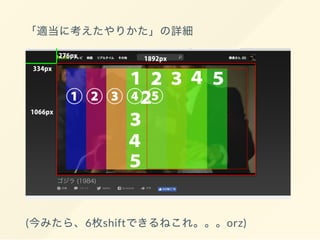

![trimming.py
def trimming(image_path):
#
x = 334
y = 276
#
width = 1892
height = 1066
src = cv2.imread(image_path, 1)
dst = src[y:y + height, x:x + width]
file_name = re.sub('(godzilla[0-9]+.jpg)',
'trimming_1',
image_path)
cv2.imwrite(file_name, dst)](https://image.slidesharecdn.com/slide-170318110136/85/Recognize-Godzilla-66-320.jpg)
![cutout.py
def cutout_square(img, image_path,
full_path, pixel_size, loop_count,
x_start_point, y_start_point, image_prefix):
for x in range(loop_count):
for y in range(loop_count):
x_start = x_start_point + (pixel_size * x)
x_end = x_start + pixel_size
y_start = y_start_point + (pixel_size * y)
y_end = y_start + pixel_size
dist = img[y_start:y_end, x_start:x_end]
resize_image = resize.to_target_pixel(dist)
if type(resize_image).__module__ ==
np.__name__:
write_image(resize_image,
image_prefix,
full_path)
else:
print(image_path)](https://image.slidesharecdn.com/slide-170318110136/85/Recognize-Godzilla-67-320.jpg)
![resize.py
def to_target_pixel(image, pixel_size=32):
height = image.shape[0]
width = image.shape[1]
try:
resize_size_list = (
int(height / (height / pixel_size)),
int(width / (width/ pixel_size)))
return cv2.resize(image, resize_size_list)
except:
return False
(※ github )](https://image.slidesharecdn.com/slide-170318110136/85/Recognize-Godzilla-68-320.jpg)

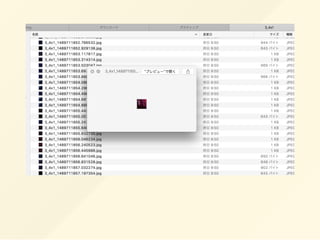
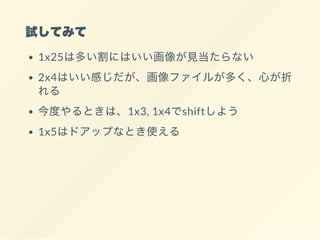




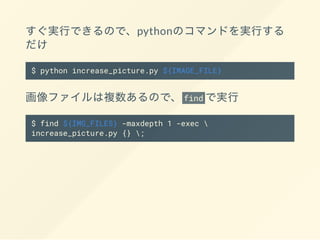
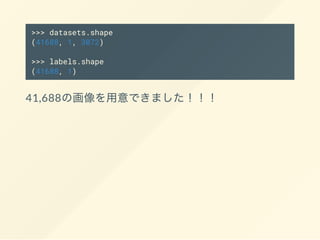
![[1, 3072] numpy
3072
32px * 32px * 3(RGB) = 3072
RGB R G B
[[0, 0]] <-
0
1
cifar-10 10 0 9
2 0 1](https://image.slidesharecdn.com/slide-170318110136/85/Recognize-Godzilla-109-320.jpg)
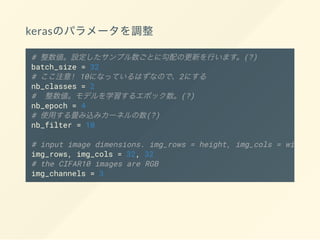
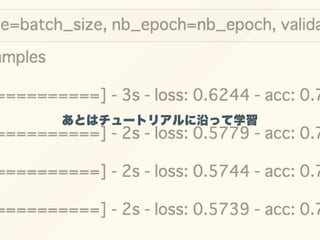
![model.evaluate(X_test, Y_test)
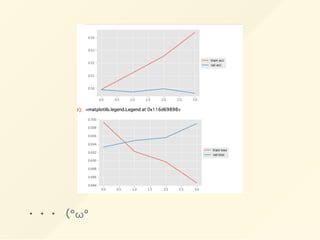
> [0.6990031684412652, 0.4959700633390145]
°ω°](https://image.slidesharecdn.com/slide-170318110136/85/Recognize-Godzilla-113-320.jpg)
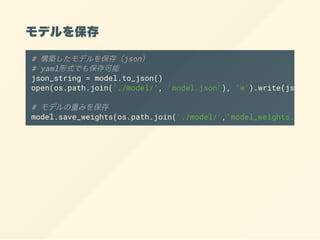

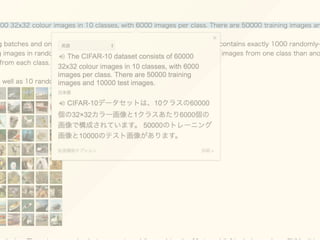
This document provides an overview of using various Python libraries and tools for image recognition, including OpenCV for image processing, Selenium and Hulu for web scraping, Keras and TensorFlow for building convolutional neural networks, and Bottle as a web framework. Code examples are given for preprocessing images, creating a CNN model in Keras to classify images into 10 classes using the CIFAR-10 dataset, and exporting the trained model.


