RAPID TESTS
DEVELOPMENT
TOMASZ GÓRSKI
E2E DEVELOPER
KAKUNIN CONTRIBUTOR
TESTS IN “RAD”?
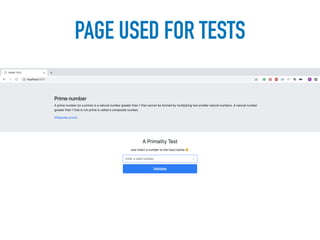
PAGE USED FOR TESTS
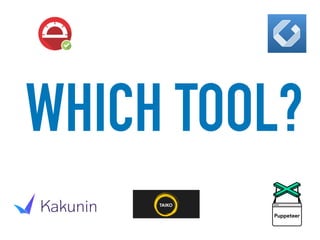
WHICH TOOL?
• Node library
• Provided by Google
• Allows to write E2E tests for Chromium
GET STARTED WITH…
• npm install puppeteer --save
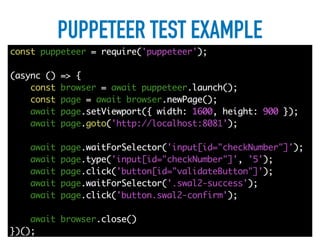
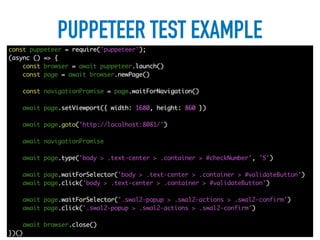
PUPPETEER TEST EXAMPLE
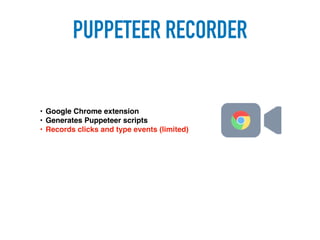
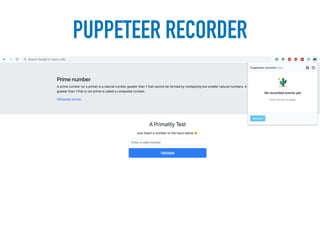
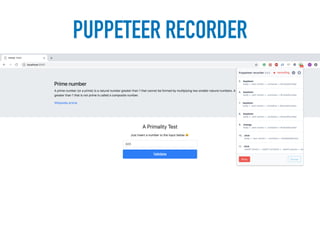
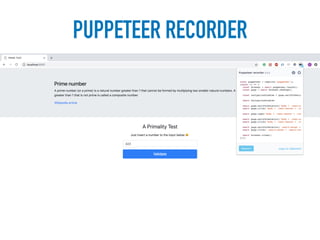
PUPPETEER RECORDER
• Google Chrome extension
• Generates Puppeteer scripts
• Records clicks and type events (limited)
PUPPETEER RECORDER
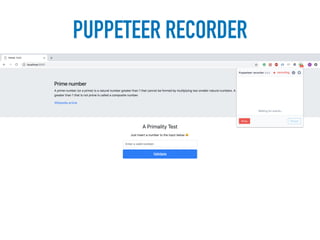
PUPPETEER RECORDER
PUPPETEER RECORDER
PUPPETEER RECORDER
PASTE THE GENERATED
CODE…
PUPPETEER TEST EXAMPLE
IMPROVE TESTS
RESULTS
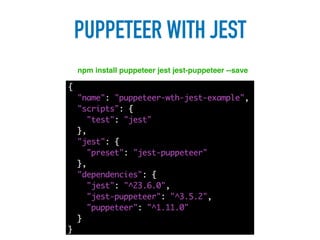
PUPPETEER WITH JEST
npm install puppeteer jest jest-puppeteer --save
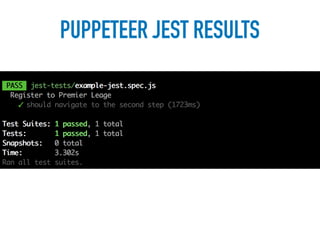
PUPPETEER JEST RESULTS
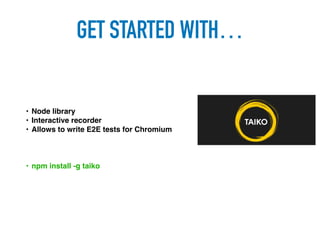
• Node library
• Interactive recorder
• Allows to write E2E tests for Chromium
GET STARTED WITH…
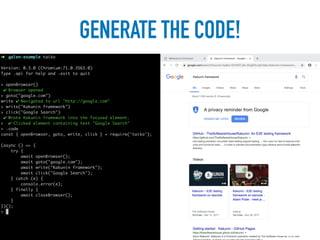
• npm install -g taiko
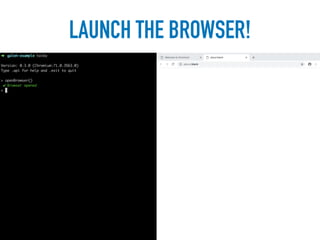
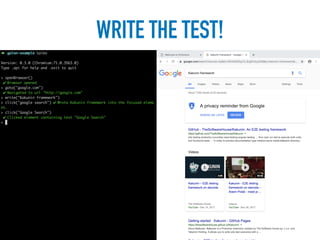
HOW DOES IT WORK?
LAUNCH THE BROWSER!
WRITE THE TEST!
GENERATE THE CODE!
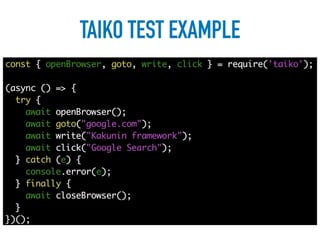
TAIKO TEST EXAMPLE
WHAT IF YOU DON’T HAVE
MUCH CODING EXPERIENCE?
• Node library
• E2E framework
• Over 50 generic steps which help writing tests
• Check it out on kakunin.io
GET STARTED WITH…
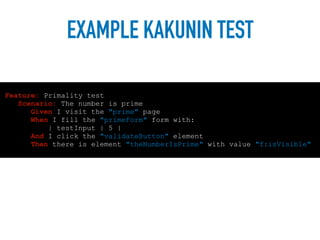
EXAMPLE KAKUNIN TEST
Feature: Primality test
Scenario: The number is prime
Given I visit the "prime" page
When I fill the "primeForm" form with:
| testInput | 5 |
And I click the "validateButton" element
Then there is element "theNumberIsPrime" with value "f:isVisible"
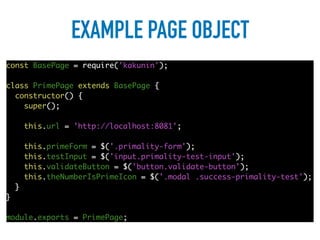
EXAMPLE PAGE OBJECT
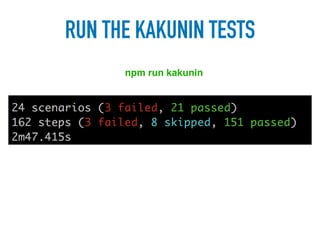
RUN THE KAKUNIN TESTS
npm run kakunin
COMPARING IMAGES
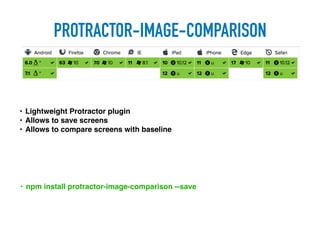
PROTRACTOR-IMAGE-COMPARISON
• Lightweight Protractor plugin
• Allows to save screens
• Allows to compare screens with baseline
• npm install protractor-image-comparison --save
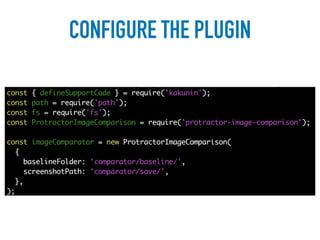
CONFIGURE THE PLUGIN
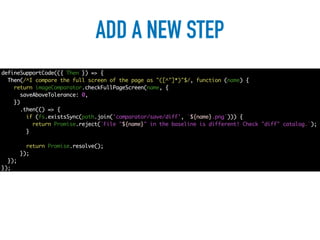
ADD A NEW STEP
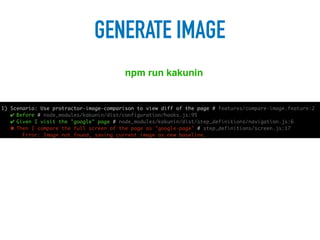
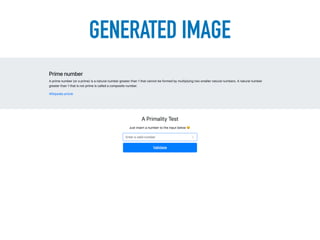
GENERATE IMAGE
npm run kakunin
GENERATED IMAGE
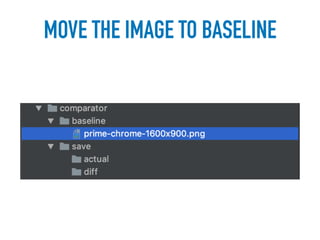
MOVE THE IMAGE TO BASELINE
MAKE SOME CHANGES
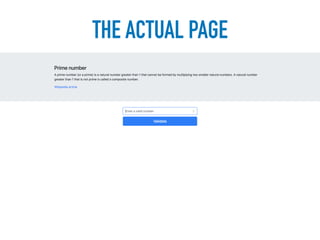
THE ACTUAL PAGE
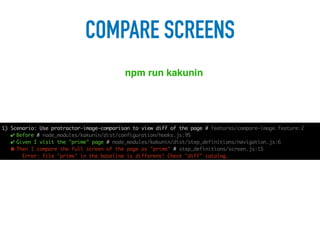
COMPARE SCREENS
npm run kakunin
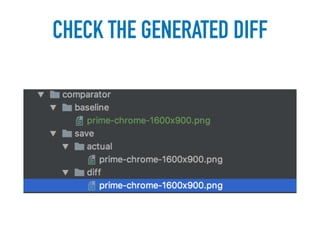
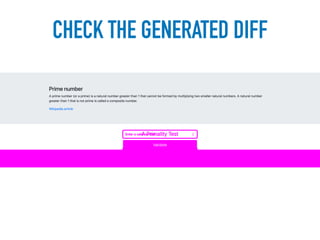
CHECK THE GENERATED DIFF
AVAILABLE METHODS
• saveElement() - saves an image of the screen element
• saveScreen() - saves an image of the screen
• saveFullPageScreens() - saves a full page image of the screen
Saving methods:
Compare methods:
• checkElement() - runs the comparison against an element
• checkScreen() - runs the comparison against the screen
• checkFullPageScreen() - runs the comparison against the full page image
WHAT ABOUT LAYOUT
TESTING?
GET STARTED WITH…
• Allows to test dynamic layouts
• Adds a special syntax to describe layout
• npm install -g galenframework-cli
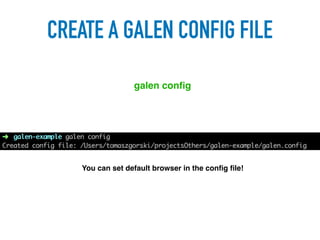
CREATE A GALEN CONFIG FILE
galen config
You can set default browser in the config file!
LET’S REMIND WHAT
WE’RE TESTING!
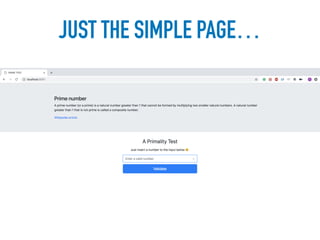
JUST THE SIMPLE PAGE…
HOW DOES IT WORK?
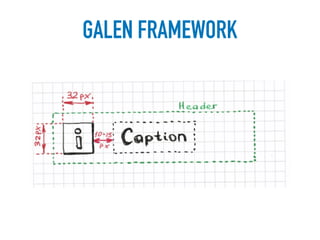
GALEN FRAMEWORK
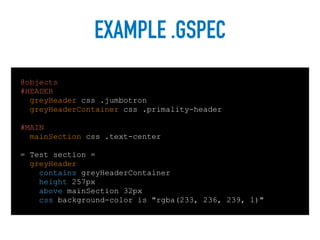
EXAMPLE .GSPEC
@objects
#HEADER
greyHeader css .jumbotron
greyHeaderContainer css .primality-header
#MAIN
mainSection css .text-center
= Test section =
greyHeader:
contains greyHeaderContainer
height 257px
above mainSection 32px
css background-color is "rgba(233, 236, 239, 1)"
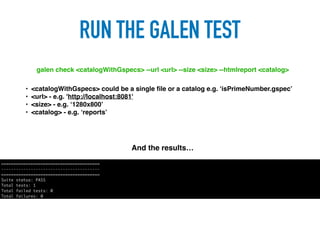
RUN THE GALEN TEST
galen check <catalogWithGspecs> --url <url> --size <size> --htmlreport <catalog>
• <catalogWithGspecs> could be a single file or a catalog e.g. ‘isPrimeNumber.gspec’
• <url> - e.g. 'http://localhost:8081'
• <size> - e.g. ‘1280x800’
• <catalog> - e.g. ‘reports’
And the results…
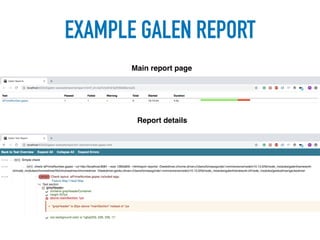
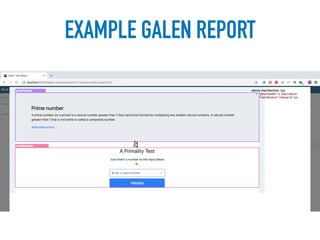
EXAMPLE GALEN REPORT
Main report page
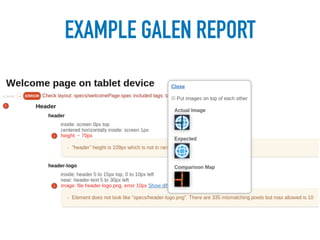
Report details
EXAMPLE GALEN REPORT
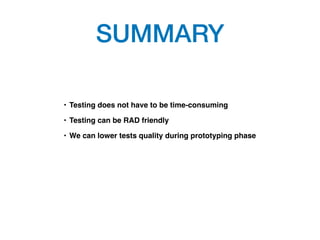
SUMMARY
• Testing does not have to be time-consuming
• Testing can be RAD friendly
• We can lower tests quality during prototyping phase
QUESTIONS?
THANK YOU

Rapid tests development