Difference Between A List And A Dictionary, String
Formatting With Dictionaries.
Name : Kadam Madhavi
Roll No : 23B81A6625
Branch : CSM-A
Introduction
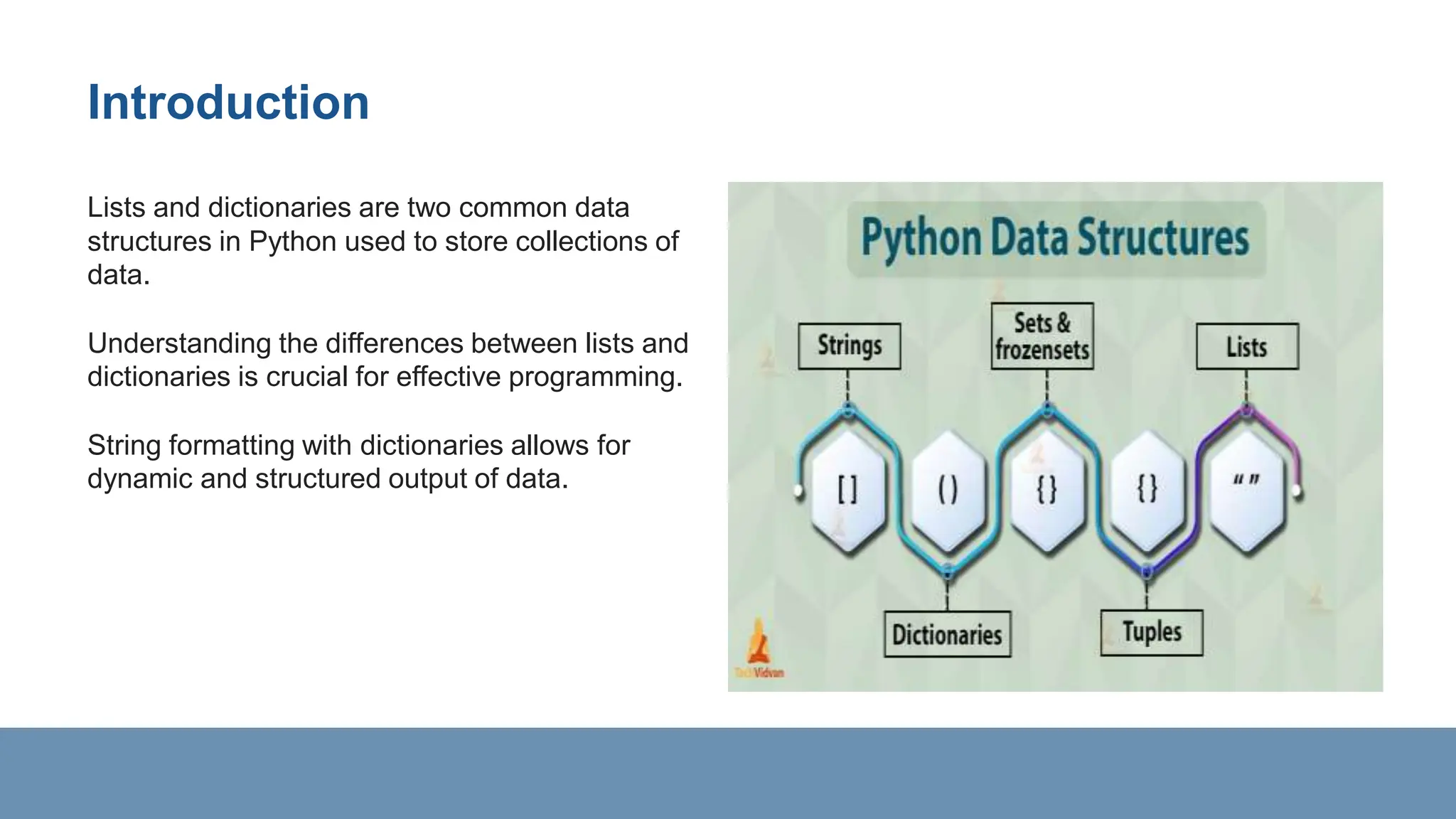
Lists and dictionaries are two common data
structures in Python used to store collections of
data.
Understanding the differences between lists and
dictionaries is crucial for effective programming.
String formatting with dictionaries allows for
dynamic and structured output of data.
Lists vs. Dictionaries
Lists are ordered collections of items, accessed
by index.
Dictionaries are unordered collections of key-
value pairs, accessed by keys.
Lists use square brackets [] for declaration, while
dictionaries use curly braces {}.
Lists Characteristics
Lists allow duplicate elements.
Elements in a list are accessed by their index
position.
Lists are mutable, meaning they can be changed
after creation.
Dictionaries Characteristics
Dictionaries do not allow duplicate keys.
Values in a dictionary are accessed by their
corresponding keys.
Dictionaries are mutable and can be modified.
List Example
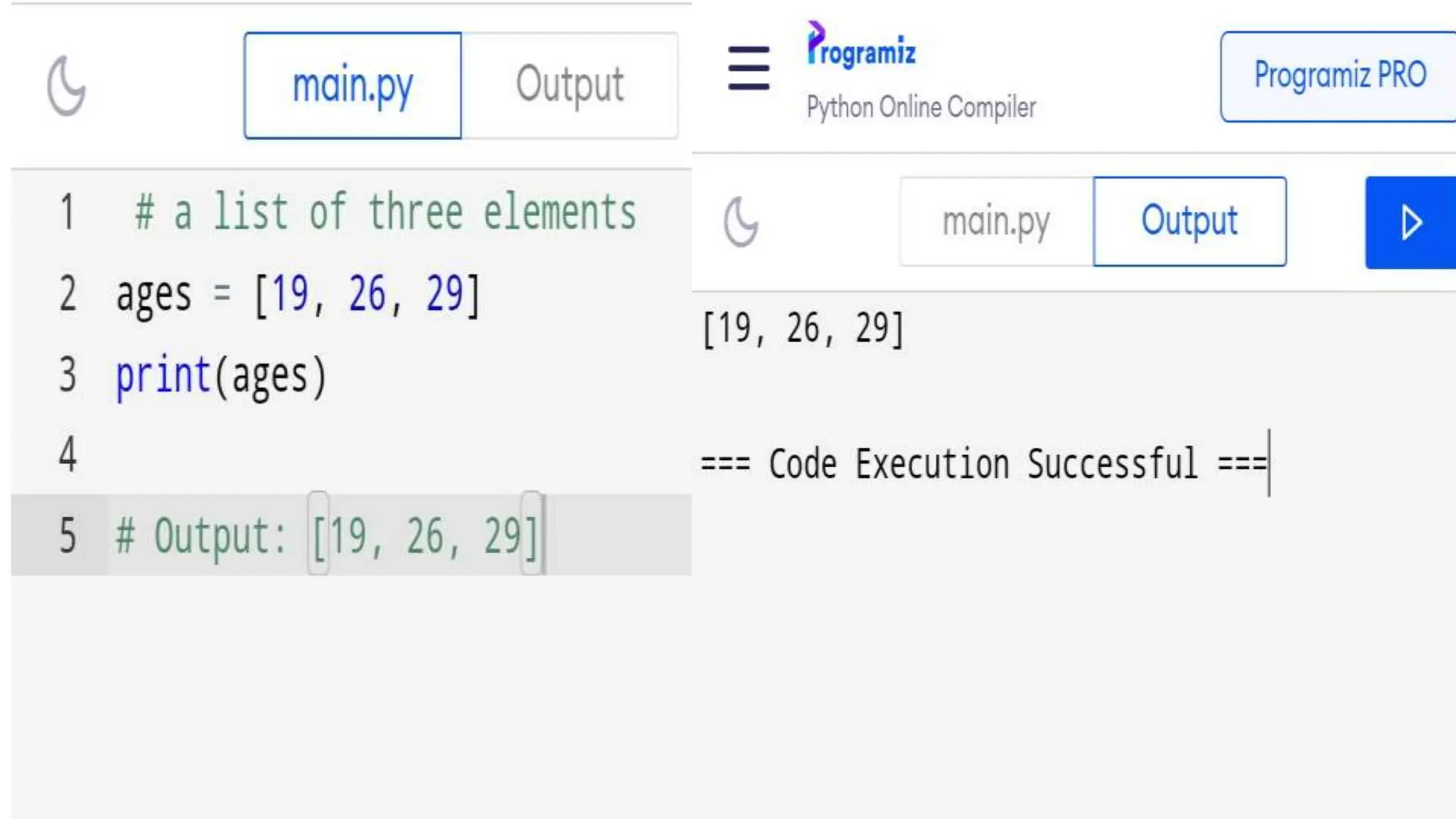
Example of a list: [1, 2, 3, 4, 5]
Accessing elements in a list: list_name[index]
Modifying a list: list_name[index] = new_value
Dictionary Example
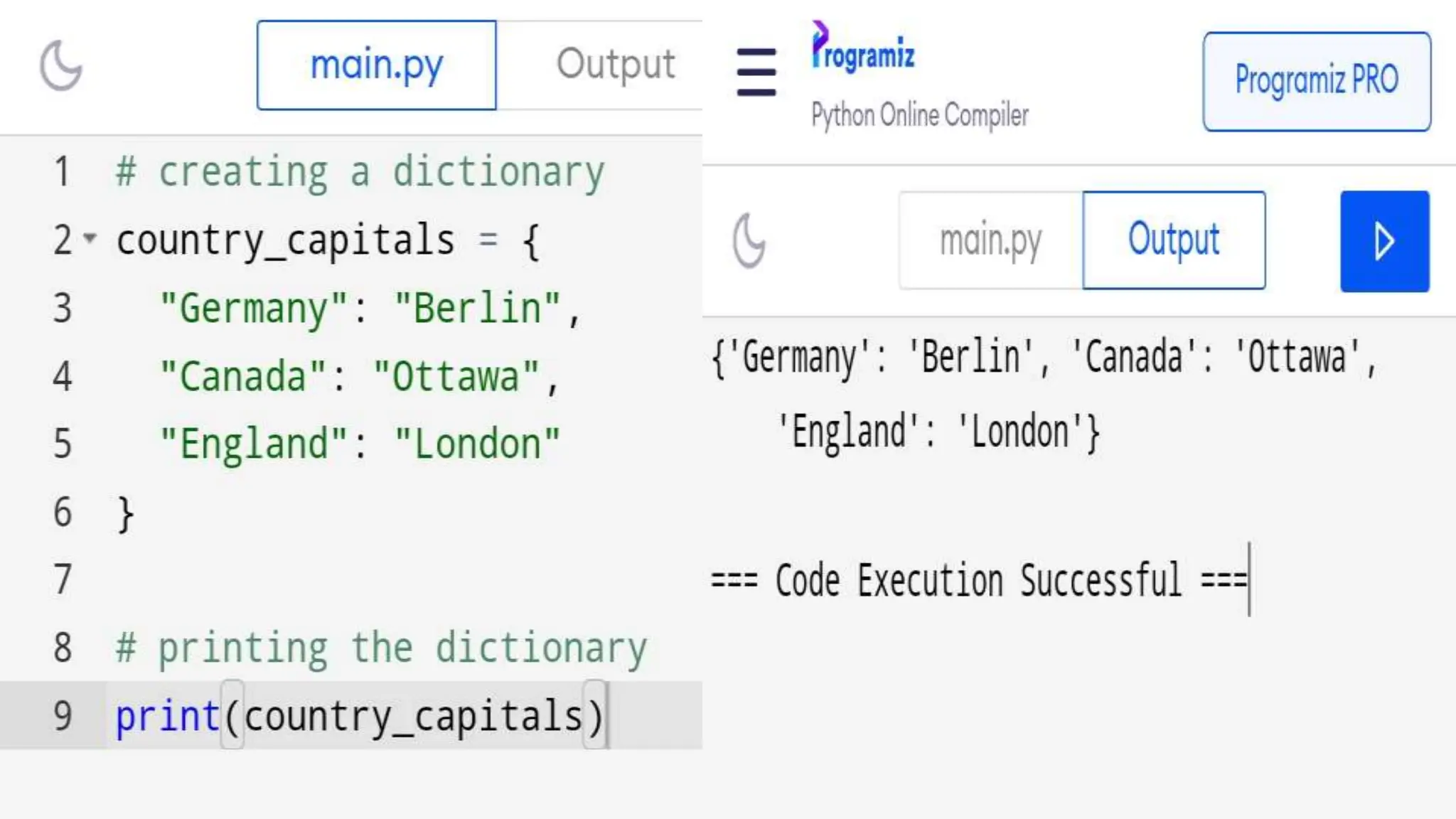
Example of a dictionary: {'key1': 'value1', 'key2':
'value2'}
Accessing values in a dictionary: dict_name[key]
Modifying a dictionary: dict_name[key] =
new_value
String Formatting with Dictionaries
String formatting allows for dynamic insertion of
data into strings.
Dictionaries can be used to map placeholders in
strings to actual values.
The format() method is commonly used for string
formatting with dictionaries.
Using String Formatting
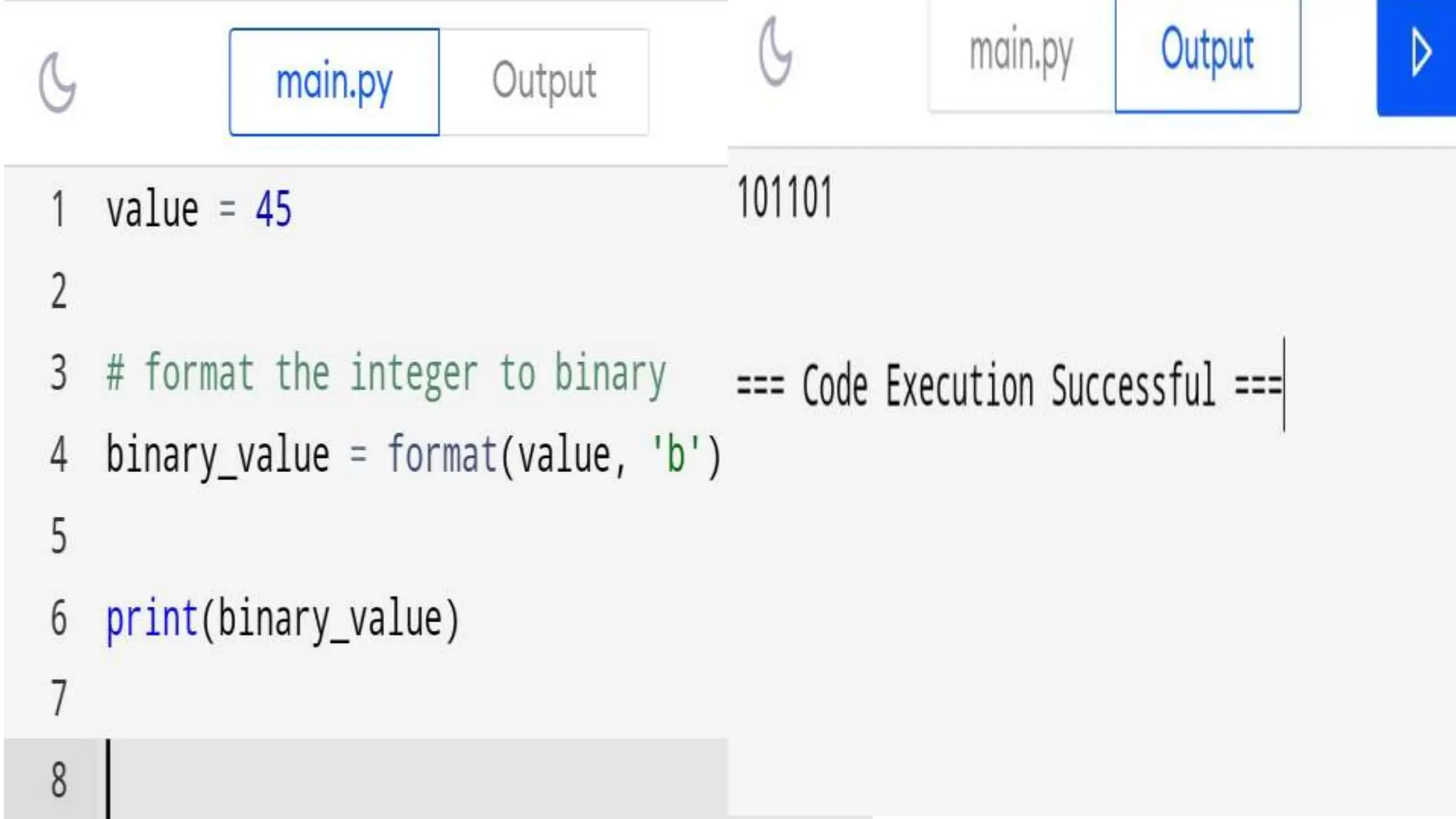
Example of using string formatting with
dictionaries:
my_dict = {'name': 'Alice', 'age': 30}
print("Name: {name}, Age: {age}".format(
String Formatting Options
Flexible Formatting
String formatting with dictionaries offers flexibility
in structuring output.
Placeholder Substitution
Placeholders in strings can be customized to
match dictionary keys.
Poweful Customization
Leverage the formatting options of the f-string to
control spacing, alignment, and data types.
String formatting can be used for creating
dynamic messages or reports.
Handling Missing Keys
When formatting strings with dictionaries, handle
missing keys gracefully.
Use get() method or check for key existence to
avoid KeyError.
Provide default values or handle missing keys
with if-else statements.
Formatting Nested Data
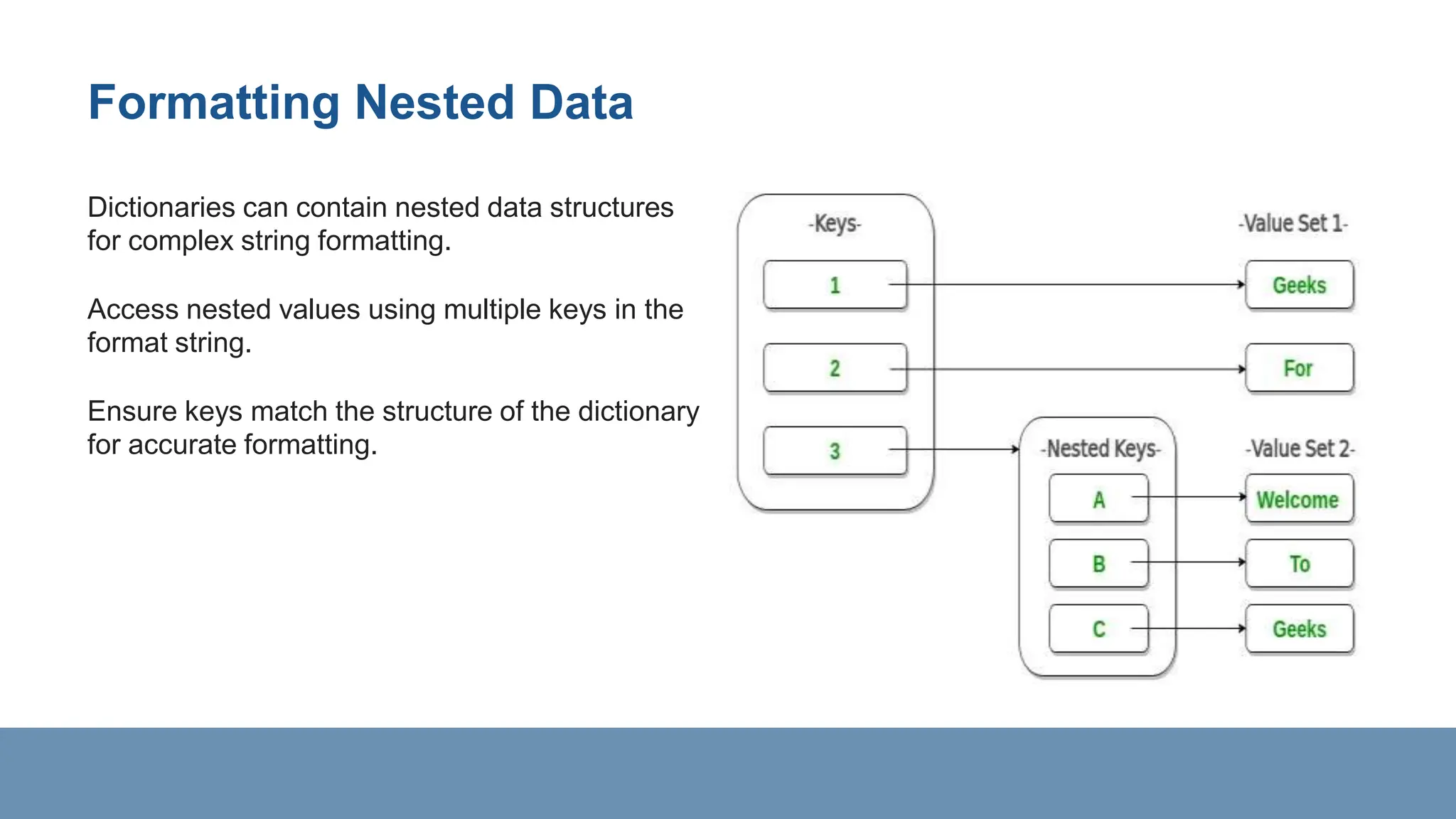
Dictionaries can contain nested data structures
for complex string formatting.
Access nested values using multiple keys in the
format string.
Ensure keys match the structure of the dictionary
for accurate formatting.
Real-world Application
String formatting with dictionaries is commonly used
in generating reports.
Dynamic web page content often utilizes string
formatting for personalized data.
Automated email templates can benefit from
structured string formatting with dictionaries.
Thank You

Python_23B81A6625presentationlistvsdict.pptx

  • 1.
    Difference Between AList And A Dictionary, String Formatting With Dictionaries. Name : Kadam Madhavi Roll No : 23B81A6625 Branch : CSM-A
  • 2.
    Introduction Lists and dictionariesare two common data structures in Python used to store collections of data. Understanding the differences between lists and dictionaries is crucial for effective programming. String formatting with dictionaries allows for dynamic and structured output of data.
  • 3.
    Lists vs. Dictionaries Listsare ordered collections of items, accessed by index. Dictionaries are unordered collections of key- value pairs, accessed by keys. Lists use square brackets [] for declaration, while dictionaries use curly braces {}.
  • 4.
    Lists Characteristics Lists allowduplicate elements. Elements in a list are accessed by their index position. Lists are mutable, meaning they can be changed after creation.
  • 5.
    Dictionaries Characteristics Dictionaries donot allow duplicate keys. Values in a dictionary are accessed by their corresponding keys. Dictionaries are mutable and can be modified.
  • 6.
    List Example Example ofa list: [1, 2, 3, 4, 5] Accessing elements in a list: list_name[index] Modifying a list: list_name[index] = new_value
  • 8.
    Dictionary Example Example ofa dictionary: {'key1': 'value1', 'key2': 'value2'} Accessing values in a dictionary: dict_name[key] Modifying a dictionary: dict_name[key] = new_value
  • 10.
    String Formatting withDictionaries String formatting allows for dynamic insertion of data into strings. Dictionaries can be used to map placeholders in strings to actual values. The format() method is commonly used for string formatting with dictionaries.
  • 11.
    Using String Formatting Exampleof using string formatting with dictionaries: my_dict = {'name': 'Alice', 'age': 30} print("Name: {name}, Age: {age}".format(
  • 13.
    String Formatting Options FlexibleFormatting String formatting with dictionaries offers flexibility in structuring output. Placeholder Substitution Placeholders in strings can be customized to match dictionary keys. Poweful Customization Leverage the formatting options of the f-string to control spacing, alignment, and data types. String formatting can be used for creating dynamic messages or reports.
  • 14.
    Handling Missing Keys Whenformatting strings with dictionaries, handle missing keys gracefully. Use get() method or check for key existence to avoid KeyError. Provide default values or handle missing keys with if-else statements.
  • 15.
    Formatting Nested Data Dictionariescan contain nested data structures for complex string formatting. Access nested values using multiple keys in the format string. Ensure keys match the structure of the dictionary for accurate formatting.
  • 16.
    Real-world Application String formattingwith dictionaries is commonly used in generating reports. Dynamic web page content often utilizes string formatting for personalized data. Automated email templates can benefit from structured string formatting with dictionaries.
  • 17.