IDLE
Python's Integrated
Development and
Learning Environment
IDLE:
Integrated Development and Learning
Environment
Two main components: Shell and Editor
Shell
•Python interactive interpreter
•Executes code interactively
•Prompt: >>>
•Ideal for testing, experimentation, and
learning
•Immediate results and feedback
Editor
•Writing, editing, and saving Python scripts
•Separate files with .py extension
•Features: syntax highlighting, auto-
indentation
•Suitable for complex projects and larger
codebases
Summary
the shell is used for interactive and immediate
execution of Python code, while the editor is used for
creating and editing longer Python scripts or programs
that can be saved as separate files.
IDLE combines both these features to provide a
comprehensive environment for Python development
and learning.
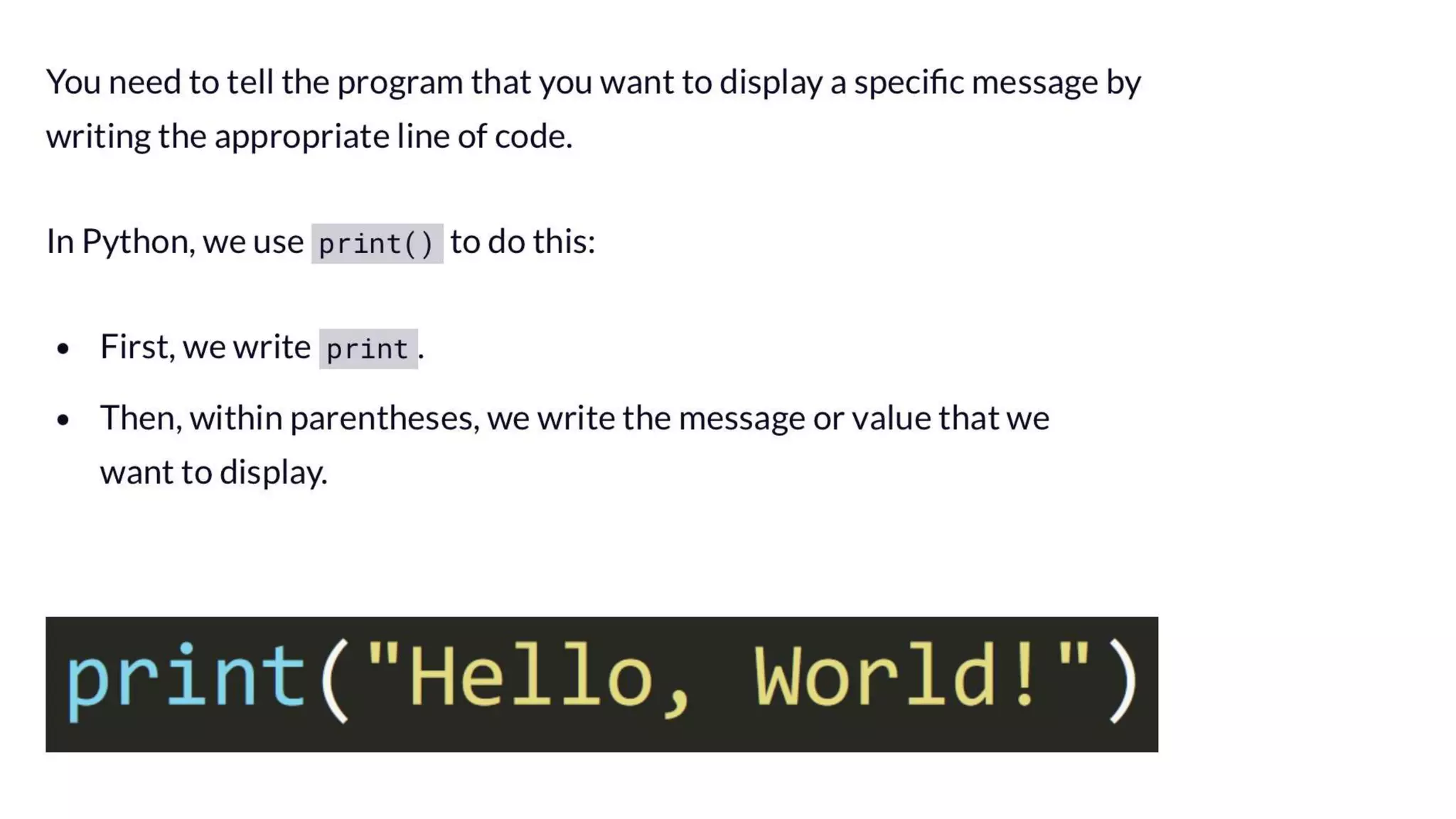
"Hello, World!" in the
Python
Presentation2.pptx

Presentation2.pptx