sommaire La naissanceLe document Les web formsLe multimédiaL’avenir15/06/20082Université d'Evry Val d'Essonne
La naissance HTML4 déjà vieux de 10 ansNombreuses balises obsolètesNouvelles attentes des webmasters et des internautesPlus d’un an de travail du W3C pour définir le futur de l’HTML15/06/20083Université d'Evry Val d'Essonne
Le documentNouvelles balises:Sémantiques (<time>, <details>,…)Section de document (<section>, <article>, <aside>, <header>, <footer>, <nav>,…)15/06/2008Université d'Evry Val d'Essonne4
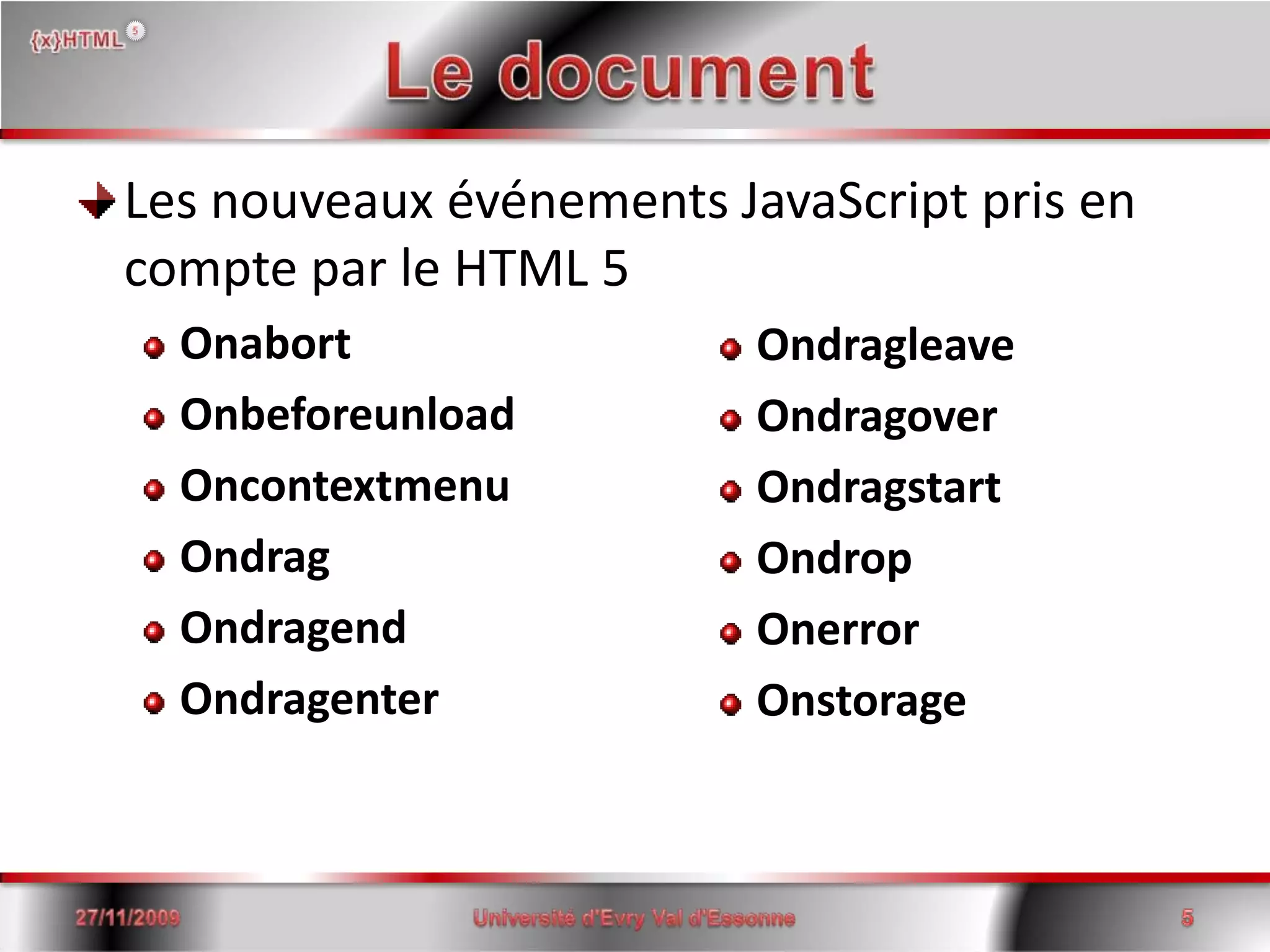
Le documentLes nouveaux événements JavaScript pris en compte par le HTML 5OnabortOnbeforeunloadOncontextmenuOndragOndragendOndragenter15/06/2008Université d'Evry Val d'Essonne5OndragleaveOndragoverOndragstartOndropOnerrorOnstorage
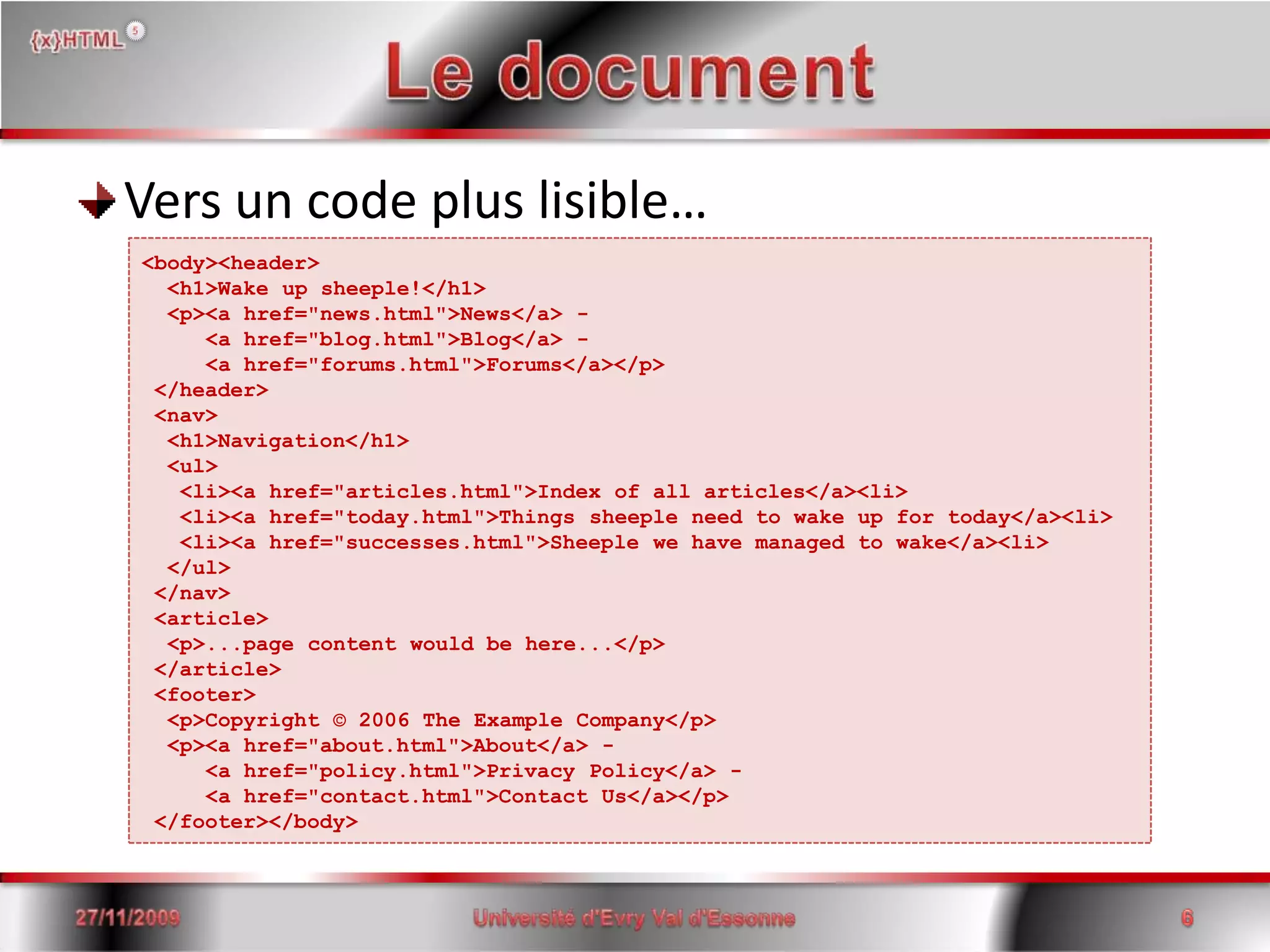
Le documentVers un code plus lisible…15/06/2008Université d'Evry Val d'Essonne6<body><header>  <h1>Wake up sheeple!</h1>  <p><a href="news.html">News</a> -     <a href="blog.html">Blog</a> -     <a href="forums.html">Forums</a></p> </header> <nav>  <h1>Navigation</h1>  <ul>   <li><a href="articles.html">Index of all articles</a><li>   <li><a href="today.html">Things sheepleneed to wake up for today</a><li>   <li><a href="successes.html">Sheeple we have managed to wake</a><li>  </ul> </nav> <article>  <p>...page content wouldbehere...</p> </article> <footer>  <p>Copyright © 2006 The ExampleCompany</p>  <p><a href="about.html">About</a> -     <a href="policy.html">Privacy Policy</a> -     <a href="contact.html">Contact Us</a></p> </footer></body>
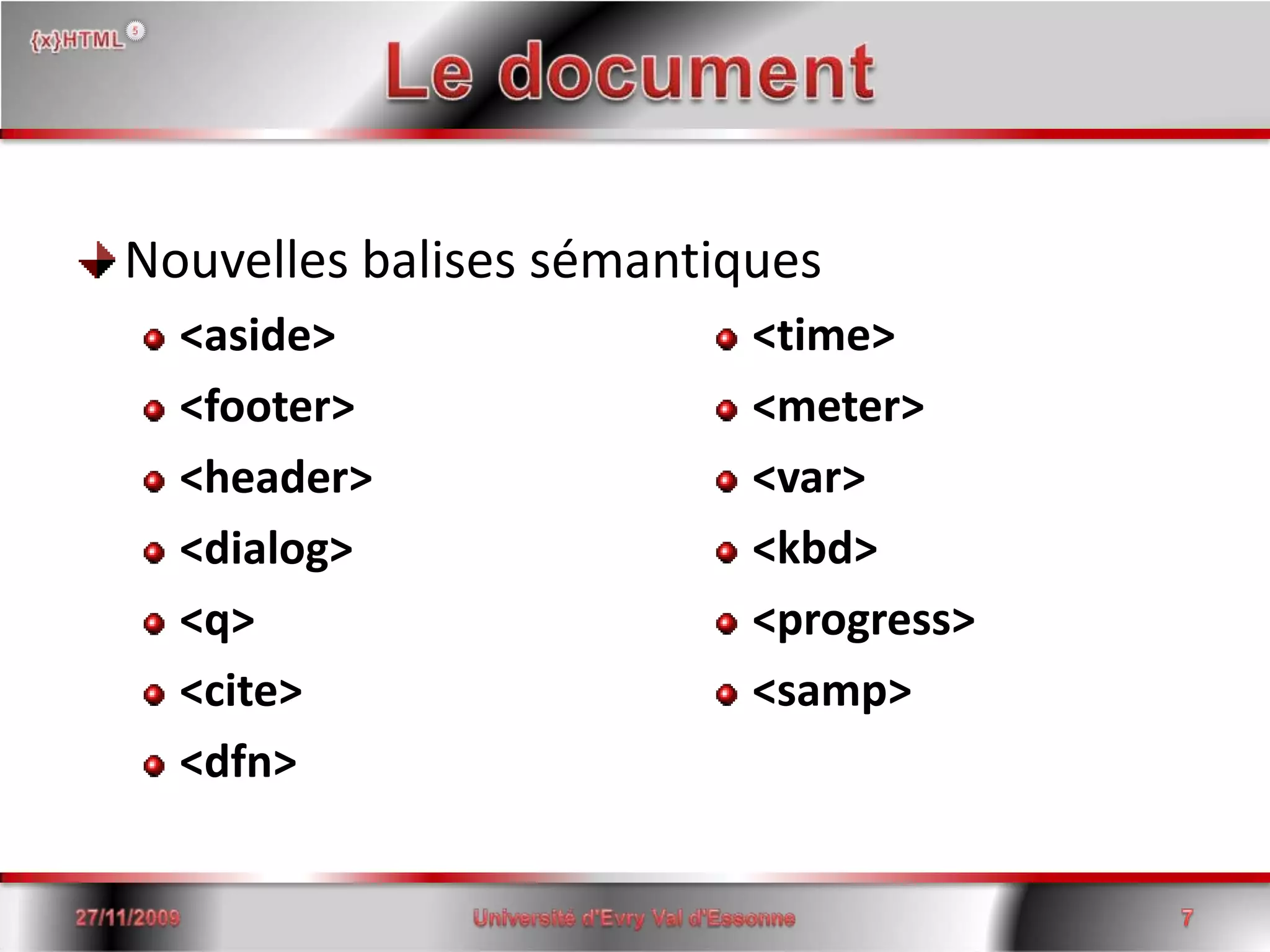
Le documentNouvelles balises sémantiques<aside><footer><header><dialog><q><cite><dfn>15/06/2008Université d'Evry Val d'Essonne7<time><meter><var><kbd><progress><samp>
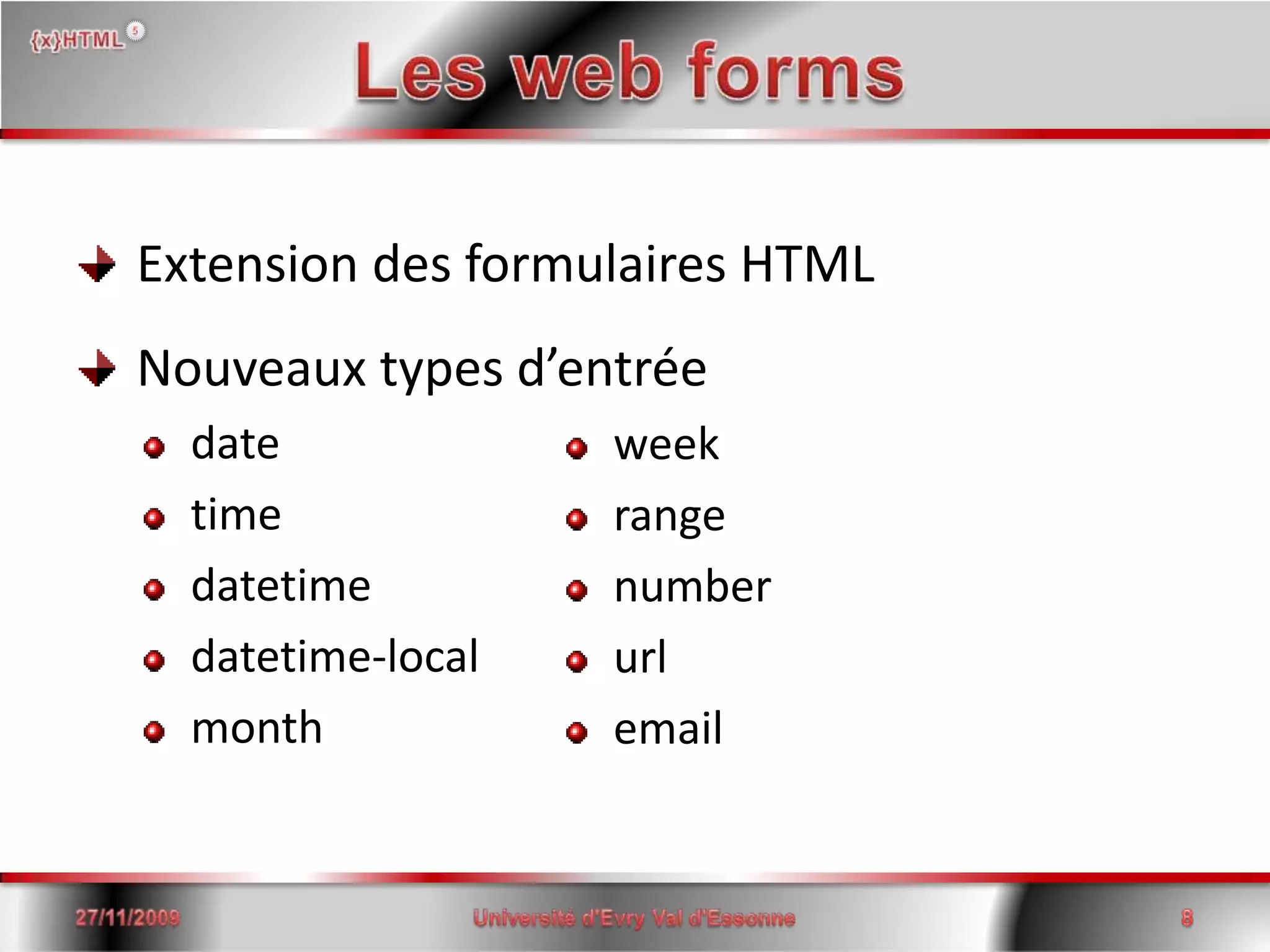
Les web forms Extension des formulaires HTML Nouveaux types d’entréedatetimedatetimedatetime-local month weekrange number url email15/06/20088Université d'Evry Val d'Essonne
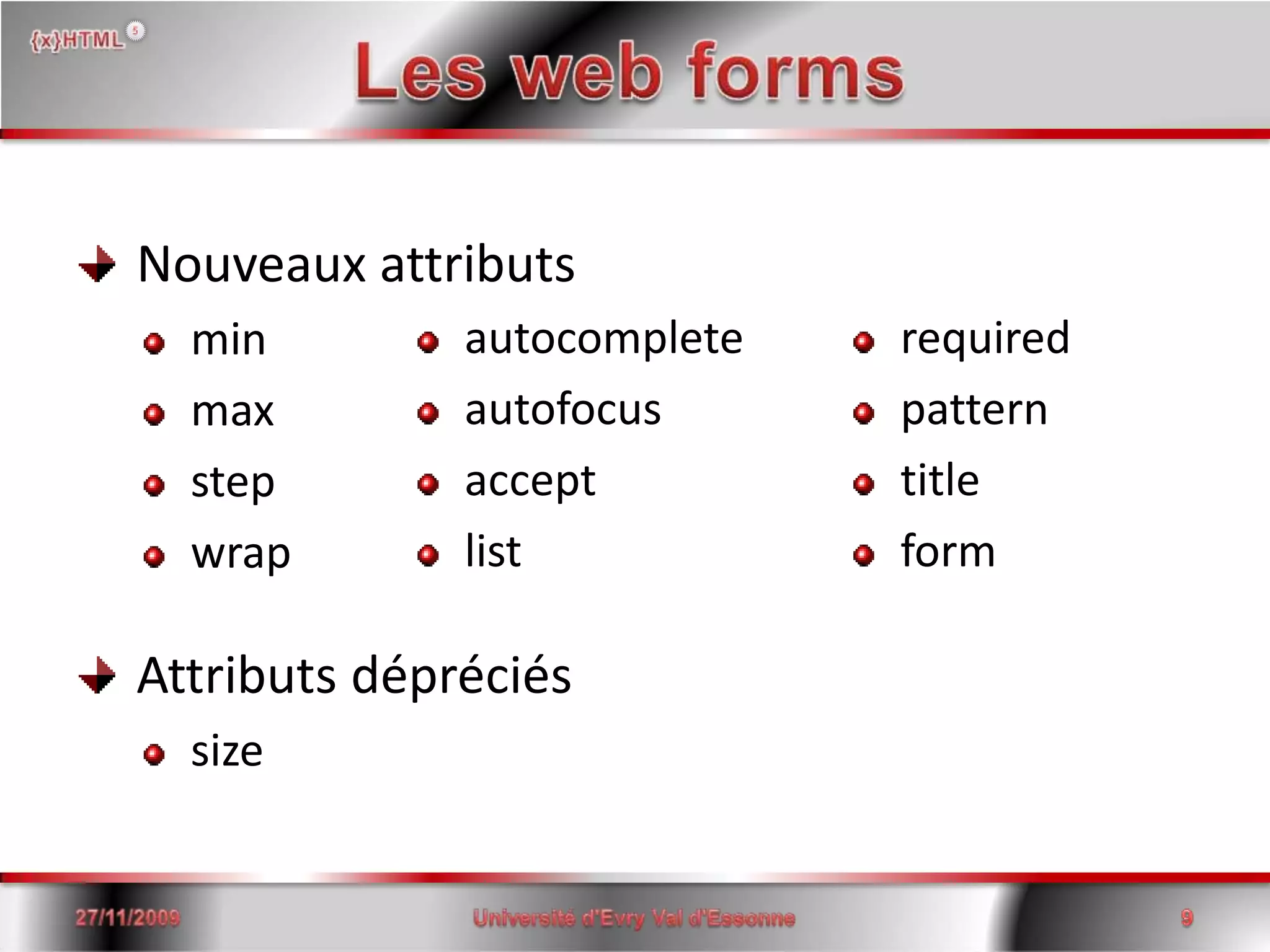
Les web forms Nouveaux attributs min maxstepwrap Attributs dépréciéssize autocompleteautofocus acceptlist required  pattern titleform15/06/20089Université d'Evry Val d'Essonne
Les web forms Exemple (1)<form id='test'action='test.php' method='post'><input name='email'  type='email' autofocus='autofocus' required/> <input name='date'   type='date' value='2008-12-31'/> <input name='phone'  type='text' autocomplete='off' maxlength='10'                      pattern='^0[1-68][0-9]{8}$'                     title='Votre numéro de téléphone est incorrect'/><input name='submit' type='submit' value='OK'/></form>I         2008-12-31OK15/06/200810Université d'Evry Val d'Essonne
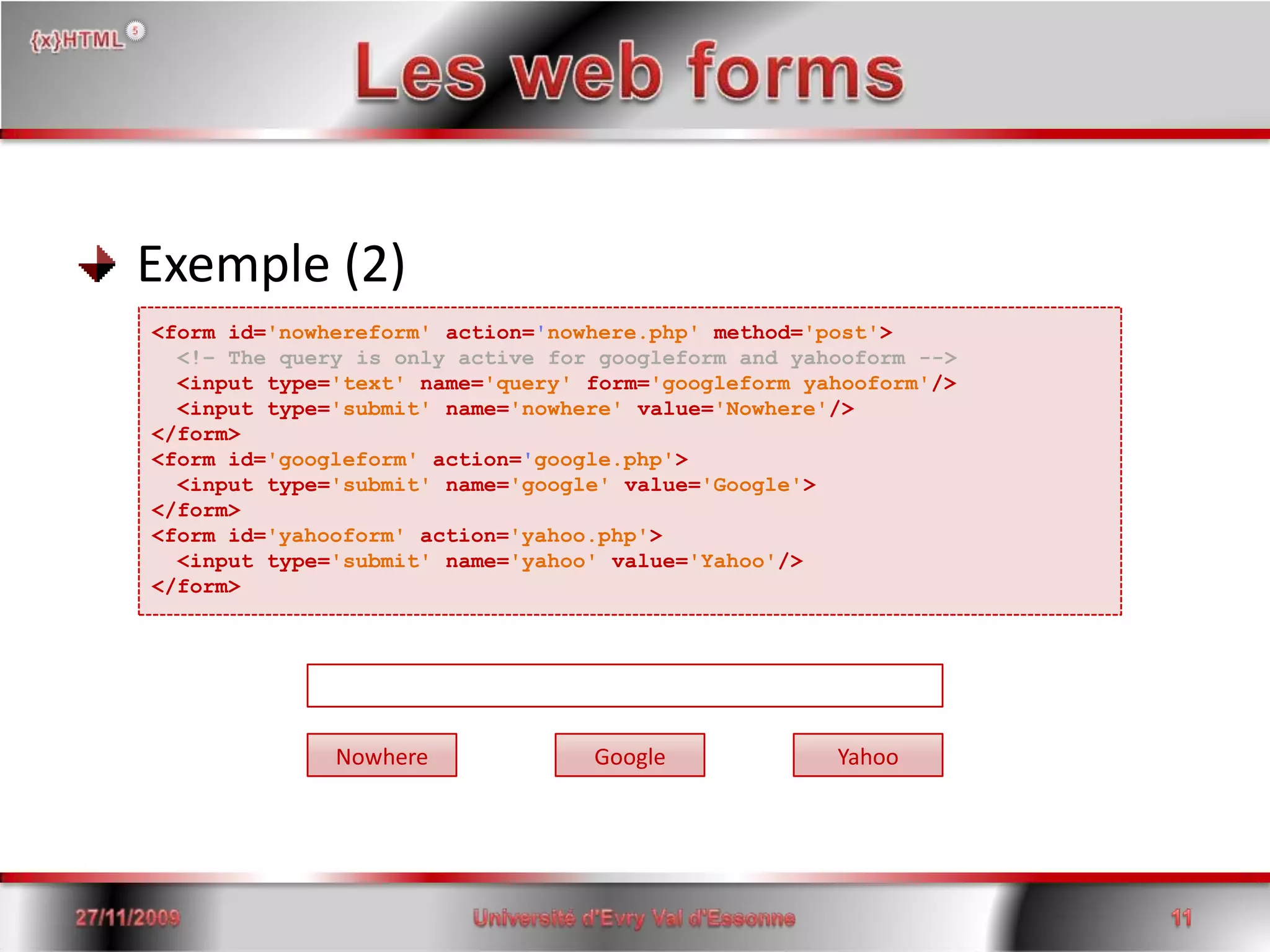
Les web forms Exemple (2)<form id='nowhereform'action='nowhere.php'method='post'><!– The query is only active for googleform and yahooform -->  <input type='text'name='query'form='googleform yahooform'/>  <input type='submit'name='nowhere'value='Nowhere'/></form><form id='googleform'action='google.php'><input type='submit'name='google'value='Google'></form><form id='yahooform'action='yahoo.php'><input type='submit'name='yahoo'value='Yahoo'/></form>GoogleNowhereYahoo15/06/200811Université d'Evry Val d'Essonne
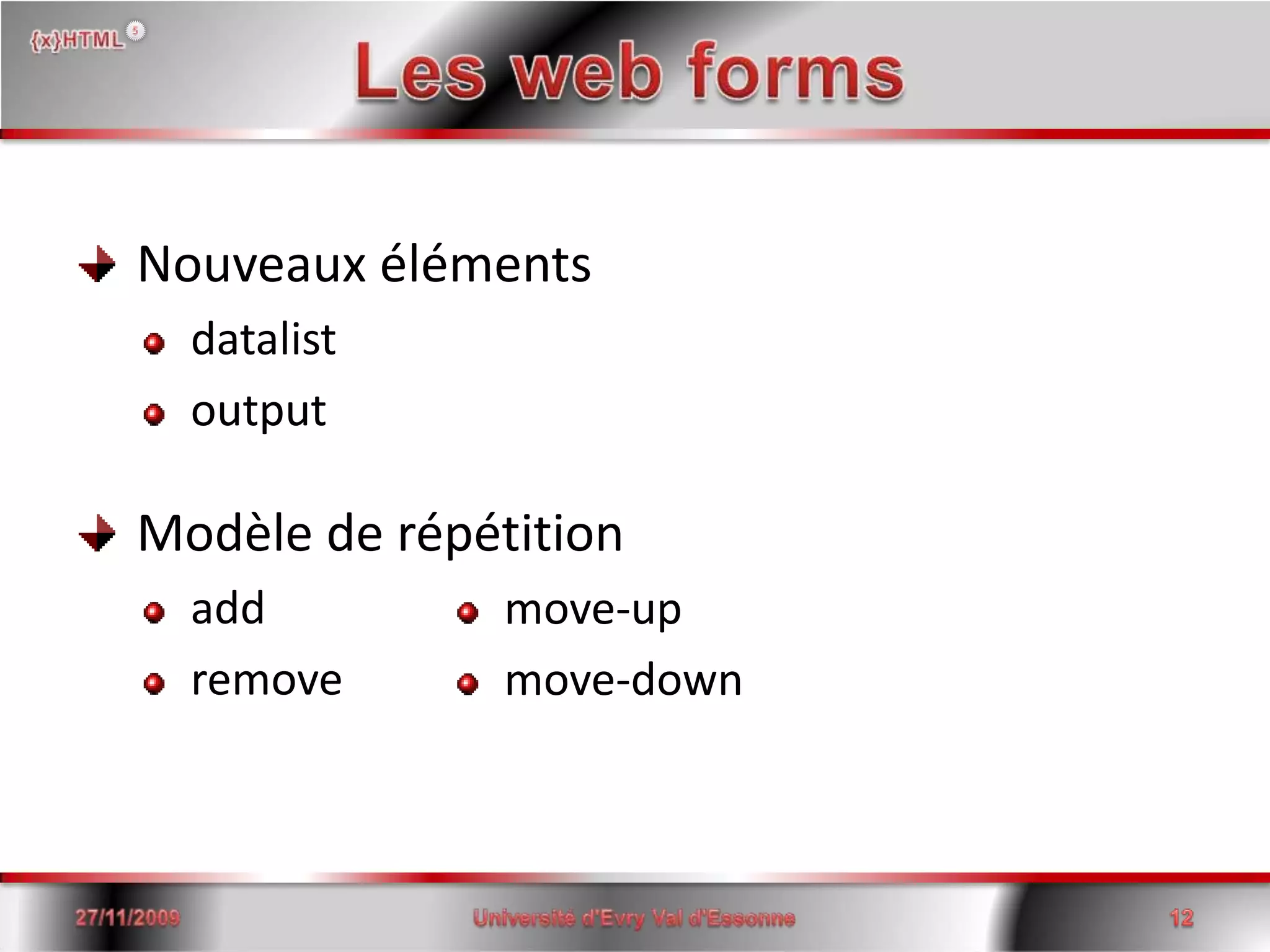
Les web forms Nouveaux éléments datalist output Modèle de répétitionaddremovemove-upmove-down15/06/200812Université d'Evry Val d'Essonne
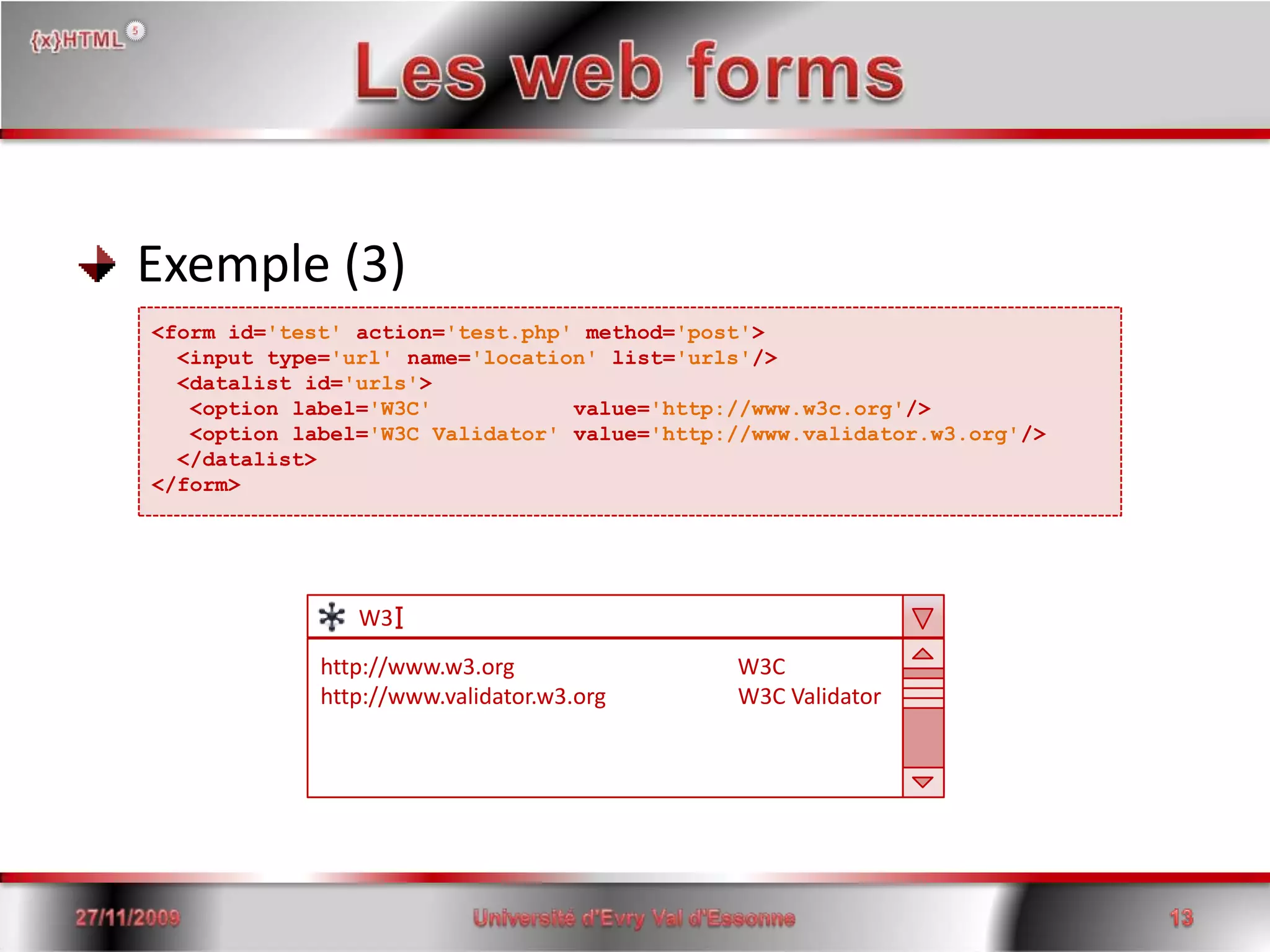
Les web forms Exemple (3)<form id='test'action='test.php' method='post'> <input type='url' name='location' list='urls'/>  <datalist id='urls'>  <option label='W3C'           value='http://www.w3c.org'/>   <option label='W3C Validator' value='http://www.validator.w3.org'/>  </datalist></form>I       W3http://www.w3.org                                        W3Chttp://www.validator.w3.org                        W3C Validator15/06/200813Université d'Evry Val d'Essonne
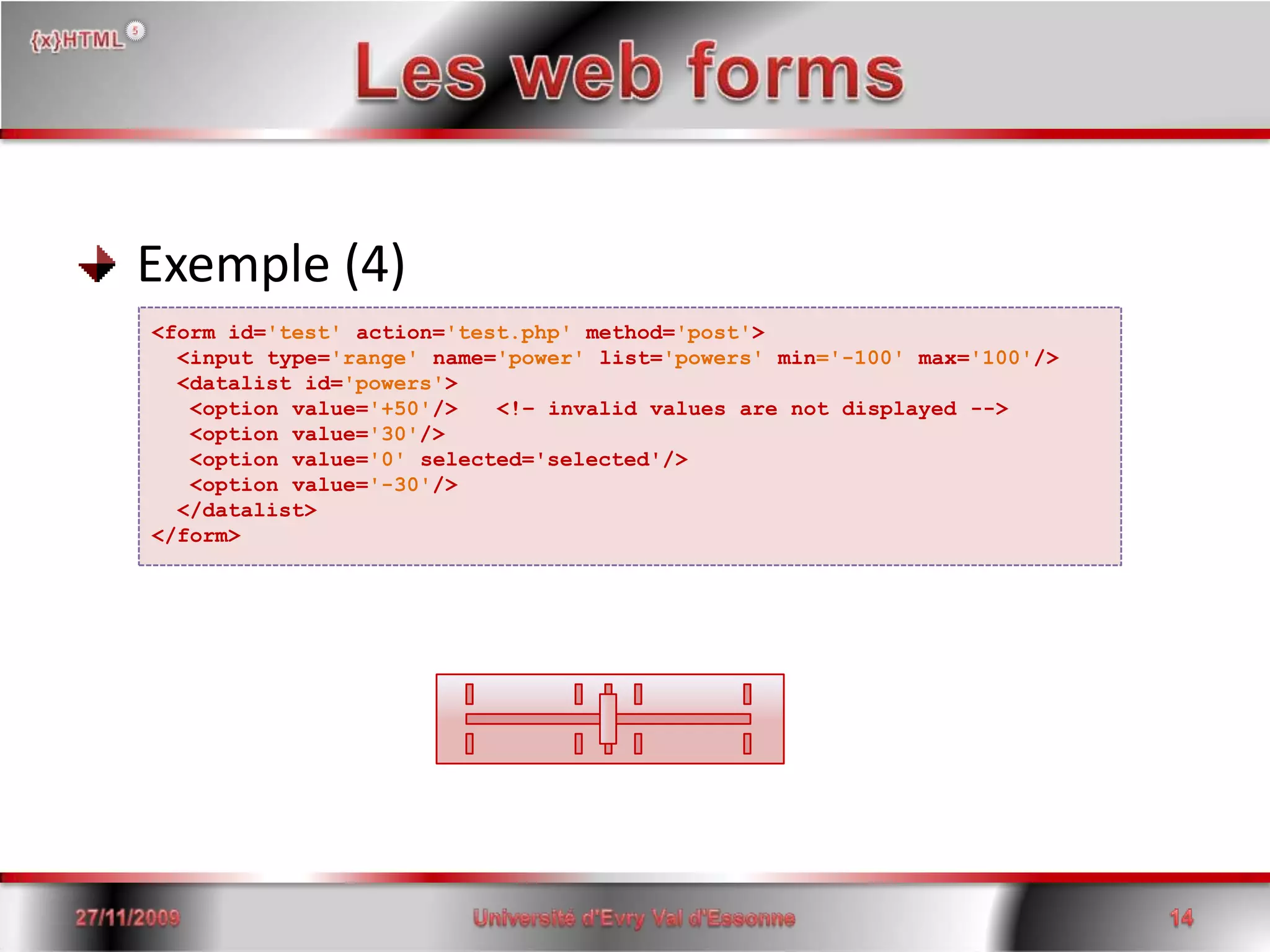
Les web forms Exemple (4)<form id='test'action='test.php' method='post'> <input type='range' name='power' list='powers' min='-100' max='100'/>  <datalist id='powers'>   <option value='+50'/>   <!– invalid values are not displayed -->   <option value='30'/>   <option value='0' selected='selected'/>   <option value='-30'/>  </datalist></form>15/06/200814Université d'Evry Val d'Essonne
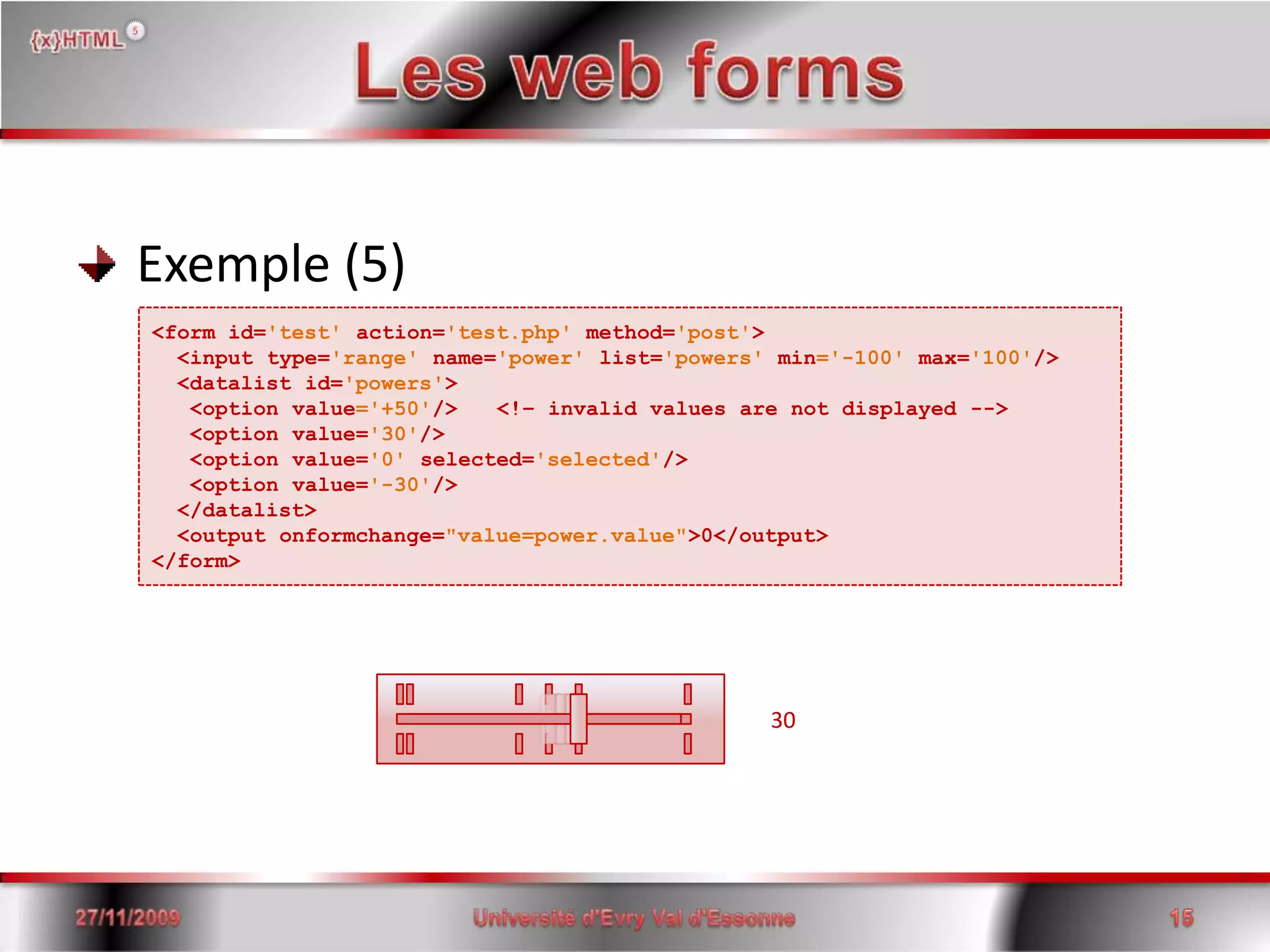
Les web forms Exemple (5)<form id='test'action='test.php' method='post'> <input type='range' name='power' list='powers' min='-100' max='100'/>  <datalist id='powers'>   <option value='+50'/>   <!– invalid values are not displayed -->   <option value='30'/>   <option value='0' selected='selected'/>   <option value='-30'/>  </datalist>  <outputonformchange="value=power.value">0</output></form>3015/06/200815Université d'Evry Val d'Essonne
Les web forms Exemple (6)<form id='test'action='test.php' method='post'>  <table>    <thead>     <tr>        <th>Product</th>        <th>Quantity</th>      </tr>    </thead>    </tbody>      <tr id='order' repeat='template' repeat-start='3'>        <td><input  type='text'   name='row[order].product'  value=''/></td>        <td><input  type='number' name='row[order].quantity' value='1'/></td>        <td><button type='remove'>Remove This Row</button></td>      </tr>    </tbody>  </table>  <p><button type='add' template='order'>Add Row</button></p>  <p><button type='submit' name='submit'>Submit</button></p></form>15/06/200816Université d'Evry Val d'Essonne
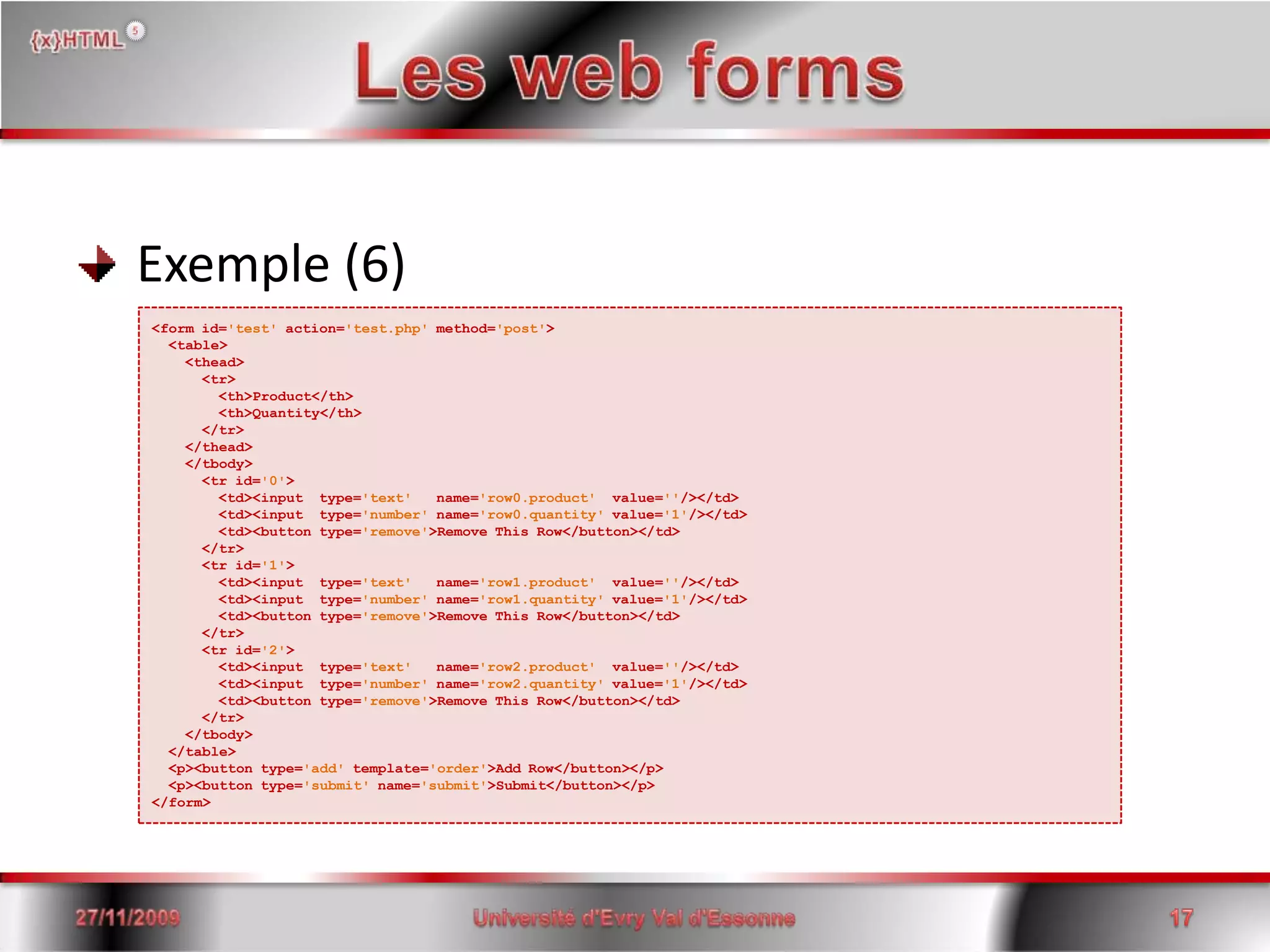
Les web forms Exemple (6)<form id='test'action='test.php' method='post'>  <table>    <thead>     <tr>        <th>Product</th>        <th>Quantity</th>      </tr>    </thead>    </tbody>      <tr id='0'>        <td><input  type='text'   name='row0.product'  value=''/></td>        <td><input  type='number' name='row0.quantity' value='1'/></td>        <td><button type='remove'>Remove This Row</button></td>      </tr>      <tr id='1'>        <td><input  type='text'   name='row1.product'  value=''/></td>        <td><input  type='number' name='row1.quantity' value='1'/></td>        <td><button type='remove'>Remove This Row</button></td>      </tr>      <tr id='2'>        <td><input  type='text'   name='row2.product'  value=''/></td>        <td><input  type='number' name='row2.quantity' value='1'/></td>        <td><button type='remove'>Remove This Row</button></td>      </tr>    </tbody>  </table>  <p><button type='add' template='order'>Add Row</button></p>  <p><button type='submit' name='submit'>Submit</button></p></form>15/06/200817Université d'Evry Val d'Essonne
Les web forms Nouveaux évènements et améliorations onchange onformchangeoninputonforminputoninvalid15/06/200818Université d'Evry Val d'Essonne onsubmit onreset onreceived onDOMControlValueChanged
Les web forms Exemple (7)<head><!– Some heading instructions here, before JavaScript --><script type='text/javascript'><![CDATA[  function failed(event) {    var form = event.target.form;   form.error.value = 'The value is wrong for a reason I did not expect.';    if (event.target.validity.typeMismatch)      form.error.value = 'You must enter a number.';    else if (event.target.validity.stepMismatch)      form.error.value = 'Fractional numbers are not allowed.';    else if (event.target.validity.rangeUnderflow)      form.error.value = 'The number must be zero or greater.';    else if (event.target.validity.rangeOverflow)      form.error.value = 'The number must be 255 or less.';    else if (event.target.validity.valueMissing)      form.error.value = 'You must enter a number.';    event.preventDefault(); /* don't want the User Agent to do its own reporting */  }  ]]>  </script></head><body>  <form id='test'action='test.php' method='post'>    <label>order:</label>   <input name='order' type='number' min='0' max='5' required='required' oninvalid="javascript:failed(event);"/>      <output name='error'/>  </form></body>15/06/200819Université d'Evry Val d'Essonne
Les web forms Nouveaux selecteurs :enabled :disabled:checked:indeterminate:default:valid:invalid15/06/200820Université d'Evry Val d'Essonne :in-range:out-of-range:required:optional:redonly:read-write
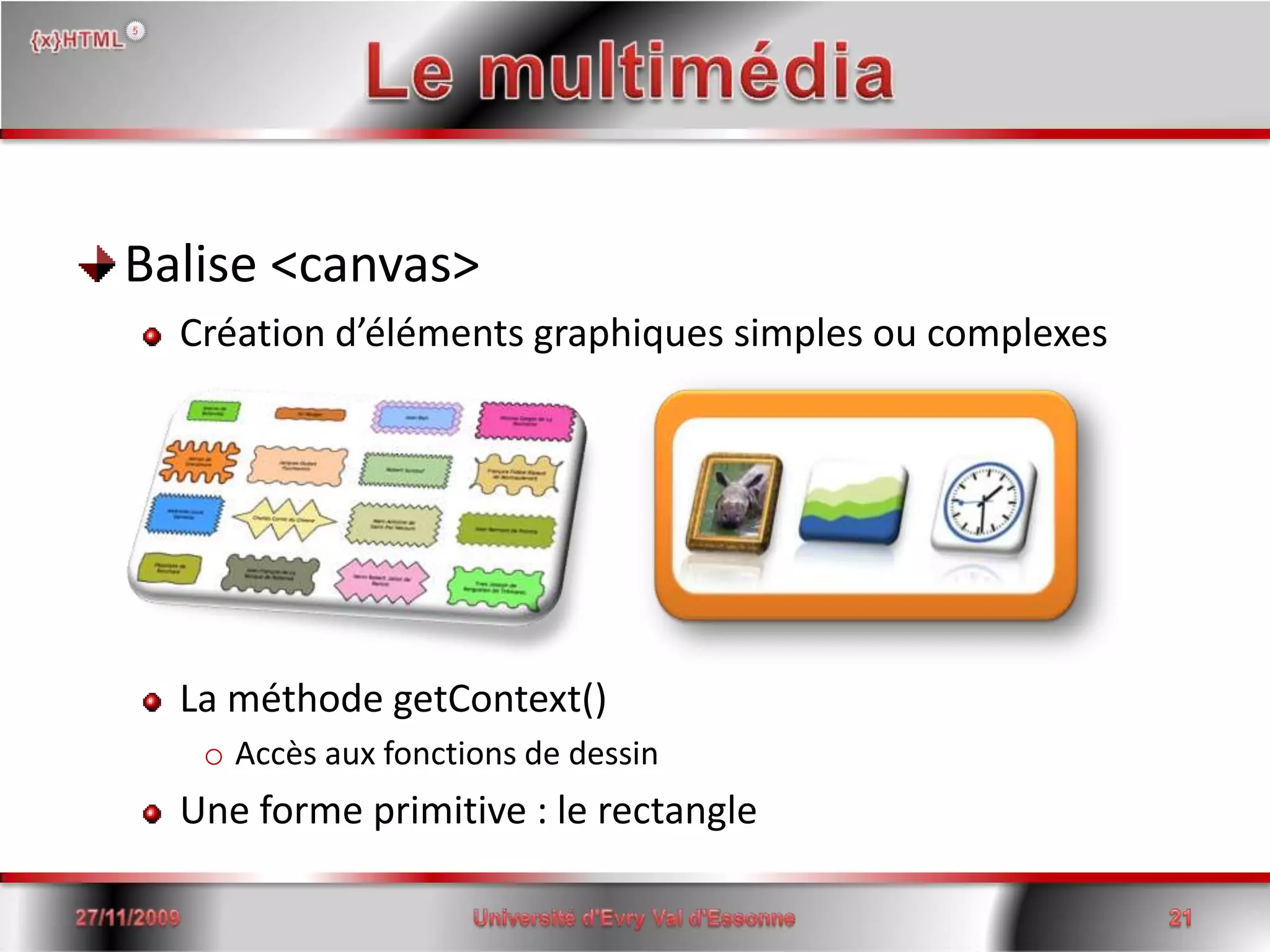
Le multimédiaBalise <canvas>Création d’éléments graphiques simples ou complexesLa méthode getContext()Accès aux fonctions de dessinUne forme primitive : le rectangle15/06/2008Université d'Evry Val d'Essonne21
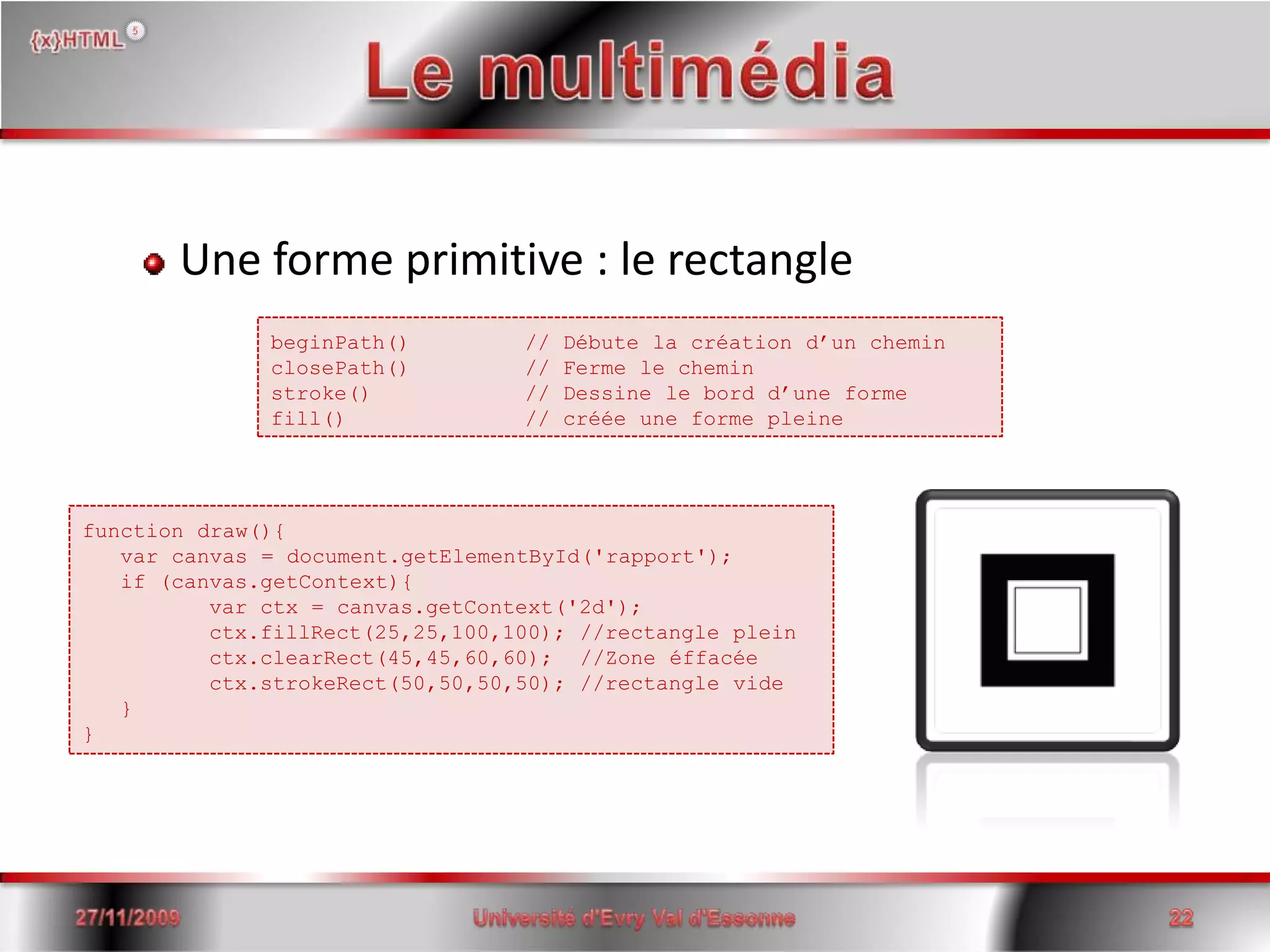
Le multimédiaUne forme primitive : le rectangle15/06/2008Université d'Evry Val d'Essonne22beginPath() 	// Débute la création d’un cheminclosePath() 	// Ferme le cheminstroke()		// Dessine le bord d’une formefill()		// créée une forme pleinefunctiondraw(){     var canvas = document.getElementById('rapport');   if (canvas.getContext){    varctx = canvas.getContext('2d');    ctx.fillRect(25,25,100,100); //rectangle plein    ctx.clearRect(45,45,60,60);  //Zone éffacéectx.strokeRect(50,50,50,50); //rectangle vide     }}
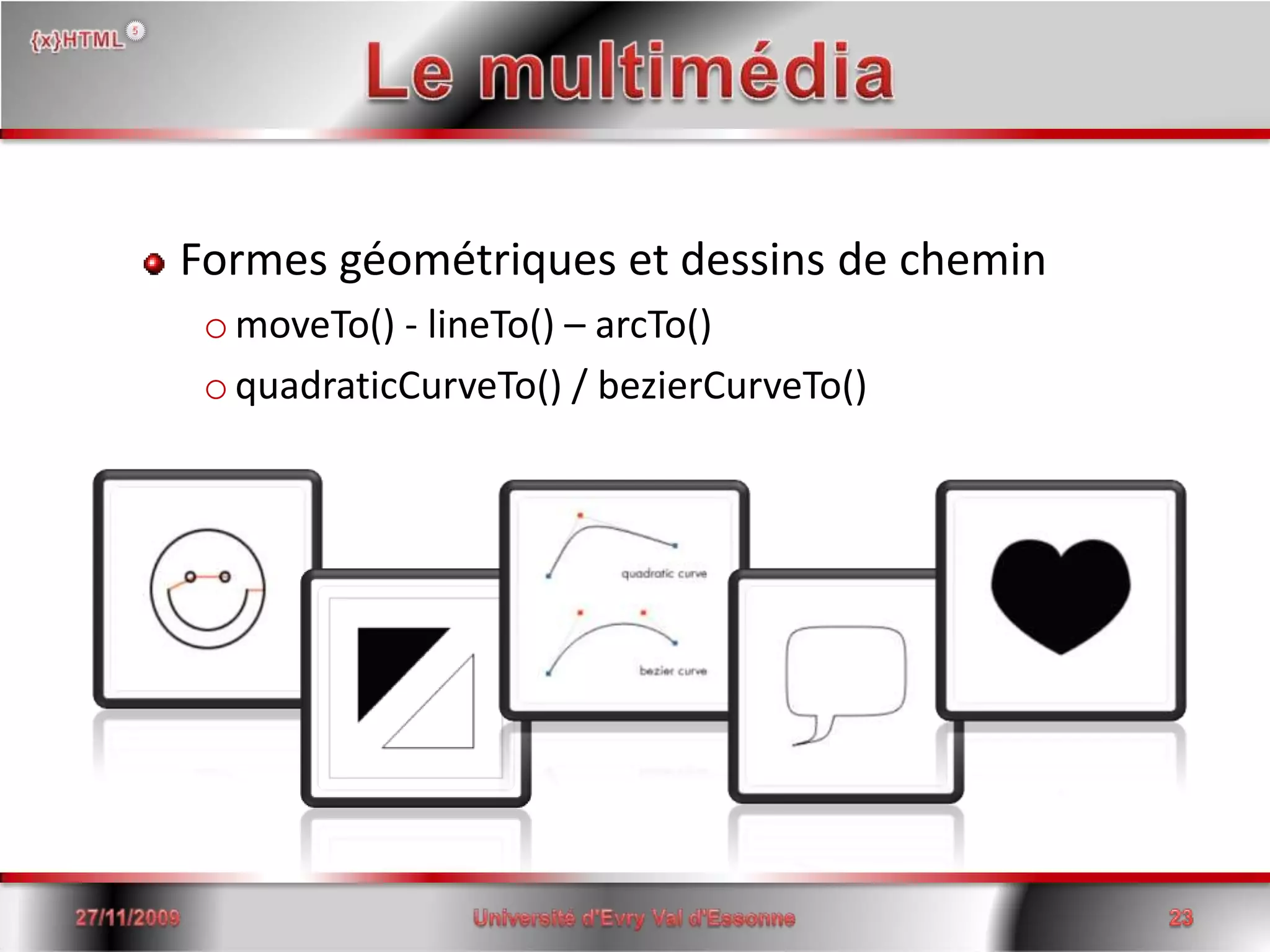
Le multimédiaFormes géométriques et dessins de cheminmoveTo() - lineTo() – arcTo()quadraticCurveTo() / bezierCurveTo()15/06/2008Université d'Evry Val d'Essonne23
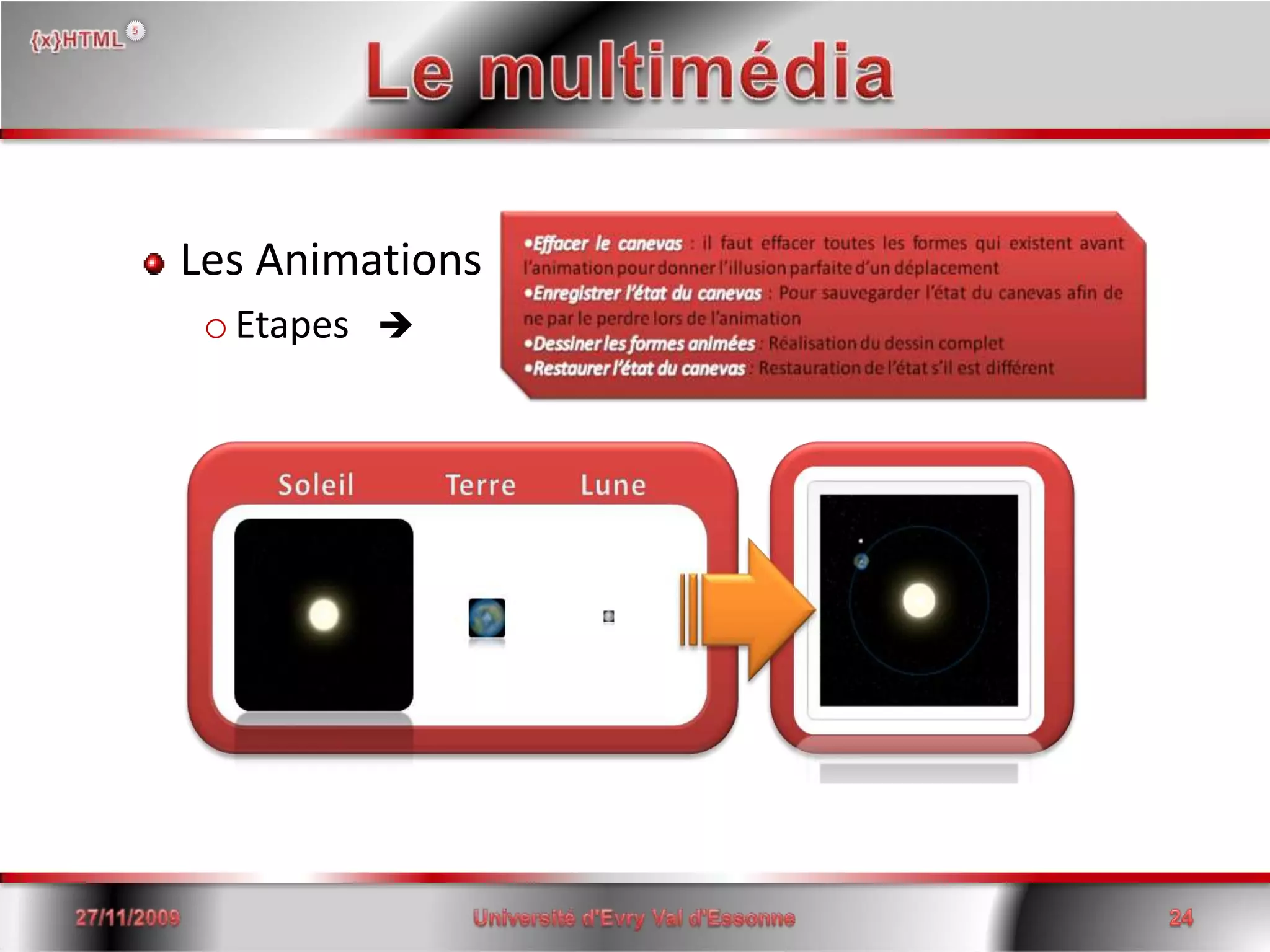
Le multimédiaLes AnimationsEtapes   15/06/2008Université d'Evry Val d'Essonne24
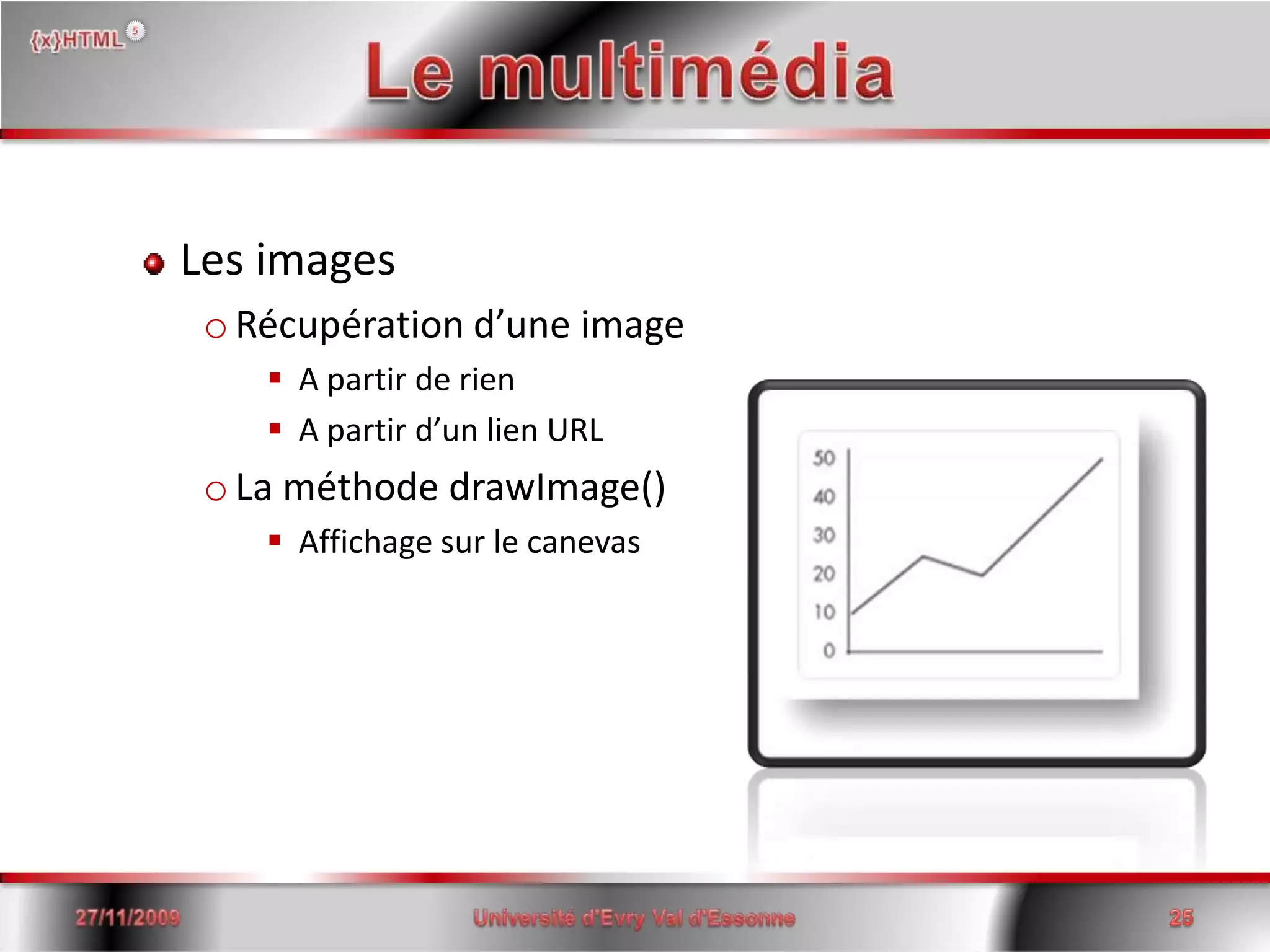
Le multimédiaLes imagesRécupération d’une imageA partir de rienA partir d’un lien URLLa méthode drawImage()Affichage sur le canevas15/06/2008Université d'Evry Val d'Essonne25
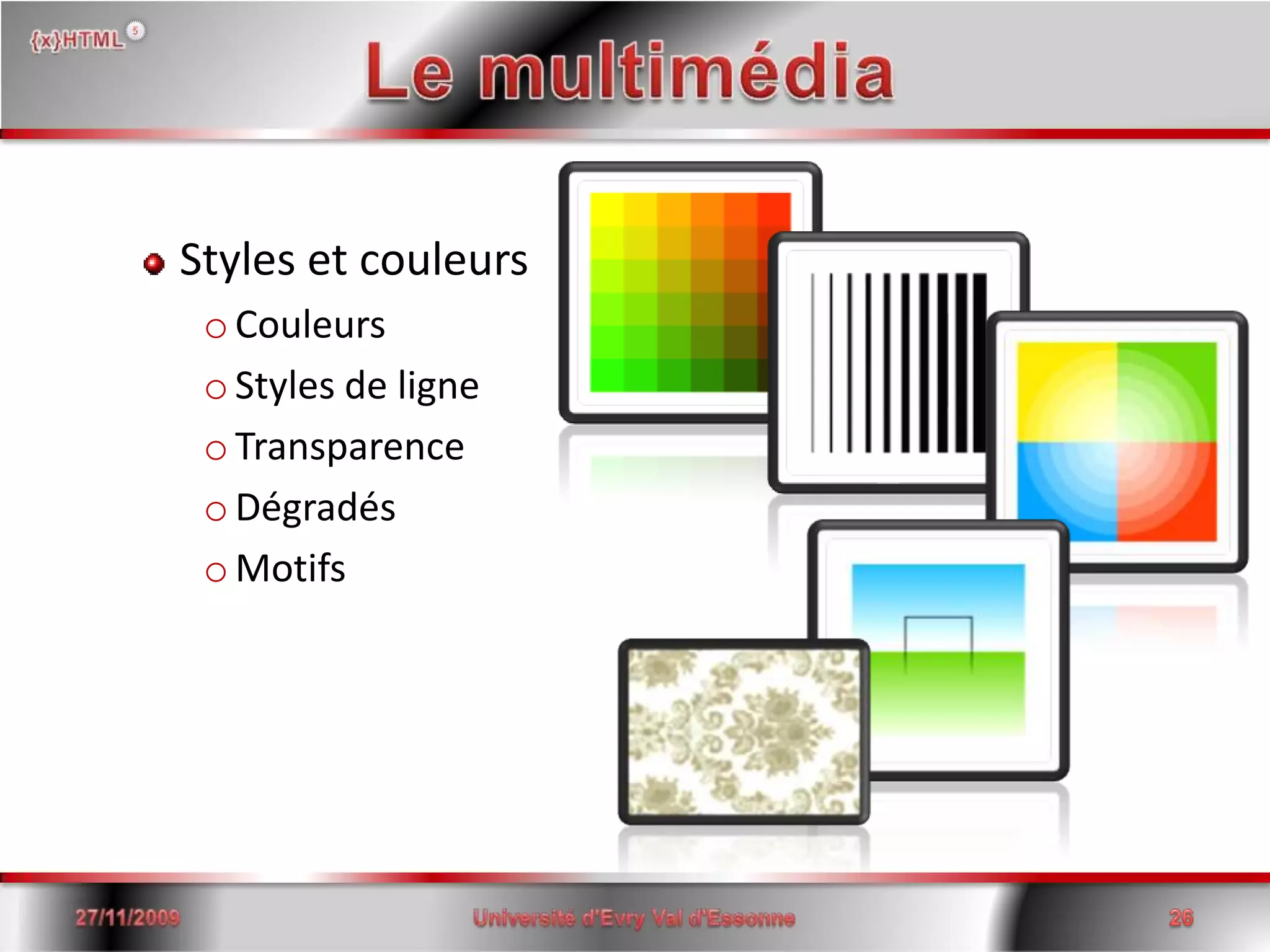
Le multimédiaStyles et couleursCouleursStyles de ligneTransparenceDégradésMotifs15/06/2008Université d'Evry Val d'Essonne26
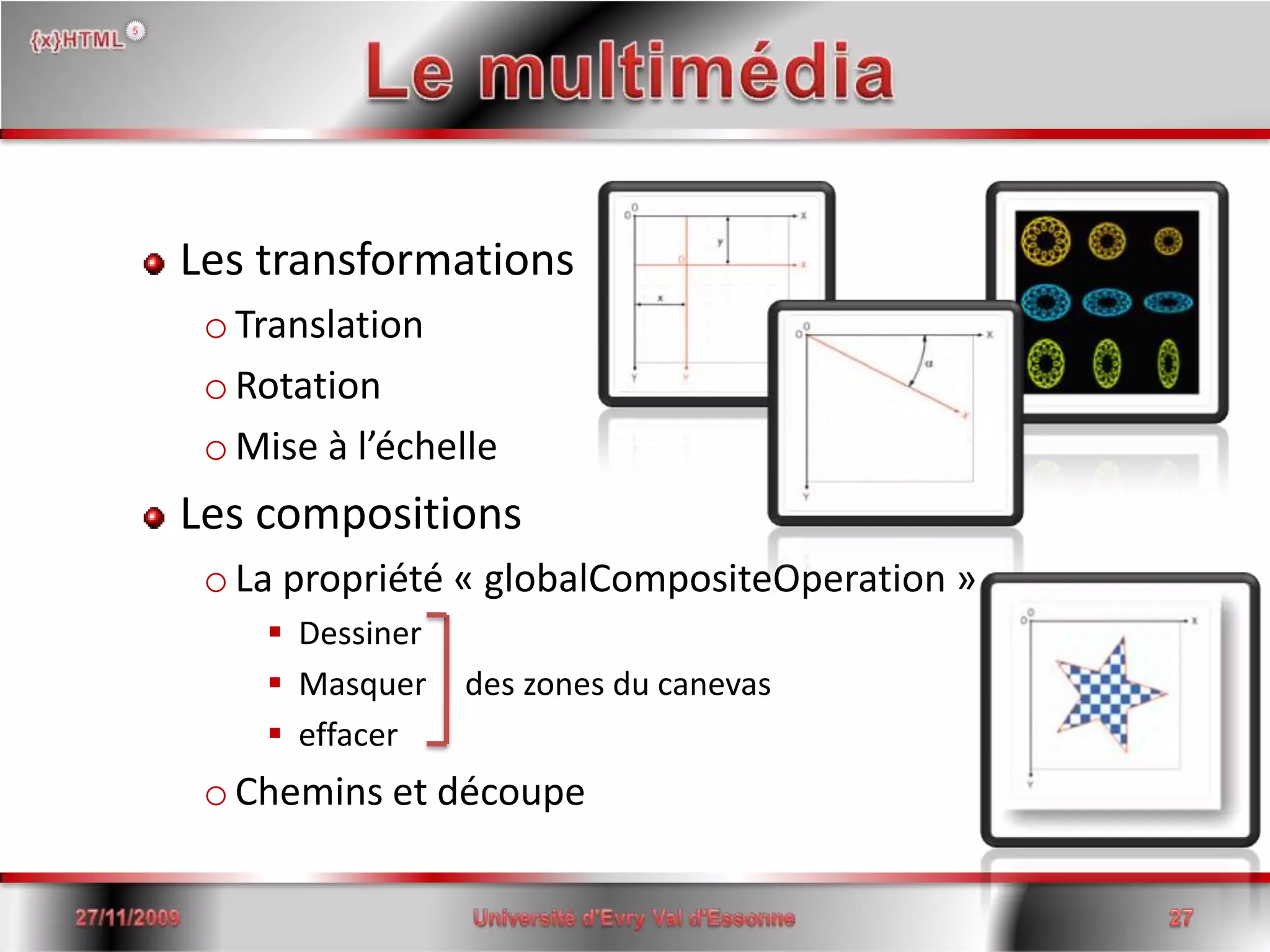
Le multimédiaLes transformationsTranslationRotationMise à l’échelleLes compositionsLa propriété « globalCompositeOperation »DessinerMasquer	des zones du canevaseffacerChemins et découpe15/06/2008Université d'Evry Val d'Essonne27
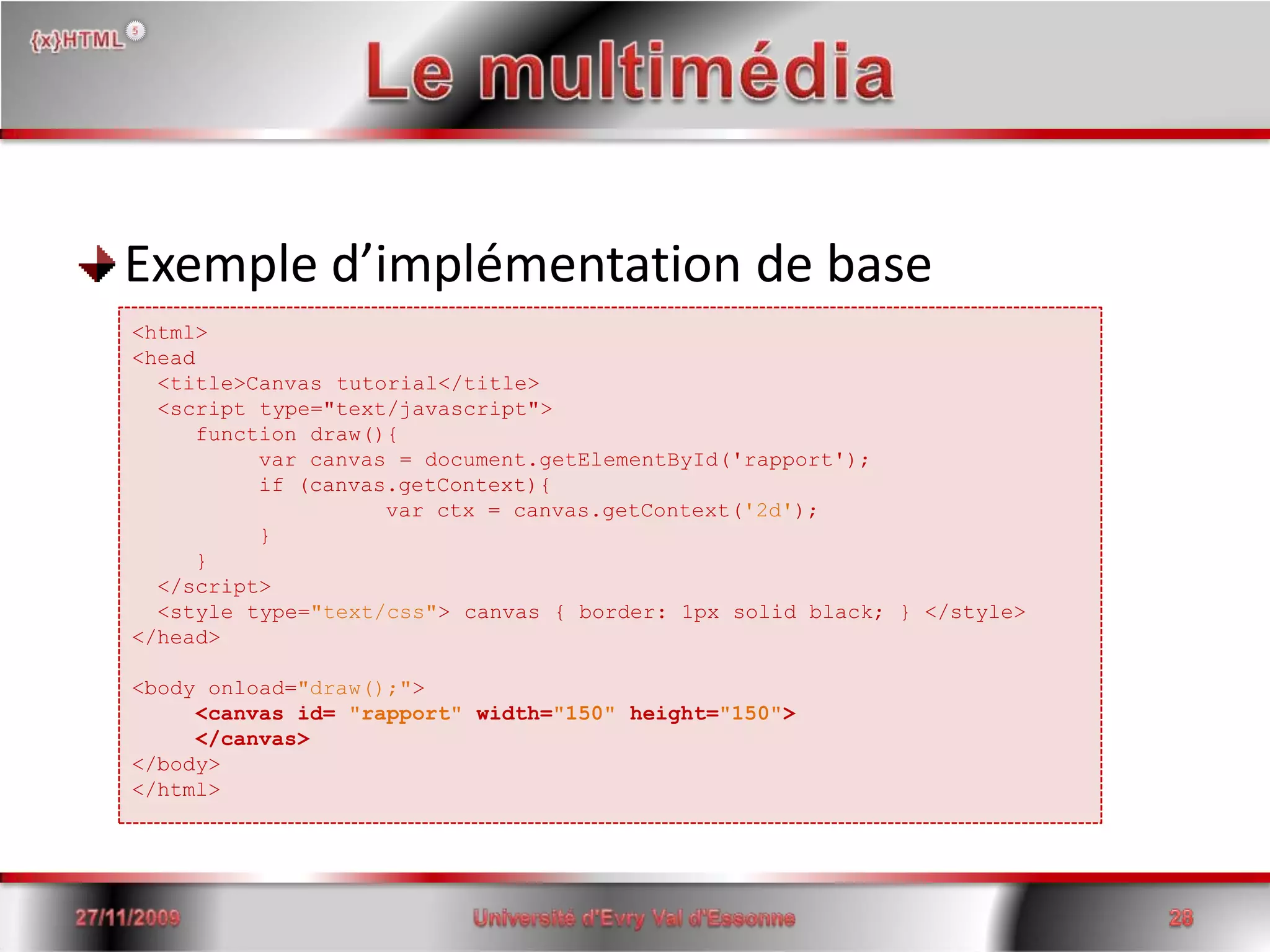
Le multimédiaExemple d’implémentation de base15/06/2008Université d'Evry Val d'Essonne28<html> <head<title>Canvas tutorial</title>  <script type="text/javascript">functiondraw(){ 	var canvas = document.getElementById('rapport'); 	if (canvas.getContext){ var ctx = canvas.getContext('2d'); } }  </script>   <style type="text/css"> canvas { border: 1px solid black; } </style> </head> <body onload="draw();"> <canvasid= "rapport"width="150"height="150"></canvas> </body></html>
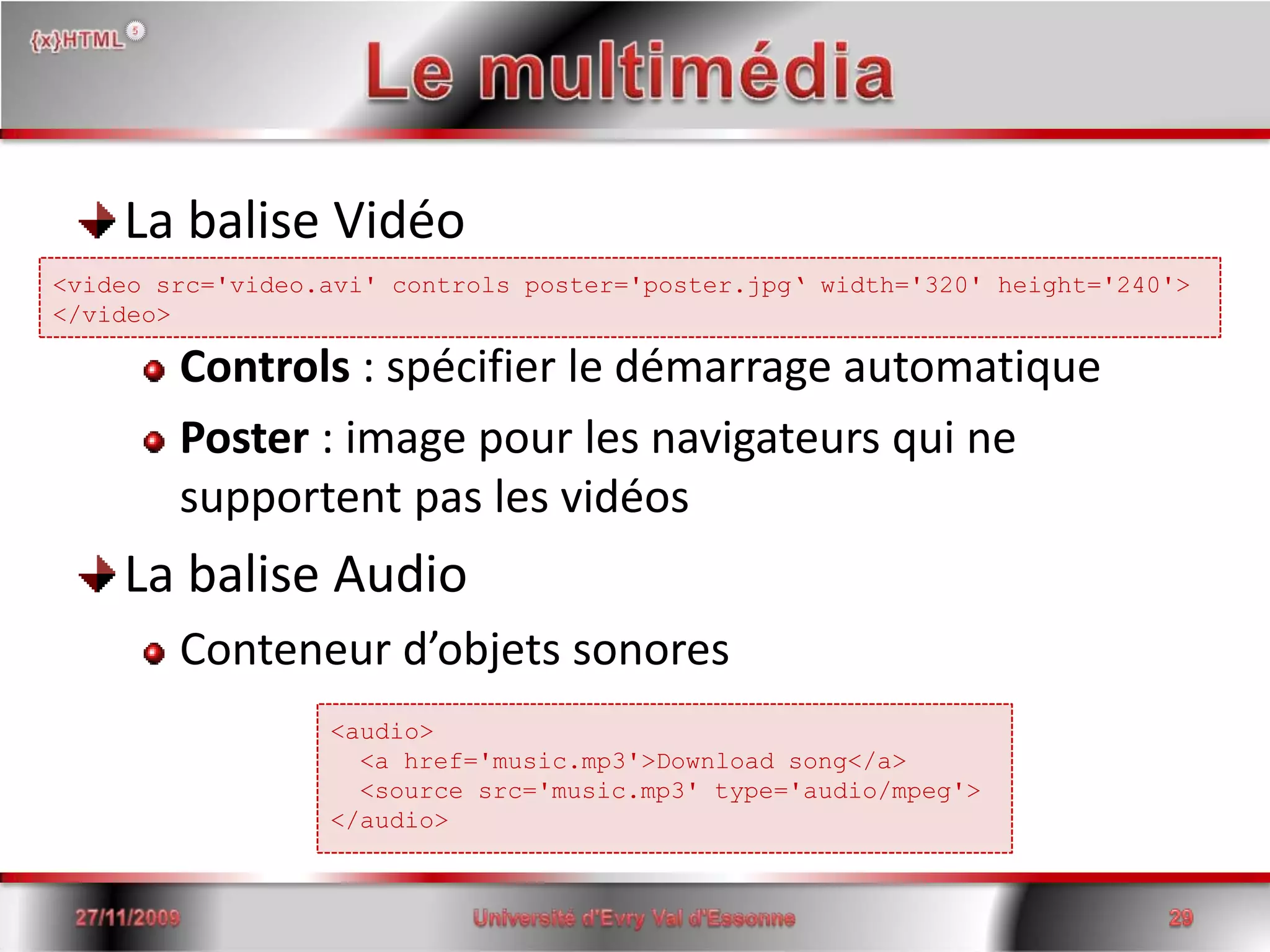
Le multimédiaLa balise VidéoControls : spécifier le démarrage automatiquePoster : image pour les navigateurs qui ne supportent pas les vidéosLa balise AudioConteneur d’objets sonores15/06/2008Université d'Evry Val d'Essonne29<videosrc='video.avi' controls poster='poster.jpg‘ width='320' height='240'></video><audio>  <a href='music.mp3'>Download song</a>  <source src='music.mp3' type='audio/mpeg'></audio>
L’avenirIntégration par les navigateursUtilisation par les développeurs15/06/2008Université d'Evry Val d'Essonne30
Presentation xHtml5

Presentation xHtml5

  • 2.
    sommaire La naissanceLedocument Les web formsLe multimédiaL’avenir15/06/20082Université d'Evry Val d'Essonne
  • 3.
    La naissance HTML4déjà vieux de 10 ansNombreuses balises obsolètesNouvelles attentes des webmasters et des internautesPlus d’un an de travail du W3C pour définir le futur de l’HTML15/06/20083Université d'Evry Val d'Essonne
  • 4.
    Le documentNouvelles balises:Sémantiques(<time>, <details>,…)Section de document (<section>, <article>, <aside>, <header>, <footer>, <nav>,…)15/06/2008Université d'Evry Val d'Essonne4
  • 5.
    Le documentLes nouveauxévénements JavaScript pris en compte par le HTML 5OnabortOnbeforeunloadOncontextmenuOndragOndragendOndragenter15/06/2008Université d'Evry Val d'Essonne5OndragleaveOndragoverOndragstartOndropOnerrorOnstorage
  • 6.
    Le documentVers uncode plus lisible…15/06/2008Université d'Evry Val d'Essonne6<body><header> <h1>Wake up sheeple!</h1> <p><a href="news.html">News</a> - <a href="blog.html">Blog</a> - <a href="forums.html">Forums</a></p> </header> <nav> <h1>Navigation</h1> <ul> <li><a href="articles.html">Index of all articles</a><li> <li><a href="today.html">Things sheepleneed to wake up for today</a><li> <li><a href="successes.html">Sheeple we have managed to wake</a><li> </ul> </nav> <article> <p>...page content wouldbehere...</p> </article> <footer> <p>Copyright © 2006 The ExampleCompany</p> <p><a href="about.html">About</a> - <a href="policy.html">Privacy Policy</a> - <a href="contact.html">Contact Us</a></p> </footer></body>
  • 7.
    Le documentNouvelles balisessémantiques<aside><footer><header><dialog><q><cite><dfn>15/06/2008Université d'Evry Val d'Essonne7<time><meter><var><kbd><progress><samp>
  • 8.
    Les web formsExtension des formulaires HTML Nouveaux types d’entréedatetimedatetimedatetime-local month weekrange number url email15/06/20088Université d'Evry Val d'Essonne
  • 9.
    Les web formsNouveaux attributs min maxstepwrap Attributs dépréciéssize autocompleteautofocus acceptlist required pattern titleform15/06/20089Université d'Evry Val d'Essonne
  • 10.
    Les web formsExemple (1)<form id='test'action='test.php' method='post'><input name='email' type='email' autofocus='autofocus' required/> <input name='date' type='date' value='2008-12-31'/> <input name='phone' type='text' autocomplete='off' maxlength='10' pattern='^0[1-68][0-9]{8}$' title='Votre numéro de téléphone est incorrect'/><input name='submit' type='submit' value='OK'/></form>I 2008-12-31OK15/06/200810Université d'Evry Val d'Essonne
  • 11.
    Les web formsExemple (2)<form id='nowhereform'action='nowhere.php'method='post'><!– The query is only active for googleform and yahooform --> <input type='text'name='query'form='googleform yahooform'/> <input type='submit'name='nowhere'value='Nowhere'/></form><form id='googleform'action='google.php'><input type='submit'name='google'value='Google'></form><form id='yahooform'action='yahoo.php'><input type='submit'name='yahoo'value='Yahoo'/></form>GoogleNowhereYahoo15/06/200811Université d'Evry Val d'Essonne
  • 12.
    Les web formsNouveaux éléments datalist output Modèle de répétitionaddremovemove-upmove-down15/06/200812Université d'Evry Val d'Essonne
  • 13.
    Les web formsExemple (3)<form id='test'action='test.php' method='post'> <input type='url' name='location' list='urls'/> <datalist id='urls'> <option label='W3C' value='http://www.w3c.org'/> <option label='W3C Validator' value='http://www.validator.w3.org'/> </datalist></form>I W3http://www.w3.org W3Chttp://www.validator.w3.org W3C Validator15/06/200813Université d'Evry Val d'Essonne
  • 14.
    Les web formsExemple (4)<form id='test'action='test.php' method='post'> <input type='range' name='power' list='powers' min='-100' max='100'/> <datalist id='powers'> <option value='+50'/> <!– invalid values are not displayed --> <option value='30'/> <option value='0' selected='selected'/> <option value='-30'/> </datalist></form>15/06/200814Université d'Evry Val d'Essonne
  • 15.
    Les web formsExemple (5)<form id='test'action='test.php' method='post'> <input type='range' name='power' list='powers' min='-100' max='100'/> <datalist id='powers'> <option value='+50'/> <!– invalid values are not displayed --> <option value='30'/> <option value='0' selected='selected'/> <option value='-30'/> </datalist> <outputonformchange="value=power.value">0</output></form>3015/06/200815Université d'Evry Val d'Essonne
  • 16.
    Les web formsExemple (6)<form id='test'action='test.php' method='post'> <table> <thead> <tr> <th>Product</th> <th>Quantity</th> </tr> </thead> </tbody> <tr id='order' repeat='template' repeat-start='3'> <td><input type='text' name='row[order].product' value=''/></td> <td><input type='number' name='row[order].quantity' value='1'/></td> <td><button type='remove'>Remove This Row</button></td> </tr> </tbody> </table> <p><button type='add' template='order'>Add Row</button></p> <p><button type='submit' name='submit'>Submit</button></p></form>15/06/200816Université d'Evry Val d'Essonne
  • 17.
    Les web formsExemple (6)<form id='test'action='test.php' method='post'> <table> <thead> <tr> <th>Product</th> <th>Quantity</th> </tr> </thead> </tbody> <tr id='0'> <td><input type='text' name='row0.product' value=''/></td> <td><input type='number' name='row0.quantity' value='1'/></td> <td><button type='remove'>Remove This Row</button></td> </tr> <tr id='1'> <td><input type='text' name='row1.product' value=''/></td> <td><input type='number' name='row1.quantity' value='1'/></td> <td><button type='remove'>Remove This Row</button></td> </tr> <tr id='2'> <td><input type='text' name='row2.product' value=''/></td> <td><input type='number' name='row2.quantity' value='1'/></td> <td><button type='remove'>Remove This Row</button></td> </tr> </tbody> </table> <p><button type='add' template='order'>Add Row</button></p> <p><button type='submit' name='submit'>Submit</button></p></form>15/06/200817Université d'Evry Val d'Essonne
  • 18.
    Les web formsNouveaux évènements et améliorations onchange onformchangeoninputonforminputoninvalid15/06/200818Université d'Evry Val d'Essonne onsubmit onreset onreceived onDOMControlValueChanged
  • 19.
    Les web formsExemple (7)<head><!– Some heading instructions here, before JavaScript --><script type='text/javascript'><![CDATA[ function failed(event) { var form = event.target.form; form.error.value = 'The value is wrong for a reason I did not expect.'; if (event.target.validity.typeMismatch) form.error.value = 'You must enter a number.'; else if (event.target.validity.stepMismatch) form.error.value = 'Fractional numbers are not allowed.'; else if (event.target.validity.rangeUnderflow) form.error.value = 'The number must be zero or greater.'; else if (event.target.validity.rangeOverflow) form.error.value = 'The number must be 255 or less.'; else if (event.target.validity.valueMissing) form.error.value = 'You must enter a number.'; event.preventDefault(); /* don't want the User Agent to do its own reporting */ } ]]> </script></head><body> <form id='test'action='test.php' method='post'> <label>order:</label> <input name='order' type='number' min='0' max='5' required='required' oninvalid="javascript:failed(event);"/> <output name='error'/> </form></body>15/06/200819Université d'Evry Val d'Essonne
  • 20.
    Les web formsNouveaux selecteurs :enabled :disabled:checked:indeterminate:default:valid:invalid15/06/200820Université d'Evry Val d'Essonne :in-range:out-of-range:required:optional:redonly:read-write
  • 21.
    Le multimédiaBalise <canvas>Créationd’éléments graphiques simples ou complexesLa méthode getContext()Accès aux fonctions de dessinUne forme primitive : le rectangle15/06/2008Université d'Evry Val d'Essonne21
  • 22.
    Le multimédiaUne formeprimitive : le rectangle15/06/2008Université d'Evry Val d'Essonne22beginPath() // Débute la création d’un cheminclosePath() // Ferme le cheminstroke() // Dessine le bord d’une formefill() // créée une forme pleinefunctiondraw(){ var canvas = document.getElementById('rapport'); if (canvas.getContext){ varctx = canvas.getContext('2d'); ctx.fillRect(25,25,100,100); //rectangle plein ctx.clearRect(45,45,60,60); //Zone éffacéectx.strokeRect(50,50,50,50); //rectangle vide }}
  • 23.
    Le multimédiaFormes géométriqueset dessins de cheminmoveTo() - lineTo() – arcTo()quadraticCurveTo() / bezierCurveTo()15/06/2008Université d'Evry Val d'Essonne23
  • 24.
    Le multimédiaLes AnimationsEtapes 15/06/2008Université d'Evry Val d'Essonne24
  • 25.
    Le multimédiaLes imagesRécupérationd’une imageA partir de rienA partir d’un lien URLLa méthode drawImage()Affichage sur le canevas15/06/2008Université d'Evry Val d'Essonne25
  • 26.
    Le multimédiaStyles etcouleursCouleursStyles de ligneTransparenceDégradésMotifs15/06/2008Université d'Evry Val d'Essonne26
  • 27.
    Le multimédiaLes transformationsTranslationRotationMiseà l’échelleLes compositionsLa propriété « globalCompositeOperation »DessinerMasquer des zones du canevaseffacerChemins et découpe15/06/2008Université d'Evry Val d'Essonne27
  • 28.
    Le multimédiaExemple d’implémentationde base15/06/2008Université d'Evry Val d'Essonne28<html> <head<title>Canvas tutorial</title> <script type="text/javascript">functiondraw(){ var canvas = document.getElementById('rapport'); if (canvas.getContext){ var ctx = canvas.getContext('2d'); } } </script> <style type="text/css"> canvas { border: 1px solid black; } </style> </head> <body onload="draw();"> <canvasid= "rapport"width="150"height="150"></canvas> </body></html>
  • 29.
    Le multimédiaLa baliseVidéoControls : spécifier le démarrage automatiquePoster : image pour les navigateurs qui ne supportent pas les vidéosLa balise AudioConteneur d’objets sonores15/06/2008Université d'Evry Val d'Essonne29<videosrc='video.avi' controls poster='poster.jpg‘ width='320' height='240'></video><audio> <a href='music.mp3'>Download song</a> <source src='music.mp3' type='audio/mpeg'></audio>
  • 30.
    L’avenirIntégration par lesnavigateursUtilisation par les développeurs15/06/2008Université d'Evry Val d'Essonne30