VSTOPranav AinavoluVSTO Developer, Conrep Solutions | Email: pranav@conrep.com
VSTO : Visual Studio Tools for OfficeMicrosoft Visual Studio Tools for the Microsoft Office system can help you extend applications in Microsoft Office 2003 and the 2007 by using Visual Basic and Visual C#..
Latest version is VSTO 3.0 available as part of VS – 2008.
Microsoft Office offers a platform that provides many possibilities for application development using managed code. Visual Studio and the Microsoft .NET Framework provide Rapid Application Development (RAD) programming capabilities that make it easy to begin creating Microsoft Office-based solutions to suit a variety of business needs.
What we can do with VSTO ?Customize Microsoft Office Applications by Creating Add-Ins.
Latest version is VSTO 3.0 available as part of VS – 2008.
Microsoft Office offers a platform that provides many possibilities for application development using managed code. Visual Studio and the Microsoft .NET Framework provide Rapid Application Development (RAD) programming capabilities that make it easy to begin creating Microsoft Office-based solutions to suit a variety of business needs.Microsoft’s strategic tool for developing Office solutions inMicrosoft Excel 2003/2007Microsoft Word 2003/2007Microsoft Power Point 2003/2007Microsoft InfoPath 2003/2007Microsoft Outlook 2003 /2007 (Add-in Support)
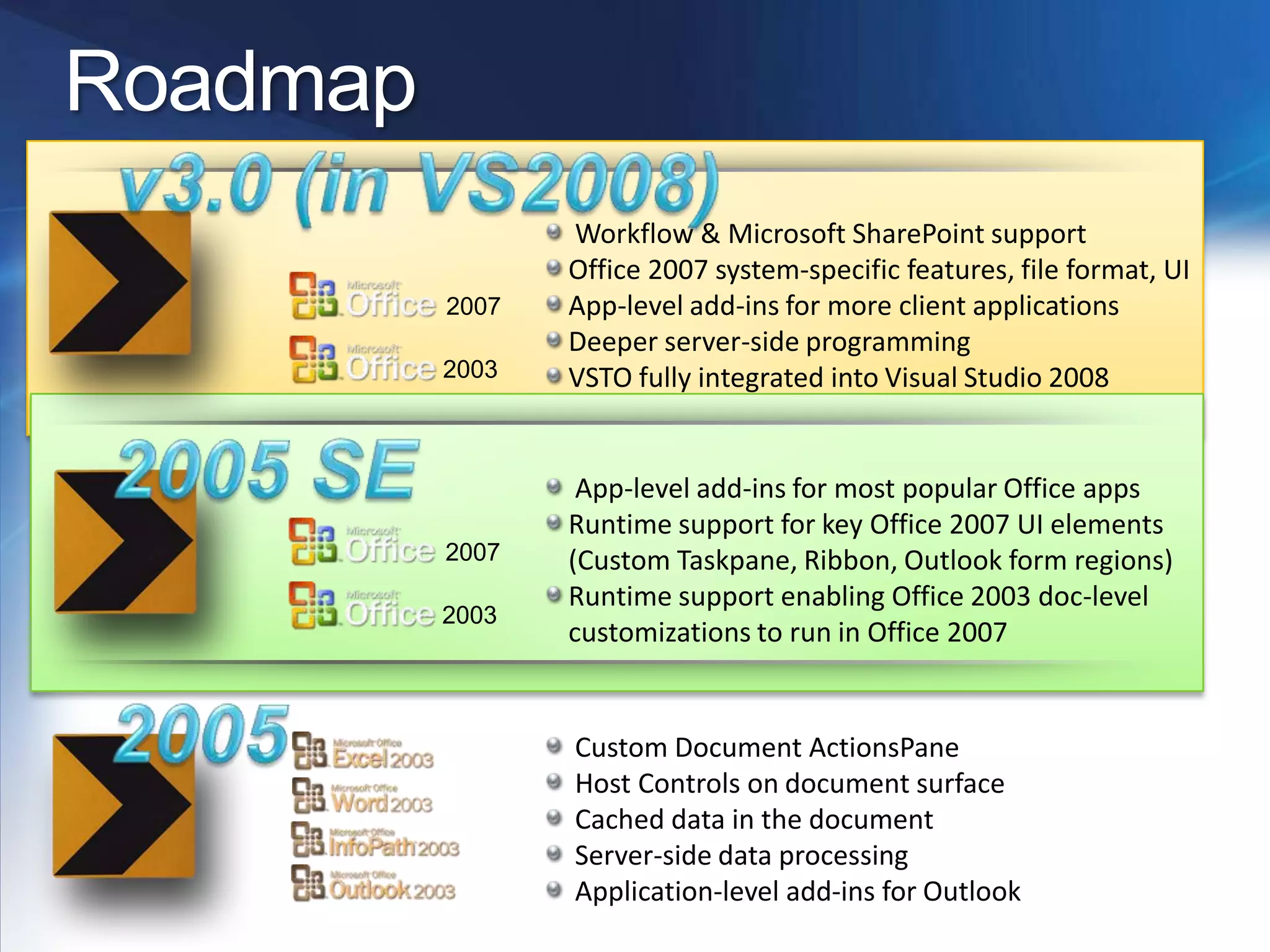
Roadmapv3.0 (in VS2008) Workflow & Microsoft SharePoint supportOffice 2007 system-specific features, file format, UIApp-level add-ins for more client applicationsDeeper server-side programmingVSTO fully integrated into Visual Studio 20082005 SE App-level add-ins for most popular Office appsRuntime support for key Office 2007 UI elements (Custom Taskpane, Ribbon, Outlook form regions)Runtime support enabling Office 2003 doc-level customizations to run in Office 200720032003200720072005 Custom Document ActionsPane Host Controls on document surface Cached data in the document Server-side data processing Application-level add-ins for Outlook
Outlook Add-ins
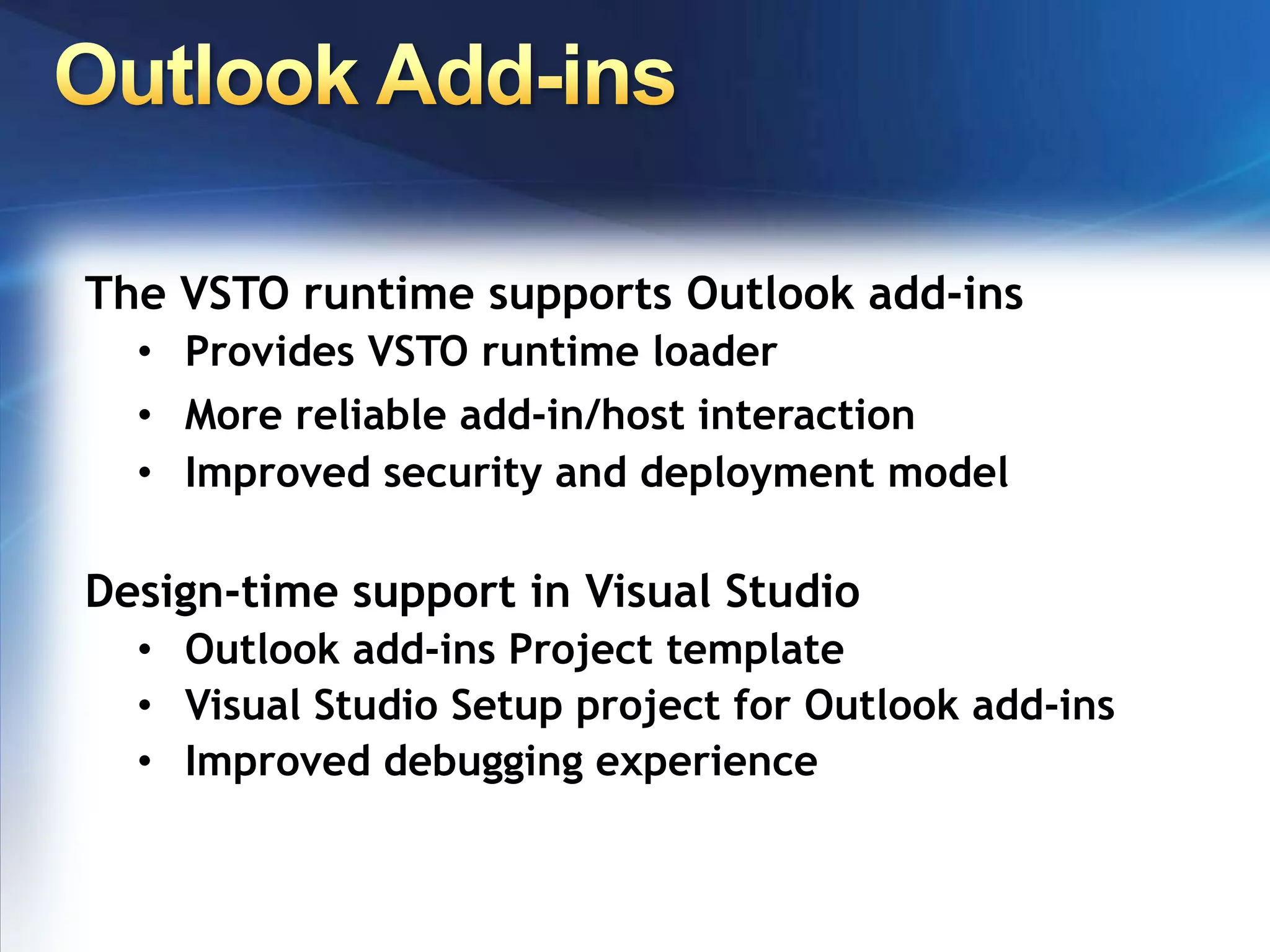
Outlook Add-insThe VSTO runtime supports Outlook add-insProvides VSTO runtime loader
More reliable add-in/host interaction
Improved security and deployment model Design-time support in Visual StudioOutlook add-ins Project template
Visual Studio Setup project for Outlook add-ins
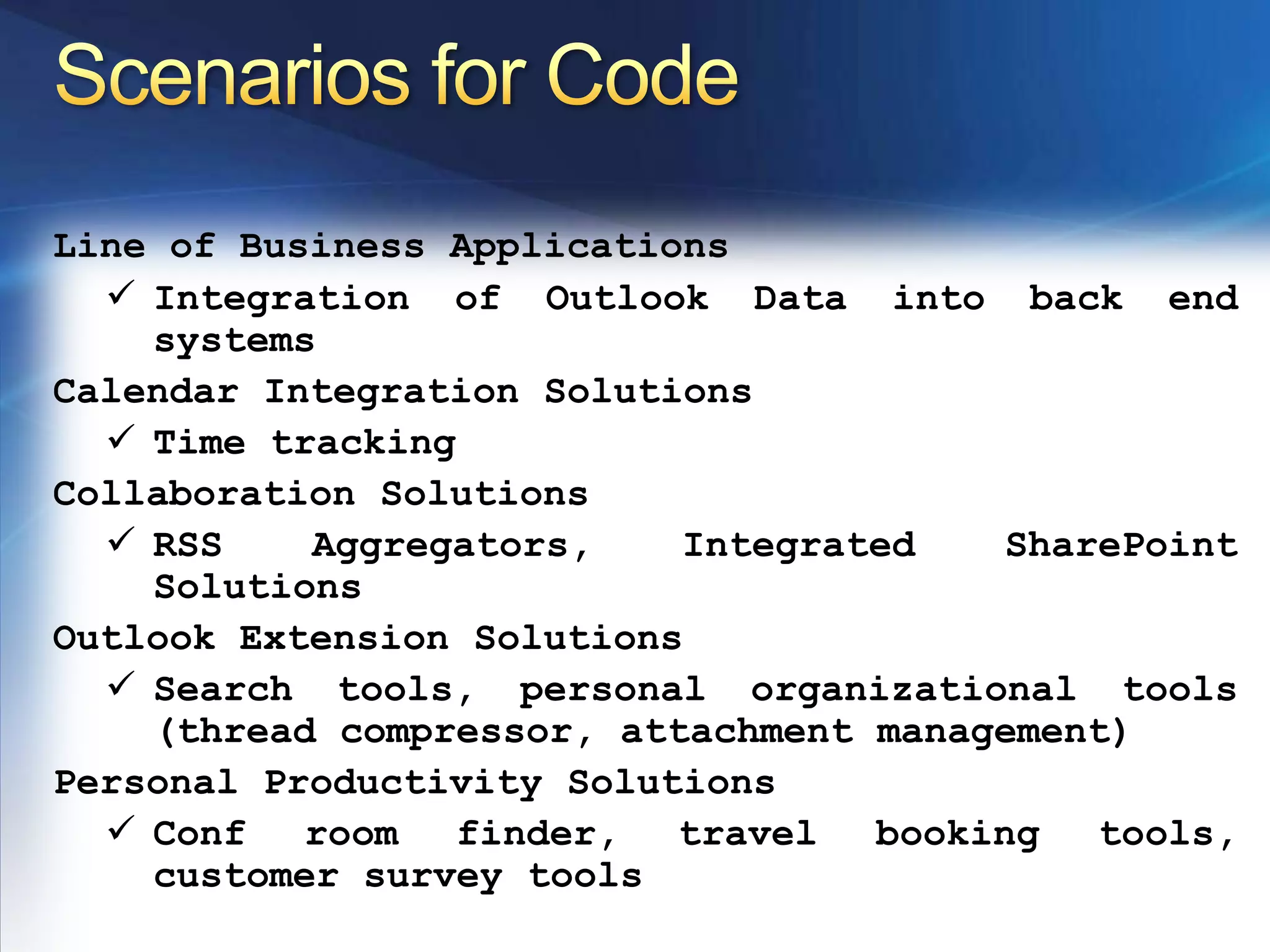
Improved debugging experience Scenarios for CodeLine of Business ApplicationsIntegration of Outlook Data into back end systemsCalendar Integration SolutionsTime trackingCollaboration SolutionsRSS Aggregators, Integrated SharePoint SolutionsOutlook Extension SolutionsSearch tools, personal organizational tools (thread compressor, attachment management)Personal Productivity SolutionsConf room finder, travel booking tools, customer survey tools Writing Managed CodeBehind Outlook
Deployment & Security
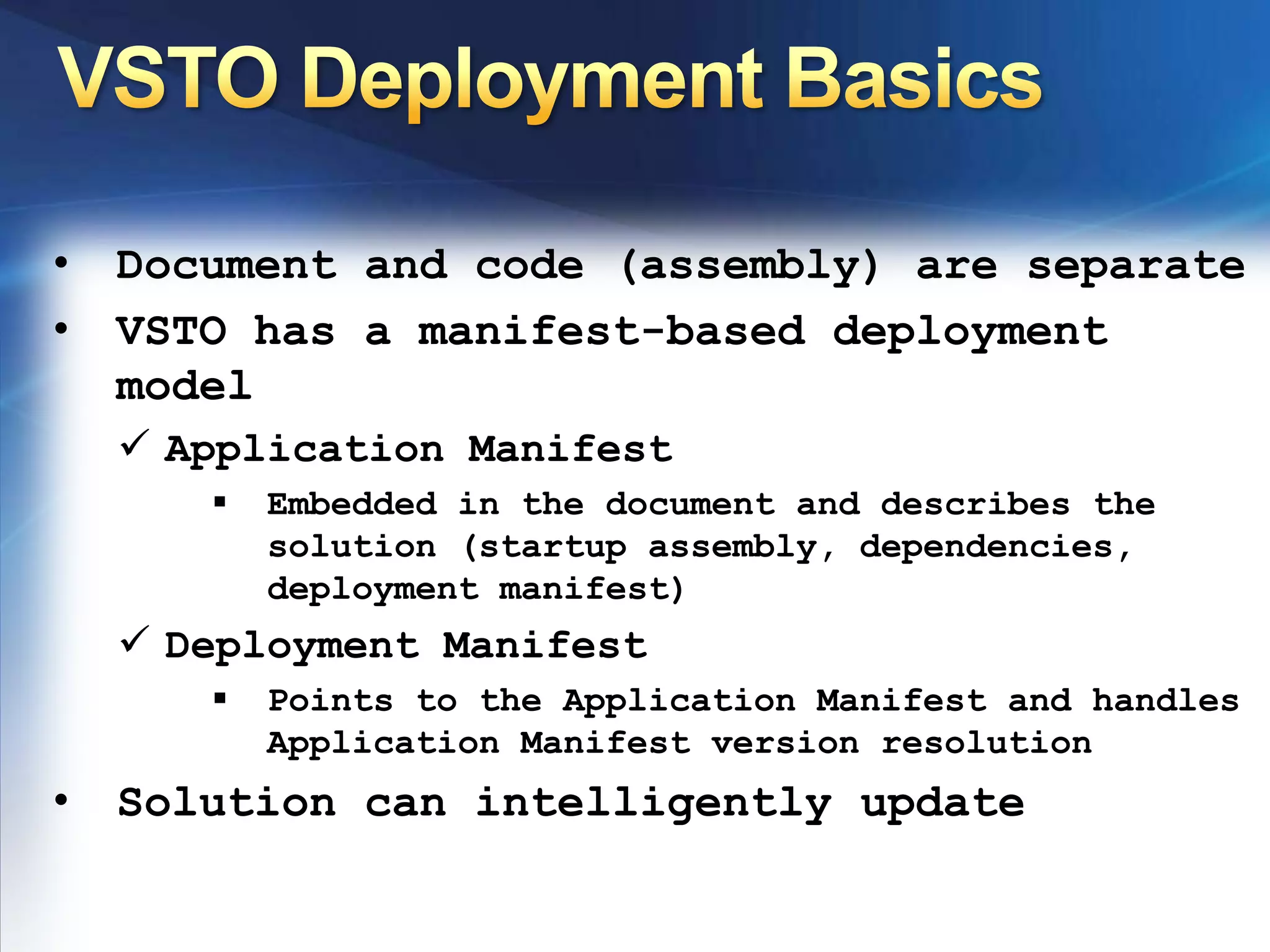
VSTO Deployment BasicsDocument and code (assembly) are separate
VSTO has a manifest-based deployment model
Application Manifest

Presentation on Visual Studio Tools for Office (VSTO) at HyderabadTechies

  • 1.
    VSTOPranav AinavoluVSTO Developer,Conrep Solutions | Email: pranav@conrep.com
  • 2.
    VSTO : VisualStudio Tools for OfficeMicrosoft Visual Studio Tools for the Microsoft Office system can help you extend applications in Microsoft Office 2003 and the 2007 by using Visual Basic and Visual C#..
  • 3.
    Latest version isVSTO 3.0 available as part of VS – 2008.
  • 4.
    Microsoft Office offersa platform that provides many possibilities for application development using managed code. Visual Studio and the Microsoft .NET Framework provide Rapid Application Development (RAD) programming capabilities that make it easy to begin creating Microsoft Office-based solutions to suit a variety of business needs.
  • 5.
    What we cando with VSTO ?Customize Microsoft Office Applications by Creating Add-Ins.
  • 6.
    Latest version isVSTO 3.0 available as part of VS – 2008.
  • 7.
    Microsoft Office offersa platform that provides many possibilities for application development using managed code. Visual Studio and the Microsoft .NET Framework provide Rapid Application Development (RAD) programming capabilities that make it easy to begin creating Microsoft Office-based solutions to suit a variety of business needs.Microsoft’s strategic tool for developing Office solutions inMicrosoft Excel 2003/2007Microsoft Word 2003/2007Microsoft Power Point 2003/2007Microsoft InfoPath 2003/2007Microsoft Outlook 2003 /2007 (Add-in Support)
  • 8.
    Roadmapv3.0 (in VS2008)Workflow & Microsoft SharePoint supportOffice 2007 system-specific features, file format, UIApp-level add-ins for more client applicationsDeeper server-side programmingVSTO fully integrated into Visual Studio 20082005 SE App-level add-ins for most popular Office appsRuntime support for key Office 2007 UI elements (Custom Taskpane, Ribbon, Outlook form regions)Runtime support enabling Office 2003 doc-level customizations to run in Office 200720032003200720072005 Custom Document ActionsPane Host Controls on document surface Cached data in the document Server-side data processing Application-level add-ins for Outlook
  • 9.
  • 10.
    Outlook Add-insThe VSTOruntime supports Outlook add-insProvides VSTO runtime loader
  • 11.
  • 12.
    Improved security anddeployment model Design-time support in Visual StudioOutlook add-ins Project template
  • 13.
    Visual Studio Setupproject for Outlook add-ins
  • 14.
    Improved debugging experienceScenarios for CodeLine of Business ApplicationsIntegration of Outlook Data into back end systemsCalendar Integration SolutionsTime trackingCollaboration SolutionsRSS Aggregators, Integrated SharePoint SolutionsOutlook Extension SolutionsSearch tools, personal organizational tools (thread compressor, attachment management)Personal Productivity SolutionsConf room finder, travel booking tools, customer survey tools Writing Managed CodeBehind Outlook
  • 15.
  • 16.
    VSTO Deployment BasicsDocumentand code (assembly) are separate
  • 17.
    VSTO has amanifest-based deployment model
  • 18.
  • 19.
    Embedded in thedocument and describes the solution (startup assembly, dependencies, deployment manifest)
  • 20.
  • 21.
    Points to theApplication Manifest and handles Application Manifest version resolution
  • 22.
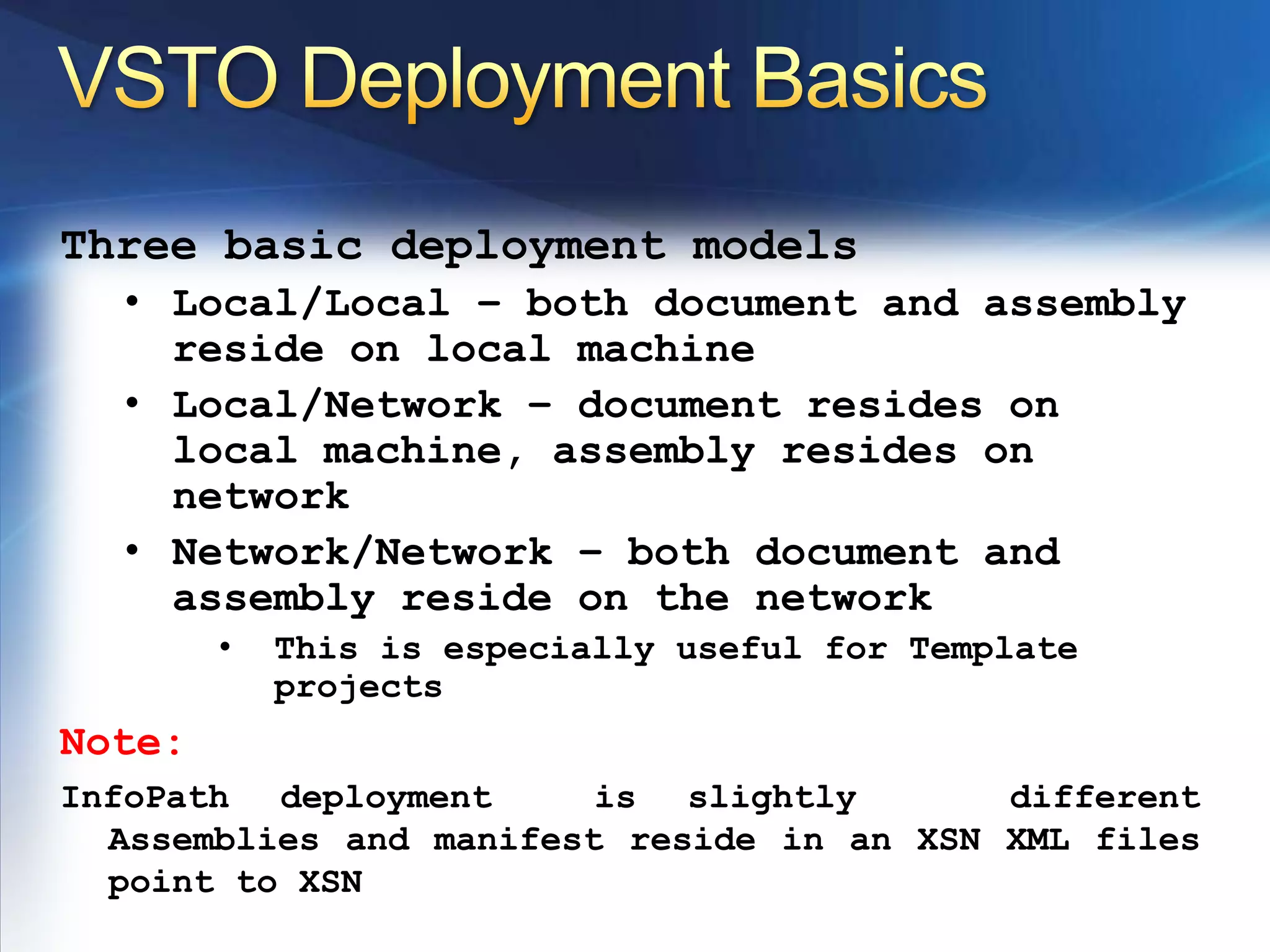
    Solution can intelligentlyupdateVSTO Deployment BasicsThree basic deployment modelsLocal/Local – both document and assembly reside on local machine
  • 23.
    Local/Network – documentresides on local machine, assembly resides on network
  • 24.
    Network/Network – bothdocument and assembly reside on the network
  • 25.
    This is especiallyuseful for Template projectsNote:InfoPath deployment is slightly different Assemblies and manifest reside in an XSN XML files point to XSN
  • 26.
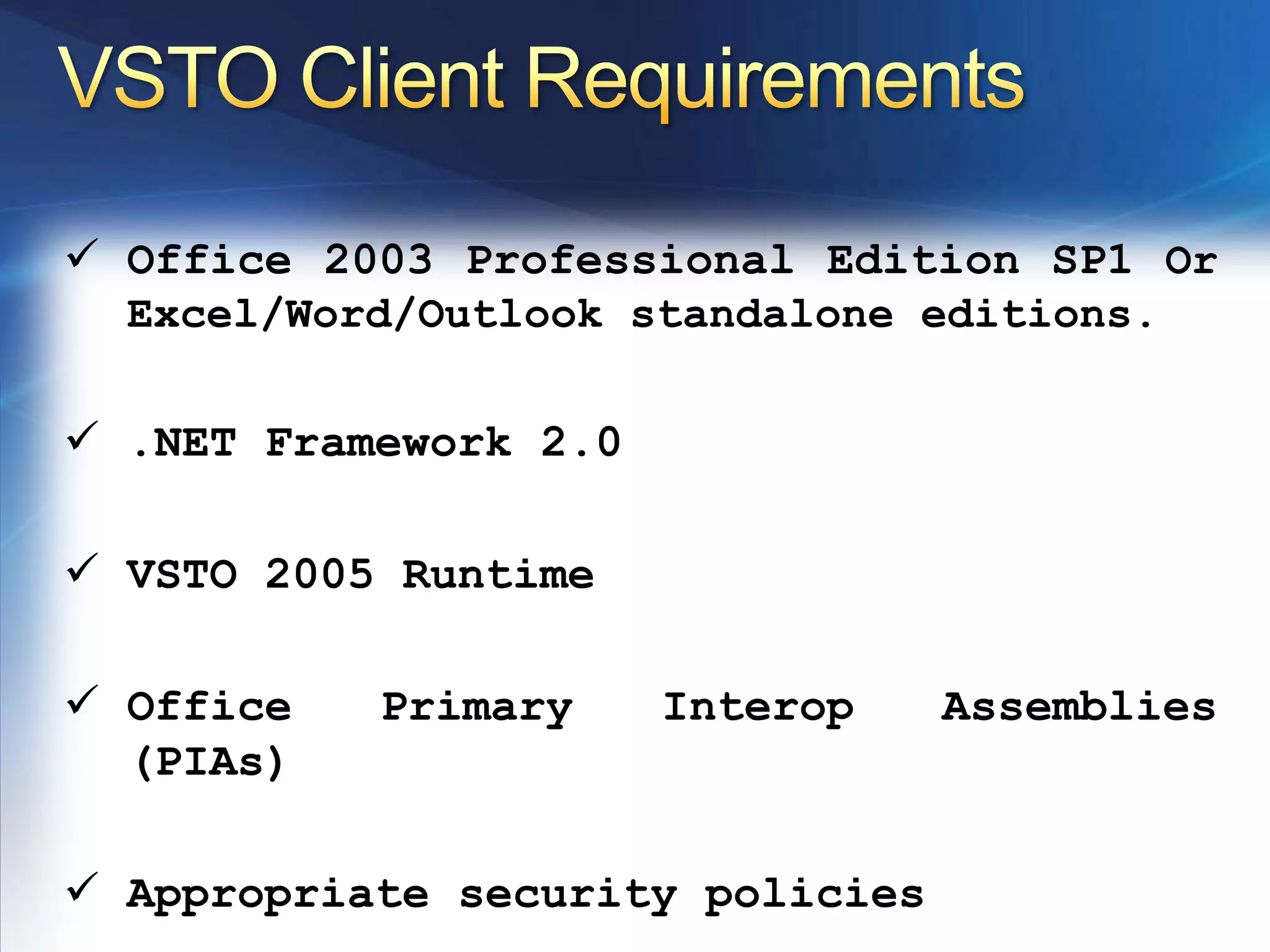
    VSTO Client RequirementsOffice2003 Professional Edition SP1 Or Excel/Word/Outlook standalone editions.
  • 27.
  • 28.
  • 29.
    Office Primary InteropAssemblies (PIAs)
  • 30.
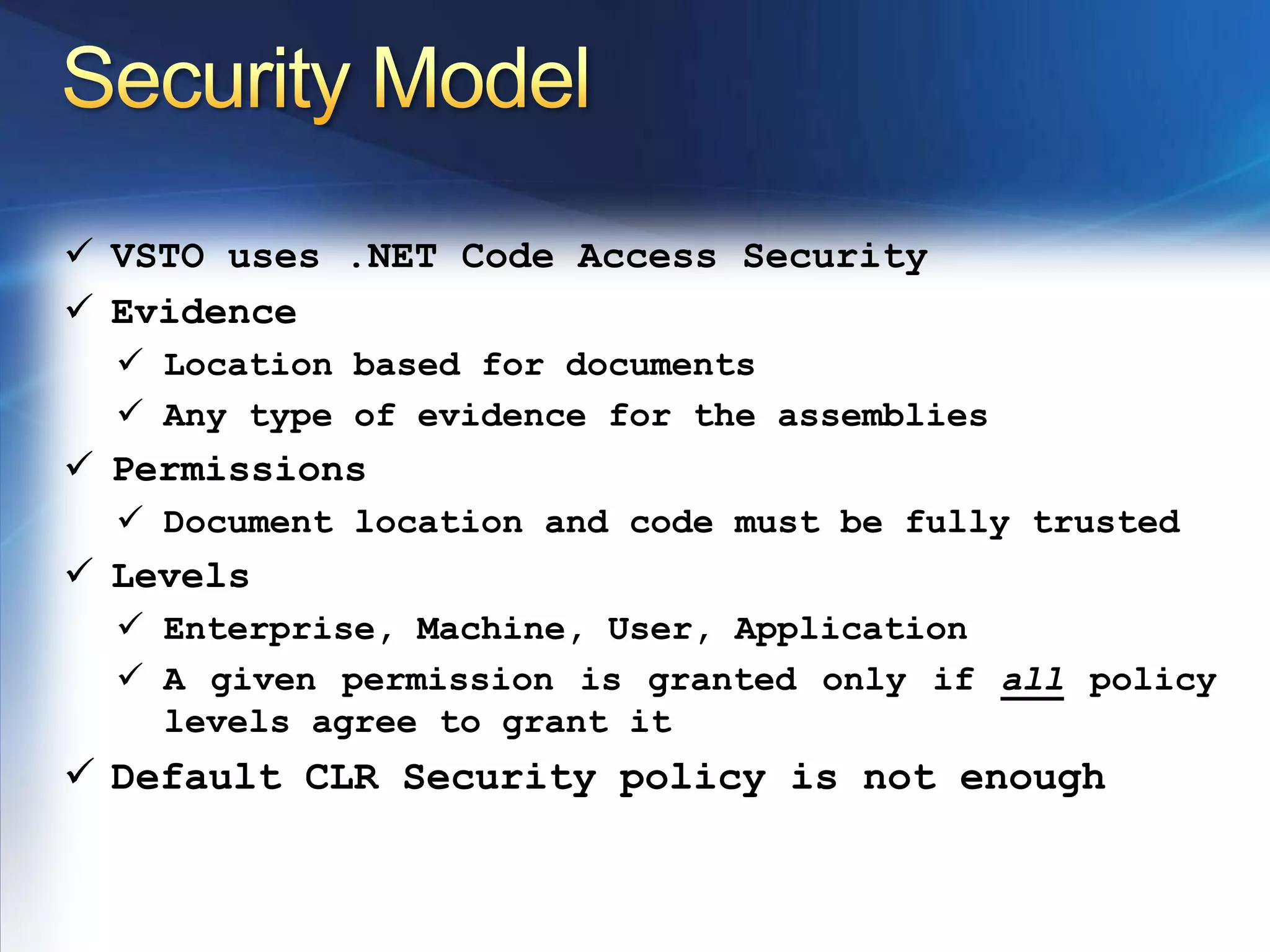
    Appropriate security policiesSecurityModelVSTO uses .NET Code Access Security
  • 31.
  • 32.
  • 33.
    Any type ofevidence for the assemblies
  • 34.
  • 35.
    Document location andcode must be fully trusted
  • 36.
  • 37.
  • 38.
    A given permissionis granted only if all policy levels agree to grant it
  • 39.
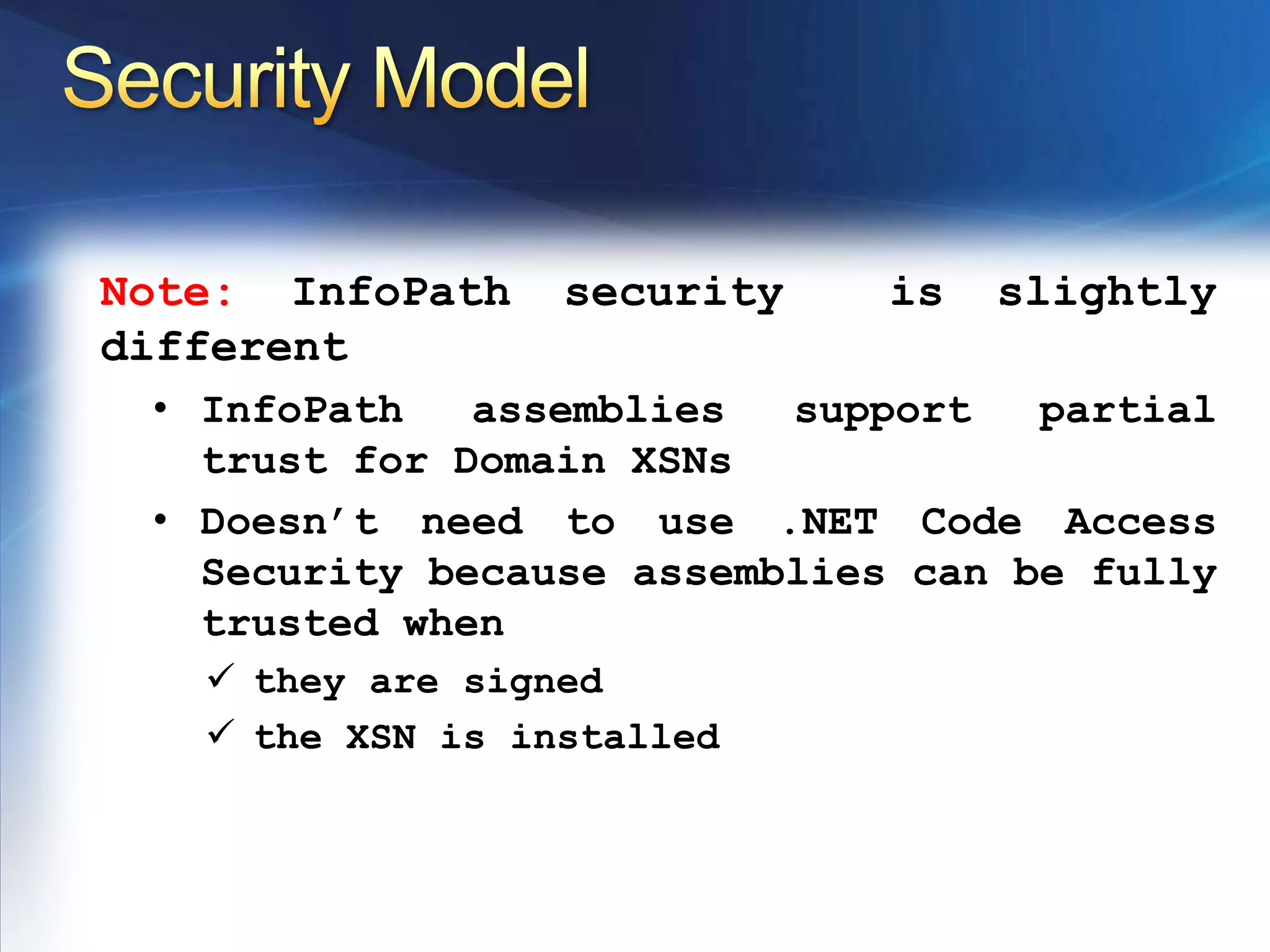
    Default CLR Securitypolicy is not enoughSecurity ModelNote: InfoPath security is slightly differentInfoPath assemblies support partial trust for Domain XSNs
  • 40.
    Doesn’t need touse .NET Code Access Security because assemblies can be fully trusted when
  • 41.
  • 42.
    the XSN isinstalledThank you
  • 43.