Download to read offline
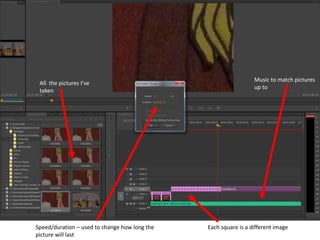
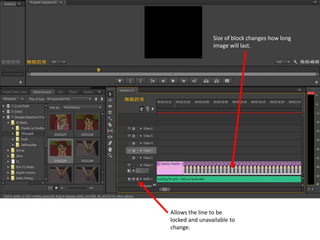
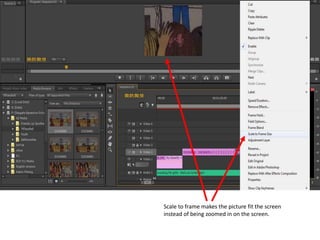
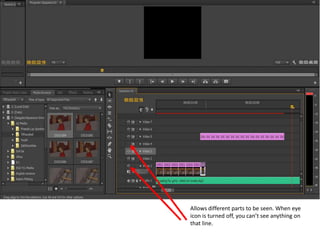
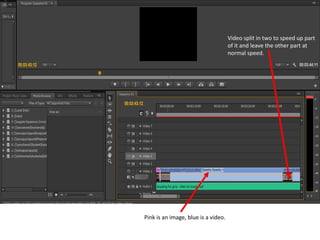
This document provides instructions for a slideshow tool. It explains that different sized blocks change the duration of images, the eye icon allows certain parts to be seen or hidden, and videos can be sped up or slowed down in different sections to control the pace. Pictures and music can be added to match and images can be scaled to fit the frame or zoom in/out.


