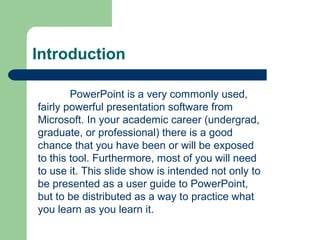
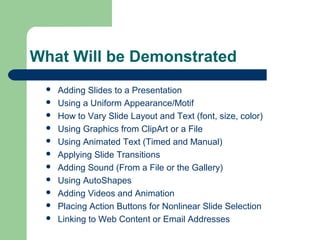
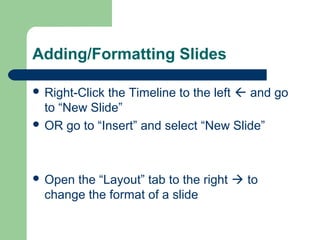
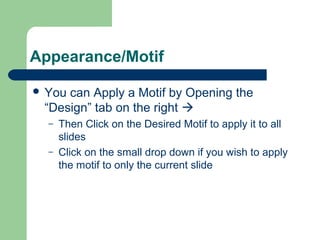
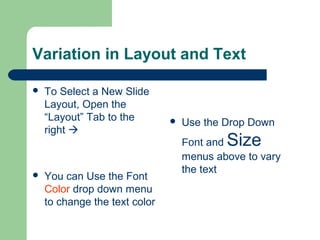
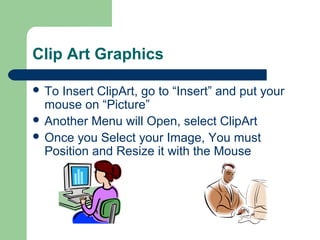
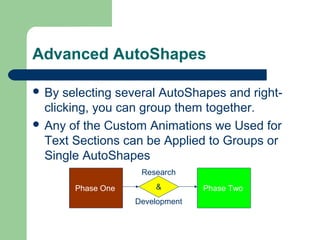
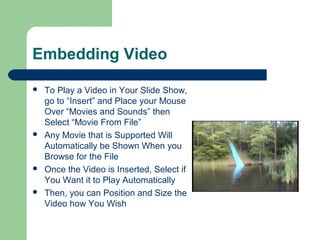
This document provides an overview of commonly used features in PowerPoint for creating and formatting presentations. It demonstrates how to add and format slides, apply themes, vary text formatting, insert images, add animated and timed text, apply slide transitions, embed sounds, use shapes, include videos, add action buttons, and link to web content and email addresses. The goal is to serve as both a user guide and example presentation for learning PowerPoint.