PASSWORD BYPASSING
USING KON BOOT
BRANCH: CYBER SECURITY
NAME: GANDLA RAJU
ROLL NO: 21D41A6226
Introduction to
Kon Boot
Kon Boot is a powerful and versatile tool used for bypassing
password protection on Windows and Linux operating
systems. Developed by a team of security experts, Kon Boot
offers a unique and effective way to gain access to locked
computers, making it an invaluable resource for IT
professionals, system administrators, and individuals who
need to recover data from a locked device.
What is Kon Boot?
Kon Boot is a powerful boot-time utility designed to bypass
common Windows startup issues, enabling users to access
their system even when facing problems like forgotten
passwords, corrupted boot sectors, or malware infections.
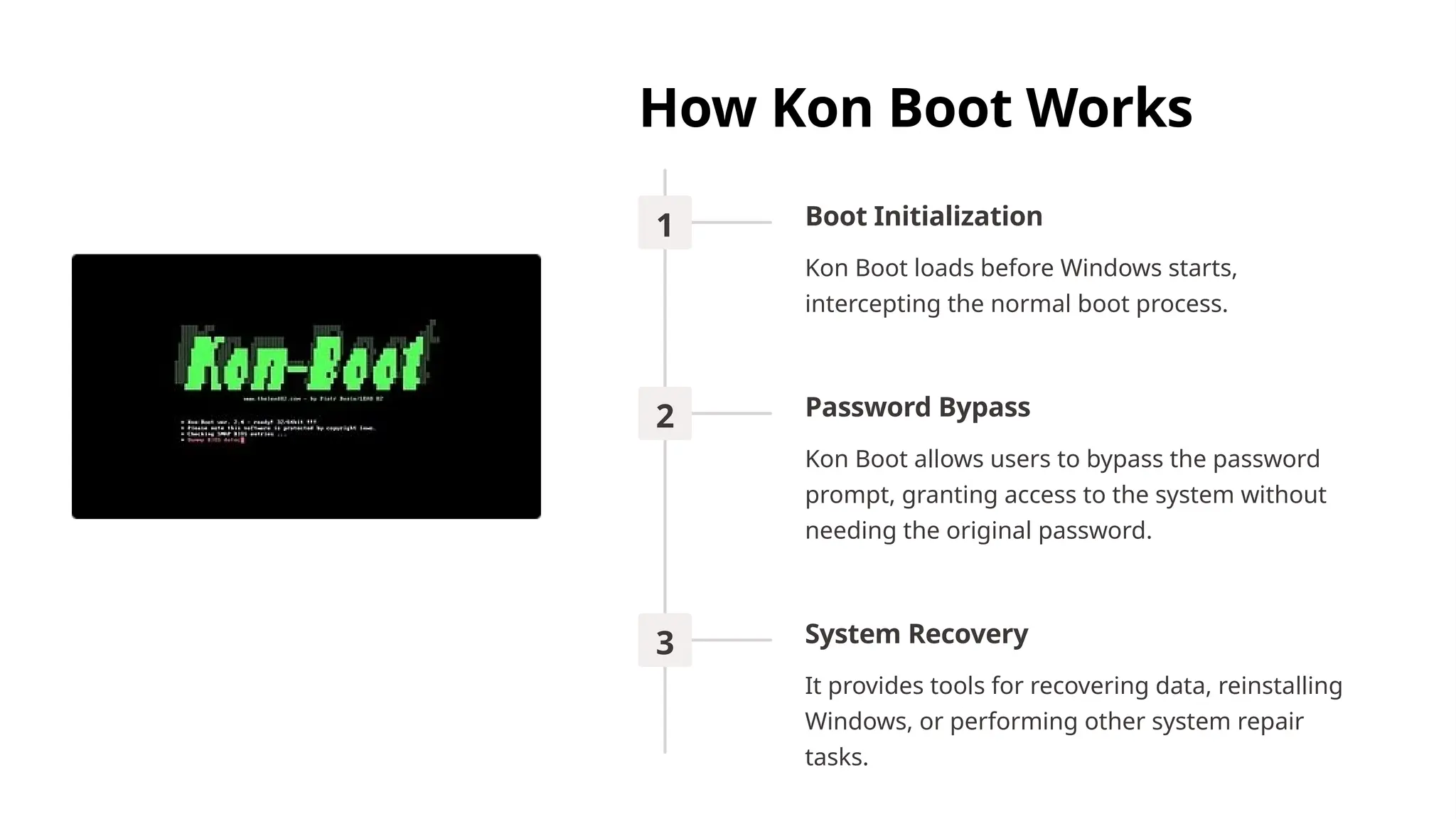
How Kon Boot Works
1 Boot Initialization
Kon Boot loads before Windows starts,
intercepting the normal boot process.
2 Password Bypass
Kon Boot allows users to bypass the password
prompt, granting access to the system without
needing the original password.
3 System Recovery
It provides tools for recovering data, reinstalling
Windows, or performing other system repair
tasks.
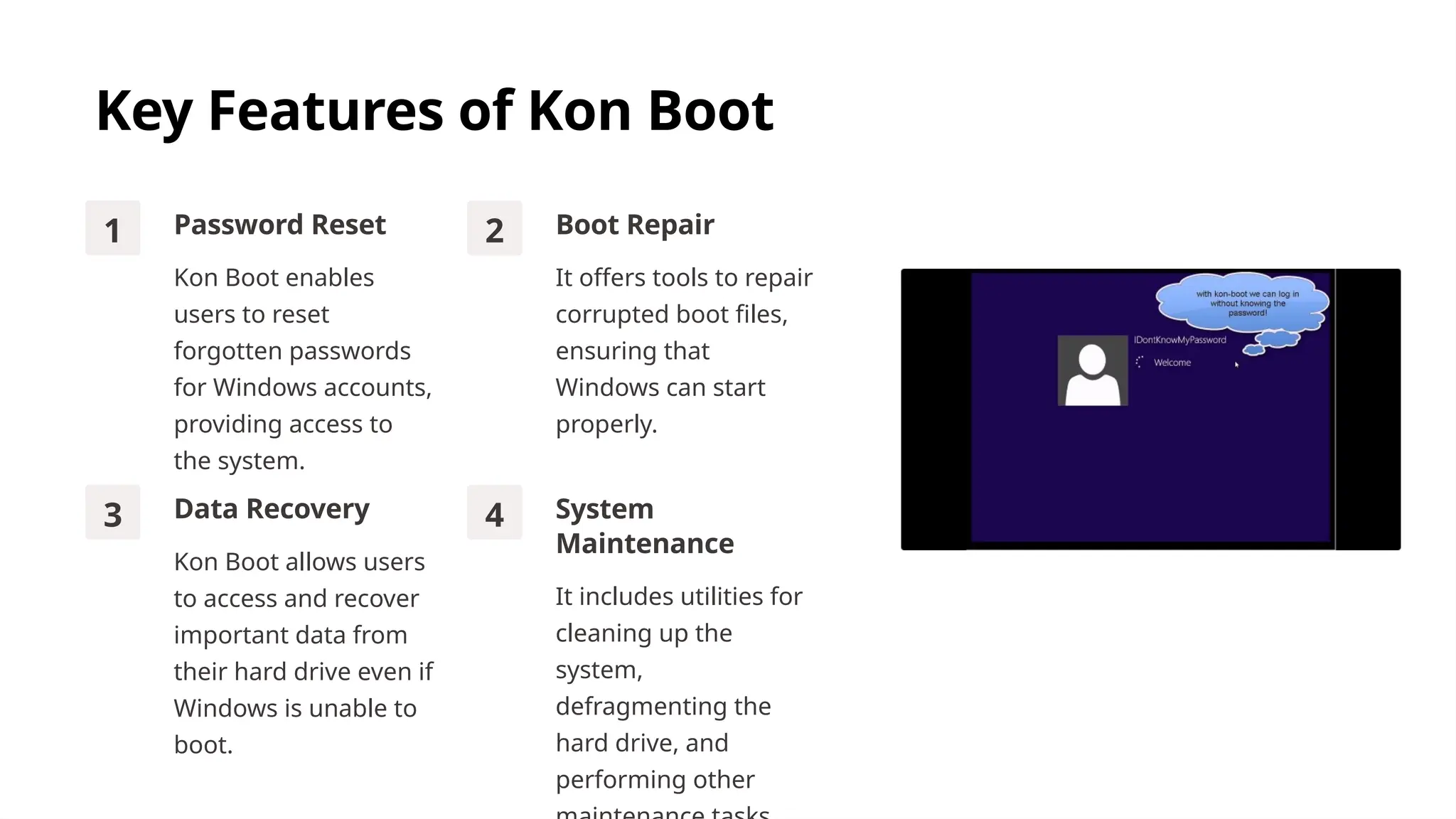
Key Features of Kon Boot
1 Password Reset
Kon Boot enables
users to reset
forgotten passwords
for Windows accounts,
providing access to
the system.
2 Boot Repair
It offers tools to repair
corrupted boot files,
ensuring that
Windows can start
properly.
3 Data Recovery
Kon Boot allows users
to access and recover
important data from
their hard drive even if
Windows is unable to
boot.
4 System
Maintenance
It includes utilities for
cleaning up the
system,
defragmenting the
hard drive, and
performing other
Advantages of Using Kon Boot
Convenience
Kon Boot offers an easy-to-use
interface for accessing essential
system functions, even when
Windows is not working.
Efficiency
It provides quick and effective
solutions for common boot-
related issues, saving time and
frustration for users.
Security
Kon Boot uses advanced
security measures to protect
user data and ensure the
integrity of the system during
recovery operations.
Potential Use Cases for Kon
Boot
Forgotten Password
When a user forgets their
Windows password, Kon
Boot allows them to reset it
and regain access.
Boot Sector Corruption
Kon Boot can repair a
corrupted boot sector,
enabling the system to start
properly.
Malware Infection
In cases of severe malware
infections that block
Windows startup, Kon Boot
can remove the malware
and restore the system to a
healthy state.
System Recovery
Kon Boot provides a safe
and reliable environment for
recovering lost data and
performing system repairs.
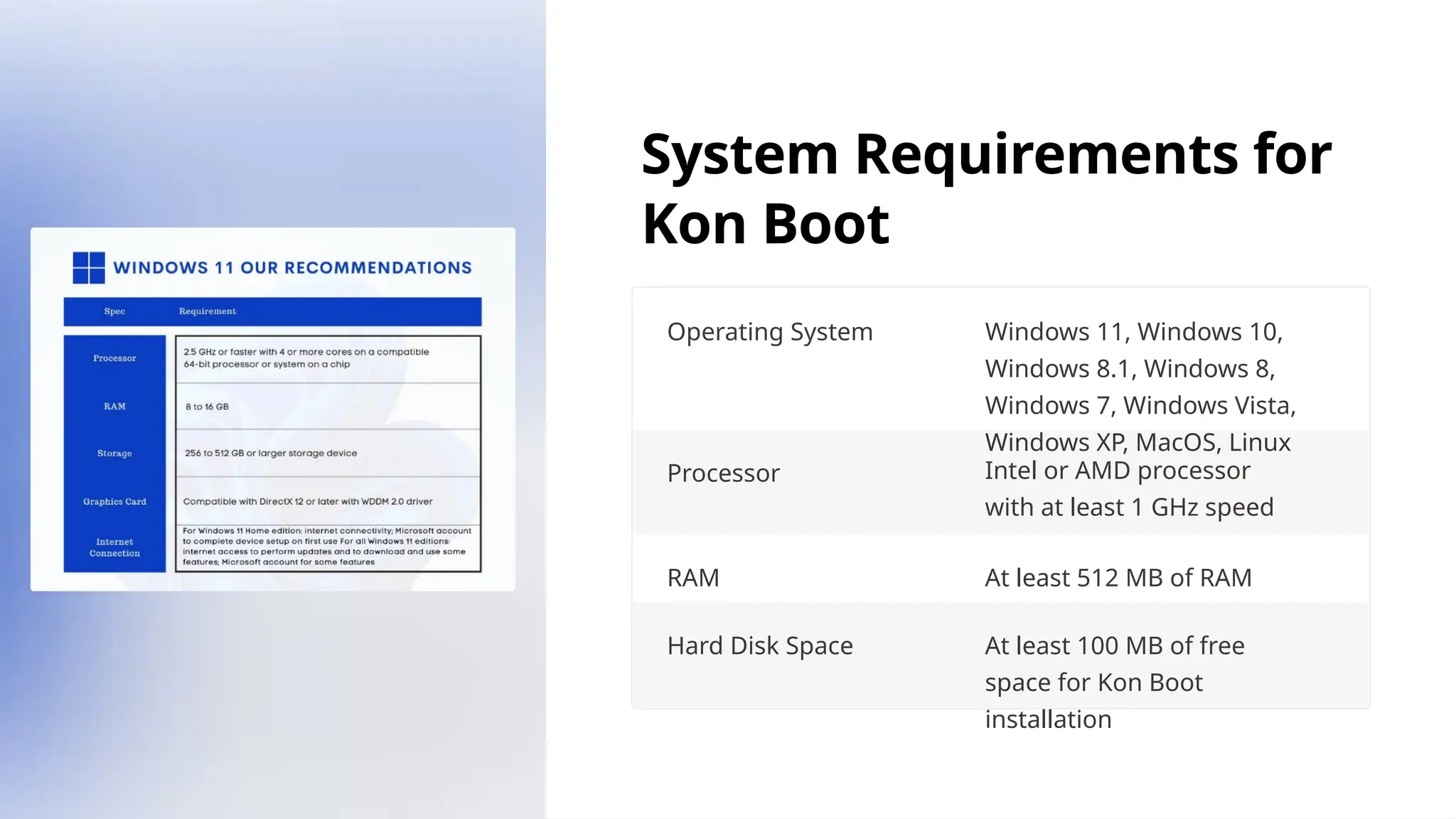
System Requirements for
Kon Boot
Operating System Windows 11, Windows 10,
Windows 8.1, Windows 8,
Windows 7, Windows Vista,
Windows XP, MacOS, Linux
Processor Intel or AMD processor
with at least 1 GHz speed
RAM At least 512 MB of RAM
Hard Disk Space At least 100 MB of free
space for Kon Boot
installation
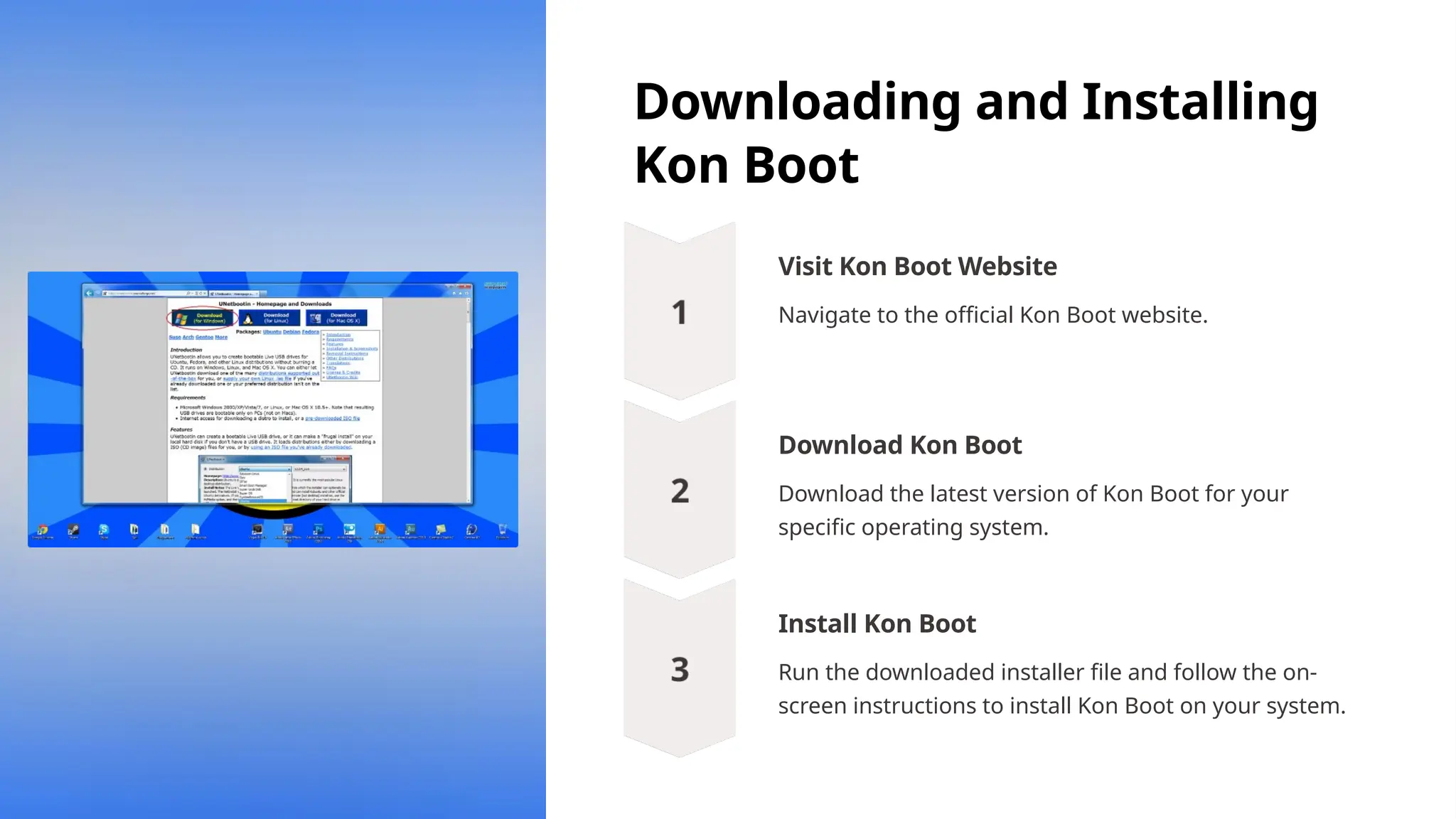
Downloading and Installing
Kon Boot
Visit Kon Boot Website
Navigate to the official Kon Boot website.
Download Kon Boot
Download the latest version of Kon Boot for your
specific operating system.
Install Kon Boot
Run the downloaded installer file and follow the on-
screen instructions to install Kon Boot on your system.
Impacts of Kon Boot
Improved Security
Kon Boot's ability to bypass
password protection can help
identify and address security
vulnerabilities, enabling
organizations to strengthen their
overall security posture.
Data Recovery
The tool's data recovery
capabilities make it a valuable
asset for IT professionals and
forensic investigators, allowing
them to retrieve critical
information from locked or
inaccessible devices.
Increased Efficiency
By streamlining the process of
regaining access to locked
systems, Kon Boot can help
improve productivity and reduce
downtime, particularly in IT and
support environments.
Conclusion and
Recommendations
Highly Effective
Kon Boot is a powerful tool for
resolving boot-related issues on
Windows systems.
User-Friendly
The intuitive interface makes
Kon Boot easy to use, even for
novice users.
Secure and Reliable
Kon Boot employs robust
security measures to protect
user data and system integrity.
Recommended
Kon Boot is a highly
recommended tool for anyone
facing boot issues on their
Windows computer.
THANK YOU

ppt slides for password bypassing using konboot

  • 1.
    PASSWORD BYPASSING USING KONBOOT BRANCH: CYBER SECURITY NAME: GANDLA RAJU ROLL NO: 21D41A6226
  • 2.
    Introduction to Kon Boot KonBoot is a powerful and versatile tool used for bypassing password protection on Windows and Linux operating systems. Developed by a team of security experts, Kon Boot offers a unique and effective way to gain access to locked computers, making it an invaluable resource for IT professionals, system administrators, and individuals who need to recover data from a locked device.
  • 3.
    What is KonBoot? Kon Boot is a powerful boot-time utility designed to bypass common Windows startup issues, enabling users to access their system even when facing problems like forgotten passwords, corrupted boot sectors, or malware infections.
  • 4.
    How Kon BootWorks 1 Boot Initialization Kon Boot loads before Windows starts, intercepting the normal boot process. 2 Password Bypass Kon Boot allows users to bypass the password prompt, granting access to the system without needing the original password. 3 System Recovery It provides tools for recovering data, reinstalling Windows, or performing other system repair tasks.
  • 5.
    Key Features ofKon Boot 1 Password Reset Kon Boot enables users to reset forgotten passwords for Windows accounts, providing access to the system. 2 Boot Repair It offers tools to repair corrupted boot files, ensuring that Windows can start properly. 3 Data Recovery Kon Boot allows users to access and recover important data from their hard drive even if Windows is unable to boot. 4 System Maintenance It includes utilities for cleaning up the system, defragmenting the hard drive, and performing other
  • 6.
    Advantages of UsingKon Boot Convenience Kon Boot offers an easy-to-use interface for accessing essential system functions, even when Windows is not working. Efficiency It provides quick and effective solutions for common boot- related issues, saving time and frustration for users. Security Kon Boot uses advanced security measures to protect user data and ensure the integrity of the system during recovery operations.
  • 7.
    Potential Use Casesfor Kon Boot Forgotten Password When a user forgets their Windows password, Kon Boot allows them to reset it and regain access. Boot Sector Corruption Kon Boot can repair a corrupted boot sector, enabling the system to start properly. Malware Infection In cases of severe malware infections that block Windows startup, Kon Boot can remove the malware and restore the system to a healthy state. System Recovery Kon Boot provides a safe and reliable environment for recovering lost data and performing system repairs.
  • 8.
    System Requirements for KonBoot Operating System Windows 11, Windows 10, Windows 8.1, Windows 8, Windows 7, Windows Vista, Windows XP, MacOS, Linux Processor Intel or AMD processor with at least 1 GHz speed RAM At least 512 MB of RAM Hard Disk Space At least 100 MB of free space for Kon Boot installation
  • 9.
    Downloading and Installing KonBoot Visit Kon Boot Website Navigate to the official Kon Boot website. Download Kon Boot Download the latest version of Kon Boot for your specific operating system. Install Kon Boot Run the downloaded installer file and follow the on- screen instructions to install Kon Boot on your system.
  • 10.
    Impacts of KonBoot Improved Security Kon Boot's ability to bypass password protection can help identify and address security vulnerabilities, enabling organizations to strengthen their overall security posture. Data Recovery The tool's data recovery capabilities make it a valuable asset for IT professionals and forensic investigators, allowing them to retrieve critical information from locked or inaccessible devices. Increased Efficiency By streamlining the process of regaining access to locked systems, Kon Boot can help improve productivity and reduce downtime, particularly in IT and support environments.
  • 11.
    Conclusion and Recommendations Highly Effective KonBoot is a powerful tool for resolving boot-related issues on Windows systems. User-Friendly The intuitive interface makes Kon Boot easy to use, even for novice users. Secure and Reliable Kon Boot employs robust security measures to protect user data and system integrity. Recommended Kon Boot is a highly recommended tool for anyone facing boot issues on their Windows computer.
  • 12.