Pig Workshop
         Sudar Muthu
    http://sudarmuthu.com
http://twitter.com/sudarmuthu
   https://github.com/sudar
Who am I?


Research Engineer by profession
I mine useful information from data
You might recognize me from other HasGeek events
Blog at http://sudarmuthu.com
Builds robots as hobby ;)
Special Thanks


HasGeek
What I will not cover?


What is BigData, or why it is needed?
What is MapReduce?
What is Hadoop?
Internal architecture of Pig


    http://sudarmuthu.com/blog/getting-started-with-hadoop-and-pig
What we will see today?


What is Pig
How to use it
  Loading and storing data
  Pig Latin
  SQL vs Pig
  Writing UDF’s
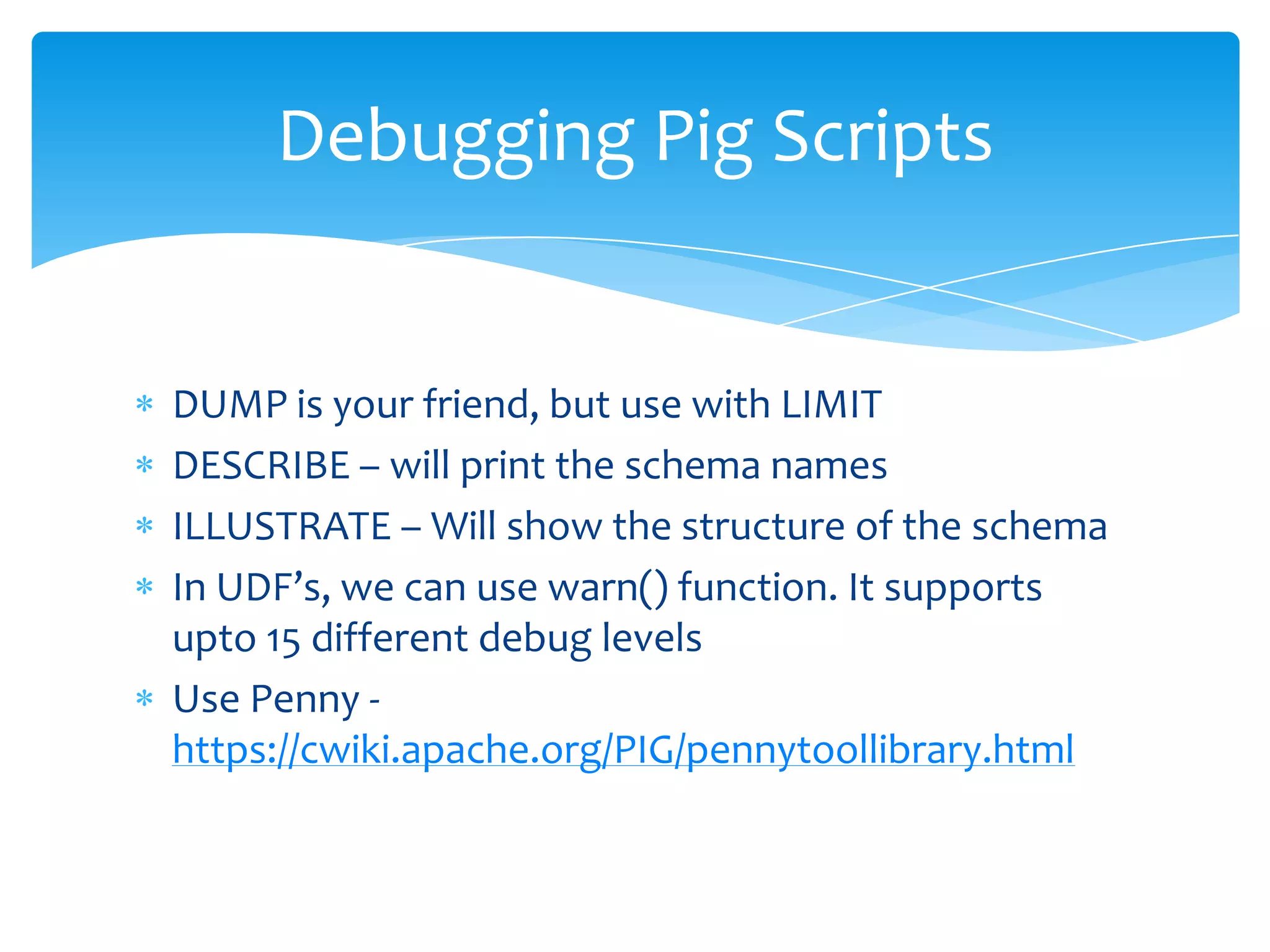
Debugging Pig Scripts
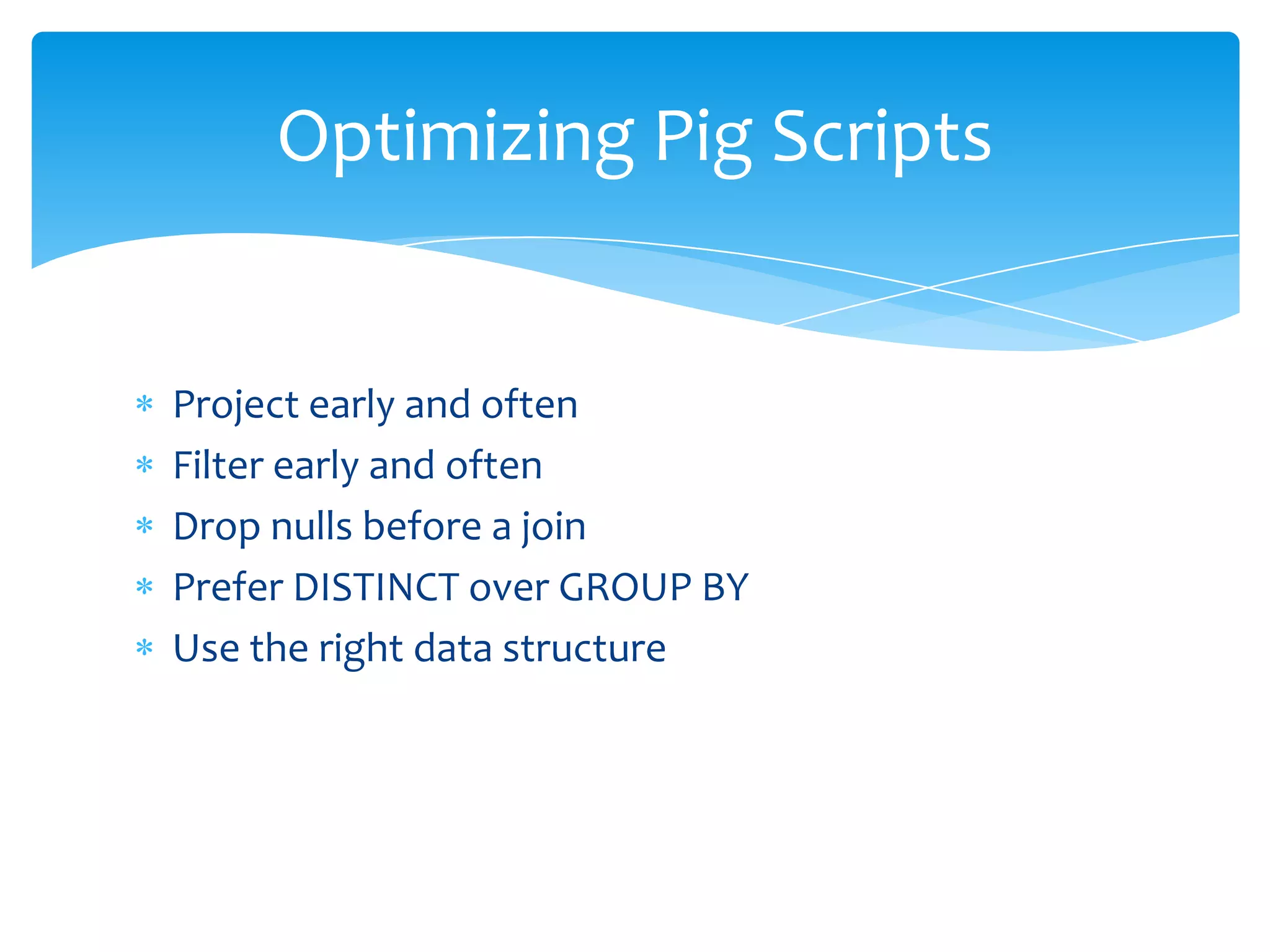
Optimizing Pig Scripts
When to use Pig
So, all of you have Pig installed
             right? ;)
What is Pig?


“Platform for analyzing large
        sets of data”
Components of Pig


Pig Shell (Grunt)
Pig Language (Latin)
Libraries (Piggy Bank)
User Defined Functions (UDF)
Why Pig?


  It is a data flow language
  Provides standard data processing operations
  Insulates Hadoop complexity
  Abstracts Map Reduce
  Increases programmer productivity

… but there are cases where Pig is not suitable.
Pig Modes
For this workshop, we will be
 using Pig only in local mode
Getting to know your Pig shell
pig –x local


Similar to Python’s shell
Different ways of executing Pig
            Scripts


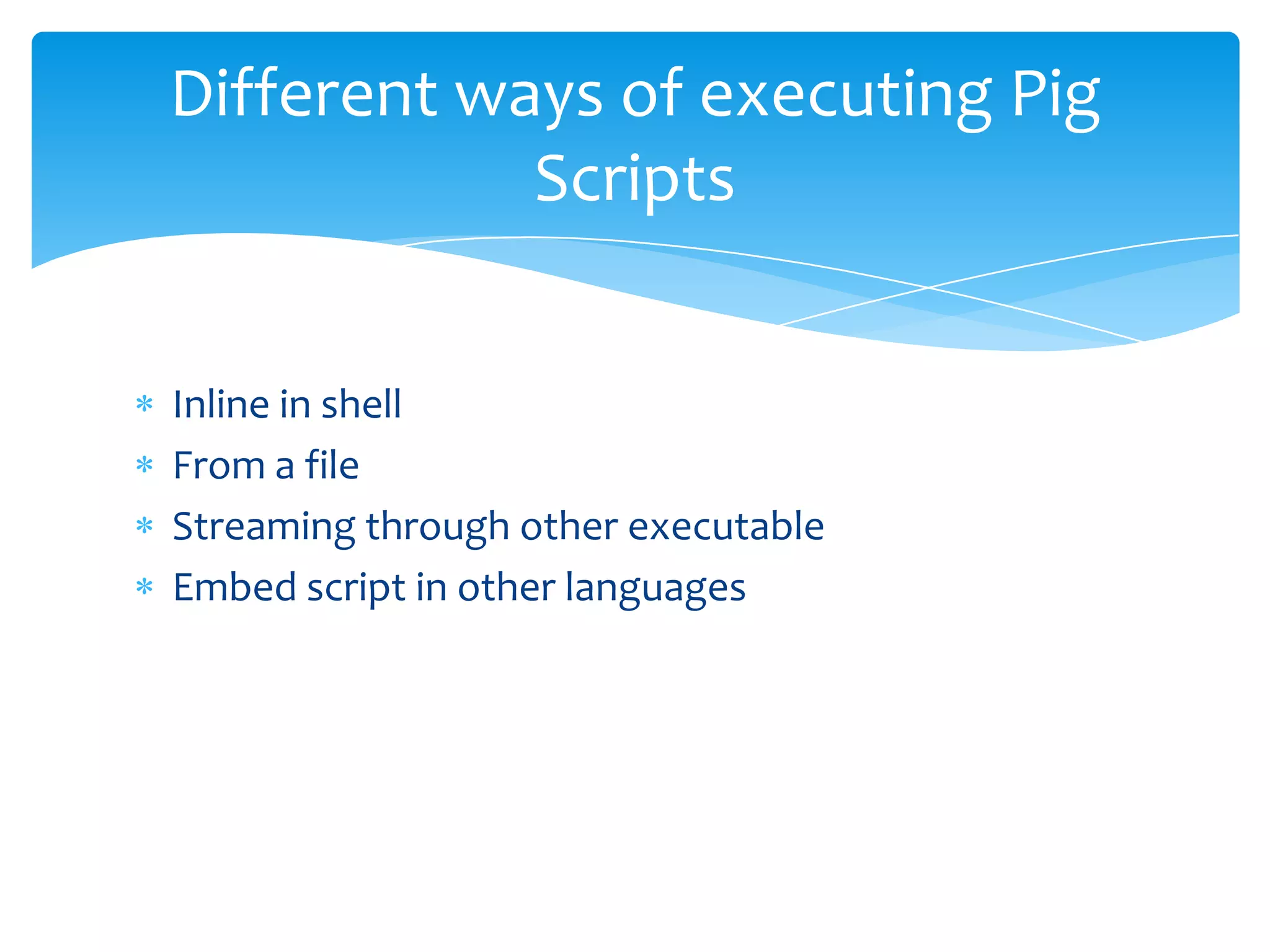
Inline in shell
From a file
Streaming through other executable
Embed script in other languages
Loading and Storing data


Pigs eat anything
Loading Data into Pig


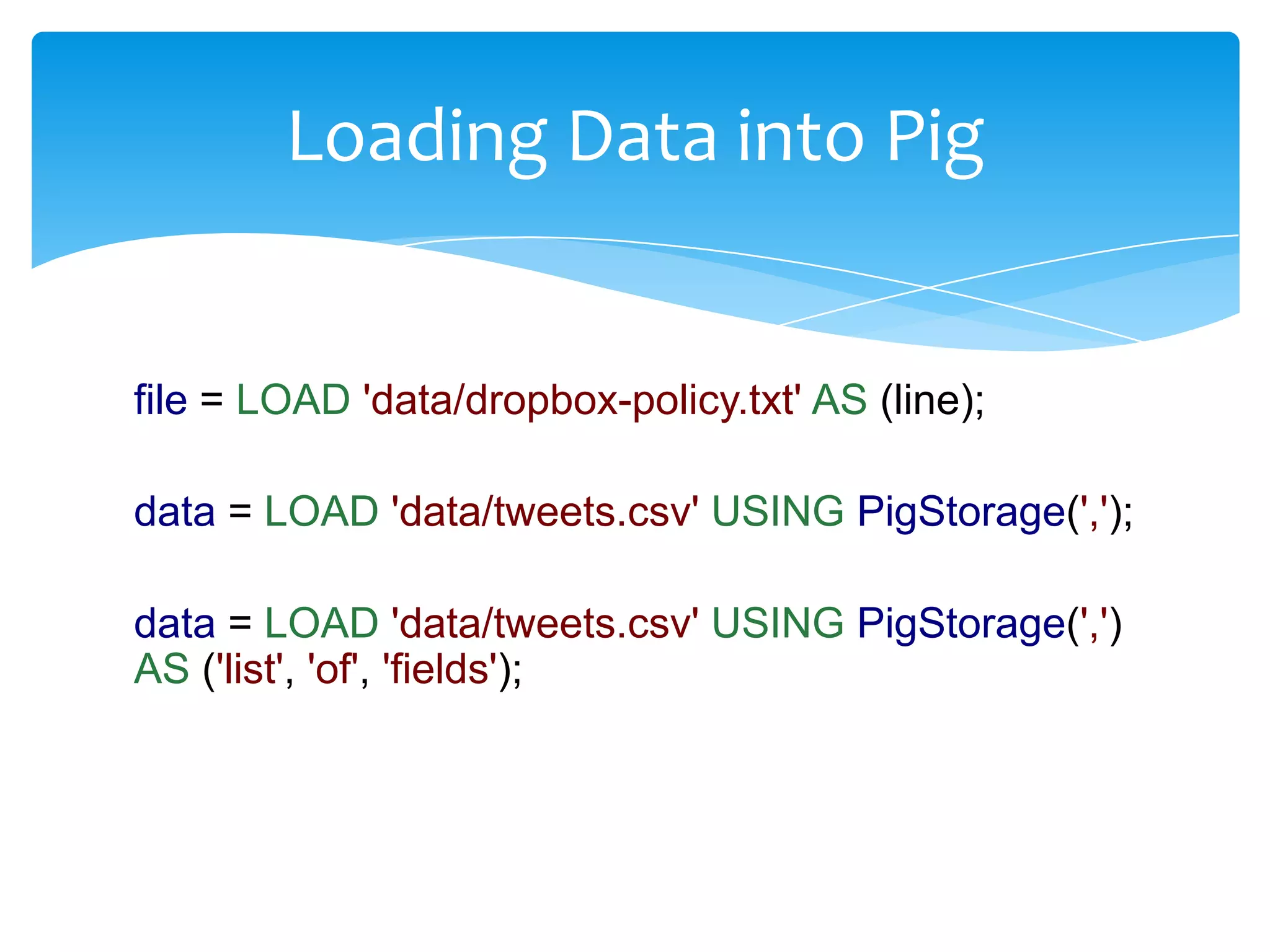
file = LOAD 'data/dropbox-policy.txt' AS (line);

data = LOAD 'data/tweets.csv' USING PigStorage(',');

data = LOAD 'data/tweets.csv' USING PigStorage(',')
AS ('list', 'of', 'fields');
Loading Data into Pig


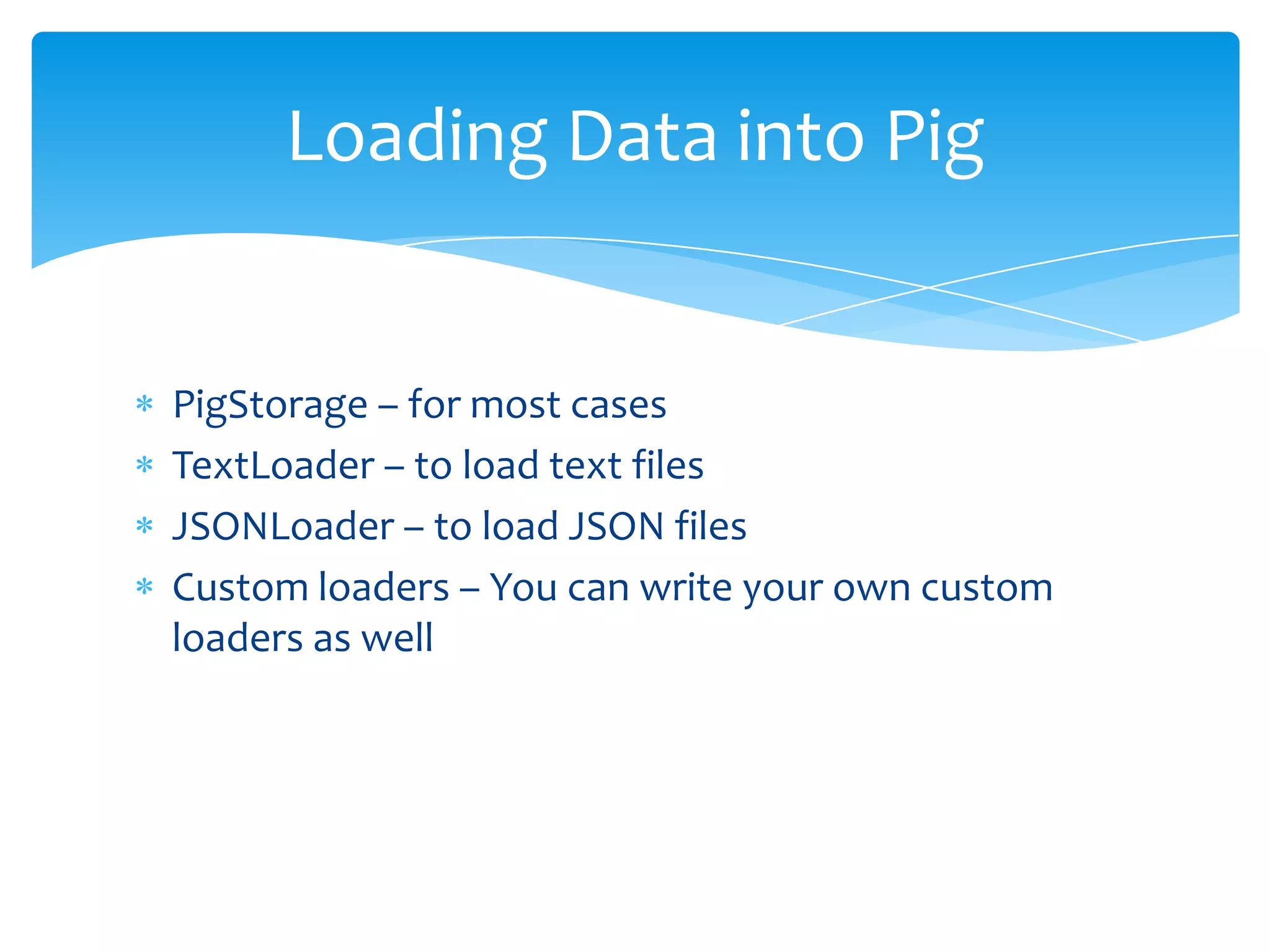
PigStorage – for most cases
TextLoader – to load text files
JSONLoader – to load JSON files
Custom loaders – You can write your own custom
loaders as well
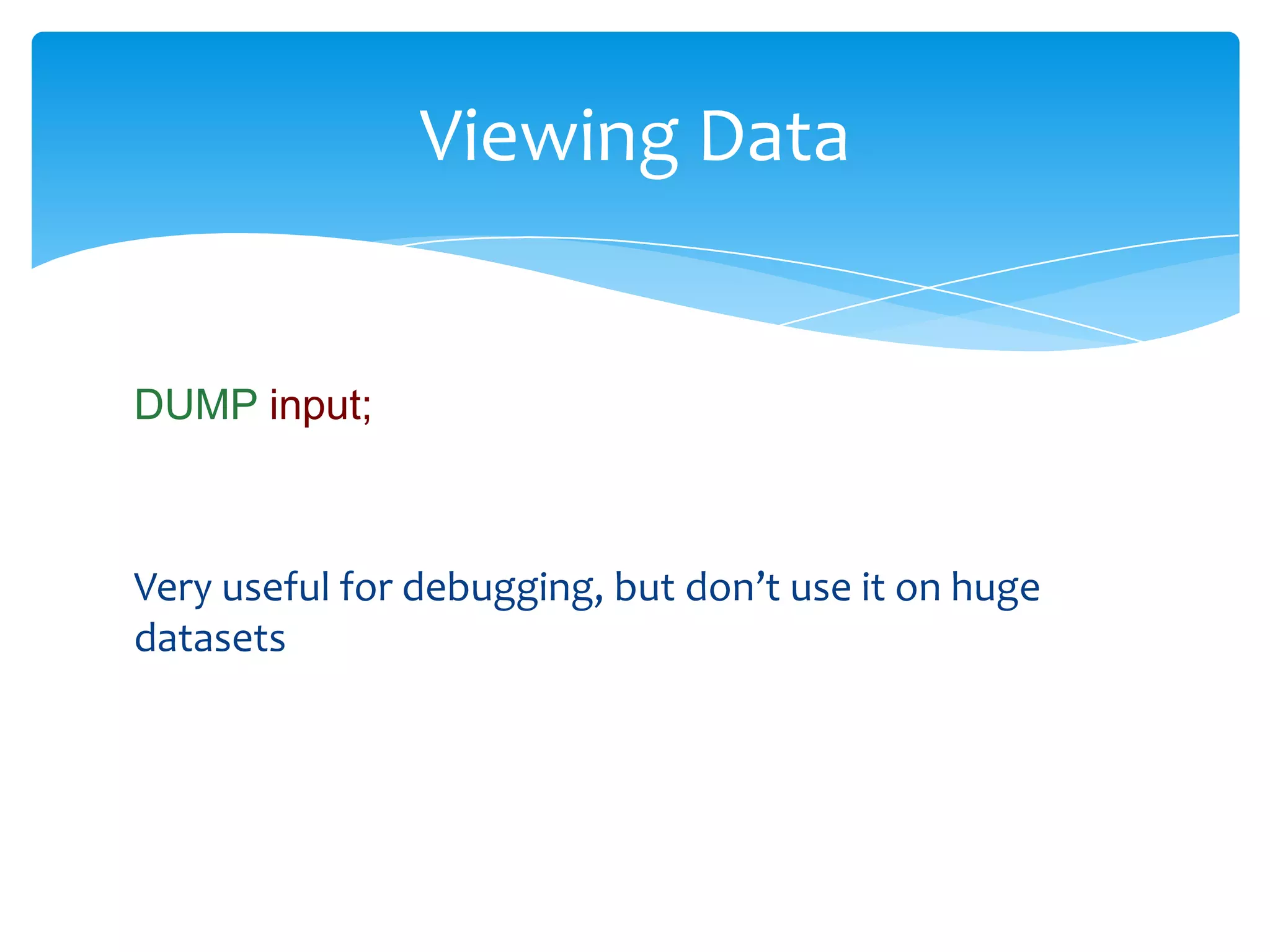
Viewing Data


DUMP input;


Very useful for debugging, but don’t use it on huge
datasets
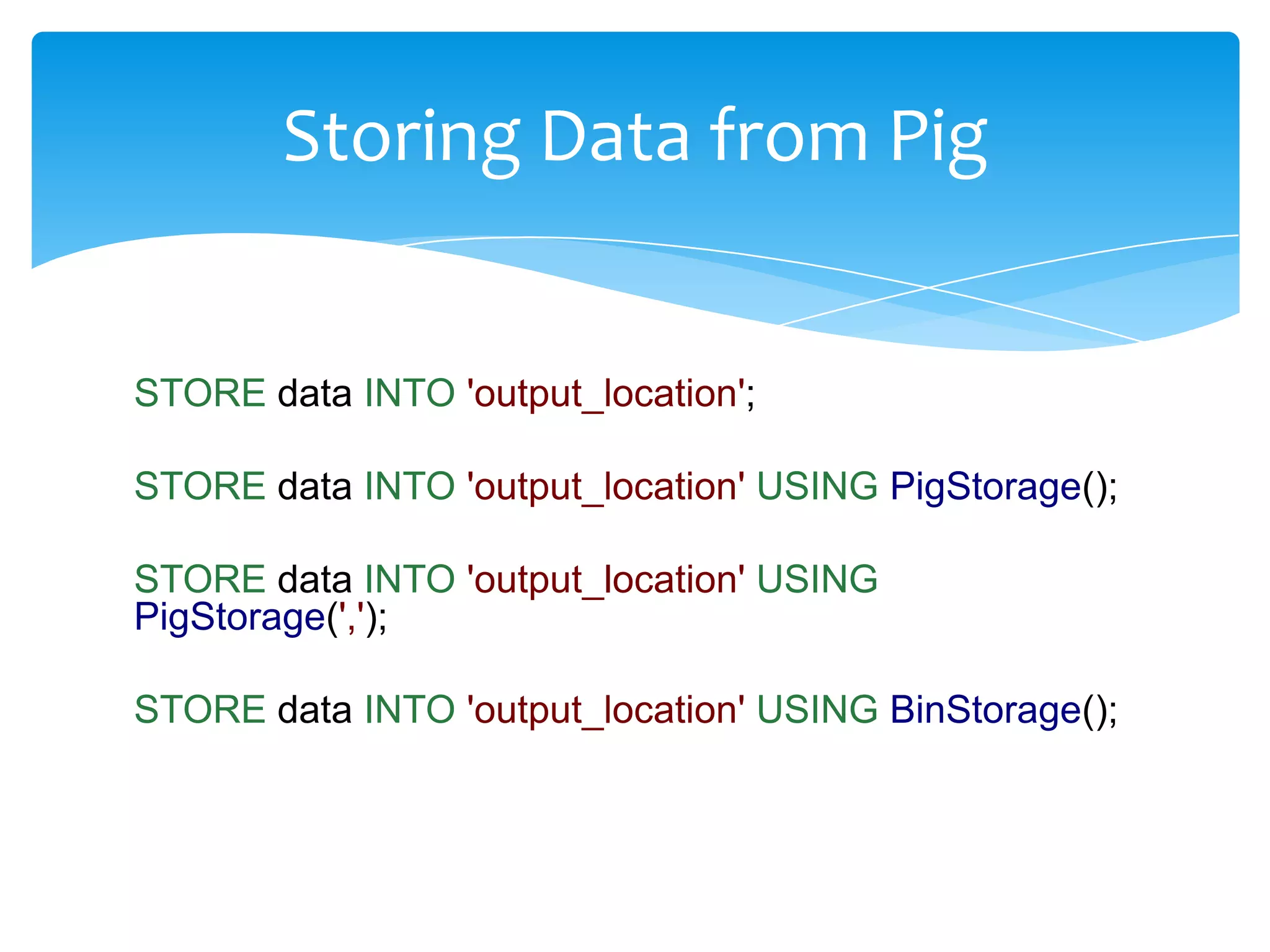
Storing Data from Pig


STORE data INTO 'output_location';

STORE data INTO 'output_location' USING PigStorage();

STORE data INTO 'output_location' USING
PigStorage(',');

STORE data INTO 'output_location' USING BinStorage();
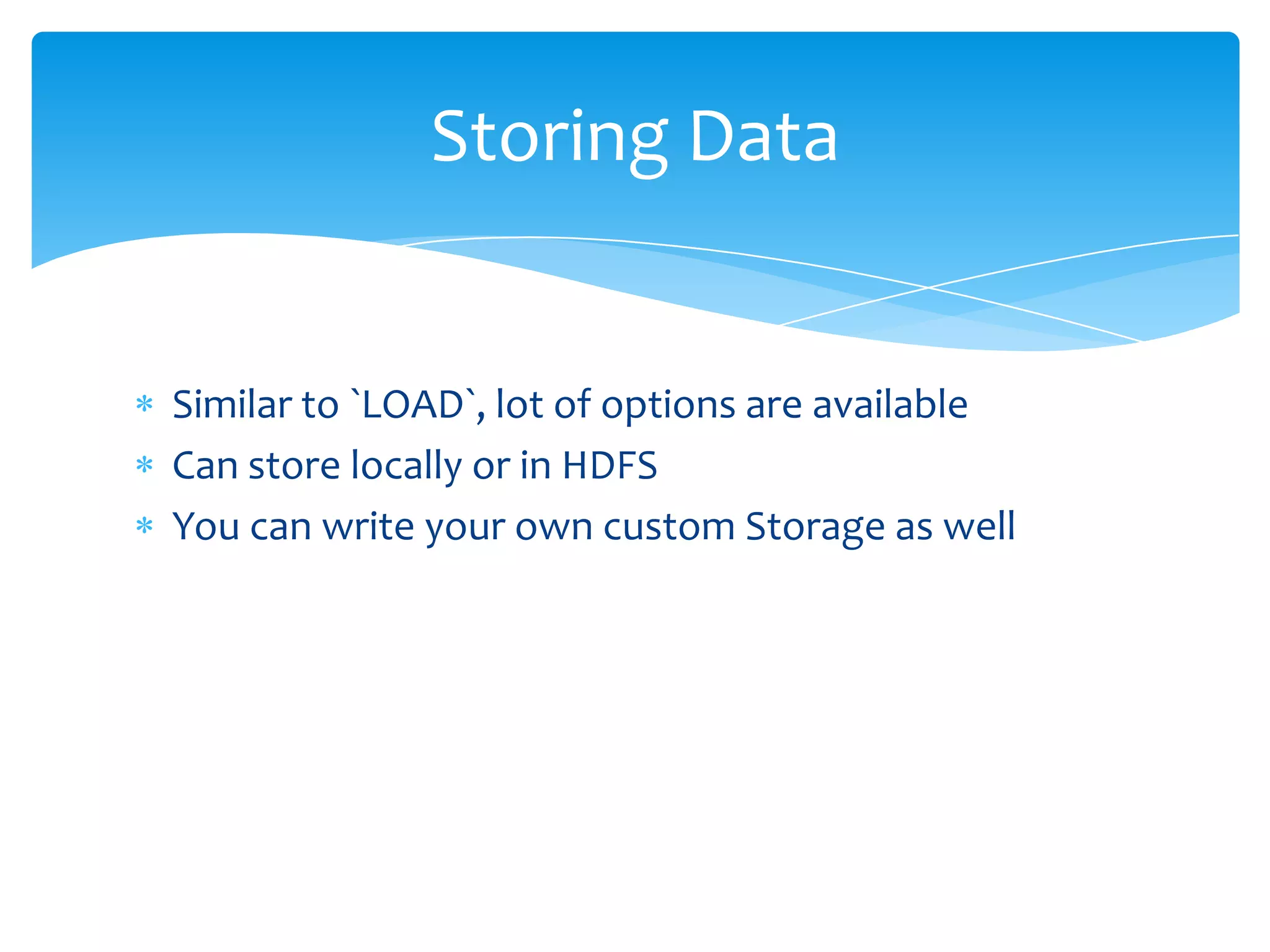
Storing Data


Similar to `LOAD`, lot of options are available
Can store locally or in HDFS
You can write your own custom Storage as well
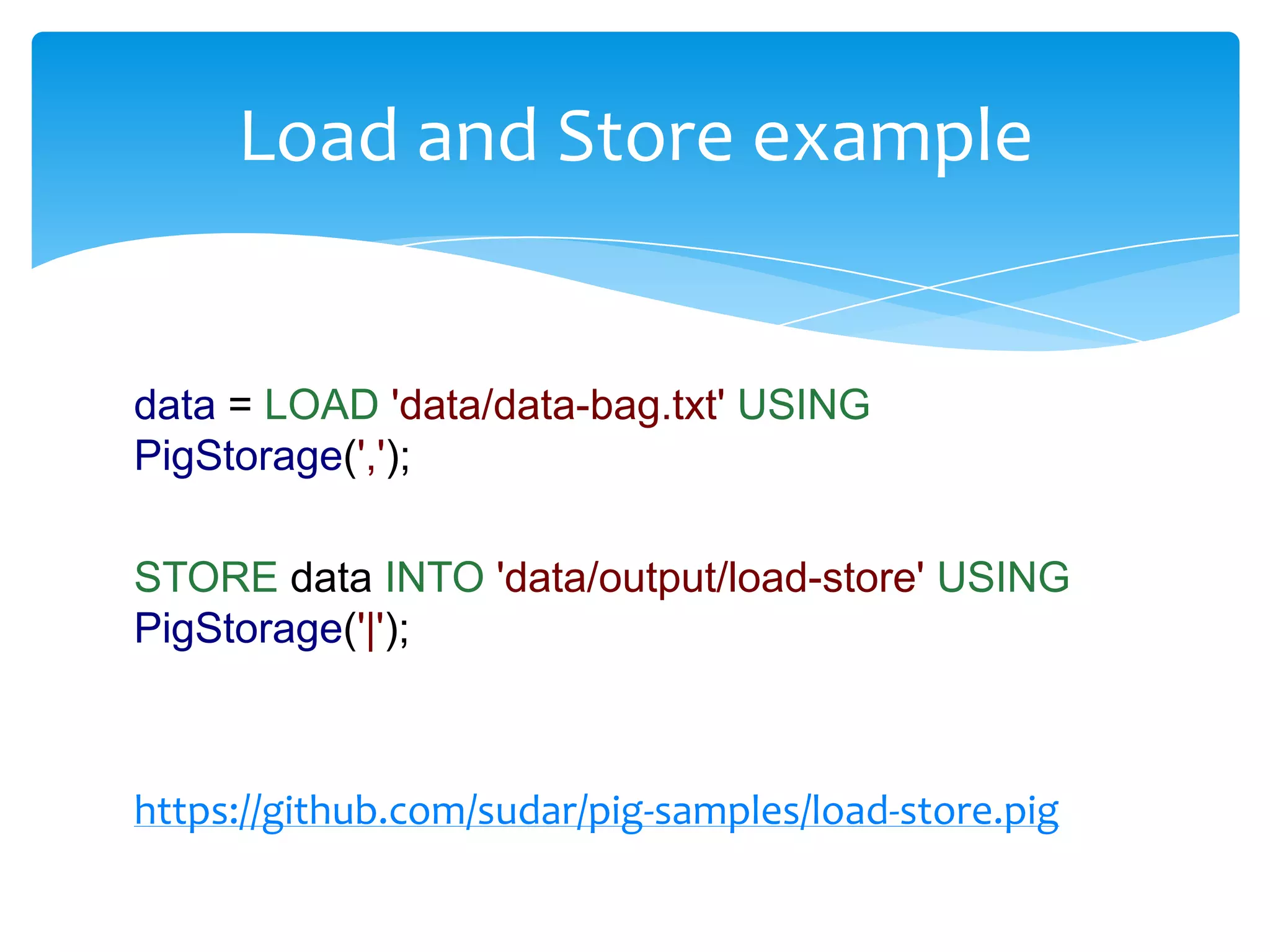
Load and Store example


data = LOAD 'data/data-bag.txt' USING
PigStorage(',');

STORE data INTO 'data/output/load-store' USING
PigStorage('|');


https://github.com/sudar/pig-samples/load-store.pig
Pig Latin
Data Types


Scalar Types
Complex Types
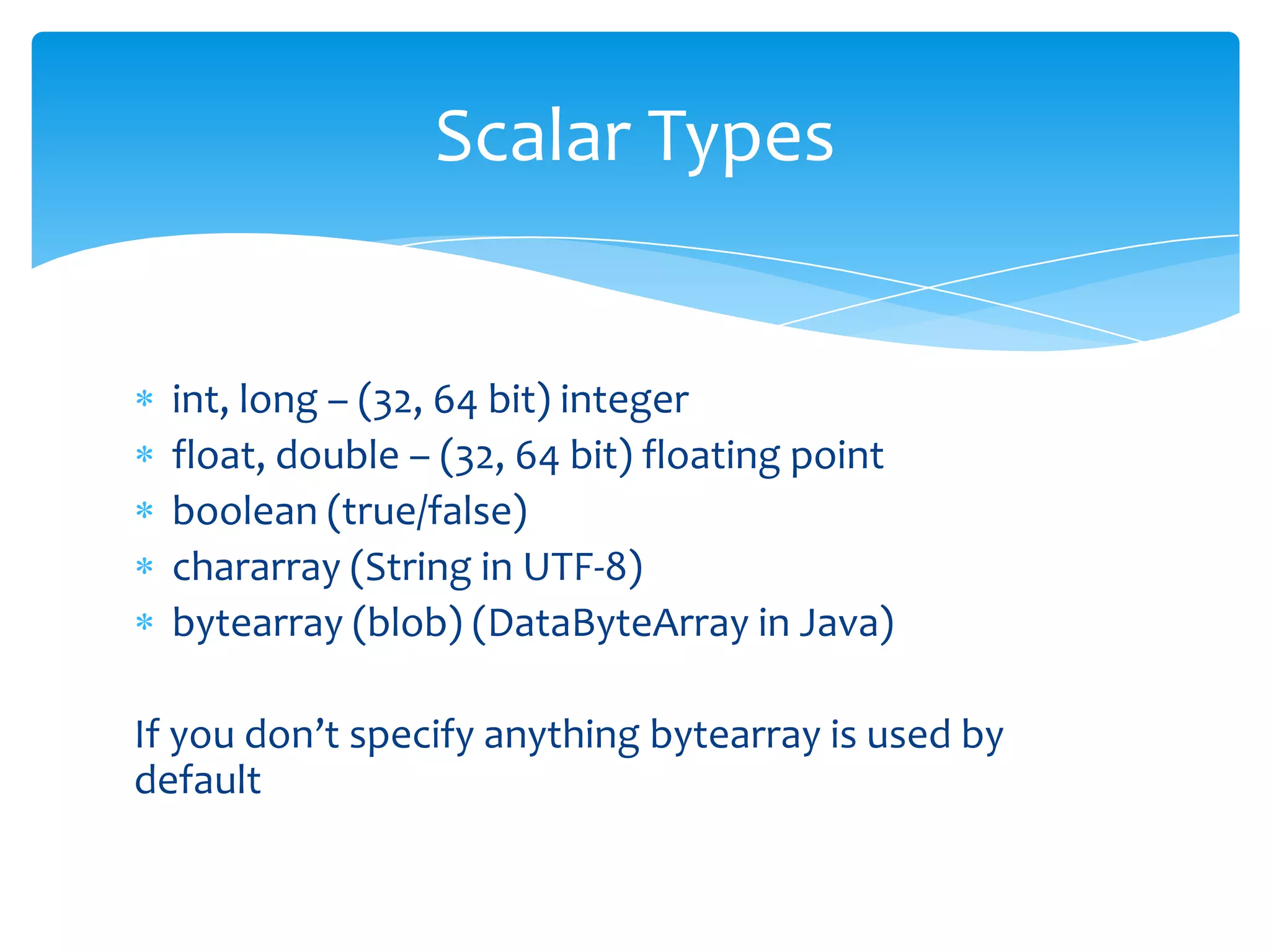
Scalar Types


  int, long – (32, 64 bit) integer
  float, double – (32, 64 bit) floating point
  boolean (true/false)
  chararray (String in UTF-8)
  bytearray (blob) (DataByteArray in Java)

If you don’t specify anything bytearray is used by
default
Complex Types


tuple – ordered set of fields
(data) bag – collection of tuples
map – set of key value pairs
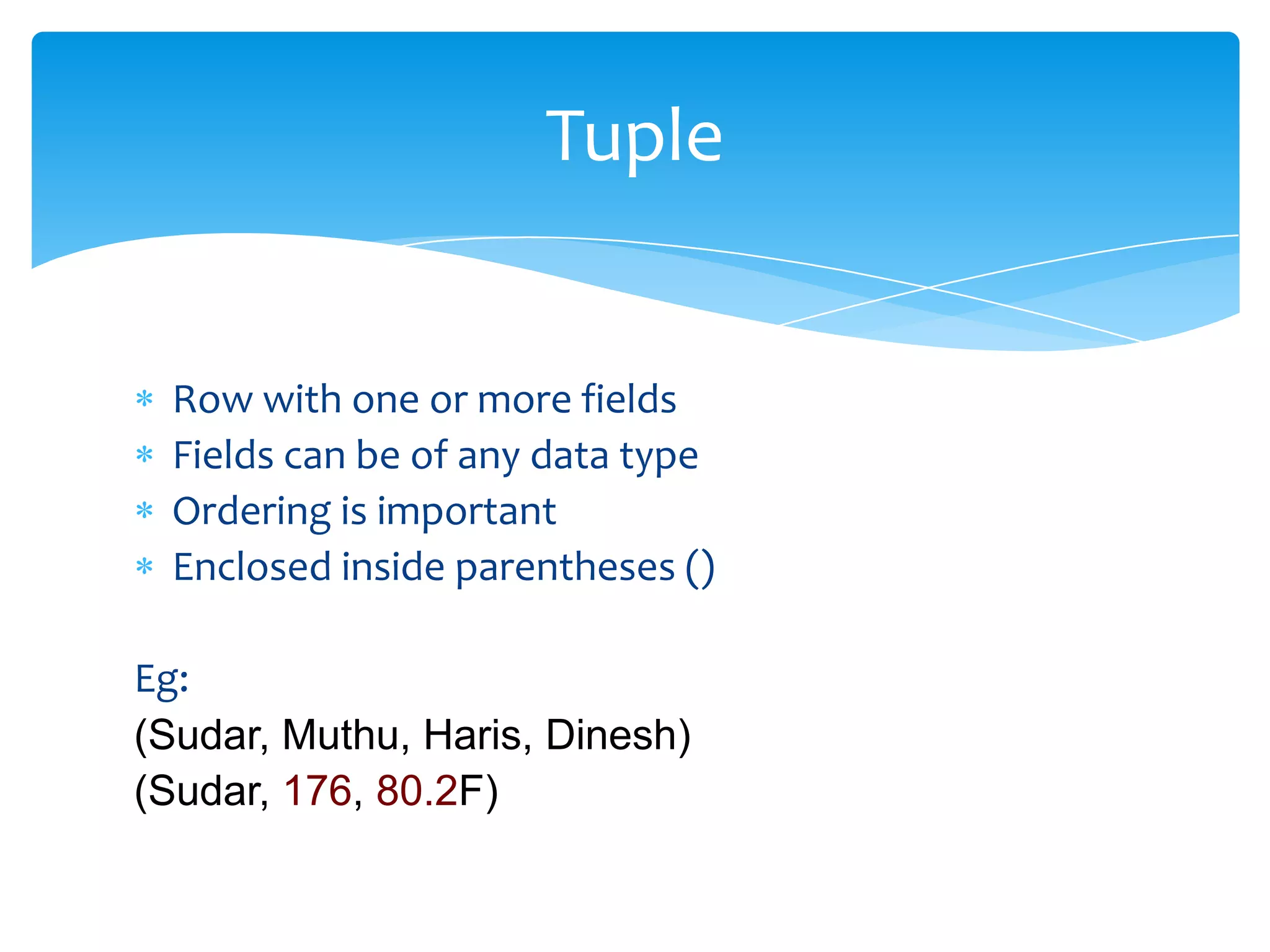
Tuple


 Row with one or more fields
 Fields can be of any data type
 Ordering is important
 Enclosed inside parentheses ()

Eg:
(Sudar, Muthu, Haris, Dinesh)
(Sudar, 176, 80.2F)
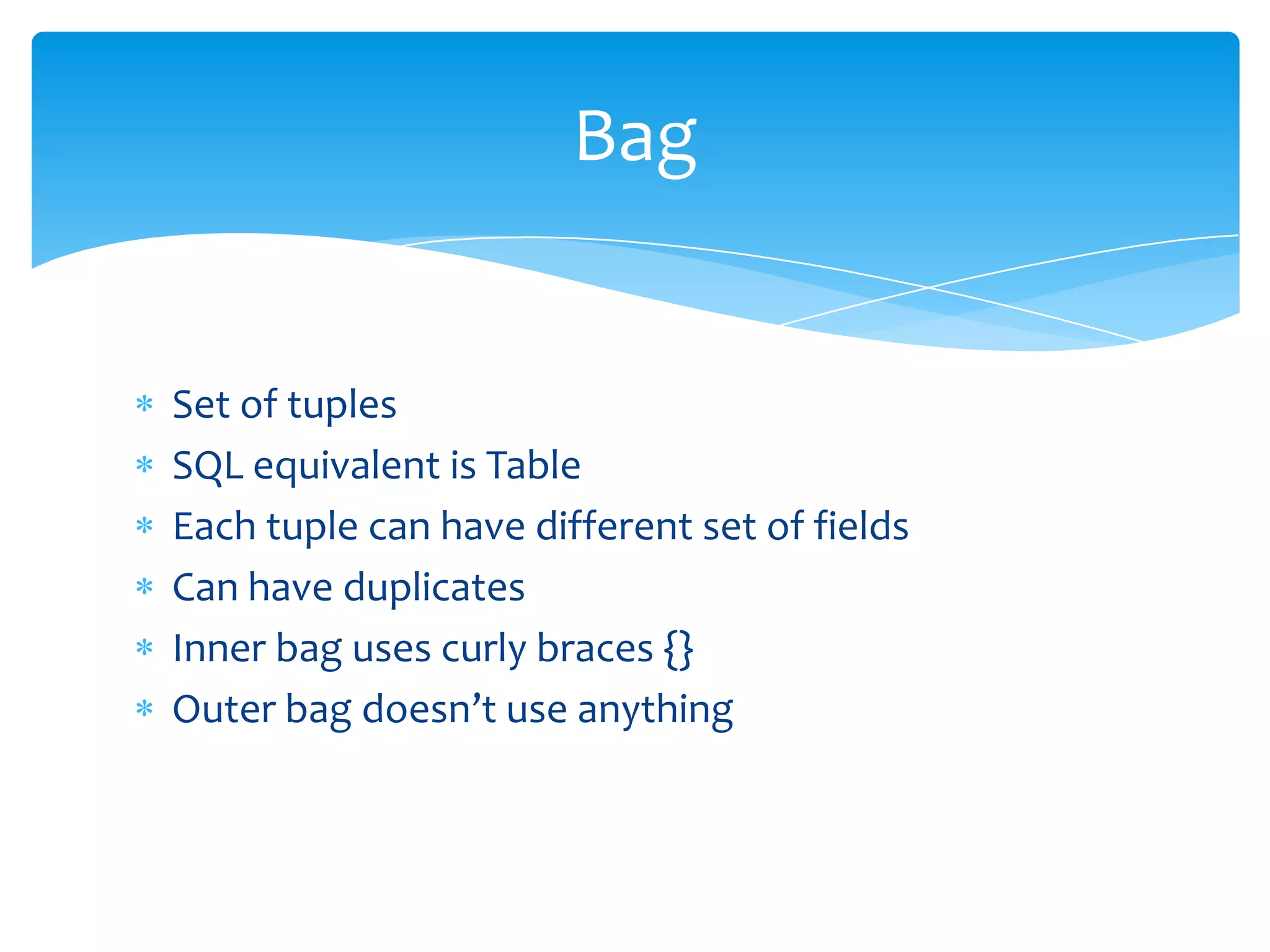
Bag


Set of tuples
SQL equivalent is Table
Each tuple can have different set of fields
Can have duplicates
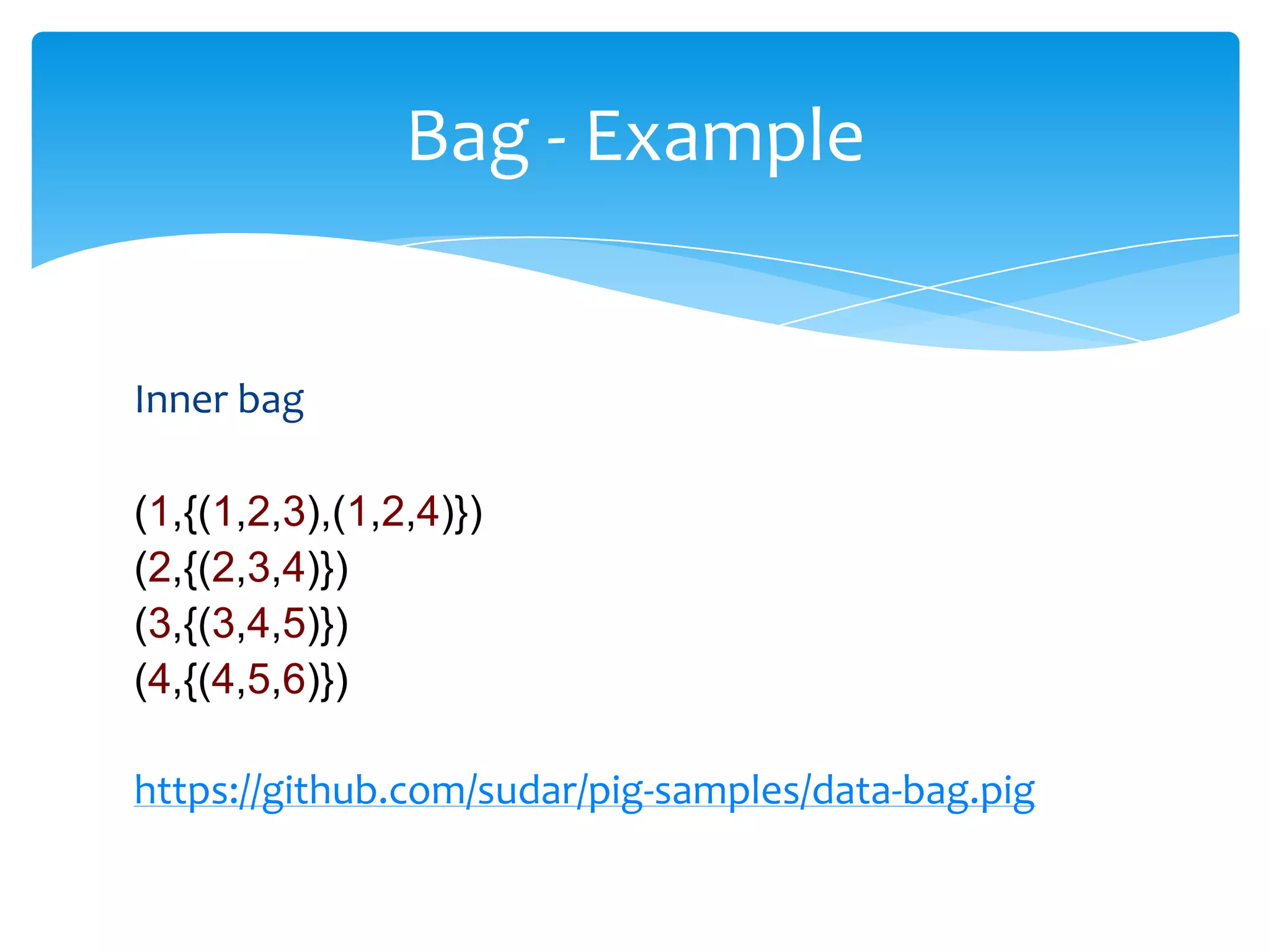
Inner bag uses curly braces {}
Outer bag doesn’t use anything
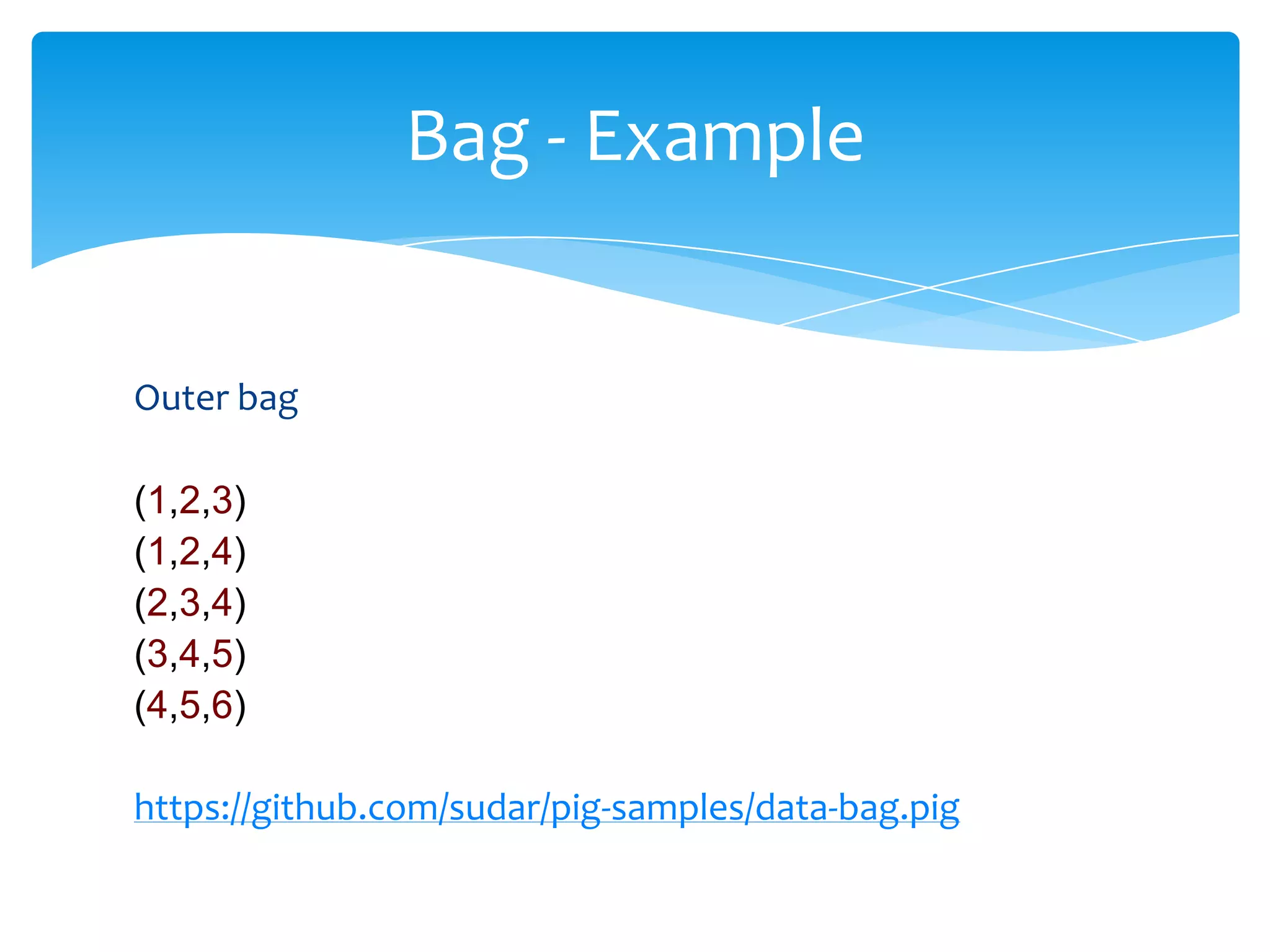
Bag - Example


Outer bag

(1,2,3)
(1,2,4)
(2,3,4)
(3,4,5)
(4,5,6)

https://github.com/sudar/pig-samples/data-bag.pig
Bag - Example


Inner bag

(1,{(1,2,3),(1,2,4)})
(2,{(2,3,4)})
(3,{(3,4,5)})
(4,{(4,5,6)})

https://github.com/sudar/pig-samples/data-bag.pig
Map


Set of key value pairs
Similar to HashMap in Java
Key must be unique
Key must be of chararray data type
Values can be any type
Key/value is separated by #
Map is enclosed by []
Map - Example


[name#sudar, height#176, weight#80.5F]

[name#(sudar, muthu), height#176, weight#80.5F]

[name#(sudar, muthu), languages#(Java, Pig, Python
)]
Null


Similar to SQL
Denotes that value of data element is unknown
Any data type can be null
Schemas in Load statement


We can specify a schema (collection of datatypes) to `LOAD`
statements

data = LOAD 'data/data-bag.txt' USING PigStorage(',') AS
(f1:int, f2:int, f3:int);

data = LOAD 'data/nested-schema.txt' AS
(f1:int, f2:bag{t:tuple(n1:int, n2:int)}, f3:map[]);
Expressions


Fields can be looked up by

  Position
  Name
  Map Lookup
Expressions - Example


data = LOAD 'data/nested-schema.txt' AS
(f1:int, f2:bag{t:tuple(n1:int, n2:int)}, f3:map[]);

by_pos = FOREACH data GENERATE $0;
DUMP by_pos;

by_field = FOREACH data GENERATE f2;
DUMP by_field;

by_map = FOREACH data GENERATE f3#'name';
DUMP by_map;

https://github.com/sudar/pig-samples/lookup.pig
Operators
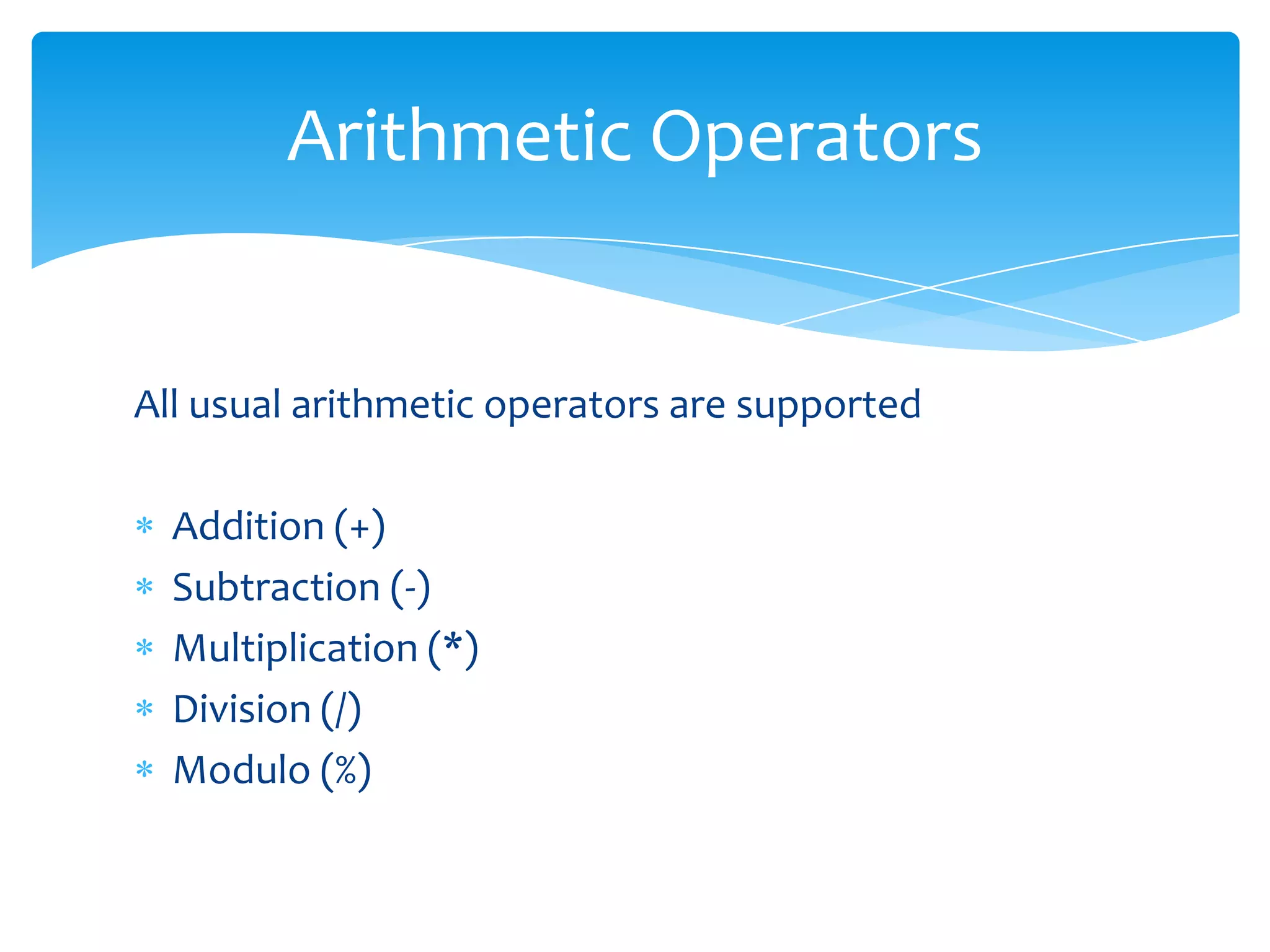
Arithmetic Operators


All usual arithmetic operators are supported

  Addition (+)
  Subtraction (-)
  Multiplication (*)
  Division (/)
  Modulo (%)
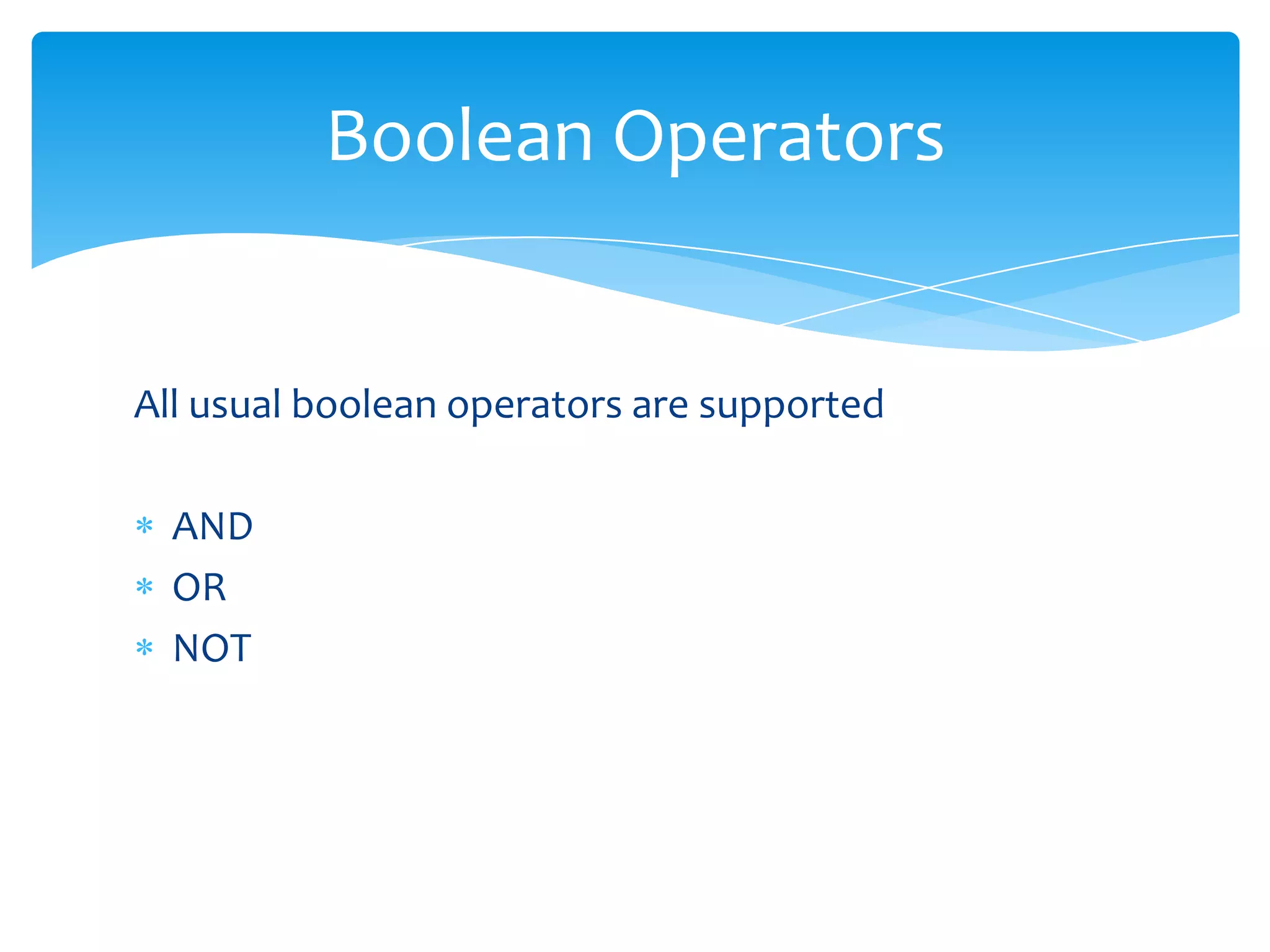
Boolean Operators


All usual boolean operators are supported

  AND
  OR
  NOT
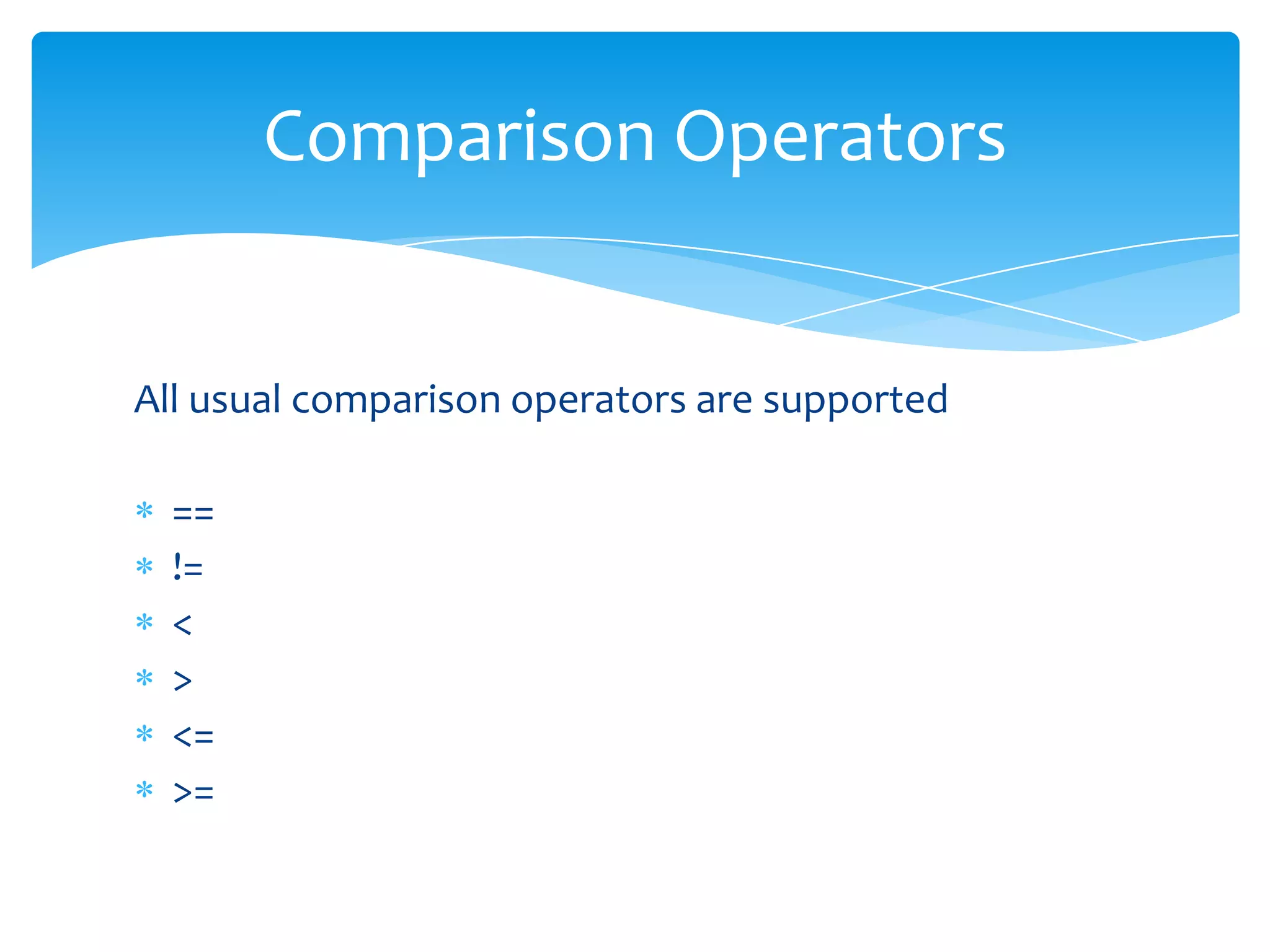
Comparison Operators


All usual comparison operators are supported

  ==
  !=
  <
  >
  <=
  >=
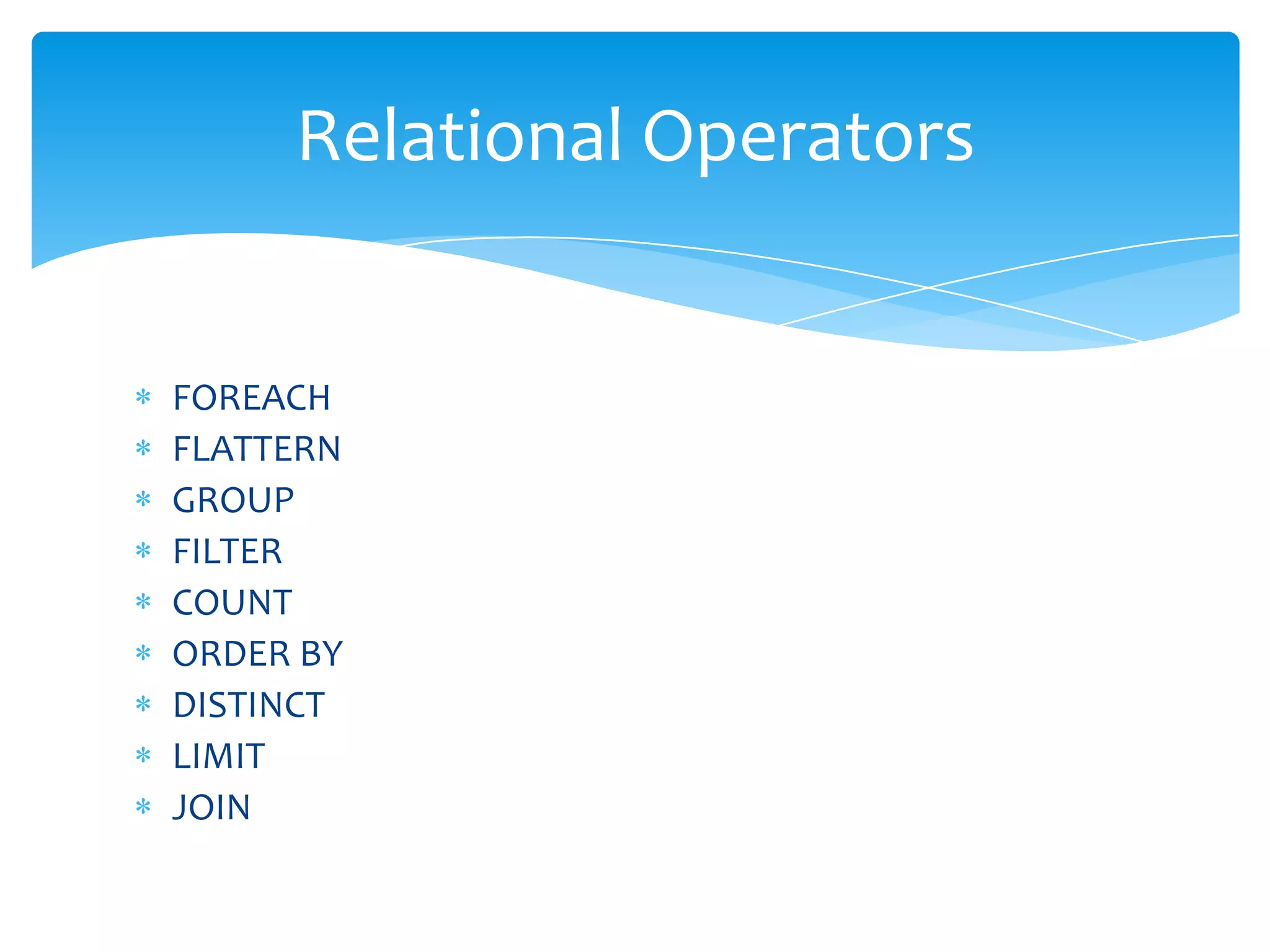
Relational Operators


FOREACH
FLATTERN
GROUP
FILTER
COUNT
ORDER BY
DISTINCT
LIMIT
JOIN
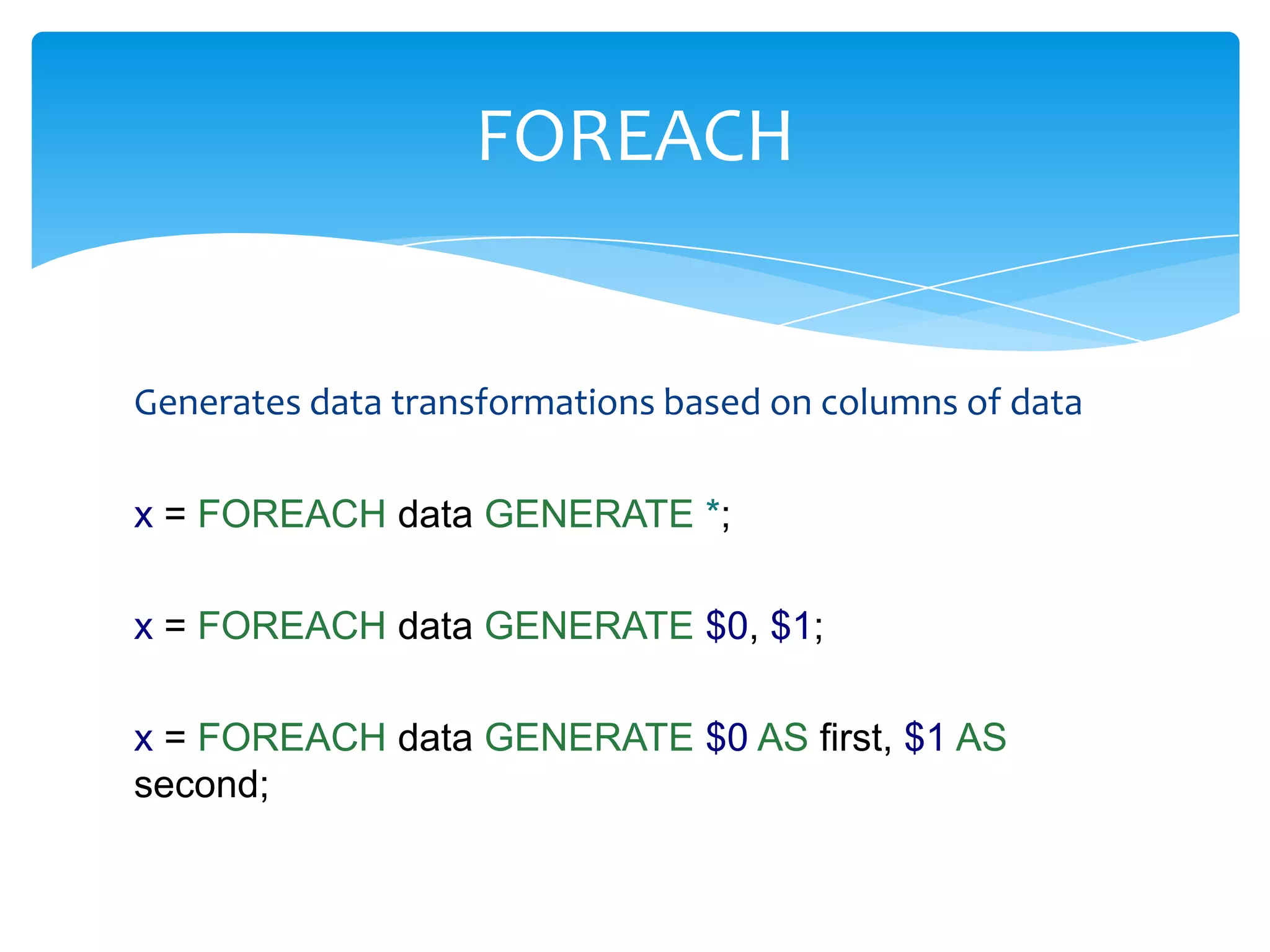
FOREACH


Generates data transformations based on columns of data

x = FOREACH data GENERATE *;

x = FOREACH data GENERATE $0, $1;

x = FOREACH data GENERATE $0 AS first, $1 AS
second;
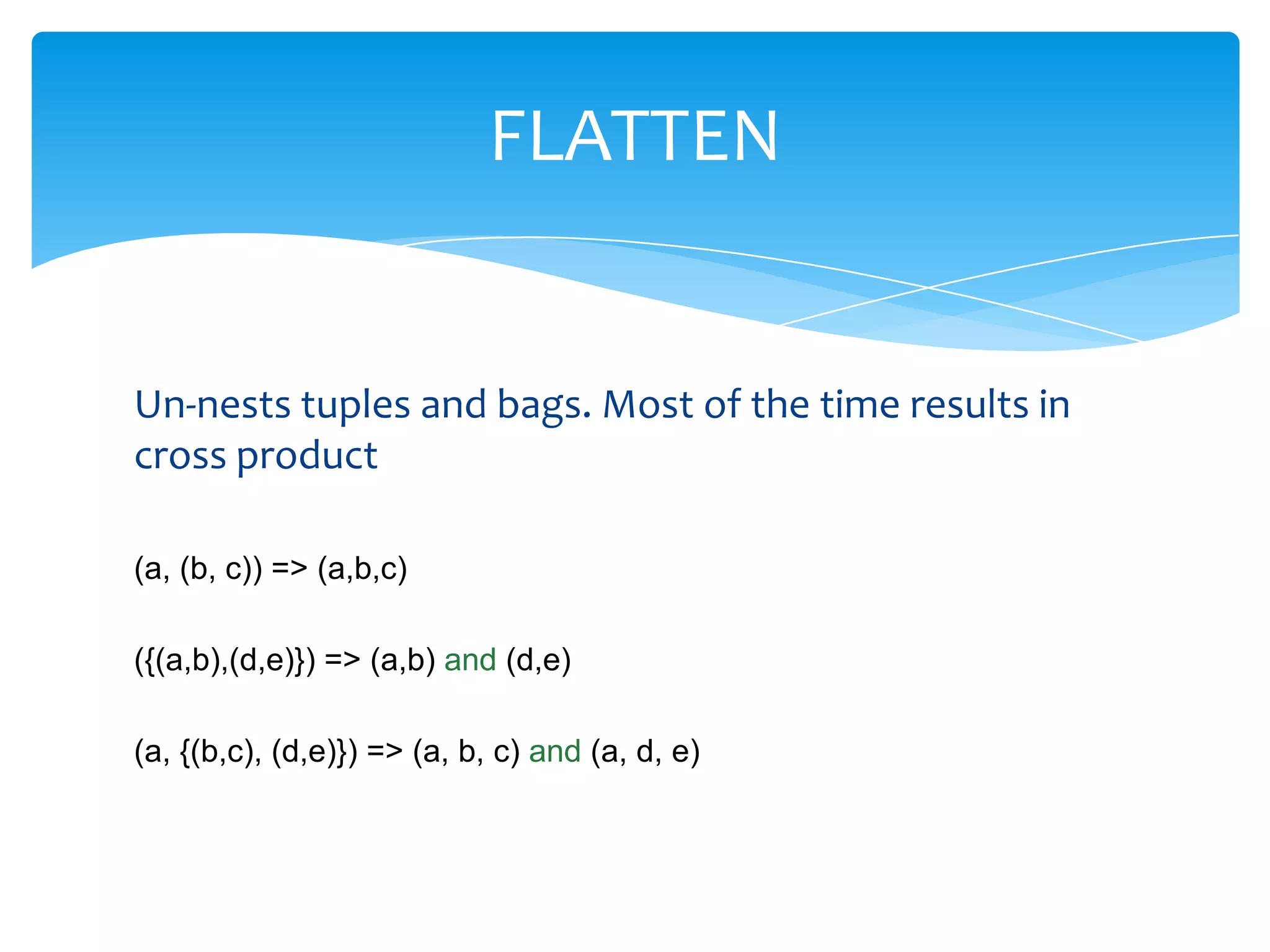
FLATTEN


Un-nests tuples and bags. Most of the time results in
cross product

(a, (b, c)) => (a,b,c)

({(a,b),(d,e)}) => (a,b) and (d,e)

(a, {(b,c), (d,e)}) => (a, b, c) and (a, d, e)
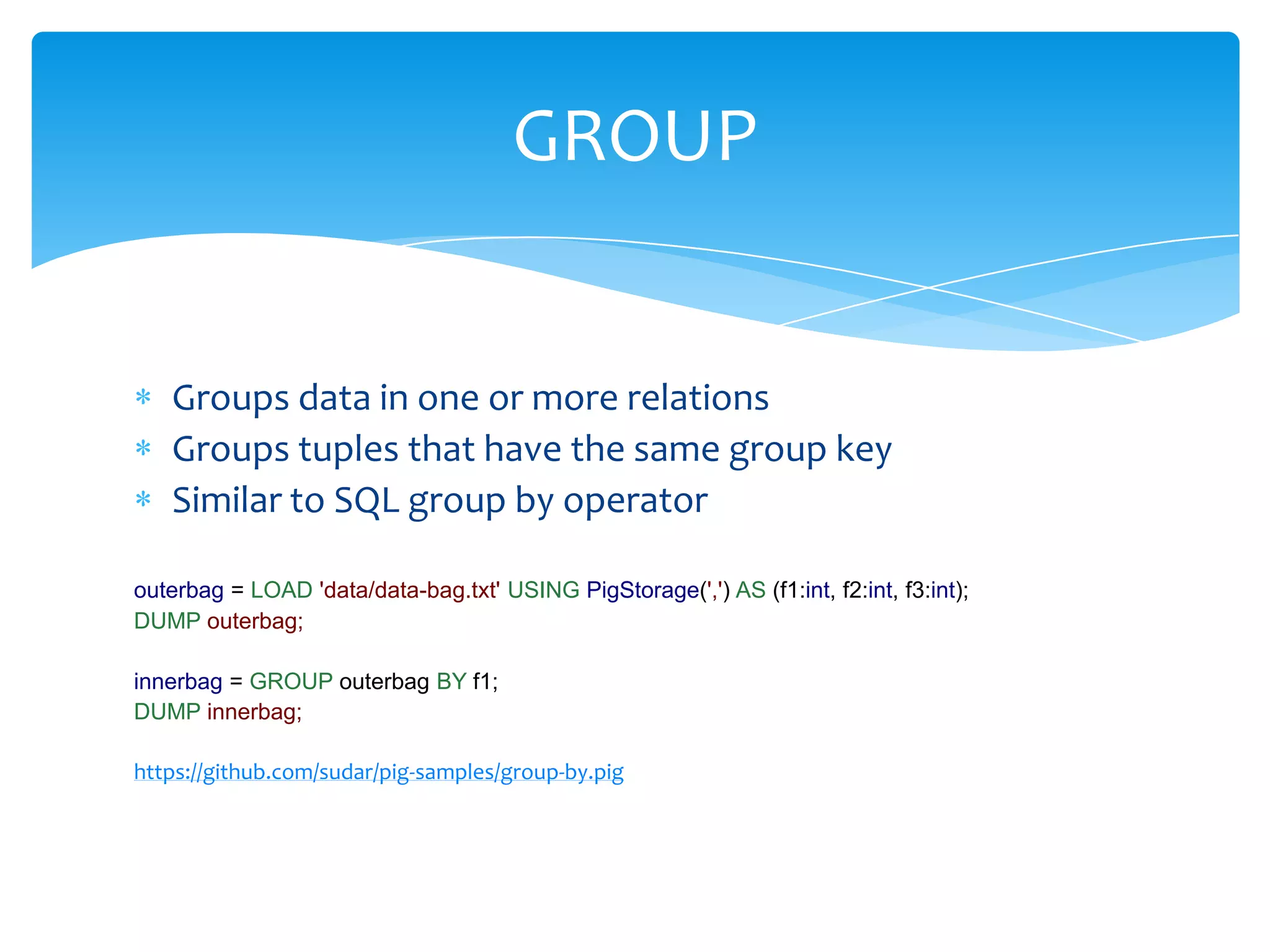
GROUP


   Groups data in one or more relations
   Groups tuples that have the same group key
   Similar to SQL group by operator

outerbag = LOAD 'data/data-bag.txt' USING PigStorage(',') AS (f1:int, f2:int, f3:int);
DUMP outerbag;

innerbag = GROUP outerbag BY f1;
DUMP innerbag;

https://github.com/sudar/pig-samples/group-by.pig
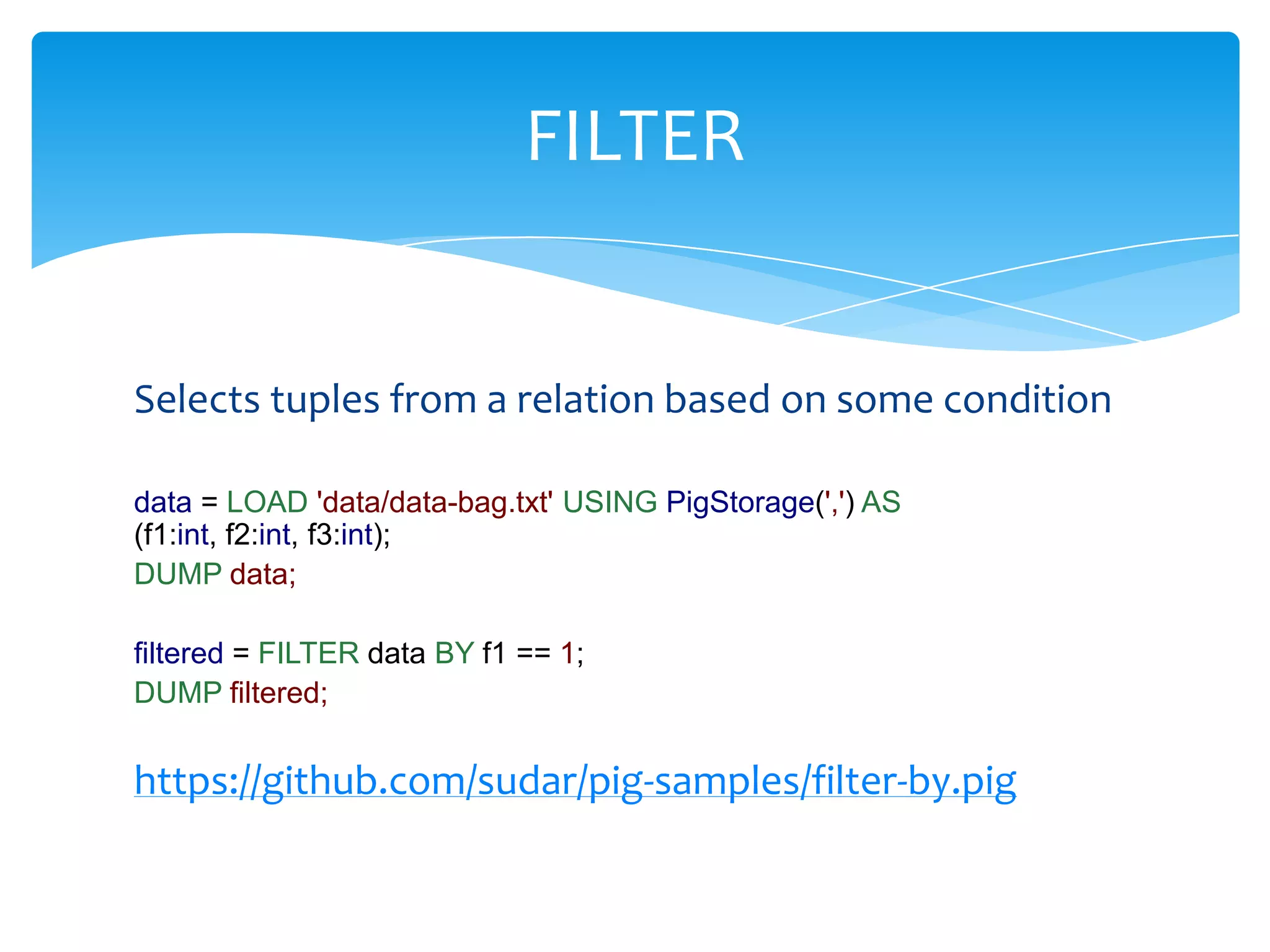
FILTER


Selects tuples from a relation based on some condition

data = LOAD 'data/data-bag.txt' USING PigStorage(',') AS
(f1:int, f2:int, f3:int);
DUMP data;

filtered = FILTER data BY f1 == 1;
DUMP filtered;


https://github.com/sudar/pig-samples/filter-by.pig
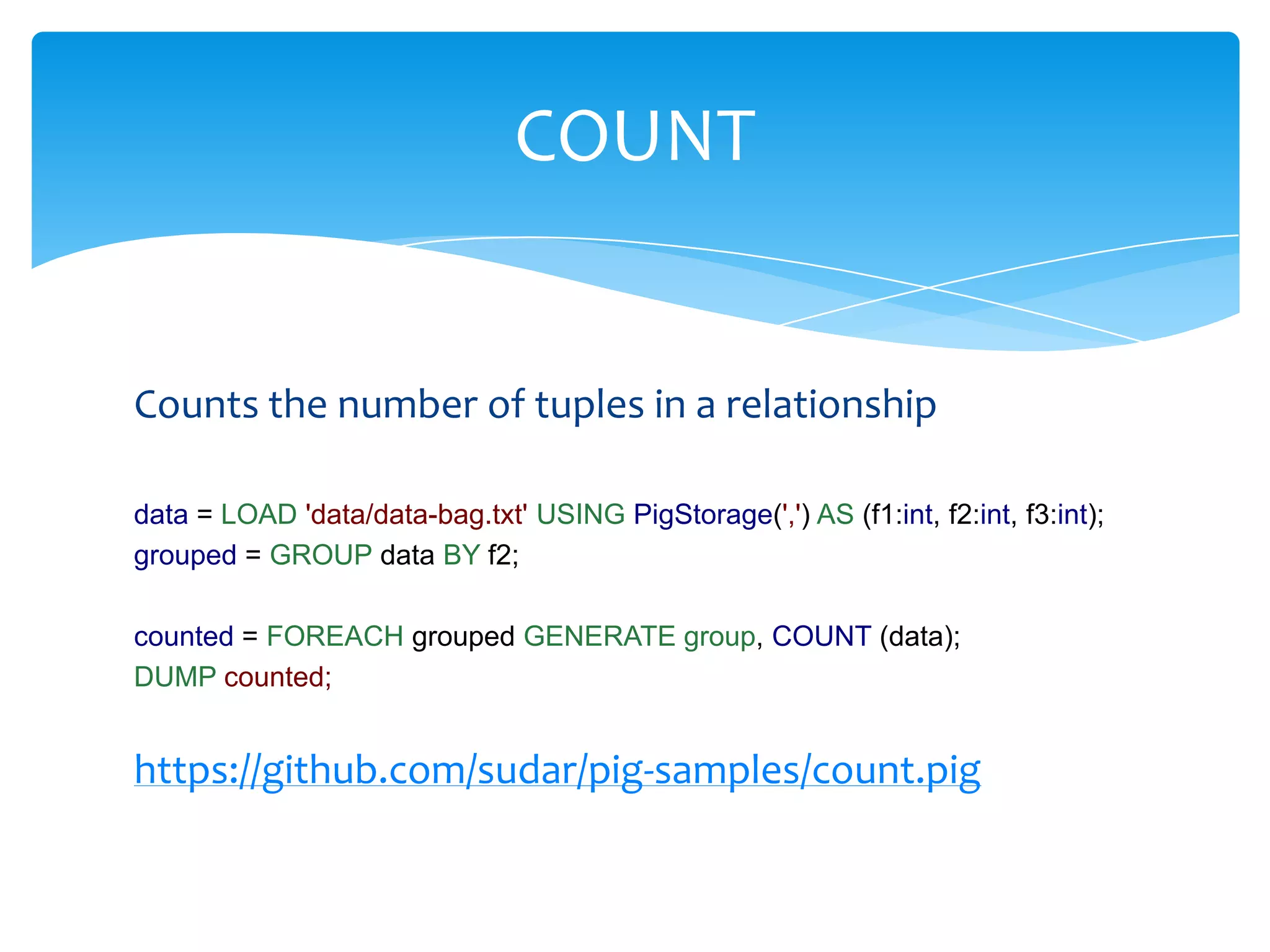
COUNT


Counts the number of tuples in a relationship

data = LOAD 'data/data-bag.txt' USING PigStorage(',') AS (f1:int, f2:int, f3:int);
grouped = GROUP data BY f2;

counted = FOREACH grouped GENERATE group, COUNT (data);
DUMP counted;


https://github.com/sudar/pig-samples/count.pig
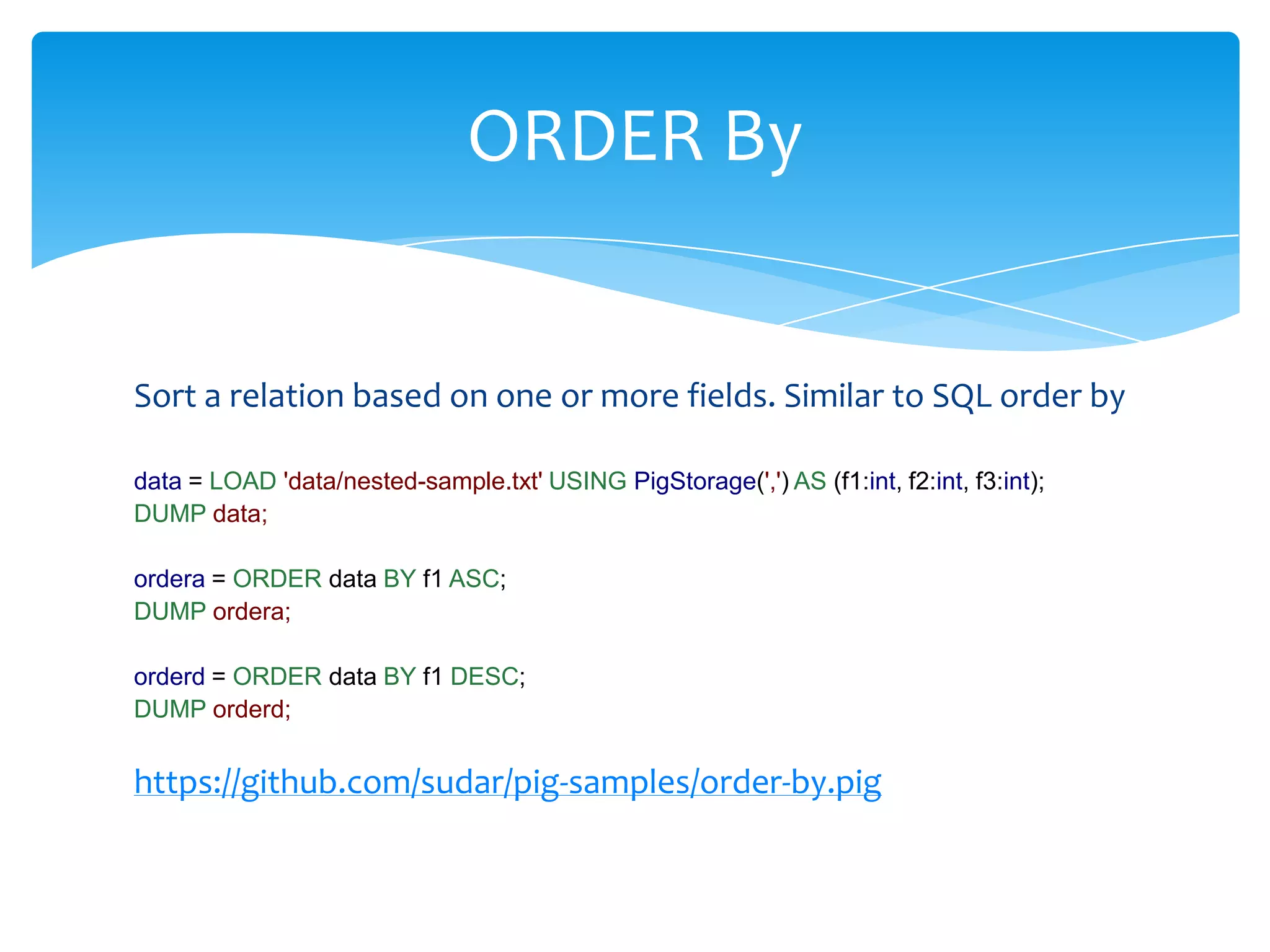
ORDER By


Sort a relation based on one or more fields. Similar to SQL order by

data = LOAD 'data/nested-sample.txt' USING PigStorage(',') AS (f1:int, f2:int, f3:int);
DUMP data;

ordera = ORDER data BY f1 ASC;
DUMP ordera;

orderd = ORDER data BY f1 DESC;
DUMP orderd;


https://github.com/sudar/pig-samples/order-by.pig
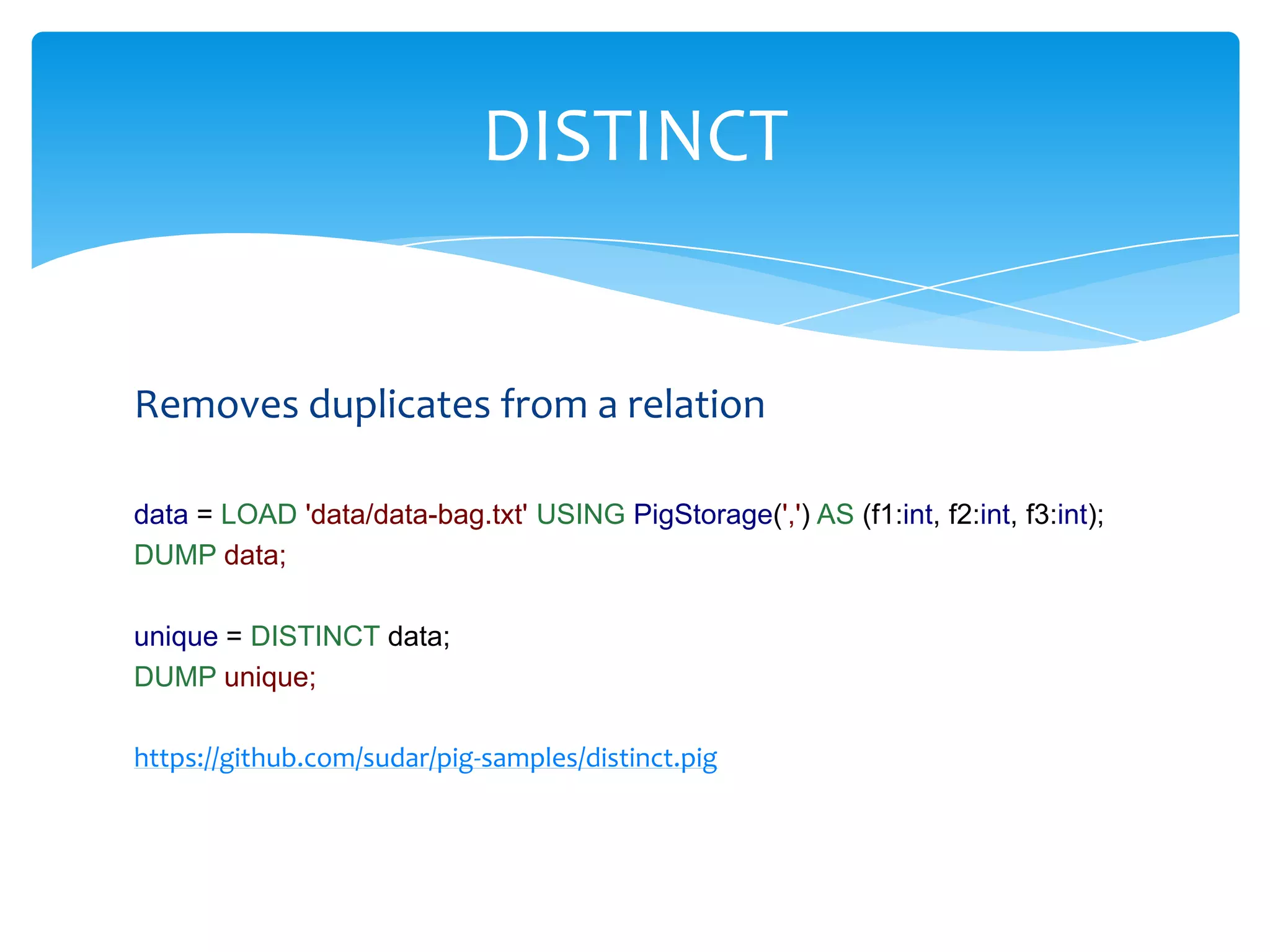
DISTINCT


Removes duplicates from a relation

data = LOAD 'data/data-bag.txt' USING PigStorage(',') AS (f1:int, f2:int, f3:int);
DUMP data;

unique = DISTINCT data;
DUMP unique;

https://github.com/sudar/pig-samples/distinct.pig
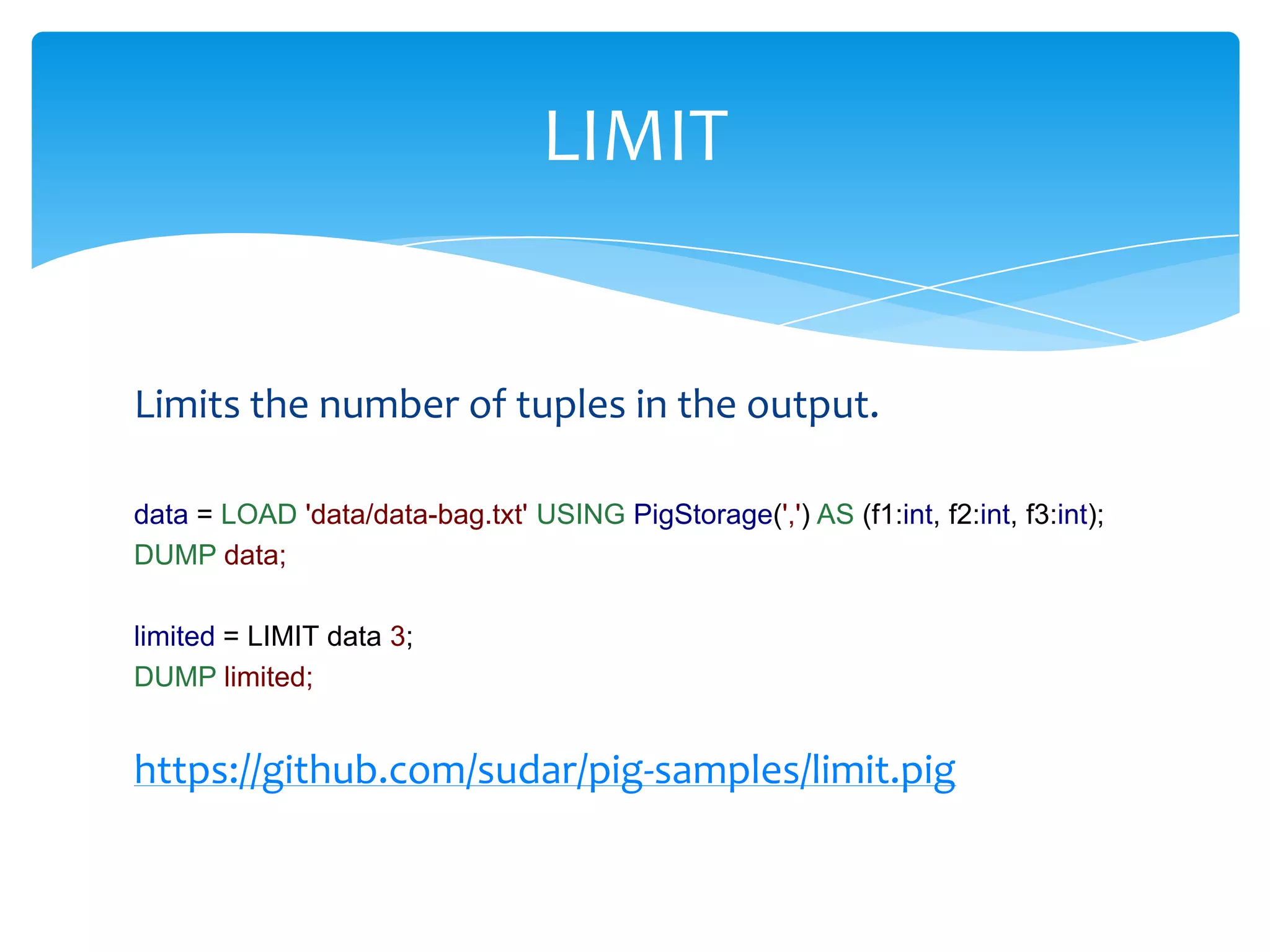
LIMIT


Limits the number of tuples in the output.

data = LOAD 'data/data-bag.txt' USING PigStorage(',') AS (f1:int, f2:int, f3:int);
DUMP data;

limited = LIMIT data 3;
DUMP limited;


https://github.com/sudar/pig-samples/limit.pig
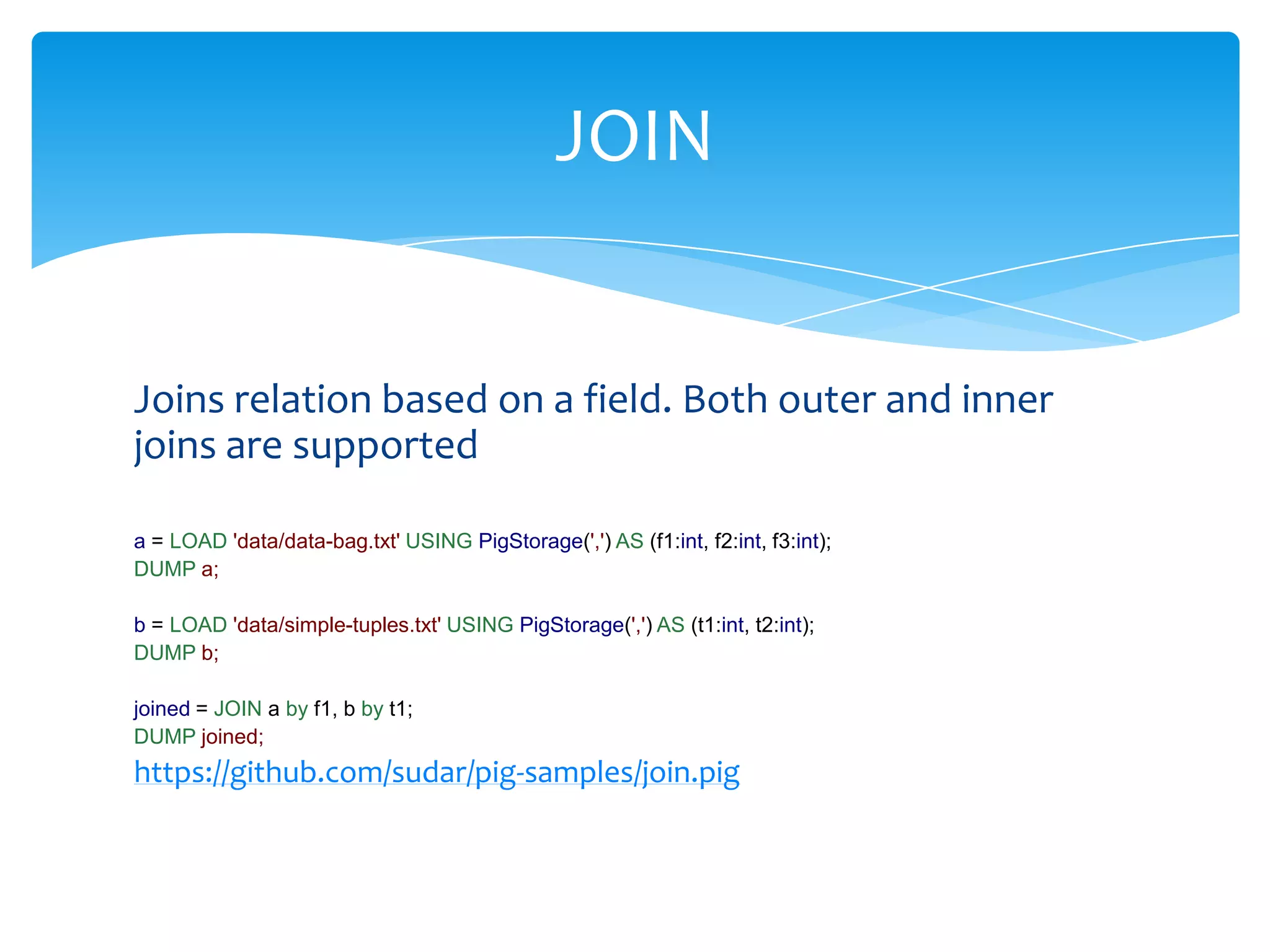
JOIN


Joins relation based on a field. Both outer and inner
joins are supported

a = LOAD 'data/data-bag.txt' USING PigStorage(',') AS (f1:int, f2:int, f3:int);
DUMP a;

b = LOAD 'data/simple-tuples.txt' USING PigStorage(',') AS (t1:int, t2:int);
DUMP b;

joined = JOIN a by f1, b by t1;
DUMP joined;
https://github.com/sudar/pig-samples/join.pig
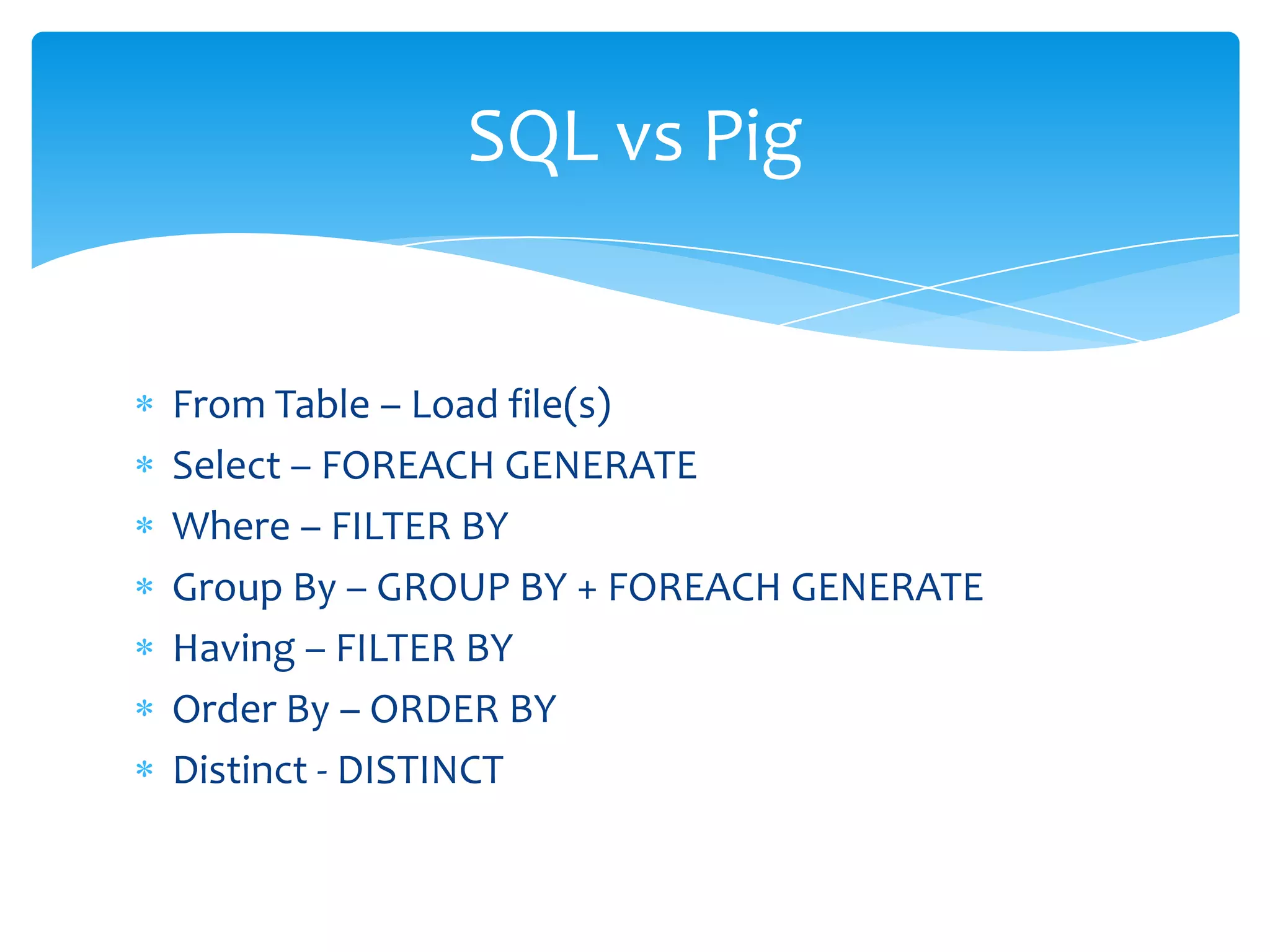
SQL vs Pig


From Table – Load file(s)
Select – FOREACH GENERATE
Where – FILTER BY
Group By – GROUP BY + FOREACH GENERATE
Having – FILTER BY
Order By – ORDER BY
Distinct - DISTINCT
Let’s see a complete example


Count the number of words in a
           text file

   https://github.com/sudar/pig-samples/count-words.pig
Extending Pig - UDF
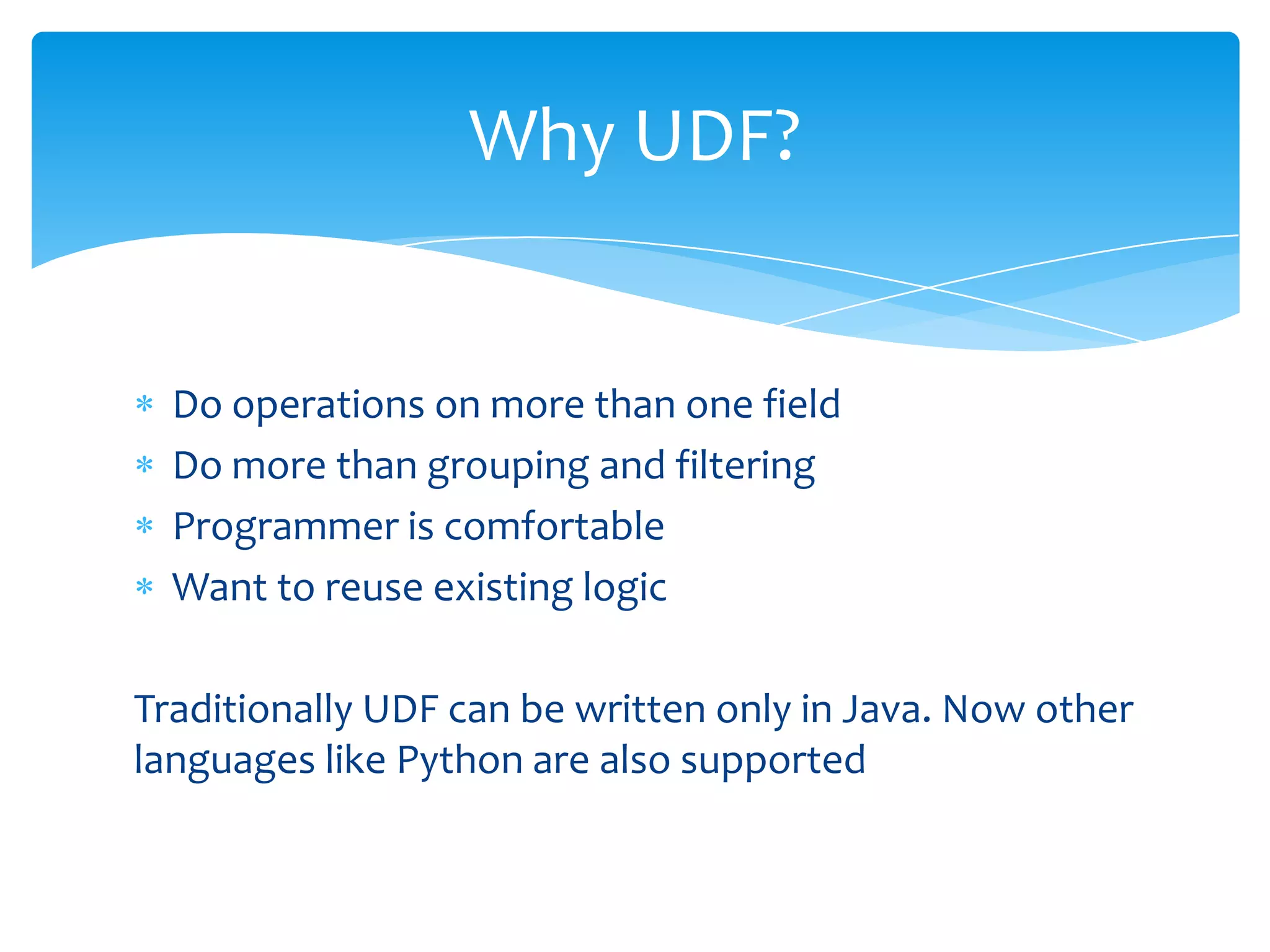
Why UDF?


  Do operations on more than one field
  Do more than grouping and filtering
  Programmer is comfortable
  Want to reuse existing logic

Traditionally UDF can be written only in Java. Now other
languages like Python are also supported
Different types of UDF’s


Eval Functions
Filter functions
Load functions
Store functions
Eval Functions


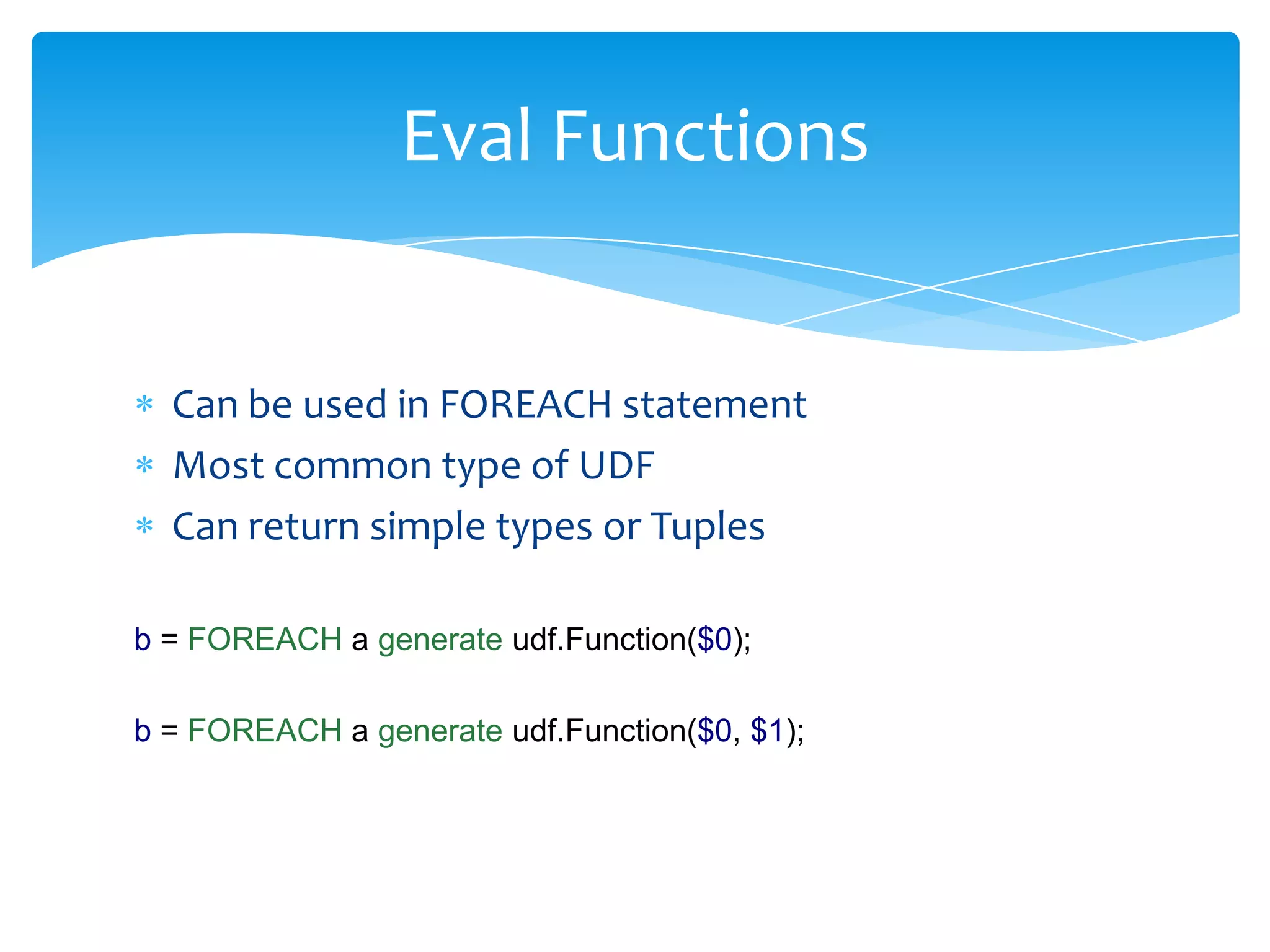
  Can be used in FOREACH statement
  Most common type of UDF
  Can return simple types or Tuples

b = FOREACH a generate udf.Function($0);

b = FOREACH a generate udf.Function($0, $1);
Eval Functions


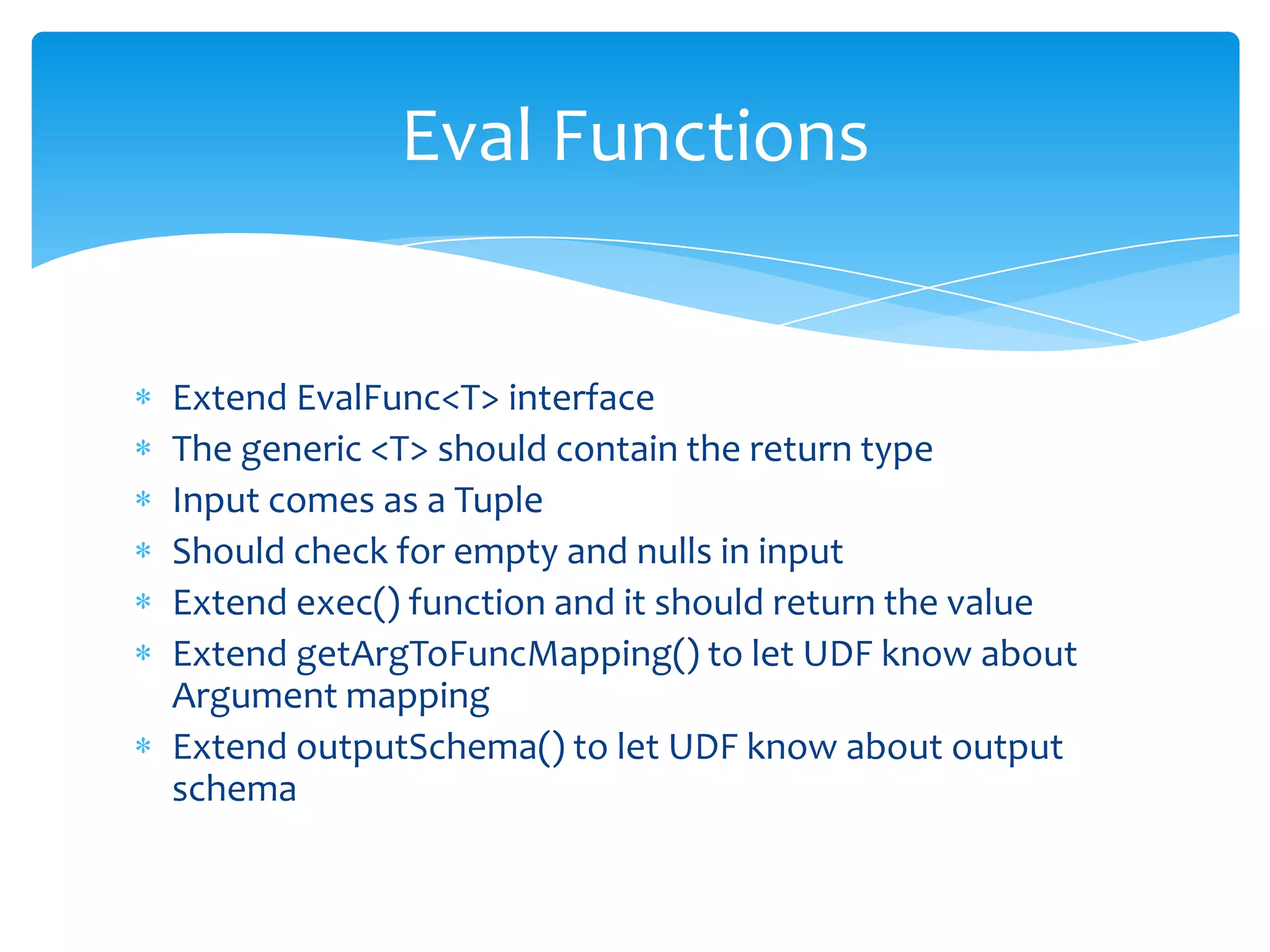
Extend EvalFunc<T> interface
The generic <T> should contain the return type
Input comes as a Tuple
Should check for empty and nulls in input
Extend exec() function and it should return the value
Extend getArgToFuncMapping() to let UDF know about
Argument mapping
Extend outputSchema() to let UDF know about output
schema
Using Java UDF in Pig Scripts


Create a jar file which contains your UDF classes
Register the jar at the top of Pig script
Register other jars if needed
Define the UDF function
Use your UDF function
Let’s see an example which
       returns a string
  https://github.com/sudar/pig-samples/strip-quote.pig
Let’s see an example which
       returns a Tuple

  https://github.com/sudar/pig-samples/get-twitter-names.pig
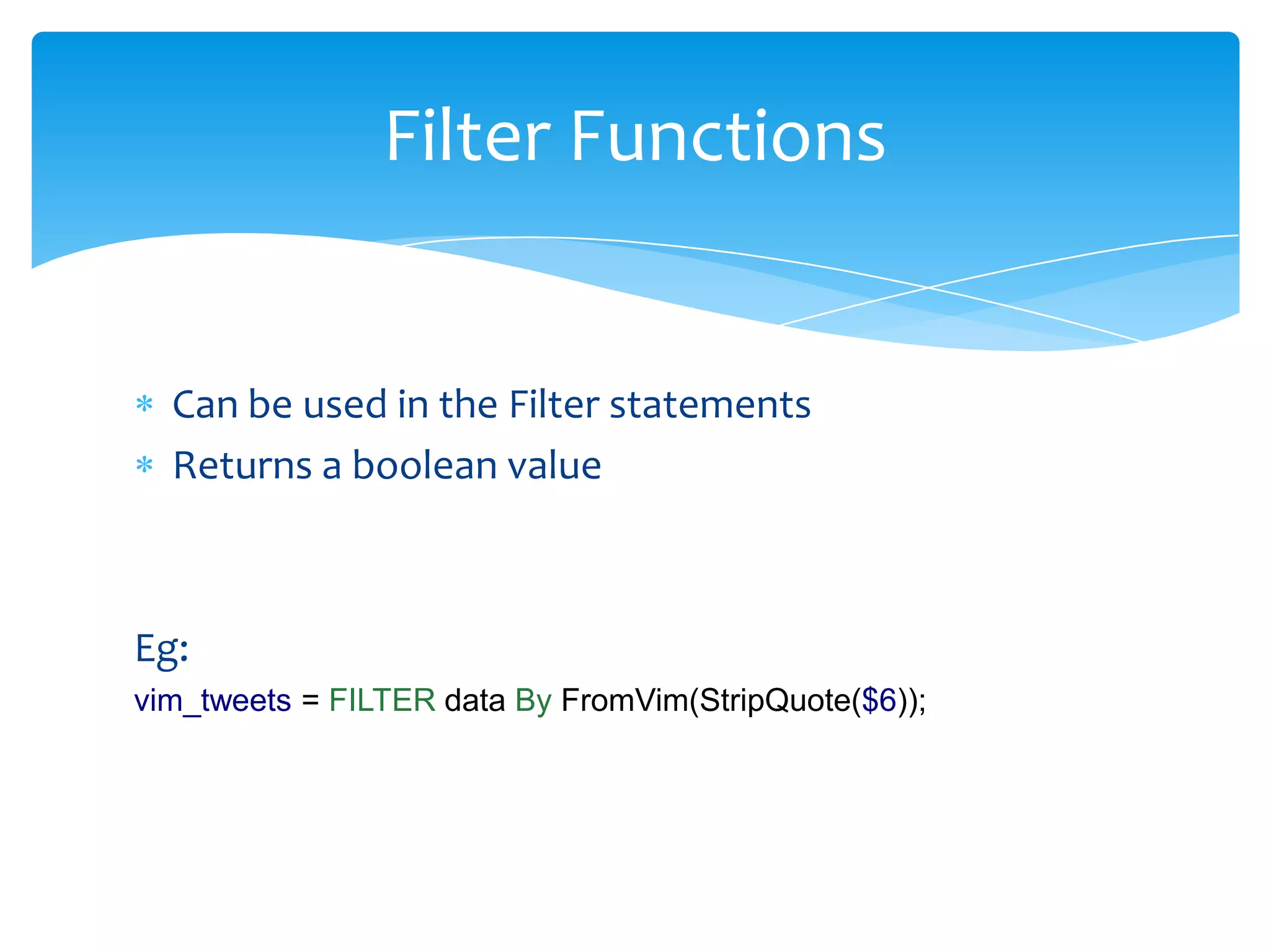
Filter Functions


  Can be used in the Filter statements
  Returns a boolean value


Eg:
vim_tweets = FILTER data By FromVim(StripQuote($6));
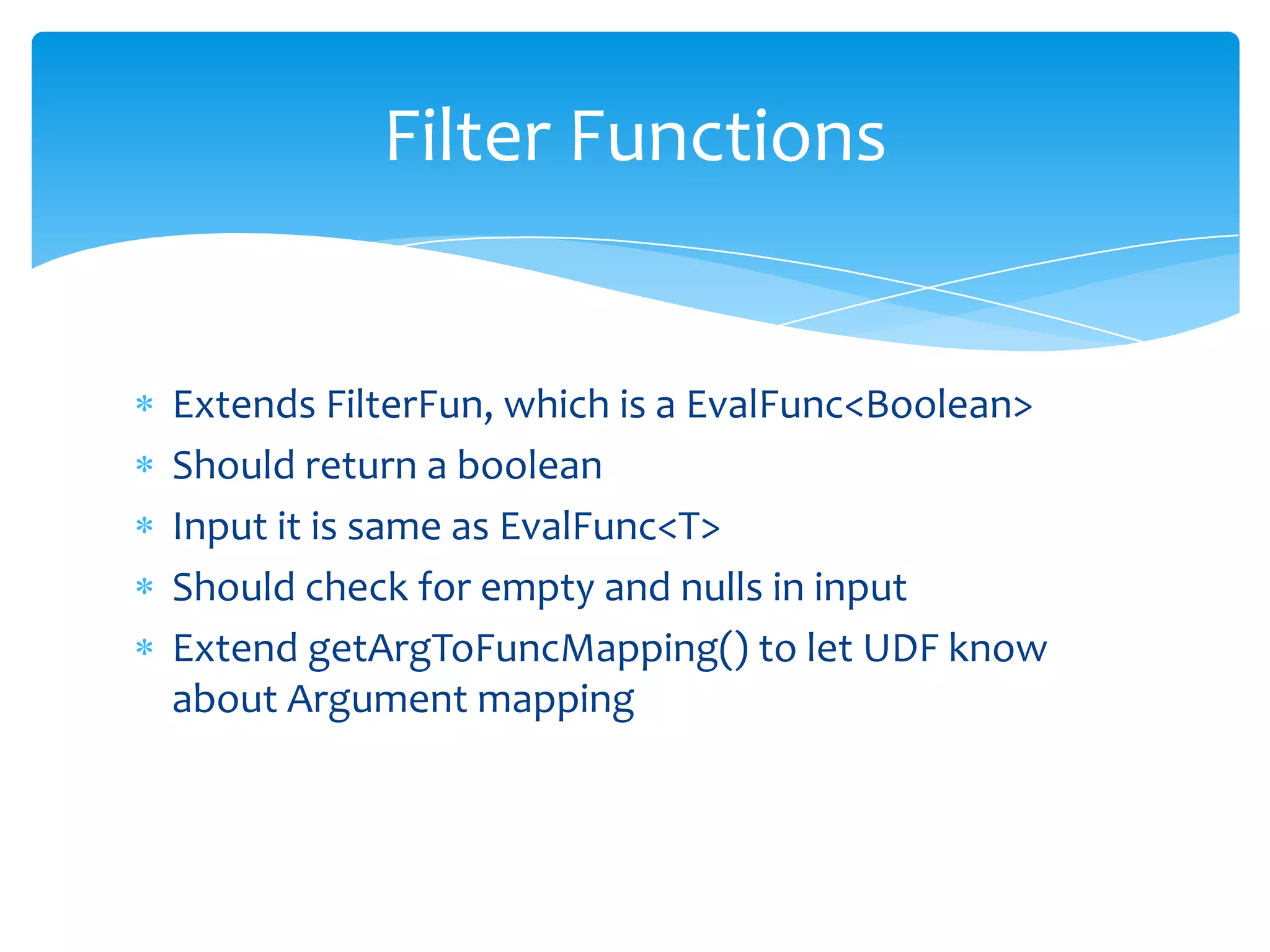
Filter Functions


Extends FilterFun, which is a EvalFunc<Boolean>
Should return a boolean
Input it is same as EvalFunc<T>
Should check for empty and nulls in input
Extend getArgToFuncMapping() to let UDF know
about Argument mapping
Let’s see an example which
     returns a Boolean
  https://github.com/sudar/pig-samples/from-vim.pig
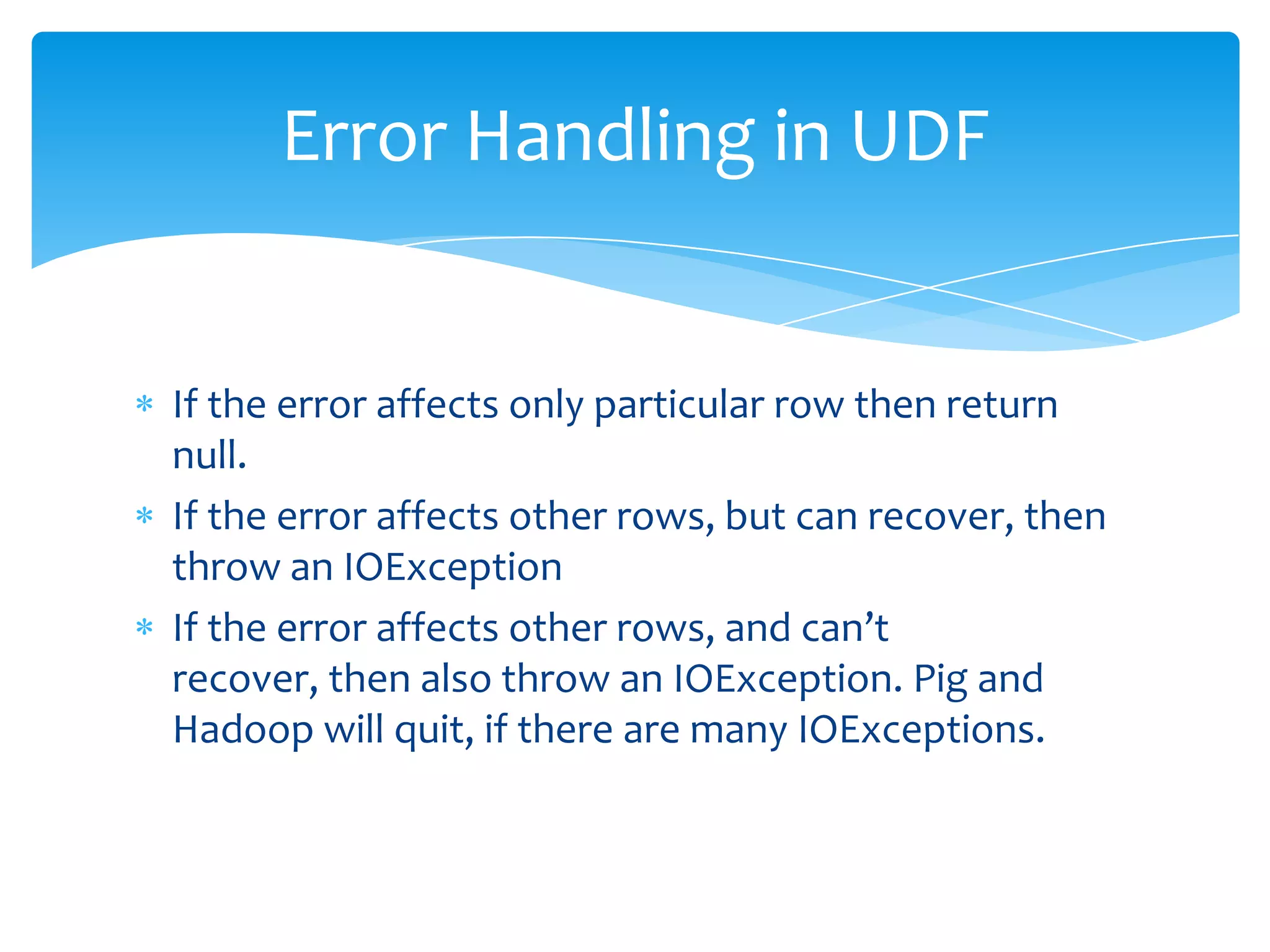
Error Handling in UDF


If the error affects only particular row then return
null.
If the error affects other rows, but can recover, then
throw an IOException
If the error affects other rows, and can’t
recover, then also throw an IOException. Pig and
Hadoop will quit, if there are many IOExceptions.
Can we try to write some more
            UDF’s?
Writing UDF in other languages
Streaming
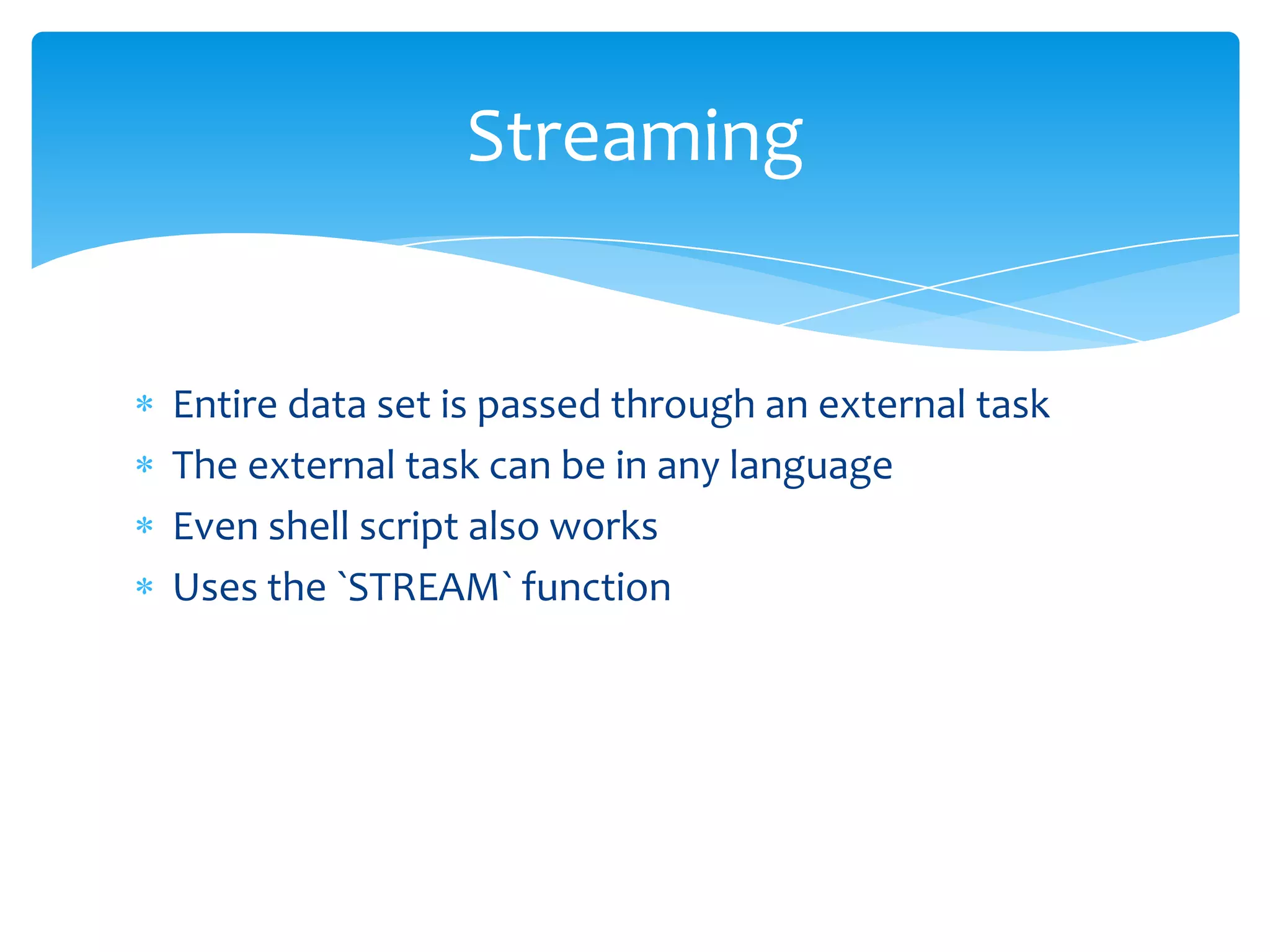
Streaming


Entire data set is passed through an external task
The external task can be in any language
Even shell script also works
Uses the `STREAM` function
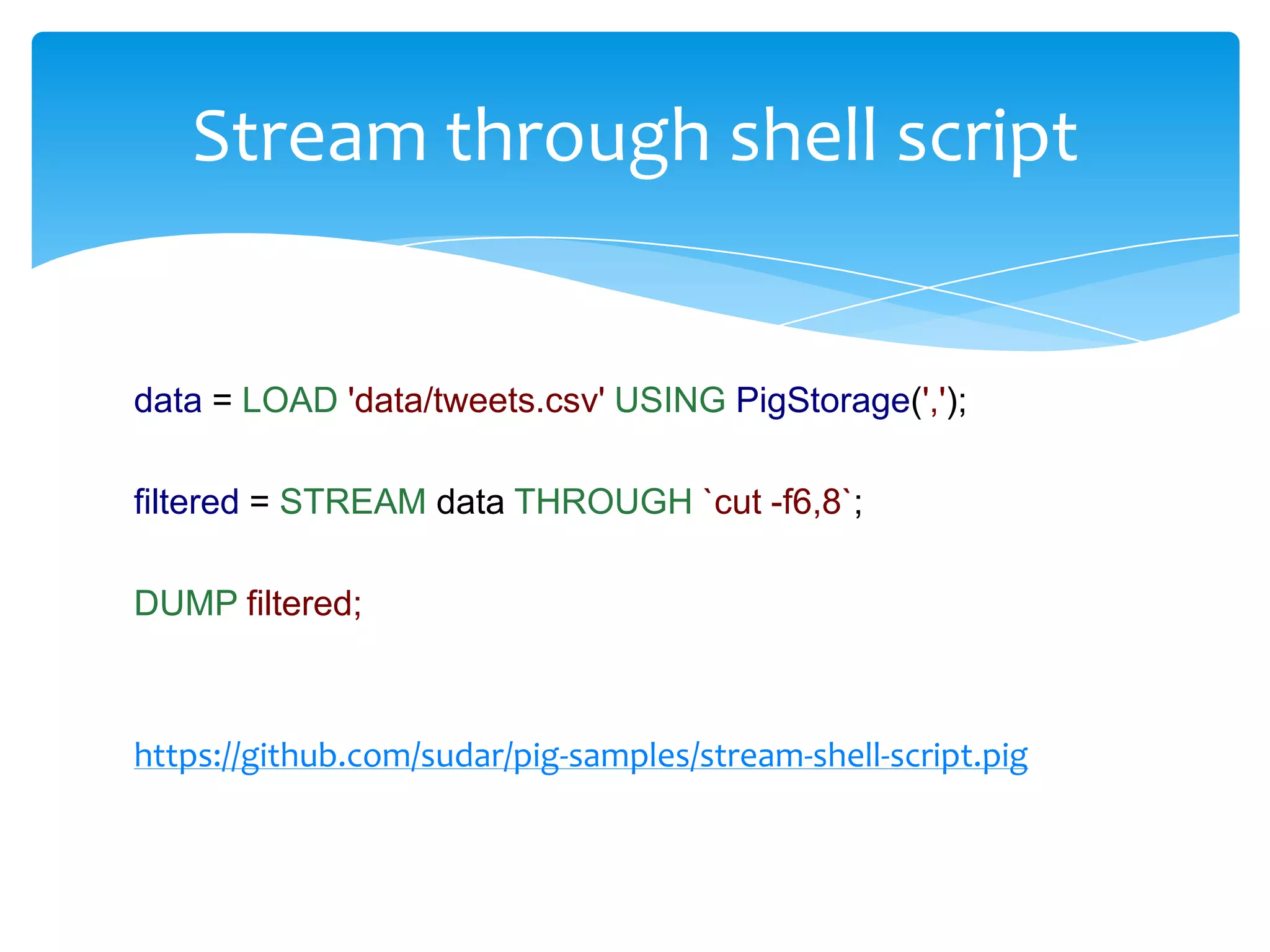
Stream through shell script


data = LOAD 'data/tweets.csv' USING PigStorage(',');

filtered = STREAM data THROUGH `cut -f6,8`;

DUMP filtered;


https://github.com/sudar/pig-samples/stream-shell-script.pig
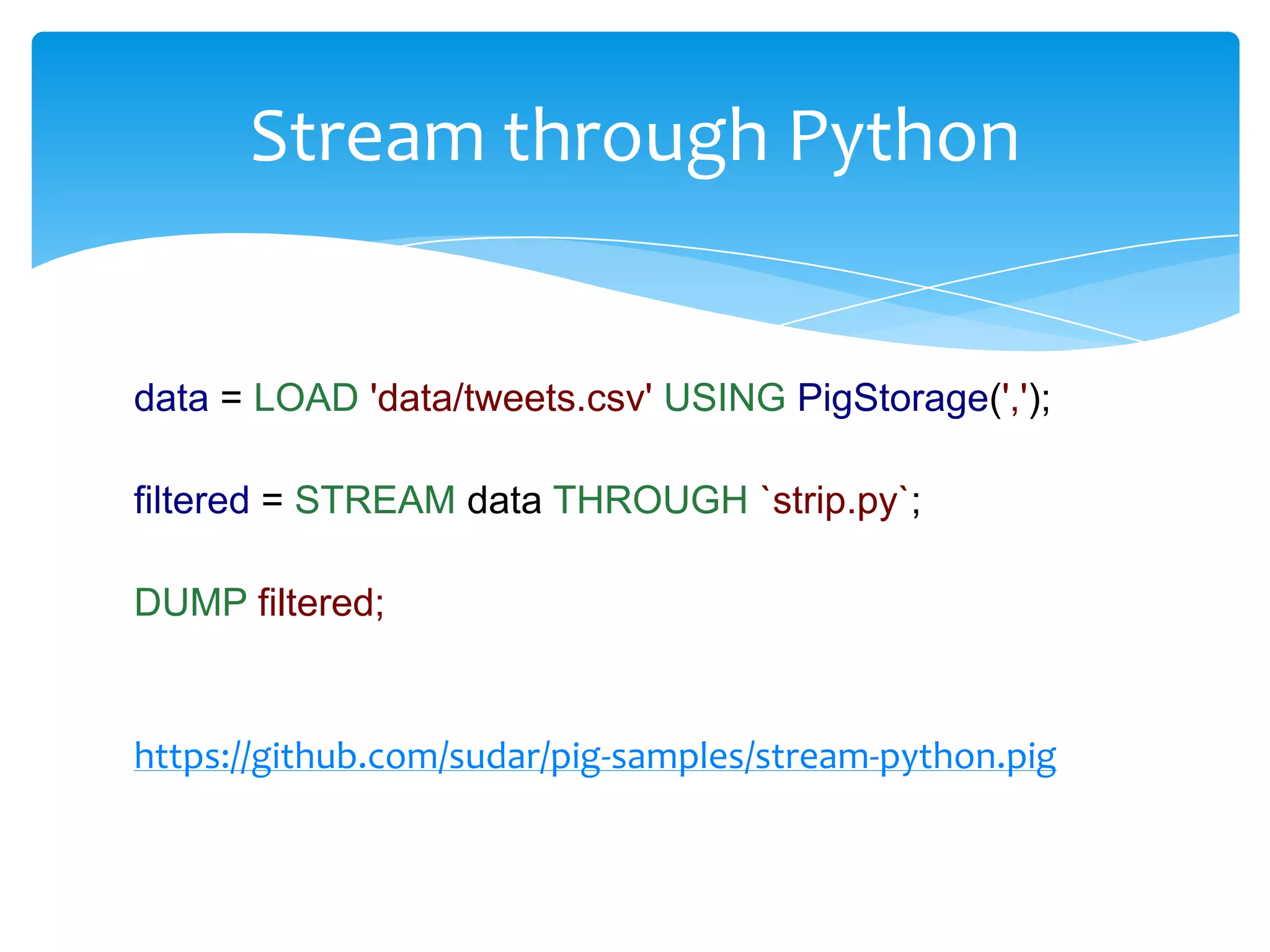
Stream through Python


data = LOAD 'data/tweets.csv' USING PigStorage(',');

filtered = STREAM data THROUGH `strip.py`;

DUMP filtered;


https://github.com/sudar/pig-samples/stream-python.pig
Debugging Pig Scripts


DUMP is your friend, but use with LIMIT
DESCRIBE – will print the schema names
ILLUSTRATE – Will show the structure of the schema
In UDF’s, we can use warn() function. It supports
upto 15 different debug levels
Use Penny -
https://cwiki.apache.org/PIG/pennytoollibrary.html
Optimizing Pig Scripts


Project early and often
Filter early and often
Drop nulls before a join
Prefer DISTINCT over GROUP BY
Use the right data structure
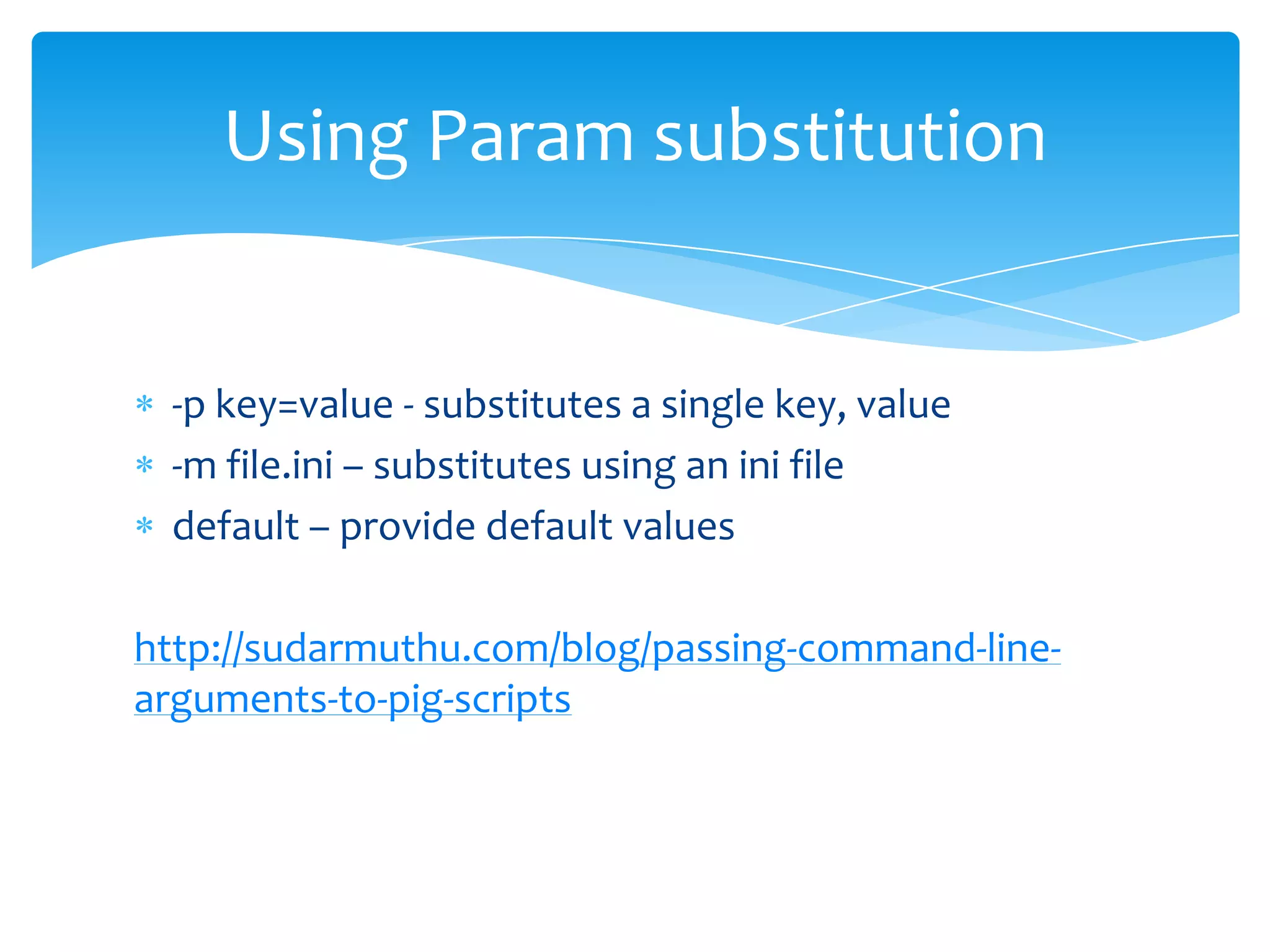
Using Param substitution


 -p key=value - substitutes a single key, value
 -m file.ini – substitutes using an ini file
 default – provide default values

http://sudarmuthu.com/blog/passing-command-line-
arguments-to-pig-scripts
Problems that can be solved using Pig


Anything data related
When not to use Pig?


Lot of custom logic needs to be implemented
Need to do lot of cross lookup
Data is mostly binary (processing image files)
Real-time processing of data is needed
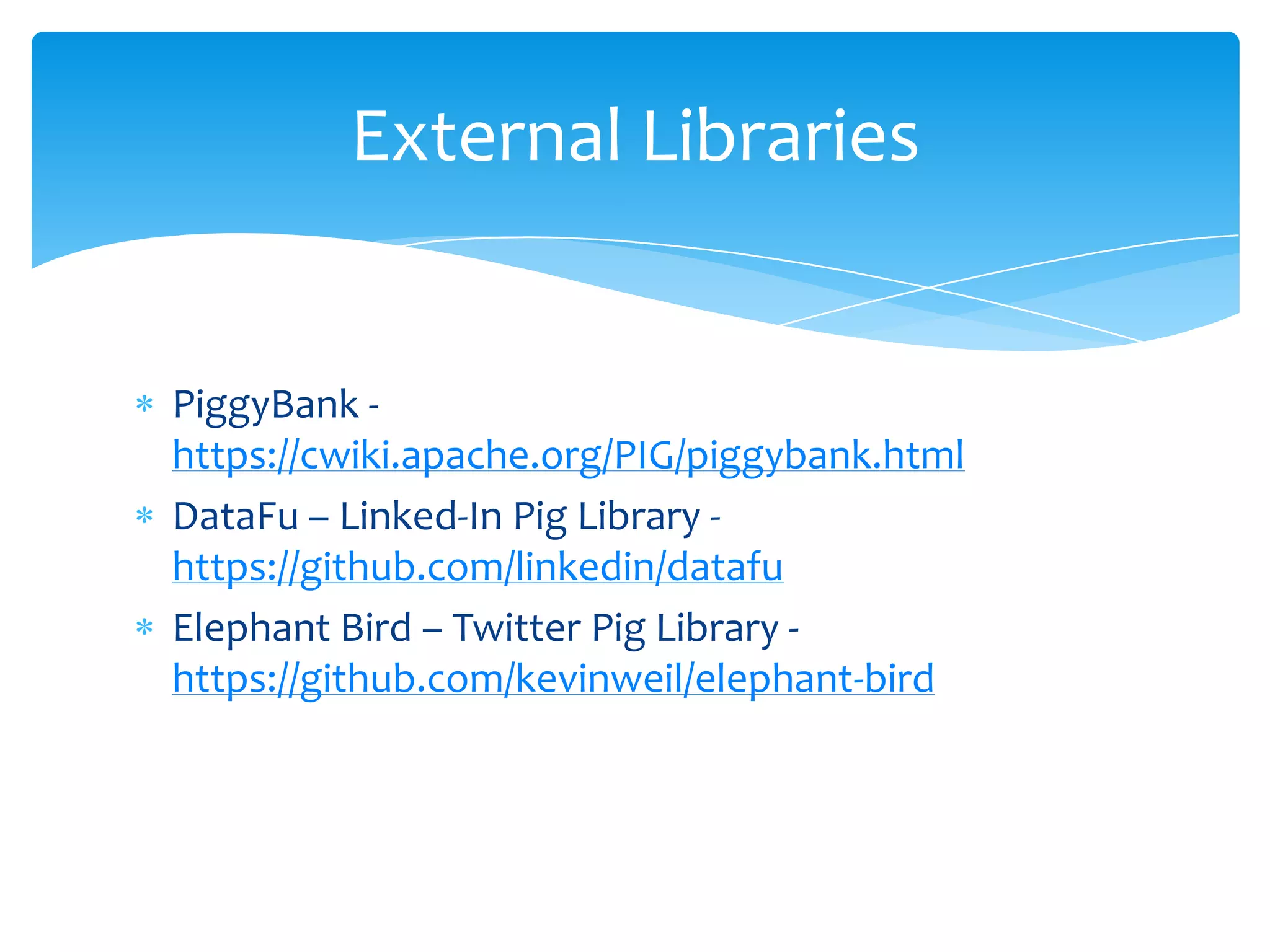
External Libraries


PiggyBank -
https://cwiki.apache.org/PIG/piggybank.html
DataFu – Linked-In Pig Library -
https://github.com/linkedin/datafu
Elephant Bird – Twitter Pig Library -
https://github.com/kevinweil/elephant-bird
Useful Links


  Pig homepage - http://pig.apache.org/
  My blog about Pig -
http://sudarmuthu.com/blog/category/hadoop-pig
  Sample code – https://github.com/sudar/pig-samples
  Slides – http://slideshare.net/sudar
Thank you

Pig workshop

  • 1.
    Pig Workshop Sudar Muthu http://sudarmuthu.com http://twitter.com/sudarmuthu https://github.com/sudar
  • 2.
    Who am I? ResearchEngineer by profession I mine useful information from data You might recognize me from other HasGeek events Blog at http://sudarmuthu.com Builds robots as hobby ;)
  • 3.
  • 4.
    What I willnot cover?
  • 5.
    What I willnot cover? What is BigData, or why it is needed? What is MapReduce? What is Hadoop? Internal architecture of Pig http://sudarmuthu.com/blog/getting-started-with-hadoop-and-pig
  • 6.
    What we willsee today?
  • 7.
    What we willsee today? What is Pig How to use it Loading and storing data Pig Latin SQL vs Pig Writing UDF’s Debugging Pig Scripts Optimizing Pig Scripts When to use Pig
  • 8.
    So, all ofyou have Pig installed right? ;)
  • 9.
    What is Pig? “Platformfor analyzing large sets of data”
  • 10.
    Components of Pig PigShell (Grunt) Pig Language (Latin) Libraries (Piggy Bank) User Defined Functions (UDF)
  • 11.
    Why Pig? It is a data flow language Provides standard data processing operations Insulates Hadoop complexity Abstracts Map Reduce Increases programmer productivity … but there are cases where Pig is not suitable.
  • 12.
  • 13.
    For this workshop,we will be using Pig only in local mode
  • 14.
    Getting to knowyour Pig shell
  • 15.
    pig –x local Similarto Python’s shell
  • 16.
    Different ways ofexecuting Pig Scripts Inline in shell From a file Streaming through other executable Embed script in other languages
  • 17.
    Loading and Storingdata Pigs eat anything
  • 18.
    Loading Data intoPig file = LOAD 'data/dropbox-policy.txt' AS (line); data = LOAD 'data/tweets.csv' USING PigStorage(','); data = LOAD 'data/tweets.csv' USING PigStorage(',') AS ('list', 'of', 'fields');
  • 19.
    Loading Data intoPig PigStorage – for most cases TextLoader – to load text files JSONLoader – to load JSON files Custom loaders – You can write your own custom loaders as well
  • 20.
    Viewing Data DUMP input; Veryuseful for debugging, but don’t use it on huge datasets
  • 21.
    Storing Data fromPig STORE data INTO 'output_location'; STORE data INTO 'output_location' USING PigStorage(); STORE data INTO 'output_location' USING PigStorage(','); STORE data INTO 'output_location' USING BinStorage();
  • 22.
    Storing Data Similar to`LOAD`, lot of options are available Can store locally or in HDFS You can write your own custom Storage as well
  • 23.
    Load and Storeexample data = LOAD 'data/data-bag.txt' USING PigStorage(','); STORE data INTO 'data/output/load-store' USING PigStorage('|'); https://github.com/sudar/pig-samples/load-store.pig
  • 24.
  • 25.
  • 26.
    Scalar Types int, long – (32, 64 bit) integer float, double – (32, 64 bit) floating point boolean (true/false) chararray (String in UTF-8) bytearray (blob) (DataByteArray in Java) If you don’t specify anything bytearray is used by default
  • 27.
    Complex Types tuple –ordered set of fields (data) bag – collection of tuples map – set of key value pairs
  • 28.
    Tuple Row withone or more fields Fields can be of any data type Ordering is important Enclosed inside parentheses () Eg: (Sudar, Muthu, Haris, Dinesh) (Sudar, 176, 80.2F)
  • 29.
    Bag Set of tuples SQLequivalent is Table Each tuple can have different set of fields Can have duplicates Inner bag uses curly braces {} Outer bag doesn’t use anything
  • 30.
    Bag - Example Outerbag (1,2,3) (1,2,4) (2,3,4) (3,4,5) (4,5,6) https://github.com/sudar/pig-samples/data-bag.pig
  • 31.
    Bag - Example Innerbag (1,{(1,2,3),(1,2,4)}) (2,{(2,3,4)}) (3,{(3,4,5)}) (4,{(4,5,6)}) https://github.com/sudar/pig-samples/data-bag.pig
  • 32.
    Map Set of keyvalue pairs Similar to HashMap in Java Key must be unique Key must be of chararray data type Values can be any type Key/value is separated by # Map is enclosed by []
  • 33.
    Map - Example [name#sudar,height#176, weight#80.5F] [name#(sudar, muthu), height#176, weight#80.5F] [name#(sudar, muthu), languages#(Java, Pig, Python )]
  • 34.
    Null Similar to SQL Denotesthat value of data element is unknown Any data type can be null
  • 35.
    Schemas in Loadstatement We can specify a schema (collection of datatypes) to `LOAD` statements data = LOAD 'data/data-bag.txt' USING PigStorage(',') AS (f1:int, f2:int, f3:int); data = LOAD 'data/nested-schema.txt' AS (f1:int, f2:bag{t:tuple(n1:int, n2:int)}, f3:map[]);
  • 36.
    Expressions Fields can belooked up by Position Name Map Lookup
  • 37.
    Expressions - Example data= LOAD 'data/nested-schema.txt' AS (f1:int, f2:bag{t:tuple(n1:int, n2:int)}, f3:map[]); by_pos = FOREACH data GENERATE $0; DUMP by_pos; by_field = FOREACH data GENERATE f2; DUMP by_field; by_map = FOREACH data GENERATE f3#'name'; DUMP by_map; https://github.com/sudar/pig-samples/lookup.pig
  • 38.
  • 39.
    Arithmetic Operators All usualarithmetic operators are supported Addition (+) Subtraction (-) Multiplication (*) Division (/) Modulo (%)
  • 40.
    Boolean Operators All usualboolean operators are supported AND OR NOT
  • 41.
    Comparison Operators All usualcomparison operators are supported == != < > <= >=
  • 42.
  • 43.
    FOREACH Generates data transformationsbased on columns of data x = FOREACH data GENERATE *; x = FOREACH data GENERATE $0, $1; x = FOREACH data GENERATE $0 AS first, $1 AS second;
  • 44.
    FLATTEN Un-nests tuples andbags. Most of the time results in cross product (a, (b, c)) => (a,b,c) ({(a,b),(d,e)}) => (a,b) and (d,e) (a, {(b,c), (d,e)}) => (a, b, c) and (a, d, e)
  • 45.
    GROUP Groups data in one or more relations Groups tuples that have the same group key Similar to SQL group by operator outerbag = LOAD 'data/data-bag.txt' USING PigStorage(',') AS (f1:int, f2:int, f3:int); DUMP outerbag; innerbag = GROUP outerbag BY f1; DUMP innerbag; https://github.com/sudar/pig-samples/group-by.pig
  • 46.
    FILTER Selects tuples froma relation based on some condition data = LOAD 'data/data-bag.txt' USING PigStorage(',') AS (f1:int, f2:int, f3:int); DUMP data; filtered = FILTER data BY f1 == 1; DUMP filtered; https://github.com/sudar/pig-samples/filter-by.pig
  • 47.
    COUNT Counts the numberof tuples in a relationship data = LOAD 'data/data-bag.txt' USING PigStorage(',') AS (f1:int, f2:int, f3:int); grouped = GROUP data BY f2; counted = FOREACH grouped GENERATE group, COUNT (data); DUMP counted; https://github.com/sudar/pig-samples/count.pig
  • 48.
    ORDER By Sort arelation based on one or more fields. Similar to SQL order by data = LOAD 'data/nested-sample.txt' USING PigStorage(',') AS (f1:int, f2:int, f3:int); DUMP data; ordera = ORDER data BY f1 ASC; DUMP ordera; orderd = ORDER data BY f1 DESC; DUMP orderd; https://github.com/sudar/pig-samples/order-by.pig
  • 49.
    DISTINCT Removes duplicates froma relation data = LOAD 'data/data-bag.txt' USING PigStorage(',') AS (f1:int, f2:int, f3:int); DUMP data; unique = DISTINCT data; DUMP unique; https://github.com/sudar/pig-samples/distinct.pig
  • 50.
    LIMIT Limits the numberof tuples in the output. data = LOAD 'data/data-bag.txt' USING PigStorage(',') AS (f1:int, f2:int, f3:int); DUMP data; limited = LIMIT data 3; DUMP limited; https://github.com/sudar/pig-samples/limit.pig
  • 51.
    JOIN Joins relation basedon a field. Both outer and inner joins are supported a = LOAD 'data/data-bag.txt' USING PigStorage(',') AS (f1:int, f2:int, f3:int); DUMP a; b = LOAD 'data/simple-tuples.txt' USING PigStorage(',') AS (t1:int, t2:int); DUMP b; joined = JOIN a by f1, b by t1; DUMP joined; https://github.com/sudar/pig-samples/join.pig
  • 52.
    SQL vs Pig FromTable – Load file(s) Select – FOREACH GENERATE Where – FILTER BY Group By – GROUP BY + FOREACH GENERATE Having – FILTER BY Order By – ORDER BY Distinct - DISTINCT
  • 53.
    Let’s see acomplete example Count the number of words in a text file https://github.com/sudar/pig-samples/count-words.pig
  • 54.
  • 55.
    Why UDF? Do operations on more than one field Do more than grouping and filtering Programmer is comfortable Want to reuse existing logic Traditionally UDF can be written only in Java. Now other languages like Python are also supported
  • 56.
    Different types ofUDF’s Eval Functions Filter functions Load functions Store functions
  • 57.
    Eval Functions Can be used in FOREACH statement Most common type of UDF Can return simple types or Tuples b = FOREACH a generate udf.Function($0); b = FOREACH a generate udf.Function($0, $1);
  • 58.
    Eval Functions Extend EvalFunc<T>interface The generic <T> should contain the return type Input comes as a Tuple Should check for empty and nulls in input Extend exec() function and it should return the value Extend getArgToFuncMapping() to let UDF know about Argument mapping Extend outputSchema() to let UDF know about output schema
  • 59.
    Using Java UDFin Pig Scripts Create a jar file which contains your UDF classes Register the jar at the top of Pig script Register other jars if needed Define the UDF function Use your UDF function
  • 60.
    Let’s see anexample which returns a string https://github.com/sudar/pig-samples/strip-quote.pig
  • 61.
    Let’s see anexample which returns a Tuple https://github.com/sudar/pig-samples/get-twitter-names.pig
  • 62.
    Filter Functions Can be used in the Filter statements Returns a boolean value Eg: vim_tweets = FILTER data By FromVim(StripQuote($6));
  • 63.
    Filter Functions Extends FilterFun,which is a EvalFunc<Boolean> Should return a boolean Input it is same as EvalFunc<T> Should check for empty and nulls in input Extend getArgToFuncMapping() to let UDF know about Argument mapping
  • 64.
    Let’s see anexample which returns a Boolean https://github.com/sudar/pig-samples/from-vim.pig
  • 65.
    Error Handling inUDF If the error affects only particular row then return null. If the error affects other rows, but can recover, then throw an IOException If the error affects other rows, and can’t recover, then also throw an IOException. Pig and Hadoop will quit, if there are many IOExceptions.
  • 66.
    Can we tryto write some more UDF’s?
  • 67.
    Writing UDF inother languages
  • 68.
  • 69.
    Streaming Entire data setis passed through an external task The external task can be in any language Even shell script also works Uses the `STREAM` function
  • 70.
    Stream through shellscript data = LOAD 'data/tweets.csv' USING PigStorage(','); filtered = STREAM data THROUGH `cut -f6,8`; DUMP filtered; https://github.com/sudar/pig-samples/stream-shell-script.pig
  • 71.
    Stream through Python data= LOAD 'data/tweets.csv' USING PigStorage(','); filtered = STREAM data THROUGH `strip.py`; DUMP filtered; https://github.com/sudar/pig-samples/stream-python.pig
  • 72.
    Debugging Pig Scripts DUMPis your friend, but use with LIMIT DESCRIBE – will print the schema names ILLUSTRATE – Will show the structure of the schema In UDF’s, we can use warn() function. It supports upto 15 different debug levels Use Penny - https://cwiki.apache.org/PIG/pennytoollibrary.html
  • 73.
    Optimizing Pig Scripts Projectearly and often Filter early and often Drop nulls before a join Prefer DISTINCT over GROUP BY Use the right data structure
  • 74.
    Using Param substitution -p key=value - substitutes a single key, value -m file.ini – substitutes using an ini file default – provide default values http://sudarmuthu.com/blog/passing-command-line- arguments-to-pig-scripts
  • 75.
    Problems that canbe solved using Pig Anything data related
  • 76.
    When not touse Pig? Lot of custom logic needs to be implemented Need to do lot of cross lookup Data is mostly binary (processing image files) Real-time processing of data is needed
  • 77.
    External Libraries PiggyBank - https://cwiki.apache.org/PIG/piggybank.html DataFu– Linked-In Pig Library - https://github.com/linkedin/datafu Elephant Bird – Twitter Pig Library - https://github.com/kevinweil/elephant-bird
  • 78.
    Useful Links Pig homepage - http://pig.apache.org/ My blog about Pig - http://sudarmuthu.com/blog/category/hadoop-pig Sample code – https://github.com/sudar/pig-samples Slides – http://slideshare.net/sudar
  • 79.