Faculty of Computer Science
Subject: Web Engineering (II)
Lecturer: AbdulBasir Momand
Chapter 2
3
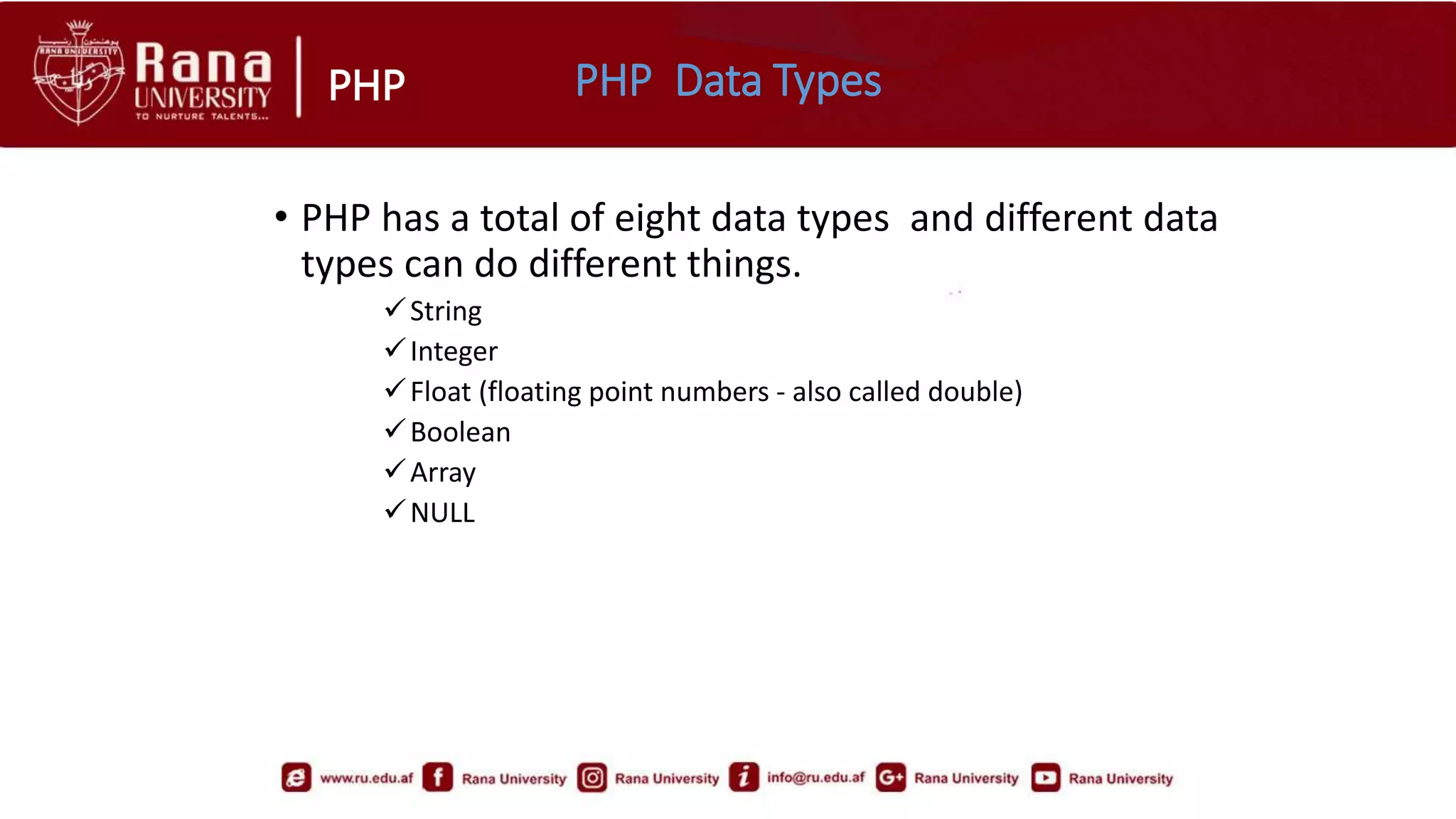
PHP PHP Data Types
• PHP has a total of eight data types and different data
types can do different things.
String
Integer
Float (floating point numbers - also called double)
Boolean
Array
NULL
PHP
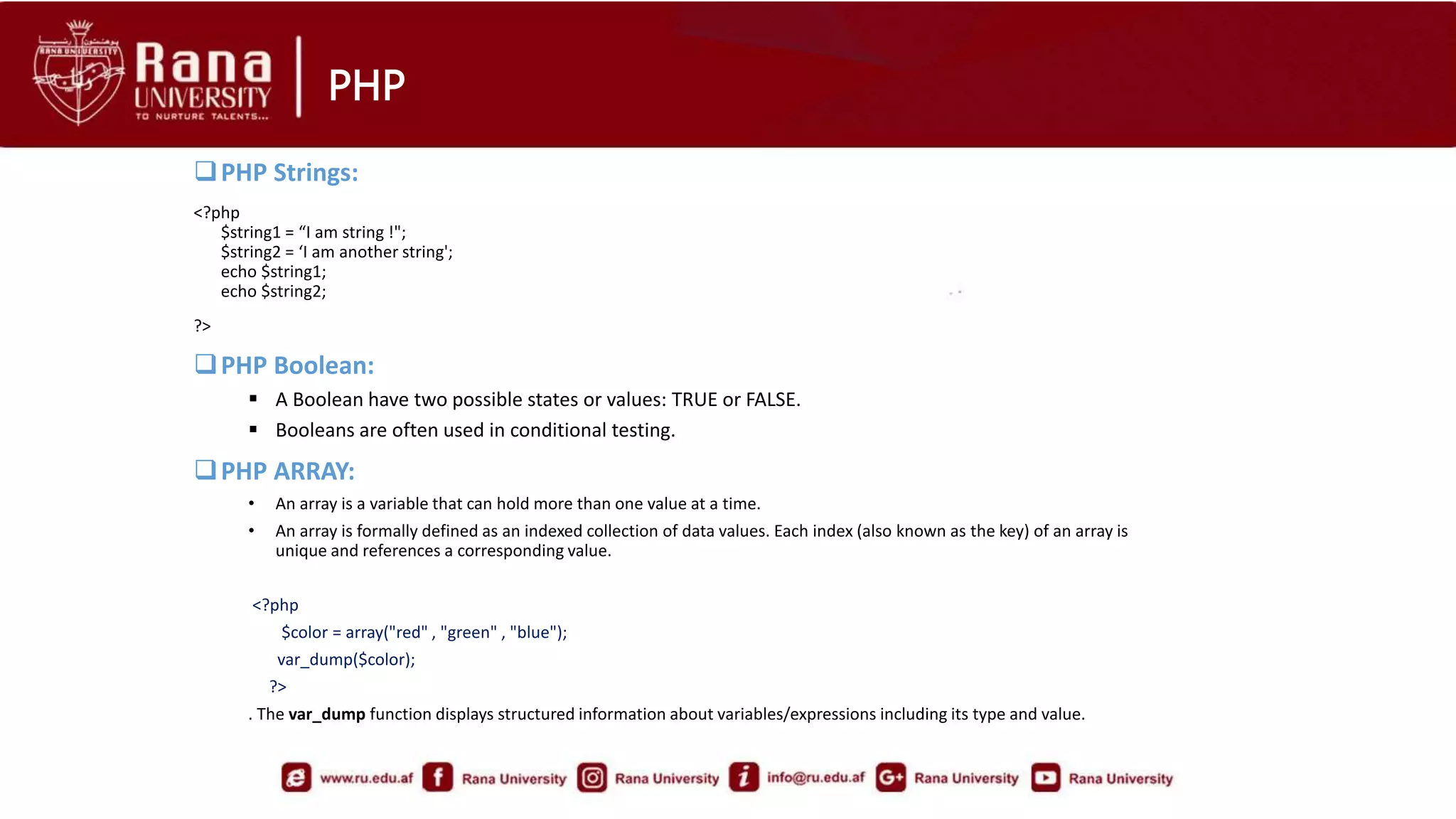
PHP Strings:
<?php
$string1 = “I am string !";
$string2 = ‘I am another string';
echo $string1;
echo $string2;
?>
PHP Boolean:
 A Boolean have two possible states or values: TRUE or FALSE.
 Booleans are often used in conditional testing.
PHP ARRAY:
• An array is a variable that can hold more than one value at a time.
• An array is formally defined as an indexed collection of data values. Each index (also known as the key) of an array is
unique and references a corresponding value.
<?php
$color = array("red" , "green" , "blue");
var_dump($color);
?>
. The var_dump function displays structured information about variables/expressions including its type and value.
PHP
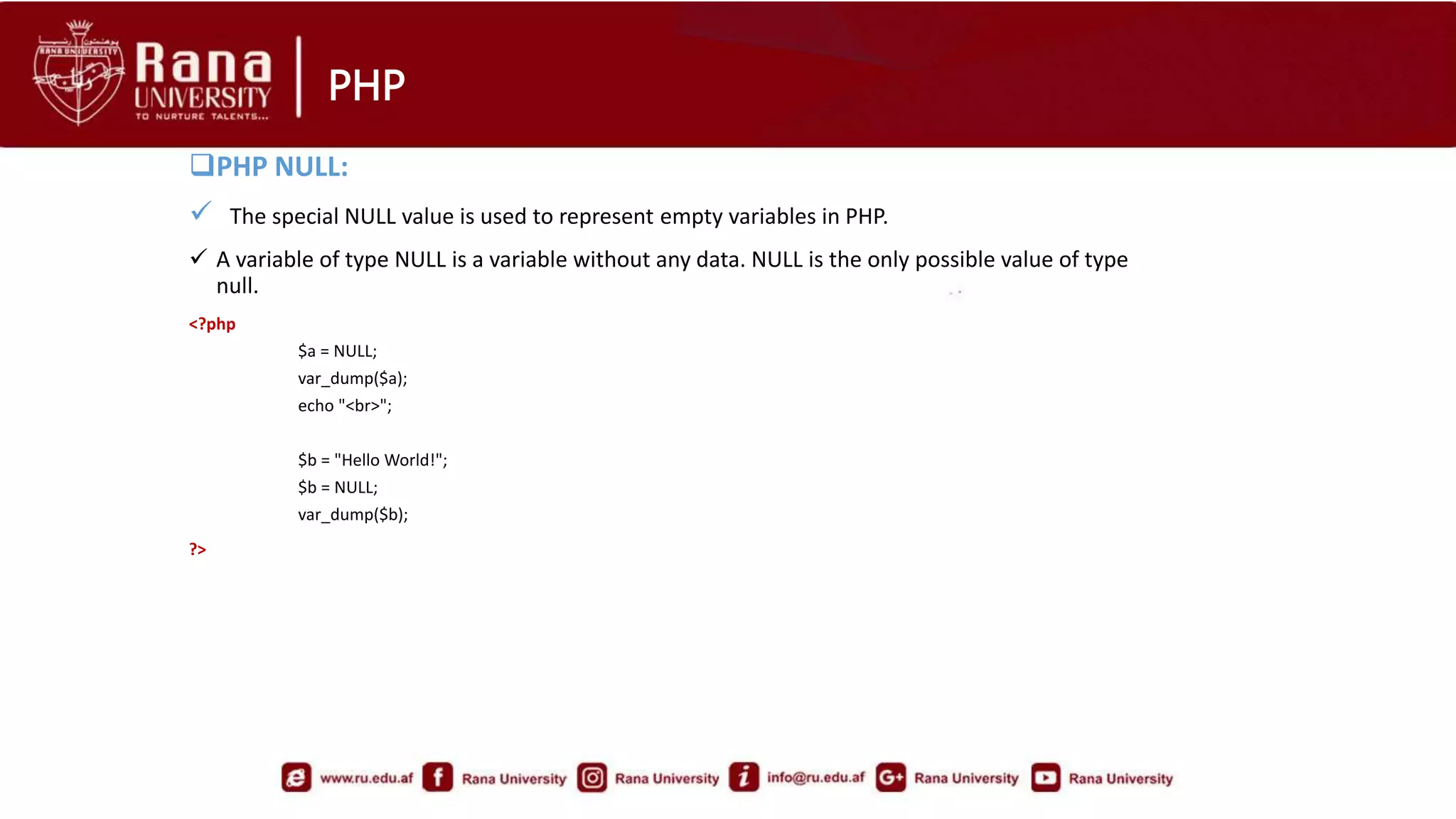
PHP NULL:
 The special NULL value is used to represent empty variables in PHP.
 A variable of type NULL is a variable without any data. NULL is the only possible value of type
null.
<?php
$a = NULL;
var_dump($a);
echo "<br>";
$b = "Hello World!";
$b = NULL;
var_dump($b);
?>
PHP
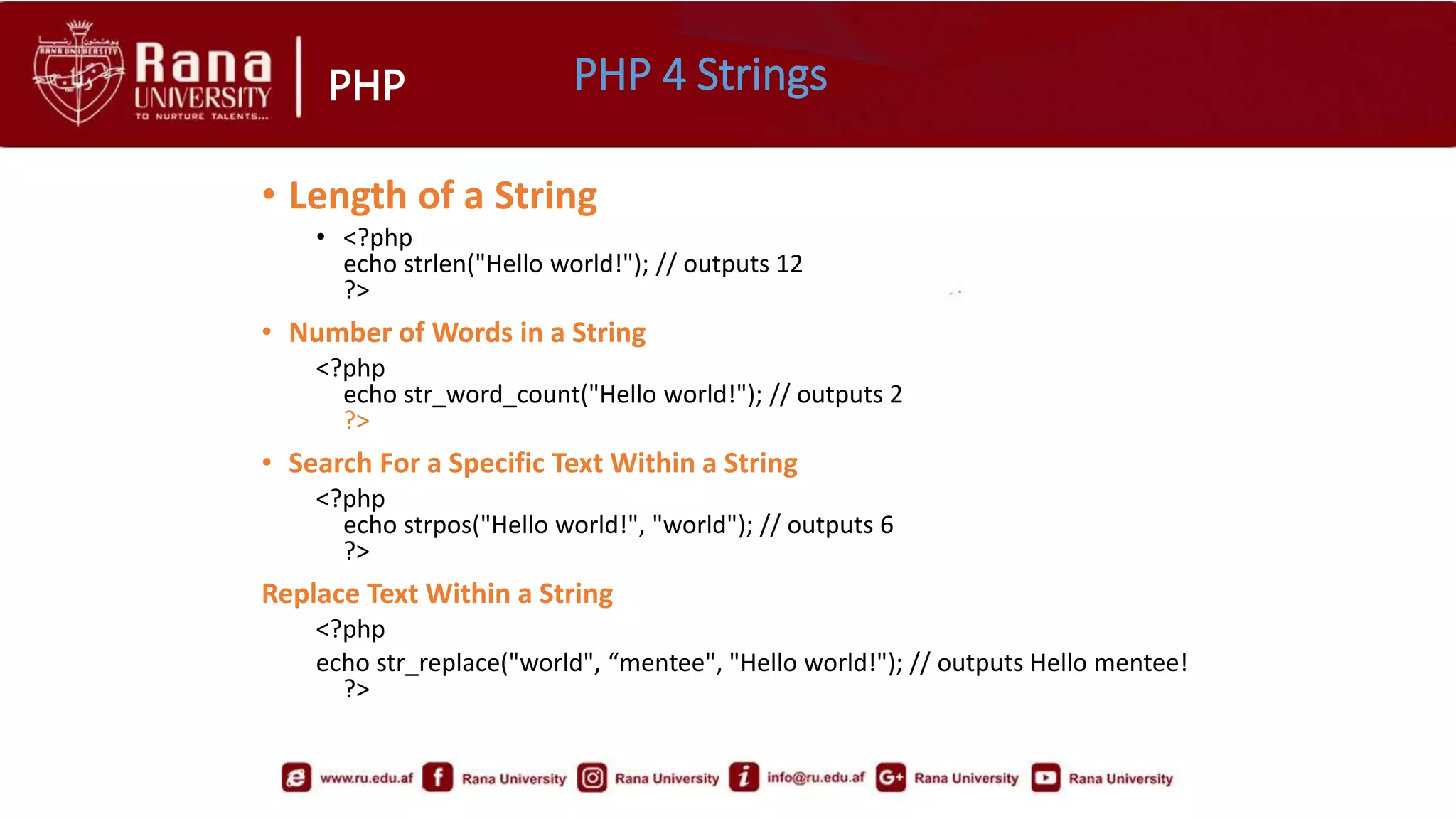
• Length of a String
• <?php
echo strlen("Hello world!"); // outputs 12
?>
• Number of Words in a String
<?php
echo str_word_count("Hello world!"); // outputs 2
?>
• Search For a Specific Text Within a String
<?php
echo strpos("Hello world!", "world"); // outputs 6
?>
Replace Text Within a String
<?php
echo str_replace("world", “mentee", "Hello world!"); // outputs Hello mentee!
?>
PHP 4 Strings
PHP PHP Constants
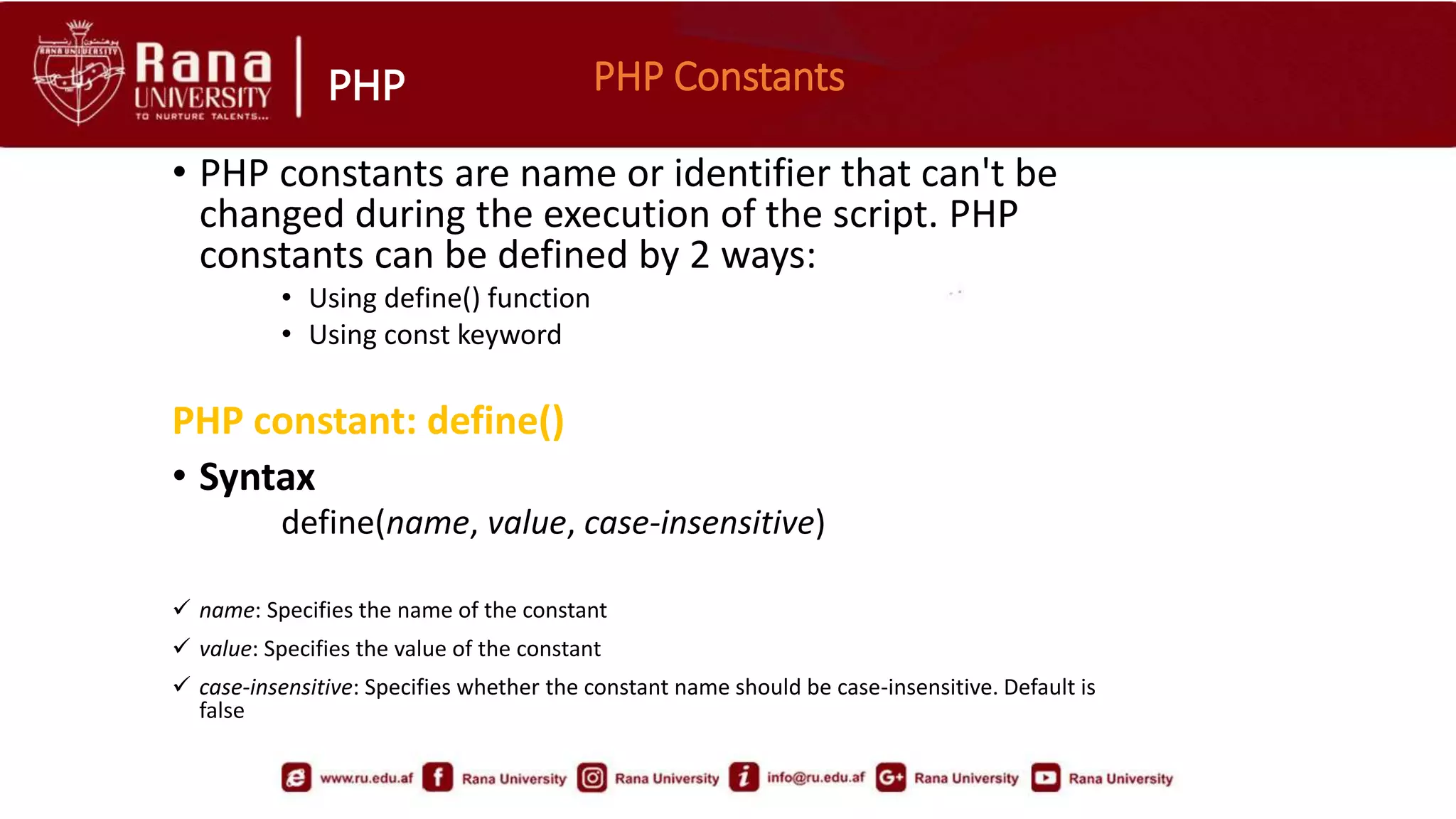
• PHP constants are name or identifier that can't be
changed during the execution of the script. PHP
constants can be defined by 2 ways:
• Using define() function
• Using const keyword
PHP constant: define()
• Syntax
define(name, value, case-insensitive)
 name: Specifies the name of the constant
 value: Specifies the value of the constant
 case-insensitive: Specifies whether the constant name should be case-insensitive. Default is
false
PHP
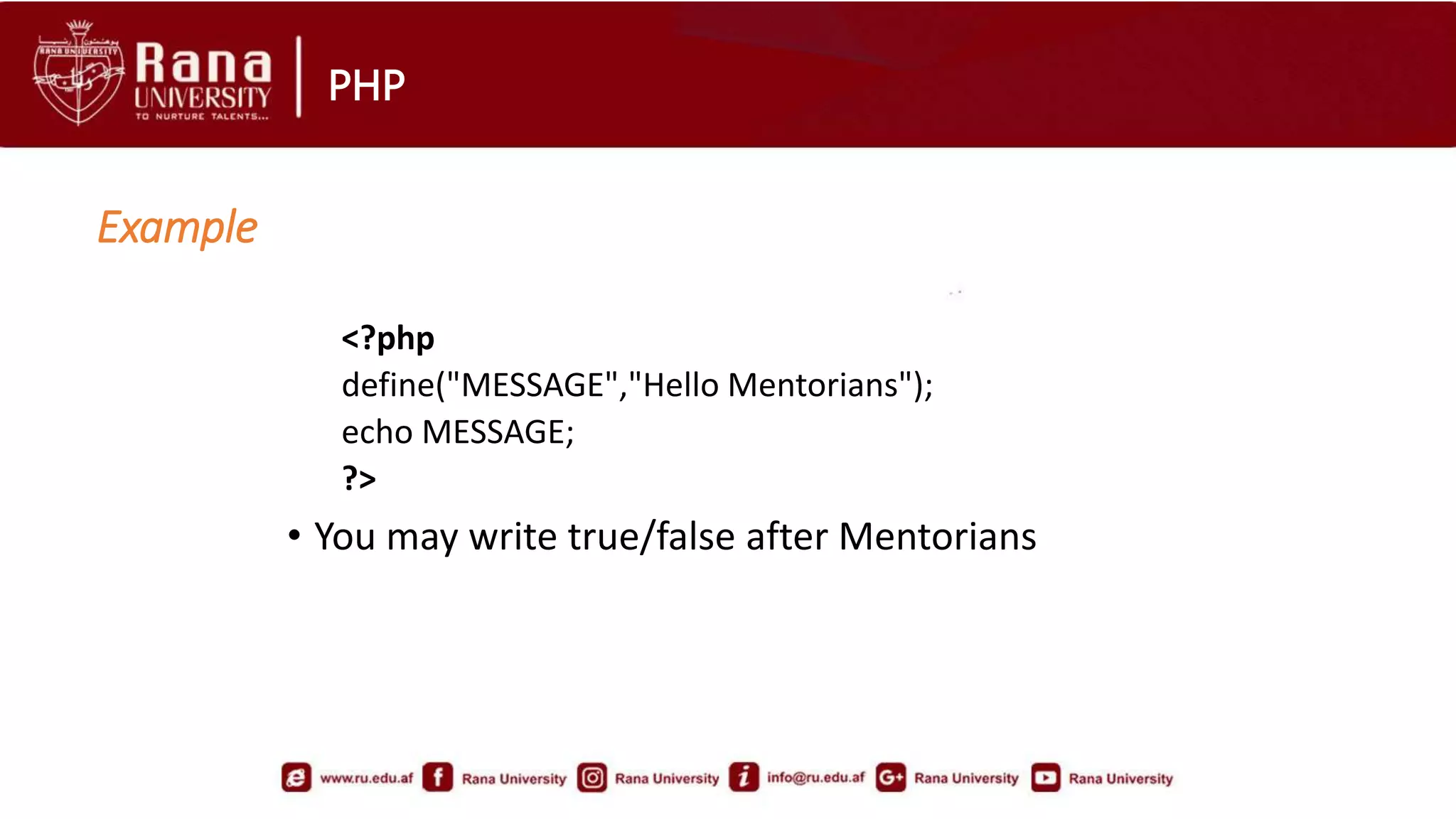
<?php
define("MESSAGE","Hello Mentorians");
echo MESSAGE;
?>
• You may write true/false after Mentorians
Example
PHP PHP constant: const keyword
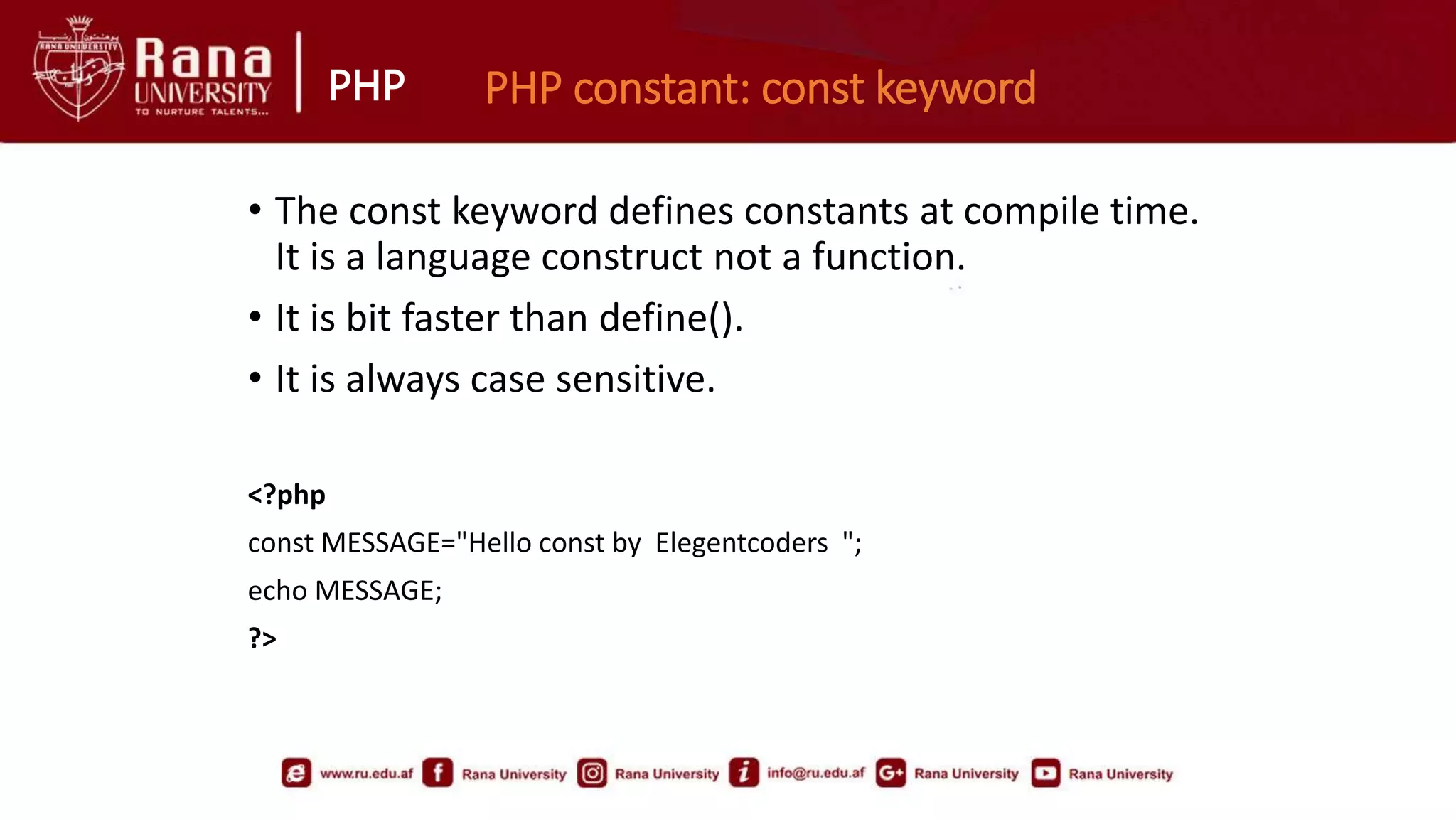
• The const keyword defines constants at compile time.
It is a language construct not a function.
• It is bit faster than define().
• It is always case sensitive.
<?php
const MESSAGE="Hello const by Elegentcoders ";
echo MESSAGE;
?>
PHP
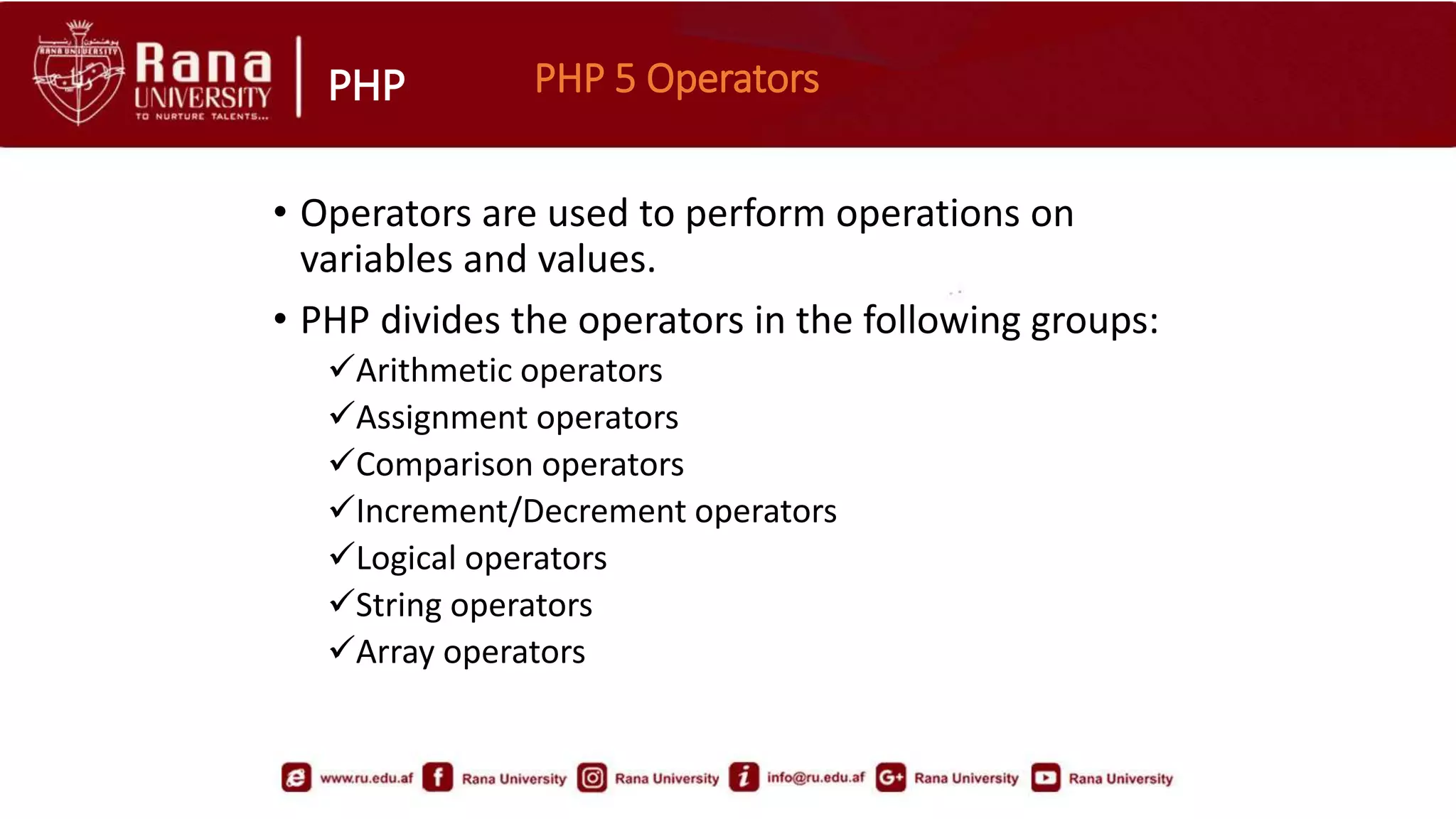
• Operators are used to perform operations on
variables and values.
• PHP divides the operators in the following groups:
Arithmetic operators
Assignment operators
Comparison operators
Increment/Decrement operators
Logical operators
String operators
Array operators
PHP 5 Operators
PHP PHP if-statement
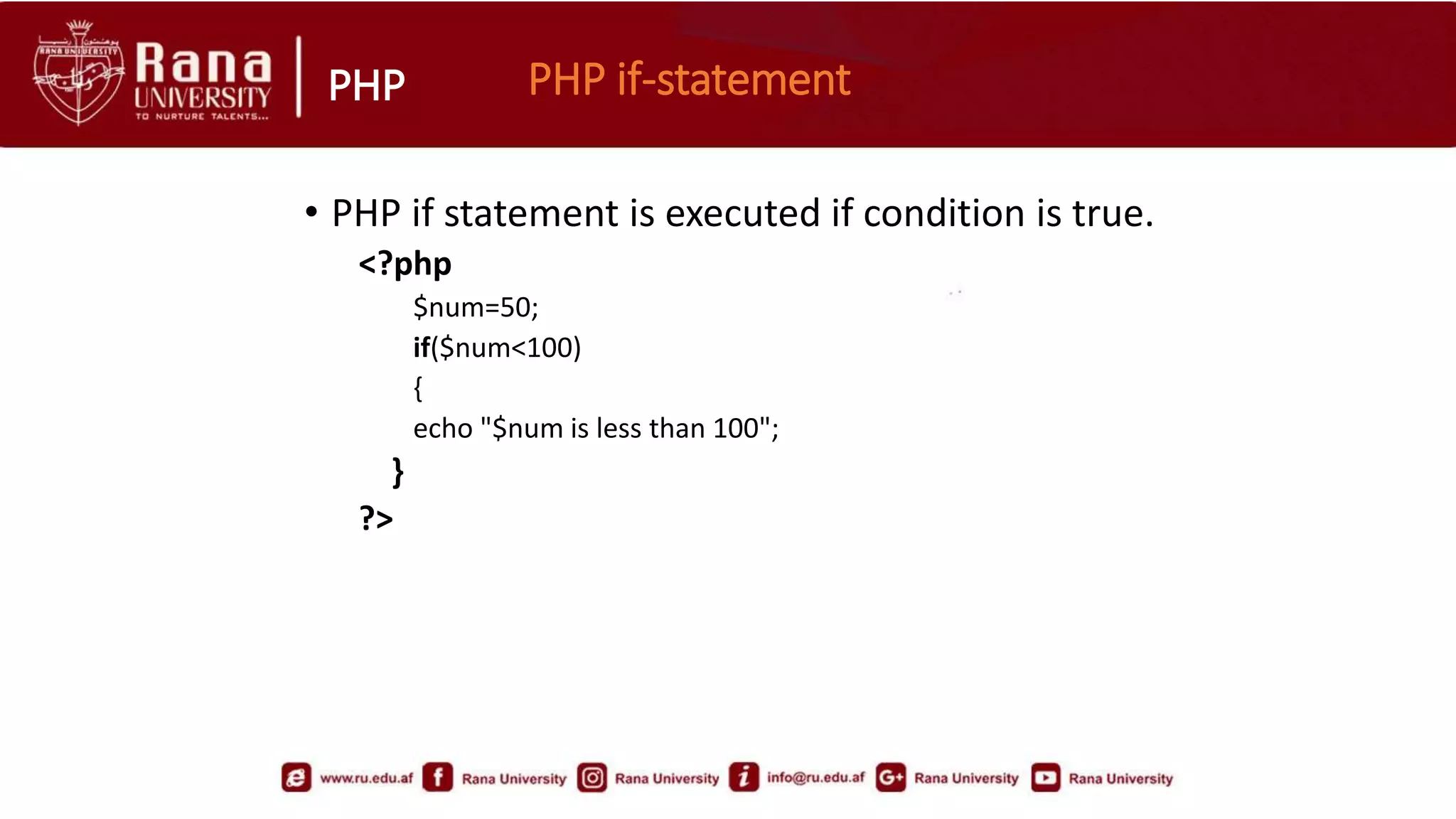
• PHP if statement is executed if condition is true.
<?php
$num=50;
if($num<100)
{
echo "$num is less than 100";
}
?>
PHP PHP If-else Statement
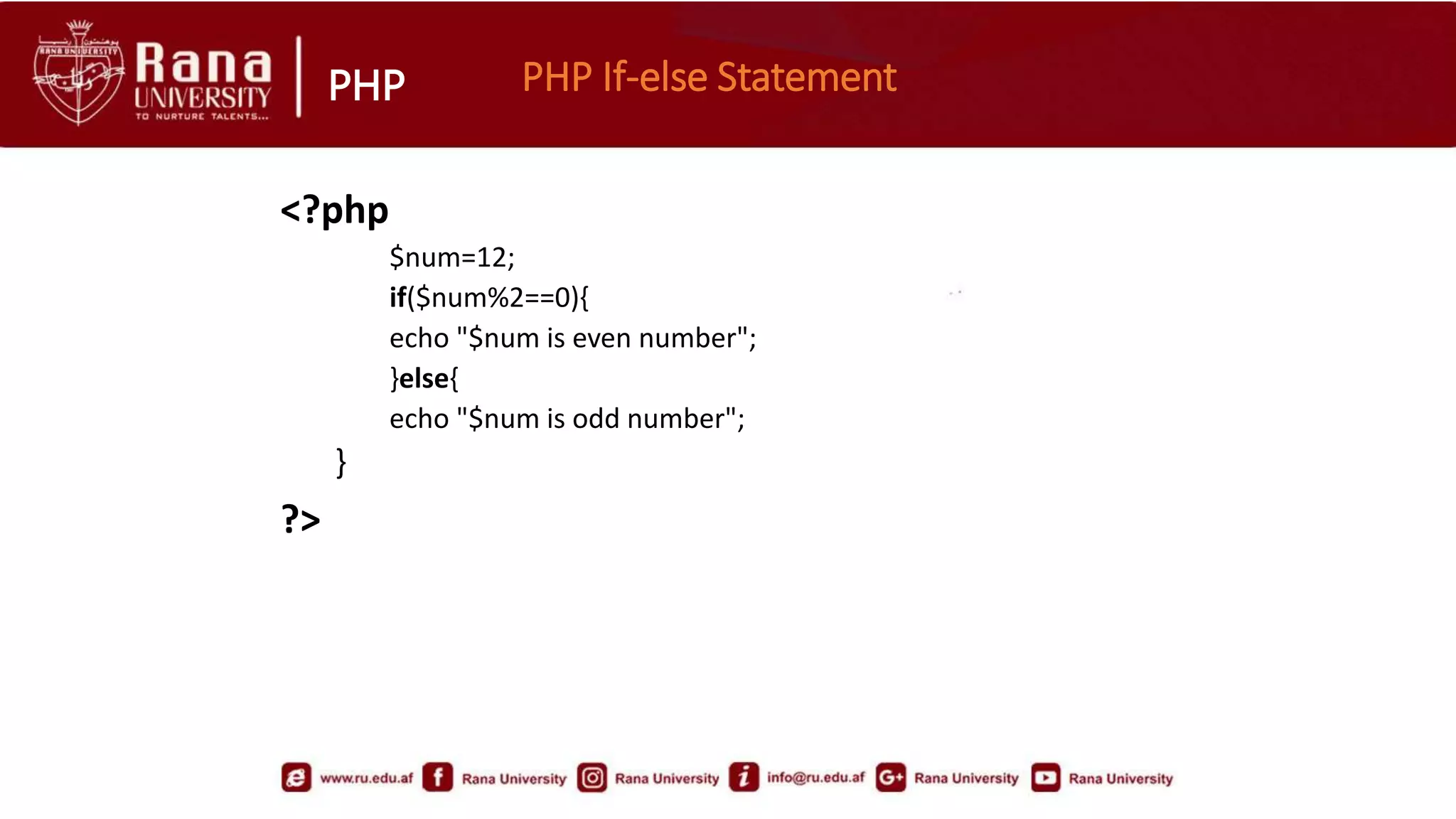
<?php
$num=12;
if($num%2==0){
echo "$num is even number";
}else{
echo "$num is odd number";
}
?>
PHP The if...elseif....else Statement
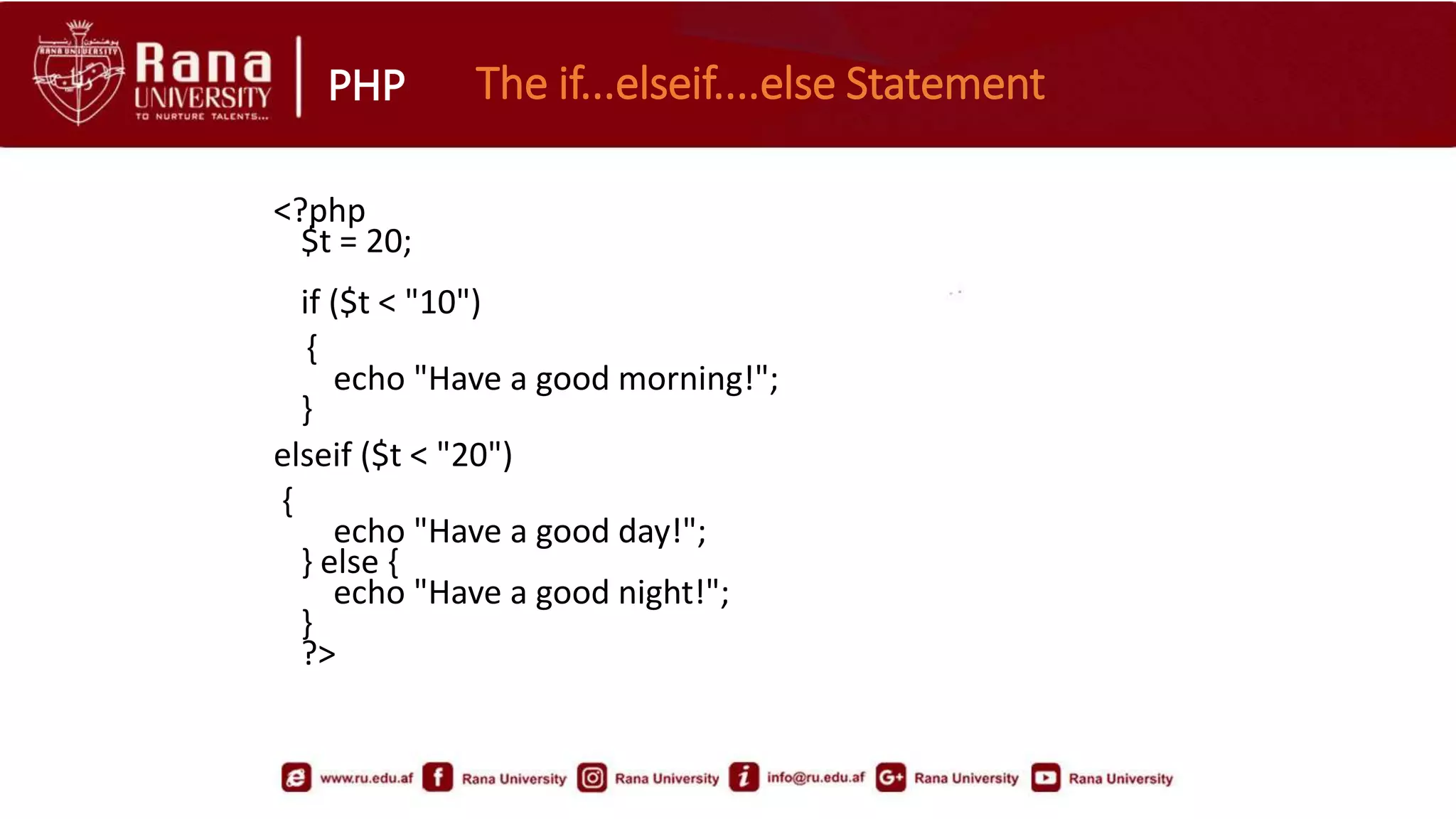
<?php
$t = 20;
if ($t < "10")
{
echo "Have a good morning!";
}
elseif ($t < "20")
{
echo "Have a good day!";
} else {
echo "Have a good night!";
}
?>
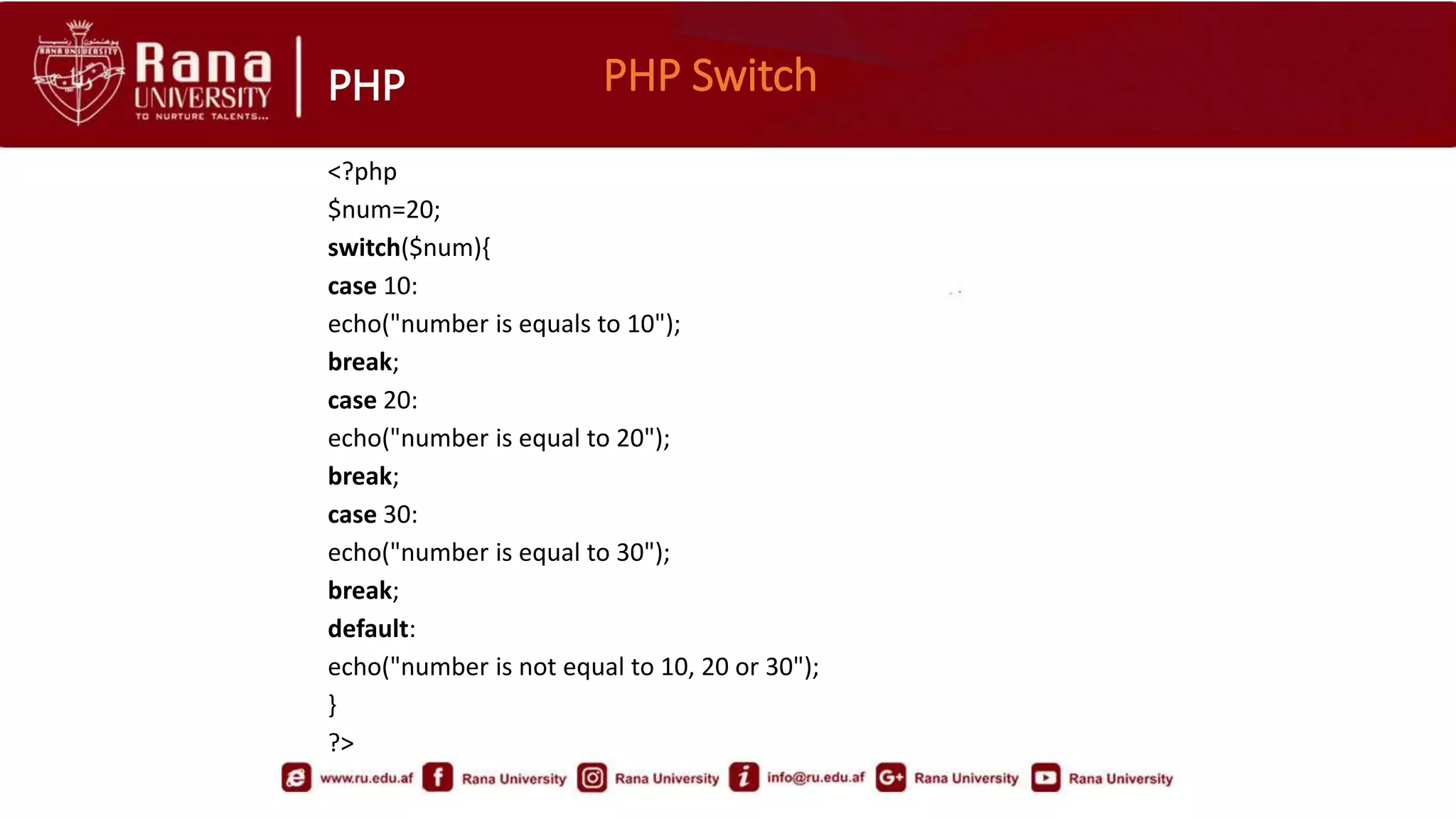
PHP PHP Switch
<?php
$num=20;
switch($num){
case 10:
echo("number is equals to 10");
break;
case 20:
echo("number is equal to 20");
break;
case 30:
echo("number is equal to 30");
break;
default:
echo("number is not equal to 10, 20 or 30");
}
?>
❤️
Hello, students! I hope you enjoyed the lecture today. I know that sometimes, it can be challenging
to stay focused and engaged during a long class, but I want to remind you of the importance of
your education. You are here because you have a goal in mind, and every class you attend is a
step closer to achieving that goal. Remember, success is not just about talent or ability; it's also
about perseverance and hard work. So, keep pushing yourself to learn, to grow, and to become
the best version of yourself. Don't be afraid to ask questions, seek help when needed, and never
give up on your dreams. The road may be long, but the reward at the end will be worth it. Keep
striving, and I have no doubt that you will achieve greatness.
PHP
Thank You
For Your Patience
PHP 2.pptx

PHP 2.pptx

  • 1.
    Faculty of ComputerScience Subject: Web Engineering (II) Lecturer: AbdulBasir Momand
  • 2.
  • 3.
  • 4.
    PHP PHP DataTypes • PHP has a total of eight data types and different data types can do different things. String Integer Float (floating point numbers - also called double) Boolean Array NULL
  • 5.
    PHP PHP Strings: <?php $string1 =“I am string !"; $string2 = ‘I am another string'; echo $string1; echo $string2; ?> PHP Boolean:  A Boolean have two possible states or values: TRUE or FALSE.  Booleans are often used in conditional testing. PHP ARRAY: • An array is a variable that can hold more than one value at a time. • An array is formally defined as an indexed collection of data values. Each index (also known as the key) of an array is unique and references a corresponding value. <?php $color = array("red" , "green" , "blue"); var_dump($color); ?> . The var_dump function displays structured information about variables/expressions including its type and value.
  • 6.
    PHP PHP NULL:  Thespecial NULL value is used to represent empty variables in PHP.  A variable of type NULL is a variable without any data. NULL is the only possible value of type null. <?php $a = NULL; var_dump($a); echo "<br>"; $b = "Hello World!"; $b = NULL; var_dump($b); ?>
  • 7.
    PHP • Length ofa String • <?php echo strlen("Hello world!"); // outputs 12 ?> • Number of Words in a String <?php echo str_word_count("Hello world!"); // outputs 2 ?> • Search For a Specific Text Within a String <?php echo strpos("Hello world!", "world"); // outputs 6 ?> Replace Text Within a String <?php echo str_replace("world", “mentee", "Hello world!"); // outputs Hello mentee! ?> PHP 4 Strings
  • 8.
    PHP PHP Constants •PHP constants are name or identifier that can't be changed during the execution of the script. PHP constants can be defined by 2 ways: • Using define() function • Using const keyword PHP constant: define() • Syntax define(name, value, case-insensitive)  name: Specifies the name of the constant  value: Specifies the value of the constant  case-insensitive: Specifies whether the constant name should be case-insensitive. Default is false
  • 9.
    PHP <?php define("MESSAGE","Hello Mentorians"); echo MESSAGE; ?> •You may write true/false after Mentorians Example
  • 10.
    PHP PHP constant:const keyword • The const keyword defines constants at compile time. It is a language construct not a function. • It is bit faster than define(). • It is always case sensitive. <?php const MESSAGE="Hello const by Elegentcoders "; echo MESSAGE; ?>
  • 11.
    PHP • Operators areused to perform operations on variables and values. • PHP divides the operators in the following groups: Arithmetic operators Assignment operators Comparison operators Increment/Decrement operators Logical operators String operators Array operators PHP 5 Operators
  • 12.
    PHP PHP if-statement •PHP if statement is executed if condition is true. <?php $num=50; if($num<100) { echo "$num is less than 100"; } ?>
  • 13.
    PHP PHP If-elseStatement <?php $num=12; if($num%2==0){ echo "$num is even number"; }else{ echo "$num is odd number"; } ?>
  • 14.
    PHP The if...elseif....elseStatement <?php $t = 20; if ($t < "10") { echo "Have a good morning!"; } elseif ($t < "20") { echo "Have a good day!"; } else { echo "Have a good night!"; } ?>
  • 15.
    PHP PHP Switch <?php $num=20; switch($num){ case10: echo("number is equals to 10"); break; case 20: echo("number is equal to 20"); break; case 30: echo("number is equal to 30"); break; default: echo("number is not equal to 10, 20 or 30"); } ?>
  • 16.
    ❤️ Hello, students! Ihope you enjoyed the lecture today. I know that sometimes, it can be challenging to stay focused and engaged during a long class, but I want to remind you of the importance of your education. You are here because you have a goal in mind, and every class you attend is a step closer to achieving that goal. Remember, success is not just about talent or ability; it's also about perseverance and hard work. So, keep pushing yourself to learn, to grow, and to become the best version of yourself. Don't be afraid to ask questions, seek help when needed, and never give up on your dreams. The road may be long, but the reward at the end will be worth it. Keep striving, and I have no doubt that you will achieve greatness.
  • 17.