QtWebKit


1
Contents
• Classes
• Features
• Exposing Widgets
• W ki with J
  Working i h JavaScript
                  S i


2
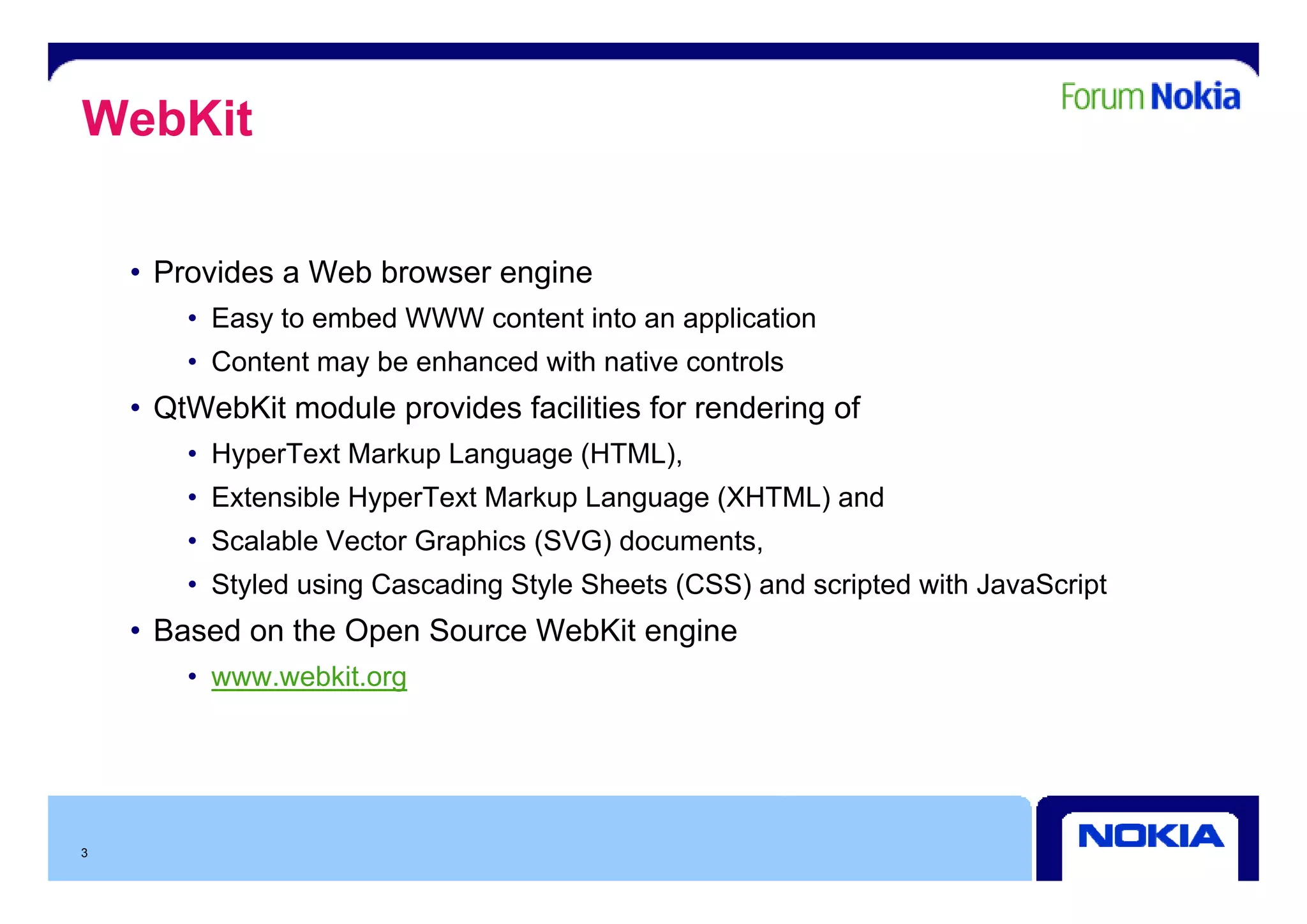
WebKit

    • Provides a Web browser engine
        • Easy to embed WWW content into an application
        • Content may be enhanced with native controls
    • QtWebKit module provides facilities for rendering of
        • HyperText Markup Language (HTML),
        • Extensible HyperText Markup Language (XHTML) and
        • Scalable Vector Graphics (SVG) documents,
        • Styled using Cascading Style Sheets (CSS) and scripted with JavaScript
    • Based on the Open Source WebKit engine
        • www.webkit.org
               ebkit org


3
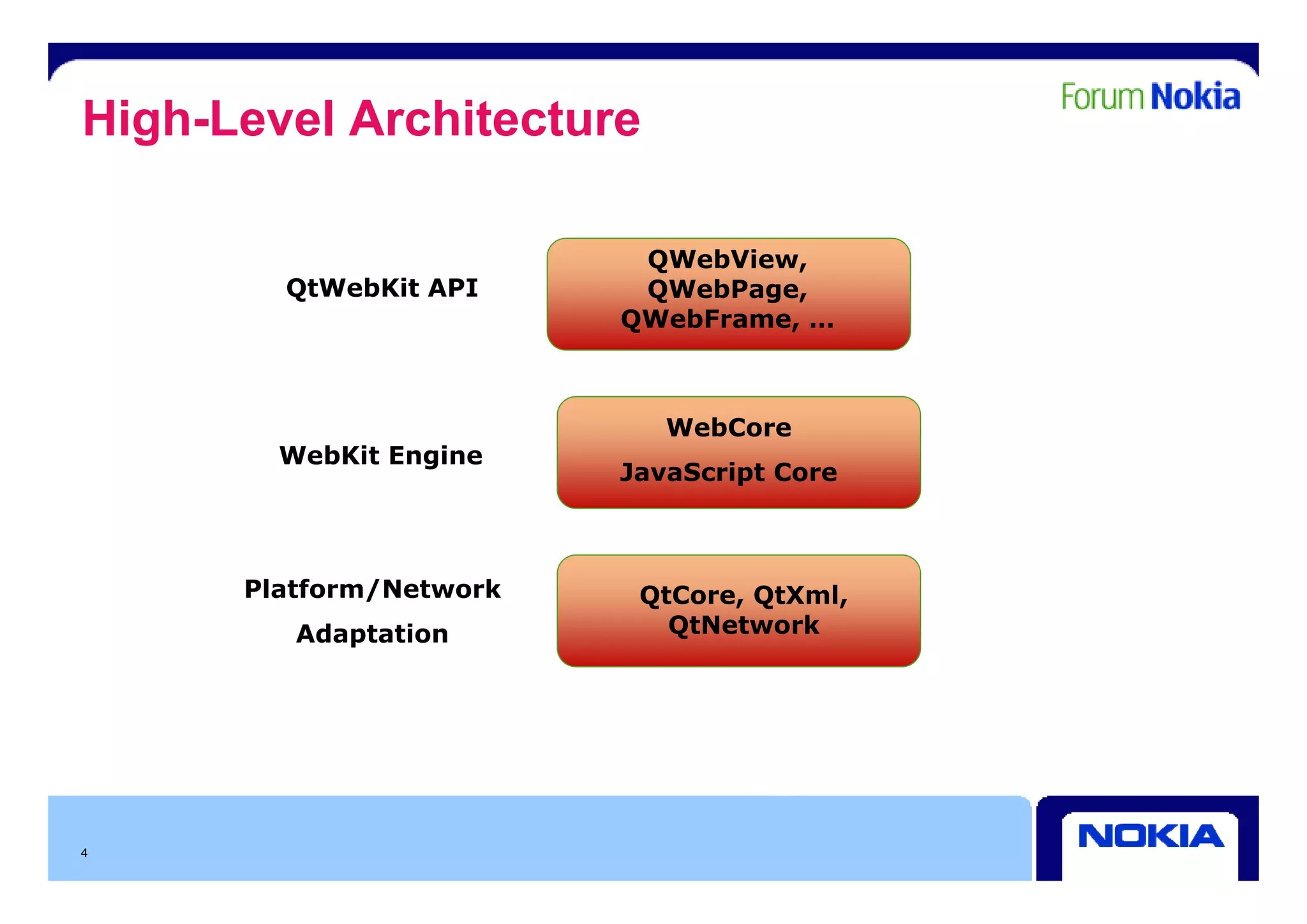
High-Level Architecture

                          QWebView,
                          QW bVi
        QtWebKit API      QWebPage,
                         QWebFrame, …


                            WebCore
        WebKit Engine
                         JavaScript Core


      Platform/Network    QtCore, QtXml,
         Adaptation         QtNetwork


4
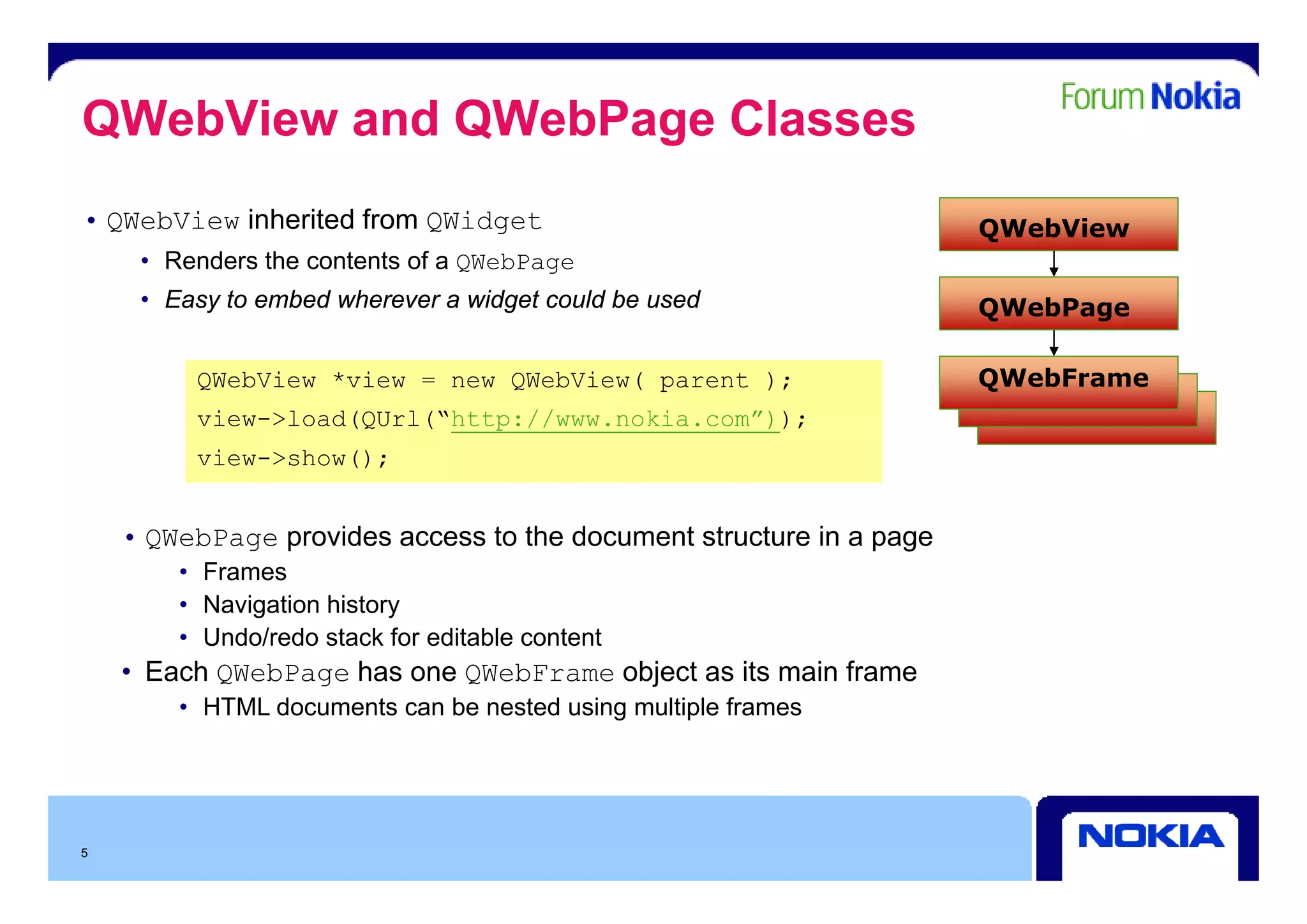
QWebView and QWebPage Classes
• QWebView inherited from QWidget                                    QWebView
     • R d
       Renders th contents of a QWebPage
               the   t t f
     • Easy to embed wherever a widget could be used                 QWebPage

         QWebView *view = new QWebView( parent );                    QWebFrame
         view->load(QUrl(“http://www.nokia.com”));
         view >show();
         view->show();


    • QWebPage provides access to the document structure in a page
        • F
          Frames
        • Navigation history
        • Undo/redo stack for editable content
    • Each QWebPage has one QWebFrame object as its main frame
        • HTML documents can be nested using multiple frames


5
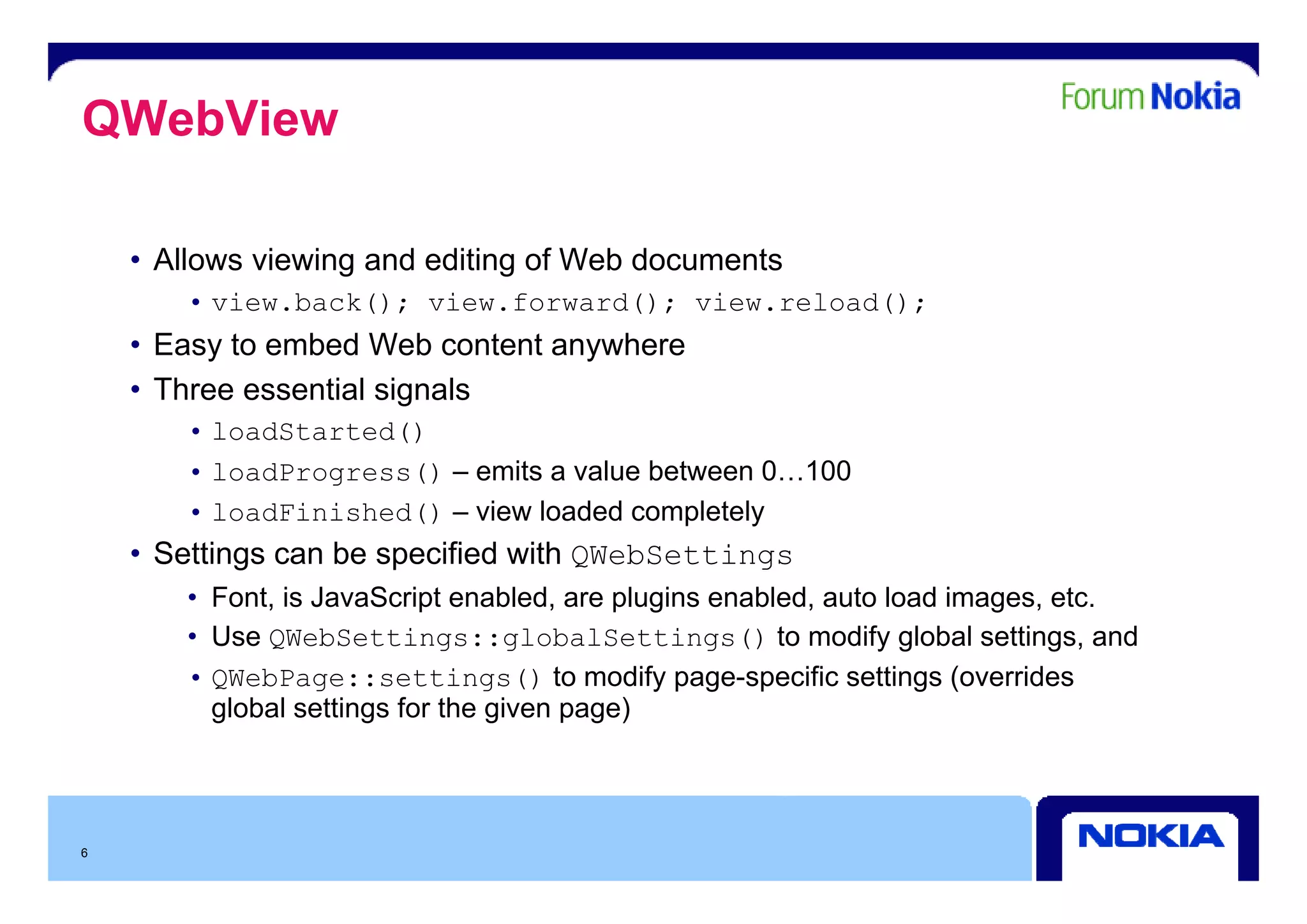
QWebView

    • All
      Allows viewing and editing of Web documents
              i i      d diti     fW bd        t
       • view.back(); view.forward(); view.reload();
    • Easy to embed Web content anywhere
         y                        y
    • Three essential signals
       • loadStarted()
       • loadProgress() – emits a value b t
                             it     l between 0 100
                                                0…100
       • loadFinished() – view loaded completely
    • Settings can be specified with QWebSettings
            g          p             Q         g
       • Font, is JavaScript enabled, are plugins enabled, auto load images, etc.
       • Use QWebSettings::globalSettings() to modify global settings, and
         QWebPage::settings() to modify page specific settings (overrides
       • QW bP            tti      () modif page-specific             (o errides
         global settings for the given page)


6
QGraphicsWebView
• Counterpart of QWebView in the Graphics View Framework
• Enables displaying web content in a graphics view
• Many of the functions and signals are the same as in QWebView
    • M k porting existing QWebView-using code t QGraphicsWebView easy
      Makes  ti     i ti      b i     i     d to      hi    b i
    • Classes like QWebPage, QWebFrame etc. are used in the background here as well


7
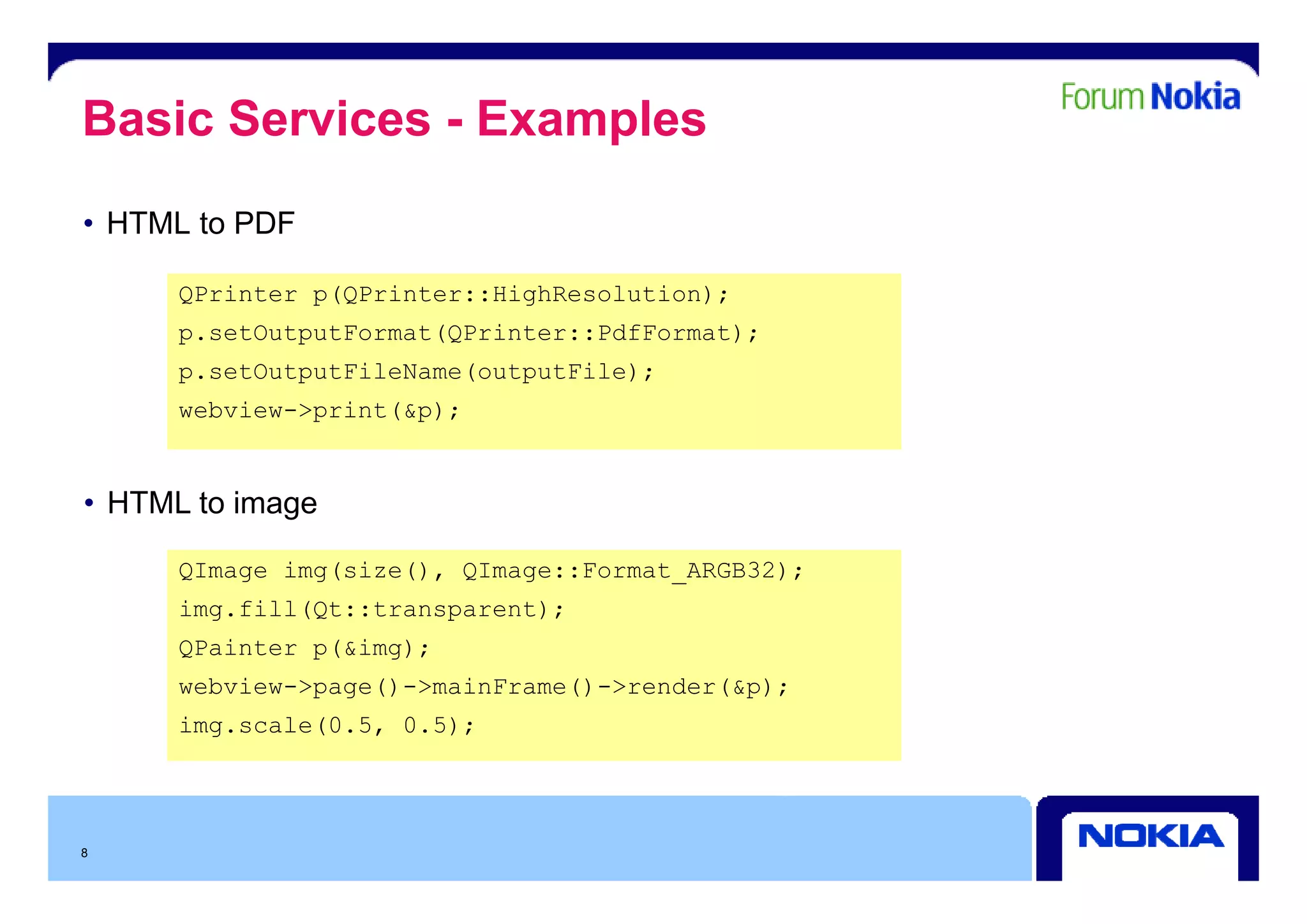
Basic Services - Examples
• HTML to PDF

      QPrinter p(QPrinter::HighResolution);
      p.setOutputFormat(QPrinter::PdfFormat);
      p.setOutputFileName(outputFile);
      webview->print(&p);


• HTML to image

      QImage img(size(), QImage Fo mat ARGB32)
             img(si e() QImage::Format_ARGB32);
      img.fill(Qt::transparent);
      QPainter p(&img);
      webview->page()->mainFrame()->render(&p);
      img.scale(0.5, 0.5);


8
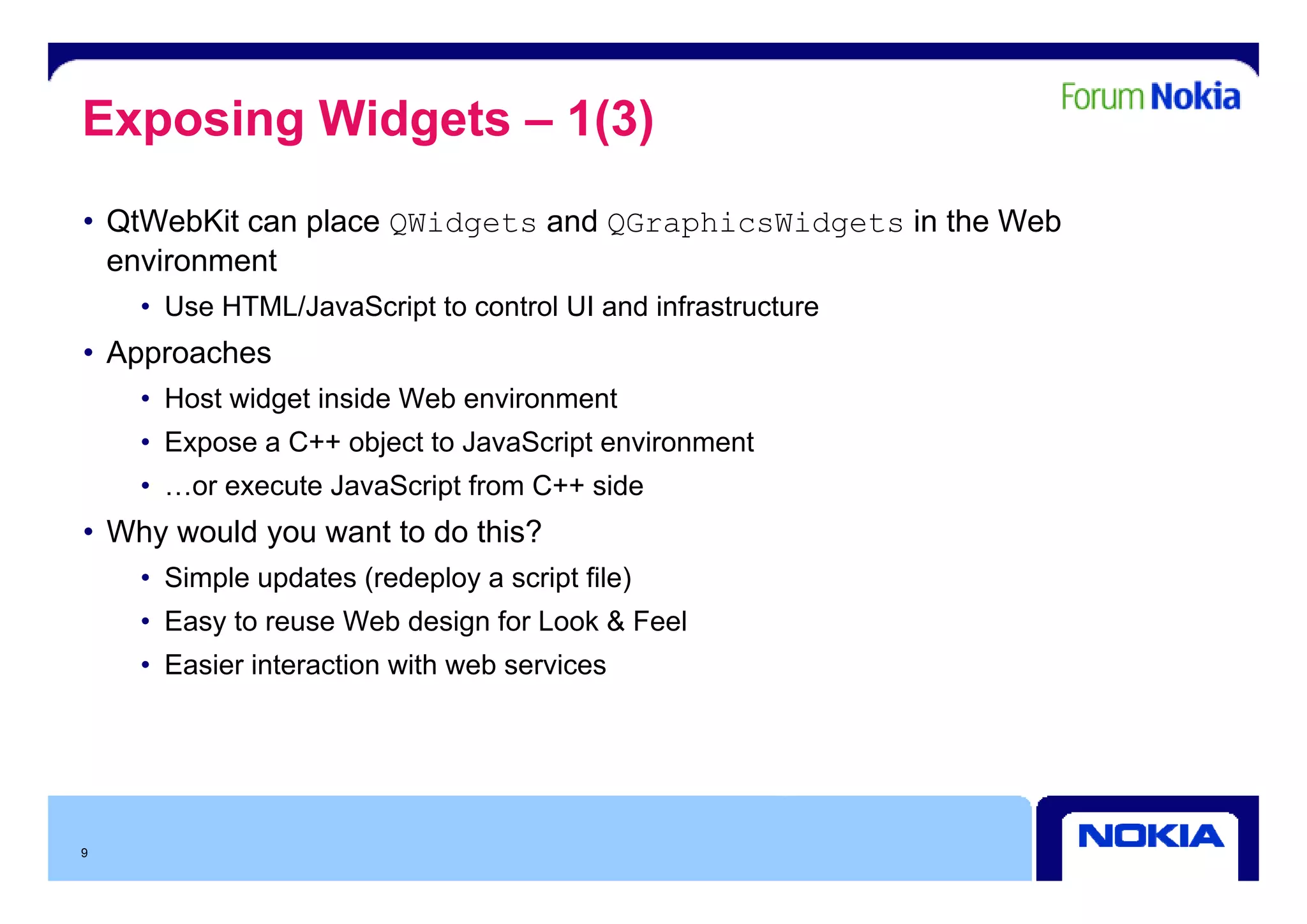
Exposing Widgets – 1(3)
• QtWebKit can place QWidgets and QGraphicsWidgets in the Web
  environment
     i      t
    • Use HTML/JavaScript to control UI and infrastructure
• Approaches
    • Host widget inside Web environment
    • Expose a C++ object to JavaScript environment
    • …or execute JavaScript from C++ side
• Why would you want to do this?
    • Simple updates (redeploy a script file)
    • Easy to reuse Web design for Look & Feel
    • Easier interaction with web services


9
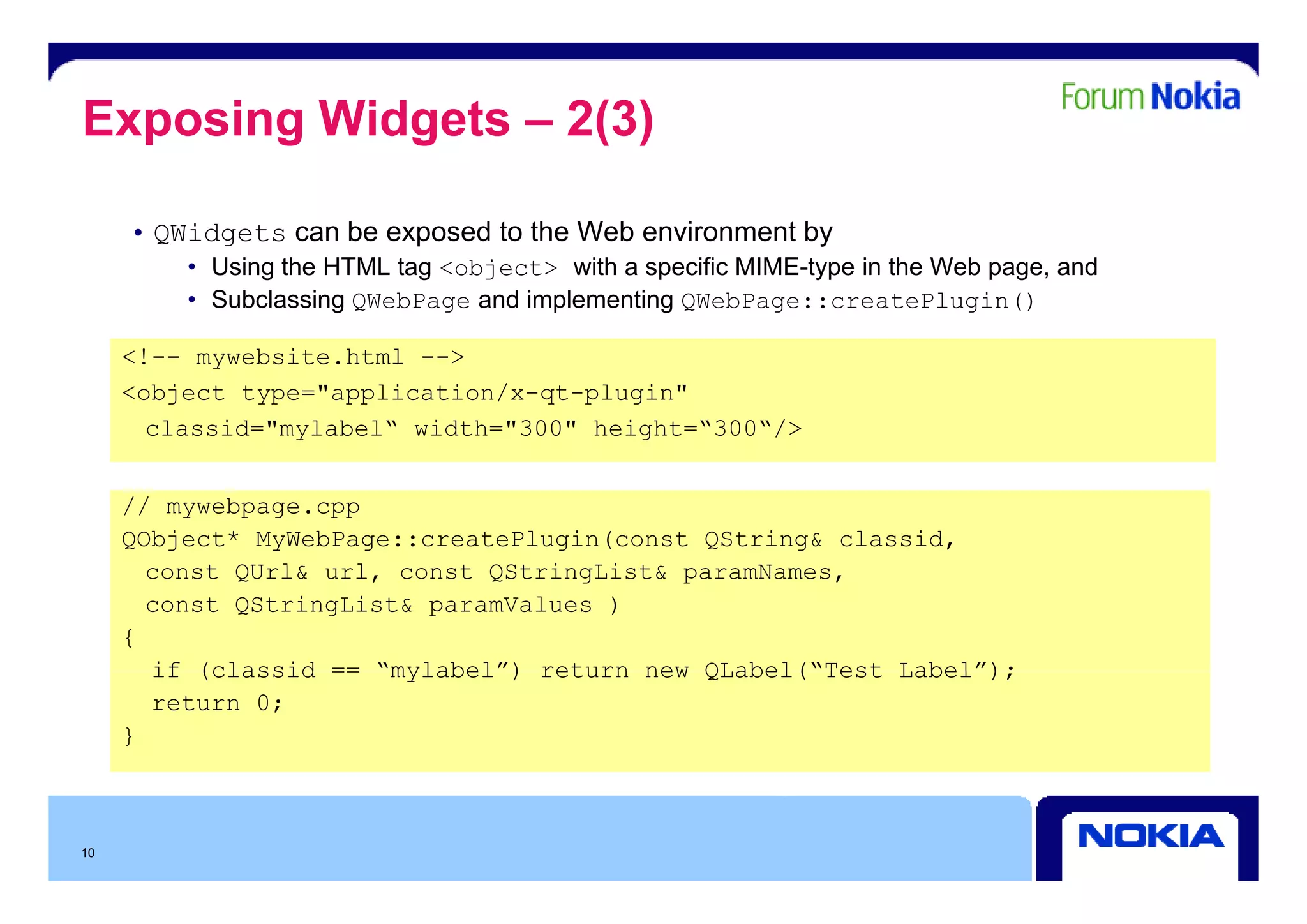
Exposing Widgets – 2(3)

     • QWidgets can be exposed to the Web environment by
         • Using the HTML tag <object> with a specific MIME-type in the Web page, and
         • Subclassing QWebPage and implementing QWebPage::createPlugin()

     <!-- mywebsite html -->
          mywebsite.html
     <object type="application/x-qt-plugin"
       classid="mylabel“ width="300" height=“300“/>


     // mywebpage.cpp
     QObject* MyWebPage::createPlugin(const QString& classid,
       const QU l& url, const QSt i Li t& paramNames,
           t QUrl&   l      t QStringList&      N
       const QStringList& paramValues )
     {
       if (classid == “mylabel”) return new QLabel(“Test Label”);
                       mylabel )            QLabel( Test Label );
       return 0;
     }


10
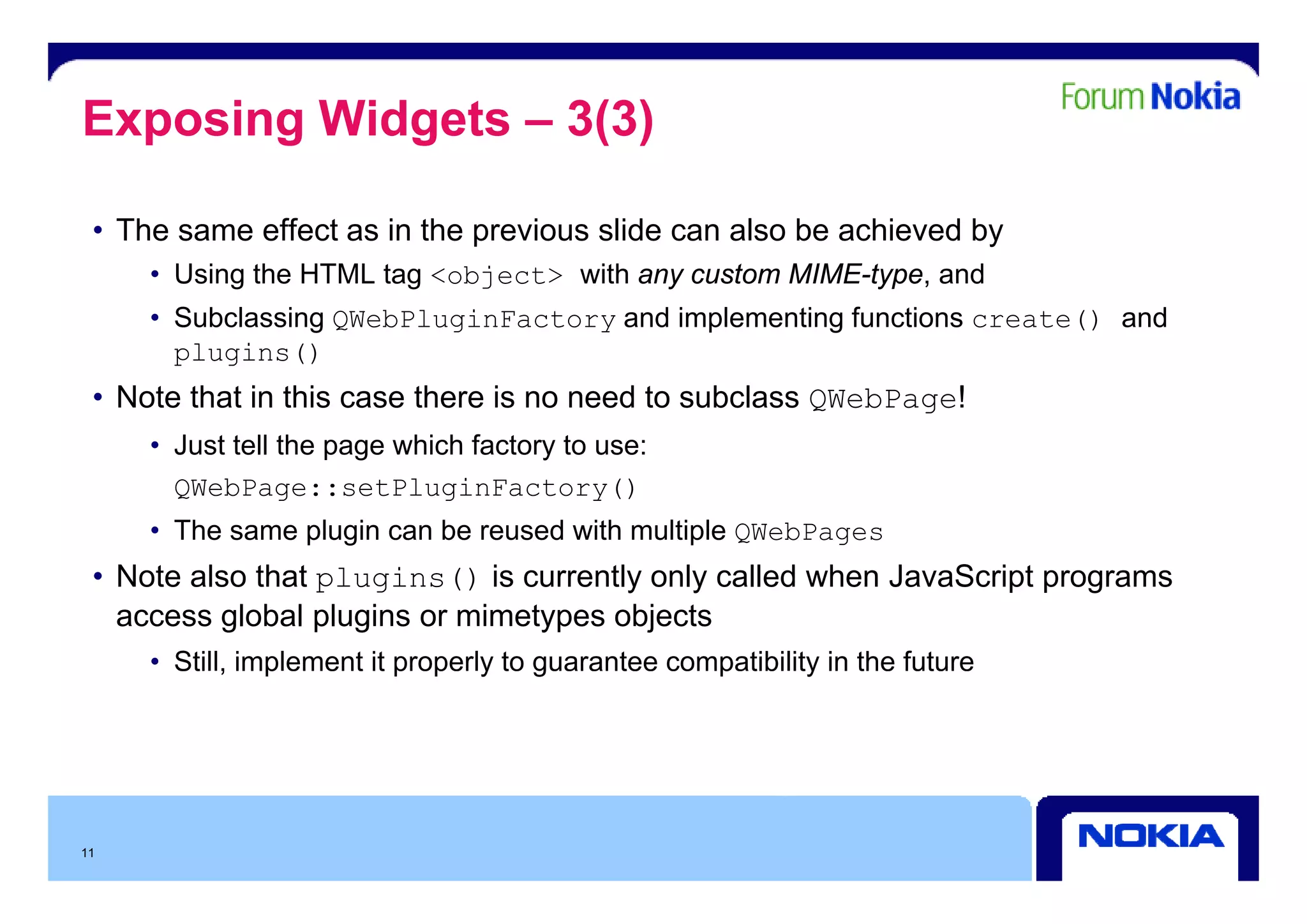
Exposing Widgets – 3(3)

 • The same effect as in the previous slide can also be achieved by
     • Using the HTML tag <object> with any custom MIME-type, and
     • Subclassing QWebPluginFactory and implementing functions create() and
       plugins()
 • Note that in this case there is no need to subclass QWebPage!
     • Just tell the page which factory to use:
       QWebPage::setPluginFactory()
     • The same plugin can be reused with multiple QWebPages
 • N t also that plugins() i currently only called when J
   Note l th t                is      tl   l  ll d h JavaScript programs
                                                          S i t
   access global plugins or mimetypes objects
     • Still, implement it p p y to g
            , p            properly guarantee compatibility in the future
                                                 p        y


11
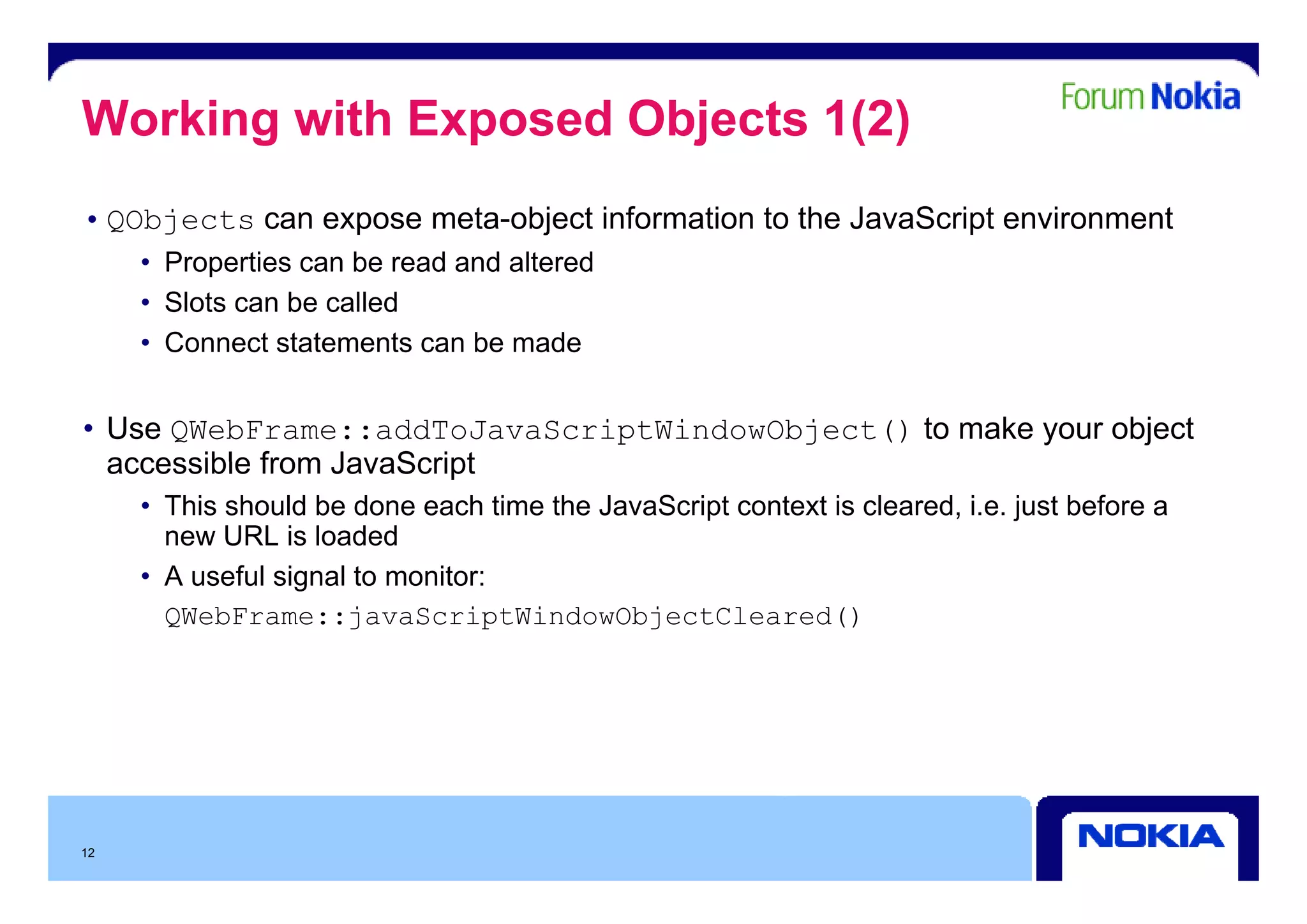
Working with Exposed Objects 1(2)
• QObjects can expose meta-object information to the JavaScript environment
     • P
       Properties can b read and altered
              ti      be   d d lt d
     • Slots can be called
     • Connect statements can be made


• Use QWebFrame::addToJavaScriptWindowObject() to make your object
  accessible from JavaScript
     • This should be done each time the JavaScript context is cleared, i.e. just before a
       new URL is loaded
     • A useful signal t monitor:
             f l i   l to   it
       QWebFrame::javaScriptWindowObjectCleared()


12
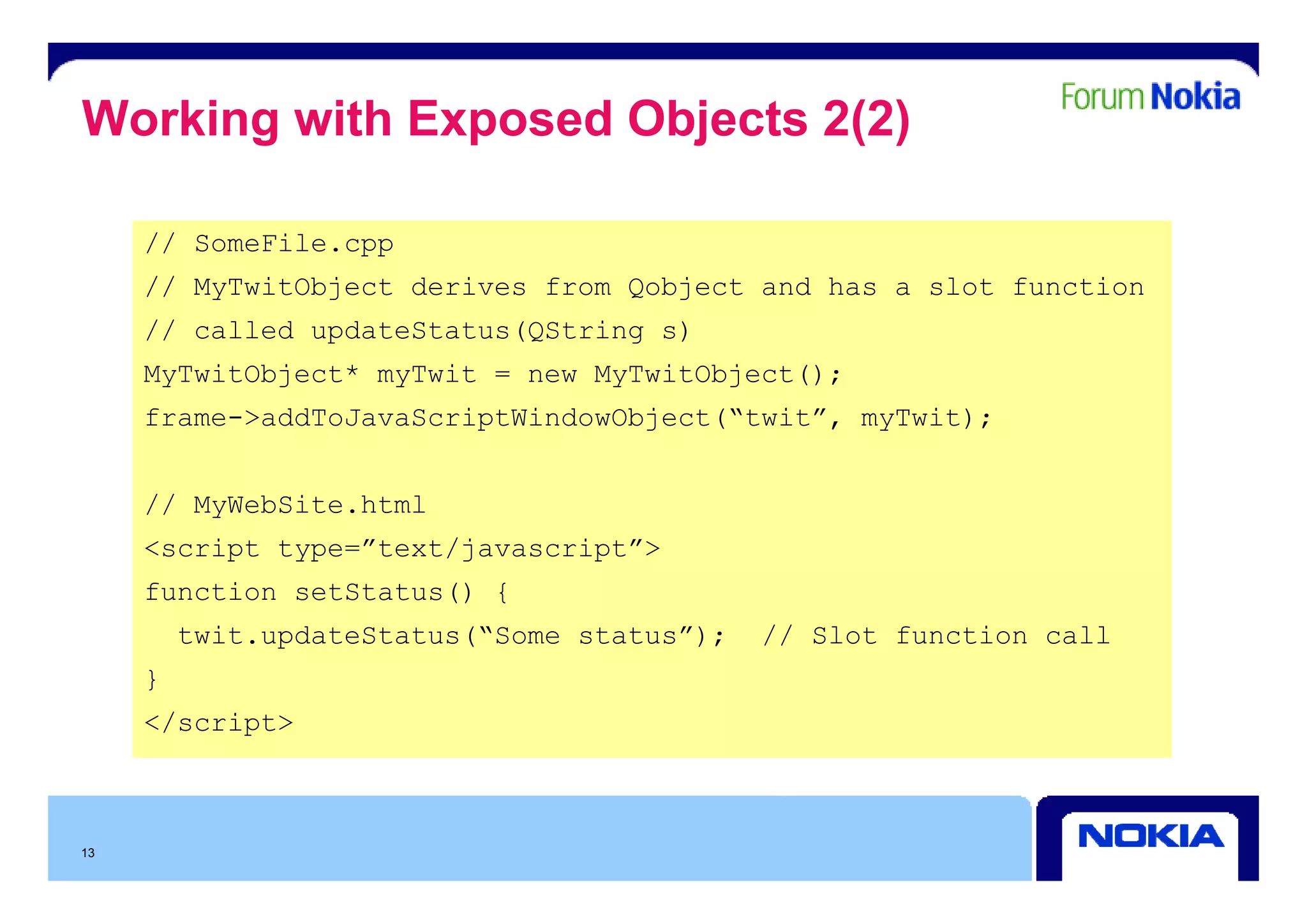
Working with Exposed Objects 2(2)

     // SomeFile.cpp
                  pp
     // MyTwitObject derives from Qobject and has a slot function
     // called updateStatus(QString s)
     MyTwitObject* myTwit = new MyTwitObject();
     frame->addToJavaScriptWindowObject(“twit”, myTwit);


     // MyWebSite.html
     <script type=”text/javascript”>
     function setStatus() {
         twit.updateStatus(“Some status”);   // Slot function call
     }
     </script>


13
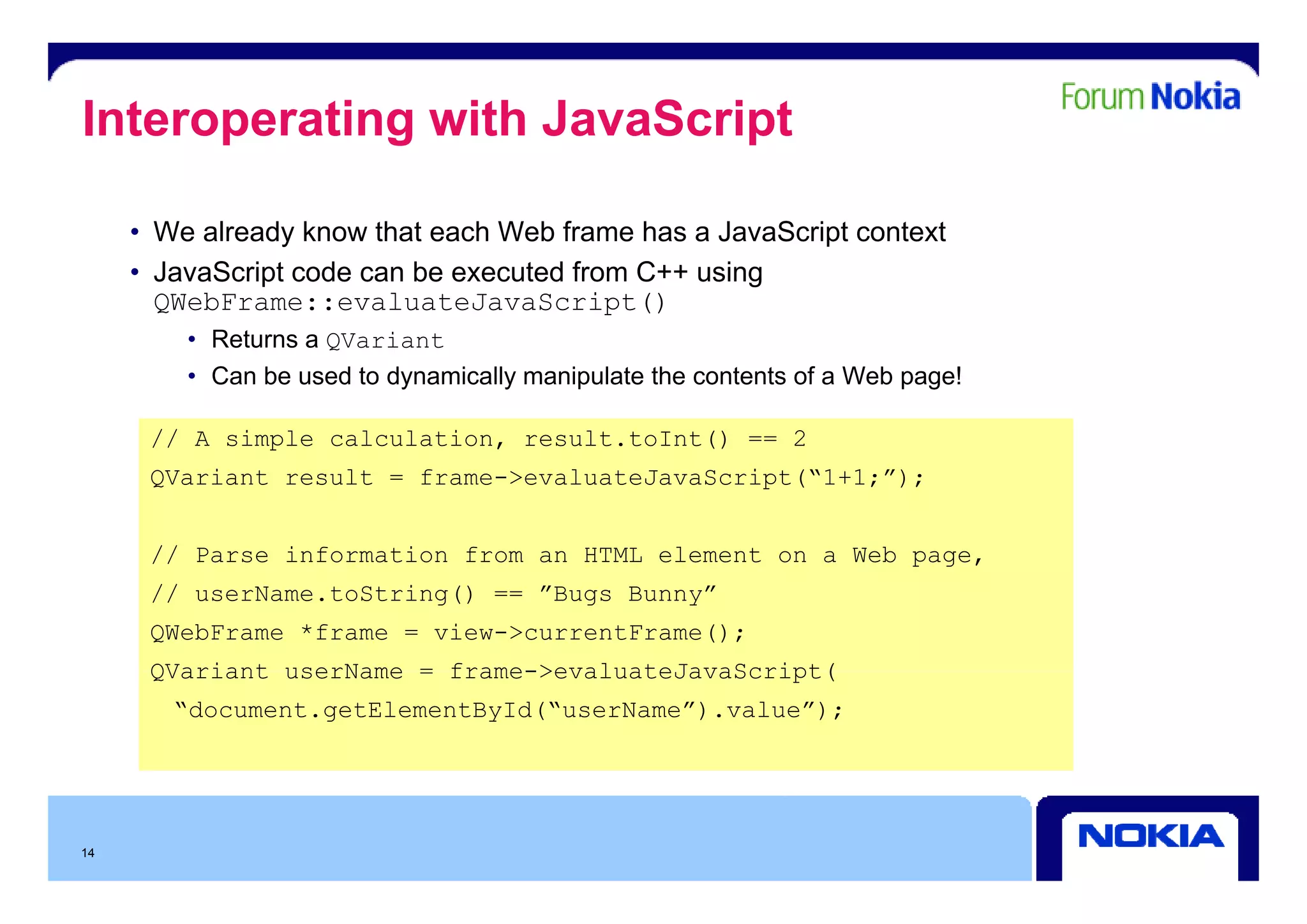
Interoperating with JavaScript

     • We already know that each Web frame has a JavaScript context
     • JavaScript code can be executed from C++ using
       QWebFrame::evaluateJavaScript()
         • Returns a QVariant
         • Can be used to dynamically manipulate the contents of a Web page!

      // A simple calculation, result.toInt() == 2
      QVariant result = frame->evaluateJavaScript(“1+1;”);


      // Parse information from an HTML element on a Web page,
                                                         p g
      // userName.toString() == ”Bugs Bunny”
      QWebFrame *frame = view->currentFrame();
      QVariant userName = frame->evaluateJavaScript(
        “document.getElementById(“userName”).value”);


14
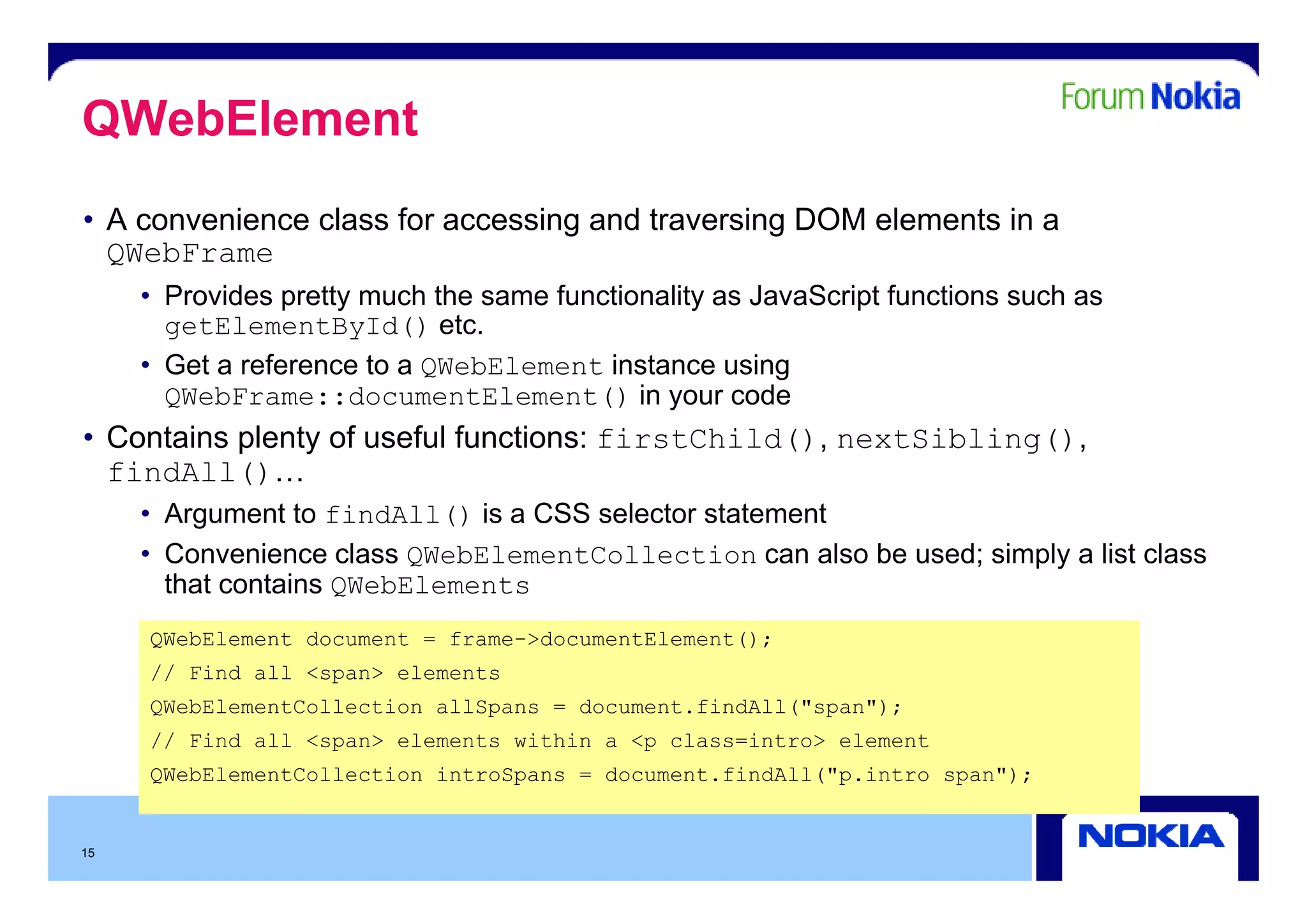
QWebElement
• A convenience class for accessing and traversing DOM elements in a
  QWebFrame
     • Provides pretty much the same functionality as JavaScript functions such as
       getElementById() etc.
     • G t a reference to a QWebElement i t
       Get     f       t                 instance using
                                                      i
       QWebFrame::documentElement() in your code
• Contains plenty of useful functions: firstChild(), nextSibling(),
  findAll()…
   i
     • Argument to findAll() is a CSS selector statement
     • Convenience class QWebElementCollection can also be used; simply a list class
                                                               ;    py
       that contains QWebElements
     QWebElement document = frame->documentElement();
     // Find all <span> elements
     QWebElementCollection allSpans = document.findAll("span");
     // Find all <span> elements within a <p class=intro> element
     QWebElementCollection introSpans = document.findAll( p.intro span");
                                        document findAll("p intro span );


15
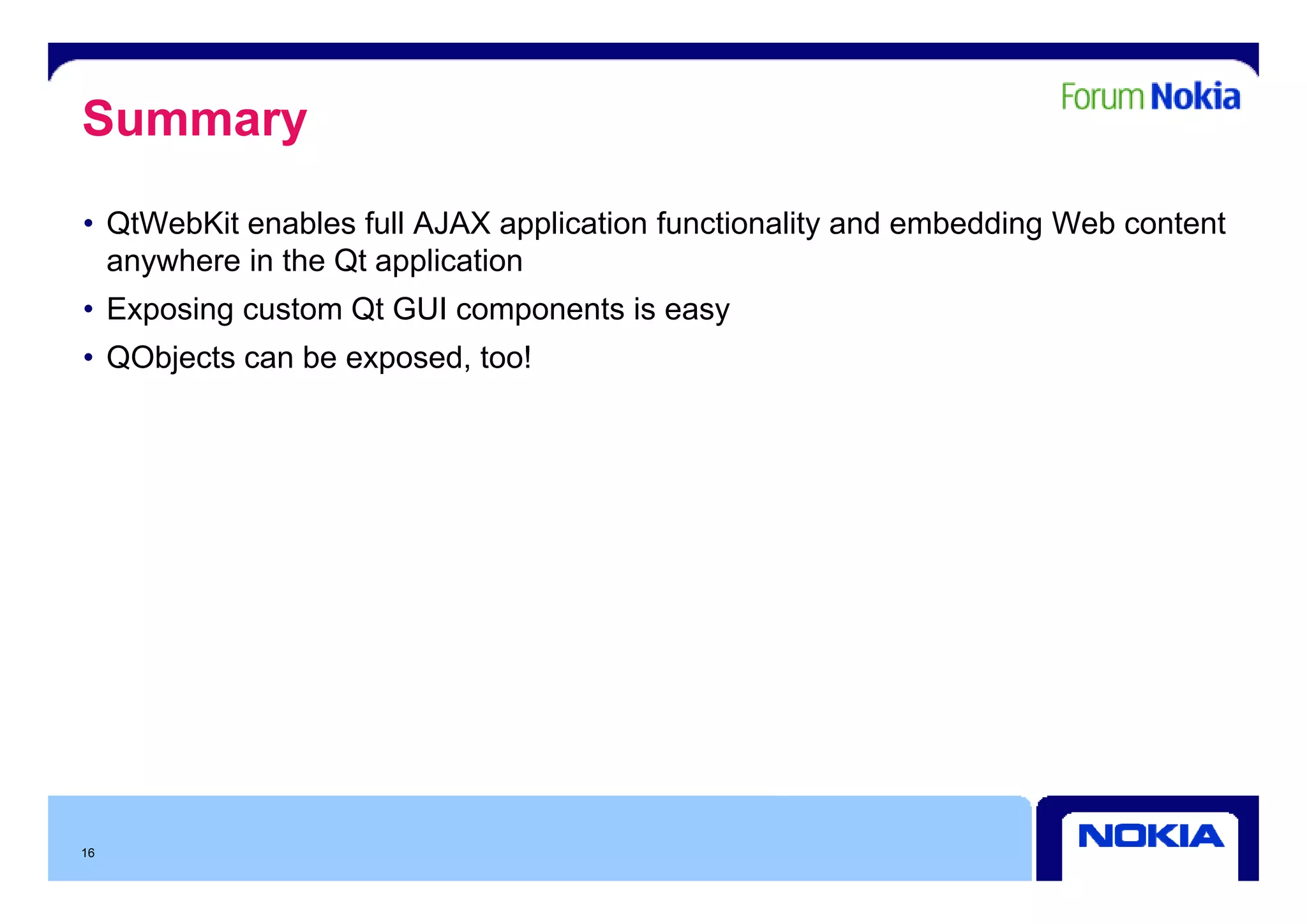
Summary
• QtWebKit enables full AJAX application functionality and embedding Web content
  anywhere i th Qt application
      h    in the        li ti
• Exposing custom Qt GUI components is easy
• QObjects can be exposed too!
                  exposed,


16

Petri Niemi Qt Web Kit

  • 1.
  • 2.
    Contents • Classes • Features •Exposing Widgets • W ki with J Working i h JavaScript S i 2
  • 3.
    WebKit • Provides a Web browser engine • Easy to embed WWW content into an application • Content may be enhanced with native controls • QtWebKit module provides facilities for rendering of • HyperText Markup Language (HTML), • Extensible HyperText Markup Language (XHTML) and • Scalable Vector Graphics (SVG) documents, • Styled using Cascading Style Sheets (CSS) and scripted with JavaScript • Based on the Open Source WebKit engine • www.webkit.org ebkit org 3
  • 4.
    High-Level Architecture QWebView, QW bVi QtWebKit API QWebPage, QWebFrame, … WebCore WebKit Engine JavaScript Core Platform/Network QtCore, QtXml, Adaptation QtNetwork 4
  • 5.
    QWebView and QWebPageClasses • QWebView inherited from QWidget QWebView • R d Renders th contents of a QWebPage the t t f • Easy to embed wherever a widget could be used QWebPage QWebView *view = new QWebView( parent ); QWebFrame view->load(QUrl(“http://www.nokia.com”)); view >show(); view->show(); • QWebPage provides access to the document structure in a page • F Frames • Navigation history • Undo/redo stack for editable content • Each QWebPage has one QWebFrame object as its main frame • HTML documents can be nested using multiple frames 5
  • 6.
    QWebView • All Allows viewing and editing of Web documents i i d diti fW bd t • view.back(); view.forward(); view.reload(); • Easy to embed Web content anywhere y y • Three essential signals • loadStarted() • loadProgress() – emits a value b t it l between 0 100 0…100 • loadFinished() – view loaded completely • Settings can be specified with QWebSettings g p Q g • Font, is JavaScript enabled, are plugins enabled, auto load images, etc. • Use QWebSettings::globalSettings() to modify global settings, and QWebPage::settings() to modify page specific settings (overrides • QW bP tti () modif page-specific (o errides global settings for the given page) 6
  • 7.
    QGraphicsWebView • Counterpart ofQWebView in the Graphics View Framework • Enables displaying web content in a graphics view • Many of the functions and signals are the same as in QWebView • M k porting existing QWebView-using code t QGraphicsWebView easy Makes ti i ti b i i d to hi b i • Classes like QWebPage, QWebFrame etc. are used in the background here as well 7
  • 8.
    Basic Services -Examples • HTML to PDF QPrinter p(QPrinter::HighResolution); p.setOutputFormat(QPrinter::PdfFormat); p.setOutputFileName(outputFile); webview->print(&p); • HTML to image QImage img(size(), QImage Fo mat ARGB32) img(si e() QImage::Format_ARGB32); img.fill(Qt::transparent); QPainter p(&img); webview->page()->mainFrame()->render(&p); img.scale(0.5, 0.5); 8
  • 9.
    Exposing Widgets –1(3) • QtWebKit can place QWidgets and QGraphicsWidgets in the Web environment i t • Use HTML/JavaScript to control UI and infrastructure • Approaches • Host widget inside Web environment • Expose a C++ object to JavaScript environment • …or execute JavaScript from C++ side • Why would you want to do this? • Simple updates (redeploy a script file) • Easy to reuse Web design for Look & Feel • Easier interaction with web services 9
  • 10.
    Exposing Widgets –2(3) • QWidgets can be exposed to the Web environment by • Using the HTML tag <object> with a specific MIME-type in the Web page, and • Subclassing QWebPage and implementing QWebPage::createPlugin() <!-- mywebsite html --> mywebsite.html <object type="application/x-qt-plugin" classid="mylabel“ width="300" height=“300“/> // mywebpage.cpp QObject* MyWebPage::createPlugin(const QString& classid, const QU l& url, const QSt i Li t& paramNames, t QUrl& l t QStringList& N const QStringList& paramValues ) { if (classid == “mylabel”) return new QLabel(“Test Label”); mylabel ) QLabel( Test Label ); return 0; } 10
  • 11.
    Exposing Widgets –3(3) • The same effect as in the previous slide can also be achieved by • Using the HTML tag <object> with any custom MIME-type, and • Subclassing QWebPluginFactory and implementing functions create() and plugins() • Note that in this case there is no need to subclass QWebPage! • Just tell the page which factory to use: QWebPage::setPluginFactory() • The same plugin can be reused with multiple QWebPages • N t also that plugins() i currently only called when J Note l th t is tl l ll d h JavaScript programs S i t access global plugins or mimetypes objects • Still, implement it p p y to g , p properly guarantee compatibility in the future p y 11
  • 12.
    Working with ExposedObjects 1(2) • QObjects can expose meta-object information to the JavaScript environment • P Properties can b read and altered ti be d d lt d • Slots can be called • Connect statements can be made • Use QWebFrame::addToJavaScriptWindowObject() to make your object accessible from JavaScript • This should be done each time the JavaScript context is cleared, i.e. just before a new URL is loaded • A useful signal t monitor: f l i l to it QWebFrame::javaScriptWindowObjectCleared() 12
  • 13.
    Working with ExposedObjects 2(2) // SomeFile.cpp pp // MyTwitObject derives from Qobject and has a slot function // called updateStatus(QString s) MyTwitObject* myTwit = new MyTwitObject(); frame->addToJavaScriptWindowObject(“twit”, myTwit); // MyWebSite.html <script type=”text/javascript”> function setStatus() { twit.updateStatus(“Some status”); // Slot function call } </script> 13
  • 14.
    Interoperating with JavaScript • We already know that each Web frame has a JavaScript context • JavaScript code can be executed from C++ using QWebFrame::evaluateJavaScript() • Returns a QVariant • Can be used to dynamically manipulate the contents of a Web page! // A simple calculation, result.toInt() == 2 QVariant result = frame->evaluateJavaScript(“1+1;”); // Parse information from an HTML element on a Web page, p g // userName.toString() == ”Bugs Bunny” QWebFrame *frame = view->currentFrame(); QVariant userName = frame->evaluateJavaScript( “document.getElementById(“userName”).value”); 14
  • 15.
    QWebElement • A convenienceclass for accessing and traversing DOM elements in a QWebFrame • Provides pretty much the same functionality as JavaScript functions such as getElementById() etc. • G t a reference to a QWebElement i t Get f t instance using i QWebFrame::documentElement() in your code • Contains plenty of useful functions: firstChild(), nextSibling(), findAll()… i • Argument to findAll() is a CSS selector statement • Convenience class QWebElementCollection can also be used; simply a list class ; py that contains QWebElements QWebElement document = frame->documentElement(); // Find all <span> elements QWebElementCollection allSpans = document.findAll("span"); // Find all <span> elements within a <p class=intro> element QWebElementCollection introSpans = document.findAll( p.intro span"); document findAll("p intro span ); 15
  • 16.
    Summary • QtWebKit enablesfull AJAX application functionality and embedding Web content anywhere i th Qt application h in the li ti • Exposing custom Qt GUI components is easy • QObjects can be exposed too! exposed, 16